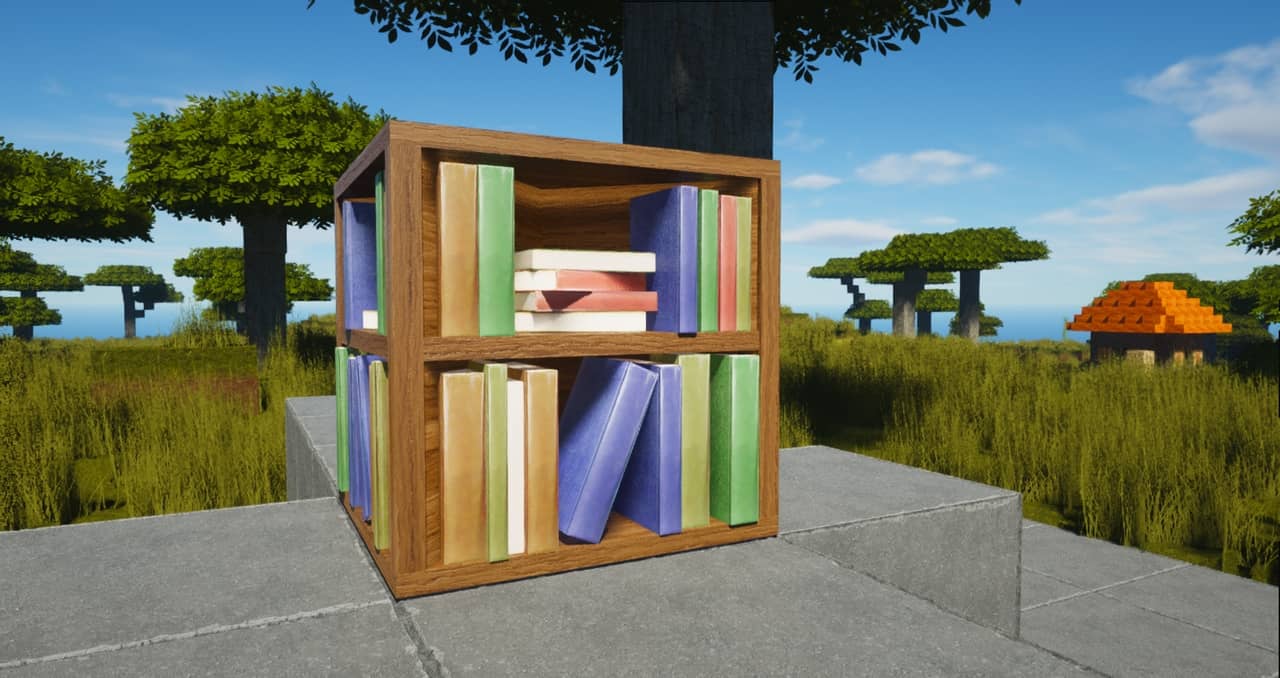
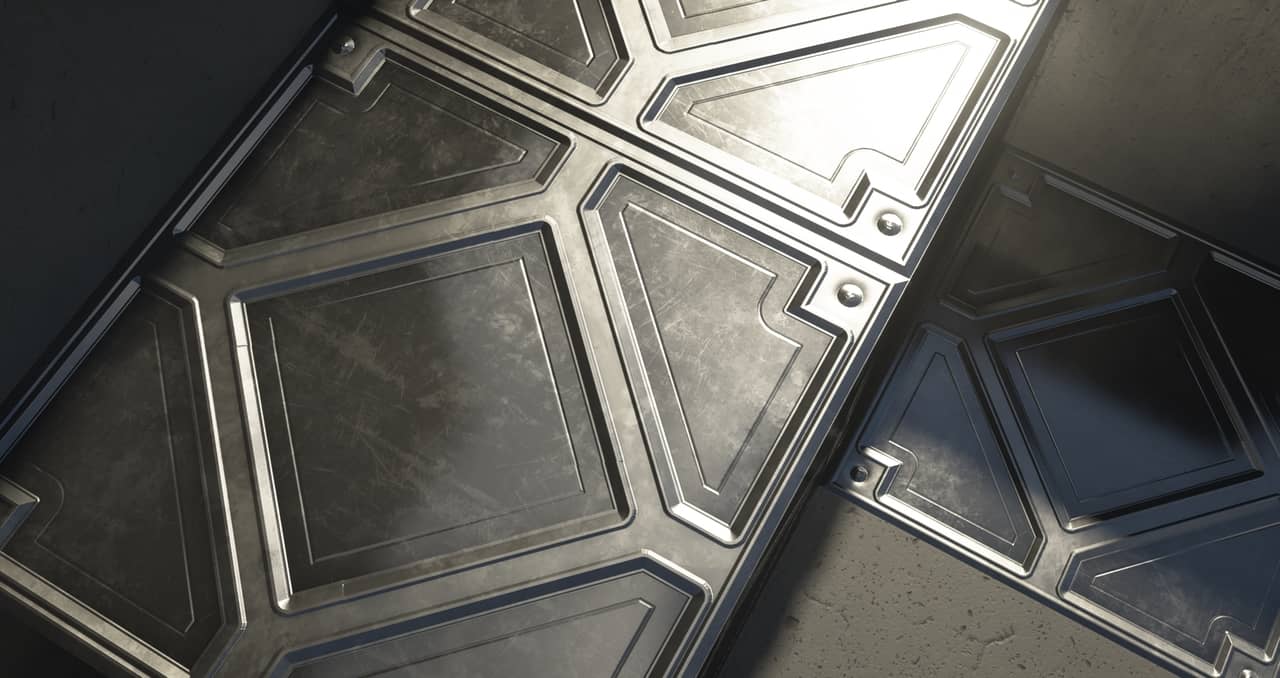
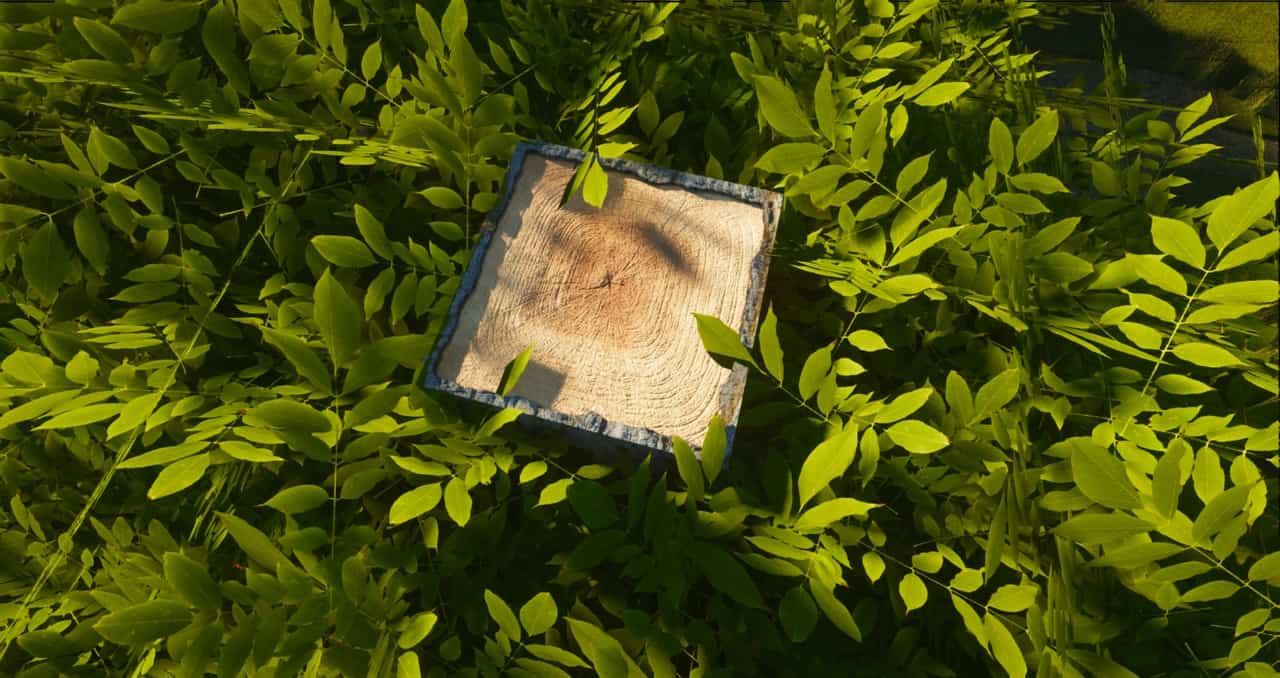
One of the best resource packs that one can find for the newer versions of Minecraft is ModernArch Realism. Sometimes, one can be unimpressed after downloading one of the countless free resource packs. ModernArch resource pack, on the other hand, is not likely to disappoint you. What sets ModernArch apart from most other texture packs is that it uses real images to replace cartoonish and blocky minecraft textures. Actual photographs of stone, wood, and brick are used to give the game a photorealistic look. Designed by popular minecraft content creator PackMinecraft, the new resource pack was built with realism instead of improved cartoonish graphics in mind. While this is not the first realism-focused Minecraft resource pack to be released, it is widely considered to be better than many other alternatives. A lot of resource packs make the graphics excessively colorful, the ModernArch pack, on the other hand, uses more subdued colors.
Featured video:
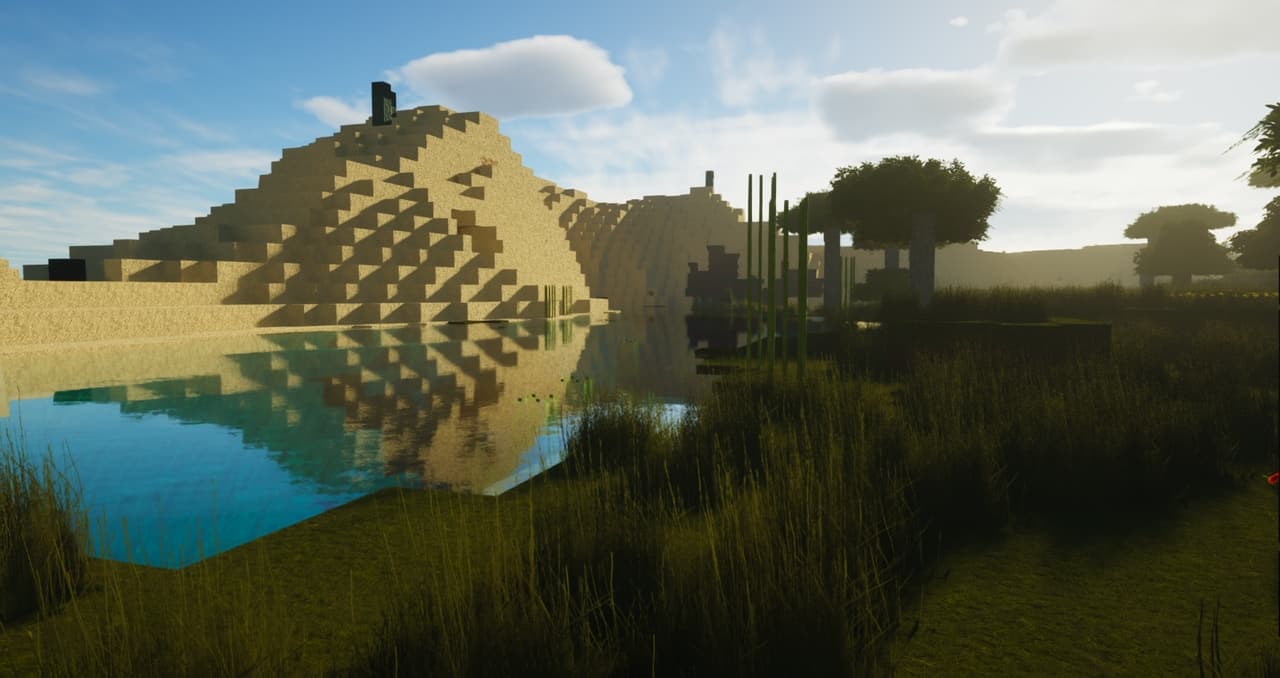
The new textures give the buildings plenty of depth and look better than either the minimalist default graphics or the graphics of other new resource packs. What is also noticeable is the quality of the lighting effects. The lighting effects firmly stand out and are enough to recommend ModernArch over the alternatives. Certainly, the graphics look best if the textures are used in their full 512×512 resolution. However, it is also possible to use the resource pack with a resolution as low as 128×128 to make the graphics usable on lower-end computers. As is the case for other high-end resource packs, one can run into frame rate issues if the full resolution is used without sufficiently powerful hardware. For the new graphics to work as well as possible, one has to use shaders. The creator recommends that you download the SEUS shader that works well with the ModernArch. The pack at the current point in time is free for 128x version, 512x and 1024x resolutions are supported by donations.
ModernArch R should be compatible with all of these Minecraft versions: 26.1 - 1.21.11 - 1.21.10 - 1.21.9 - 1.21.8 - 1.21.7 - 1.21.6 - 1.21.5 - 1.21.4 - 1.21.3 - 1.21.2 - 1.21.1 - 1.21 - 1.20.6 - 1.20.5 - 1.20.4 - 1.20.3 - 1.20.2 - 1.20.1 - 1.20 - 1.19.4 - 1.19.3 - 1.19.2 - 1.19.1 - 1.19 - 1.18.2 - 1.18.1 - 1.18 - 1.17.1 - 1.17 - 1.16.5 - 1.16.4 - 1.16.3 - 1.16.2 - 1.16.1 - 1.16 - 1.15.2 - 1.15.1 - 1.15 - 1.14.4 - 1.14.3 - 1.14.2 - 1.14
ModernArch R — Video & Screenshots
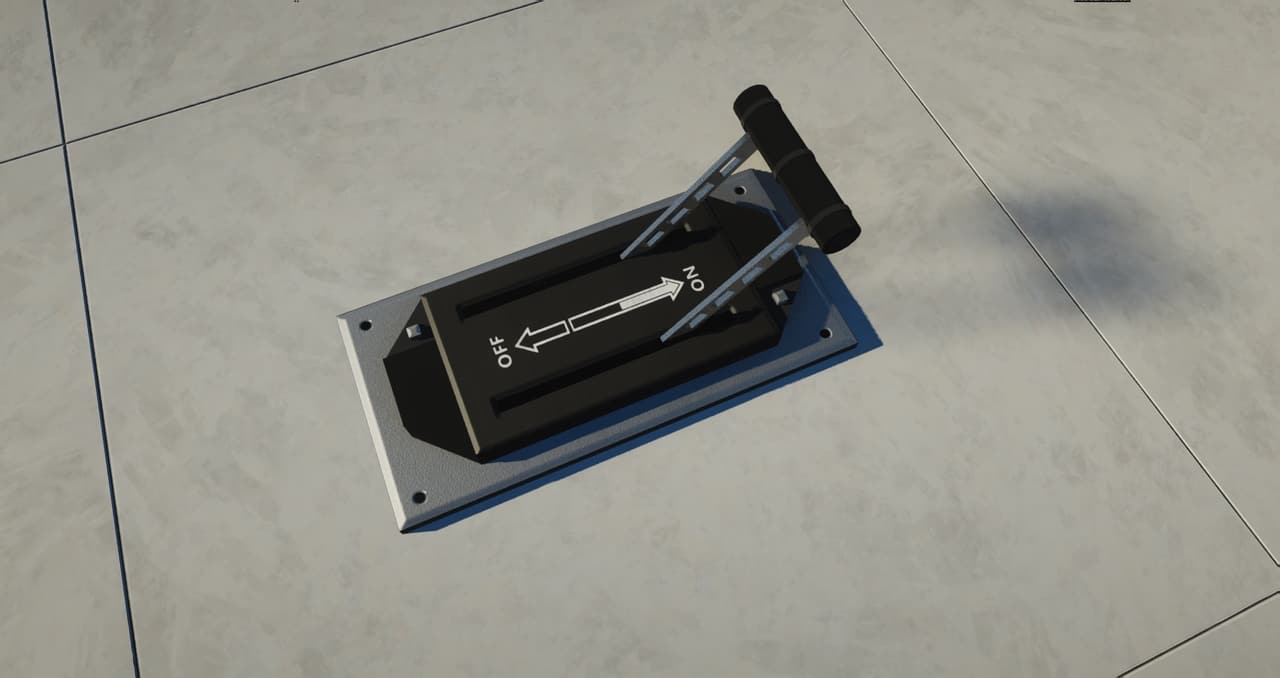
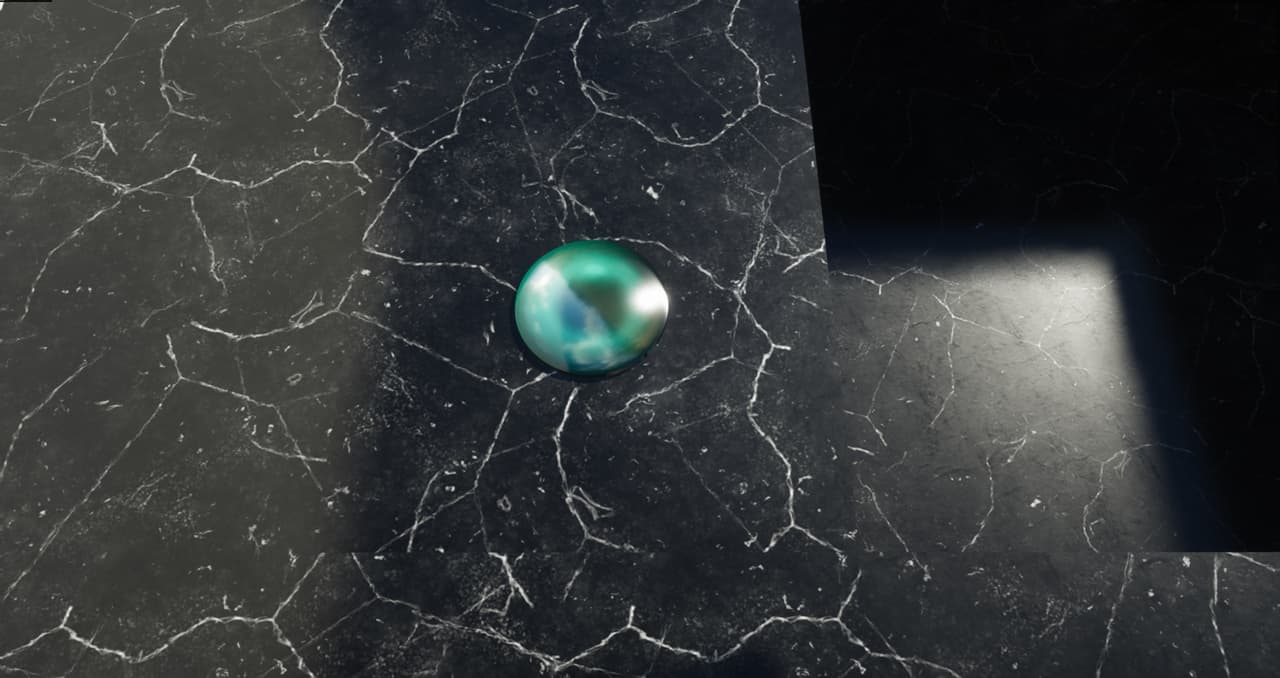
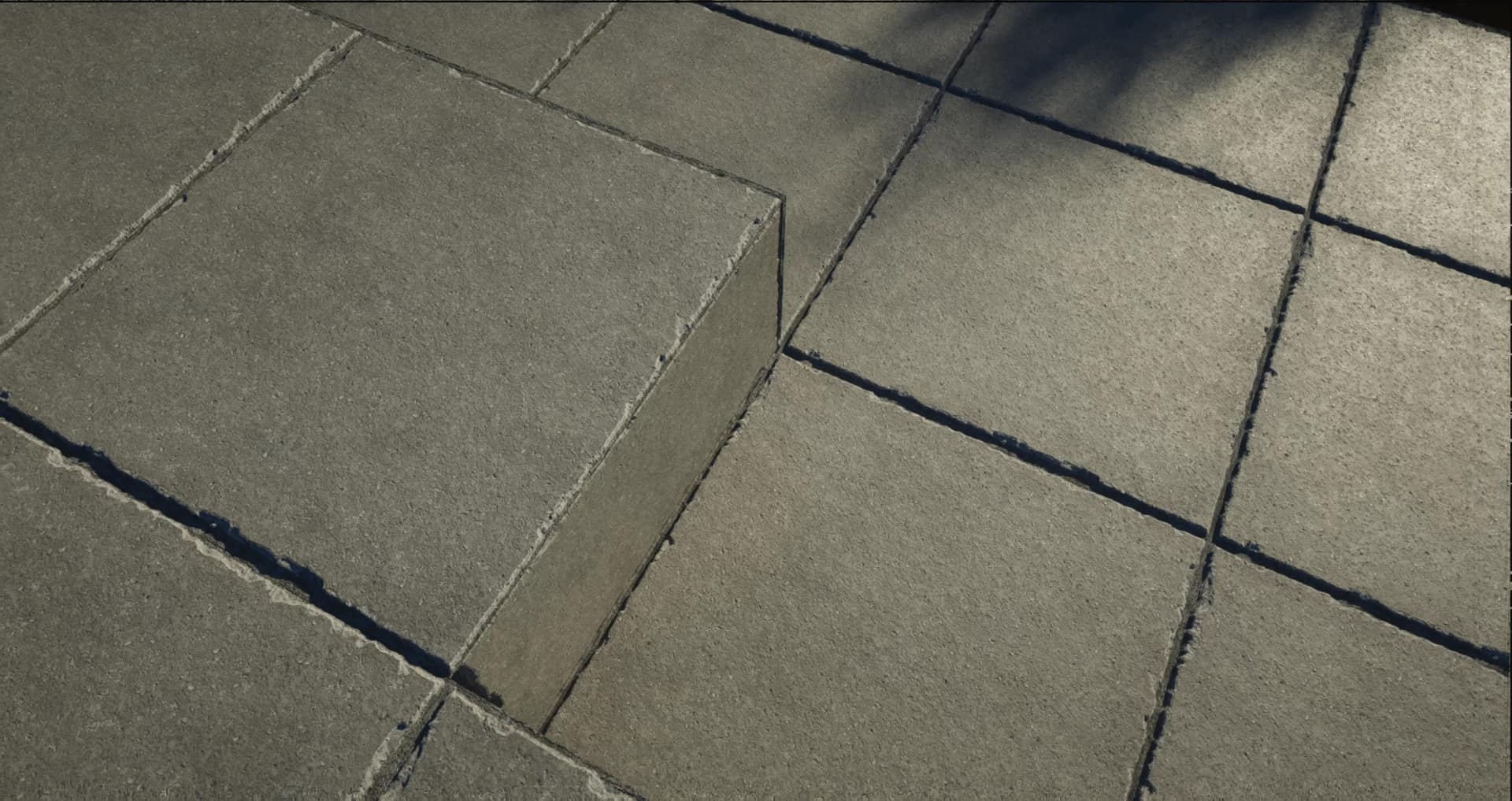
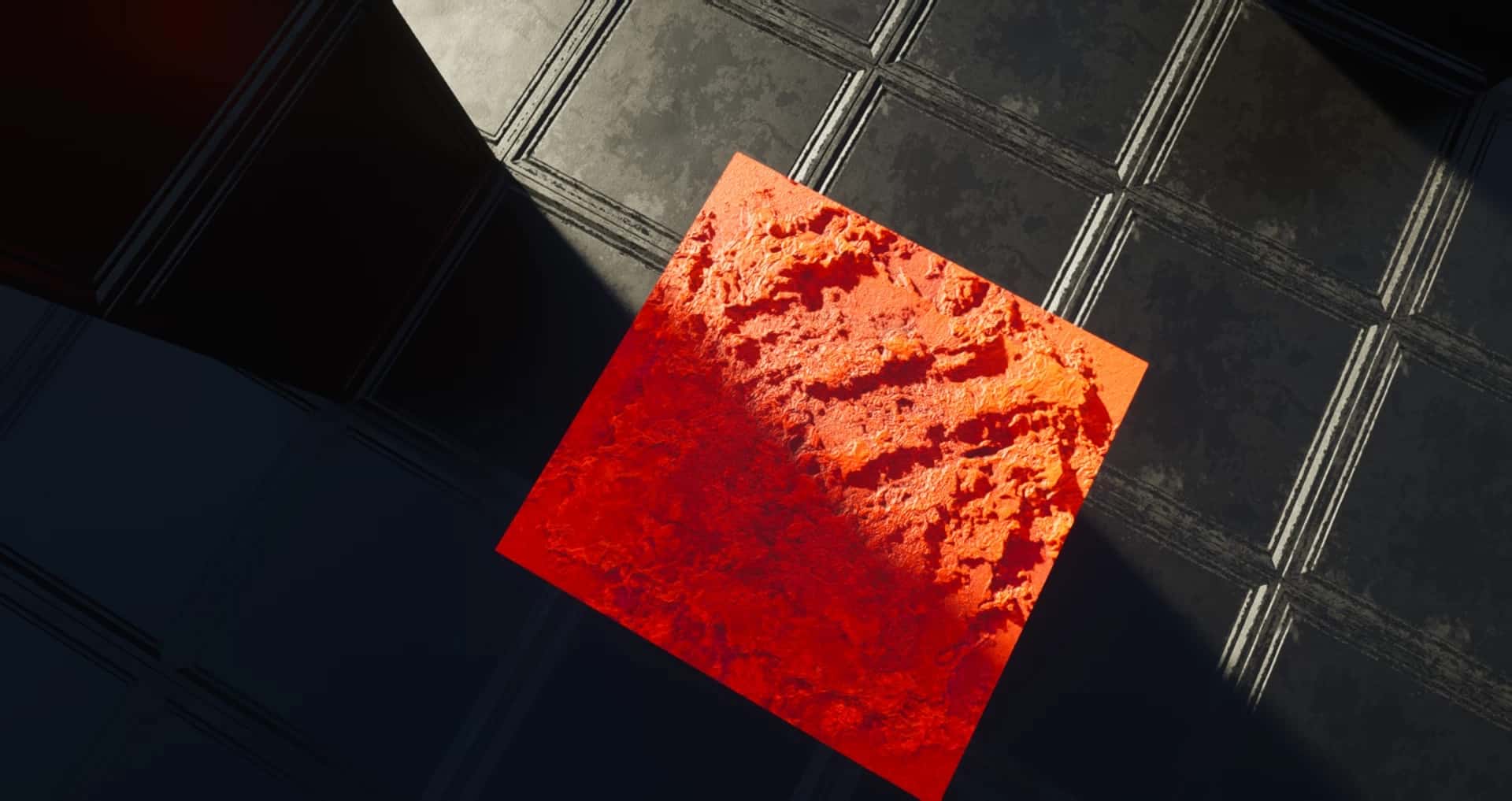
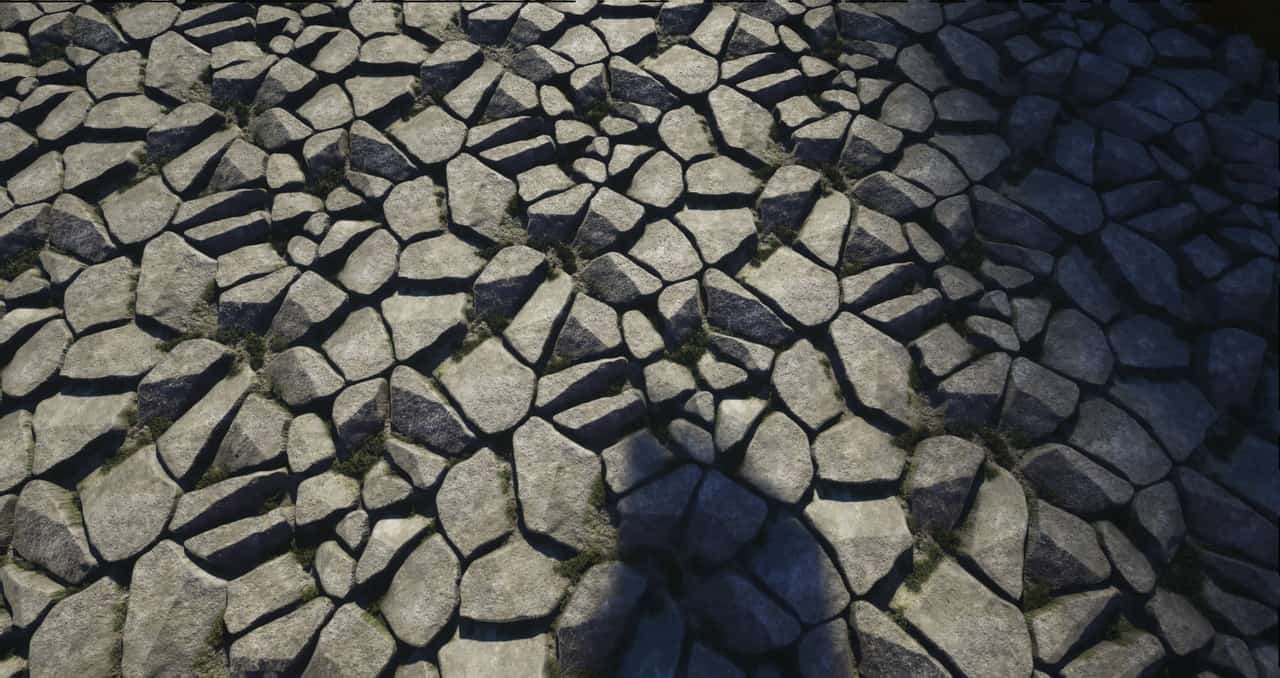
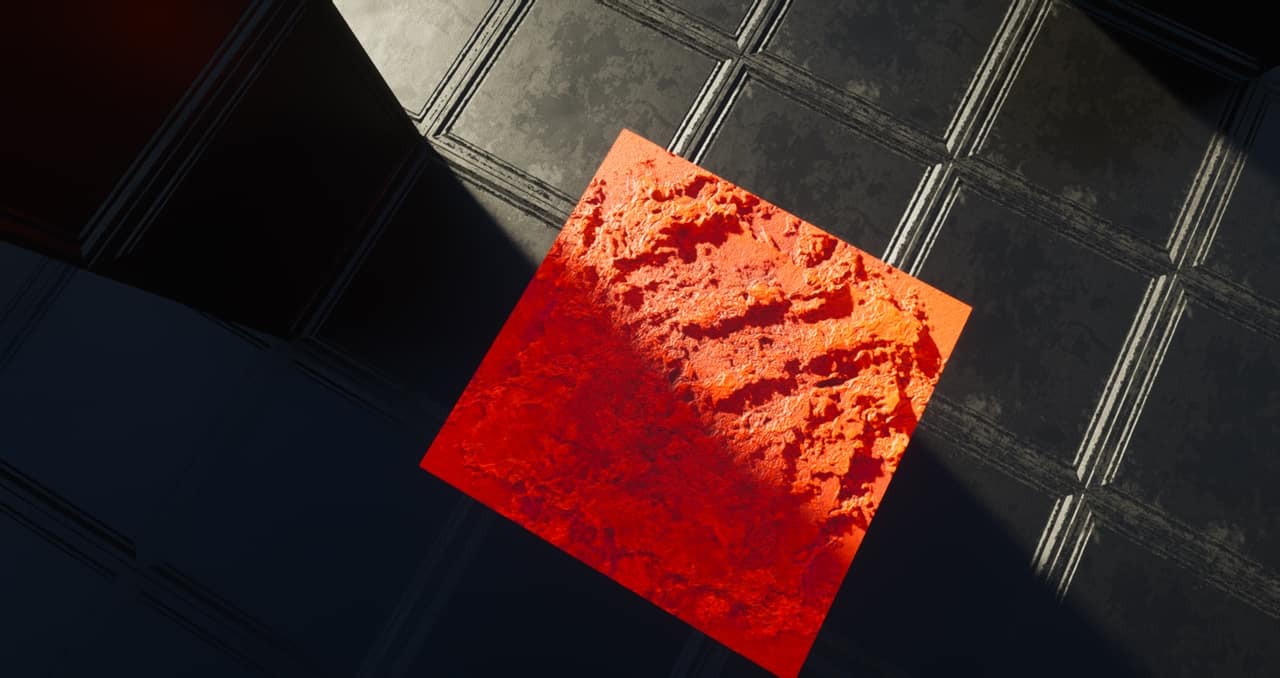
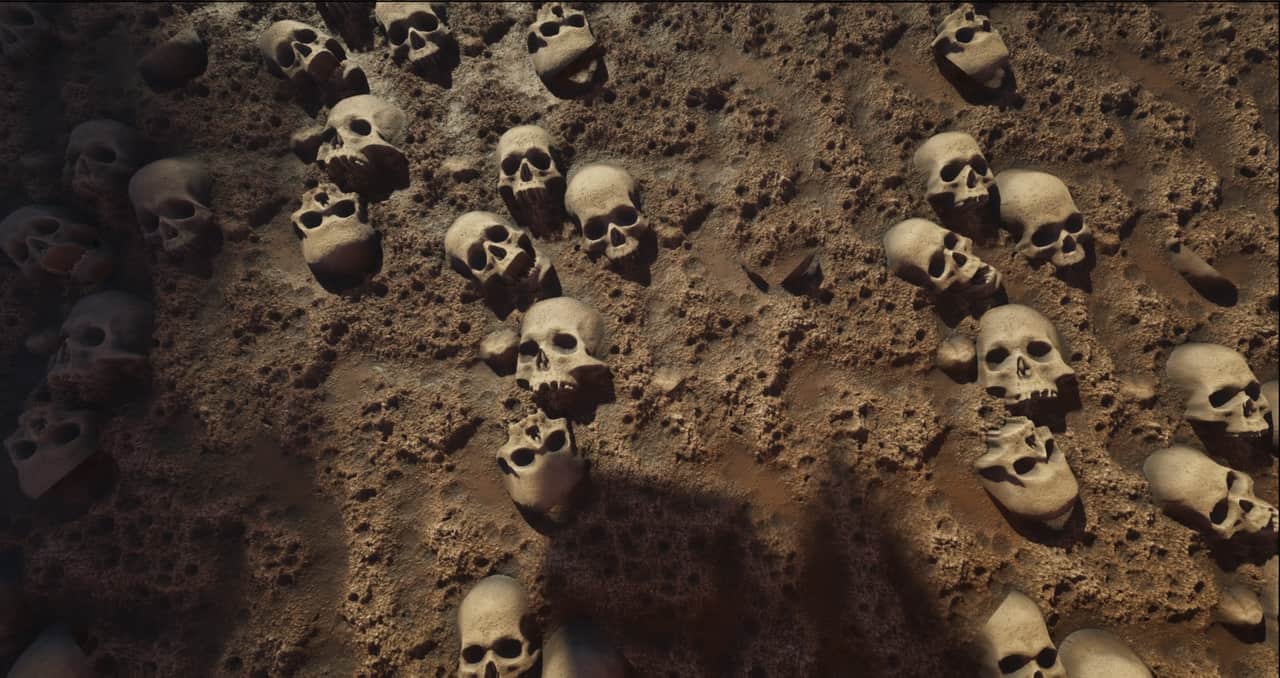
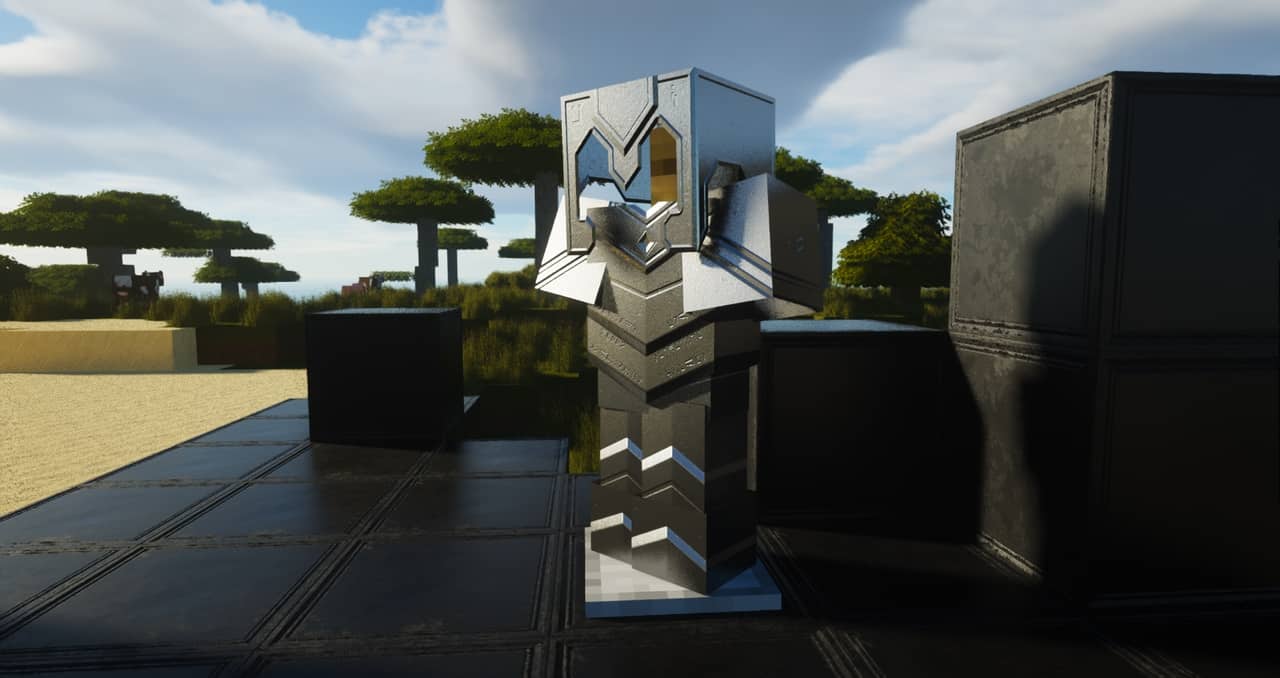

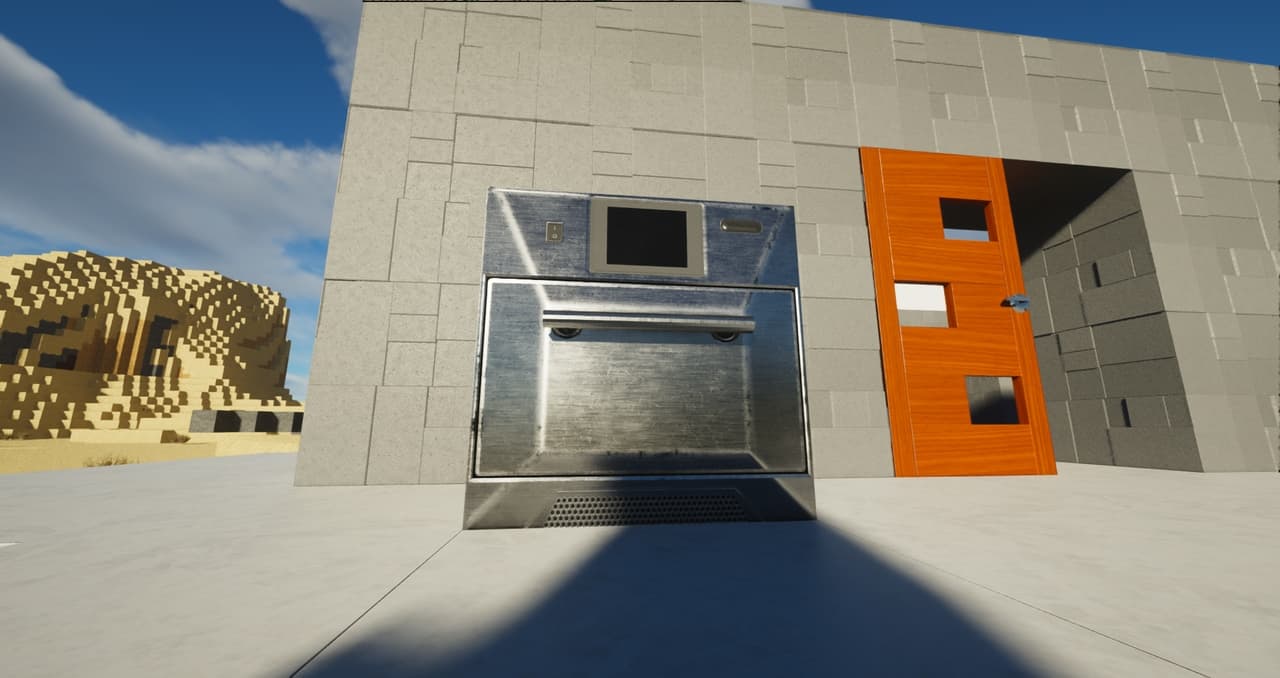
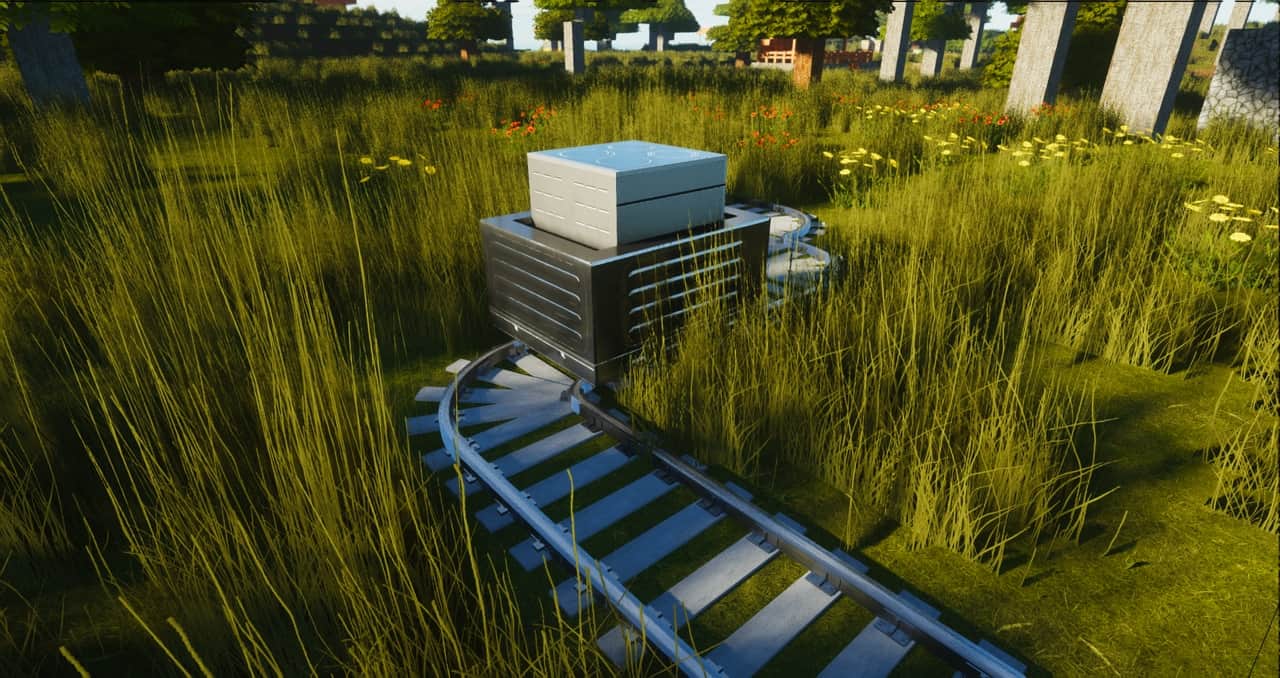
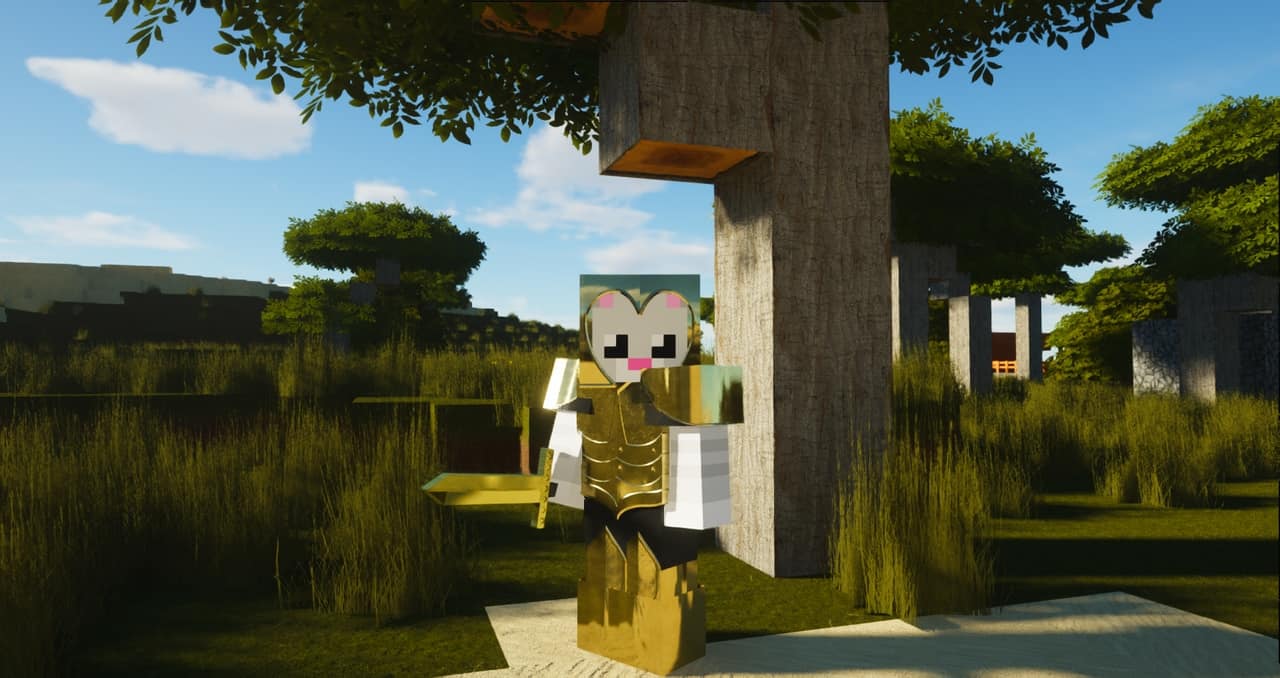
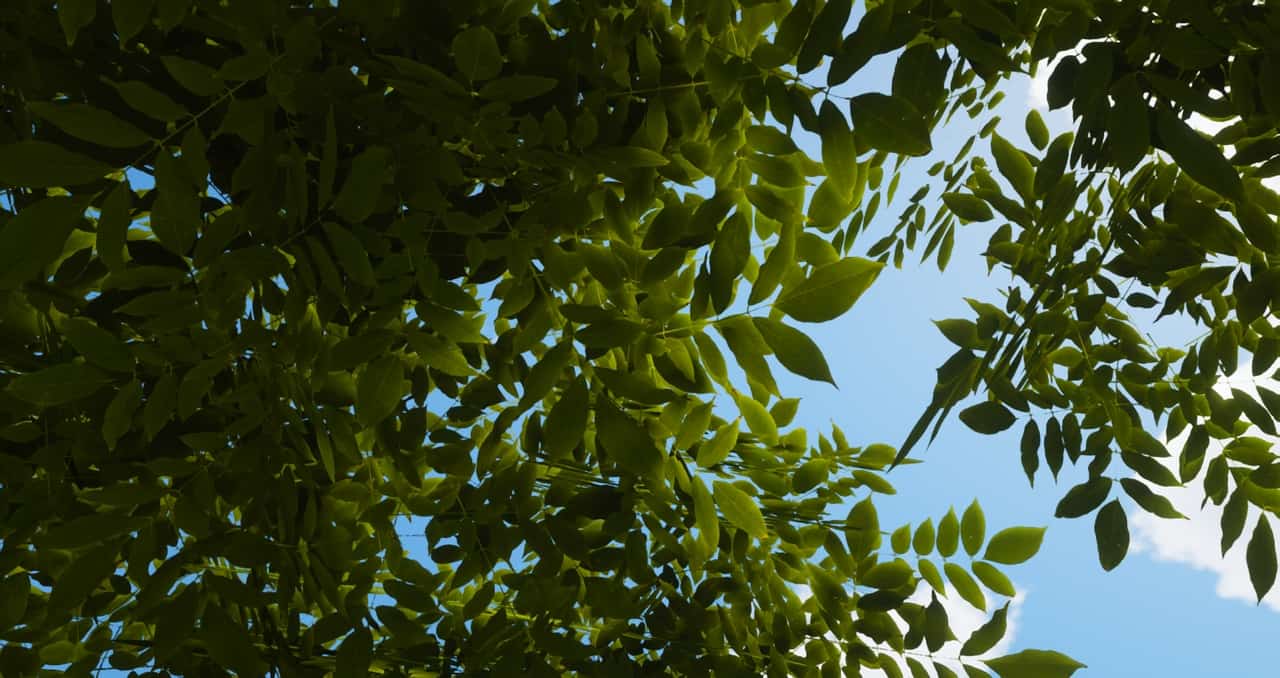
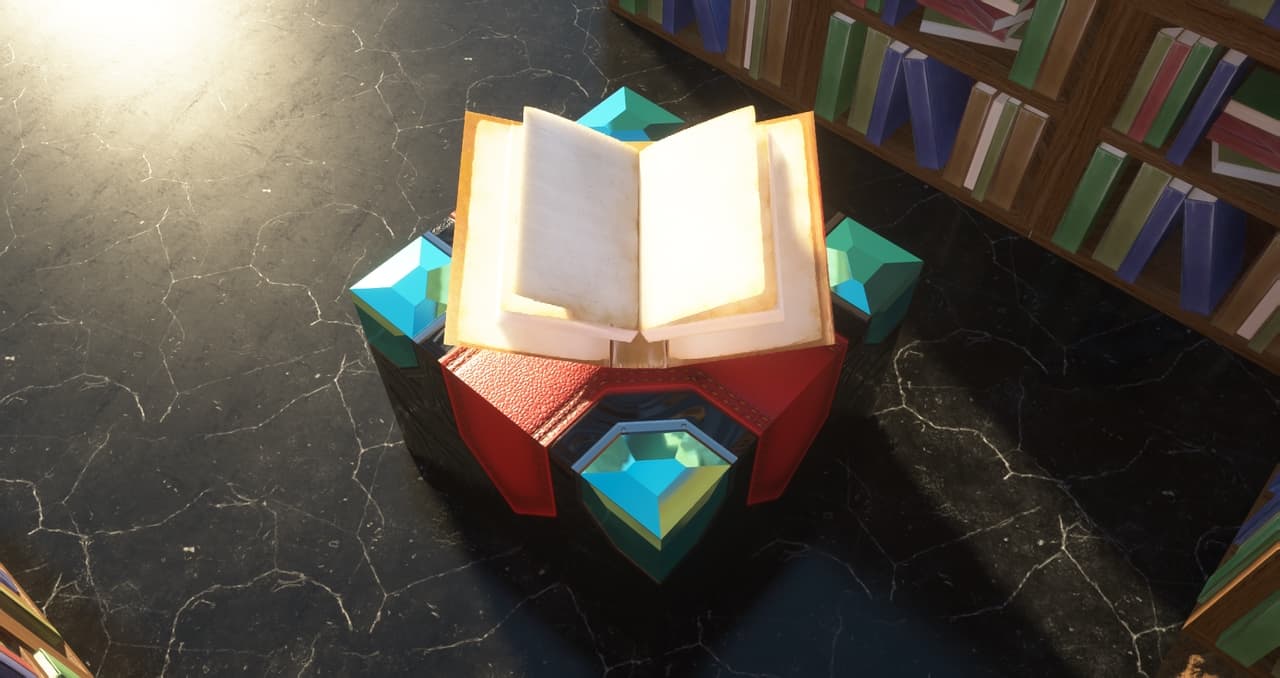
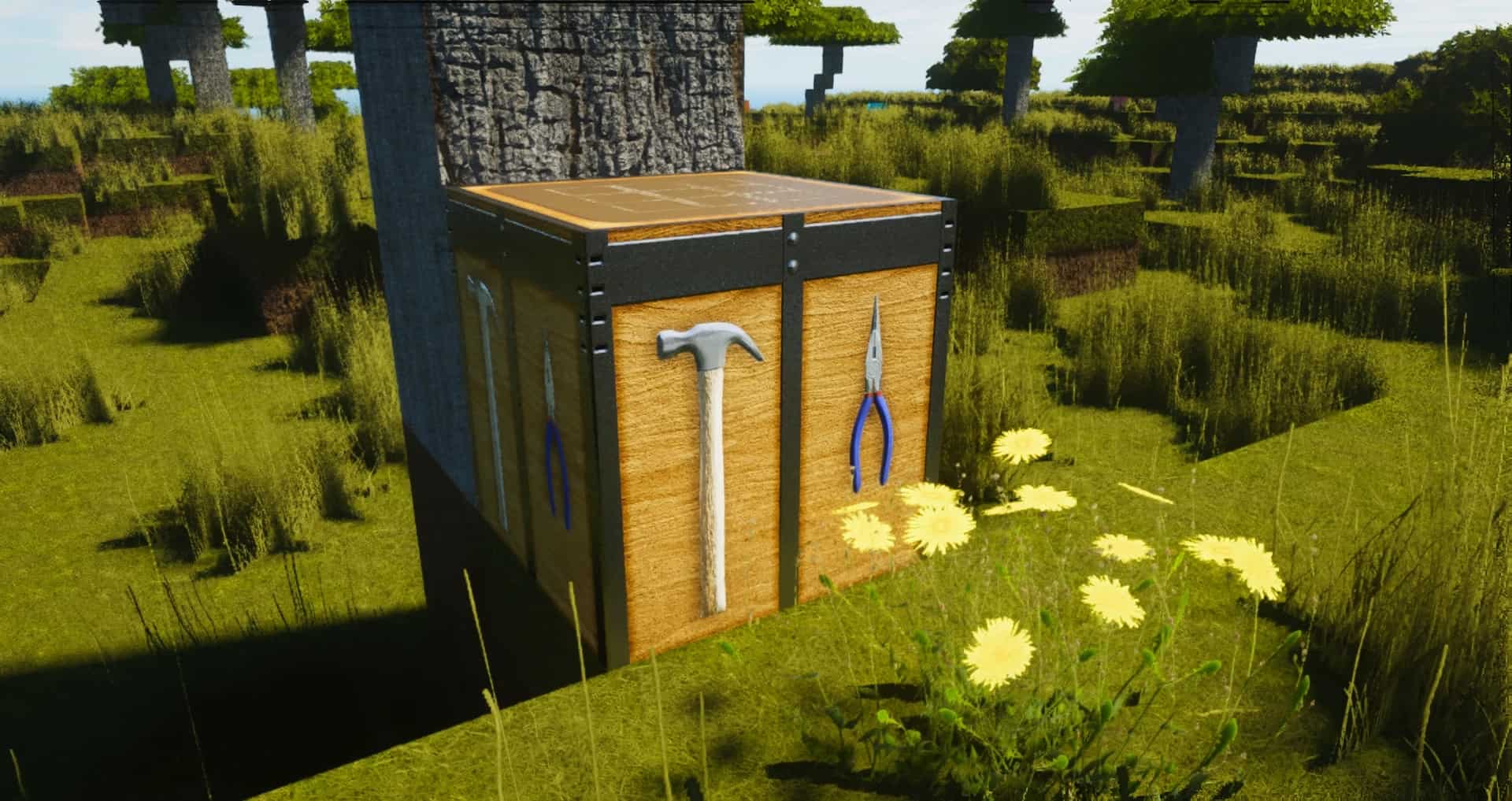

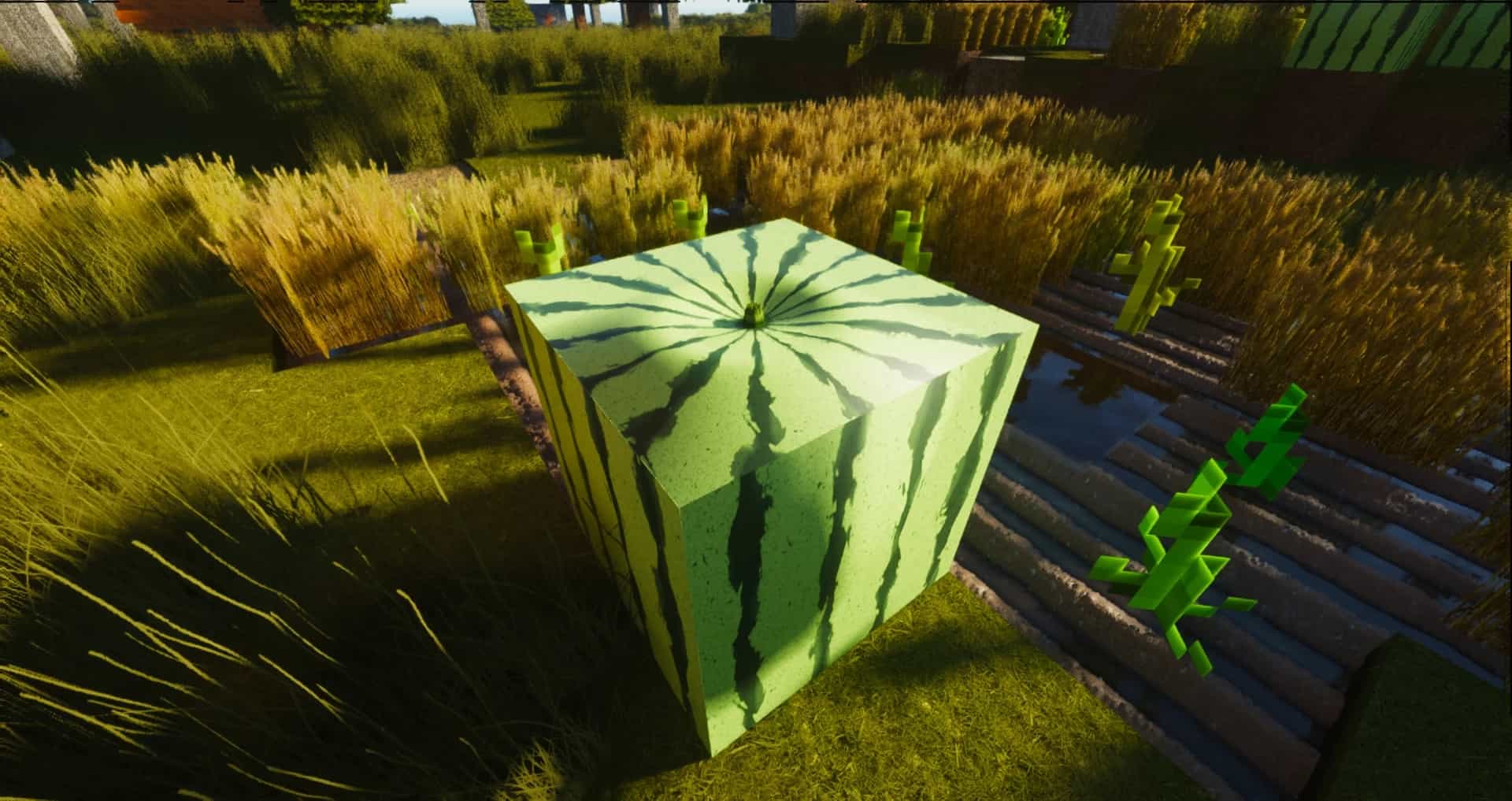
How to install ModernArch R Resource Pack:
- Most resource packs require Optifine, so be sure to download and install it. – general recommended step for all packs, Optifine is also needed for most shaders
- Download the ModernArch R texture pack for Minecraft from the download section below. – if there are many different versions, just choose the one you like, is compatible with your version/edition of Minecraft, the one you think your computer can handle in terms of performance.
- Launch the game client through the Minecraft launcher.
- On the main menu, click "Options".
- On the options menu, click "Resource Packs...".
- Click on "Open Resource Pack Folder". – folder titled "resourcepacks" will pop up
- Move the .zip file you downloaded in the first step to the newly opened "resourcepacks" folder.
- Click "Done".
- Click on "Resource Packs..." again.
- Your pack should have appeared in the left window, just hover over it and click on the arrow pointing to the right.
QUICK TIP: Sometimes, when activating a pack, the game may say that the pack is made for a newer or older version of Minecraft. This is just a warning, it does not affect your gameplay in anyway, and you can still activate and enjoy the pack by simply clicking the "Yes" button when prompted.
- Click "Done" again.
- The pack has now been successfully loaded and ready to be used in your world!
Recommended shaders:
Important information:
- PBR texture maps will only work with shaders installed. Don’t forget to set the resource pack resolution in the shader settings to 1024×1024 to avoid problems.
- Screenshots and videos were taken with ModernArch 1024x and SEUS PTGI E12.
- The pack is still under development and may contain many default/vanilla textures.
ModernArch R Texture Pack Download
- We do not modify or edit any resource packs. All resource packs, shaders and tools found on this website are linked directly to official sources rather than hosted on our own servers. We provide only the official download links from the original creators to ensure that your files are safe and secure.
- These official links are updated manually and may occasionally stop working when a new version is released. We work hard to keep everything current so that you have a smooth experience. Please let us know in the comments if you find a link that no longer works.
- Minecraft is a trademark of Mojang Studios and has no official connection to this website. Our goal is simply to share the best creations from the community with other players.
- Please consider leaving a comment or voting for your favorite packs. This feedback helps authors improve their projects over time. You can also support the creators directly by visiting the official links located below the download section.
Java Edition:
[128x] [1.21.x – 1.20.2] Download ModernArch R Resource Pack – absolutely free;
[256x] [1.21.x – 1.14.x] Download ModernArch R Resource Pack – for Patrons only;
[512x] [1.21.x – 1.14.x] Download ModernArch R Resource Pack – for Patrons only;
[1024x] [1.21.x – 1.14.x] Download ModernArch R Resource Pack – for Patrons only;
Curseforge: download starts automatically after a few seconds;
Mediafire: click the big blue button with the text "DOWNLOAD";
Google Drive: in the top right corner you will see a small download icon (down arrow), click it and the download should start;

7,751 votes
Look.. 7751 users have already liked this pack. Give a diamond if you like it too!


Parker
not all items are finished…
Jeyne
damn
Ali
The texture is ass, dont download
25
i got the latest resource(R359) but failed to use it
a
im getting resource failed to reboot
a
can you make a 256 for 1.20.x – 1.16.x?
TheAlmostOutlaw
My Game won’t even let me change the Surface Options for Resolution to 1024, it stops at 512
FearOfTheDark
Very beautiful texture pack and works with 1.21.4 :)
But will the missing objects be updated as well (I only checked the textures for like 10mins but saw mainly animals and flowers missing). Then it would be GOAT texture pack! <3
rilien
copperdoor are bugged
OHMYPC!
OH MY PCCC…. OH MY PCCCCCC
AutumnTheSilly
What a nice texture pack! hey wait is my computer smoking? Oh, it’s on fire-
Awtyuge8
XD lol