The resource packs which are designed for Minecraft played in the Player vs Player (PvP) mode, usually will have a cleaner appearance and are not graphics intensive. This design ensures that players can get a better experience while playing the game in this mode. However, these packs are not very attractive visually. Hence the Dark Aurora 32x resource pack was developed for Minecraft players who are looking for a suitable pack for the PvP mode, which retains the textures without affecting the performance. Using this Dark Aurora pack, the players can enjoy both attractive and well designed graphics and also the performance is significantly better than the standard pack. To make it easier to play Minecraft in the PvP mode, players should be aware of the fact that the Dark Aurora-32x pack has been designed with features which make it easier to track the opposing player, like textures which are clear, smaller fires and animations.
Featured video:
Additionally, the sky in the resource pack has been changed to make it extremely attractive and the color palette used for the various items is very vibrant. The graphical user interface (GUI) is also redesigned so that Minecraft game using the resource pack is far better looking compared to the standard plain vanilla version of Minecraft. The standard version of Minecraft has a resolution of 16×16, and most computer systems are designed to handle this version. Though the resolution of Dark Aurora-32x is slight higher that the standard pack at 32×32, most players are unlikely to notice any drop in the performance of their computer system while using this PvP pack for Minecraft. This performance of the pack is because the textures which are used are optimized so that the they do not take up much system resources, and the player will not notice any difference.
Dark Aurora 32x should be compatible with all of these Minecraft versions: 1.16.2 - 1.16.1 - 1.16 - 1.15.2 - 1.15.1 - 1.15 - 1.14.4 - 1.14.3 - 1.14.2 - 1.14 - 1.13.2 - 1.13.1 - 1.13 - 1.8.9 - 1.8.8 - 1.8.1 - 1.8.6 - 1.8 - 1.7.10 - 1.7.9 - 1.7.4 - 1.7
Dark Aurora 32x — Video & Screenshots
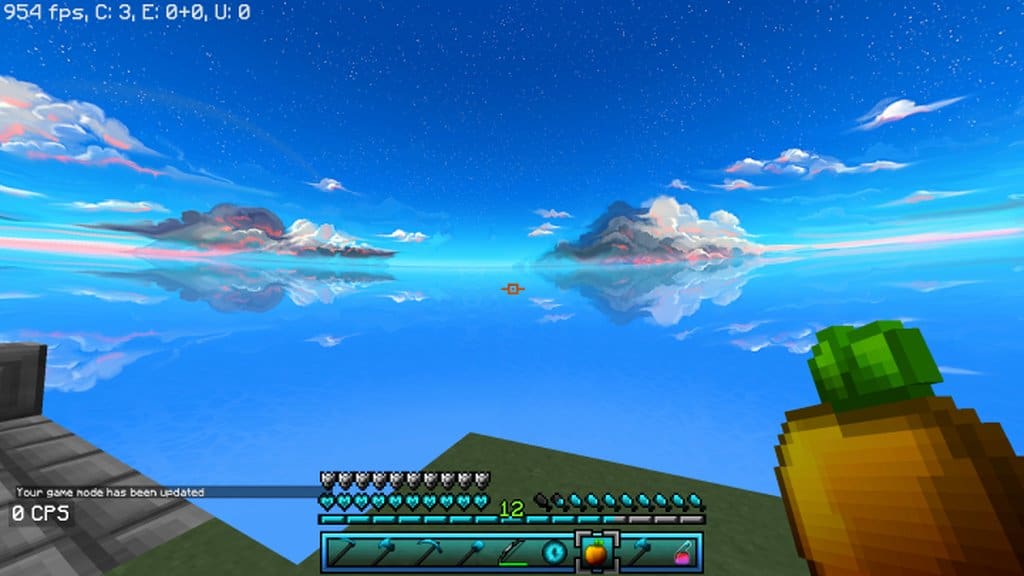
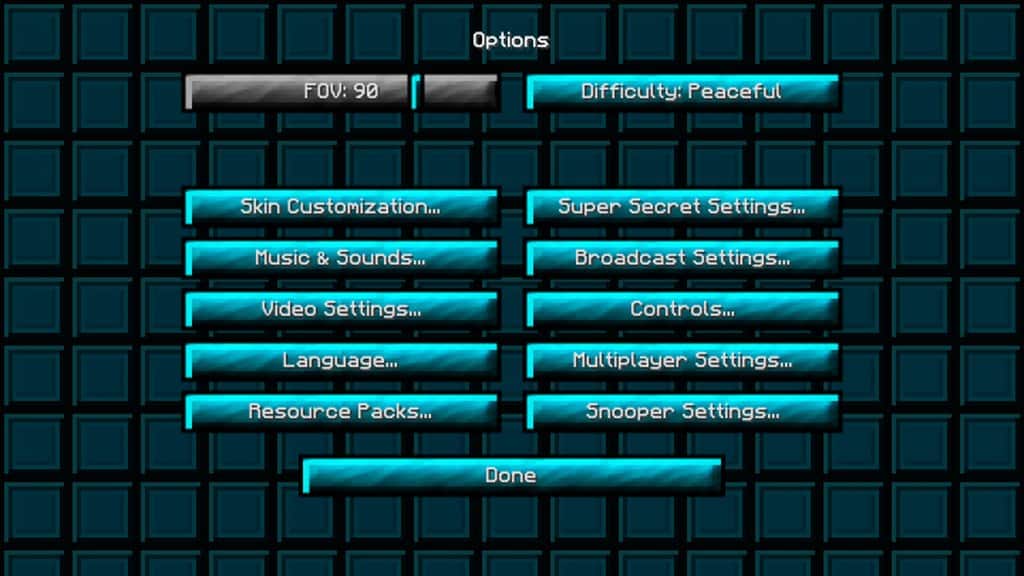
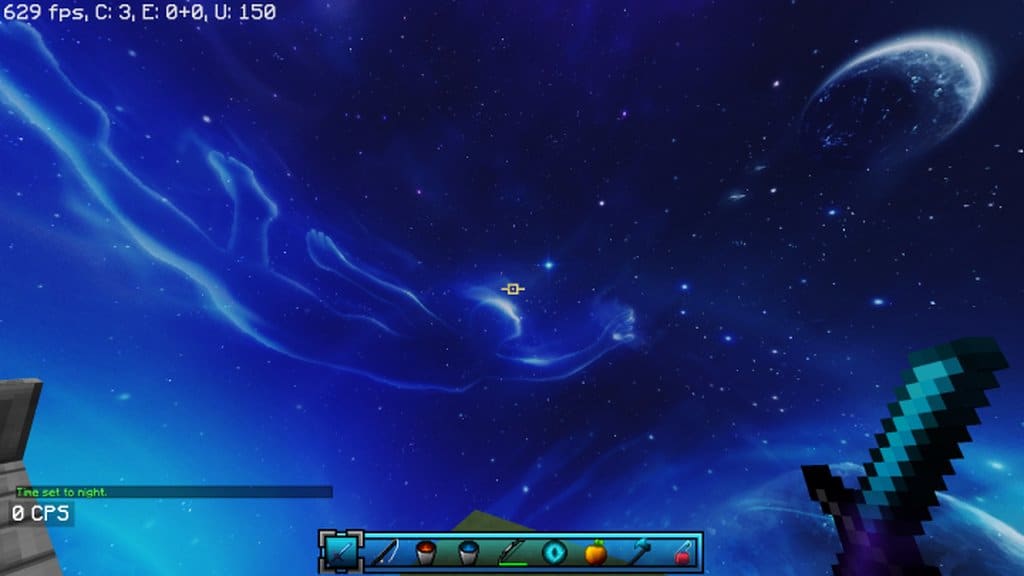
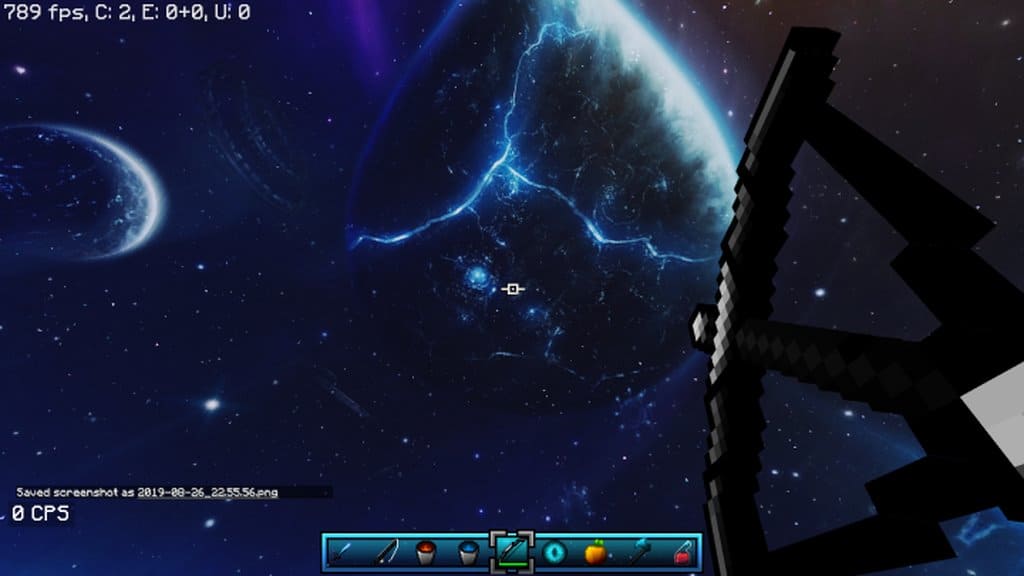
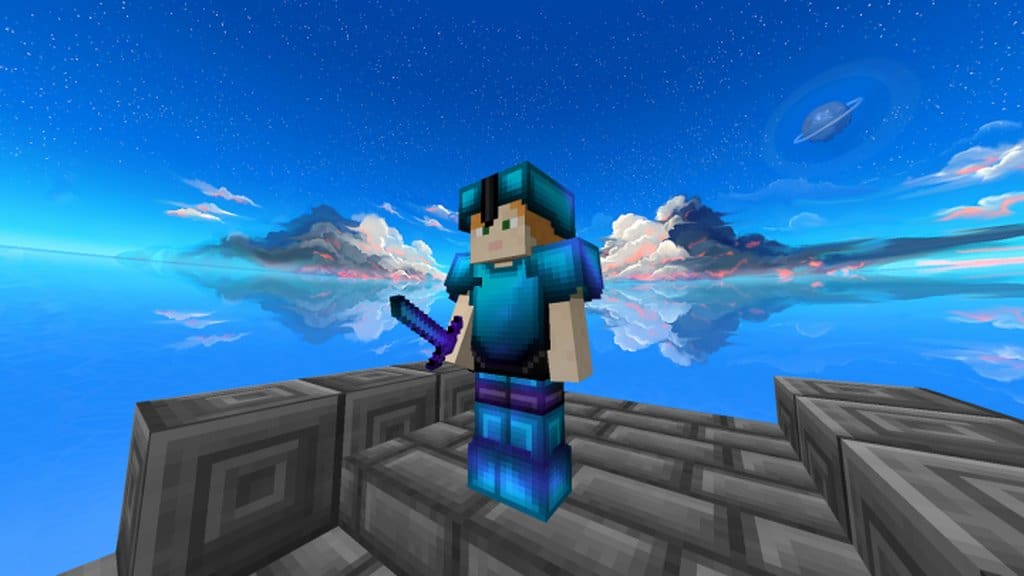
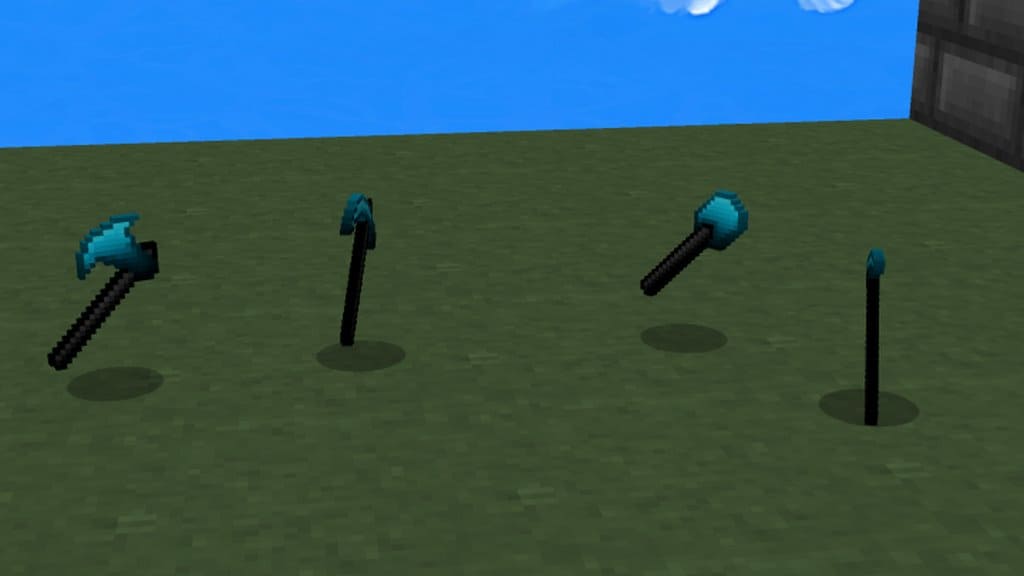
How to install Dark Aurora 32x Resource Pack:
- Most resource packs require Optifine, so be sure to download and install it. – general recommended step for all packs, Optifine is also needed for most shaders
- Download the Dark Aurora 32x texture pack for Minecraft from the download section below. – if there are many different versions, just choose the one you like, is compatible with your version/edition of Minecraft, the one you think your computer can handle in terms of performance.
- Launch the game client through the Minecraft launcher.
- On the main menu, click "Options".
- On the options menu, click "Resource Packs...".
- Click on "Open Resource Pack Folder". – folder titled "resourcepacks" will pop up
- Move the .zip file you downloaded in the first step to the newly opened "resourcepacks" folder.
- Click "Done".
- Click on "Resource Packs..." again.
- Your pack should have appeared in the left window, just hover over it and click on the arrow pointing to the right.
QUICK TIP: Sometimes, when activating a pack, the game may say that the pack is made for a newer or older version of Minecraft. This is just a warning, it does not affect your gameplay in anyway, and you can still activate and enjoy the pack by simply clicking the "Yes" button when prompted.
- Click "Done" again.
- The pack has now been successfully loaded and ready to be used in your world!
Dark Aurora 32x Texture Pack Download
- We do not modify or edit any resource packs. All resource packs, shaders and tools found on this website are linked directly to official sources rather than hosted on our own servers. We provide only the official download links from the original creators to ensure that your files are safe and secure.
- These official links are updated manually and may occasionally stop working when a new version is released. We work hard to keep everything current so that you have a smooth experience. Please let us know in the comments if you find a link that no longer works.
- Minecraft is a trademark of Mojang Studios and has no official connection to this website. Our goal is simply to share the best creations from the community with other players.
- Please consider leaving a comment or voting for your favorite packs. This feedback helps authors improve their projects over time. You can also support the creators directly by visiting the official links located below the download section.
[32x] [1.16.x – 1.15.x] Download Dark Aurora 32x Resource Pack
[32x] [1.14.x – 1.13.x] Download Dark Aurora 32x Resource Pack
[32x] [1.7.x – 1.8.x] Download Dark Aurora 32x Resource Pack
Official links:
Check out the Dark Aurora 32x Resource Pack on the Official Source
Curseforge: download starts automatically after a few seconds;
Mediafire: click the big blue button with the text "DOWNLOAD";
Google Drive: in the top right corner you will see a small download icon (down arrow), click it and the download should start;

1,242 votes
Look.. 1242 users have already liked this pack. Give a diamond if you like it too!

ethan
pls make a 1.17 version on this
Player
I cant see the special night and day sky, pleas help
Admin
Be sure to install optifine. Custom skies don’t work without it. This is a feature of the optifine.
Abhi
Very nice but breaking blocks doesn’t look the best.
NOBODY
LOOKS GUD
a person
really cools texture pack, only one problem that in creative the inventory slots all blend together in colour and you can’t tell apart the slots (1.8.9)
Toasted Toast
POV: you finally found this resource pack after all these years of watching pro pvp players use it
hala ayman
This pack is awsome and SICK its really good for PVP
Bababoey
I have not tried it yet but lets see
Updater
Nice work dude, i Cried man, its soo beatifull….
Blueyy
lol
Osoba Publiczna
Give in 1.15 the possibility of tech same day and night effects as in 1.8, and so it is the best package I’ve seen but it would be better. :)
LoginPlease
not a big fan of the sky, but the tools look great. but don’t make the skies look too much like stars wars.
Player
I want it like that, how can i turn it on?
SpiderMan_Fan
omg
annoyyyyyeee
Is there a 1.8.9 version?
Soemone
Yes, there is the 1.8 – 1.9 is working correctly!
uni
yep
Yuto
the custom sky doesn’t work