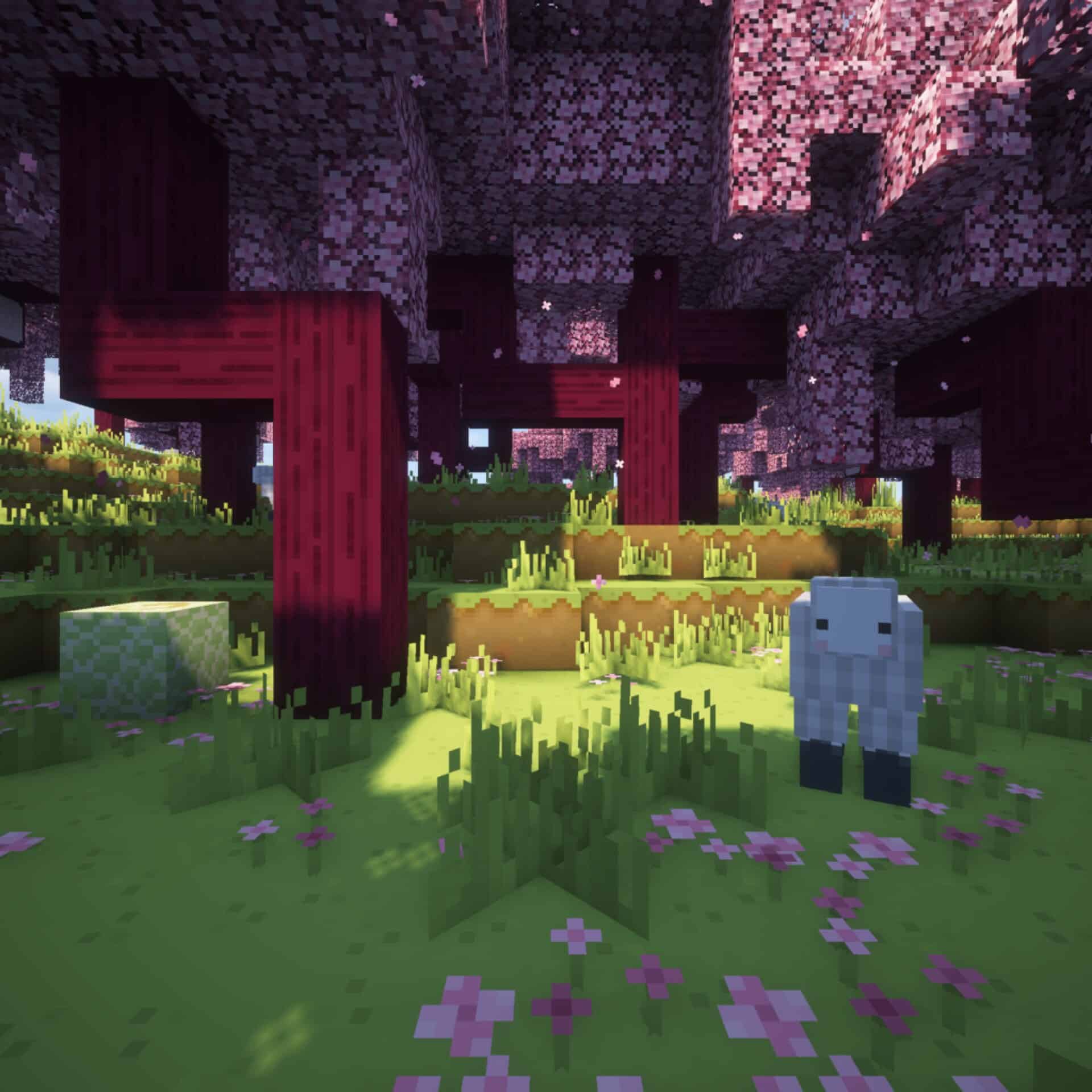
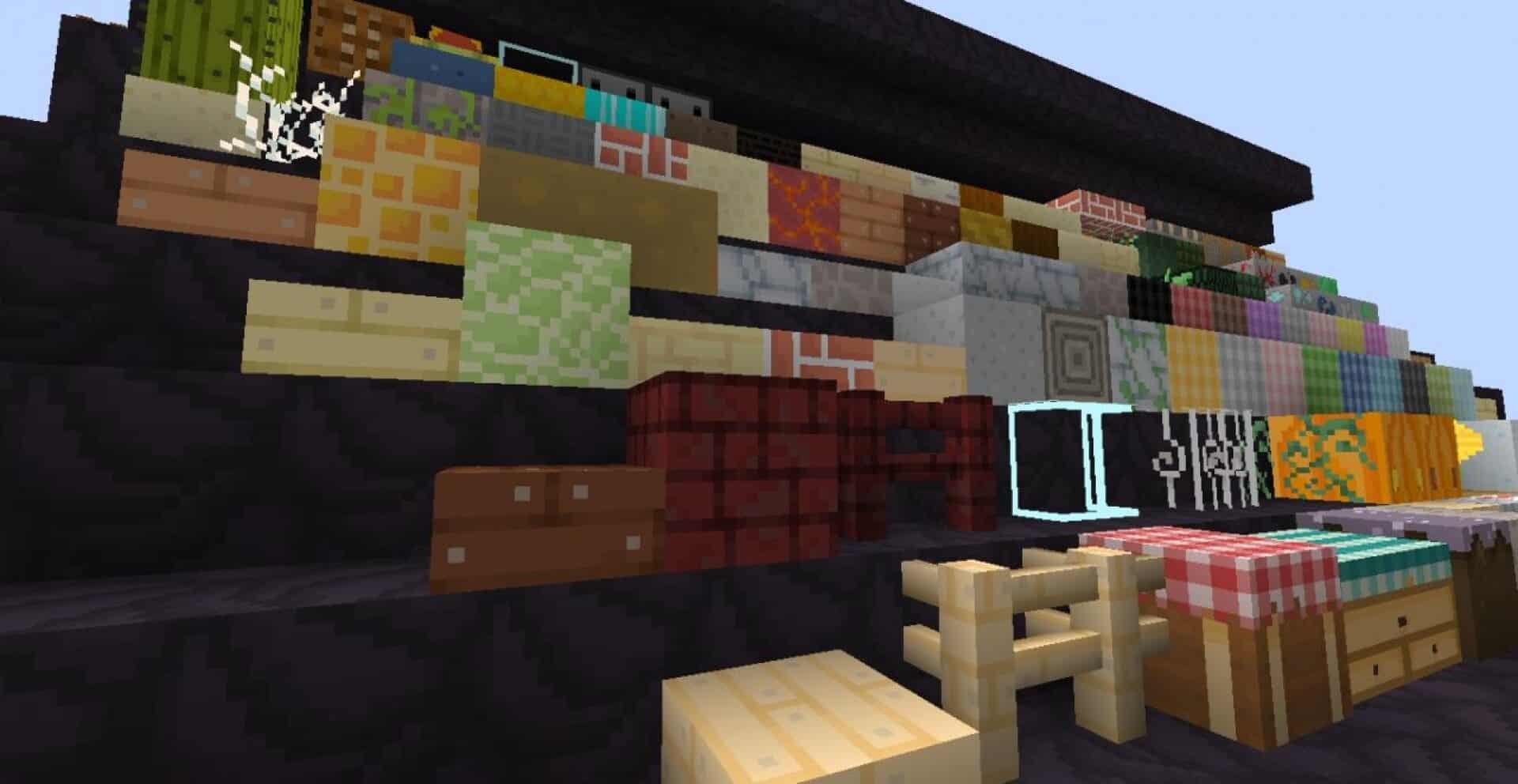
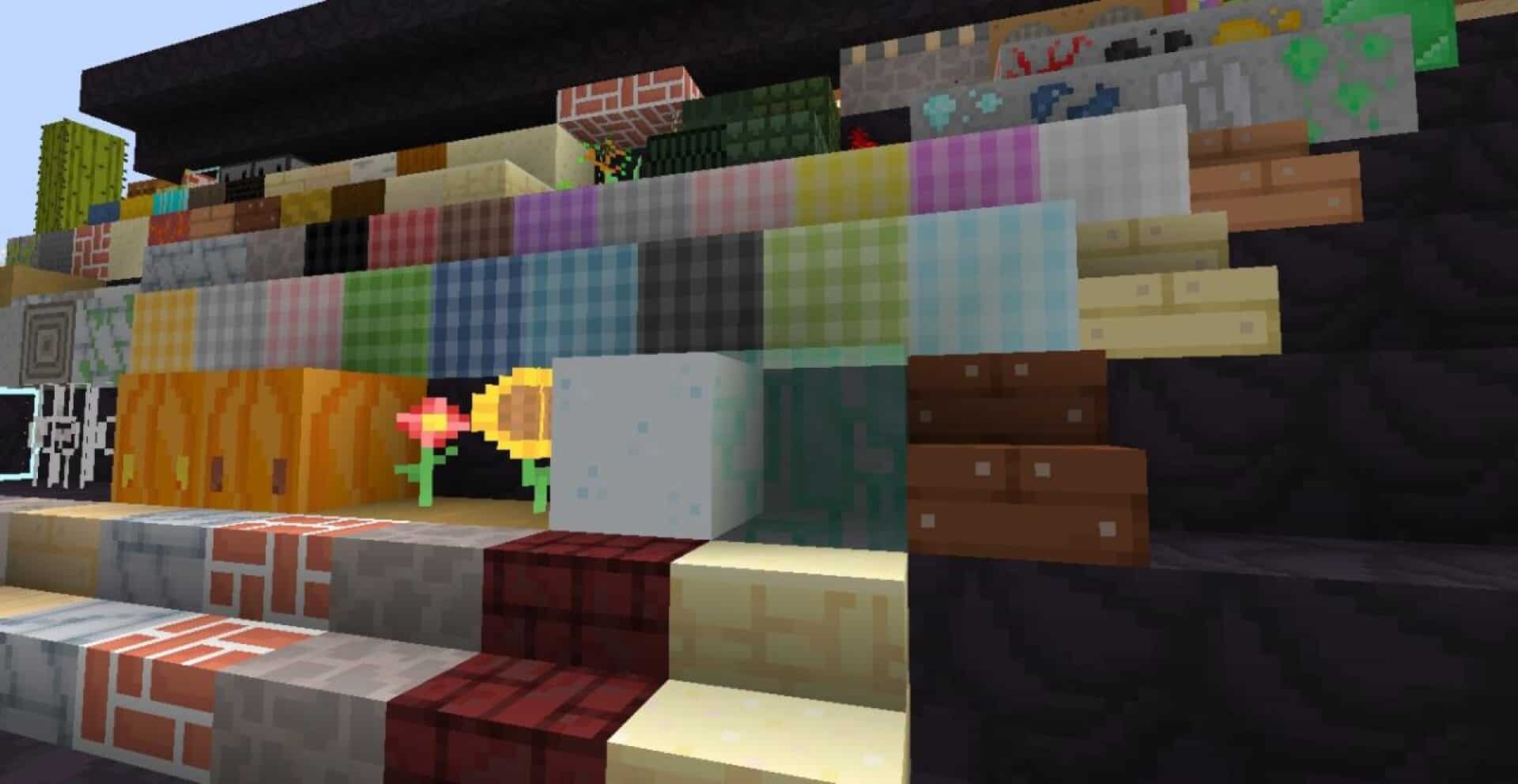
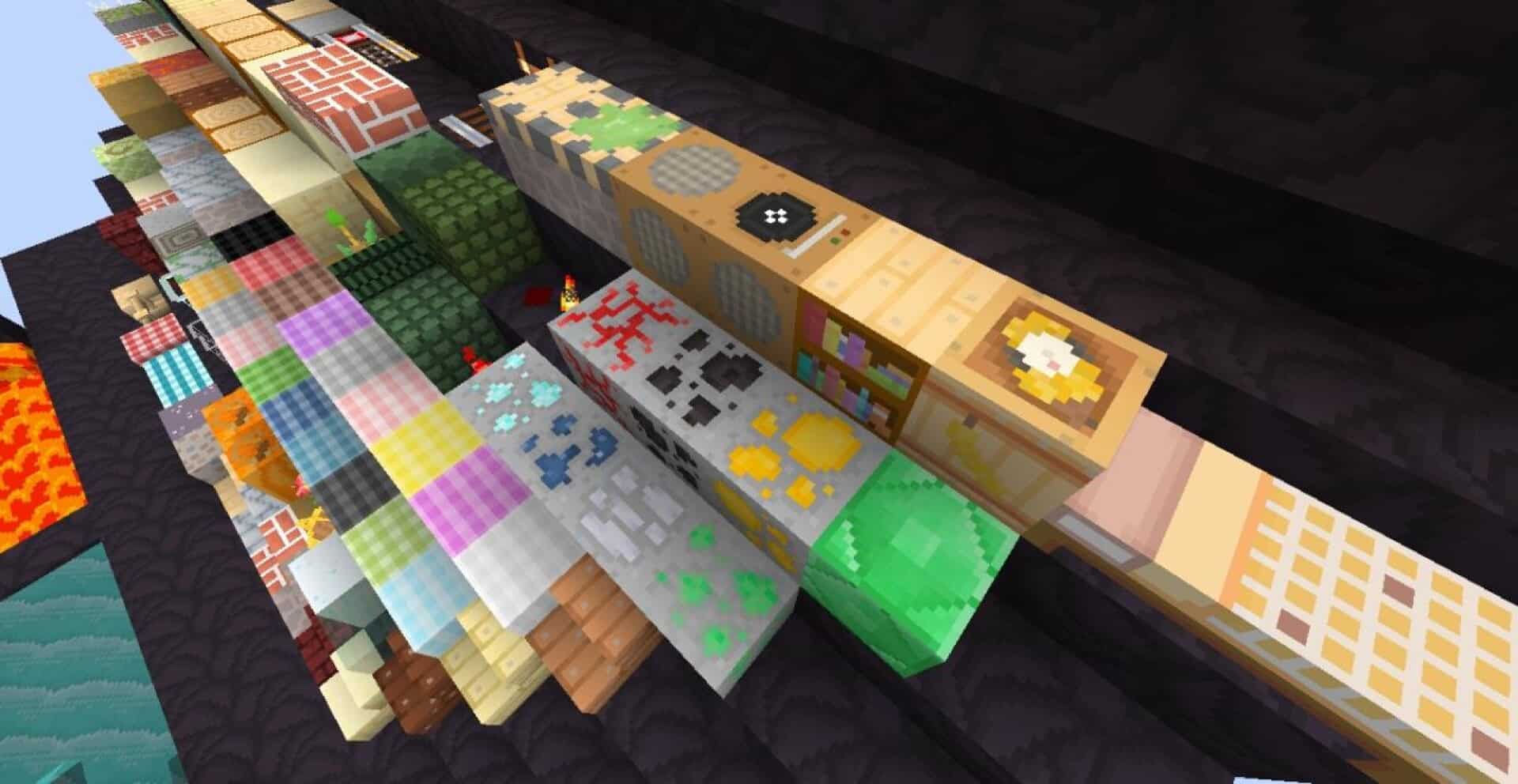
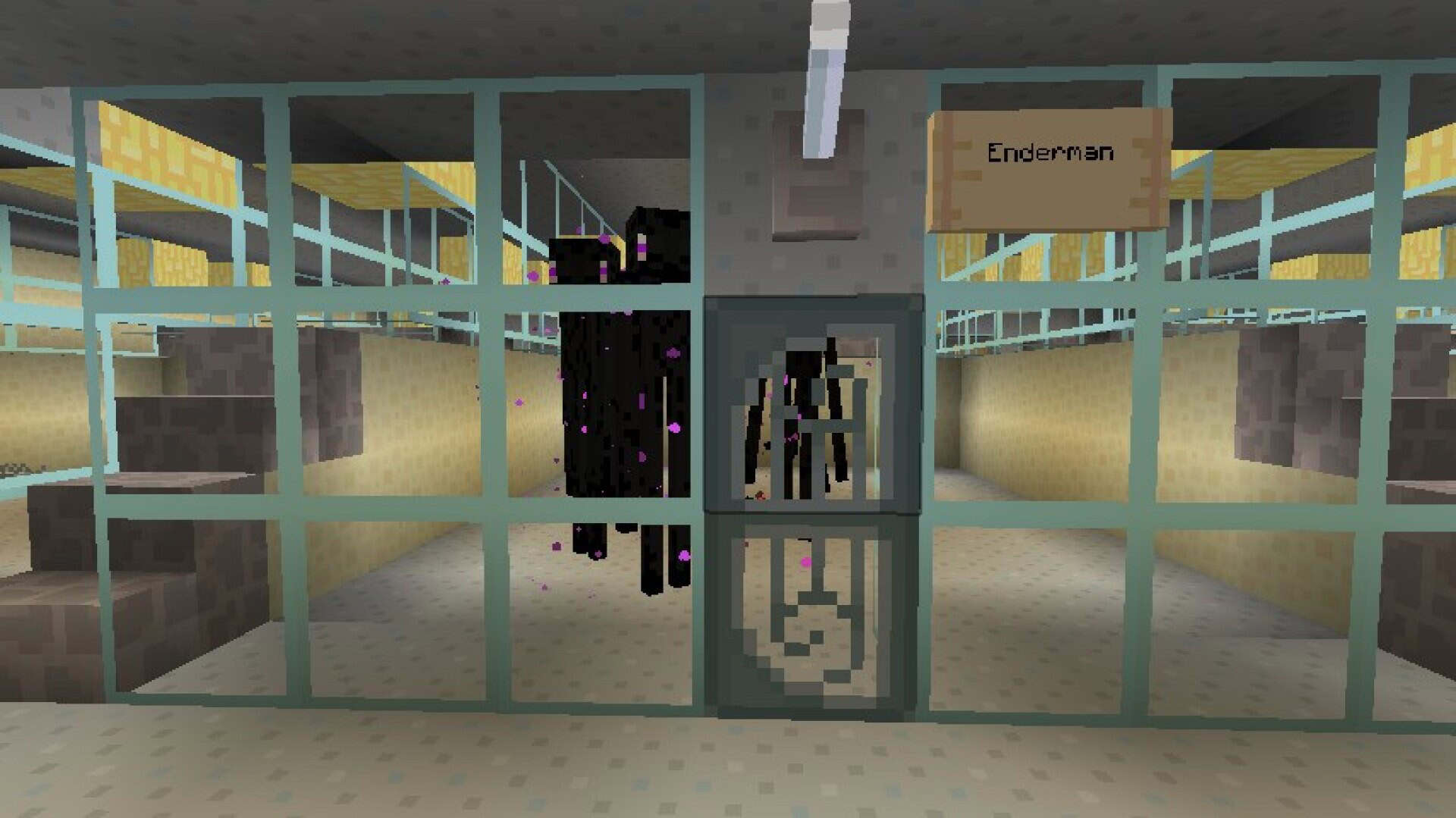
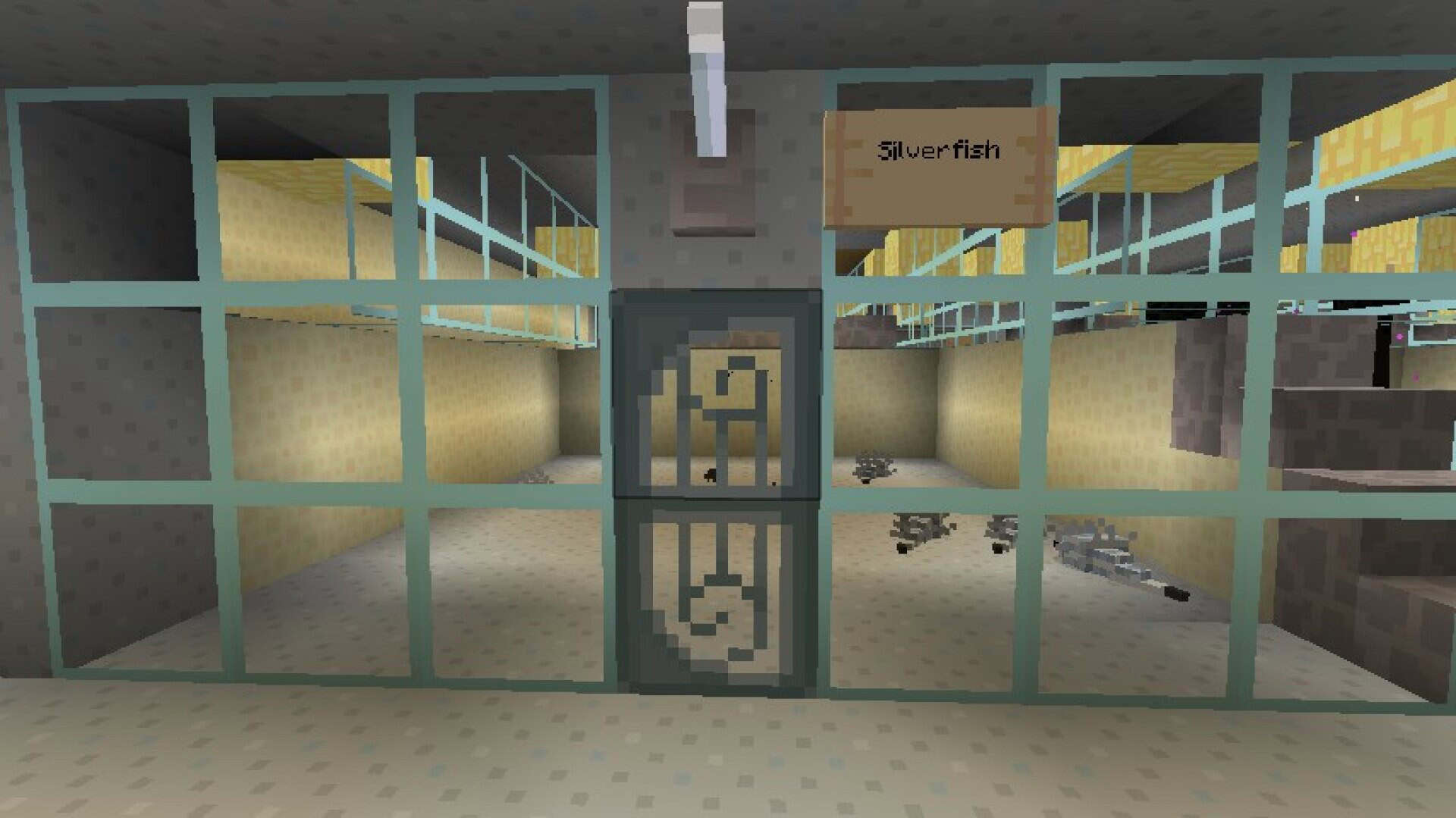
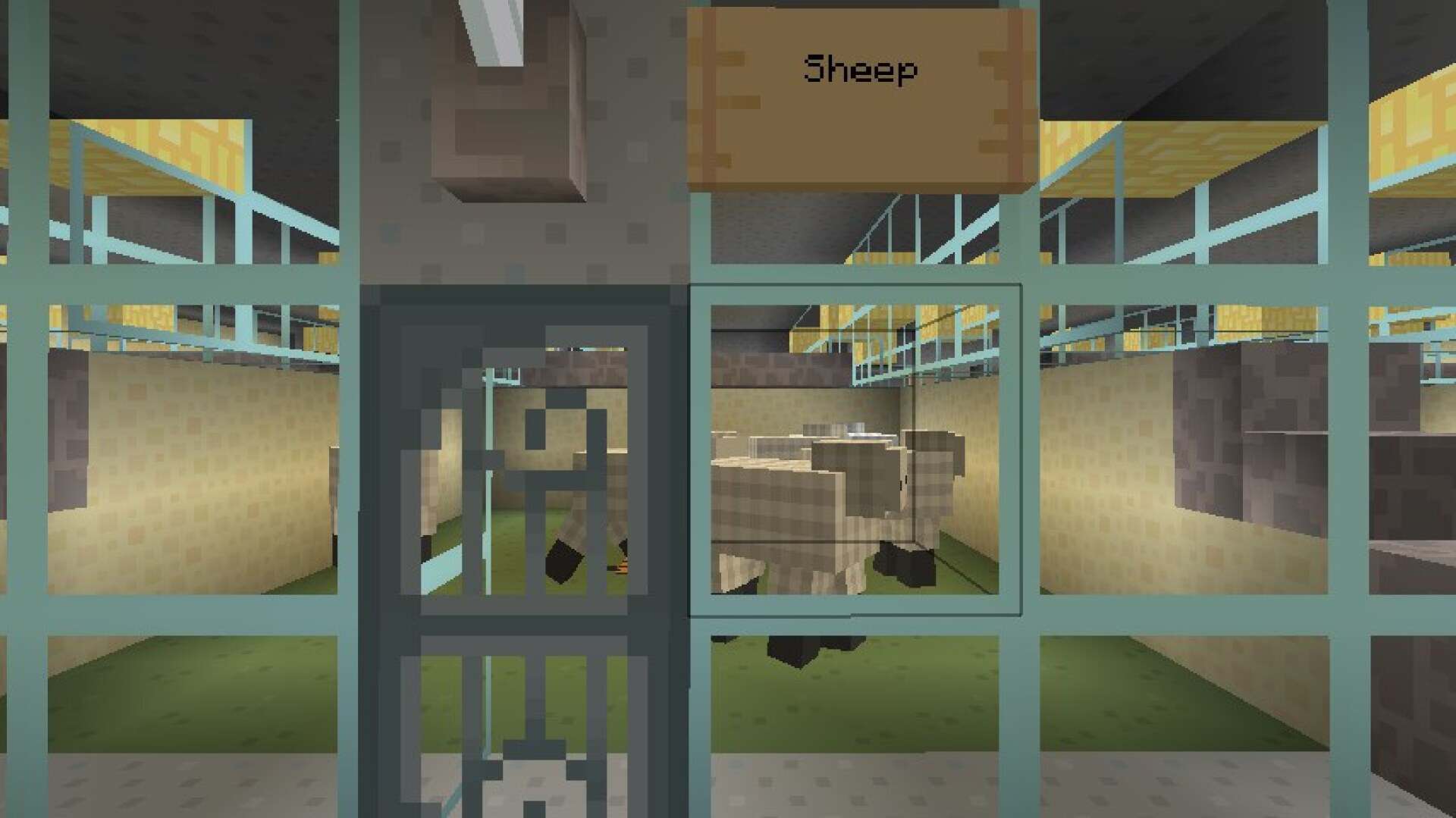
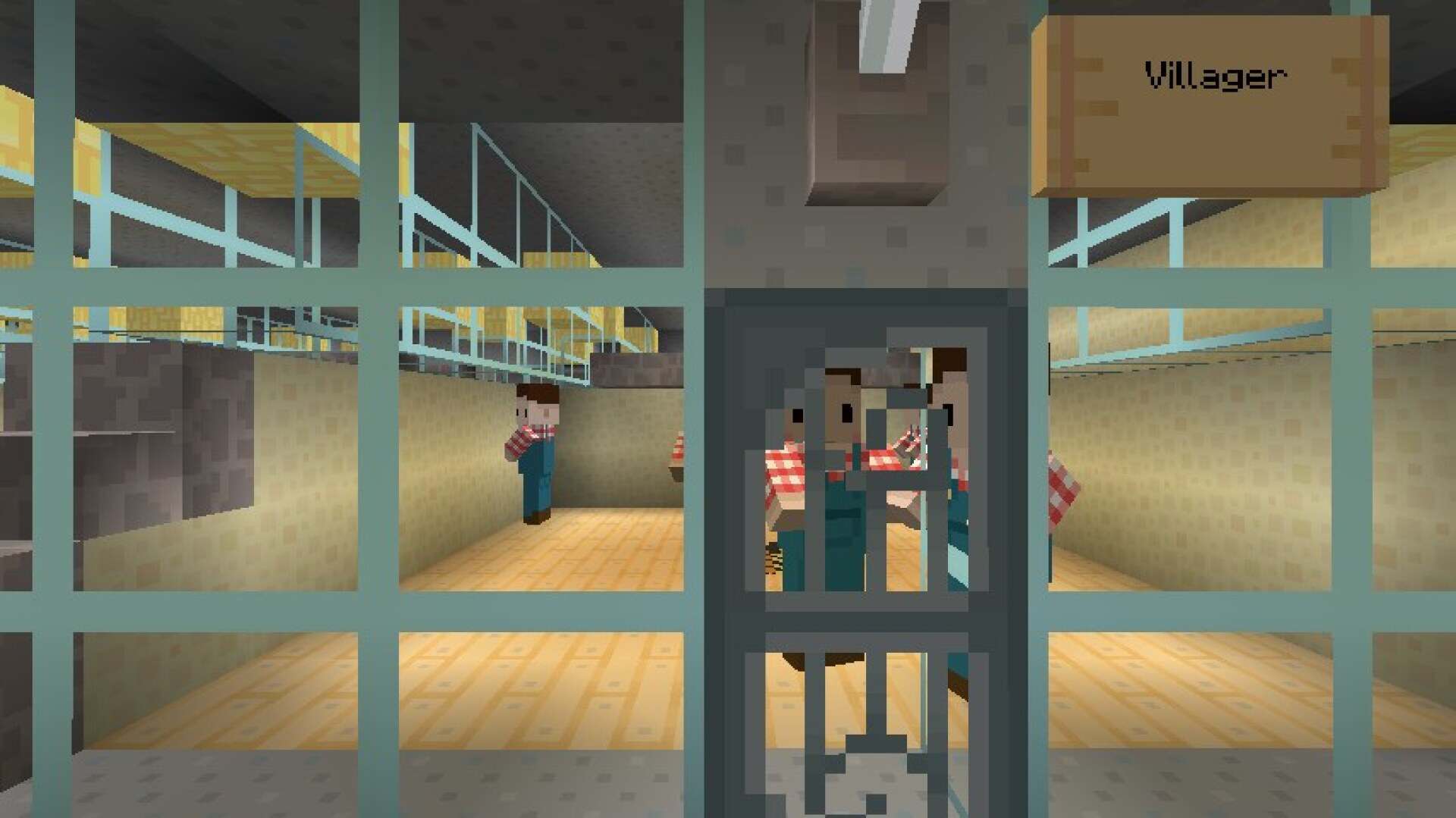
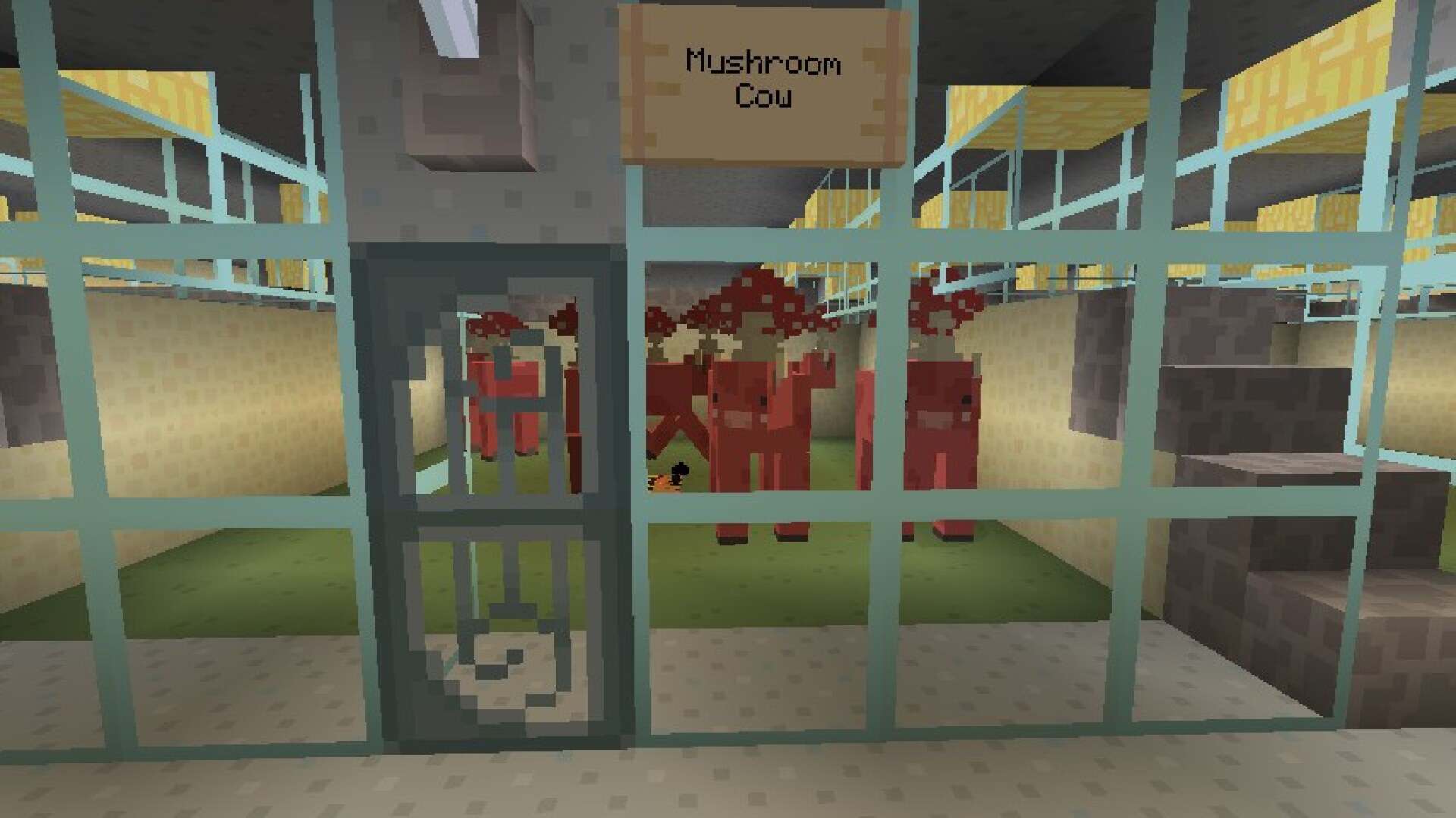
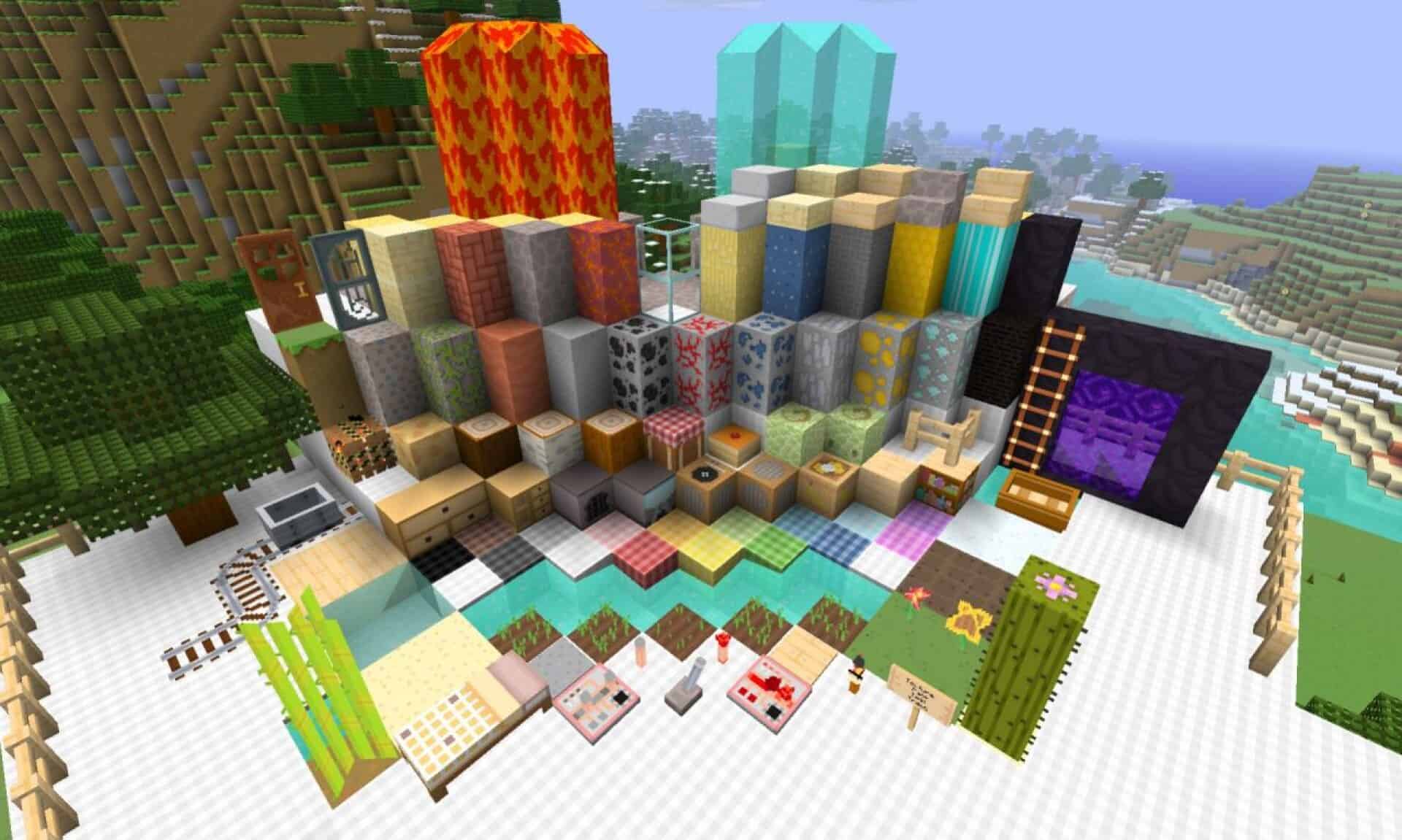
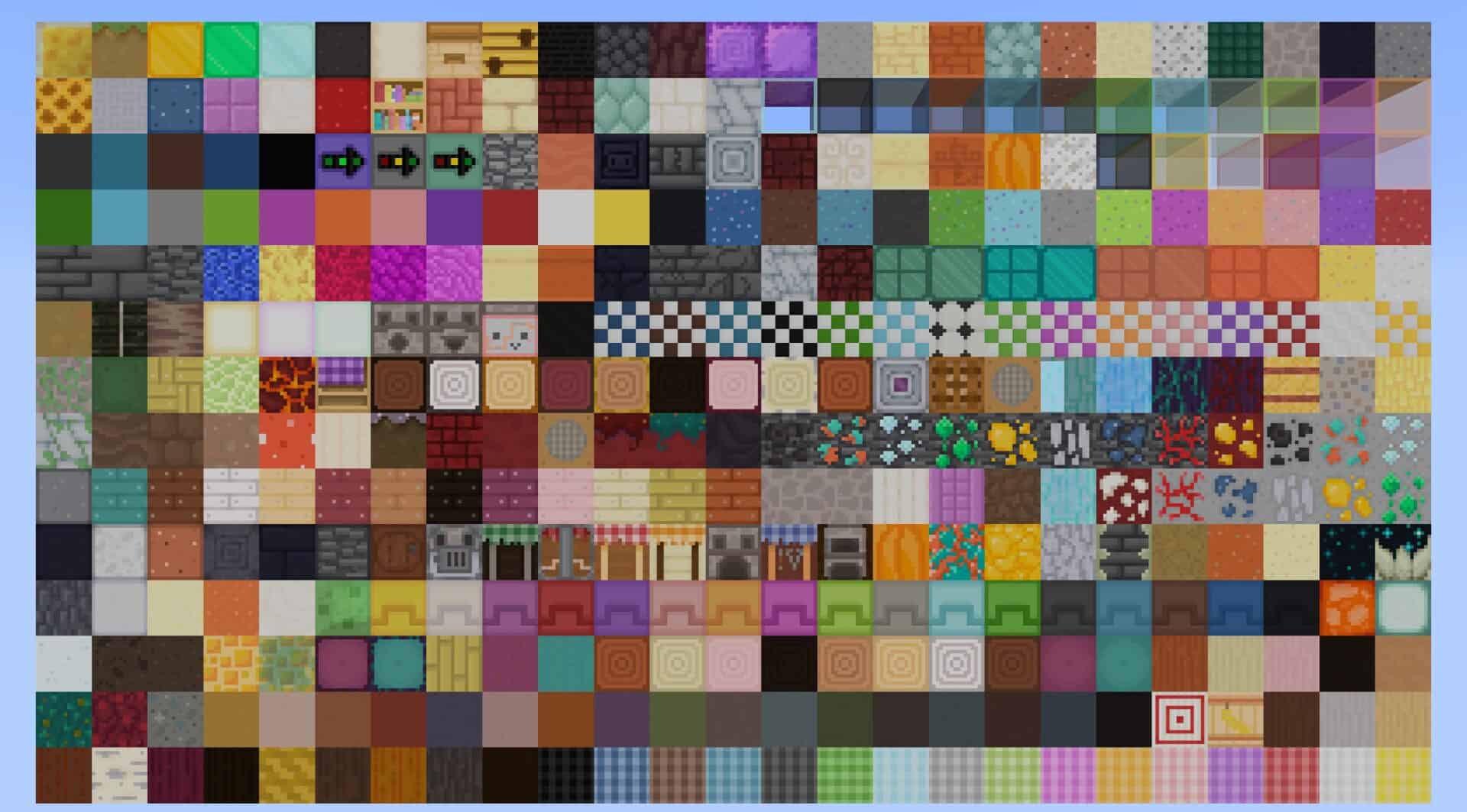
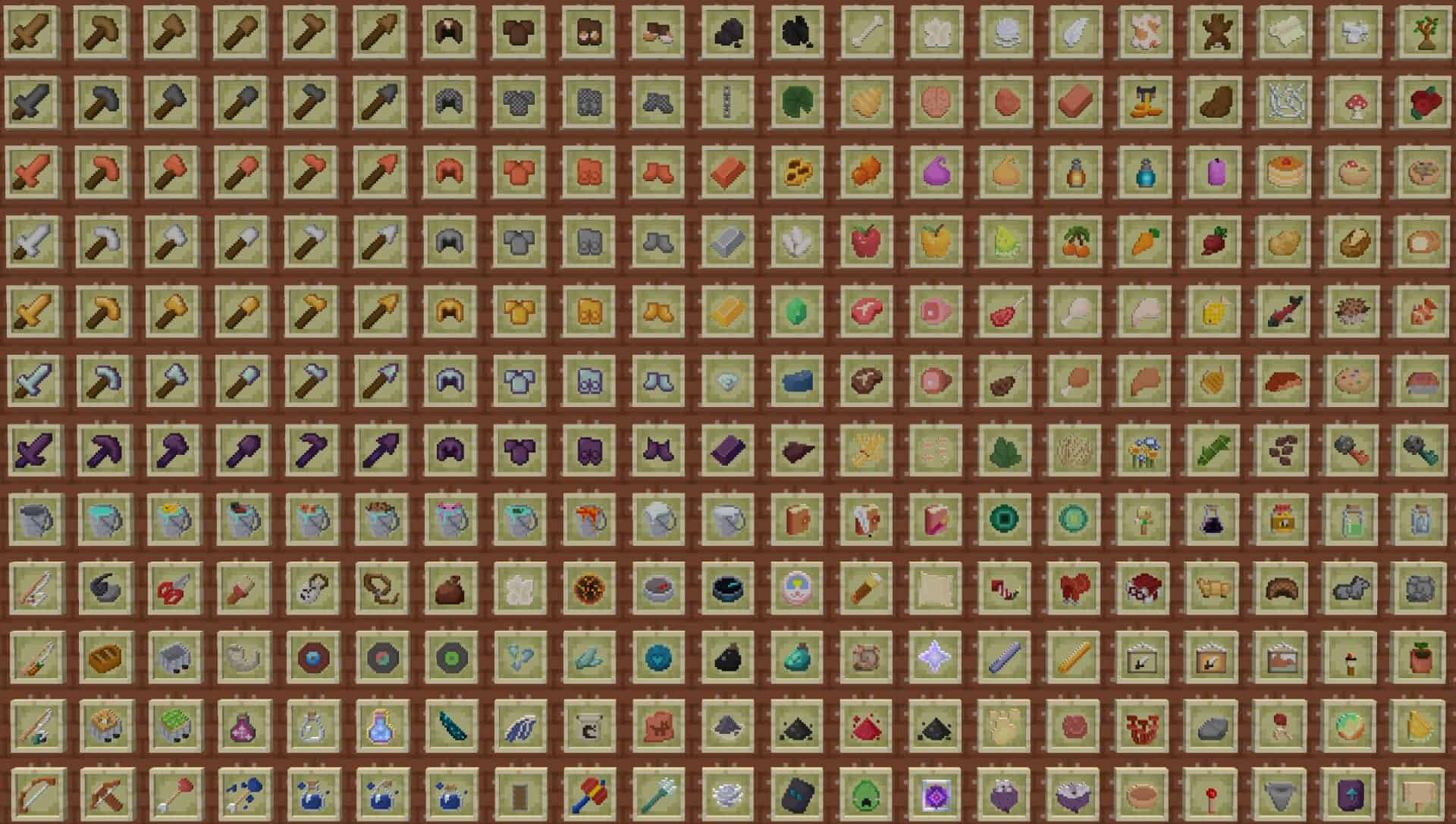
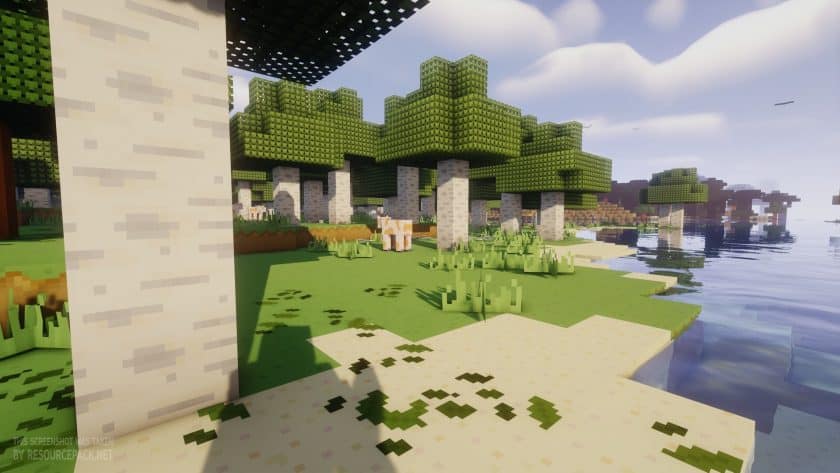
Every Minecraft player knows that a good texture change can make an old game feel brand new again, and that is exactly what the CutieCraft resource pack has been doing since way back in 2011. A creator named Ventus11 made the first version of it, and the idea behind it was pretty simple. Take the Minecraft that we all know and love, keep it recognizable, and give it a softer and sweeter look. If the vanilla textures ever felt a bit rough or too serious for your taste, this pack was made with you in mind. It turns the whole world into something that feels like a cute cartoon you can walk around in. So what makes this pack special next to all the others out there? The answer is color. CutieCraft does not scream for your attention with super bright or flashy shades. Instead it leans on gentle colors that feel calm and easy on the eyes. The textures have a cartoon style to them, with smooth shapes and a friendly look, but the game still feels like Minecraft at heart. Nothing looks out of place, and that balance is the real magic here. You get a fresh new look without losing the feeling of the game you grew up with. Some players like to compare it to other cute packs such as SugarPack and High on Sugar, and sure, those packs live in the same neighborhood, but CutieCraft very much has its own personality and its own kind of charm. Another big plus is how light the pack is on your computer. CutieCraft uses a 16x resolution, which is the same as the vanilla game. In plain words, if your laptop or PC can run normal Minecraft, then it can run this pack too. You do not need a strong gaming computer or any fancy settings. Just apply the pack and play. That makes it a great pick for school laptops, old family computers, and really anyone who wants a new look without hurting their frames per second. Now let us talk history for a moment, because this pack has quite a story.
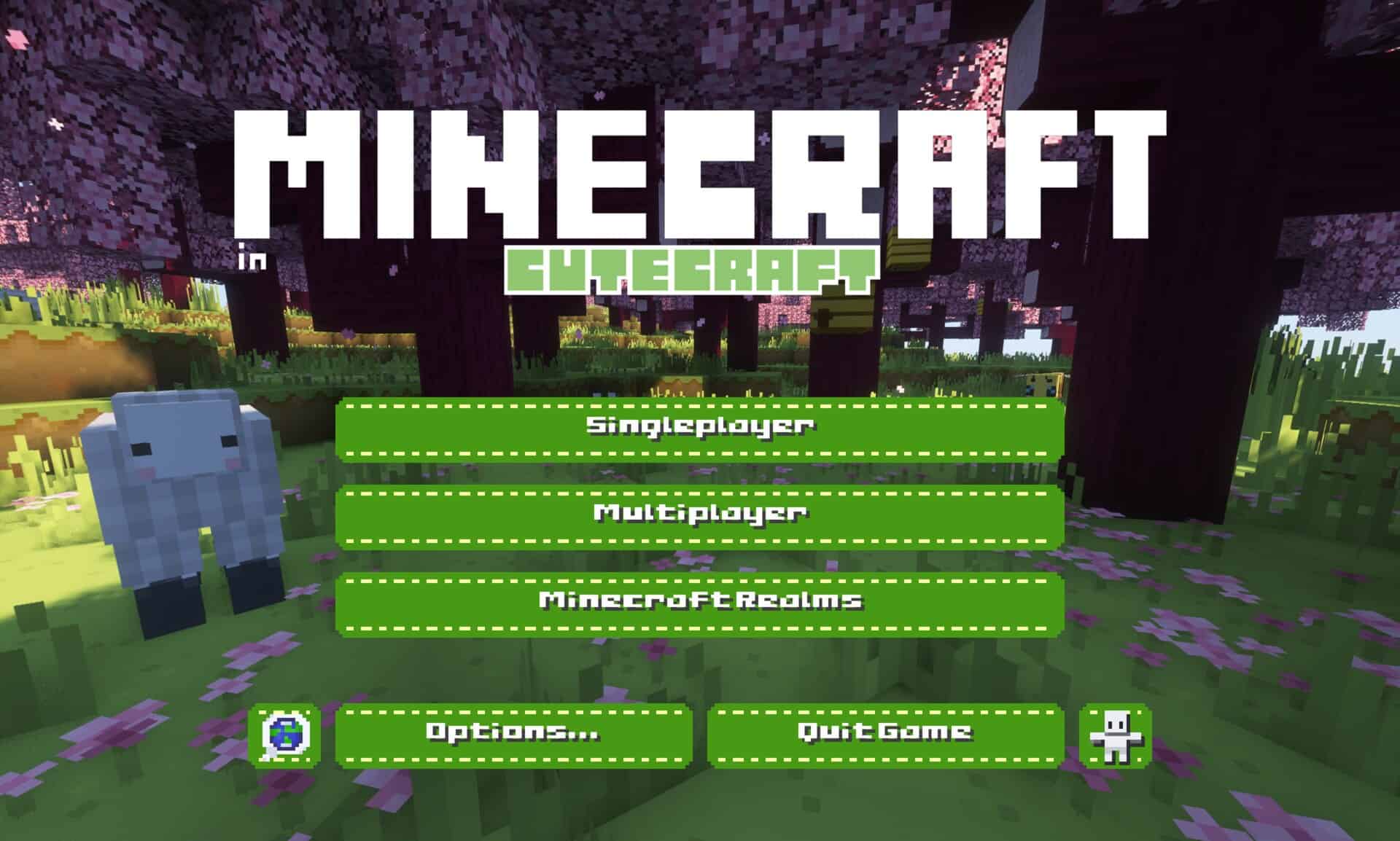
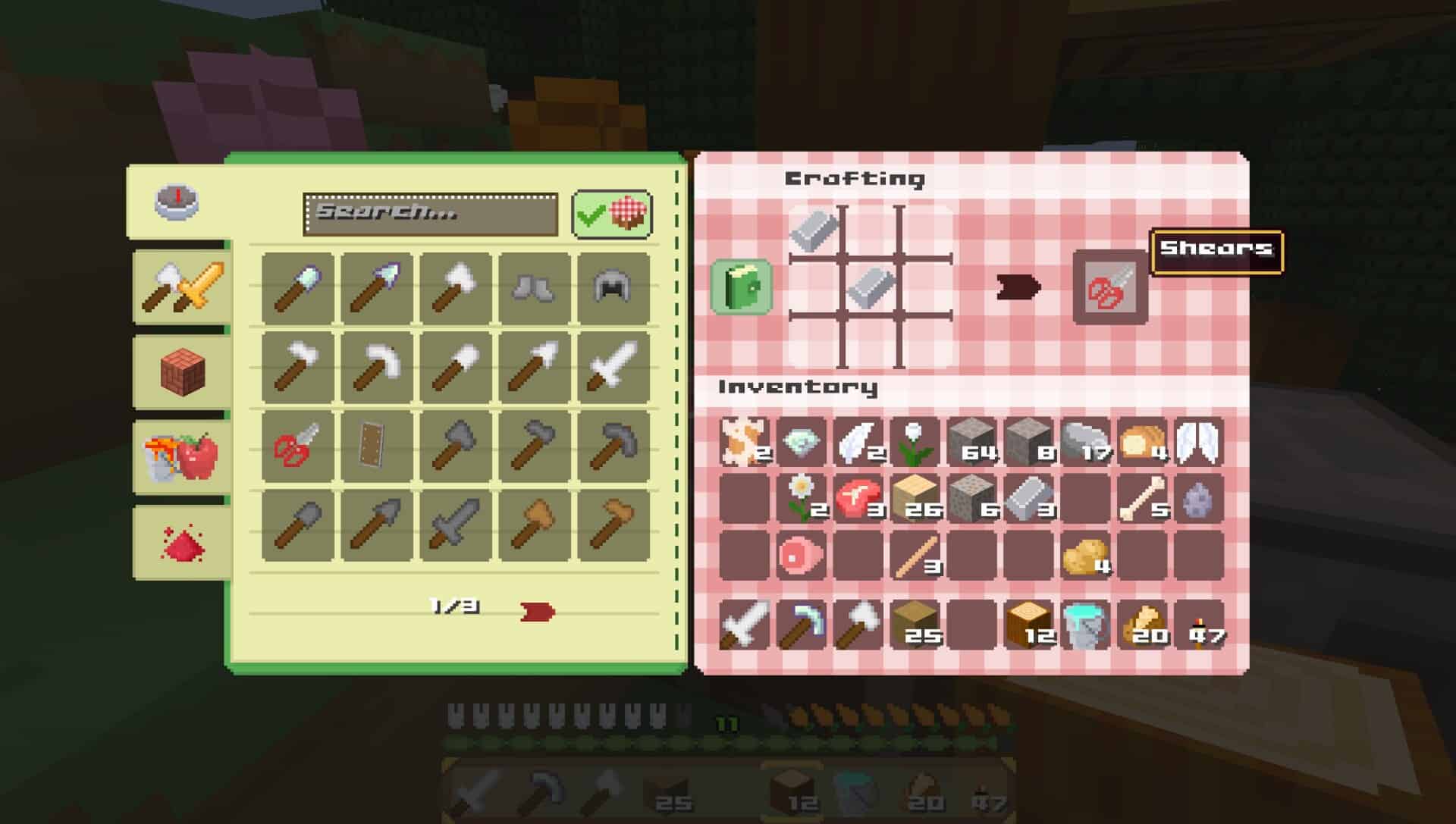
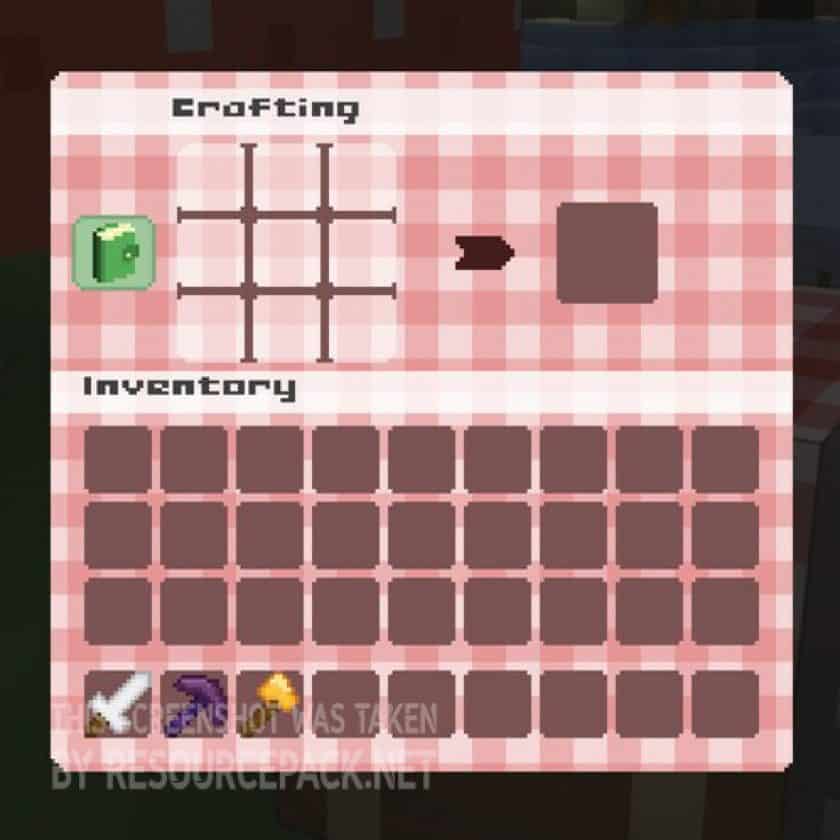
Somewhere after Minecraft 1.8 came out, the original pack stopped getting updates. Back then it was actually called CuteCraft, and a lot of fans were sad to see it go. The good thing is that it did not stay gone. Two fans, Minecraft_Cutie and Zoeticly, picked the project up and kept it going for a while, which carried the pack all the way to version 1.11.x. After that, things went quiet again, and for a long time it looked like CutieCraft was just a sweet memory from the old days of Minecraft. But here is where the story gets good again. There is a newer, unofficial revival of CutieCraft made for modern Java Edition, and it is honestly impressive. It keeps the cute and simple style of the original but goes much further with how much it changes. The creator behind it talks about custom menus, particles, fonts, color maps, mobs, and items, so basically every corner of the game gets some love. There are even Renaissance style paintings you can hang on your walls, which is a funny and charming touch. The revival also pulls ideas from pastel colors, pretty patterns, picnic vibes, cottagecore, and do it yourself themes. Think cozy cottages, flower fields, and soft blankets everywhere. If you enjoy building warm and adorable bases, this version will fit your style like a glove. It also works with recent versions of the game, so you do not have to dig up some ancient launcher just to enjoy it. At the end of the day, CutieCraft proves that a resource pack does not need heavy realism or crazy detail to win hearts. Its whole appeal comes from being cute, soft, and simple, and that idea has stayed the same from 2011 all the way to today. Whether you want to replay the game with fresh eyes or you just enjoy the cozy side of Minecraft, this pack delivers. Old school players can hunt down archived versions for classic releases, while newer players can jump straight into the modern revival.
CutieCraft should be compatible with all of these Minecraft versions: 26.3 - 26.2 - 26.1.2 - 26.1.1 - 26.1 - 1.21.11 - 1.21.10 - 1.21.9 - 1.21.8 - 1.21.7 - 1.21.6 - 1.21.5 - 1.21.4 - 1.21.3 - 1.21.2 - 1.21.1 - 1.21 - 1.11.2 - 1.11 - 1.10.2 - 1.10 - 1.7.10 - 1.7.9 - 1.7.4 - 1.7 - 1.6.4 - 1.6.2
CutieCraft — Screenshots
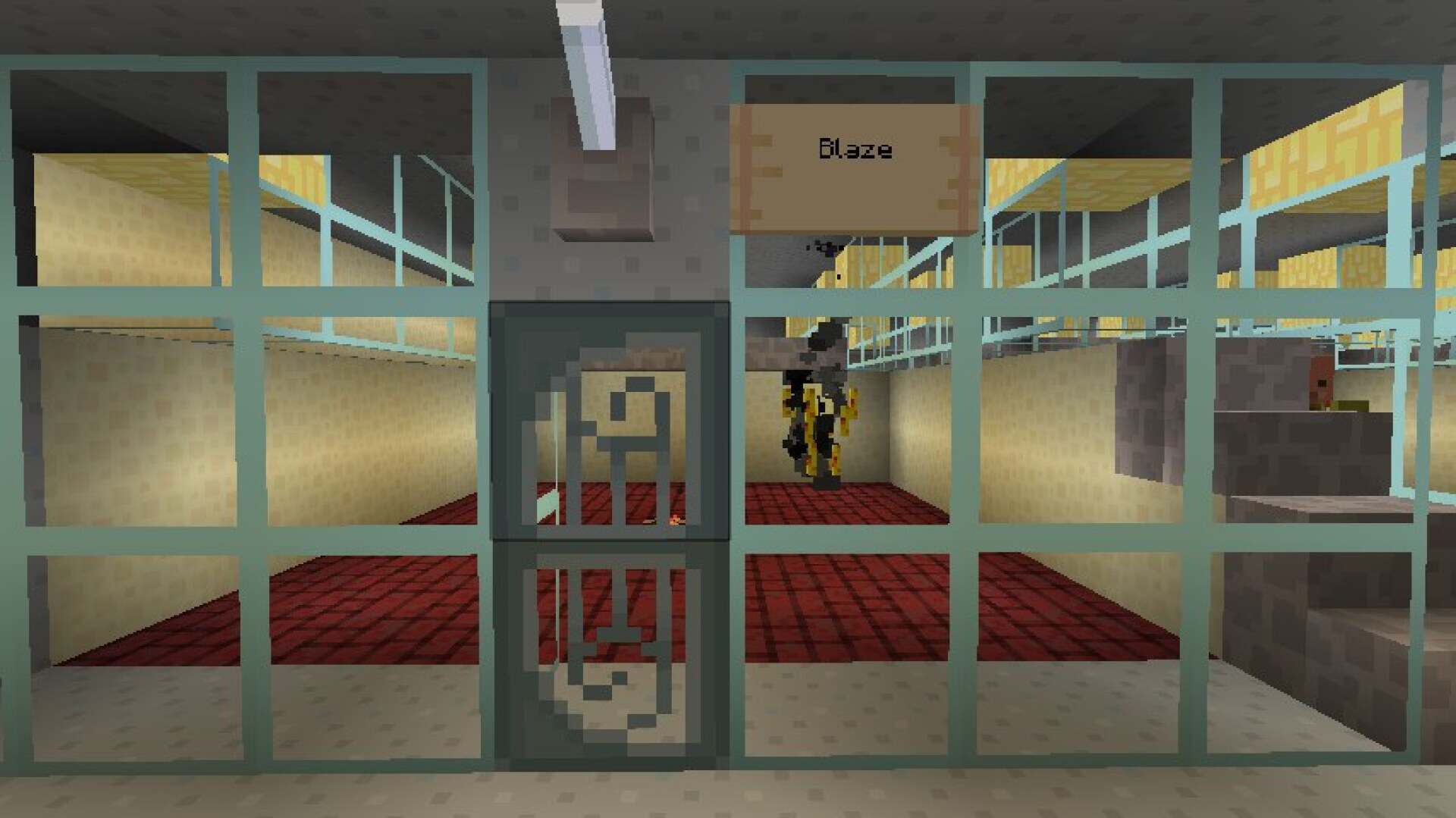
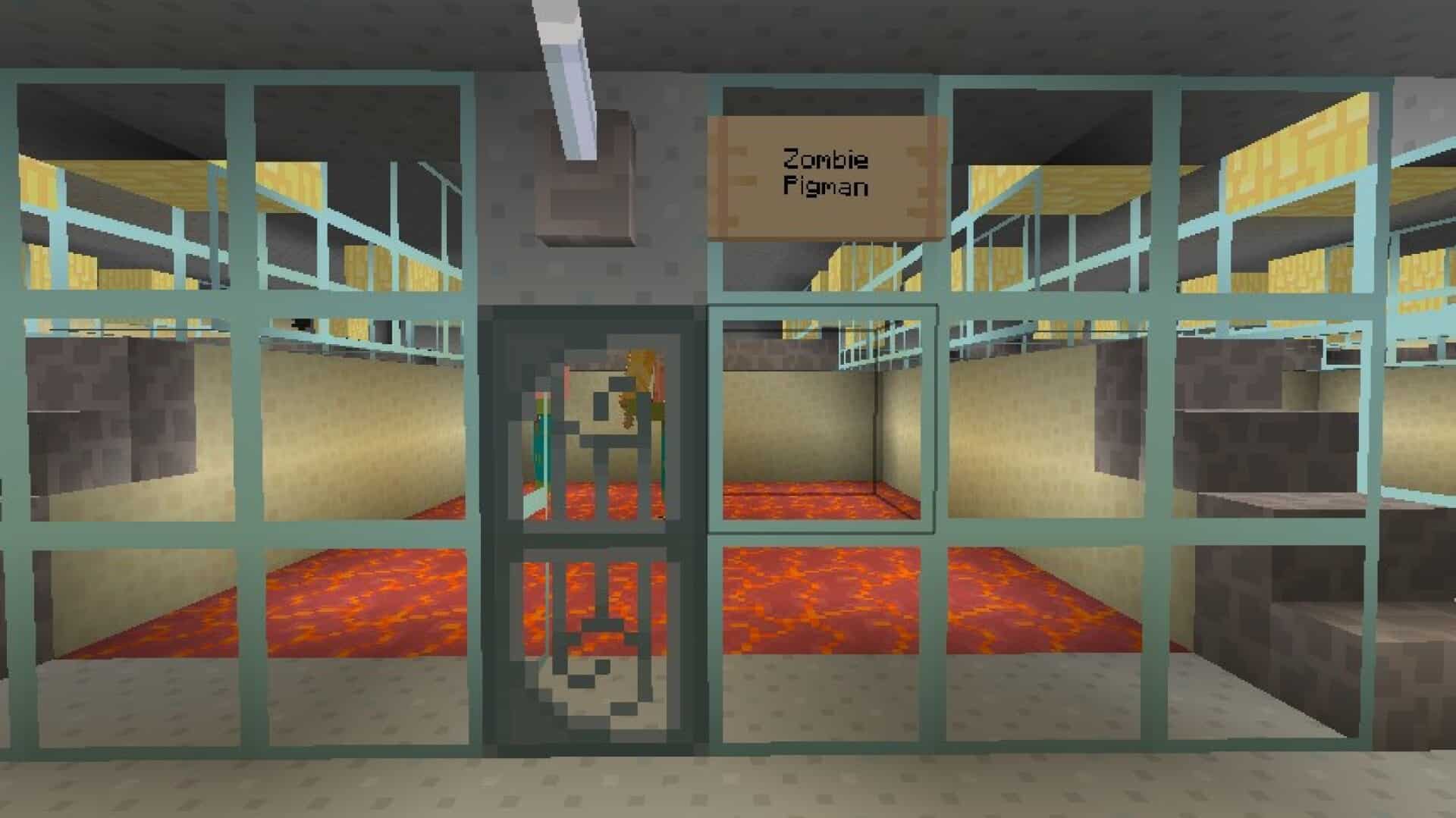
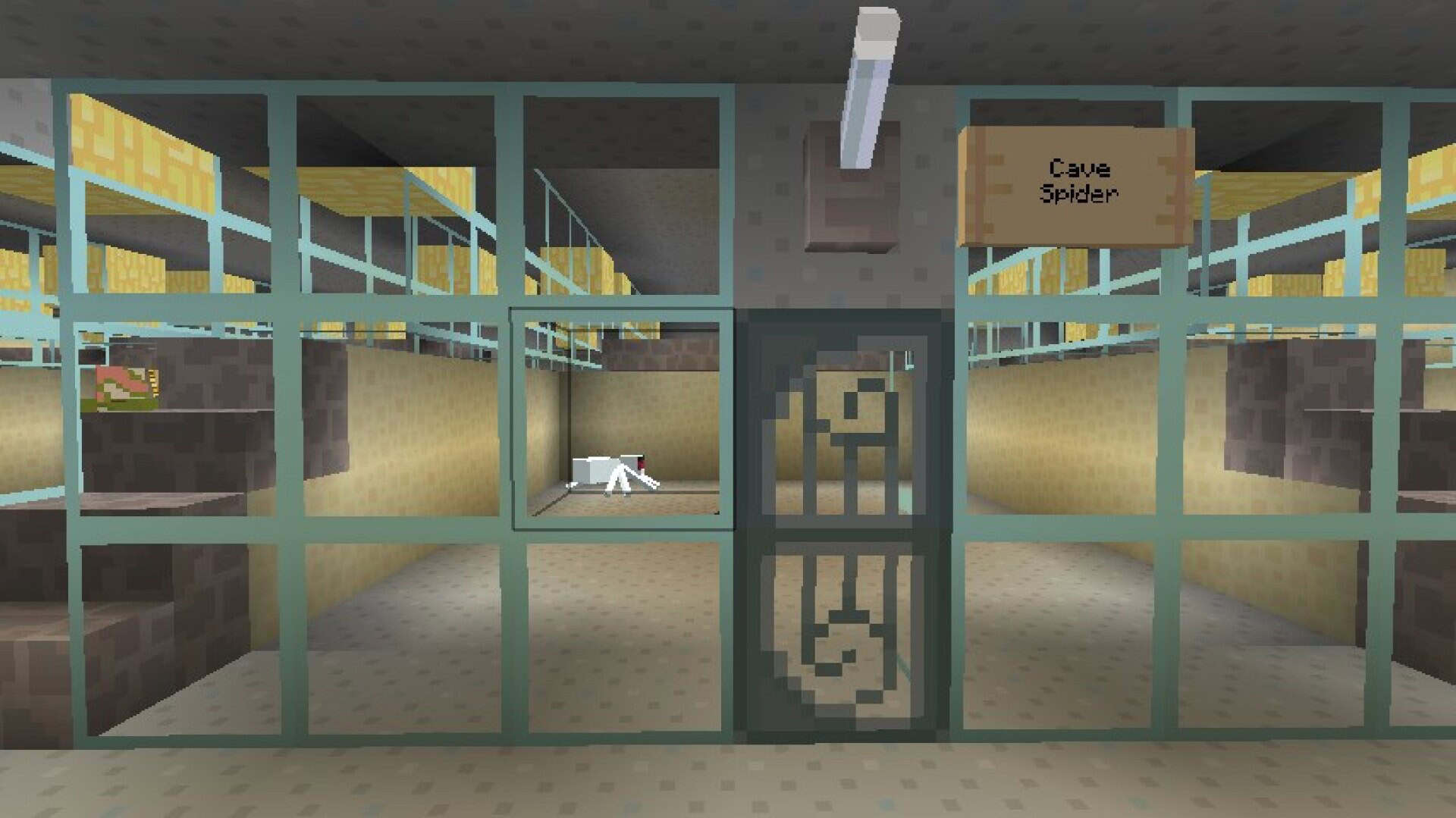
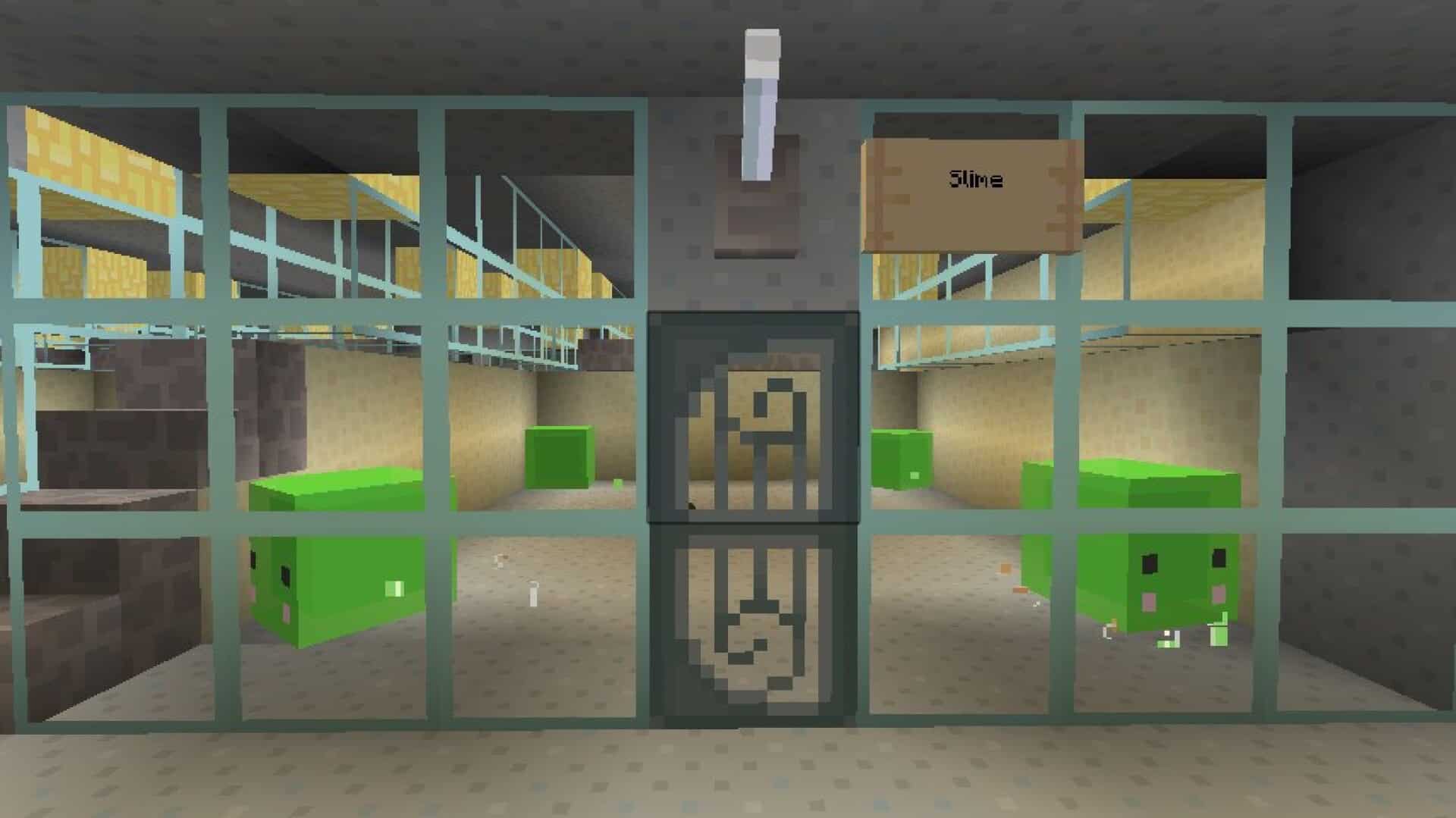
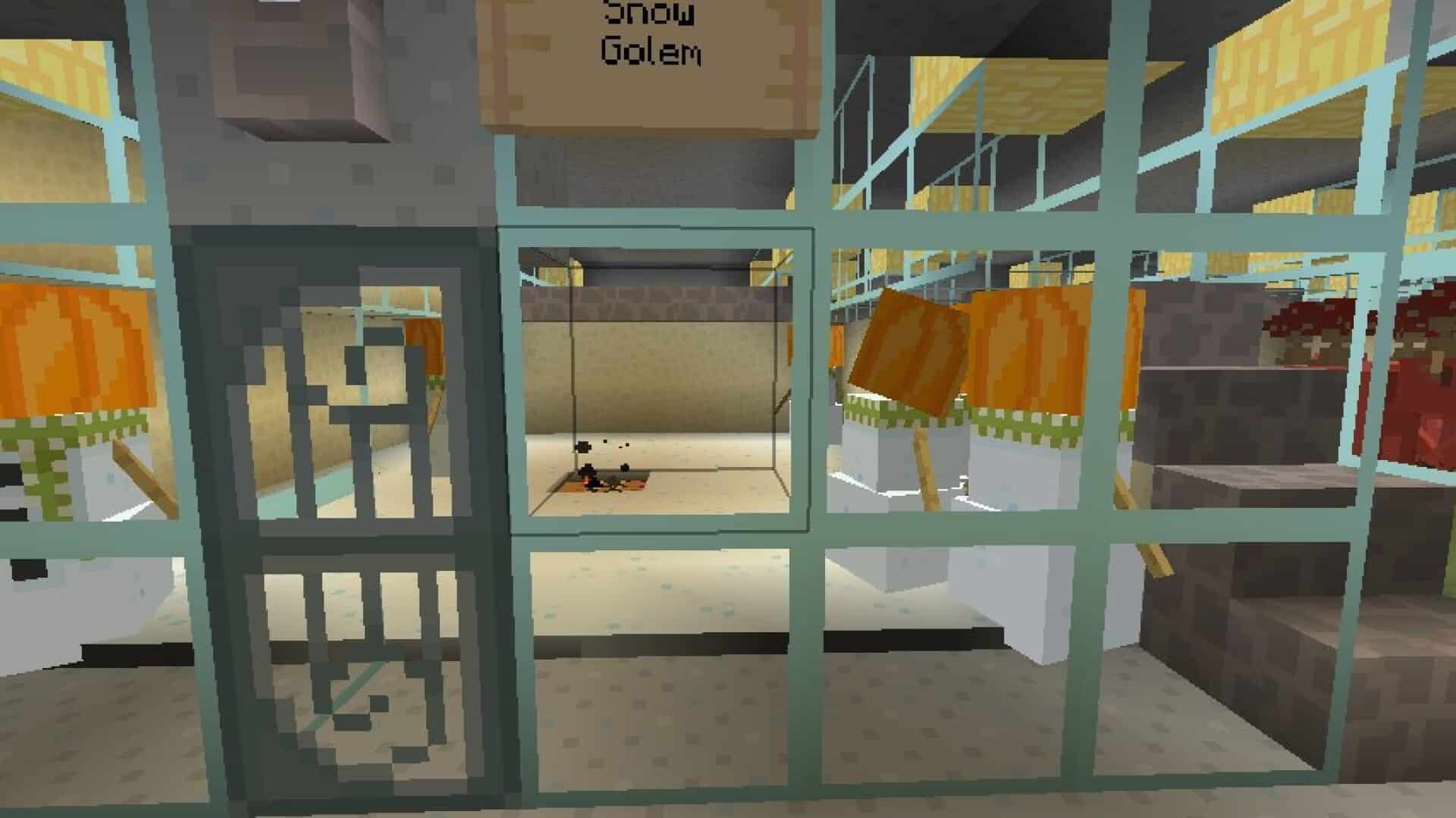
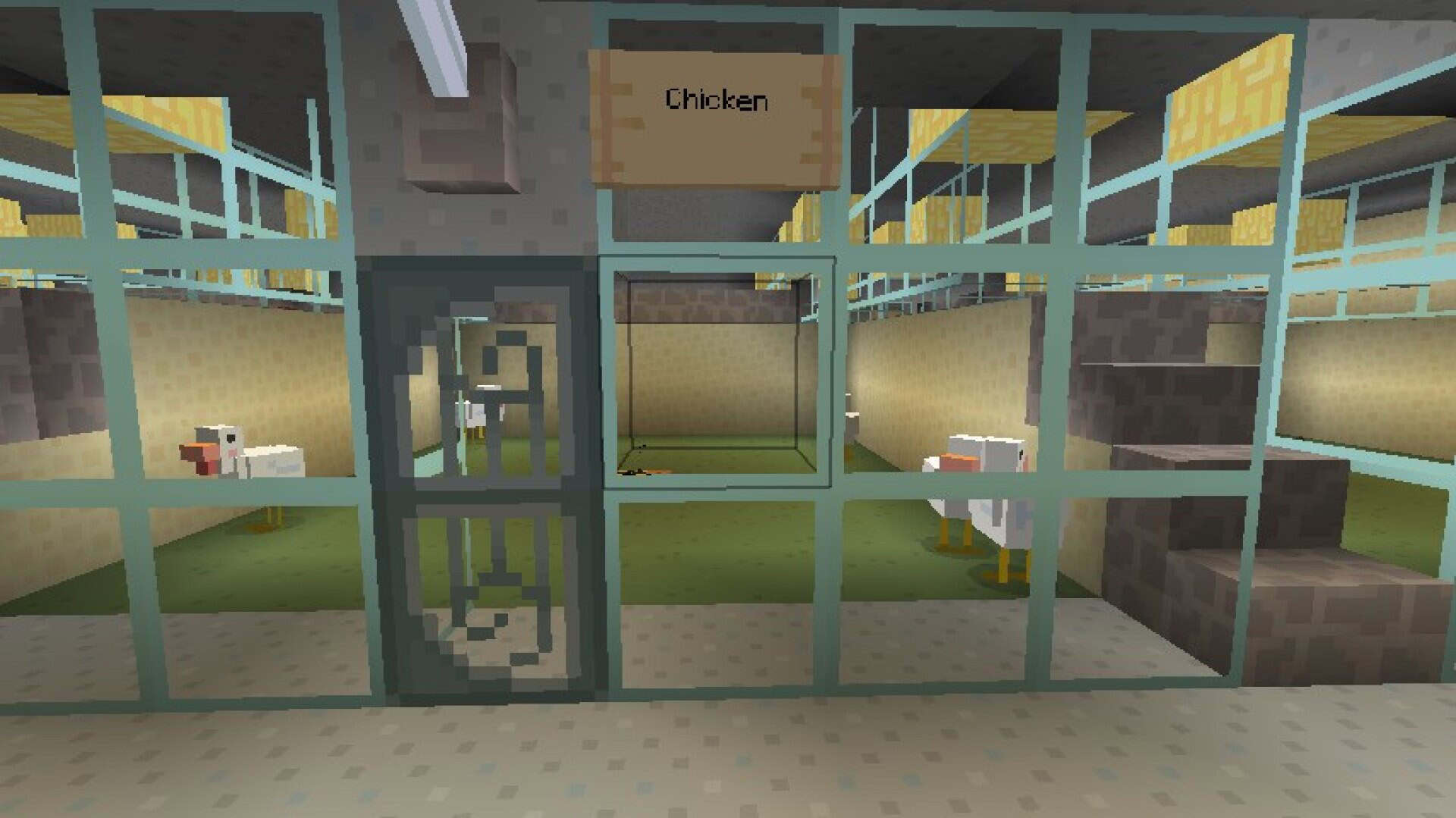
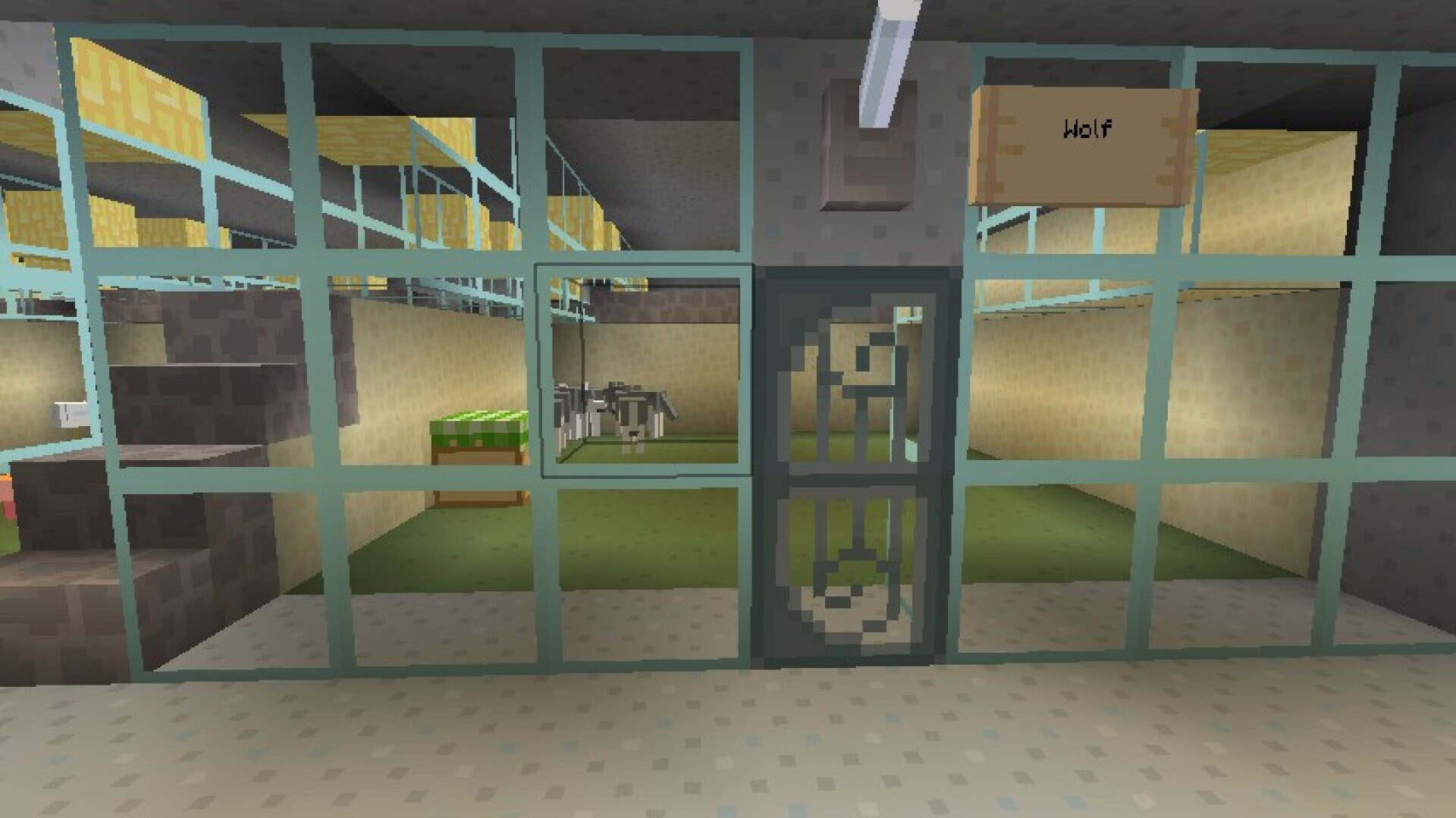
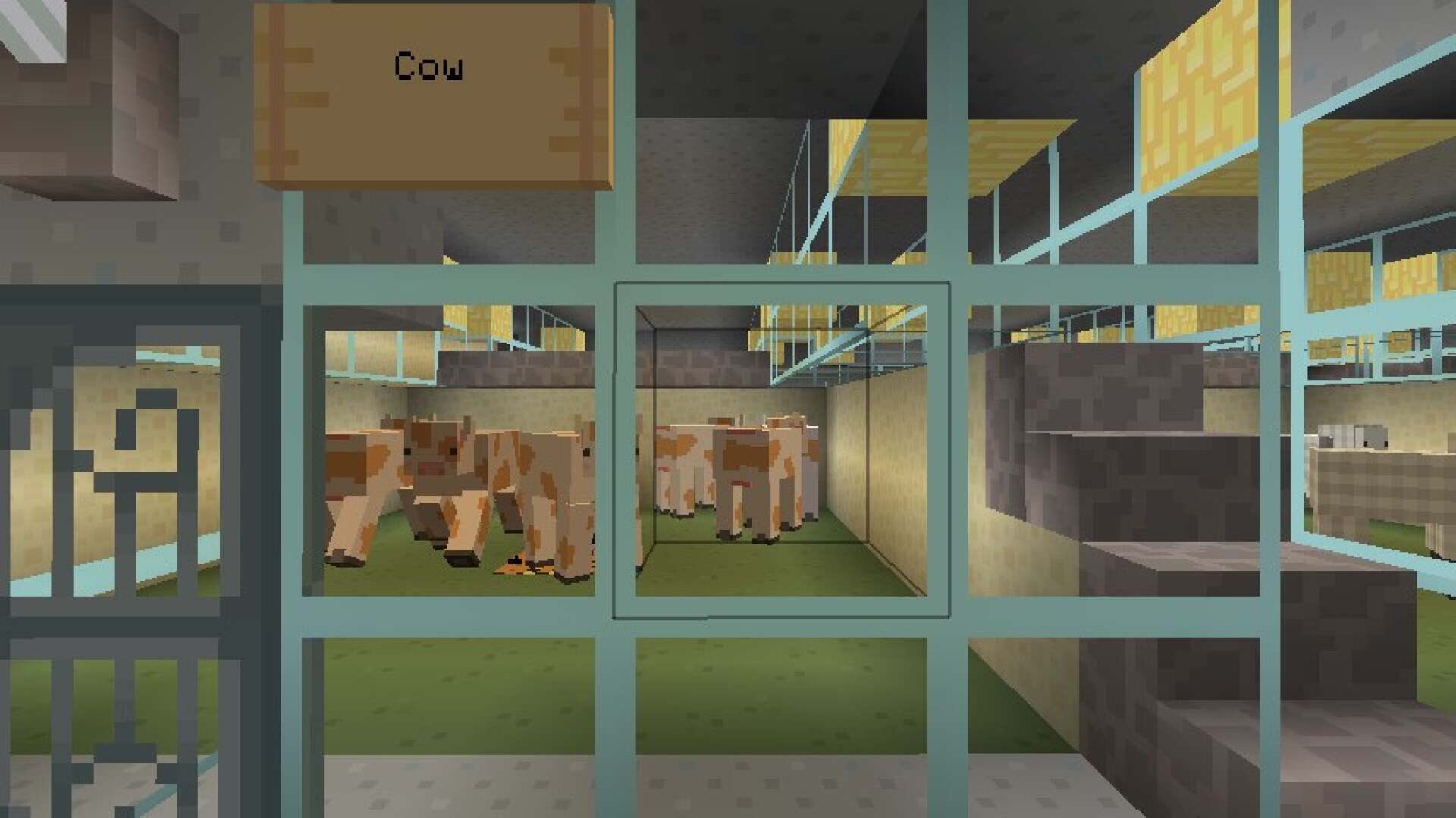
How to install CutieCraft Resource Pack:
- Most resource packs require Optifine, so be sure to download and install it. – general recommended step for all packs, Optifine is also needed for most shaders
- Download the CutieCraft texture pack for Minecraft from the download section below. – if there are many different versions, just choose the one you like, is compatible with your version/edition of Minecraft, the one you think your computer can handle in terms of performance.
- Launch the game client through the Minecraft launcher.
- On the main menu, click "Options".
- On the options menu, click "Resource Packs...".
- Click on "Open Resource Pack Folder". – folder titled "resourcepacks" will pop up
- Move the .zip file you downloaded in the first step to the newly opened "resourcepacks" folder.
- Click "Done".
- Click on "Resource Packs..." again.
- Your pack should have appeared in the left window, just hover over it and click on the arrow pointing to the right.
QUICK TIP: Sometimes, when activating a pack, the game may say that the pack is made for a newer or older version of Minecraft. This is just a warning, it does not affect your gameplay in anyway, and you can still activate and enjoy the pack by simply clicking the "Yes" button when prompted.
- Click "Done" again.
- The pack has now been successfully loaded and ready to be used in your world!
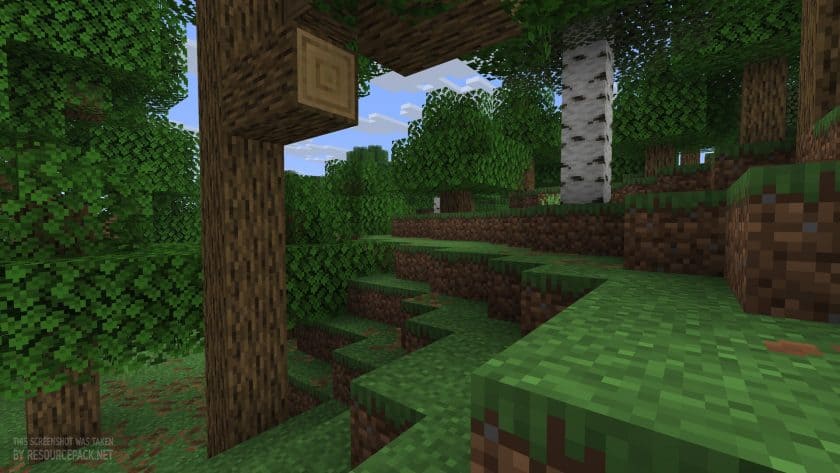
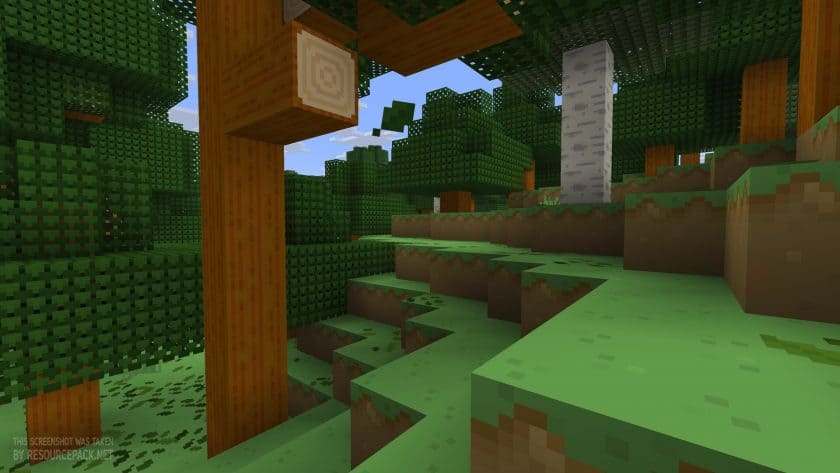
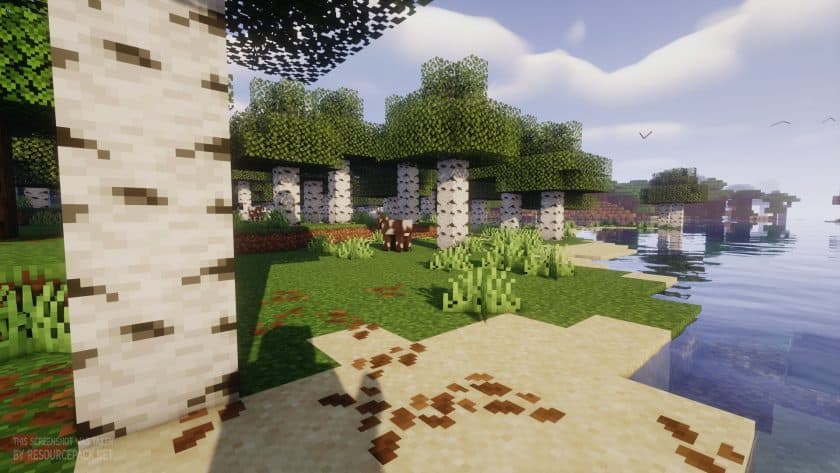
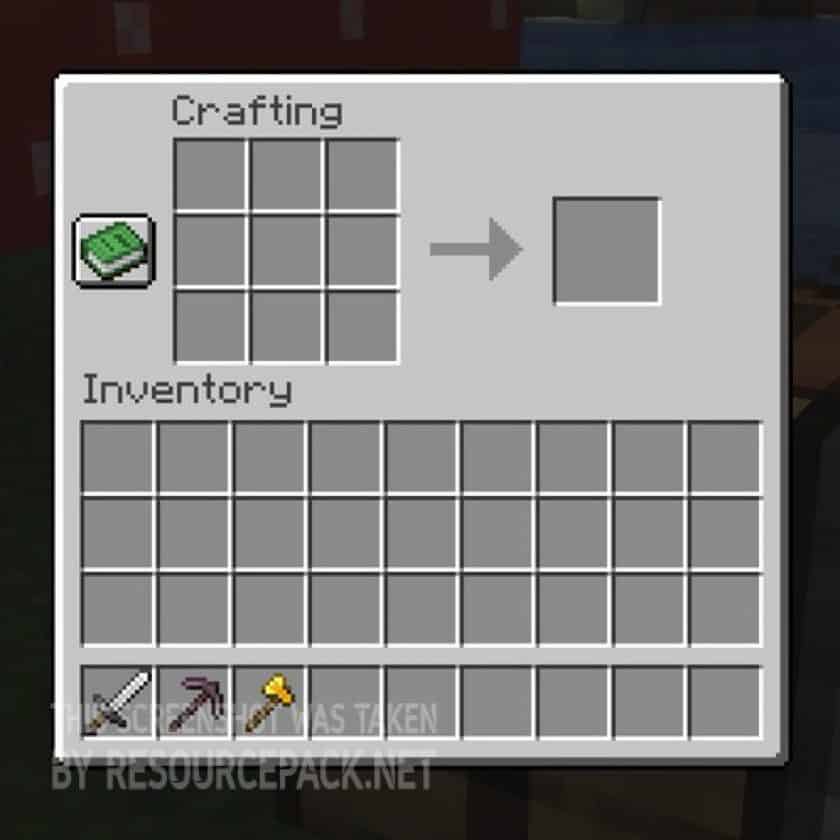
CutieCraft - Comparison Slider #1
Move slider back and forth to see vanilla Minecraft on the left and the beautiful resource pack on the right. Use the buttons below to see how the pack looks in different situations.
 Vanilla
 CutieCraft
CutieCraft Texture Pack Download
- We do not modify or edit any resource packs. All resource packs, shaders and tools found on this website are linked directly to official sources rather than hosted on our own servers. We provide only the official download links from the original creators to ensure that your files are safe and secure.
- These official links are updated manually and may occasionally stop working when a new version is released. We work hard to keep everything current so that you have a smooth experience. Please let us know in the comments if you find a link that no longer works.
- Minecraft is a trademark of Mojang Studios and has no official connection to this website. Our goal is simply to share the best creations from the community with other players.
- Please consider leaving a comment or voting for your favorite packs. This feedback helps authors improve their projects over time. You can also support the creators directly by visiting the official links located below the download section.
Java Edition:
[16x] [26.3.x – 26.1.x] Download CutieCraft Resource Pack
[16x] [1.21.x] Download CutieCraft Resource Pack
[16x] [1.11.x] Download CutieCraft Resource Pack
[16x] [1.8.x] Download CutieCraft Resource Pack
[16x] [1.7.x – 1.6.x] Download CutieCraft Resource Pack
Curseforge: download starts automatically after a few seconds;
Mediafire: click the big blue button with the text "DOWNLOAD";
Google Drive: in the top right corner you will see a small download icon (down arrow), click it and the download should start;

86 votes
Look.. 86 users have already liked this pack. Give a diamond if you like it too!



Amischill
Omg I’m AmIschill, can’t believe this small restoration has gone this far. Very glad it’s being shared more widely to the point to having a small post about it! Thank you for the credit! I’m going to try and continue for as many future updates as I can!
Linda
Hey, is there nowhere to download this anymore? I’m firing up an older version of MC and was hoping to add this on. Links to dowload didn’t do anything, and then it loaded a page saying I’m teporarily banned because idk, I guess I clicked it too much? If there’s anywhere left to get this pack, I’d appreciate if you shared it. It was kind of a staple of my early teen years lol.
Amischill
Hi if you’re doing for versions like 1.21.11-26.3 going to modrinth is going to be your only choice but for older versions like the original go to Planet Minecraft and search for CuteCraft and or CutieCraft
Admin
The original author stopped updating the pack years ago, but luckily, it’s still available for download. We’ve updated the old links, and everything seems to be working fine now. There have also been a few continuations (by different authors) released recently, so if you’re interested, you can check out some newer versions of the pack.
P.S. If the links still don’t work, try visiting one of the official sources listed in the “Author Links” section, just below the download section. We use the same links, so this might not make a difference, but it’s worth a try.
Alexis
Why dose it take me to “text group”?????????
Jessi
I love this app