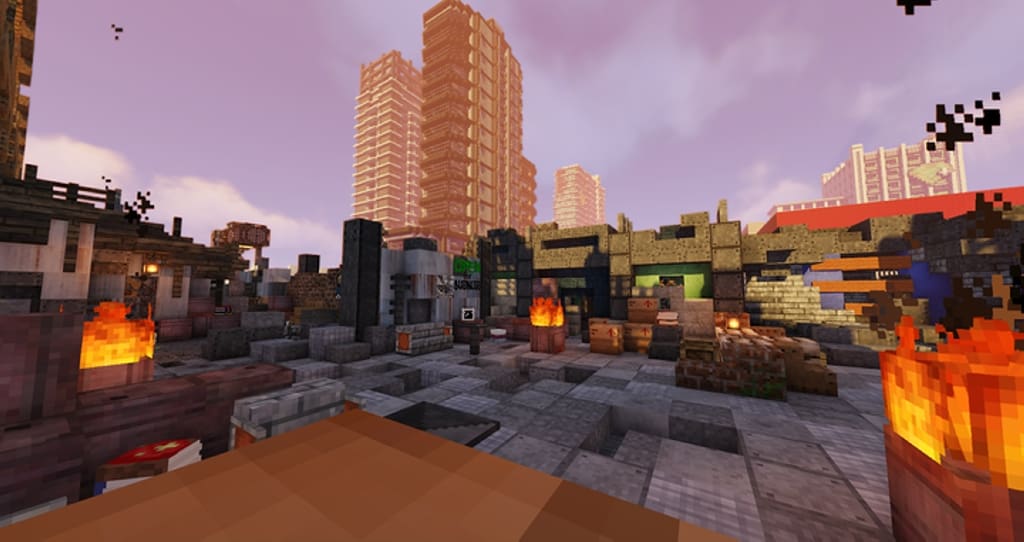
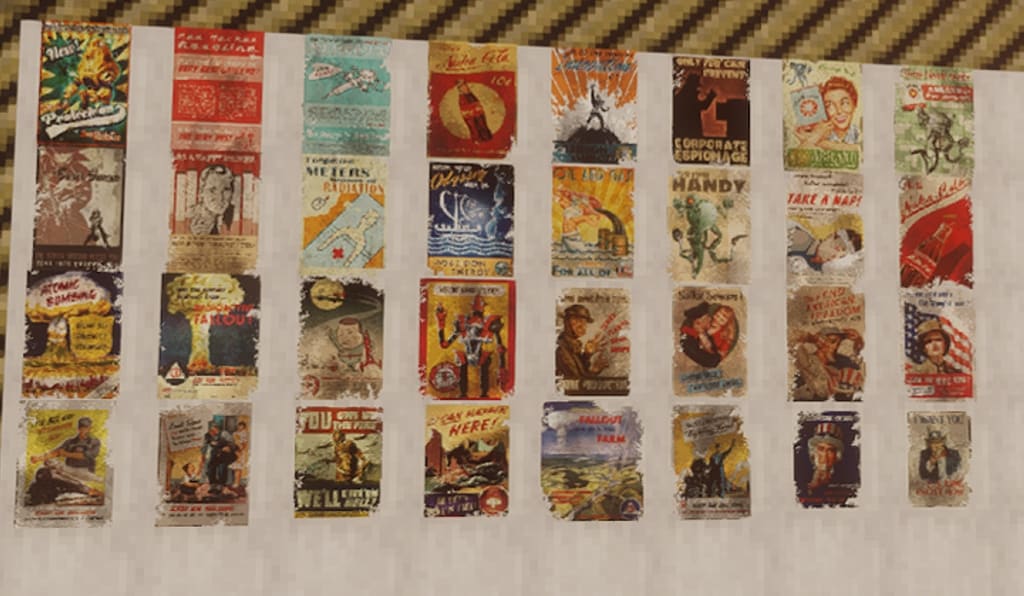
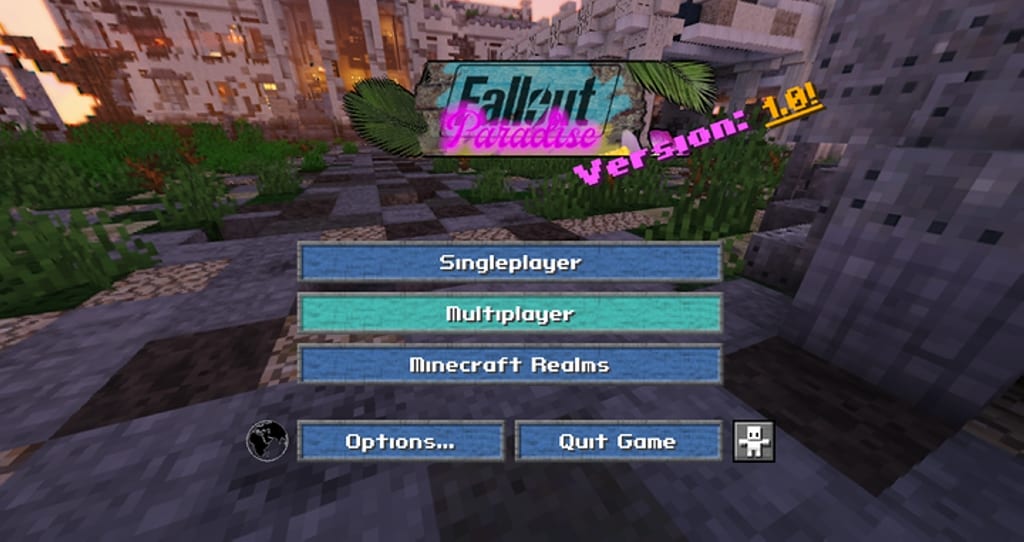
If you are a fan of post-apocalyptic movies, series, games… Or you love the Fallout video game saga, the Fallout Paradise resource pack has to be your best option. The main objective of this resource pack is to give the textures a disused, rusty, and abandoned look to the blocks, as if they had been exposed to a nuclear explosion or radioactive fallout, among other nuclear disasters, all this applied to the relative simplicity of a game like Minecraft. The pack is designed more for adventure maps, or to set Postapocalyptic-themed maps created by yourself or by anyone. The first thing you may think when you see the name of the resource pack is that you would never put the words “Fallout” and “paradise” in the same sentence. If you don’t know about the Fallout saga, it can be summarized this way: Years after a nuclear war took place on a global scale, the Earth has become a desert wasteland that is practically uninhabitable due to radiation and mutations of animals and people that were unable to find shelter. In this texture pack, many blocks look darker, dirtier, and grittier, representing the events described above.
Featured video:
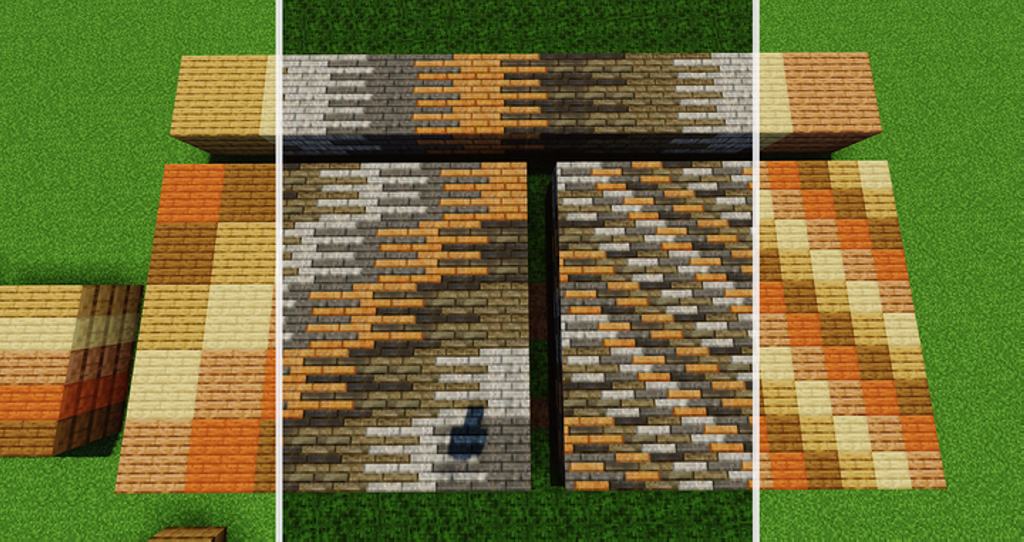
Blocks that are generally used for construction have a texture like metal sheets, which when placed in structures, simulate that they have been made from scrap and pieces of metal, so if you are looking for a texture pack that highlights the beauty of the constructions, you better look for another one. You also have to understand that Fallout Paradise isn’t completely finished yet. That doesn’t mean that the textures that have already been added are bad, on the contrary, the added textures look great. Most of the building blocks are modified, and the rest are planned for the future. The origin of the “Paradise” in the name can be because of the fact that the pack is quite green compared to the game they imitate. There are many healthy trees, mushrooms, plants, and all crops and flowers. Fallout is a well-known video game saga by many people. For this reason, Fallout Paradise is a pack that allows fans of this game to immerse themselves in a construction game as mythical as Minecraft with that typical Fallout touch. Finally, it must be said that many Fallout-themed resource packs have been created, post-apocalyptic type, it is up to you to choose the pack that you like the most, since this pack is just as good as the rest.
Fallout Paradise should be compatible with all of these Minecraft versions: 1.16.5 - 1.16.4 - 1.16.3 - 1.16.2 - 1.16.1 - 1.16 - 1.15.2 - 1.15.1 - 1.15 - 1.14.4 - 1.14.3 - 1.14.2 - 1.14 - 1.13.2 - 1.13.1 - 1.13 - 1.12.2 - 1.12 - 1.11.2 - 1.11 - 1.10.2 - 1.10 - 1.9.4 - 1.9 - 1.8.9 - 1.8.8 - 1.8.1 - 1.8.6 - 1.8 - 1.7.10 - 1.7.9 - 1.7.4 - 1.7
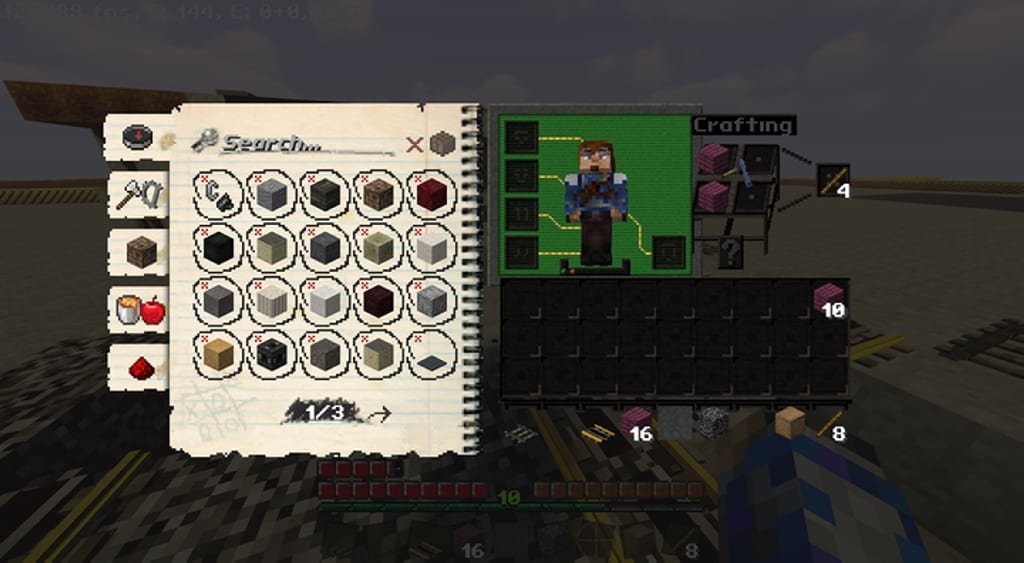
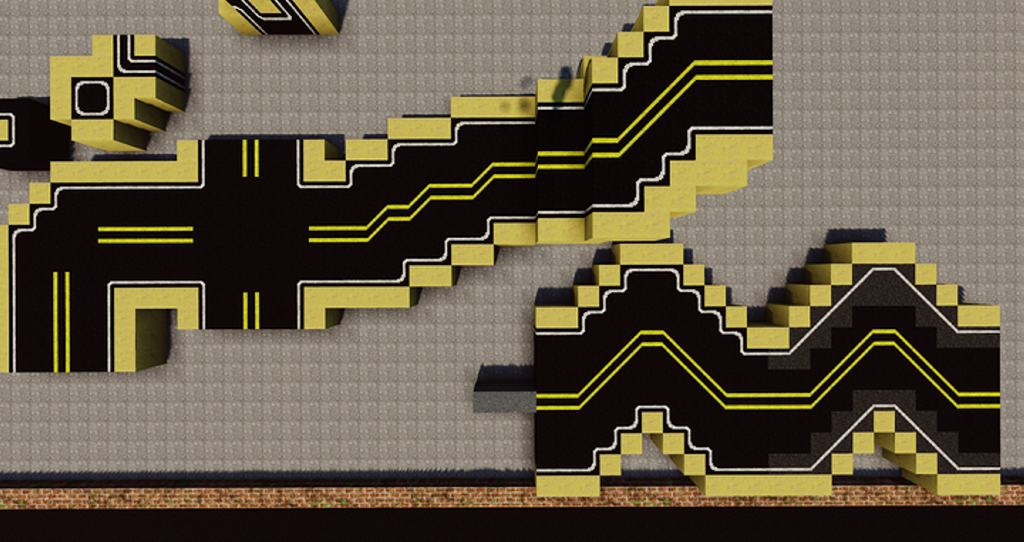
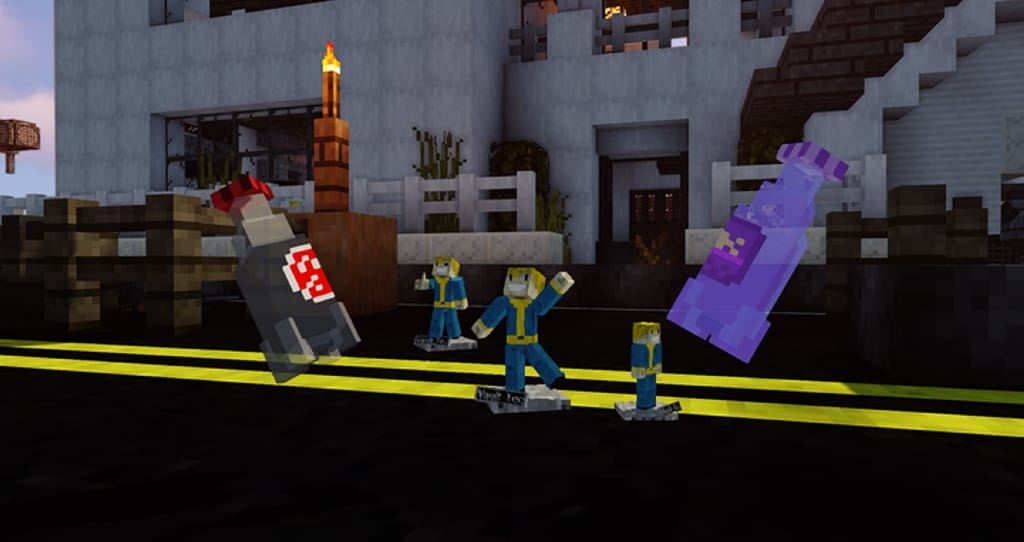
Fallout Paradise — Video & Screenshots
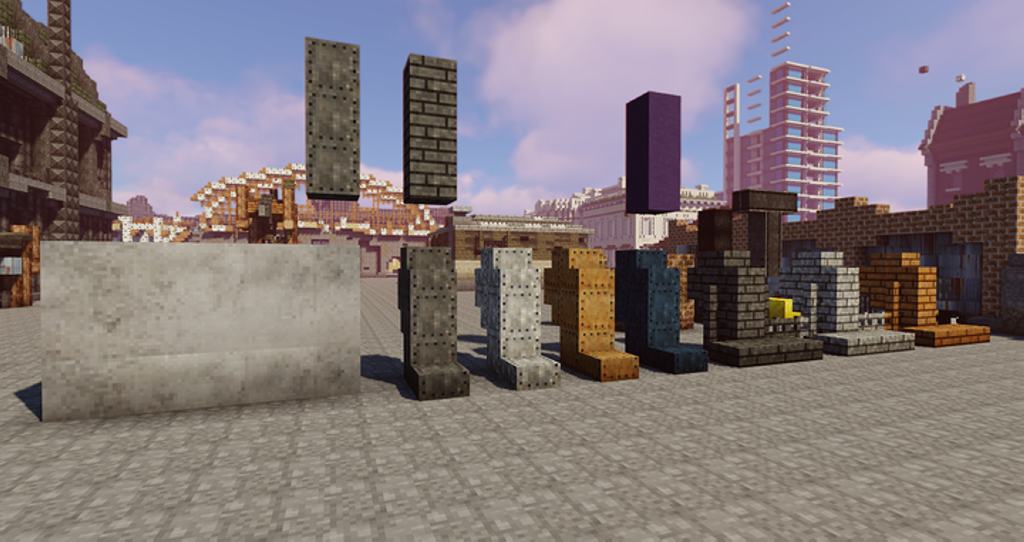
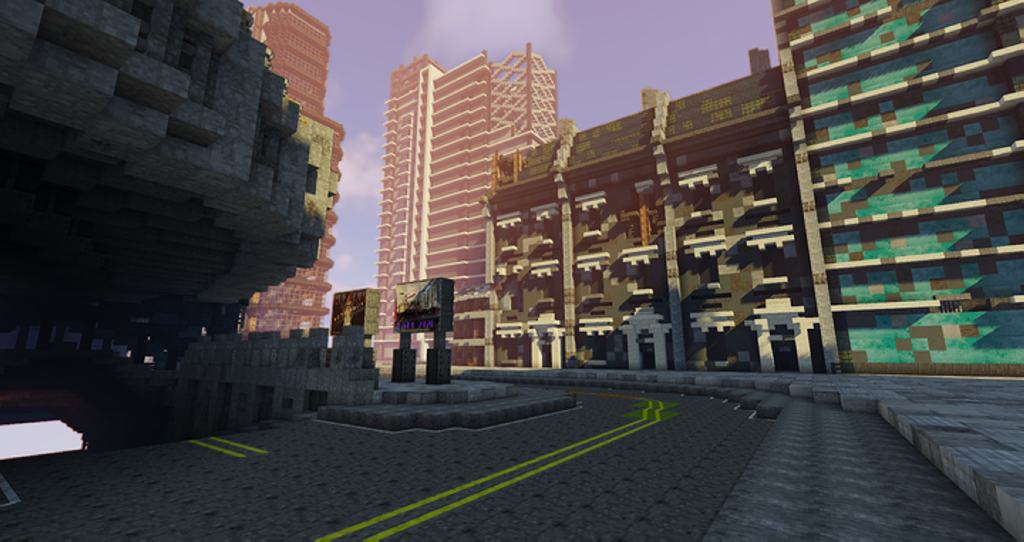
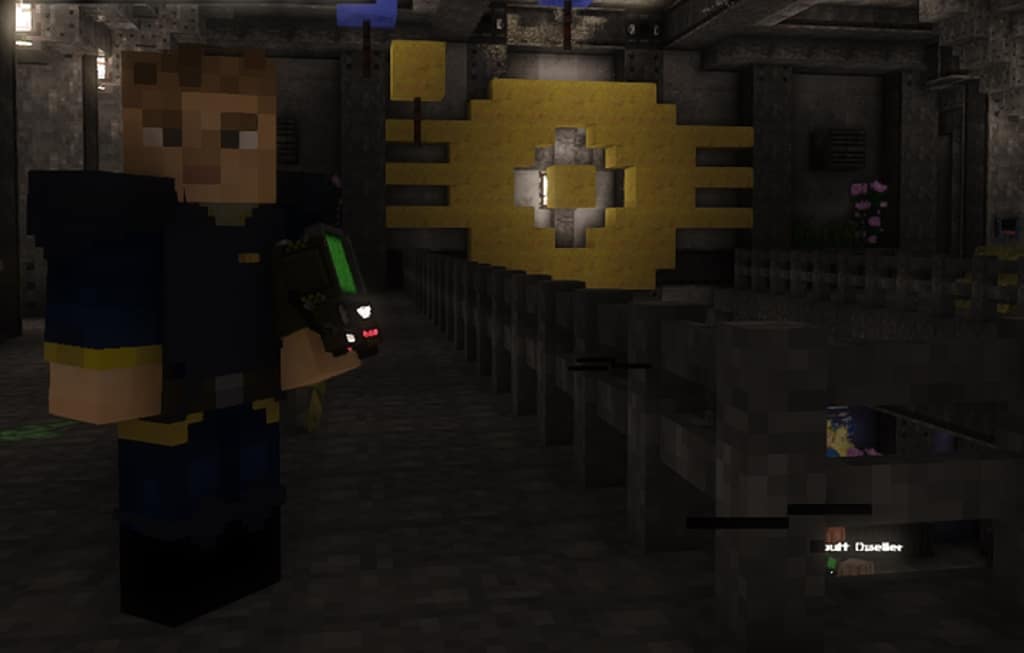
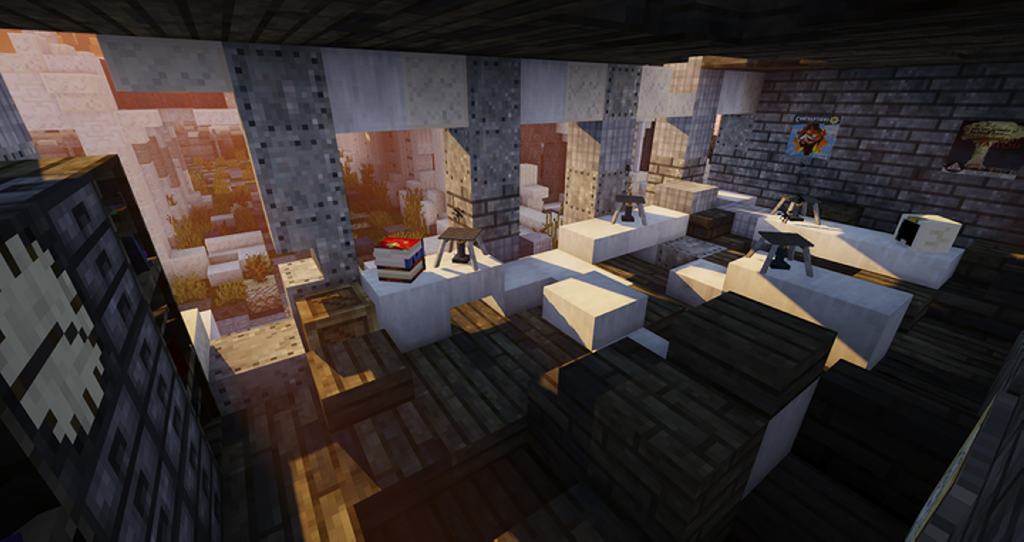
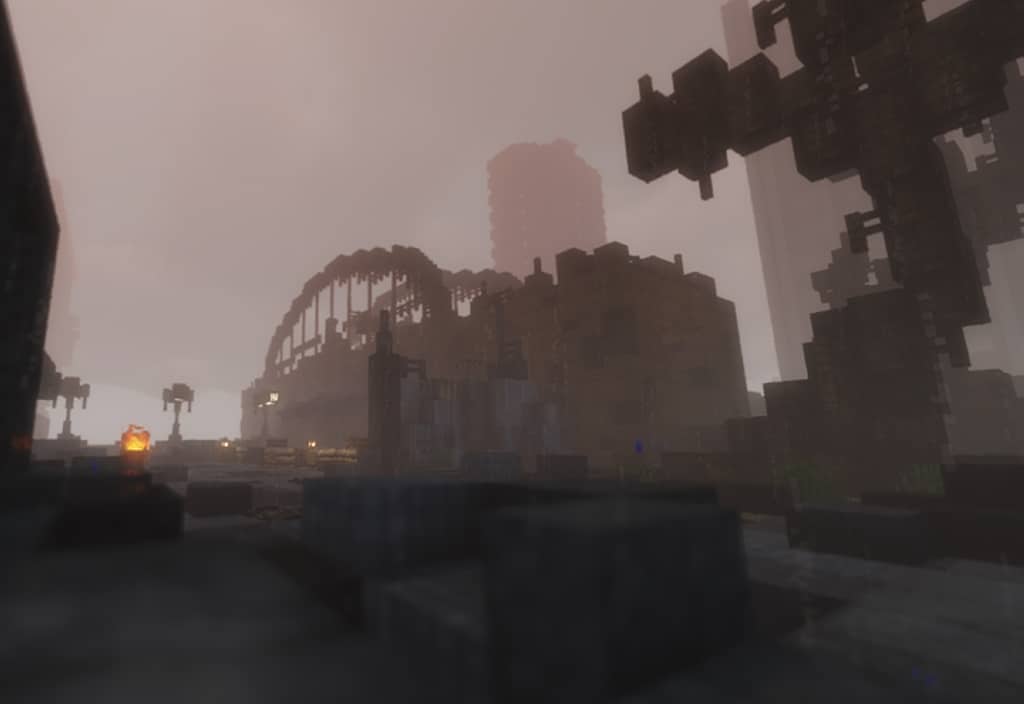
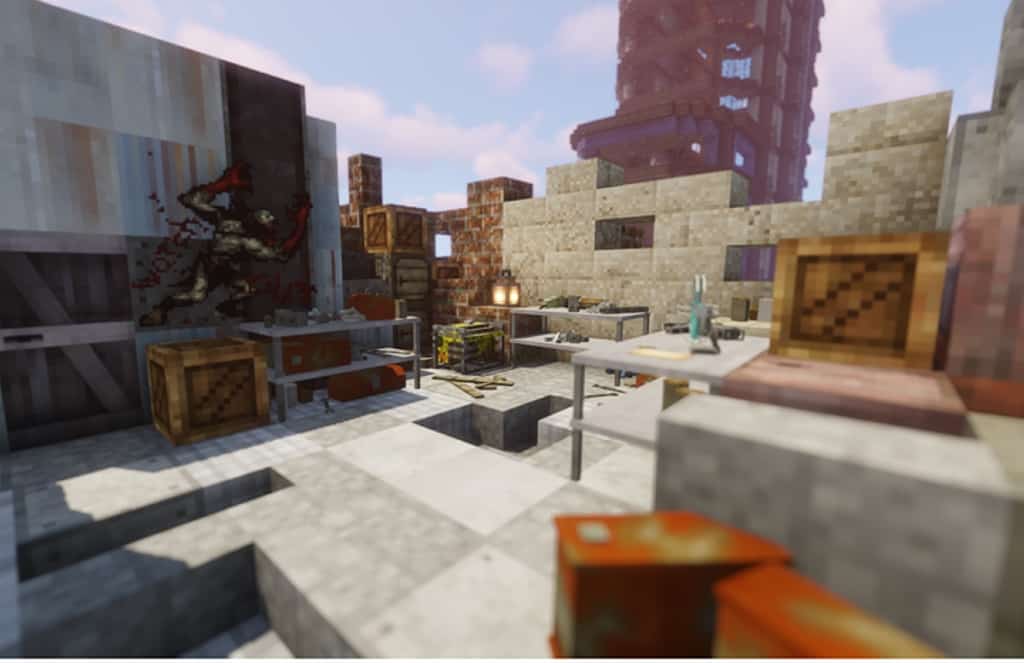
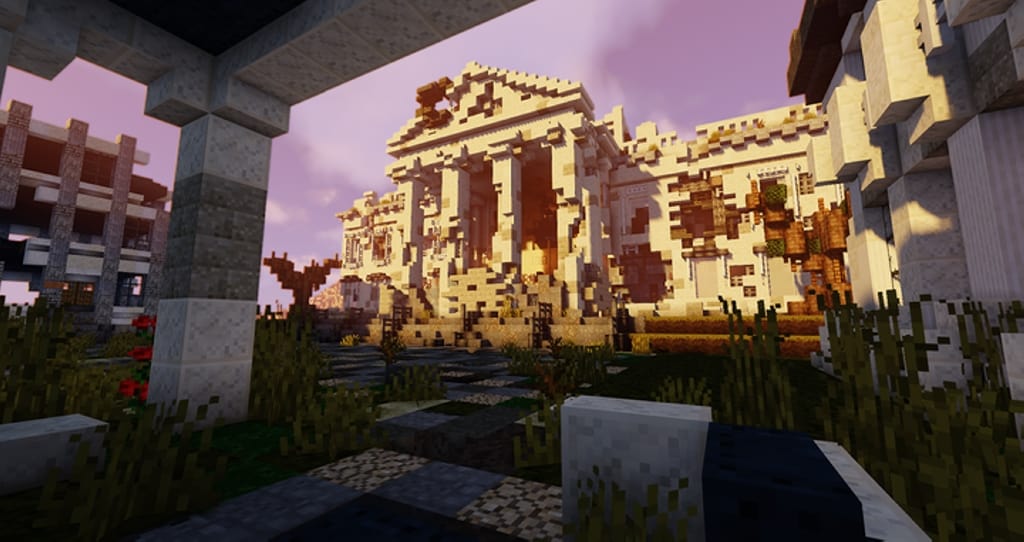
How to install Fallout Paradise Resource Pack:
- Most resource packs require Optifine, so be sure to download and install it. – general recommended step for all packs, Optifine is also needed for most shaders
- Download the Fallout Paradise texture pack for Minecraft from the download section below. – if there are many different versions, just choose the one you like, is compatible with your version/edition of Minecraft, the one you think your computer can handle in terms of performance.
- Launch the game client through the Minecraft launcher.
- On the main menu, click "Options".
- On the options menu, click "Resource Packs...".
- Click on "Open Resource Pack Folder". – folder titled "resourcepacks" will pop up
- Move the .zip file you downloaded in the first step to the newly opened "resourcepacks" folder.
- Click "Done".
- Click on "Resource Packs..." again.
- Your pack should have appeared in the left window, just hover over it and click on the arrow pointing to the right.
QUICK TIP: Sometimes, when activating a pack, the game may say that the pack is made for a newer or older version of Minecraft. This is just a warning, it does not affect your gameplay in anyway, and you can still activate and enjoy the pack by simply clicking the "Yes" button when prompted.
- Click "Done" again.
- The pack has now been successfully loaded and ready to be used in your world!
Fallout Paradise Texture Pack Download
- We do not modify or edit any resource packs. All resource packs, shaders and tools found on this website are linked directly to official sources rather than hosted on our own servers. We provide only the official download links from the original creators to ensure that your files are safe and secure.
- These official links are updated manually and may occasionally stop working when a new version is released. We work hard to keep everything current so that you have a smooth experience. Please let us know in the comments if you find a link that no longer works.
- Minecraft is a trademark of Mojang Studios and has no official connection to this website. Our goal is simply to share the best creations from the community with other players.
- Please consider leaving a comment or voting for your favorite packs. This feedback helps authors improve their projects over time. You can also support the creators directly by visiting the official links located below the download section.
[16x] [1.16.x] Download Fallout Paradise Resource Pack – main pack
[16x] [1.16.x] Download Fallout Paradise Expansion Resource Pack – expansion pack
[16x] [1.15.x – 1.8.x] Download Fallout Paradise Resource Pack
Official links:
Check out the Fallout Paradise Resource Pack on the Official Website
Check out the Fallout Paradise Resource Pack on the Official Source
Curseforge: download starts automatically after a few seconds;
Mediafire: click the big blue button with the text "DOWNLOAD";
Google Drive: in the top right corner you will see a small download icon (down arrow), click it and the download should start;

92 votes
Look.. 92 users have already liked this pack. Give a diamond if you like it too!

JZ
The 1.8 resource pack doesn’t work anymore.
yeahFlipz
how do the road textures work? I can’t get the texture to connect on corners
rika
now i cant open minecraft can somebody help me?
mercyforsins
delete the pack from the resource pack folder it happened to me too idk what happened