As suggested by its name, the minecraft 8-bitCraft 2 resource pack is simply 8-bitCraft’s remastered version that was available in the market from the end of year 2018. The Minecraft original 8-bitCraft definitely is a resource pack with stellar appearance that got transformed in the world environment of Minecraft into an immersive and authentic 8-bit pack. However, this pack came to be a little rough around edges and certainly you get a little scope for advancement and thankfully, the 8-bitCraft 2 works excellently for remedying minor concerns that was available with first one which was thereby available for stellar visual features with best experience through which the players were wholly get immersed in their Minecraft Worlds. The 8-bitCraft 2 resource pack can manage to offer players with some of the cleanest and aesthetically appealing visuals through which you’ll definitely take a closer look at all things twice.
Featured video:
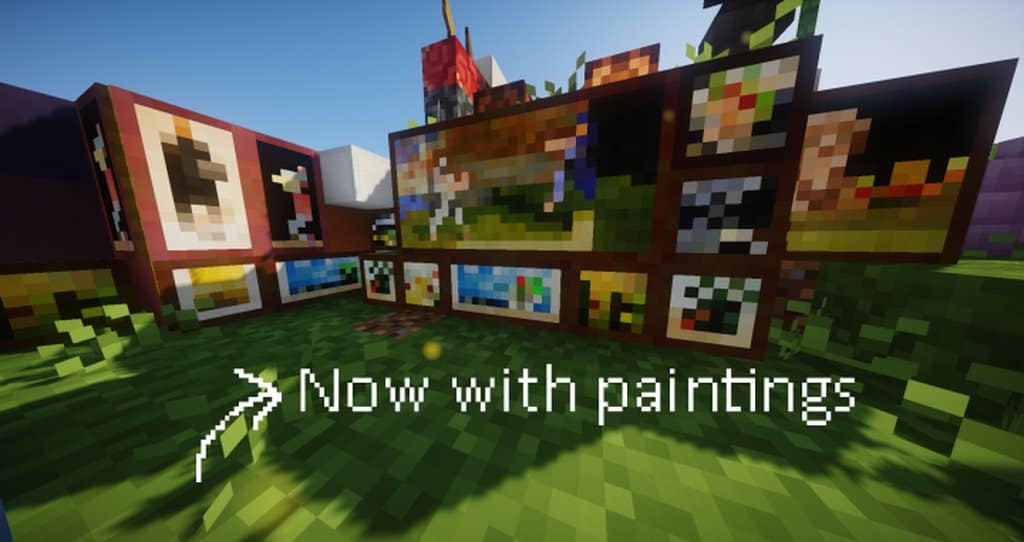
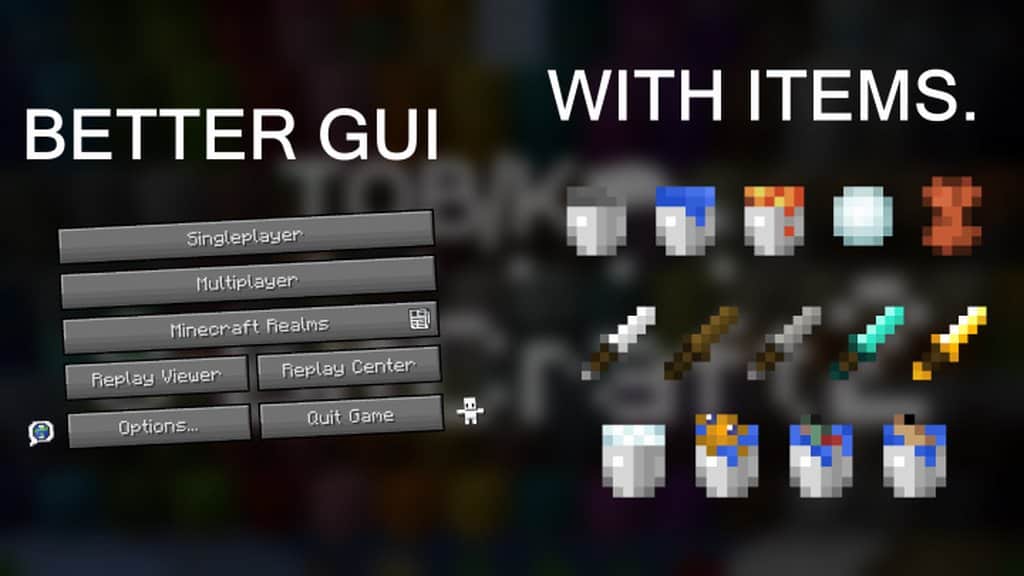
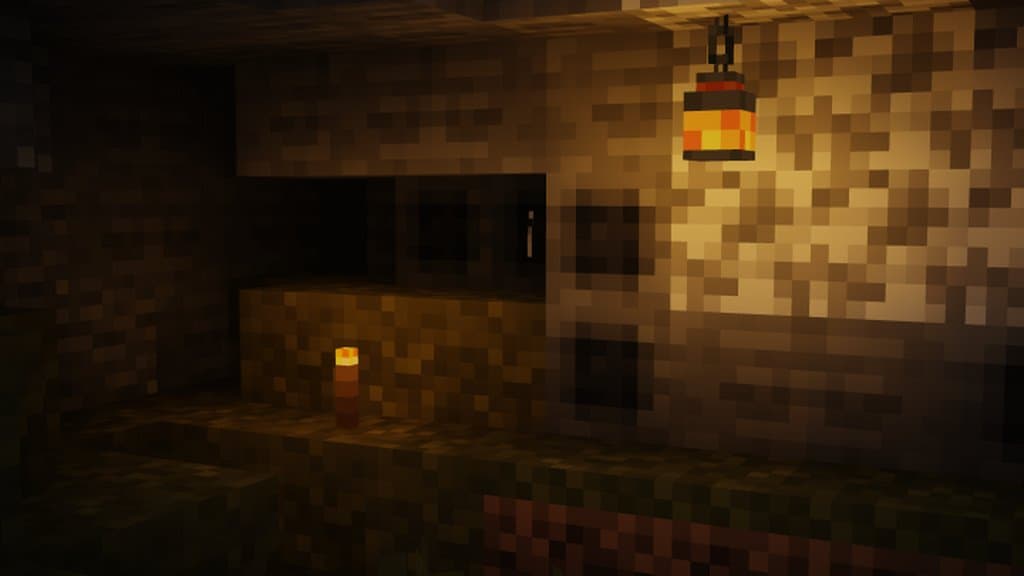
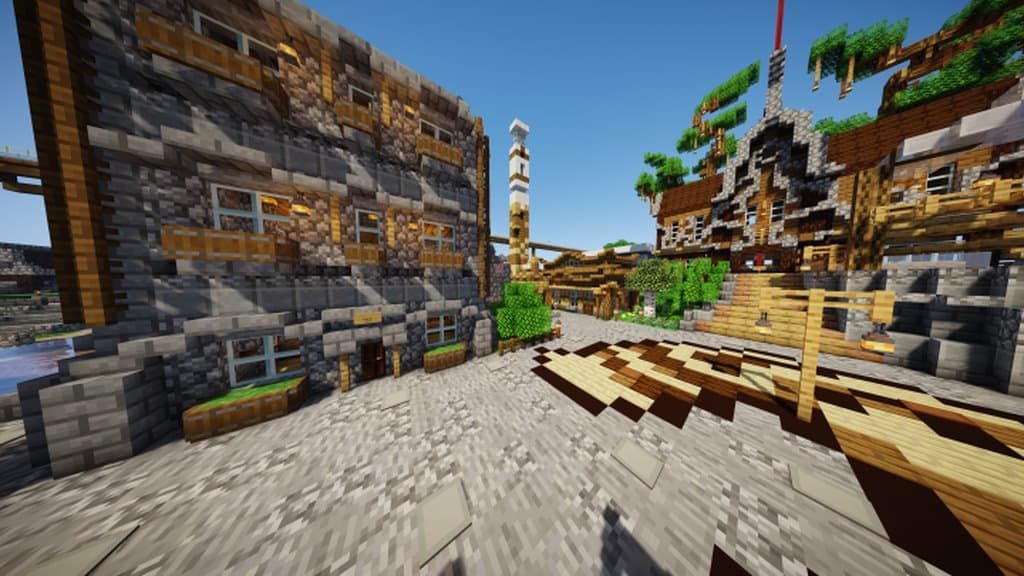
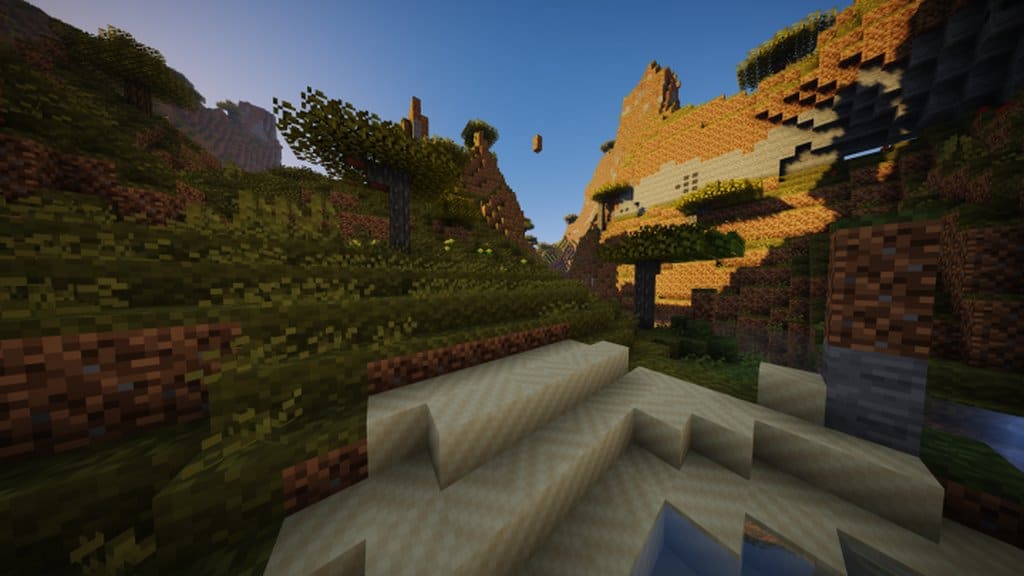
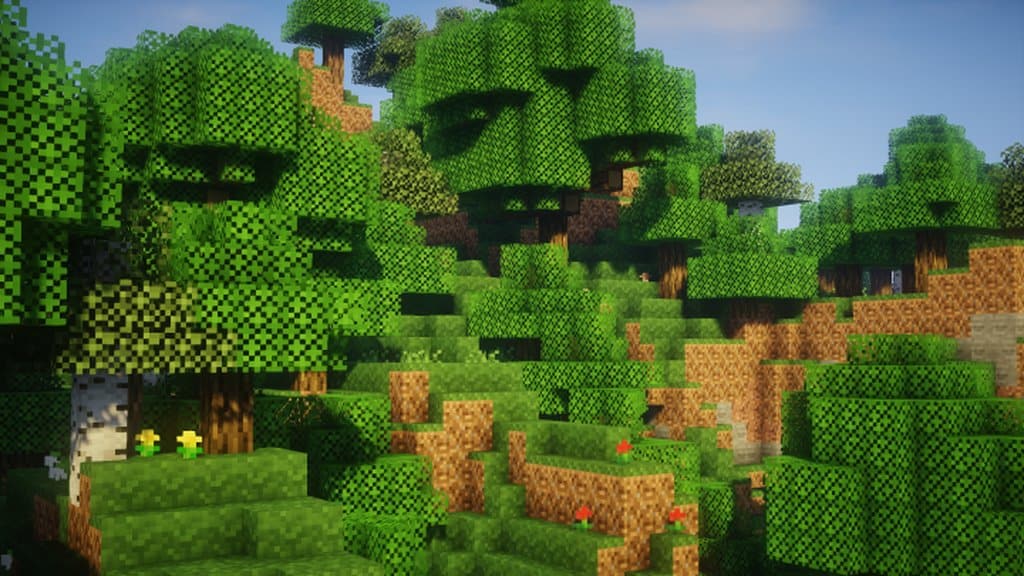
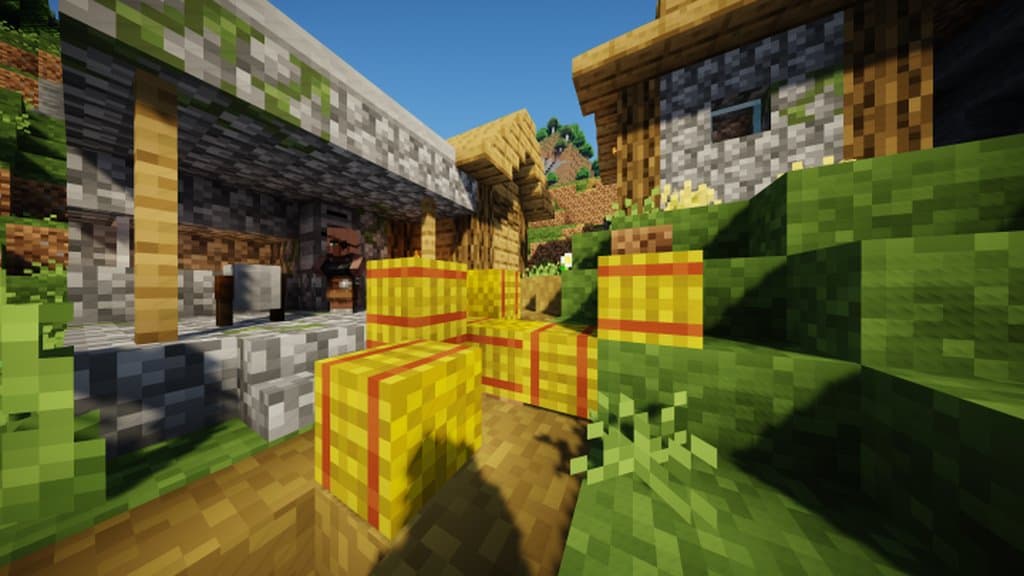
Unlike any other conventional pack, the 8-bitCraft 2 doesn’t pick on a lot of details and textures but this opts for the smoother appearance instead, that doesn’t make it quite difficult for your eyes. The resource pack complements well with smoother textures and availability of lively color palettes and this would help in bringing almost all types of lifelike colors and textures. A great feature that you can find in the 8-bitCraft 2 texture pack is that it would revamp all the important Minecraft visual aspects that range from different mobs to all the items and blocks and combination of such stunning lifelike visual features add up to a highly perfect immersive experience. The resource pack is available with 8×8 texture resolution which gets toned down and is also compared to quite lower 16×16 resolution which is default resolution value for most of the other packs. Because of such low resolution, you’ll surely get a lot better performance for the gameplay if you ever think of trying on this pack.
8-bitCraft 2 should be compatible with all of these Minecraft versions: 1.18.2 - 1.18.1 - 1.18 - 1.17.1 - 1.17 - 1.16.5 - 1.16.4 - 1.16.3 - 1.16.2 - 1.16.1 - 1.16 - 1.15.2 - 1.15.1 - 1.15 - Bedrock Edition - PE
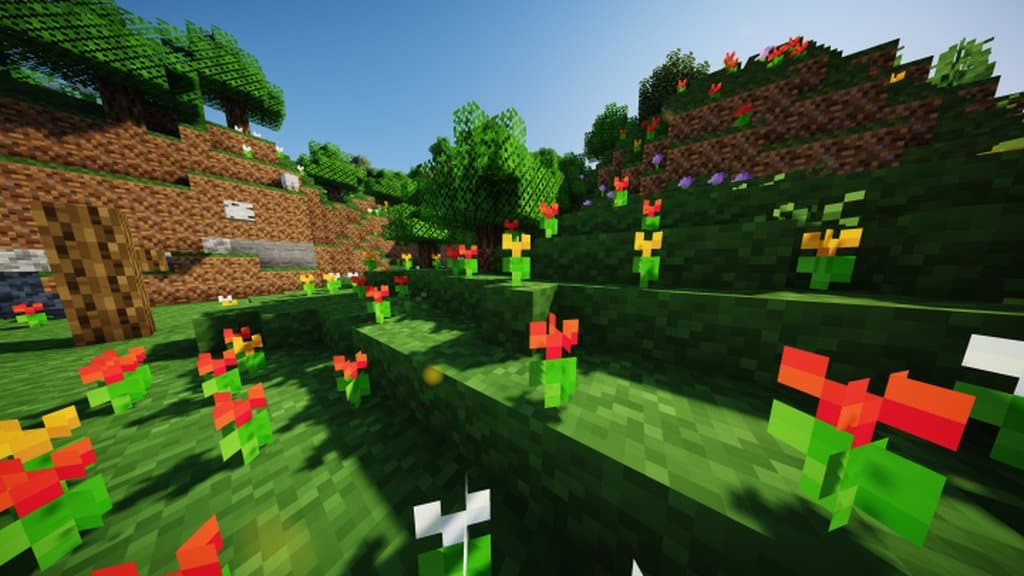
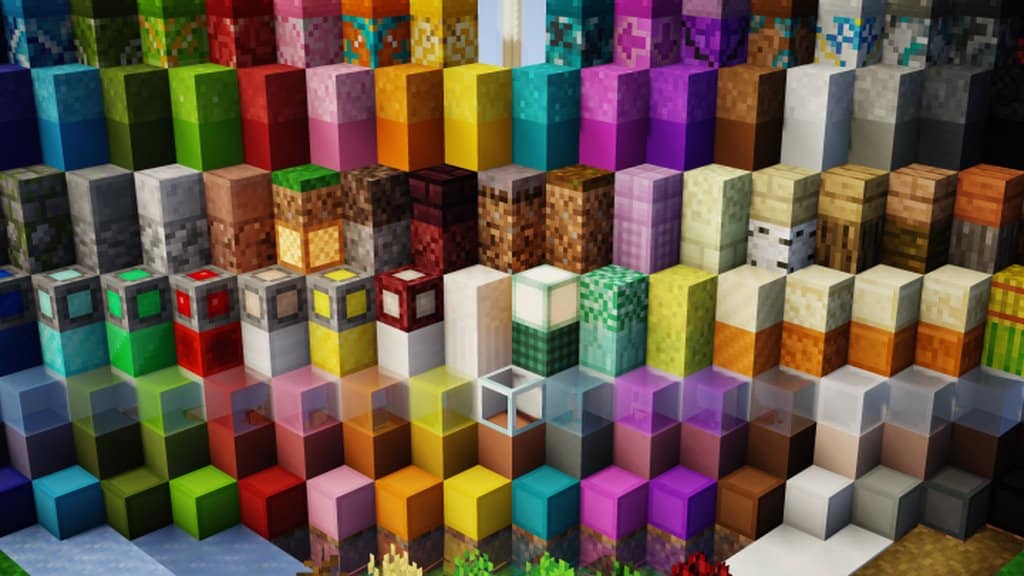
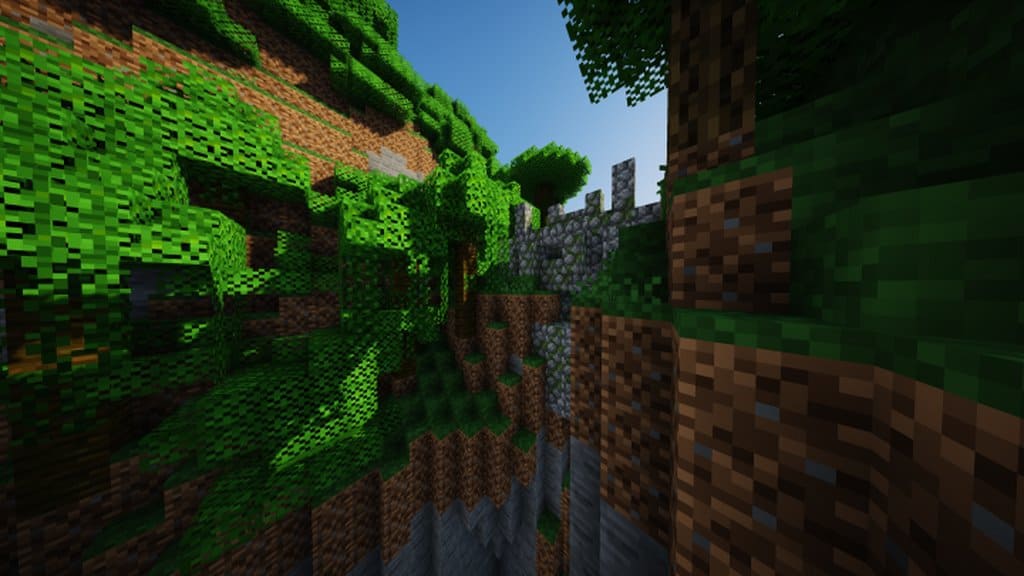
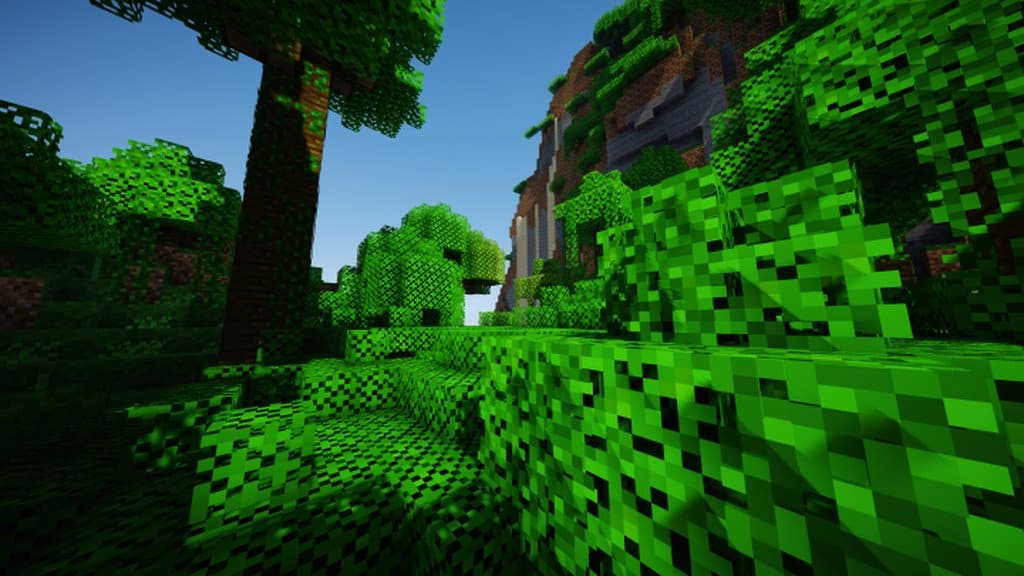
8-bitCraft 2 — Screenshots
How to install 8-bitCraft 2 Resource Pack:
- Most resource packs require Optifine, so be sure to download and install it. – general recommended step for all packs, Optifine is also needed for most shaders
- Download the 8-bitCraft 2 texture pack for Minecraft from the download section below. – if there are many different versions, just choose the one you like, is compatible with your version/edition of Minecraft, the one you think your computer can handle in terms of performance.
- Launch the game client through the Minecraft launcher.
- On the main menu, click "Options".
- On the options menu, click "Resource Packs...".
- Click on "Open Resource Pack Folder". – folder titled "resourcepacks" will pop up
- Move the .zip file you downloaded in the first step to the newly opened "resourcepacks" folder.
- Click "Done".
- Click on "Resource Packs..." again.
- Your pack should have appeared in the left window, just hover over it and click on the arrow pointing to the right.
QUICK TIP: Sometimes, when activating a pack, the game may say that the pack is made for a newer or older version of Minecraft. This is just a warning, it does not affect your gameplay in anyway, and you can still activate and enjoy the pack by simply clicking the "Yes" button when prompted.
- Click "Done" again.
- The pack has now been successfully loaded and ready to be used in your world!
8-bitCraft 2 Texture Pack Download
- We do not modify or edit any resource packs. All resource packs, shaders and tools found on this website are linked directly to official sources rather than hosted on our own servers. We provide only the official download links from the original creators to ensure that your files are safe and secure.
- These official links are updated manually and may occasionally stop working when a new version is released. We work hard to keep everything current so that you have a smooth experience. Please let us know in the comments if you find a link that no longer works.
- Minecraft is a trademark of Mojang Studios and has no official connection to this website. Our goal is simply to share the best creations from the community with other players.
- Please consider leaving a comment or voting for your favorite packs. This feedback helps authors improve their projects over time. You can also support the creators directly by visiting the official links located below the download section.
Bedrock Edition:
[8x] [1.17.x] Download 8-bitCraft 2 Bedrock Edition Resource Pack
[8x] [1.16.x – 1.15.x] Download 8-bitCraft 2 Bedrock Edition Resource Pack
Java Edition:
[8x] [1.18.x] Download 8-bitCraft 2 Resource Pack
[8x] [1.17.x] Download 8-bitCraft 2 Resource Pack
[8x] [1.16.x – 1.15.x] Download 8-bitCraft 2 Resource Pack
Curseforge: download starts automatically after a few seconds;
Mediafire: click the big blue button with the text "DOWNLOAD";
Google Drive: in the top right corner you will see a small download icon (down arrow), click it and the download should start;

758 votes
Look.. 758 users have already liked this pack. Give a diamond if you like it too!


frfr
PLEASE 1.21.5
Hewwo!! (ies)
yes please 1.21.10
SirCroix
Is this texture pack still being updated?
shit
this is so cool
Mechiko
The texture of cooked COD and cooked salmon is not reversed?
Jones
Bedrock edition file does not exist. Anyone know where to find it?
M1D
is this good for pvp?
Hooman
Very cute! Love it! At some points it’s really weird (like iron, gold, sword ect) but still love it!
creeper
haven’t 1.8.9 again*
OliverSmith2008
Reccomended
This texture pack is awesome! It has really cute textures and I like it a lot!
– Oliver
Someone Normal
You unintentionally made one of the best lag-reducing texture packs out there. Thanks a lot!
(Yes a texture pack can increase FPS on old-end machines and devices that suffer from low RAM)
Quean
Hello i like this
Hei Bk201
Really interesting!
doge The dog
Nice
DarknSkull
the swords are cute
Sophie Pagé
nice met
Mehcplex
yeah