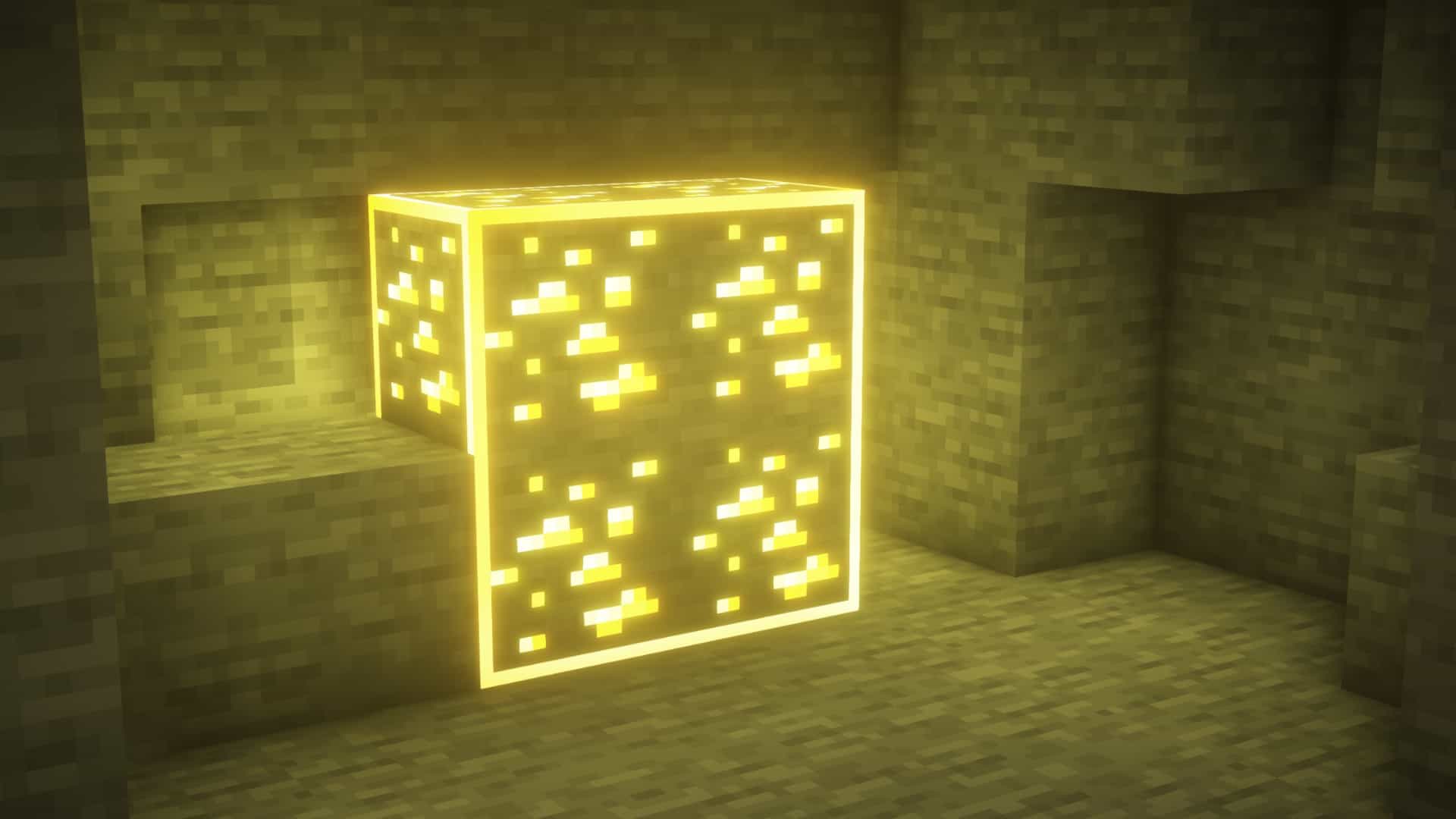
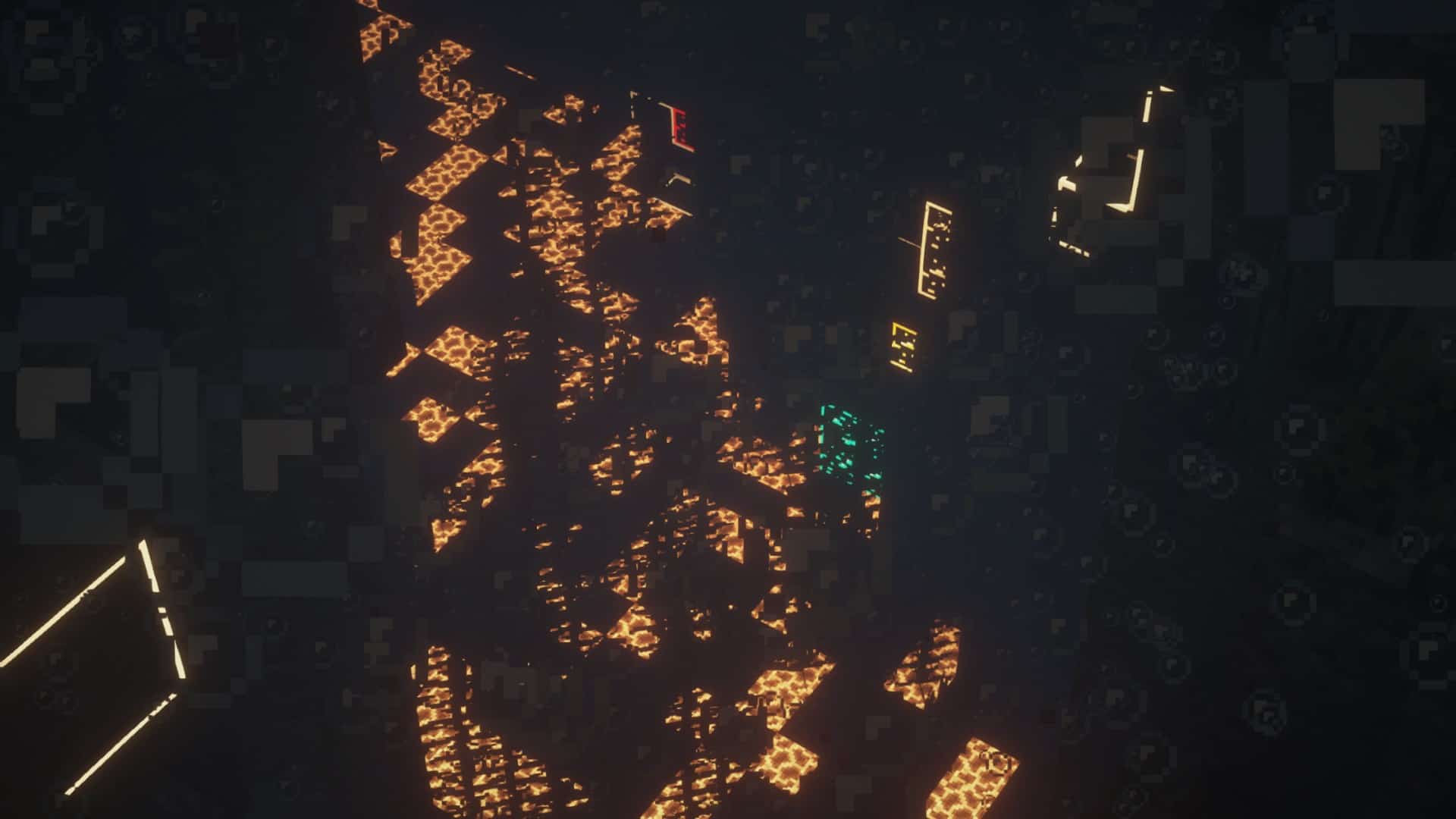
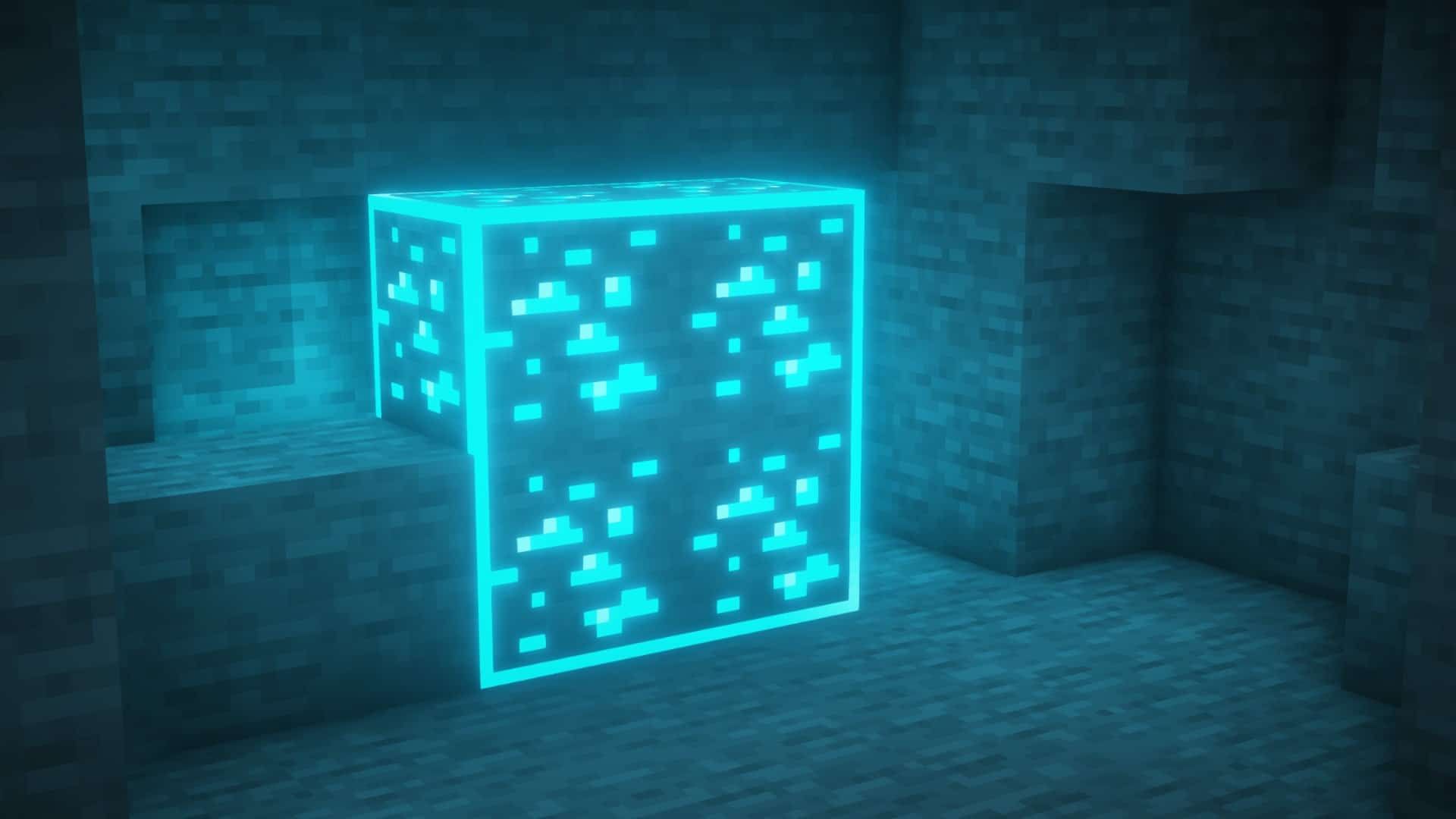
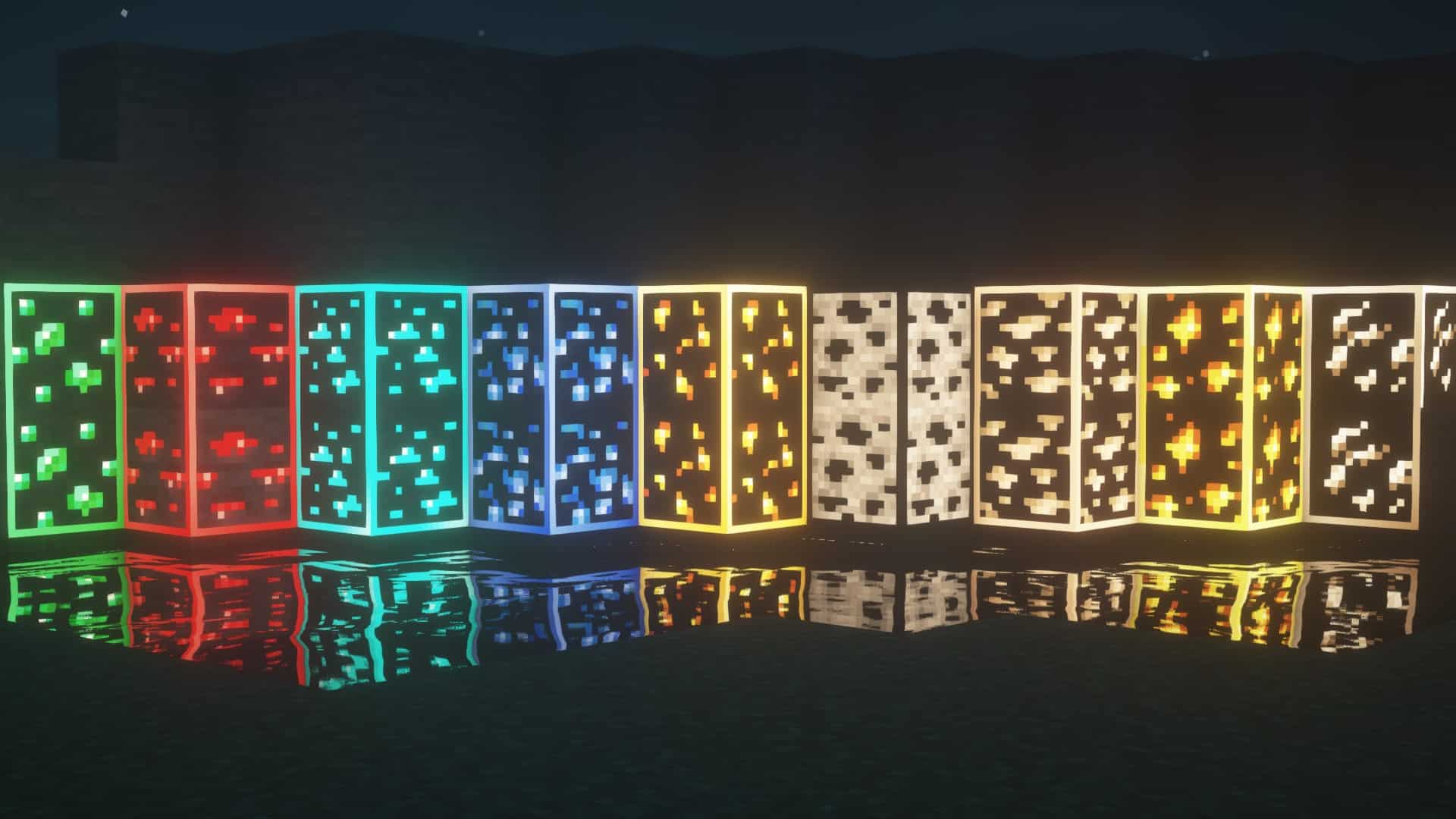
If you like trying out unique resource packs that bring something new and unusual to the table, then Visible Ores resource pack is one of your possible choices. Every Minecraft player knows that it can be quite tedious to find and even notice some of the rarer ores, especially in the dark caverns that you’re likely going to be mining at. The main purpose of the Visible Ores texture pack is to ease that process and eventually make the game even more enjoyable. Unlike most of the other packs that utilize X-ray and essentially make you feel like you’re cheating, Visible Ores manages to retain the vanilla experience and doesn’t nullify that feeling of success and joy once you encounter diamonds, emeralds, or any other valuable material. You won’t be able to simply see through the blocks at the press of a button – it still requires you to go through all the necessary progression and well-known mining expeditions. At its core, Visible Ores simply highlights and outlines every ore vein that you can find in caves – coal, iron, gold, diamond, and others. The glow is not overwhelming, but just enough to help you notice it in the dark.
Featured video:
Visible Ores is one of the best resource packs for new players who’d like to make the game a tad bit easier. No textures in the game have been altered at all, which makes it great for everyone who wants to take in the vanilla Minecraft experience. Also, this resource pack is supported by all online servers since it doesn’t bring you any advantages over other players. With Visible Ores, you’ll have more time left to enjoy other aspects of the game such as building, adventuring, visiting new dimensions, etc. To use Visible Ores, you’ll need to have Optifine installed. The resource pack uses its emissive/connected textures feature in order to work and display properly. It goes without saying that all the textures retain their 16×16 original resolution, which means that you won’t experience any FPS drops. You could even notice a performance increase if you didn’t have Optifine installed previously. If you want to make Minecraft look even prettier, there is a labPBR release of the resource pack. This version requires shaders, but it will give every ore its appropriate blocklight color for a unique glow. The Visible Ores resource pack supports Minecraft versions from 1.15 all the way up to 1.17.
Visible Ores should be compatible with all of these Minecraft versions: 1.21.11 - 1.21.10 - 1.21.9 - 1.21.8 - 1.21.7 - 1.21.6 - 1.21.5 - 1.21.4 - 1.21.3 - 1.21.2 - 1.21.1 - 1.21 - 1.20.6 - 1.20.5 - 1.20.4 - 1.20.3 - 1.20.2 - 1.20.1 - 1.20 - 1.19.4 - 1.19.3 - 1.19.2 - 1.19.1 - 1.19 - 1.18.2 - 1.18.1 - 1.18 - 1.17.1 - 1.17 - 1.16.5 - 1.16.4 - 1.16.3 - 1.16.2 - 1.16.1 - 1.16
Visible Ores — Screenshots
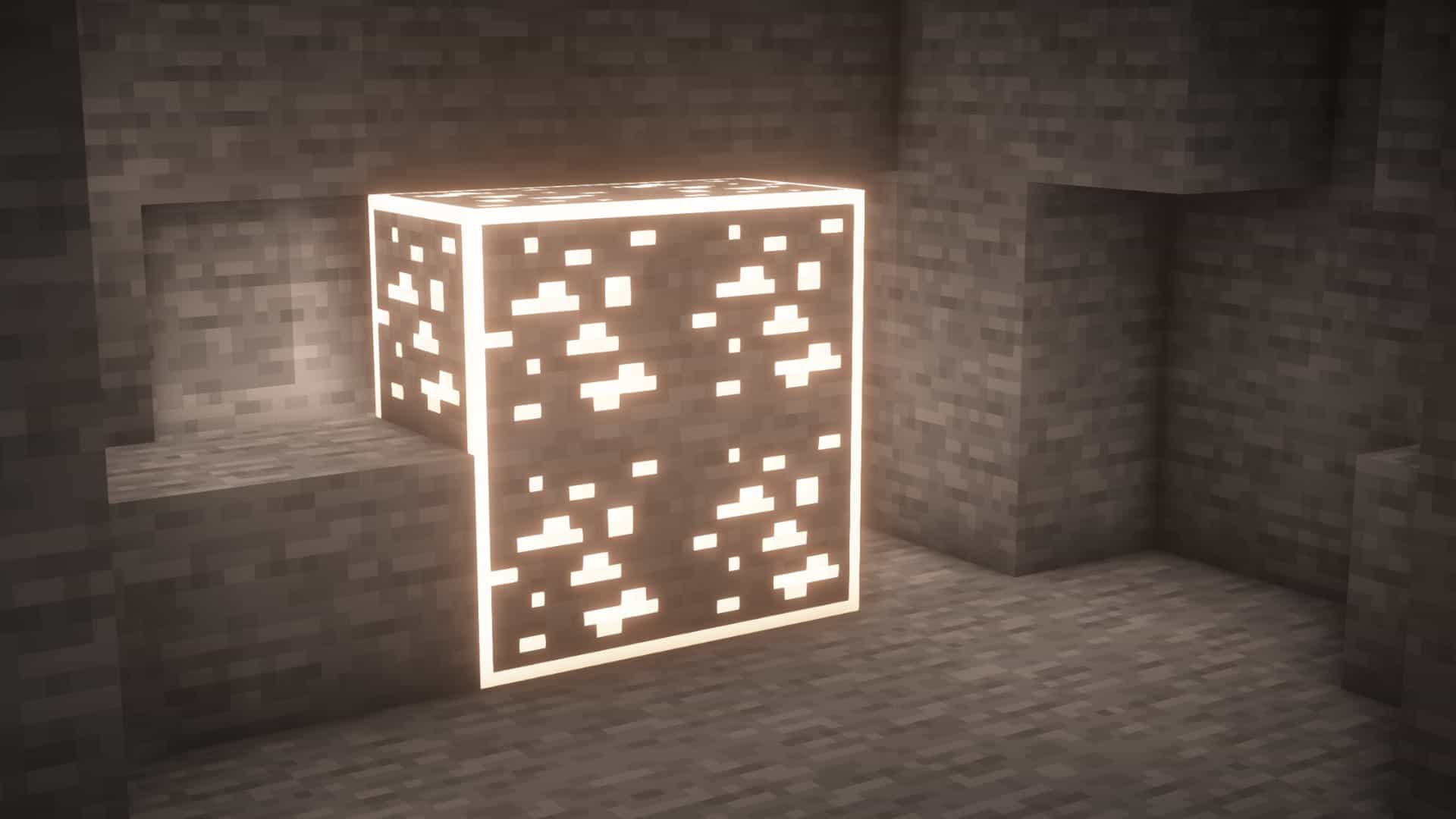
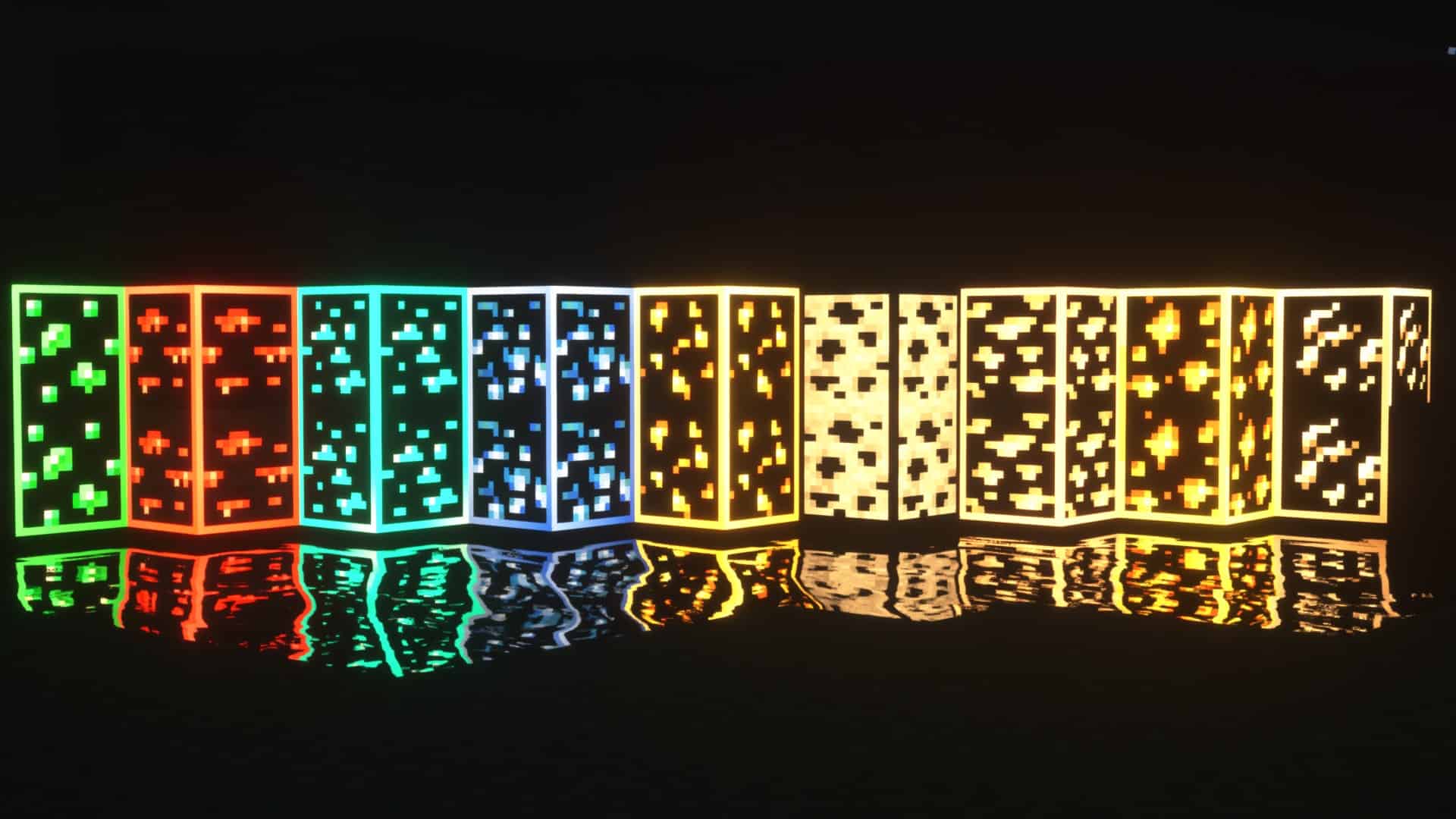
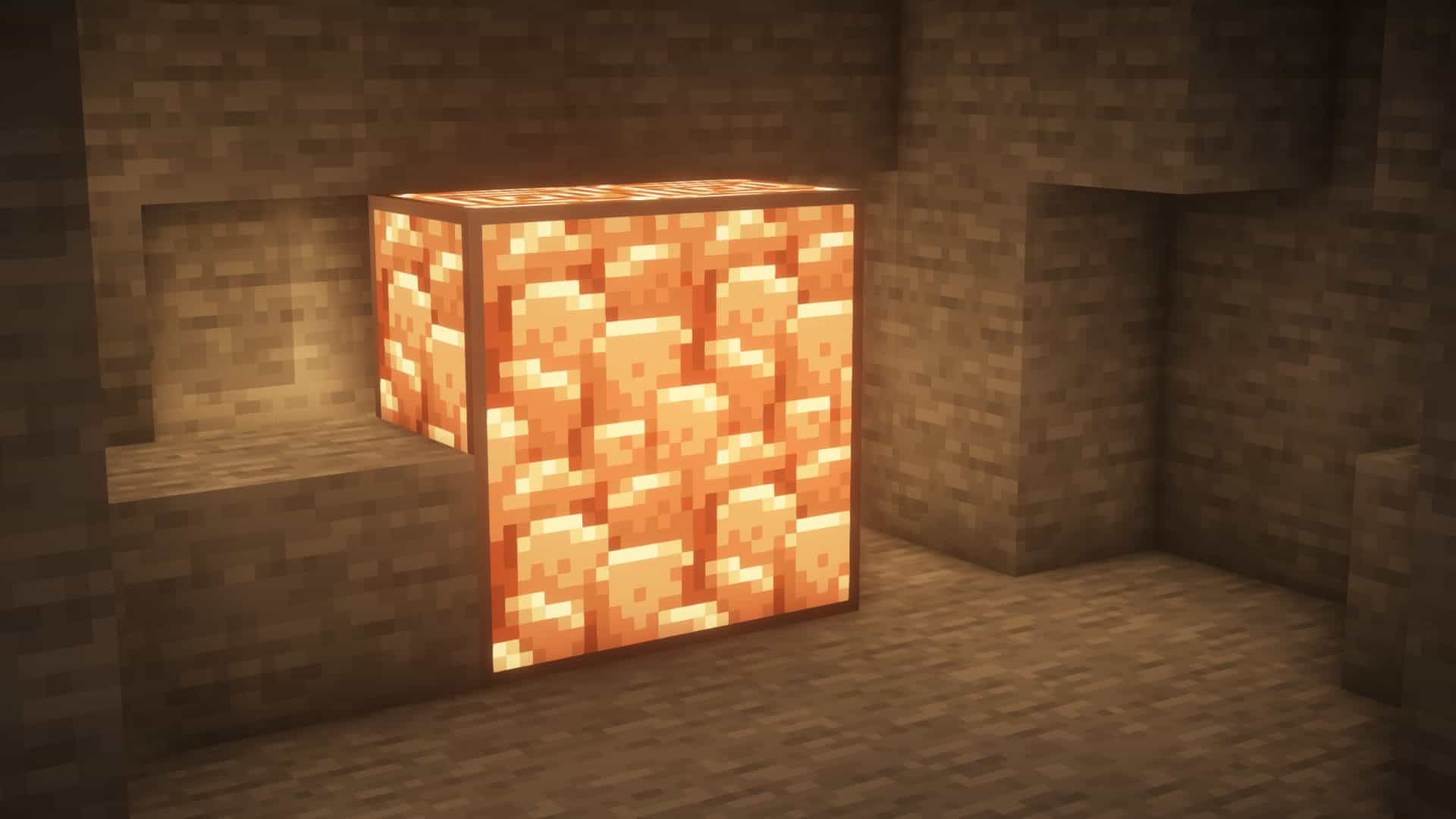
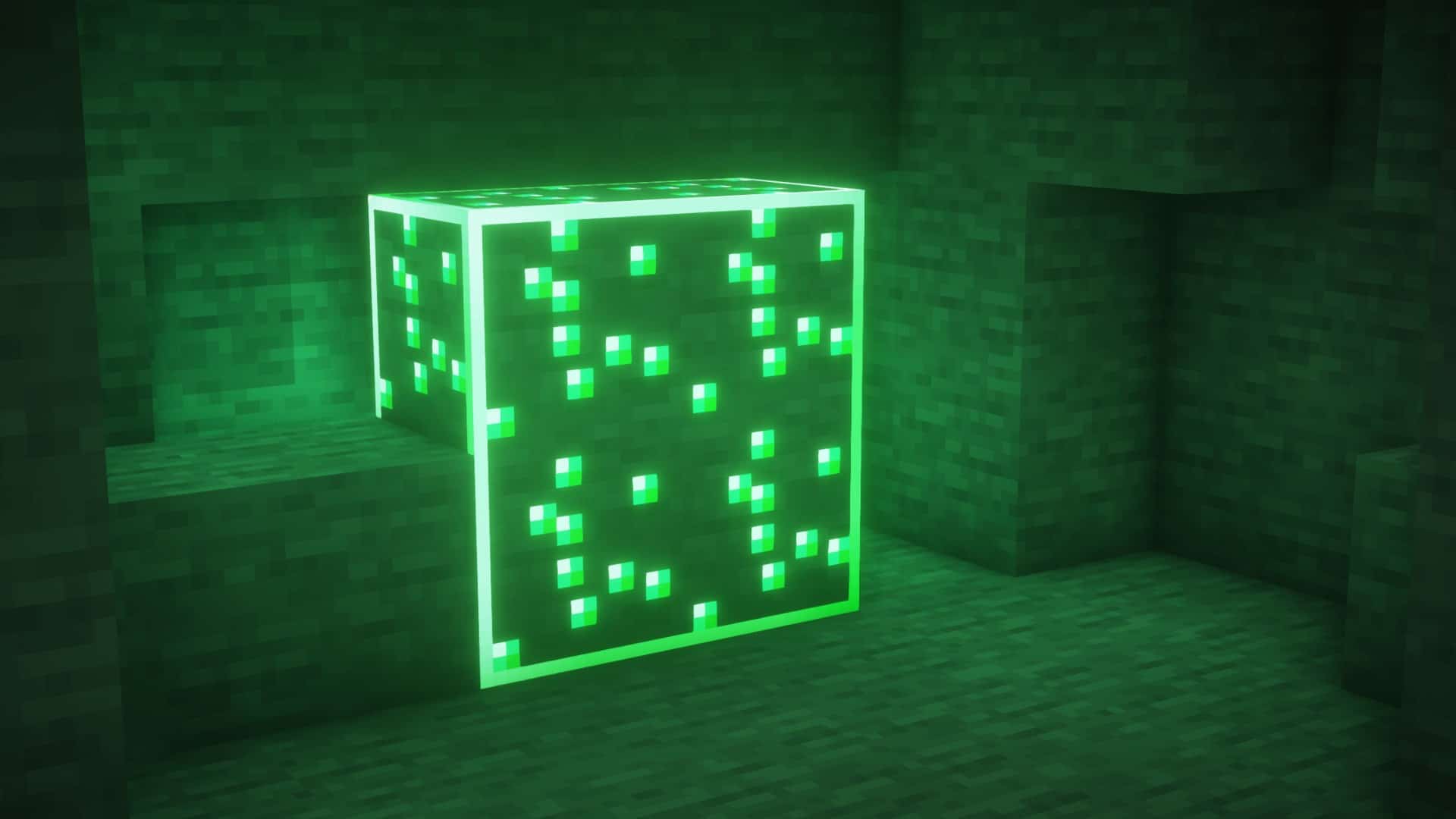
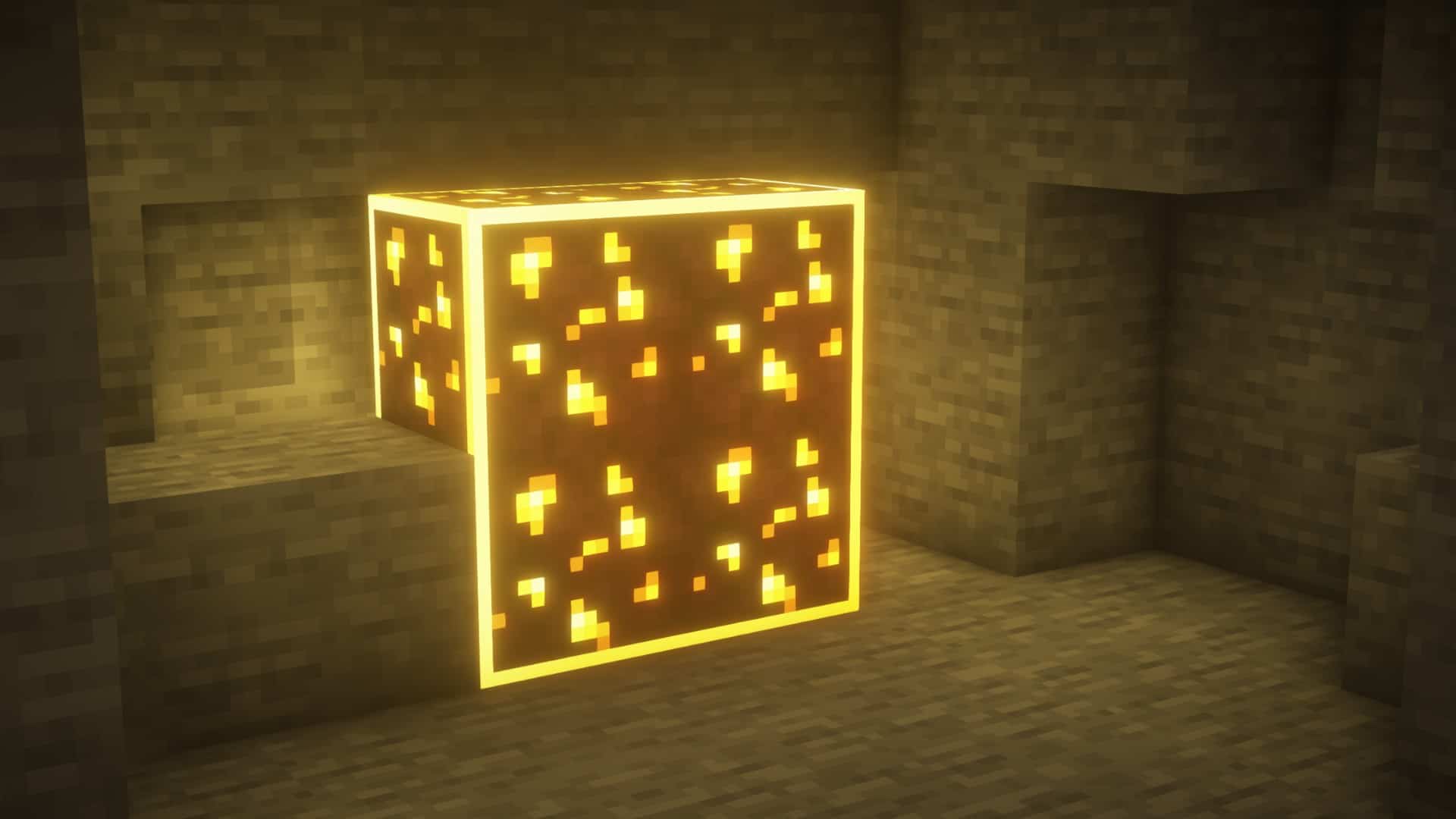

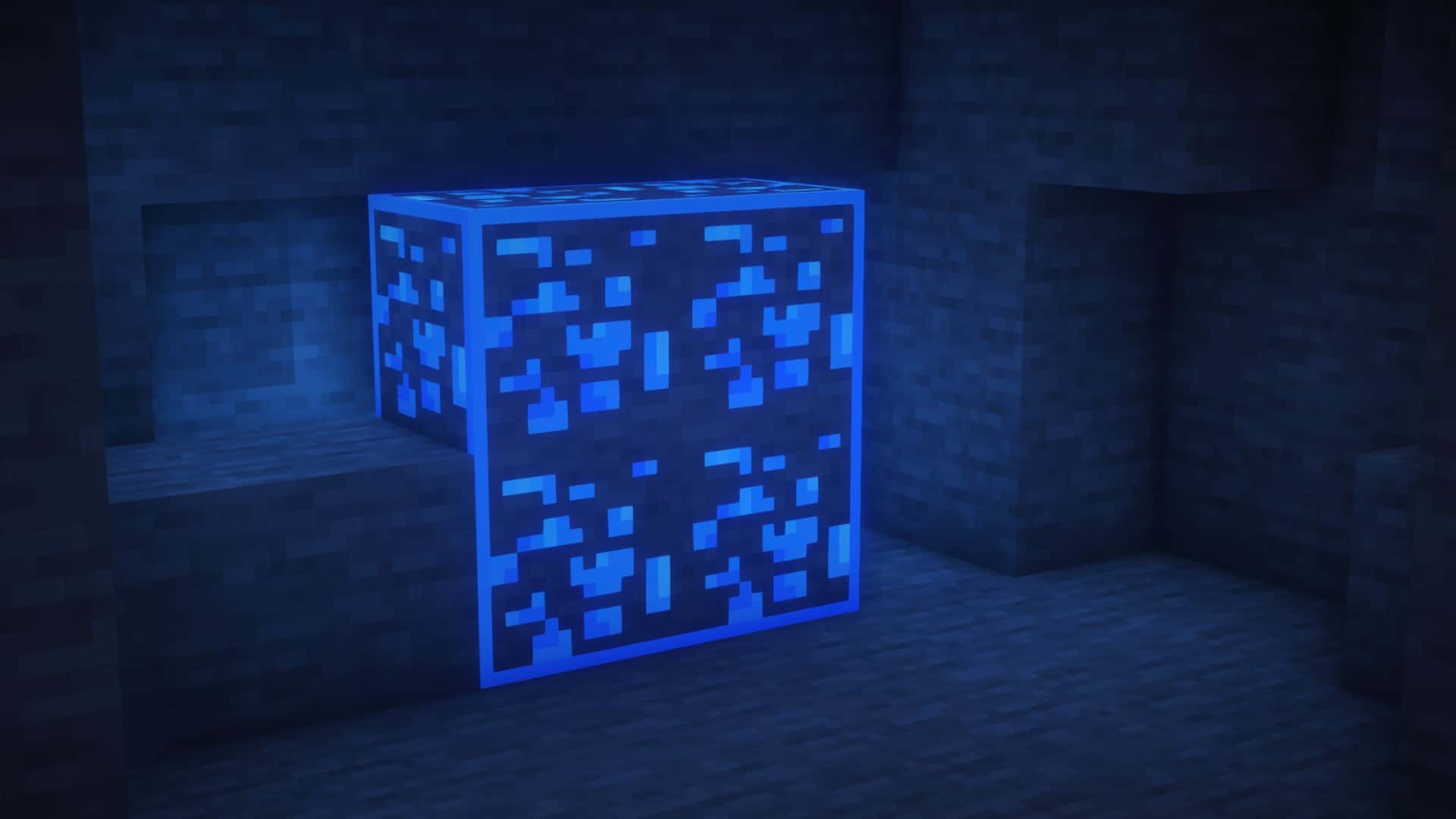
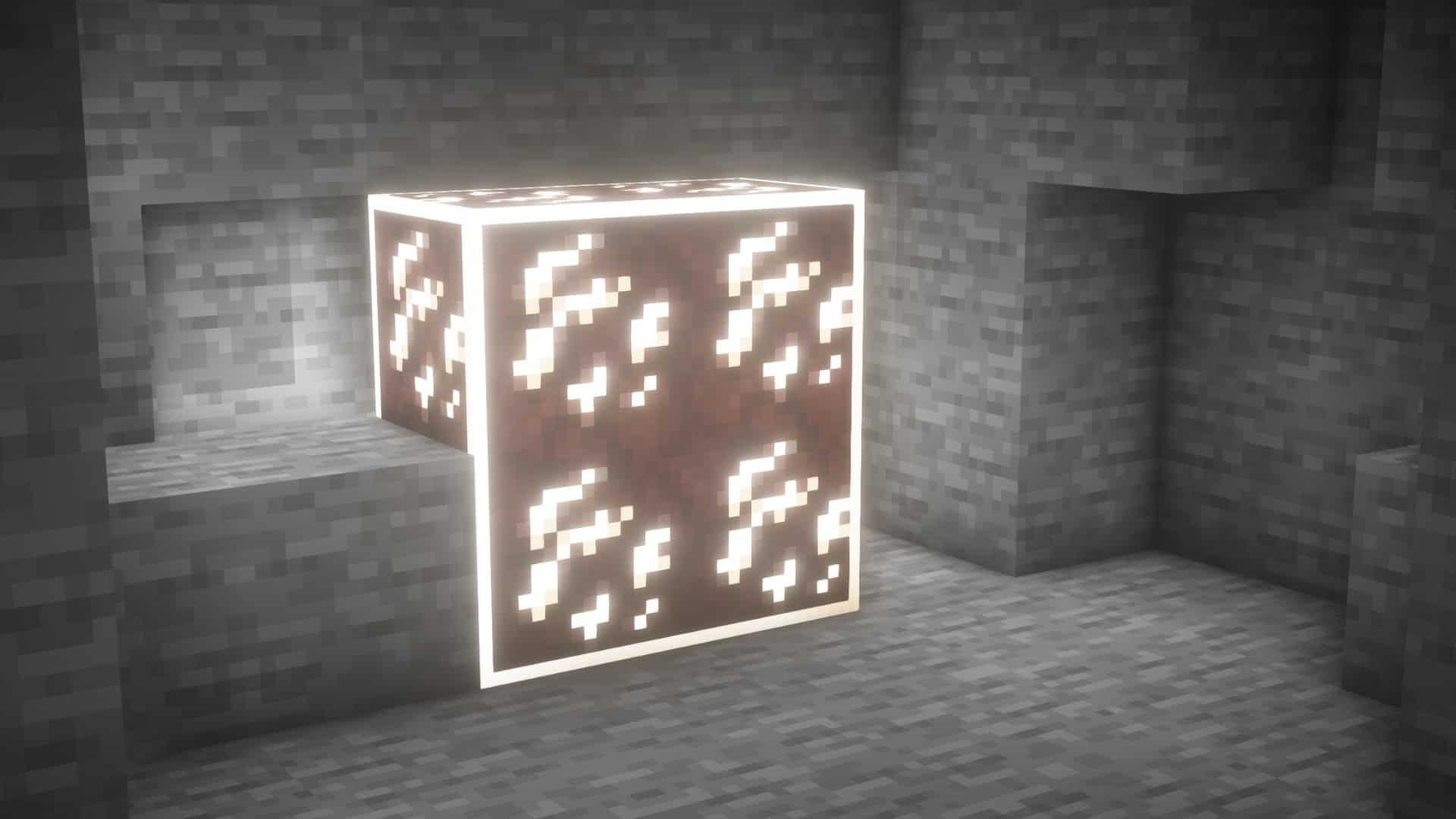
How to install Visible Ores Resource Pack:
- Most resource packs require Optifine, so be sure to download and install it. – general recommended step for all packs, Optifine is also needed for most shaders
- Download the Visible Ores texture pack for Minecraft from the download section below. – if there are many different versions, just choose the one you like, is compatible with your version/edition of Minecraft, the one you think your computer can handle in terms of performance.
- Launch the game client through the Minecraft launcher.
- On the main menu, click "Options".
- On the options menu, click "Resource Packs...".
- Click on "Open Resource Pack Folder". – folder titled "resourcepacks" will pop up
- Move the .zip file you downloaded in the first step to the newly opened "resourcepacks" folder.
- Click "Done".
- Click on "Resource Packs..." again.
- Your pack should have appeared in the left window, just hover over it and click on the arrow pointing to the right.
QUICK TIP: Sometimes, when activating a pack, the game may say that the pack is made for a newer or older version of Minecraft. This is just a warning, it does not affect your gameplay in anyway, and you can still activate and enjoy the pack by simply clicking the "Yes" button when prompted.
- Click "Done" again.
- The pack has now been successfully loaded and ready to be used in your world!
Required settings:
- Emissive Textures: ON in
Options > Video Settings > Quality - Connected Textures: Fancy/Fast in
Options > Video Settings > Quality
Important information:
- Optifine required.
- There is also a LabPBR version that allows each block to have its own blocklight color, unlike other versions that have a blocklight overlay. LabPBR version requires BSL Shaders unlike the other version that only require optifine.
Visible Ores - Comparison Slider #1 Without shaders
Comparison slider #1 for those who want to compare vanilla Minecraft without any texture packs installed (on the left) with Minecraft using this particular texture pack (on the right).
 Vanilla
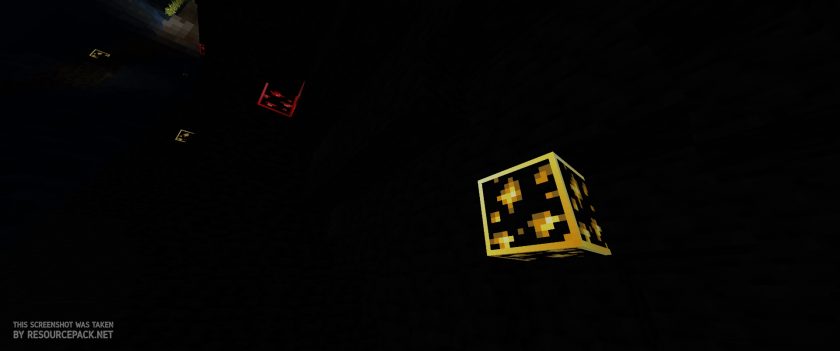 Visible Ores
Visible Ores - Comparison Slider #2 With BSL Shaders
Comparison slider #2 for those who want to compare vanilla Minecraft without any texture packs installed (on the left) with Minecraft using this particular texture pack (on the right).
 Vanilla (BSL Shaders)
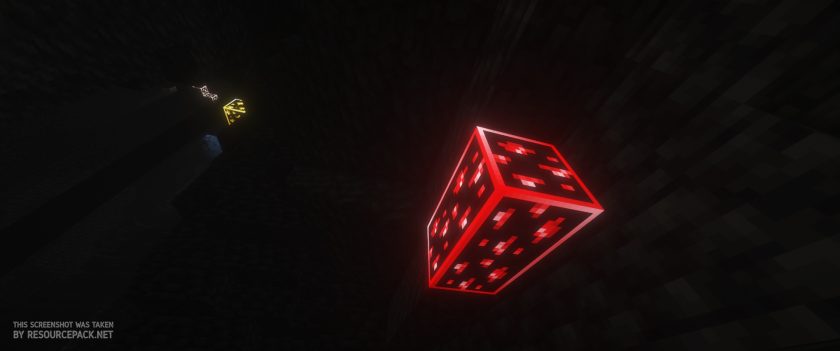 Visible Ores (BSL Shaders)
Visible Ores Texture Pack Download
- We do not modify or edit any resource packs. All resource packs, shaders and tools found on this website are linked directly to official sources rather than hosted on our own servers. We provide only the official download links from the original creators to ensure that your files are safe and secure.
- These official links are updated manually and may occasionally stop working when a new version is released. We work hard to keep everything current so that you have a smooth experience. Please let us know in the comments if you find a link that no longer works.
- Minecraft is a trademark of Mojang Studios and has no official connection to this website. Our goal is simply to share the best creations from the community with other players.
- Please consider leaving a comment or voting for your favorite packs. This feedback helps authors improve their projects over time. You can also support the creators directly by visiting the official links located below the download section.
If you want ores to glow, you need shaders. Get shaders here.
For this resource pack to work, it must always be at the top of your active packs.
Java Edition:
[16x] [1.21.x – 1.20.2] Download Visible Ores Resource Pack
[16x] [1.20.1 – 1.20] Download Visible Ores Resource Pack
[16x] [1.19.x] Download Visible Ores Resource Pack
[16x] [1.18.x] Download Visible Ores Resource Pack
[16x] [1.17.x] Download Visible Ores Resource Pack
[16x] [1.16.x] Download Visible Ores Resource Pack
Curseforge: download starts automatically after a few seconds;
Mediafire: click the big blue button with the text "DOWNLOAD";
Google Drive: in the top right corner you will see a small download icon (down arrow), click it and the download should start;

5,892 votes
Look.. 5892 users have already liked this pack. Give a diamond if you like it too!


Dylan
does it work on bedrock edition for Mac?
Dan
there is no bedrock edition for mac
jo
im old
Valon
There is an outline and its fine but the ores are not glowing why is that
goose
Get shaders, works with any shaders
niko
bc its not 1.24
monkey
it needs shaders
JWRB
Why doesn’t this exist for older versions like 1.8.x?
minecraft love
I am asking for that too
skibidi
to be honest idk if i should get this cause i already have fullbright ima get it if it not useful ima uninstall it
LeSinclair
U can use sodium too btw
Altaf
Ican we use this texture pack in servers if yes how i am using a papper server
guttszz
Is this texture pack only for bedrock?
Admin
It is only for Java Edition.
averag3jay
i have bsl shaders installed and active, but what do i need to do to make the ores glow ?
Admin
Check the “required settings” section on this page, it is located right below the installation instructions. Most likely, you have Emissive Textures disabled.
olo2127
i dont have smth like emissive textures
Admin
Check the required settings section on this page.
aria
why when im use the resource pack my mc crash to force close and saying cannot read file
CyanB3
How would you make modded ores glow?
Yatagurusu
is the LABPBR a separate version that I need to download, or will the texture pack just work with BSL shaders automatically?
Admin
It should work with BSL shaders, just remember to place the visible ores at the very top of the active packs.
alexsch1
Coal doesn’t light up in the 1.20.4 version. It has an outline, but no glow. All other ores have borders and glow.
tkgfdz
how the hell can coal glow ? its dont even a colar can glow ? ITS DARK
pringless
i dosent work on1.21 how do i fix it so dose work
Admin
What exactly doesn’t work?
Kelpo
Im on 1.21 optifine and my game crashes every time i turn on the resource pack.
aria
yeah that happen to me too
Vry
Is there a bedrock version?
PAUL
I LIKE THE DETAIL IT IS COOL
SON
GOOD
bussetexD
i just loved this but there is one thing i would like to fix which is my coal ores are actual black with no glowing in it. i can see in some images that the coal ores are actual white with black coals in it, how can i activate that in my game?
Crescentmoon1244
I am experiencing the same problem. Any fixes yet? I am on version 1.20.4 with optifine.
KrzysztofK
hello yes for java edition 1.18.2!!!
ShadowZzx
I Uploaded the pack to my realm but when i go to play on my xbox series i notice the deepslate ore’s are not bordered like the rest am i missing something to make it work on the xbox?
Admin
This is a Java Edition only resource pack that requires Optifine.
Claude
Need to create one for 1.8..9!!!!!!!!!!!!!
Admin
You can just install a newer version of the pack on an older version of Minecraft without any problems.
burned toast
Hi, I’ve used the pack in the past for older versions and it used to work perfectly fine. However, a while ago i started using lunar client (which I prefer far over the regular launcher), I can’t get the ores to glow. The outlines are there, but the glowing is the most beneficial part when looking for ores of course. I don’t have the emissive textures option in my settings, probable because Lunar runs a custome optifine version.Can someone please help me, I’ve tried multiple packs, reinstalling the packs, relaunching the game and some more complicated stuff but none of it worked. Am i missing something? Thanks for the help already :)
Admin
There is nothing we can do about it, the lunar client is not official, this could be a problem. Based on our recent tests, everything works fine on the official version of java Minecraft with optifine installed.
Stony
Bro I absolutely love this amazing job, one of my favorites!!
Bimbo
All cool but why the ores aren’t bright
sninko
does it work with lunarclient? because it dosent for me
blaissse
Hey! If anyone wants to use this resource pack in fabric, you need to:
1. Install sodium,
2. Install Iris,
3. Install Complementary Shaders v4 (curseforge)
Working perfectly fine with default settings of shaders.
Zaluxo
where can i find these things to download?