A cartoon-themed resource pack, NuggetCraft by NuggetCake puts its focus on providing a vibrant, high quality look to your Minecraft world. Despite its initial dark and moody theme, the pack transitioned to what it is today after going through development troubles. It was originally meant to have a 32×32 resolution, but that was changed to 16×16 in regards to users with lower-end PC’s. The cartoonish theme perfectly complements the original playful look with which Minecraft was originally created. Boring, dull grass now has a lively and dynamic green look. Cartoon-themed resource packs usually go overboard with their goal, making Minecraft an overly bright mess of eye-stabbing oversaturated colors and lines. NuggetCraft resource pack aims to find a perfect balance to suite all players. Nobody likes having their game look like a child drew it. Even though it completely overhauls the world, NuggetCraft still keeps a slight touch of original textures that make Minecraft what it is.
Featured video:
Don’t be fooled by a seemingly low 16×16 resolution. NuggetCraft was carefully put together, pixel by pixel, to ensure the highest quality at the lowest performance impact. Every block is made with special attention to detail. NuggetCraft combines a slightly brighter look, that of the Minecraft Alpha versions, with a mildly darker theme that helps you fully immerse yourself and enjoy the game. NuggetCraft supports the latest Minecraft 1.14 version. Even though it’s still in development, all of the most common blocks have a completely new trademark look. When it’s 100% completed, NuggetCraft will have changed every current texture in the game. Furthermore, NuggetCraft comes with a whole new array of fresh GUI elements to spice up your game, even when you’re not inside your world. Those changes are subtle to ensure a non-intrusive look. NuggetCraft is the bread and butter of Minecraft resource packs. All things are taken into consideration. It’s going to give you a whole new experience without taking a single digit off of your FPS.
NuggetCraft should be compatible with all of these Minecraft versions: 1.16.5 - 1.16.4 - 1.16.3 - 1.16.2 - 1.16.1 - 1.16 - 1.15.2 - 1.15.1 - 1.15 - 1.14.4 - 1.14.3 - 1.14.2 - 1.14 - 1.13.2 - 1.13.1 - 1.13
NuggetCraft — Screenshots
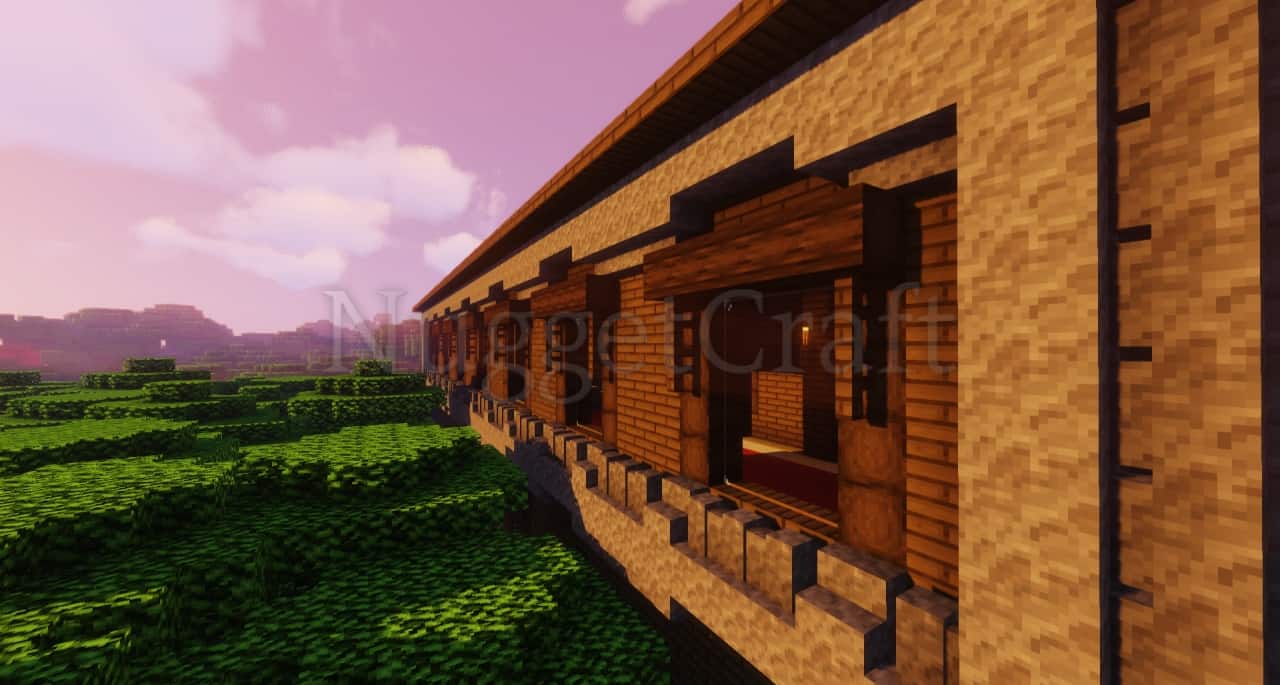
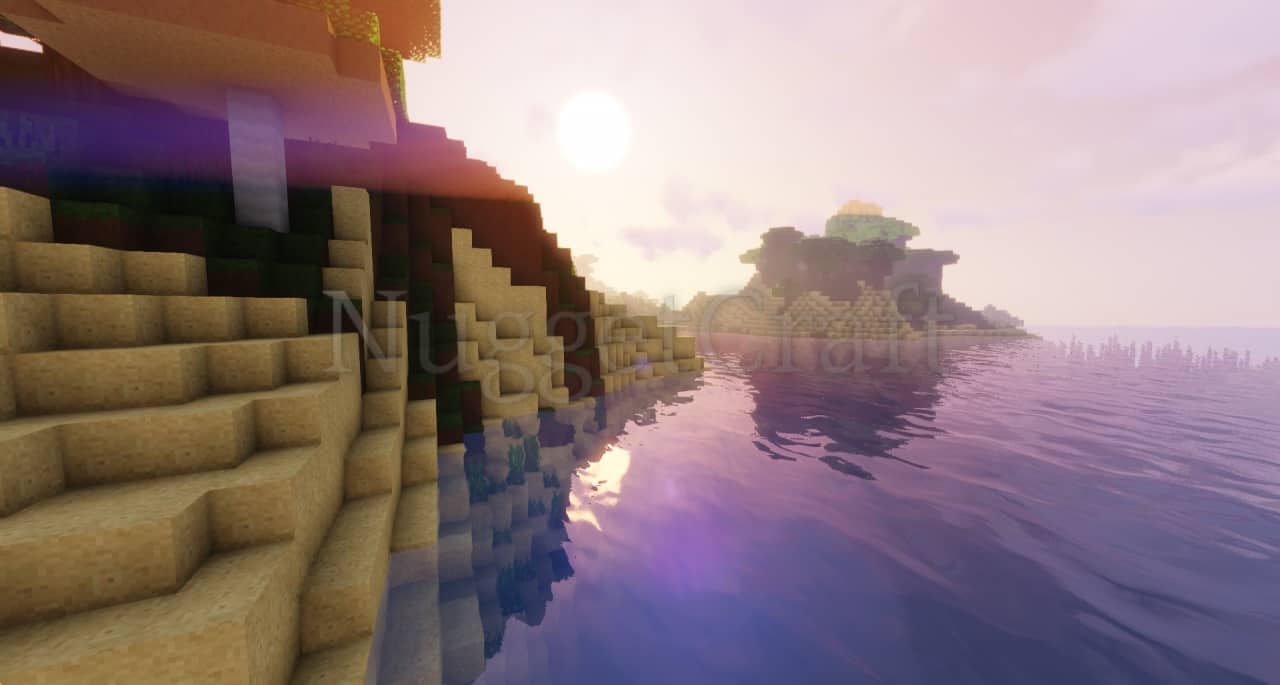
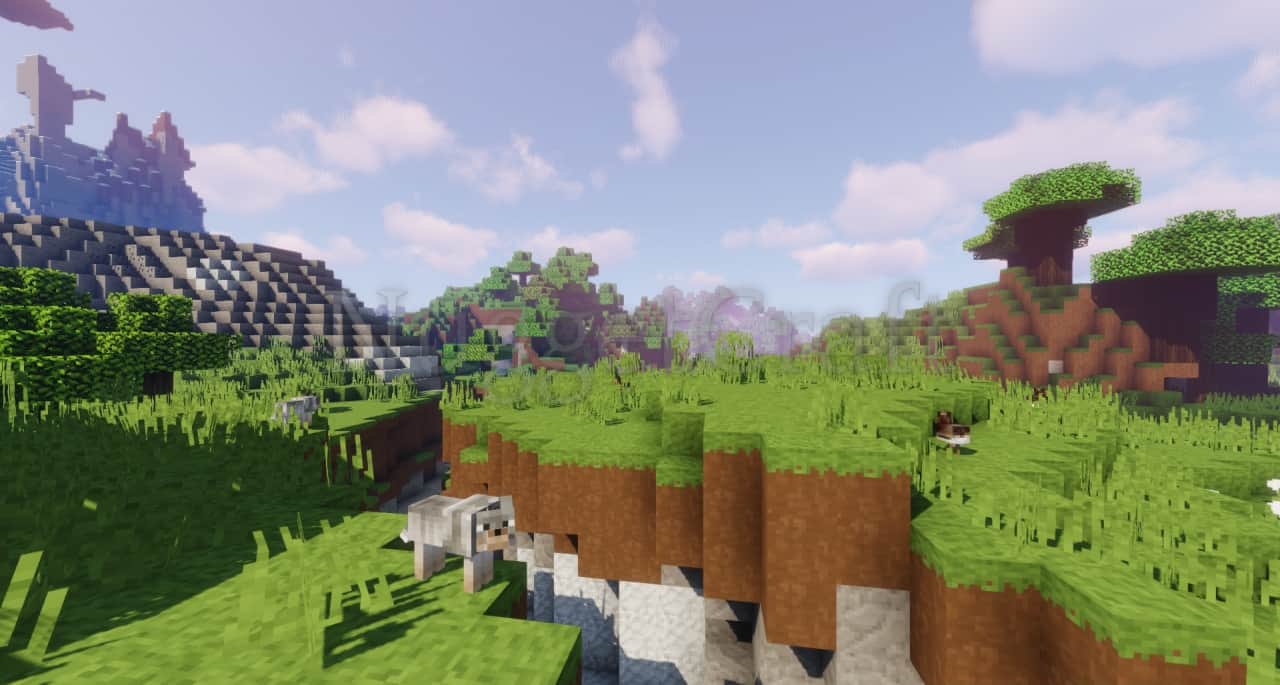
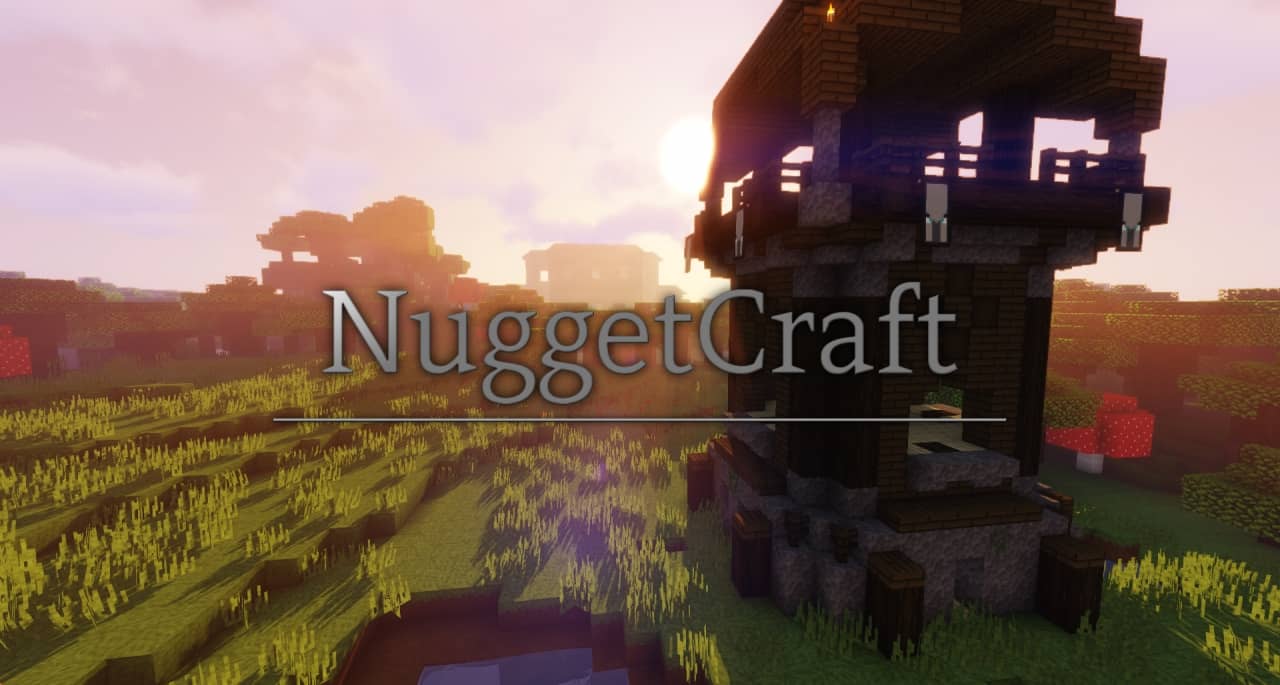
How to install NuggetCraft Resource Pack:
- Most resource packs require Optifine, so be sure to download and install it. – general recommended step for all packs, Optifine is also needed for most shaders
- Download the NuggetCraft texture pack for Minecraft from the download section below. – if there are many different versions, just choose the one you like, is compatible with your version/edition of Minecraft, the one you think your computer can handle in terms of performance.
- Launch the game client through the Minecraft launcher.
- On the main menu, click "Options".
- On the options menu, click "Resource Packs...".
- Click on "Open Resource Pack Folder". – folder titled "resourcepacks" will pop up
- Move the .zip file you downloaded in the first step to the newly opened "resourcepacks" folder.
- Click "Done".
- Click on "Resource Packs..." again.
- Your pack should have appeared in the left window, just hover over it and click on the arrow pointing to the right.
QUICK TIP: Sometimes, when activating a pack, the game may say that the pack is made for a newer or older version of Minecraft. This is just a warning, it does not affect your gameplay in anyway, and you can still activate and enjoy the pack by simply clicking the "Yes" button when prompted.
- Click "Done" again.
- The pack has now been successfully loaded and ready to be used in your world!
NuggetCraft - Comparison Slider #1 Without shaders
Comparison slider #1 for those who want to compare vanilla Minecraft without any texture packs installed (on the left) with Minecraft using this particular texture pack (on the right).
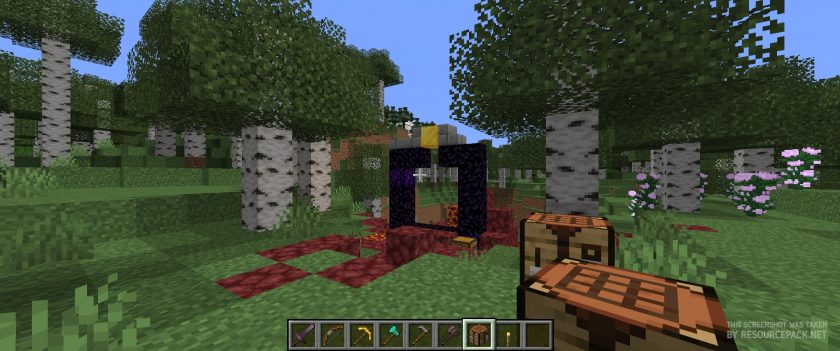 Vanilla
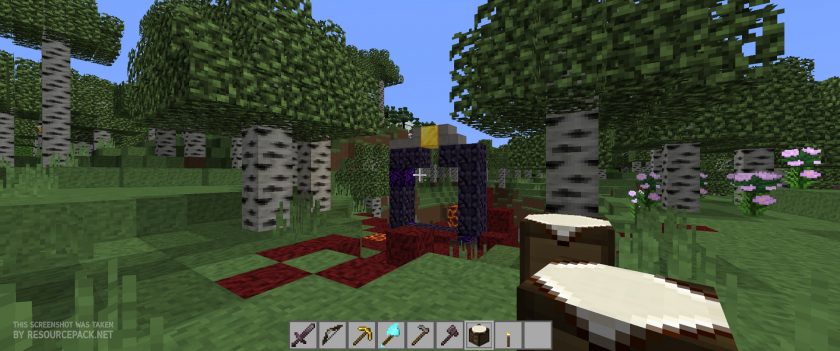
NuggetCraft - Comparison Slider #2 With Sildurs Shaders
Comparison slider #2 for those who want to compare vanilla Minecraft without any texture packs installed (on the left) with Minecraft using this particular texture pack (on the right).
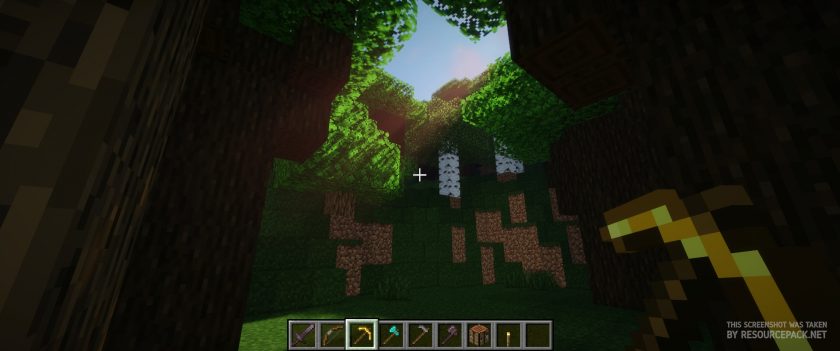
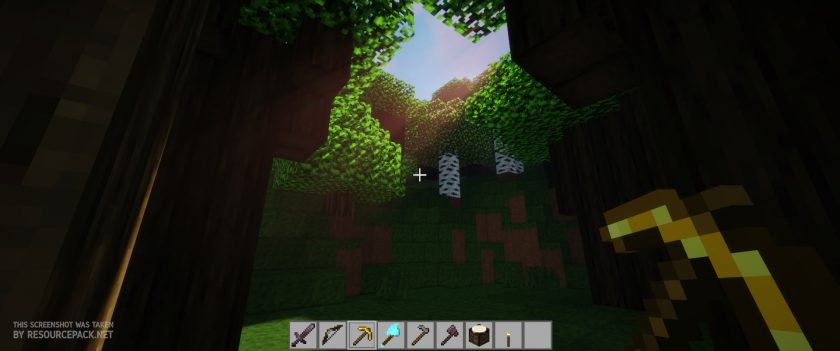 NuggetCraft (Sildurs Shaders)
NuggetCraft Texture Pack Download
- We do not modify or edit any resource packs. All resource packs, shaders and tools found on this website are linked directly to official sources rather than hosted on our own servers. We provide only the official download links from the original creators to ensure that your files are safe and secure.
- These official links are updated manually and may occasionally stop working when a new version is released. We work hard to keep everything current so that you have a smooth experience. Please let us know in the comments if you find a link that no longer works.
- Minecraft is a trademark of Mojang Studios and has no official connection to this website. Our goal is simply to share the best creations from the community with other players.
- Please consider leaving a comment or voting for your favorite packs. This feedback helps authors improve their projects over time. You can also support the creators directly by visiting the official links located below the download section.
Java Edition:
[16x] [1.16.x – 1.13.x] Download NuggetCraft Resource Pack
Curseforge: download starts automatically after a few seconds;
Mediafire: click the big blue button with the text "DOWNLOAD";
Google Drive: in the top right corner you will see a small download icon (down arrow), click it and the download should start;

361 votes
Look.. 361 users have already liked this pack. Give a diamond if you like it too!


fishy is salty
yo this is a great texture pack but it has some pretty high fire, could you tell me where in the files the fire texture is so i can edit it, thanks in advance
sjl5825
Real fast, when I add the resource pack in, it works but some of the textures will not load. The water will not change. It stays the same. Any idea whats going on?
…
This is a terrible resource pack! it looks nothing like the photos!
Kelp
Quite a lot of items are normal. Iron pickaxe, for example, has the default texture, while the iron axe has a new texture. Then again, I play 1.14.4, not 1.14.
Ajathalol18203
The shadows in the pic doesnt look anything like it does in the game and the same with the water ;( I already tried changing the settings a bit but nothing works