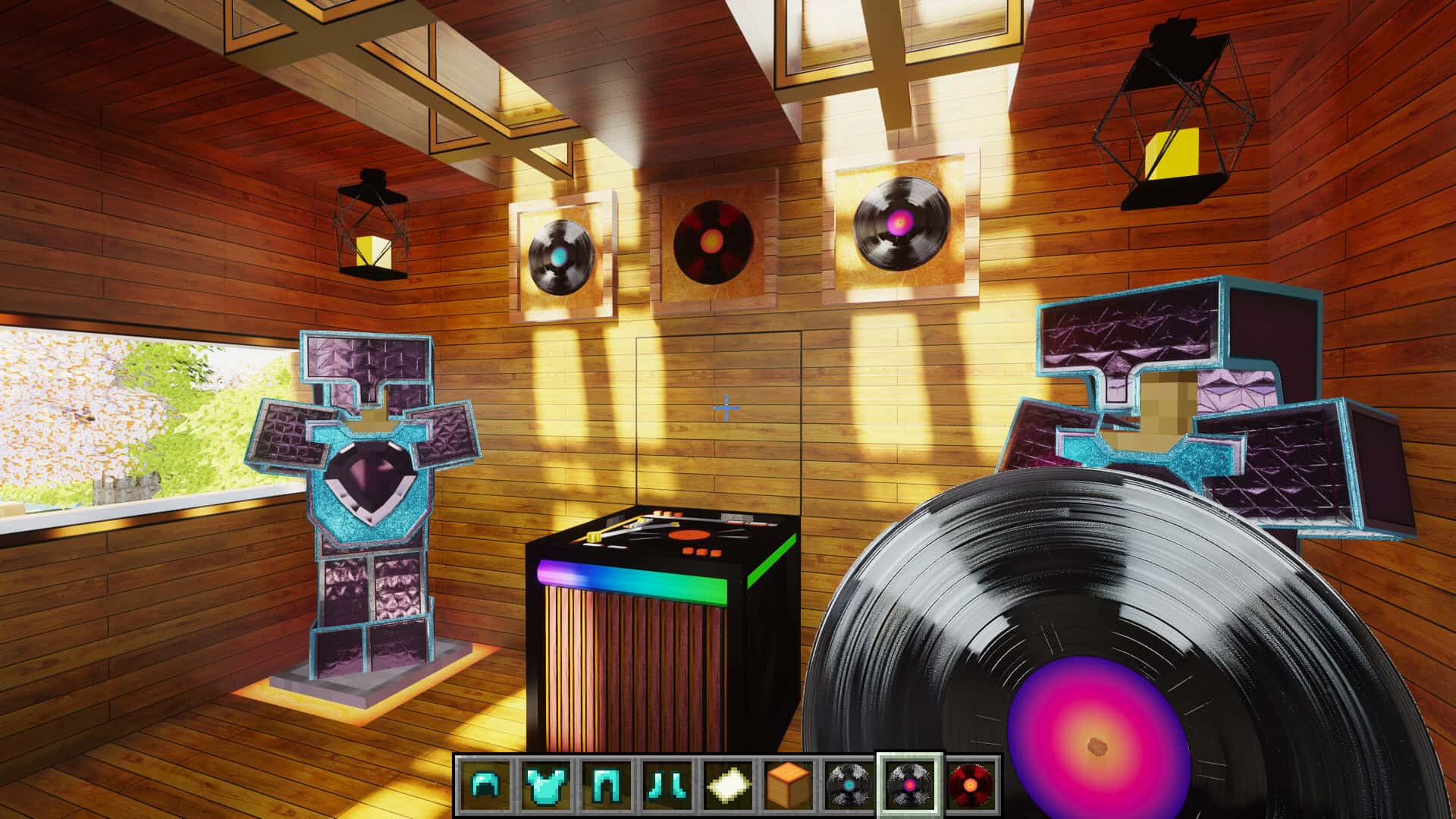
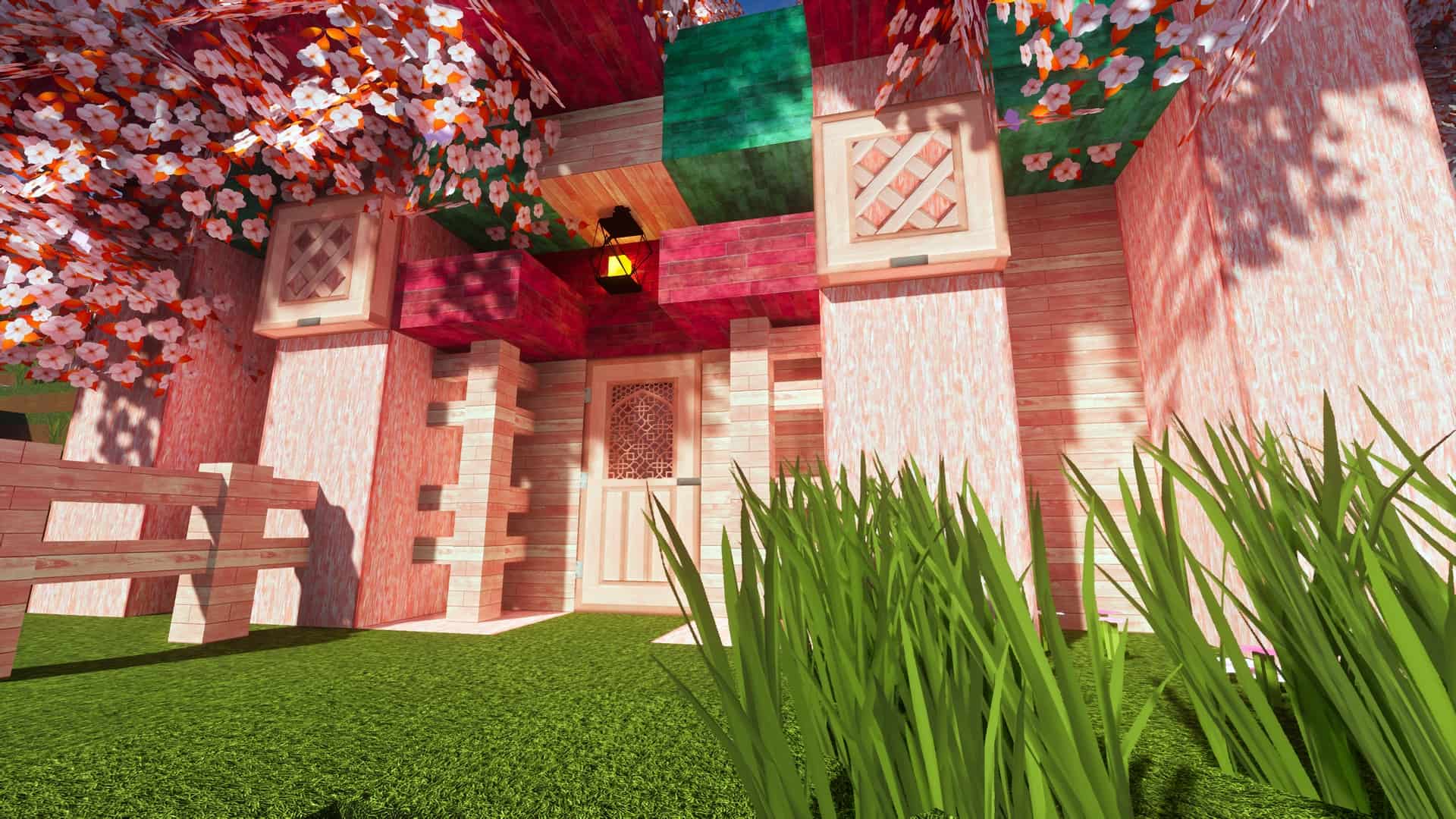
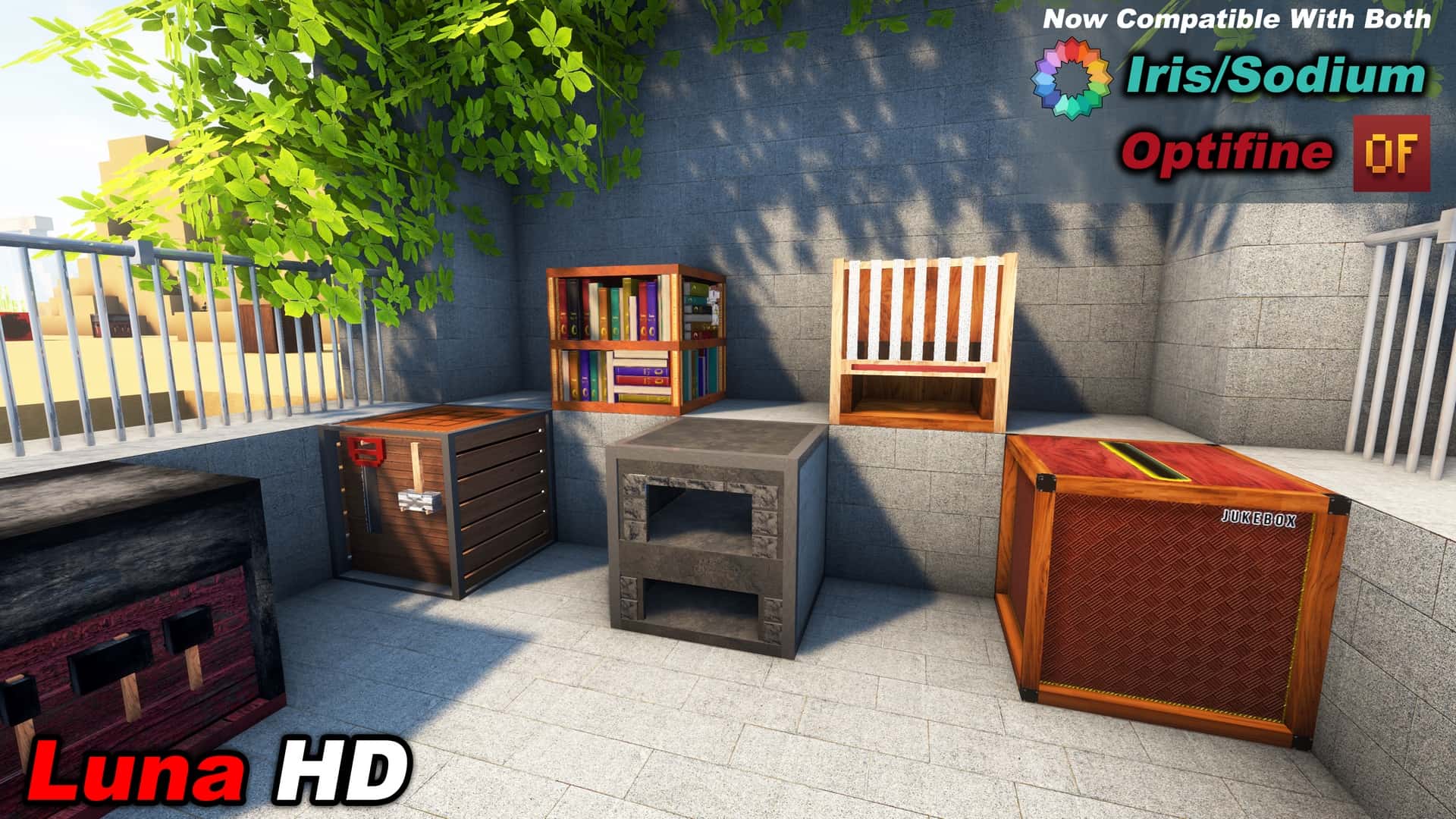
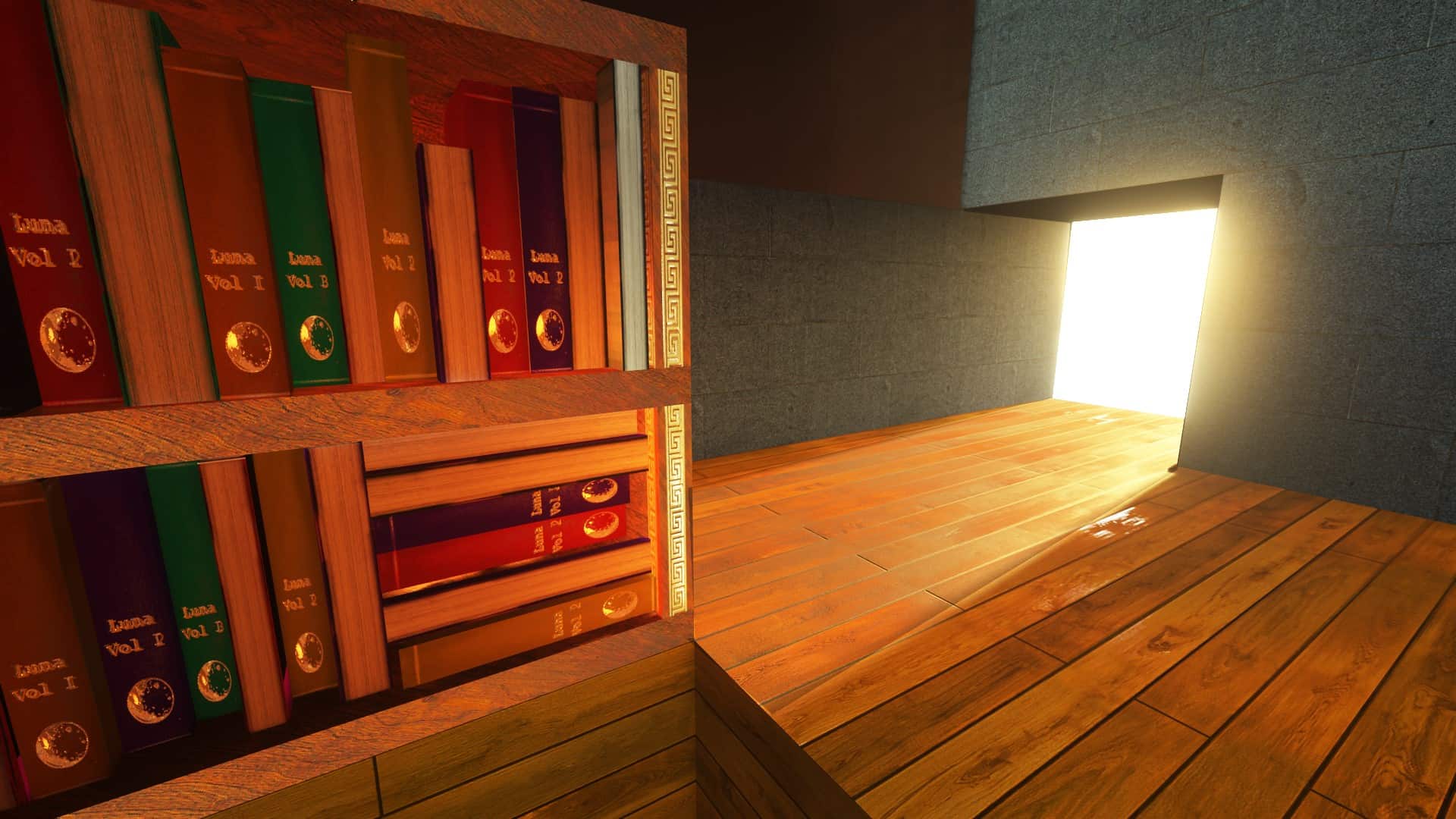
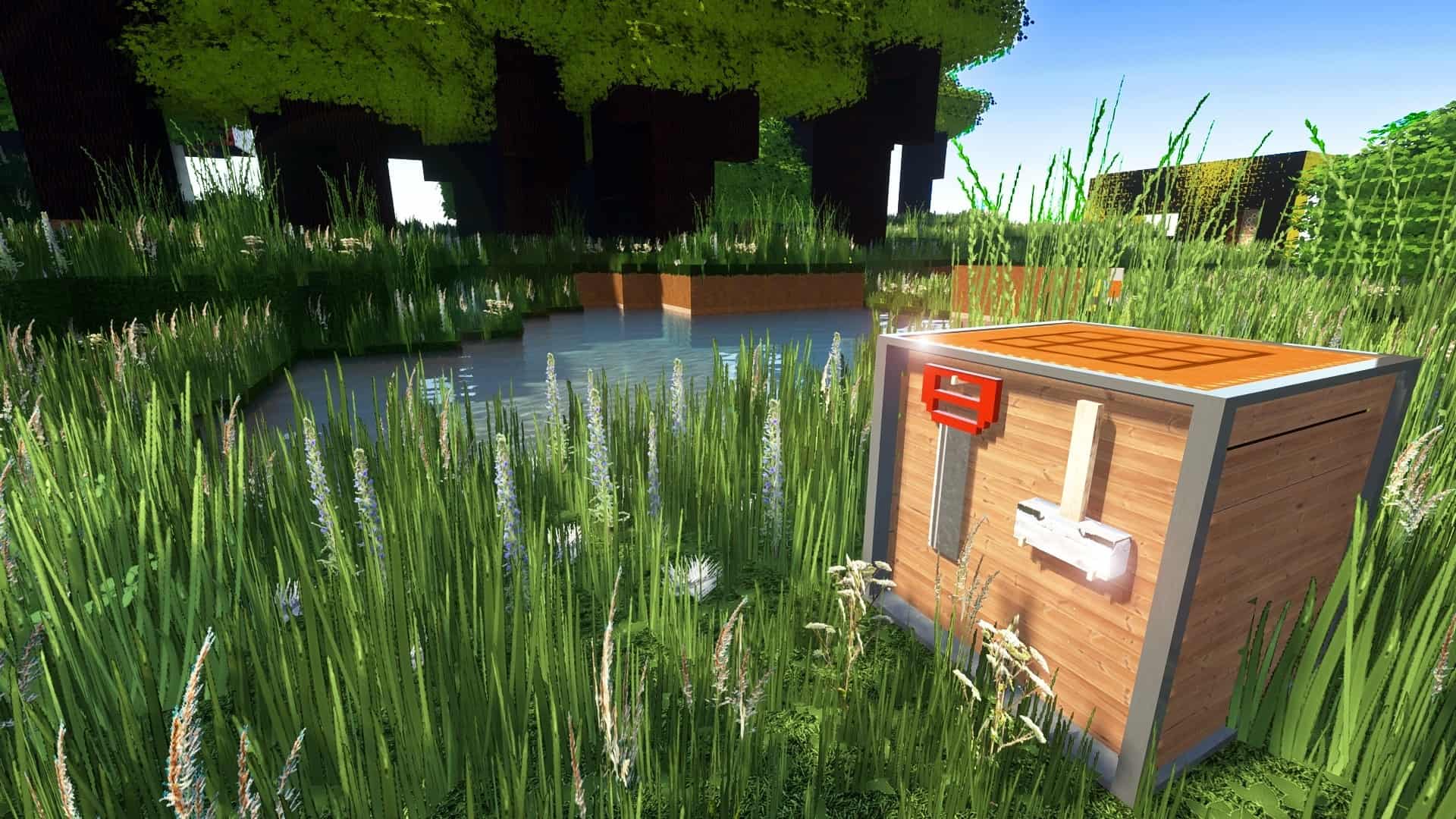
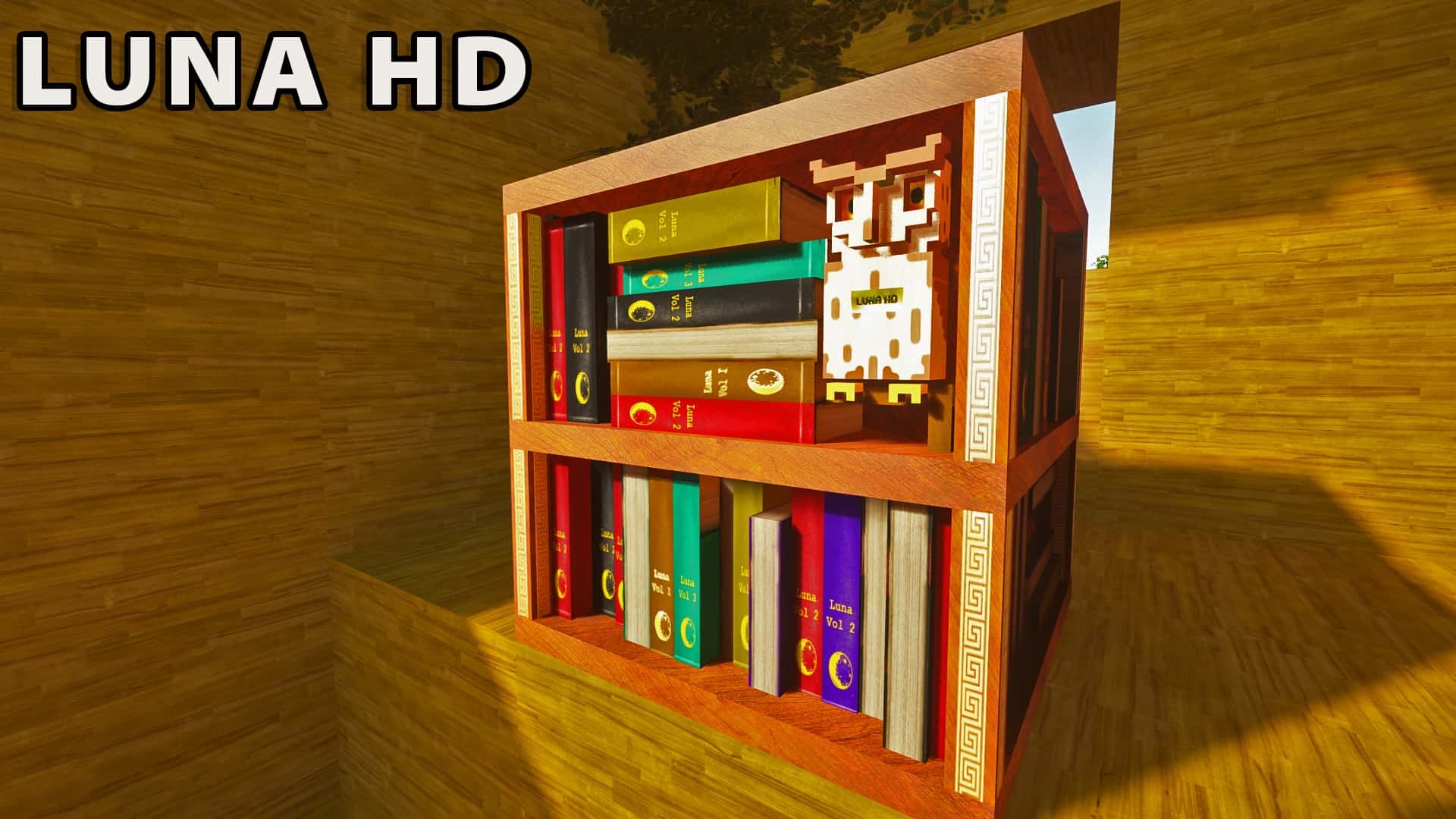
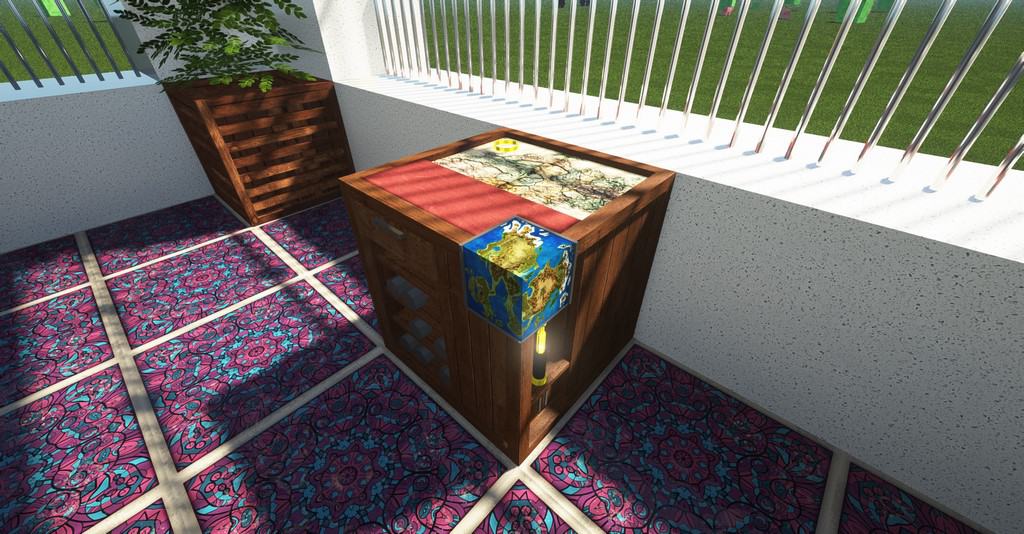
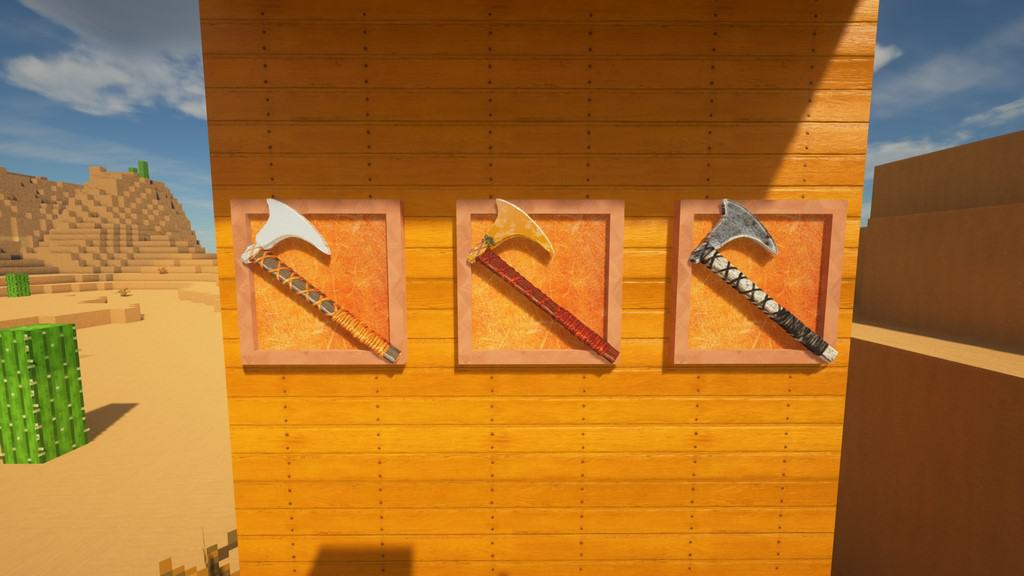
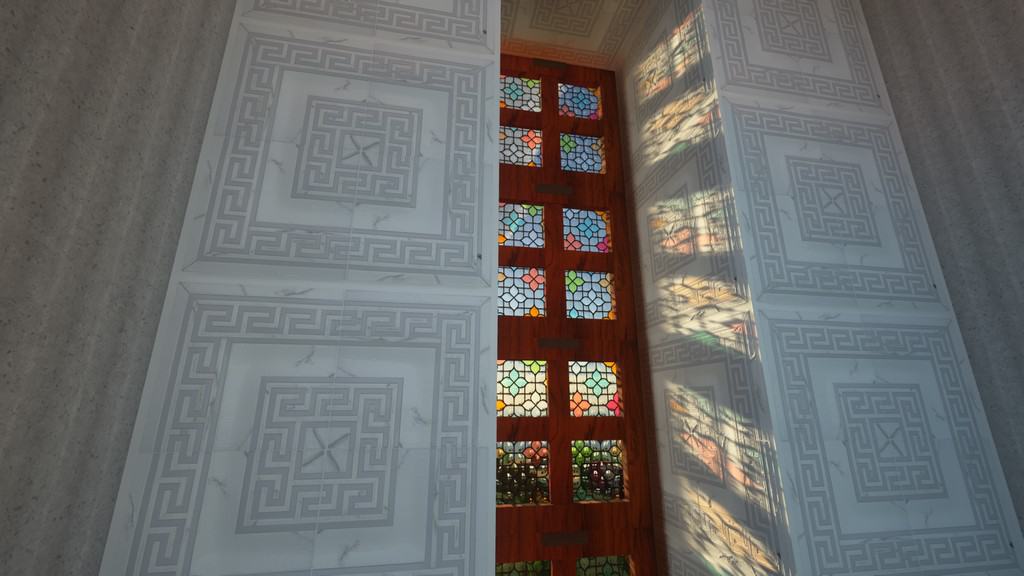
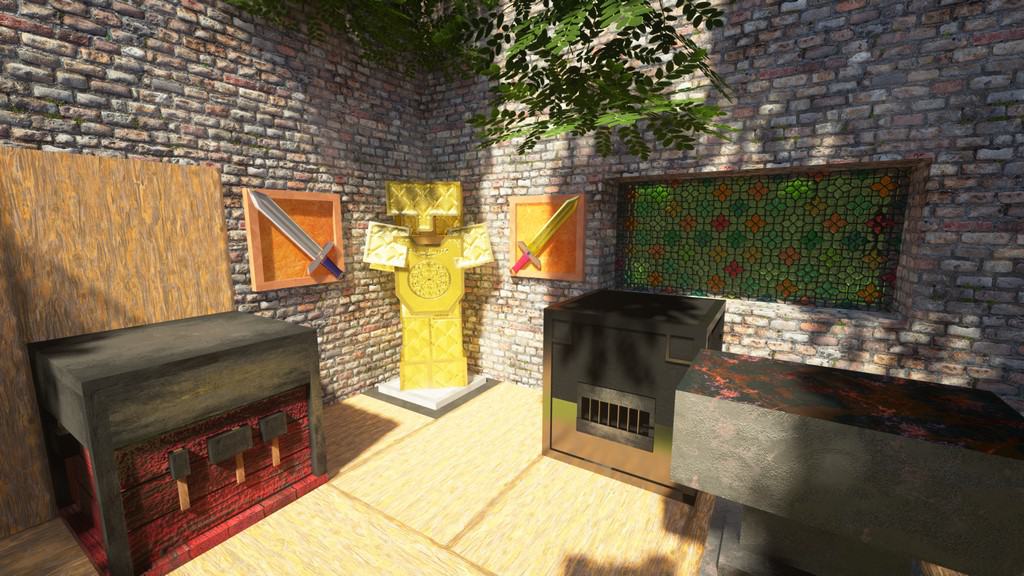
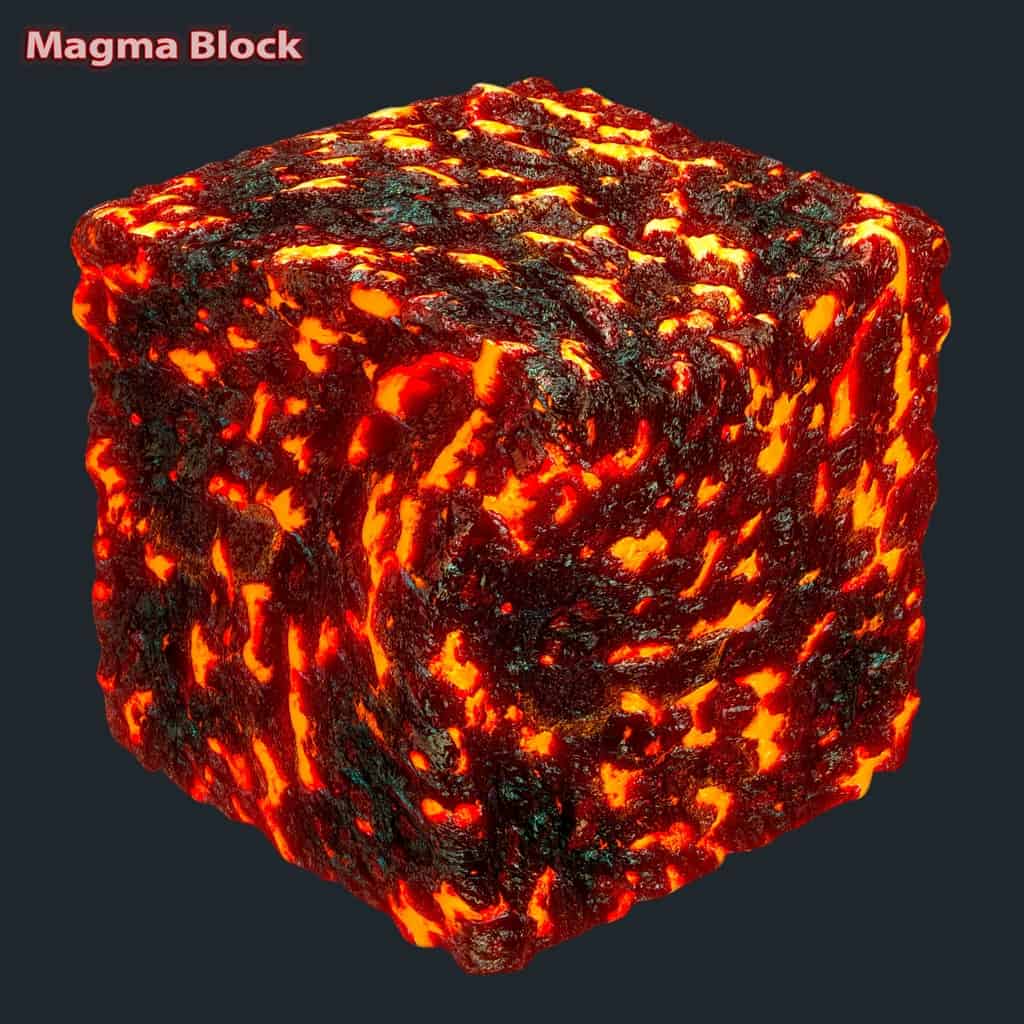
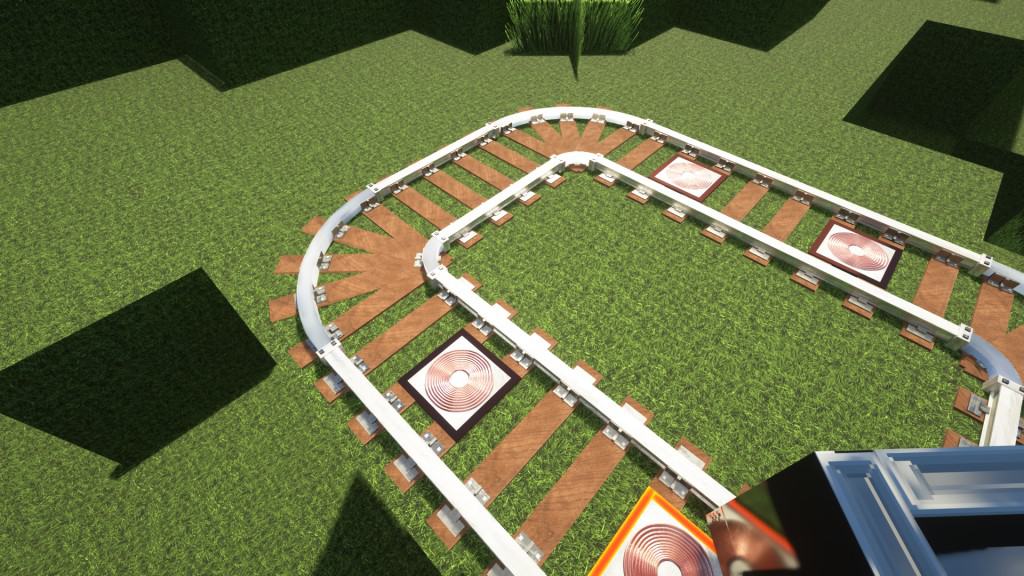
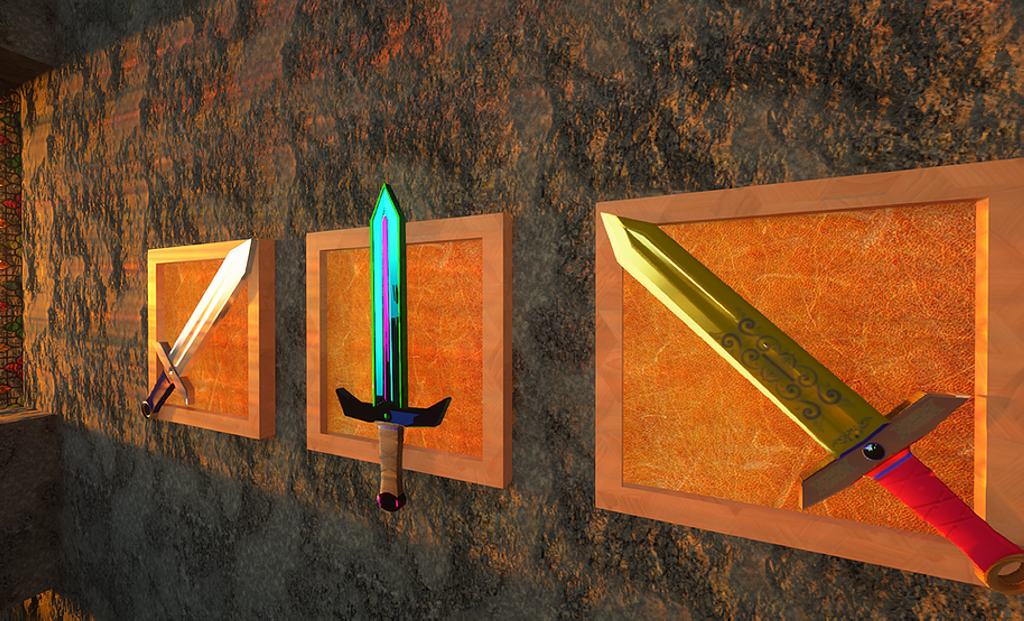
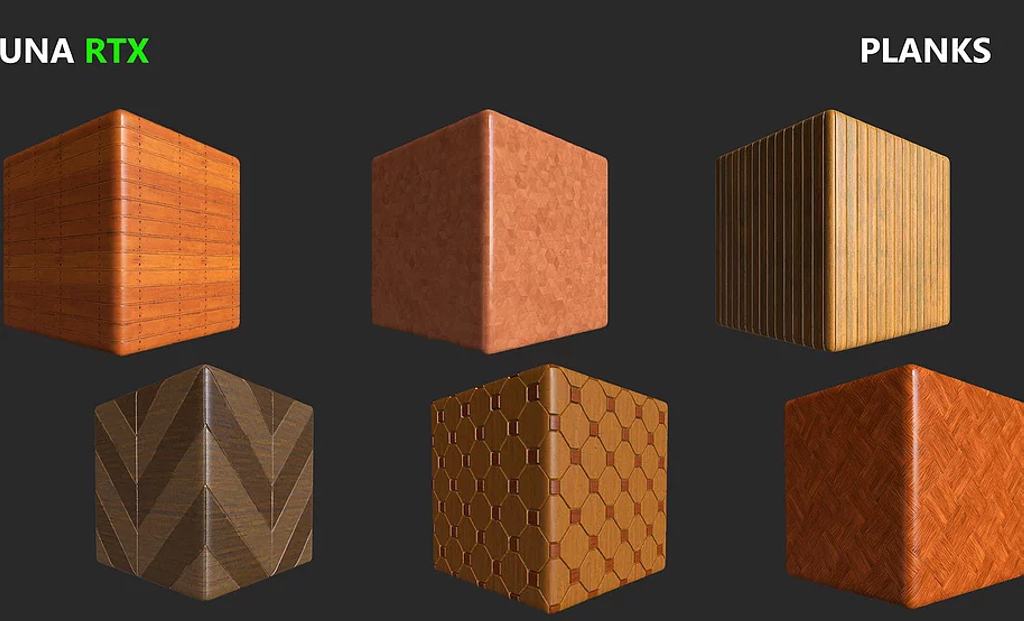
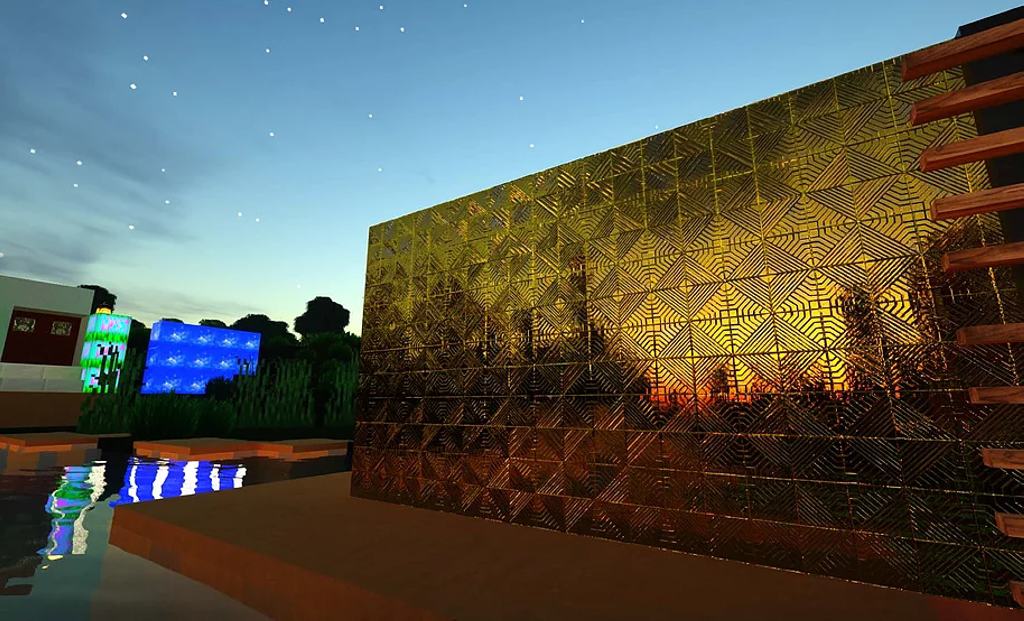
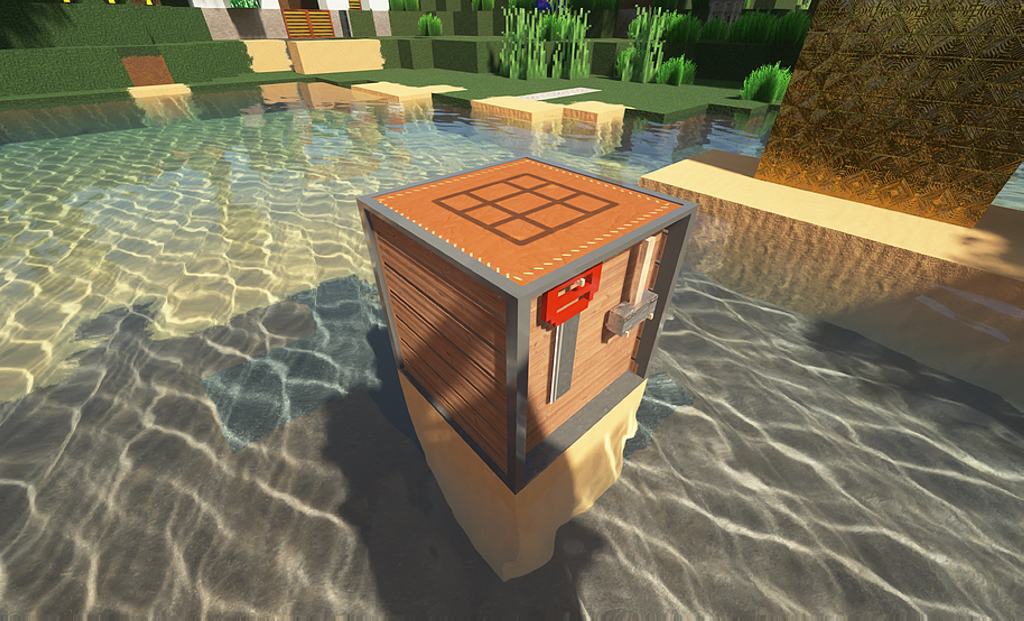
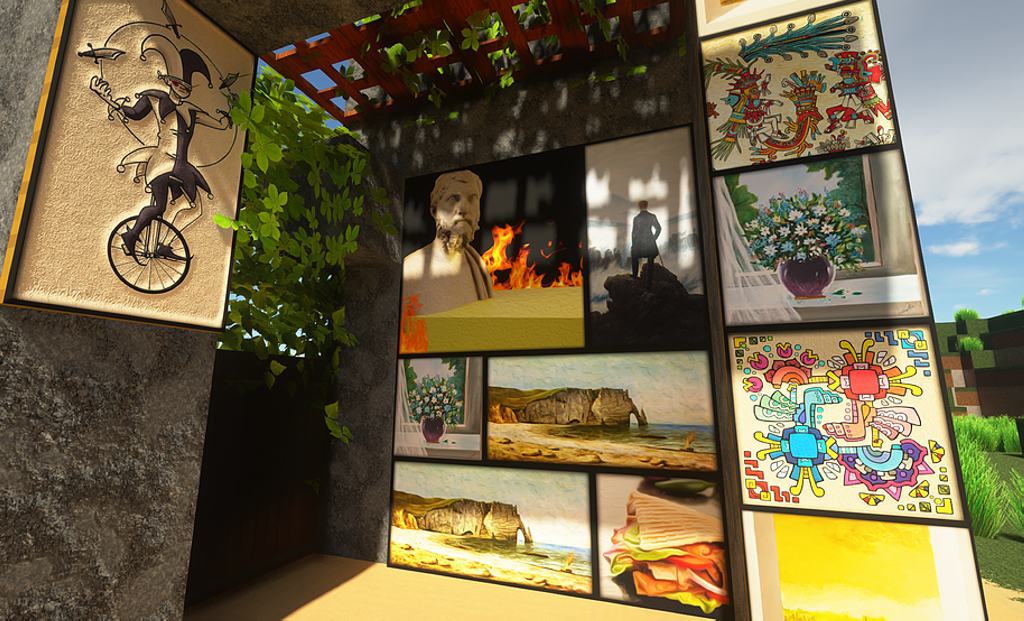
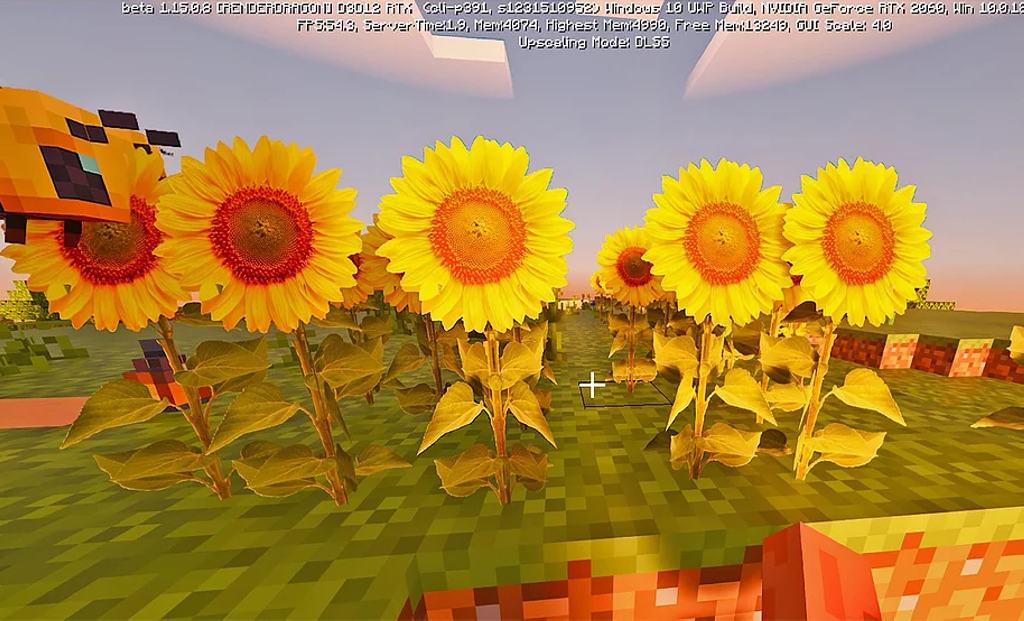
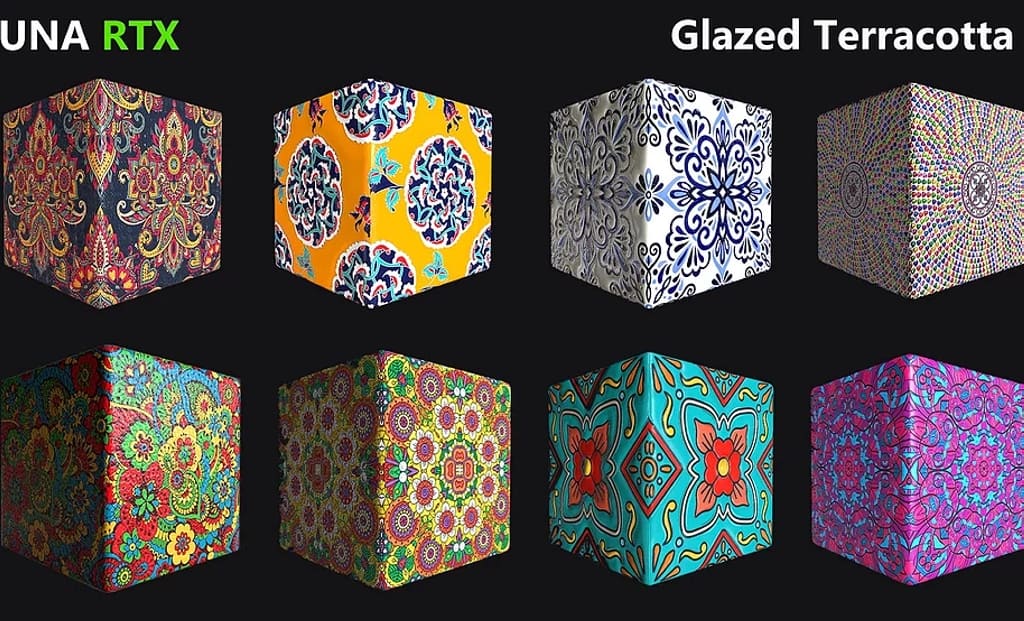
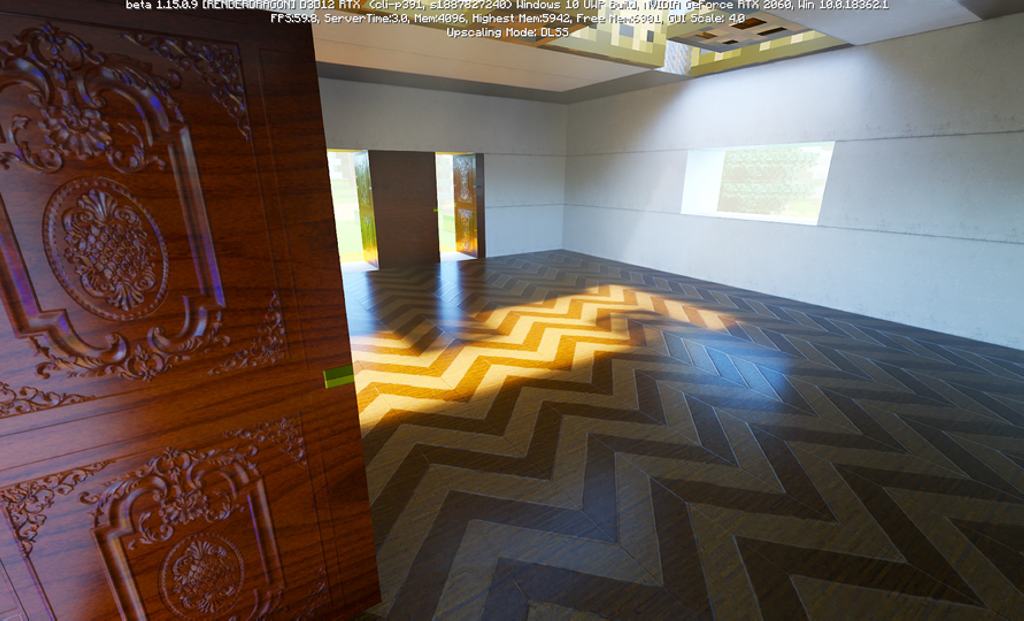
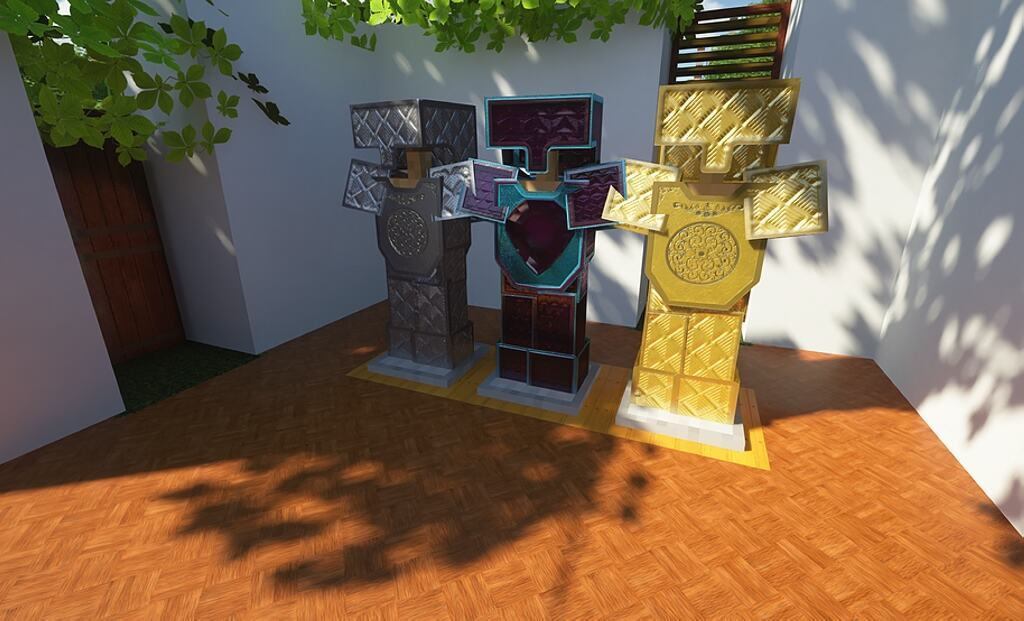
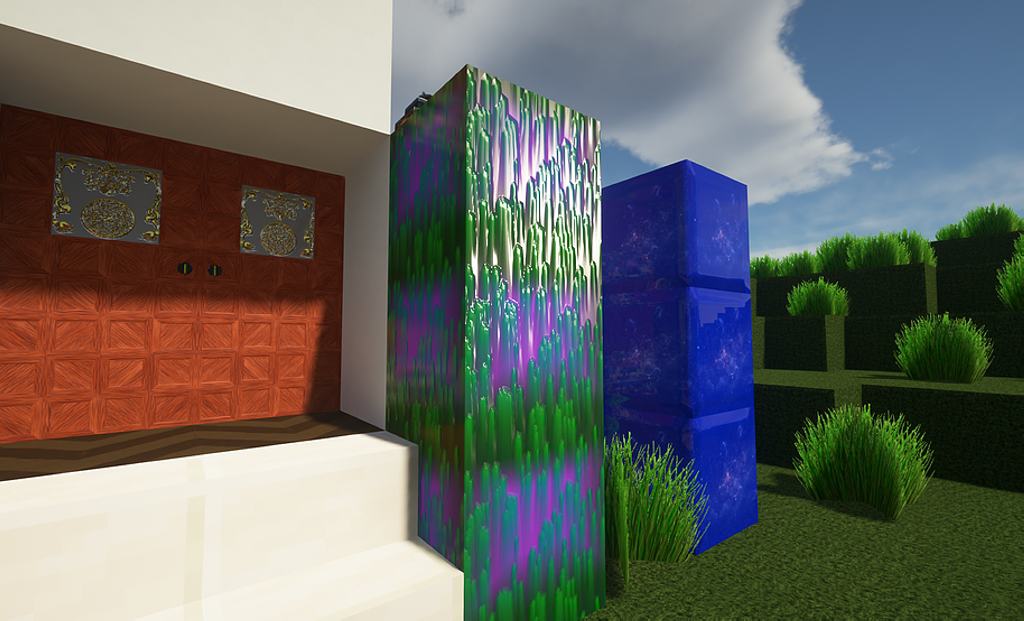
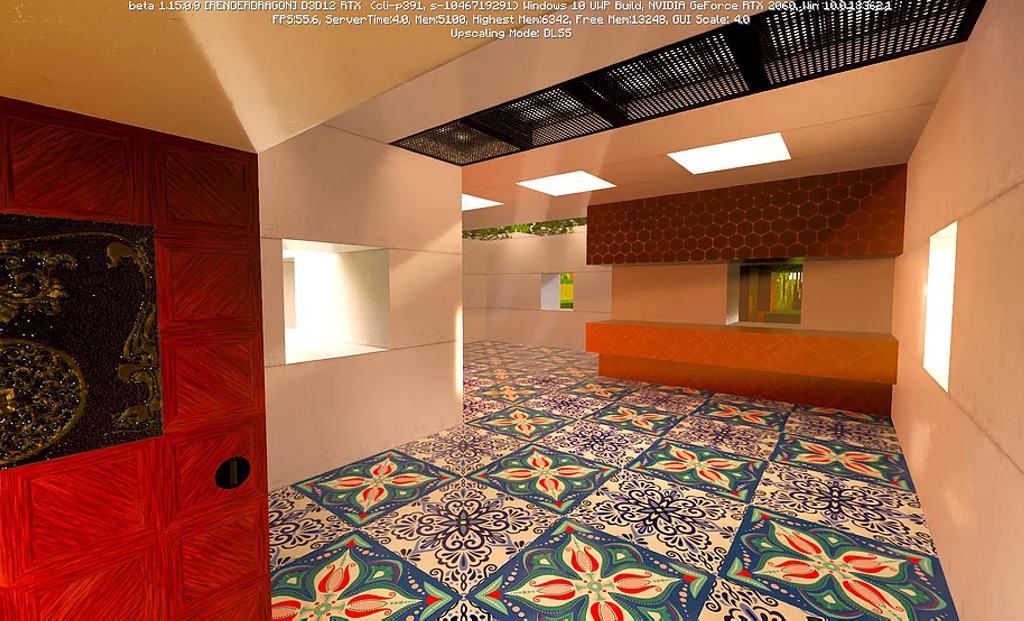
Luna HD resource pack is one of the most popular textures currently available on the market that take Minecraft to a whole new level. The resource pack was under continuous development for several months, receiving multiple updates, new textures, and support for multiple versions of Minecraft. While vanilla Minecraft has aged well, the game did not receive any significant visual updates. LunaHD attempts to fix this by adding improved textures that are more realistic, new 3D models, and batter lighting. Reflexions and shadows have been improved and every single element of the game now boasts more details. The resource completely revamps the visuals of Mine craft, without altering gameplay. All textures are more vibrant, blocks are much clearer, objects are much easier to tell apart and lighting effects can compete with modern-day games. The texture details within the LunaHD resource pack remain crisp even when looking at blocks from a close distance. With such realistic textures, the game feels more modern. The developer made the LunaHD resource pack available in 4 different resolutions. It is available in 32x, 128x, 256x, and 512x. The latter being the most detailed texture pack and the most resource-intensive. Players with older computers may want to test out the 32x or 128x versions of the resource pack if they experience low framerates. Also, higher resolution versions will require more disk space.
Featured video:
Out of all of them, only the 32x version is available for free. Highest resolution version also include RTX support for players that use a modern Nvidia video card. For an ultimate experience, the 512x resolution resource pack is recommended but only for players with a modern gaming video card to maintain a high frame rate and no game performance degradation. The resource pack is available for multiple versions of Minecraft with the full list of compatible versions being made available on the official LunaHD resource pack website. All premium resolutions are offered via Patreon for a modest monthly subscription. All of them, including the free 32x version, receive regular updates from the developer. Everyone gain access to the official Discord server that can be used to communicate directly with Sandeep, the original developer of LunaHD. Sandeep has been a fan of the game since it was launched and decided to create a LunaHD resource pack using his skills as a 3D artist. All Discord members can ask questions directly to the developers, get support for various technical issues and offer suggestions for future updates for LunaHD. Currently, the Discord community exceeded 1500 members, all contributing to updates and improvements to the resource pack. To use the LunaHD resource pack, a few prerequisites are required. Since it improves ingame lighting, SEUS PTGI or Renewed shaders are recommended to be installed. The official website and discord server contains more instructions on how to get the resource pack installed and how to play it. Also, the resource pack comes with bonuses for Patreon members such as custom works and maps.
Luna HD should be compatible with all of these Minecraft versions: 1.21.10 - 1.21.9 - 1.21.8 - 1.21.7 - 1.21.6 - 1.21.5 - 1.21.4 - 1.21.3 - 1.21.2 - 1.21.1 - 1.21 - 1.20.6 - 1.20.5 - 1.20.4 - 1.20.3 - 1.20.2 - 1.20.1 - 1.20 - 1.19.4 - 1.19.3 - 1.19.2 - 1.19.1 - 1.19 - 1.18.2 - 1.18.1 - 1.18 - 1.17.1 - 1.17 - 1.16.5 - 1.16.4 - 1.16.3 - 1.16.2 - 1.16.1 - 1.16 - 1.15.2 - 1.15.1 - 1.15 - Bedrock Edition - PE
Luna HD — Video & Screenshots


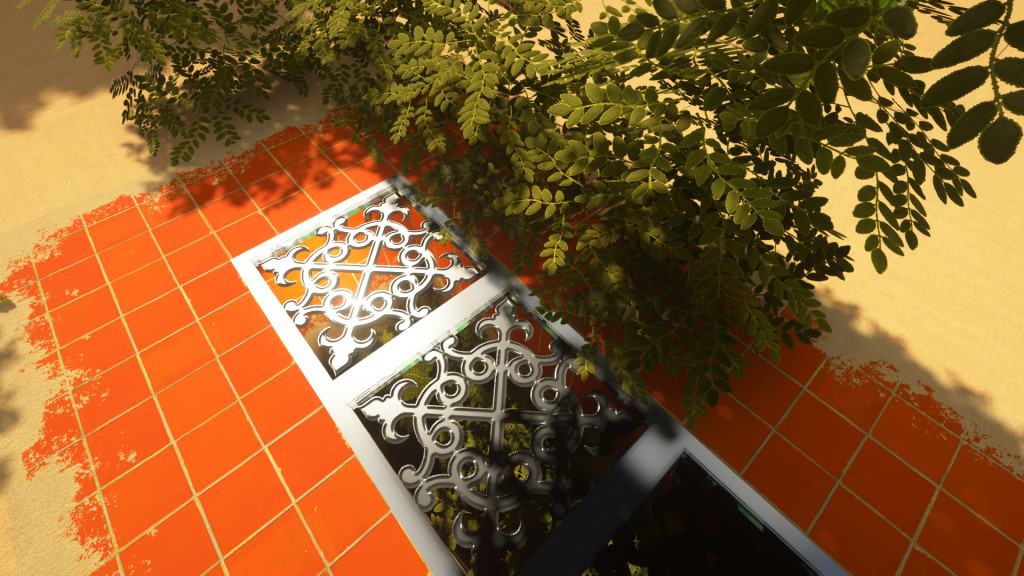
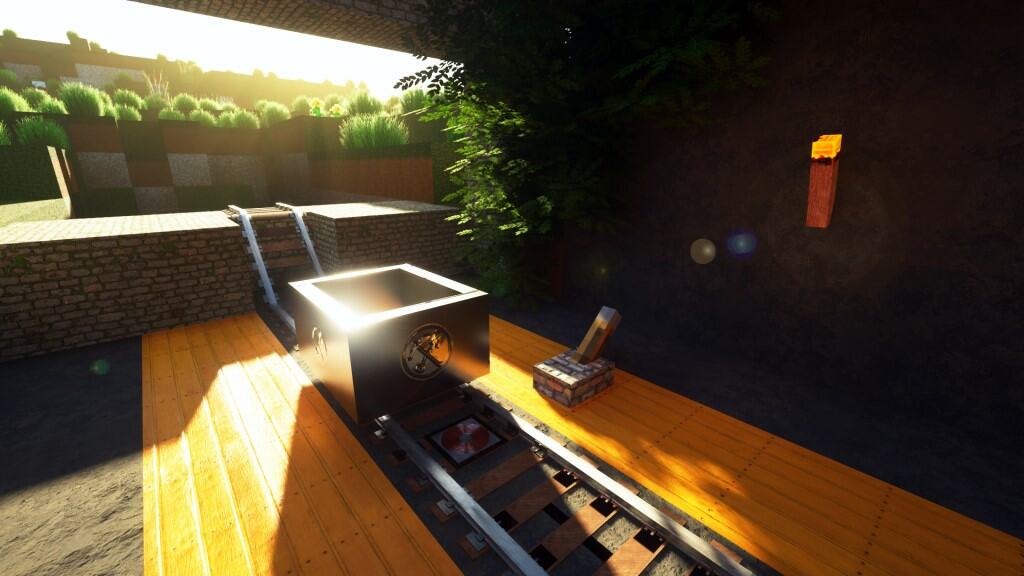

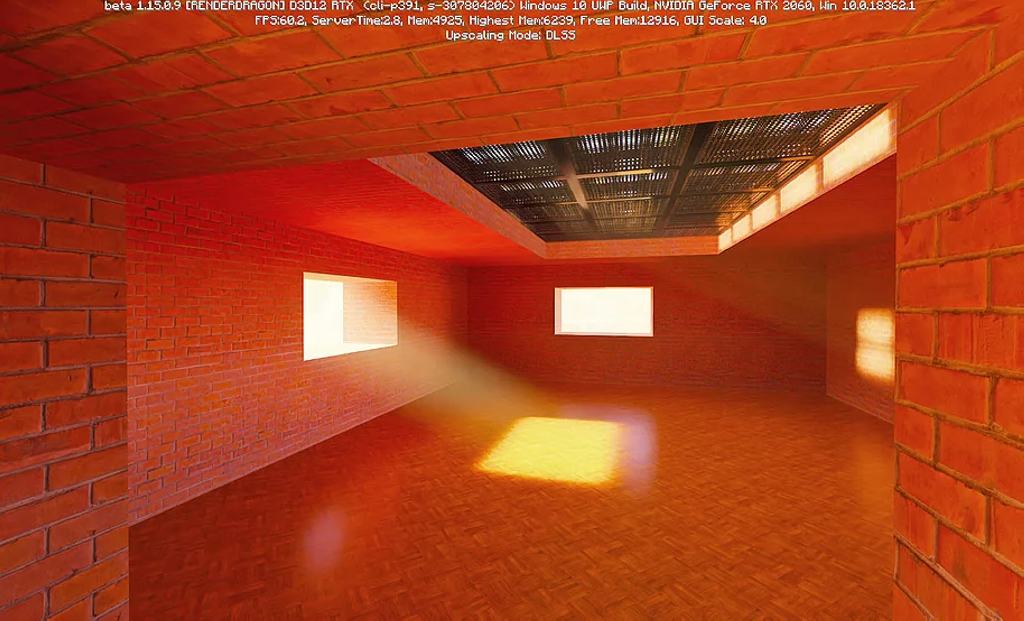
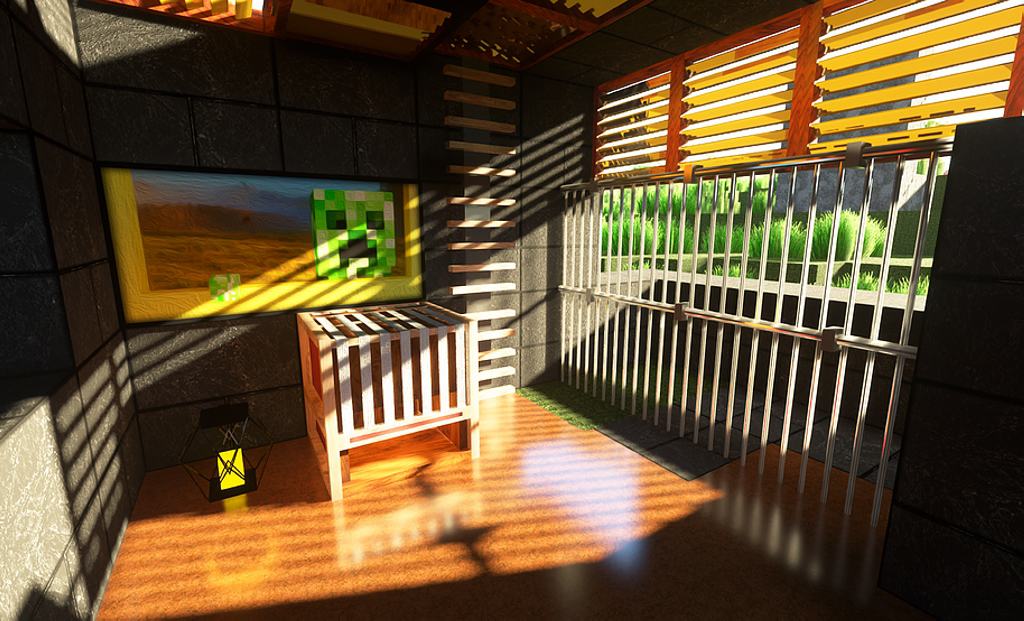
How to install Luna HD Resource Pack:
- Most resource packs require Optifine, so be sure to download and install it. – general recommended step for all packs, Optifine is also needed for most shaders
- Download the Luna HD texture pack for Minecraft from the download section below. – if there are many different versions, just choose the one you like, is compatible with your version/edition of Minecraft, the one you think your computer can handle in terms of performance.
- Launch the game client through the Minecraft launcher.
- On the main menu, click "Options".
- On the options menu, click "Resource Packs...".
- Click on "Open Resource Pack Folder". – folder titled "resourcepacks" will pop up
- Move the .zip file you downloaded in the first step to the newly opened "resourcepacks" folder.
- Click "Done".
- Click on "Resource Packs..." again.
- Your pack should have appeared in the left window, just hover over it and click on the arrow pointing to the right.
QUICK TIP: Sometimes, when activating a pack, the game may say that the pack is made for a newer or older version of Minecraft. This is just a warning, it does not affect your gameplay in anyway, and you can still activate and enjoy the pack by simply clicking the "Yes" button when prompted.
- Click "Done" again.
- The pack has now been successfully loaded and ready to be used in your world!
How to install Luna HD RTX Version:
- Download the LunaHD RTX for Minecraft from the download section below.
- Launch Minecraft and create a world.
- Exit Minecraft and extract the contents of the pack to %USERPROFILE%\AppData\Local\Packages\Microsoft.MinecraftUWP_8wekyb3d8bbwe\LocalState\games\com.mojang\resource_packs
- Launch Minecraft again and after clicking “Play Beta”, open the world settings (the pencil icon to the right of the world button).
- Open “resource packs” -> “my packs” and activate the RTX pack you installed.
Recommended shaders:
Luna HD Texture Pack Download
- We do not modify or edit any resource packs. All resource packs, shaders and tools found on this website are linked directly to official sources rather than hosted on our own servers. We provide only the official download links from the original creators to ensure that your files are safe and secure.
- These official links are updated manually and may occasionally stop working when a new version is released. We work hard to keep everything current so that you have a smooth experience. Please let us know in the comments if you find a link that no longer works.
- Minecraft is a trademark of Mojang Studios and has no official connection to this website. Our goal is simply to share the best creations from the community with other players.
- Please consider leaving a comment or voting for your favorite packs. This feedback helps authors improve their projects over time. You can also support the creators directly by visiting the official links located below the download section.
Bedrock Edition:
[32x] [1.21.x – 1.20.2] Download Luna HD Bedrock Edition (RTX) Resource Pack – free, for Windows 10 Bedrock Edition;
[32x] [1.20.1 – 1.20] Download Luna HD Bedrock Edition (RTX) Resource Pack – free, for Windows 10 Bedrock Edition;
[32x] [1.19.x] Download Luna HD Bedrock Edition (RTX) Resource Pack – free, for Windows 10 Bedrock Edition;
[32x] [1.18.x] Download Luna HD Bedrock Edition (RTX) Resource Pack – free, for Windows 10 Bedrock Edition;
[32x] [1.17.x] Download Luna HD Bedrock Edition (RTX) Resource Pack – free, for Windows 10 Bedrock Edition;
[32x] [1.16.x] Download Luna HD Bedrock Edition (RTX) Resource Pack – free, for Windows 10 Bedrock Edition;
[512x] [1.20.x – 1.16.x] Download Luna HD Bedrock Edition (RTX) Resource Pack – for Patrons & Windows 10 Bedrock Edition only;
Java Edition:
[64x] [1.21.x] Download Luna HD Resource Pack – absolutely free;
[64x] [1.20.6 – 1.20.2] Download Luna HD Resource Pack – absolutely free;
[64x] [1.20.1 – 1.20] Download Luna HD Resource Pack – absolutely free;
[64x] [1.19.x] Download Luna HD Resource Pack – absolutely free;
[64x] [1.18.x] Download Luna HD Resource Pack – absolutely free;
[64x] [1.17.x] Download Luna HD Resource Pack – absolutely free;
[128x] [1.20.x – 1.16.x] Download Luna HD Resource Pack – for Patrons only;
[256x] [1.20.x – 1.16.x] Download Luna HD Resource Pack – for Patrons only;
[512x] [1.20.x – 1.16.x] Download Luna HD Resource Pack – for Patrons only;
[1024x] [1.20.x – 1.16.x] Download Luna HD Resource Pack – for Patrons only;
Lush Grass Add-on (Java Edition):
[64x] [1.21.x] Download Luna HD Lush Grass Add-on Pack – absolutely free;
[64x] [1.20.6 – 1.20.2] Download Luna HD Lush Grass Add-on Pack – absolutely free;
[64x] [1.20.1 – 1.20] Download Luna HD Lush Grass Add-on Pack – absolutely free;
[64x] [1.19.x] Download Luna HD Lush Grass Add-on Pack – absolutely free;
[64x] [1.18.x] Download Luna HD Lush Grass Add-on Pack – absolutely free;
[128x • 256x • 512x • 1024x] [1.20.x – 1.16.x] Download Luna HD Resource Pack – for Patrons only;
Official SMP Server IP/URL:
- lunahd.apexmc.co – optifine and shaders (Seus Renewed, Sildurs, BSL or Seus PTGI) are needed to join;
Curseforge: download starts automatically after a few seconds;
Mediafire: click the big blue button with the text "DOWNLOAD";
Google Drive: in the top right corner you will see a small download icon (down arrow), click it and the download should start;

2,730 votes
Look.. 2730 users have already liked this pack. Give a diamond if you like it too!


Rogue
Currently using Sodium and Iris along with the 1.19.x datapacks that “supports” Sodium. Sadly the blast furnace model is just showing as a pink and black checkered model (model and color when something is broken or doesn’t load correctly). No shaders in use but still the same with shaders enabled. Even tried using a 1.18.x pack and the EAXCT same issue. Gonna take a wild guess and say its not FULLY compatible with Sodium/Iris or the blast furnace model is broken. Even tried using the SEUS-Renewed Shaders and still the same issus so you cant blame it on not having the correct shaders or no shaders at all.
Jose Santiago
Loving the Crafting table and 3D – Ish Items !
Dtrain
Love the look, only issue so far is that sea lanterns have no texture (pink and black squares). I got the 64x 1.20.x version (first link for the java page)
Batusai-X
you need to install optifine or Sodium / Iris mod before you install luna
Basemaple
i have downloaded the java version and bedrock version to my google drive. Downloaded it from there and then moved it to the resource packs folder and nothing is popping up. is there a proper way to download this? I’ve turned it into a zip file, and downloaded it normally and nothing is working. pls help
Batusai-X
for java you need to install optifine or Sodium iris mod before you can run this pack. You can find the tutorial on youtube. For bedrock to work correctly you need to have an RTX enabled Nvidia graphics card.
minecraft
i have the same issue, i have done all that optifine stuff and it doesn´t work, lush grass is the only one working, pls help
McDonalds_Worker
I clicked on the thing and it took me to the google drive website and I don’t know what to do now. Please help.
Admin
You must download it from there. If you don’t know how to download from gdrive, you can check out our quick download instructions right below the download links.
Rockstar1983
Will my Asus Rog Strix 3080 run the 512x version? Wanting to know before I patreon
Admin
Minecraft is more dependent on RAM than GPU. If you have at least 32GB of RAM, 512x should be mostly fine with your GPU, otherwise 256x should be fine with 16GB of RAM.
elite
This is extremely good, But it was laggy I think it’s just my pc
Batusai X
Try and reduce the render distance
Sc_Tarsus
Great texture and all but I get random spots where blocks don’t show. For example when I am near mountains there would be a piece in the mountain that is completely invisible. When I turn off the resource pack the blocks that were invisible will show.
Ashtoniò Croatoan
the leaves don’t show up in the game
Batusai-x
you need to install optfine
ProEray06
Minecraft texture
larry
the Pickaxt is a joke hahahhah the make of thes resurcepack was drunk when he made the pack hahahahahahhahahahahaha
Sam
Your grammar makes it impossible to read what your saying.
George
stop typing like you’re drunk
Boba
I’m on 1.19.3 Java edition and it says that it isn’t updated. Just thought you should know.
Batusai X
The pack is 1.19x compatible. Optifine is yet to update to 1.19.3. The pack needs optfine to run
Sarin
How Do I Download Luna HD When It Into Google drive
Ethan
Spruce leaves are untextured. Water in the icon looks realistic, but the water in minecraft is 100% normal. Please fix the spruce leaves.
Batusai-x
you need to install optifine and shaders
Damo
I can’t get it to download because if i do it will take me to google drive can someone help
Admin
Everything is correct. The resource pack is hosted on google drive. You can download from google drive, what’s the problem?
Shallow
China area can’t use the GOOGLE…
Admin
There’s nothing we can do about it, it’s the author’s decision to put the file there. We are not allowed to re-upload files.
Cynthia
Awesome pack! Love the textures. Can I use it on my friends server ?
Prashu
Good mod. I like 3d tables. I use fabric. Will it work for fabric in the future ?
Batusai-x
The pack is based on optifine. Fabric Support maybe in the future
Cindy
Came here after I saw Mr.beast use this pack on his gaming channel. Glad I found the free version. Just amazing !
Harshu
This is the worst texture i have ever seen ewwwwwwwwwwwwwwwwww
greg
sorry that you have a potato pc. you obviously can’t run this and your jealous
Jarkfave
No, he’s right. the free is trash and if you pay… I’m sorry…
V0RKI
I don’t see any water. did I do something wrong?
FreezyTimerX2V
Does it work on with mods?
Batusai-x
it works only with optifine based mods
paradox
leaves on trees are coming up as pink and black checkerboard
Moxie
I’m getting this same issue. Missing textures on certain leaf blocks.
Batusai-x
you need to install optifine
Asdasdasdasdasd
Add realistic drop ıtems
Batusai-X
It would be done in the upcoming updates
sindrason
make it 1.19
Batusai-x
waiting for optifine update to 1.19. The pack is built around optifine.
Wetir
i do not see the water in MC Badrock edition win 10. i7 8th/gtx1060/32gb
trillest
having the same issue
sssss
RTX is not the same as GTX
APPLE SUCKS
you are not wrong.
jordan
do not all the textures are loading in for me, l;ike the crafting table how do i fix this??
Batusai X
You need to install optifine for all the textures to load properly.