The Faithless resource pack is one of the packs that take into interest how to overcome color deficiencies in Minecraft. Are you that type of person who cannot distinguish between colors and you are a gamer or want to try a certain game? Well, this is the pack for you aimed at aiding you to have the same measure of fun others have when they play. For you to be in a position where you’ll assume roles of characters in the game despite your color weakness, this resource pack will help convey some uniqueness to the features and blocks in the game. Minecraft has designed the game to be accessible to everyone, but for some, due to their physical disabilities, for instance, sight-impaired normally, they cannot play the game. However, all is not lost, for with the help of the resource pack, which gives the Faithless texture, they will be in a position to play. Its composition benefits them by allowing one to tell the difference between the colors of the elements in the game. Such challenges are evident to the visually impaired, and perhaps you did not know they happened because you cannot relate to them. Through the assistance of the physically disabled persons to the developer ItsStitchyYT, they expect the resource pack created in alignment with their needs. This resource pack was initially embraced via Reddit. The Faithless texture pack is not only designed for the visually impaired but also for those who can discern the difference in colors. Using these textures is way more fun than using the default ones. If you want to identify blocks in their shape and color, consider using this resource pack for the mind-blowing textures. Additionally, you will have an array of different and extraordinary designs from those you are used to, maximizing your urge to engage in the game. The most known faithful texture pack is Faithful 32x, where some of its features relate to this faithful texture. They both purpose to improve Minecraft and manage its effectiveness to the players. However, despite having similarities, they tend to differ in their power resolutions.
Featured video:
The Faithful texture pack tends to have a higher resolution than the faithless pack. The faithless texture pack has a relatively low resolution, giving you an option to opt for 16x or 8x. But the developer had a reason for designing because it allows you to play with the resource pack without your expensive gadget. It is time-consuming to develop all these textures, and the developer, ItsStitchyYT, does not fascinate with releasing uncompleted projects. There are still some pending features yet to be made accessible to you. The creator reveals to you that before he can approve a successful project from creating textures, he makes sure he listens to his users for him to create one that aligns with their needs. Perhaps you have any recommendations on the features you want to be added or removed on the textures, reach him via Discord, and by doing this, you will help in mending the color defects. From the ideas given by some of you, blending in the AppleSkin mod seems to be the most wanted, and be certain that the developer will consider this. Thus, this resource pack’s purpose of make sure that even those who have weaknesses in distinguishing colors can recognize all elements in Minecraft. It focuses on bringing new textures that will be effective to such types of people, which will help them be in a position to play. Besides that, the resource pack aims to give you an experience you have never had, for it sets to improve its RPG by establishing more themes. This will leave you with more urge of wanting to play the game often. Its RPG runs at 16x; hence you should not expect any problems on your hardware if it can work on Minecraft. The faithless texture is beneficial to players experiencing Trypophobia as well as Dyslexia. You can consider using this RPG for those who want to engage in the game Survival mode because its features are so exquisite. Whether or not you have color deficiencies, be sure to opt for this resource pack, and after its installation, you will have an amazing time in your play. It is an overwhelming creation starting with how each item in the game looks and is differentiated in shape and color to discern them, giving you an outstanding videogame experience.
Faithless should be compatible with all of these Minecraft versions: 1.21.11 - 1.21.10 - 1.21.9 - 1.21.8 - 1.21.7 - 1.21.6 - 1.21.5 - 1.21.4 - 1.21.3 - 1.21.2 - 1.21.1 - 1.21 - 1.20.6 - 1.20.5 - 1.20.4 - 1.20.3 - 1.20.2 - 1.20.1 - 1.20 - 1.19.4 - 1.19.3 - 1.19.2 - 1.19.1 - 1.19 - 1.18.2 - 1.18.1 - 1.18 - 1.17.1 - 1.17 - 1.16.5 - 1.16.4 - 1.16.3 - 1.16.2 - 1.16.1 - 1.16 - 1.15.2 - 1.15.1 - 1.15 - 1.14.4 - 1.14.3 - 1.14.2 - 1.14 - 1.13.2 - 1.13.1 - 1.13 - 1.8.9 - 1.8.8 - 1.8.1 - 1.8.6 - 1.8 - 1.7.10 - 1.7.9 - 1.7.4 - 1.7 - 1.6.4 - 1.6.2 - Bedrock Edition - PE
Faithless — Screenshots
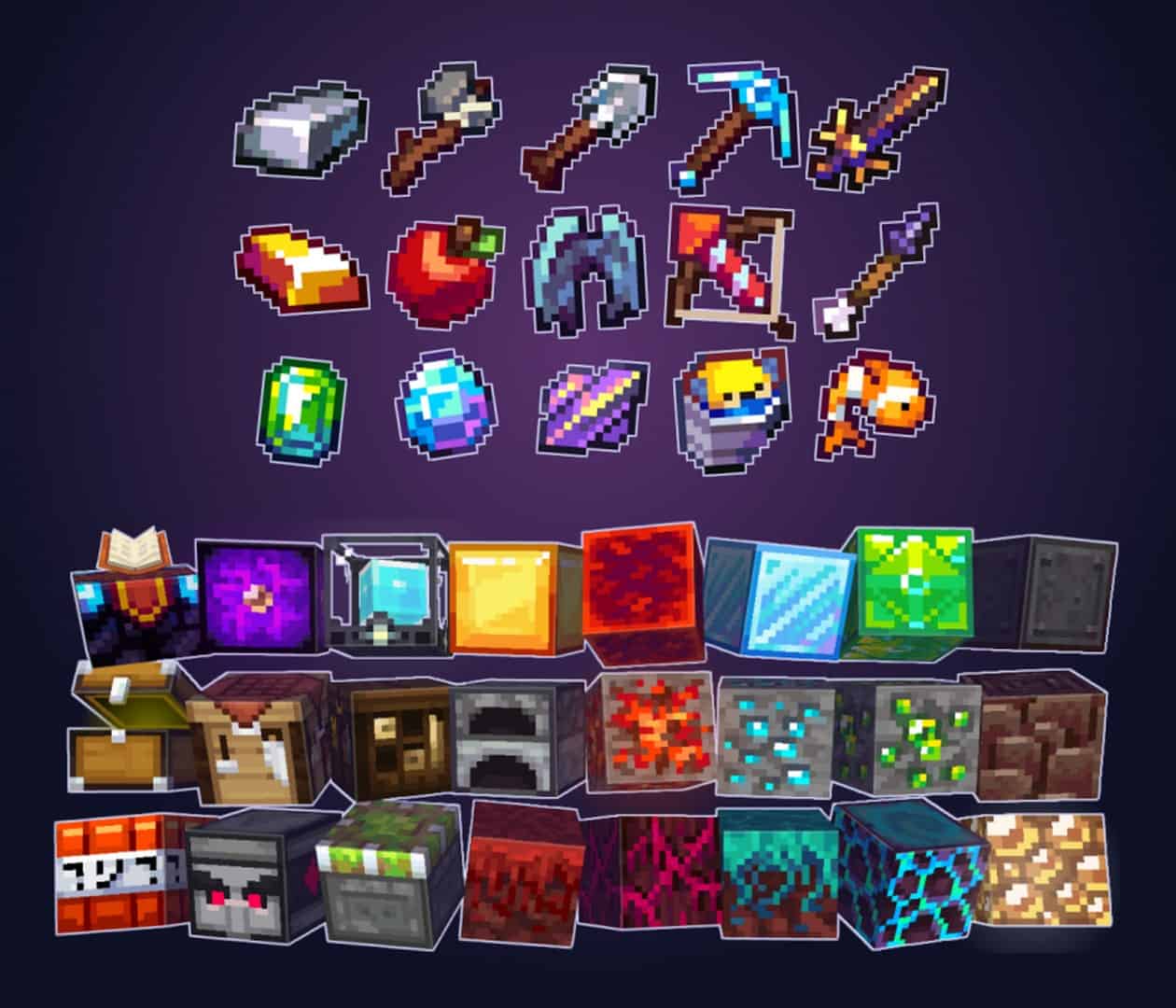
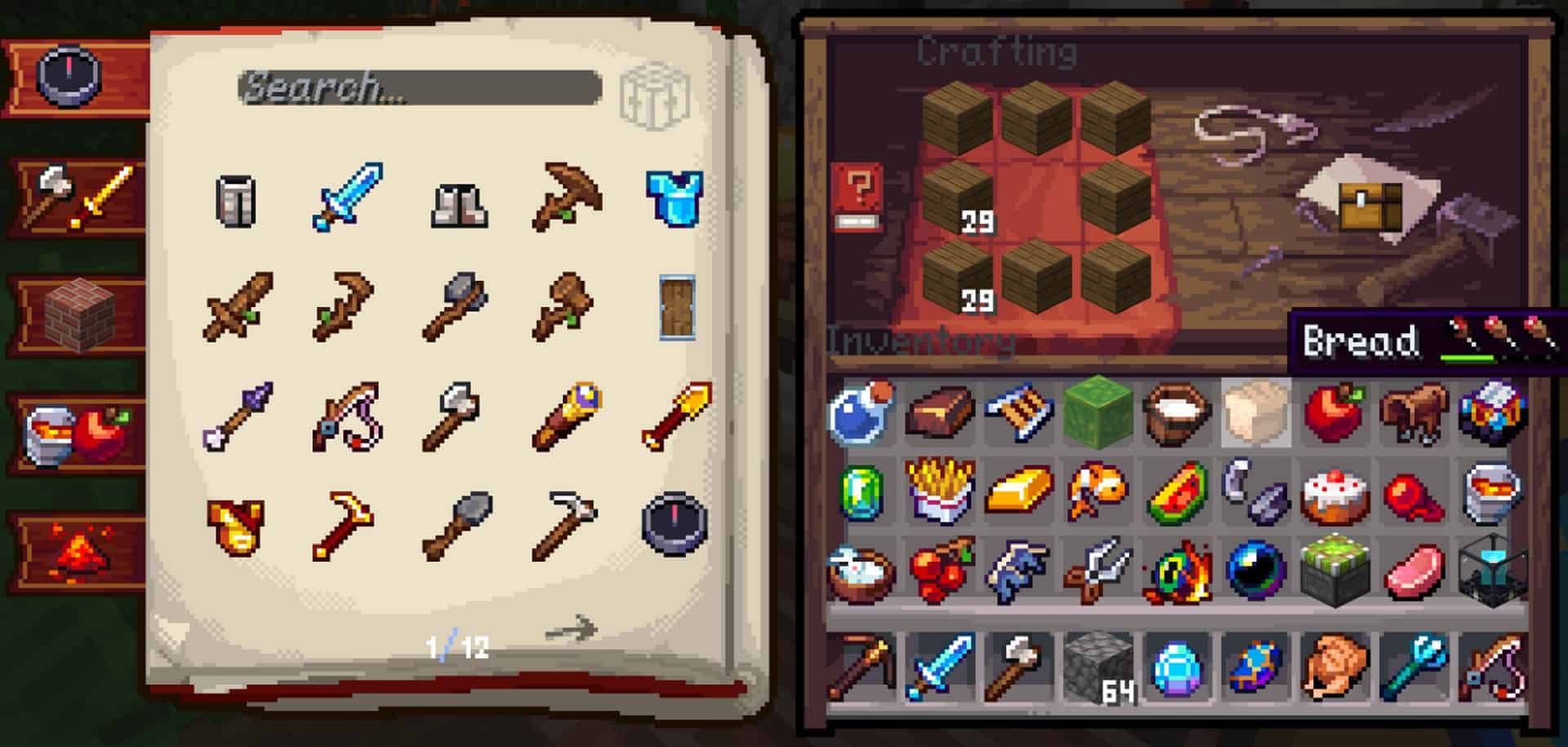
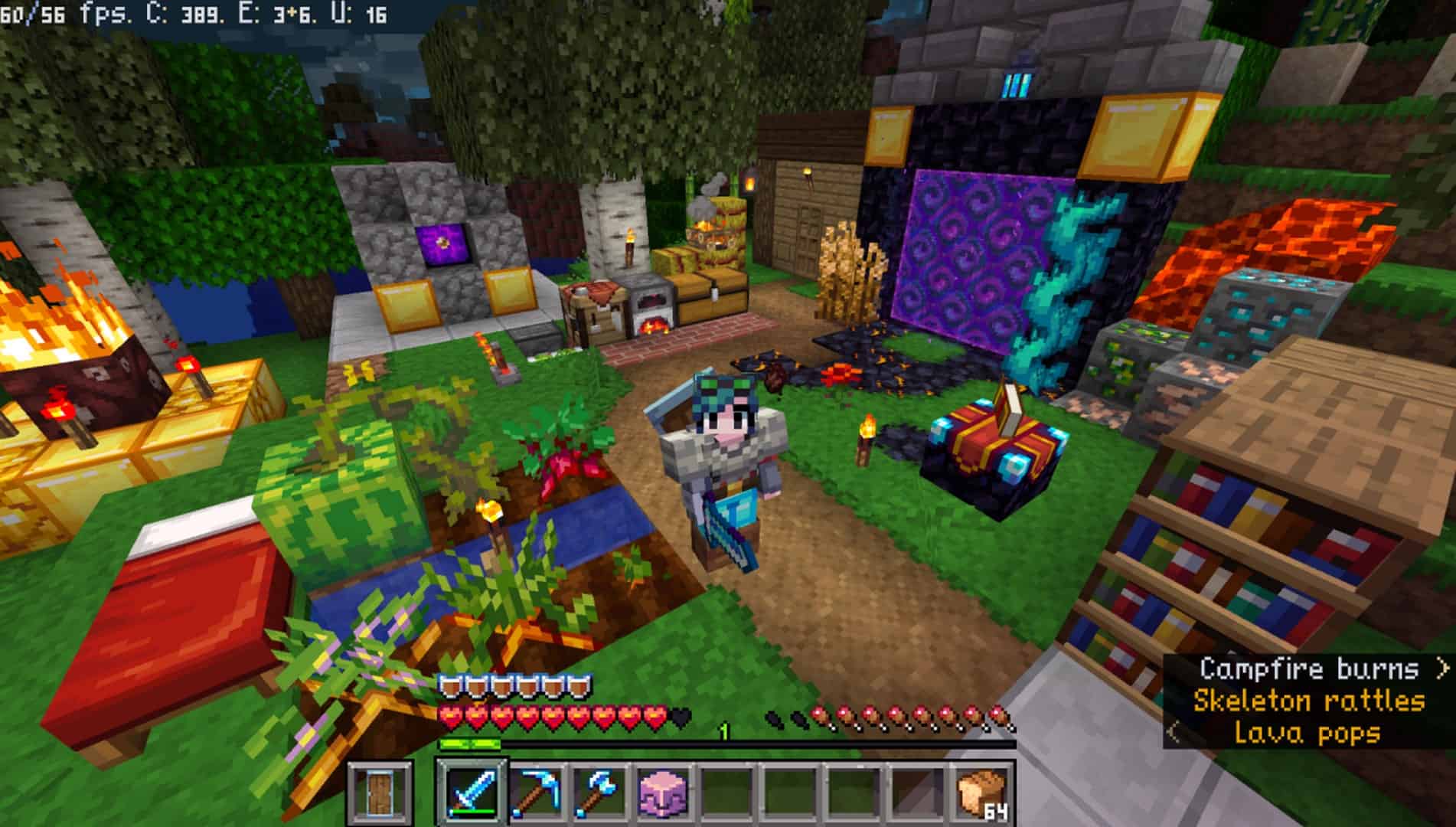
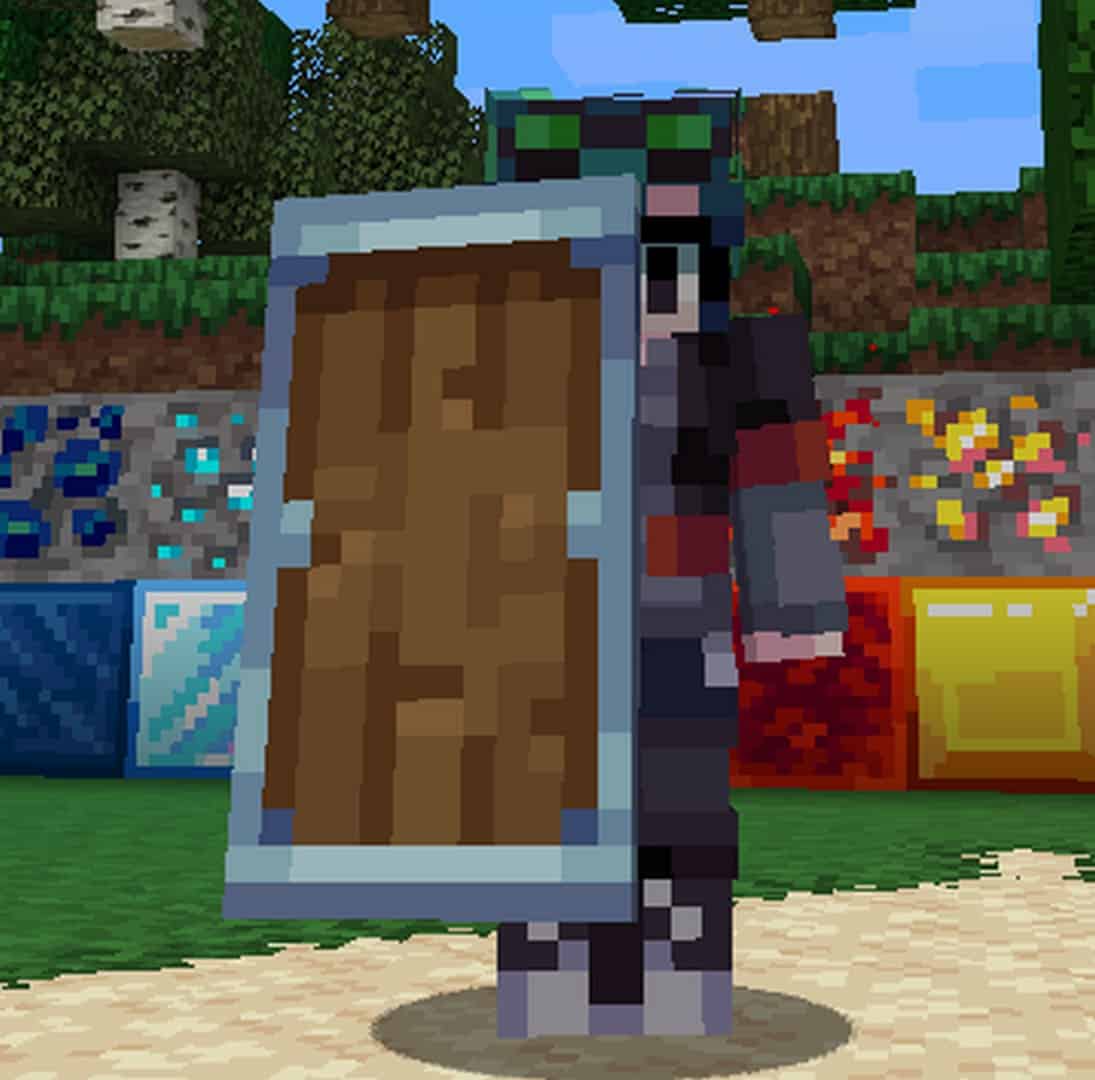
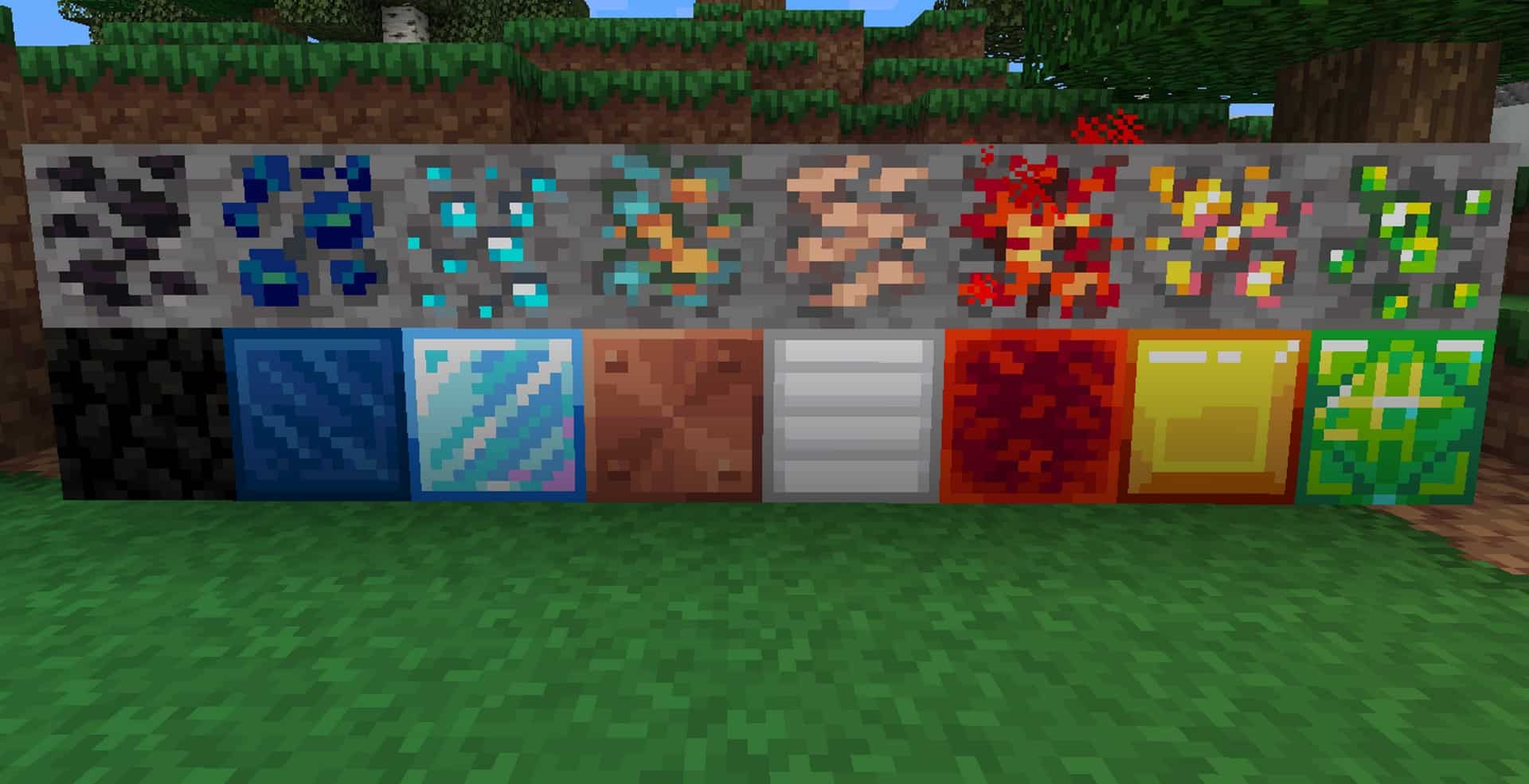
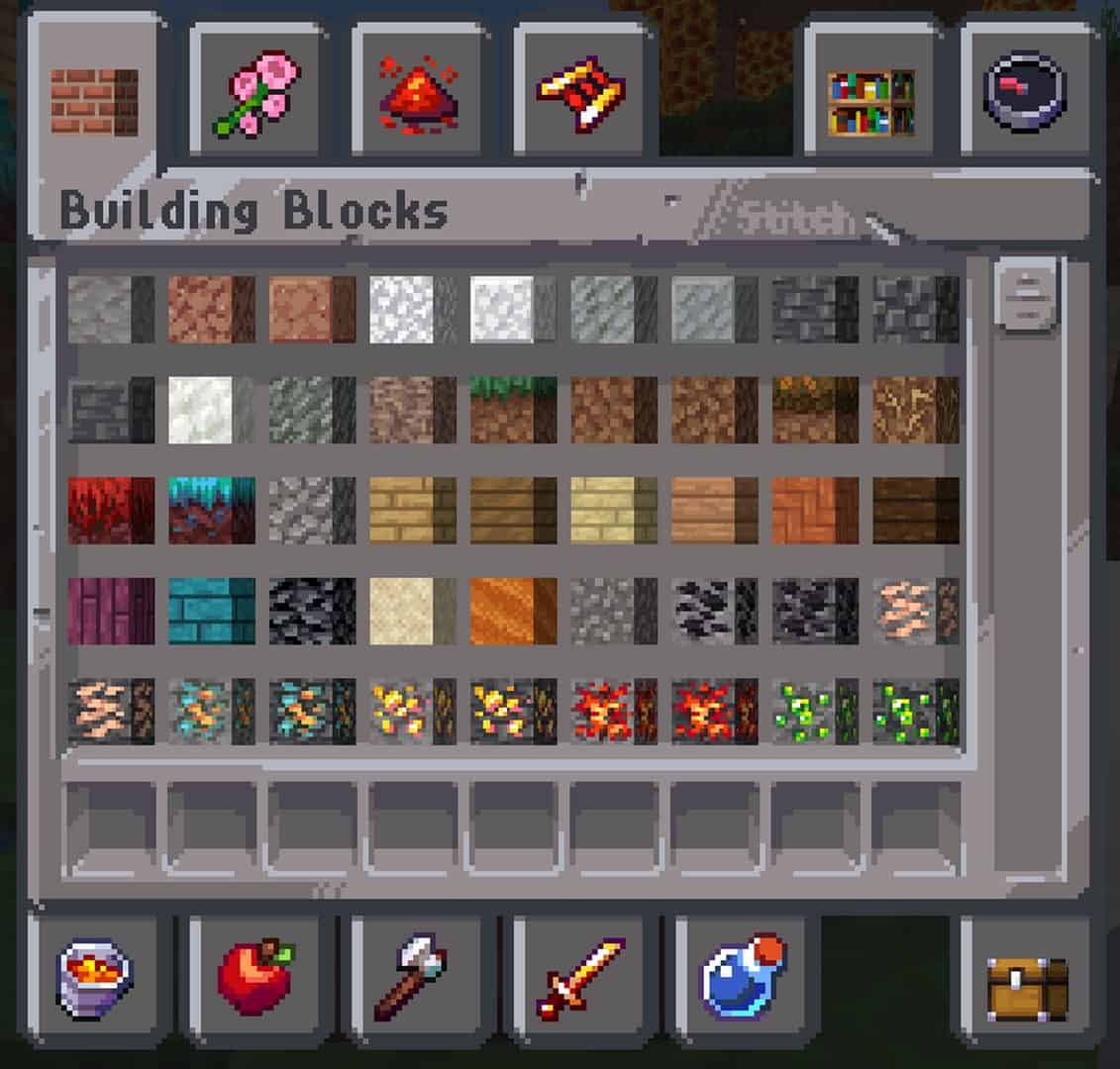
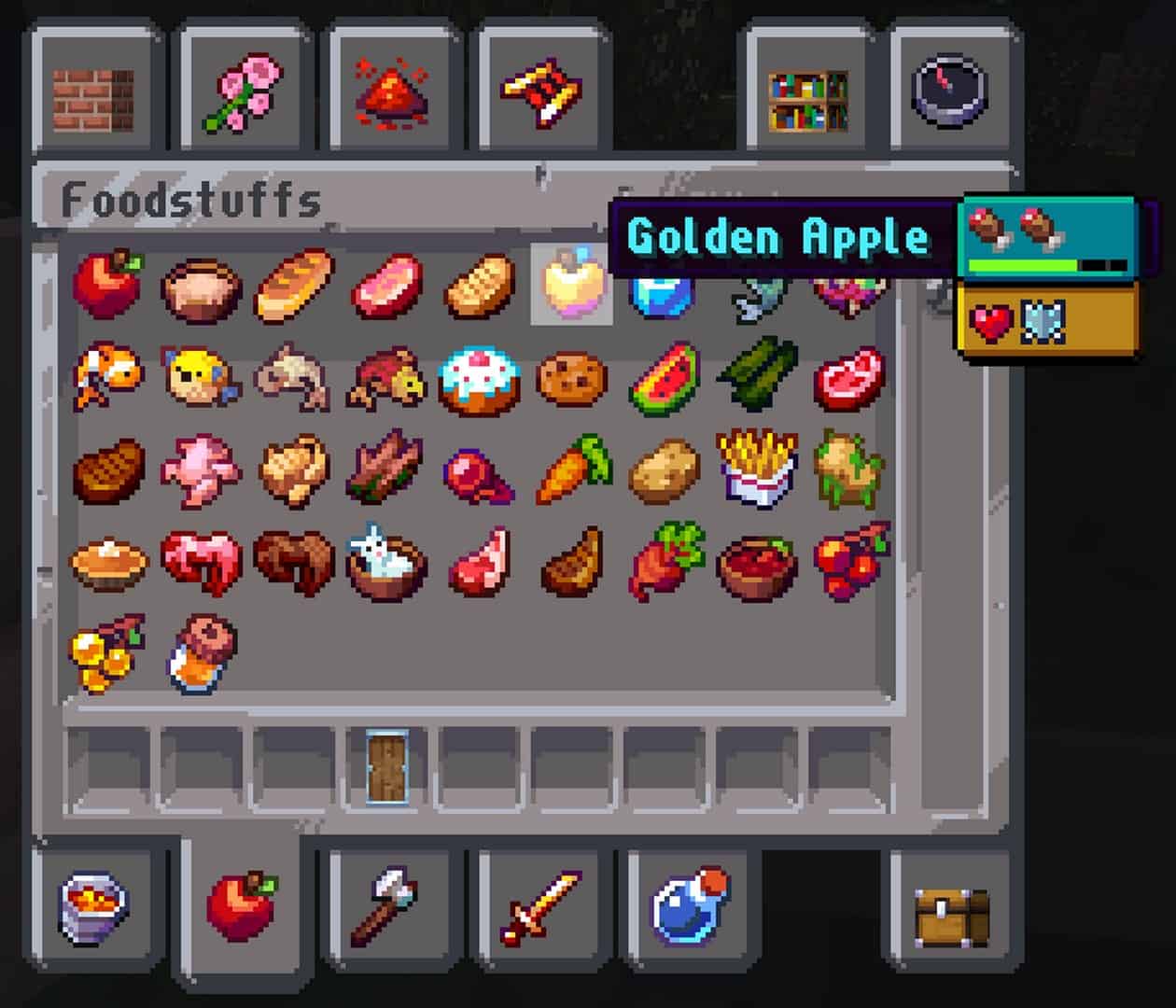
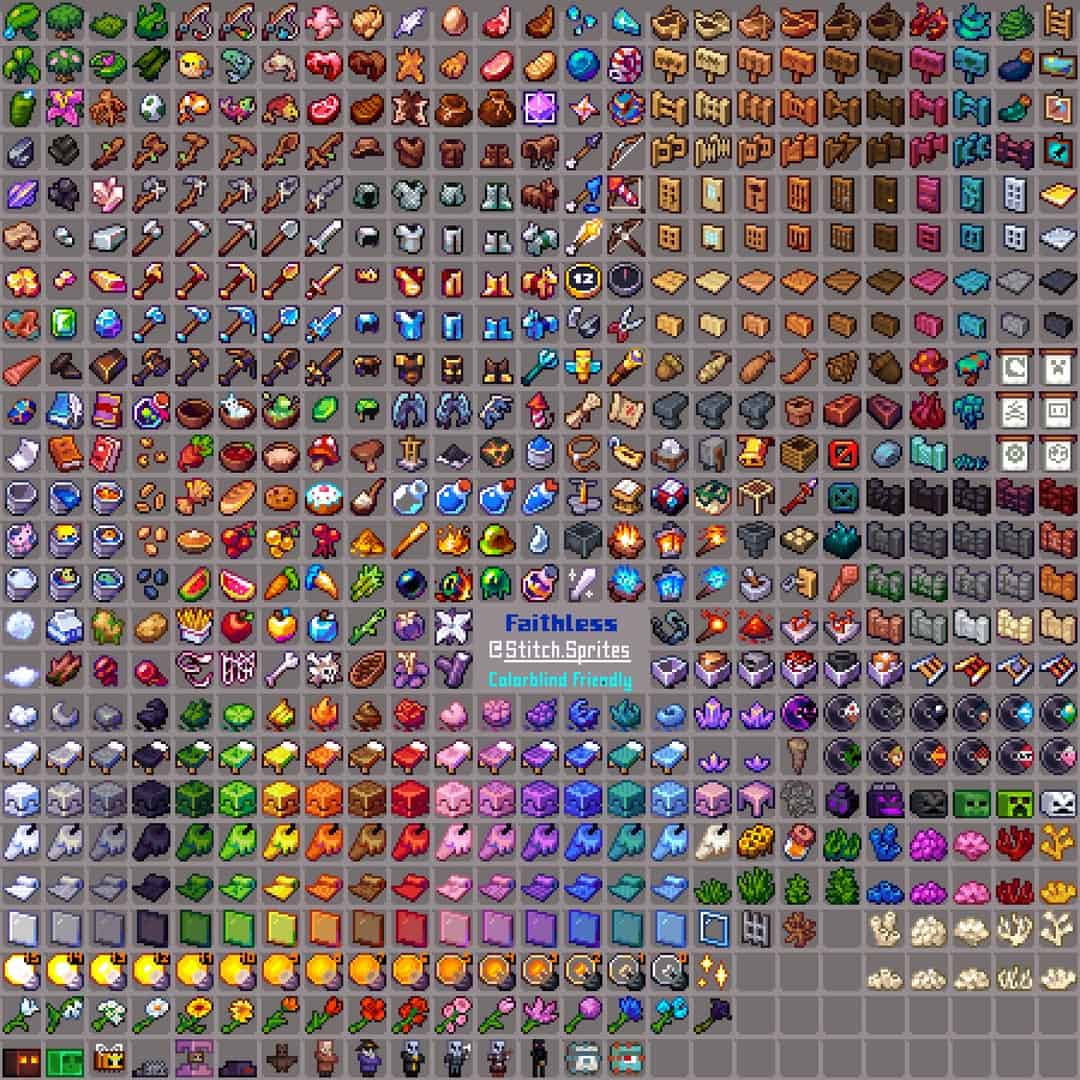
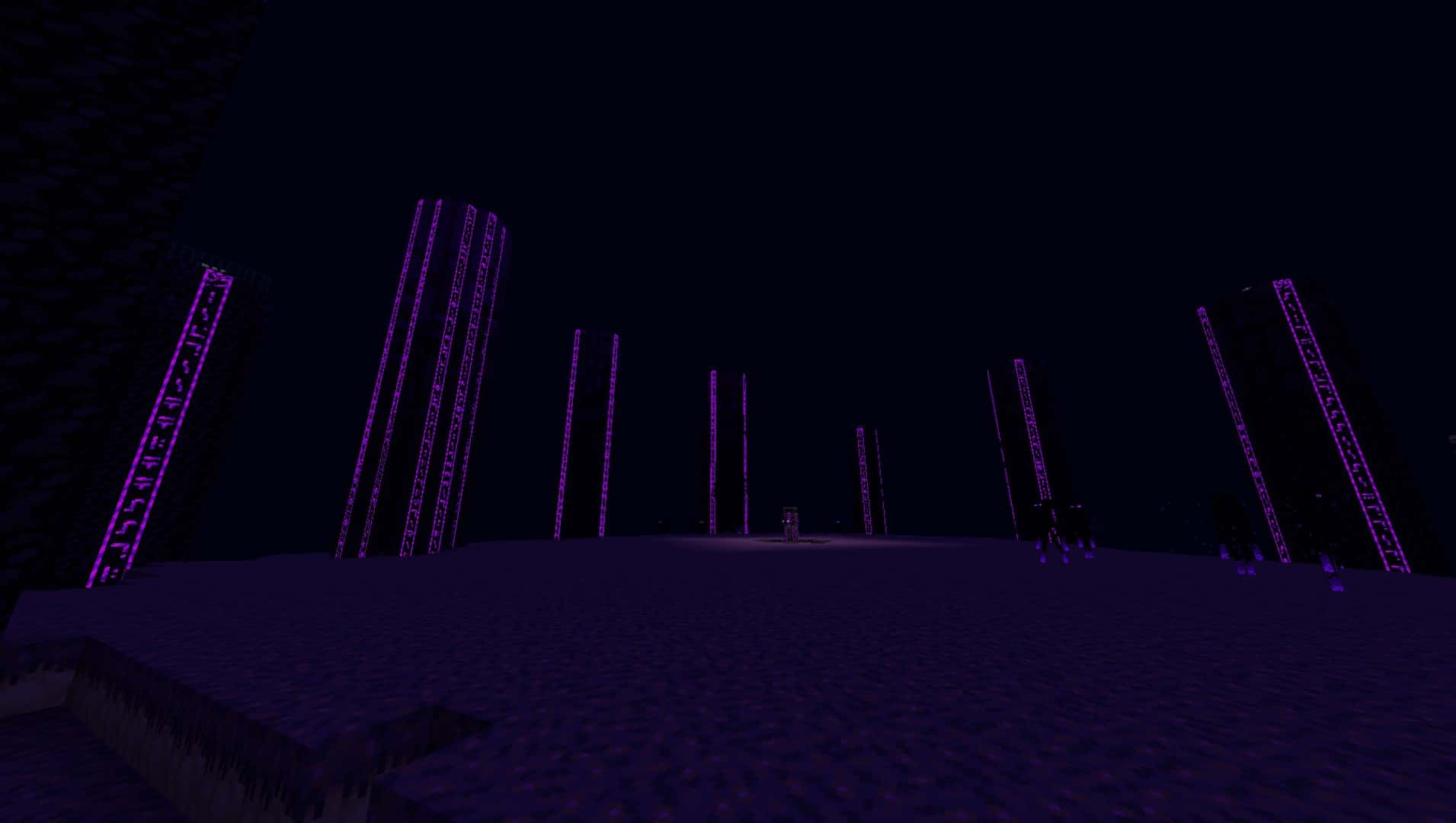
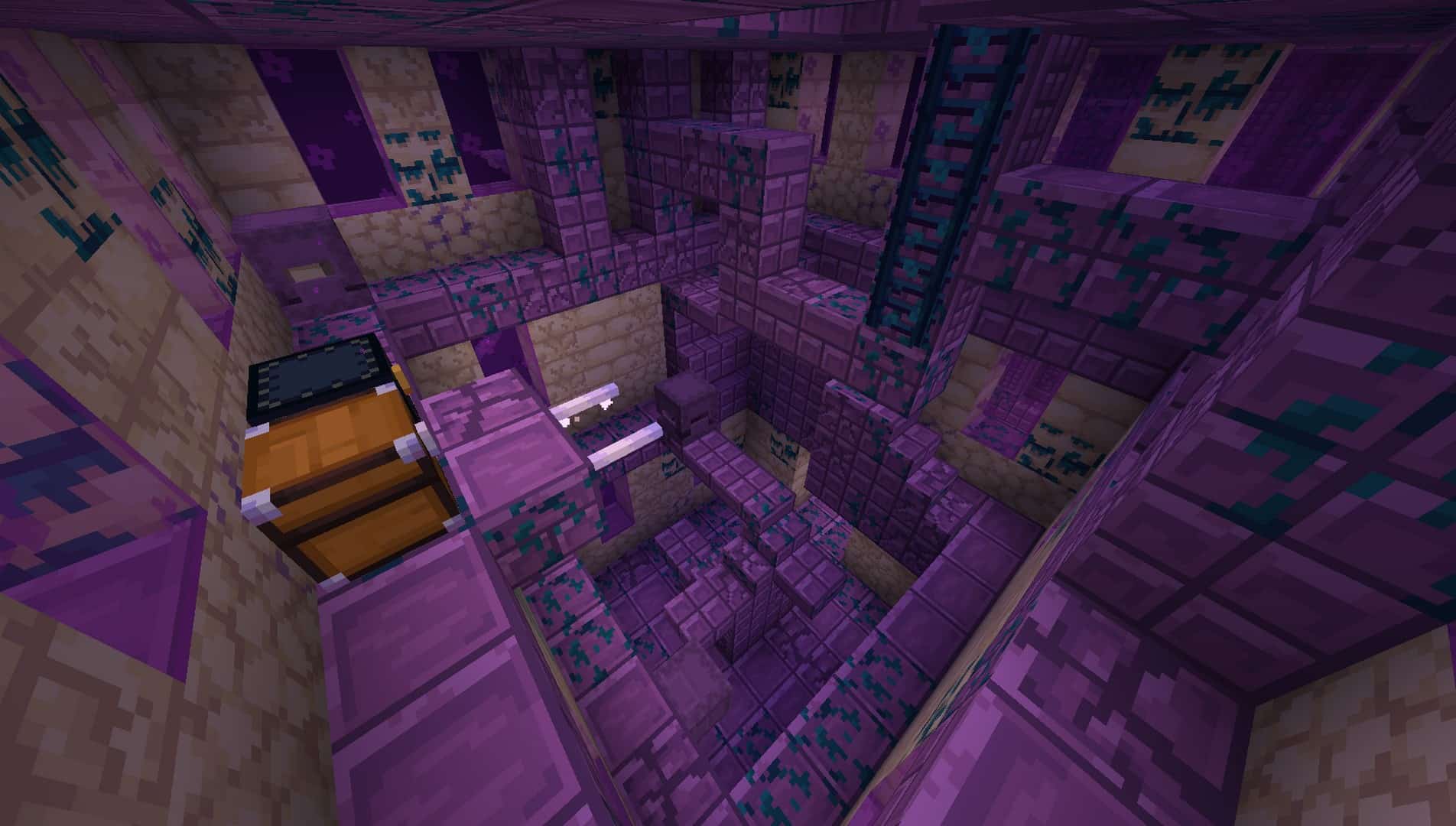
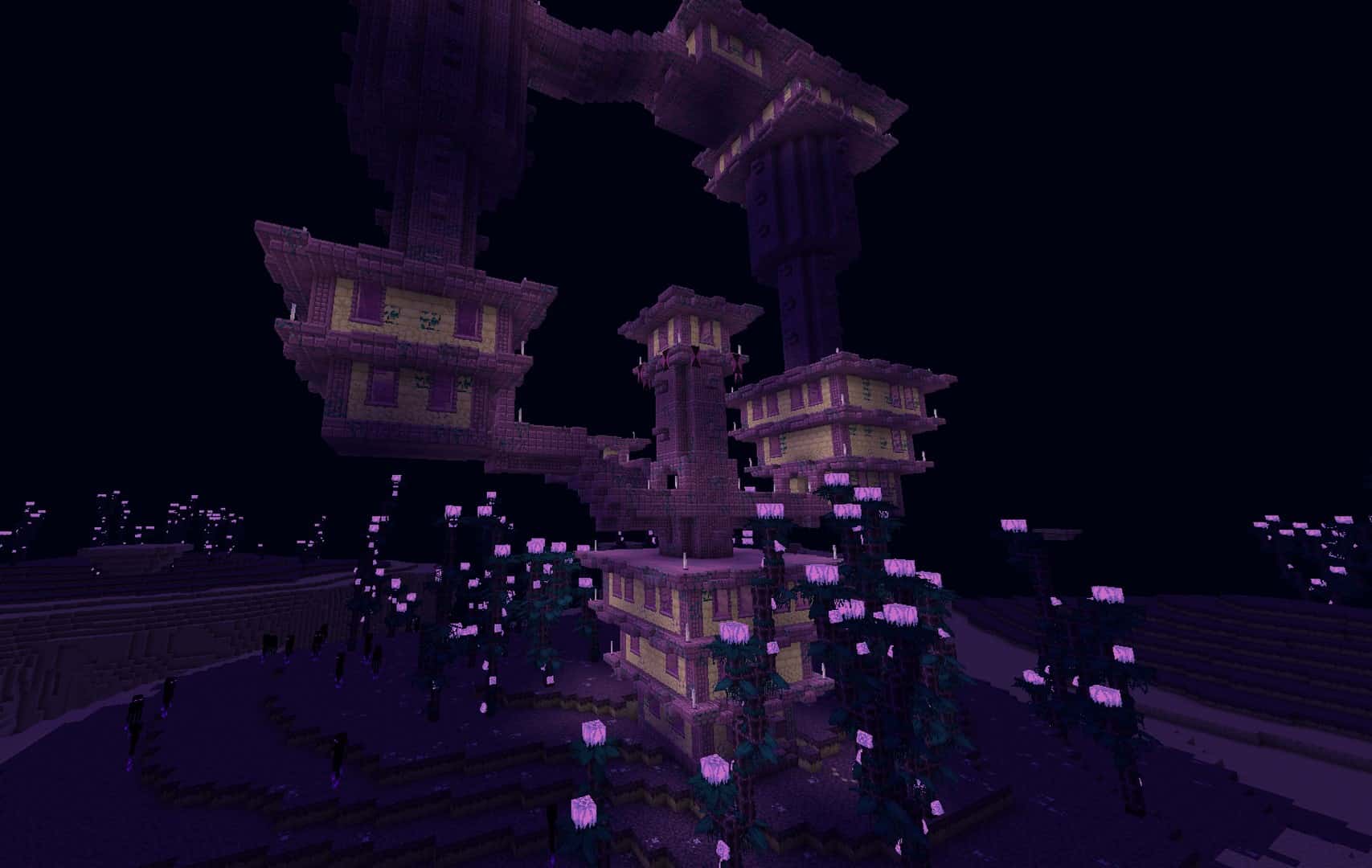
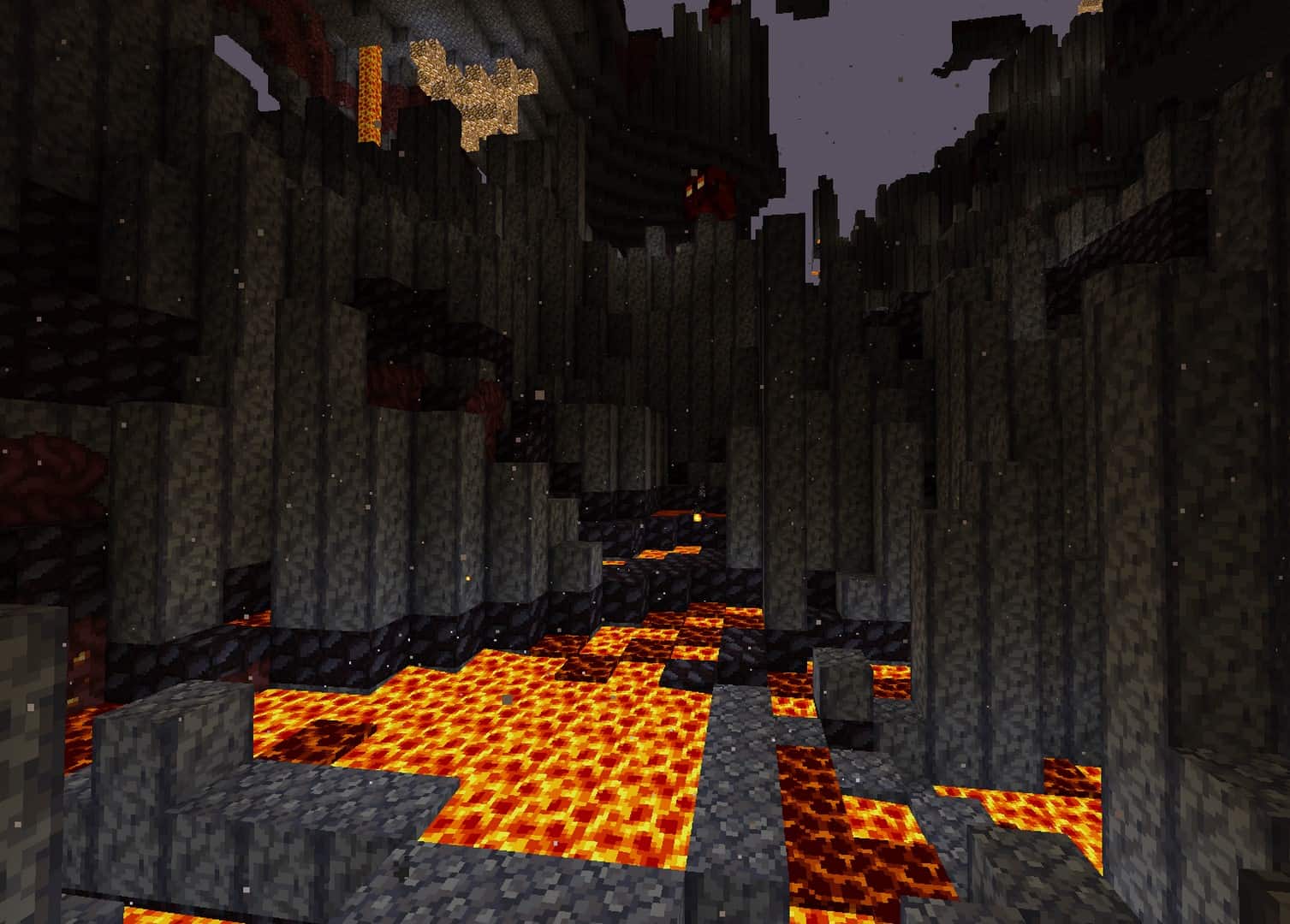
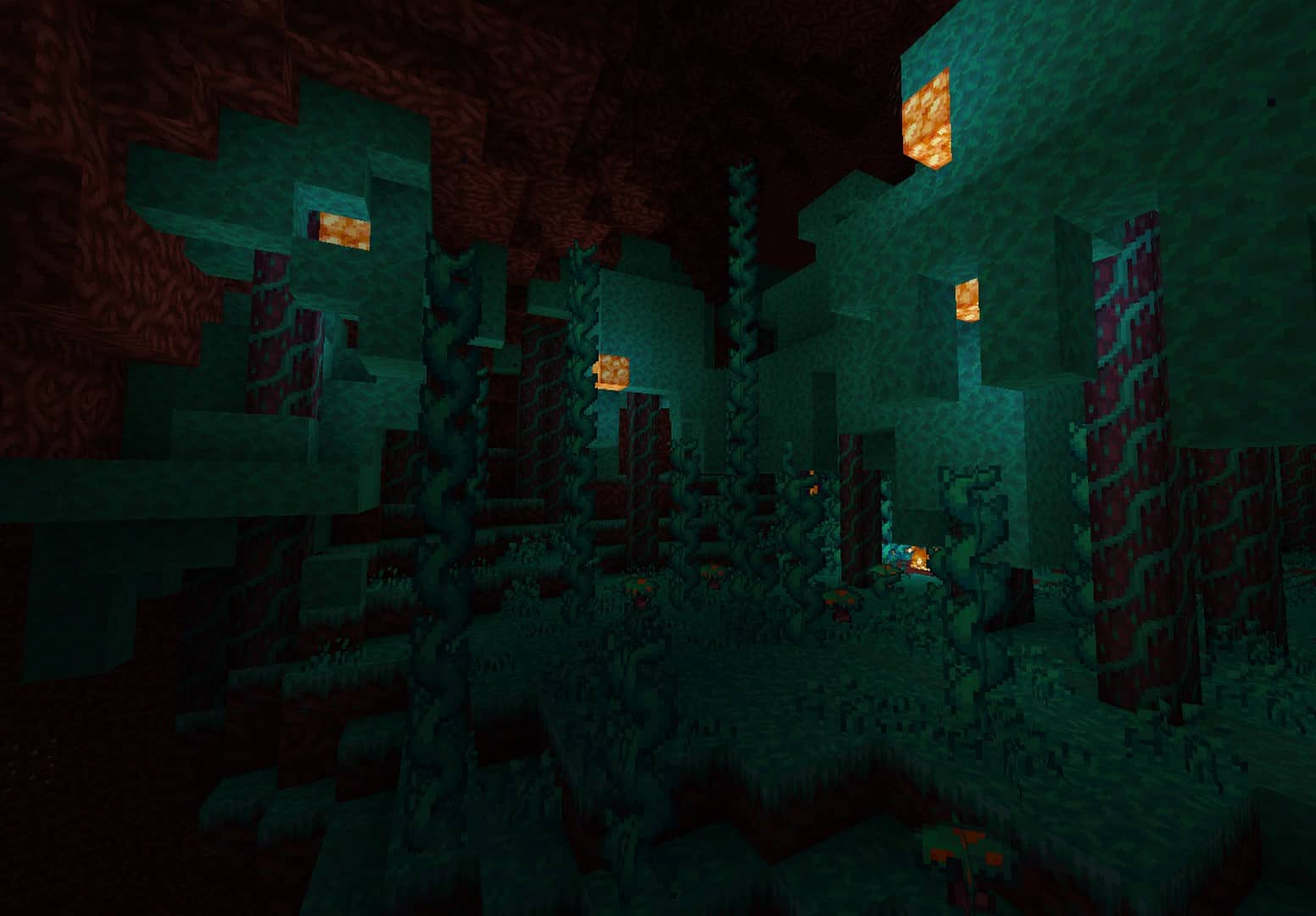
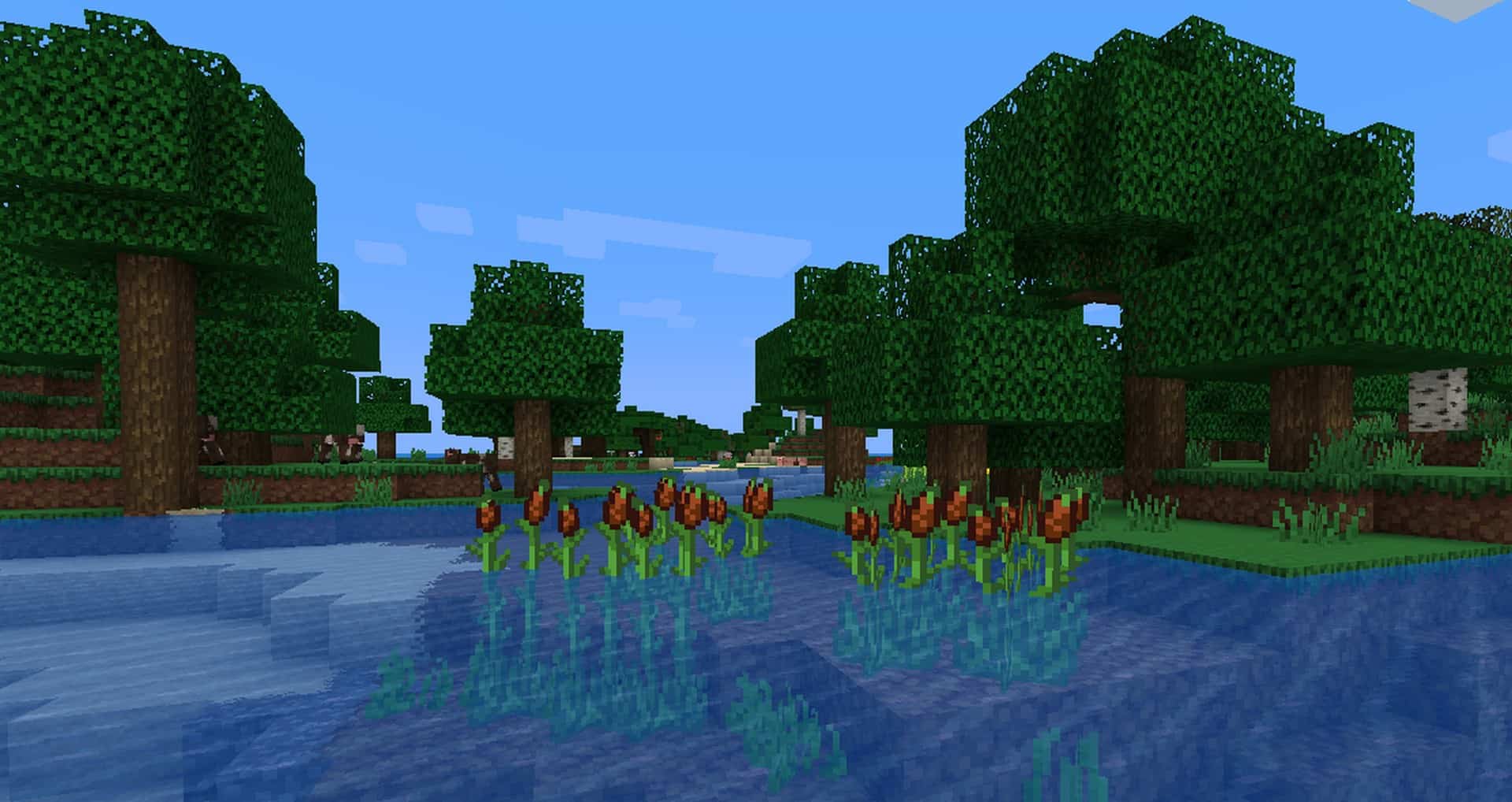
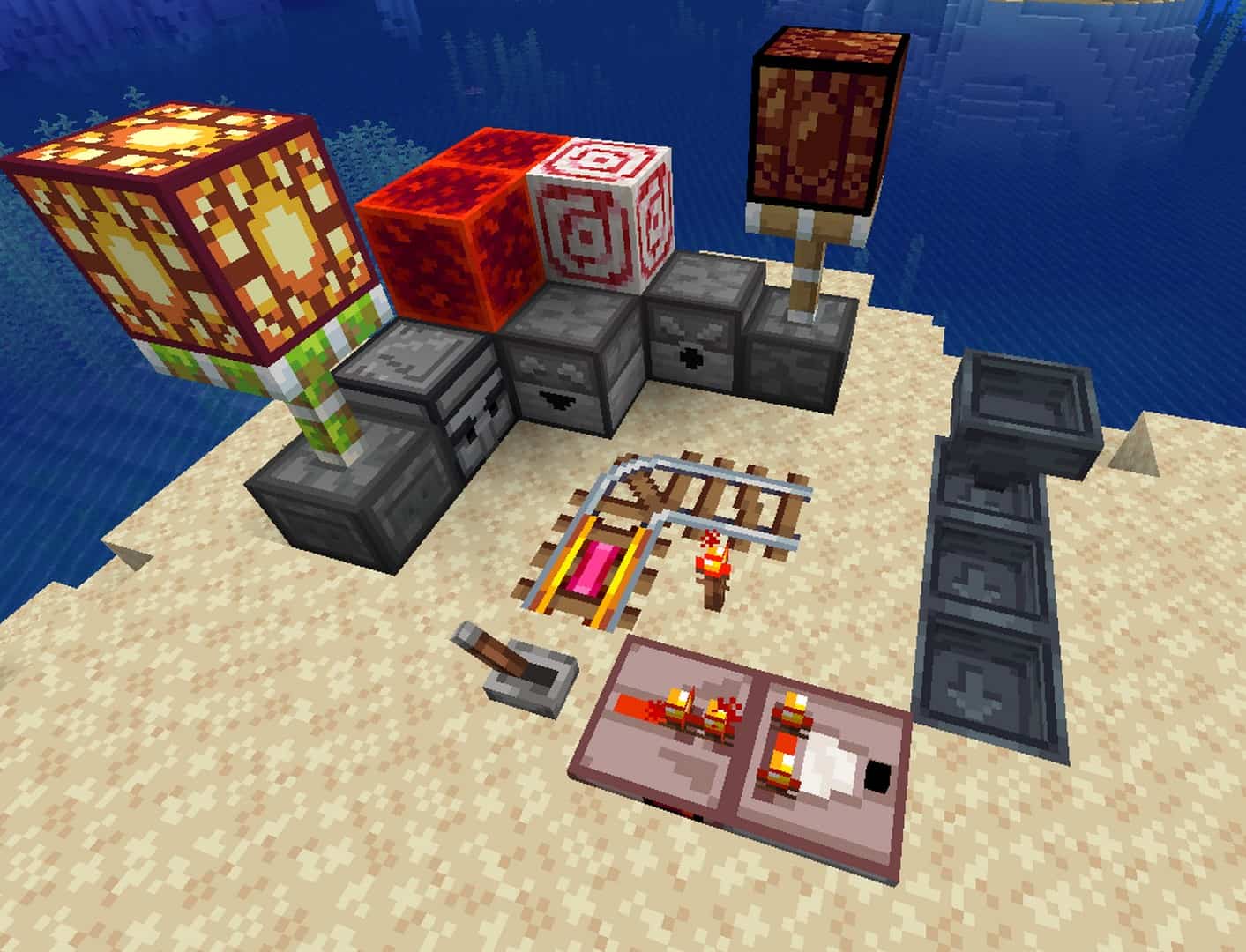
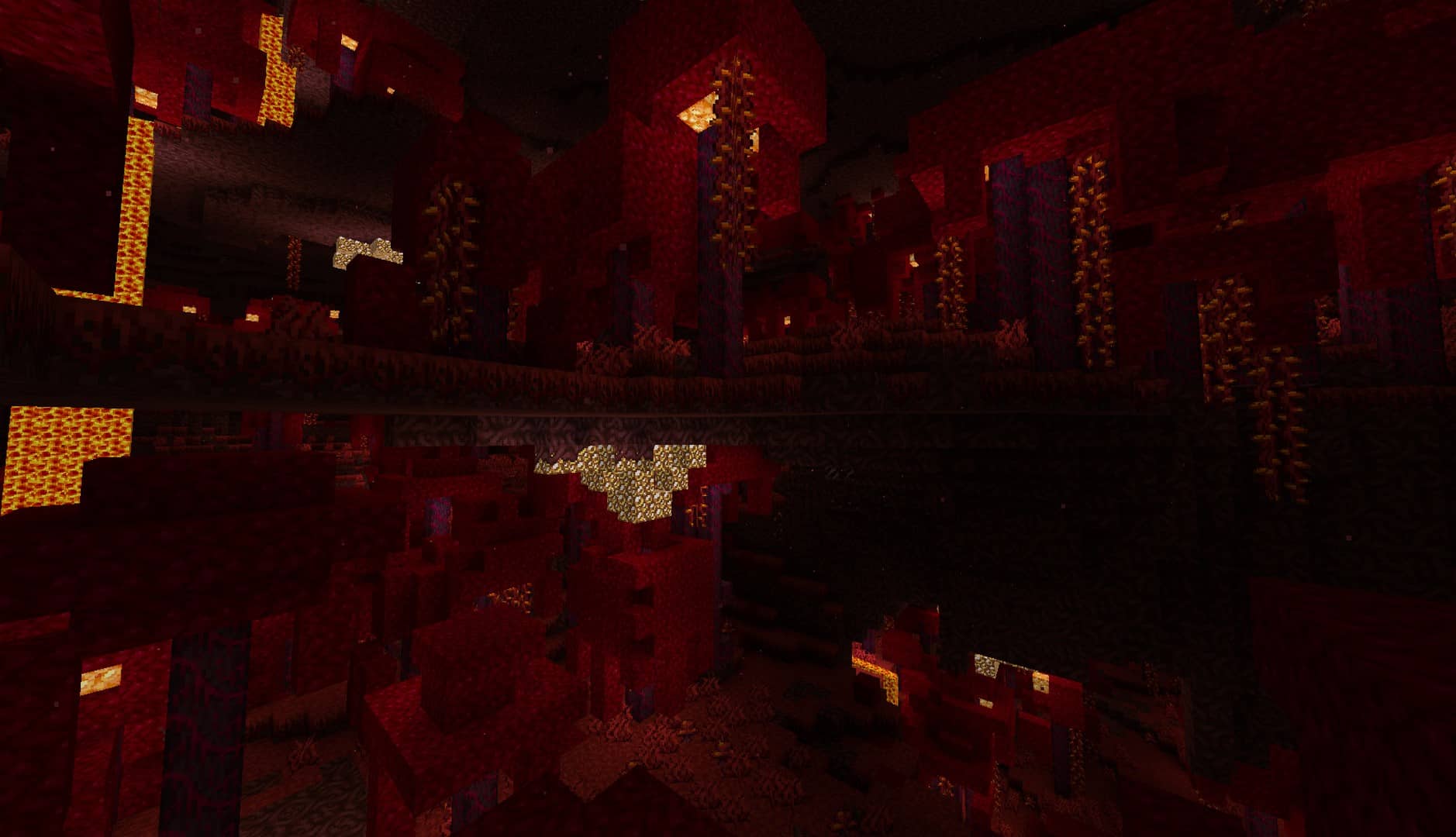
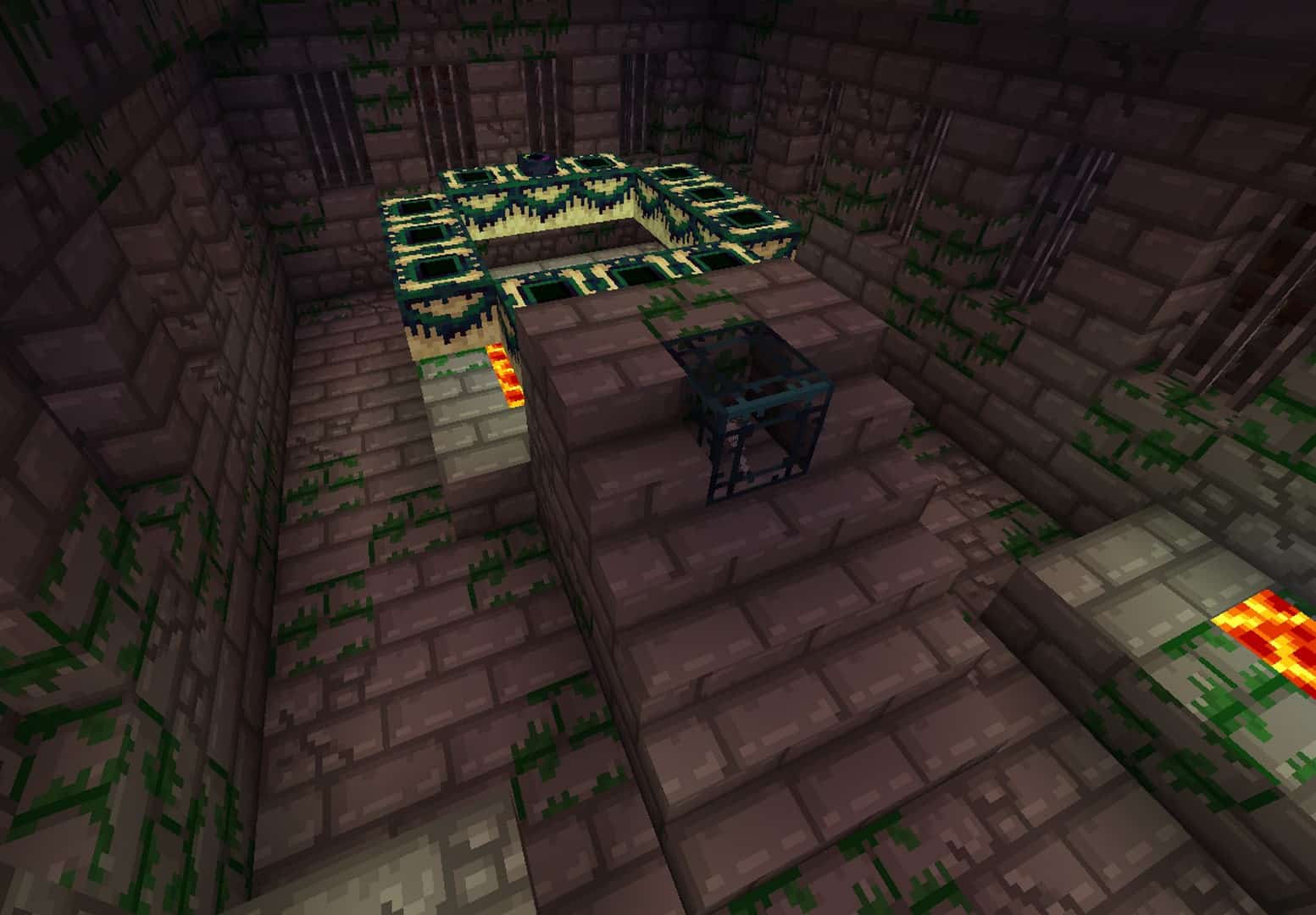
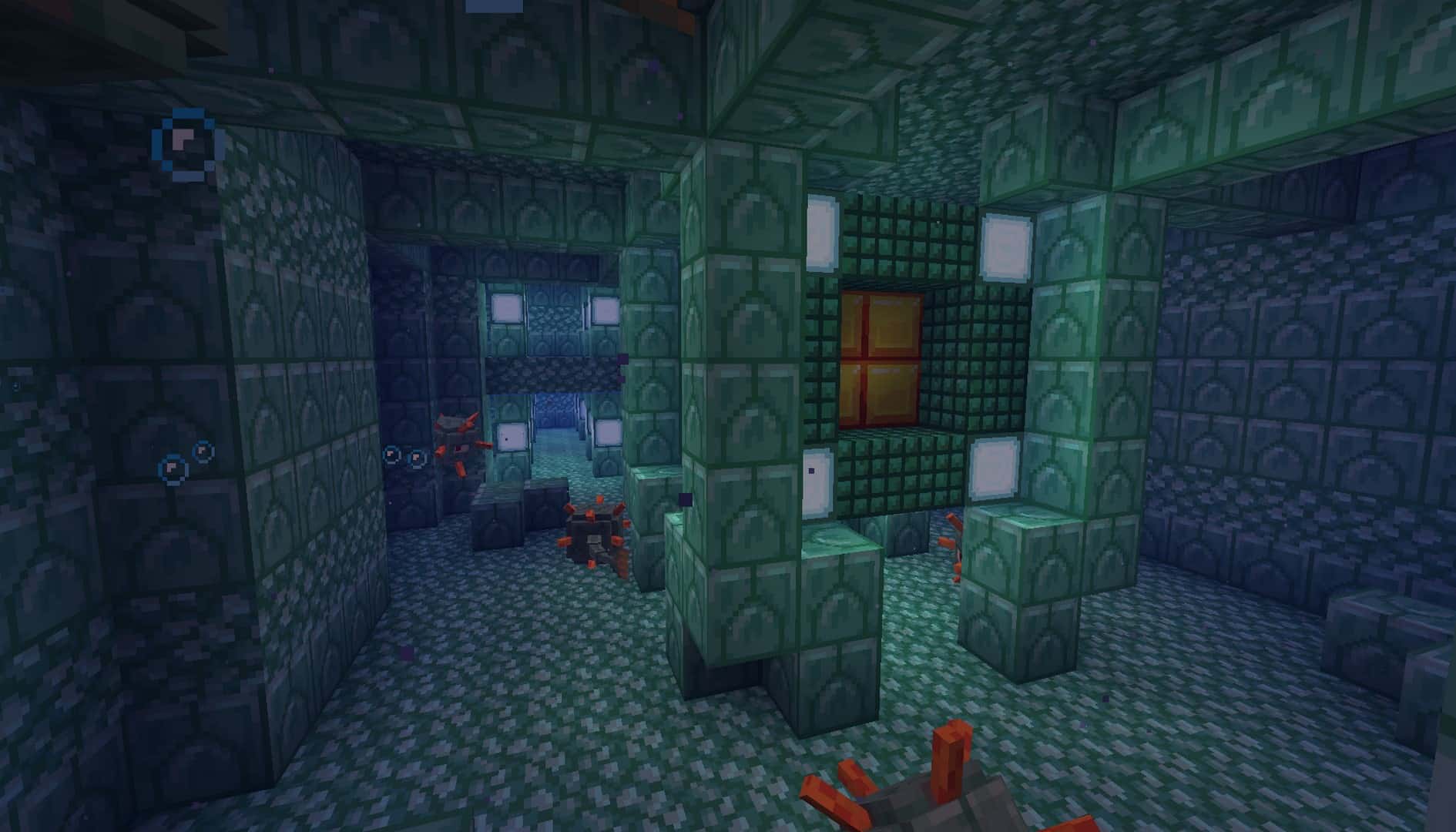
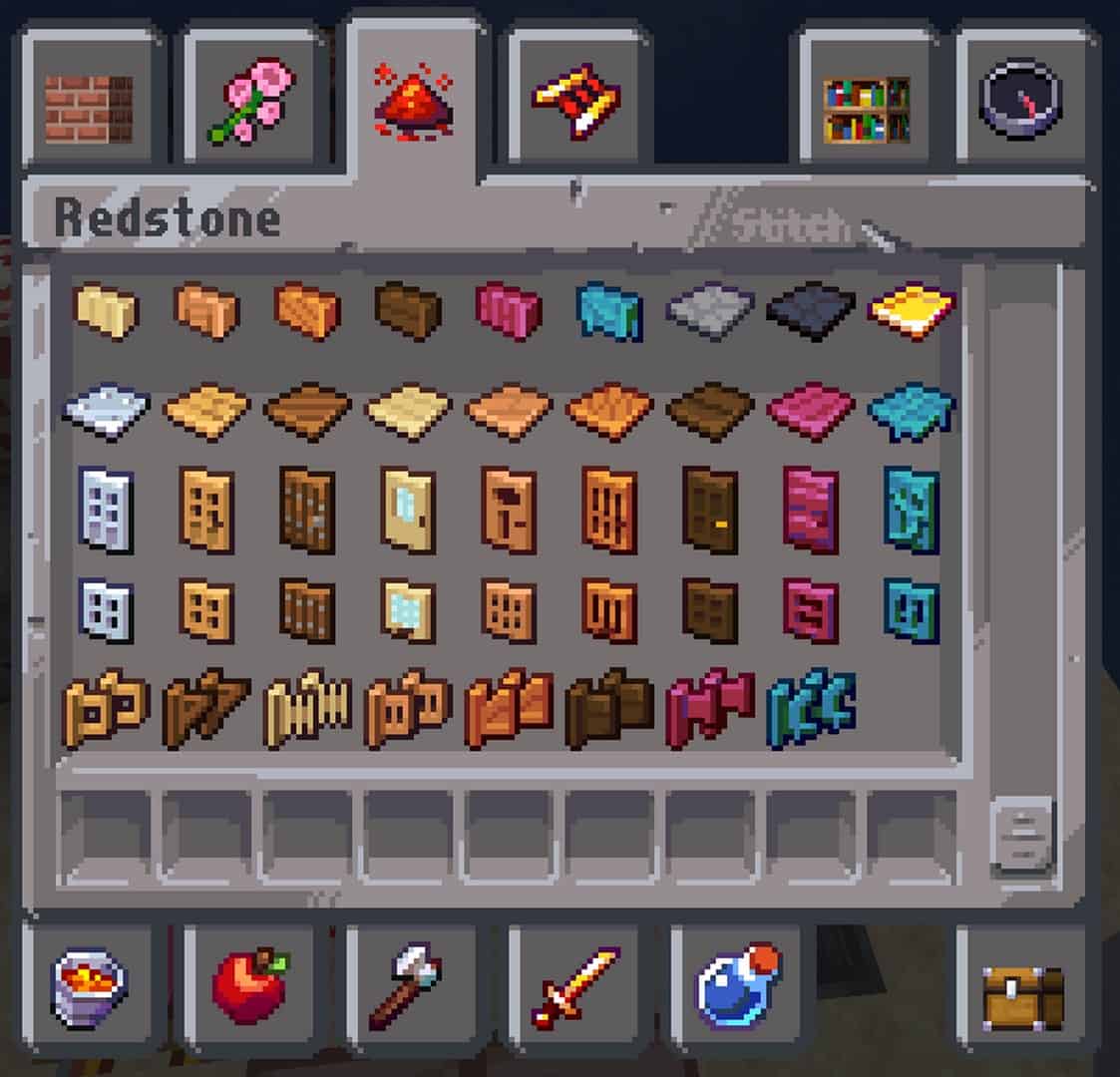
How to install Faithless Resource Pack:
- Most resource packs require Optifine, so be sure to download and install it. – general recommended step for all packs, Optifine is also needed for most shaders
- Download the Faithless texture pack for Minecraft from the download section below. – if there are many different versions, just choose the one you like, is compatible with your version/edition of Minecraft, the one you think your computer can handle in terms of performance.
- Launch the game client through the Minecraft launcher.
- On the main menu, click "Options".
- On the options menu, click "Resource Packs...".
- Click on "Open Resource Pack Folder". – folder titled "resourcepacks" will pop up
- Move the .zip file you downloaded in the first step to the newly opened "resourcepacks" folder.
- Click "Done".
- Click on "Resource Packs..." again.
- Your pack should have appeared in the left window, just hover over it and click on the arrow pointing to the right.
QUICK TIP: Sometimes, when activating a pack, the game may say that the pack is made for a newer or older version of Minecraft. This is just a warning, it does not affect your gameplay in anyway, and you can still activate and enjoy the pack by simply clicking the "Yes" button when prompted.
- Click "Done" again.
- The pack has now been successfully loaded and ready to be used in your world!
Faithless - Comparison Slider #1 Without shaders
Comparison slider #1 for those who want to compare vanilla Minecraft without any texture packs installed (on the left) with Minecraft using this particular texture pack (on the right).
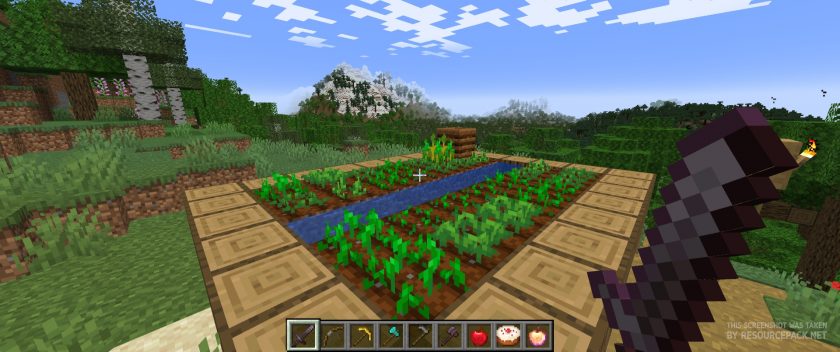 Vanilla
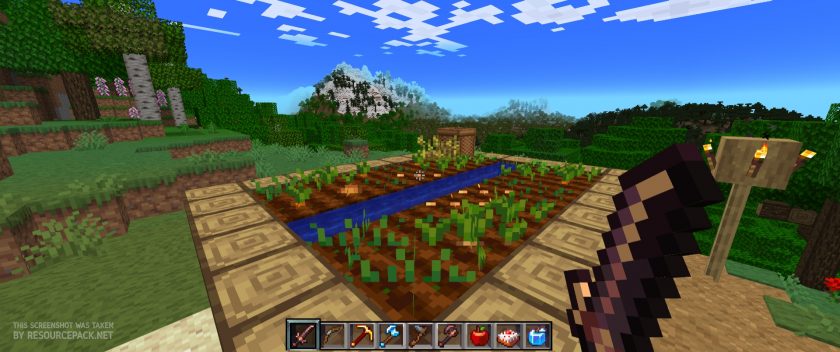 Faithless
Faithless - Comparison Slider #2 with BSL Shader
Comparison slider #2 for those who want to compare vanilla Minecraft without any texture packs installed (on the left) with Minecraft using this particular texture pack (on the right).
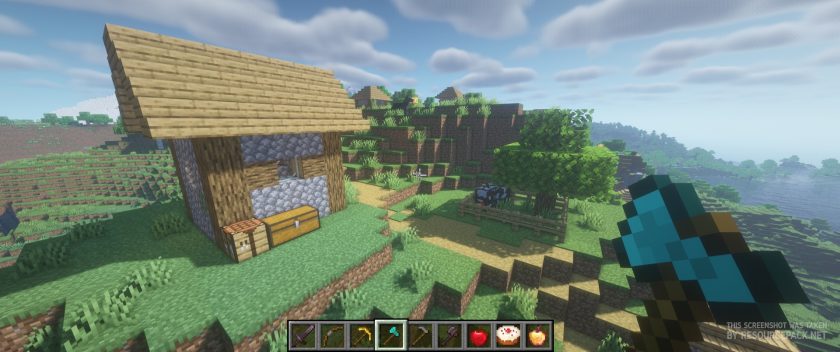 Vanilla (BSL Shaders)
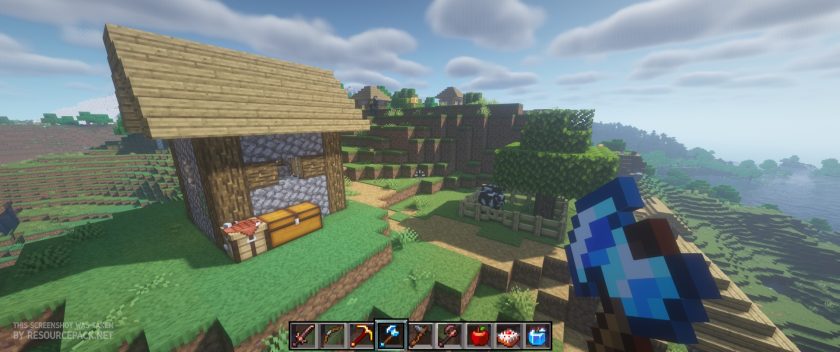 Faithless (BSL Shaders)
Faithless Texture Pack Download
- We do not modify or edit any resource packs. All resource packs, shaders and tools found on this website are linked directly to official sources rather than hosted on our own servers. We provide only the official download links from the original creators to ensure that your files are safe and secure.
- These official links are updated manually and may occasionally stop working when a new version is released. We work hard to keep everything current so that you have a smooth experience. Please let us know in the comments if you find a link that no longer works.
- Minecraft is a trademark of Mojang Studios and has no official connection to this website. Our goal is simply to share the best creations from the community with other players.
- Please consider leaving a comment or voting for your favorite packs. This feedback helps authors improve their projects over time. You can also support the creators directly by visiting the official links located below the download section.
Bedrock Edition:
Get Faithless for Bedrock Edition here – Faithless is available on the Marketplace for 990 Minecoins.
Java Edition:
[16x] [1.21.x] Download Faithless Resource Pack
[16x] [1.20.x] Download Faithless Resource Pack
[16x] [1.19.x] Download Faithless Resource Pack
[16x] [1.18.x] Download Faithless Resource Pack
[16x] [1.17.x] Download Faithless Resource Pack
[16x] [1.16.x] Download Faithless Resource Pack
[16x] [1.15.x] Download Faithless Resource Pack
[16x] [1.14.x] Download Faithless Resource Pack
[16x] [1.13.x] Download Faithless Resource Pack
[16x] [1.12.x] Download Faithless Resource Pack
[16x] [1.11.x] Download Faithless Resource Pack
[16x] [1.10.x] Download Faithless Resource Pack
[16x] [1.9.x] Download Faithless Resource Pack
[16x] [1.8.x] Download Faithless Resource Pack
[16x] [1.7.x] Download Faithless Resource Pack
[16x] [1.6.x] Download Faithless Resource Pack
[16x] [1.5.x] Download Faithless Resource Pack
[16x] [1.4.x] Download Faithless Resource Pack
Curseforge: download starts automatically after a few seconds;
Mediafire: click the big blue button with the text "DOWNLOAD";
Google Drive: in the top right corner you will see a small download icon (down arrow), click it and the download should start;

1,419 votes
Look.. 1419 users have already liked this pack. Give a diamond if you like it too!


EREN
This might be the best texture pack in the world, and I wanted to try this beautiful texture pack in virtual reality, but almost every item looks crooked in my hands. There’s a very nice fishing rod, but it’s positioned on my hand, and a cake is floating in the air. I have a special request: please release a VR version of this texture pack. All you need to do is fix the positioning of the items, and it will become popular among all Vivecraft players and be the first VR-exclusive texture pack <3.
loading
I have only this one resource pack active, but I’m experiencing an issue where the original Minecraft menu clicking sound is constantly audible within the game. I’m not sure what’s causing it, but it’s very loud and doesn’t seem related to in-game actions. I’m just walking around and suddenly hear the click sound twice. What could be the problem? I’m using Fabric.
Frosty
I recently tried to play with this texture pack and it won’t work with sodium. it just says texture pack is incompatible with sodium.
simon
comparison slider isn’t updated to the latest, I thought I got the wrong resource pack :P
I didn’t know it looked smoother now. Anyway it still looks good. Thanks
Admin
Yes, you are right. The images in the slider were taken about 2 years ago so they may not be very accurate as resource pack authors tend to change things from time to time. We will try to update the sliders as soon as possible))
Midas
This is an amazing texture pack! but there is one weird thing where the vines have a black background and the grass and crops have these weird black dots. please help.
WoodenKnees
Books are no longer different from each other depending on what enchantment they are?
William
Just started using the texture pack and am loving it, the only thing that was kinda off was when i placed a flower pot on a leaf or a Decorated Pot that the flower pot would change to its air-form. Aka it thought that the flower pot was floating and changed to the texture when its in the air. Please Fix.
Love your texture pack
Jay
not sure why but when i try to load the texture pack it fails every time, even after restarting both minecraft and my computer. im running it on optifine 1.20.4
danye
tbh this pack is really good the only complaint i have is that the textures for the new wolf types in 1.20.6 do not match the vanilla textures which throws me off when im trying to collect every type of wolf in the game because half of the non-matching textures is a dark furred wolf
Anturon
Is there a way to remove the sound fx of grass block destruction when walking on terrain?
Willownezz
ok, so if you want to keep the Faithless Texture pack you will need to change a file inside the .zip named “.Faithless” inside “\minecraft\resourcepacks\.Faithless.zip\assets\minecraft” a file named “sounds” inside the file u need to delete the 6 lines for “block.grass.hit and block.grass.step, setting it to “false” sometimes does not work so just delete both that will fix the walking in grass issue ! [also dont forget to remove the “sounds” file from the .zip to edit than replace the file just saving does not work if the file is inside a zip, and if your game is on just press F3+T to reload the textures
CorrellLeo
FYI, I believe the pack makes it such that the game never ever plays the background music, not on the title screen, and not in game either.
jahen
discrimination for bedrock user
benni
hey, why is the end not loading?
Jee
The ingots seem to be using Programmer’s Art textures rather than what’s on the preview
Lali
Is anyone else having trouble with downloading 1.20.x? I try to download but it takes me to an error page. 😭 pls help I loved this pack
Admin
The link has been updated and should work now.
adam3mil
i love this texture pack, havent played MC for a while and upon downloading this resource pack again, it completely bricks my FPS. I get around 20 with this resource pack on and >100 without. whats wrong?
TerraTime_
The wall’s texture seems to be really screwed up, and when connected they make a red brick texture. I love this texture pack, it’s really awesome! This is the only problem I really have with it.
kushbreth
there are multiple wall types that when connected to other walls makes a red brick texture. this seems like a bug, as even two bamboo walls placed next to each other have a red brick texture. i love this pack, this is the only problem with it right now
Nightwulfen
Having an issue with the melon and pumpkins, as well as the grass block below a pitcher plant please help?
some guy
can you make the glass clear
ThyS
A glass bottle has no texture within the inventory and in hand, its really just invisible. First thought it was my shaders than I removed them but the bottles where still not visible, this has no effect on potions and normal water bottles just an empty bottle seems to be invisible.
PolskiPieroGG
i love this
Bad Karma
The stonebrick wall texture has the textures of a regular brick wall.
Frosty
pumpkin and melon textures are just in black
AMinecraftPlayer
The resource pack is great. I love how some items go on my back when I put them on my second hand, but when I try to put Night Vision resource pack with this pack, then all the items that I’m holding and the armor that I’m wearing turn black. I tried it with different Night Vision packs but it’s all the same. This happens only with this pack, so please fix it and then it would be a 10/10 pack. :)