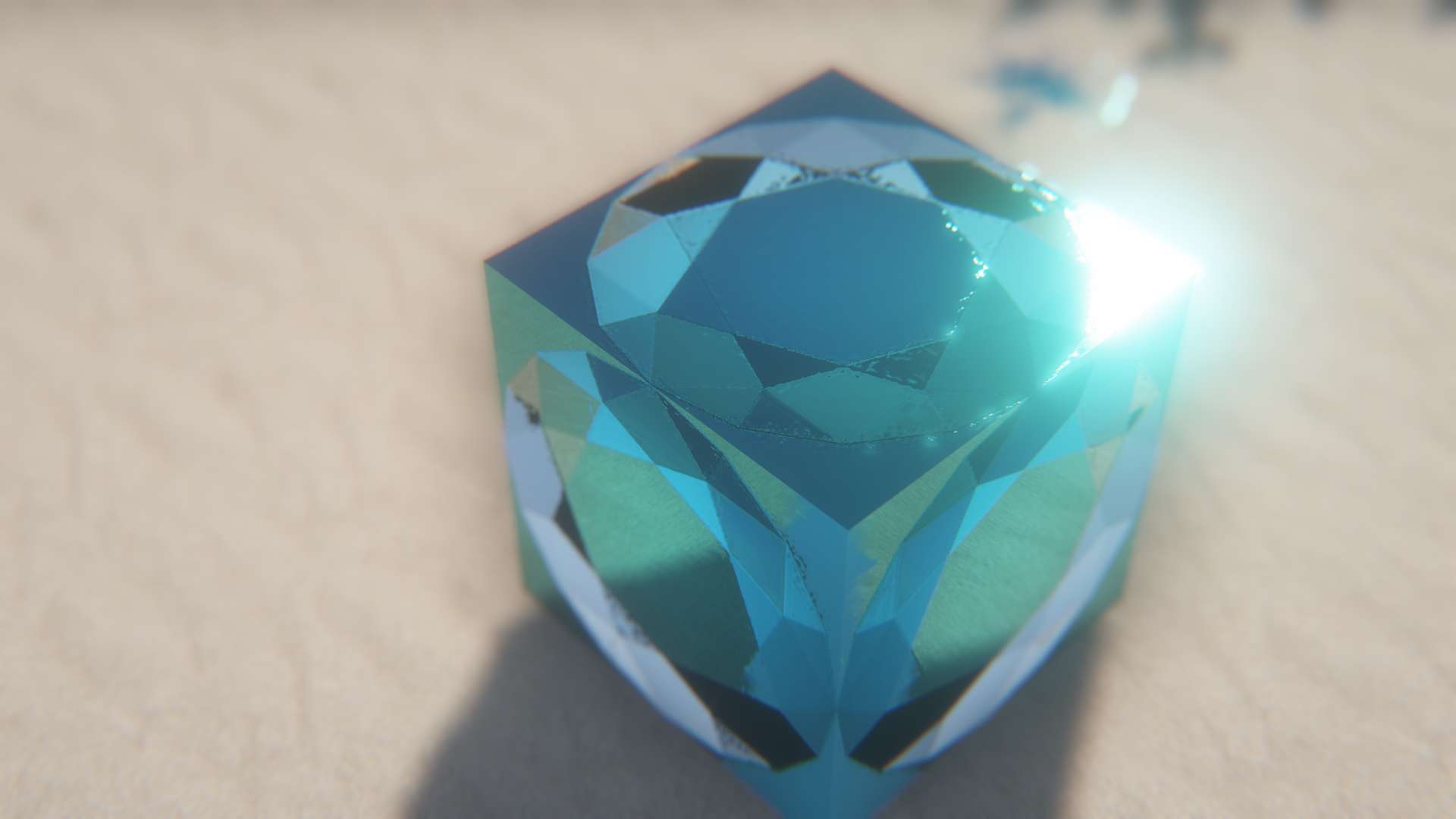
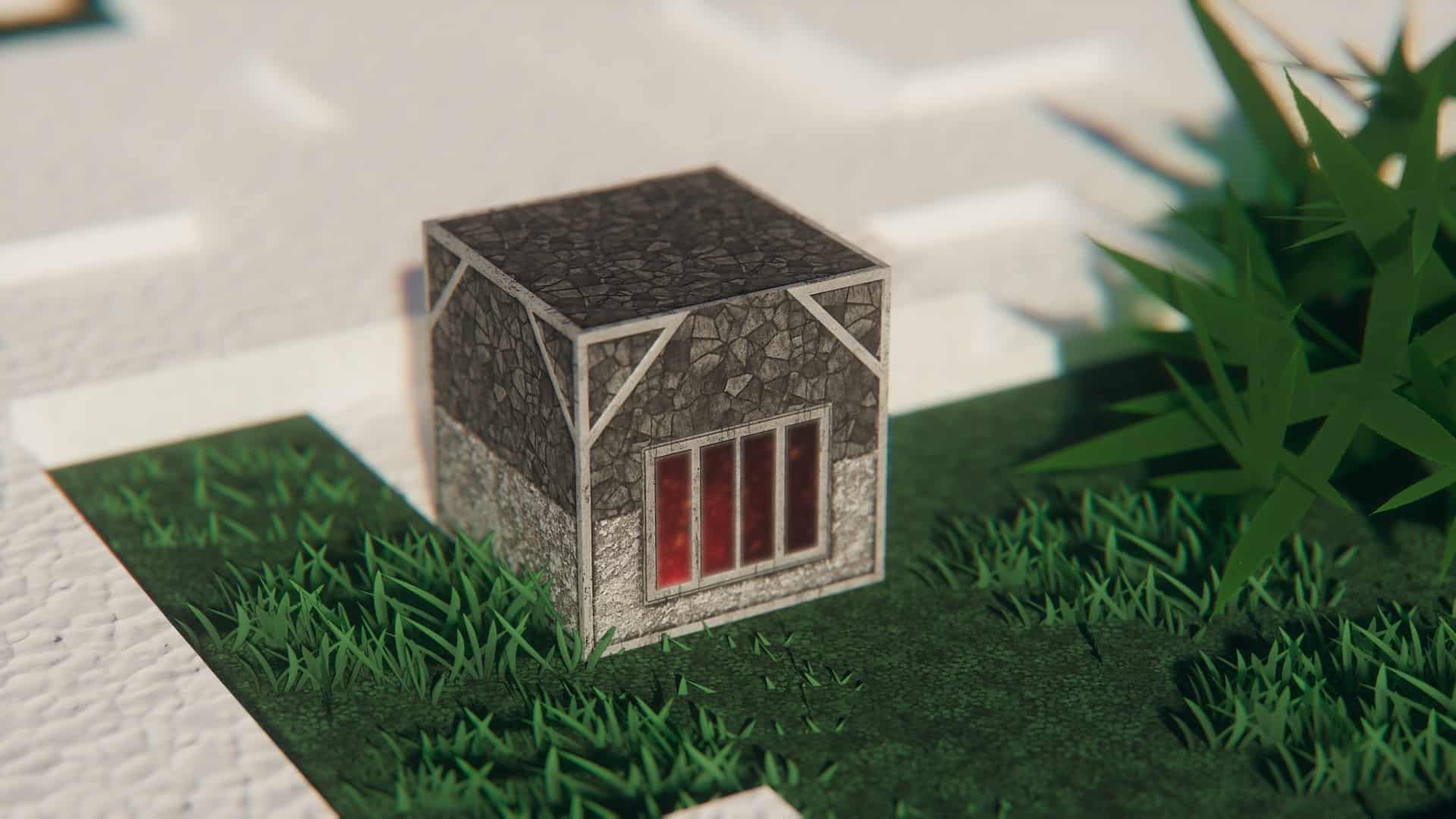
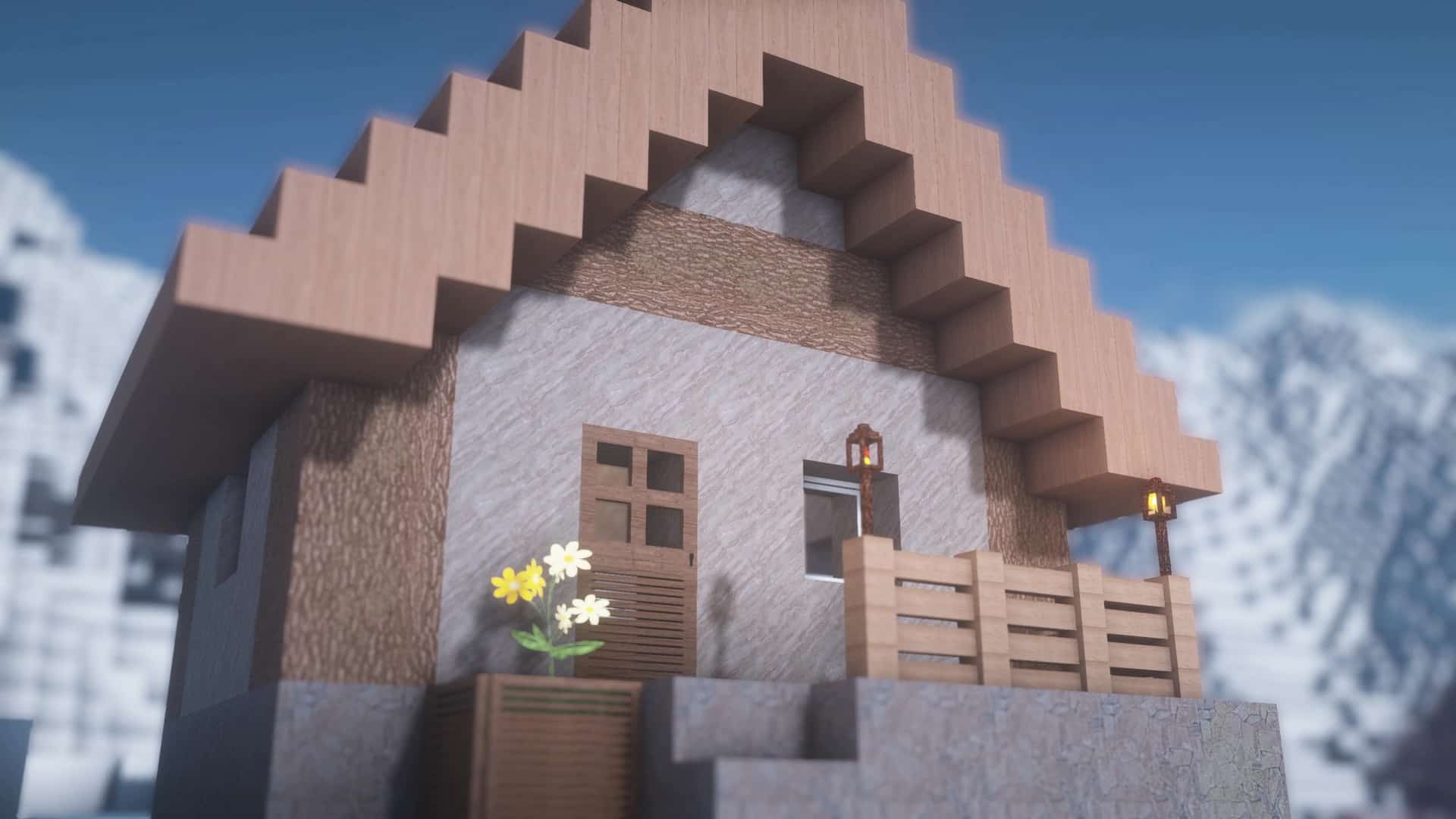
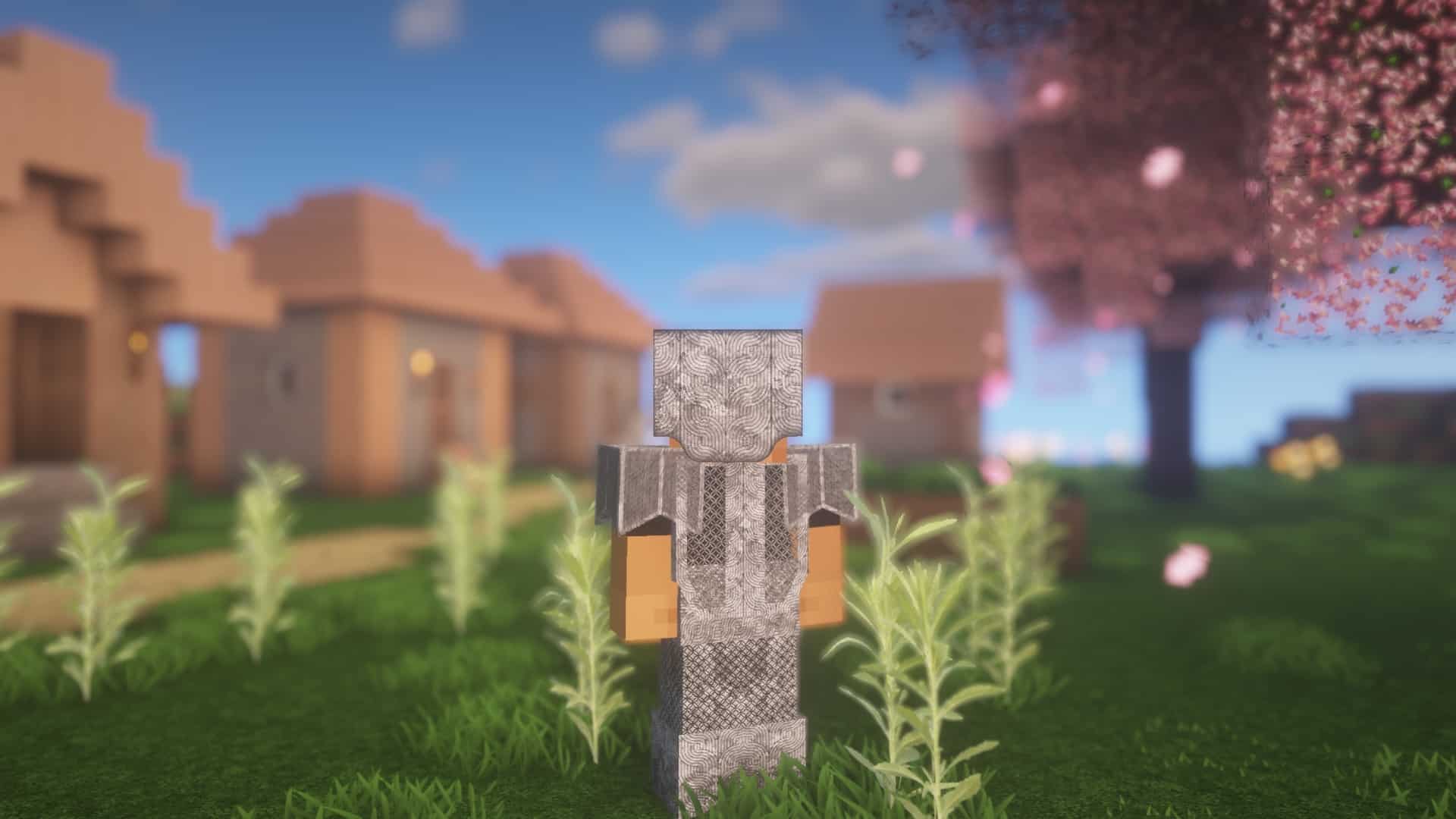
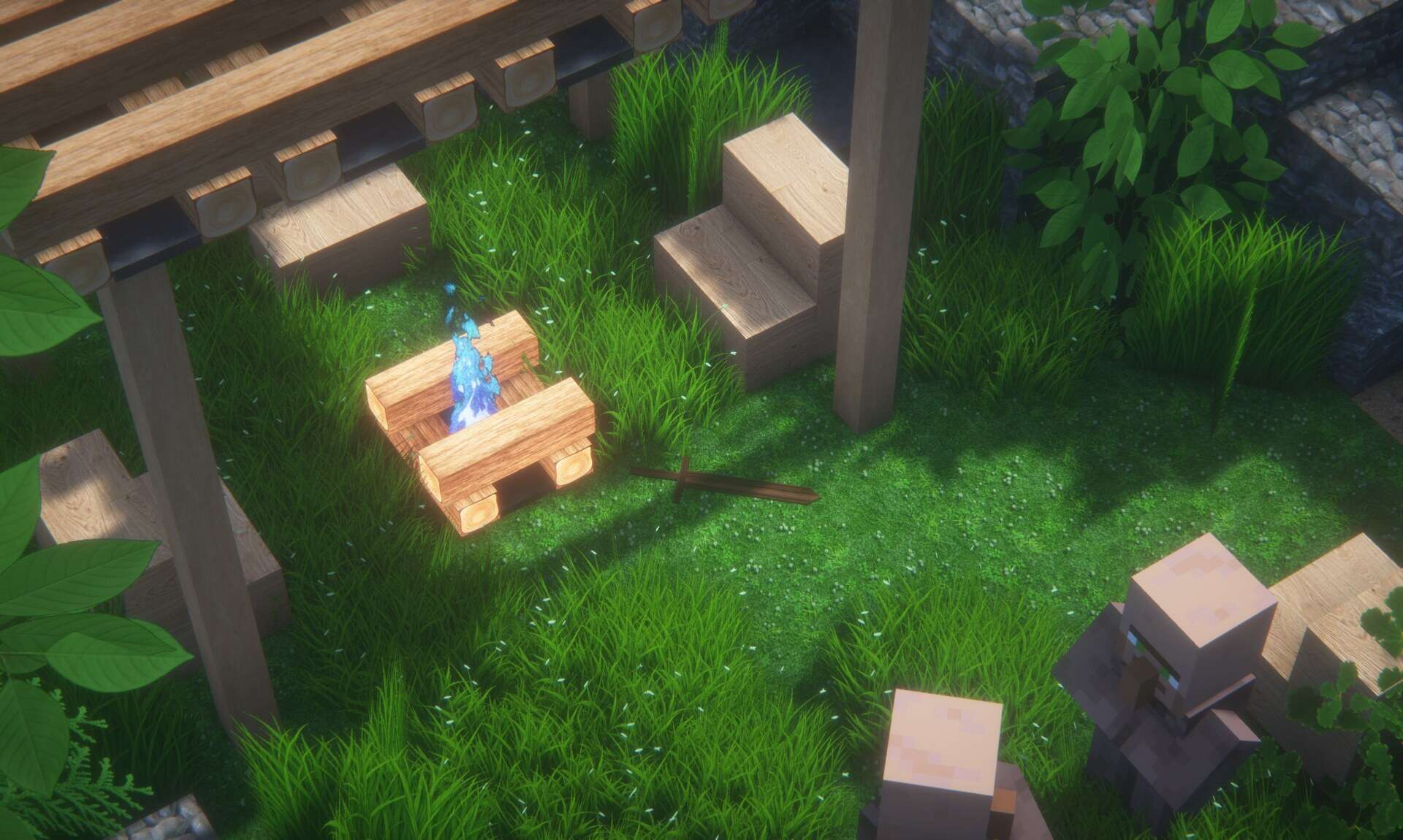
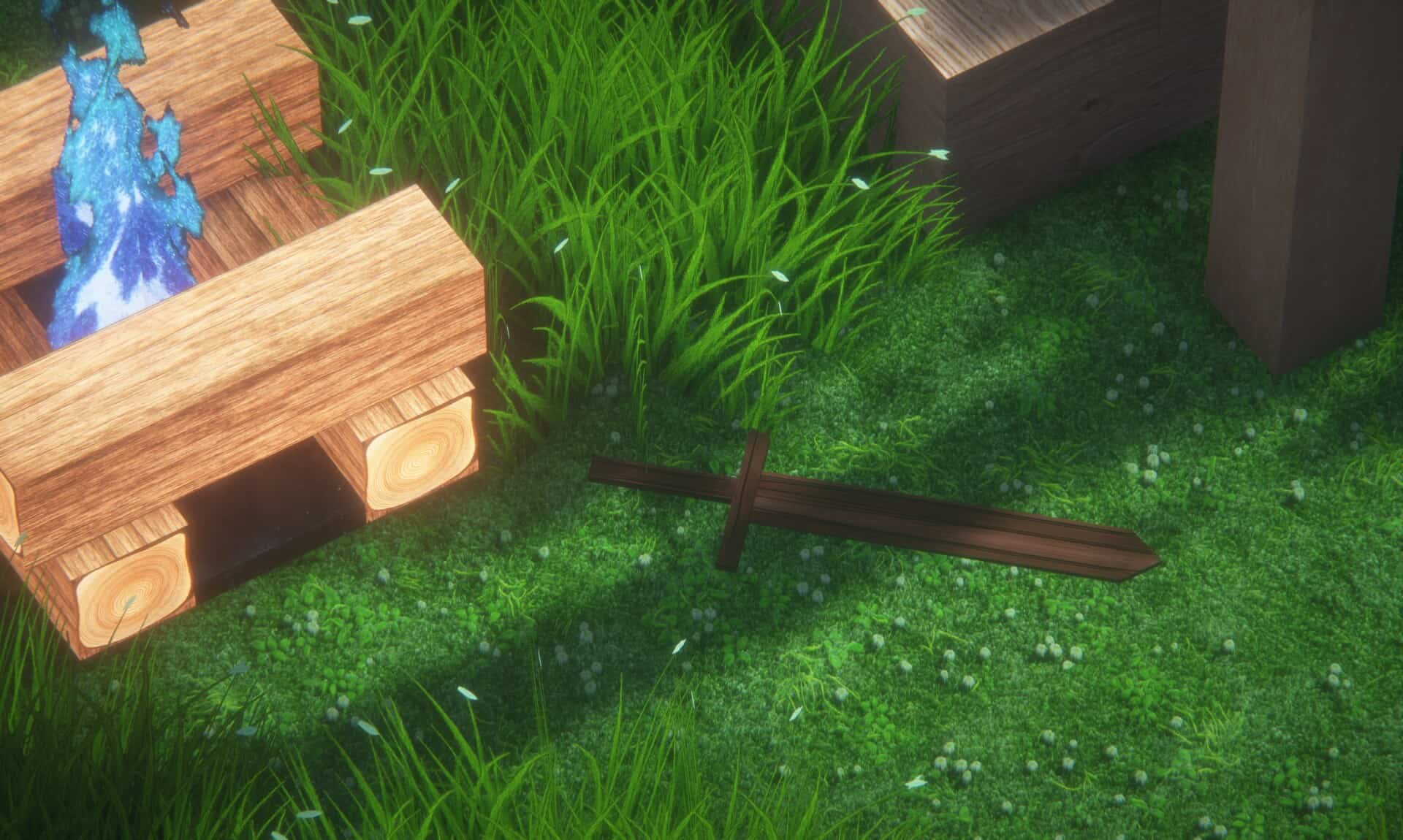
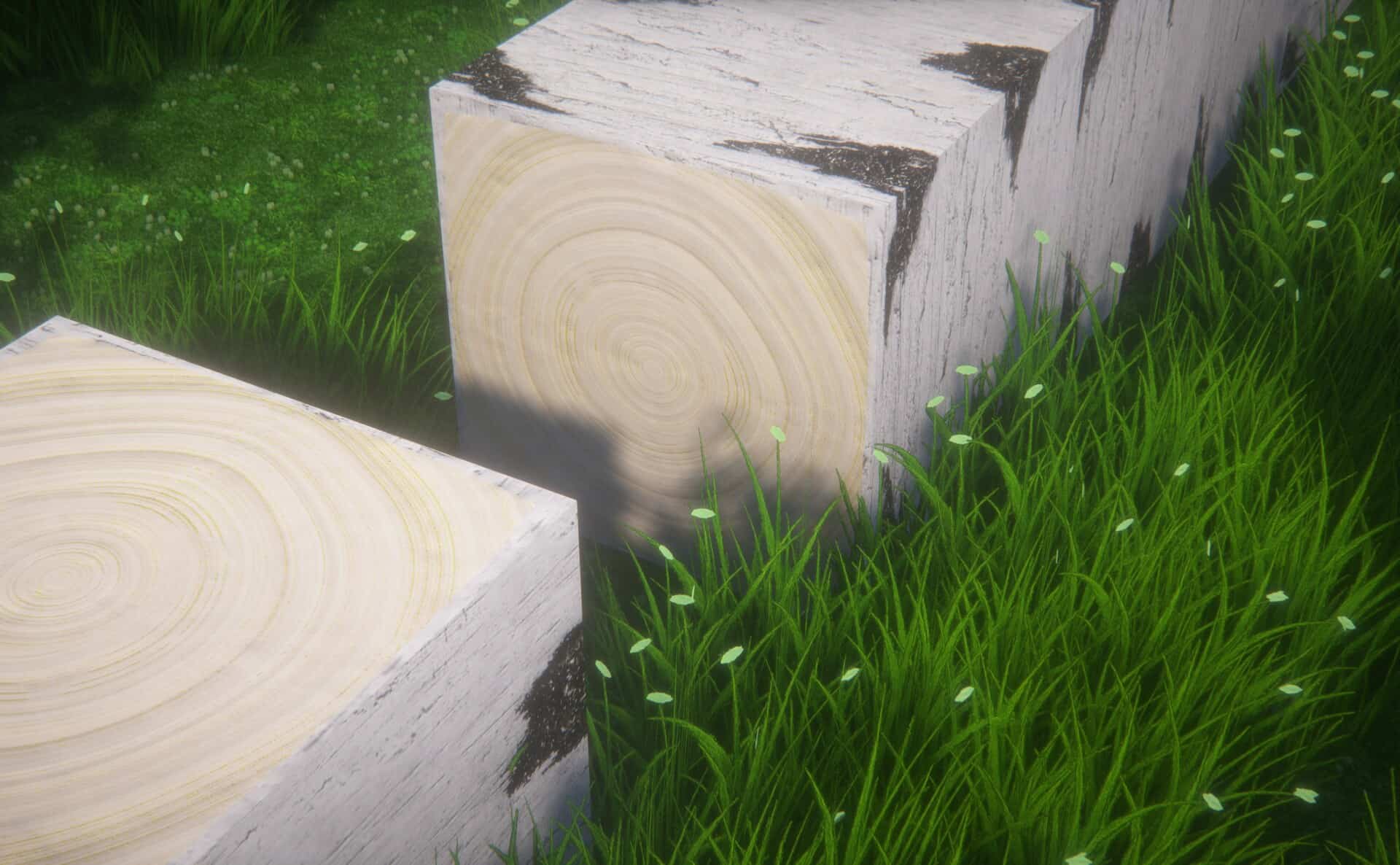
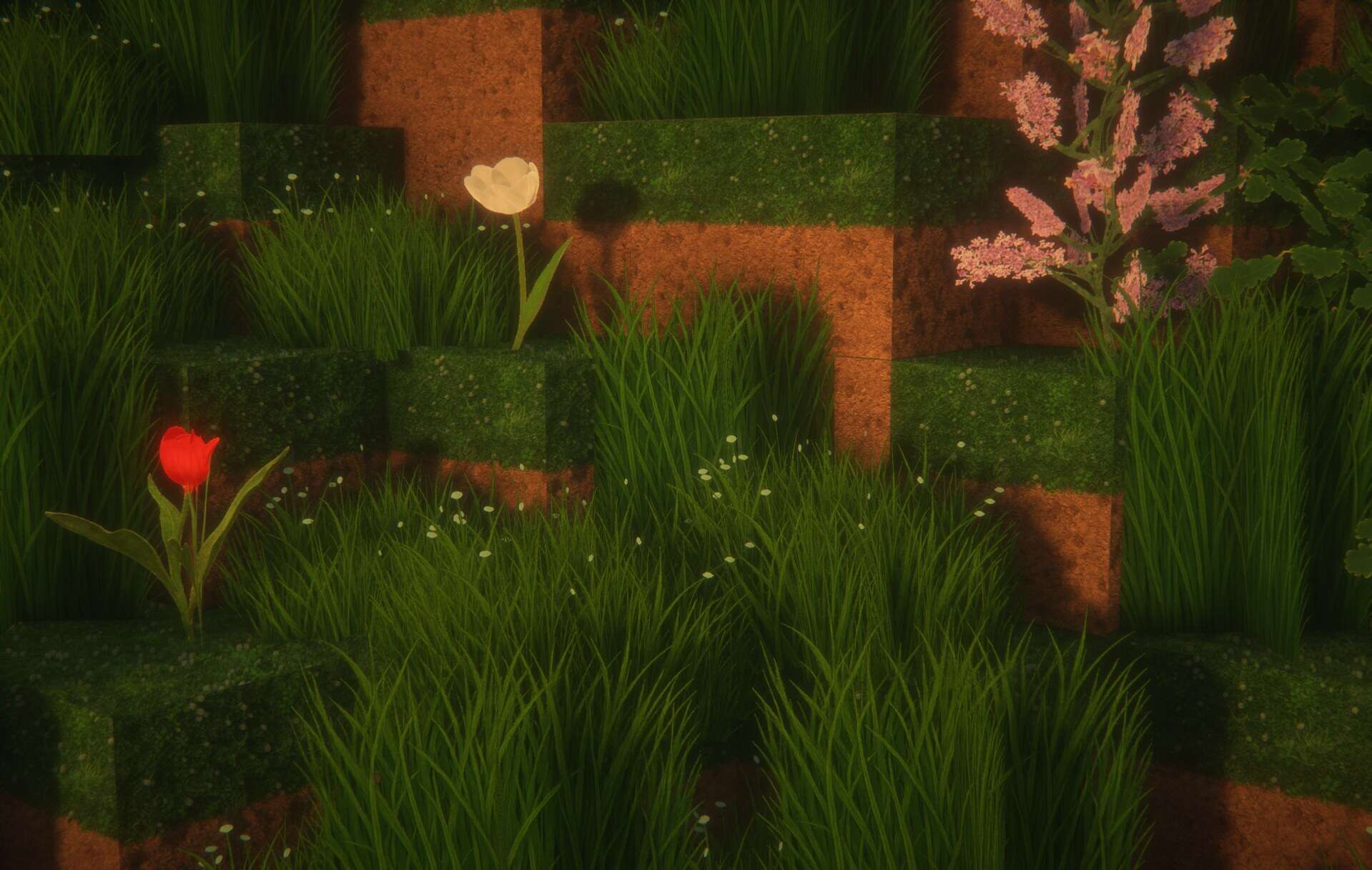
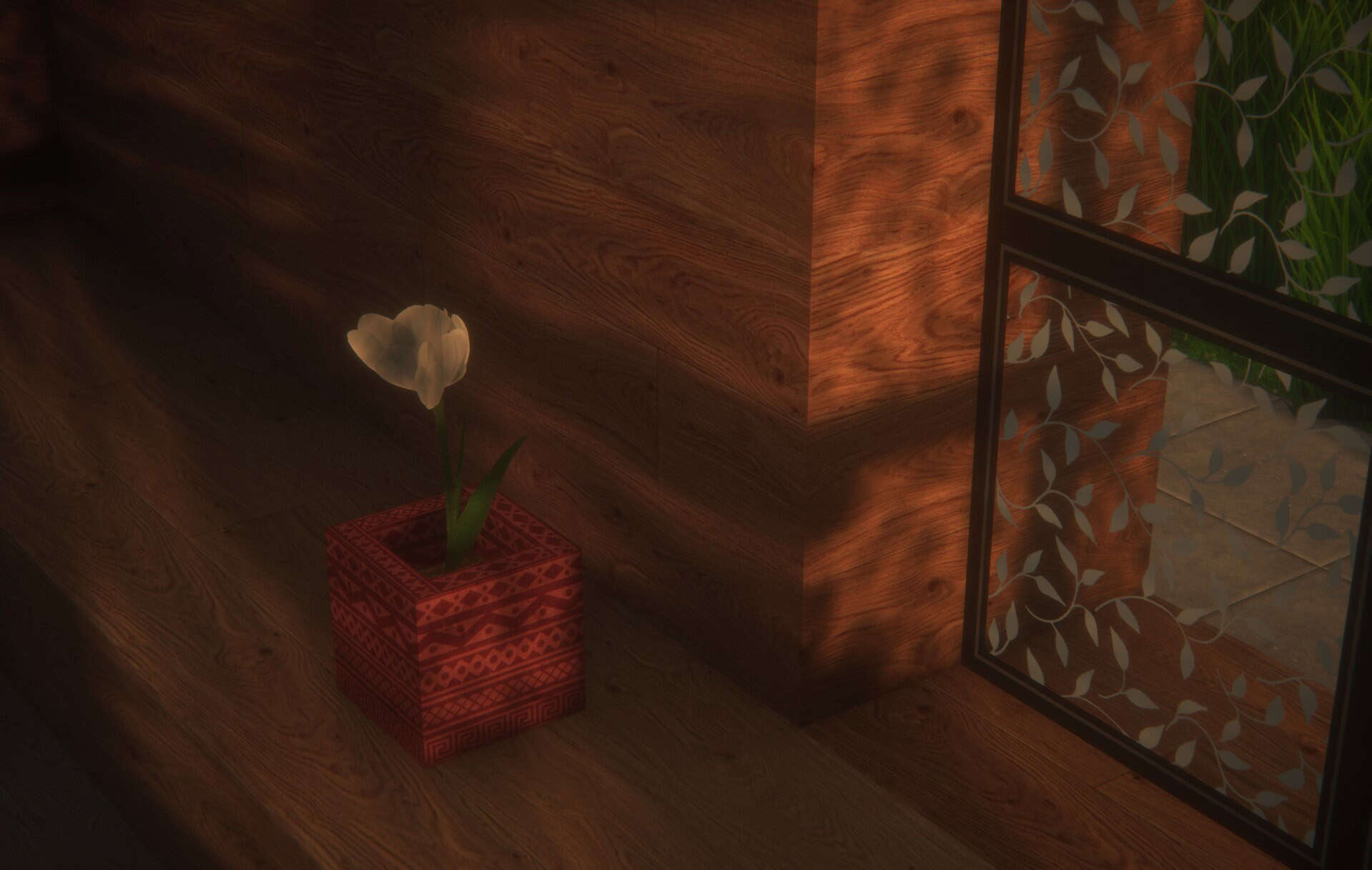
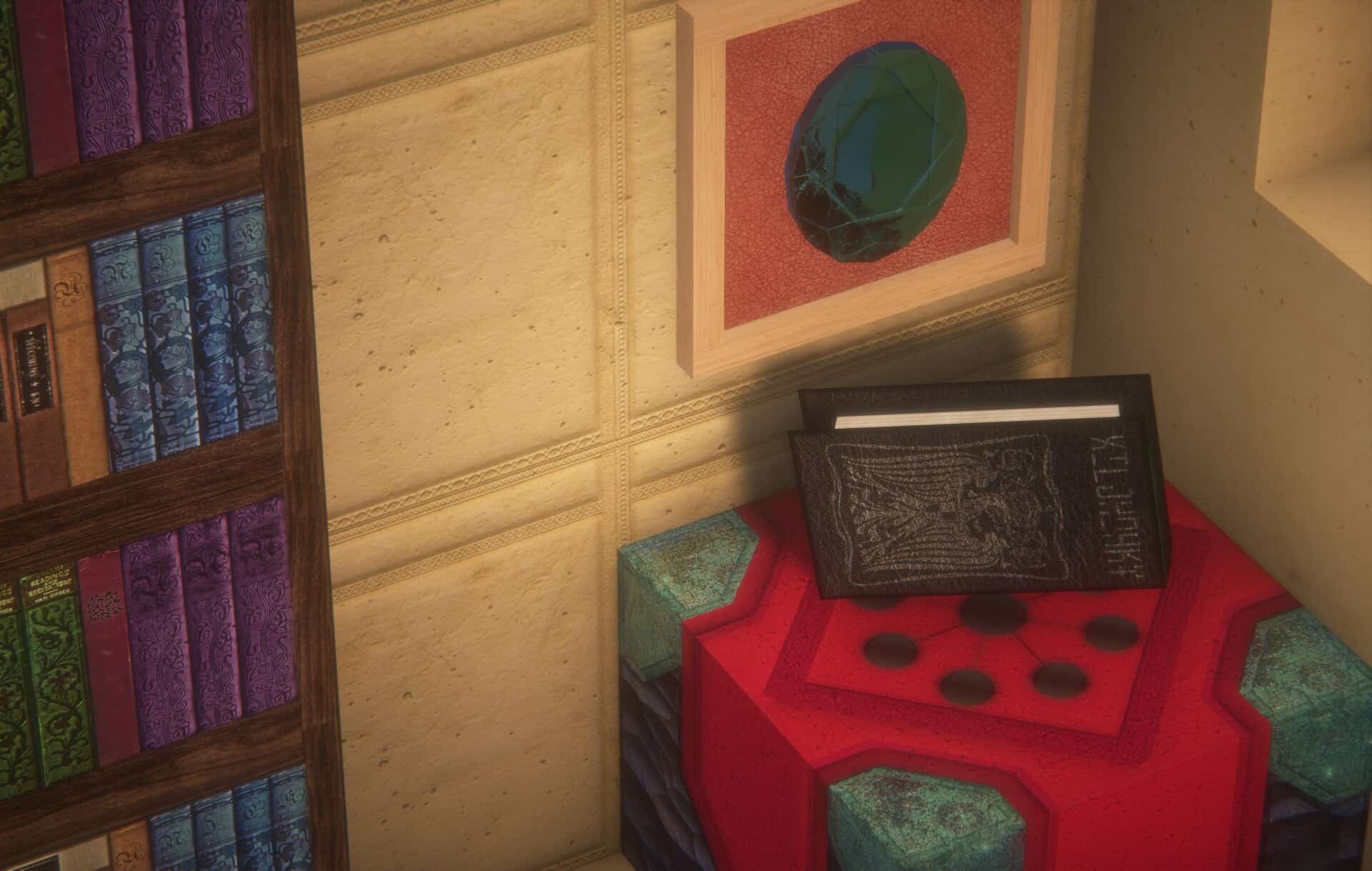
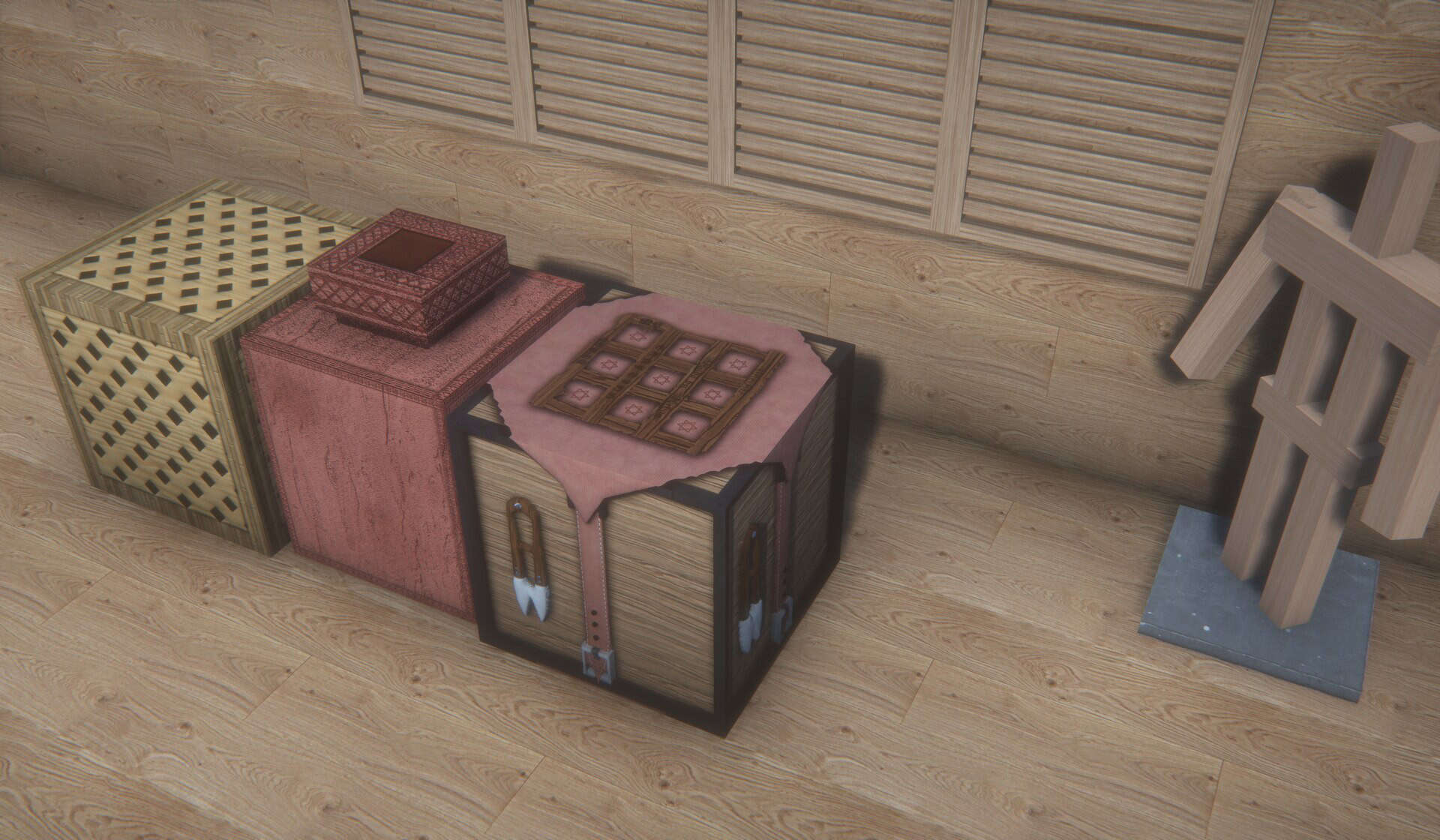
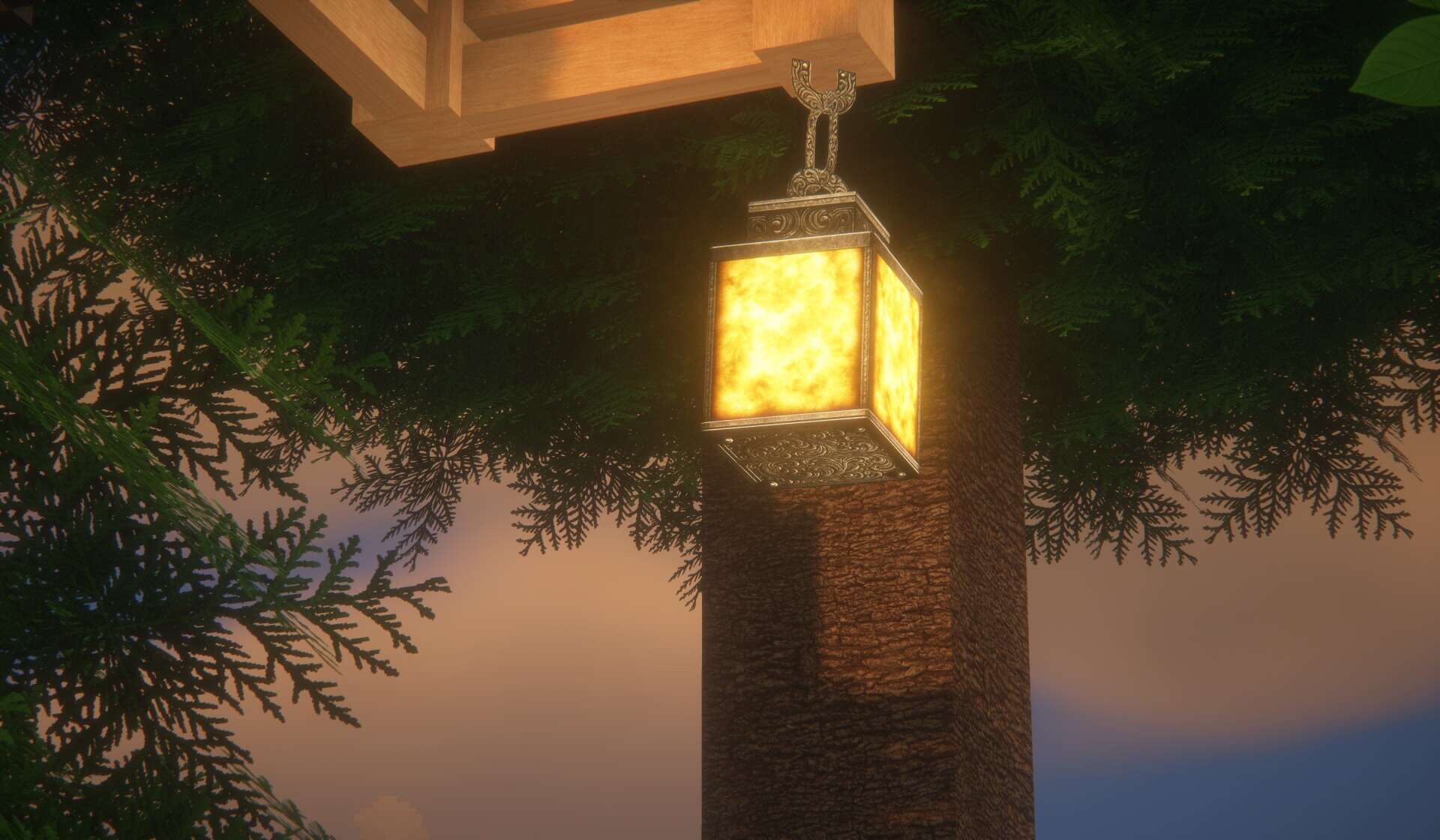
There are very few projects that get you excited. The URBAN resource pack appears to be one of the few that manages to stir the interest of even the most veteran Minecraft players. This is because it is not just a texture resolution upscale. It is also not just a recoloring of existing textures. It is the kind of project that takes hours of sleepless nights to come to fruition. Developed by artist Aryan Nikose, the URBAN texture pack set itself on the ambitious path of completely changing how Minecraft looks, feels, and plays. It manages to make the game breathtaking. A true eye candy that a player can just sit and admire. Pushing the capabilities of the game, the artist had to resort to path-traced shaders. For this purpose, the developer chose to use BSL, a commonly available shader pack for Minecraft. It pushed BSL to its limits to accomplish something that no longer looks like a blocky game. The URBAN resource pack brings a certain degree of photorealism that is unprecedented in Minecraft. Objects and items look stunningly real, albeit with more corners and sharp edges but completely different than what they look like in vanilla Minecraft. The work done by the developer using BSL shader’s features would not suffice to make Minecraft so visually beautiful. It had to be supported by improved textures. For this reason, Aryan Nikose had to develop it using higher resolution textures. The lowest resolution available is 128x which is in itself resource demanding.
There is also a 512x and a 1024x version which is even more demanding and requires a considerably powerful computer to run properly. However, the 128x version a little bit pales in comparison to the 1024x one. There is such a level of detail that pixels on textures are no longer observable. Every single texture on any object in the game is smooth and photorealistic. Such a level of realism was achieved by reworking and designing completely new textures. It is not enough to upscale existing resolutions. Many textures were created manually to ensure that they perfectly represent the vision of Aryan Nikose for the game. He added many new textures in the game such as new types of stone, wood, tools crates, sand and more. There are also new models for certain objects that have more polygons to make them more realistic. Things such as small rocks, leaves, grass, all have more polygons to make them appear considerably closer to reality. While there may not be much information available about the URBAN resource pack, the developer uses his official channels to communicate updates. He shares the progress of his work over Instagram and has a dedicated Patreon page for the URBAN resource pack. The 128x version of his resource pack is available for free. Higher resolution ones are available for author’s Patreon subscribers that is meant to support the creator continue his work on the resource pack. It is also on Patreon where the developer posts future updates and the latest version first.
URBAN should be compatible with all of these Minecraft versions: 26.1.2 - 26.1.1 - 26.1 - 1.21.11 - 1.21.10 - 1.21.9 - 1.21.8 - 1.21.7 - 1.21.6 - 1.21.5 - 1.21.4 - 1.21.3 - 1.21.2 - 1.21.1 - 1.21 - 1.20.6 - 1.20.5 - 1.20.4 - 1.20.3 - 1.20.2 - 1.20.1 - 1.20 - 1.19.4 - 1.19.3 - 1.19.2 - 1.19.1 - 1.19 - 1.18.2 - 1.18.1 - 1.18 - 1.17.1 - 1.17 - Bedrock Edition - PE
URBAN — Video & Screenshots
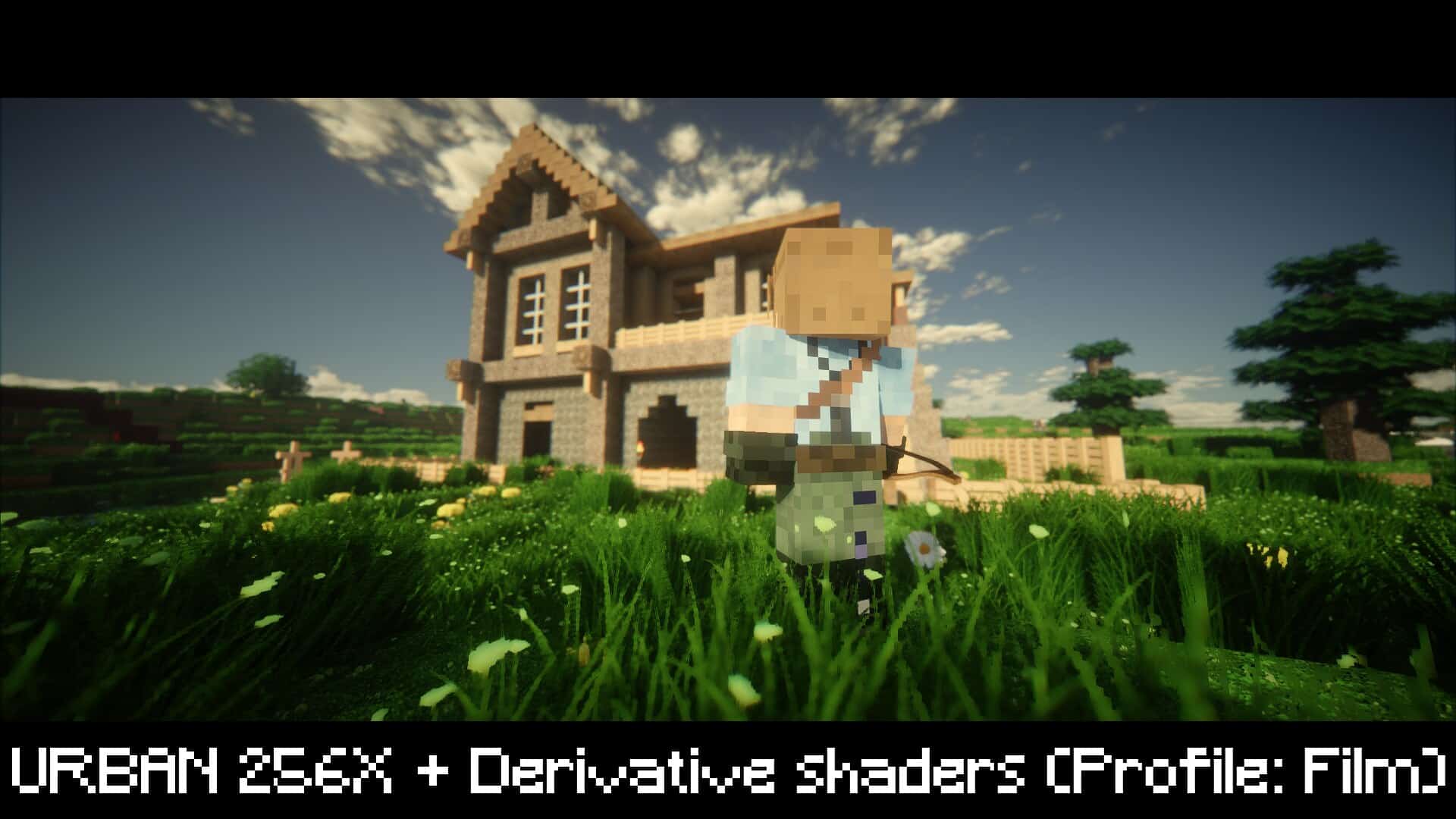

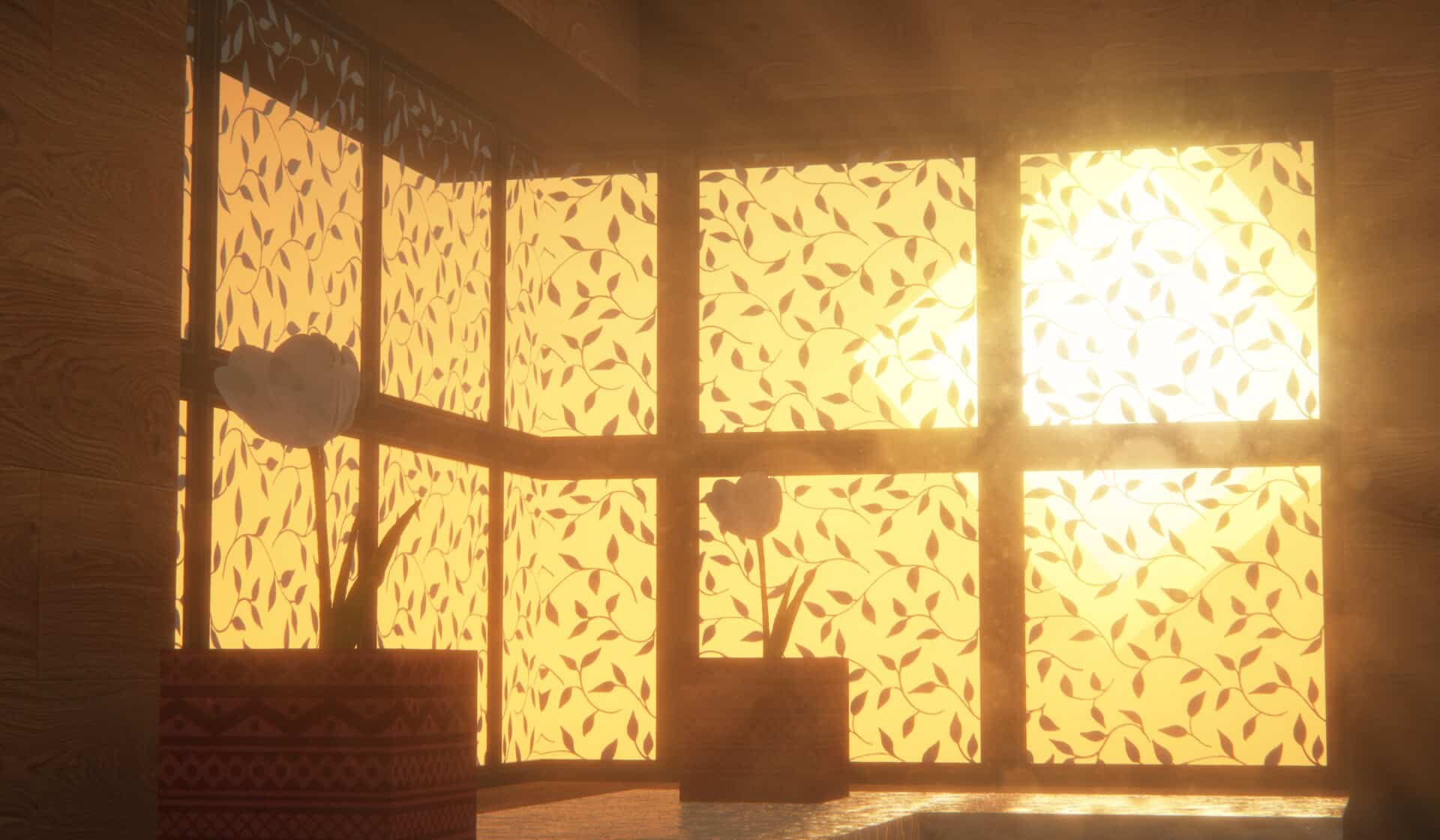
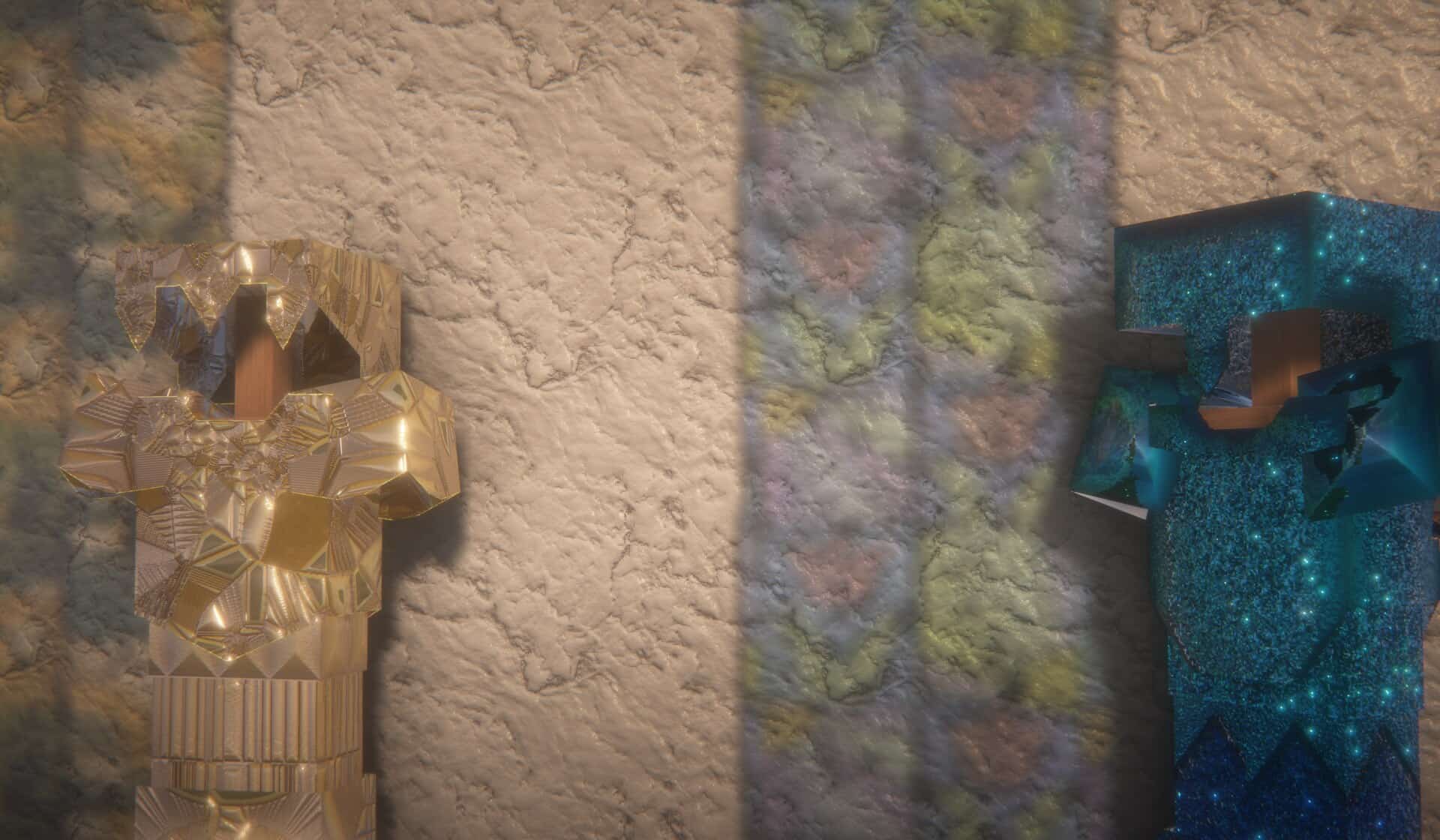
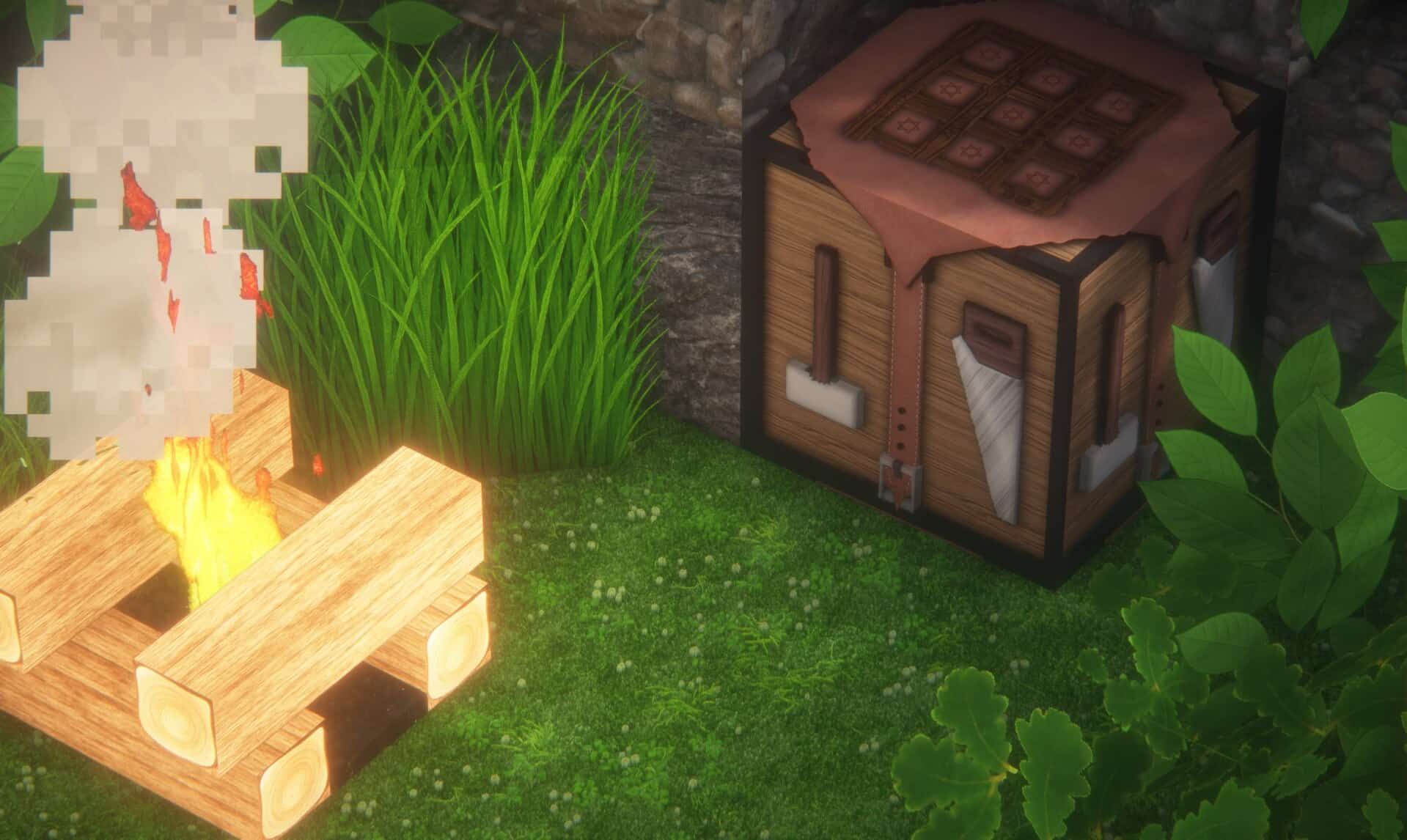
How to install URBAN Resource Pack:
- Most resource packs require Optifine, so be sure to download and install it. – general recommended step for all packs, Optifine is also needed for most shaders
- Download the URBAN texture pack for Minecraft from the download section below. – if there are many different versions, just choose the one you like, is compatible with your version/edition of Minecraft, the one you think your computer can handle in terms of performance.
- Launch the game client through the Minecraft launcher.
- On the main menu, click "Options".
- On the options menu, click "Resource Packs...".
- Click on "Open Resource Pack Folder". – folder titled "resourcepacks" will pop up
- Move the .zip file you downloaded in the first step to the newly opened "resourcepacks" folder.
- Click "Done".
- Click on "Resource Packs..." again.
- Your pack should have appeared in the left window, just hover over it and click on the arrow pointing to the right.
QUICK TIP: Sometimes, when activating a pack, the game may say that the pack is made for a newer or older version of Minecraft. This is just a warning, it does not affect your gameplay in anyway, and you can still activate and enjoy the pack by simply clicking the "Yes" button when prompted.
- Click "Done" again.
- The pack has now been successfully loaded and ready to be used in your world!
Recommended shaders:
URBAN - Comparison Slider #1
Comparison slider #1 for those who want to compare vanilla Minecraft without any texture packs installed (on the left) with Minecraft using this particular texture pack (on the right).
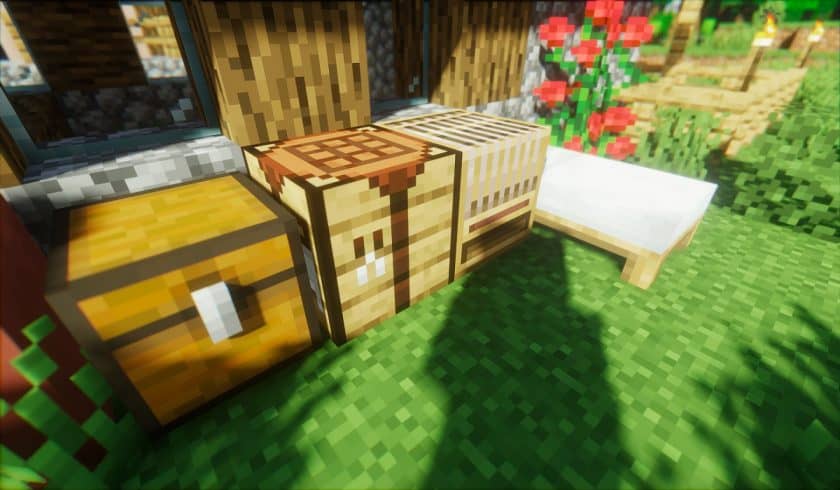 Vanilla
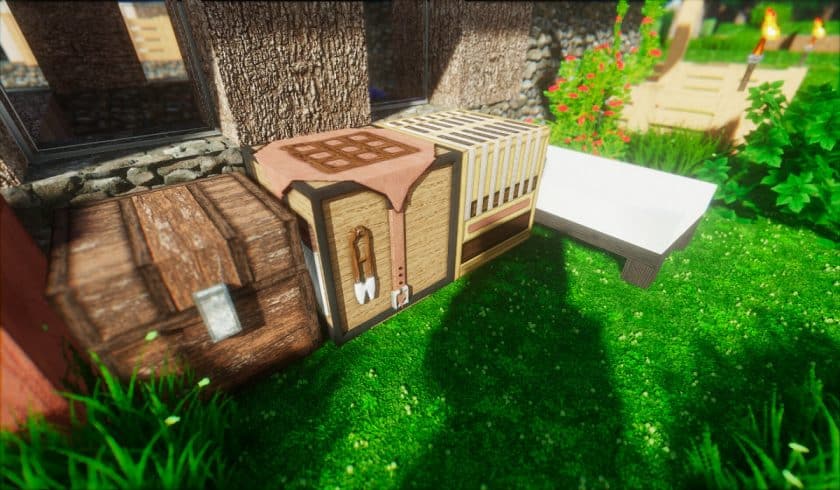 URBAN
URBAN
URBAN Texture Pack Download
- We do not modify or edit any resource packs. All resource packs, shaders and tools found on this website are linked directly to official sources rather than hosted on our own servers. We provide only the official download links from the original creators to ensure that your files are safe and secure.
- These official links are updated manually and may occasionally stop working when a new version is released. We work hard to keep everything current so that you have a smooth experience. Please let us know in the comments if you find a link that no longer works.
- Minecraft is a trademark of Mojang Studios and has no official connection to this website. Our goal is simply to share the best creations from the community with other players.
- Please consider leaving a comment or voting for your favorite packs. This feedback helps authors improve their projects over time. You can also support the creators directly by visiting the official links located below the download section.
Bedrock Edition:
[128x] [1.20.x] Download URBAN Bedrock Edition Resource Pack – absolutely free;
[512x] [1.20.x] Download URBAN Bedrock Edition Resource Pack – for Patrons only;
Java Edition:
[128x] [1.21.x] Download URBAN Resource Pack – absolutely free;
[128x] [1.20.6 – 1.20.2] Download URBAN Resource Pack – absolutely free;
[128x] [1.20.1 – 1.20] Download URBAN Resource Pack – absolutely free;
[128x] [1.19.x] Download URBAN Resource Pack – absolutely free;
[128x] [1.18.x] Download URBAN Resource Pack – absolutely free;
[128x] [1.17.x] Download URBAN Resource Pack – absolutely free;
[256x] [1.21.x – 1.17.x] Download URBAN Resource Pack – for Patrons only;
[512x] [1.21.x – 1.17.x] Download URBAN Resource Pack – for Patrons only;
[1024x] [1.21.x – 1.17.x] Download URBAN Resource Pack – for Patrons only;
Fabric Compatibility:
[256x – 1024x] [1.21.x – 1.17.x] Download URBAN Resource Pack – for Patrons only;
Curseforge: download starts automatically after a few seconds;
Mediafire: click the big blue button with the text "DOWNLOAD";
Google Drive: in the top right corner you will see a small download icon (down arrow), click it and the download should start;

2,119 votes
Look.. 2119 users have already liked this pack. Give a diamond if you like it too!


CJ
Looks like a very good resource pack, I read that it still has some issues especially with the 1.17+ then I’ll wait until it is. Definitely plan to download once it’s ready for 1.17.1
Aryan nikose
It’s ready now!!
Light
OMG that deepslate Redstone ore looks hot :o
Aryan nikose
thanks, I will take that as compliment :)
Harry
this is kinda good!
Aryan
appreciated!
Yeetus
Garbage pack. The 1.17.X doesn’t actually work with 1.17.1. Lots of glitched textures and the whole “purple black block” texture thing. Absolute garbage, do not download for 1.17.X
Aryan nikose
note optifine is not 100% compatible with packs currently, u can use it in 1.16.
I will look after 1.17 soon.
Armor
Nice armor :)
Valentine
This was the best pack I found on the internet!!
I love how he created that wolf, great work!!
SupraPlayZ
My enchanted Diamond Sword is not loaded. its the black/purple block what is showing. Stone Sword is loading..
Stickman
I am not having this issue, u try to turn on Anisotropic filtering.
TheBlindVeteran
Oak Fence is broken comes up as a solid Purple and Black Block
From what i can see rest looks Really nice!
Aryan nikose
It’s already fixed dude, re-download it this issue is fixed.
Cauã
I’m using the BLS shader, but the lava is purple and black, like it has no texture. And most items so black in inventory
Aryan nikose
That’s some pixelation issue cause our 1024x and 512x packs do not have this issue.
this issue is only for 128x which is gonna be fixed soon:)
Mr.Wolfy_YT
Please post an update when it’s fixed, the purple and black checkerboard is a bit of deal breaker for survival. Love everything else
Aryan nikose
It’s coming tomorrow, just come and download it tomorrow.
Aryan nikose
It’s been work on it will be fixed soon.
Afterglow555
Hey! This pack is really good, but I’m having some problems- the lava texture is just showing as black and purple, like the texture is missing and the nether portal graphics are heavily pixilated and look strange. I don’t know what to do to possibly fix these issues, can someone please help me?
Note: I am using the BSL shader.
Aryan nikose
While we pixilate block in different resolution due to that software issues that problem has occurred.
but don’t worry I am gonna fix it soon.
Haych
I am also receiving this issue
ragdol
So basically all of the blocks are 2D, unlike the stuff you show in the images (1.17.1) is there a fix for this?
Aryan nikose
U need to install BSL shader.
NvrKill
Fances are bugy in 1.17.1
Calzoney
Hi Aryan,
Is there any chance of supporting iris-mc1.17-1.1.0? OptiFine_1.17.1 can display the Bookcase and Oak Gate just fine, in OptiFine, but in Iris it returns null blocks. The reason I ask is that OptiFine has issues with chunks of invisible or glitched grass and shrubbery and Iris works well.
The two null items could be an item naming problem, Installing Indium just changes the two items from a solid purple and black null block, to a light purple and black null block.
Callum
Aryan nikose
Ok, Calzoney,
But the problem is that most of the blocks are POM&PBR which need optifine ,beside the grass glitches with optifine is a common issue this can be easily fixed by using BSL shader. The pack is created to use with BSL shader or if u use it without shader this glitches will always occur and if this does not fix the issue just use 1.17 pack of the texture pack cause still versions like 1.14.4 and 1.15 have still had issues according to me u must use the pack’s 1.17 version as we have a great response on that and not got any glitches or bugs.
-Aryan
pokilopiko
idk if its me but x128 has multiple blocks that dont have texture and some swords are half see thru
Aryan Nikose
It might be because u are using it without shaders.
Jared McKano
Ran pretty fricking smoothly!! 10/10!
Aryan Nikose
I made it highly compressed that even a 1024x pack can run on a mid-spec pc too.
Btw, thanks for 10/10.
SoulBatMan907
I love it and its like real life
Aryan Nikose
Thanks for that compliment.
Lengen_
having an issue with the armor and swords not getting the looks and and looks like a vanilla sword and icons dont look right either
Lengen_
and plants like potatoes
Aryan nikose
this is fixed for 1.17, but old versions are still that same.
Dreamland
I tried it but almost all of the tools and armors were normal
Aryan Nikose
Free 128x have all the block textured but items and Armors my be still be vanilla.
Aryan Nikose
The day you downloaded the pack that time tools and armors were only available for 1.14 but now it’s available for 1.16-1.17.
Gryffin Scott
Hi! I’m having a bit of an issue downloading the pack. I click on the link for 1.17 and it opens up a MediaFire download link. That works, however when I click on download a new tab opens saying “This site can’t be reached, the connection was reset.” Any Suggestions on how to fix this?
Admin
We have no problem downloading from mediafire. After pressing the download button, the download should start in 1-2 seconds.
Stealth
Your crafting table and armors impressed me.I am just gonna purchase this.
Aryan Nikose
Yeh most viewers were impressed by my crafting table and armors.
Chris
The creator suggests BSL shader but I tried the pack with seus ptgi e12 and trust me if you use this pack with seus ptgi shader then no texture pack can beat this level of perfection.
Kidd
The bookshelf and iron door texture is just the error 404 texture
Aryan Nikose
Try to increase memory allocate.
ssssssssssht
looks good but the grass texture is broken
Aryan nikose
Don’t worry its fixed now.Links are updated and grass is fixed too.
Keanu
Awesome, I was also wondering when the grass would be fixed. Saw your comment, and re-installed the pack. Looks much better thanks to the update, thank you!
xavier
hay nice
Ijaminecraft
Bro dude your kidding right good job tho
Endrr Gamer
Did you make oneblock?