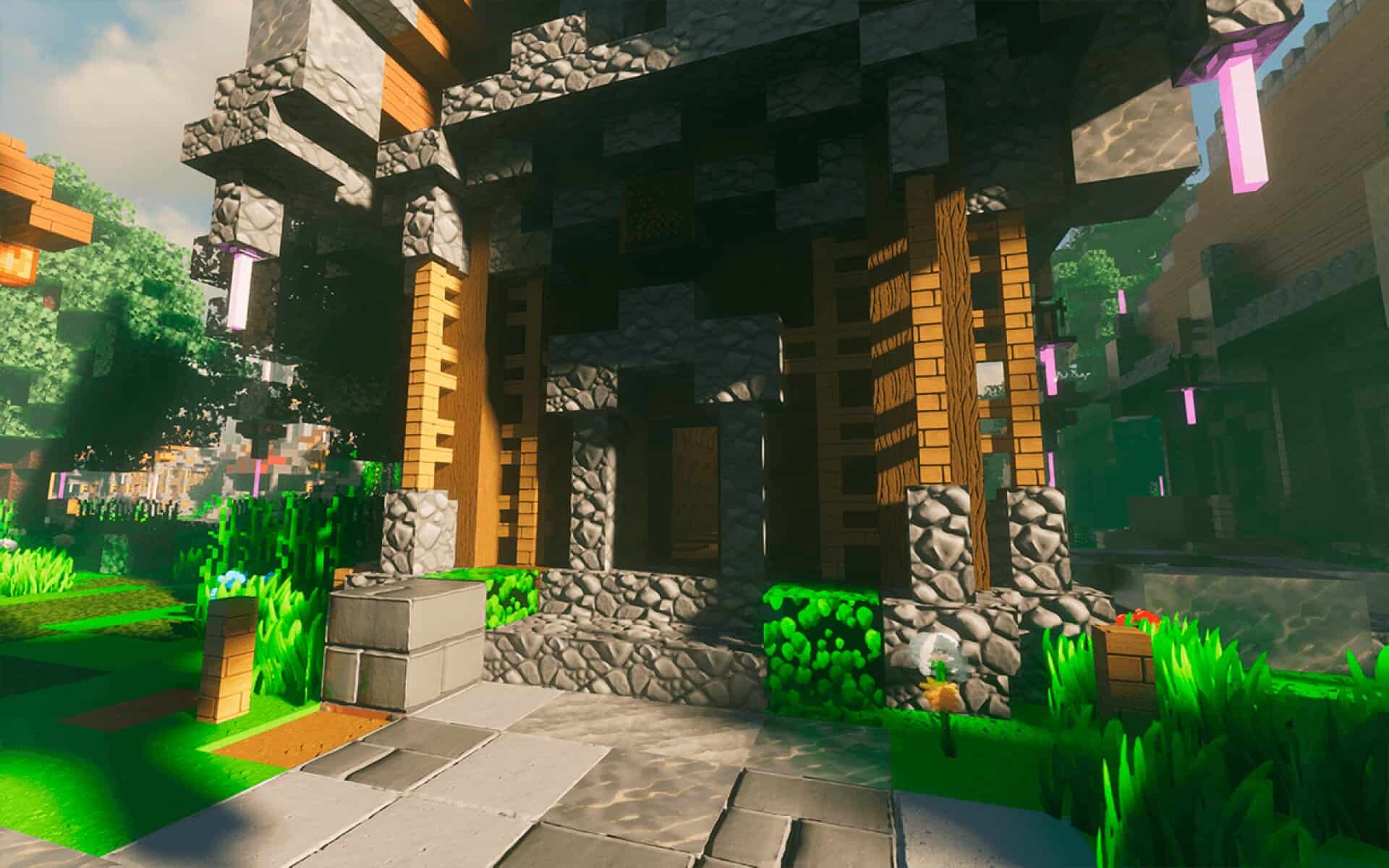
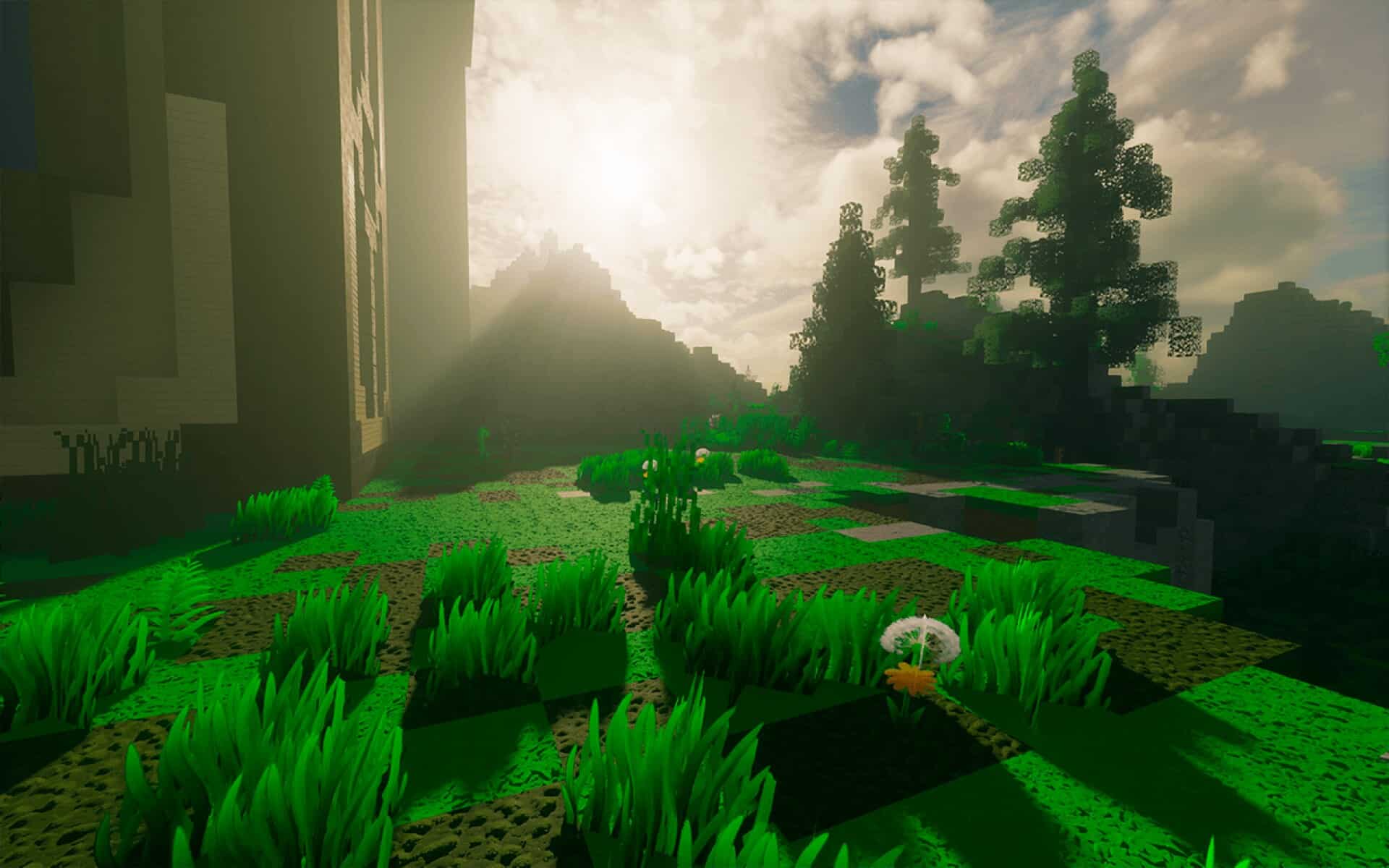
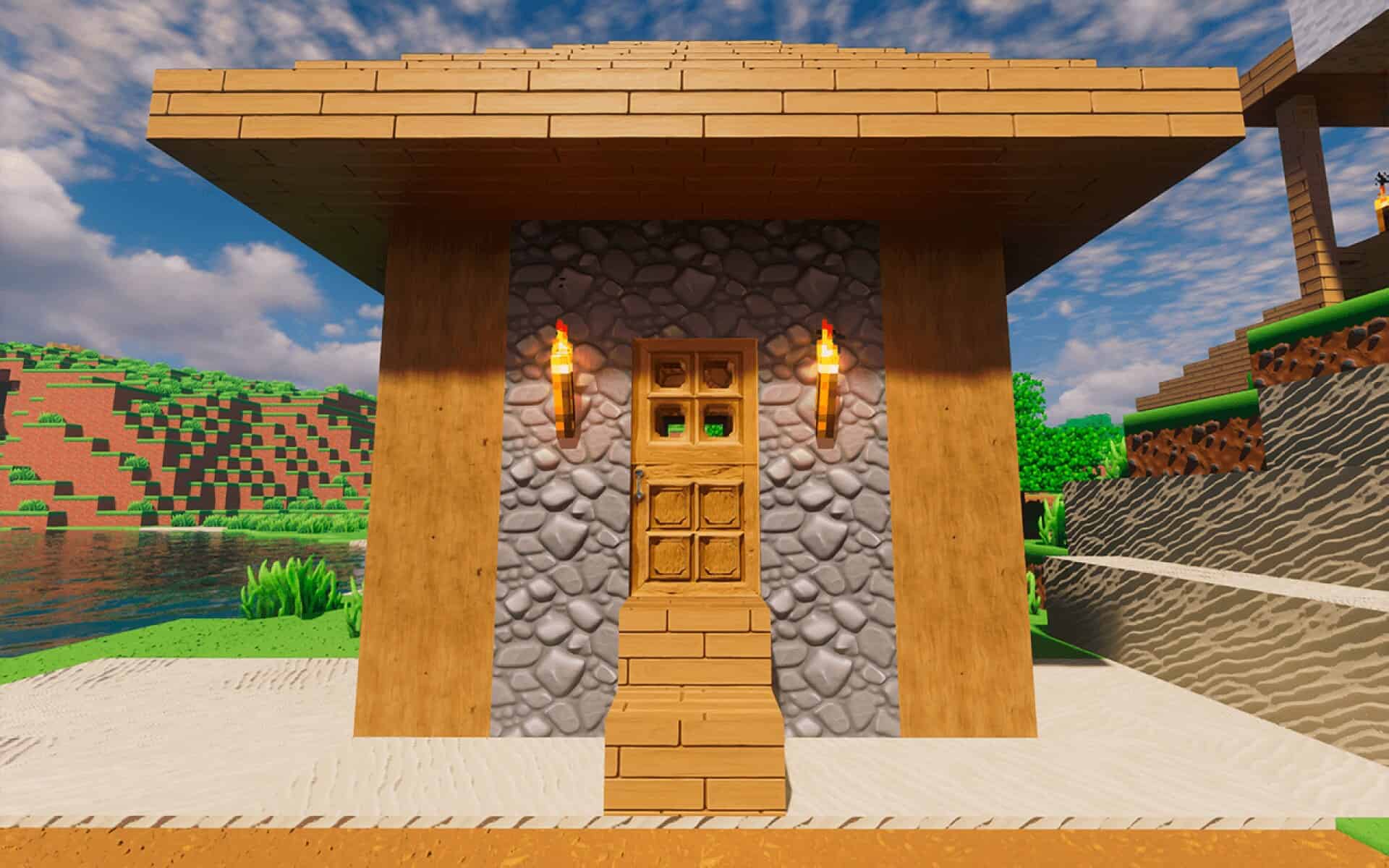
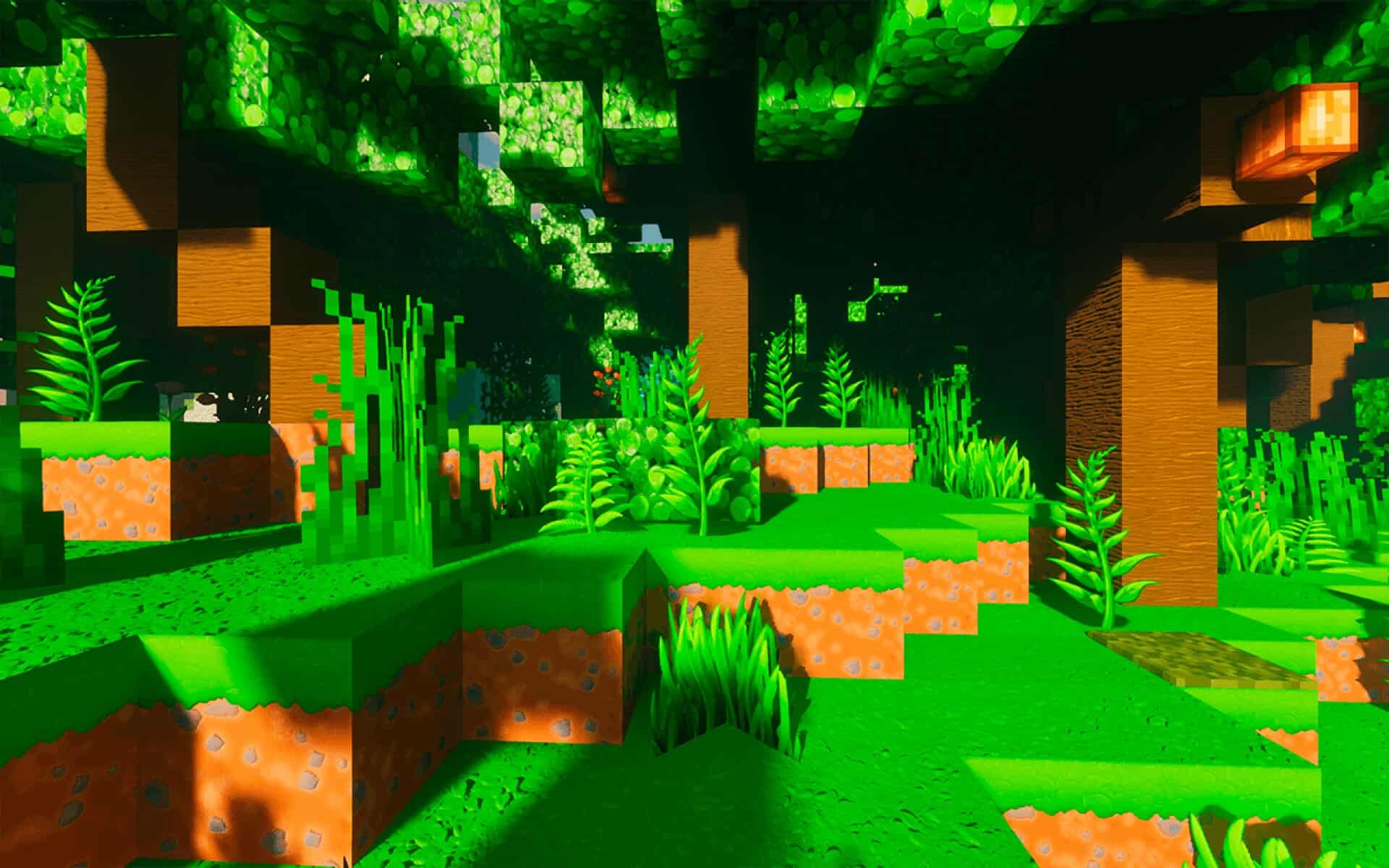
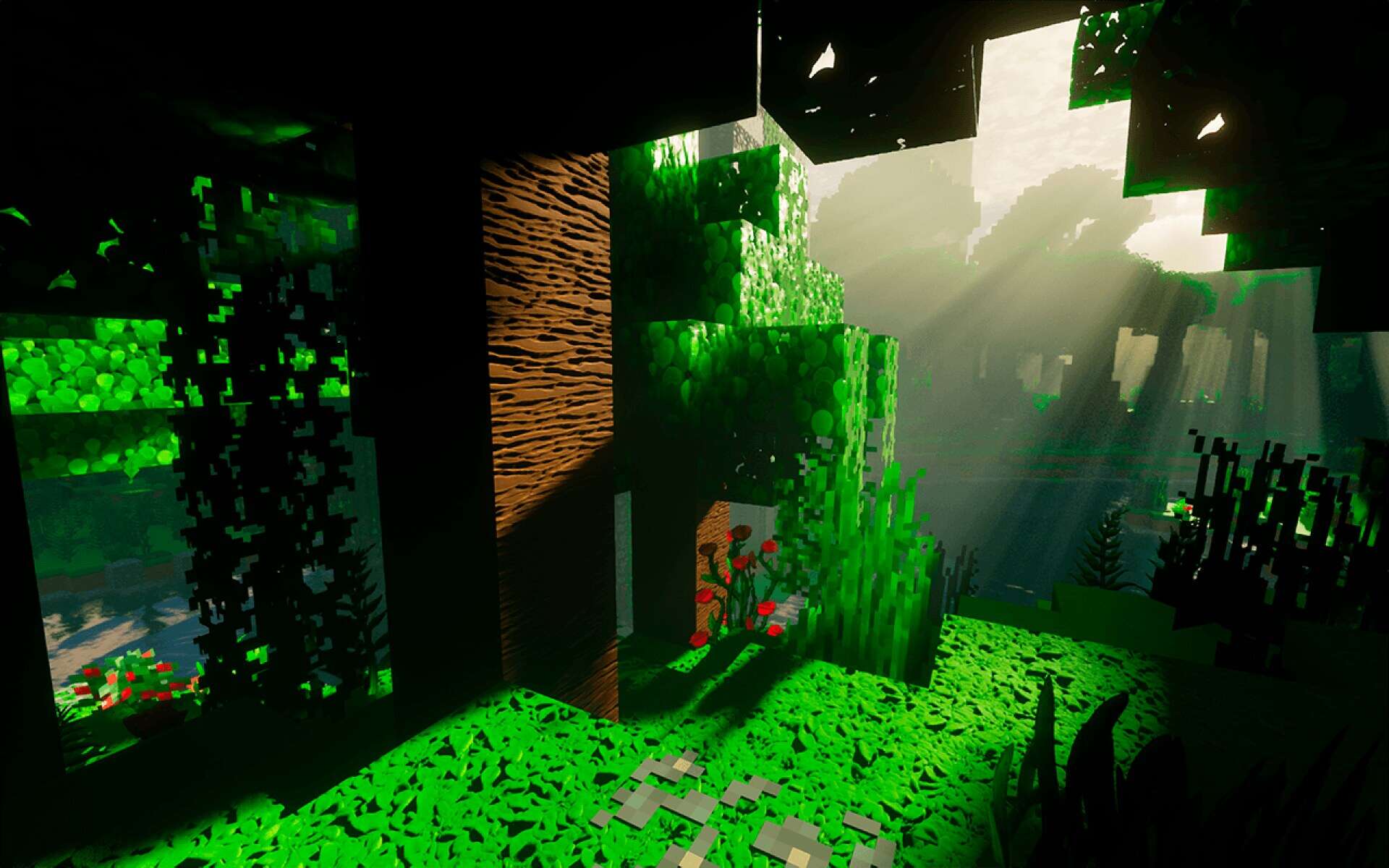
It’s no secret among Minecraft players that whenever a high-quality resource pack comes out, it’s like a little gift to the community. Even if we weren’t planning to download anything new that day, just knowing there’s another great option out there somehow makes the game feel fresh again. And today might be one of those days for you, because we’ve got something worth talking about. The ToonCraft resource pack has just been released, and it comes from none other than the creator of the well-known RealisCraft pack. If you’ve heard of RealisCraft, you’ll remember it as a default themed pack with a much higher resolution, a bunch of extra visual features, and full POM/PBR support. It became pretty popular, and for good reason – it was carefully designed and packed with detail. If you haven’t tried it before, it’s still worth checking out to see if that mix of default style and realism is your thing. But today, we’re not here to talk about realism. ToonCraft is something entirely different. While RealisCraft walks the line between realism and Minecraft’s original charm, ToonCraft throws realism out the window and fully embraces a cartoon-inspired world. It’s bursting with bright, saturated colors that instantly stand out, even in the first few seconds of looking at it. The color palette here is not just vivid – it’s bold, unapologetic, and completely unafraid to be playful. You can see this energy right away in the screenshots. The textures themselves are far more polished and detailed than default Minecraft, but the style keeps them feeling like they belong in an cartoon world rather than a photorealistic one. The end result is a world that’s cheerful and kid-friendly. And don’t worry – loving this kind of style doesn’t make you any less of a Minecraft fan. In fact, we’ve been big fans of cartoonish packs ourselves for years, sticking with Sphax for what felt like forever. Sphax is still great, but even the best packs can get a little old when you’ve been using them for years, so it’s refreshing to see something like ToonCraft step in and offer a new kind of fun. The creative team at GalacticCraft has clearly put a lot of thought into each block and each detail. Instead of sticking to harsh pixel edges and the familiar rigid shapes of standard textures, they’ve gone for smooth lines, hand-drawn styles, and a look that feels carefully painted rather than simply generated. That’s why this pack doesn’t just “change” Minecraft – it transforms it into a whole new experience. You’ll notice it when you’re mining ores, chopping down trees, building in your base, or heading out on long adventures. Everything feels just a little more whimsical, a little more playful, and a lot more colorful.
Featured video:
The pack is also easy to try out. Just like with the creator’s earlier work, ToonCraft has a free demo version in 128x resolution, which you can download and install with no trouble at all. That’s already a big step up from default, but if you want to go bigger, the full version offers 256x, 512x, 1024x, and even an insane 2048x resolution. These higher resolution versions are available through the creator’s Patreon, which is a great way to directly support their work. We always suggest trying the free 128x version first – not only so you can decide if you like the style, but also to make sure your computer can handle the higher resolutions. Not all setups can run 512x smoothly, and 2048x textures are a serious challenge for anything but top-tier hardware. If you’re one of the lucky few with a beast of a PC, you’ll be able to enjoy every single detail without worrying about performance. On the technical side, ToonCraft supports both POM and PBR, which add depth and realism to the textures without breaking the overall cartoon feel. This makes textures pop in a way that’s almost 3D. But to use these features, you’ll need shaders, since they depend on shader technology to work. The good news is that ToonCraft is fully compatible with SEUS PTGI as well as most LabPBR-compatible shader packs, so you’ve got plenty of options for achieving the exact look you want. And for those who don’t play on Java Edition – there’s more good news. ToonCraft is also available for Bedrock Edition. Just like on Java, you can get RTX and Vibrant Visuals versions in 128x for free, while higher resolutions remain a Patreon exclusive perk. This means you can enjoy ToonCraft’s style across different platforms, whether you’re on PC, console, or mobile. It’s worth remembering that this isn’t the creator’s first project. RealisCraft has been around for years, and the lessons learned from developing and refining that pack clearly show in ToonCraft’s design. The textures are confident, the style is deliberate, and the end result is polished. While the creator is clearly trying to keep the magic and familiarity of Minecraft intact, ToonCraft is still very much its own thing. It’s not trying to look like default – it’s trying to be a new version of the game that feels alive in a different way. If you’re someone who enjoys a splash of color and a bit of lighthearted charm in your gameplay, this is the pack for you. Even if you’re used to more realistic packs, giving ToonCraft a try might surprise you. The world feels warmer, friendlier, and more fun. And if you’re worried about performance, that’s why the free 128x Lite version exists – so you can test it out without risk. If you love it and your hardware can handle it, then upgrading to the higher resolutions will only make the experience even better. Give the free version a try, see how it feels, and if it wins you over, consider supporting the creator so they can keep making packs like this.
ToonCraft should be compatible with all of these Minecraft versions: 1.21.11 - 1.21.10 - 1.21.9 - 1.21.8 - 1.21.7 - 1.21.6 - 1.21.5 - 1.21.4 - 1.21.3 - 1.21.2 - 1.21.1 - 1.21 - 1.20.6 - 1.20.5 - 1.20.4 - 1.20.3 - 1.20.2 - 1.20.1 - 1.20 - Bedrock Edition - PE
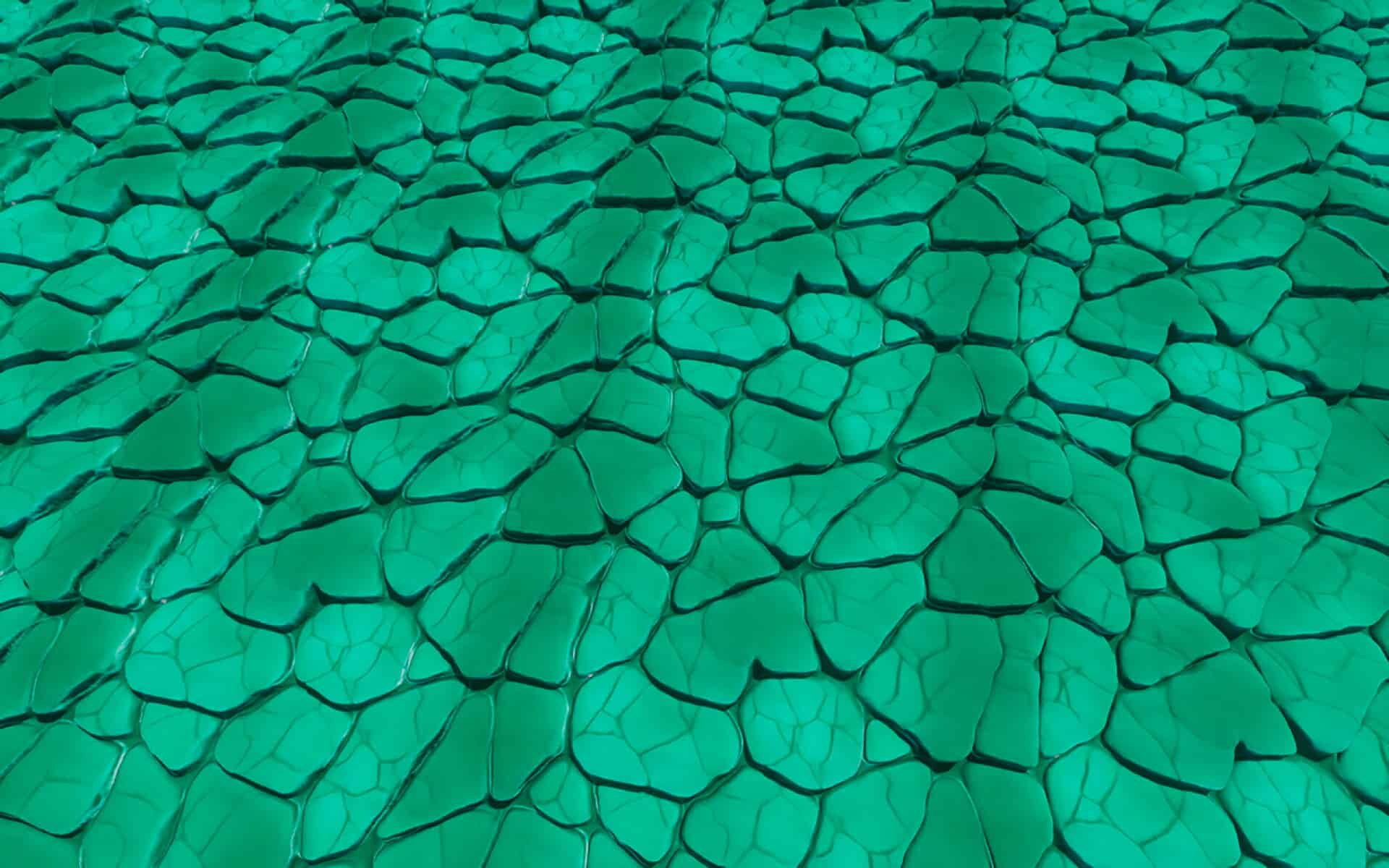
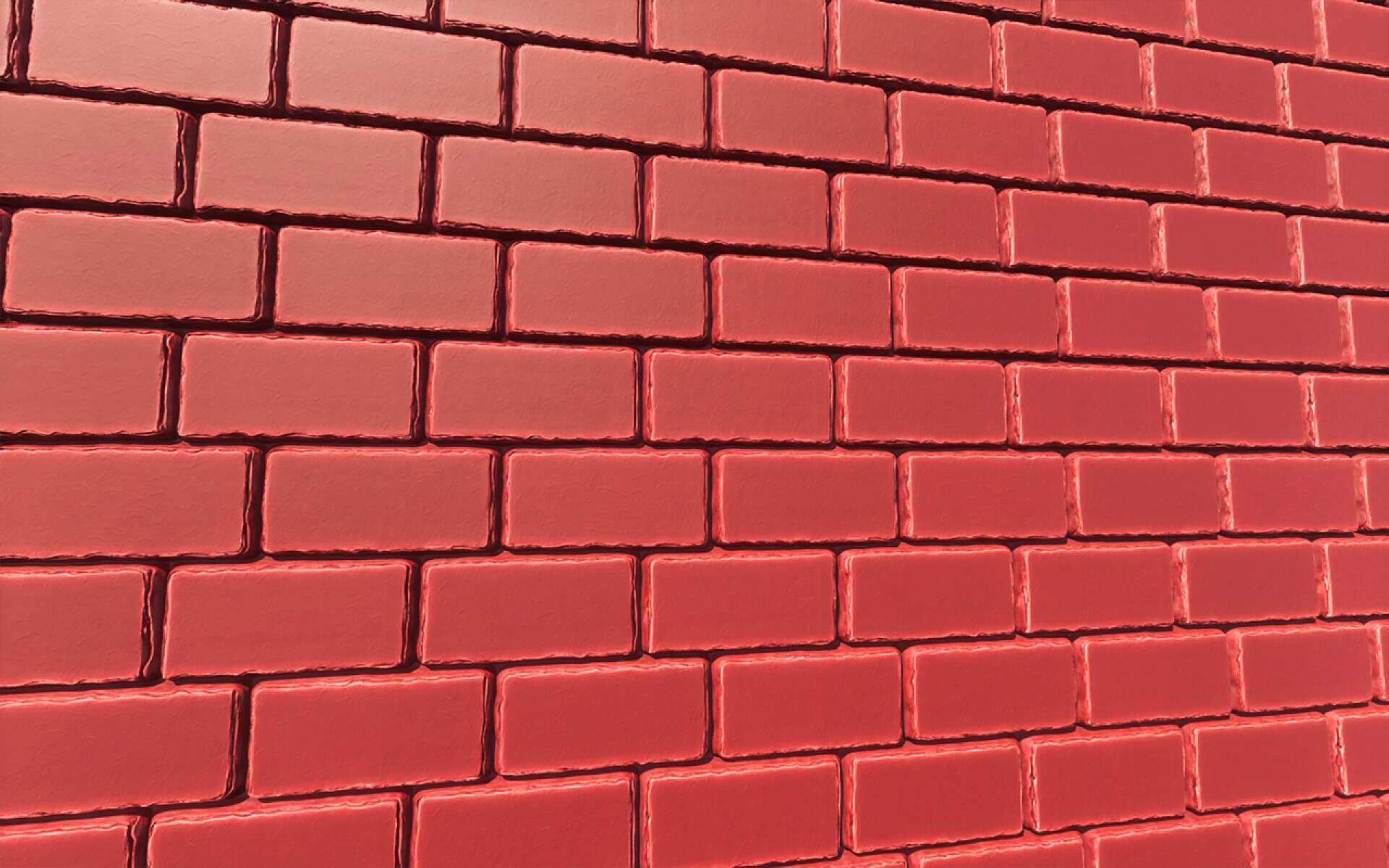
ToonCraft — Screenshots
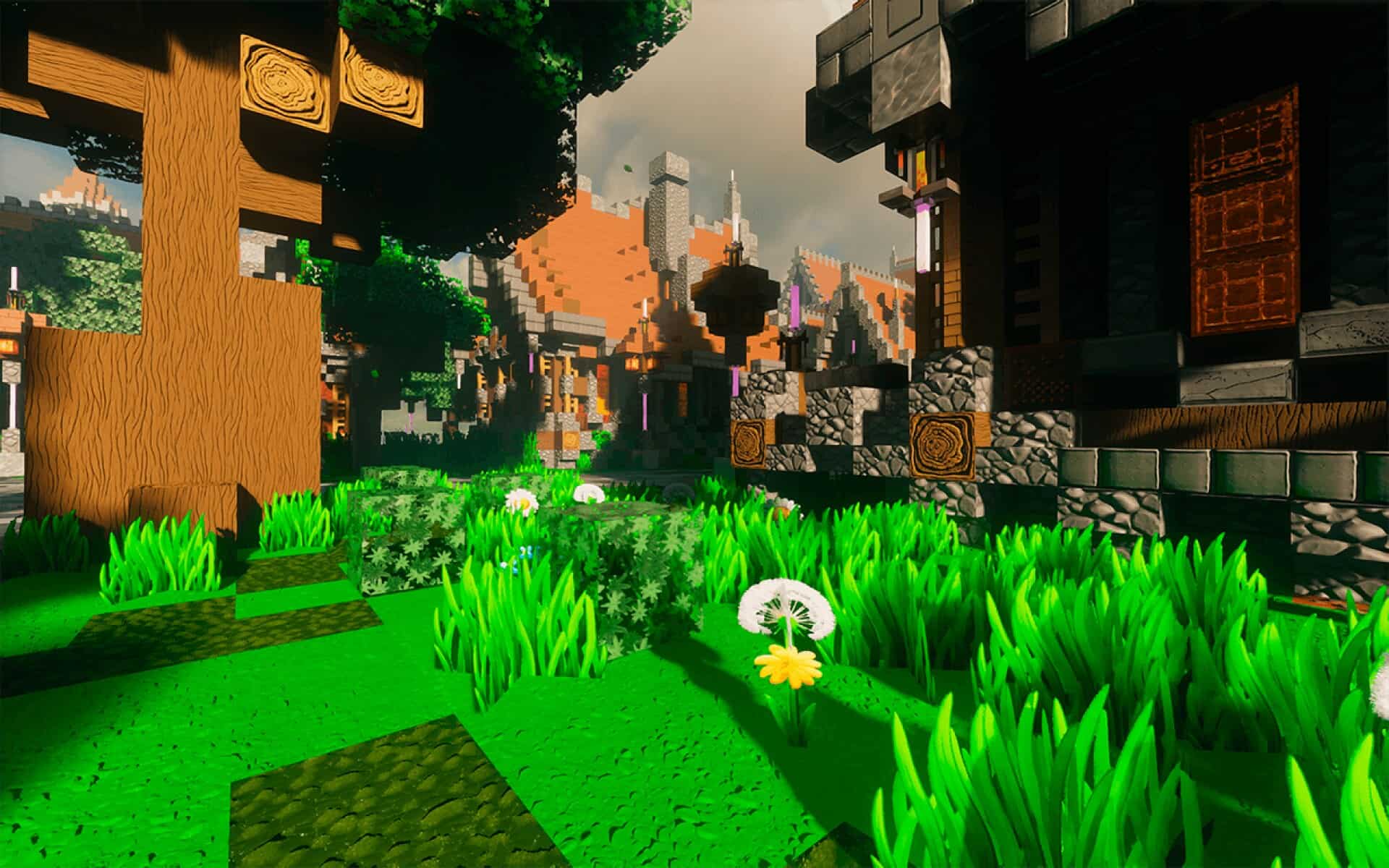
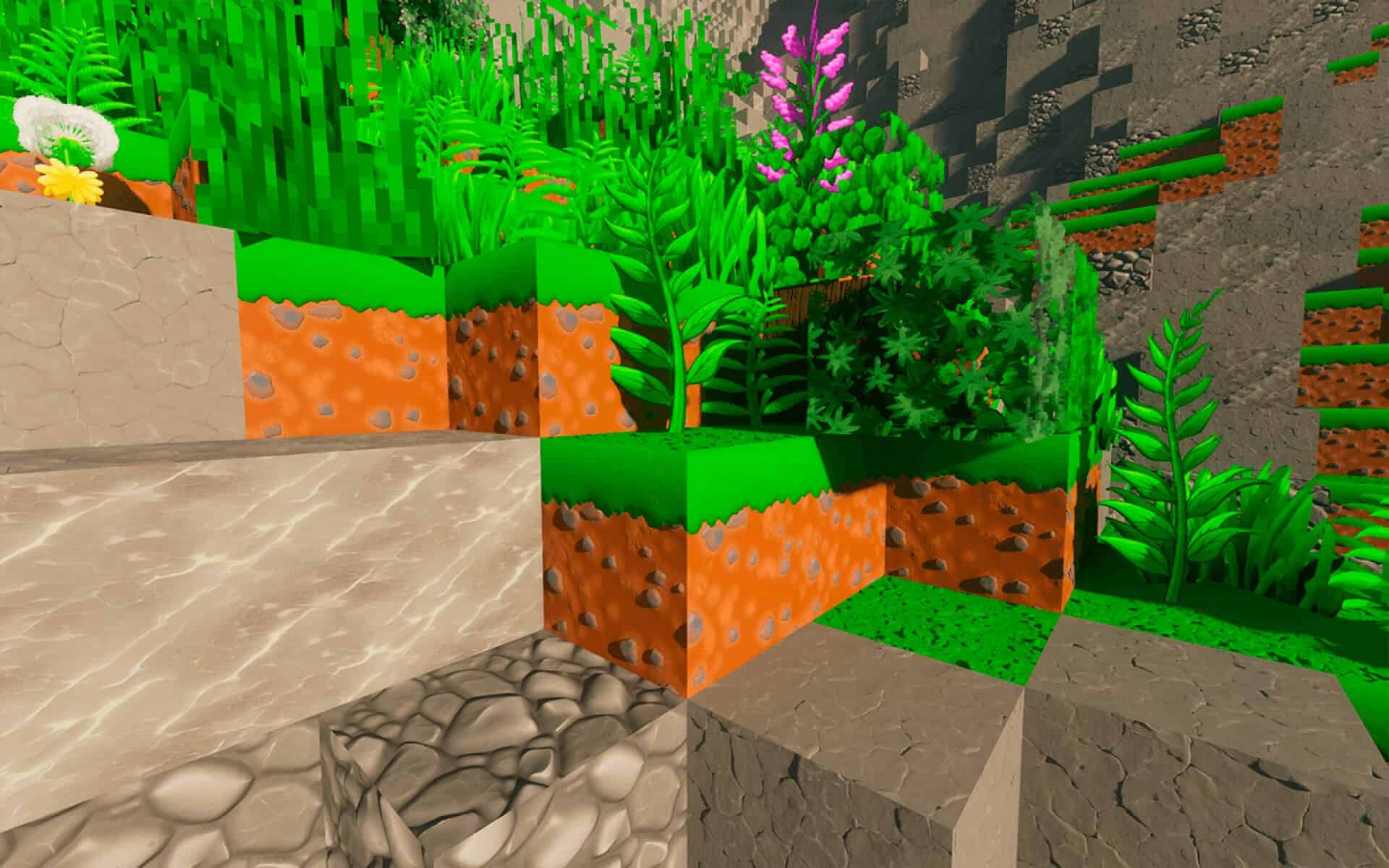
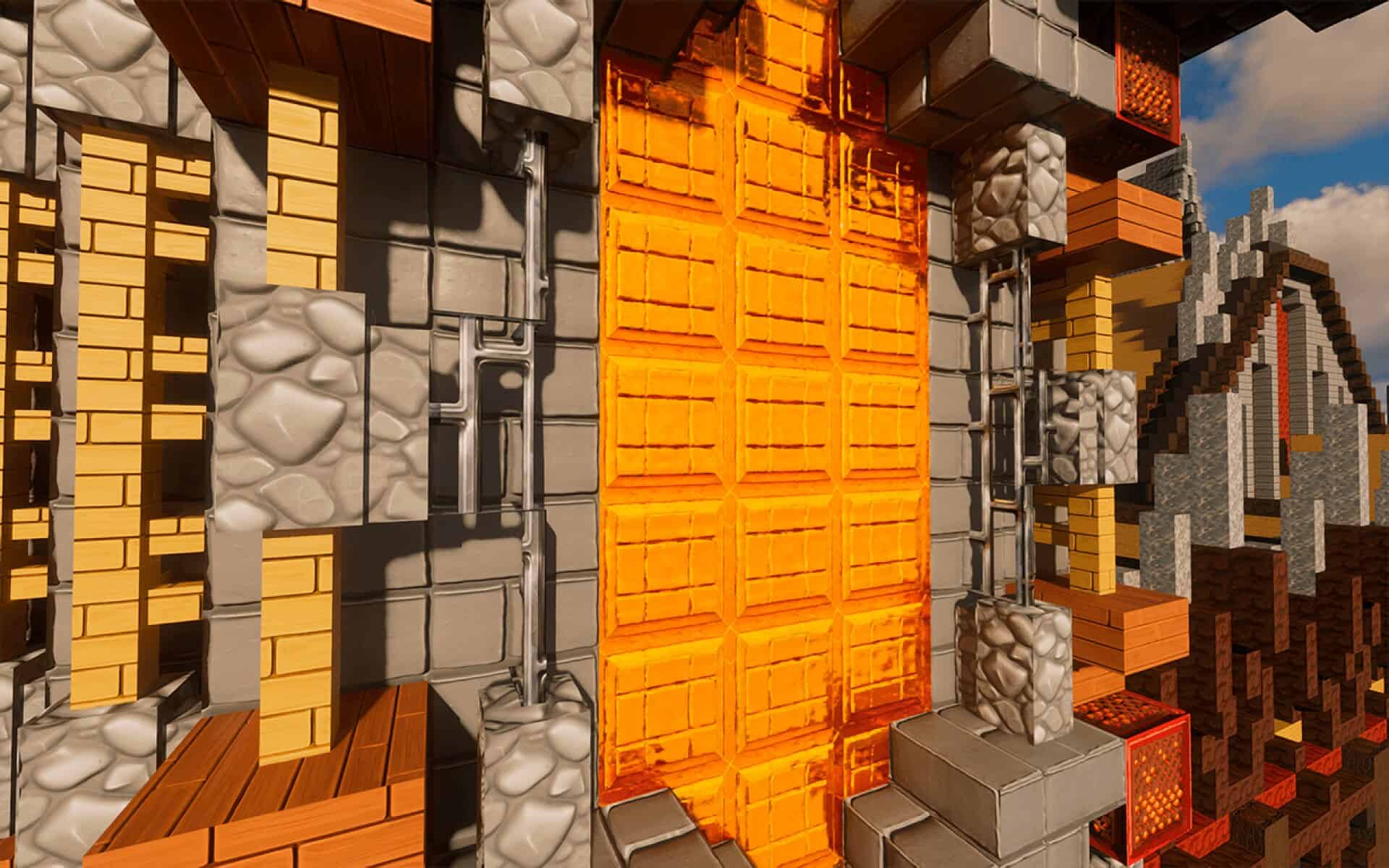
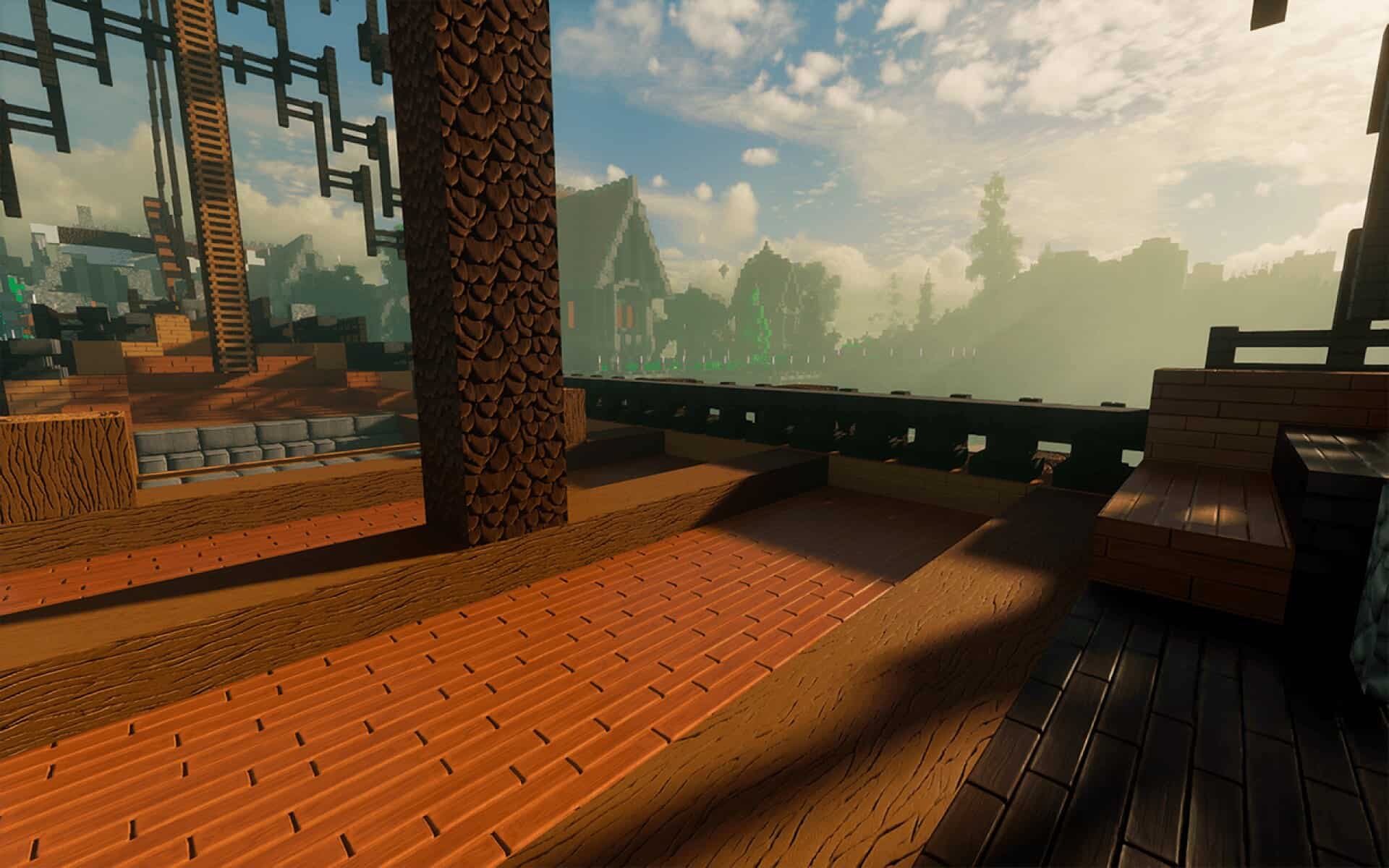
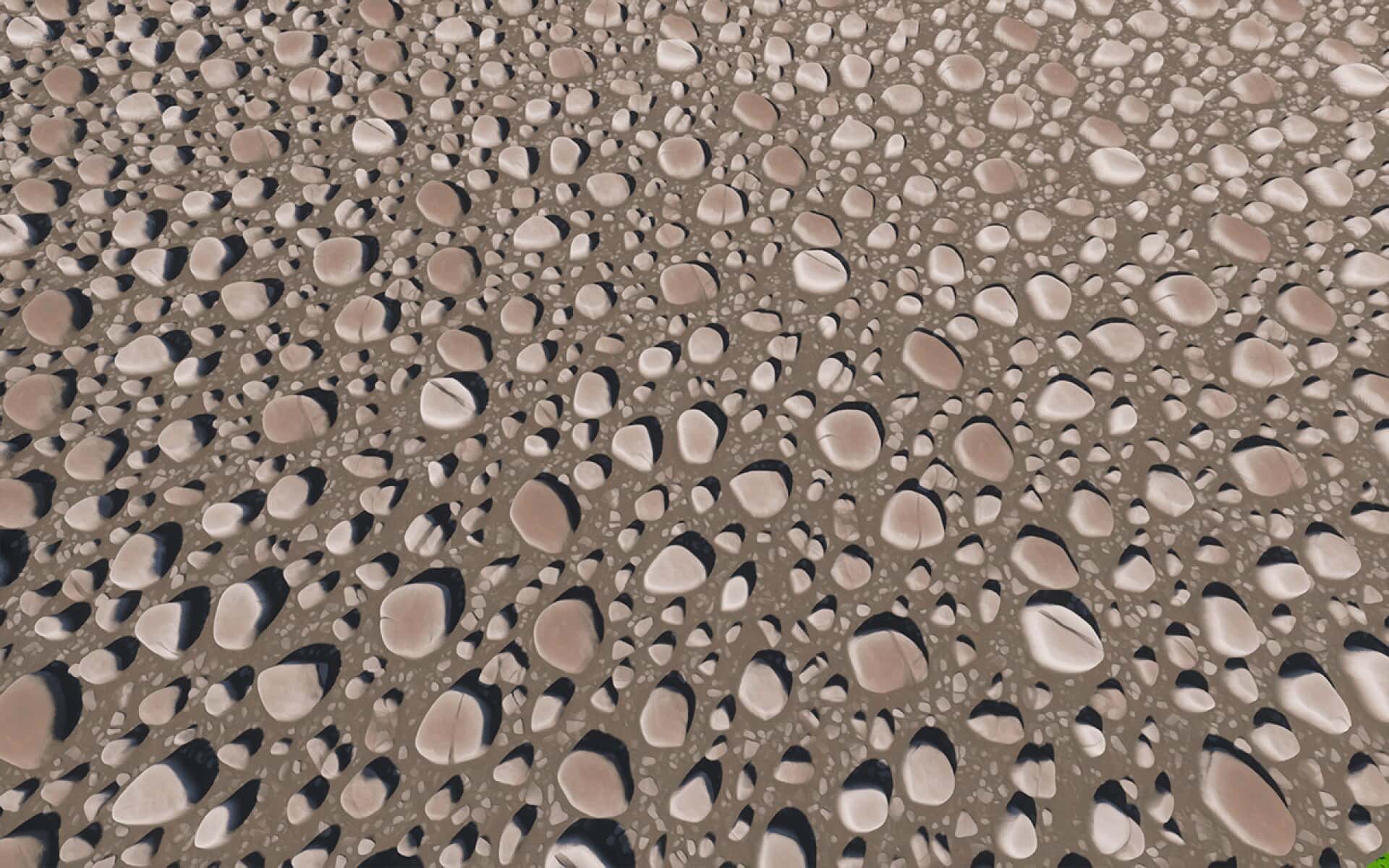
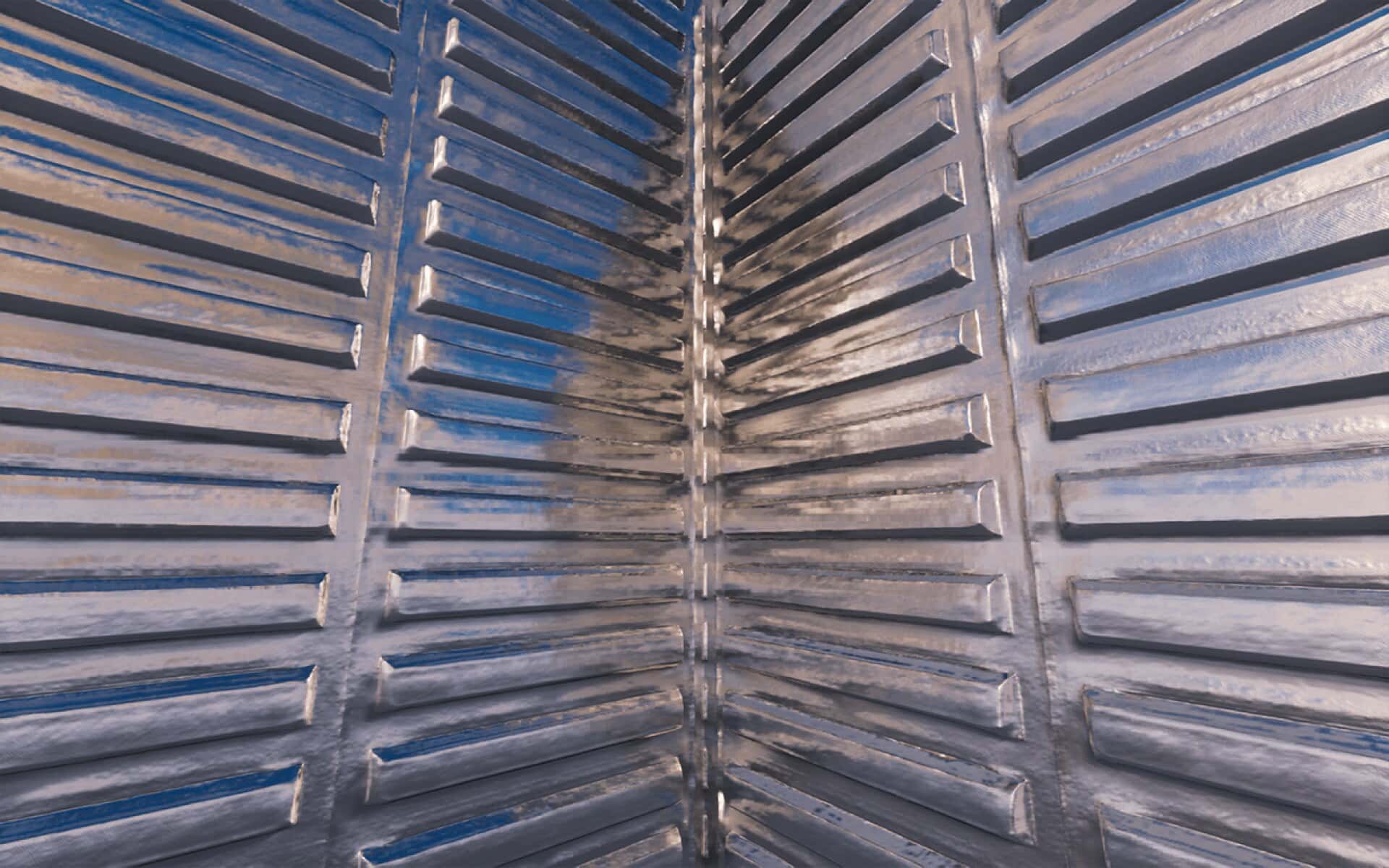
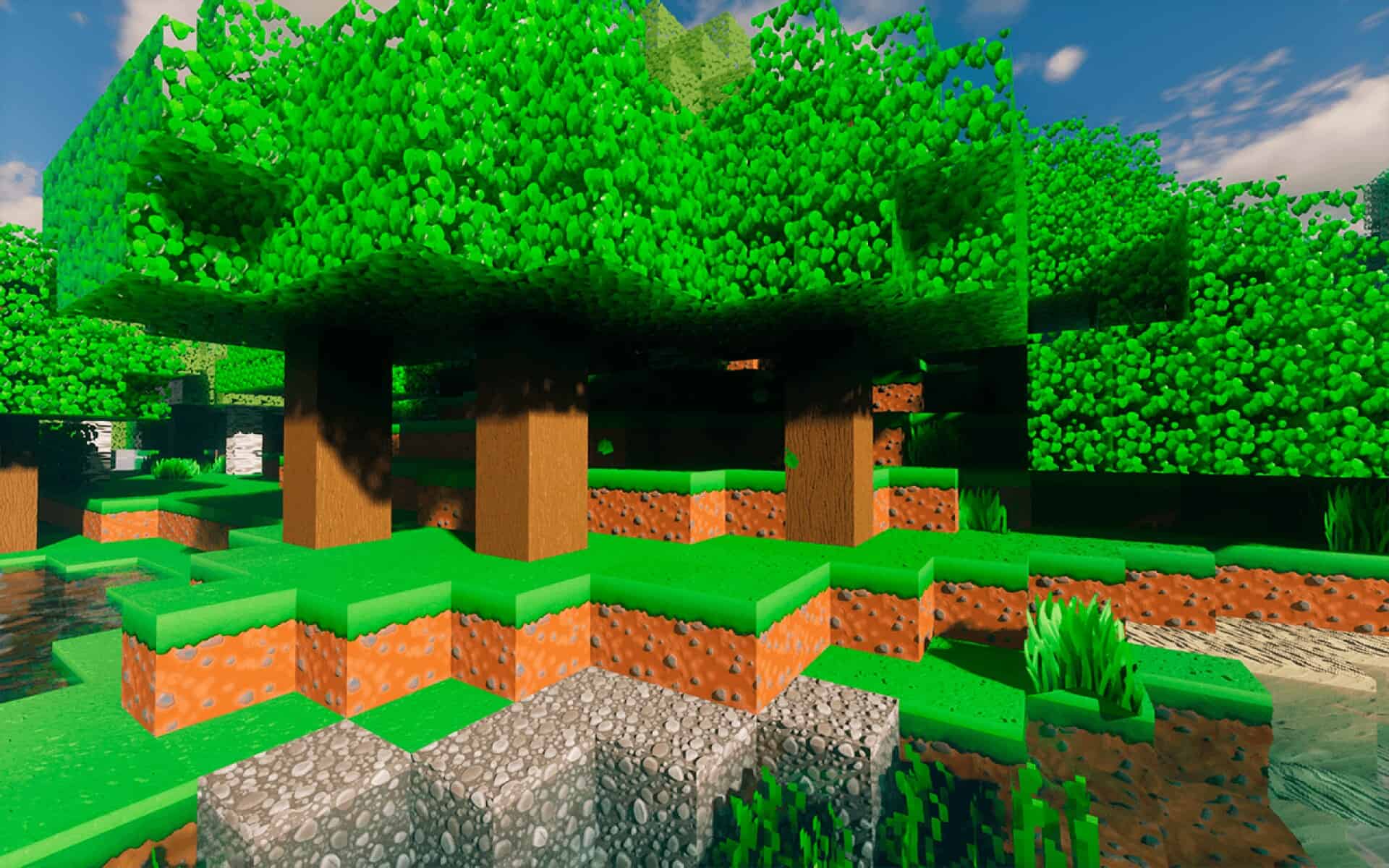
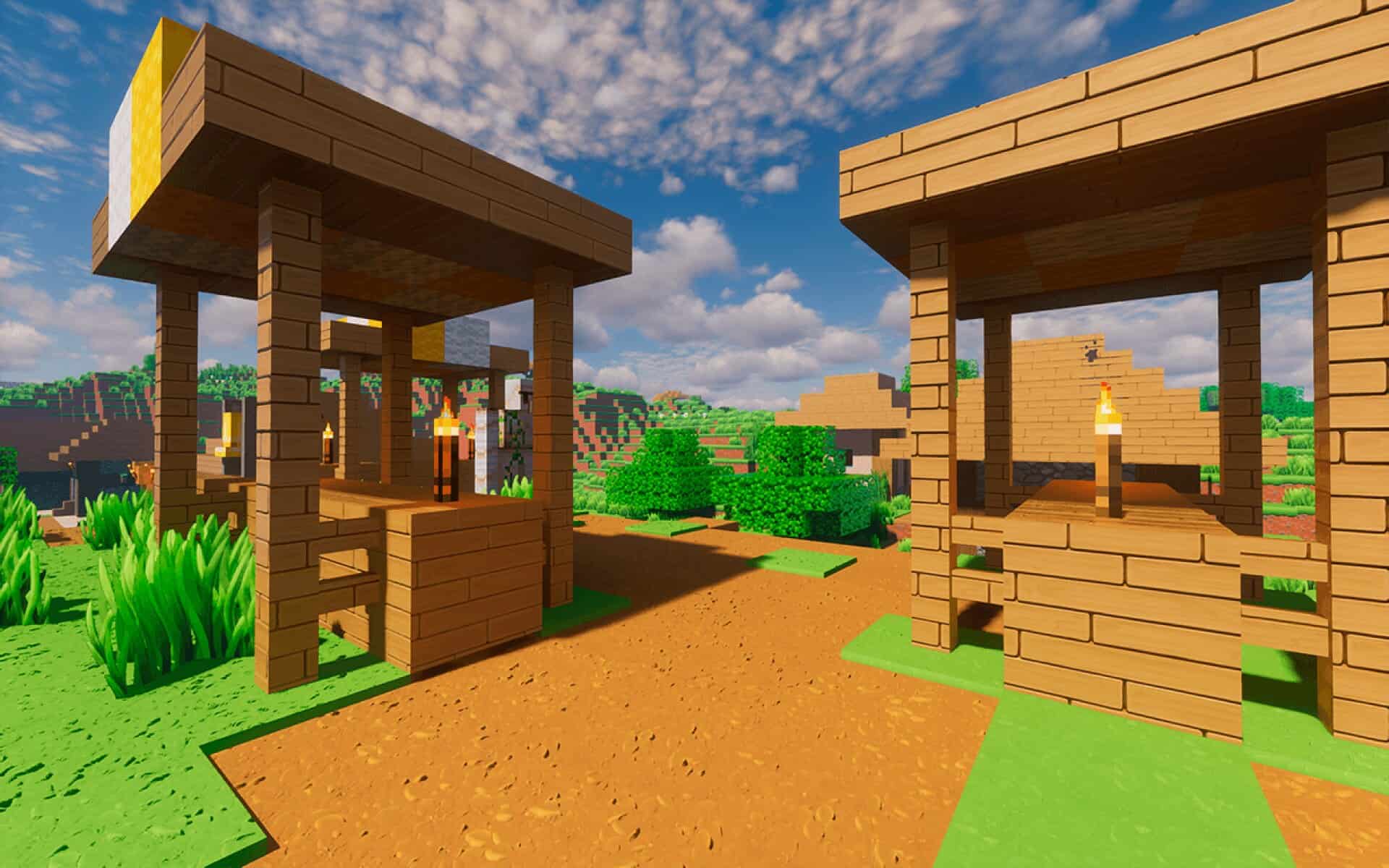
How to install ToonCraft Resource Pack:
- Most resource packs require Optifine, so be sure to download and install it. – general recommended step for all packs, Optifine is also needed for most shaders
- Download the ToonCraft texture pack for Minecraft from the download section below. – if there are many different versions, just choose the one you like, is compatible with your version/edition of Minecraft, the one you think your computer can handle in terms of performance.
- Launch the game client through the Minecraft launcher.
- On the main menu, click "Options".
- On the options menu, click "Resource Packs...".
- Click on "Open Resource Pack Folder". – folder titled "resourcepacks" will pop up
- Move the .zip file you downloaded in the first step to the newly opened "resourcepacks" folder.
- Click "Done".
- Click on "Resource Packs..." again.
- Your pack should have appeared in the left window, just hover over it and click on the arrow pointing to the right.
QUICK TIP: Sometimes, when activating a pack, the game may say that the pack is made for a newer or older version of Minecraft. This is just a warning, it does not affect your gameplay in anyway, and you can still activate and enjoy the pack by simply clicking the "Yes" button when prompted.
- Click "Done" again.
- The pack has now been successfully loaded and ready to be used in your world!
Important information:
- Install the shader pack to match the visuals shown in the screenshots. BSL shaders recommended by the author.
- RealisCraft JE supports SEUS PTGI & LabPBR 1.3.
- RealisCraft JE requires a high-performance PC – try the demo before getting the full version.
Version differences:
- ToonCraft JE (Demo) – Essential pack with 128x textures, blocks only, featuring normal maps, specular maps, and Physically Based Rendering.
- ToonCraft JE (Full) – Complete experience with 256x, 512x, 1024x, and 2048x textures, full feature set including normal maps, specular maps, Parallax Occlusion Mapping, Physically Based Rendering, SSS (Subsurface Scattering), porosity, emission, material AO, and OptiFine features.
- ToonCraft BE (Demo) – Essential pack with 128x textures, blocks only, including normal maps, specular maps, and Physically Based Rendering.
- ToonCraft BE (Full) – Complete experience with 256x textures, full feature set including normal maps, specular maps, Physically Based Rendering, emission, material Ambient Occlusion, and metallic maps.
ToonCraft - Comparison Slider #1 with BSL shaders & ToonCraft 128x
Comparison slider #1 for those who want to compare vanilla Minecraft without any texture packs installed (on the left) with Minecraft using this particular texture pack (on the right).
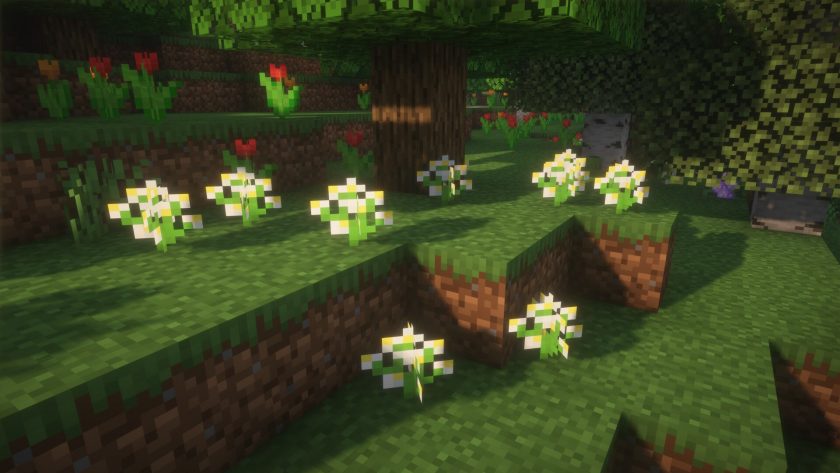 Vanilla (BSL Shaders)
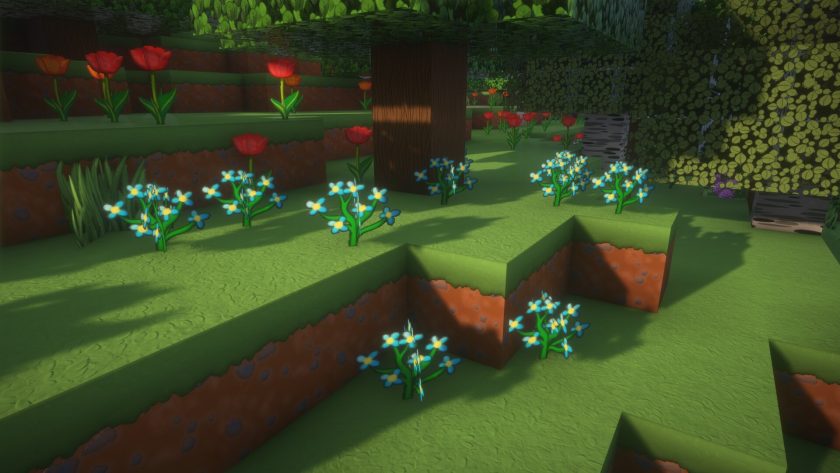 ToonCraft 128x (BSL Shaders)
ToonCraft - Comparison Slider #2 with BSL shaders & ToonCraft 512x
Comparison slider #2 for those who want to compare vanilla Minecraft without any texture packs installed (on the left) with Minecraft using this particular texture pack (on the right).
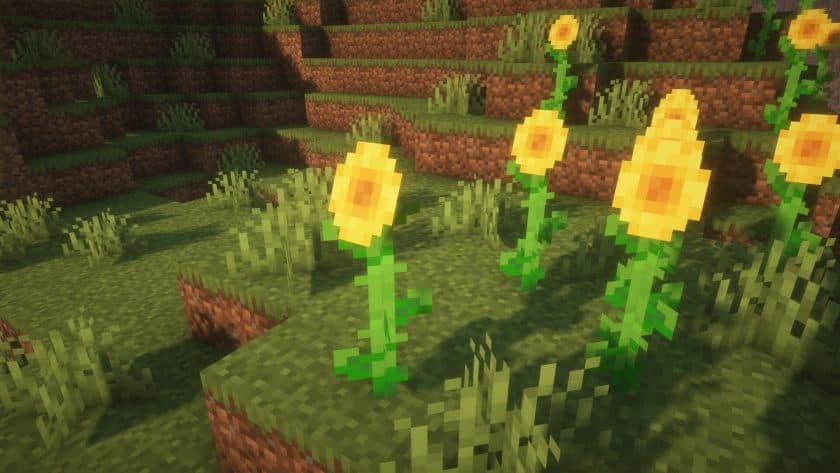 Vanilla (BSL Shaders)
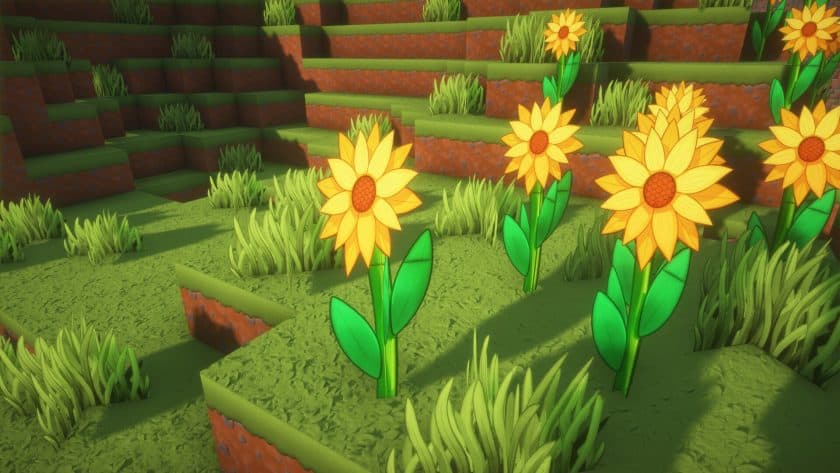 ToonCraft 512x (BSL Shaders)
ToonCraft Texture Pack Download
- We do not modify or edit any resource packs. All resource packs, shaders and tools found on this website are linked directly to official sources rather than hosted on our own servers. We provide only the official download links from the original creators to ensure that your files are safe and secure.
- These official links are updated manually and may occasionally stop working when a new version is released. We work hard to keep everything current so that you have a smooth experience. Please let us know in the comments if you find a link that no longer works.
- Minecraft is a trademark of Mojang Studios and has no official connection to this website. Our goal is simply to share the best creations from the community with other players.
- Please consider leaving a comment or voting for your favorite packs. This feedback helps authors improve their projects over time. You can also support the creators directly by visiting the official links located below the download section.
Bedrock Edition:
[128x] [RTX] Download ToonCraft BE Resource Pack – absolutely free;
[128x] [Vibrant Visuals] Download ToonCraft BE Resource Pack – absolutely free;
[256x] [RTX + Vibrant Visuals] Download RealisCraft BE Resource Pack – for Patrons only;
Java Edition:
[128x] [1.21.x – 1.20.x] Download ToonCraft JE Resource Pack – absolutely free;
[256x] [1.21.x – 1.20.x] Download ToonCraft JE Resource Pack – for Patrons only;
[512x] [1.21.x – 1.20.x] Download ToonCraft JE Resource Pack – for Patrons only;
[1024x] [1.21.x – 1.20.x] Download ToonCraft JE Resource Pack – for Patrons only;
[2048x] [1.21.x – 1.20.x] Download ToonCraft JE Resource Pack – for Patrons only;
Curseforge: download starts automatically after a few seconds;
Mediafire: click the big blue button with the text "DOWNLOAD";
Google Drive: in the top right corner you will see a small download icon (down arrow), click it and the download should start;

40 votes
Look.. 40 users have already liked this pack. Give a diamond if you like it too!


John
Hey this is excellent. But copper ore is rendering as vanilla, any fix to this? im using the 128x java on minecraft 1.21.11
dapotato
“Absolute free” it’s the demo though, i got fooled
Admin
Apologies for not initially including details about the version differences. The post has now been updated to include information from the author outlining what is available in each version (Demo and Full).
ELCAN
👍
Aylimas
Cool