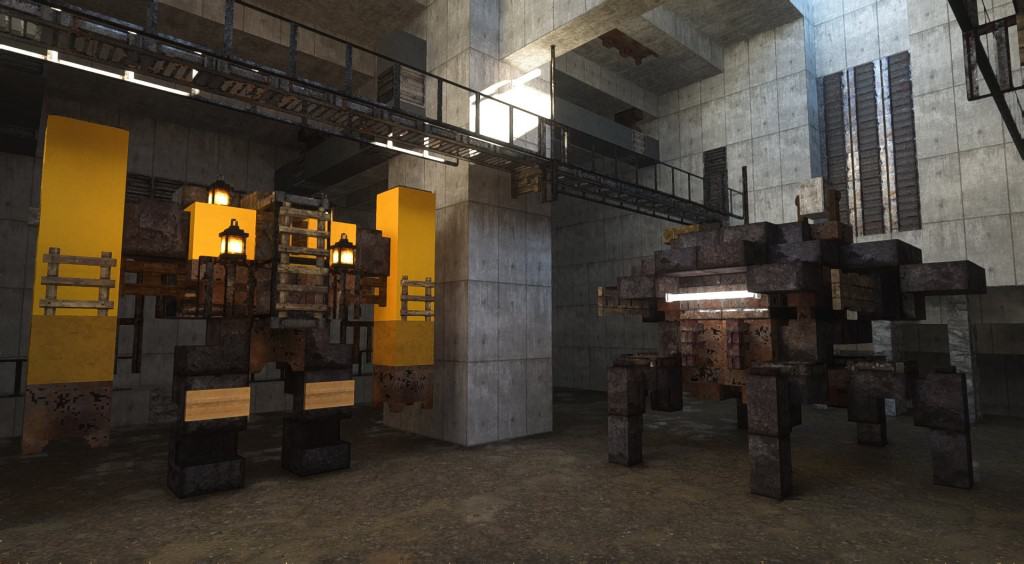
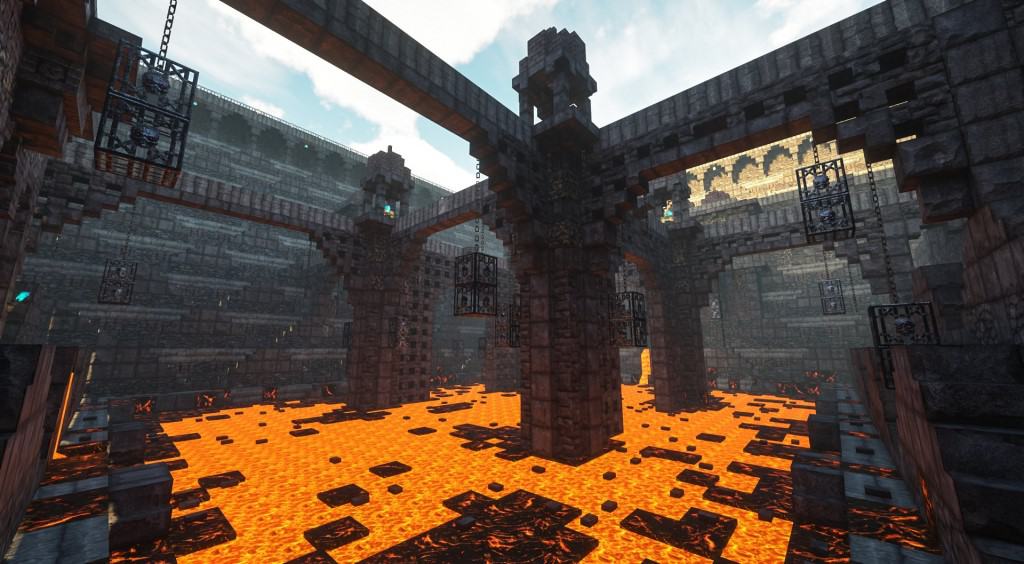
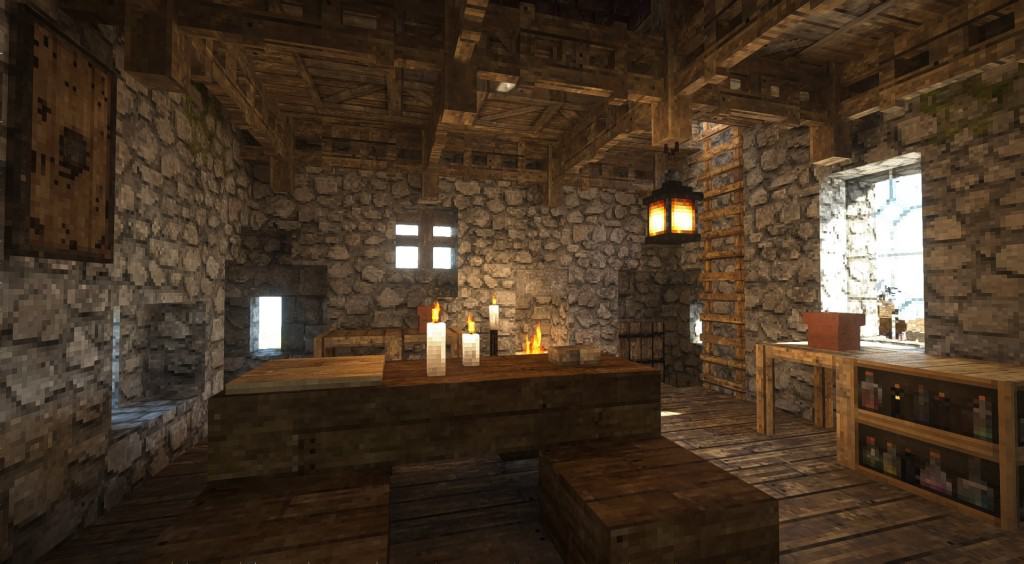
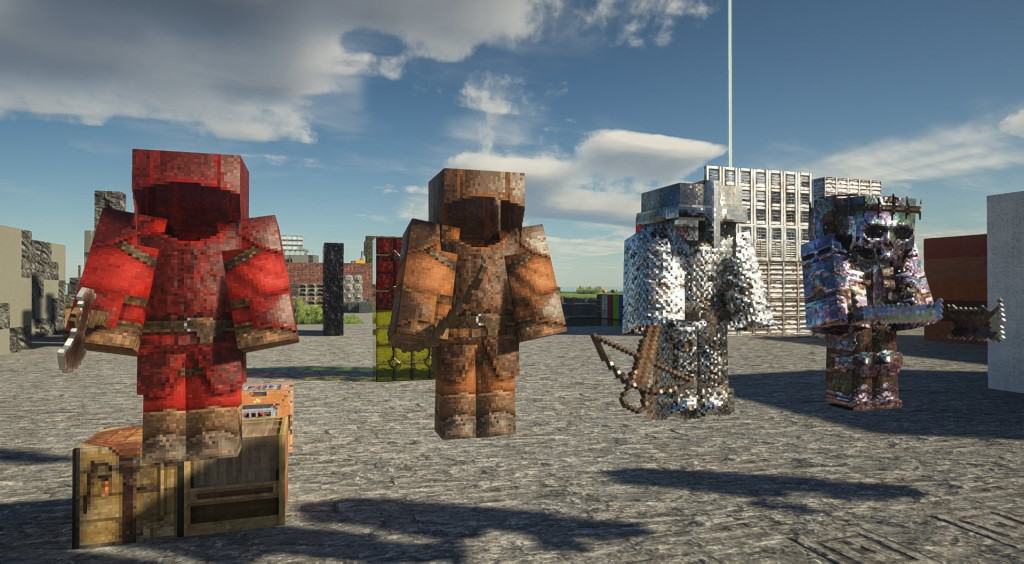
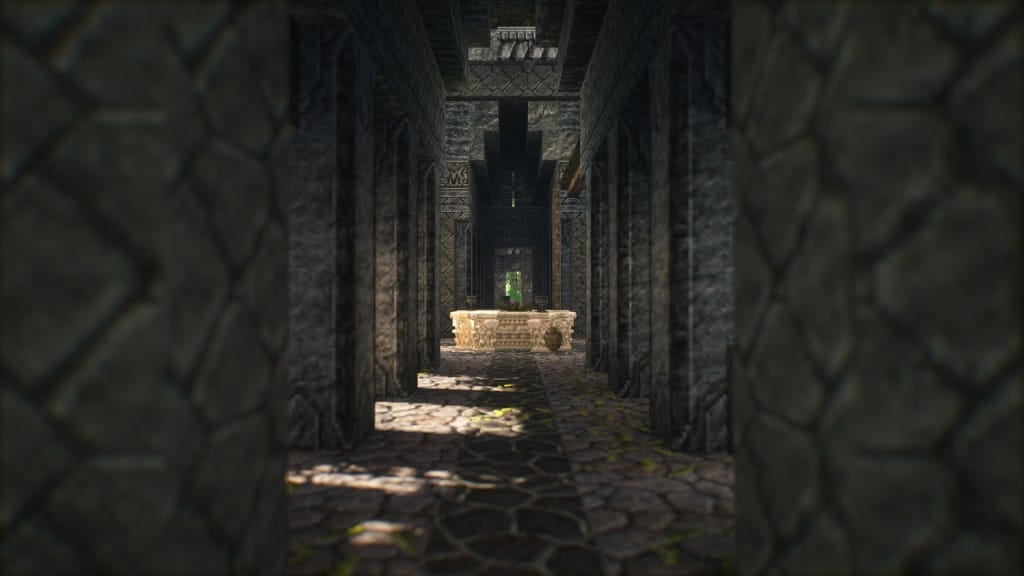
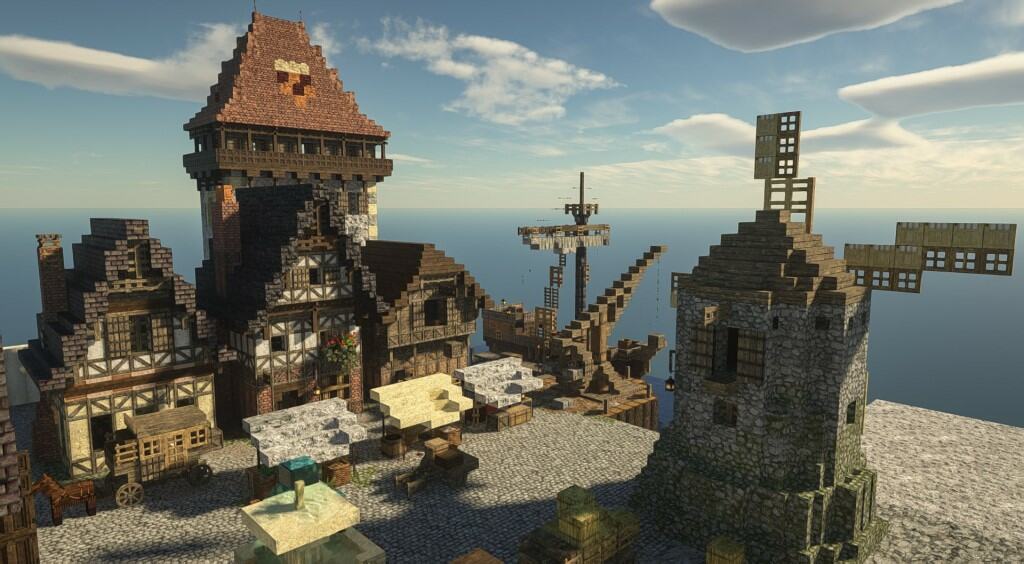
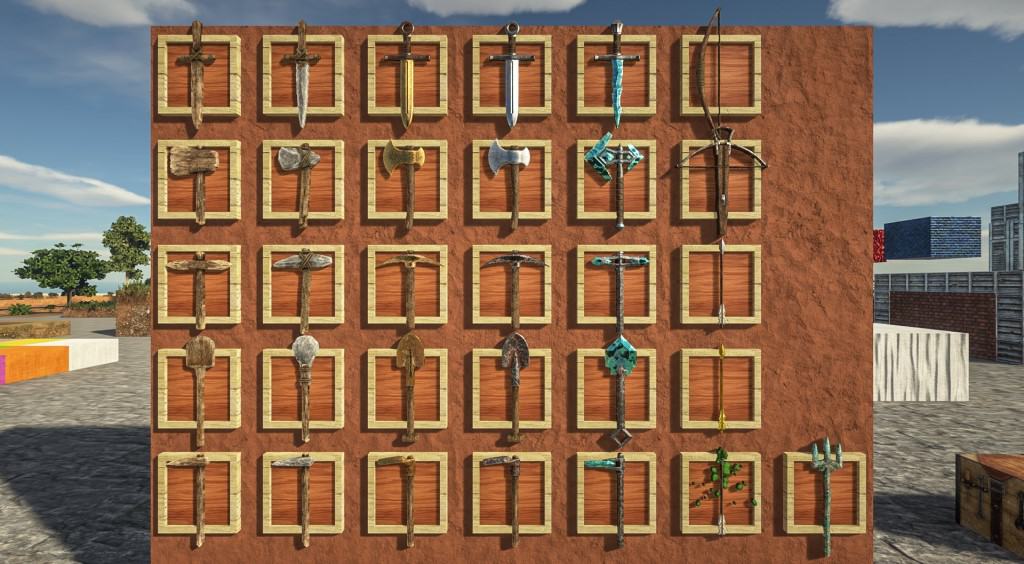
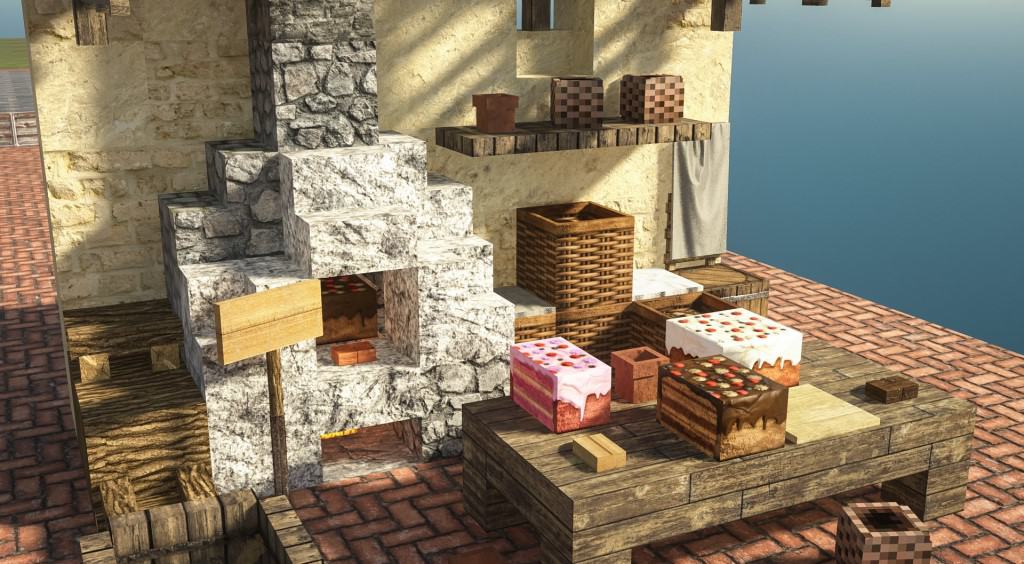
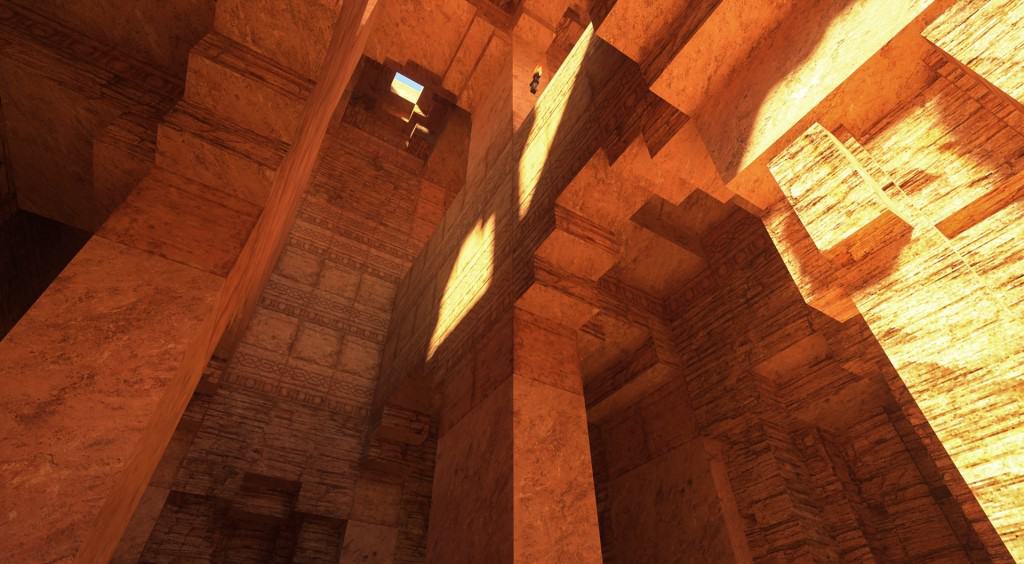
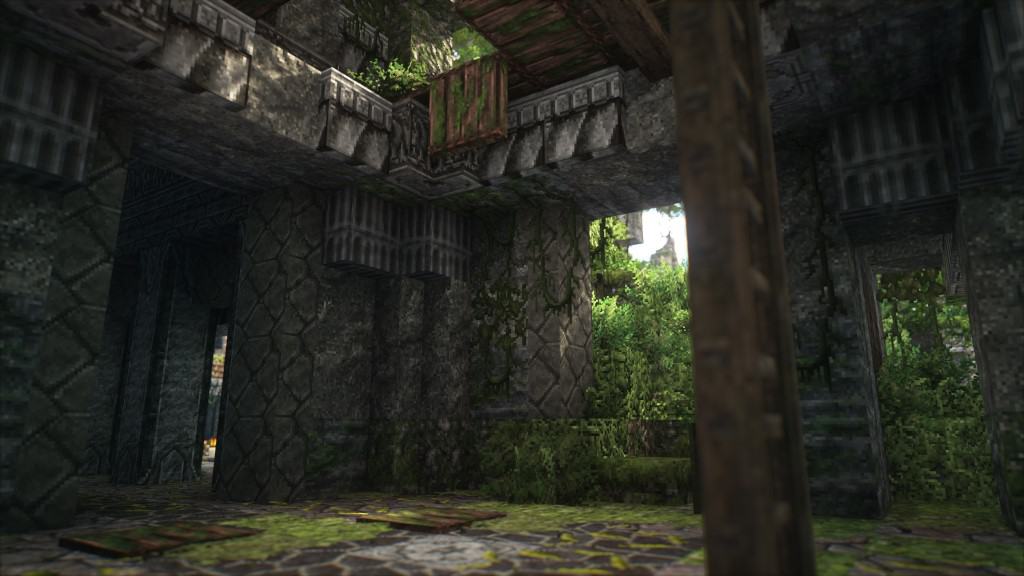
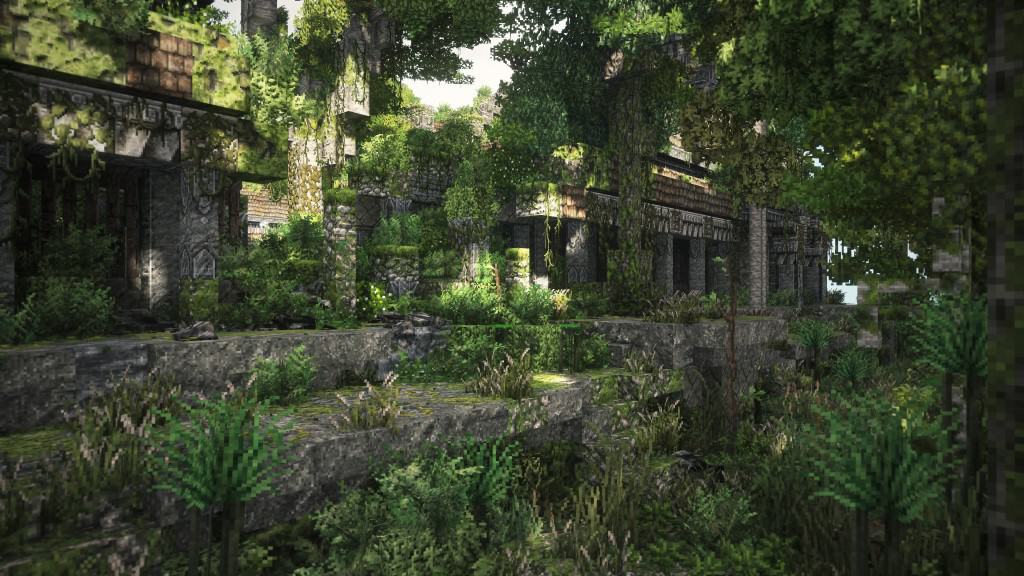
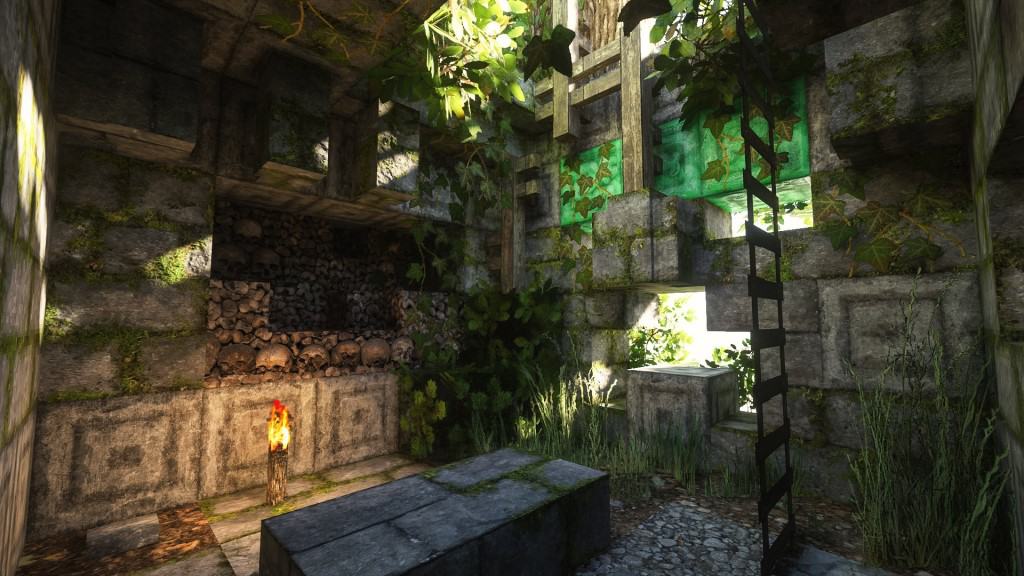
Very few resource packs manage to achieve what the Patrix resource pack achieves. The pack completely changes the visuals within vanilla Minecraft, making it an almost unrecognizable game with stunning graphics. The photorealism of the textures and the added details to the 3D models in the game bring Minecraft closer to modern-day games. It is a refreshing look that should be welcomed by all Minecraft players who are looking for a brand new experience, superior in every way. Certainly, there are similar resource packs that boast photo-realistic textures. Patrix takes one step further as it is not just a fresh coat of paint but an almost triple A game. What sets Patrix apart is the level of detail of every single block and texture in the game. All aspects of Minecraft were redone to deliver a cohesive and consistent experience. Out from the get-go, it is easy to notice that the 3D models of most blocks and assets in the game were improved. Some models had their blocks reduced in size to increase the number of polygons in certain objects. This method adds even more details to objects such as trees, mobs, ladders, plants, furniture, etc. Weapons and certain items are almost unrecognizable due to the increased resolution and detailed textures. The texture in the Patrix texture pack adds even more details on top of the many improvements. Having a higher resolution allows for more details to be cramped in the same texture. The colors of the textures have also been tweaked so that they are more vibrant and easy to distinguish. It simply makes everything look much more crisp and detailed. According to the developer of Patrix, many of the textures were derived from free stock textures, collected from different websites. Through cropping, editing, and mixing, the textures were adapted to be suitable for use in Minecraft.
Featured video:
Other textures were made by the developer with the use of procedural texturing. To ensure that the game does not look too different, the developer used procedural color-matching so that the new textures have similar colors to the default textures. This makes it possible to use Patrix with existing maps without making them look weird. Using various tools to automate some of the work allowed Patrix to introduce photo-realistic textures for the entire game. Most resource packs usually replace around 30% to 50% of the textures in Minecraft. The Patrix resource pack is recommended to be used with Optifine HD. It uses some of the features in Optifine to make certain things work. For example, some blocks have multiple different textures and this feature only works with Optifine. This feature makes it possible to create more varied environments. Lighting also plays an important role. Patrix requires SEUS PTGI shader pack that can be installed like any other shader pack. The Patrix texture pack only works with SEUS PTGI as other shaders do not have the features required by Patrix. Shadows now look much crisper with the aid of the shader pack and the higher resolution of ingame textures. The resource pack is available in 3 different resolutions. It has a 32x, 128x, and a 256x version. The 256x resolution version of the Patrix resource pack is very demanding in terms of resources and even the modern computers may encounter difficulties running it. Players that are experiencing extreme frame rate drops are recommended to use the 128x version. The developer also created a 32x low-resolution version which is still better than vanilla Minecraft that uses 16x textures. One thing to note is that Patrix is getting constant updates from the developer. To fund his efforts to improve the resource pack, a Patreon page was created which grants access to the 128x and 256x versions of the resource pack to all paying members. It also comes with additional perks such as Patreon-only dev updates and early previews. The 32x version of the resource pack is available for free to anyone.
Patrix should be compatible with all of these Minecraft versions: 1.21.11 - 1.21.10 - 1.21.9 - 1.21.8 - 1.21.7 - 1.21.6 - 1.21.5 - 1.21.4 - 1.21.3 - 1.21.2 - 1.21.1 - 1.21 - 1.20.6 - 1.20.5 - 1.20.4 - 1.20.3 - 1.20.2 - 1.20.1 - 1.20 - 1.19.4 - 1.19.3 - 1.19.2 - 1.19.1 - 1.19 - 1.18.2 - 1.18.1 - 1.18 - 1.17.1 - 1.17 - 1.16.5 - 1.16.4 - 1.16.3 - 1.16.2 - 1.16.1 - 1.16 - 1.15.2 - 1.15.1 - 1.15
Patrix — Screenshots
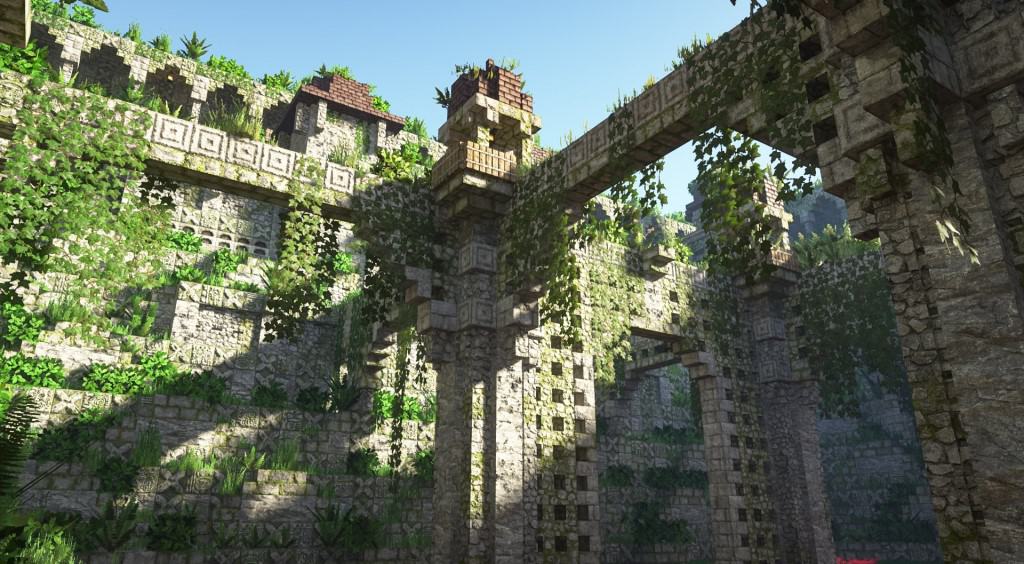
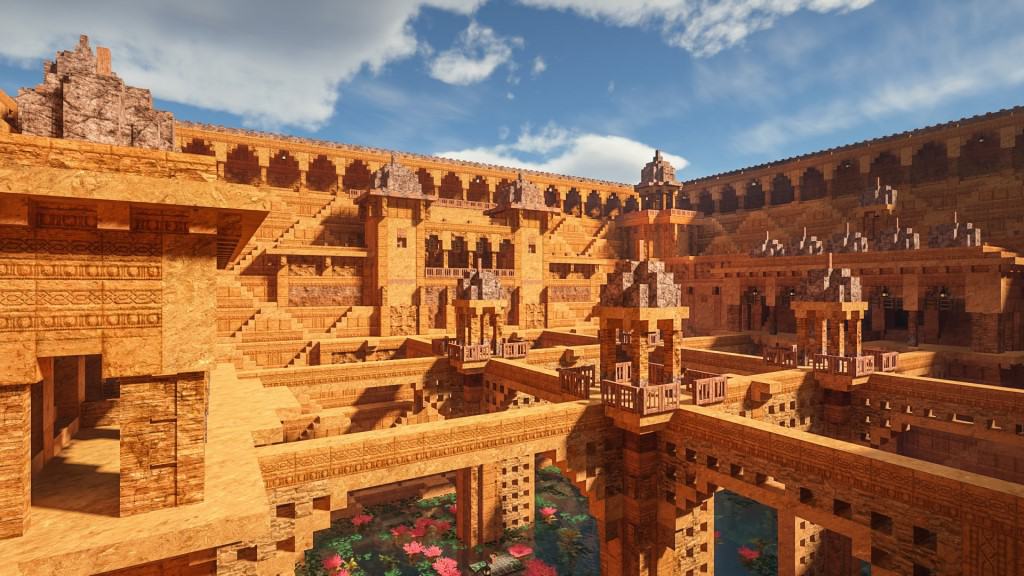
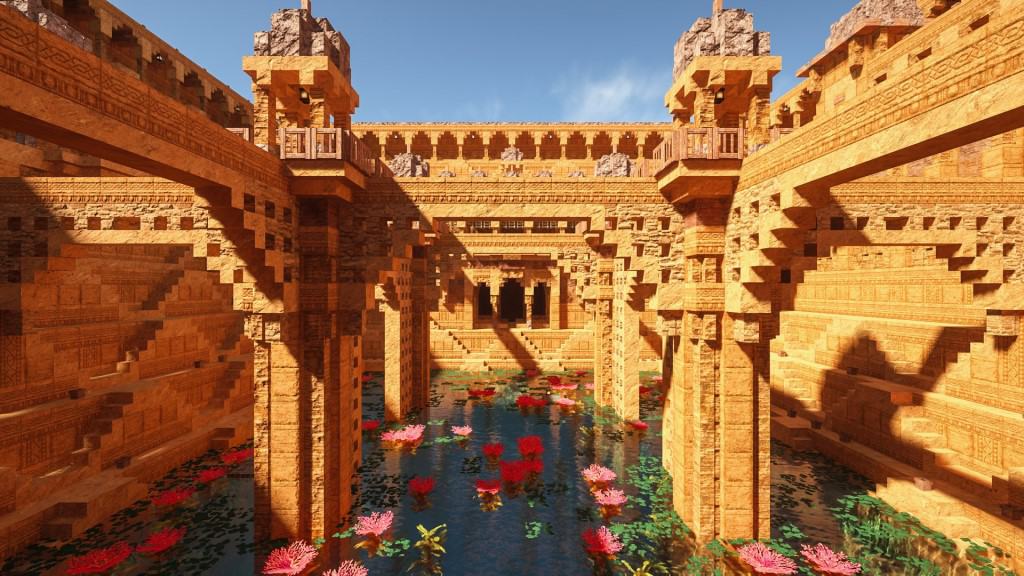
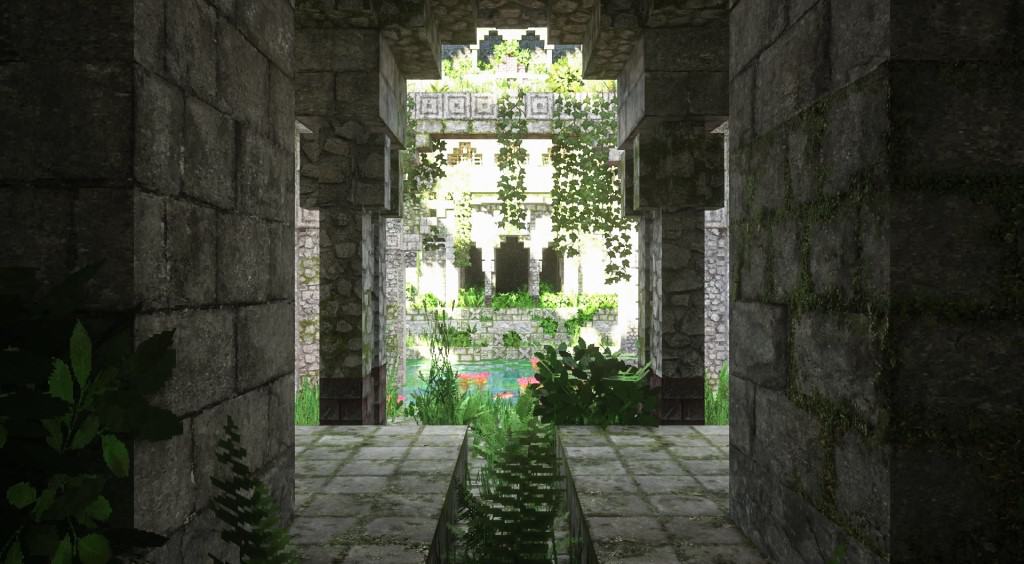
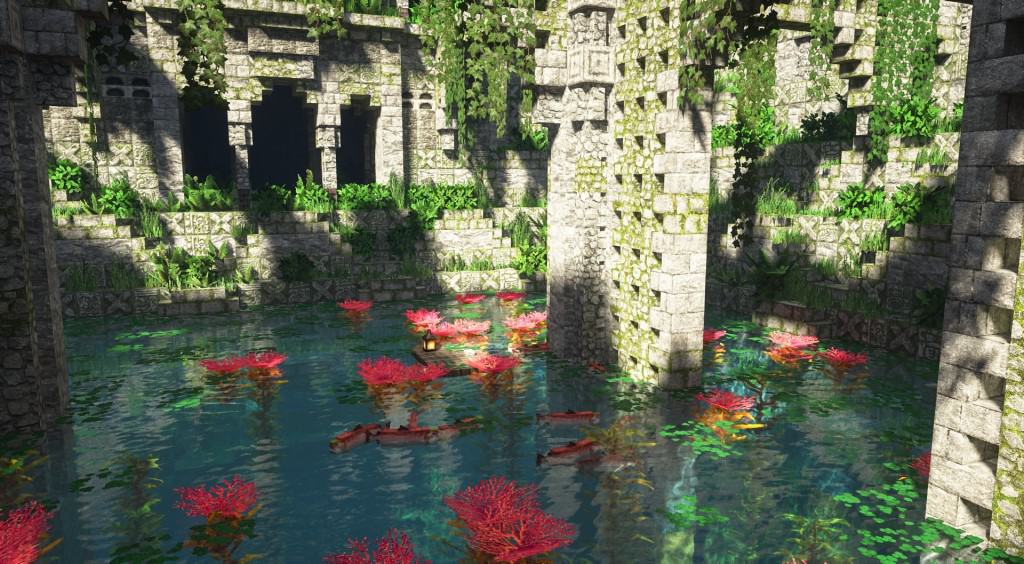
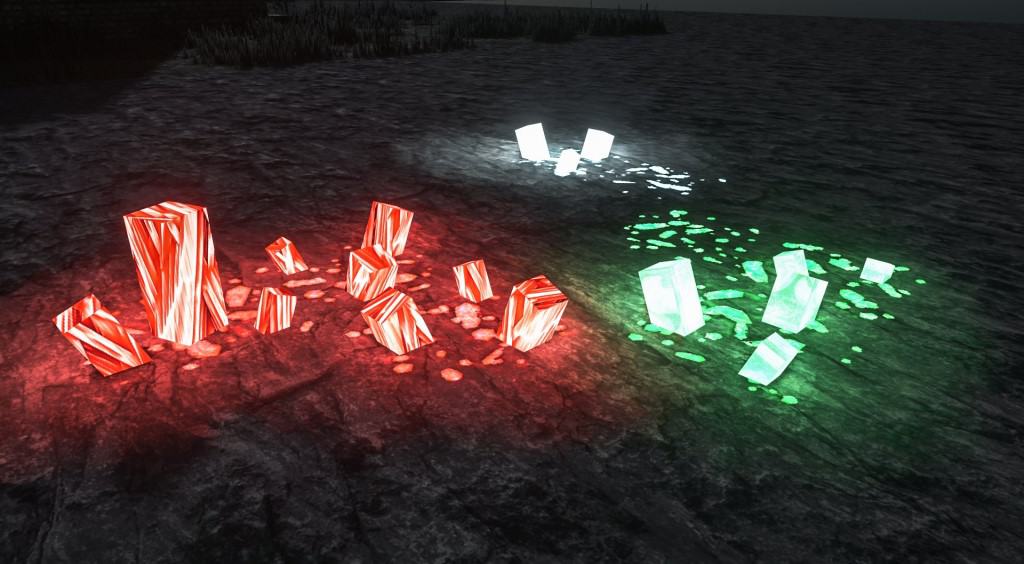

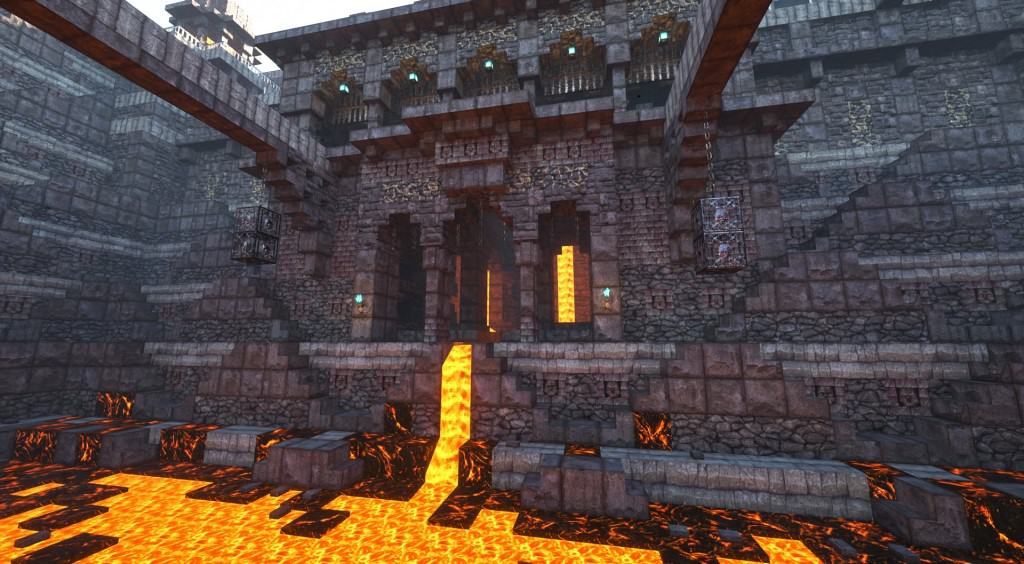
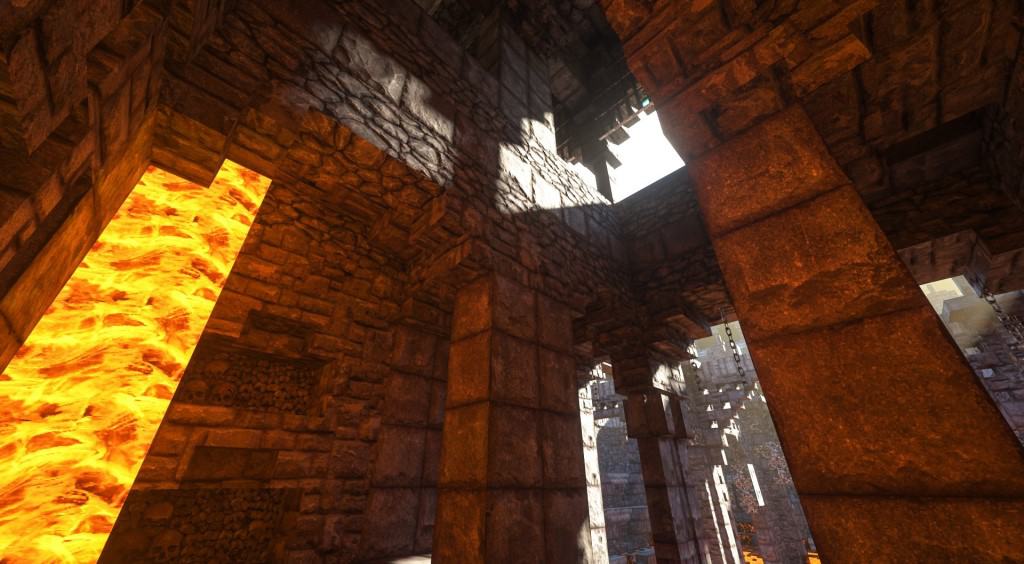


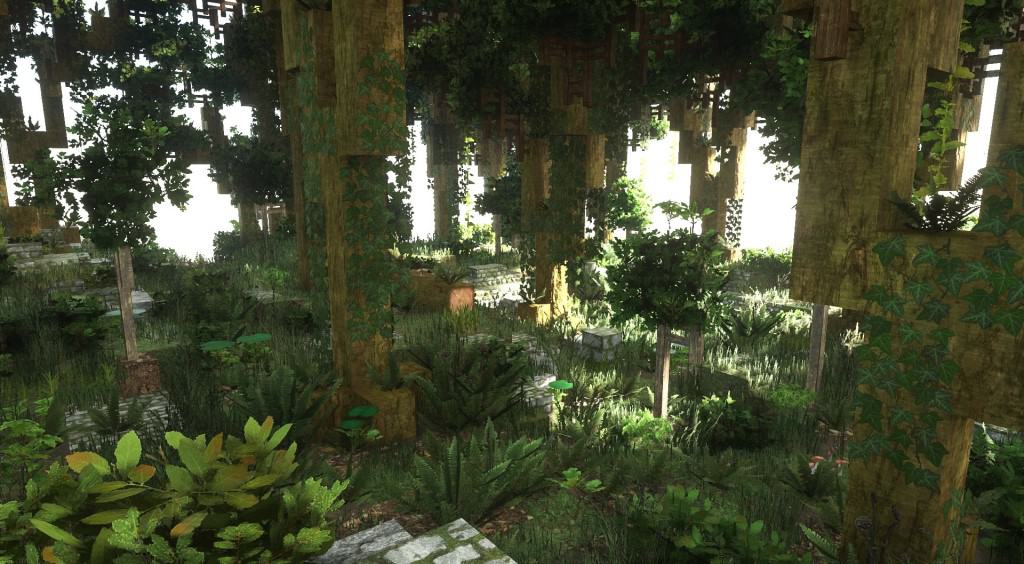
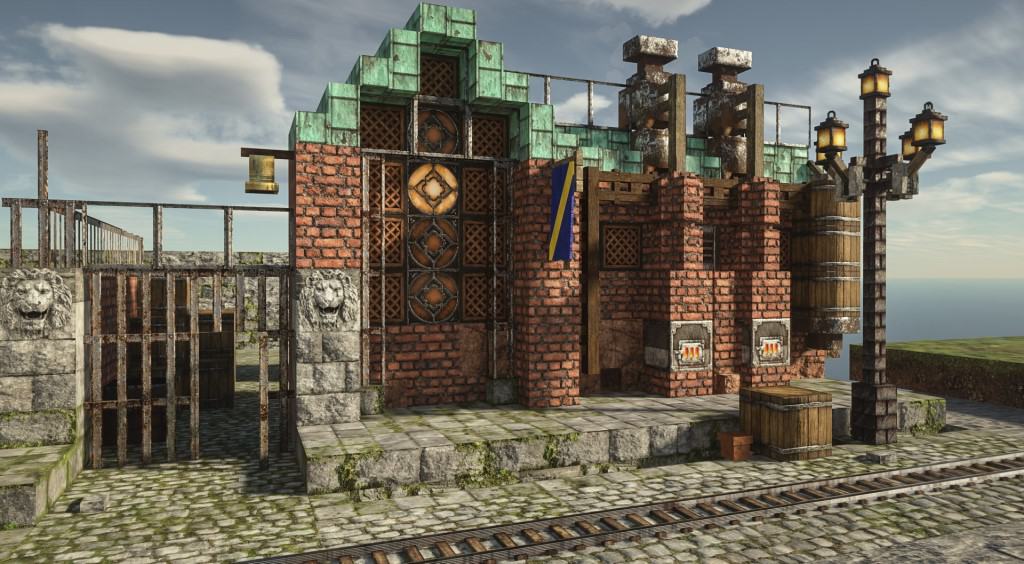
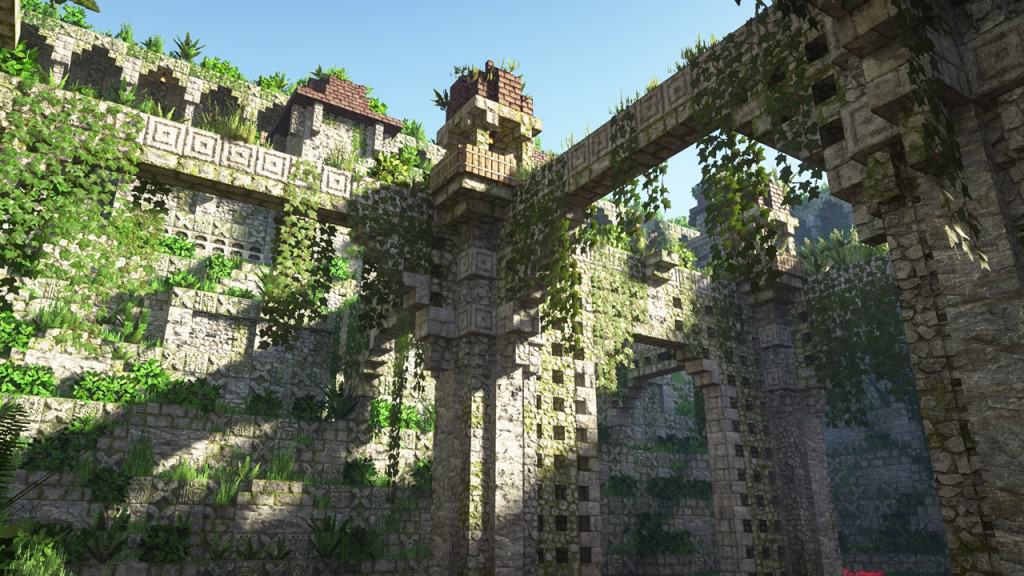
How to install Patrix Resource Pack:
- Most resource packs require Optifine, so be sure to download and install it. – general recommended step for all packs, Optifine is also needed for most shaders
- Download the Patrix texture pack for Minecraft from the download section below. – if there are many different versions, just choose the one you like, is compatible with your version/edition of Minecraft, the one you think your computer can handle in terms of performance.
- Launch the game client through the Minecraft launcher.
- On the main menu, click "Options".
- On the options menu, click "Resource Packs...".
- Click on "Open Resource Pack Folder". – folder titled "resourcepacks" will pop up
- Move the .zip file you downloaded in the first step to the newly opened "resourcepacks" folder.
- Click "Done".
- Click on "Resource Packs..." again.
- Your pack should have appeared in the left window, just hover over it and click on the arrow pointing to the right.
QUICK TIP: Sometimes, when activating a pack, the game may say that the pack is made for a newer or older version of Minecraft. This is just a warning, it does not affect your gameplay in anyway, and you can still activate and enjoy the pack by simply clicking the "Yes" button when prompted.
- Click "Done" again.
- The pack has now been successfully loaded and ready to be used in your world!
Important:
The download section will contain several links, usually you just need to get the main pack, but you can install add-ons on top of the basic/main pack if you wish.
- Basic: all required essential vanilla textures.
- Addon: optional extra custom textures that fits vanilla gameplay.
- Bonus: optional extra custom textures that doesn’t fit vanilla gameplay.
- Models: optional extra custom models, works with any res versions.
Recommended shaders:
- SEUS PTGI – pathtrace version of Sonic Ether’s Unbelievable Shader;
Recommended settings:
NOTE: These settings must be set correctly, otherwise there may be problems with textures. The custom mob models and animations won’t work correctly.
For optifine:
- “Quality Settings > Connected Textures” to Fancy
- “Quality Settings > Natural Textures” to Off
- “Quality Settings > Custom Colors” to On
- “Quality Settings > Custom Entity Models” to On
- “Quality Settings > Random Entities” to On
- “Quality Settings > Anisotropic Filtering” to Off
- “Detail Settings > Alternate Blocks” to On
- “Detail Settings > Trees” to Smart or Fancy
- “Performance Settings > Smart Animations” to On
- “Shaders > Shader Options” and enable any LabPBR format emissive/sub-surface-scattering options
For Fabric / Iris-based mods users, please install:
- Fabric
- Fabric API
- Iris 1.3 (and beyond)
- Indium
- Continuity 2.0.1
- Colormatic
- an Iris-supported shaderpack and enable any LabPBR format emissive/sub-surface-scattering options
Patrix Texture Pack Download
- We do not modify or edit any resource packs. All resource packs, shaders and tools found on this website are linked directly to official sources rather than hosted on our own servers. We provide only the official download links from the original creators to ensure that your files are safe and secure.
- These official links are updated manually and may occasionally stop working when a new version is released. We work hard to keep everything current so that you have a smooth experience. Please let us know in the comments if you find a link that no longer works.
- Minecraft is a trademark of Mojang Studios and has no official connection to this website. Our goal is simply to share the best creations from the community with other players.
- Please consider leaving a comment or voting for your favorite packs. This feedback helps authors improve their projects over time. You can also support the creators directly by visiting the official links located below the download section.
Java Edition:
[32x] [1.21.x] Download Patrix Resource Pack – absolutely free;
[32x] [1.20.6 – 1.20.2] Download Patrix Resource Pack – absolutely free;
[32x] [1.20.1 – 1.20] Download Patrix Resource Pack – absolutely free;
[32x] [1.19.x] Download Patrix Resource Pack – absolutely free;
[128x] [1.21.x – 1.15.x] Download Patrix Resource Pack – for Patrons only;
[256x] [1.21.x – 1.15.x] Download Patrix Resource Pack – for Patrons only;
Add-ons (Java Edition):
Contains optional extra features that fits vanilla gameplay. Check the included “features list” text file inside to see detailed descriptions of what this pack adds and how to use the features.
[32x] [1.21.x] Patrix Addon – absolutely free;
[32x] [1.20.6 – 1.20.2] Patrix Addon – absolutely free;
[32x] [1.20.1 – 1.20] Patrix Addon – absolutely free;
[32x] [1.19.x] Patrix Addon – absolutely free;
[128x – 256x] [1.21.x – 1.15.x] Patrix Add-on – for Patrons only;
Bonus (Java Edition):
Contains optional extra features that doesn’t fit vanilla gameplay. Check the included “features list” text file inside to see detailed descriptions of what this pack adds and how to use the features.
[32x] [1.21.x] Patrix Bonus – absolutely free;
[32x] [1.20.6 – 1.20.2] Patrix Bonus – absolutely free;
[32x] [1.20.1 – 1.20] Patrix Bonus – absolutely free;
[32x] [1.19.x] Patrix Bonus – absolutely free;
[128x – 256x] [1.20.x – 1.15.x] Patrix Bonus – for Patrons only;
Models (Java Edition):
Contains optional extra custom models. Check the included “features list” text file inside to see detailed descriptions of what this pack adds and how to use the features.
[32x] [1.21.x] Patrix Models – absolutely free;
[32x] [1.20.6 – 1.20.2] Patrix Models – absolutely free;
[32x] [1.20.1 – 1.20] Patrix Models – absolutely free;
[32x] [1.19.x] Patrix Models – absolutely free;
[128x – 256x] [1.20.x – 1.15.x] Patrix Models – for Patrons only;
Curseforge: download starts automatically after a few seconds;
Mediafire: click the big blue button with the text "DOWNLOAD";
Google Drive: in the top right corner you will see a small download icon (down arrow), click it and the download should start;

2,376 votes
Look.. 2376 users have already liked this pack. Give a diamond if you like it too!


Lokaj
Why are you deleting my posts?
Admin
Comments are not published instantly; they are moderated.
Lokaj
Animals have some transparrent parts. For example pigs have back transparent
Nazrex
This is probably one of the best texture packs out there… that is, for its textures pertaining to Architecture and Terrain, Trees and Plants, all things nature… especially when paired with Distant Horizon’s and a good Shader Pack like Photon or Complimentary Unbound.
Would love to see a version with just those textures… but leaving animals, mobs, characters, armor, etc all vanilla. Having “cyclops” sheep and cows running around missing half their textures so they’re all sorta transparent in various spots, sort of freaks me out. Skeletons just look… weird… and the Creepers, yea just a bit TOO creepier! I prefer the vanilla versions!
Mustafa
I can’t find the full texture pack for Patrixi 1.20.1 (Patrix 128x and 256x full memory versions) on Patreon. The links lead to Patreon, but I’m already disorganized. I couldn’t find a link to the complete pack.
sigma rizzler
is it possible to have ONLY the mob textures? if can, please tell me how. im trying to use the conquest resource pack, but i think the mob textures look a bit off. so is it possible for me to use the conquest block textures and whatever and the patrix mob textures without the patrix block textures overlapping the conquest block textures.
Rex
I install optifine 1.21.7
This texture does not work
plese update for 1.21.7!
Admin
What exactly isn’t working? Texture packs usually don’t cause a crash, just an incompatibility message (which can be easily ignored) or missing textures. If you’re having a crash, check your shaders or mods for issues.
ky
how does this work if optifine is stuck on 21.4 update Dx
Zak
Hello, I have installed it correctly, using forge and have optifine… I see there are some settings I am supposed to change for Optifine, but I cannot for the life of me find them. I’ve looked in Video Settings and it’s not there. I have the “Enable Connected Textures” issue that I am trying to resolve. Thanks.
Fox
why is my pom not working i have a rtx 3060 so it should work right but anyways im using reimagined voxels so it should work right i watched multiple videos using this resource pack and the shaders im using and they get pom so why am i not
Admin
Please take a look at the Recommended Settings section. This is an important part, even one wrong setting can make POM/PBR not work as expected.
ddfsdf
the newes version had no Optifine and so the Texture is always ugly because everywhere stands: Enable Texture connection…
a
the images look so irl but do i need optifine
arcadeblood
My dogs are dropping leashes to the floor when they lie back. Any fix?