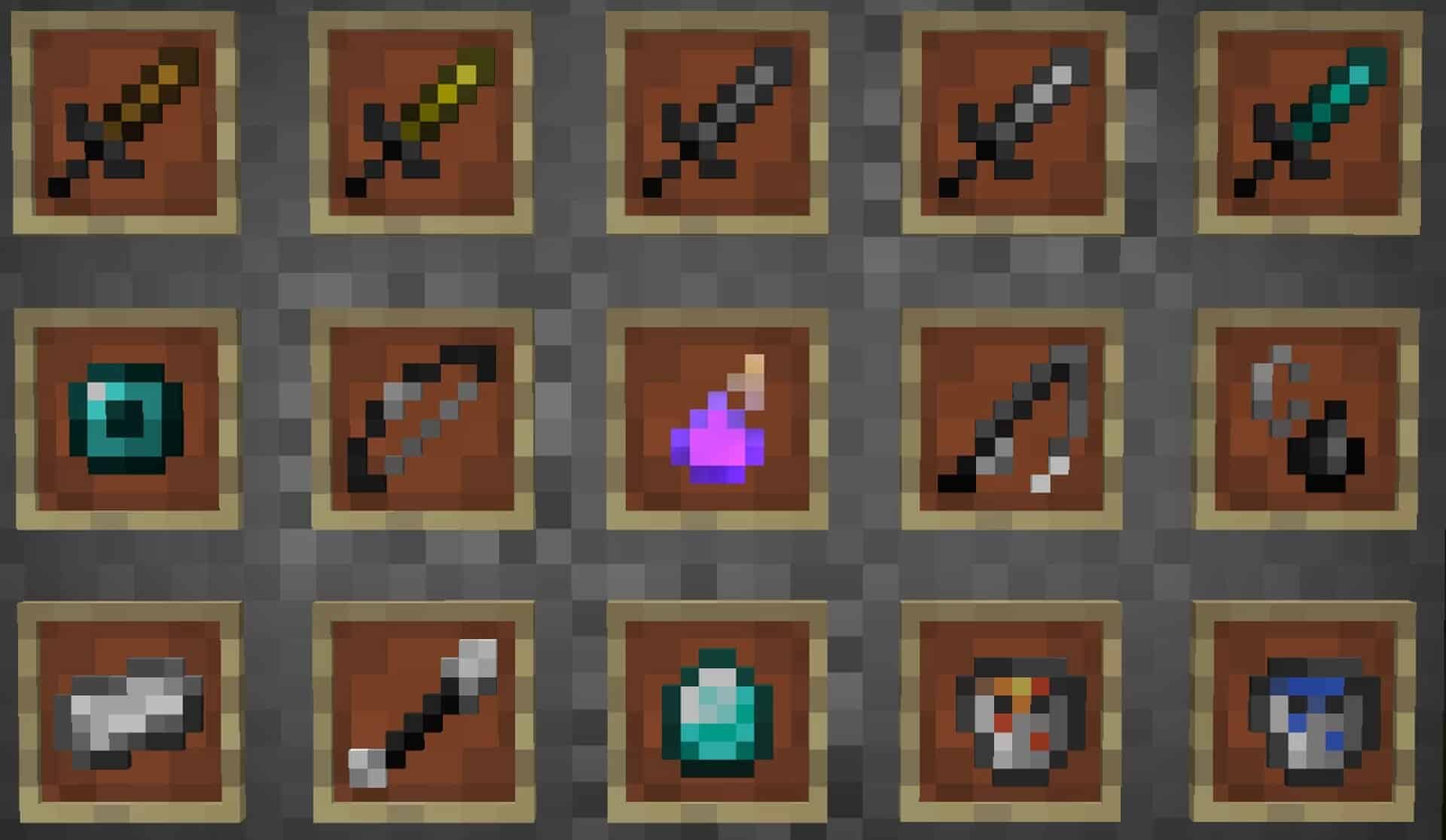
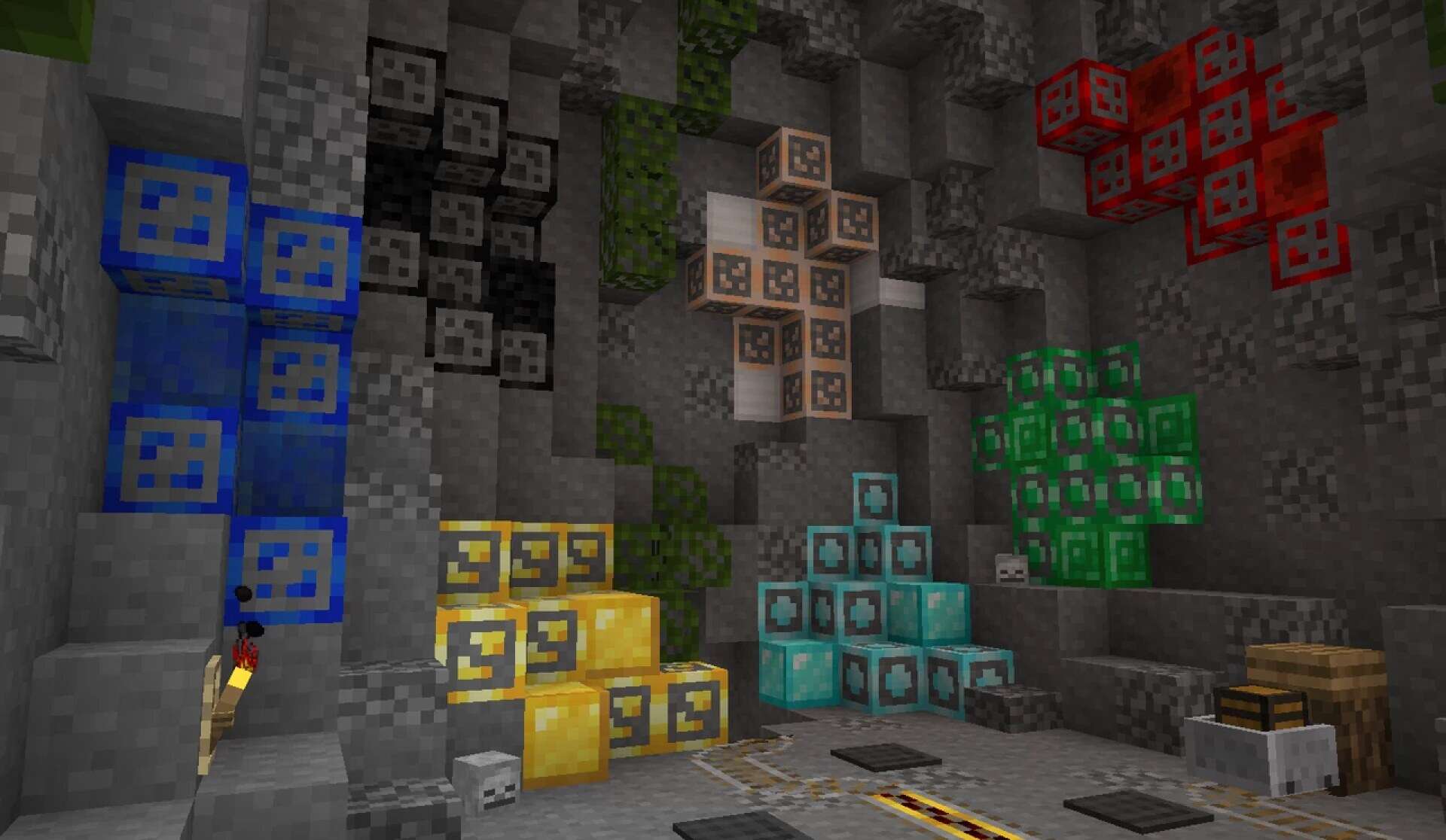
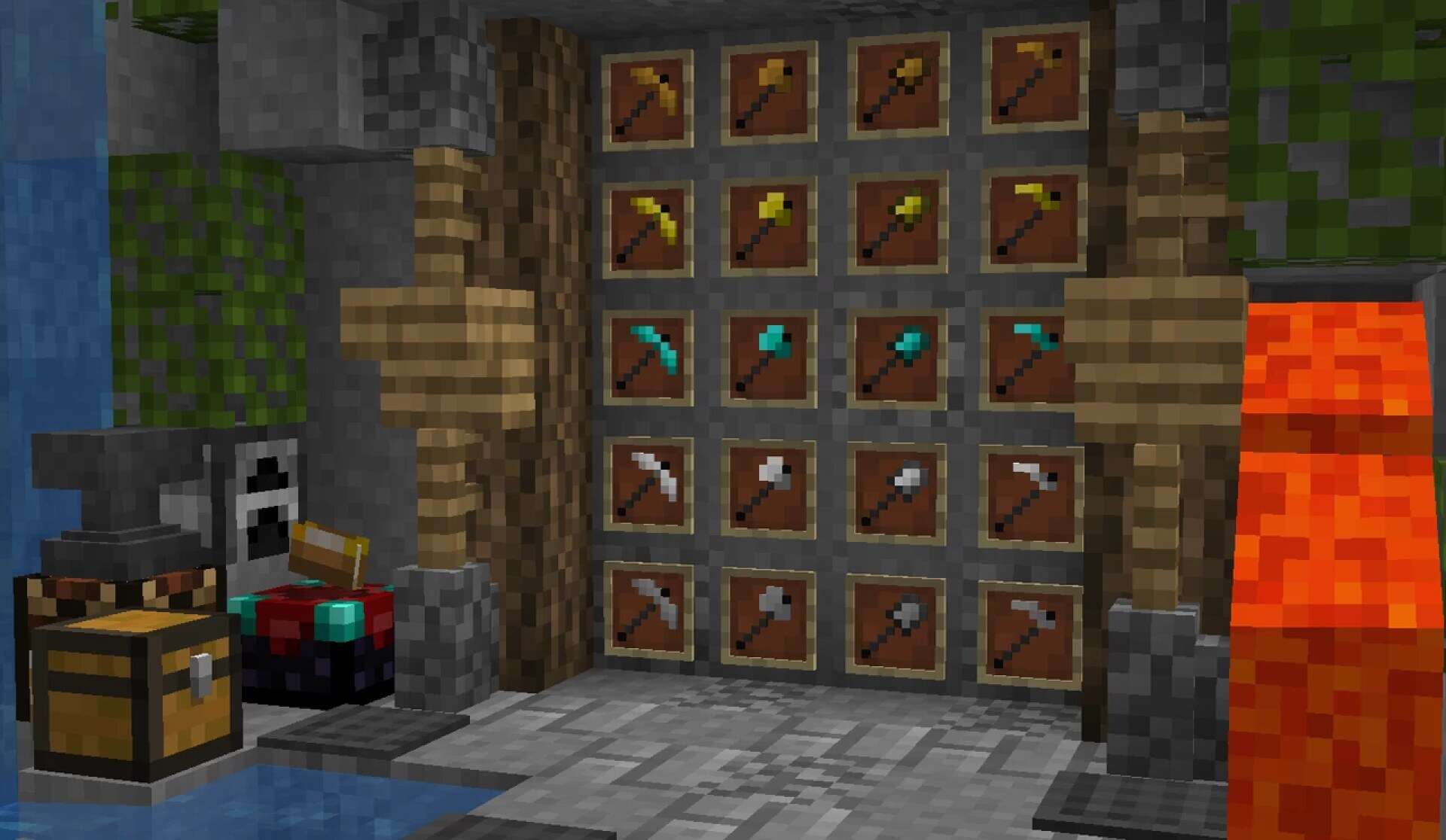
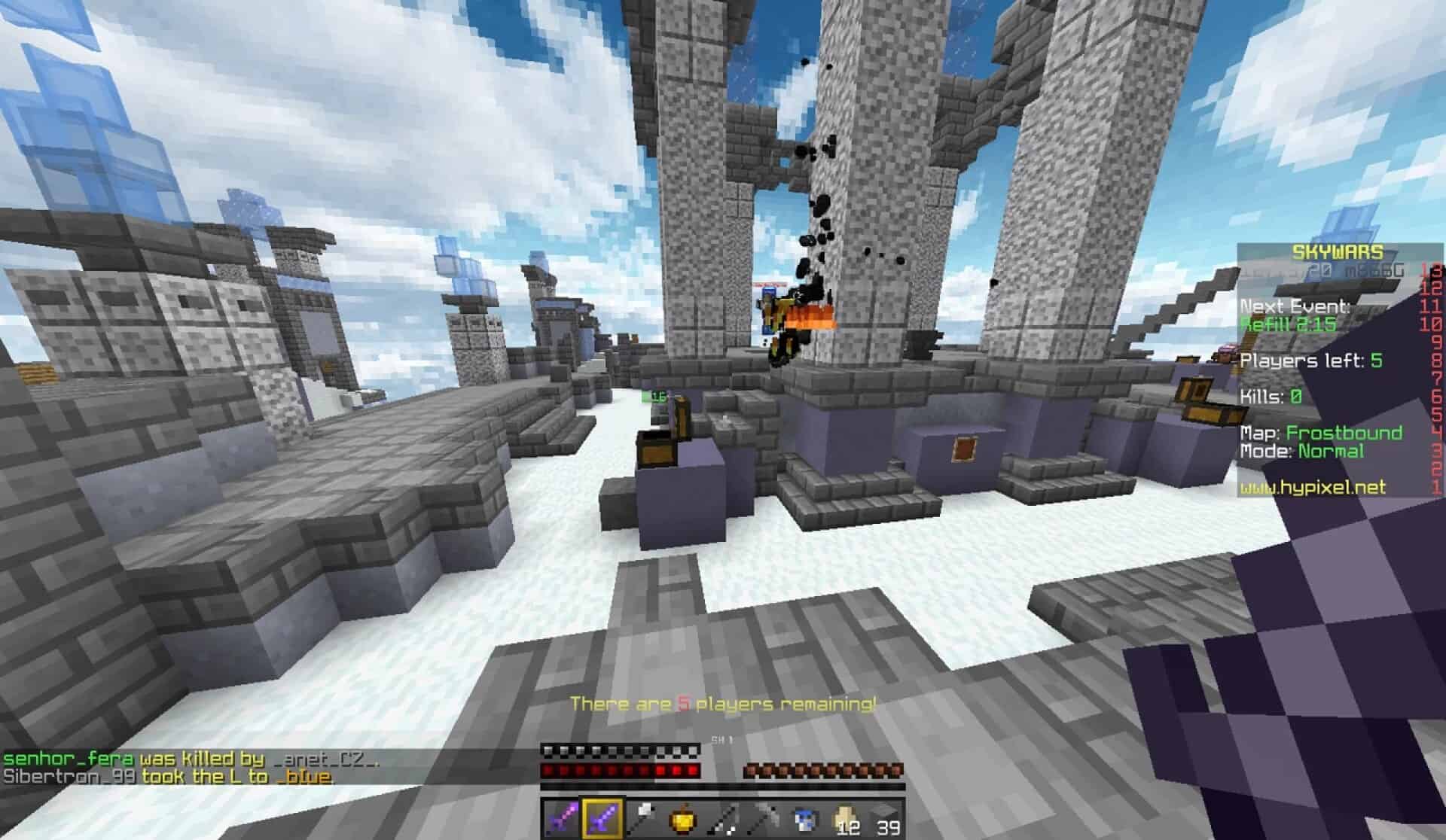
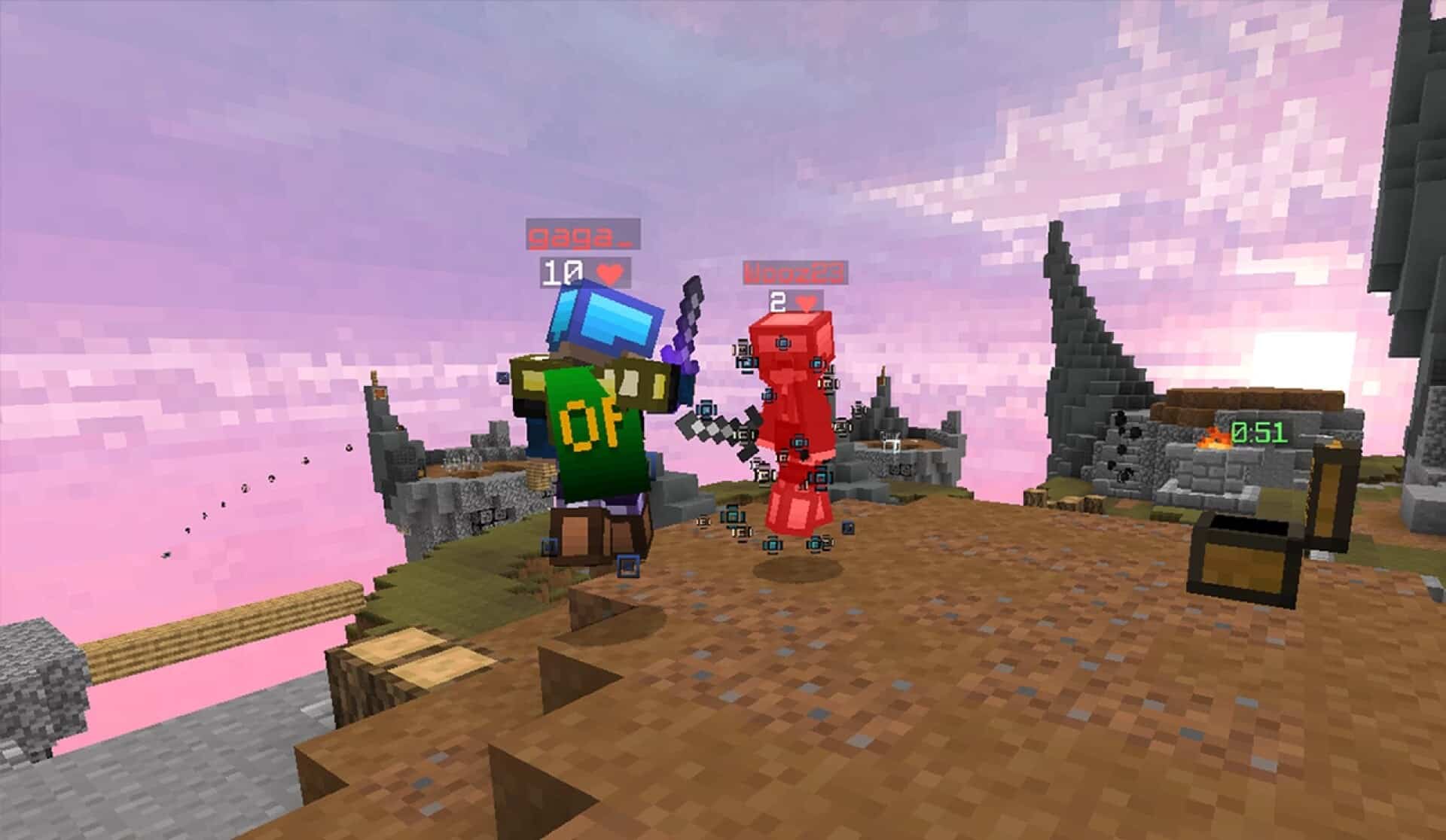
Minecraft has gone through countless updates over the years, but for many players, especially those who dedicate their time to PvP, version 1.8.9 still holds the crown as the ultimate choice. The mechanics of combat in that version remain unmatched in terms of speed, precision, and competitive balance, which is why an entire community still thrives around it. Naturally, with such a strong demand for smooth performance and clarity during battles, resource packs designed specifically for PvP have continued to flood the scene. Some of these packs are aimed at dramatically boosting FPS by lowering texture resolutions, while others introduce clever quality of life improvements that can make all the difference in high-stakes duels. The Dark Pixels resource pack, crafted by Fryne, manages to do a little bit of both while still respecting the game’s original style. At its core, the Dark Pixels texture pack operates at a strikingly low resolution of just 8x, which is far below the default 16x vanilla textures. This reduction in detail may sound drastic, but it is deliberately designed to give players a competitive edge. Fewer pixels mean less strain on your hardware, translating to smoother gameplay and higher frame rates even on machines that usually struggle to keep up. What makes this approach stand out is that the visual identity of Minecraft is not lost in the process. Unlike some ultra-minimalistic packs that strip the world of its charm and leave it feeling empty, Dark Pixels manages to preserve the essence of vanilla Minecraft while offering a cleaner, sharper battlefield for PvP encounters. Of course, boosting FPS is only one side of the story. A good PvP pack must also optimize visuals in a way that helps players stay focused. One of the most frustrating experiences during combat is having your screen obscured by heavy flames after taking damage. The Dark Pixels PvP pack directly addresses this issue by reducing the size and intensity of the fire overlay, granting players much better visibility without removing the visual cue entirely.
Featured video:
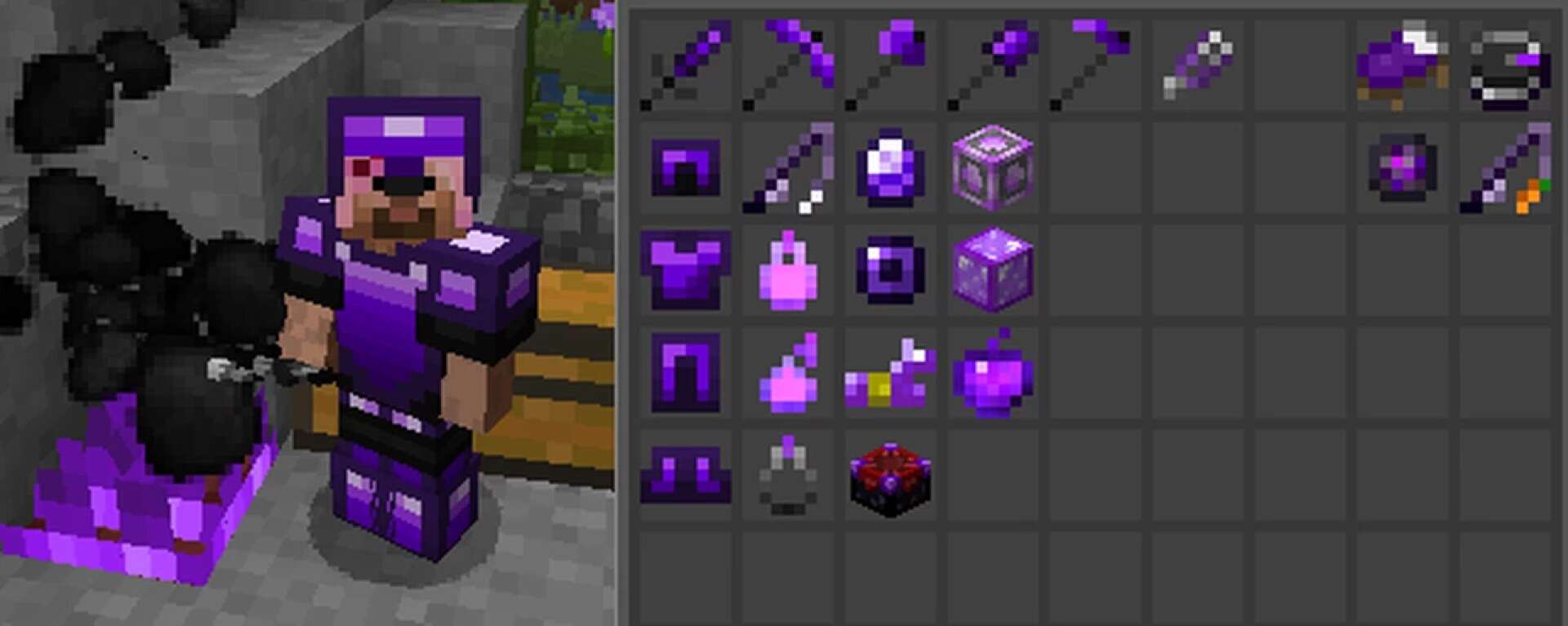
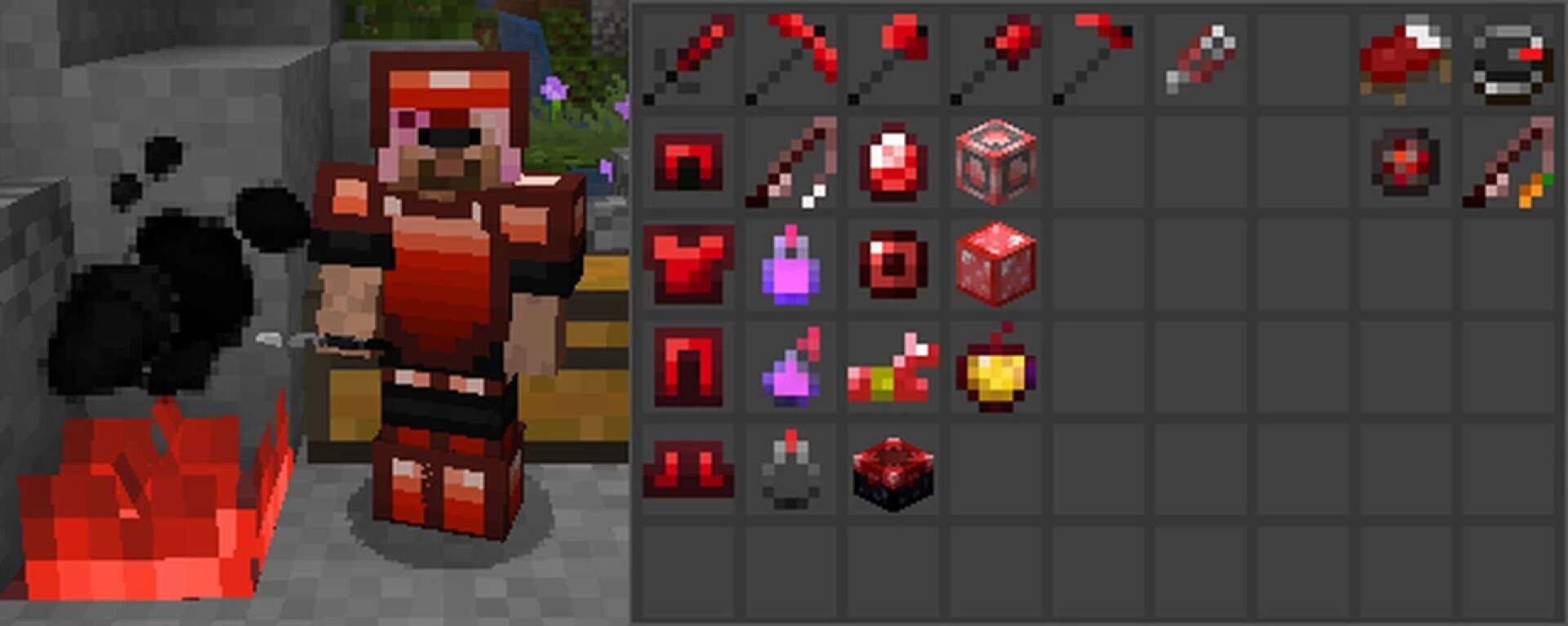
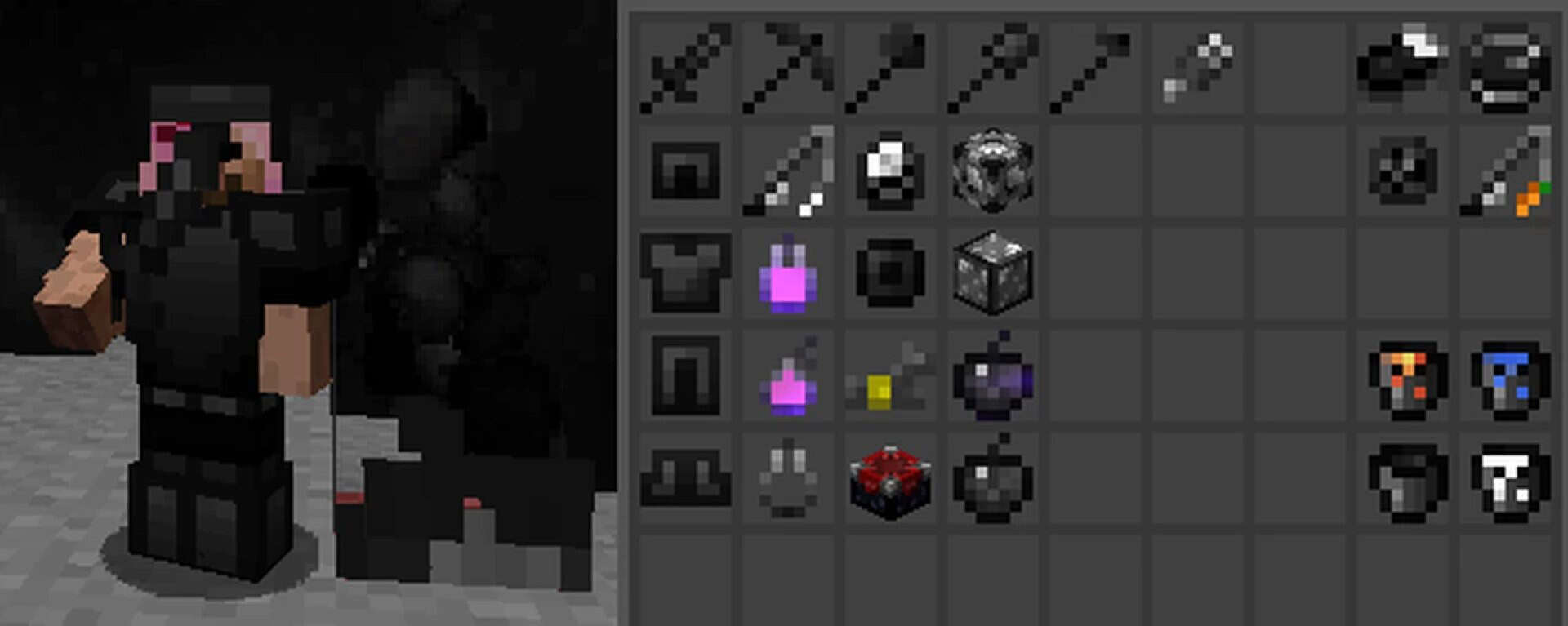
Water has also been overhauled, shifting from the strong opaque blue of the original game to a crystal clear appearance. This change not only looks refreshing but also ensures you never lose sight of your opponents or surroundings while underwater. Similar attention has been given to glass, which is far less distracting, and even weather effects like rain and snow, which are refined to improve clarity. What makes Dark Pixels appealing is its versatility. While it was primarily built with PvP servers in mind, it doesn’t lock you into that niche. The same performance boosts and streamlined visuals also carry over beautifully into survival gameplay. Whether you are engaged in fast-paced duels or simply exploring, building, and relaxing in your world, this pack offers a balance that feels natural. You won’t be staring at overly simplified textures that break immersion, but you’ll still enjoy the benefits of smoother rendering. For many players, this balance between performance and aesthetics is the real selling point. Customization is another area where Fryne’s work shines. Alongside the main Dark Pixels pack, there are a variety of add-ons available, offering color edits that let you adjust the look to your taste. Want a pink tint to your environment or a warmer orange glow to your battles? Simply apply the add-on on top of the base pack and make the visuals your own. This flexibility ensures the pack remains fresh and adaptable to individual preferences without sacrificing its competitive focus. At the end of the day, the Dark Pixels resource pack is about giving players control — control over performance, control over clarity, and control over how their game feels during combat. Even if you aren’t struggling with FPS issues, the buttery smoothness that comes with using a lightweight texture set can make your duels feel more responsive and your victories more satisfying. For players who have been searching for a PvP-focused pack that doesn’t compromise the soul of Minecraft while still delivering consistent advantages, the Dark Pixels texture pack might just be the answer.
Dark Pixels PvP should be compatible with all of these Minecraft versions: 1.8.9 - 1.8.8 - 1.8.1 - 1.8.6 - 1.8 - 1.7.10 - 1.7.9 - 1.7.4 - 1.7 - 1.6.4 - 1.6.2
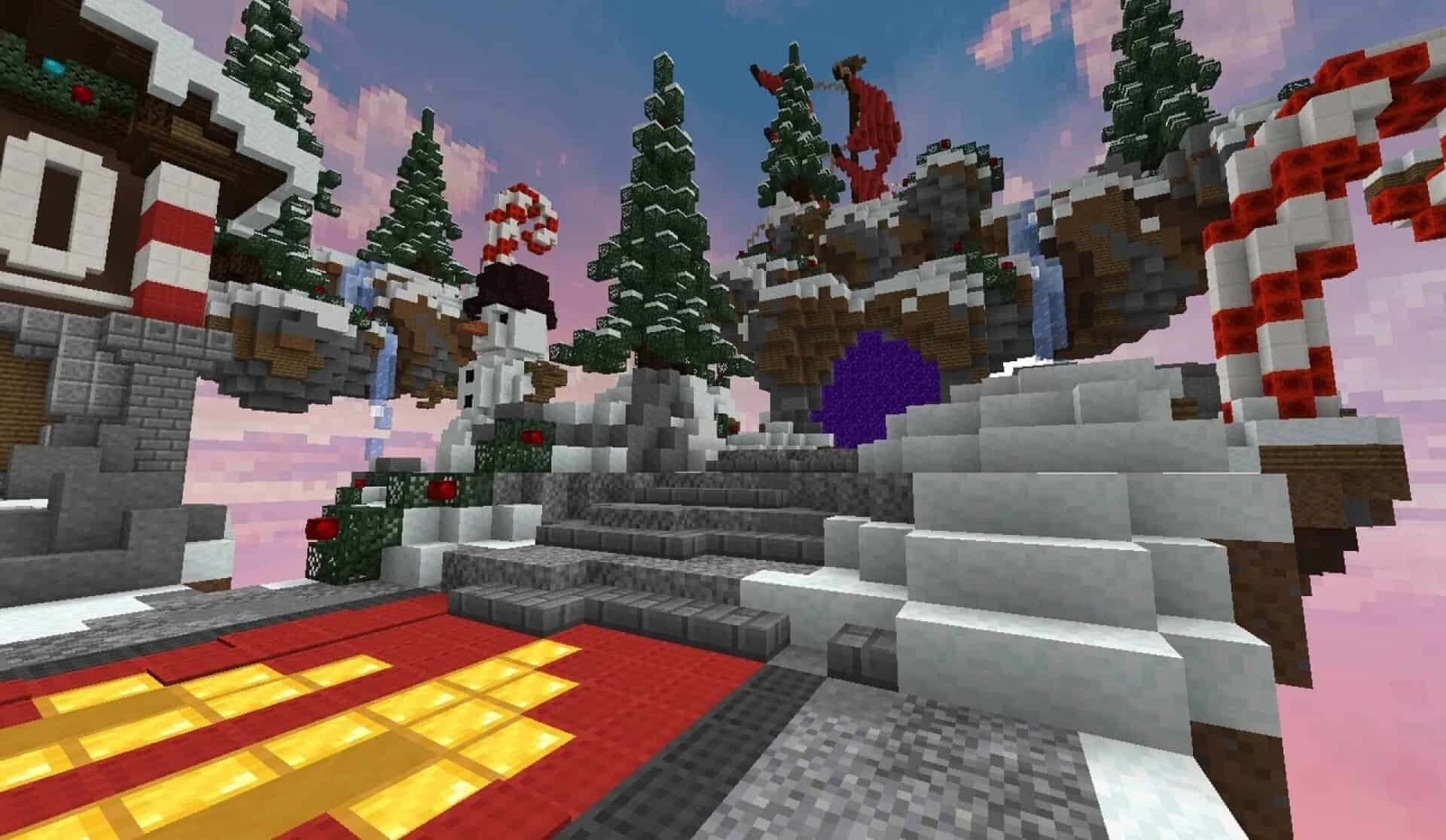
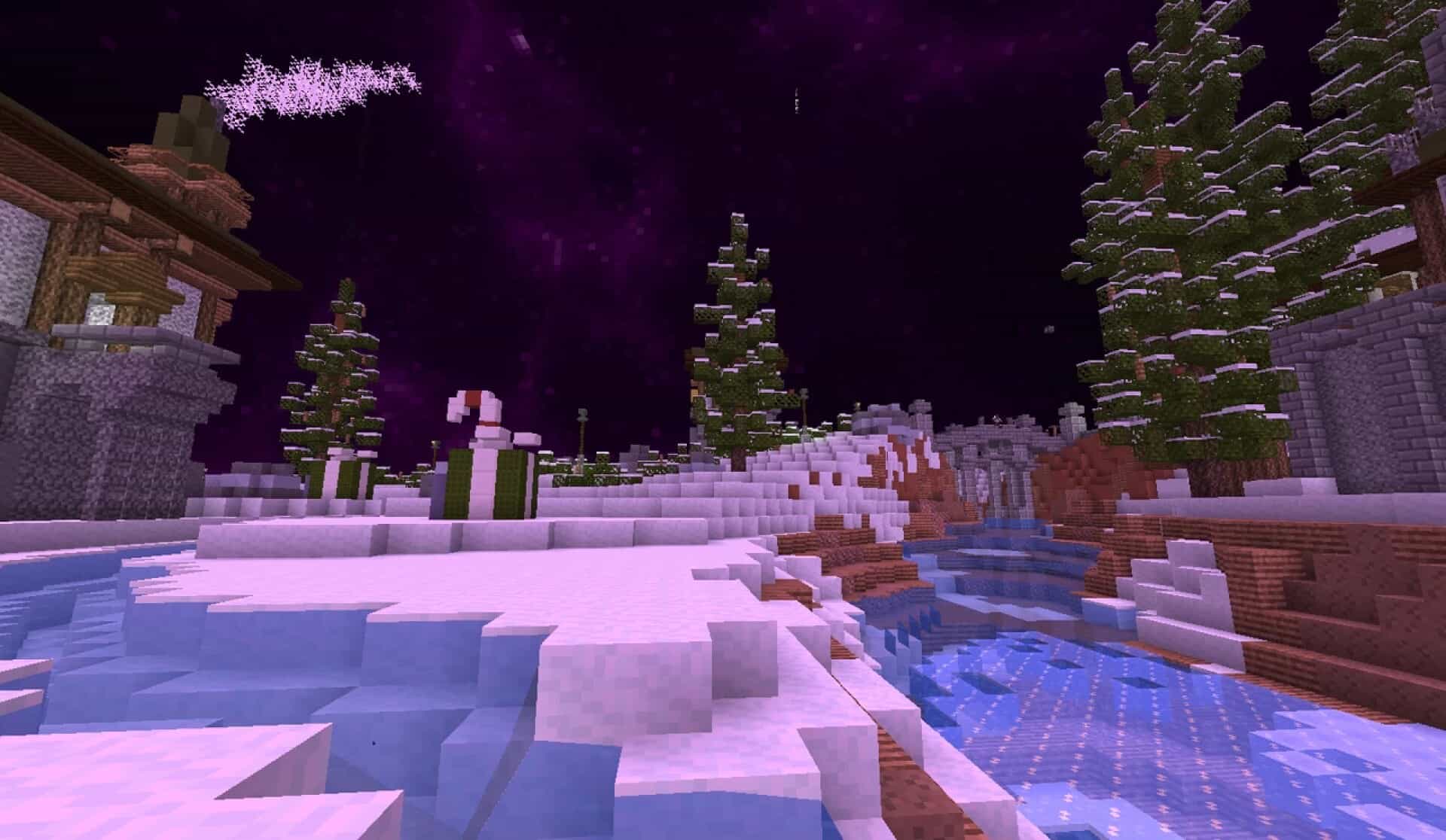
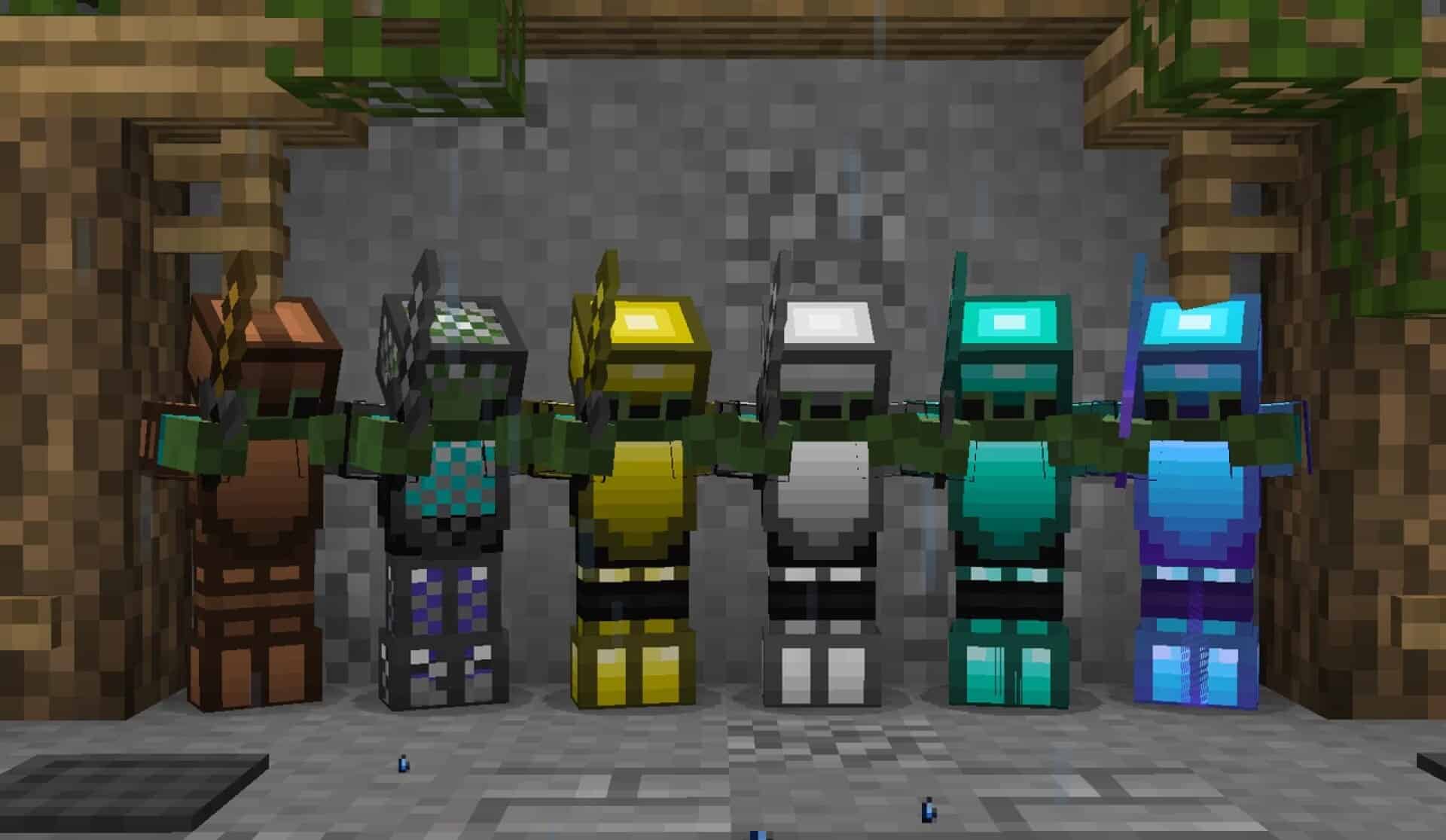
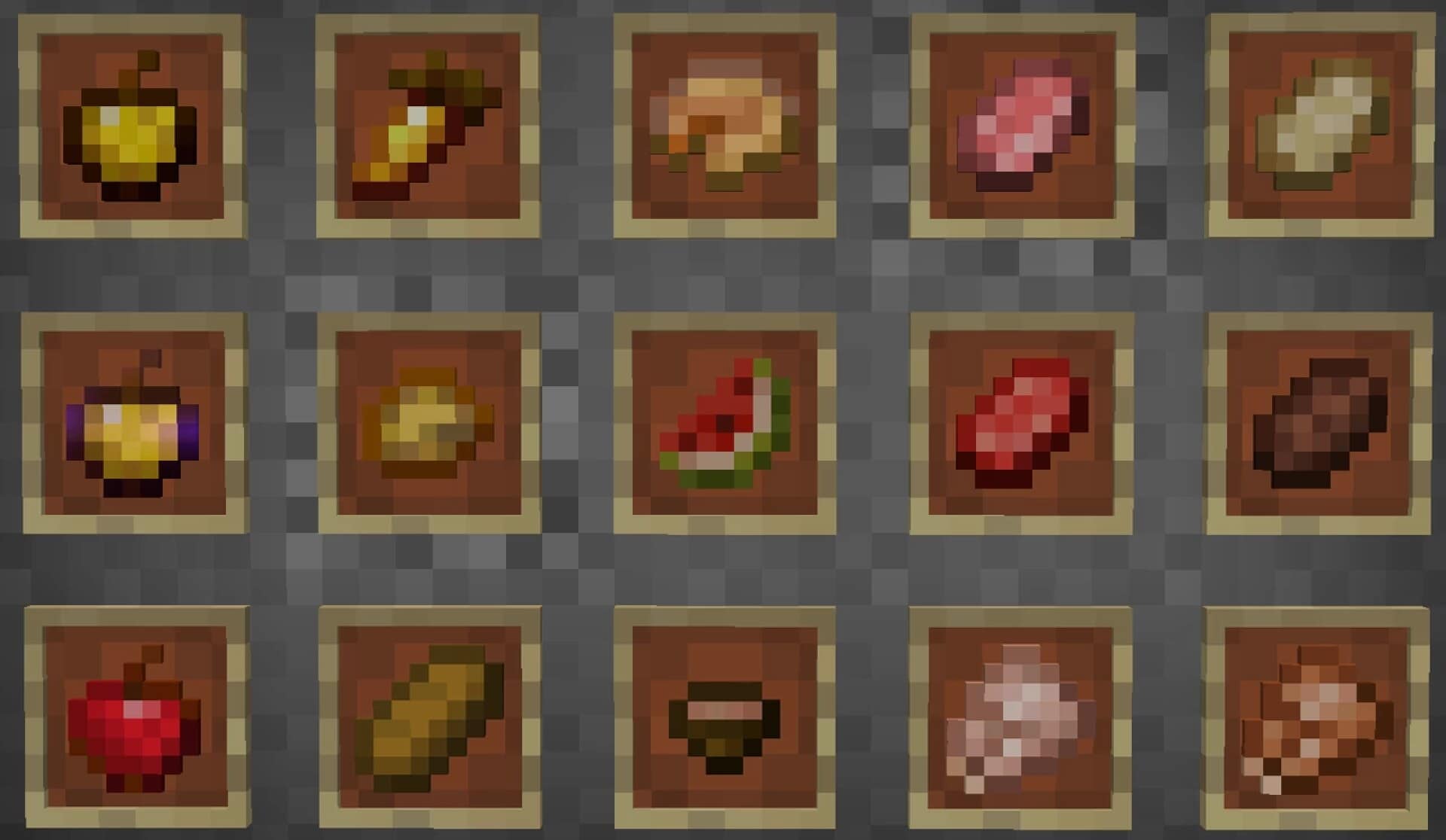
Dark Pixels PvP — Video & Screenshots
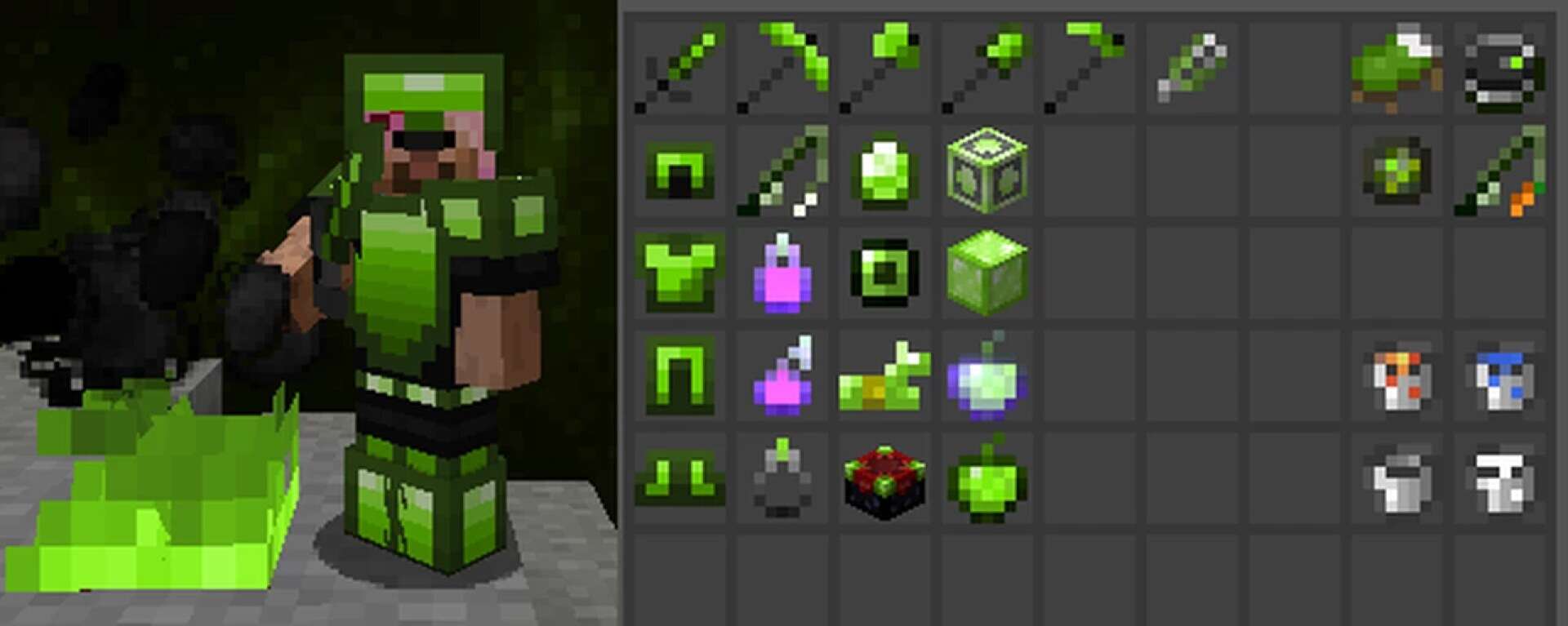
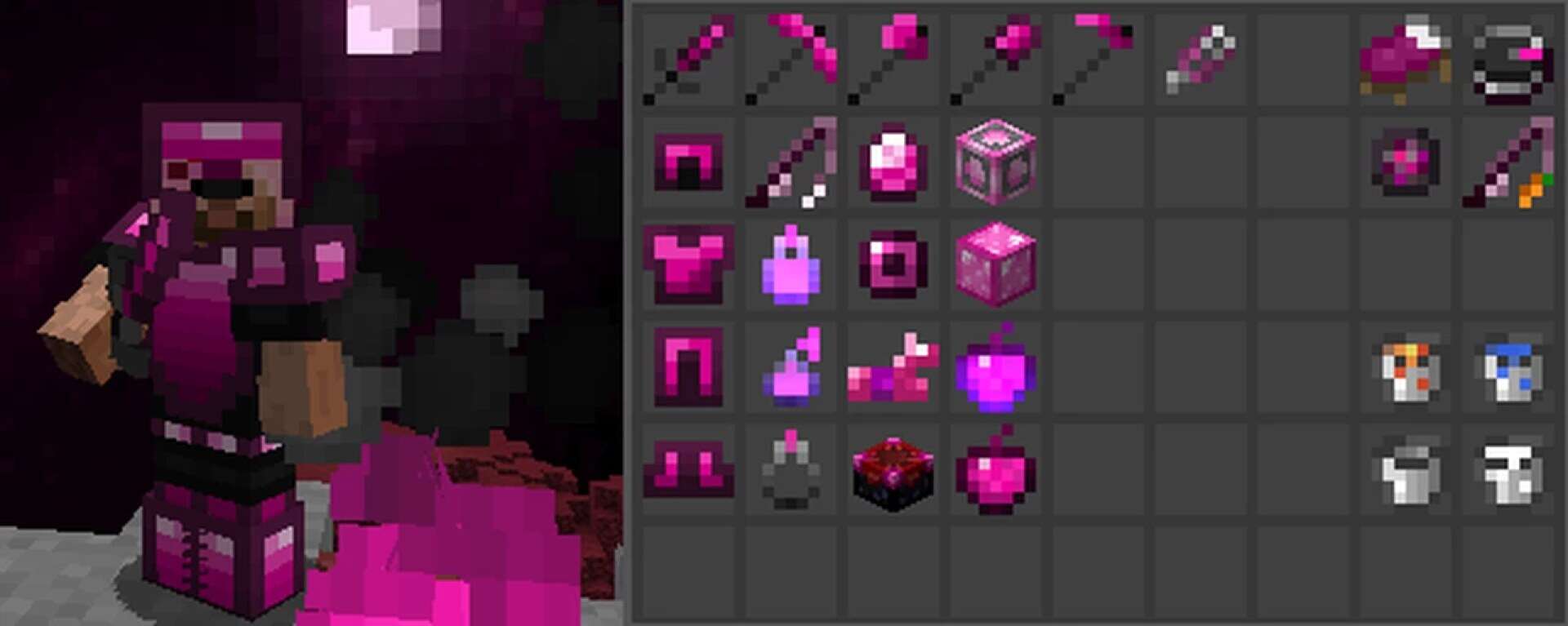
How to install Dark Pixels PvP Resource Pack:
- Most resource packs require Optifine, so be sure to download and install it. – general recommended step for all packs, Optifine is also needed for most shaders
- Download the Dark Pixels PvP texture pack for Minecraft from the download section below. – if there are many different versions, just choose the one you like, is compatible with your version/edition of Minecraft, the one you think your computer can handle in terms of performance.
- Launch the game client through the Minecraft launcher.
- On the main menu, click "Options".
- On the options menu, click "Resource Packs...".
- Click on "Open Resource Pack Folder". – folder titled "resourcepacks" will pop up
- Move the .zip file you downloaded in the first step to the newly opened "resourcepacks" folder.
- Click "Done".
- Click on "Resource Packs..." again.
- Your pack should have appeared in the left window, just hover over it and click on the arrow pointing to the right.
QUICK TIP: Sometimes, when activating a pack, the game may say that the pack is made for a newer or older version of Minecraft. This is just a warning, it does not affect your gameplay in anyway, and you can still activate and enjoy the pack by simply clicking the "Yes" button when prompted.
- Click "Done" again.
- The pack has now been successfully loaded and ready to be used in your world!
Dark Pixels PvP Texture Pack Download
- We do not modify or edit any resource packs. All resource packs, shaders and tools found on this website are linked directly to official sources rather than hosted on our own servers. We provide only the official download links from the original creators to ensure that your files are safe and secure.
- These official links are updated manually and may occasionally stop working when a new version is released. We work hard to keep everything current so that you have a smooth experience. Please let us know in the comments if you find a link that no longer works.
- Minecraft is a trademark of Mojang Studios and has no official connection to this website. Our goal is simply to share the best creations from the community with other players.
- Please consider leaving a comment or voting for your favorite packs. This feedback helps authors improve their projects over time. You can also support the creators directly by visiting the official links located below the download section.
Java Edition:
[8x] [1.8.x – 1.6.x] Download Dark Pixels PvP Resource Pack
Add-ons:
Curseforge: download starts automatically after a few seconds;
Mediafire: click the big blue button with the text "DOWNLOAD";
Google Drive: in the top right corner you will see a small download icon (down arrow), click it and the download should start;

60 votes
Look.. 60 users have already liked this pack. Give a diamond if you like it too!


Leave a reply
0 comments
Links in comments are not allowed. Comments containing links will be removed.
Before commenting that the resource pack crashed your game, google your crash log. This is usually a graphic card driver issue.