Dandelion is not just a texture pack created to change the aspect of Minecraft to dandelion-related textures and blocks. The Dandelion resource pack improves much more in different ways other than changing and updating the appearance of flowers to a much more beautiful, fresh design, such as giving an amazing look to brewing stands, beds and libraries, among many other modifications. This resource pack give us a great chance to give a new, original but natural look to so many of the textures in the game. It doesn’t focus much on adding new stuff to the game but rather improve dramatically the look on what is on it already. The main downside about this fantastic resource pack is that the look of the trees honestly feels so off, and you will quickly realise this once you get it loaded. However, most of the other textures and blocks updated look much better than by default, and not only that, but also the Dandelion With Mods resource pack allows running a great variety of mods which are highly compatible with it, which can make your Minecraft experience way more immersing and exciting.
Featured video:
There are some textures that have been completely redesigned to keep representing what they already were supposed to be, but looking greatly enhanced and upgraded. But for the most part the majority of the textures have not been heavily changed and simply revised and changed for good. Dandelion has been confirmed to not be getting updates by their creator, this is mostly because the texture pack was mostly developed for some type of simple resource pack competition. This doesn’t necessarily mean that it won’t get ever updated as it could be that some fan decides to continue updating the resource pack. So far we have known it runs perfectly on Minecraft 1.11 but we are unsure if it works properly or not on upcoming versions. For now, we recommend the players enjoying this amazing x16 resource pack now that they have the chance. Dandelion is definitely one of the best resource packs to showcase a beautiful world with a touch of smooth, light colours on Minecraft.
Dandelion should be compatible with all of these Minecraft versions: Fresh Animations - 26.1 - 1.21.11 - 1.21.10 - 1.21.9 - 1.21.8 - 1.21.7 - 1.21.6 - 1.21.5 - 1.21.4 - 1.21.3 - 1.21.2 - 1.21.1 - 1.21 - 1.20.6 - 1.20.5 - 1.20.4 - 1.20.3 - 1.20.2 - 1.20.1 - 1.20 - 1.19.4 - 1.19.3 - 1.19.2 - 1.19.1 - 1.19 - 1.18.2 - 1.18.1 - 1.18 - 1.17.1 - 1.17 - 1.16.5 - 1.16.4 - 1.16.3 - 1.16.2 - 1.16.1 - 1.16 - 1.15.2 - 1.15.1 - 1.15 - 1.14.4 - 1.14.3 - 1.14.2 - 1.14 - 1.13.2 - 1.13.1 - 1.13 - 1.12.2 - 1.12 - 1.11.2 - 1.11 - 1.10.2 - 1.10 - 1.9.4 - 1.9 - 1.8.9 - 1.8.8 - 1.8.1 - 1.8.6 - 1.8
Dandelion — Video & Screenshots
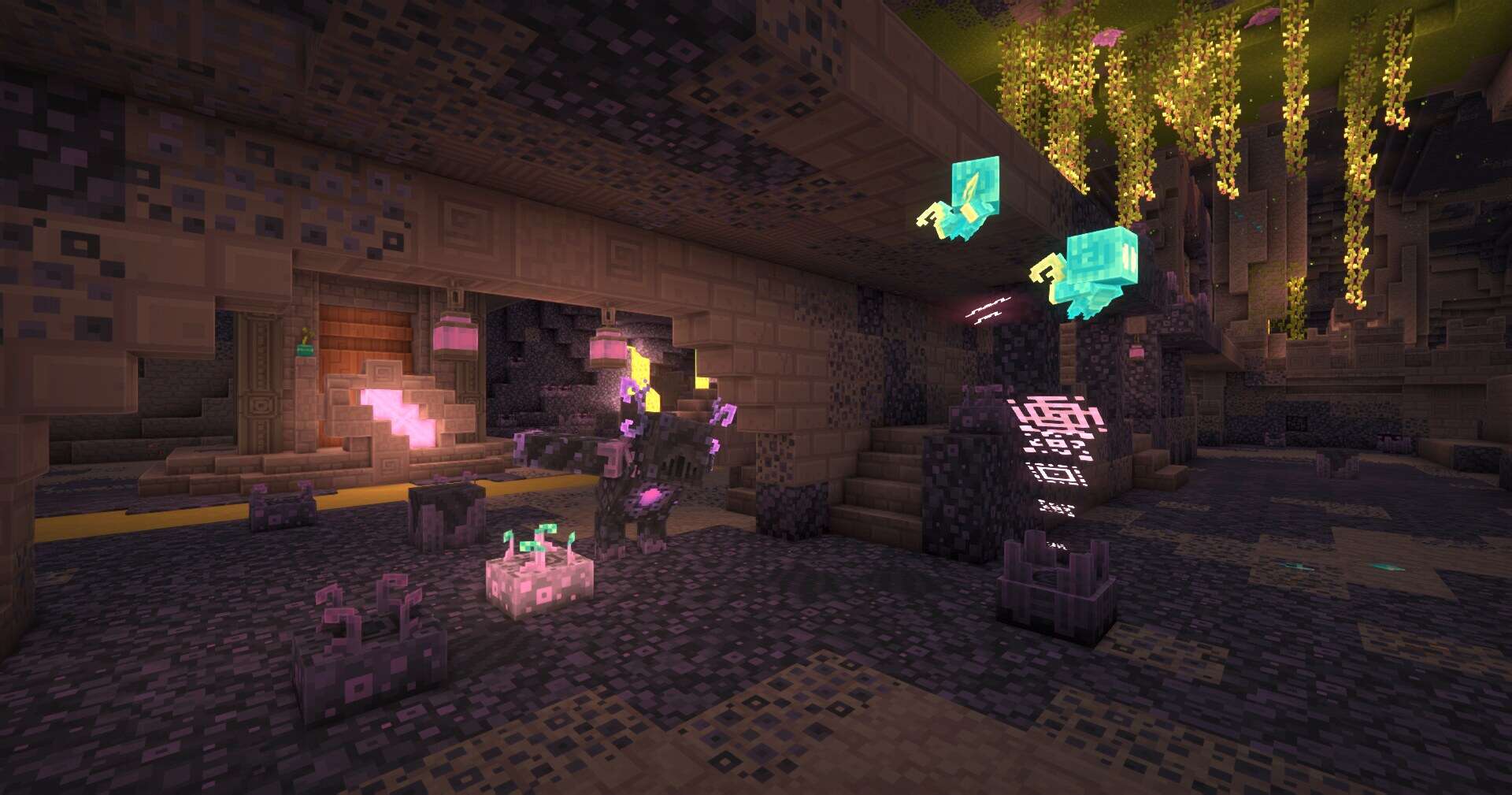
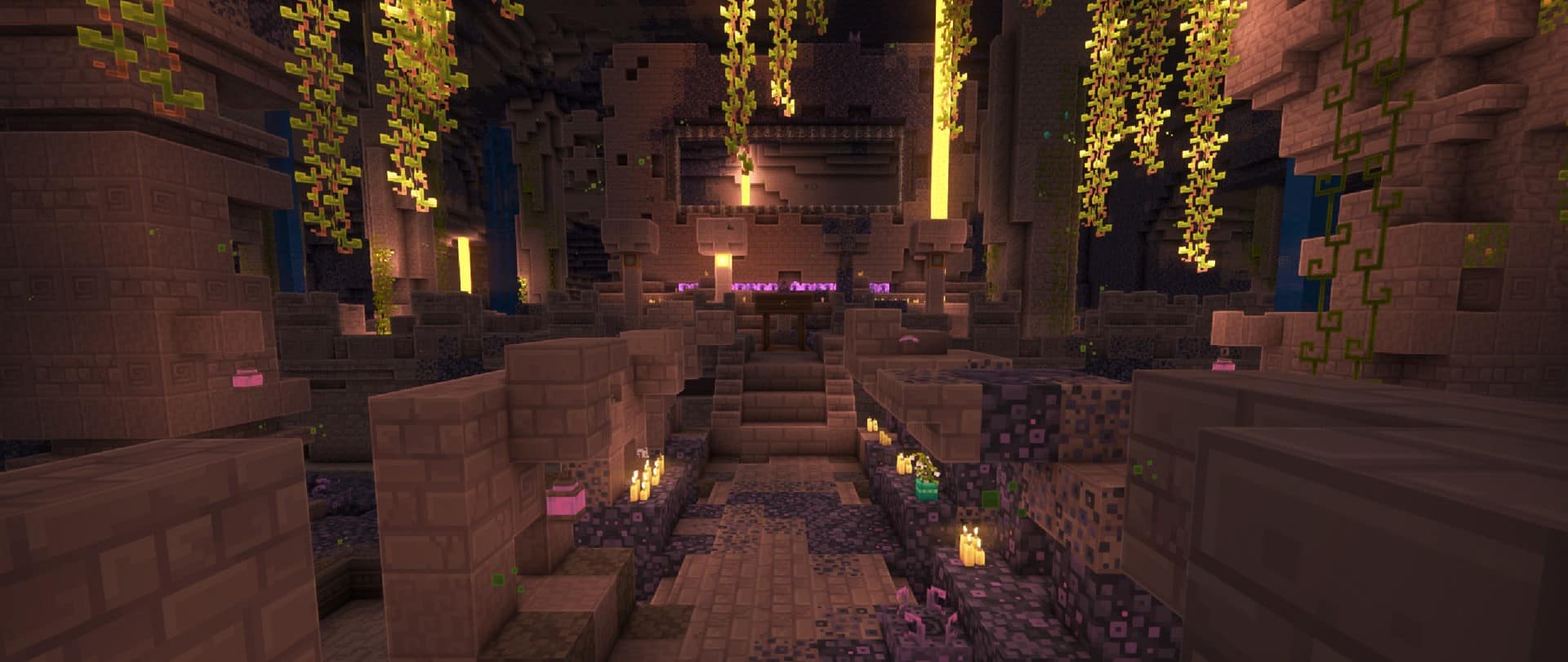
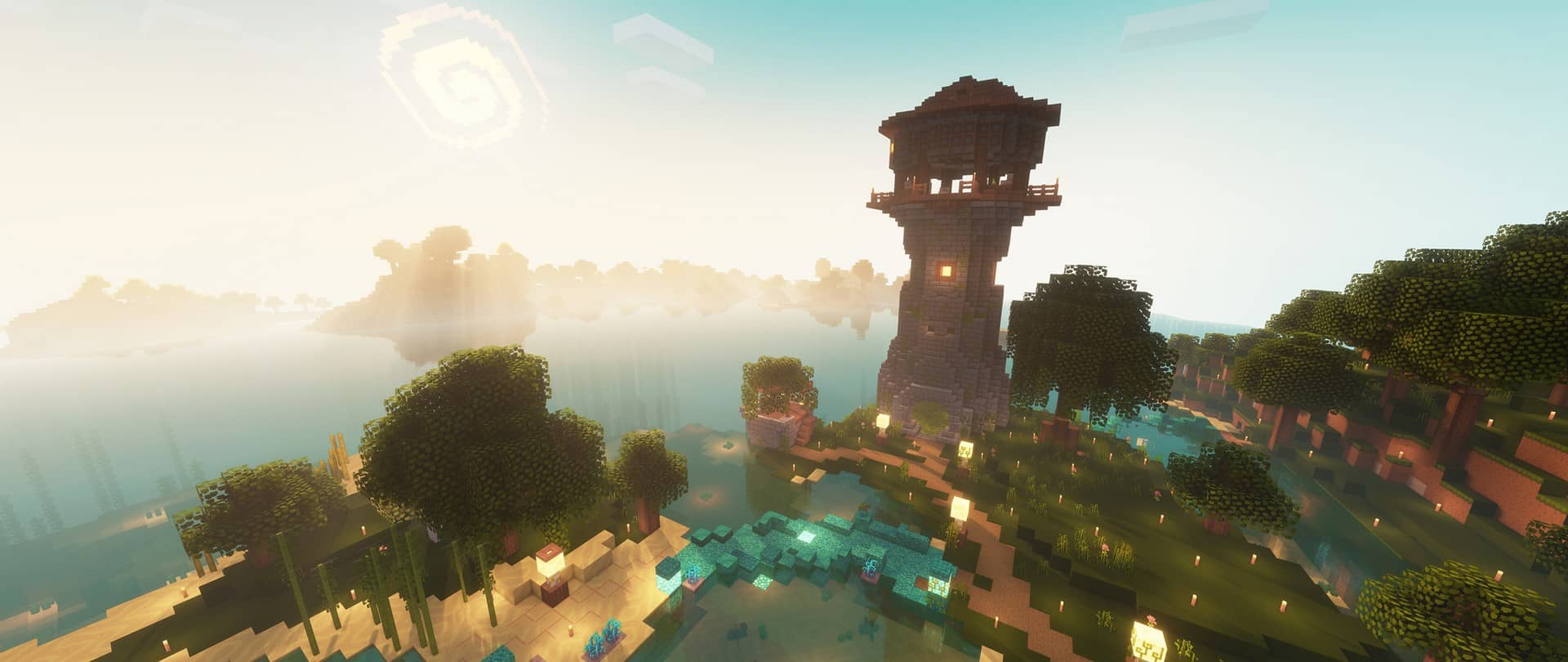
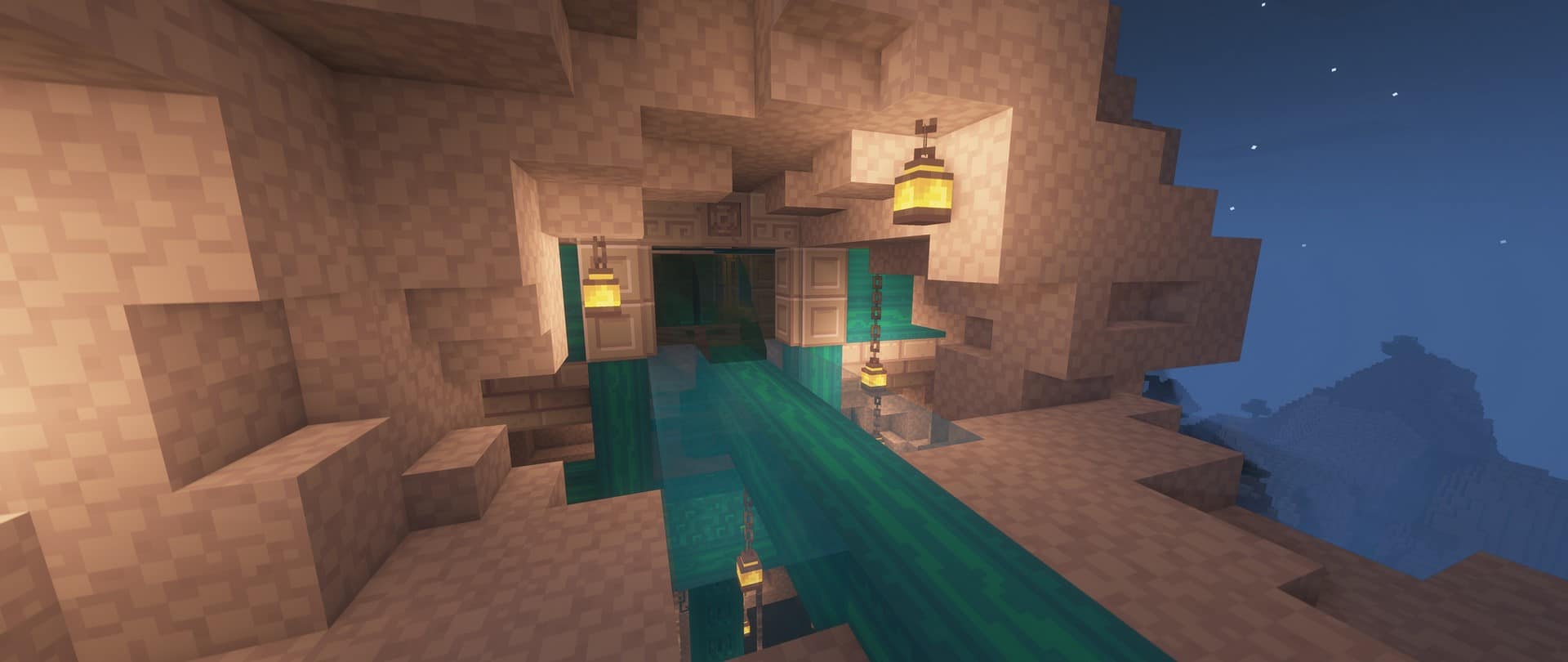
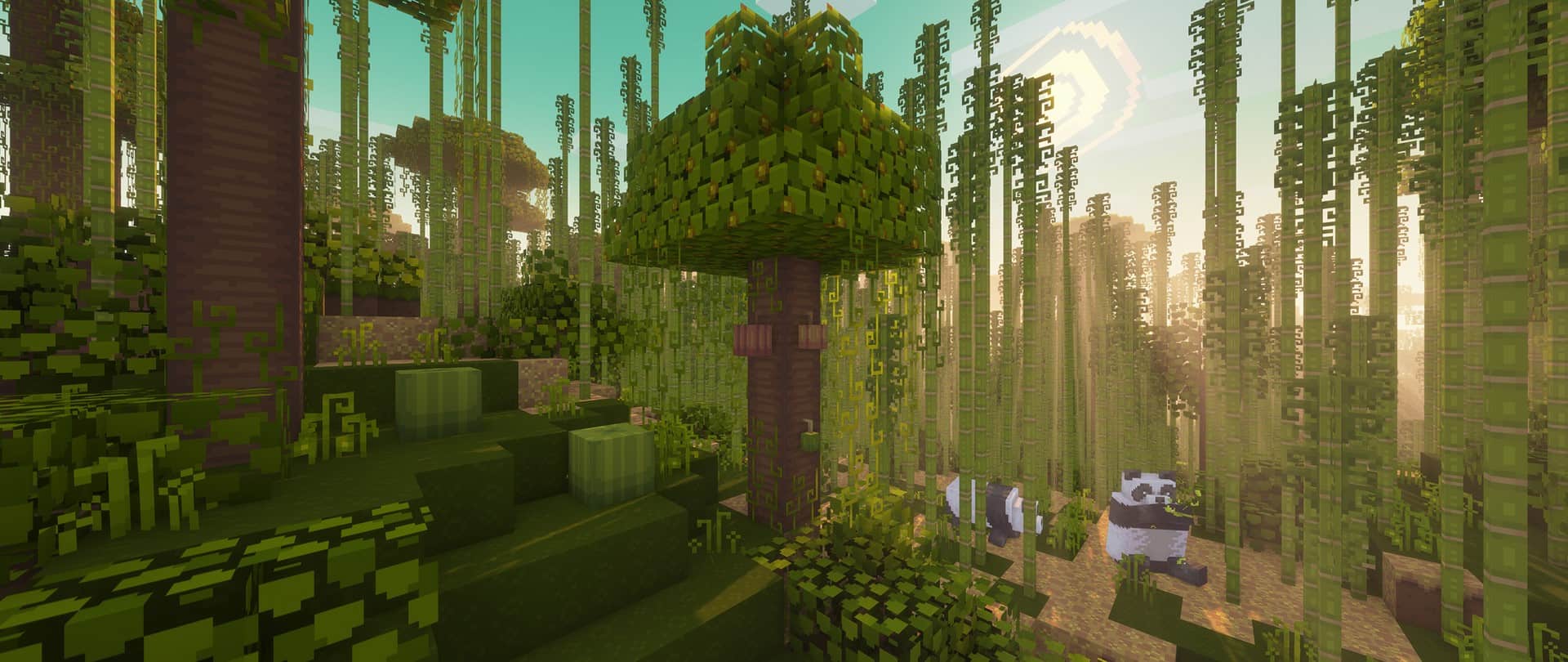
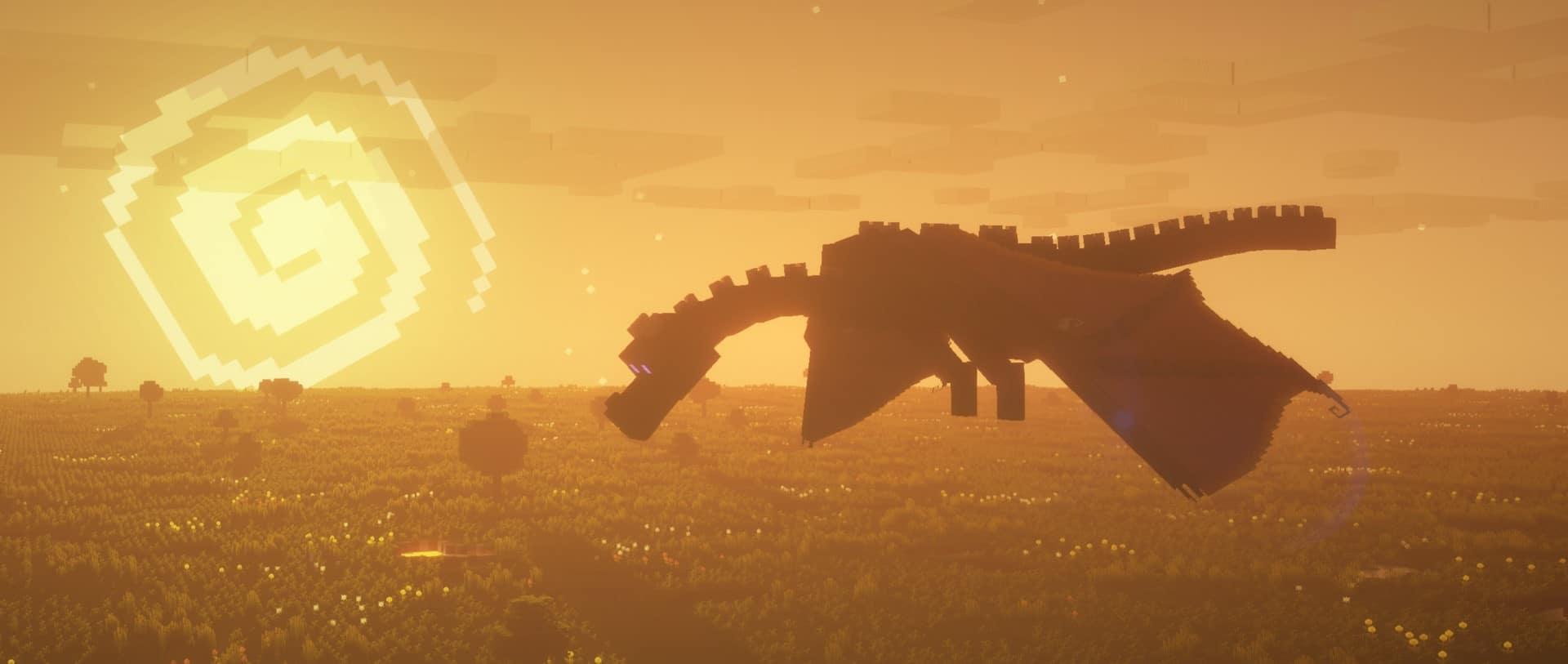
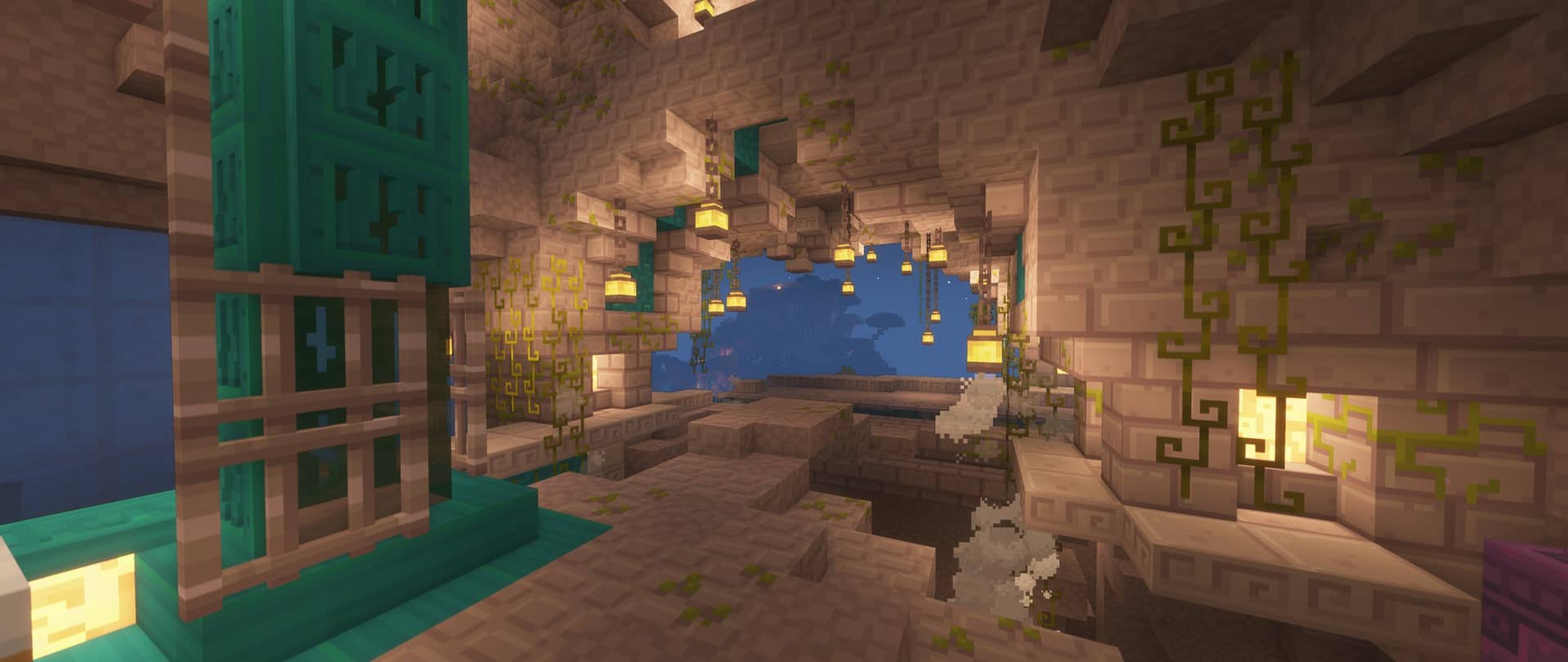

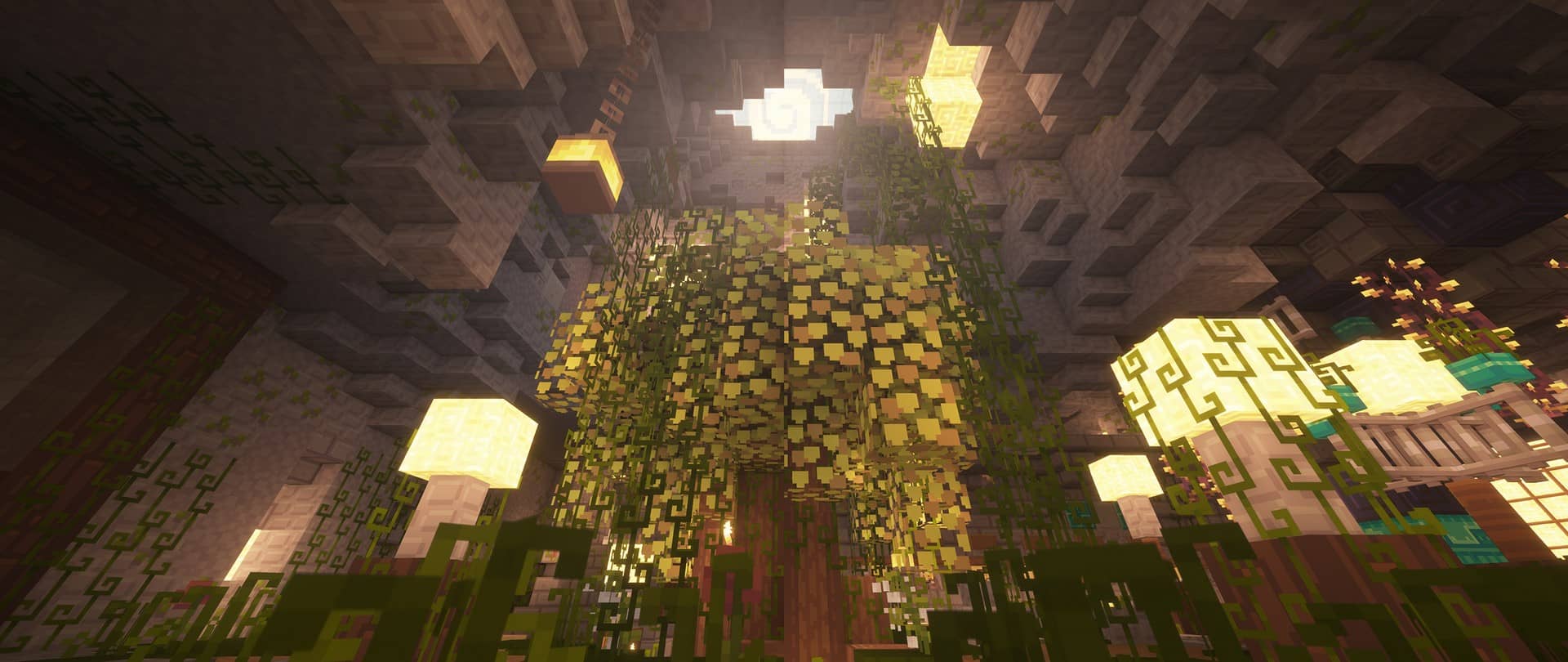
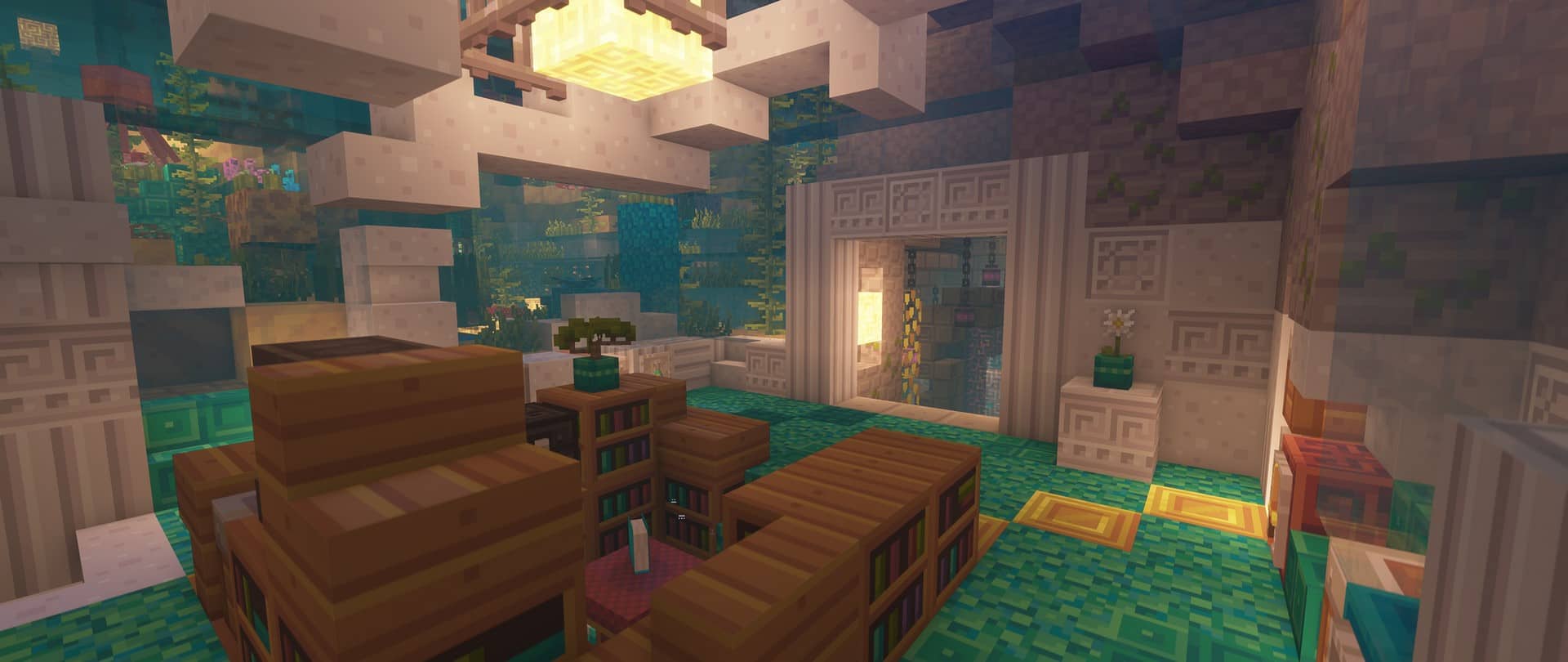
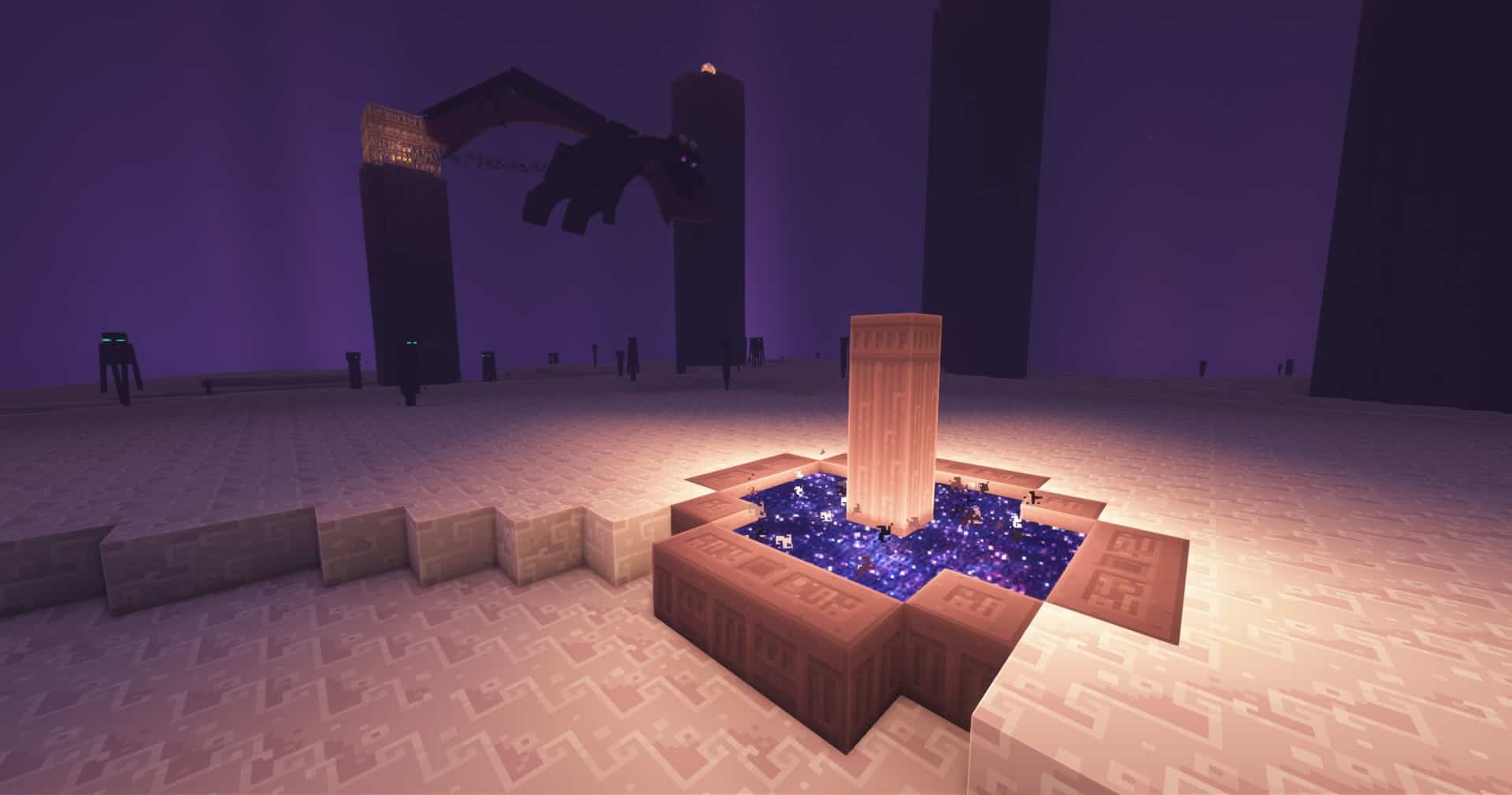
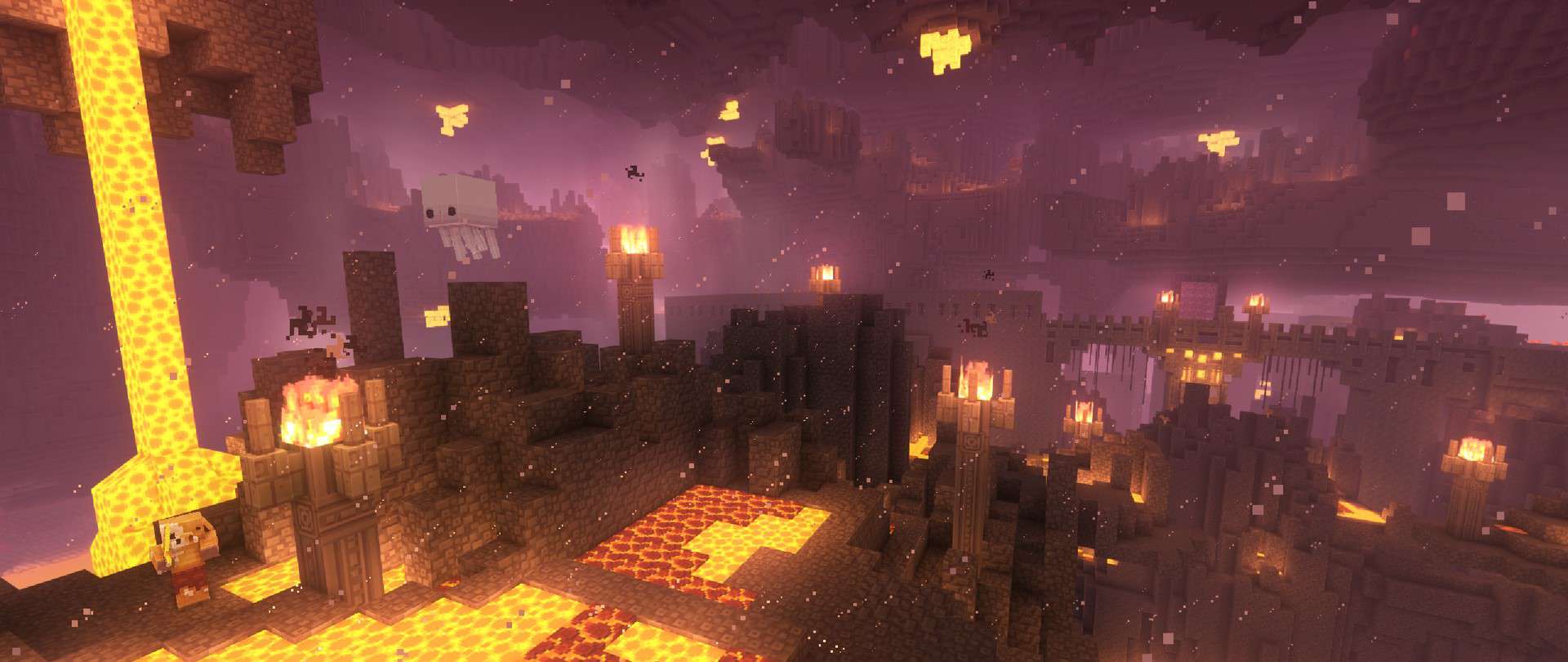
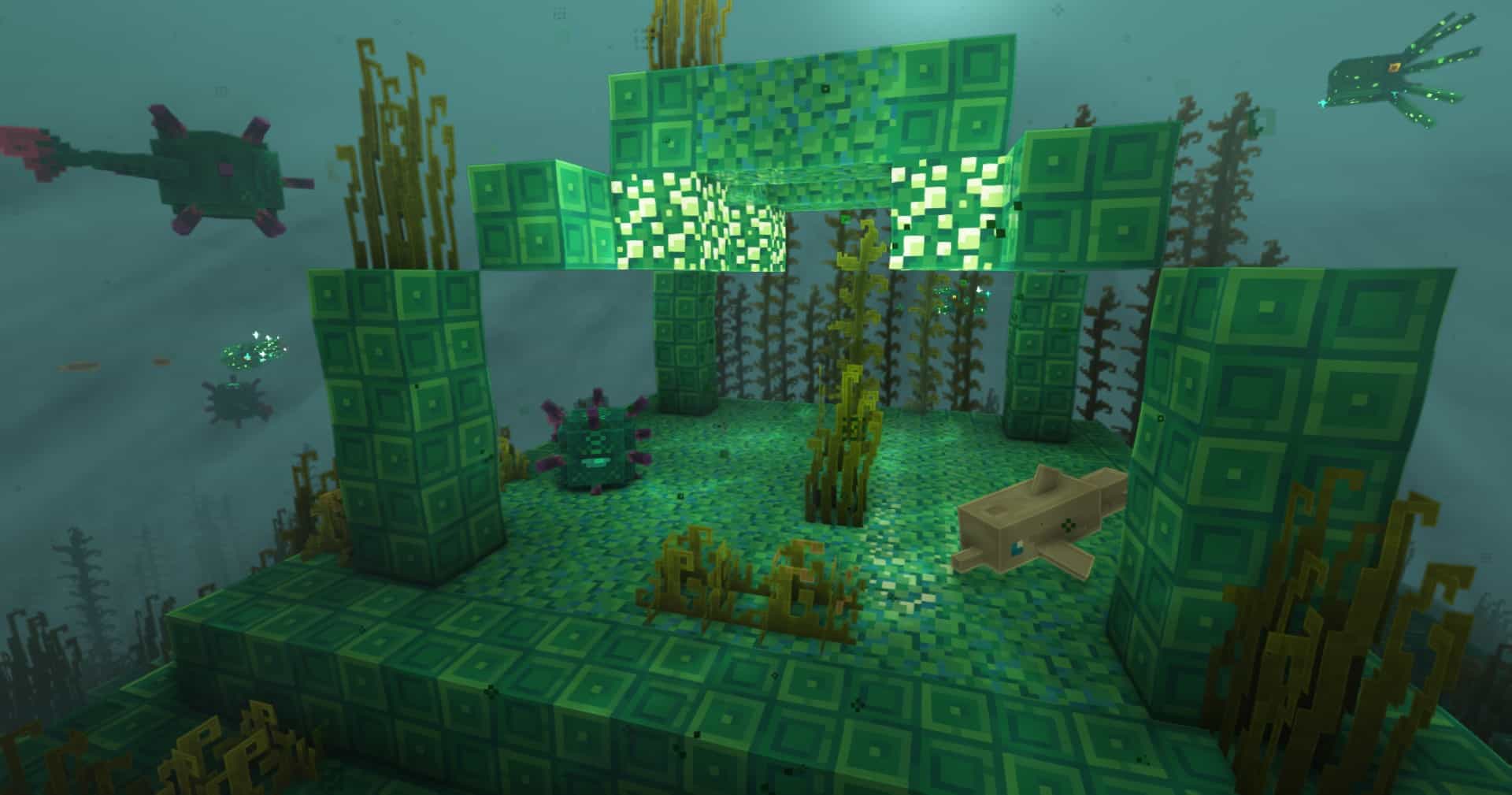

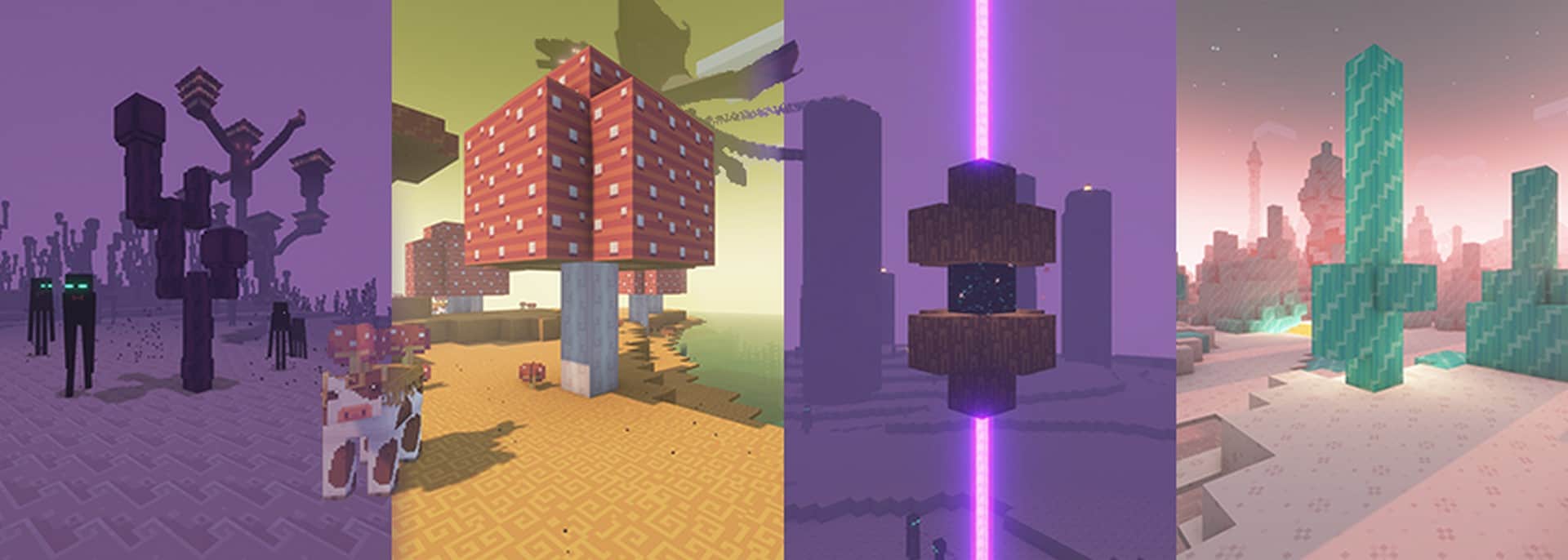

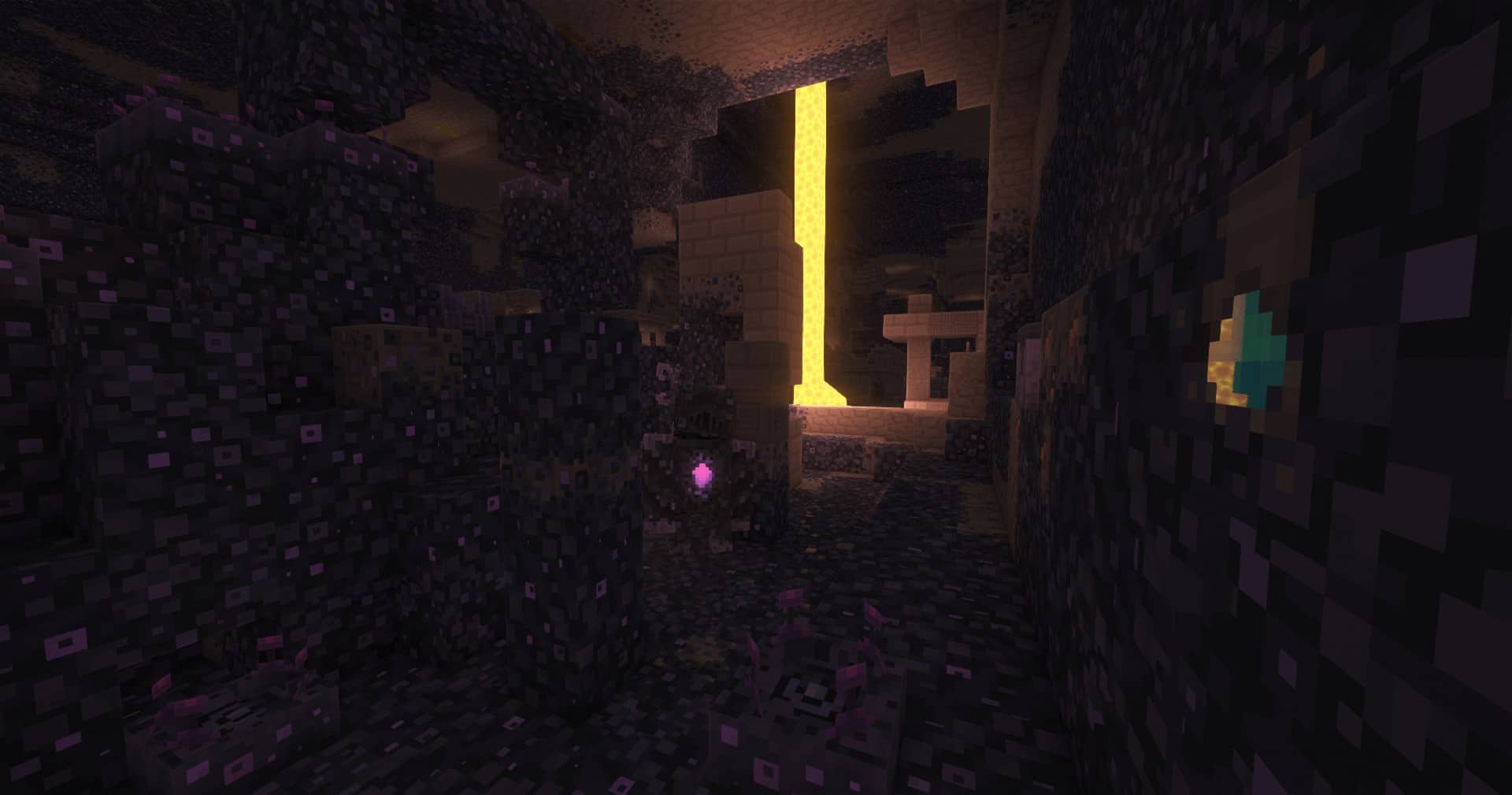
How to install Dandelion Resource Pack:
- Most resource packs require Optifine, so be sure to download and install it. – general recommended step for all packs, Optifine is also needed for most shaders
- Download the Dandelion texture pack for Minecraft from the download section below. – if there are many different versions, just choose the one you like, is compatible with your version/edition of Minecraft, the one you think your computer can handle in terms of performance.
- Launch the game client through the Minecraft launcher.
- On the main menu, click "Options".
- On the options menu, click "Resource Packs...".
- Click on "Open Resource Pack Folder". – folder titled "resourcepacks" will pop up
- Move the .zip file you downloaded in the first step to the newly opened "resourcepacks" folder.
- Click "Done".
- Click on "Resource Packs..." again.
- Your pack should have appeared in the left window, just hover over it and click on the arrow pointing to the right.
QUICK TIP: Sometimes, when activating a pack, the game may say that the pack is made for a newer or older version of Minecraft. This is just a warning, it does not affect your gameplay in anyway, and you can still activate and enjoy the pack by simply clicking the "Yes" button when prompted.
- Click "Done" again.
- The pack has now been successfully loaded and ready to be used in your world!
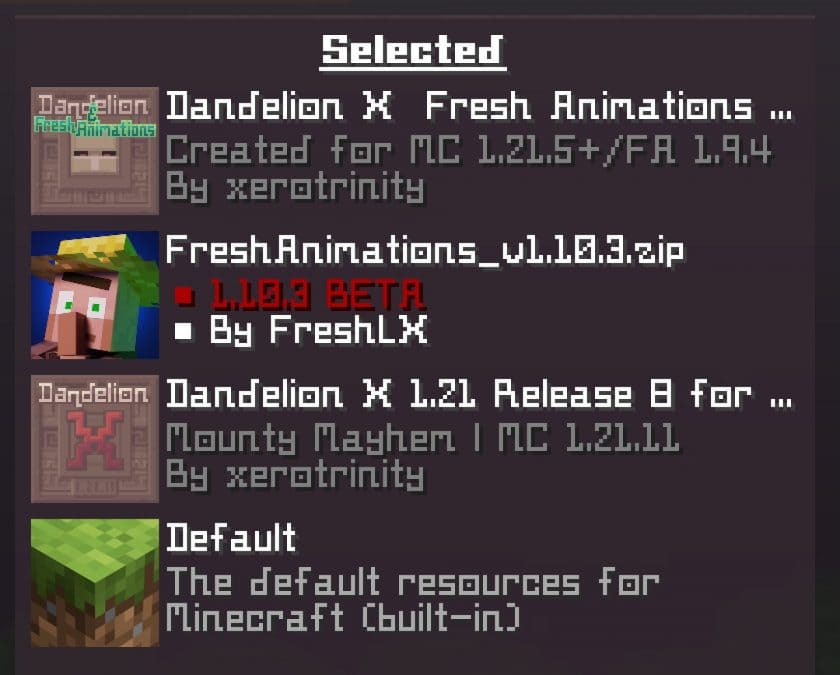
How to install Dandelion X & Fresh Animations Add-on:
- Download Fresh Animations and install it by following the instructions on that page.
- Download the Dandelion X resource pack using the links below.
- Download the Dandelion X & Fresh Animations add-on using the links below.
- Set the resource pack order like this: Default at the bottom, then Dandelion X resource pack, then Fresh Animations, and the Dandelion X & Fresh Animations add-on at the very top.
Dandelion - Comparison Slider #1 with Complementary Shaders
Comparison slider #1 for those who want to compare vanilla Minecraft without any texture packs installed (on the left) with Minecraft using this particular texture pack (on the right).
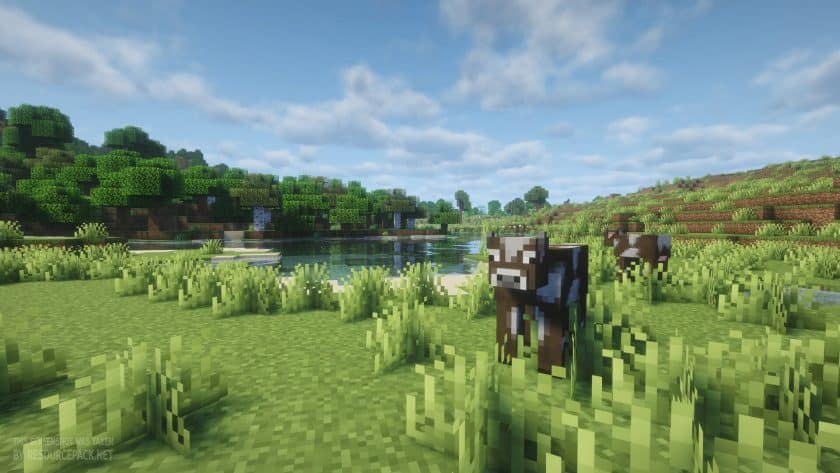 Vanilla (with Complementary Shaders)
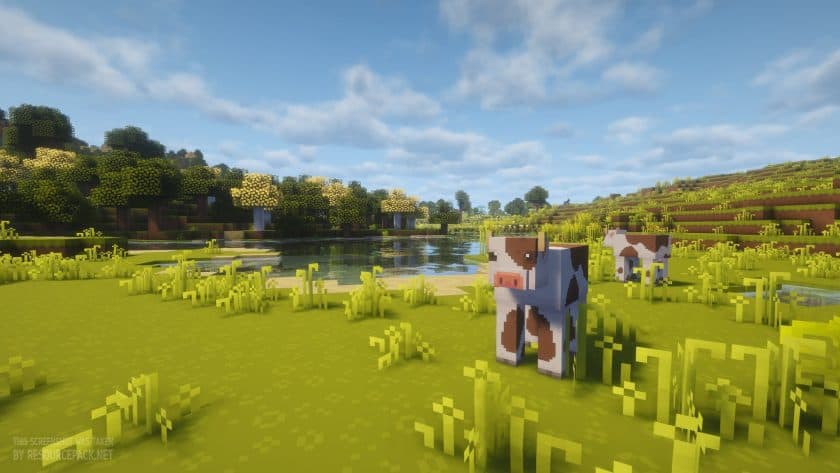 Dandelion X (with Complementary Shaders)
Dandelion - Comparison Slider #2 with Complementary Shaders + Bushy Leaves
Comparison slider #2 for those who want to compare vanilla Minecraft without any texture packs installed (on the left) with Minecraft using this particular texture pack (on the right).
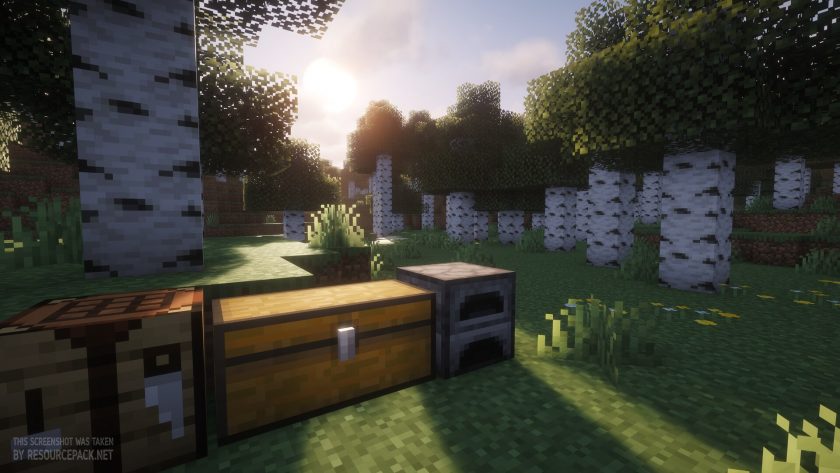 Vanilla (with Complementary Shaders & Bushy Leaves)
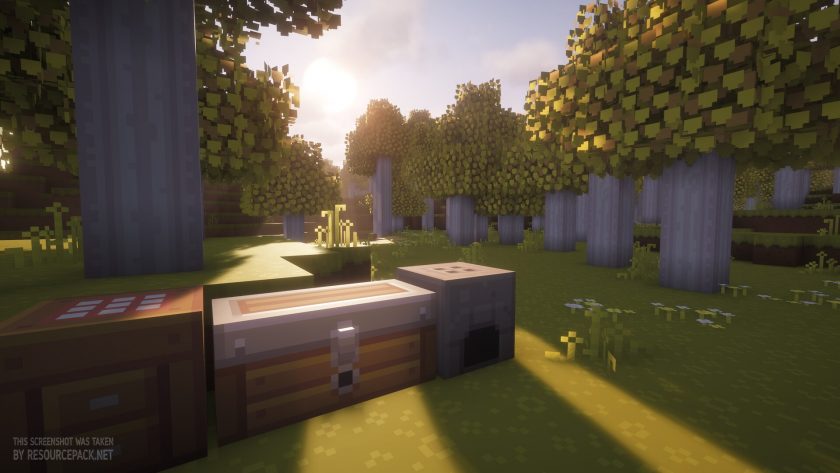 Dandelion X (with Complementary Shaders & Bushy Leaves)
Dandelion - Comparison Slider #3 without Shaders
Comparison slider #3 for those who want to compare vanilla Minecraft without any texture packs installed (on the left) with Minecraft using this particular texture pack (on the right).
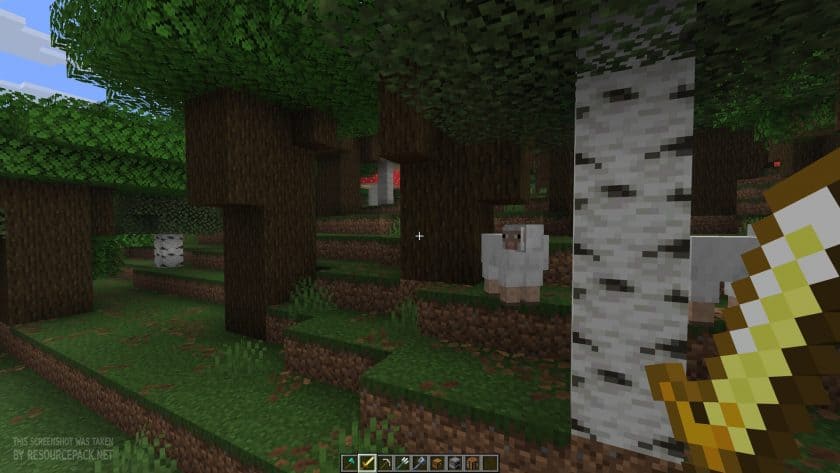 Vanilla
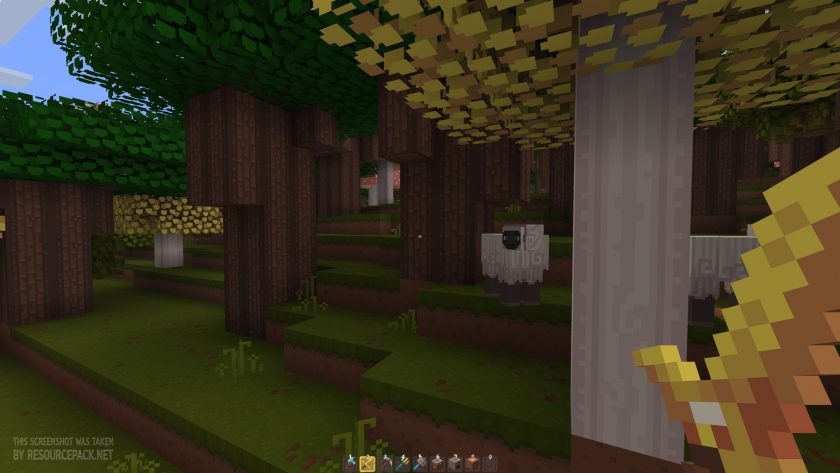 Dandelion X
Dandelion Texture Pack Download
- We do not modify or edit any resource packs. All resource packs, shaders and tools found on this website are linked directly to official sources rather than hosted on our own servers. We provide only the official download links from the original creators to ensure that your files are safe and secure.
- These official links are updated manually and may occasionally stop working when a new version is released. We work hard to keep everything current so that you have a smooth experience. Please let us know in the comments if you find a link that no longer works.
- Minecraft is a trademark of Mojang Studios and has no official connection to this website. Our goal is simply to share the best creations from the community with other players.
- Please consider leaving a comment or voting for your favorite packs. This feedback helps authors improve their projects over time. You can also support the creators directly by visiting the official links located below the download section.
Java Edition:
[16x] [26.1] Download Dandelion X Resource Pack
[16x] [1.21.x] Download Dandelion X Resource Pack
[16x] [1.20.6 – 1.20.2] Download Dandelion X Resource Pack
[16x] [1.20.1 – 1.20] Download Dandelion X Resource Pack
[16x] [1.19.x] Download Dandelion X Resource Pack
[16x] [1.18.x] Download Dandelion X Resource Pack
[16x] [1.17.x] Download Dandelion X Resource Pack
[16x] [1.16.x – 1.15.x] Download Dandelion X Resource Pack
[16x] [1.14.x] Download Dandelion X Resource Pack
[16x] [1.13.x] Download Dandelion X Resource Pack
[16x] [1.12.x] Download Dandelion X Resource Pack
[16x] [1.11.x – 1.8.x] Download Dandelion Resource Pack
Add-ons (Java Edition):
Dandelion X & Fresh Animations – requires FA and Dandelion X. Scroll above for installation instructions;
Emissive Ores – vanilla based, for 1.21.4 and newer;
Core Shaders – vanilla based;
Bushy Leaves – vanilla based;
Pink Cherry Wood – alternate textures that make all cherry wood pink instead of purple;
Baby Pink Cherry Wood – alternate textures that make all cherry wood baby pink instead of purple;
Curseforge: download starts automatically after a few seconds;
Mediafire: click the big blue button with the text "DOWNLOAD";
Google Drive: in the top right corner you will see a small download icon (down arrow), click it and the download should start;

596 votes
Look.. 596 users have already liked this pack. Give a diamond if you like it too!


DDM
Can you get it on education edition?
Timicky
Hey so when I use this pack, the texture pack that I’ve got that makes string invisible cancels out the variation for the different blocks :( I was just wondering what would be a good idea to fix this.
xerotrinity
Are you saying the invisible string texture pack ruins all the randomized block variations from loading and you’re instead only seeing the default versions of all the textures only? Join the discord on the Dandelion X curseforge page if you still need help!
rhaenys
I have been using this texture pack for almost a decade. its my favourite and i am still in love with it. thank you for continuing and keeping it alive <3
miki2335
Bro it is, but i hate the change in the nether trees, in 1.17 these trees (blue trees) have black log with blue speks that look awesome, now it’s just a blue ugly log XDdid you know how can i contact the modder?
Admin
Below the download section, there is a “Support Author” section. You can join the official Discord server.
MinecraftMAN
i mean sure.. i guess
Leah
Where is 1.10 thooo
Admin
Just get 1.11.x – 1.8.x. Should work fine on 1.10.x
TheGamer10273
wow soo cool! love it!!!
Dosu
I’m begging this to be added to the Minecraft marketplace so I can get it on the switch
kat
is this available on nintendo switch as well?
defoofer
i love it
ada
yo…… years ago when I was a kid (or i guess like a teenager lmao) this was my favorite texture pack, I used it forever and even tried adding my own textures to new blocks as they were added. I’m beyond thrilled this is finally updated officially….. my inner child says thank you so much for this its amazing <333333
brace
are we ever gonna get a 1.18 one? i love this and would love to have it with 1.18.1
jay
The 1.8.9 version says it’s not compatible with 1.8.9.
Arctickev
Hey, love the pack, but it is possible to get connected textures for glass and glass panes when using optifine? The gridlines when making a 3×2 or 4×3 window is quite jarring :)
DemonOrSomethingElseYT
Muah Beatiful resource pack
pingu
why is the grass darker?? D:
pyuao
Its the most beautiful resource pack! <3
reif
are the mods in the list already in it or are they mods you CAN download
Admin
No, you have to download them. This is just a list of mods that this pack supports.
Sour
the fenced are not working
Mana
this resource pack is truly amazing and looks wonderful and I’m sure it would even look more fantastic with a shader. It feels like ur in a whole new world that is why It will take time to get used to. This style reminds me of zelda breath of the wild. i recommend trying it out and im not a fake im a real person looking for good packs.
Kyle
The Fences aren’t working PLS HELP
Tommy
Please update to 1.14
Sarah Foster
please please update! <3 I love this pack!
Adam Volk (CyBay)
great!
Ben
Please Please Please Update! This is my favourite Resource pack ever
Hello
can this get
updated please