Complementary Shaders is the perfect shader pack to improve Minecraft’s graphics and performance. If you ever played Minecraft for more than five minutes, you know the game is incredibly fun – but a little bit lackluster in the graphics department. Fortunately for all Minecraft lovers out there, this shader pack is here to change that. That’s not to say you should expect a complete, 3D graphics overhaul. When you’re playing Minecraft, you’re not exactly in it because of realistic textures. That’s not what Complementary Shaders is here to change. Instead, this shaders improves a little bit of everything, while still maintaining its essence. Complementary Shaders is an off-shoot of another popular shader pack called BSL Shader. If you liked that pack, you’re going to love this one. This shaders takes the best out of BSL Shader and improves the rest. You can install it if you want to experience better graphics, gameplay, compatibility, and more.
Featured video:
It’ll help you improve an already-great game like Minecraft is. Although it improves a little bit of everything, it will not ruin your performance. This shader pack is specially designed to keep everything running smoothly. Simply put, it just works. Not only that, but it’ll also fix compatibility issues that you might have with other shader packs. This Complementary Shaders pack always has the player in mind. With Complementary Shaders, you’ll realize Minecraft will run rather fast and better than with most other shader packs. No matter what GPU or drivers you have, this shader pack will make your game smoother compared to other shaders. Keep in mind this is a one-of-a-kind shaderpack. You can’t install it like the other ones. Make sure you pay attention to the installation guide before you do anything. Check and double-check it. Then, enjoy everything that Complementary Shaders has in store for you!
Complementary Unbound should be compatible with all of these Minecraft versions: 1.21.11 - 1.21.10 - 1.21.9 - 1.21.8 - 1.21.7 - 1.21.6 - 1.21.5 - 1.21.4 - 1.21.3 - 1.21.2 - 1.21.1 - 1.21 - 1.20.6 - 1.20.5 - 1.20.4 - 1.20.3 - 1.20.2 - 1.20.1 - 1.20 - 1.19.4 - 1.19.3 - 1.19.2 - 1.19.1 - 1.19 - 1.18.2 - 1.18.1 - 1.18 - 1.17.1 - 1.17 - 1.16.5 - 1.16.4 - 1.16.3 - 1.16.2 - 1.16.1 - 1.16 - 1.15.2 - 1.15.1 - 1.15 - 1.14.4 - 1.14.3 - 1.14.2 - 1.14 - 1.13.2 - 1.13.1 - 1.13 - 1.12.2 - 1.12 - 1.11.2 - 1.11 - 1.10.2 - 1.10 - 1.9.4 - 1.9 - 1.8.9 - 1.8.8 - 1.8.6 - 1.8.1 - 1.8
Complementary Unbound — Video & Screenshots
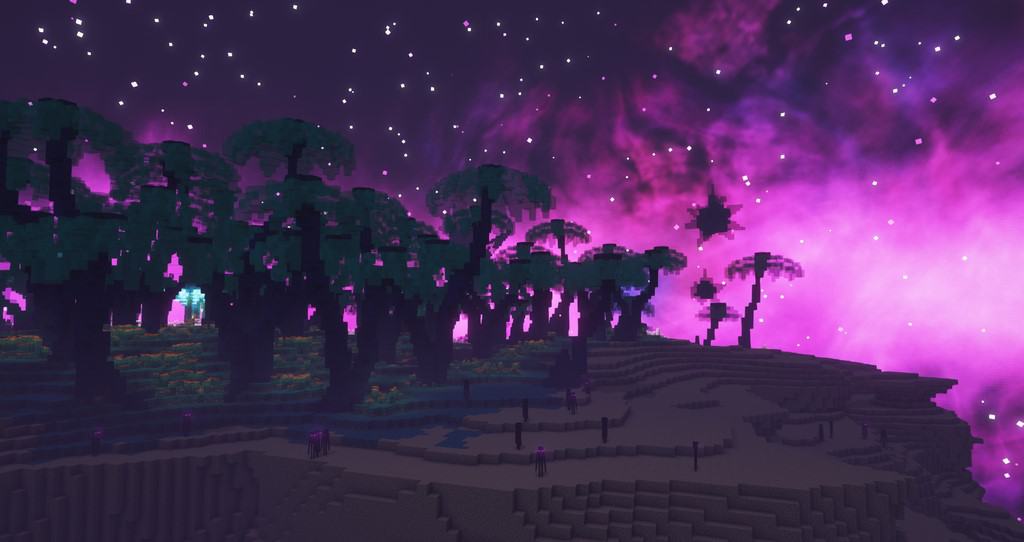
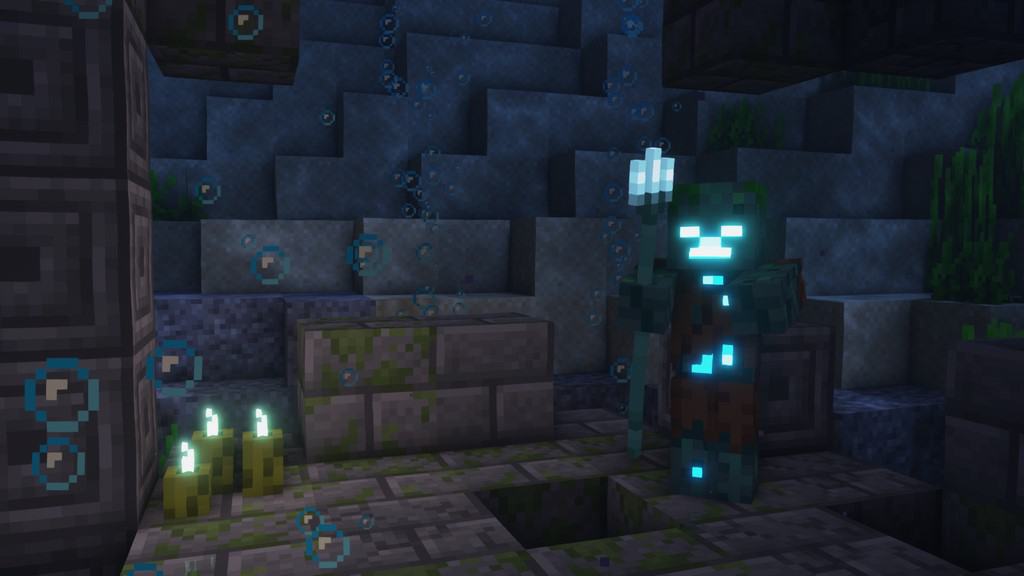

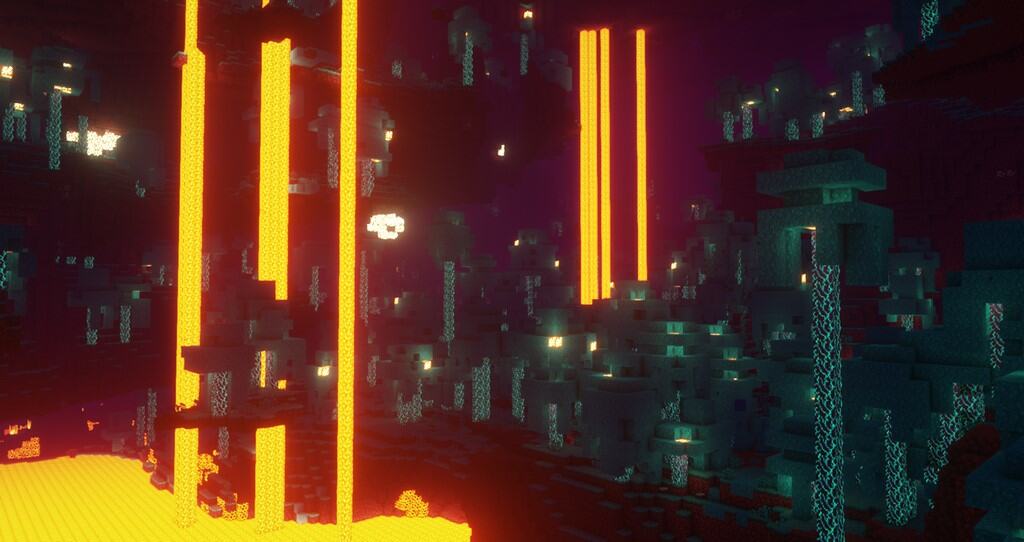
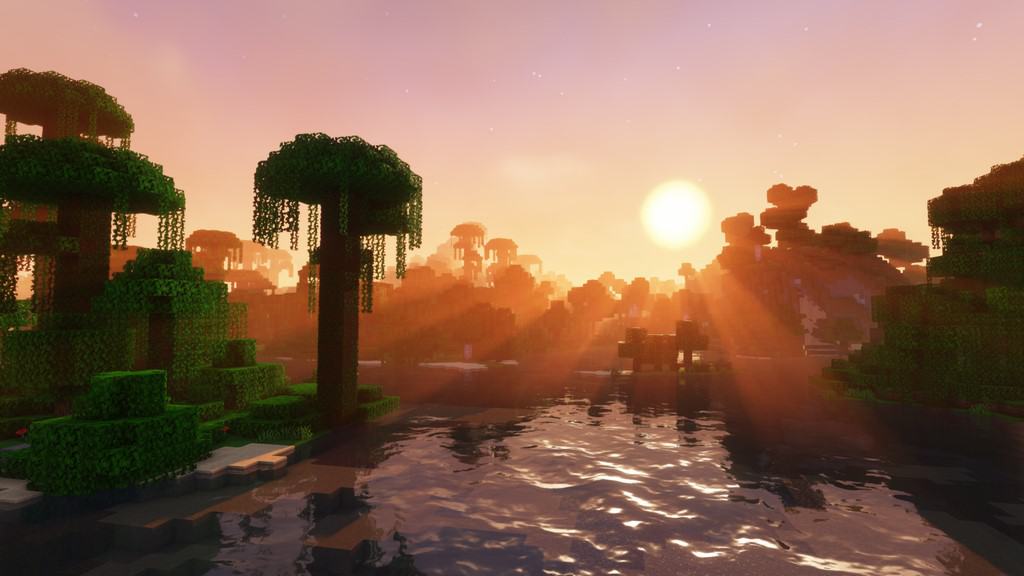
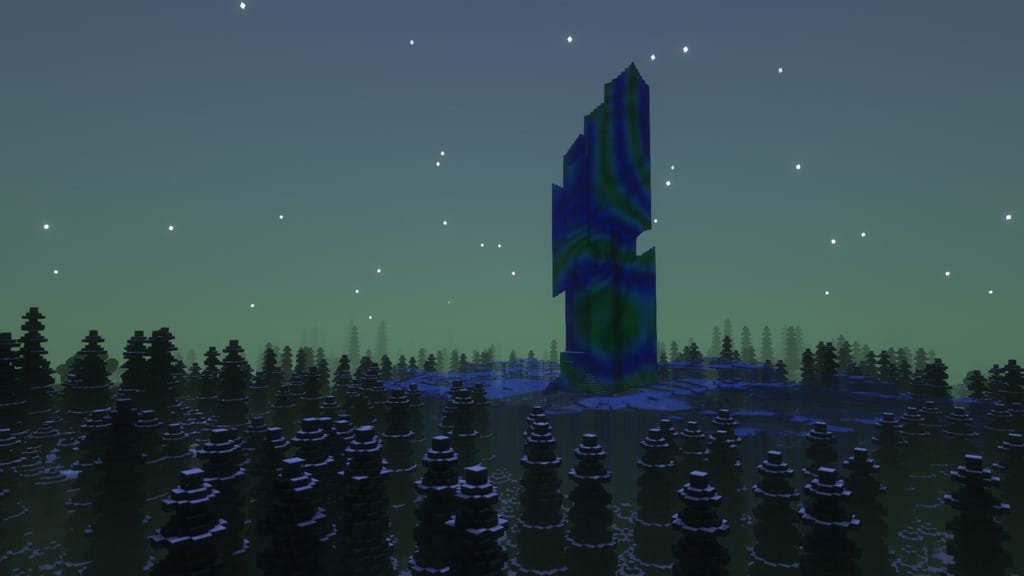
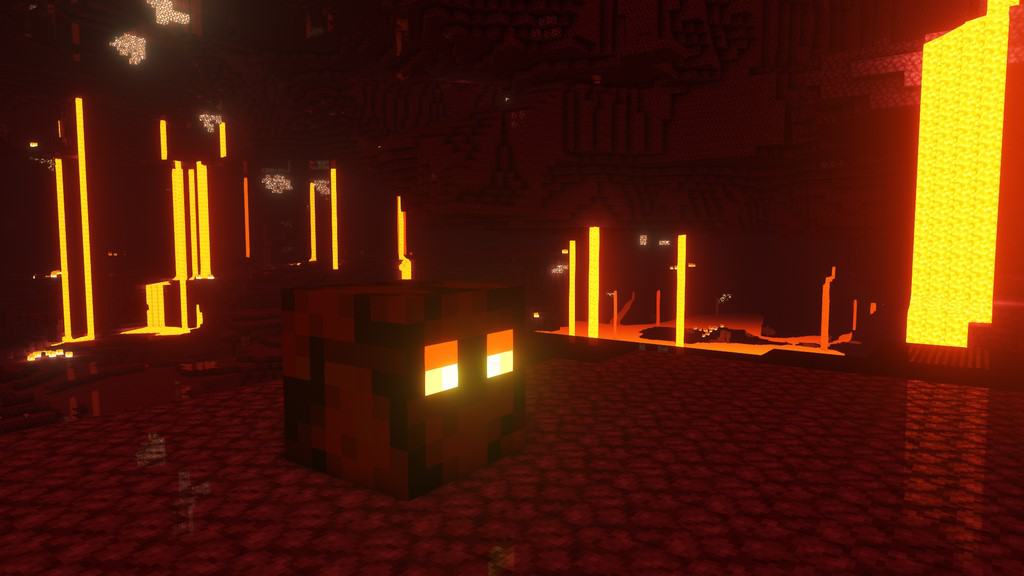
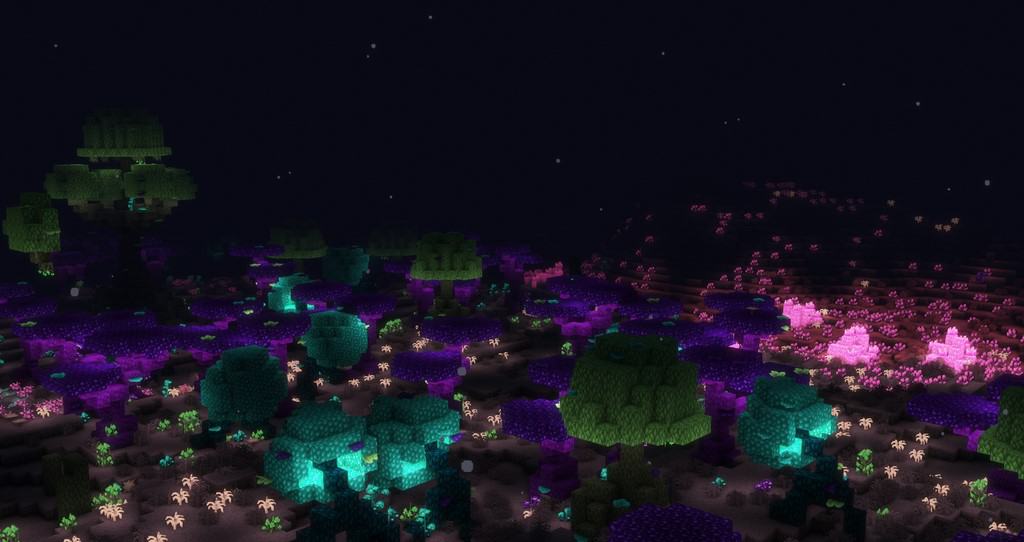
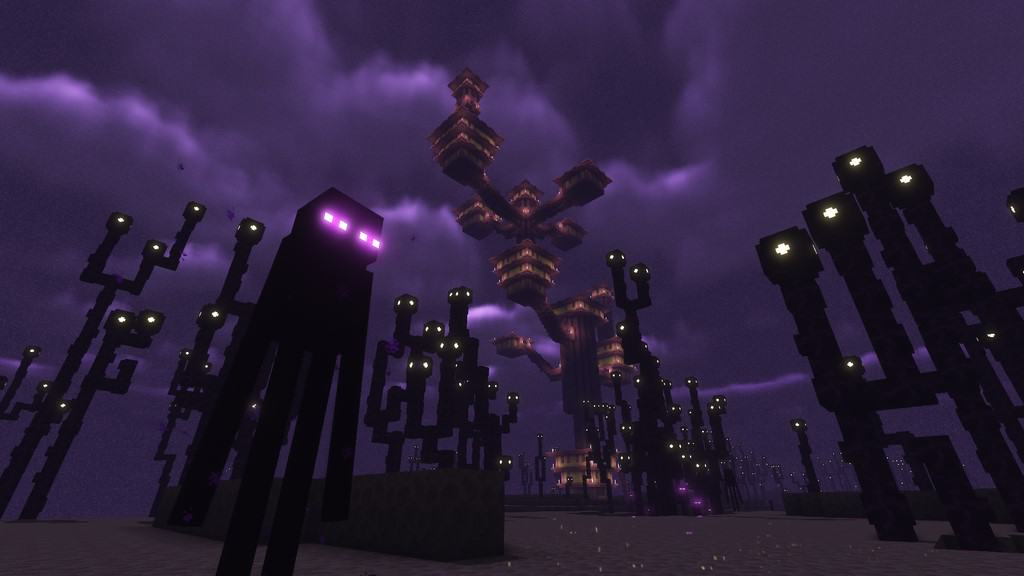

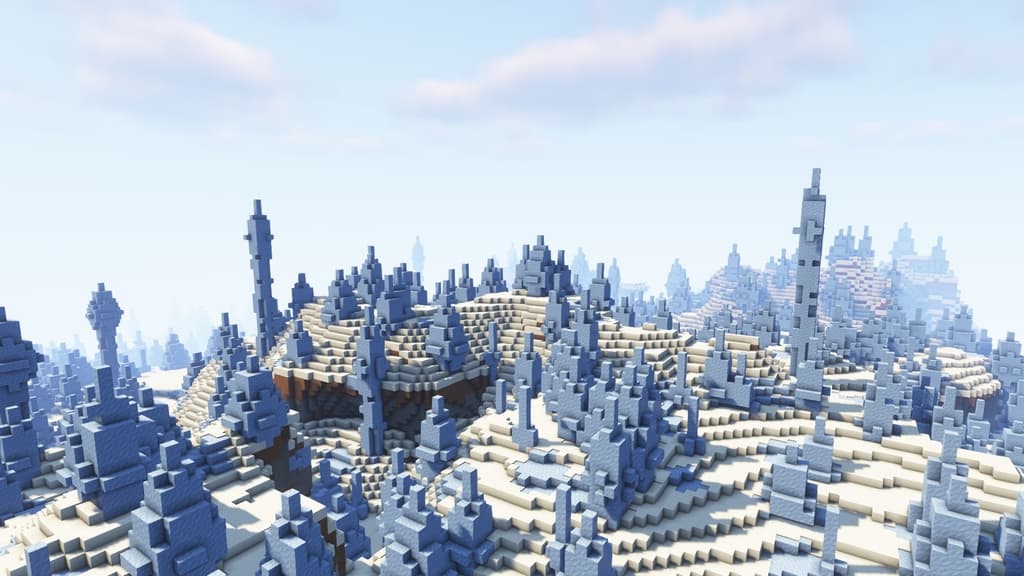
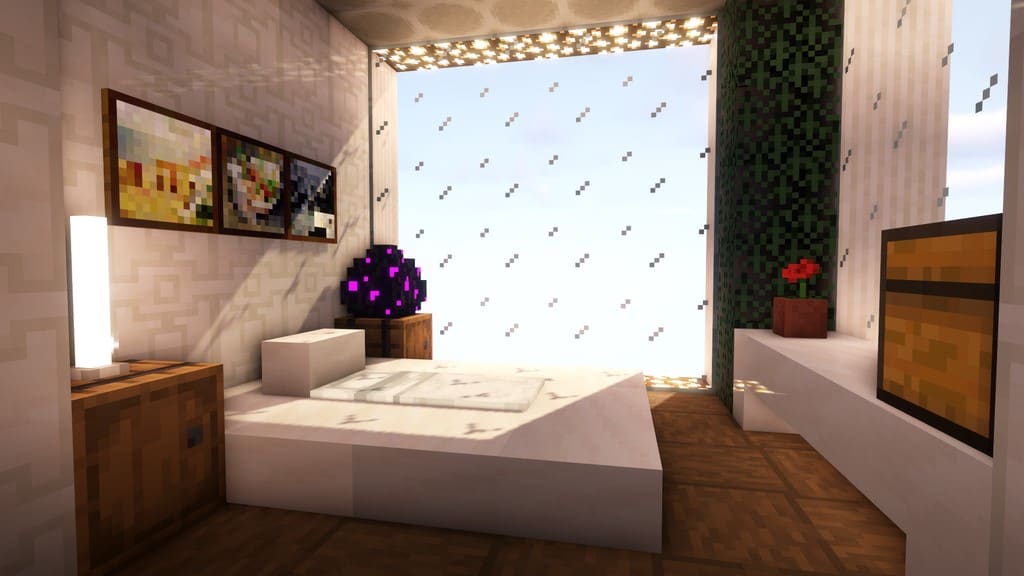
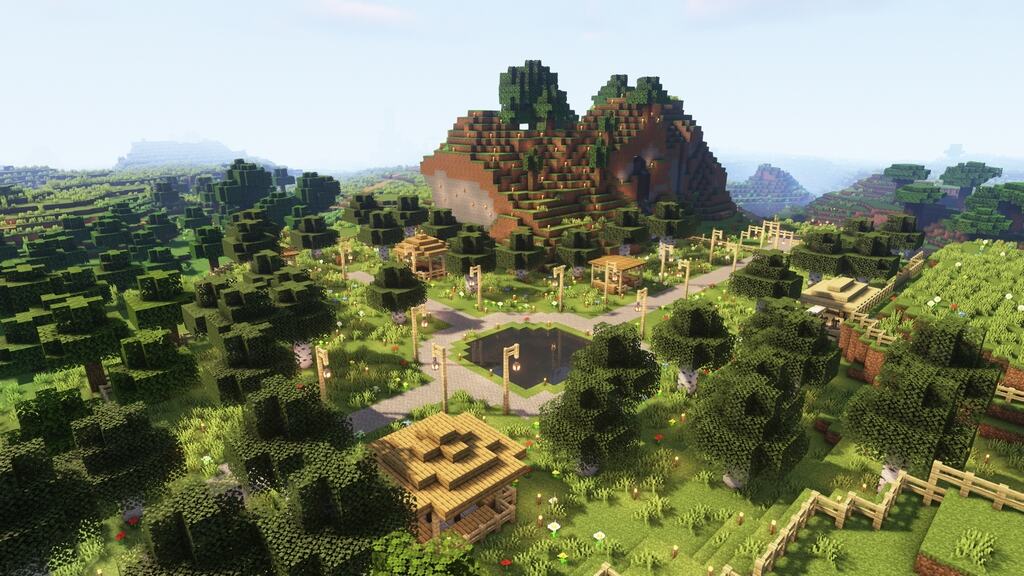
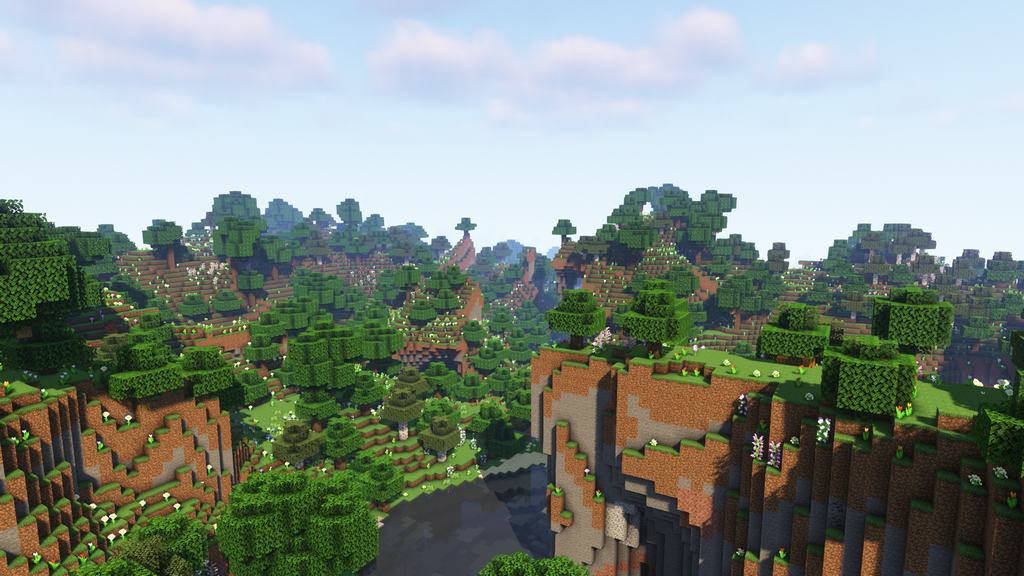
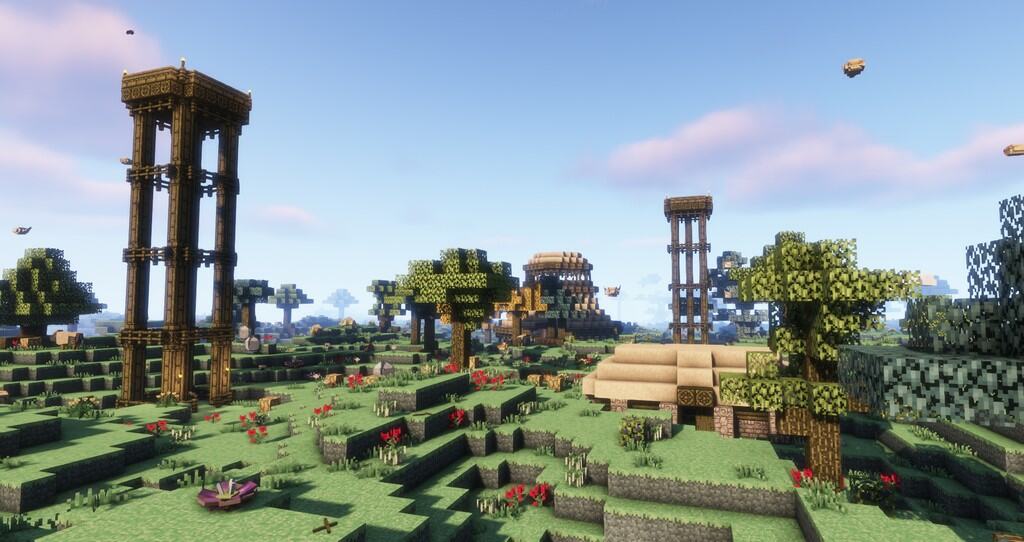
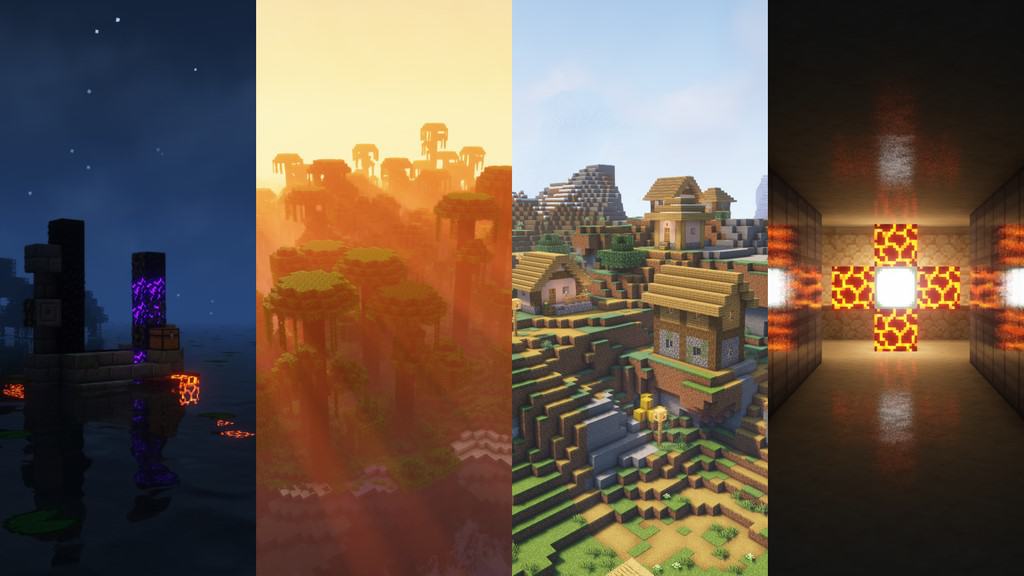
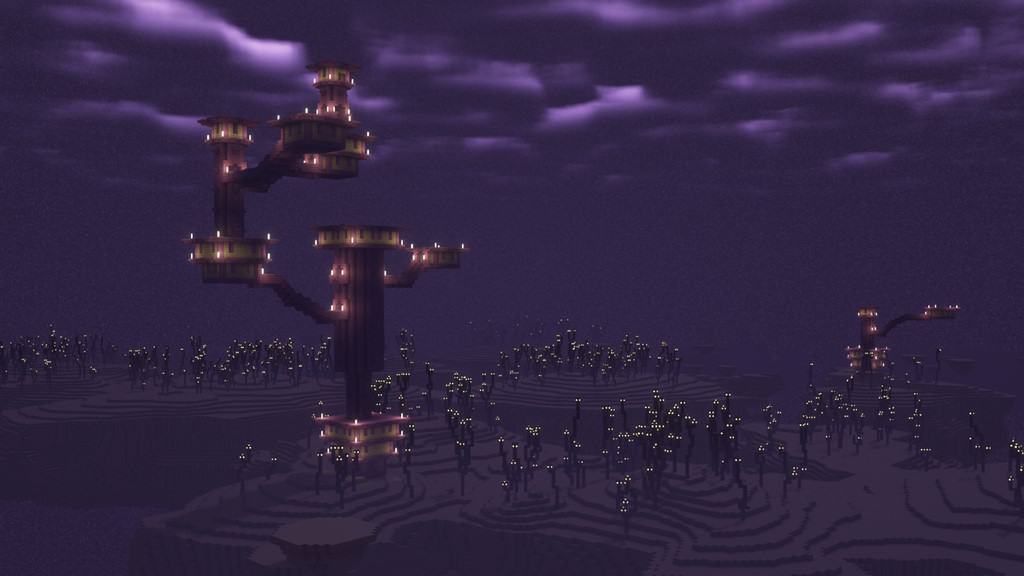
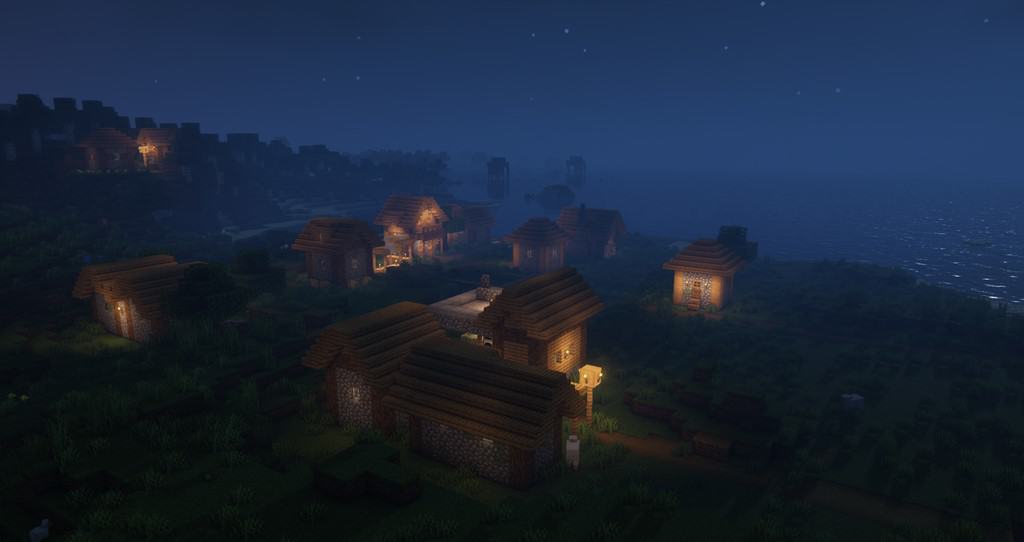
How to install Complementary Shaders:
- Download and install Minecraft.
- Open Minecraft launcher and setup your game profile for the Minecraft version you want to run. – in the top menu, select the “Installations” tab, click “New installation”, under the “Version” dropdown, select your preferred Minecraft version and click “Create”.
- Download and install Optifine or Iris. – we recommend Iris, it’s a bit more optimized;
- Open Minecraft launcher and select the newly created Optifine or Iris profile. – if in step 3 you chose to install optifine it will have an optifine profile, if iris it will have an iris profile;
- Download the Complementary shader pack from the download section below.
- Launch Minecraft.
- For Optifine: Go to
Options > Video Settings > Shadersand click “Shaders Folder” to open shaderpacks folder.
For Iris: Go toOptions > Video Settings > Shader packsand click “Open Shader Pack Folder” to open shaderpacks folder. - Put the Complementary shader pack (.zip file) downloaded in step 5 into the .minecraft\shaderpacks folder you opened in step 7.
- In the game, select Complementary Shaders from the list and click “Done”.
Complementary Unbound - Comparison Slider #1 day
Comparison slider #1 for those who want to compare vanilla Minecraft without any shaders installed (on the left) with Minecraft using this particular shader pack (on the right).
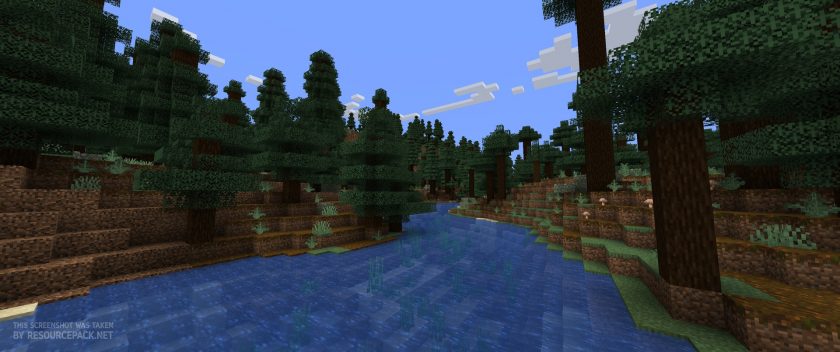 Vanilla
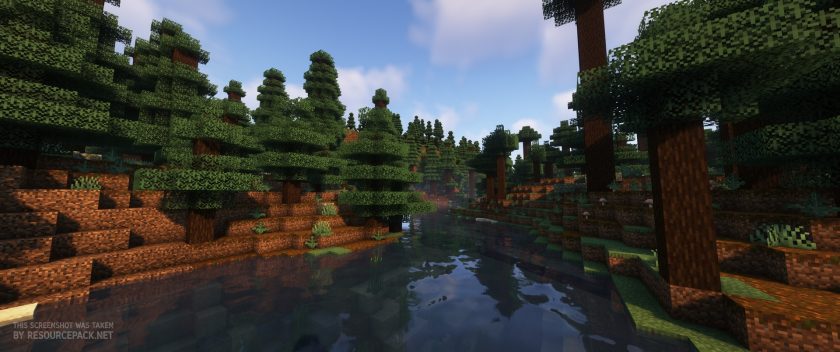 Complementary Shaders
Complementary Unbound - Comparison Slider #2 night
Comparison slider #2 for those who want to compare vanilla Minecraft without any shaders installed (on the left) with Minecraft using this particular shader pack (on the right).
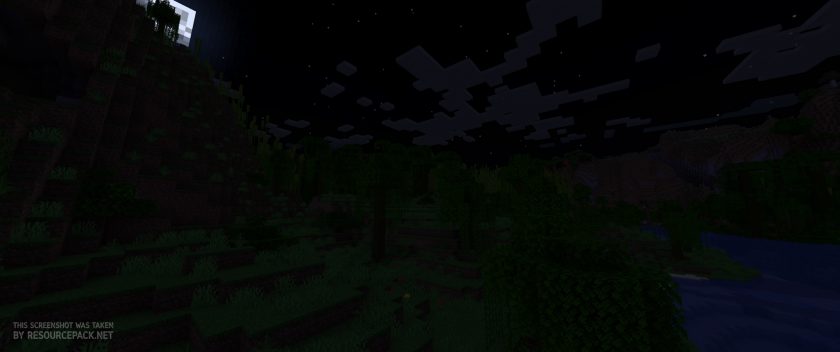 Vanilla
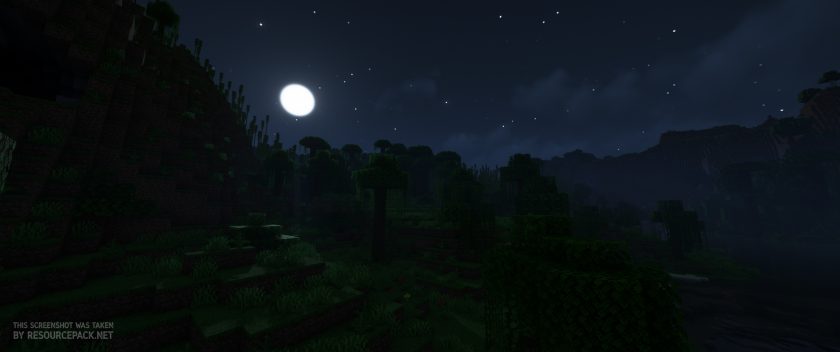 Complementary Shaders
Complementary Unbound - Comparison Slider #3 day
Comparison slider #3 for those who want to compare vanilla Minecraft without any shaders installed (on the left) with Minecraft using this particular shader pack (on the right).
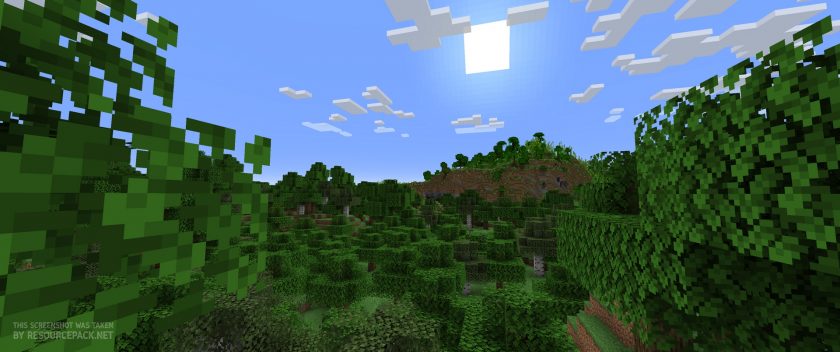 Vanilla
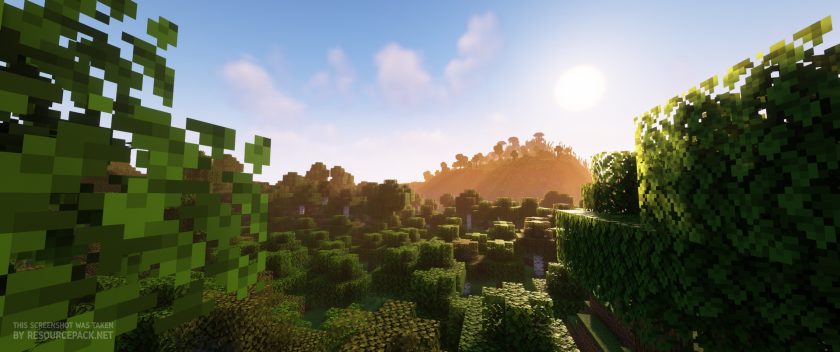 Complementary Shaders
Complementary Unbound Shader Pack Download
- We do not modify or edit any resource packs. All resource packs, shaders and tools found on this website are linked directly to official sources rather than hosted on our own servers. We provide only the official download links from the original creators to ensure that your files are safe and secure.
- These official links are updated manually and may occasionally stop working when a new version is released. We work hard to keep everything current so that you have a smooth experience. Please let us know in the comments if you find a link that no longer works.
- Minecraft is a trademark of Mojang Studios and has no official connection to this website. Our goal is simply to share the best creations from the community with other players.
- Please consider leaving a comment or voting for your favorite packs. This feedback helps authors improve their projects over time. You can also support the creators directly by visiting the official links located below the download section.
Java Edition:
[1.21.x – 1.7.x] Download Complementary Unbound Shaders
Curseforge: download starts automatically after a few seconds;
Mediafire: click the big blue button with the text "DOWNLOAD";
Google Drive: in the top right corner you will see a small download icon (down arrow), click it and the download should start;

7,656 votes
Look.. 7656 users have already liked this shader pack. Give a diamond if you like it too!


Timbletop
i installed it for 1.16.5 create above and beyond forge version, using oculus and rubidium. chests and all moving blocks have a weird white color overlay that i cant figure out how to disable
Lapaloop
same thing happened to me. if you are using tlauncher just download the shader from their site. i don’t thinks its ok to post the link, so just find it yourself.
Radekr5
i have RTX 3060 12 GB and when using this shaderpack banners in inventory and placed have no patterns on them, any idea how i can fix this or help fixing this ?
(optifine 1.20.1)
Dante
I searched for bedrock, and I got Java? I thought bedrock does not support Iris/Optifine nor can you change the version. Welp. back to another hour of searching.
Admin
Complementary Shaders do not have bedrock support as well as most other shaders. They are all based on either optifine or iris, which by themselves are incompatible with bedrock.
help
The sky is super bright using the shaders, how do i fix?
bru
i had a problem with it lol, when i applied the sharers and everything, i had to close Minecraft to get them to load, here’s the problem, when i tried opening MC again, it never finished loading, forever, and only fixed when i deleted the file from my computer, XD
Rein
i cant install it on-game, i cant find the shaders part (step 7)
Malakas
Can we have a version of this but only for the custom skies, i don’t want to sacrifice performance using everything but i really like the custom skies you can make with it.
MaCLagI
then off everything except the sky?
Neigh
Can I get something like this on bedrock? If I can where would I go?
SM0keyy
no you cant
Mikaellaplayzz
Yes you can!!!!
Chhay
Good
Admin
these are best shaders ever!
hater
yk you spelt complimentary wrong….
Admin
Spelling is all right. Complementary and complimentary are existing words that mean slightly different things.
Keith
my son wants the world, my glass shader, so I need it for him, cause today is his birthday
brumm
Rip my gtx 1660 super
Random guy ig
Is this ok for mobile?
Ayaan
no
MaCLagI
u cant use it on mobile. its for java edition only
Jayfeather1089
Is it possible to download this on minecarft bedrock?
Admin
Nope
bob
running a laptop with an RTX 3070 and an AMD Ryzen 7 5800H with Radeon Graphics 3.20 GHZ and im tanking into 20/15 fps with this texture pack no idea why
AhoroBuchok
skill issue honestly
AhoroBuchok
Try updating ur gpu drivers maybe itll work
Jake
make sure your 3070 is the actual GPU being used and not the on board GPU on the 5800H
Chocmilk69420
I haven’t got is yet but I can tell it’ll be great! <3 \(^v^)/
colon
error on v4.7 that crashes the game with “The game crashed whilst initializing game
Error: x: Non [a-z0-9_.-] character in namespace of location: modName:tomatoGuy”
downgrading to v4.6 seems to fix the issue.
dottie
crashes my game everytime i select the shader to use in menu
DIO
Maybe you need a better computer, because it worked for me when I got a new (and better) one
ICyberI
maybe u downloaded wrong version happened to me
ItzTheGrineer
How often does this version of shaders update? Just curious because I am running a server and 1.19.3 came out about a month ago and its not updated yet.
J3mie
How do i install this shaders? im having trouble with it
zach769
download the shader go to minecraft files witch should just be a picture of a file on minecraft Tlauncher or normal minecraft then go to shaders then just past it into the folder it does need to be ziped not unziped then your good
selma
one of my fav shaders ever!! one thing i think would make it even more amazing is if the leaves on the tree would move? maybe they are and its a problem that only i have, but if it isnt then that would be a cool thing! :)
Jwoo
Is there a way to only have the skybox changed? I love the sky changes but I don’t really want the rest of the shader options like the lighting changes, reflections, etc.
Shiki
Hi, i have a rog strix g15 ryzen 7 4800 and rtx 3060 8gb ram laptop and i get 20 30 fps with shader is it normal or im doing something wrong?
SoloAction
Surely not. You should probably check your GPU/CPU drivers. If it doesn’t work try deleting the version of minecraft and redownloading it and also updating java helps it could be just the JDK that is doing something funky in there.
Sertyy
It is possible that Minecraft starts on an integrated card. I recommend looking for it on the internet
zach769
no you shold be getting 100s of fps with shaders you prob need to install the graphics card drivers thats what my sister had to do she had the same issue just go to ninvidea.
M
Make sure you’re actually running it on your GPU. Mine was running on the Intel integrated graphics and was laggy AF. Then I figured out how to make it run on my rtx 3060 and now it runs like a dream. Google search “Optifine not running on Dedicated GPU [FIXED]”.
sara
would this work on macbook air?
cjj
it’ll function, just at really low FPS
MidnightGamer001
Can you please add swaying to the leaves? Everything else is great, but that one thing keeps nagging at me.
kolorotow
you can enable that in the shader options
Marco
I love this shader, but do you think its possible to add rain effects on the ground?