Complementary Shaders is the perfect shader pack to improve Minecraft’s graphics and performance. If you ever played Minecraft for more than five minutes, you know the game is incredibly fun – but a little bit lackluster in the graphics department. Fortunately for all Minecraft lovers out there, this shader pack is here to change that. That’s not to say you should expect a complete, 3D graphics overhaul. When you’re playing Minecraft, you’re not exactly in it because of realistic textures. That’s not what Complementary Shaders is here to change. Instead, this shaders improves a little bit of everything, while still maintaining its essence. Complementary Shaders is an off-shoot of another popular shader pack called BSL Shader. If you liked that pack, you’re going to love this one. This shaders takes the best out of BSL Shader and improves the rest. You can install it if you want to experience better graphics, gameplay, compatibility, and more.
Featured video:
It’ll help you improve an already-great game like Minecraft is. Although it improves a little bit of everything, it will not ruin your performance. This shader pack is specially designed to keep everything running smoothly. Simply put, it just works. Not only that, but it’ll also fix compatibility issues that you might have with other shader packs. This Complementary Shaders pack always has the player in mind. With Complementary Shaders, you’ll realize Minecraft will run rather fast and better than with most other shader packs. No matter what GPU or drivers you have, this shader pack will make your game smoother compared to other shaders. Keep in mind this is a one-of-a-kind shaderpack. You can’t install it like the other ones. Make sure you pay attention to the installation guide before you do anything. Check and double-check it. Then, enjoy everything that Complementary Shaders has in store for you!
Complementary Unbound should be compatible with all of these Minecraft versions: 1.21.11 - 1.21.10 - 1.21.9 - 1.21.8 - 1.21.7 - 1.21.6 - 1.21.5 - 1.21.4 - 1.21.3 - 1.21.2 - 1.21.1 - 1.21 - 1.20.6 - 1.20.5 - 1.20.4 - 1.20.3 - 1.20.2 - 1.20.1 - 1.20 - 1.19.4 - 1.19.3 - 1.19.2 - 1.19.1 - 1.19 - 1.18.2 - 1.18.1 - 1.18 - 1.17.1 - 1.17 - 1.16.5 - 1.16.4 - 1.16.3 - 1.16.2 - 1.16.1 - 1.16 - 1.15.2 - 1.15.1 - 1.15 - 1.14.4 - 1.14.3 - 1.14.2 - 1.14 - 1.13.2 - 1.13.1 - 1.13 - 1.12.2 - 1.12 - 1.11.2 - 1.11 - 1.10.2 - 1.10 - 1.9.4 - 1.9 - 1.8.9 - 1.8.8 - 1.8.6 - 1.8.1 - 1.8
Complementary Unbound — Video & Screenshots
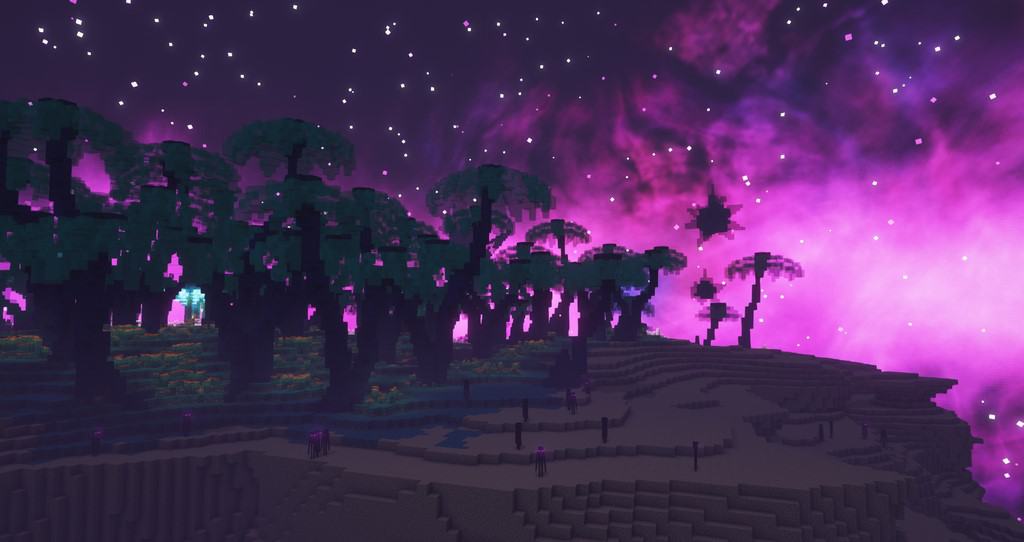
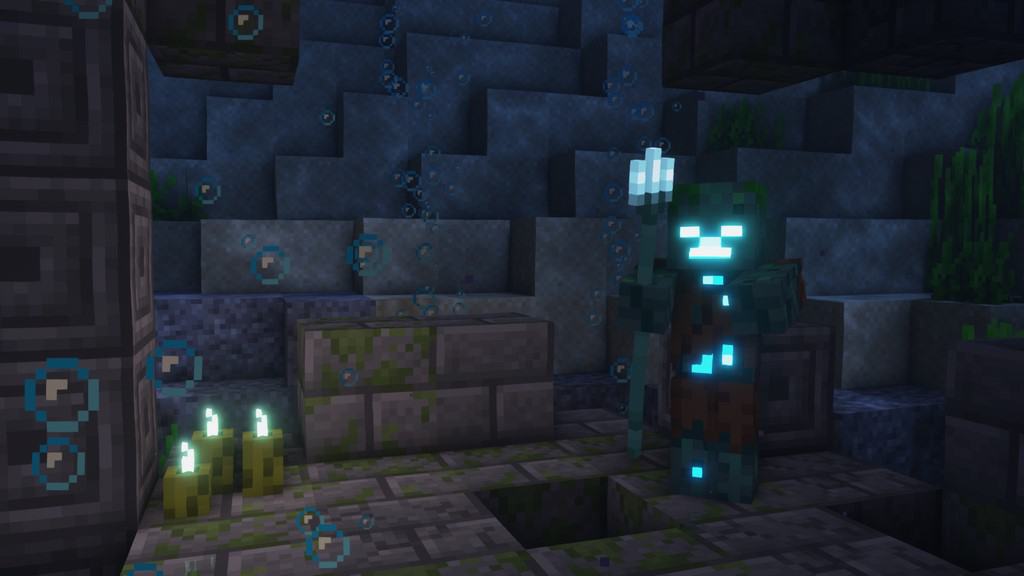

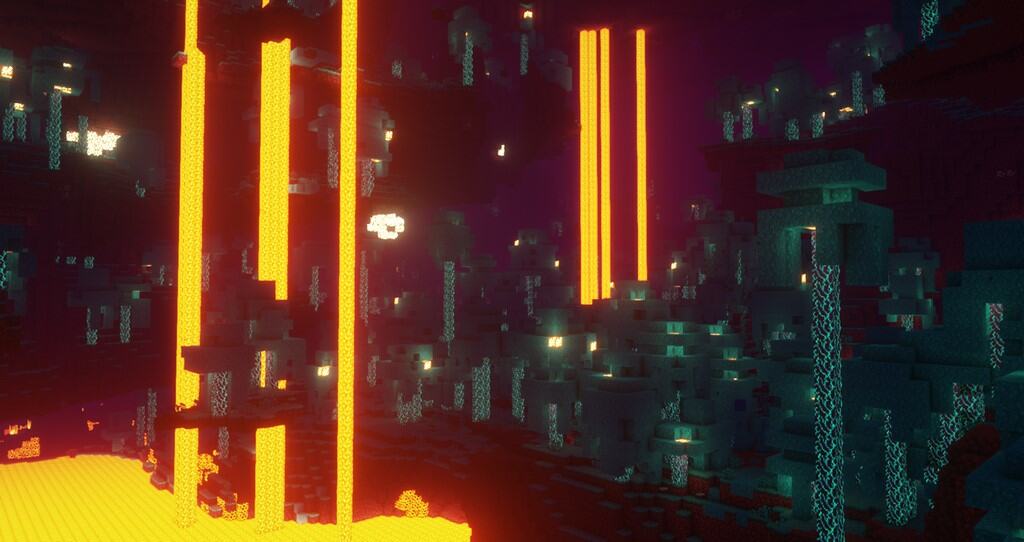
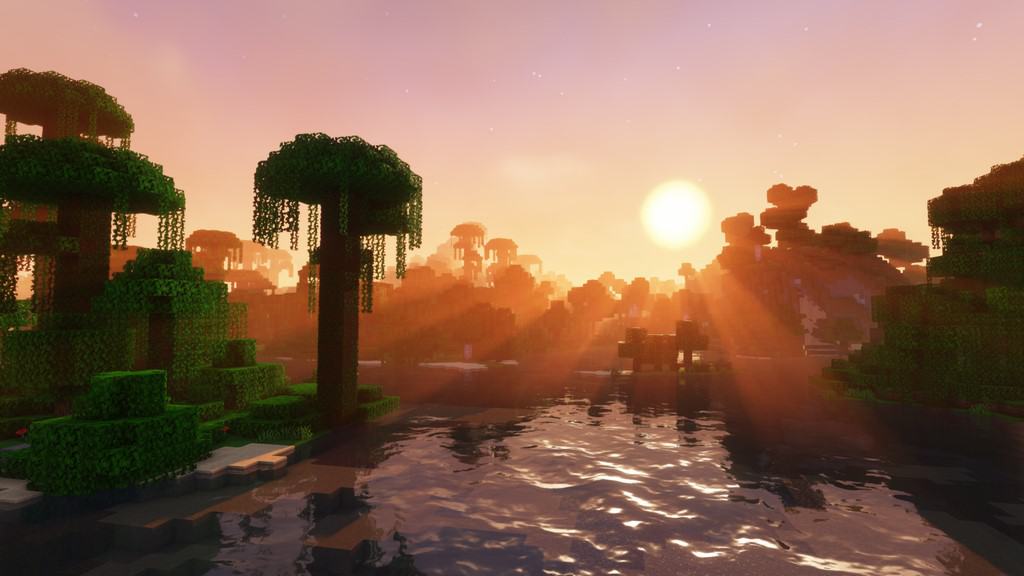
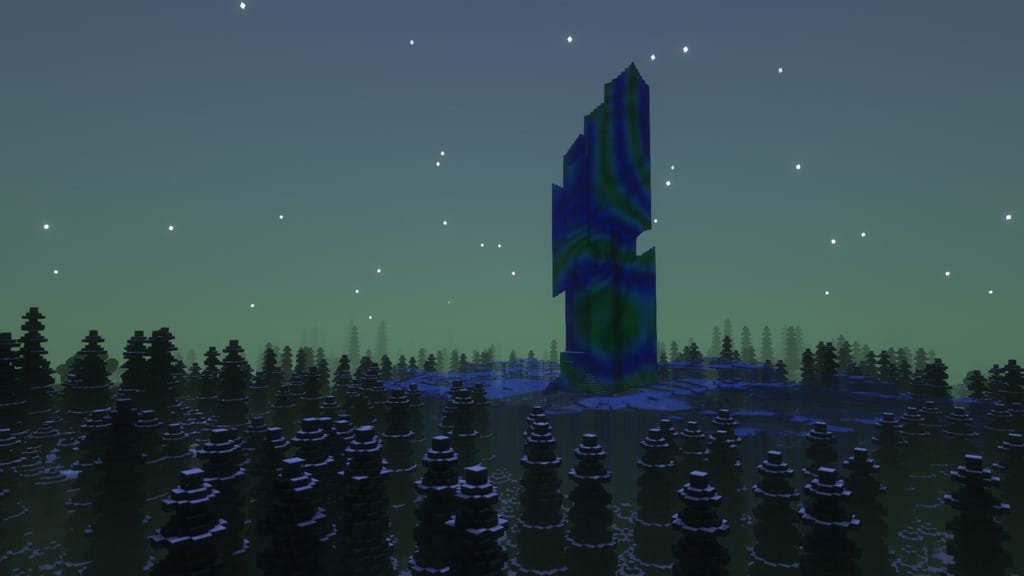
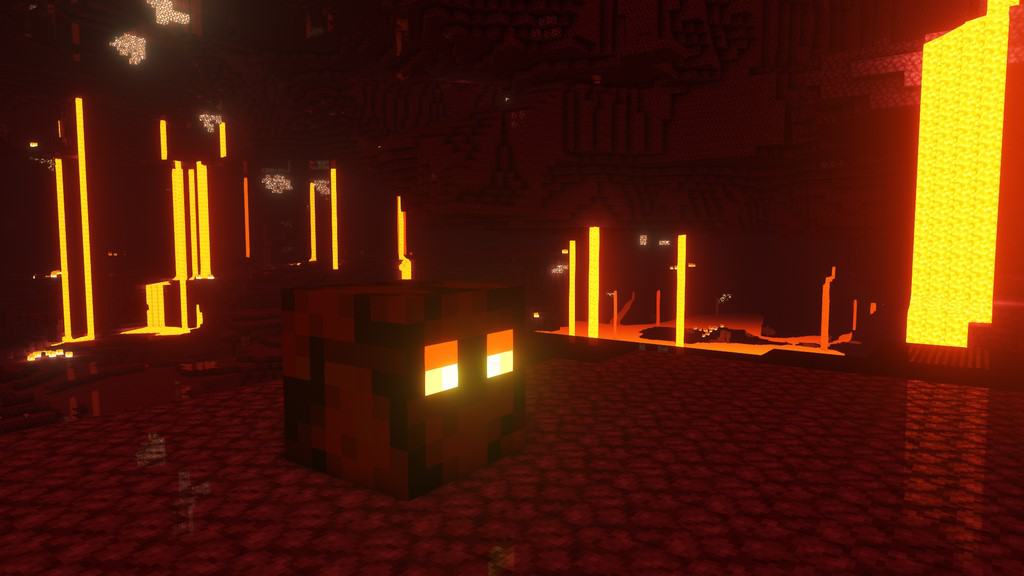
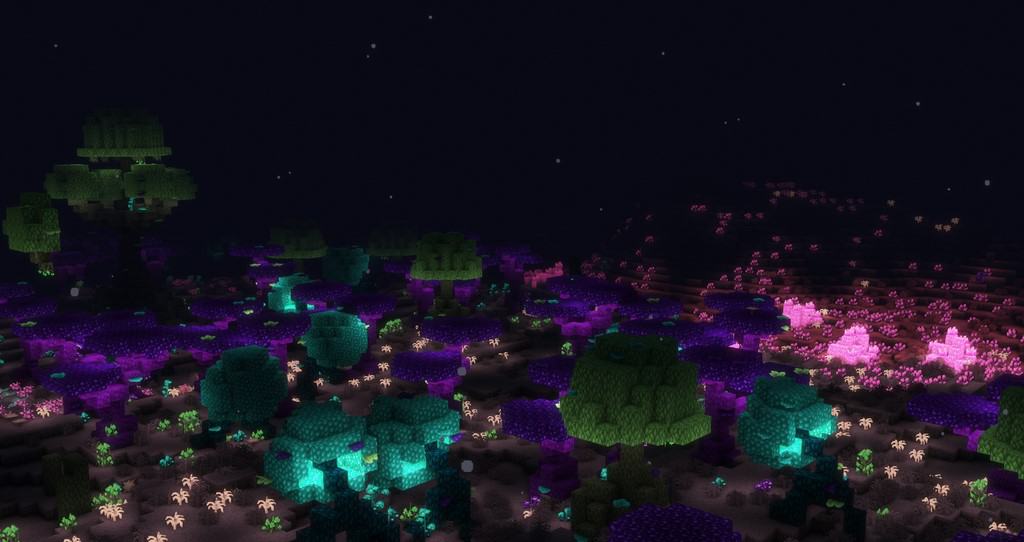
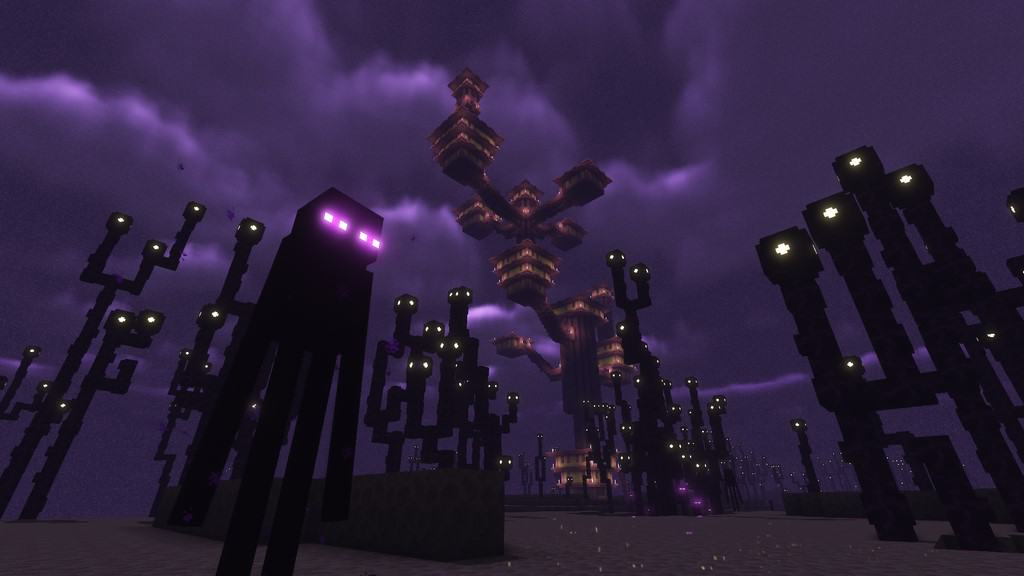

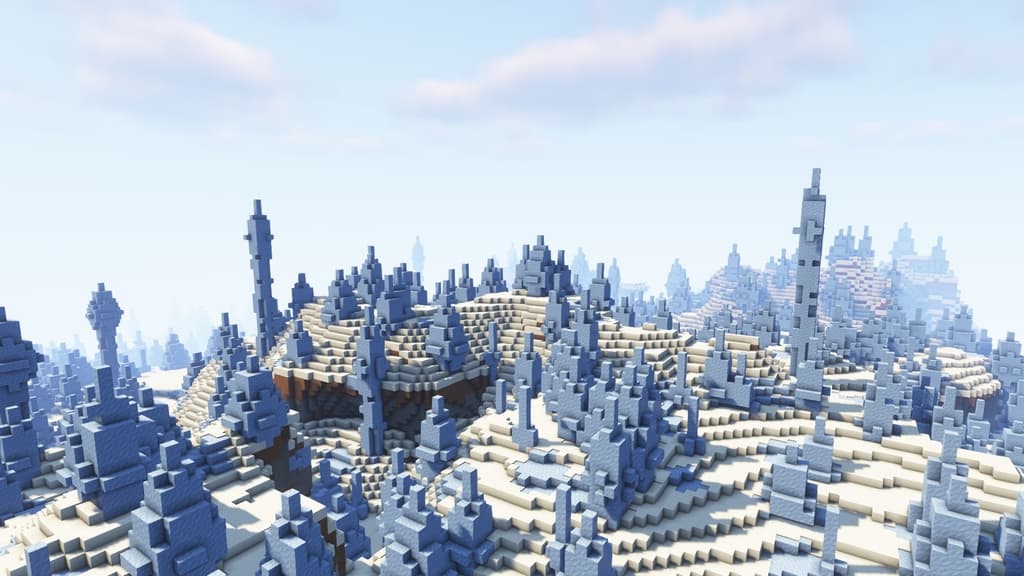
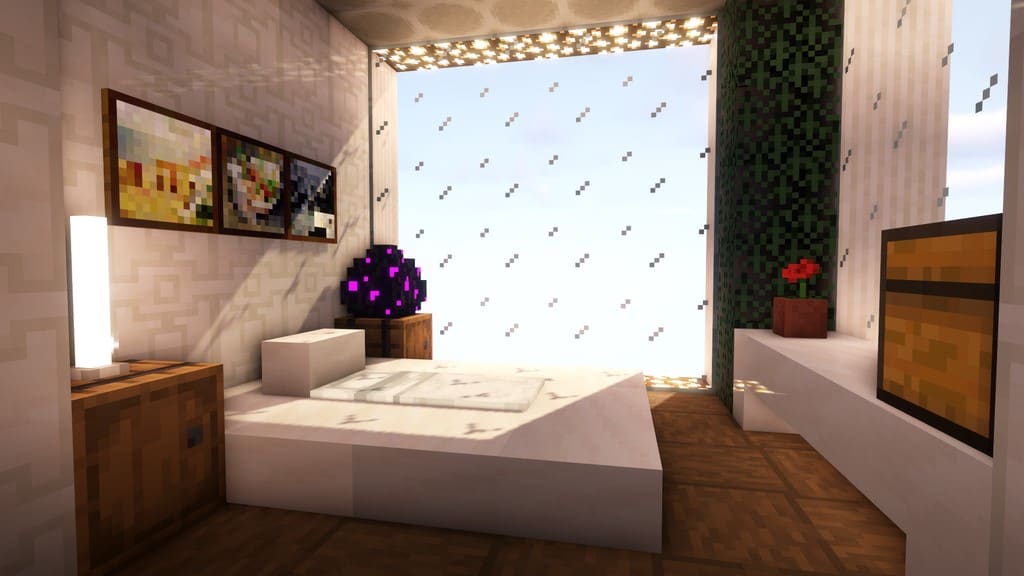
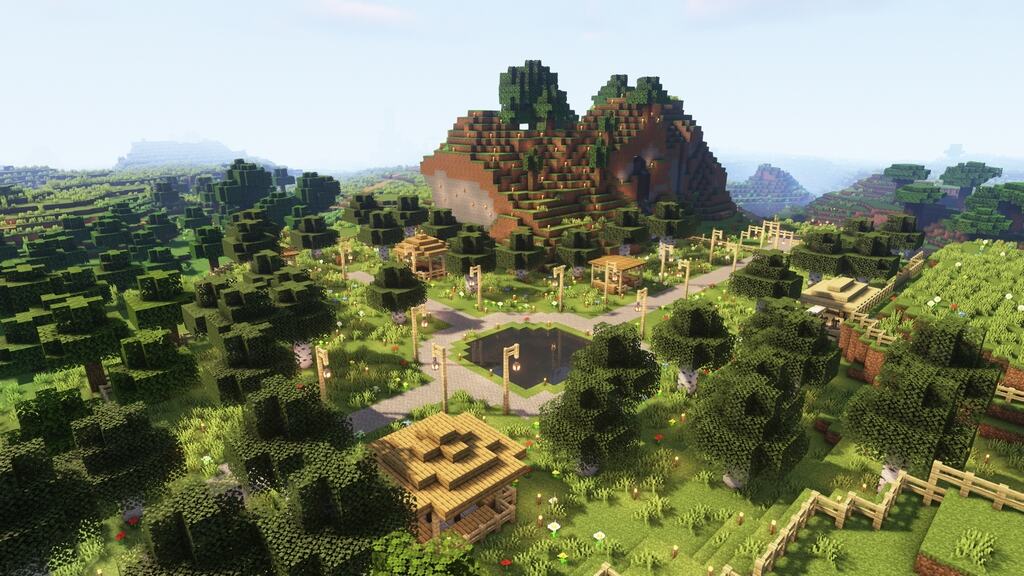
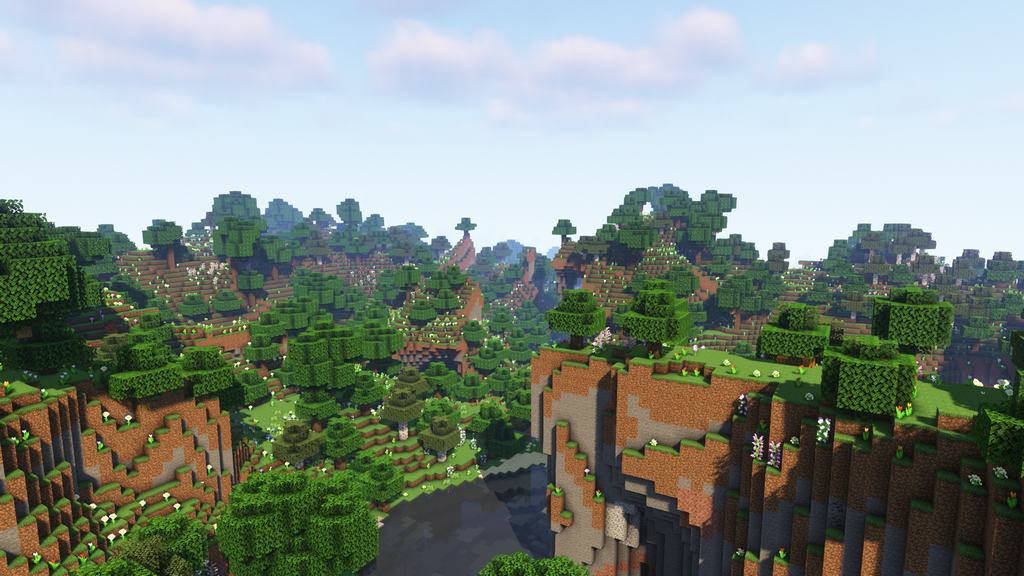
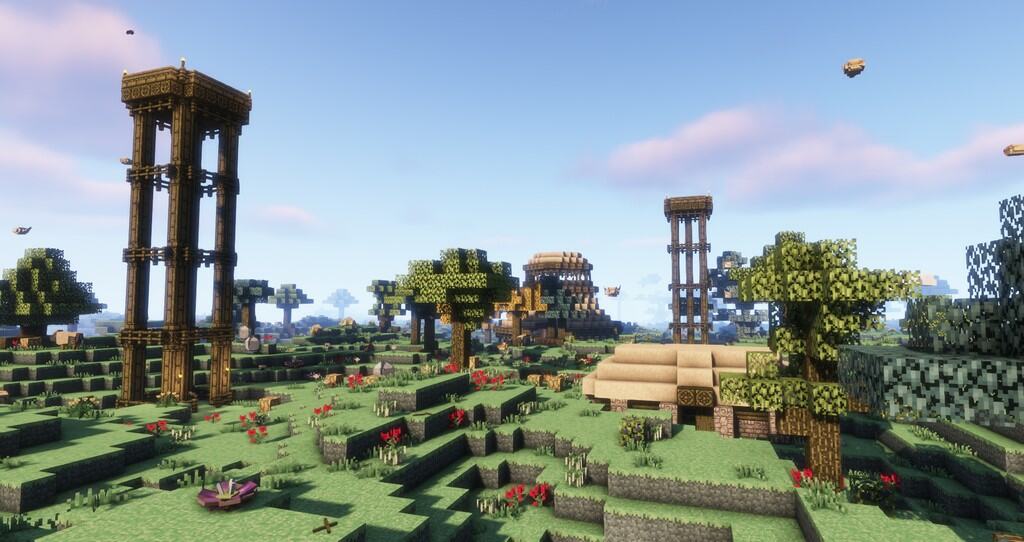
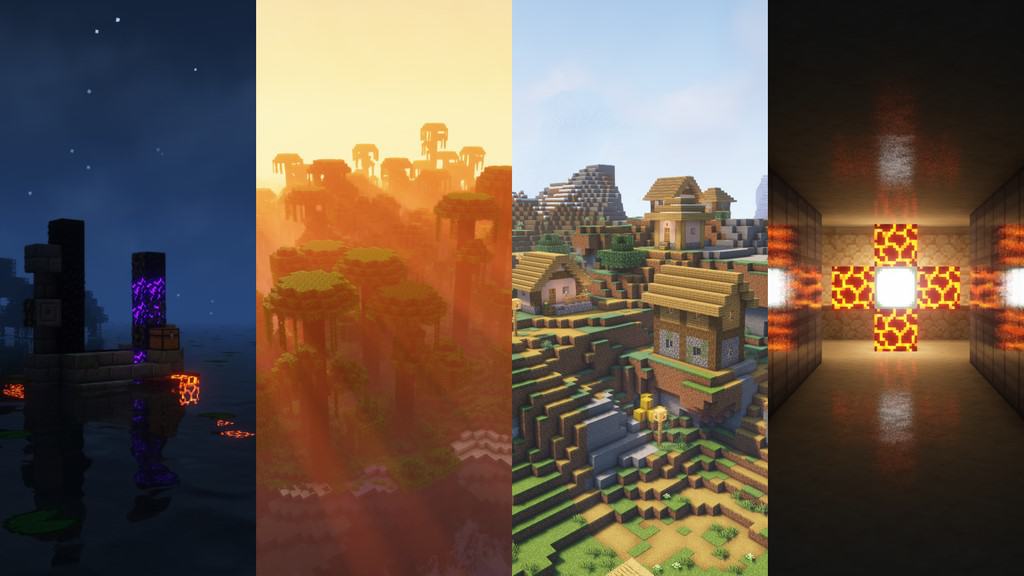
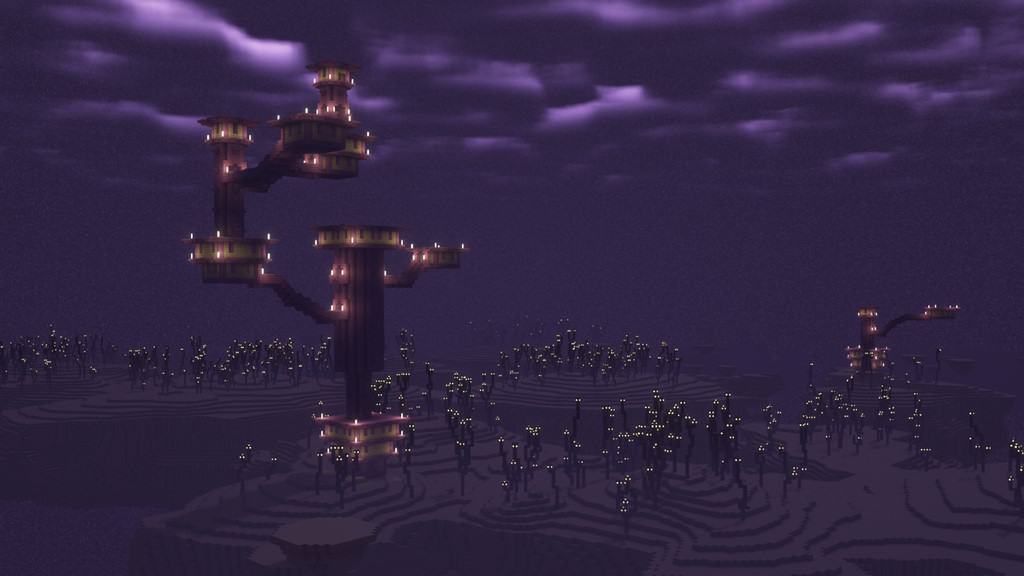
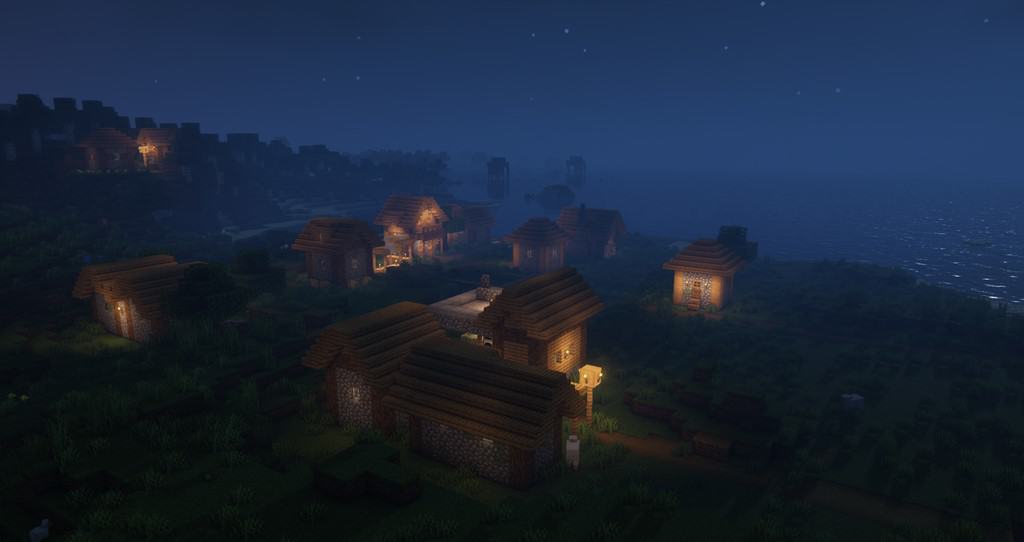
How to install Complementary Shaders:
- Download and install Minecraft.
- Open Minecraft launcher and setup your game profile for the Minecraft version you want to run. – in the top menu, select the “Installations” tab, click “New installation”, under the “Version” dropdown, select your preferred Minecraft version and click “Create”.
- Download and install Optifine or Iris. – we recommend Iris, it’s a bit more optimized;
- Open Minecraft launcher and select the newly created Optifine or Iris profile. – if in step 3 you chose to install optifine it will have an optifine profile, if iris it will have an iris profile;
- Download the Complementary shader pack from the download section below.
- Launch Minecraft.
- For Optifine: Go to
Options > Video Settings > Shadersand click “Shaders Folder” to open shaderpacks folder.
For Iris: Go toOptions > Video Settings > Shader packsand click “Open Shader Pack Folder” to open shaderpacks folder. - Put the Complementary shader pack (.zip file) downloaded in step 5 into the .minecraft\shaderpacks folder you opened in step 7.
- In the game, select Complementary Shaders from the list and click “Done”.
Complementary Unbound - Comparison Slider #1 day
Comparison slider #1 for those who want to compare vanilla Minecraft without any shaders installed (on the left) with Minecraft using this particular shader pack (on the right).
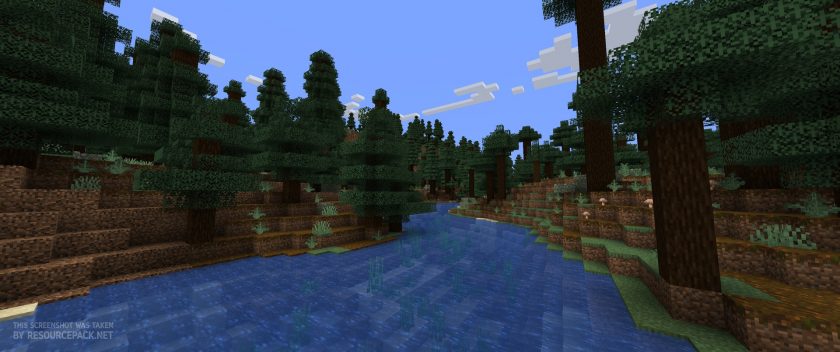 Vanilla
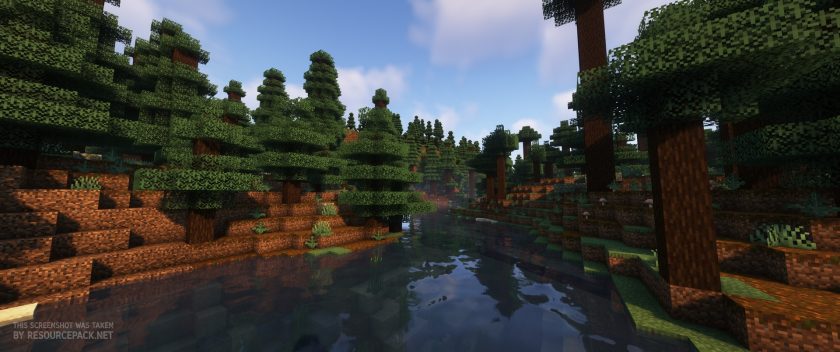 Complementary Shaders
Complementary Unbound - Comparison Slider #2 night
Comparison slider #2 for those who want to compare vanilla Minecraft without any shaders installed (on the left) with Minecraft using this particular shader pack (on the right).
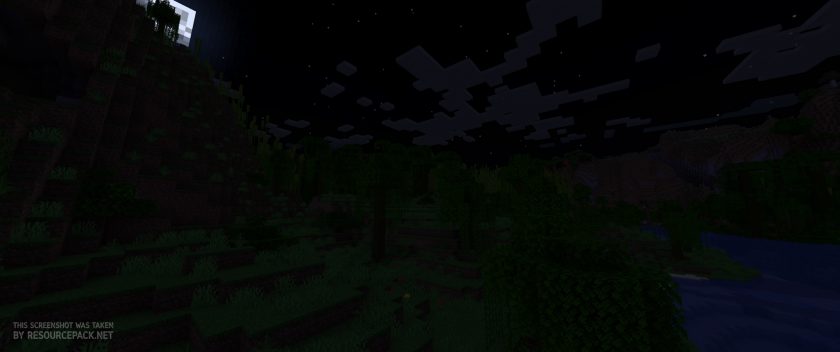 Vanilla
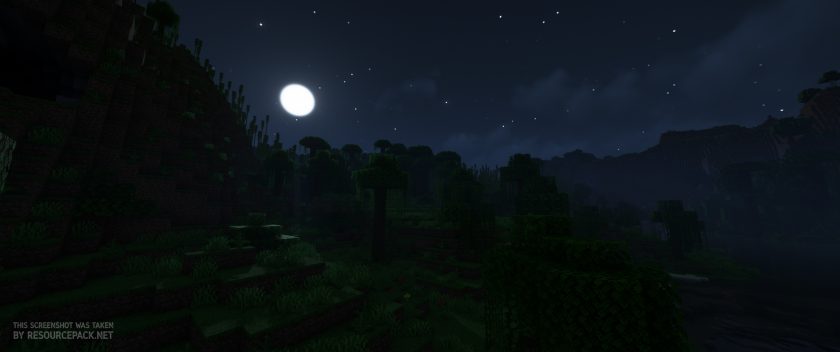 Complementary Shaders
Complementary Unbound - Comparison Slider #3 day
Comparison slider #3 for those who want to compare vanilla Minecraft without any shaders installed (on the left) with Minecraft using this particular shader pack (on the right).
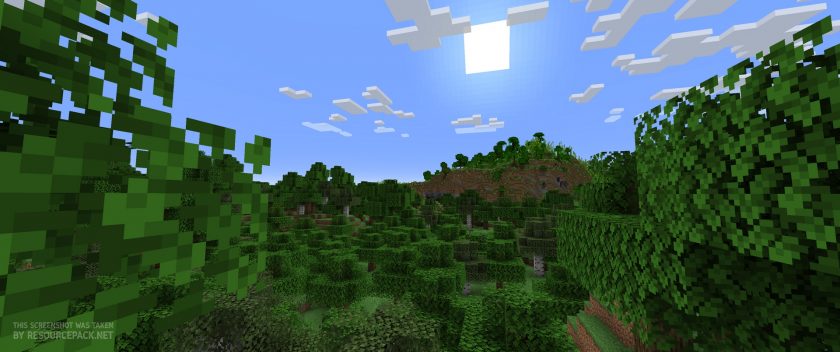 Vanilla
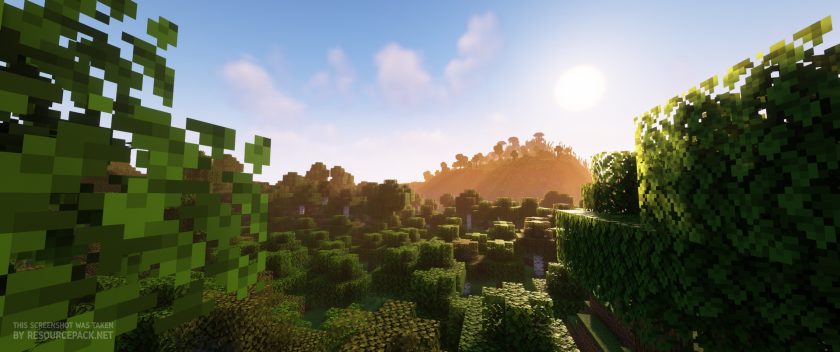 Complementary Shaders
Complementary Unbound Shader Pack Download
- We do not modify or edit any resource packs. All resource packs, shaders and tools found on this website are linked directly to official sources rather than hosted on our own servers. We provide only the official download links from the original creators to ensure that your files are safe and secure.
- These official links are updated manually and may occasionally stop working when a new version is released. We work hard to keep everything current so that you have a smooth experience. Please let us know in the comments if you find a link that no longer works.
- Minecraft is a trademark of Mojang Studios and has no official connection to this website. Our goal is simply to share the best creations from the community with other players.
- Please consider leaving a comment or voting for your favorite packs. This feedback helps authors improve their projects over time. You can also support the creators directly by visiting the official links located below the download section.
Java Edition:
[1.21.x – 1.7.x] Download Complementary Unbound Shaders
Curseforge: download starts automatically after a few seconds;
Mediafire: click the big blue button with the text "DOWNLOAD";
Google Drive: in the top right corner you will see a small download icon (down arrow), click it and the download should start;

7,656 votes
Look.. 7656 users have already liked this shader pack. Give a diamond if you like it too!


Augusto
Okay so i was finally able to join a server but all the blocks and stuff are white washed and the water looks like a white version of the normal water. Only the sky texture looks like its supposed to
Sensa1_
I think you turned on white-world. You should be able to turn it off in one of the settings tabs.
Max
hi
cool
guest
i can’t select it, when i go to the video settings it won’t let me click it how do i fix that?
guest
i can’t select the shaders button i forgot to say that
Some Random Idiot
maybe because youre not using optifine?
knockoff
so how do you ‘use’ optifine then? got it downloaded but im having the same drama..
CRElb0w
your not using optifine then
memerguy
make sure you have antiscopic filtering off
RaZer
Is this for Minecraft Java or Minecraft Bedrock?
i have Minecraft Java
CaptainRex09
Hi your mod/resource pack/shadier pack, looks very cool but when I try putting the file in the resource pack area it doesn’t work, please help.
Admin
You should put it in shaderpack folder, not resourcepack.
Mac no optifine
If i installed this would it explode my mac?
Admin
Depends on the hardware of your Mac, but Macs are not suitable for games with high hardware requirements. Shaders are resource intensive.
Manky_Hamster
hi, the zip seems to no longer contain the resource pack – is there a separate place I can get this please?
Admin
“No longer contain the resource pack” – are you sure you are checking what you need? This is a shader pack, not a resource pack.
Manky_Hamster
yes .. I was following the instructions for application as above:-
the file at step 6 marked with (unzip me) isn’t downloaded from the link above
step 11 being applying the shader pack is fine
but the file at step 9 isn’t there – unless it’s the same zip file – in which case it’s not showing in the resource packs list under options
Admin
We’ve personally tested everything and if you are using Minecraft version 1.16+ ignore step 9 as ComplementaryResources are already integrated into ComplementaryShaders. Without extracting, drag & drop the ComplementaryShaders .ZIP archive into the Shaderpacks folder. P.S. We will update the instructions for new versions as soon as possible.
Manky_Hamster
thanks for your help – I think I have everything working OK for overworld – it’s just the End seems to be missing the aroura borealis – I only get a grey sky … would you know if that’s an setting? tried a few things but no luck as yet.
QT Bluey6
How do I get it into Minecraft?
Admin
Well, you could just read the installation guide on this page ..
TheForge129
@cali …
Chromebooks don’t run java edition…
DIO
Yes they do, it’s just MacOS version. It works for me
cali
is this okay to put on a chromebook? I really hope it wont destroy my game
NotTheDragonborn
I’d like to know what some of the mods in the screenshots because they look pretty cool thx
-NTD
Bekas
there are no mods
Aliminion
The last one is BetterEnd
Guest
can you make it available for 1.17 vanilla built in shader???
Guest
when i dowolad it just lika competrary_13 (idk bad name ) and next is with out space so wich one go to wich one hmm ????
Admin
Well, you can just read the installation guide on this page and everything will become clear)
Abichu
I did everything right. But when I join a server it just gives me the dirt loading screen. I do have more than one rescoure pack on. Am I only suppose to click on the complementary Shaders pack in my rescoure pack settings?
Axxy
this absolutely destroys my FPS. is there any way to fix this? im basically playing an interactive slide show
Admin
Upgrade your PC. Shader packs are resource intensive.
Sami
OH WOW this is way cool i love ittt.thank you
Donovan Veasey
how do you unzip the file?
Admin
You don’t need to.
Zerx
I open downloads drag it to my home screen go to search bar(not google) and type %appdata% open it go to minecraft resource packs and open minecraft drag the resource pack to the resource pack thing and activate it
GHEORGHE NICHITUT
ok,wow
bartus_321
i loaded this and i havent got any effect ,,scam,,
Admin
Have you even enabled the shader pack in the game settings? Have you read the installation guide on this page?
Angie
For some reason, this doesn’t work? I don’t know what I’m doing wrong. It just doesn’t work.
sam
it crashes my game when i open up a world and says something about an unexpected error on the launcher?
floydbarstool
i put the resource pack in but it doesnt do anything.
Admin
This is not a texture pack..
These are shaders, which is a completely different thing.
TJ Rozzelle
I think you have to put it in ShaderPacks
Turbo_s1ayer
its a shader not a resource pack
the_caped_Galaxy
u need to put it in the shaders folder
Loquento 5
Wow
Ardesqu
i like it
its soo good
notmyname
When I loaded it up it was fine, but after a couple of minutes it just freezes my game. I have noticed the game still works, just all of the visuals are locked in place. I have tried 2 times restarting minecraft and it still wont work. Is there a way to fix this or am I just going to have to not play with the shaders?
caza1027
yea thats what happens to me and it just freezes but theres no sound and so i have to restart mc and its really anooying. but what u can do is go to the launcher and go to installations and click on optifine and press edit. next u press more options and theres the piece of code or something that will probably say 2G. change the 2 to a bigger number like 5 or something and it will give it more ram and ur game might not freeze
D diddy
thanks caza