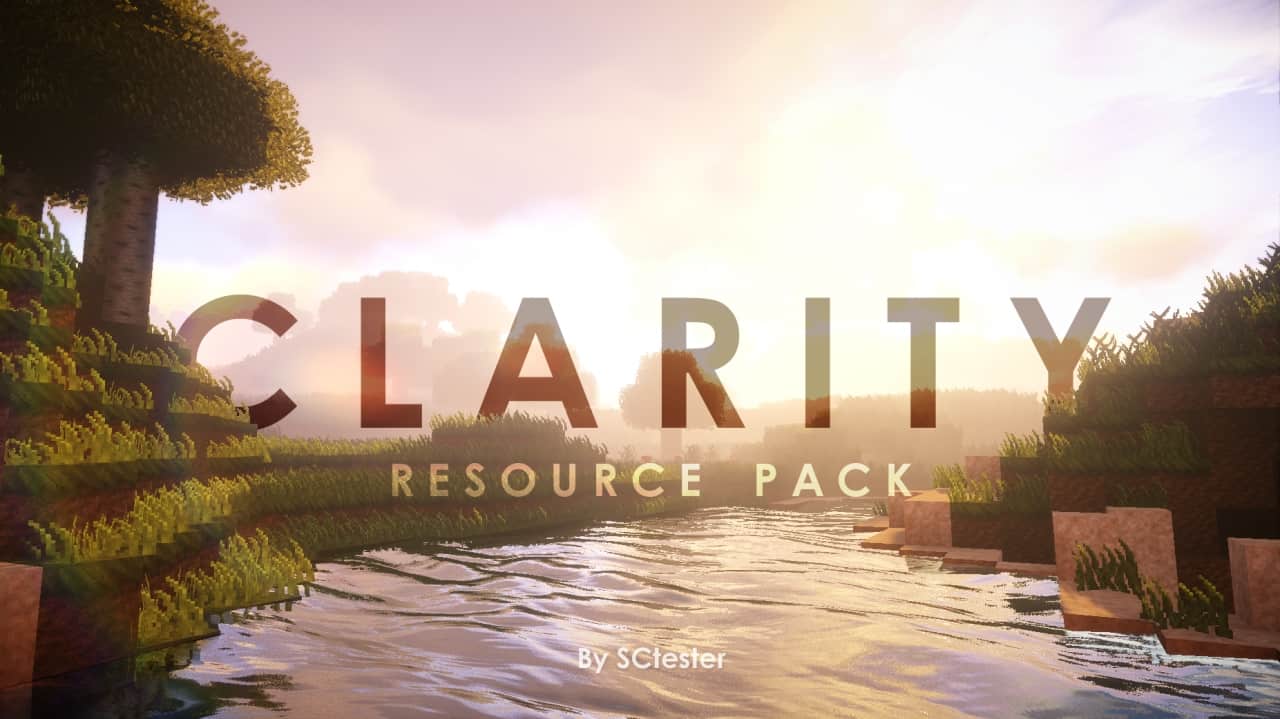
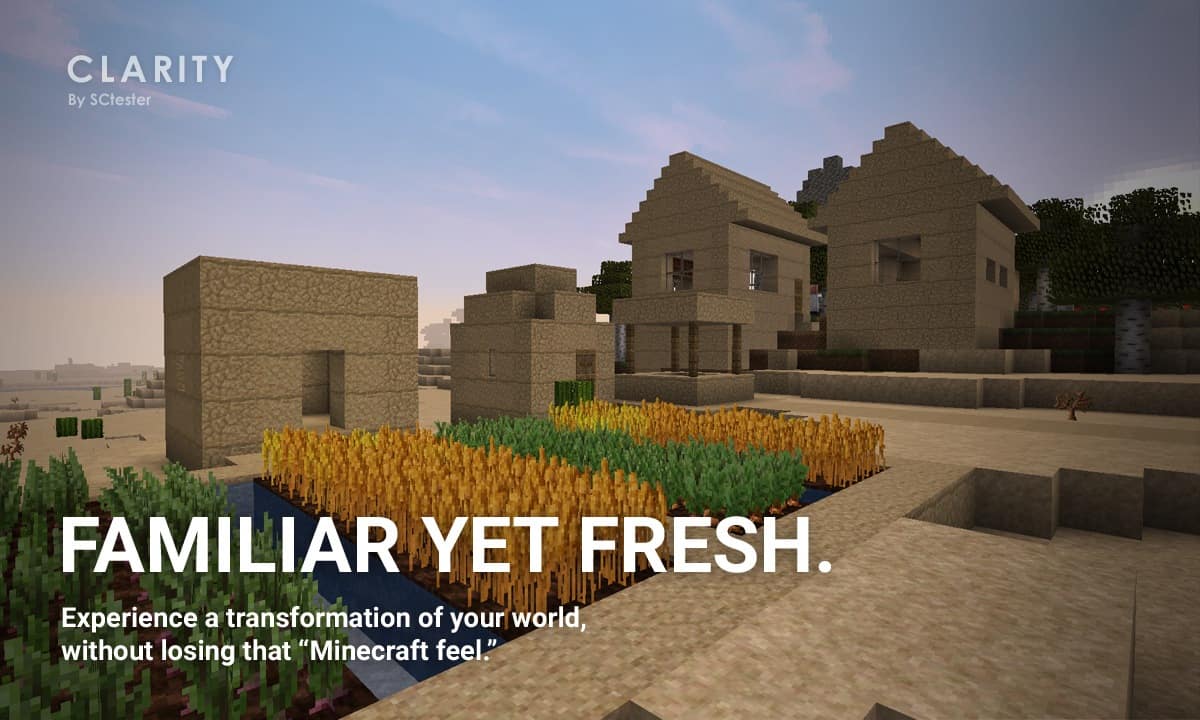
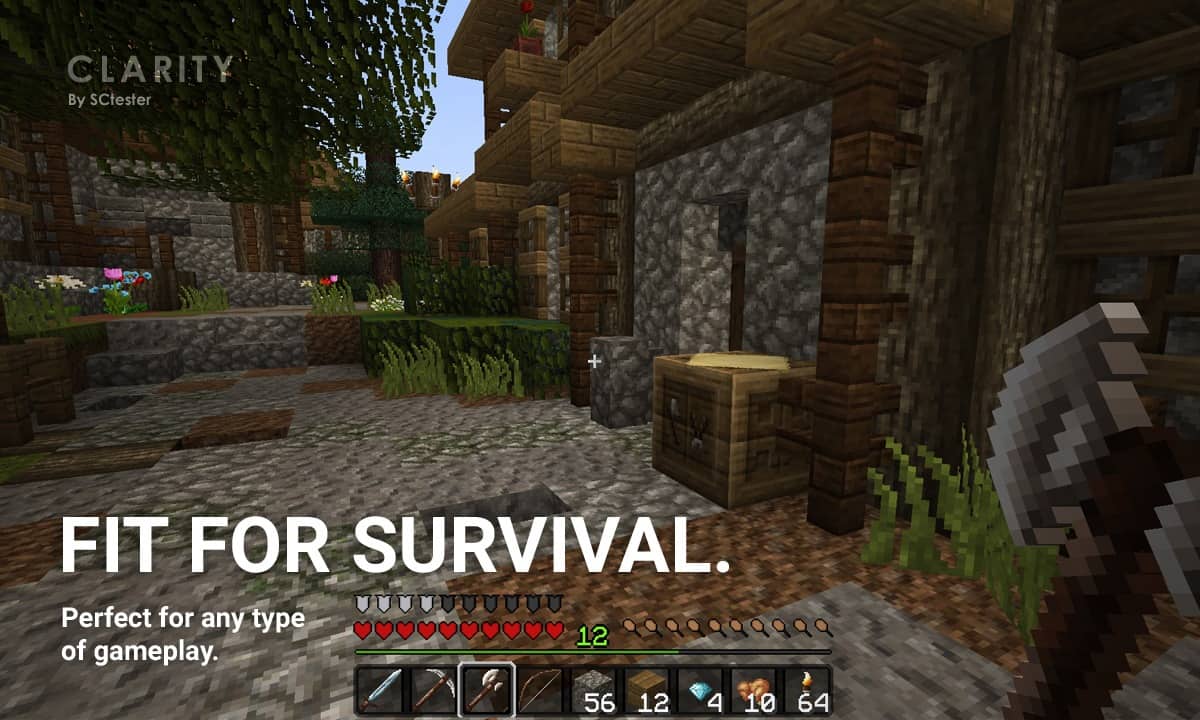
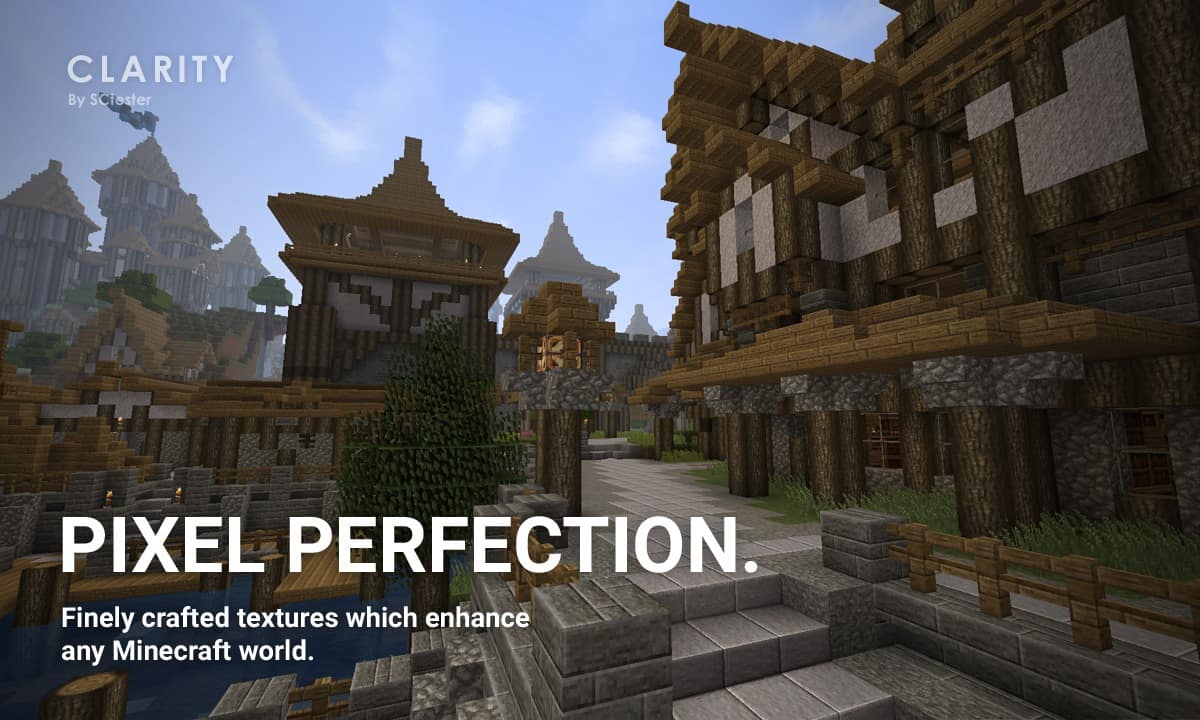
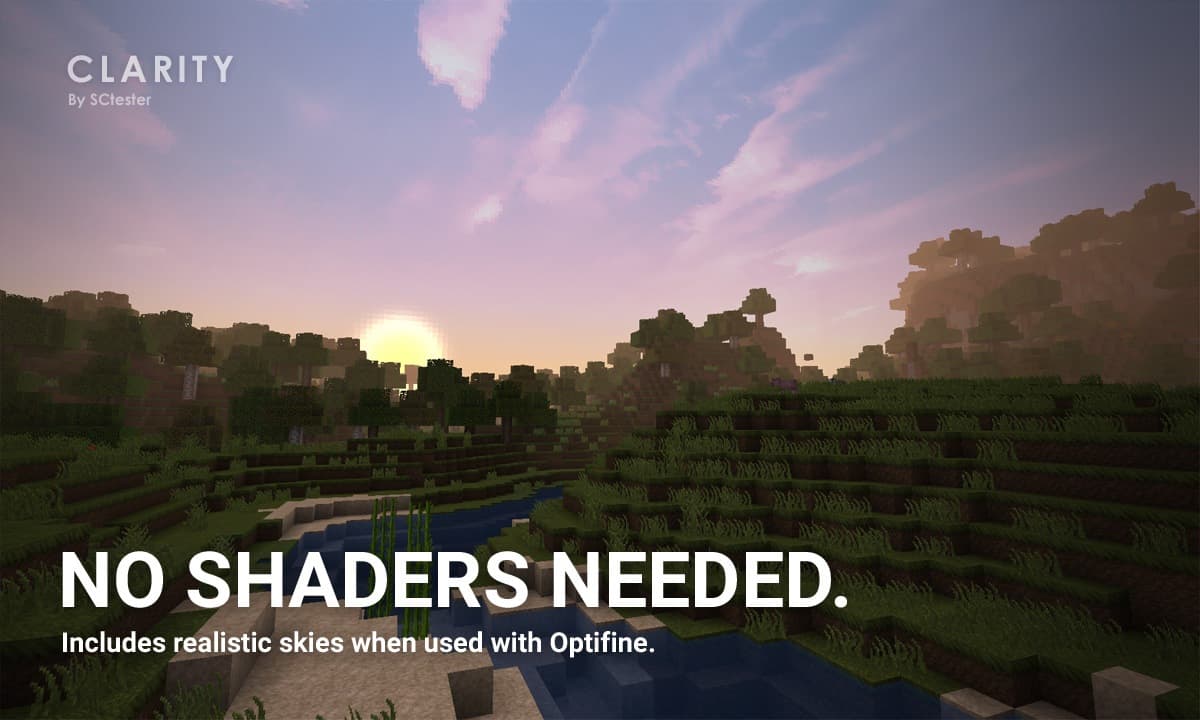
The clarity resource pack is, without a doubt, one of the best resource pack that has been developed in recent times. With so many packs being developed every other day it is amazing just how clarity pack has managed to stand out. The brilliance behind its conceptualization and execution is unmatched. There is no single block or item that has not been thoroughly thought out. The result is a perfect blend of realism and the traditional Minecraft art style. Clarity resource pack will raise your visual bar so high that any new pack being developed will hardly impress you. This is why it will come as a shocker when you find out that clarity resource pack has a resolution of just 32×32. Because the amount of detail put into each pixel is mind-blowing. It’s like the pixels were customized one by one up to the last pixel.
Featured video:
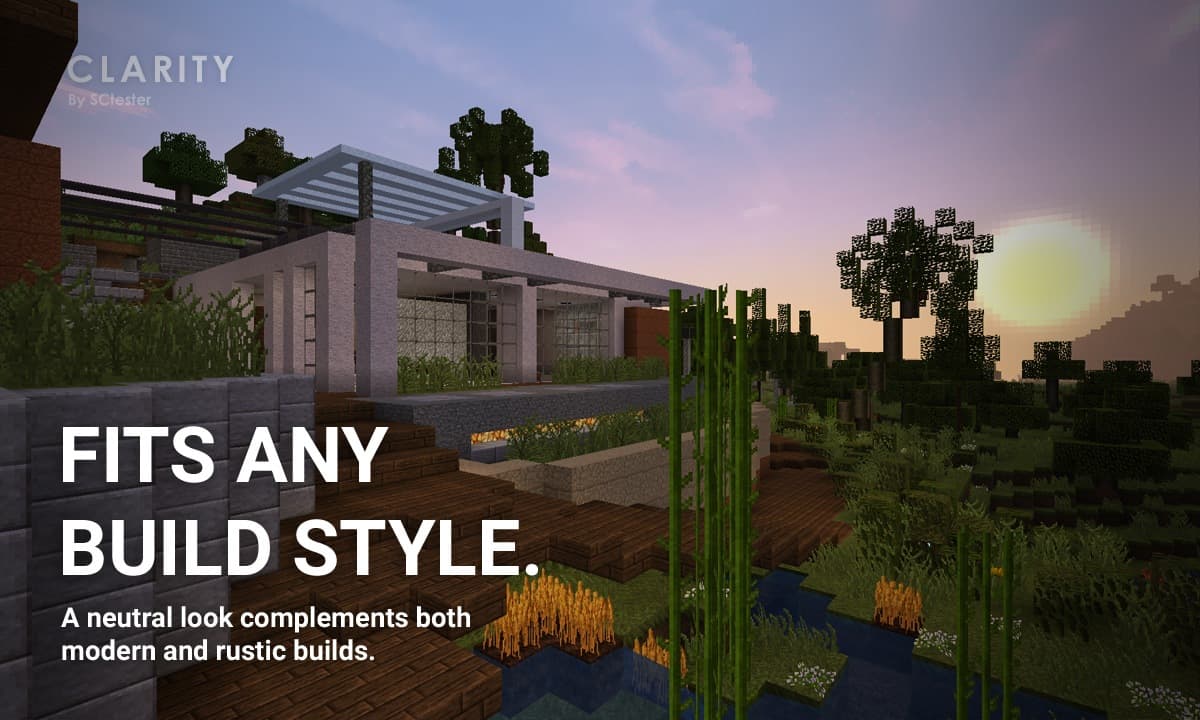
The texture is so clean. Which is surprising because normally, when lower resolution textures are packed with this amount of detail, the end result is usually very noisy. Instead, clarity pack provides this calm and clear experience that enables you to play without distraction. You will also love the color palette that comes with the clarity resource park. It is just the perfect harmony between dark and bright. Its also not too vibrant like you will notice with many other packs. But this is all intentional as it serves to complement the art style which clarity pack intends to bring out. Now, in case you are worried that the clarity resource pack will have issues running on your system, there is no need to be. If your system can handle the vanilla Minecraft effortlessly then you should have no trouble running the clarity pack in seamless frame rates.
Clarity | Pixel Perfection should be compatible with all of these Minecraft versions: 1.21.3 - 1.21.2 - 1.21.1 - 1.21 - 1.20.6 - 1.20.5 - 1.20.4 - 1.20.3 - 1.20.2 - 1.20.1 - 1.20 - 1.19.4 - 1.19.3 - 1.19.2 - 1.19.1 - 1.19 - 1.18.2 - 1.18.1 - 1.18 - 1.17.1 - 1.17 - 1.16.5 - 1.16.4 - 1.16.3 - 1.16.2 - 1.16.1 - 1.16 - 1.15.2 - 1.15.1 - 1.15 - 1.14.4 - 1.14.3 - 1.14.2 - 1.14 - 1.13.2 - 1.13.1 - 1.13 - 1.12.2 - 1.12 - 1.11.2 - 1.11 - Bedrock Edition - PE
Clarity | Pixel Perfection — Video & Screenshots
How to install Clarity | Pixel Perfection Resource Pack:
- Most resource packs require Optifine, so be sure to download and install it. – general recommended step for all packs, Optifine is also needed for most shaders
- Download the Clarity | Pixel Perfection texture pack for Minecraft from the download section below. – if there are many different versions, just choose the one you like, is compatible with your version/edition of Minecraft, the one you think your computer can handle in terms of performance.
- Launch the game client through the Minecraft launcher.
- On the main menu, click "Options".
- On the options menu, click "Resource Packs...".
- Click on "Open Resource Pack Folder". – folder titled "resourcepacks" will pop up
- Move the .zip file you downloaded in the first step to the newly opened "resourcepacks" folder.
- Click "Done".
- Click on "Resource Packs..." again.
- Your pack should have appeared in the left window, just hover over it and click on the arrow pointing to the right.
QUICK TIP: Sometimes, when activating a pack, the game may say that the pack is made for a newer or older version of Minecraft. This is just a warning, it does not affect your gameplay in anyway, and you can still activate and enjoy the pack by simply clicking the "Yes" button when prompted.
- Click "Done" again.
- The pack has now been successfully loaded and ready to be used in your world!
Clarity | Pixel Perfection Texture Pack Download
- We do not modify or edit any resource packs. All resource packs, shaders and tools found on this website are linked directly to official sources rather than hosted on our own servers. We provide only the official download links from the original creators to ensure that your files are safe and secure.
- These official links are updated manually and may occasionally stop working when a new version is released. We work hard to keep everything current so that you have a smooth experience. Please let us know in the comments if you find a link that no longer works.
- Minecraft is a trademark of Mojang Studios and has no official connection to this website. Our goal is simply to share the best creations from the community with other players.
- Please consider leaving a comment or voting for your favorite packs. This feedback helps authors improve their projects over time. You can also support the creators directly by visiting the official links located below the download section.
Bedrock Edition:
Get Clarity Bedrock Edition Resource Pack here – Clarity is available on the Marketplace for 830 Minecoins.
Java Edition:
[32x] [1.21.x – 1.20.2] Download Clarity Resource Pack
[32x] [1.20.1 – 1.20] Download Clarity Resource Pack
[32x] [1.19.x] Download Clarity Resource Pack
[32x] [1.18.x] Download Clarity Resource Pack
[32x] [1.17.x] Download Clarity Resource Pack
[32x] [1.16.x] Download Clarity Resource Pack
[32x] [1.15.x – 1.13.x] Download Clarity Resource Pack
[32x] [1.12.x – 1.11.x] Download Clarity Resource Pack
Curseforge: download starts automatically after a few seconds;
Mediafire: click the big blue button with the text "DOWNLOAD";
Google Drive: in the top right corner you will see a small download icon (down arrow), click it and the download should start;

3,041 votes
Look.. 3041 users have already liked this pack. Give a diamond if you like it too!


Kevness
To make it look like the video:
1) Open video on YouTube.
2) Read description and discover what they used to make the video look like this.
3) Download required Mods/Shaders and apply.
EZ
dman
this is a beutiful texture pack
metrofonyx
my pc: boom
IPReaperI
Boom boom
your’e mom
same
Claire
It’s actually pretty good.
Clarity Fan
Soooooooo great!!!
MrJhin
i like it :D
yardenev
nice but its not like in photo at all
Joemama
for real
e
very great looks medieval for my medieval survival world you afre the greater thanks you
Rec packs
Bad not like in foto
NinoEjayTheDev
you need to download continum shaders
Mirrukas
Hi! I was wondering how i could get it on the newer version? I downloaded the pack but i don’t have ‘Options’ on there. And i readed all of the comments and was wondering what shader did you use?
Admin
Just ignore the compatibility message and click OK or Yes when it appears.
planttyy
a couple of complaints:
1) looks nothing like it does in the video;
2) i tried downloading this last night (following all the instructions in both the optifine installation and this one) and ended up getting banned by watchdog from a server i’ve never had problems with before. (i appealed the ban and my appeal was denied, so either i did something wrong, despite following the instructions, or….?)
just as a heads up to people like myself who have never tried downloading a texture pack– make sure you’re not using it when you’re entering a server, just to be on the safe side. even if the guidelines say your texture pack/mods are allowed honestly just don’t even chance it.
Admin
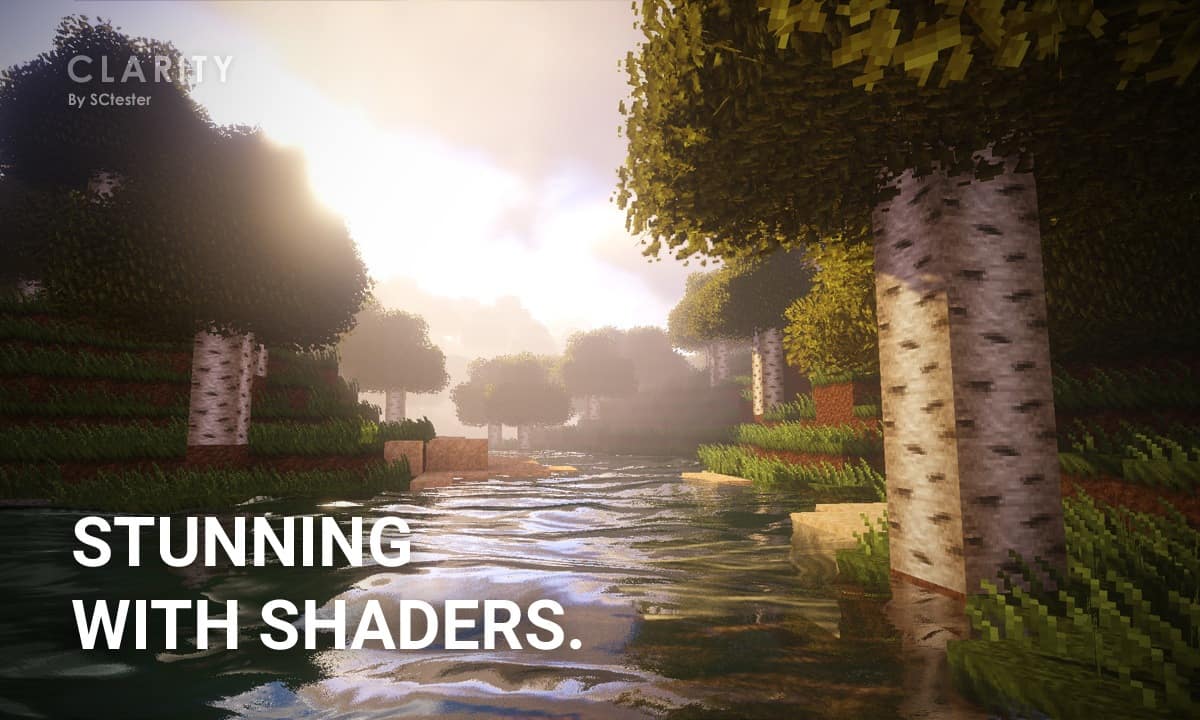
– To make it look like in the video, you will also need a shader pack of your choice.
– Well, optifine is a mod and private server owners can get you banned for using mods. Just our opinion on your situation. There may be other reasons, try to contact them and ask for a more detailed explanation of the ban, if possible.
planttyy
ah ok, thank you! i didn’t know the bit about the shader pack.
about the server, i’ll definitely reach out to them and see what went wrong. also i’m very sorry if i came across as defensive or snarky in my original comment– thanks so much for taking the time to respond.
Admin
As long as you don’t swear or insult anyone, your comments are acceptable. The comments section is the perfect place to get help from others, just be sure to explain everything in one post so others know how to help you.
gttteerergg
Dude I wanted the water
Im so disapointed!
benaffleck1
im on pc and i loaded this texture pack in to my resource packs and i dont see shaders added it in my mods folder still nothing!
RefinedChicken
so is this a texture pack or a shader?
Michael Anthony
how do i get the shaders? I am on mac and cannot figure it out.
Olive
same, and the water also isn’t working on my Mac
NOT IMPRESS
same
Something called the internet…
Well you might want to search it up on Youtube. It’s wonderful thing on something called the internet where you can get answers to almost everything. I personally am on a MacBook and I can get my world looking like this.
Guest
It would be nice to see the resource pack previews without shaders.
James
when are they going to update the instructions. there is no “options” in main menu so win 10 users can’t install
Samuel
This is a Minecraft Java Edition resource pack, and the instructions are for Minecraft Java. Windows 10 Minecraft follows the Minecraft Bedrock Edition, which is completely different for resource packs than Java Edition.
Aaron
Just thought I’d let you know that the website says that the pack has been updated to 1.16 :)
kicj
does it work on 1.1.5.2???????
Buddy
How do we make it look exactly like that?
ChromeBeta777
It would be much better if your demo video and screenshots were without shaders so we could get an actual idea of what the texture pack actually looks like.
zsky broken
warning on this:
its laggy as hell so have a good computer for this
COOLGUY
Its awsome but my poor eyes ;-;
Ultra Matic
please update to 1.5 please
Casey
I’m sorry to say but, not really my cup of tea.
I think the grass and stone was my most biggest problem. It looked to textured for me.
My brother said he likes it. But it looks like the pictures.