Any player of the popular game Minecraft would have to admit that the standard lighting effects leave a lot to be desired when it comes to realism. While realistic graphics are not a part of the world design in the game, the smooth lighting and graphic effects, even when set to their highest level, aren’t exactly the best they could be. The graphics could use just a touch of realism to add to the game’s atmosphere, and its overall aesthetic appeal. When it comes to embellishing the graphics of the game, shaders are the way to go. Especially the BSL Shaders. This shader pack stands out for its unique features as a pack designed specifically for Minecraft: Java Edition. Its features include real-time shadows, volumetric light, ambient occlusion, customizable clouds and water, bloom, etc., in order to add a sense of realism to the environment of the game.
Featured video:
There are also additional effects available, like motion blur, world curvature, depth of field, specular and normal mapping, and celshading, just to name a few examples. There are no perceivable glitches or bugs throughout the shader pack. The colors come with a boost and saturation alteration, which adds to the atmosphere, particularly for the Nether; the bright, eye-catching colors mixed with the shadows create a very visually pleasing experience. That being said, the BSL Shaders requires a lot of additional resources to your PC and it is not designed for low-spec PC’s. But, as this pack is, quite possibly, the best way to embellish the graphics of your game, it’s well worth any additional installations. To ensure you get the highest quality visuals, BSL Shaders requires Optifine. If you do not already have this mod installed, you will need to do so in order to get the very best experience from this shader pack.
BSL Shaders should be compatible with all of these Minecraft versions: 1.21.11 - 1.21.10 - 1.21.9 - 1.21.8 - 1.21.7 - 1.21.6 - 1.21.5 - 1.21.4 - 1.21.3 - 1.21.2 - 1.21.1 - 1.21 - 1.20.6 - 1.20.5 - 1.20.4 - 1.20.3 - 1.20.2 - 1.20.1 - 1.20 - 1.19.4 - 1.19.3 - 1.19.2 - 1.19.1 - 1.19 - 1.18.2 - 1.18.1 - 1.18 - 1.17.1 - 1.17 - 1.16.5 - 1.16.4 - 1.16.3 - 1.16.2 - 1.16.1 - 1.16 - 1.15.2 - 1.15.1 - 1.15 - 1.14.4 - 1.14.3 - 1.14.2 - 1.14 - 1.13.2 - 1.13.1 - 1.13 - 1.12.2 - 1.12 - 1.11.2 - 1.11 - 1.10.2 - 1.10 - 1.9.4 - 1.9 - 1.8.9 - 1.8.8 - 1.8.6 - 1.8.1 - 1.8 - 1.7.10 - 1.7.9 - 1.7.4 - 1.7
BSL Shaders — Screenshots
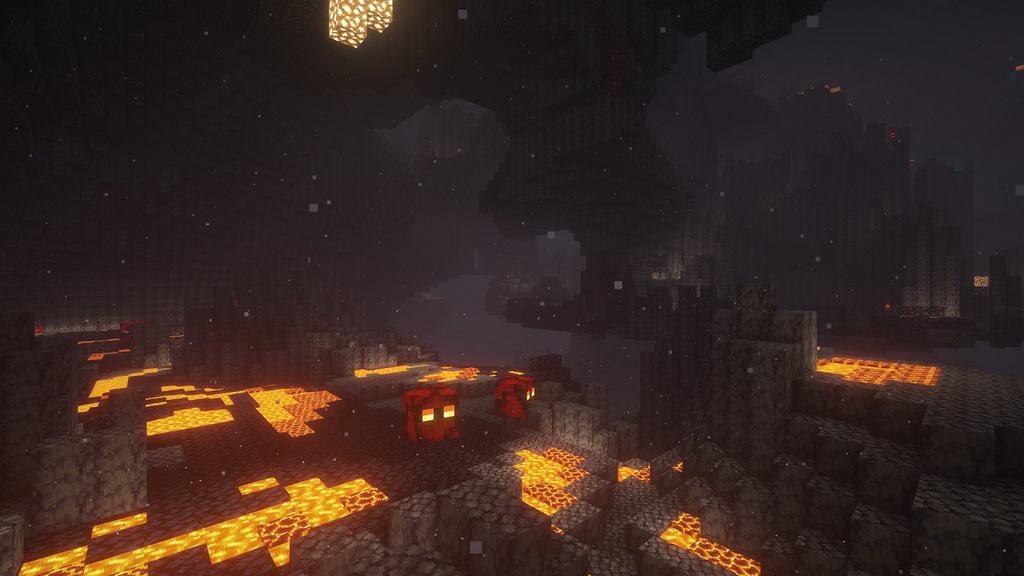

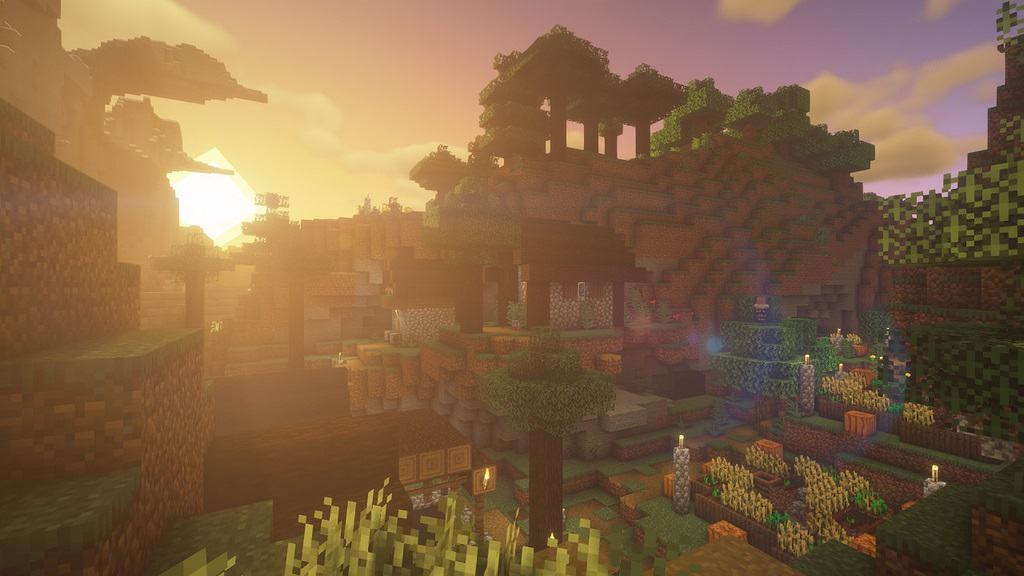
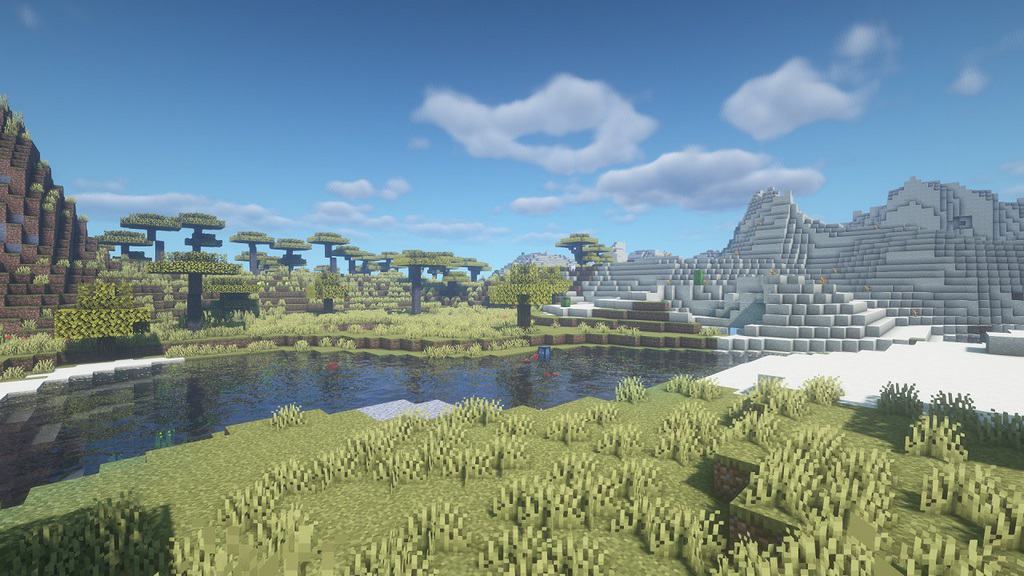
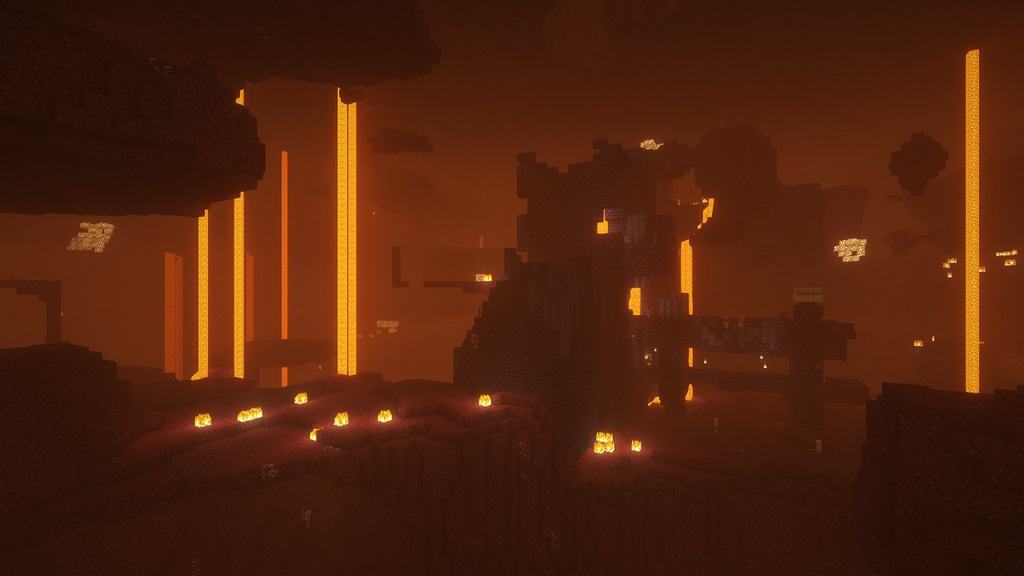
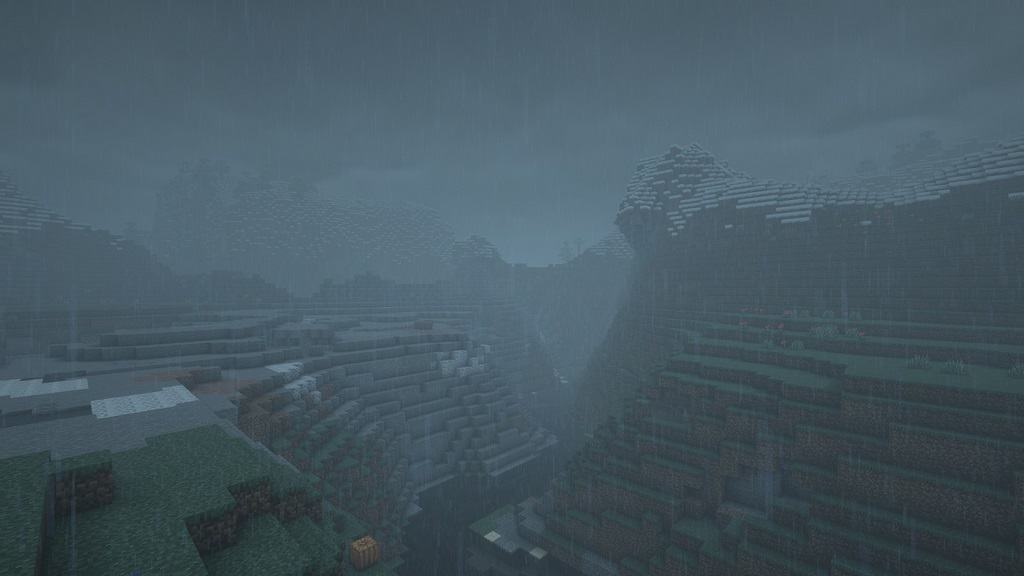
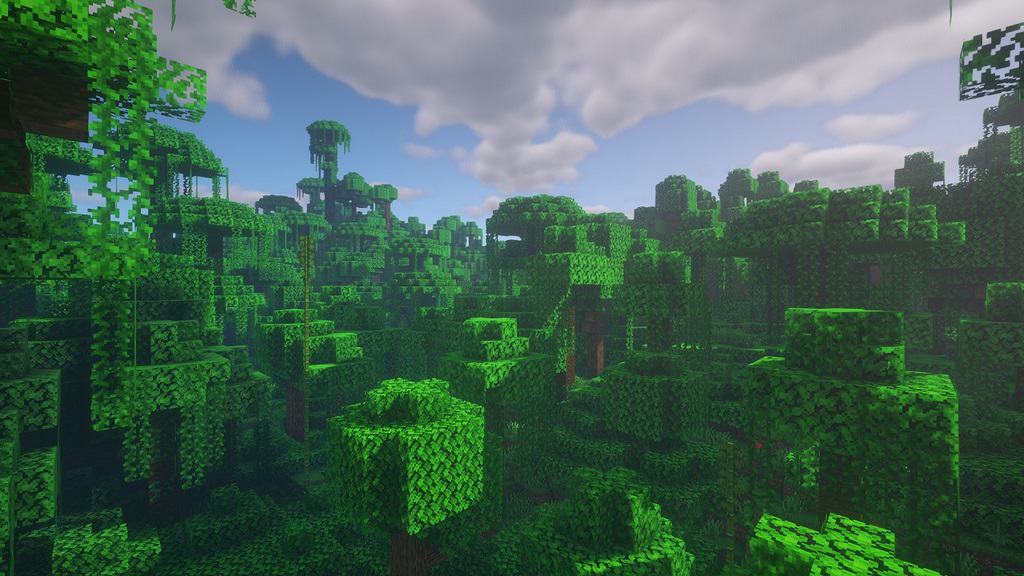
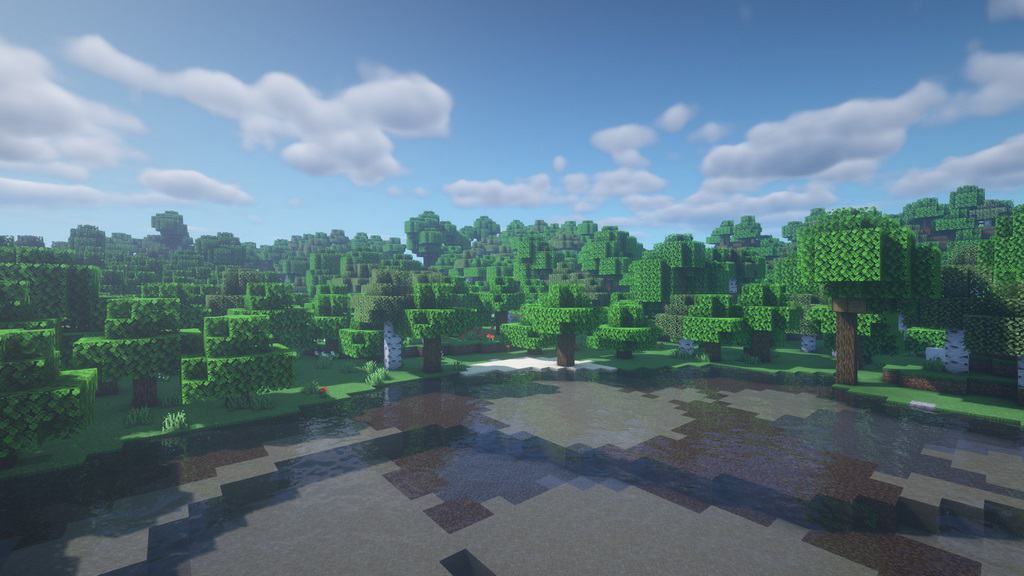
How to install BSL Shaders:
- Download and install Minecraft.
- Open Minecraft launcher and setup your game profile for the Minecraft version you want to run. – in the top menu, select the “Installations” tab, click “New installation”, under the “Version” dropdown, select your preferred Minecraft version and click “Create”.
- Download and install Optifine or Iris. – we recommend Iris, it’s a bit more optimized;
- Open Minecraft launcher and select the newly created Optifine or Iris profile. – if in step 3 you chose to install optifine it will have an optifine profile, if iris it will have an iris profile;
- Download the BSL shader pack from the download section below.
- Launch Minecraft.
- For Optifine: Go to
Options > Video Settings > Shadersand click “Shaders Folder” to open shaderpacks folder.
For Iris: Go toOptions > Video Settings > Shader packsand click “Open Shader Pack Folder” to open shaderpacks folder. - Put the BSL shader pack (.zip file) downloaded in step 5 into the .minecraft\shaderpacks folder you opened in step 7.
- In the game, select BSL Shaders from the list and click “Done”.
BSL Shaders - Comparison Slider #1 day
Comparison slider #1 for those who want to compare vanilla Minecraft without any shaders installed (on the left) with Minecraft using this particular shader pack (on the right).
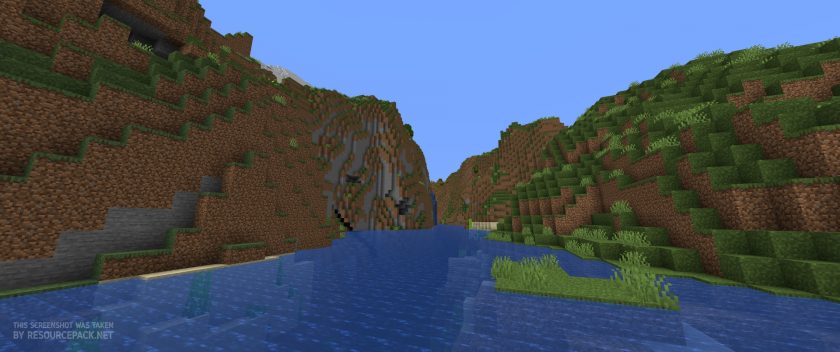 Vanilla
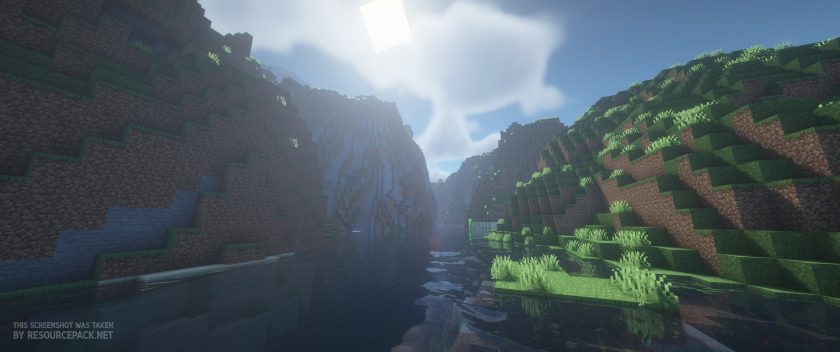 BSL Shaders
BSL Shaders - Comparison Slider #2 sunset
Comparison slider #2 for those who want to compare vanilla Minecraft without any shaders installed (on the left) with Minecraft using this particular shader pack (on the right).
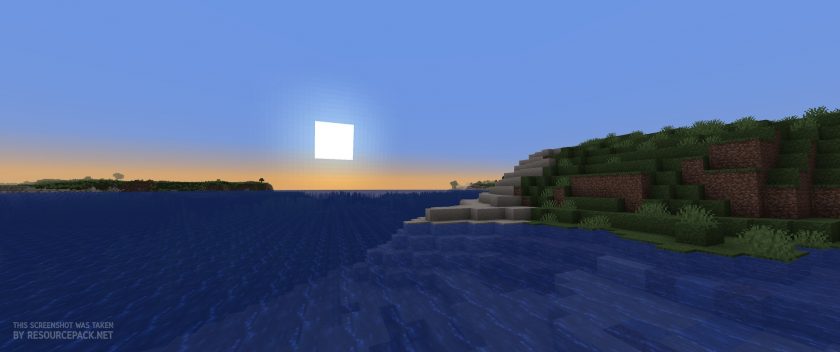 Vanilla
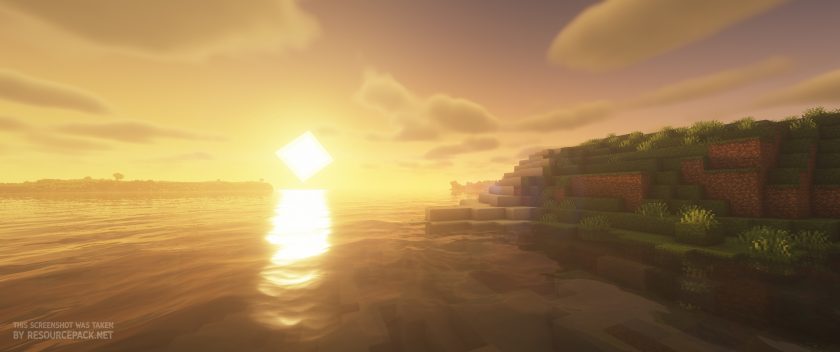 BSL Shaders
BSL Shaders Shader Pack Download
- We do not modify or edit any resource packs. All resource packs, shaders and tools found on this website are linked directly to official sources rather than hosted on our own servers. We provide only the official download links from the original creators to ensure that your files are safe and secure.
- These official links are updated manually and may occasionally stop working when a new version is released. We work hard to keep everything current so that you have a smooth experience. Please let us know in the comments if you find a link that no longer works.
- Minecraft is a trademark of Mojang Studios and has no official connection to this website. Our goal is simply to share the best creations from the community with other players.
- Please consider leaving a comment or voting for your favorite packs. This feedback helps authors improve their projects over time. You can also support the creators directly by visiting the official links located below the download section.
Java Edition:
[1.21.x – 1.7.x] Download BSL Shaders
Curseforge: download starts automatically after a few seconds;
Mediafire: click the big blue button with the text "DOWNLOAD";
Google Drive: in the top right corner you will see a small download icon (down arrow), click it and the download should start;

14,296 votes
Look.. 14296 users have already liked this shader pack. Give a diamond if you like it too!


redpandahi
can you update to make the end look cooler? and the ender dragon
RedVire1
but acn it be possible to get it on minecraft education edition or PE like you called it
Aimee
I could have sworn I had these installed on Bedrock edition too! Now I can’t find it for Bedrock anywhere.
Admin
Not possible at all. You can’t install it on Bedrock Edition – there’s no Optifine or Iris for Bedrock (it’s just not technically possible). And since BSL Shaders need one of those to work, it simply won’t run on Bedrock.
Ngl2
is this ok to download without anything like opticien or iris js the Minecraft launcher
Admin
Shaders wont work without them.
HairySquirrelz
Hello i was wondering how do i install iris on a mac
Jill
The first comment I wrote had a link (my bad, I read it before i wore it), so I will write it again.
Use CurseForge or Modrinth, Iris is there as a mod!
Op2
I dont see 1.12.2 anymore. was it removed or am i just blind
Admin
Shaders work differently than resource packs, so in most cases, newer versions of shader packs should work on older versions of Minecraft.
Thomas
Ur just blind XD nah jk its there
billy
Does this work on Minecraft Education Mode???
habibi
no
$MOKED
absolutley not
bindi
as soon as i open my game with it installed it crashes everything and I cant open any of worlds. how do i stop this from happening??
buster
get a better pc you obviously got a cheap one
Mike Hawk
fr
Crabby2555
What happens if i put it in resource packs? not shaders?
Admin
Nothing, it won’t work.
Matty
Pls add a bedrock version I’m desperate
Zara
i have it but doesn’t work with the app
mike
does the shader work for 1.12.2
ductuan
yes
Tanner
I’m on a school Chromebook using eaglercraft 1.8.8 how do I use these shaders?
yusuf
same
1234Sonx2
go to resource packs or video settings
leighton
I just updated my Iris Fabric to 1.21 and tried to apply my bsl shader but it came with a text in my Minecraft chat that said BSL did not load properly. The game is running but not the shader. Any suggestions
Hahez1_
Amazing :D also make sure you put it in the correct folder
Eslam Youssef
Hi, I want to add bsl shaders to Minecraft mobile edition
Version 1.20.40
Can you tell me how ?
Thanks
Admin
This is not possible, most shaders are Java only and are not compatible with the Bedrock edition.
Ashok Sarkar
Best 👍💯👍💯shader
Gritixo
Can I install some resourcepack that is both nice and compatible with shaders
Nandor
Yes, you can. There are lots of texture packs for shaders. Google is your friend.
Rytkeito
So is it possible to use a shader and a resource pack at the same time? Because this and my chosen RP just cause and unending string of 1281 and 1000s.
Admin
Yes, it is possible and many players use it this way. Just make sure your hardware is decent enough to handle it as the shaders themselves are quite resource intensive + if the RP you choose is 64x or higher it can also be quite resource intensive.
jo
so when i open minecraft and i hit options>video settings, i dont see the “shaders” button :/ am i doing something wrong?
RanMC9918
do you have optifine?
max
yeah I’m having the same problem. I downloaded optifine and the bsl shaders, and I’m playing on Java, so I’m not sure what I’m missing. I’m confused about step 3, where exactly am I supposed to open the optifine profile?
NinjaJay12
tried to use this shade but doesn’t work though?
it’s fine if y’all don’t have to help though
Admin
What exactly doesn’t work? Any errors? Are you using the Java edition or Bedrock? No one can help without knowing more information. Reply here, we will try to help))
evin
hi cant load
Admin
We need more information
Taki polak to skarb
beautiful :D
anonym
This shader is butiful
AFAUVU
Ummmmmmmm, I need BSL shaders for 1.19
Jie
I think you can add a comparison of the underwater effect to introduce it, after all, it is very good for people to care about the underwater visuals
loser
i looked in video settings but theres no shader stuff there
Admin
Then most likely you installed it incorrectly, make sure the zip file (don’t extract it) is located exactly in your shaderpacks folder. Also make sure optifine is installed.