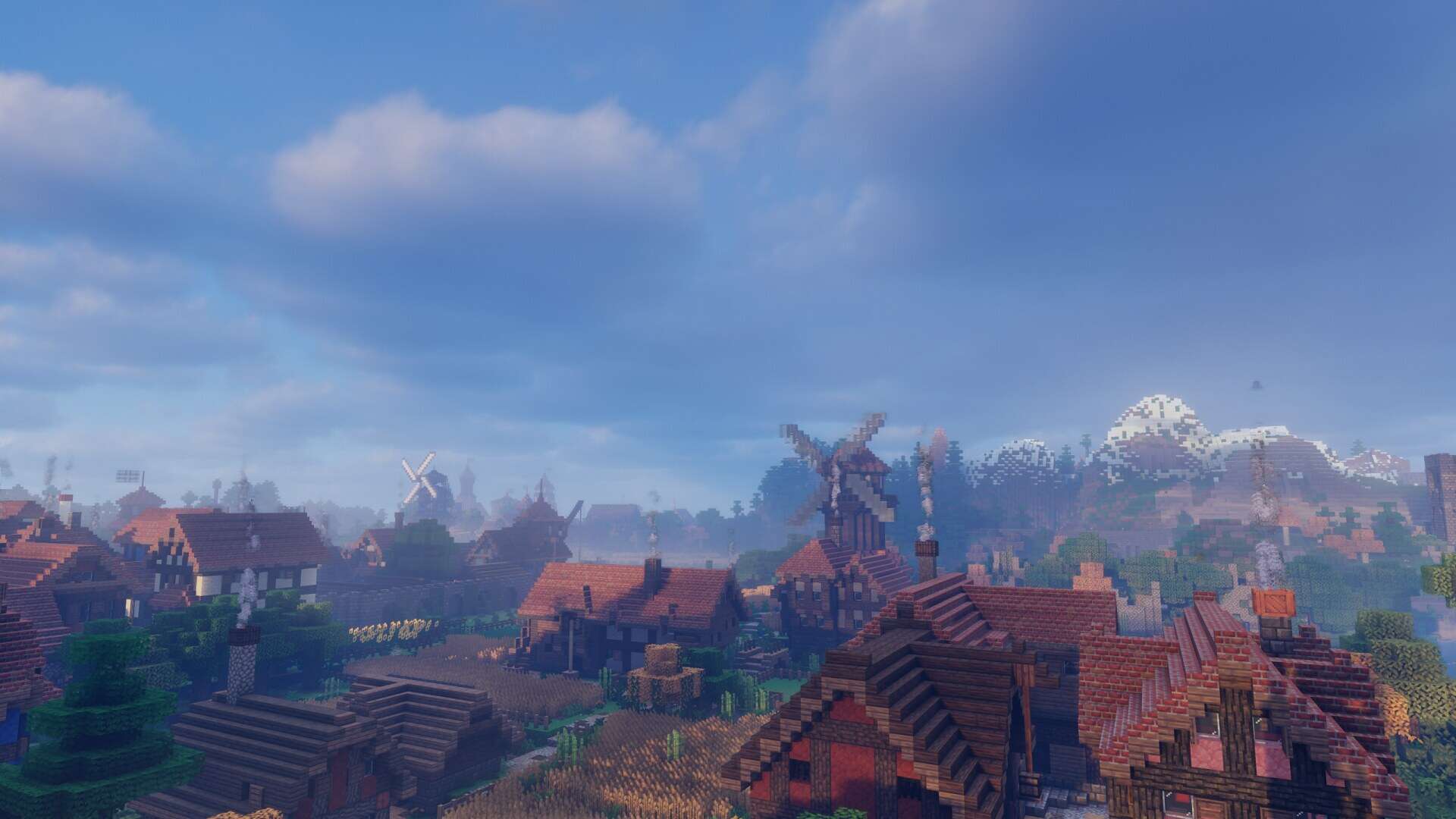
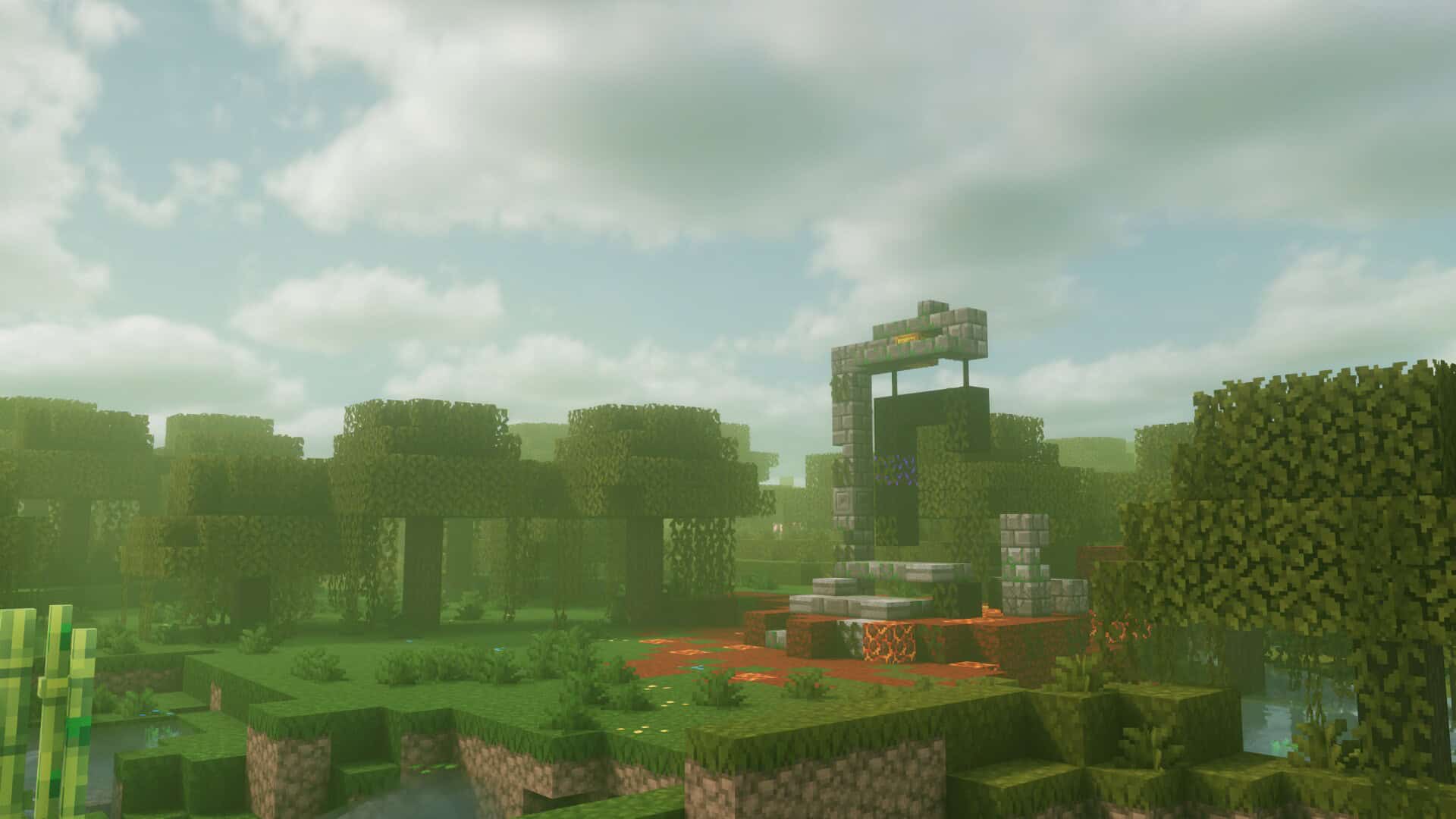
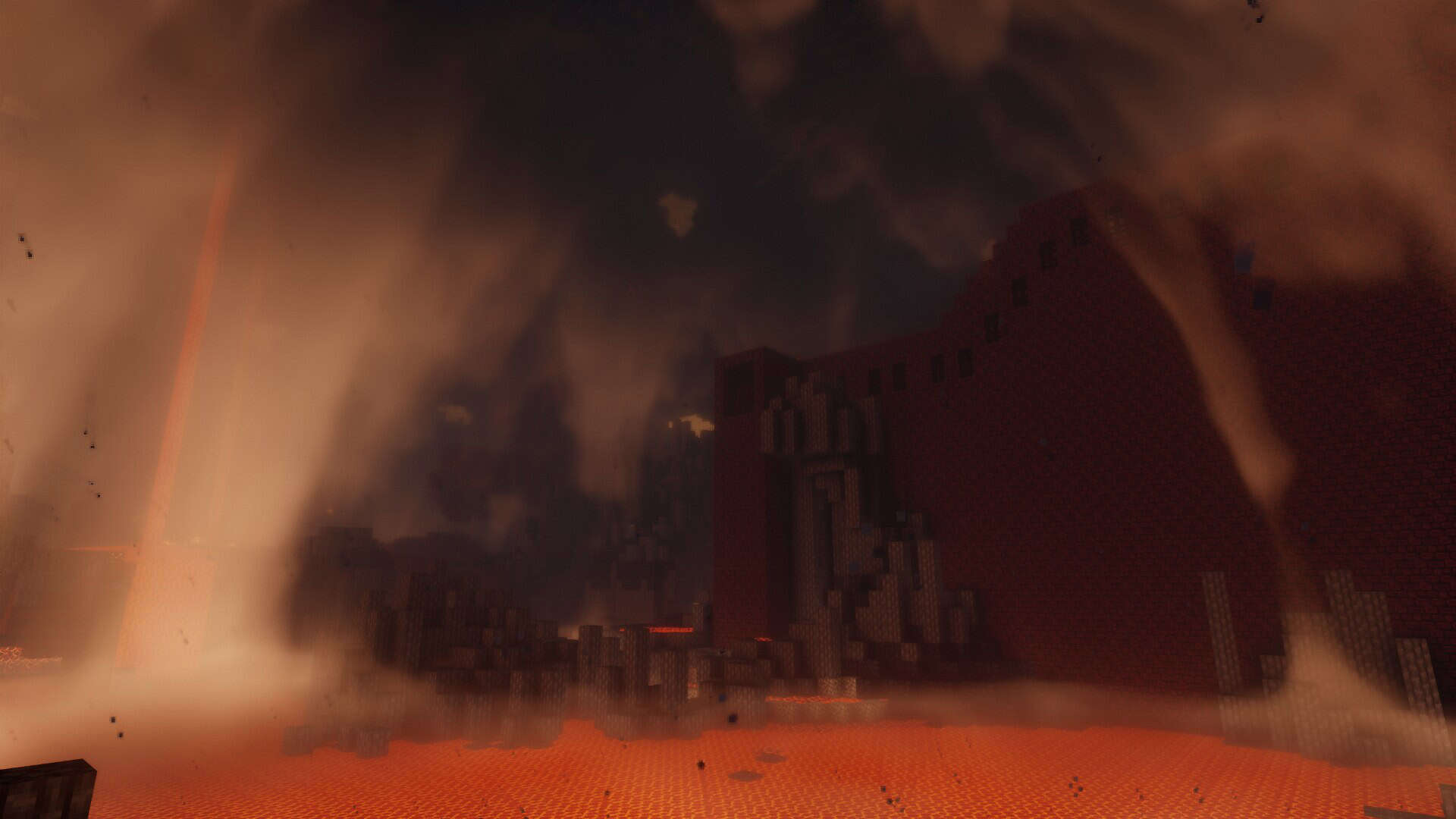
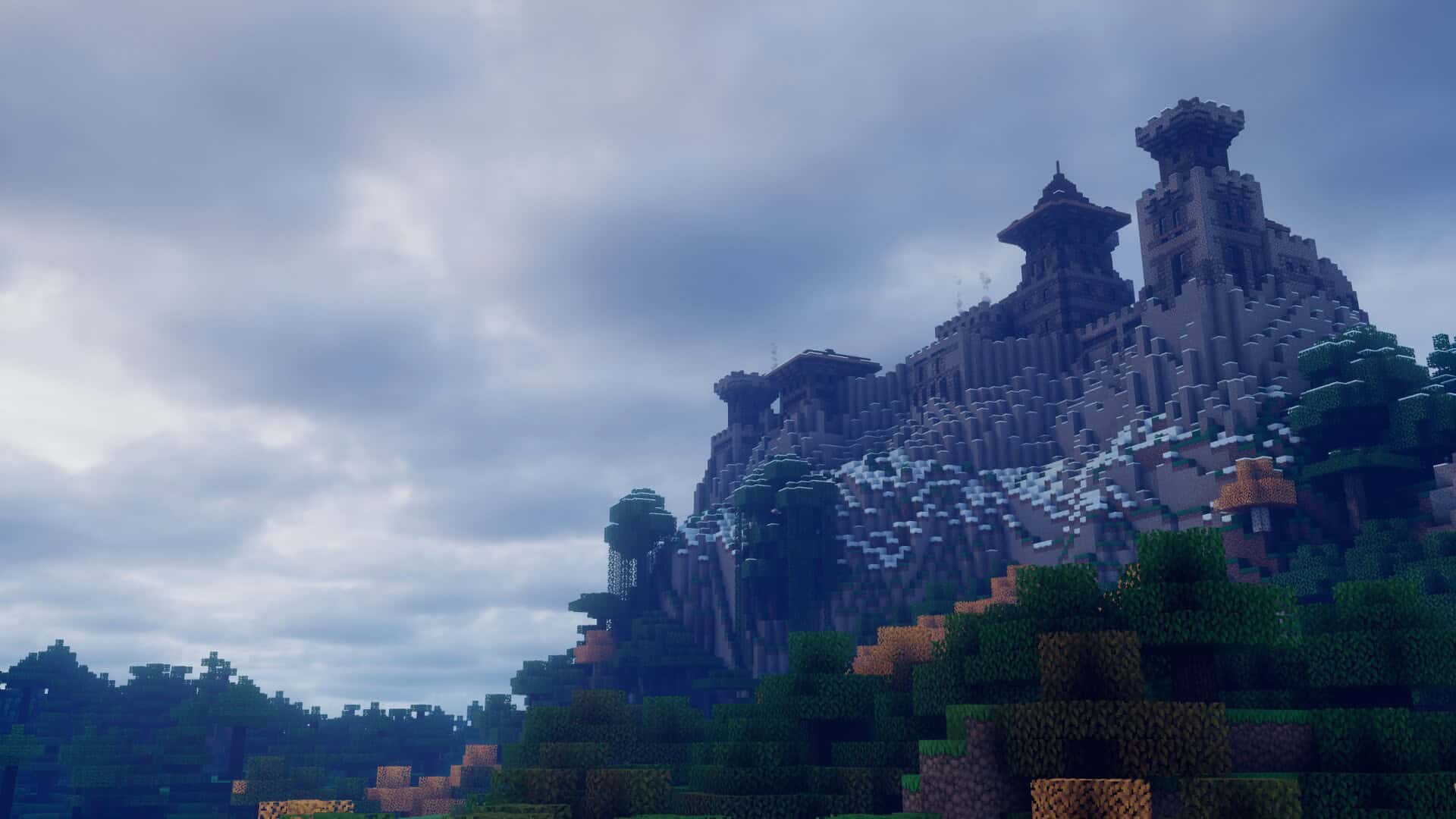
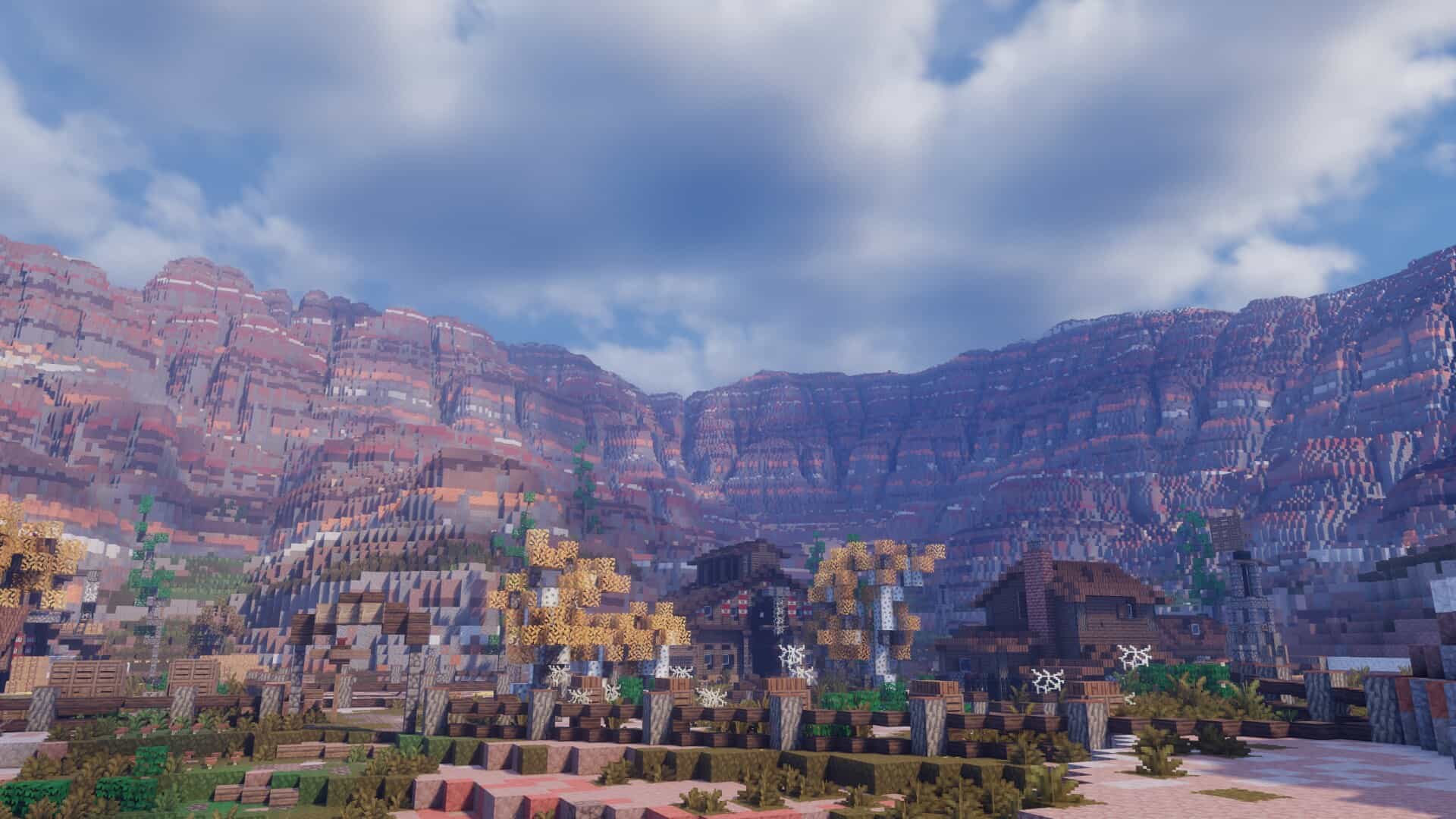
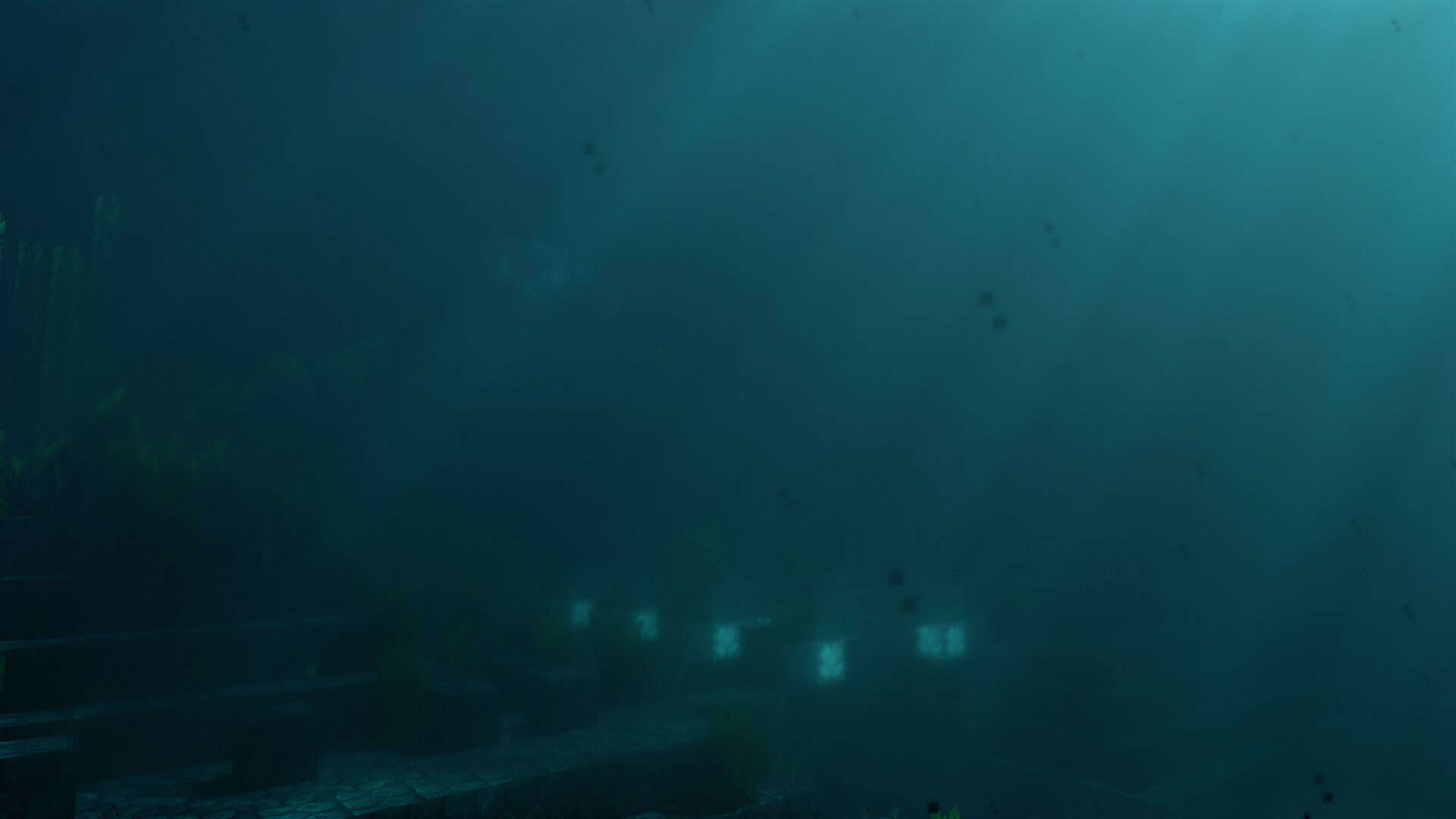
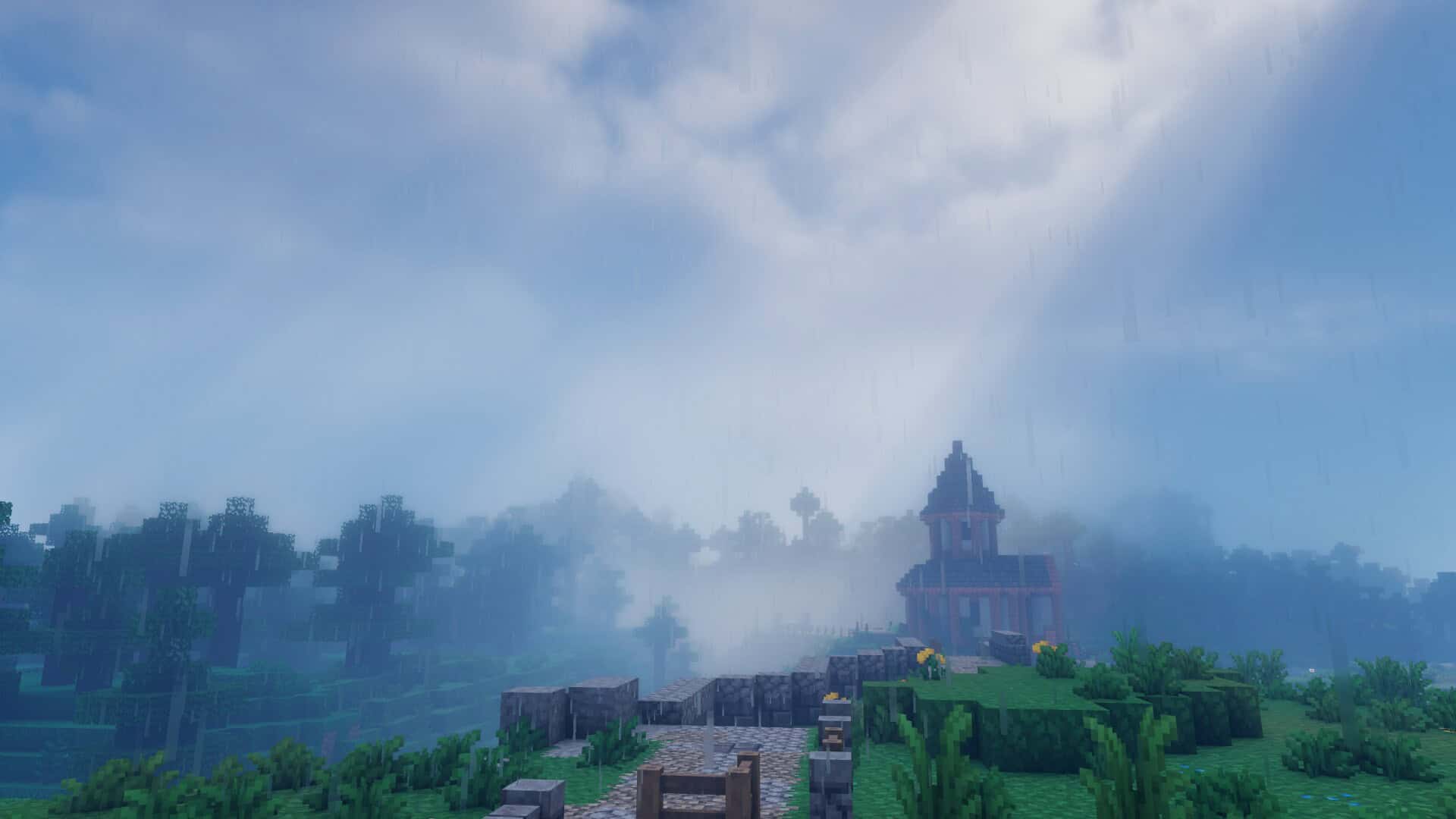
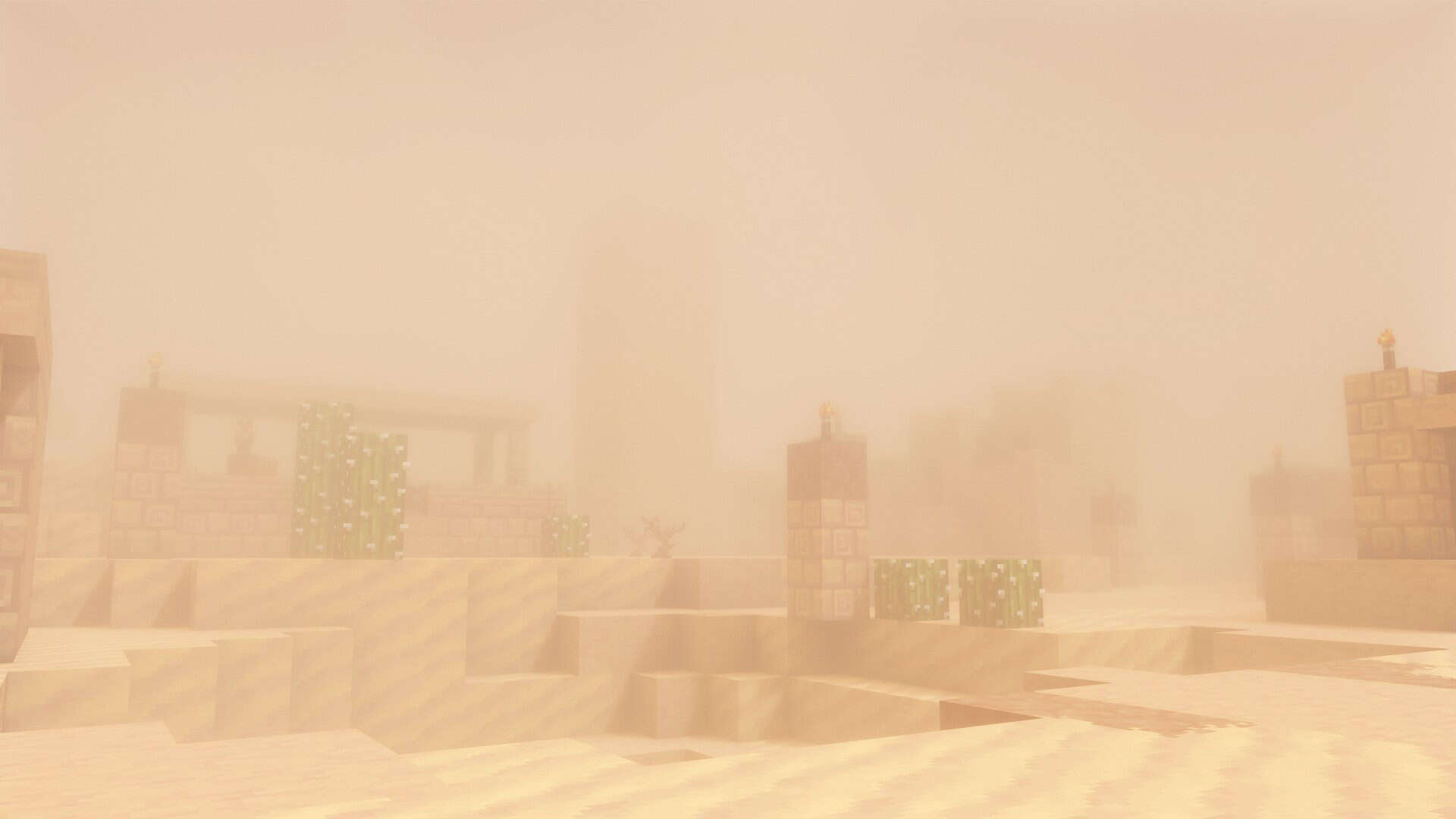
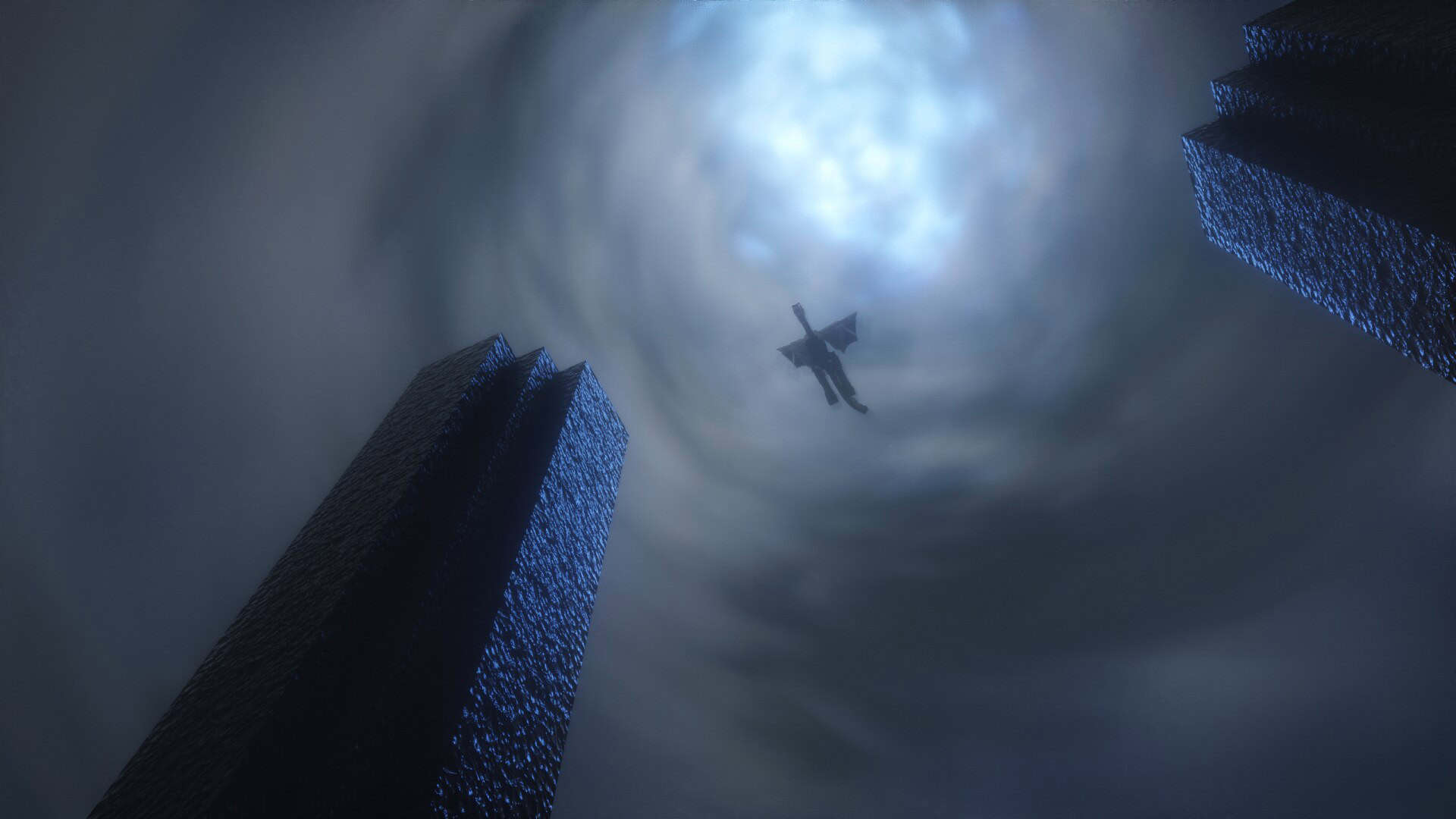
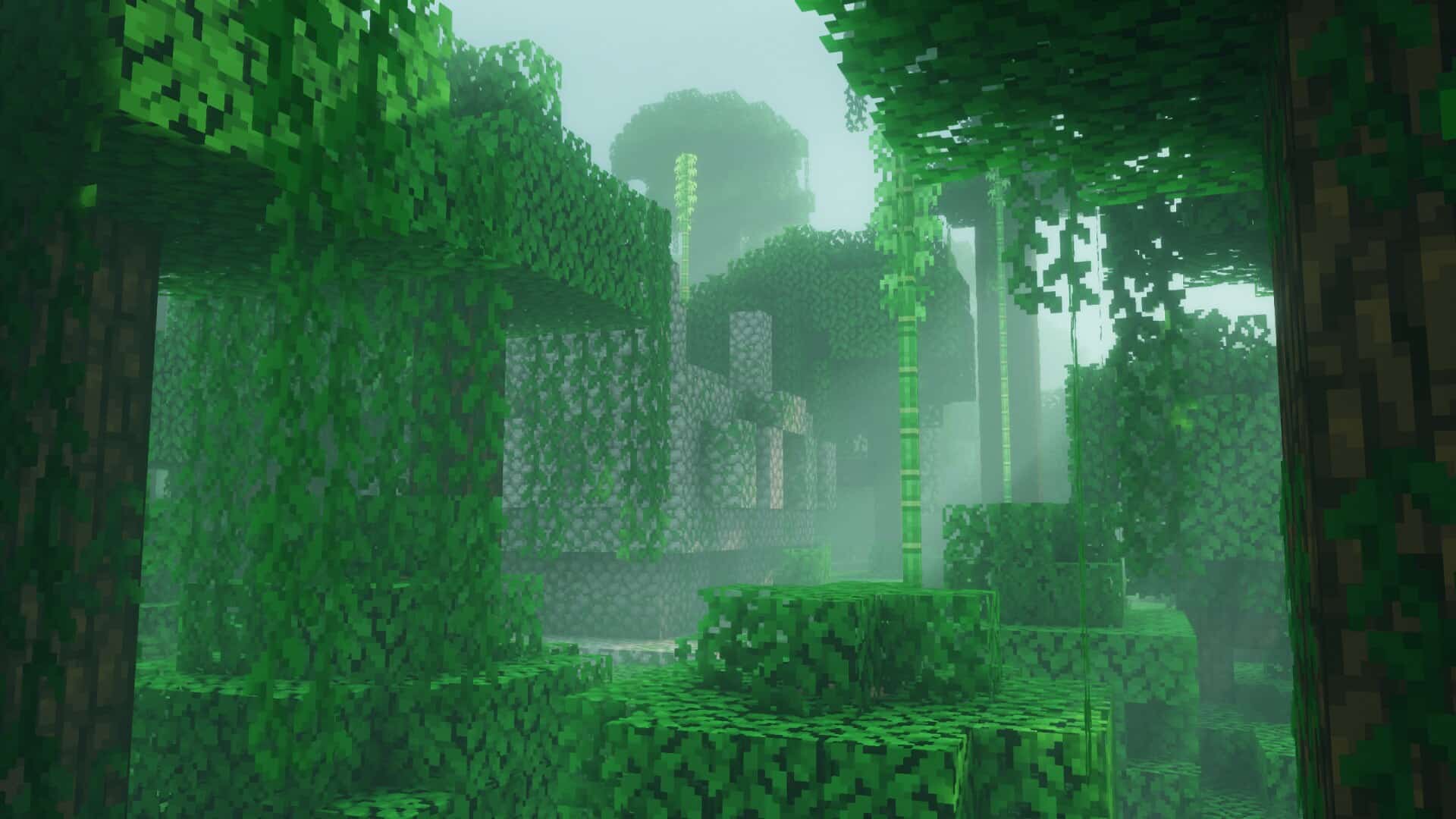
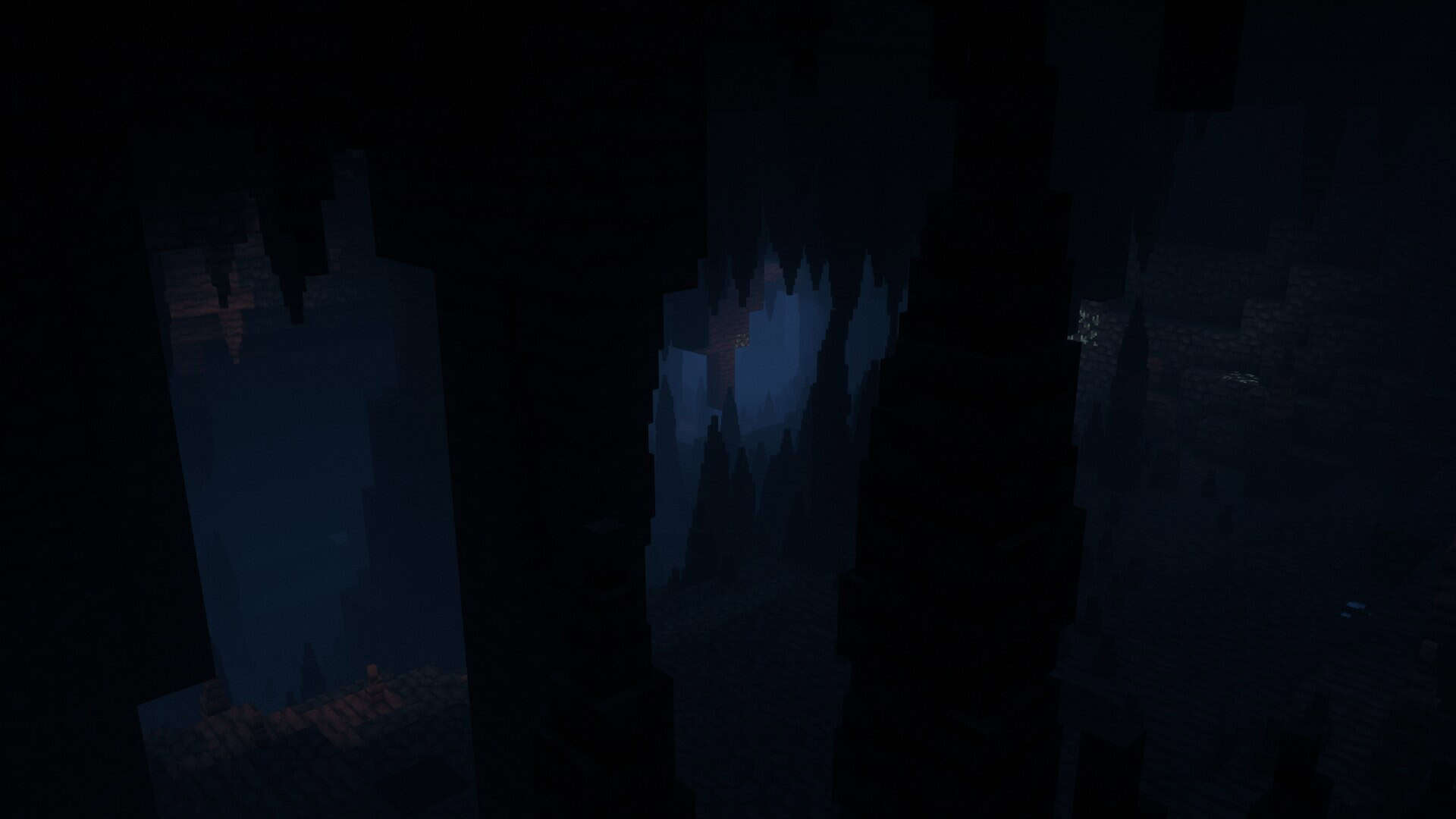
Bliss Shaders began as a small personal edit and has grown into a full shader pack with its own identity. It leans toward a fantasy style and places strong focus on mood and atmosphere. The pack includes plenty of in-game settings that let you adjust visuals until they feel right for you. While the overall direction of the pack stays fixed, you can fine tune details such as color balance, light levels, or how effects blend with your builds. This mix of clear style and flexible control is what separates it from many other shader packs. The base of Bliss is Chocapic13’s v9 shaders. That connection matters because Chocapic13 is one of the most respected names in the shader community. His shader have been downloaded millions of times and set standards for what Minecraft shaders can achieve. Bliss is not a simple copy. The author known as X0nk shaped it into something more experimental. From the beginning the goal was a moodier tone and lighting that shifts depending on biome and weather. One of the strongest qualities of the Bliss shader pack is the way biomes feel different from one another. Swamps appear heavy and green tinted. Deserts take on a dry sandy glow. Forests vary as the sun filters through leaves. Even small details such as how light passes through water or branches add to the sense of atmosphere. Weather and time of day also shape the mood so that rain, sunset, or night each feel distinct. This variety keeps the game world from looking uniform and gives each environment its own presence. Bliss is a modern shader pack with many advanced features. Performance is good for its class yet you still need strong hardware if you want high settings with smooth frame rates. A capable GPU and CPU are recommended. Midrange systems can handle it with tuned presets, but integrated graphics and older machines may struggle. Support for AMD and Nvidia is strong while Intel graphics and Apple devices may show problems although some versions of Minecraft work acceptably on macOS while others do not. The pack works with both Optifine and Iris.
Featured video:
Between the two, Iris is usually the better option since it runs smoother and tends to feel more consistent. That flexibility means most players can use Bliss in their preferred setup although Iris gives the cleanest results. It is natural to ask why choose Bliss when the original Chocapic13 shaders already perform so well. The answer depends on what you want from the game. Chocapic13 shaders are clean reliable and widely used. They provide a balanced baseline with a history of success. Bliss takes another path. It aims for a more cinematic and fantasy driven tone. It offers more customization through toggles and sliders so that you can match visuals to your builds and resource packs. Updates also play a role. At the moment Bliss receives frequent updates and experimental features which give players more to explore and test. Both packs are excellent. If you like experimenting it is worth installing both and switching between them. Spend some time with Bliss then return to Chocapic13 and compare. Start and adjust one setting at a time. This way you learn how each effect changes the look and you also discover which approach fits you better. In the end the choice comes down to preference. Bliss gives you a fantasy feel, cinematic lighting, and active development that continues to refine the experience. Chocapic13 shaders provide stability, simplicity, and a proven style that many players enjoy. Both require decent hardware yet either can transform your builds when tuned with care. If you want glowing nights, misty forests, and dramatic sunsets Bliss may be the shader pack for you. If you prefer a steady and familiar option Chocapic13 shaders remain a safe and trusted choice. Either way both remind you why shaders are one of the best tools for bringing new life to Minecraft.
Bliss Shaders should be compatible with all of these Minecraft versions: 1.21.11 - 1.21.10 - 1.21.9 - 1.21.8 - 1.21.7 - 1.21.6 - 1.21.5 - 1.21.4 - 1.21.3 - 1.21.2 - 1.21.1 - 1.21 - 1.20.6 - 1.20.5 - 1.20.4 - 1.20.3 - 1.20.2 - 1.20.1 - 1.20 - 1.19.4 - 1.19.3 - 1.19.2 - 1.19.1 - 1.19 - 1.18.2 - 1.18.1 - 1.18 - 1.17.1 - 1.17
Bliss Shaders — Screenshots
How to install Bliss Shaders:
- Download and install Minecraft.
- Open Minecraft launcher and setup your game profile for the Minecraft version you want to run. – in the launcher on the top menu, select the “Installations” tab, click “New installation”, under the “Version” dropdown, select your preferred Minecraft version and click “Create”.
- Download and install Optifine or Iris. – we recommend Iris, it’s a bit more optimized;
- Open Minecraft launcher and select the newly created Optifine or Iris profile. – if in step 3 you chose to install optifine it will have an optifine profile, if iris it will have an iris profile;
- Download the Bliss shader pack from the download section below.
- Launch Minecraft.
- For Optifine: Go to
Options > Video Settings > Shadersand click “Shaders Folder” to open shaderpacks folder.
For Iris: Go toOptions > Video Settings > Shader packsand click “Open Shader Pack Folder” to open shaderpacks folder. - Put the Bliss shader pack (.zip file) downloaded in step 5 into the .minecraft\shaderpacks folder you opened in step 7.
- In the game, select Bliss Shaders from the list and click “Done”.
Bliss Shaders - Comparison Slider #1 day
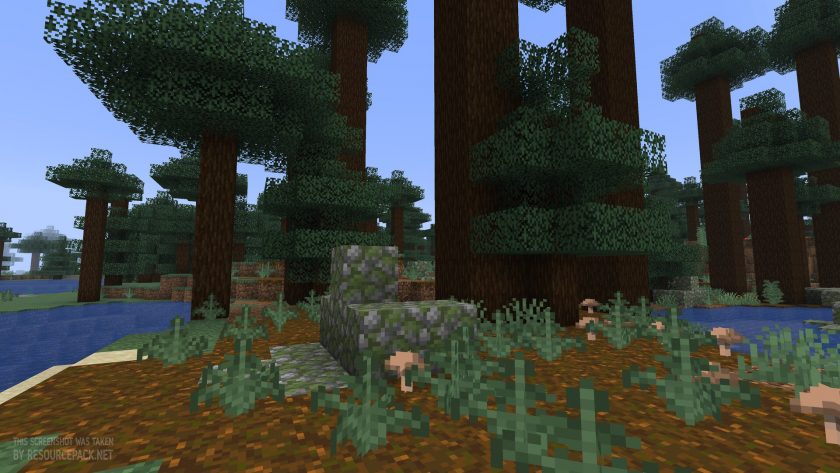
Comparison slider #1 for those who want to compare vanilla Minecraft without any shaders installed (on the left) with Minecraft using this particular shader pack (on the right).
 Vanilla
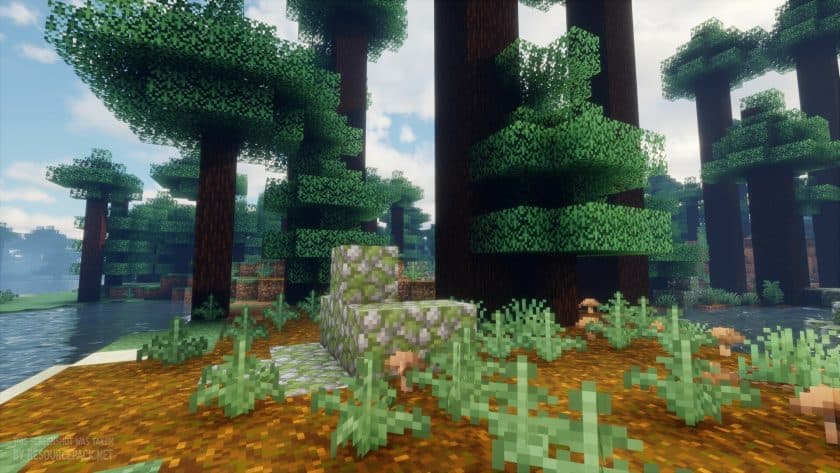 Bliss Shaders
Bliss Shaders - Comparison Slider #2 night
Comparison slider #2 for those who want to compare vanilla Minecraft without any shaders installed (on the left) with Minecraft using this particular shader pack (on the right).
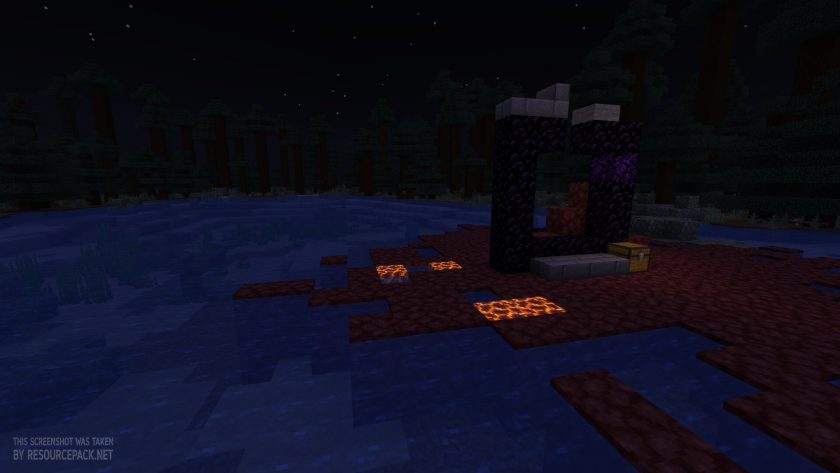 Vanilla
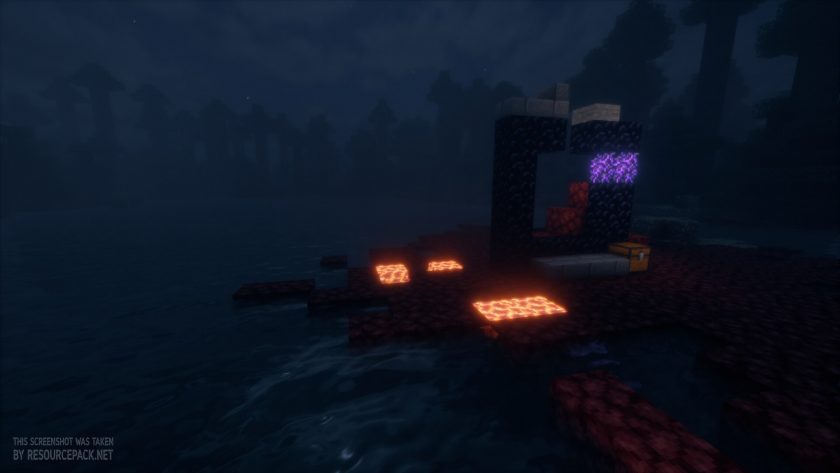 Bliss Shaders
Bliss Shaders - Comparison Slider #3 underwater
Comparison slider #3 for those who want to compare vanilla Minecraft without any shaders installed (on the left) with Minecraft using this particular shader pack (on the right).
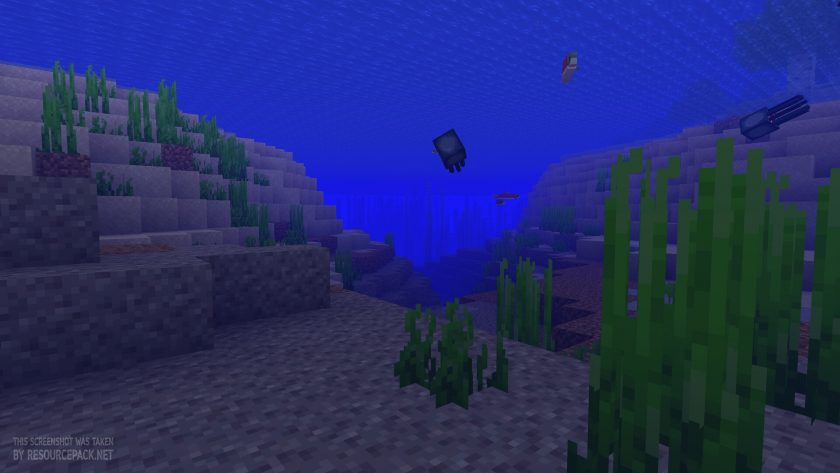 Vanilla
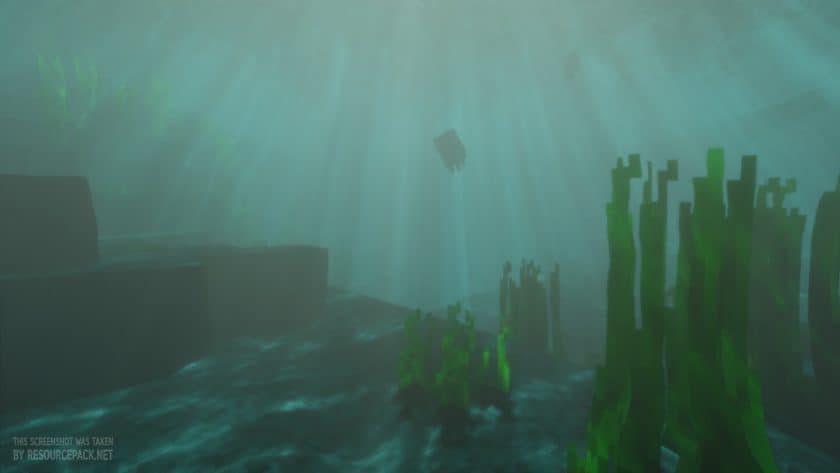 Bliss Shaders
Bliss Shaders Shader Pack Download
- We do not modify or edit any resource packs. All resource packs, shaders and tools found on this website are linked directly to official sources rather than hosted on our own servers. We provide only the official download links from the original creators to ensure that your files are safe and secure.
- These official links are updated manually and may occasionally stop working when a new version is released. We work hard to keep everything current so that you have a smooth experience. Please let us know in the comments if you find a link that no longer works.
- Minecraft is a trademark of Mojang Studios and has no official connection to this website. Our goal is simply to share the best creations from the community with other players.
- Please consider leaving a comment or voting for your favorite packs. This feedback helps authors improve their projects over time. You can also support the creators directly by visiting the official links located below the download section.
Java Edition:
[1.21.x – 1.17.x] Download Bliss Shader Pack
Curseforge: download starts automatically after a few seconds;
Mediafire: click the big blue button with the text "DOWNLOAD";
Google Drive: in the top right corner you will see a small download icon (down arrow), click it and the download should start;

199 votes
Look.. 199 users have already liked this shader pack. Give a diamond if you like it too!


Toast
i have no idea how to put it in the game
Chisay
It’s not that hard, let me help you :)
Step 1. Download the shader.
(You can put it on your Desktop so it’s easier to find and drag later.)
Step 2. Click the Windows symbol, the magnifying glass icon, or the search bar, and type:
%appdata% Then press Enter.
(If you’ve made it this far, you’ve done a great job!)
Step 3. Find the folder called “.minecraft”
(Yes, with a dot.) Open this folder.
Step 4. Inside, look for another folder called “shaderpacks”.
Step 5. Now simply drag the shader file into this folder.
Info:
Keep in mind that you also need a mod loader, such as OptiFine. You can download OptiFine online. Just make sure to choose the version that matches your shader and Minecraft version!
I hope this help :D
Daniel
Very good