Minecraft has been around for years and it never seems to lose its charm, and now with Miniature Shaders it gains yet another layer of freshness. The reason is simple. It is not just a game, it is a creative platform that players expand and reshape every single day. The developers keep updating it and on top of that the community never stops surprising with new ideas. Mods, resource packs and shader packs are constantly being made and each of them can completely transform the way the game looks and feels. Some introduce realism, some introduce fantasy, others focus on optimization, but all of them exist because Minecraft gives players the freedom to experiment. Among these countless projects stands one interesting shader pack called Miniature Shader. The name itself already hints at what you can expect. It is about keeping things small, light and simple without losing the essence of Minecraft. Shaders in general are known for pushing hardware to its limits. They add lighting effects, shadows, reflections and atmospheres that make the blocky world feel more alive. The trade off is that many shader packs require powerful systems. Not everyone has a high end computer, and that is where Miniature Shaders make their mark. They are designed to deliver subtle upgrades without overwhelming the player’s machine. The pack takes into account those who just want a touch of realism but cannot or do not want to run heavy shader projects. In practice this means you can still get better looking water, smoother lighting and gentle shadows while your computer stays cool and responsive. One of the biggest strengths of Miniature shader pack is that it respects the vanilla look. Some shaders completely transform the game into something else, which is impressive but also risks taking away what makes Minecraft feel like Minecraft. Miniature Shaders do the opposite. They highlight what is already there instead of reinventing it. You will notice shadows that are blocky yet pleasing, sunlight that filters through leaves in a soft way and reflections on the water that are present but not distracting. This careful balance keeps the game friendly and recognizable. Players who value the original style but want just a touch more atmosphere will find this approach refreshing. Water in Minecraft has always been iconic. With Miniature Shaders the water becomes slightly more reflective and realistic while still keeping a cubic soul. Do not expect mirror like lakes or hyper realistic oceans, instead expect a gentle shimmer that enhances the environment without stealing the show. This design choice fits perfectly with the idea of being miniature. It does not overwhelm the player, it simply improves what is already there.
Sunlight is treated in the same way. You get beams that break through trees and light up the terrain in a soft manner. It adds warmth and dimension but never becomes blinding. For long building sessions or hours of exploration this subtlety is a blessing because it enhances immersion without causing visual fatigue. Shadows deserve a mention too. While they are not as complex or dynamic as in the heavy packs, they synchronize beautifully with the vanilla style. Their blocky nature feels intentional rather than limiting. For many players this is a big win because it reinforces the identity of Minecraft rather than trying to mask it. This is where Miniature Shaders gain respect. They are not trying to be the most realistic or the most advanced. They are trying to be accessible, comfortable and true to the game. Another point worth highlighting is how beginner friendly the pack is. New players often want to try shaders but find themselves discouraged because most popular ones demand too much power. Miniature shaders lower the entry barrier. Anyone with modest hardware can install them, see improvements and start experimenting. It makes the shader world less intimidating and more inviting. From there, if players want to explore more advanced packs later they can, but many will be perfectly happy staying with the miniature touch. Pairing these shaders with the right resource pack also makes a difference. Faithful 32x for example doubles the resolution of default textures while keeping their style intact. When combined with Miniature Shaders you get crisp visuals, subtle shadows and gentle reflections all working together. The result feels like a polished version of vanilla rather than a complete overhaul. For players with very limited hardware there is also Potato Shaders which are another option, but Miniature Shaders strike a sweet balance between looks and performance. At the end of the day Minecraft thrives because it welcomes both minimalists and maximalists. Some players love heavy realistic shader packs that demand top tier machines, others want something lighter that still enriches the experience. Miniature Shaders prove that you do not need the most advanced features to improve atmosphere. Sometimes less is more, and when less is done well it can make your world feel warmer, cozier and more alive. For anyone searching for shaders that enhance without overwhelming, that respect the original while offering small upgrades and that run smoothly on modest setups, Miniature Shaders are absolutely worth a try.
Miniature Shader should be compatible with all of these Minecraft versions: 26.2 - 26.1.2 - 26.1.1 - 26.1 - 1.21.11 - 1.21.10 - 1.21.9 - 1.21.8 - 1.21.7 - 1.21.6 - 1.21.5 - 1.21.4 - 1.21.3 - 1.21.2 - 1.21.1 - 1.21 - 1.20.6 - 1.20.5 - 1.20.4 - 1.20.3 - 1.20.2 - 1.20.1 - 1.20 - 1.19.4 - 1.19.3 - 1.19.2 - 1.19.1 - 1.19 - 1.18.2 - 1.18.1 - 1.18 - 1.17.1 - 1.17 - 1.16.5 - 1.16.4 - 1.16.3 - 1.16.2 - 1.16.1 - 1.16 - 1.15.2 - 1.15.1 - 1.15 - 1.14.4 - 1.14.3 - 1.14.2 - 1.14 - 1.13.2 - 1.13.1 - 1.13 - 1.12.2 - 1.12 - 1.11.2 - 1.11 - 1.10.2 - 1.10 - 1.9.4 - 1.9 - 1.8.9 - 1.8.8 - 1.8.6 - 1.8.1 - 1.8 - 1.7.10 - 1.7.9 - 1.7.4 - 1.7
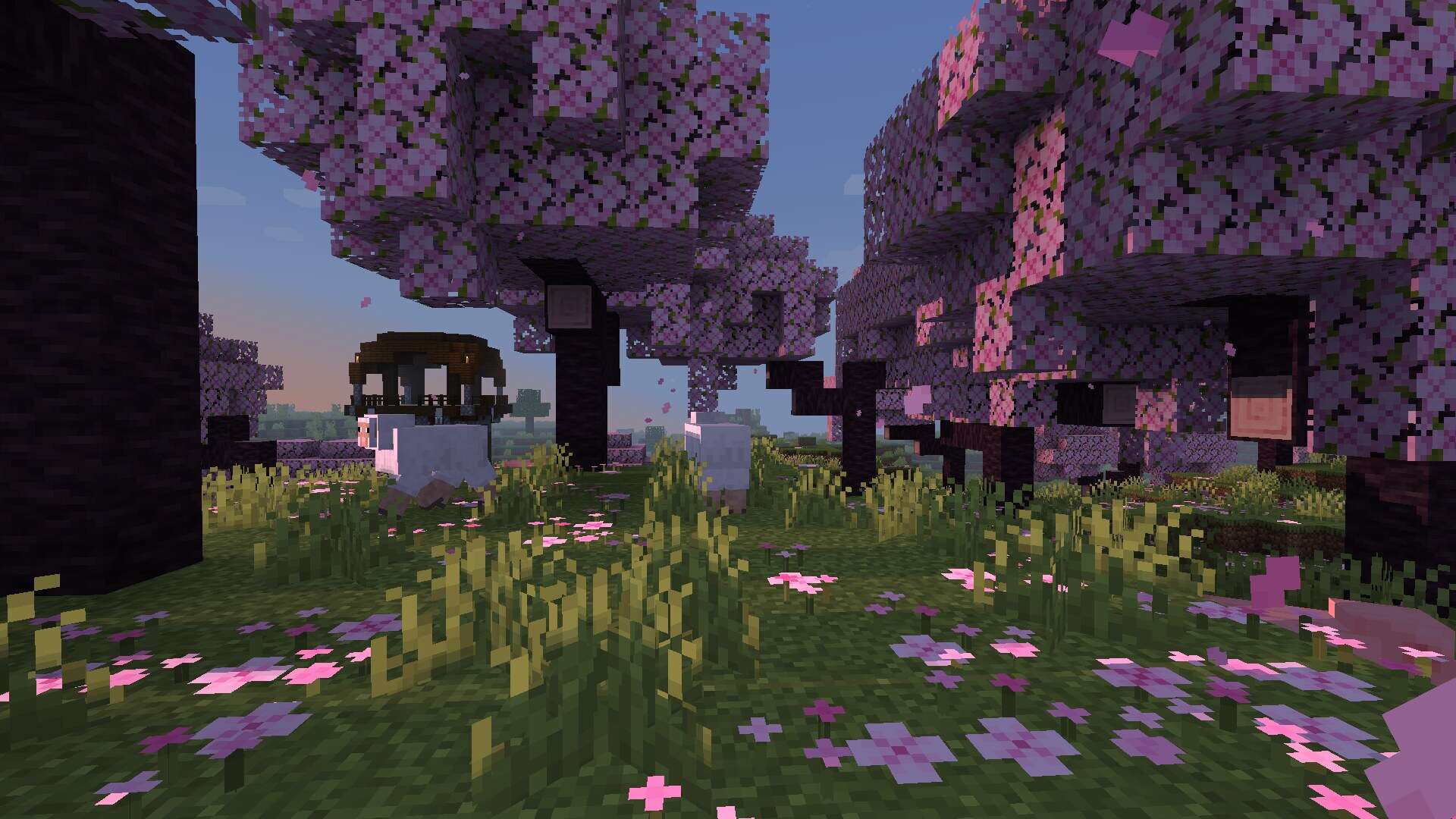
Miniature Shader — Screenshots
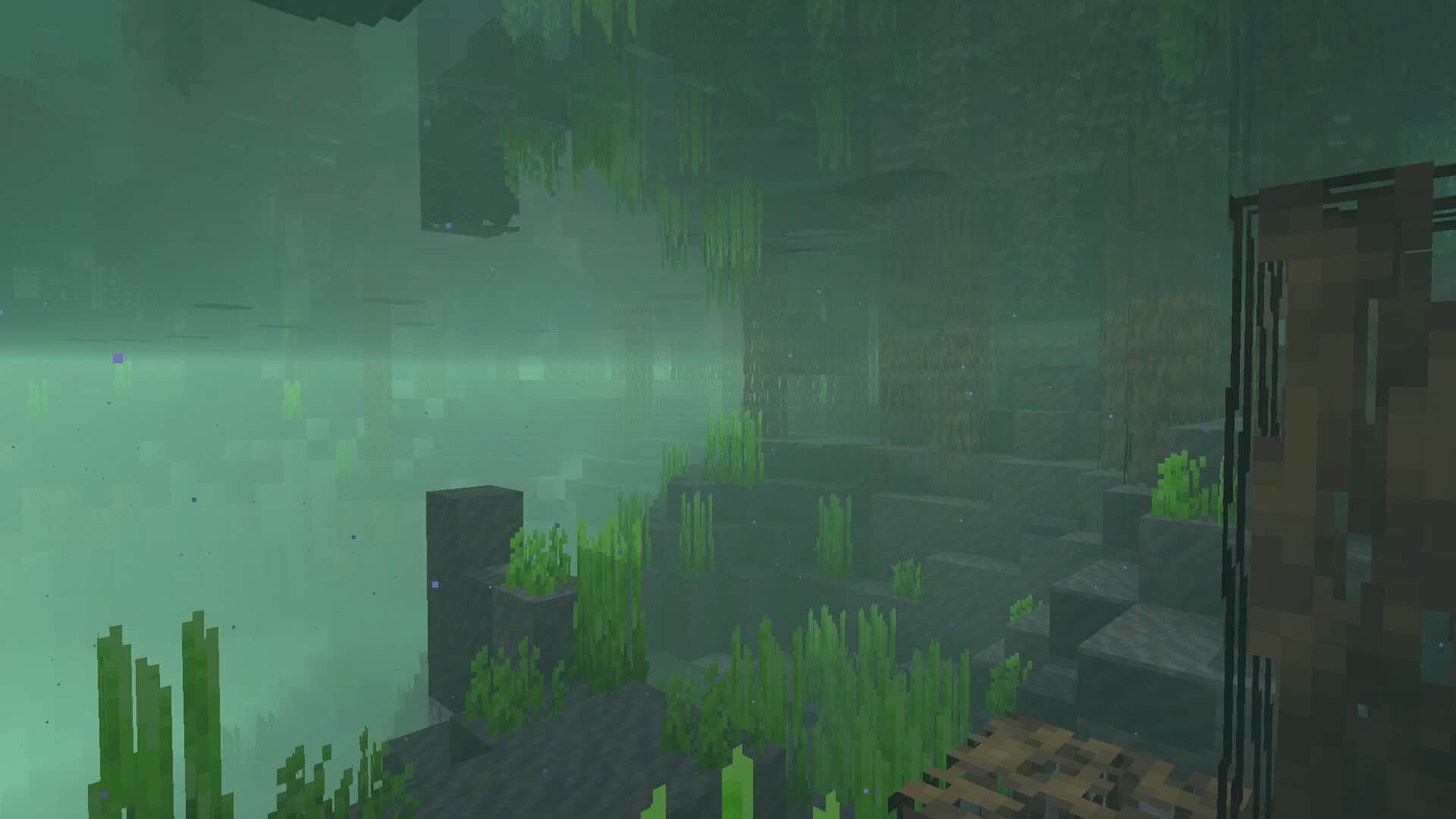
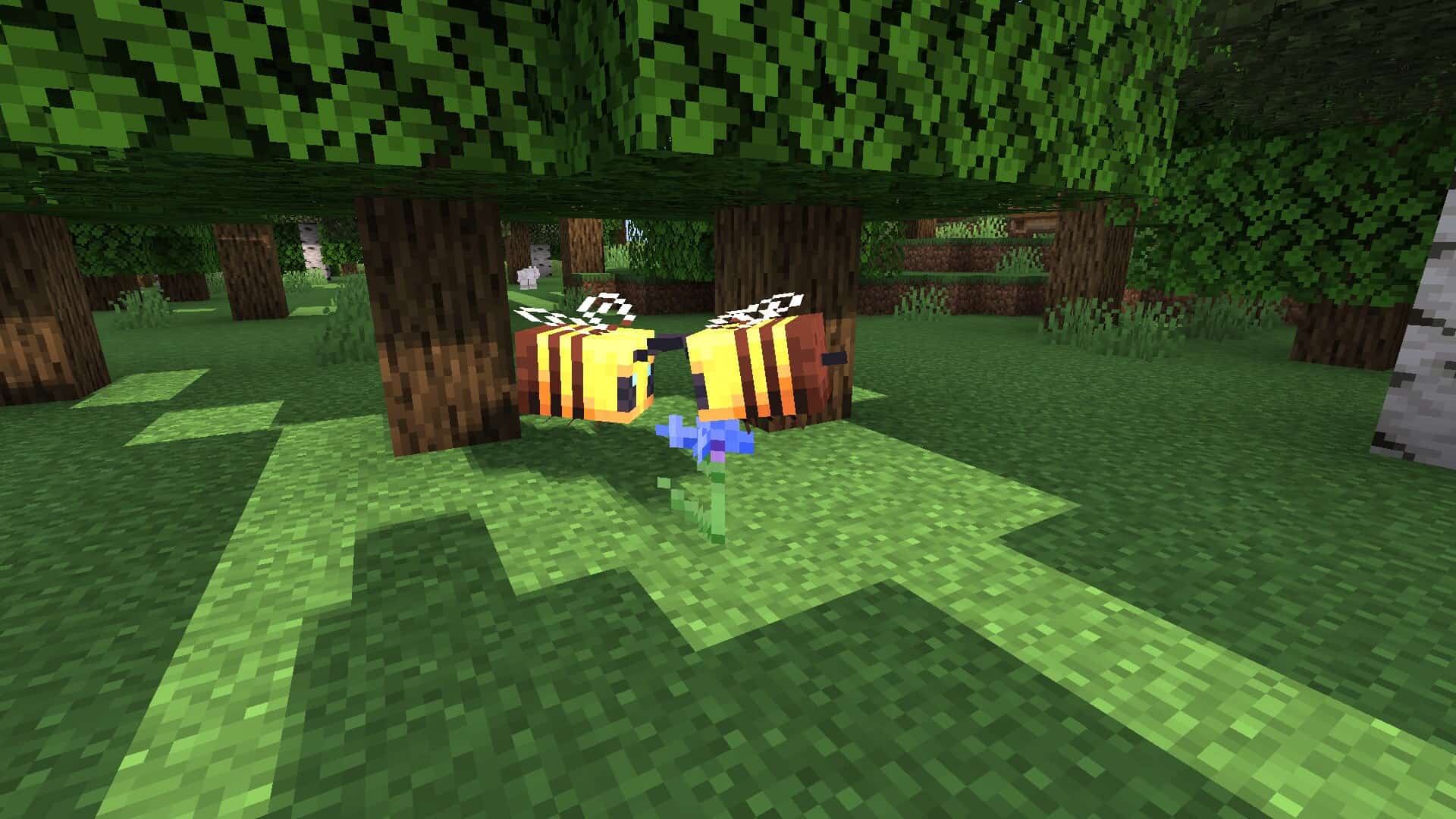
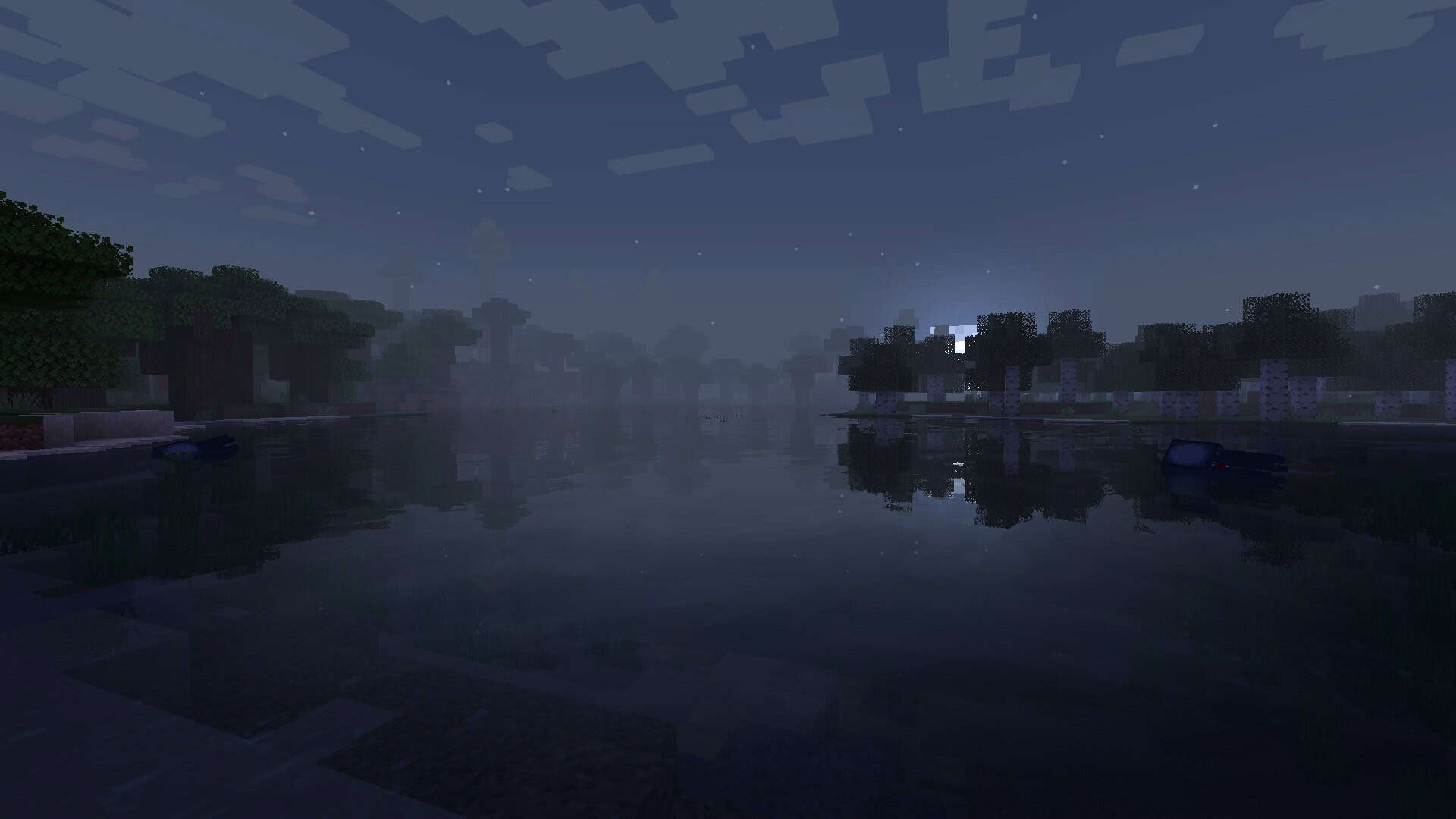

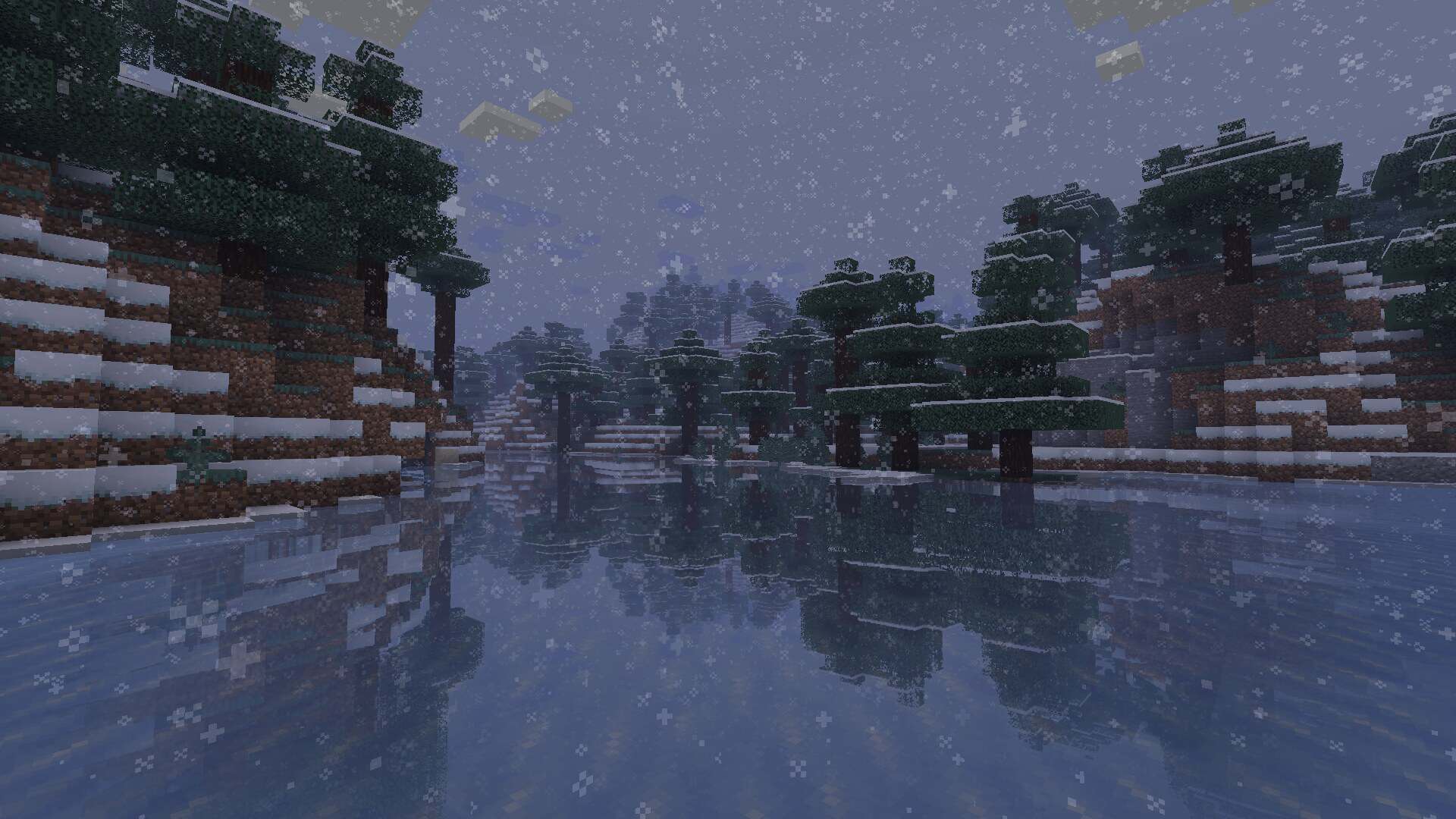
How to install Miniature Shaders:
- Download and install Minecraft.
- Open Minecraft launcher and setup your game profile for the Minecraft version you want to run. – in the launcher on the top menu, select the “Installations” tab, click “New installation”, under the “Version” dropdown, select your preferred Minecraft version and click “Create”.
- Download and install Optifine or Iris. – we recommend Iris, it’s a bit more optimized;
- Open Minecraft launcher and select the newly created Optifine or Iris profile. – if in step 3 you chose to install optifine it will have an optifine profile, if iris it will have an iris profile;
- Download the Miniature shader pack from the download section below.
- Launch Minecraft.
- For Optifine: Go to
Options > Video Settings > Shadersand click “Shaders Folder” to open shaderpacks folder.
For Iris: Go toOptions > Video Settings > Shader packsand click “Open Shader Pack Folder” to open shaderpacks folder. - Put the Miniature shader pack (.zip file) downloaded in step 5 into the .minecraft\shaderpacks folder you opened in step 7.
- In the game, select Miniature Shaders from the list and click “Done”.
Miniature Shader - Comparison Slider #1
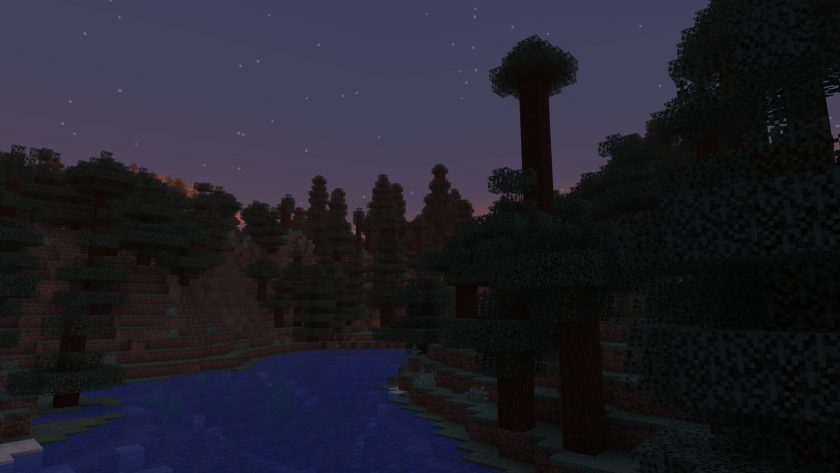
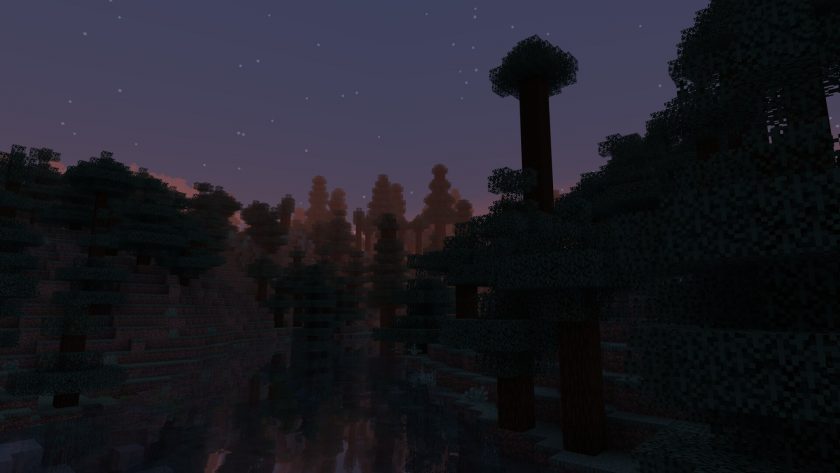
Move slider back and forth to see vanilla Minecraft on the left and the beautiful shaders on the right. Use the buttons below to see how the pack looks in different situations.
 Vanilla
 Miniature Shader
Miniature Shader Shader Pack Download
- We do not modify or edit any resource packs. All resource packs, shaders and tools found on this website are linked directly to official sources rather than hosted on our own servers. We provide only the official download links from the original creators to ensure that your files are safe and secure.
- These official links are updated manually and may occasionally stop working when a new version is released. We work hard to keep everything current so that you have a smooth experience. Please let us know in the comments if you find a link that no longer works.
- Minecraft is a trademark of Mojang Studios and has no official connection to this website. Our goal is simply to share the best creations from the community with other players.
- Please consider leaving a comment or voting for your favorite packs. This feedback helps authors improve their projects over time. You can also support the creators directly by visiting the official links located below the download section.
Java Edition:
[26.2.x – 1.7.x] Download Miniature Shader Pack
Curseforge: download starts automatically after a few seconds;
Mediafire: click the big blue button with the text "DOWNLOAD";
Google Drive: in the top right corner you will see a small download icon (down arrow), click it and the download should start;

451 votes
Look.. 451 users have already liked this shader pack. Give a diamond if you like it too!


r3looC
[Shaders]: Invalid program “gbuffers_terrain”
[Shaders]: Invalid program “gbuffers_entities”
[Shaders]: Invalid program “gbuffers_hand”
Miri
Hello it crashes on linux ubuntu 1.14.4 version. is it about in-game settings or lack of RAM? I have 8 GB’s of ram in my laptop. I assume it is because of ubuntu drivers incompability. Please let me know!
Admin
8GB is a bit too low to run most shader packs, and Linux also isn’t the best OS for running Minecraft mods or shaders.
bob
so cooooooooooooooool
jack
nice