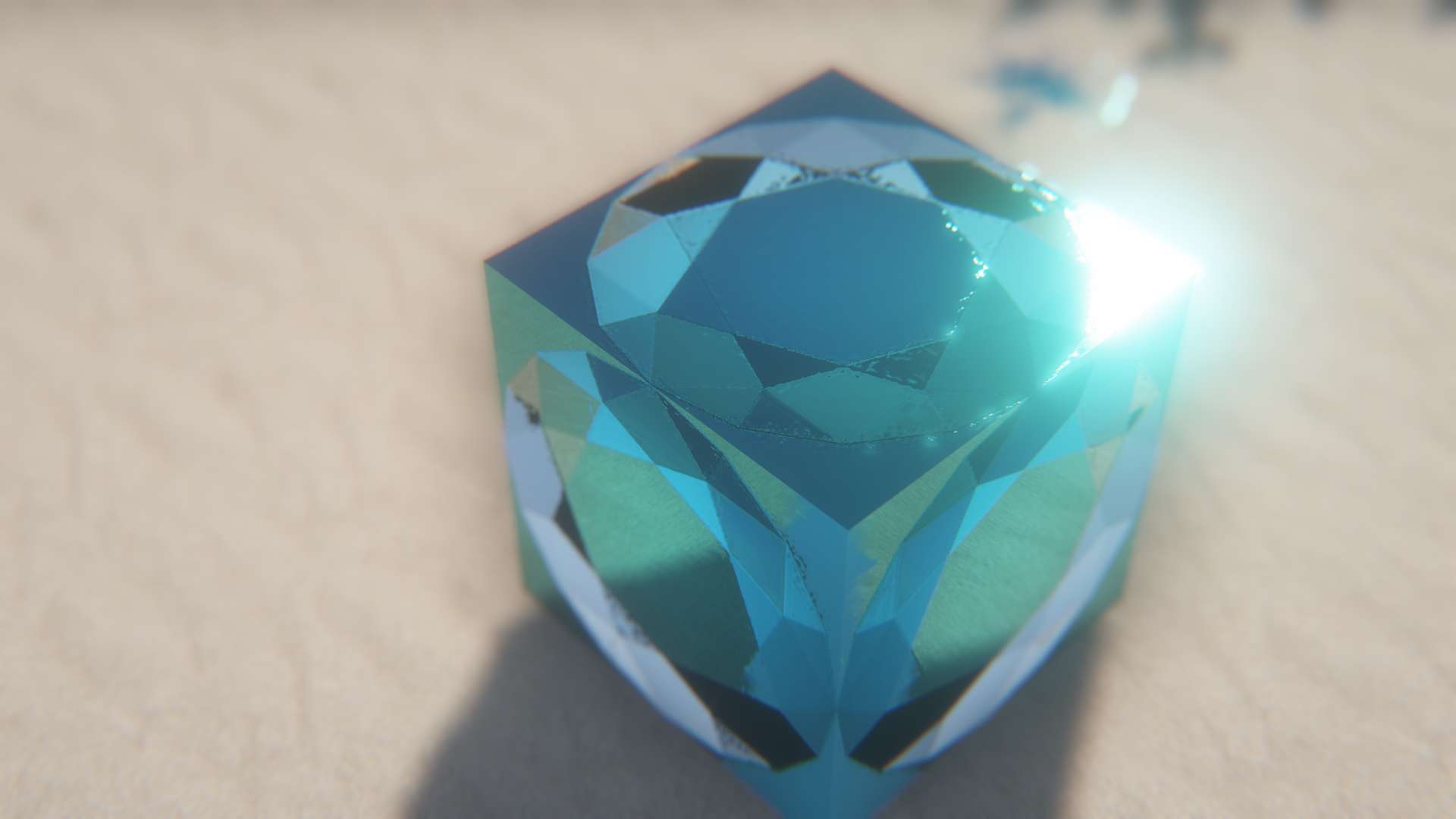
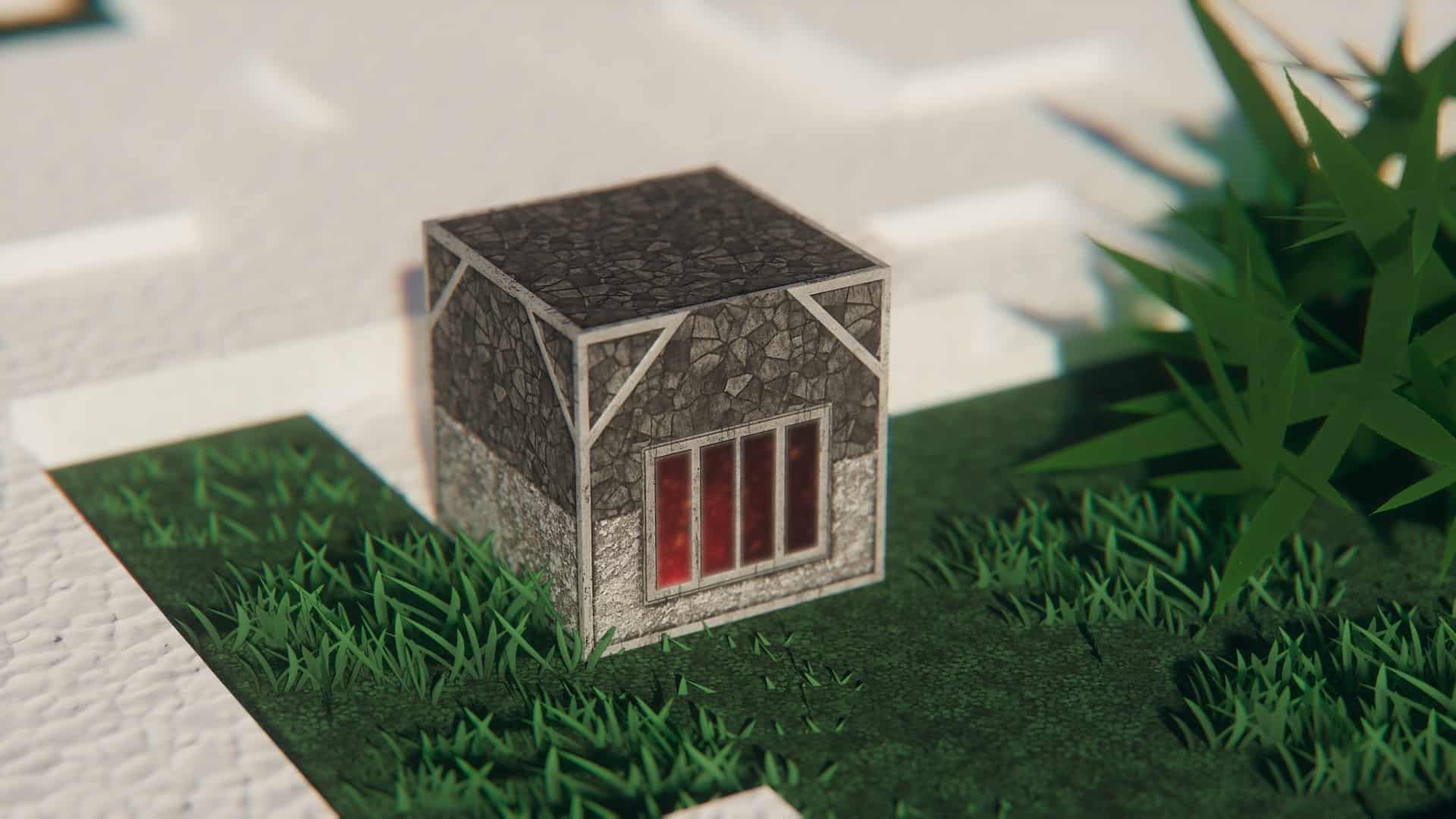
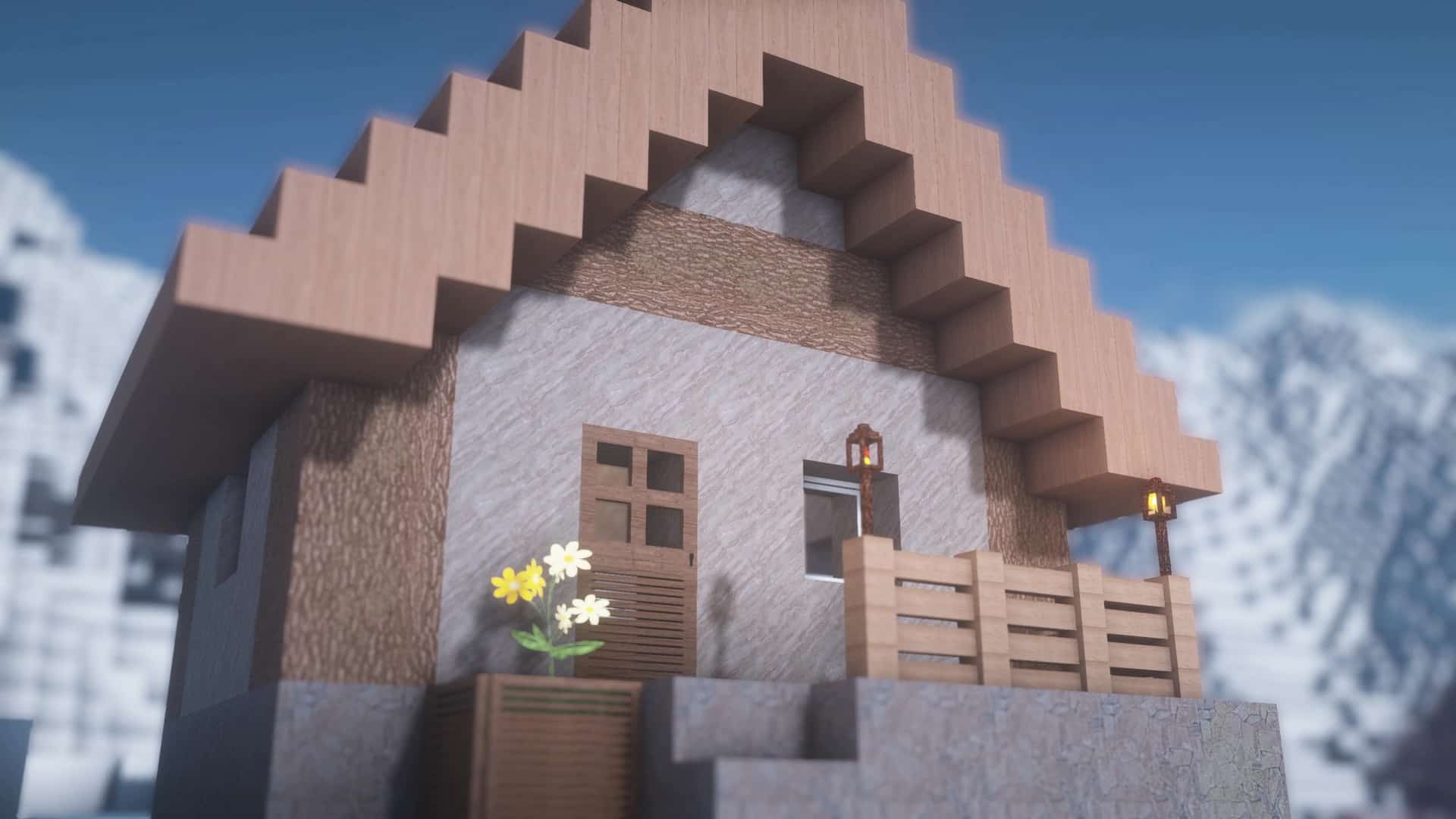
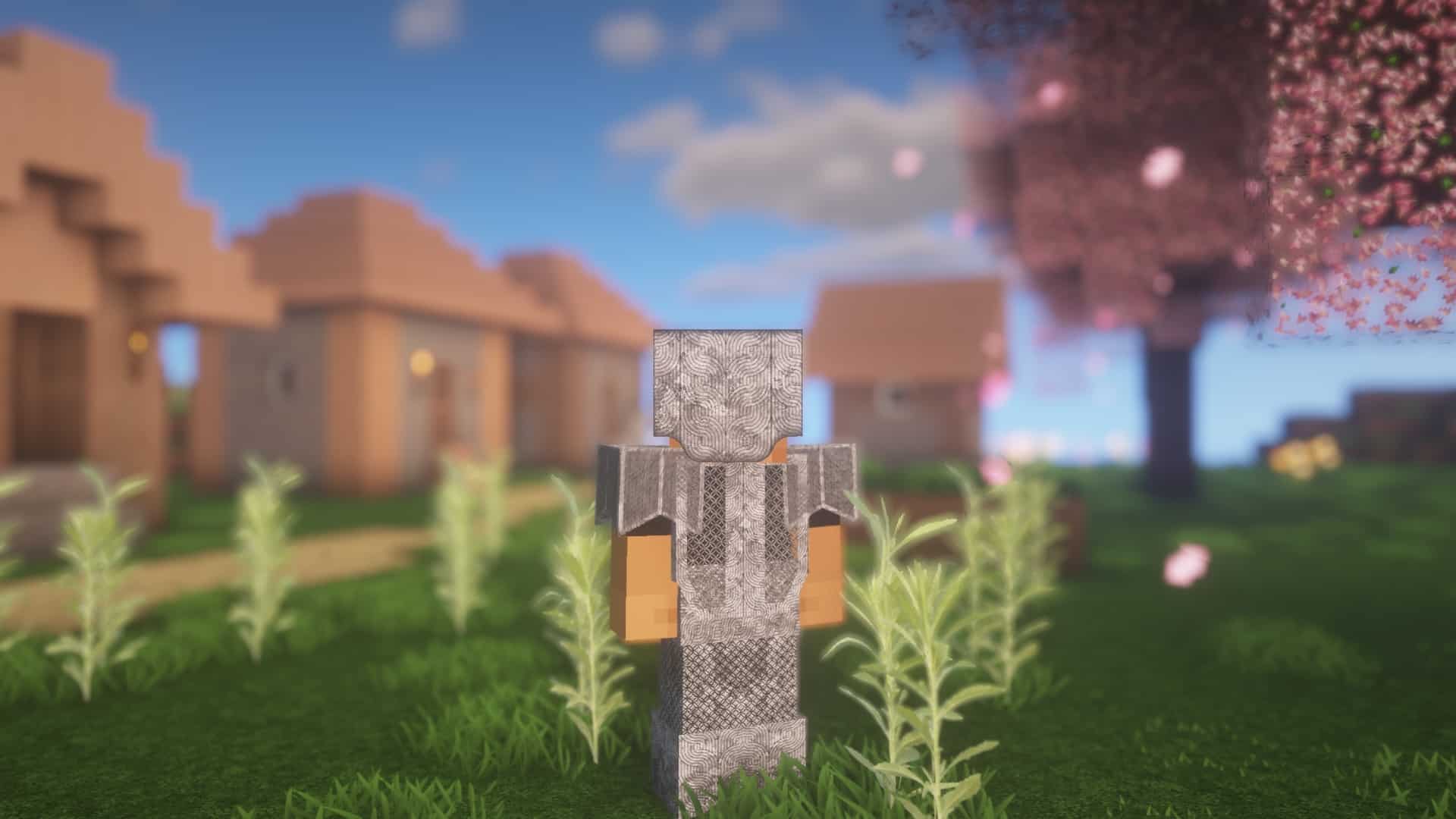
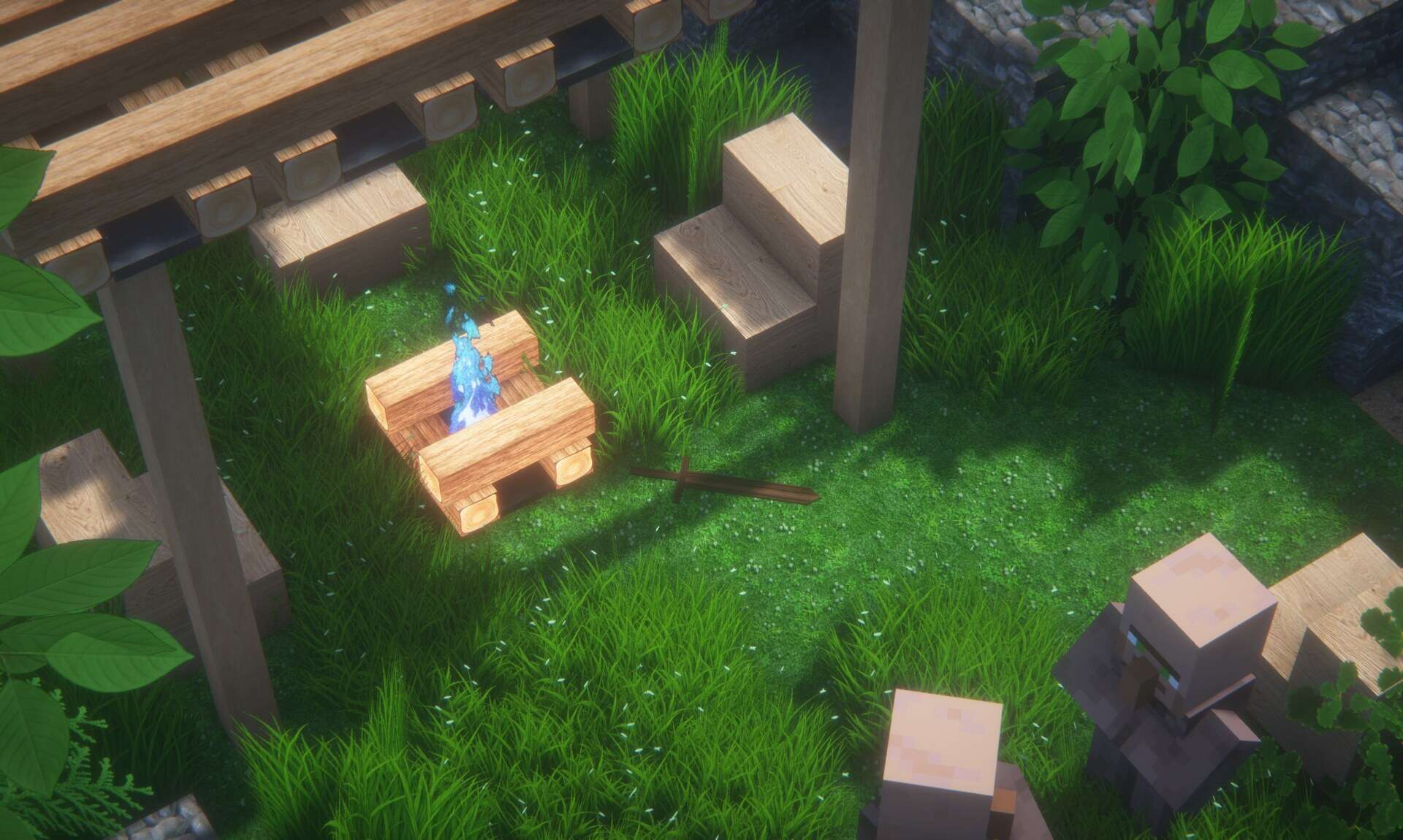
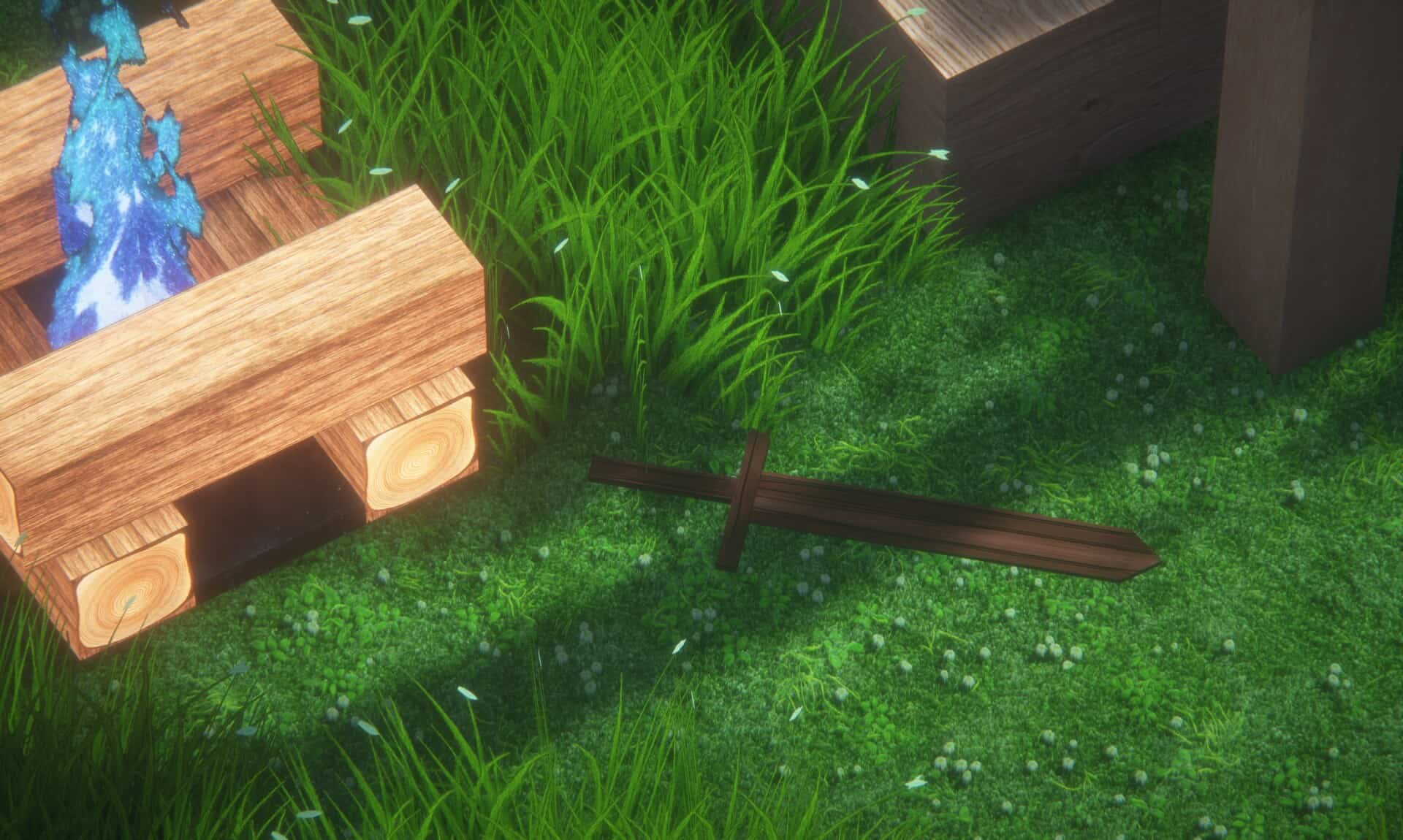
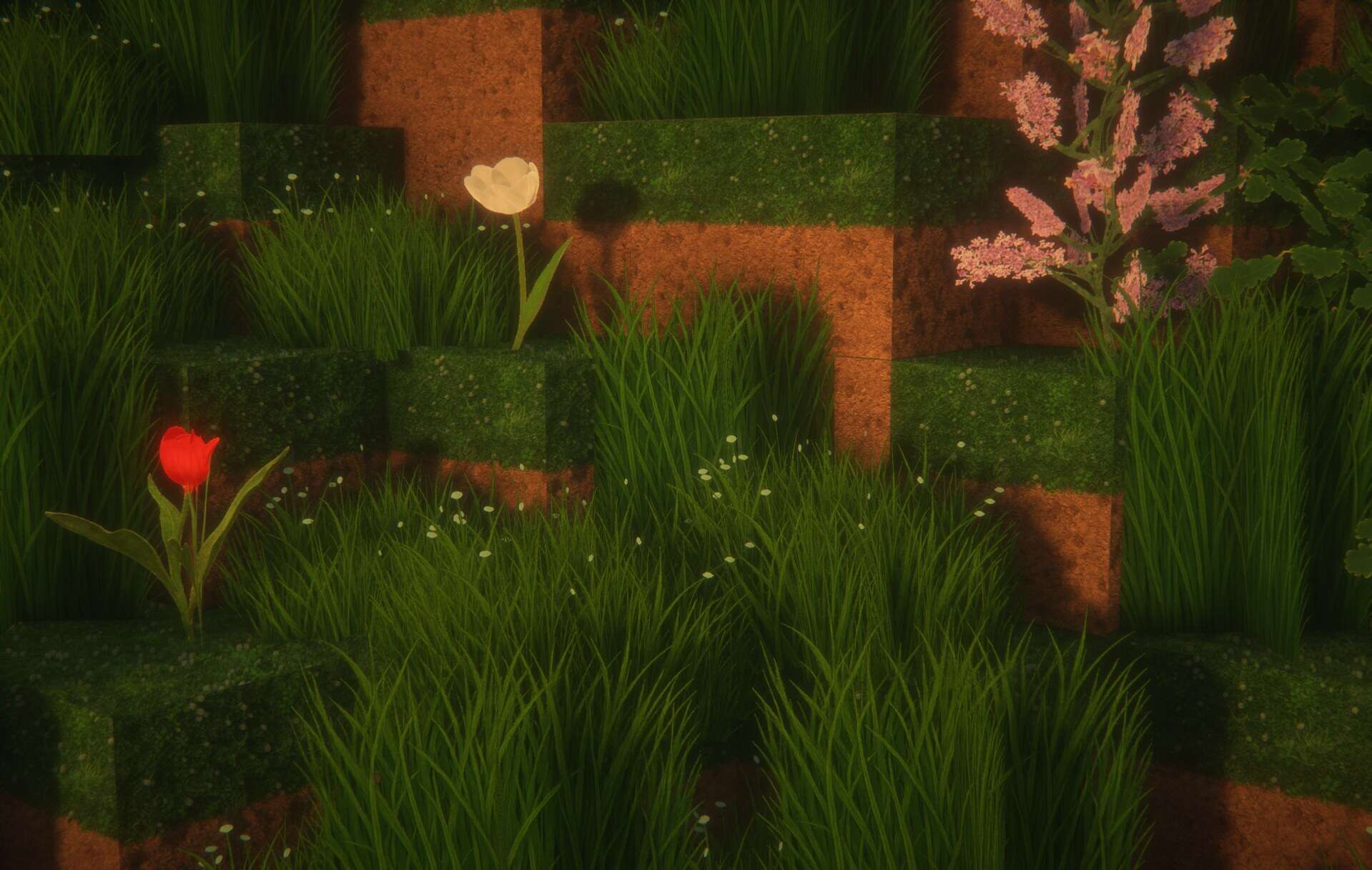
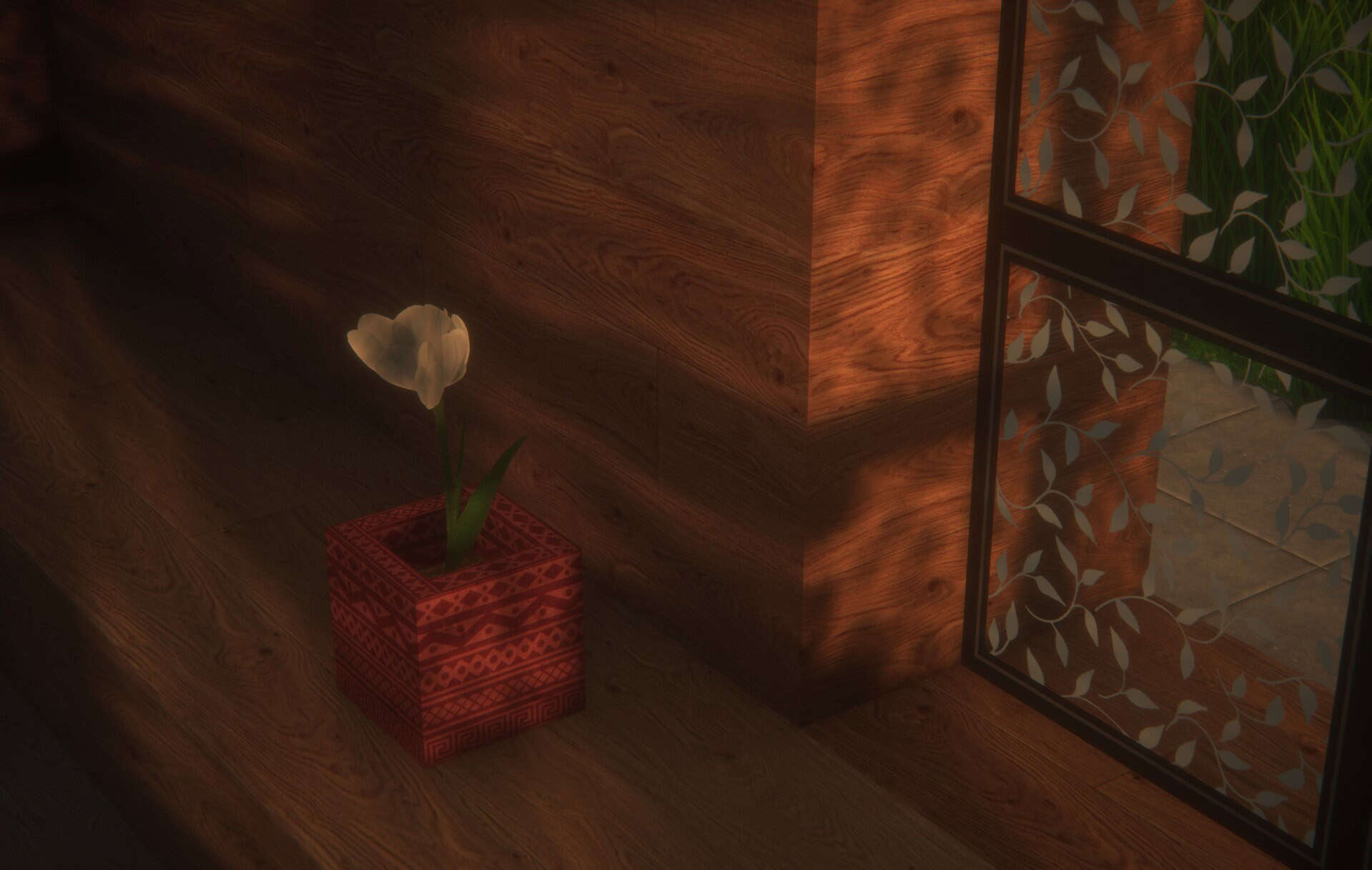
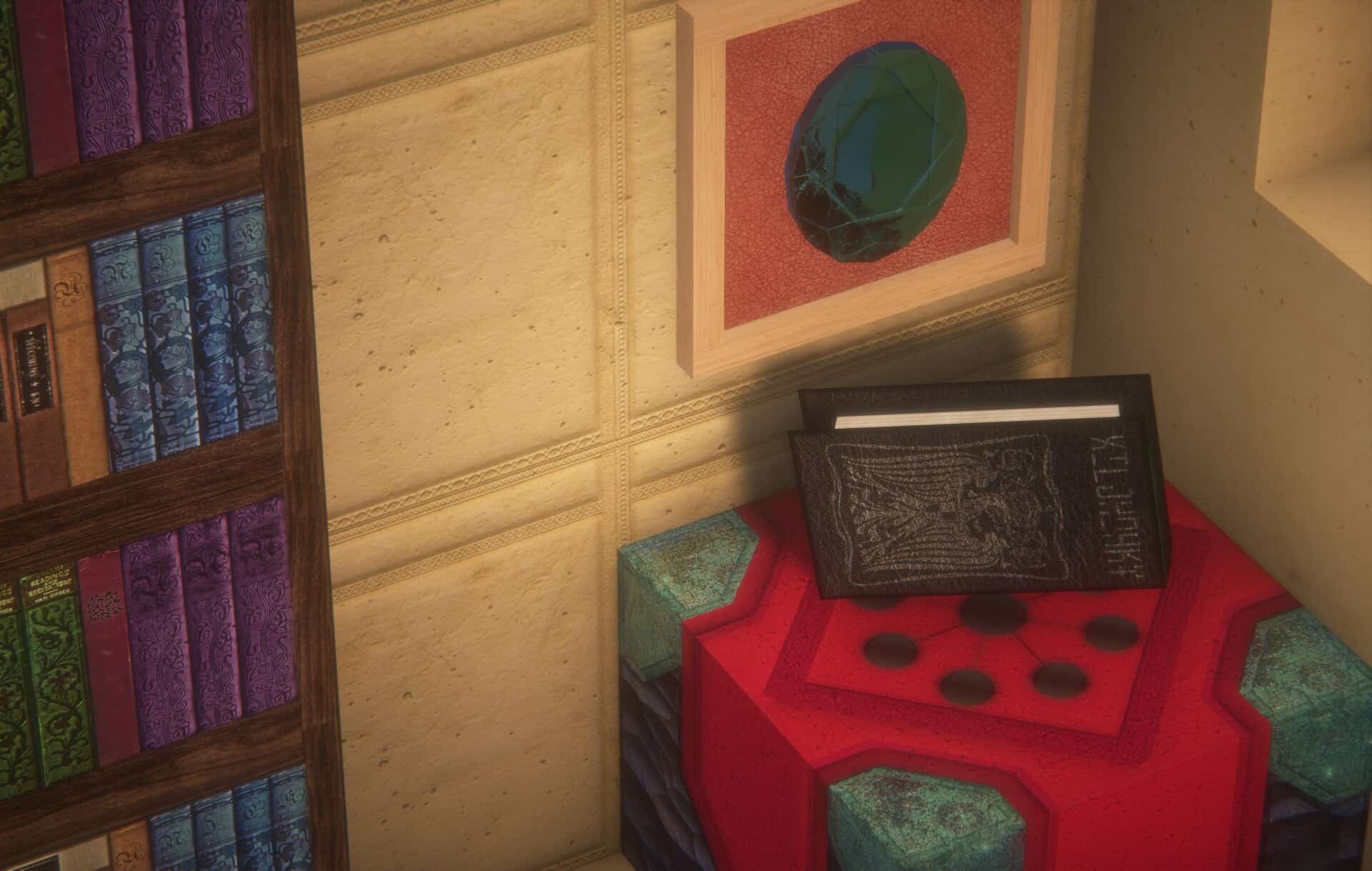
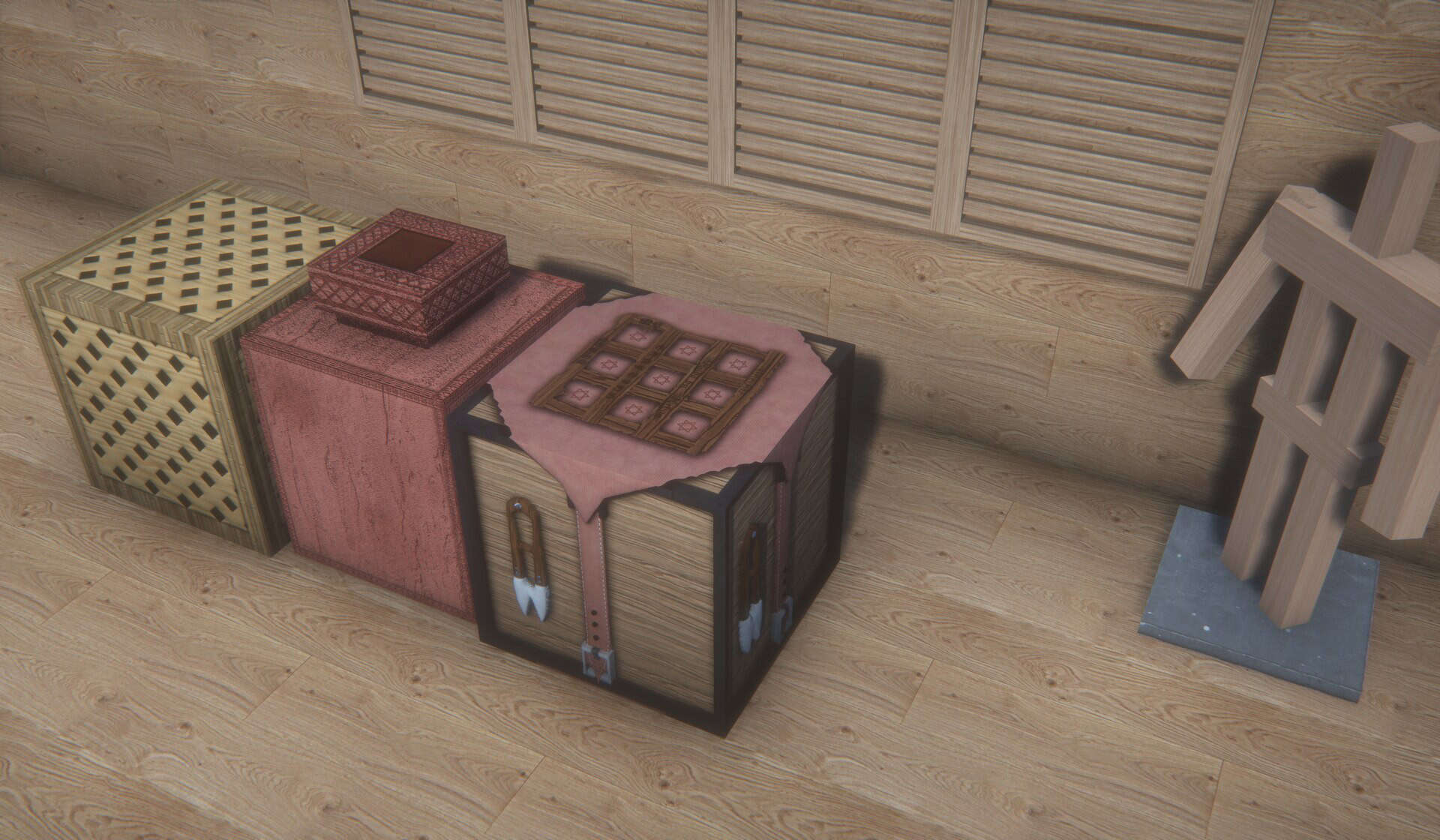
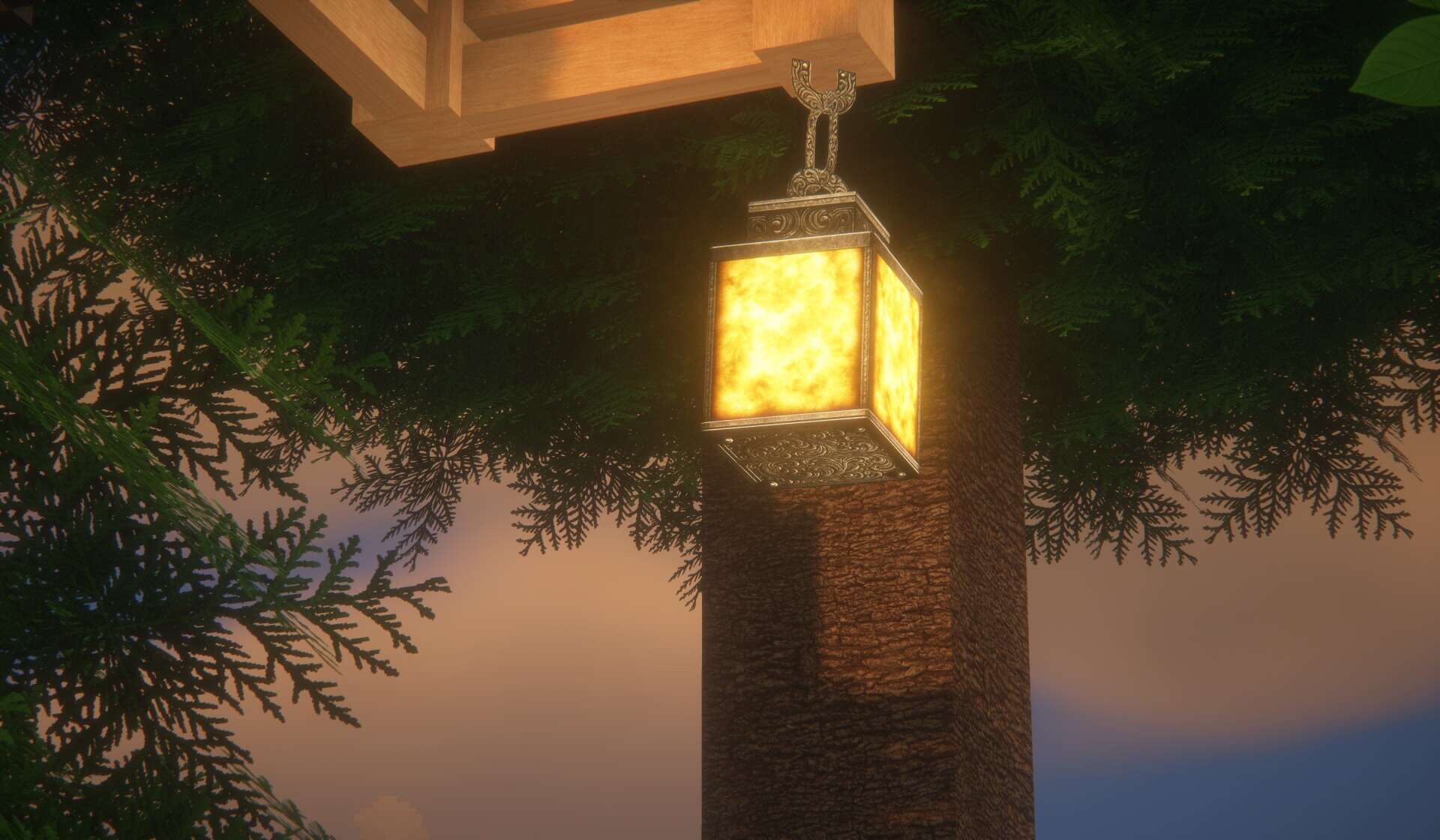
There are very few projects that get you excited. The URBAN resource pack appears to be one of the few that manages to stir the interest of even the most veteran Minecraft players. This is because it is not just a texture resolution upscale. It is also not just a recoloring of existing textures. It is the kind of project that takes hours of sleepless nights to come to fruition. Developed by artist Aryan Nikose, the URBAN texture pack set itself on the ambitious path of completely changing how Minecraft looks, feels, and plays. It manages to make the game breathtaking. A true eye candy that a player can just sit and admire. Pushing the capabilities of the game, the artist had to resort to path-traced shaders. For this purpose, the developer chose to use BSL, a commonly available shader pack for Minecraft. It pushed BSL to its limits to accomplish something that no longer looks like a blocky game. The URBAN resource pack brings a certain degree of photorealism that is unprecedented in Minecraft. Objects and items look stunningly real, albeit with more corners and sharp edges but completely different than what they look like in vanilla Minecraft. The work done by the developer using BSL shader’s features would not suffice to make Minecraft so visually beautiful. It had to be supported by improved textures. For this reason, Aryan Nikose had to develop it using higher resolution textures. The lowest resolution available is 128x which is in itself resource demanding.
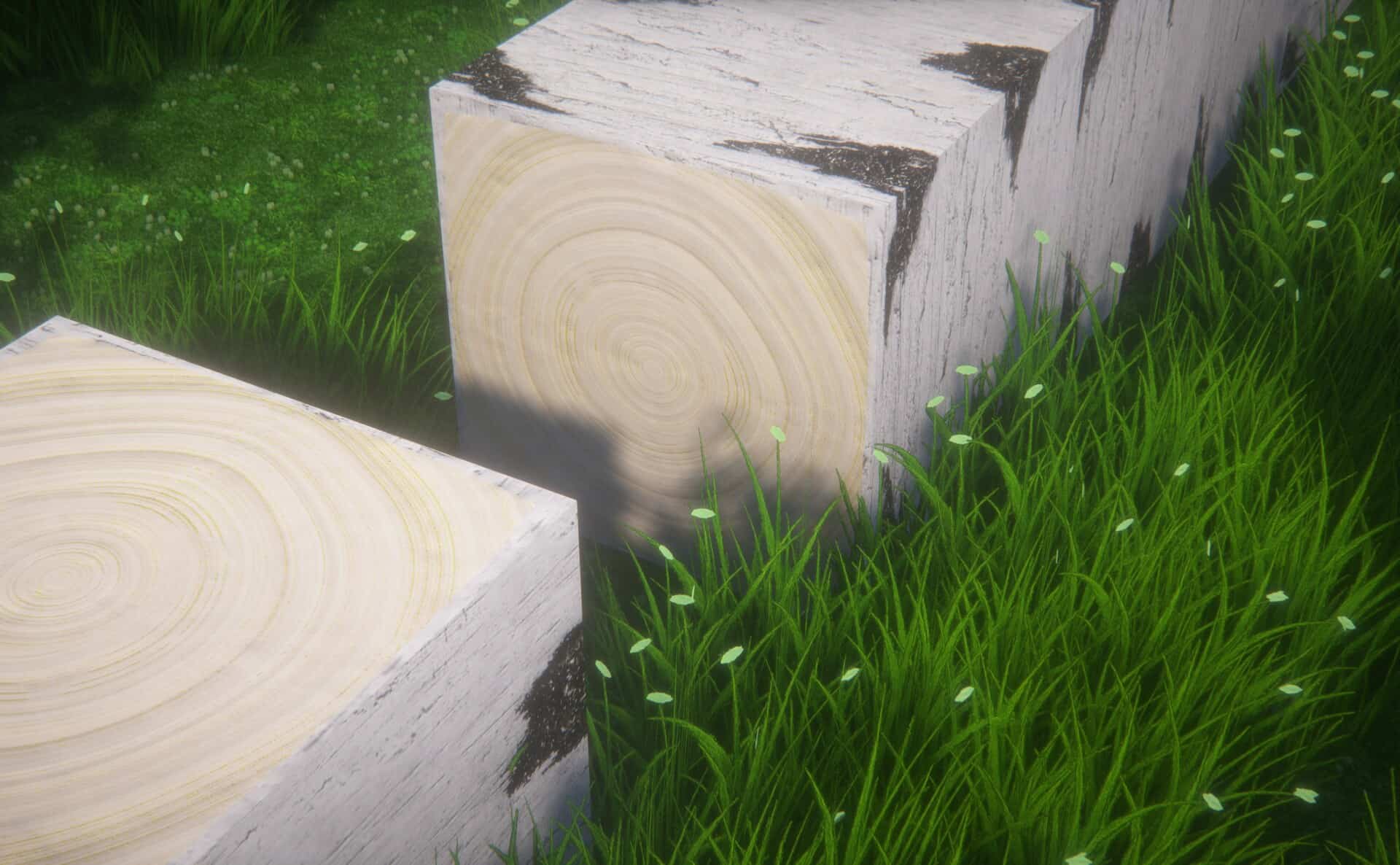
There is also a 512x and a 1024x version which is even more demanding and requires a considerably powerful computer to run properly. However, the 128x version a little bit pales in comparison to the 1024x one. There is such a level of detail that pixels on textures are no longer observable. Every single texture on any object in the game is smooth and photorealistic. Such a level of realism was achieved by reworking and designing completely new textures. It is not enough to upscale existing resolutions. Many textures were created manually to ensure that they perfectly represent the vision of Aryan Nikose for the game. He added many new textures in the game such as new types of stone, wood, tools crates, sand and more. There are also new models for certain objects that have more polygons to make them more realistic. Things such as small rocks, leaves, grass, all have more polygons to make them appear considerably closer to reality. While there may not be much information available about the URBAN resource pack, the developer uses his official channels to communicate updates. He shares the progress of his work over Instagram and has a dedicated Patreon page for the URBAN resource pack. The 128x version of his resource pack is available for free. Higher resolution ones are available for author’s Patreon subscribers that is meant to support the creator continue his work on the resource pack. It is also on Patreon where the developer posts future updates and the latest version first.
URBAN should be compatible with all of these Minecraft versions: 26.1.2 - 26.1.1 - 26.1 - 1.21.11 - 1.21.10 - 1.21.9 - 1.21.8 - 1.21.7 - 1.21.6 - 1.21.5 - 1.21.4 - 1.21.3 - 1.21.2 - 1.21.1 - 1.21 - 1.20.6 - 1.20.5 - 1.20.4 - 1.20.3 - 1.20.2 - 1.20.1 - 1.20 - 1.19.4 - 1.19.3 - 1.19.2 - 1.19.1 - 1.19 - 1.18.2 - 1.18.1 - 1.18 - 1.17.1 - 1.17 - Bedrock Edition - PE
URBAN — Video & Screenshots
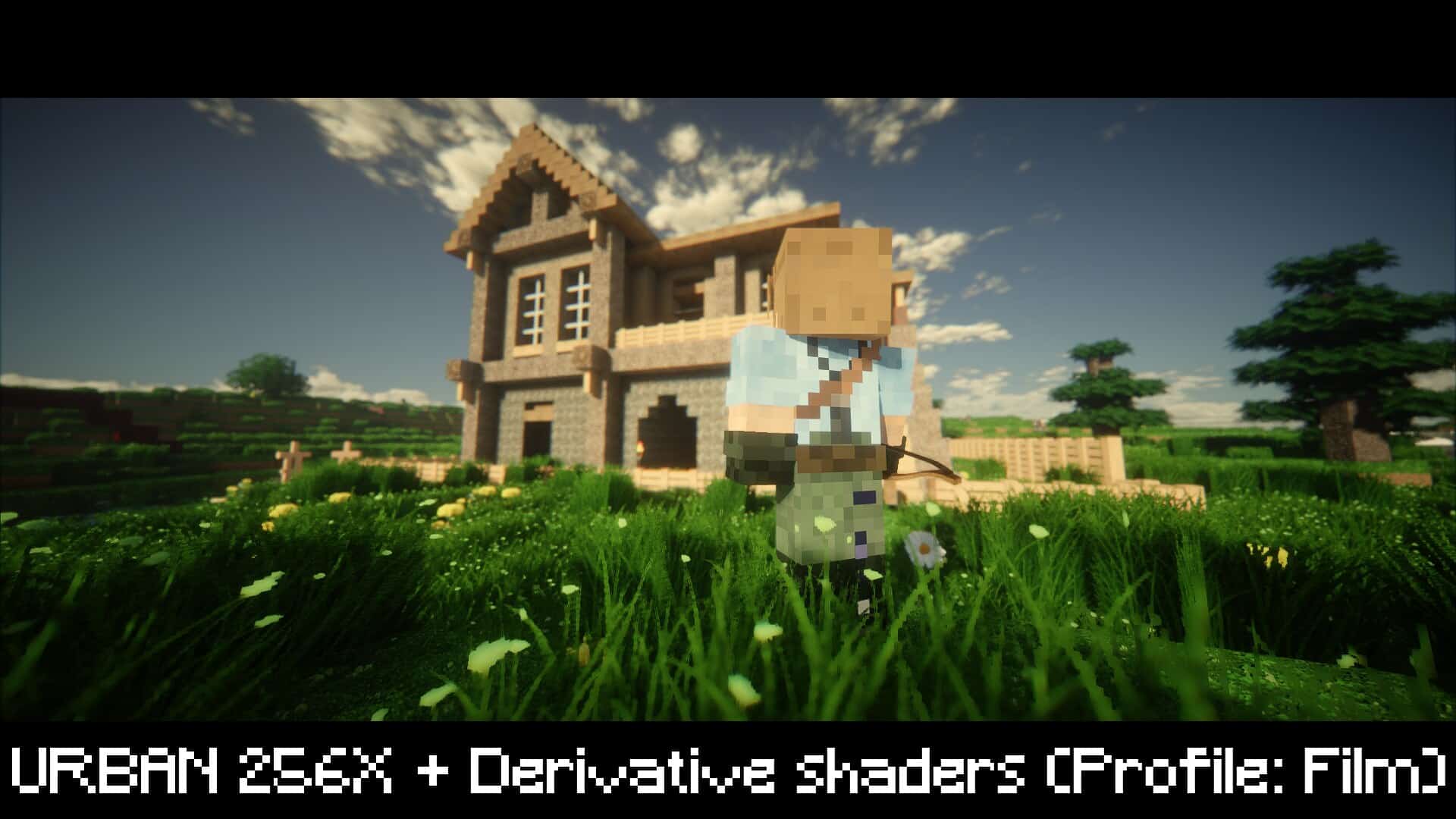

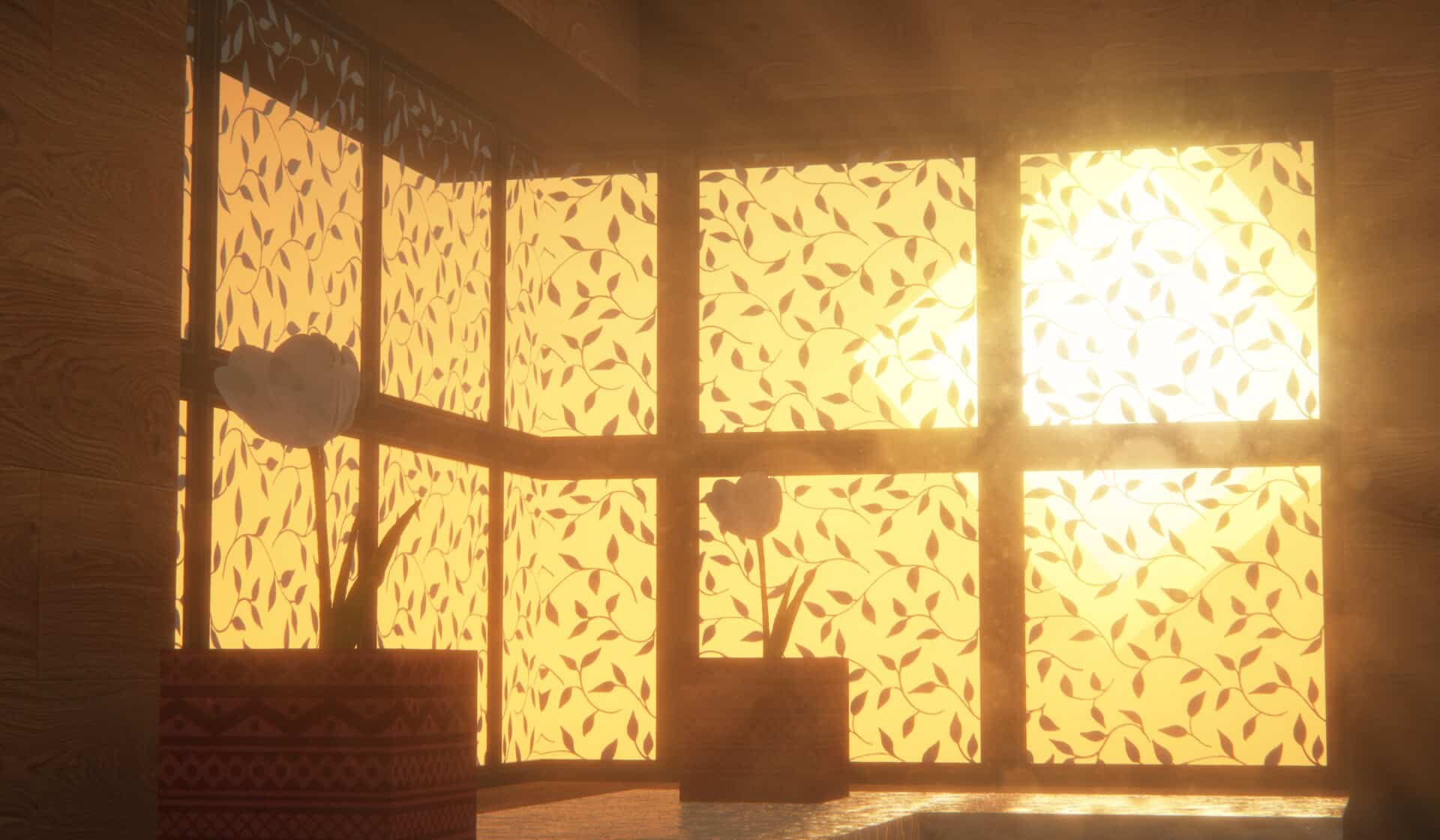
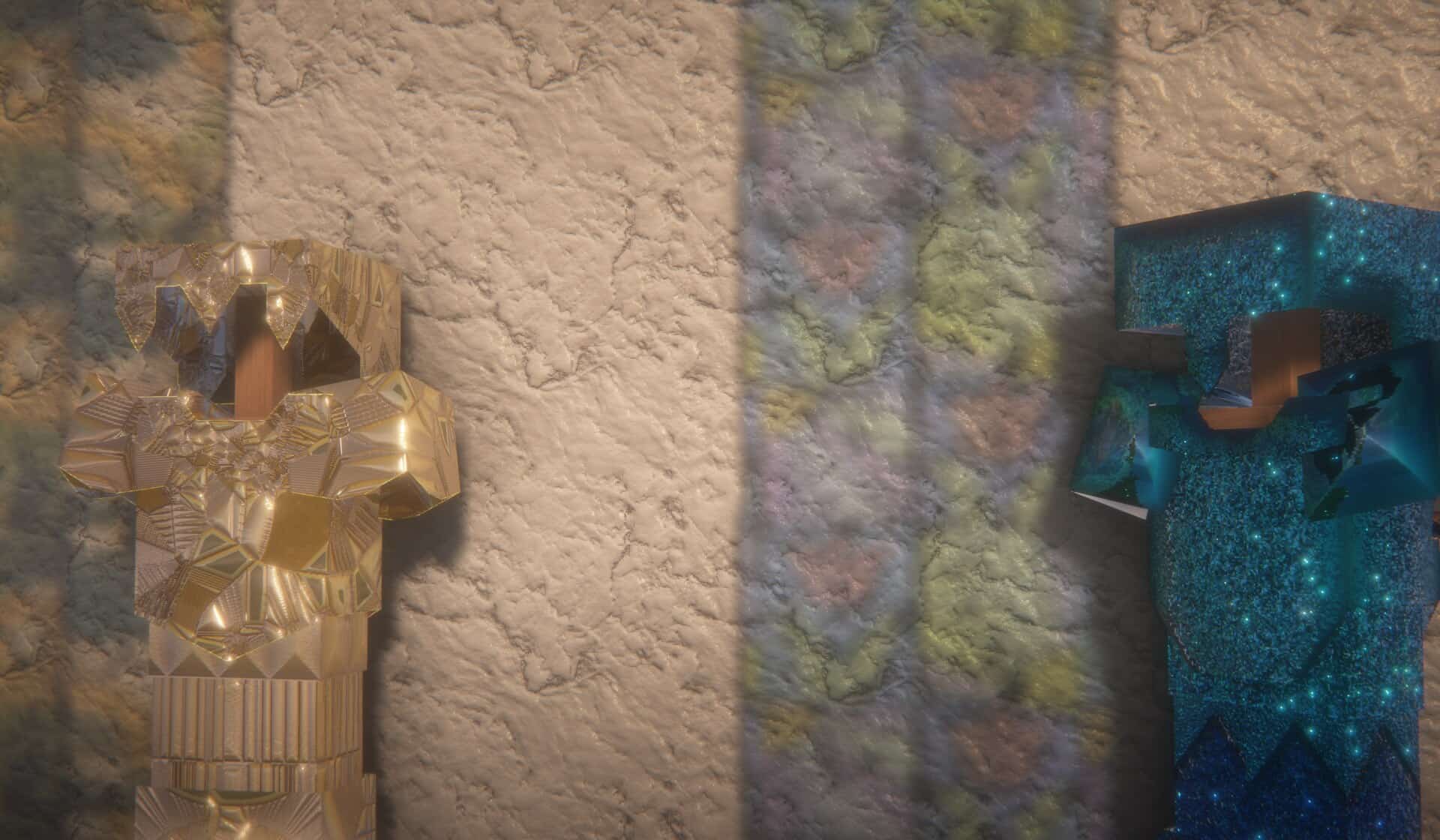
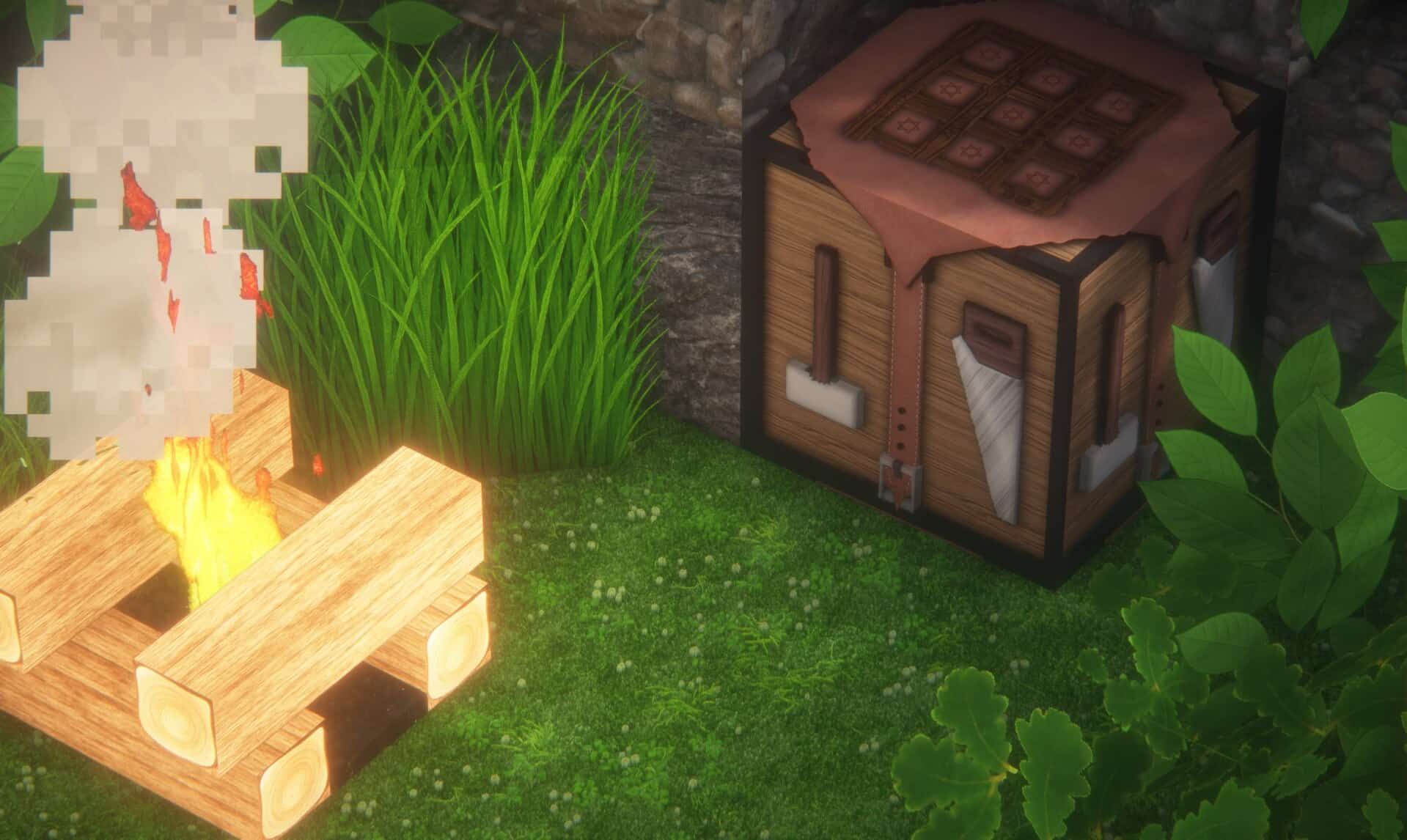
How to install URBAN Resource Pack:
- Most resource packs require Optifine, so be sure to download and install it. – general recommended step for all packs, Optifine is also needed for most shaders
- Download the URBAN texture pack for Minecraft from the download section below. – if there are many different versions, just choose the one you like, is compatible with your version/edition of Minecraft, the one you think your computer can handle in terms of performance.
- Launch the game client through the Minecraft launcher.
- On the main menu, click "Options".
- On the options menu, click "Resource Packs...".
- Click on "Open Resource Pack Folder". – folder titled "resourcepacks" will pop up
- Move the .zip file you downloaded in the first step to the newly opened "resourcepacks" folder.
- Click "Done".
- Click on "Resource Packs..." again.
- Your pack should have appeared in the left window, just hover over it and click on the arrow pointing to the right.
QUICK TIP: Sometimes, when activating a pack, the game may say that the pack is made for a newer or older version of Minecraft. This is just a warning, it does not affect your gameplay in anyway, and you can still activate and enjoy the pack by simply clicking the "Yes" button when prompted.
- Click "Done" again.
- The pack has now been successfully loaded and ready to be used in your world!
Recommended shaders:
URBAN - Comparison Slider #1
Comparison slider #1 for those who want to compare vanilla Minecraft without any texture packs installed (on the left) with Minecraft using this particular texture pack (on the right).
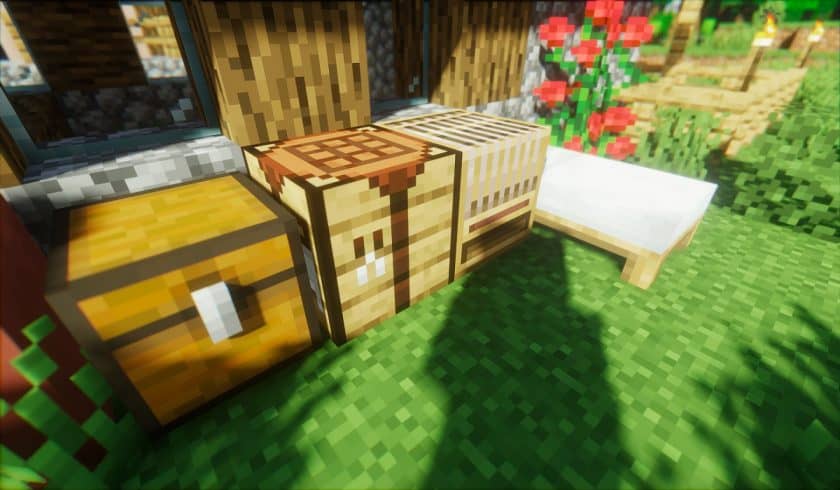 Vanilla
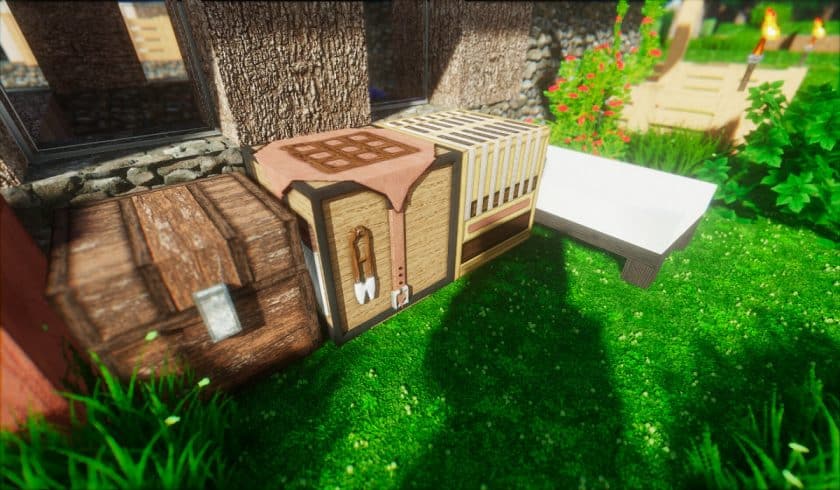 URBAN
URBAN
URBAN Texture Pack Download
- We do not modify or edit any resource packs. All resource packs, shaders and tools found on this website are linked directly to official sources rather than hosted on our own servers. We provide only the official download links from the original creators to ensure that your files are safe and secure.
- These official links are updated manually and may occasionally stop working when a new version is released. We work hard to keep everything current so that you have a smooth experience. Please let us know in the comments if you find a link that no longer works.
- Minecraft is a trademark of Mojang Studios and has no official connection to this website. Our goal is simply to share the best creations from the community with other players.
- Please consider leaving a comment or voting for your favorite packs. This feedback helps authors improve their projects over time. You can also support the creators directly by visiting the official links located below the download section.
Bedrock Edition:
[128x] [1.20.x] Download URBAN Bedrock Edition Resource Pack – absolutely free;
[512x] [1.20.x] Download URBAN Bedrock Edition Resource Pack – for Patrons only;
Java Edition:
[128x] [1.21.x] Download URBAN Resource Pack – absolutely free;
[128x] [1.20.6 – 1.20.2] Download URBAN Resource Pack – absolutely free;
[128x] [1.20.1 – 1.20] Download URBAN Resource Pack – absolutely free;
[128x] [1.19.x] Download URBAN Resource Pack – absolutely free;
[128x] [1.18.x] Download URBAN Resource Pack – absolutely free;
[128x] [1.17.x] Download URBAN Resource Pack – absolutely free;
[256x] [1.21.x – 1.17.x] Download URBAN Resource Pack – for Patrons only;
[512x] [1.21.x – 1.17.x] Download URBAN Resource Pack – for Patrons only;
[1024x] [1.21.x – 1.17.x] Download URBAN Resource Pack – for Patrons only;
Fabric Compatibility:
[256x – 1024x] [1.21.x – 1.17.x] Download URBAN Resource Pack – for Patrons only;
Curseforge: download starts automatically after a few seconds;
Mediafire: click the big blue button with the text "DOWNLOAD";
Google Drive: in the top right corner you will see a small download icon (down arrow), click it and the download should start;

2,119 votes
Look.. 2119 users have already liked this pack. Give a diamond if you like it too!


zach
The door textures are bugged out making it look awful. plz fix asap
Seinaru
Looks not bad but game start lagging and door and over door textures are bugged. and making the game hard laggy
tyson
this resource pack looks great (my opinion)
Dan
Hi,
I have been using your resource pack for a few months now since the 1.18 version. I am really pleased with the aesthetic and everything has worked fine until the last few weeks. I recently started to experience an interference while playing with this resource pack. All of a sudden my Razer devices lightning (keyboard, mouse, base station) starts to flicker and stutter and the game starts to lag. It comes and goes, but it is super annoying. Have you, or anyone else experienced something similar? Tried to switch to vanilla to see if the problem was recurring, but everything went smoothly then. Nothing wrong with my razer devices, as they work perfectly playing other video games. I have installed the newest version of optifine as well as the newest version of this resource pack. Help
Aryan
Probably because the pack is so heavy, try to Allocate more RAM to Minecraft. This might fix the problem but I am not sure as nobody has experienced this issue, so it’s a bit hard for me to tell.
Lol
Give me that pls
Nick
just saying but it would have been nice to know these arent free here instead of after clicking the link. also, whats the point of a $2 membership with support to a pack you cant download unless you bump it up to $4?
Admin
All resource pack reviews posted on our website will always have a link to the free version available to everyone. In other words, all packs on our site are free, but some of them will have additional links to premium versions (usually just higher resolution editions or various premium add-ons). We just can’t mark a resource pack as “PAID” if it’s not paid, it still has a free full version. As for the links – each link has a subtle clarification whether the pack is free or not. You don’t need to click on it. We are always working to improve the user experience of the website, but sometimes it is difficult to make changes due to many different factors. It takes time and tests not to risk making it even worse))
You can always contact us by our mail if you have any wishes regarding our work or just want to express your dissatisfaction. We are always happy to hear from you. Our contact information can be found at the very bottom of the page.
Ufocat
This works amazing on my Xbox one
Waredog
Cause u might not be using optifine.
bryce
ill give this a 5 out of 10 some textures are missing and bugging (video proof) not everything is changed the tools look stupid (my opinion)
PIGGY24561
i agree i wasnt usng optifine but textures were missing and/or bugging out the leaves texture was not done properly
Lina
Ive got some questions:
1. Are the premium versions completed? coz Ive read in the comments theres still vanilla textures at least on the free version
2. Is optifine required? I need sodium to play minecraft on the lastest versions, so I cant use optifine coz its non compatible
Nick
Premium and Free, both got the same amount of blocks covered.
But optifine is superly required here.
Effe
is it normal that i still have the vanilla UI and some items (eggs, books..) too?
optifine is installed and shaders are turned on aswell.
Aryan
Those aren’t textured yet, that’s not your or optifine’s issue.
Those will be texture with upcoming updates.
Tristan
this shader is nice but to lagy for my pc my pc cot on firer
butch01
why is there invisible spaces ???? i can see caves through
yanik.gmerlot11
it´s very nice
Chris
loving the pack the only things that I’ve seen that are still vanilla are the stripped woods beside the normal oak
Nyx
I’ve noticed that the chests have a lot of Z-fighting and get really buggy when you make a double chest.
Figured I’d bring it up.
Dusk
i love it a lot! but when i loaded it up there was a few blocks that have the black and purple null block instead like of their actual design. is there anyway i can fix it?
Nick
optifine is required!
Daci
I really love your resourse pack, can you guys please fix the blocks soulsand and soulsoil? They look exactly the same.
Is there any fix to it?
Thank you for you work. Looks amazing.
Nick
You are right!
I just checked those blocks and I found out they both got the same,
I am gonna fix them on the next update!
Thanks for informing!!
Breeze
Is someone live right now that can help me
Cryo
A lot of the items don’t seem to be textured, and the furnace and crafting table don’t have their 3D effects. BSL is on and active, am I doing something wrong?
Aryan nikose
Download BSL_v8.1
also go in shader options -> visuals _> turn advanced material to ON
also
for better gameplay
got to shader options->post process-> set the depth of field to ON
and it will look amazing, I hope u enjoy
rara
good
Jacklox2_Plays
Nvm i fixed it, I didn’t have the BSL Shader active xD
Jacklox2_Plays
What visual settings do you recommend for 1.18, I have the texture pack and shaders installed but some of the graphics on the blocks are missing and are see-through, Some of the blocks graphics are distorted and don’t work as shown in the Youtube Video.
ViviTron
Hey so the pickaxes are a little big. its pretty annoying. besides that things look good. If you can make the pickaxes smaller that would make it perfect
Nick Aryan
Hey thanks for reminding. I will do it soon :)
adadadadadada
lag or not lag