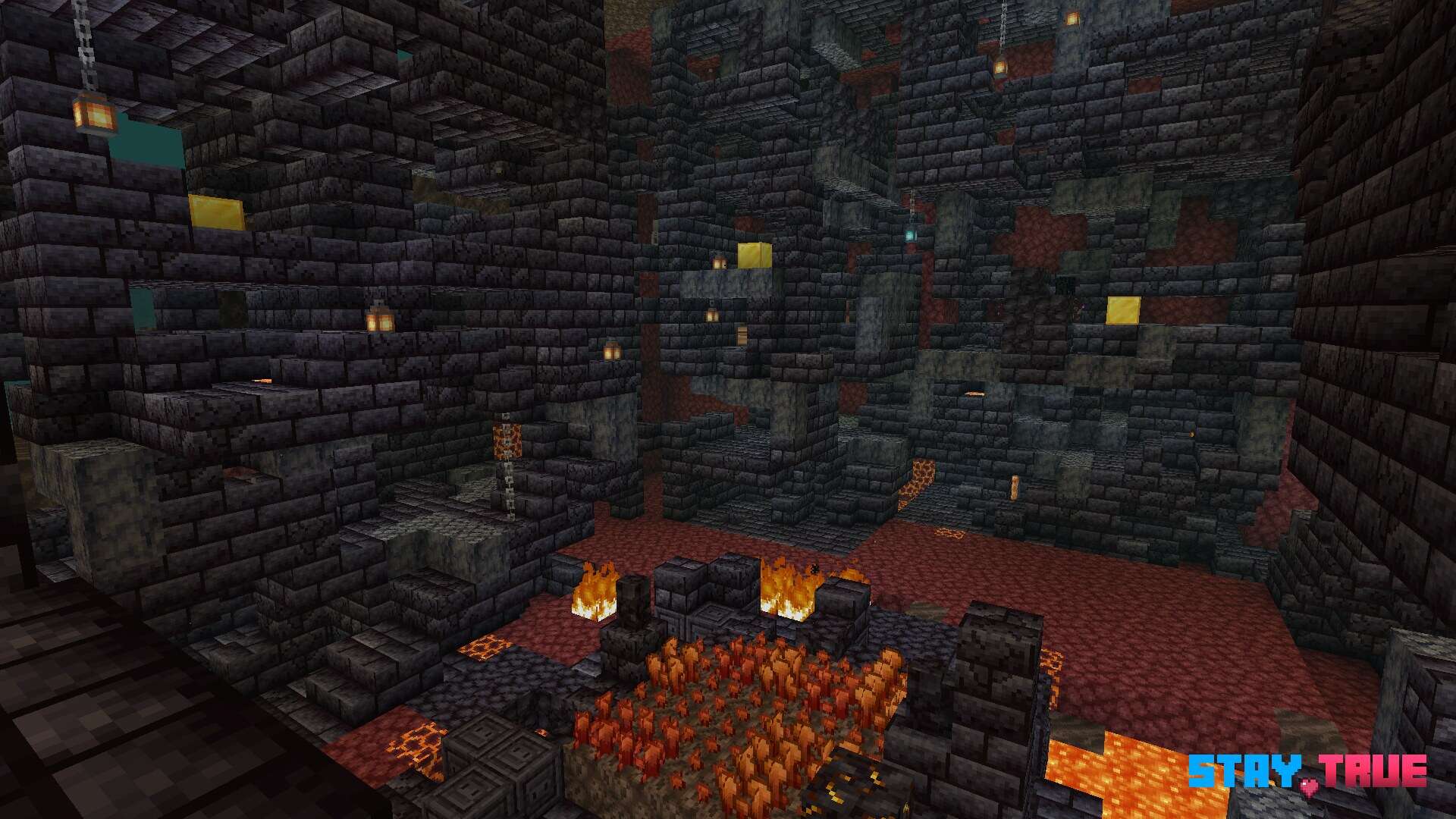
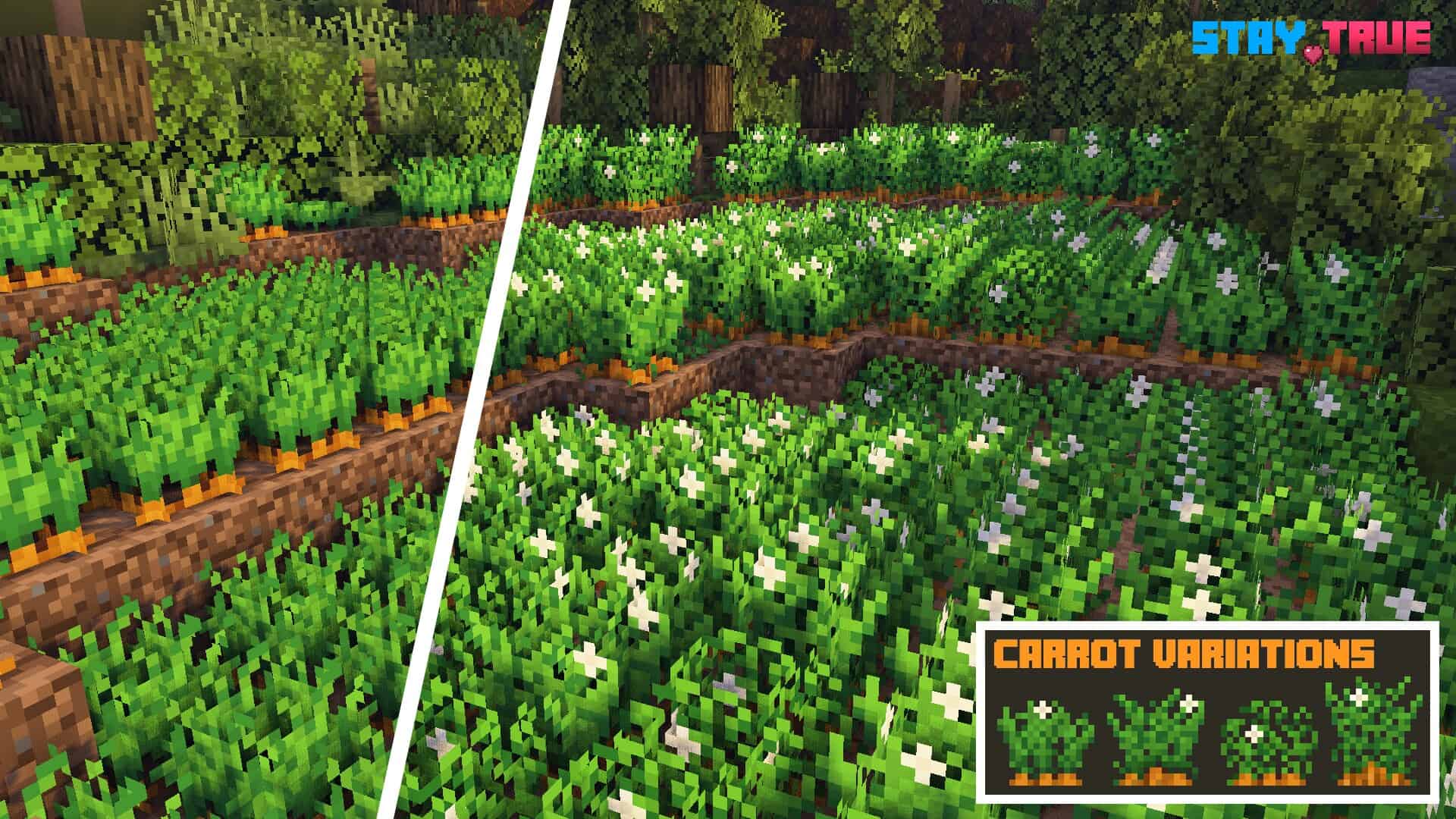
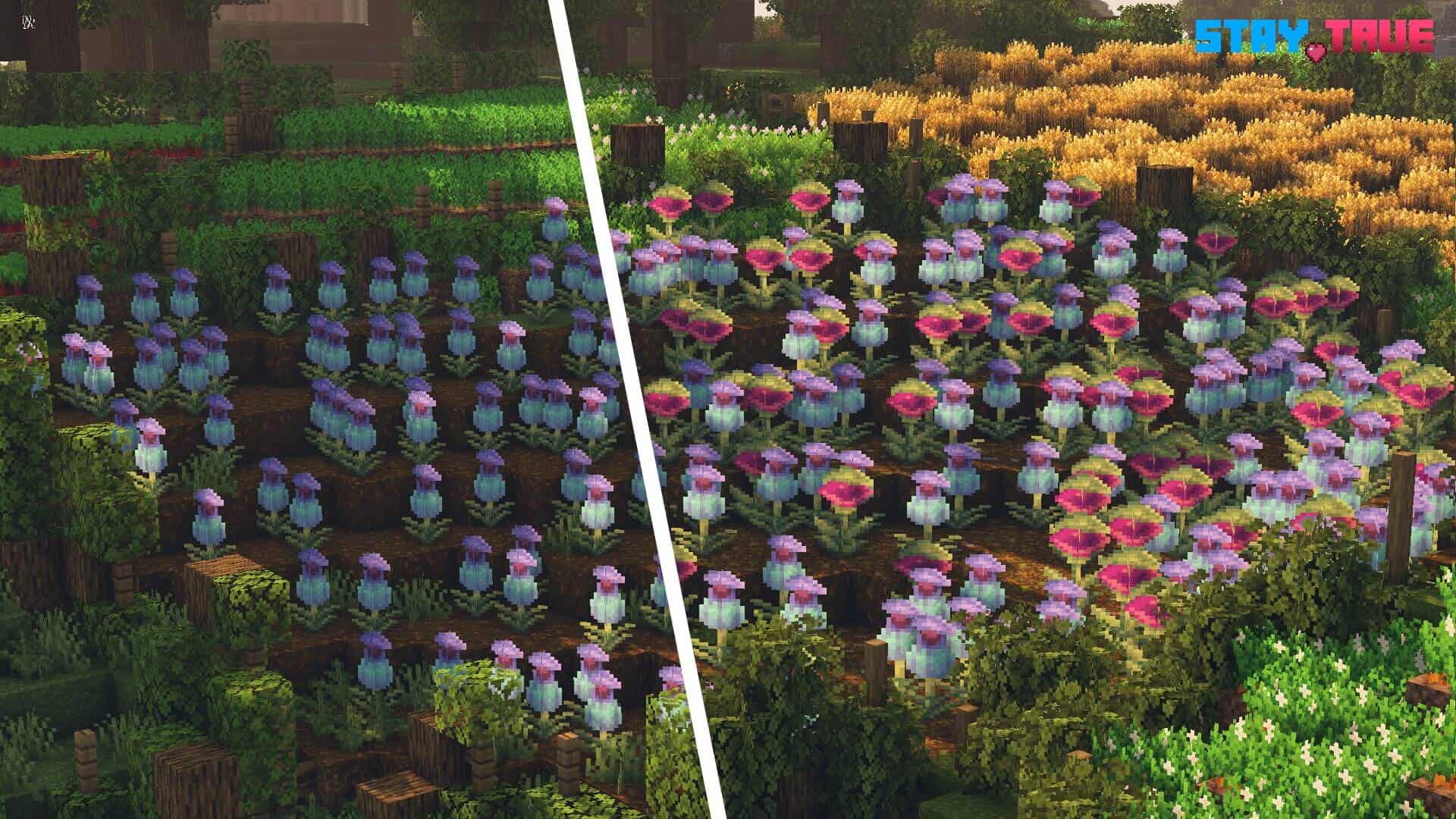
Stay True is a pretty new and popular minecraft resource pack that significantly enhances the visuals of the game to an entirely new level while also keeping the classic art style that gamers of all ages love. Stay True resource pack updates a wide range of the game’s textures to increase the appeal without disrupting the default iconic look and feel of Minecraft. Stay True isn’t the first resource pack to dramatically change the appearance of Minecraft, as other resource packs are also available that offer these features and much more. However, Stay True stands above the rest of the resource packs due to the high-quality design while also featuring an extensive list of changes that impact the visual experience in a positive way. This resource pack is especially popular with long-time users looking to freshen up the game.
Featured video:
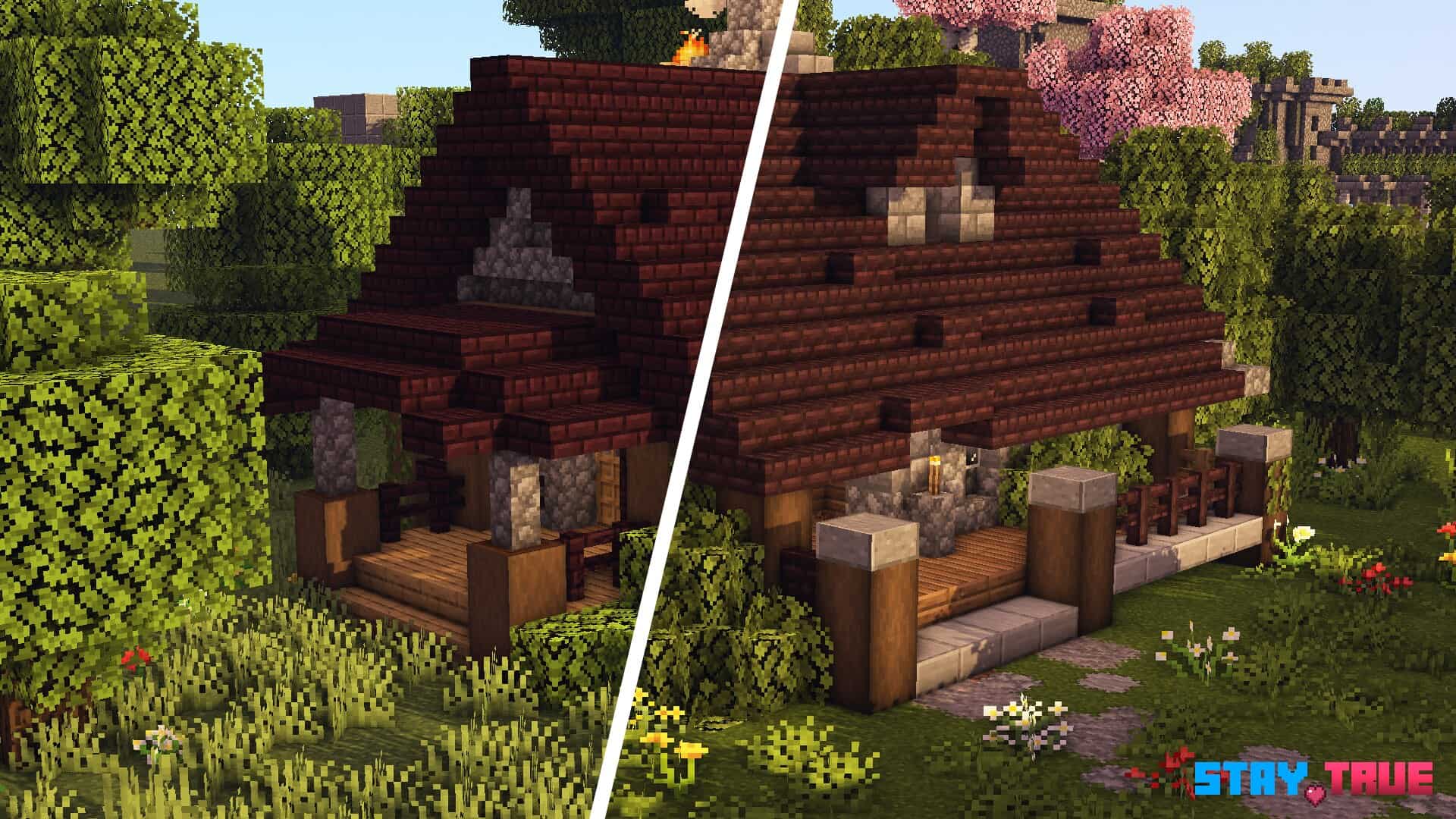
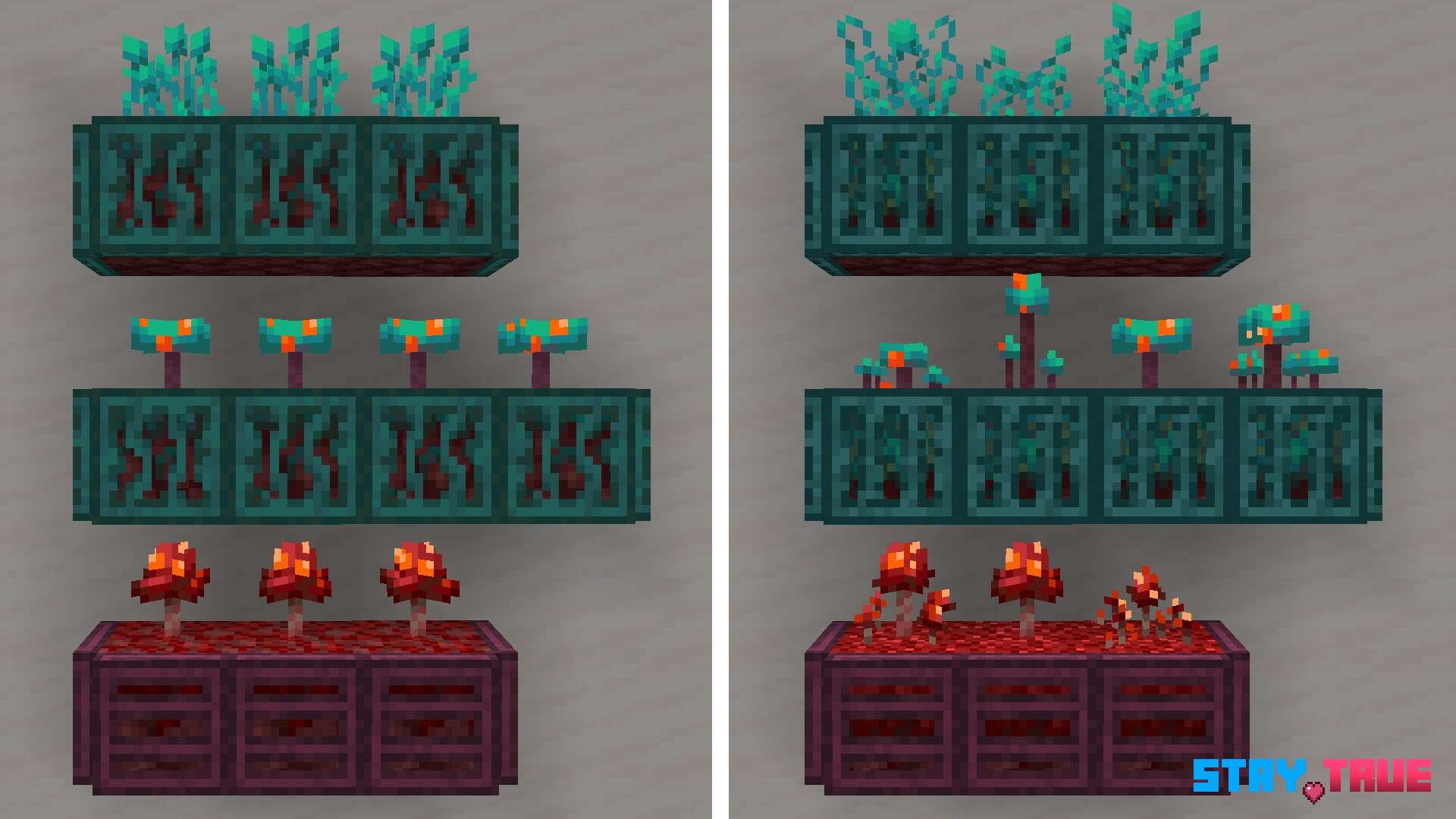
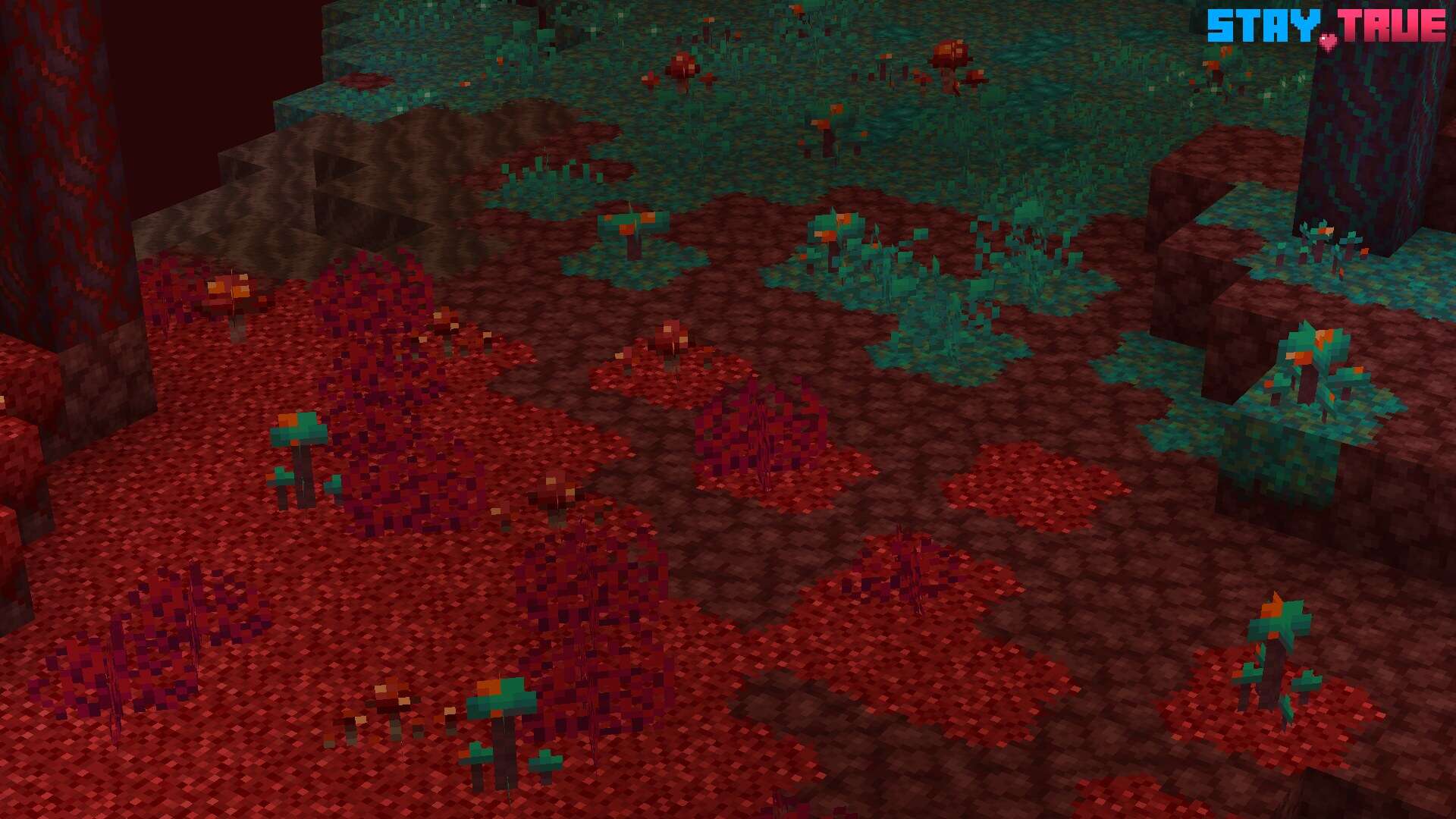
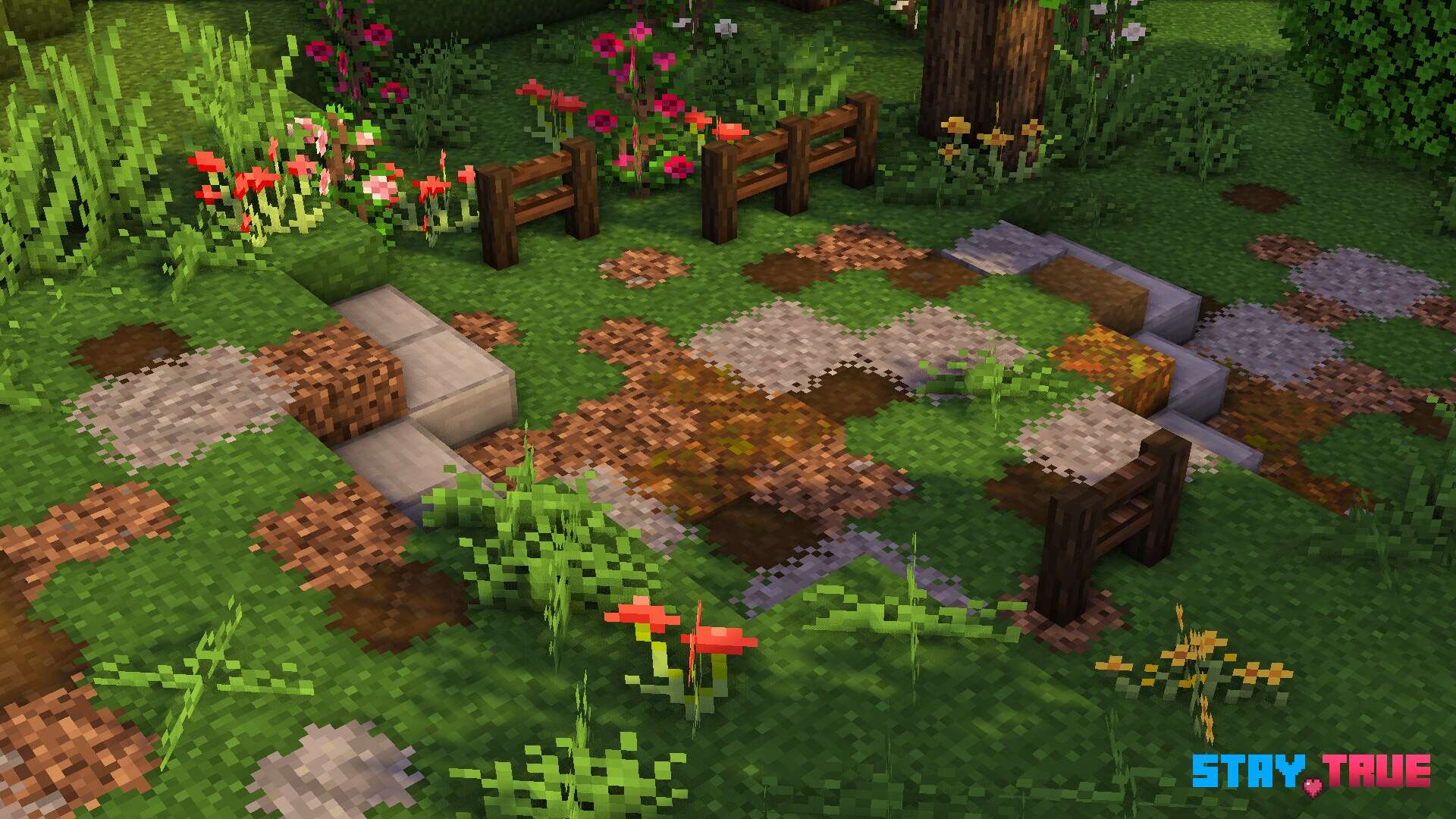
The Stay True resource pack is the perfect addition for anyone looking to change the appearance of Minecraft without disrupting the classic gameplay that gamers continue to enjoy after so many years. The Stay True resource pack significantly alters many items in game, such as the grass, flowers, logs, planks, doors, and much more. The visual appearance of the Stay True also impacts the connected textures to help the entire world feel much more immersive and realistic for anyone that plays Minecraft. The standard resolution of the textures on the Stay True resource pack remains at 16×16, which prevents frame-rate drops for anyone that has a computer system that is capable of running the vanilla version of Minecraft without any issues. The pack provides a much more immersive and realistic appearance for gamers without hurting the classic charm of Minecraft.
Stay True should be compatible with all of these Minecraft versions: 1.21.10 - 1.21.9 - 1.21.8 - 1.21.7 - 1.21.6 - 1.21.5 - 1.21.4 - 1.21.3 - 1.21.2 - 1.21.1 - 1.21 - 1.20.6 - 1.20.5 - 1.20.4 - 1.20.3 - 1.20.2 - 1.20.1 - 1.20 - 1.19.4 - 1.19.3 - 1.19.2 - 1.19.1 - 1.19 - 1.18.2 - 1.18.1 - 1.18 - 1.17.1 - 1.17 - 1.16.5 - 1.16.4 - 1.16.3 - 1.16.2 - 1.16.1 - 1.16 - 1.15.2 - 1.15.1 - 1.15 - 1.14.4 - 1.14.3 - 1.14.2 - 1.14
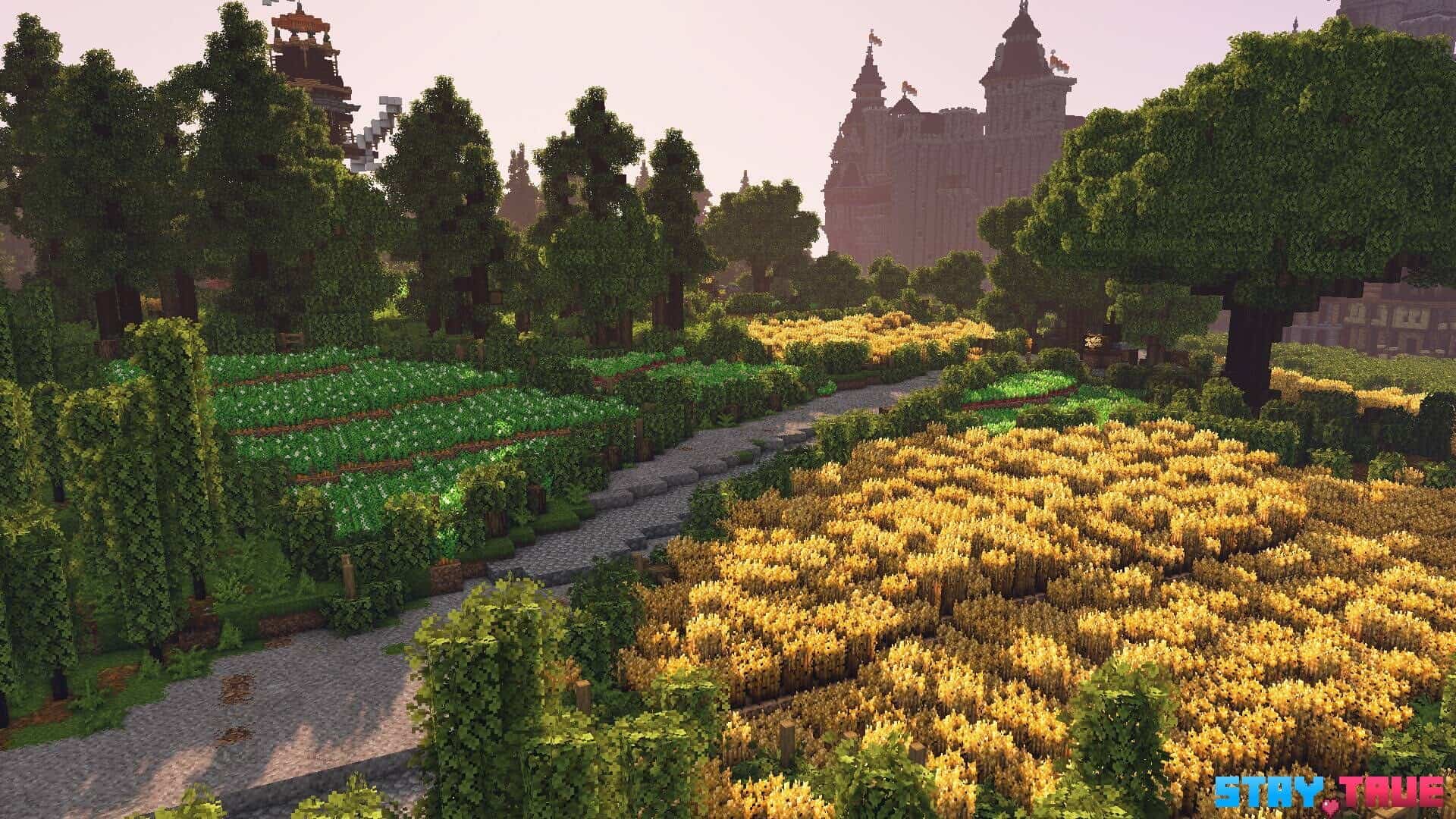
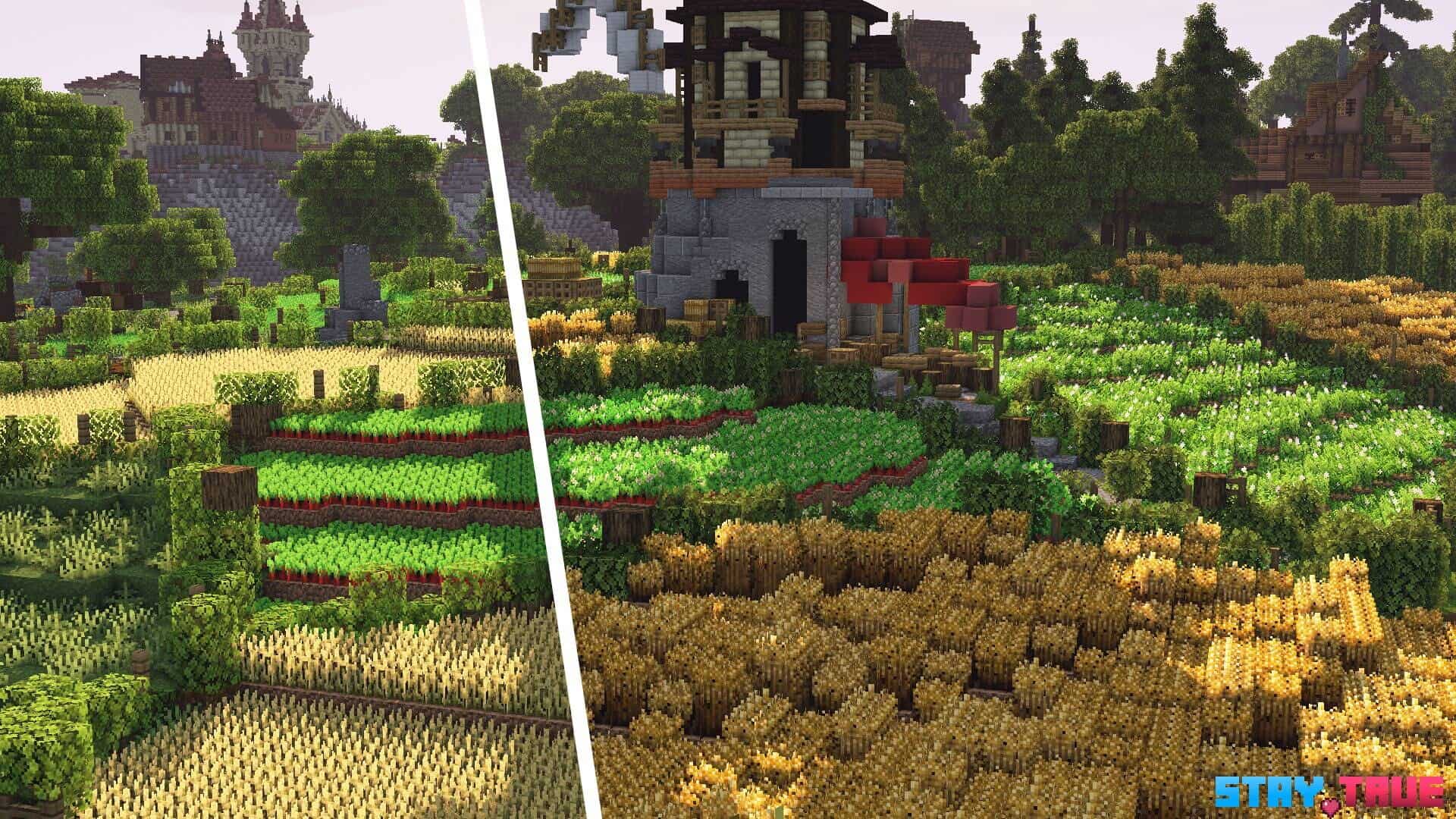
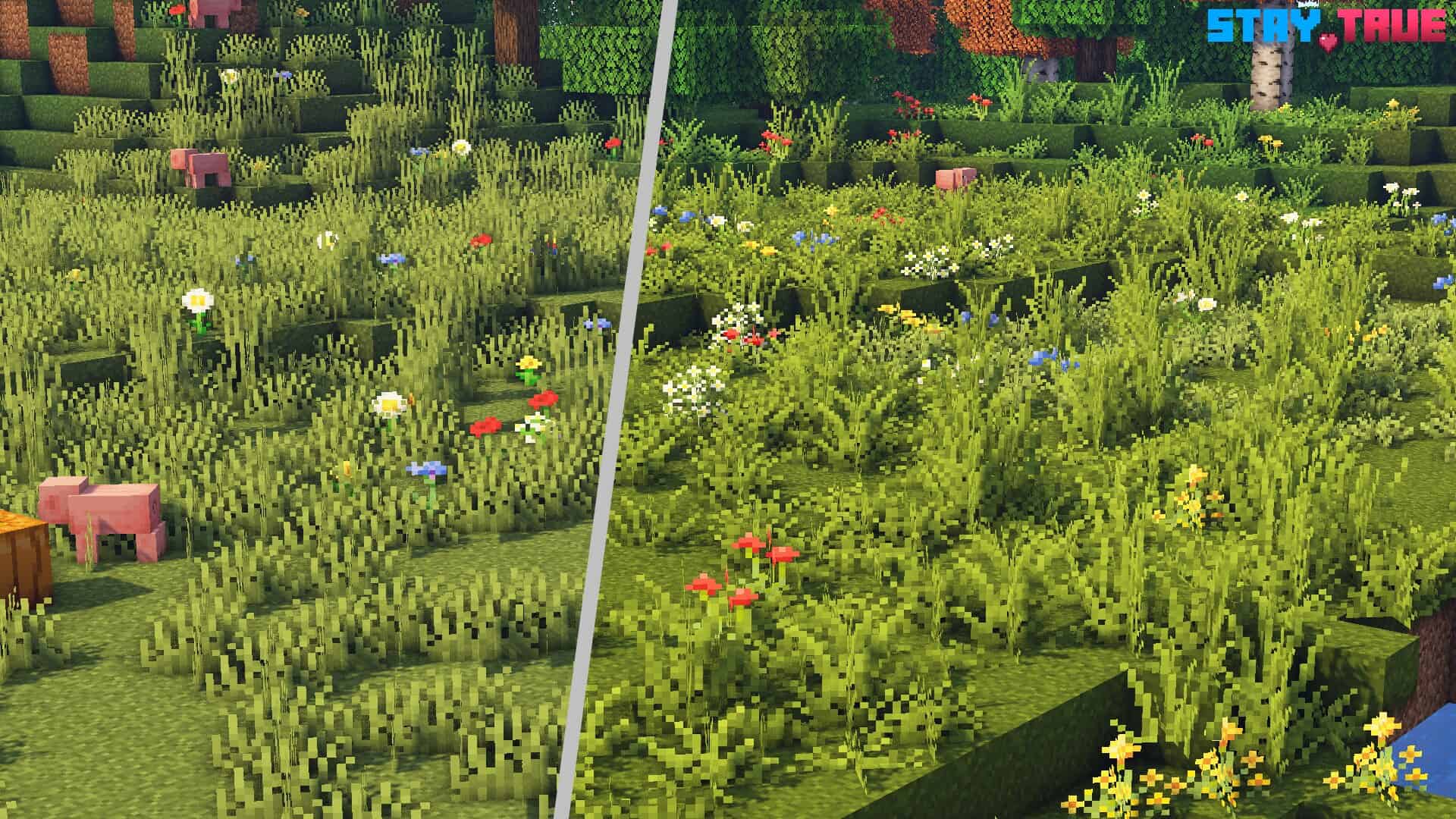
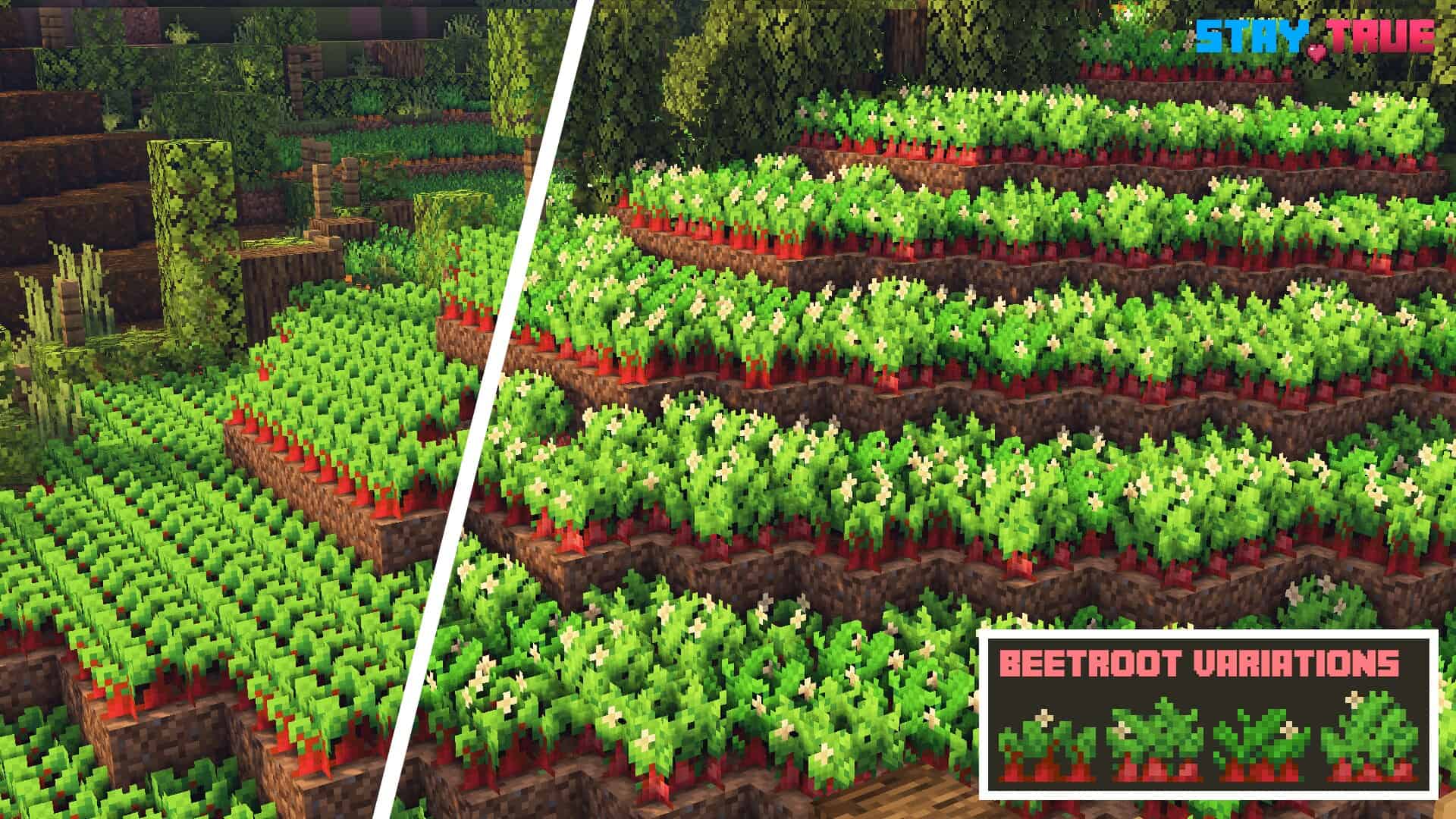
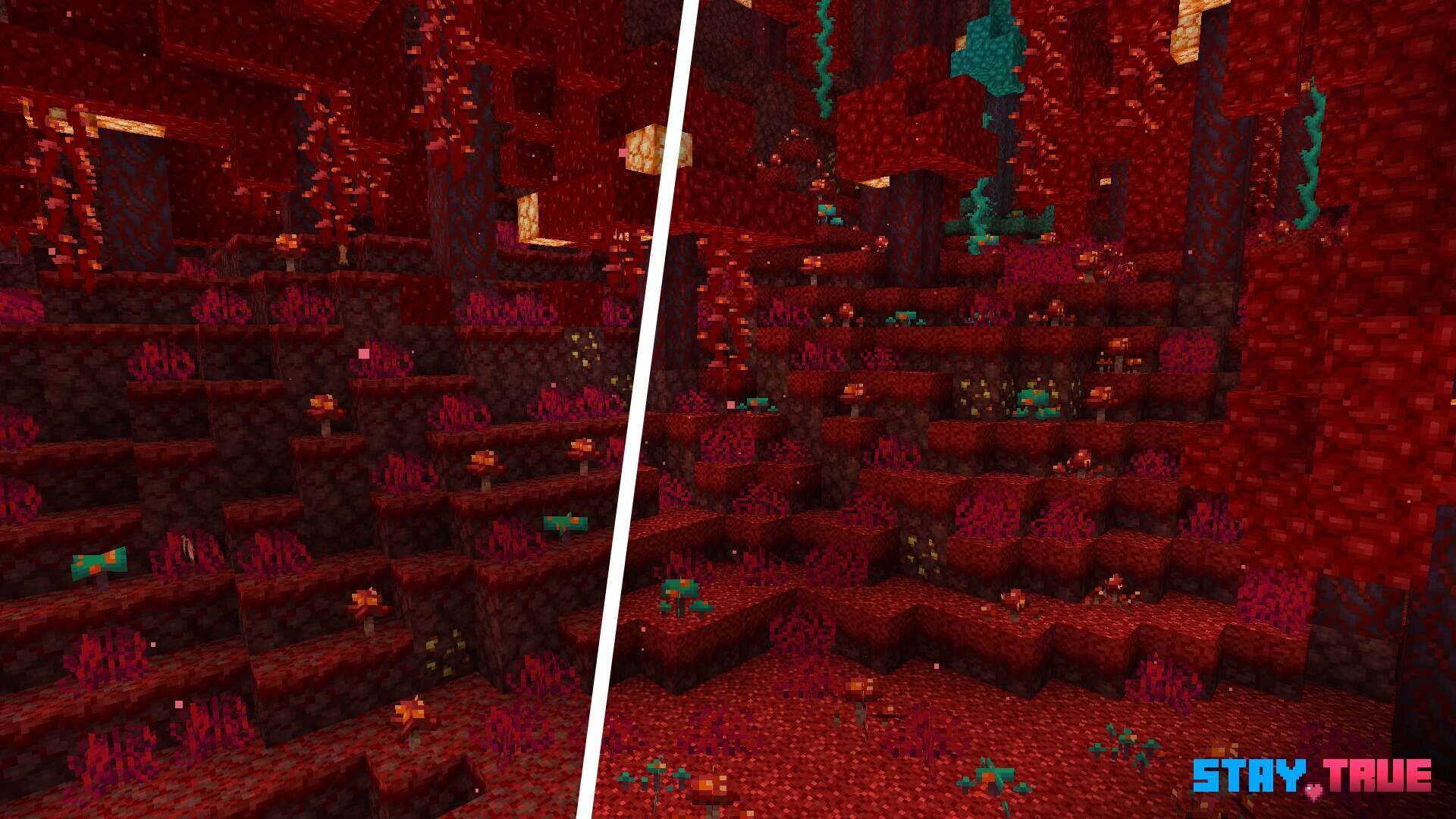
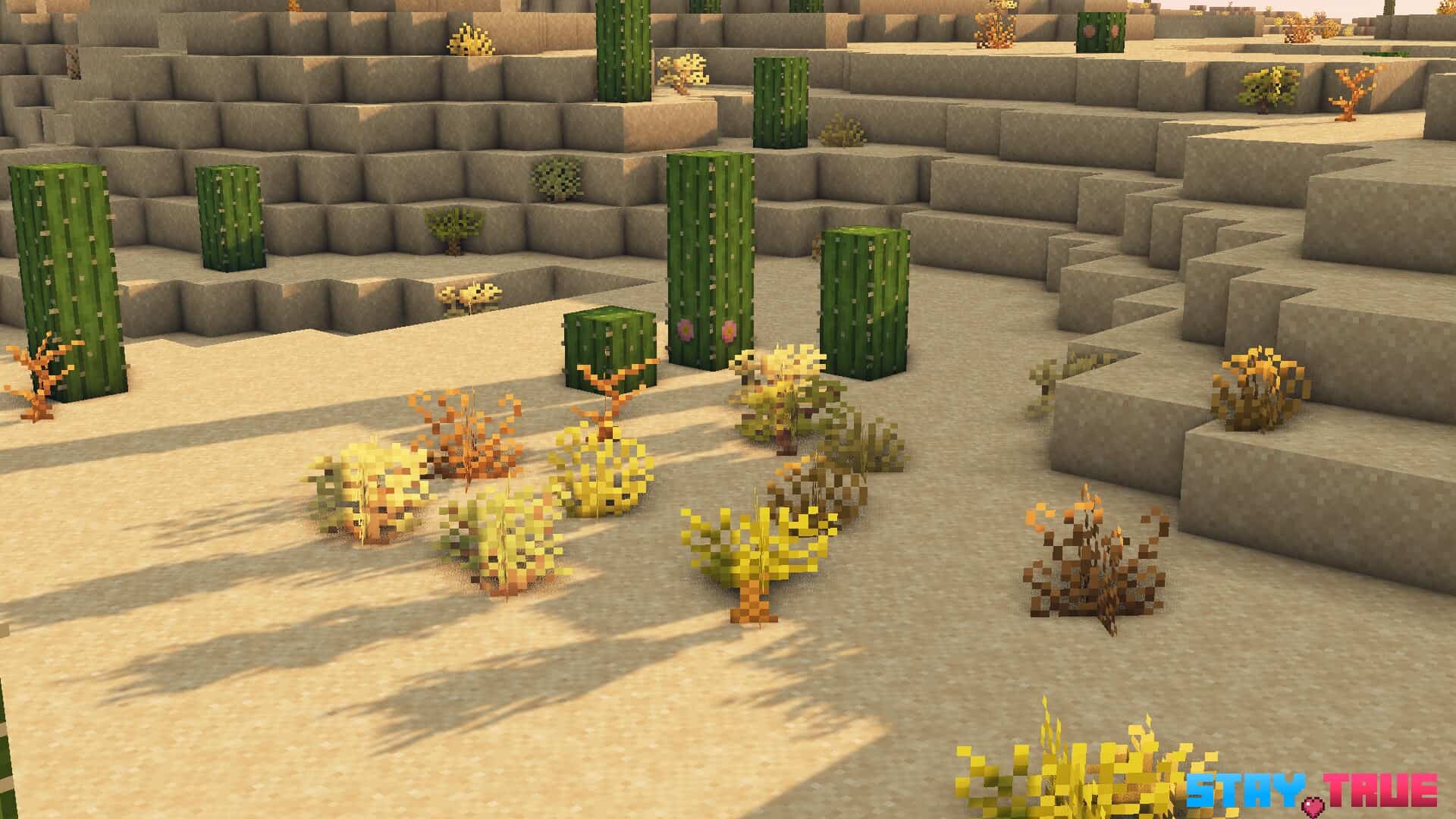
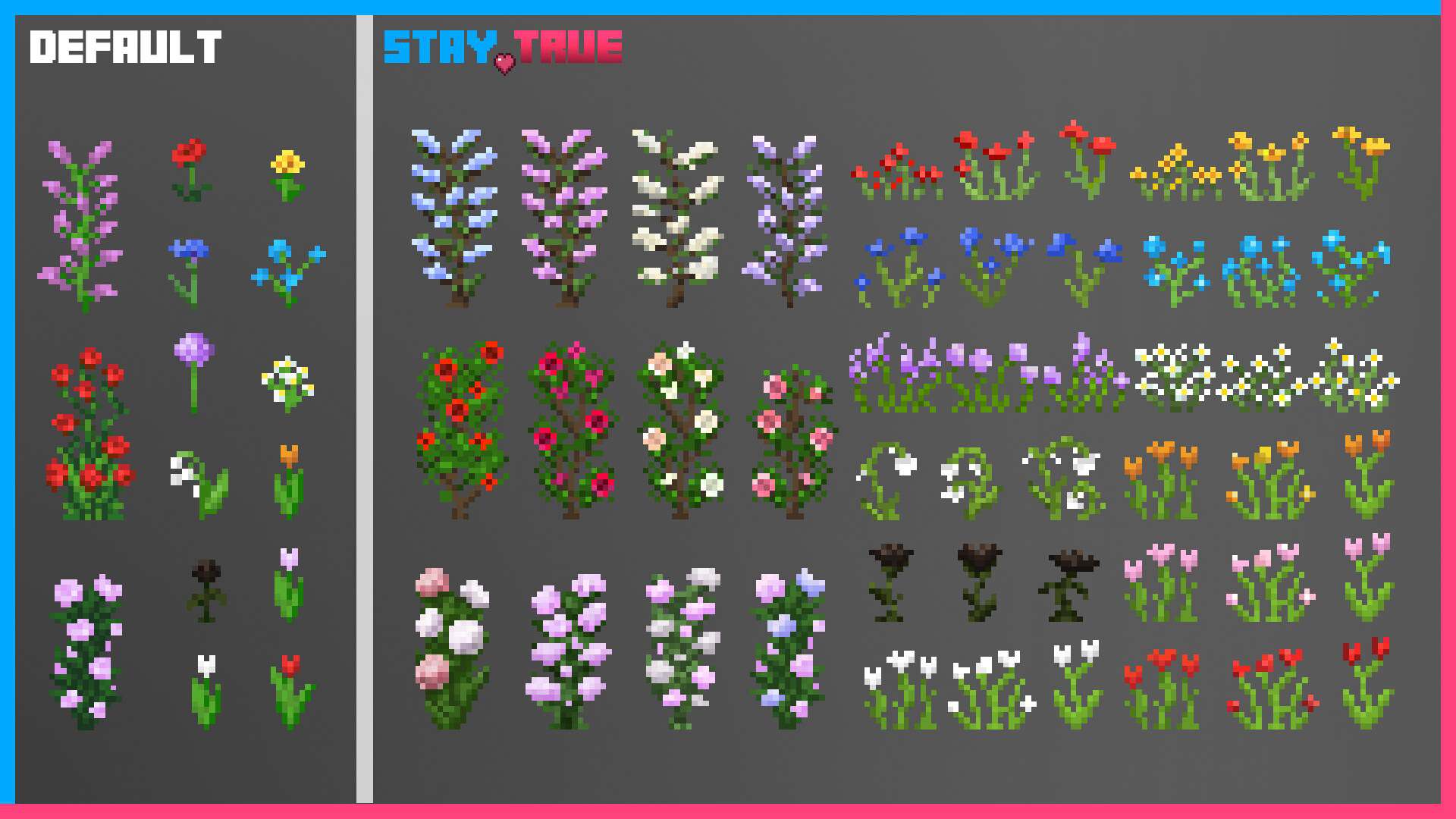
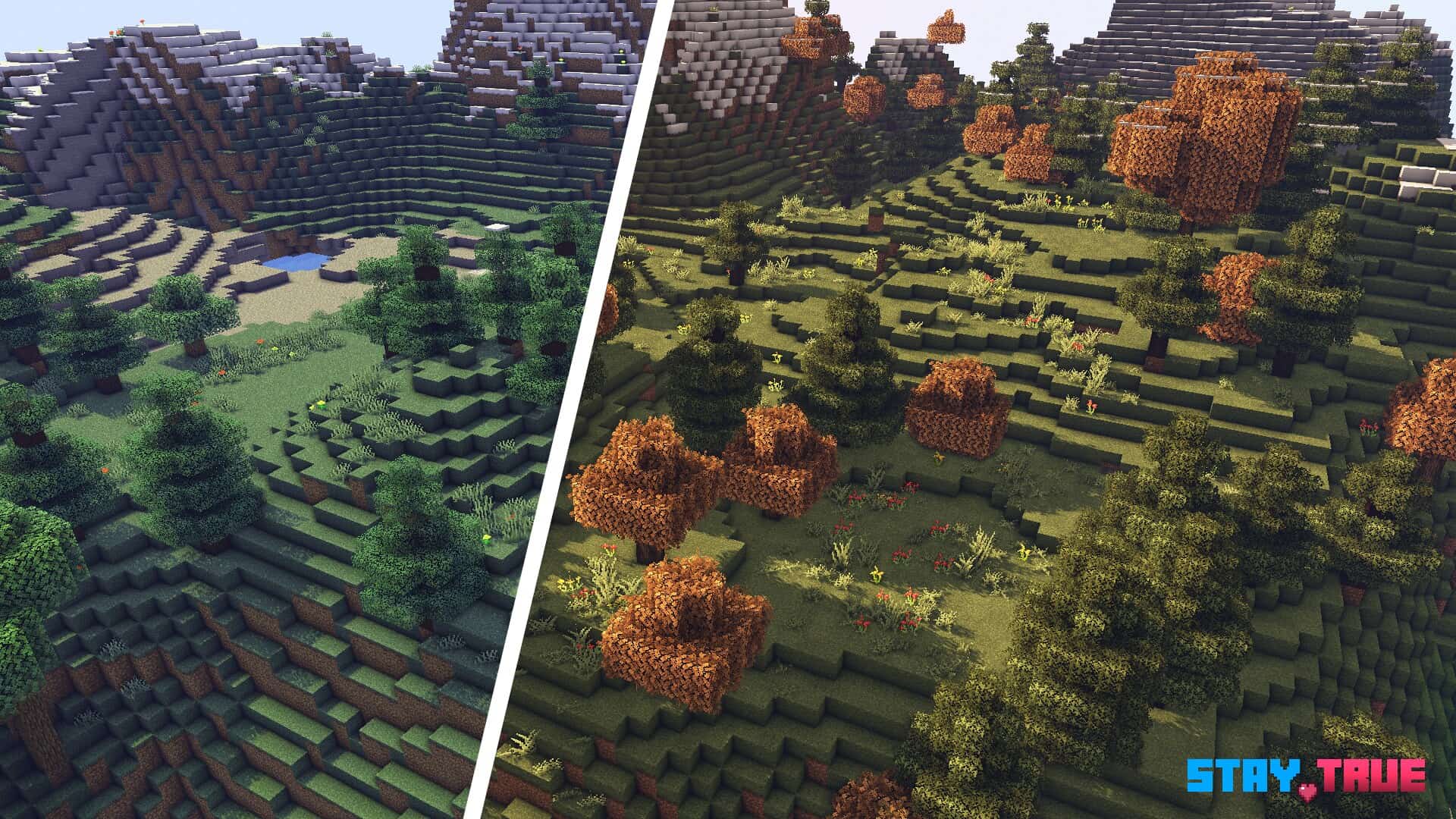
Stay True — Screenshots
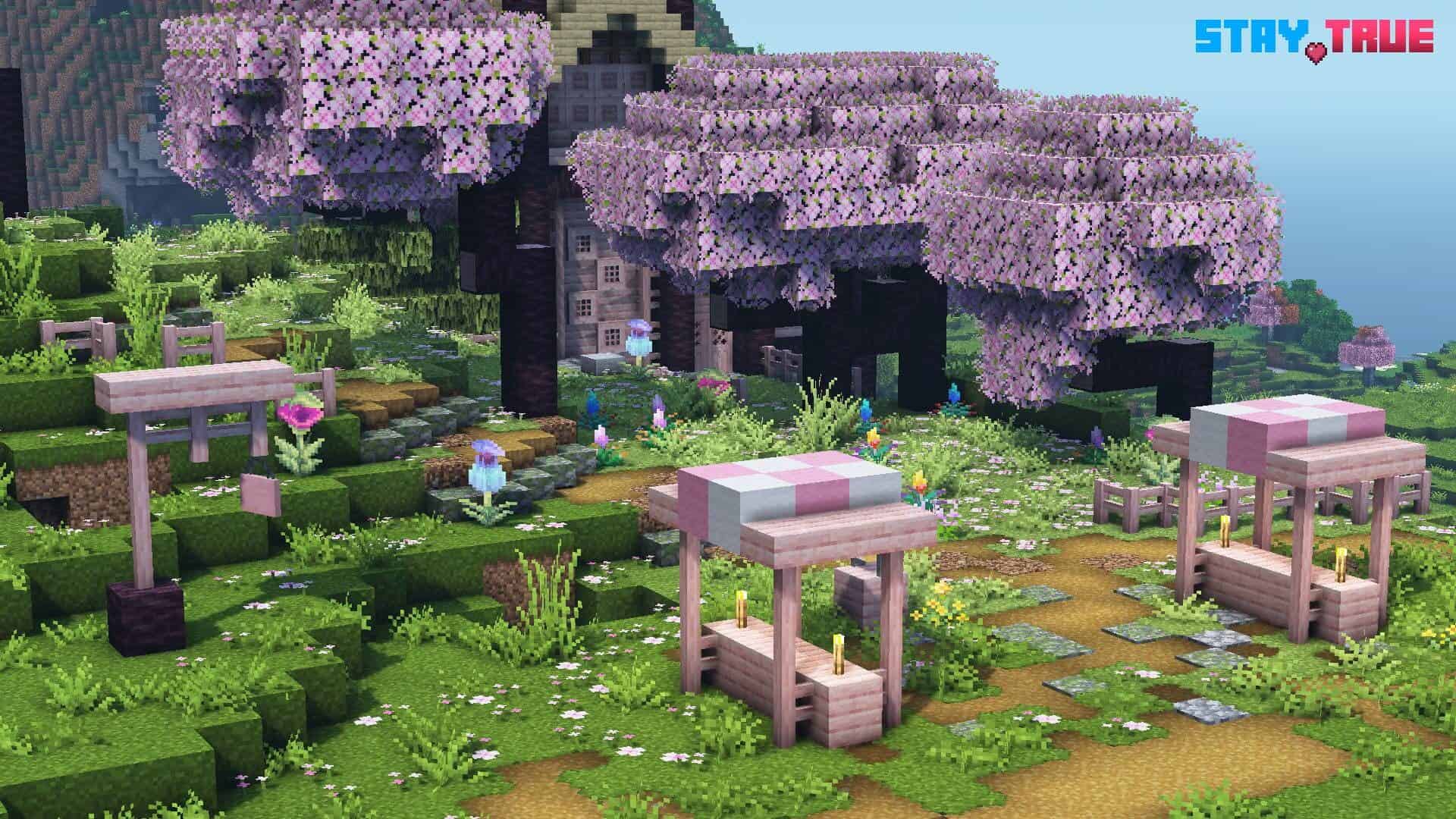
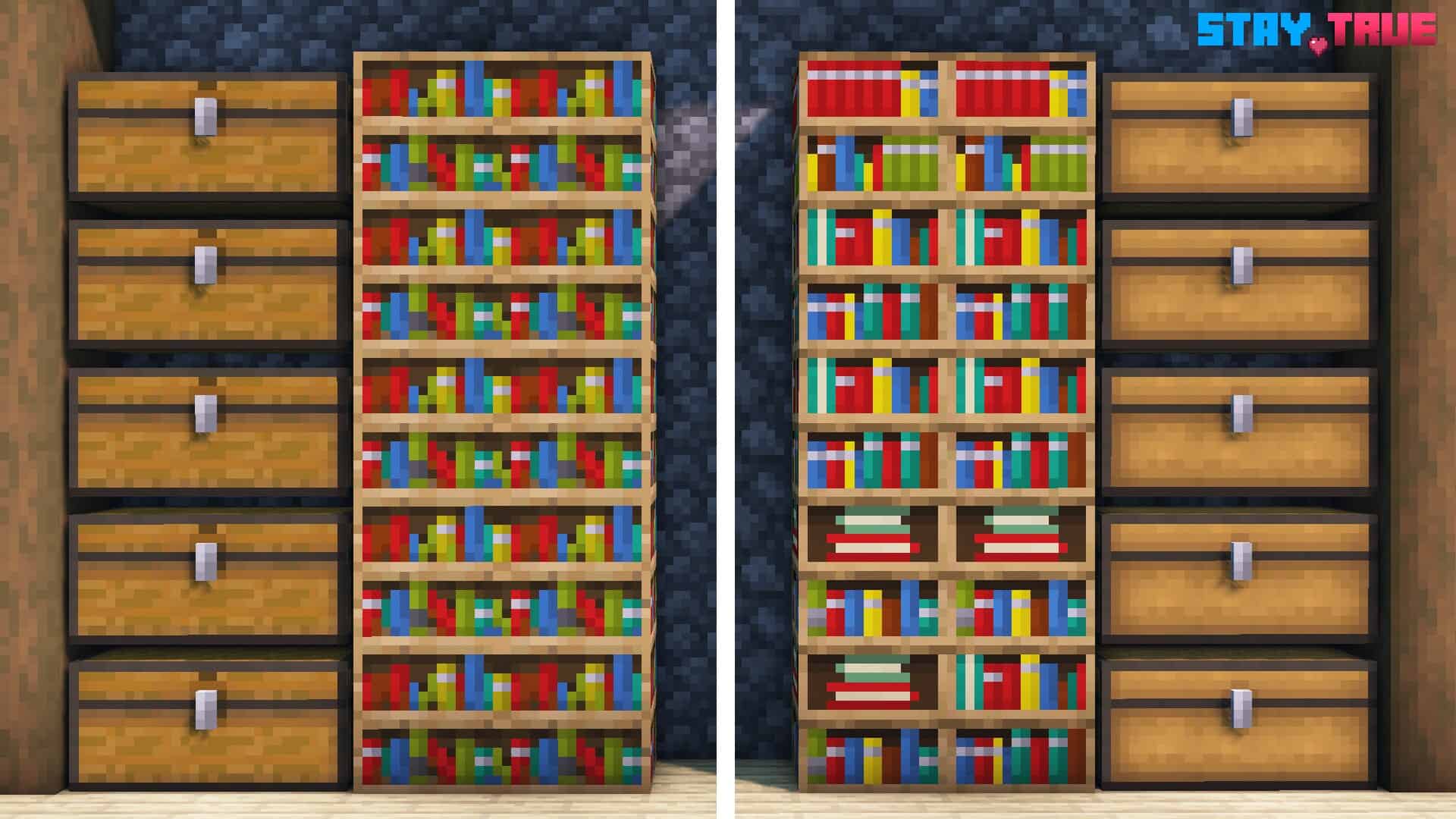
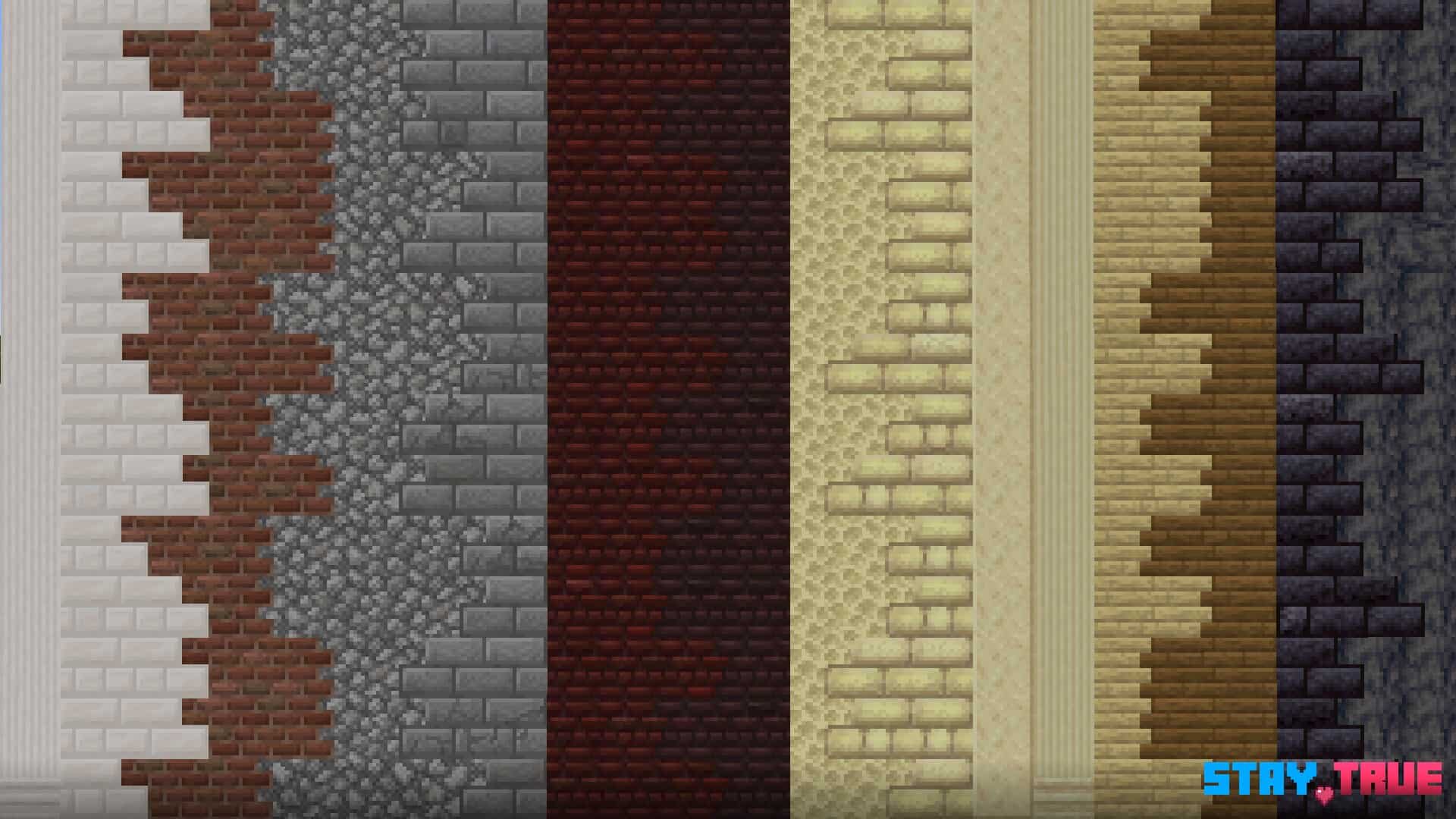
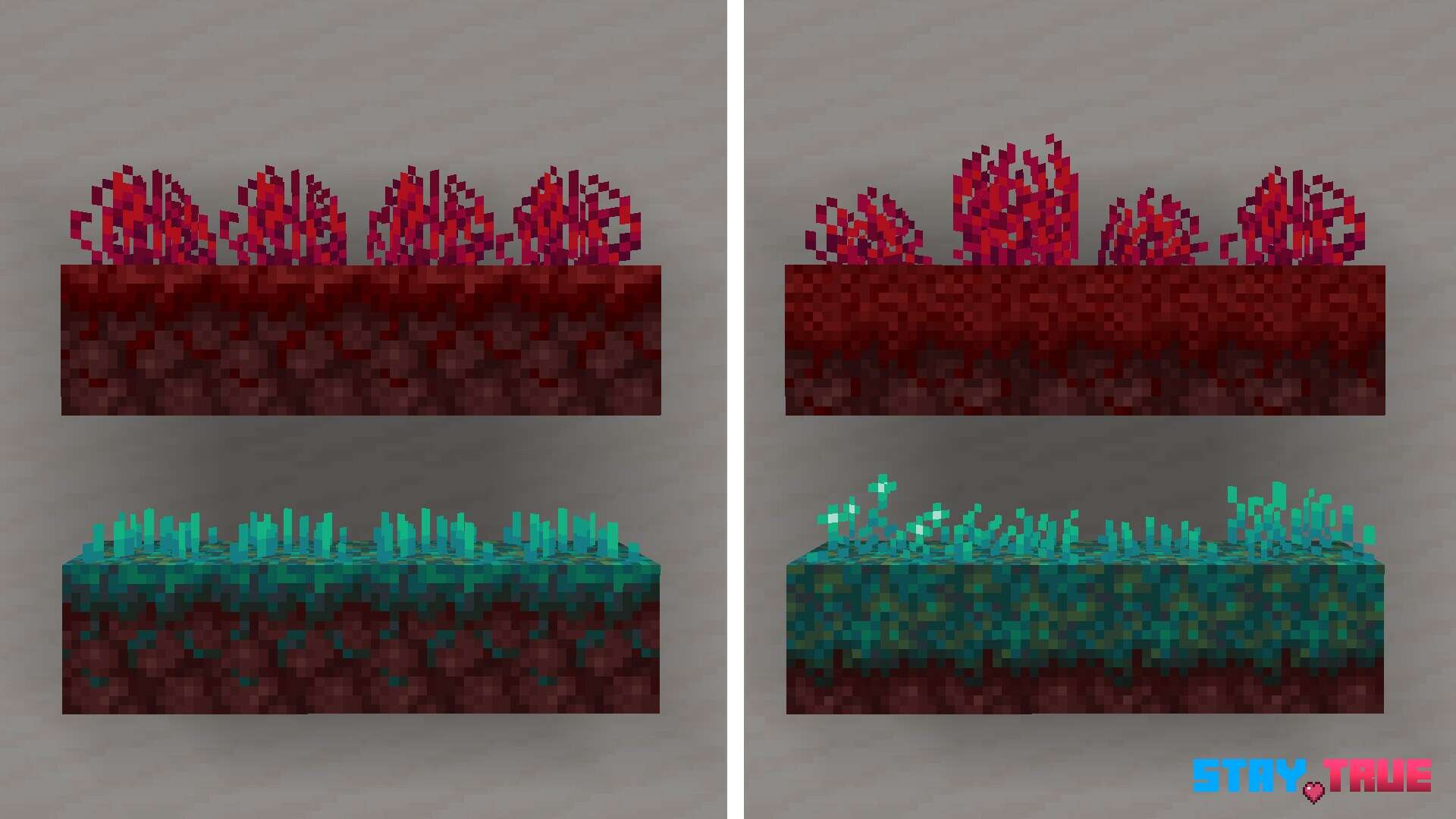
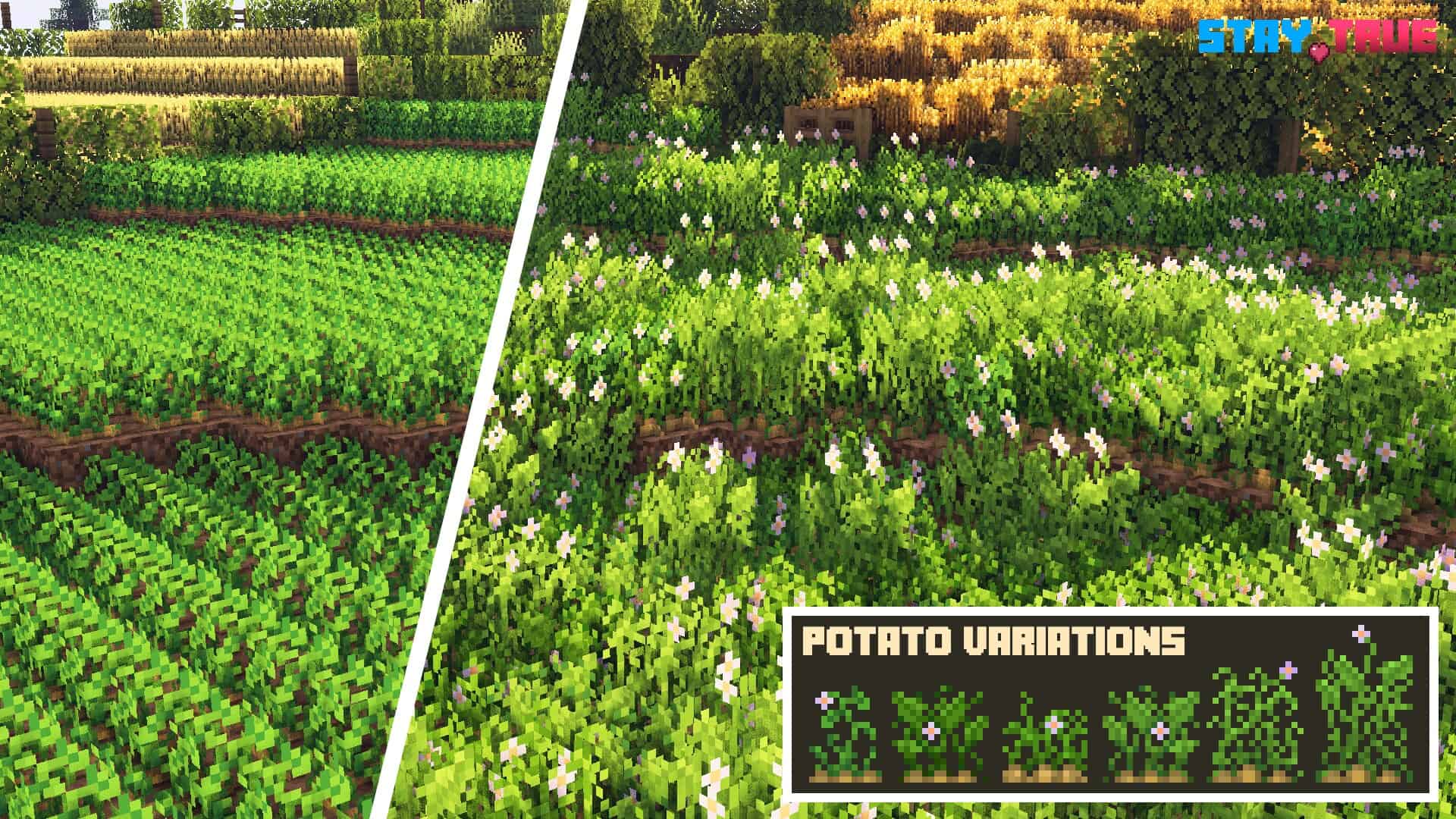
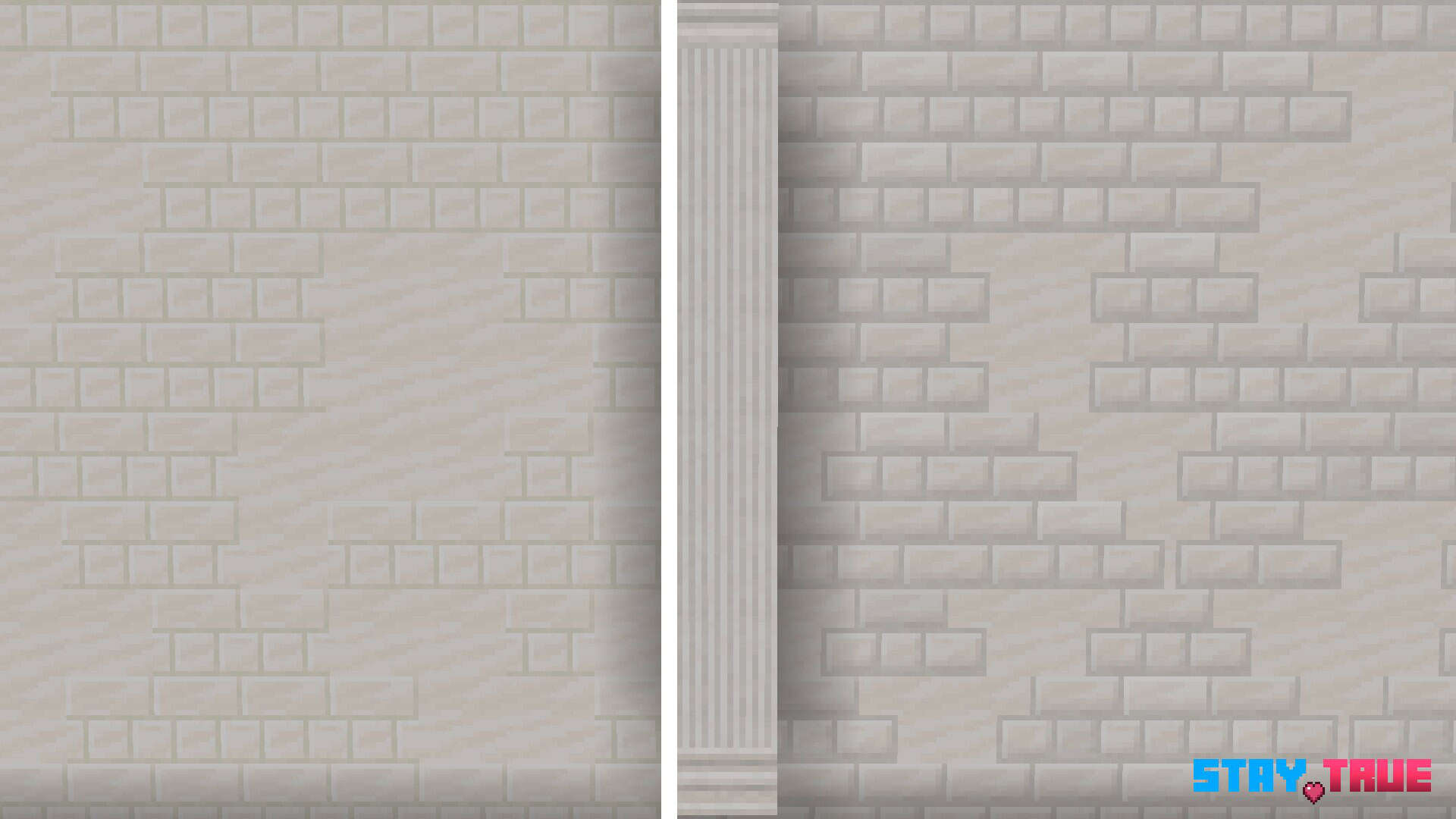
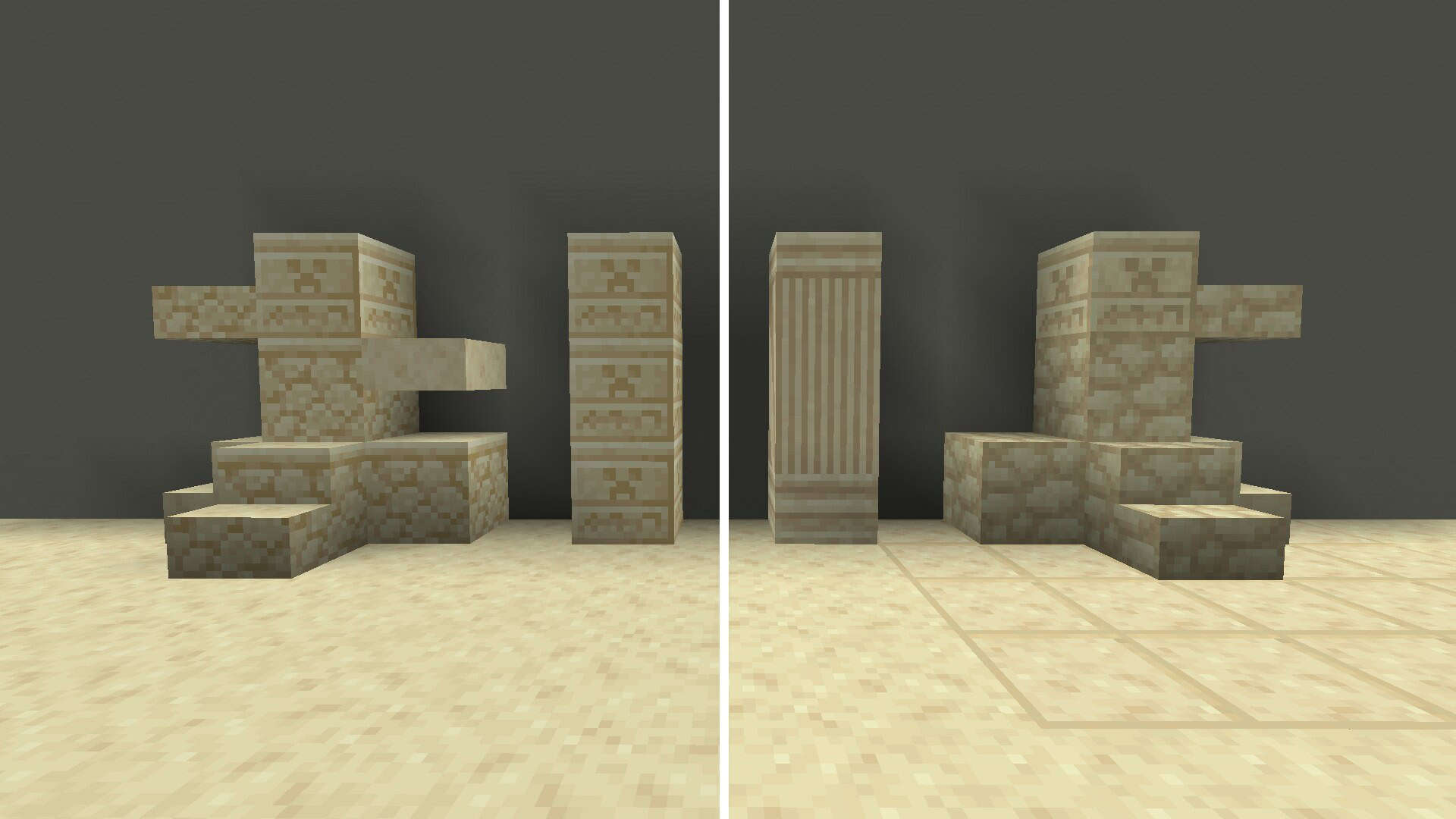
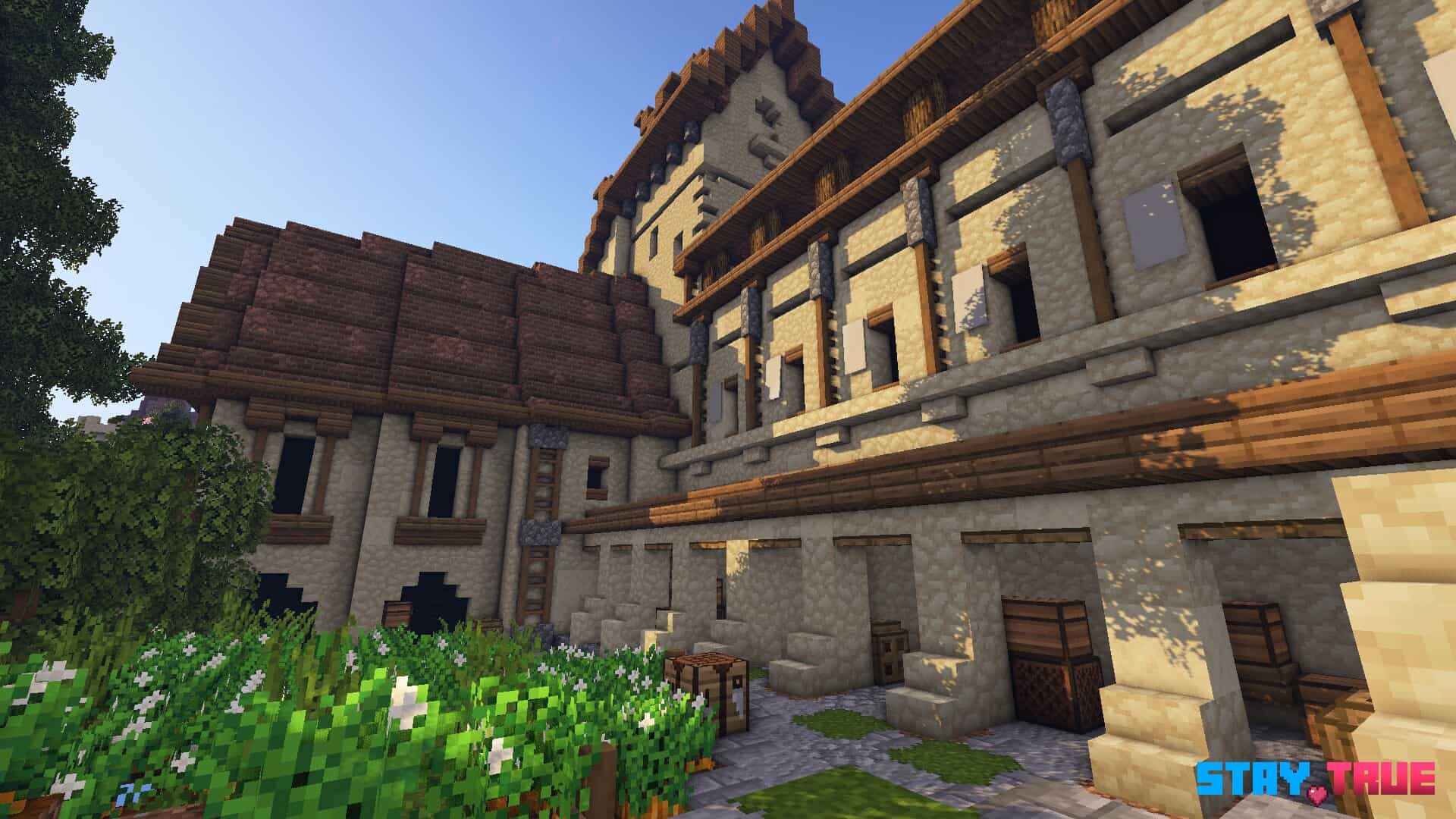
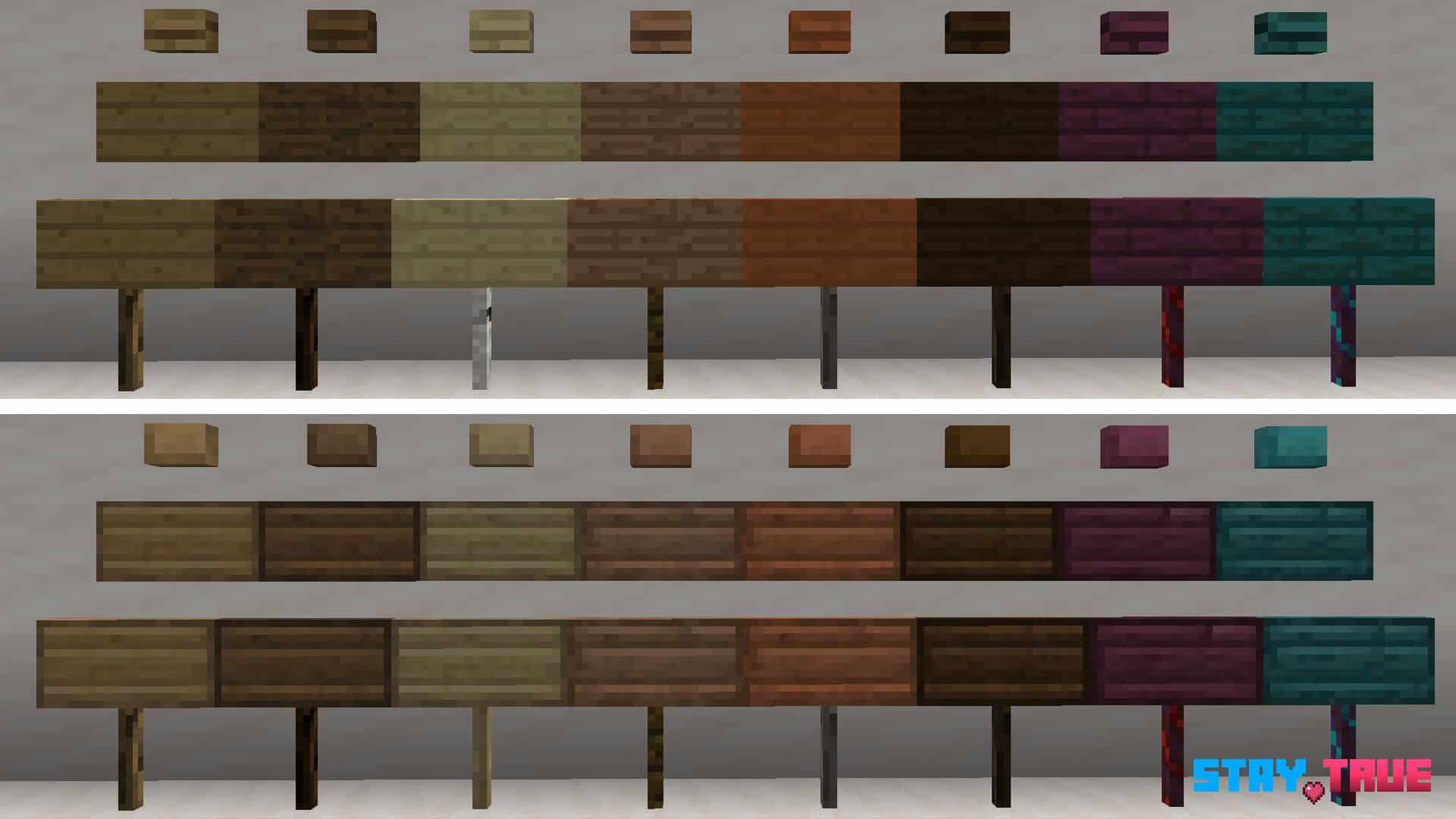
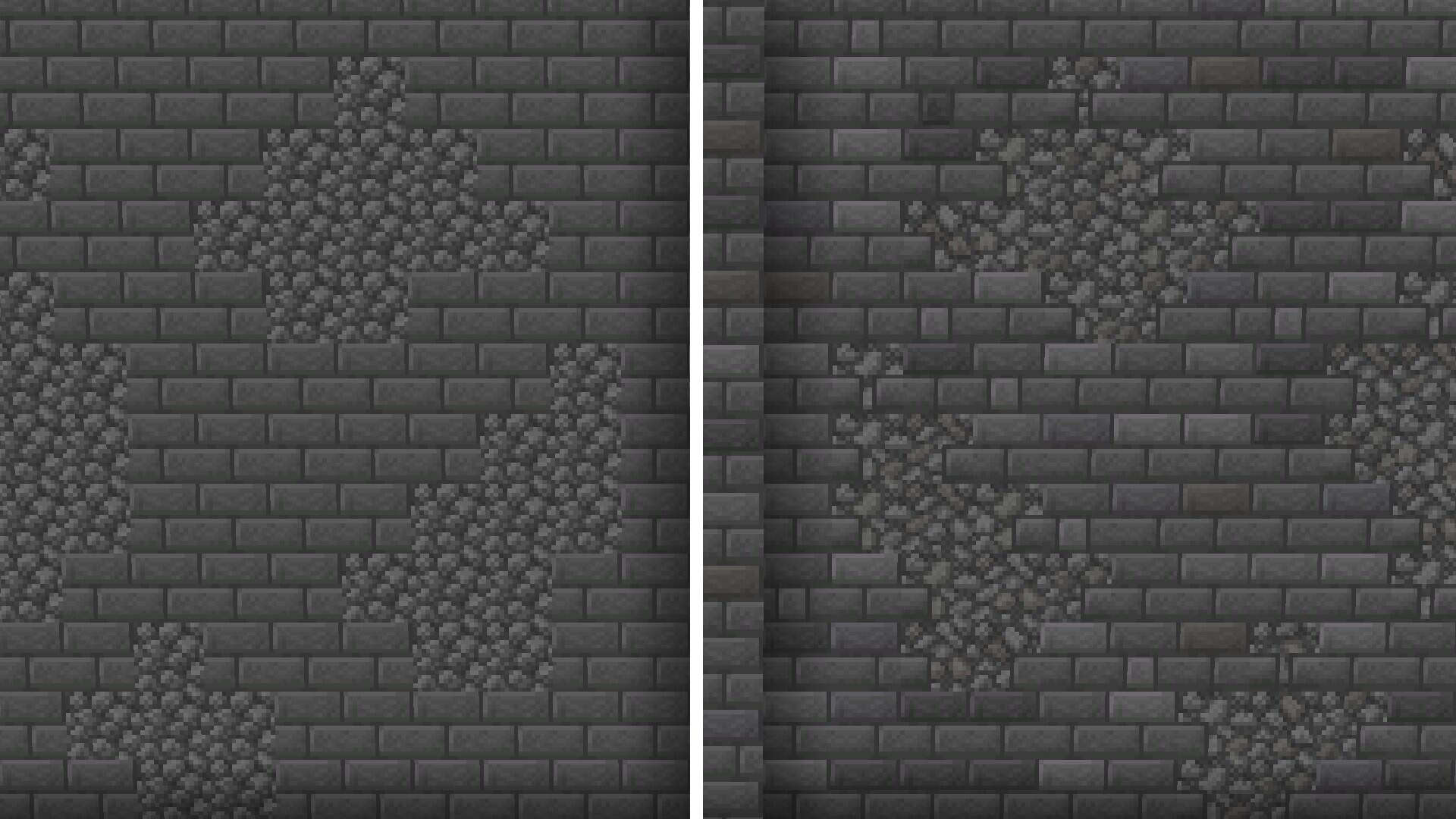
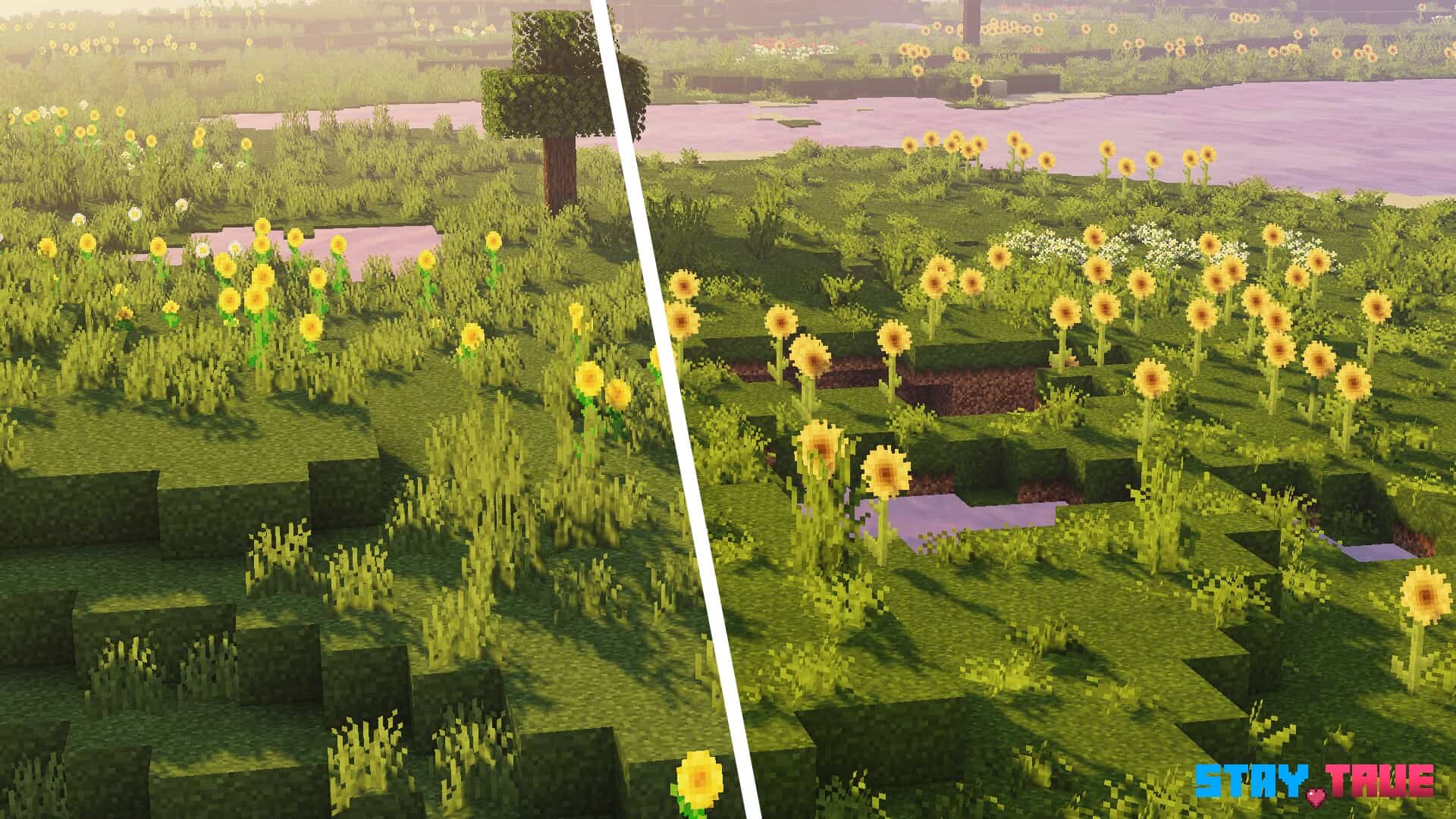
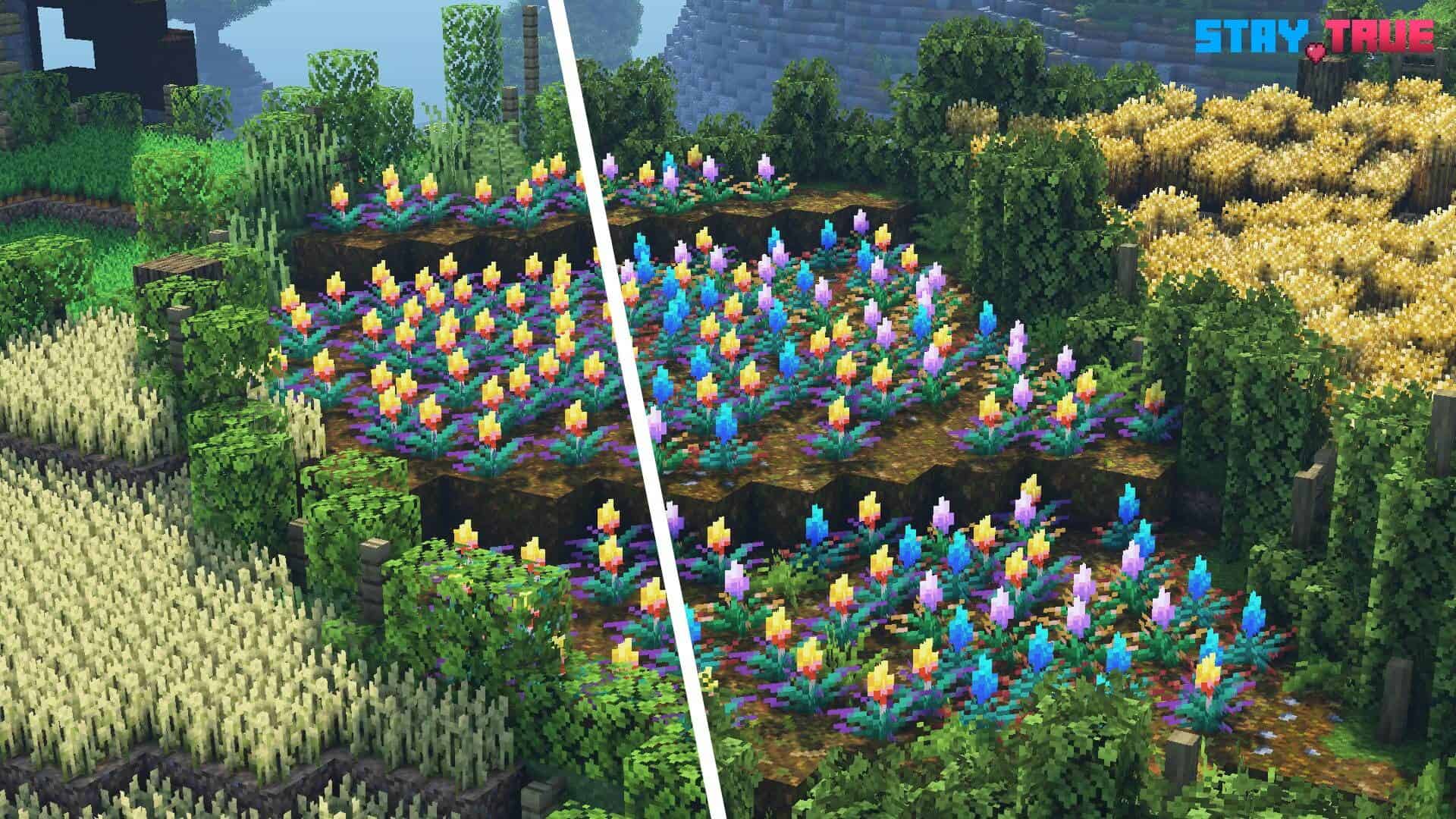
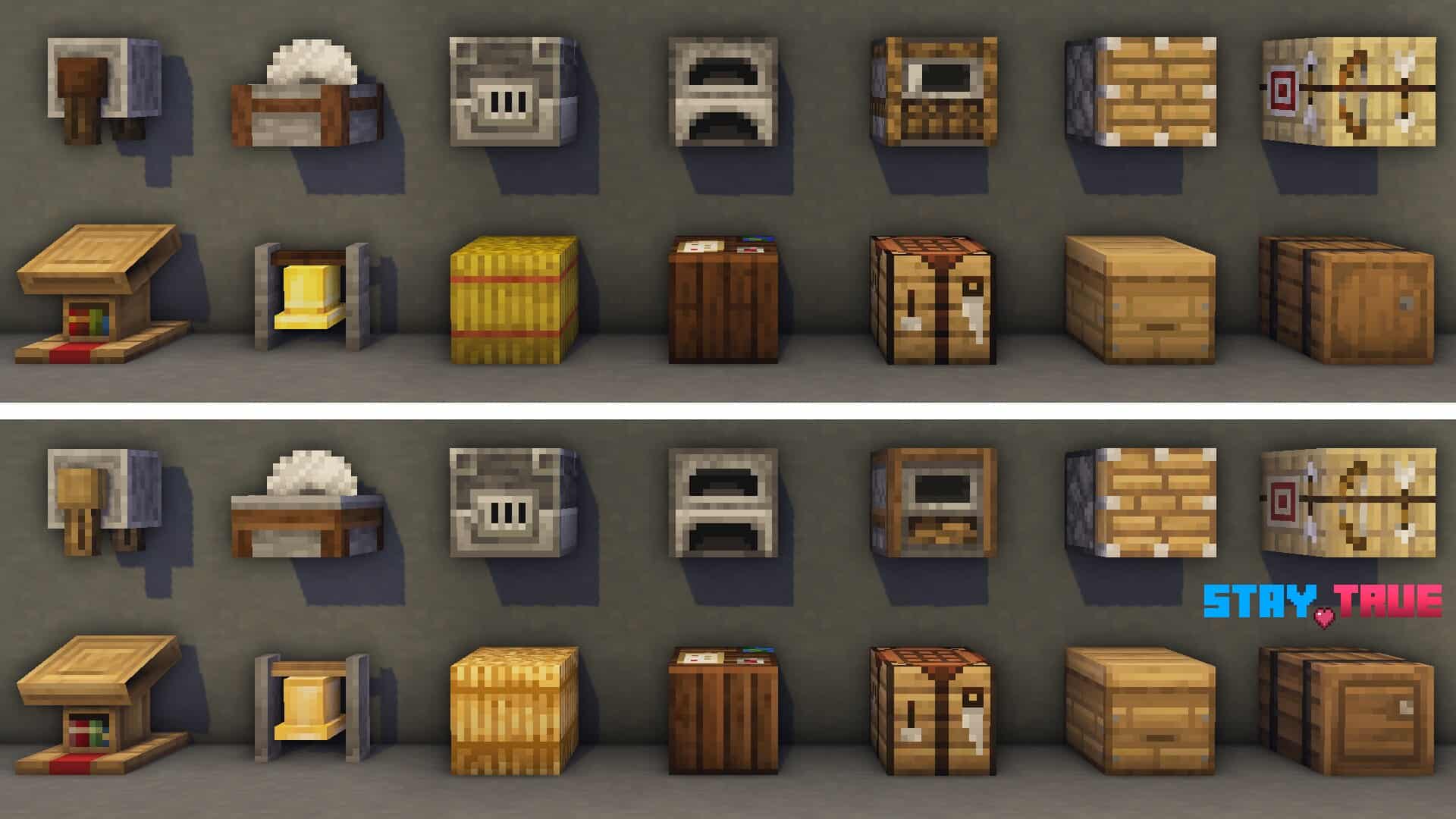
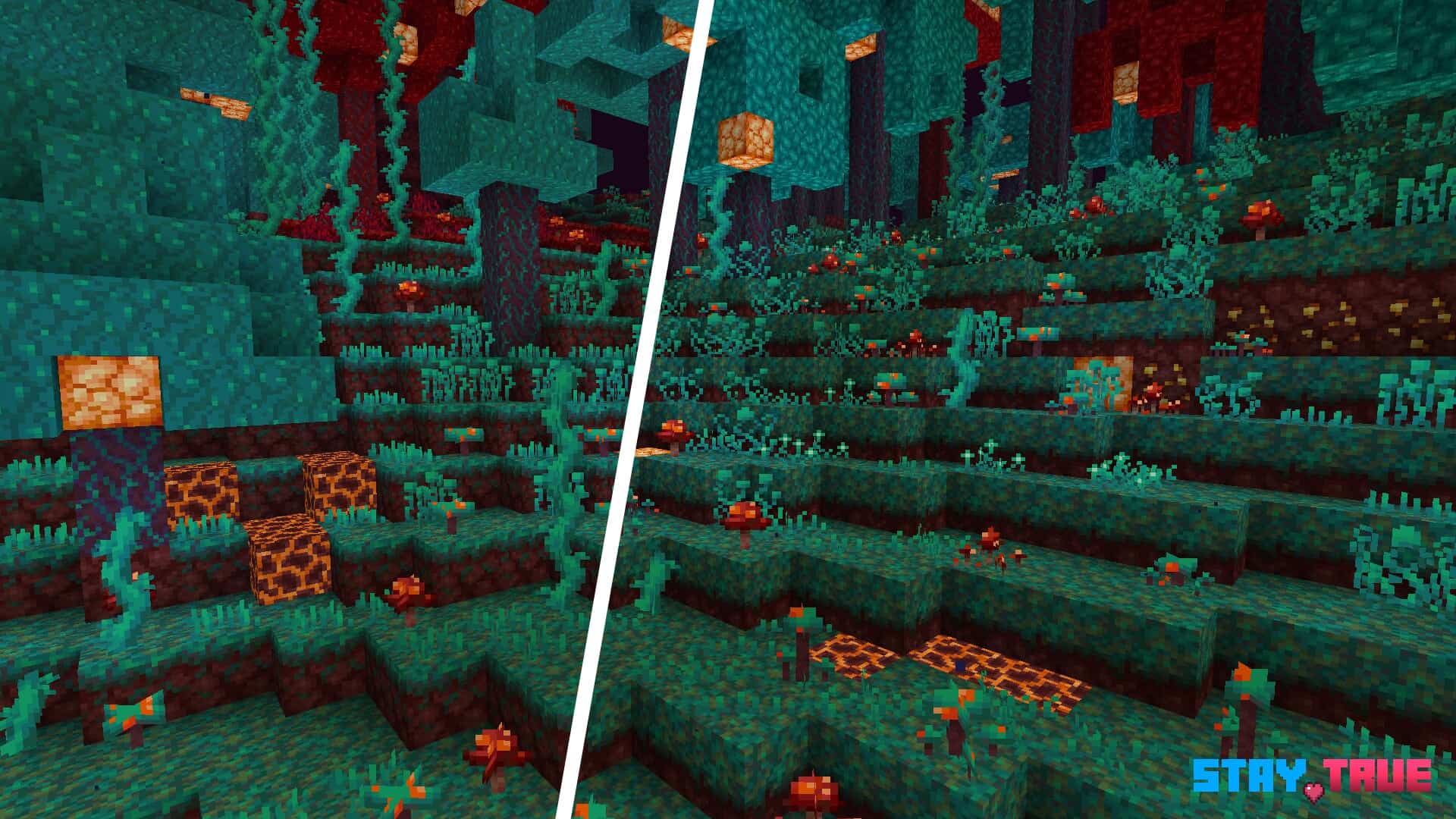
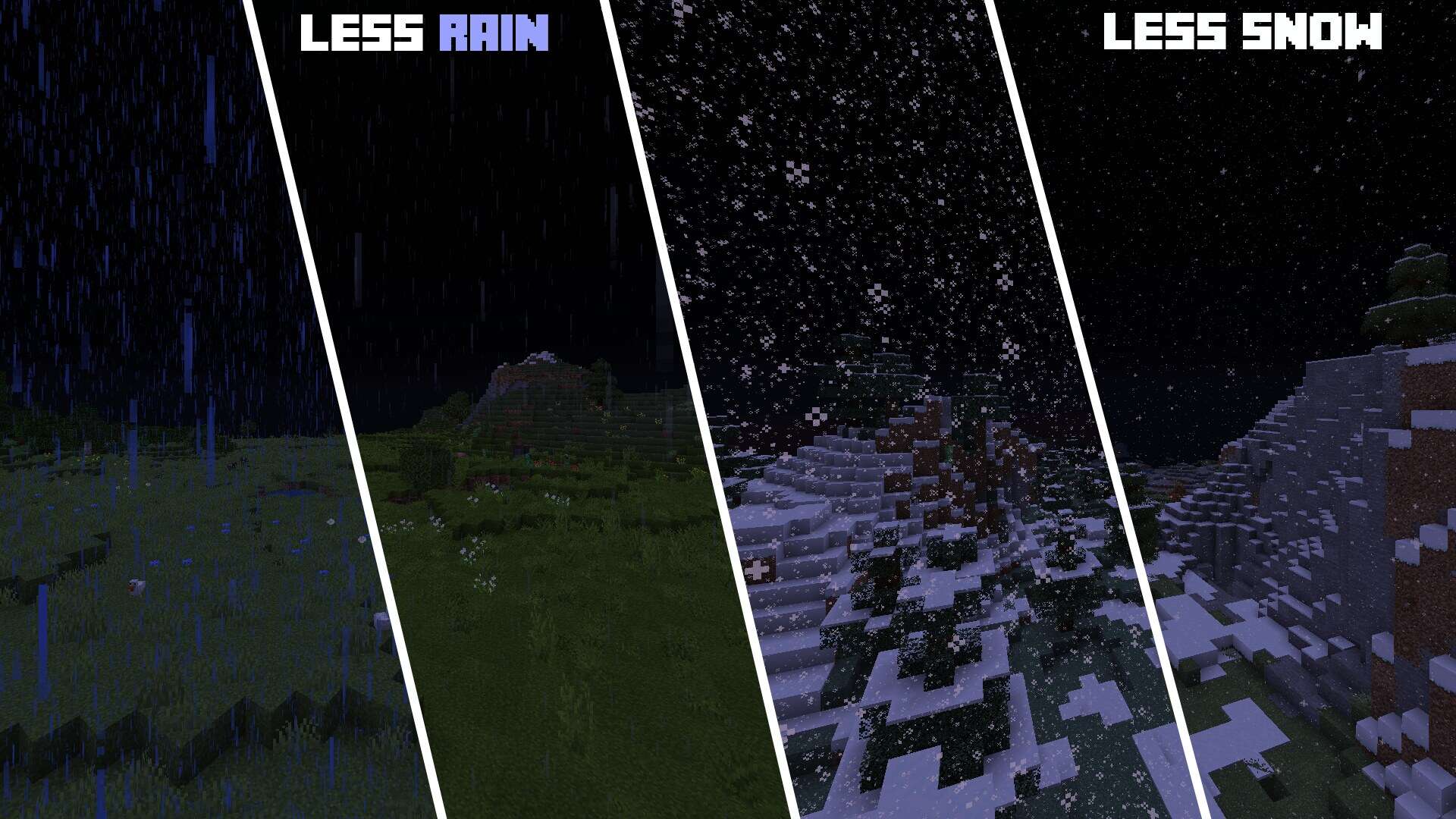
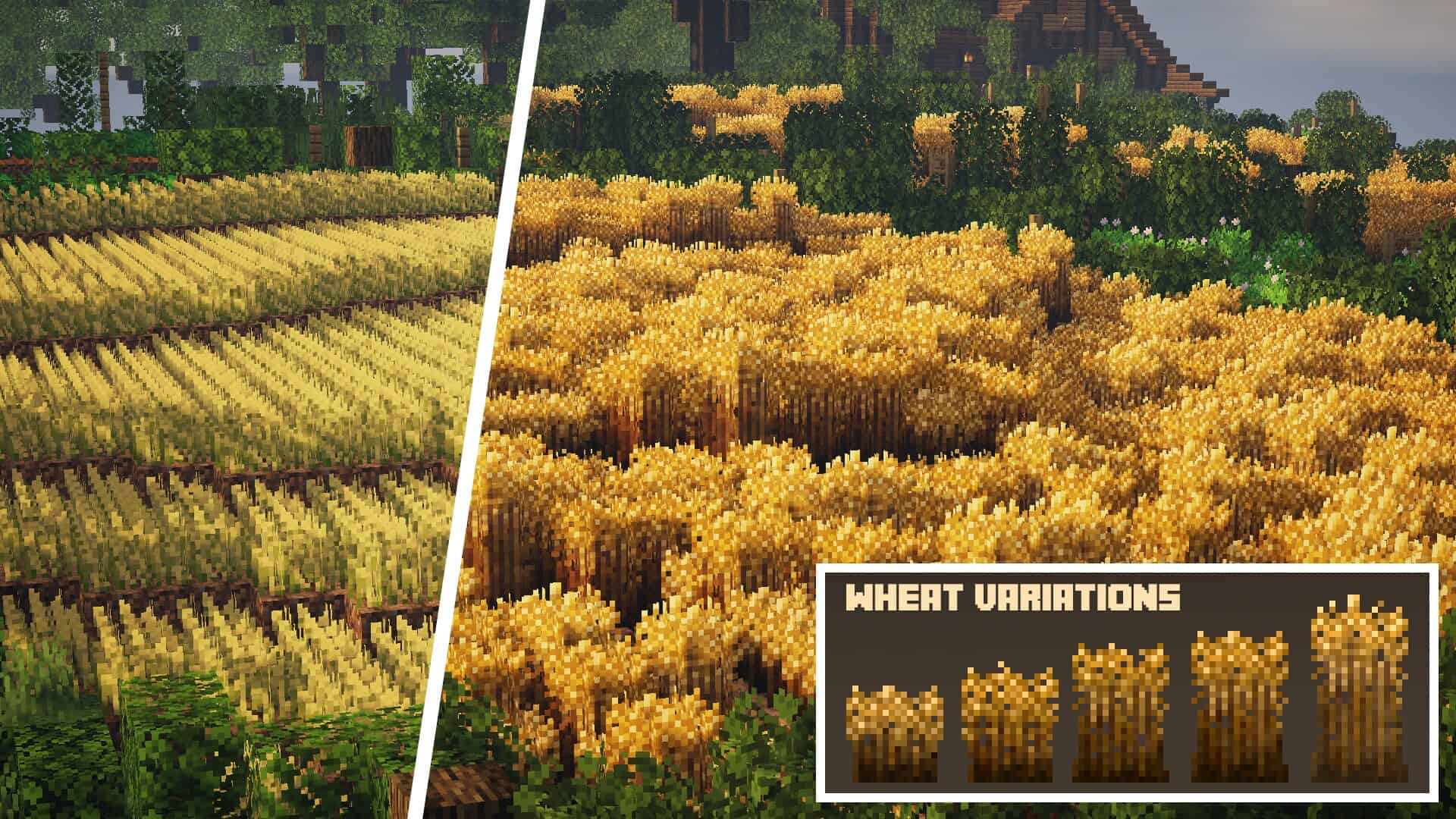
How to install Stay True Resource Pack:
- Most resource packs require Optifine, so be sure to download and install it. – general recommended step for all packs, Optifine is also needed for most shaders
- Download the Stay True texture pack for Minecraft from the download section below. – if there are many different versions, just choose the one you like, is compatible with your version/edition of Minecraft, the one you think your computer can handle in terms of performance.
- Launch the game client through the Minecraft launcher.
- On the main menu, click "Options".
- On the options menu, click "Resource Packs...".
- Click on "Open Resource Pack Folder". – folder titled "resourcepacks" will pop up
- Move the .zip file you downloaded in the first step to the newly opened "resourcepacks" folder.
- Click "Done".
- Click on "Resource Packs..." again.
- Your pack should have appeared in the left window, just hover over it and click on the arrow pointing to the right.
QUICK TIP: Sometimes, when activating a pack, the game may say that the pack is made for a newer or older version of Minecraft. This is just a warning, it does not affect your gameplay in anyway, and you can still activate and enjoy the pack by simply clicking the "Yes" button when prompted.
- Click "Done" again.
- The pack has now been successfully loaded and ready to be used in your world!
Stay True - Comparison Slider #1 without shaders
Comparison slider #1 for those who want to compare vanilla Minecraft without any texture packs installed (on the left) with Minecraft using this particular texture pack (on the right).
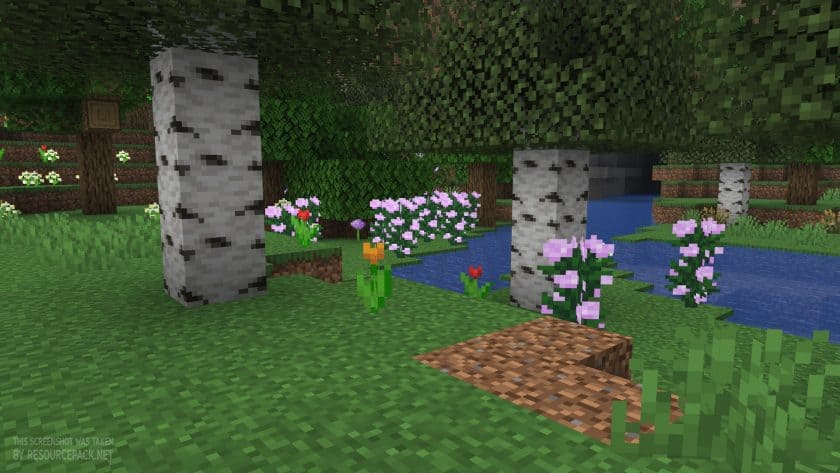 Vanilla
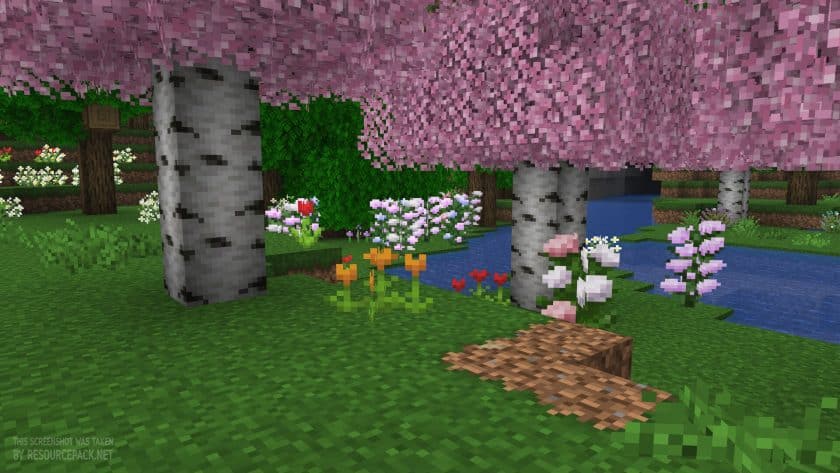 Stay True
Stay True Texture Pack Download
- We do not modify or edit any resource packs. All resource packs, shaders and tools found on this website are linked directly to official sources rather than hosted on our own servers. We provide only the official download links from the original creators to ensure that your files are safe and secure.
- These official links are updated manually and may occasionally stop working when a new version is released. We work hard to keep everything current so that you have a smooth experience. Please let us know in the comments if you find a link that no longer works.
- Minecraft is a trademark of Mojang Studios and has no official connection to this website. Our goal is simply to share the best creations from the community with other players.
- Please consider leaving a comment or voting for your favorite packs. This feedback helps authors improve their projects over time. You can also support the creators directly by visiting the official links located below the download section.
Java Edition:
[16x] [1.21.x] Download Stay True Resource Pack
[16x] [1.20.6 – 1.20.2] Download Stay True Resource Pack
[16x] [1.20.1 – 1.20] Download Stay True Resource Pack
[16x] [1.19.x] Download Stay True Resource Pack
[16x] [1.18.x] Download Stay True Resource Pack
[16x] [1.17.x] Download Stay True Resource Pack
[16x] [1.16.x] Download Stay True Resource Pack
[16x] [1.15.x] Download Stay True Resource Pack
[16x] [1.14.x] Download Stay True Resource Pack
Add-ons (Java Edition):
StayTrue NoBushyLeaves – removes the bushy leaves from Stay True resource pack;
Curseforge: download starts automatically after a few seconds;
Mediafire: click the big blue button with the text "DOWNLOAD";
Google Drive: in the top right corner you will see a small download icon (down arrow), click it and the download should start;

1,060 votes
Look.. 1060 users have already liked this pack. Give a diamond if you like it too!


Aria
Will this be updated to 1.19.4?
Catalina Brian
This resource pack is beautifully simple and fancy! ❤
Zephyr
Please make stay true compatible with bedrock, love the shaders but would be happy if I could use it on my bedrock server :)
Hardifromindonesia
Bruh,update texture to 1.19.51
Jona
I really like the look of the netherite chestplate but its not working with the 1.19 version of the texture pack. Now im using the version for the 1.18. Can somebody help me to fix that?
Manago
did you try downloading the newer version?
Skye
Are you going to update this for 1.19.3?
cheese4_
Very nice texture pack. It is similar to vanilla, but also adds some very cool features. I especially like the fancy leaves, although they can cause lag issues, especially in jungles
Stophenio
Can I use this without optfine? what features & issues I might have if I don’t use optfine. Asking because I don’t really enjoy using optfine since it makes my PC more laggy for some reason.
Stefanie
Heyy, for me the connection texture not working and I have optifine. Is there a solution for this?
Beanie
I love this texture pack so much. It so well done and pretty for the eyes *-* <3
kitzuro
does this texture pack work with fabric?
Zaphina
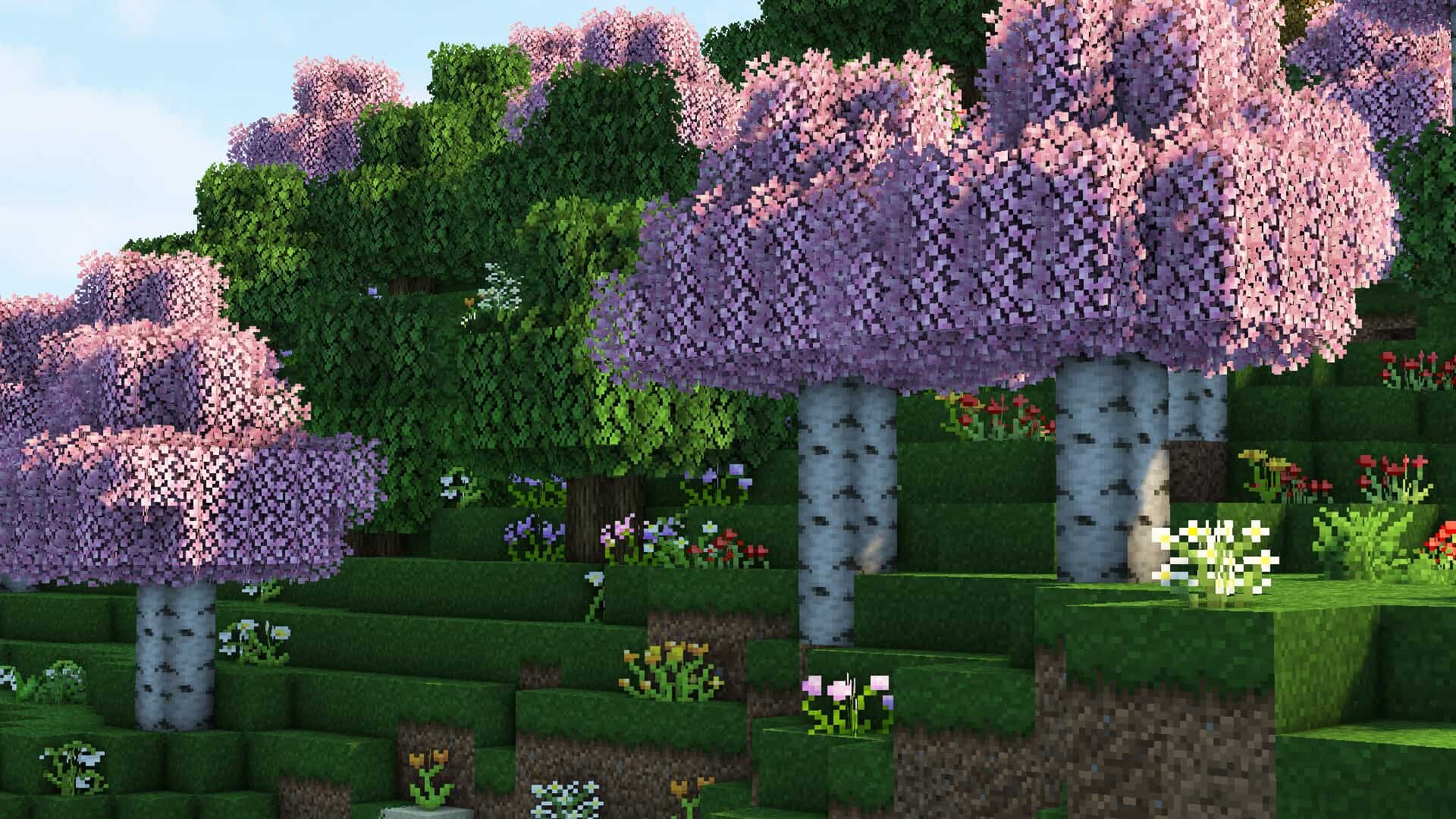
I saw the pink leaves in the screenshots and really want to use them, but none of the leaf blocks are pink in game? Where do I find them? I’ve checked different biomes etc.
I really love this pack overall!
Admin
Try to set leaves setting to fancy. Also, optifine is required for that, so make sure to install it.
nykaii
Is there a way to not change the color of grass to this autumn one? I love everything about the back but those birch leaves and grass turning brown…
DDC
is there a way to delete bushy leaves?
Admin
We just added a link to get the official add-on that removes the bushy leaves. Just install it on top of the main pack.
oStreax
there tons of black and pink blocks?
Adroz
is this a shader next to a texture or just a texture?
Admin
This is resource pack only.
Ausrine
Hi i wanted to know if theres a way to remove the textures of the grass when you’re in diffrent bioms like i live in a burch-biom and the grass is orange and ugly, is there a way to remove that??
Ausrine
oh nvm i figured it out
emirhan
I love this pack but there are huge white areas around the tree leaves and it makes the game unplayable how can I fix it?
Mikettedaydreamer
Do you have the trees on fancy in settings?
Nat
Does this work with 1.18.2? It says it’s compatible but it won’t change the loading screen or textures.. I love this pack, it’s beautiful but yeah, not working. And I can’t play with optifine because I use fabric and optifabric mod has not updated.
Admin
Don’t know about fabric, but we just tested it on Minecraft 1.18.2 and OptiFine HD U H6 (1.18.2) and it works great.
bunny
love this pack, but what causes the birch leaves to have two options? i wanted pink leaves but now my biomes all orange. is there a way to put them to pink specifically?
yes man
love the texture pack but the leaves on trees sometimes annoy me because of how there extended in a way to look kind of weird
Canuck-Errant
Bit of an oversight – it seems like the mossy cobblestone and mossy stone brick textures don’t extend the same way their non-mossy counterparts do; is it possible to add those variations in?
Tidowz
I love your resource pack sooo much! One suggestion I would love to see is for wood to connect with stone/dirt on the floor. Great work!!
Emachi
is there a way to make the birch trees have normal green leaves? In some biomes the leaves are orange and some pink, and when a tree is in between 2 biomes it looks really strange with half of the tree being pink and half of it being orange.
MooeyLovesCows
Hopefully this is updated for 1.18! I love this pack!