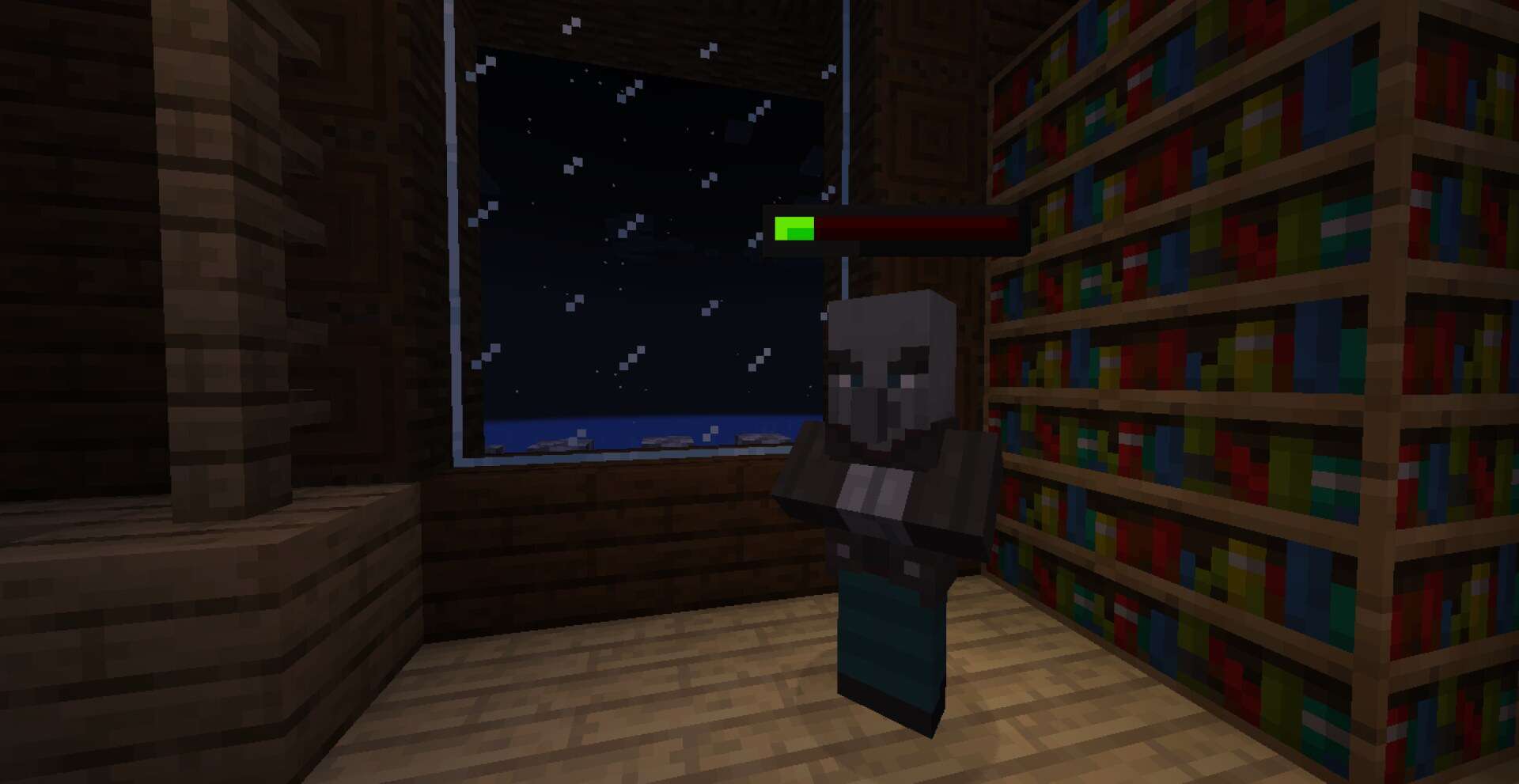
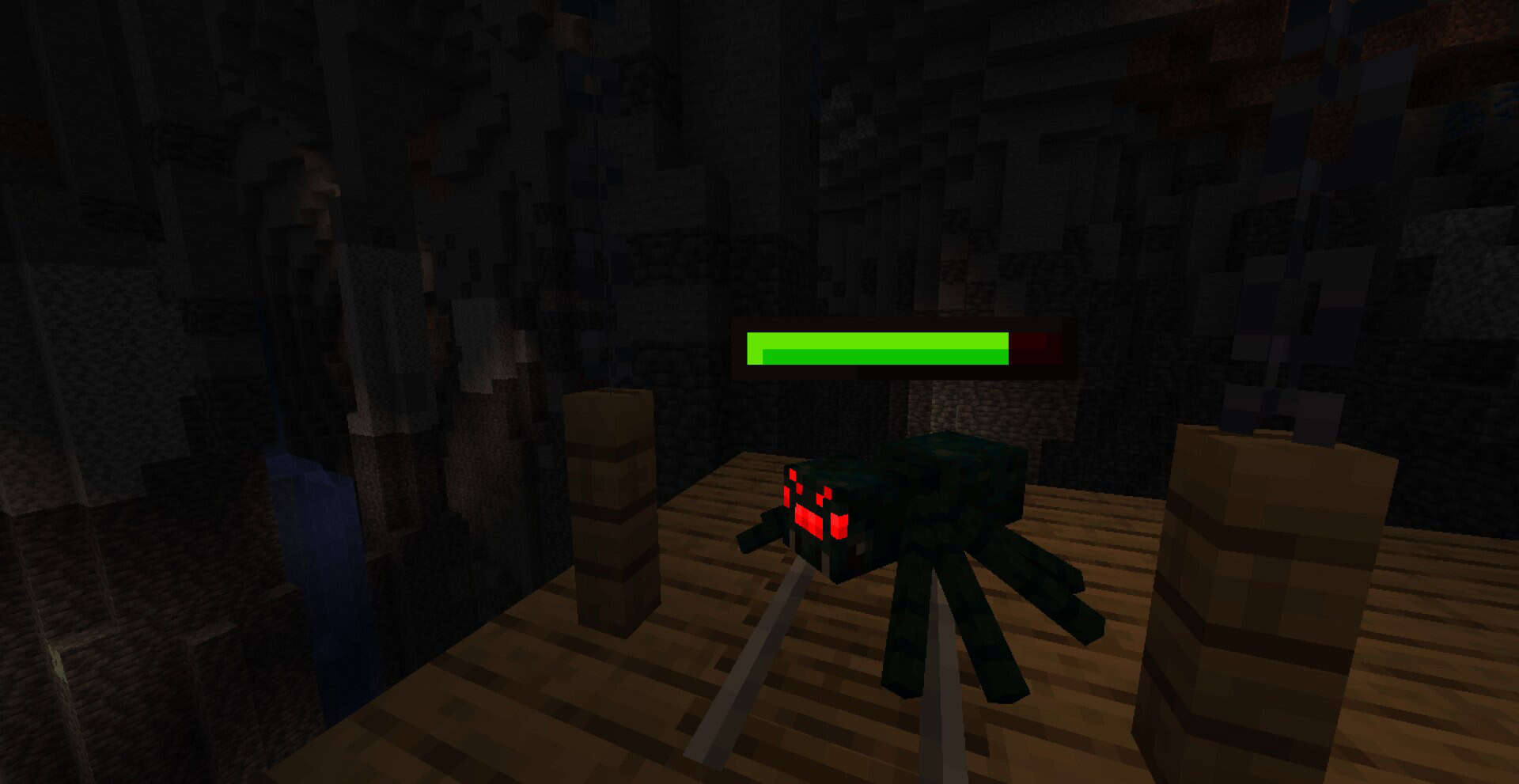
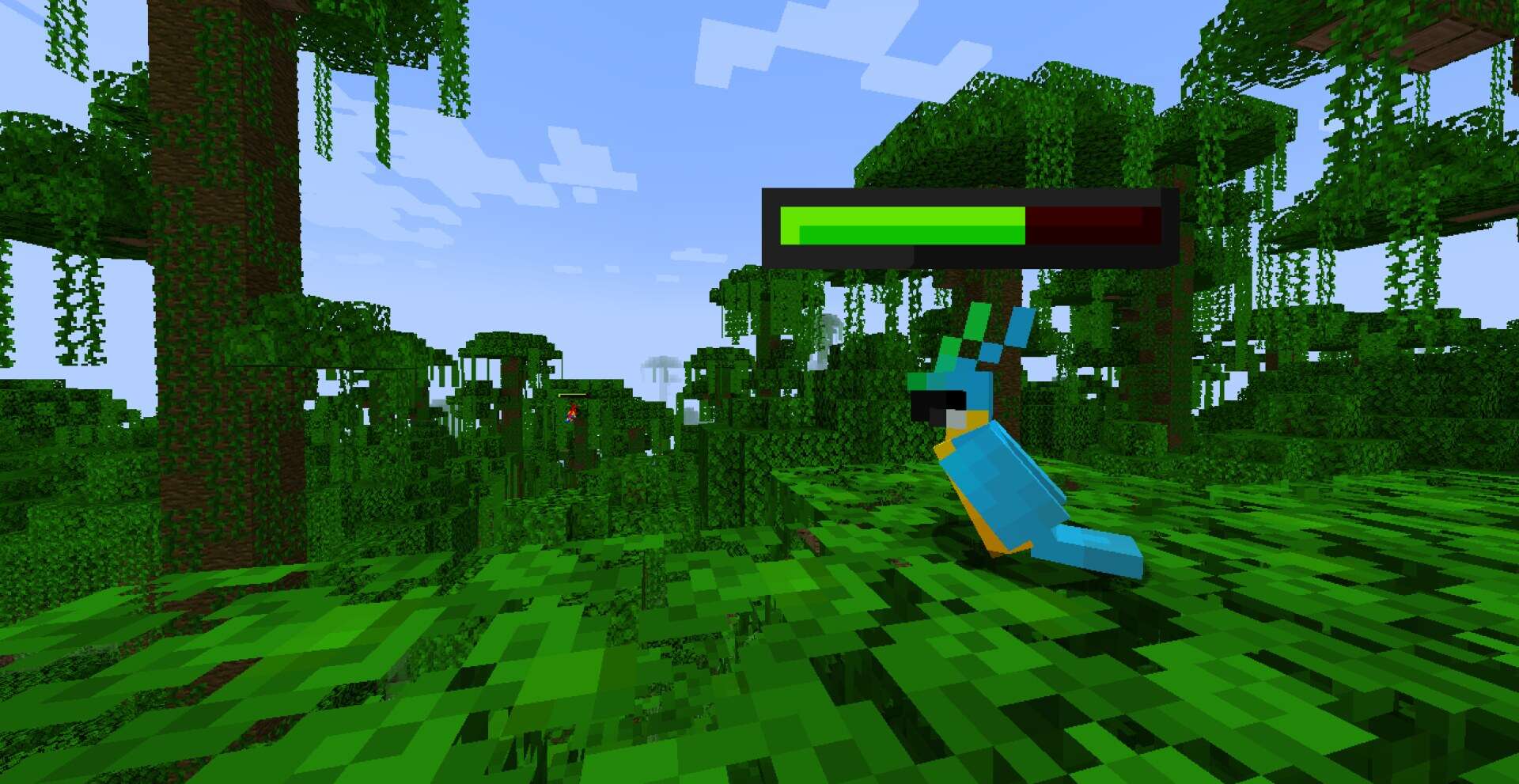
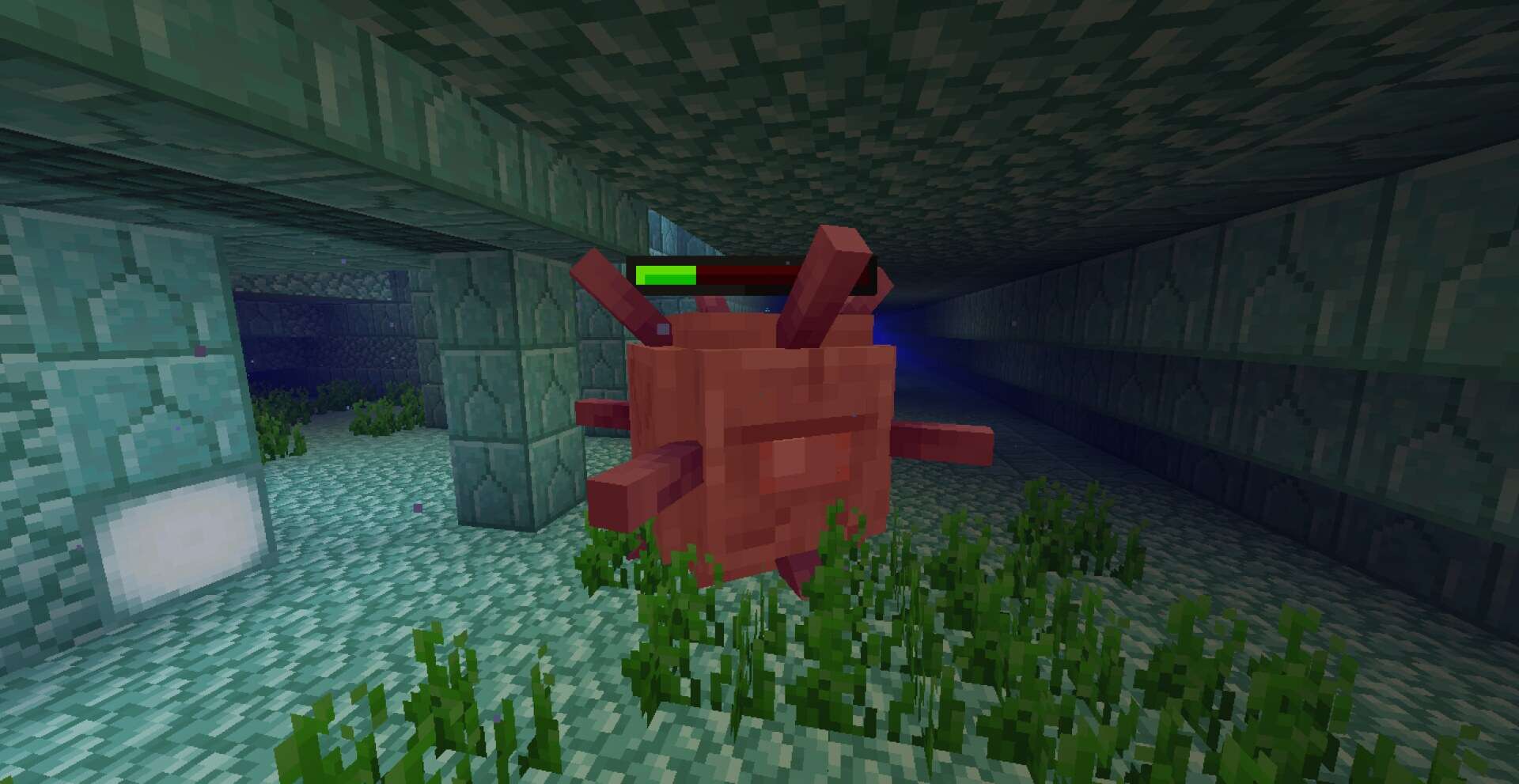
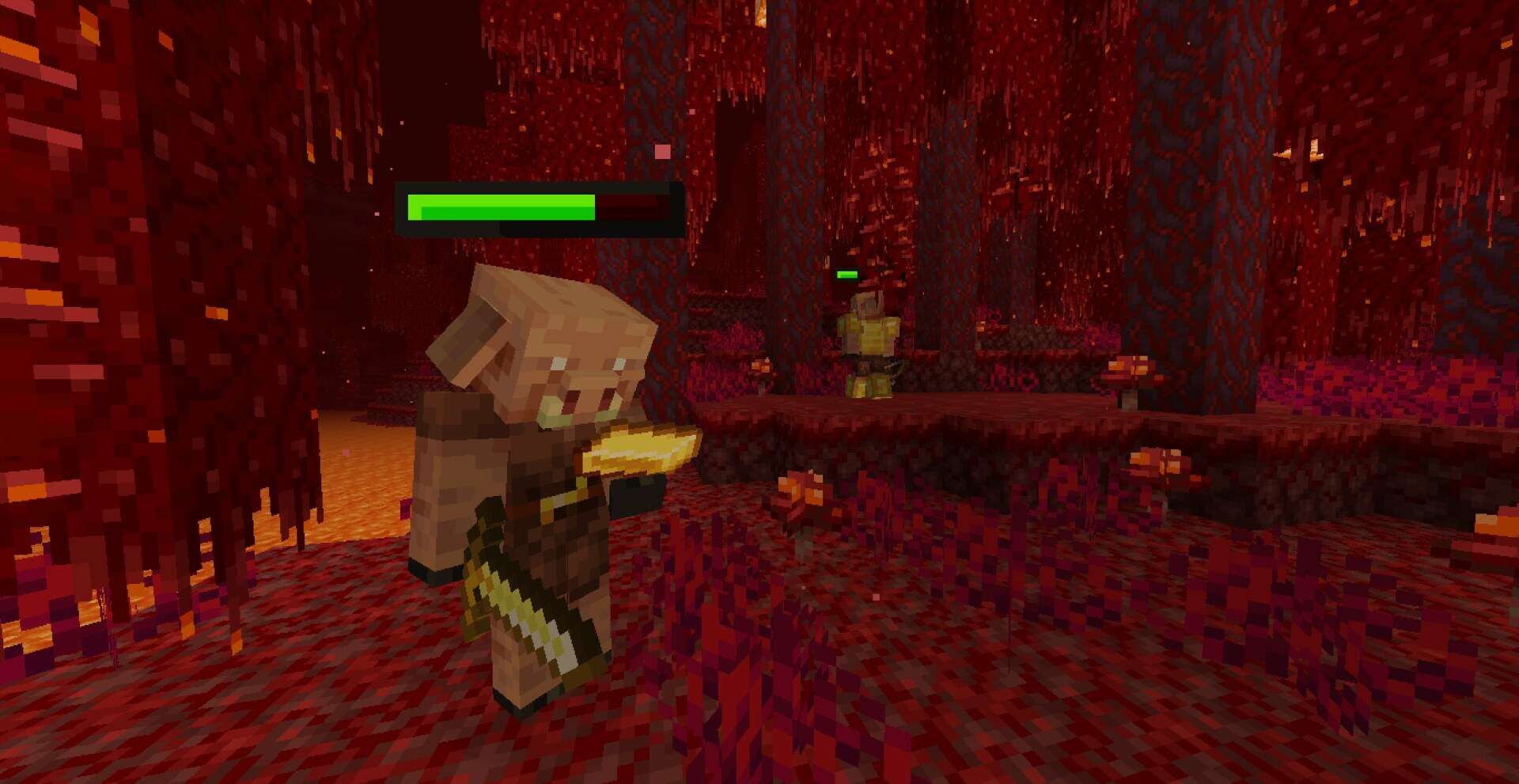
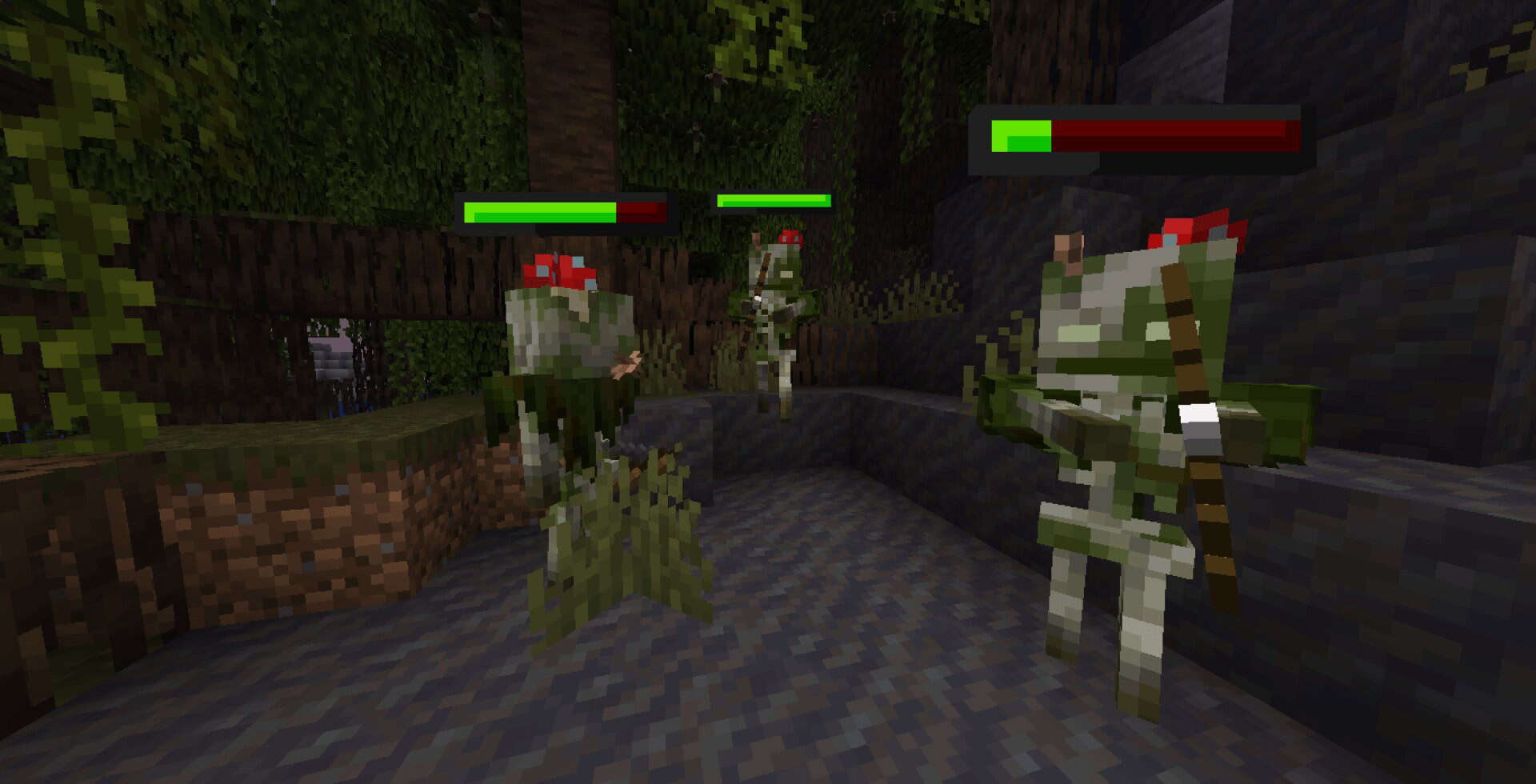
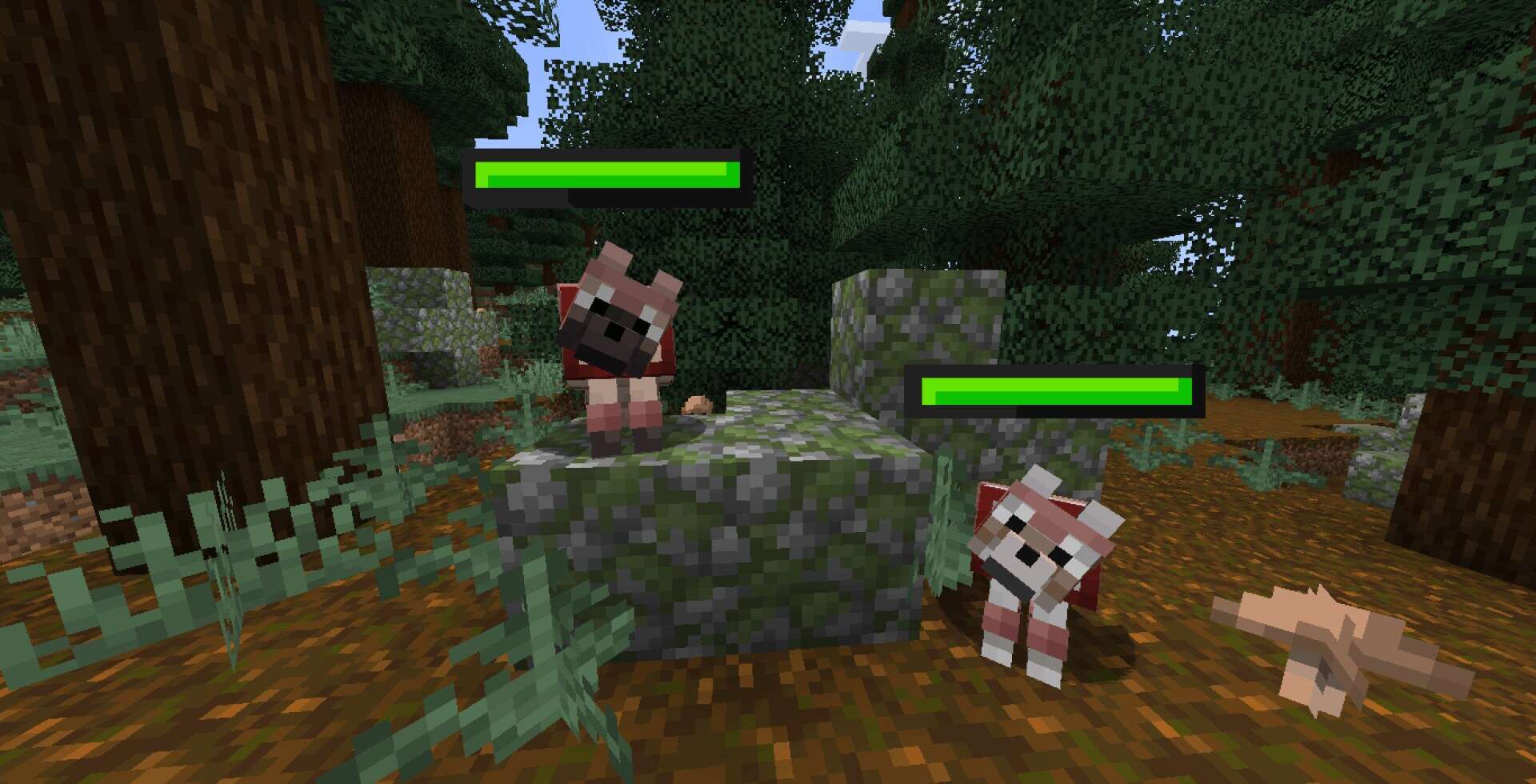
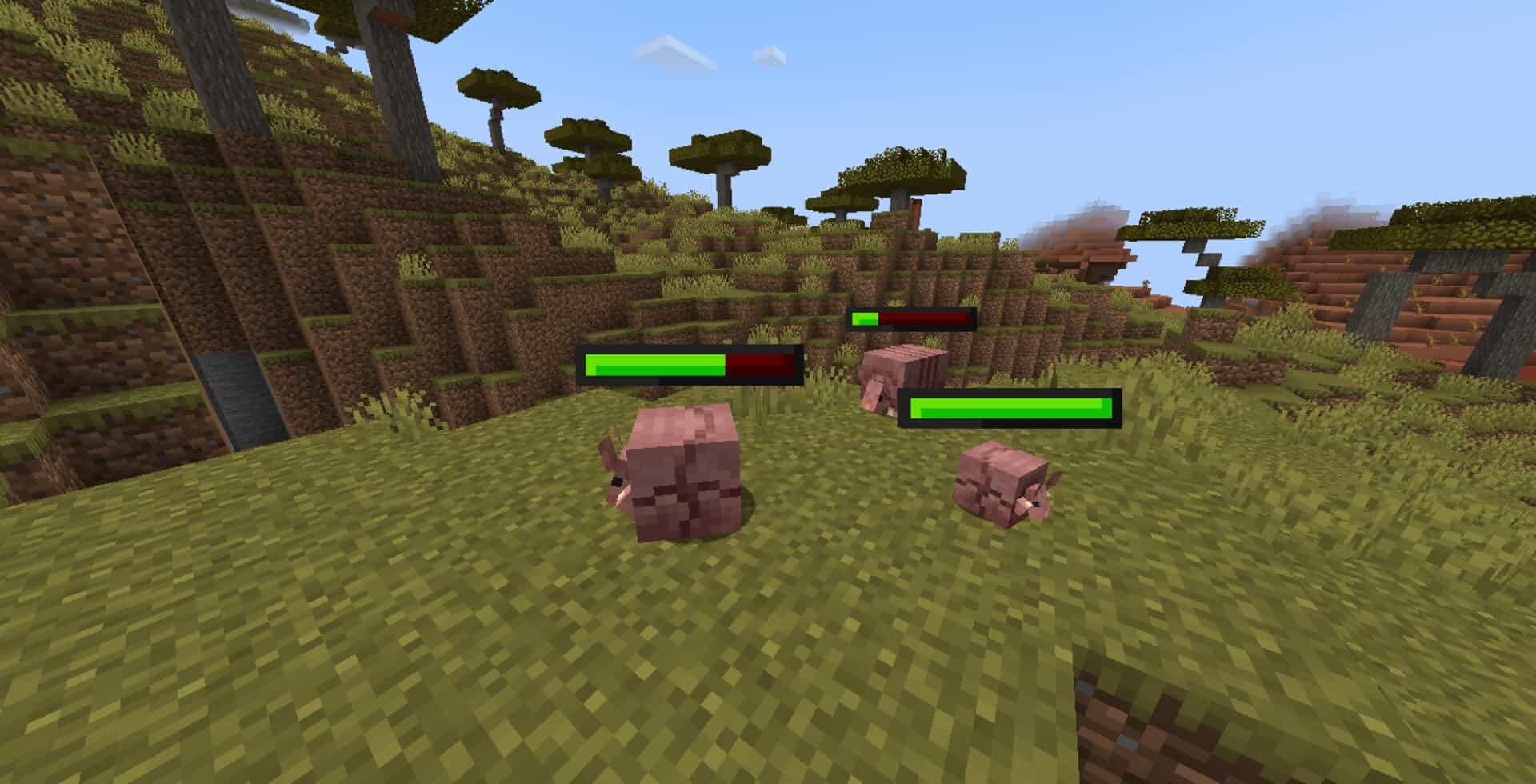
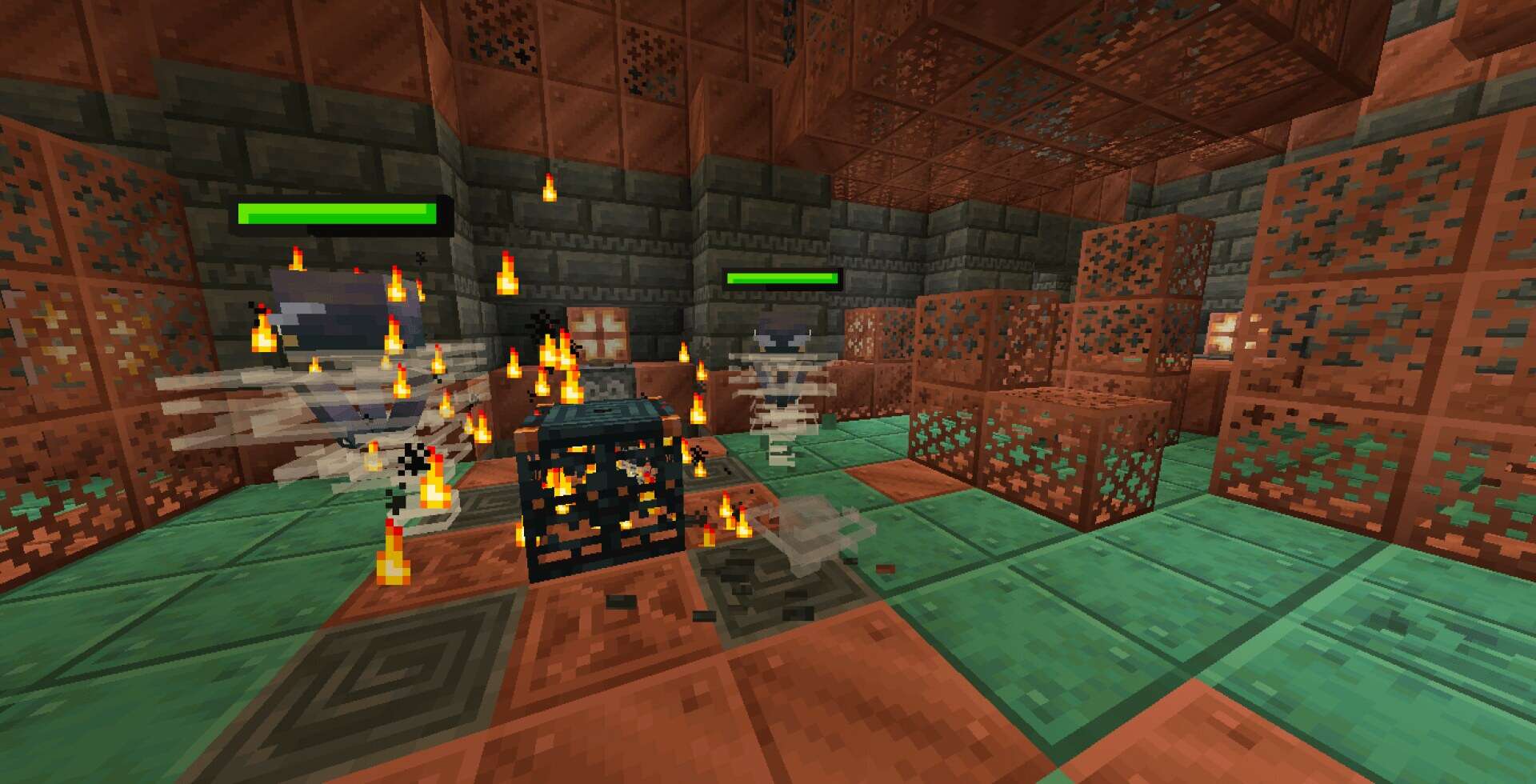
Many players have learned the hard way that Minecraft can be as frustrating as it is fun. The game creates memorable moments, but it can also punish you in ways that feel unfair. Nothing hurts more than carrying a stack of diamonds only to slip into lava. You know you will never see those items again, and that sudden loss can ruin a whole session. Sometimes it is not lava but something smaller that bothers you. You might swing your axe at a tree only for your wolf to wander into the hitbox at the wrong second. Or maybe you clip a villager with your sword while clearing mobs near the village. These accidents rarely end the world, but they do create guilt and irritation. Until recently, there was no simple way to prevent them from happening again. That is where the idea of visible health bars comes in. For years, this feature was only possible through mods. Mods added a bar above every creature, letting you see exactly how much health remained after each strike. It was helpful in combat and also reassuring when dealing with pets and villagers because you could gauge damage at a glance. The downside was the usual cycle of mod updates. A new Minecraft release often broke compatibility, leaving you to wait for developers to catch up or forcing you to stay on an older version of the game. Now the same idea exists without those headaches. The Spryzeen’s Healthbars resource pack offers the same functionality as a mod but works through standard models. Once installed you will notice that every mob you encounter has a small health display floating above its head. Strike a creature and the bar updates instantly to show how much damage you did. Keep hitting and you will know exactly how many more swings it will take to finish the fight. Anyone who has lost track of a creeper’s health mid battle can already imagine how useful this becomes. You no longer guess whether the next hit will drop it before it explodes, you know. The way it works feels familiar to anyone who has played RPG games. A glowing bar above an enemy is standard in RPG combat, and this pack brings that same clarity into Minecraft.
Featured video:
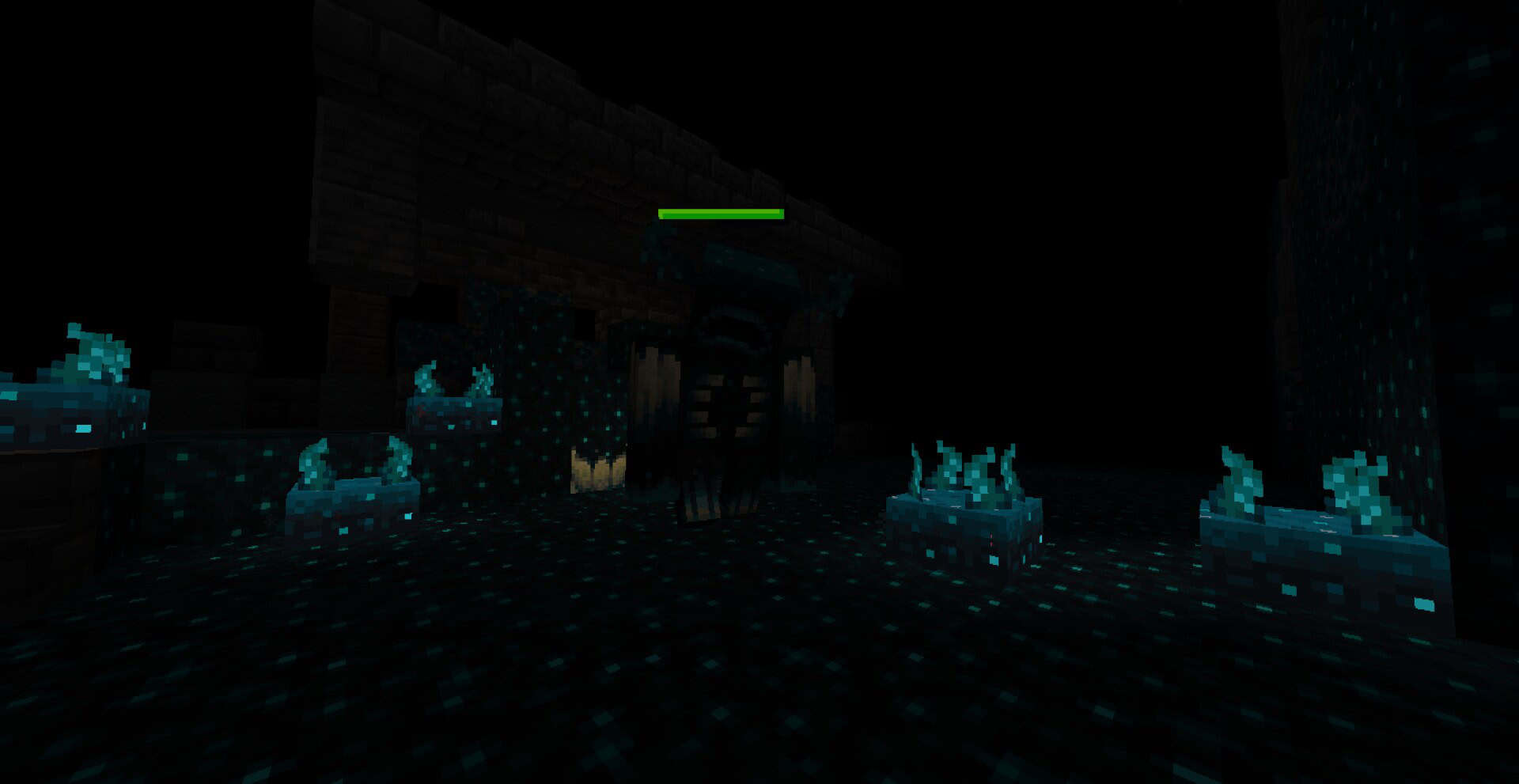
The health bar uses emissive textures, which means it glows in dark places. Explore caves or walk through the night and you can still see enemy health clearly. It also has a simple animated style that looks smooth but does not clash with Minecraft’s blocky aesthetic. The design is functional first, but it fits the game well enough that it feels like it belongs. Because the pack runs on textures rather than heavy modifications, it is lightweight compared to mods. Your frame rate should not suffer much. The pack does not touch blocks, items, or environments. It only adds overlays above mobs. Even with the glowing effects and small animations, the performance impact remains minimal. If your computer handled vanilla Minecraft without issues, it should handle this pack too. Beyond combat, there are subtle benefits that become clear after some playtime. Accidentally hurting your tamed animals is less stressful because you can see their health right away and feed them if needed. You also gain a better sense of how strong or weak different mobs are. For example, the first time you bring down an iron golem, you will notice just how much health it takes. That kind of information improves your overall awareness of the game. The convenience of a resource pack is what makes Spryzeen’s Healthbars texture pack stand out. You just drop the pack into your resource folder, turn it on, and it works. You only need Optifine or EMF for this, but if this is not your first time installing resource packs, you probably already have them installed. Resource packs often focus on visuals. This one is different because it adds a functional layer to the game. It gives you information you did not have before, and that information changes the way you play. You react faster to threats, plan your hits more carefully, and take better care of the creatures around you. The effect is not dramatic or flashy, but it is noticeable every time you log in. For players who want more control during their adventures, the Healthbars resource pack is worth trying. It blends into the game without drawing attention to itself and solves problems that have bothered players for years. Once you use it, you may wonder why the feature was not part of Minecraft all along.
Spryzeen's Healthbars should be compatible with all of these Minecraft versions: 1.21.11 - 1.21.10 - 1.21.9 - 1.21.8 - 1.21.7 - 1.21.6 - 1.21.5 - 1.21.4 - 1.21.3 - 1.21.2 - 1.21.1 - 1.21 - 1.20.6 - 1.20.5 - 1.20.4 - 1.20.3 - 1.20.2 - 1.20.1 - 1.20 - 1.19.4 - 1.19.3 - 1.19.2 - 1.19.1 - 1.19 - 1.18.2 - 1.18.1 - 1.18 - 1.17.1 - 1.17 - 1.16.5 - 1.16.4 - 1.16.3 - 1.16.2 - 1.16.1 - 1.16
Spryzeen's Healthbars — Screenshots
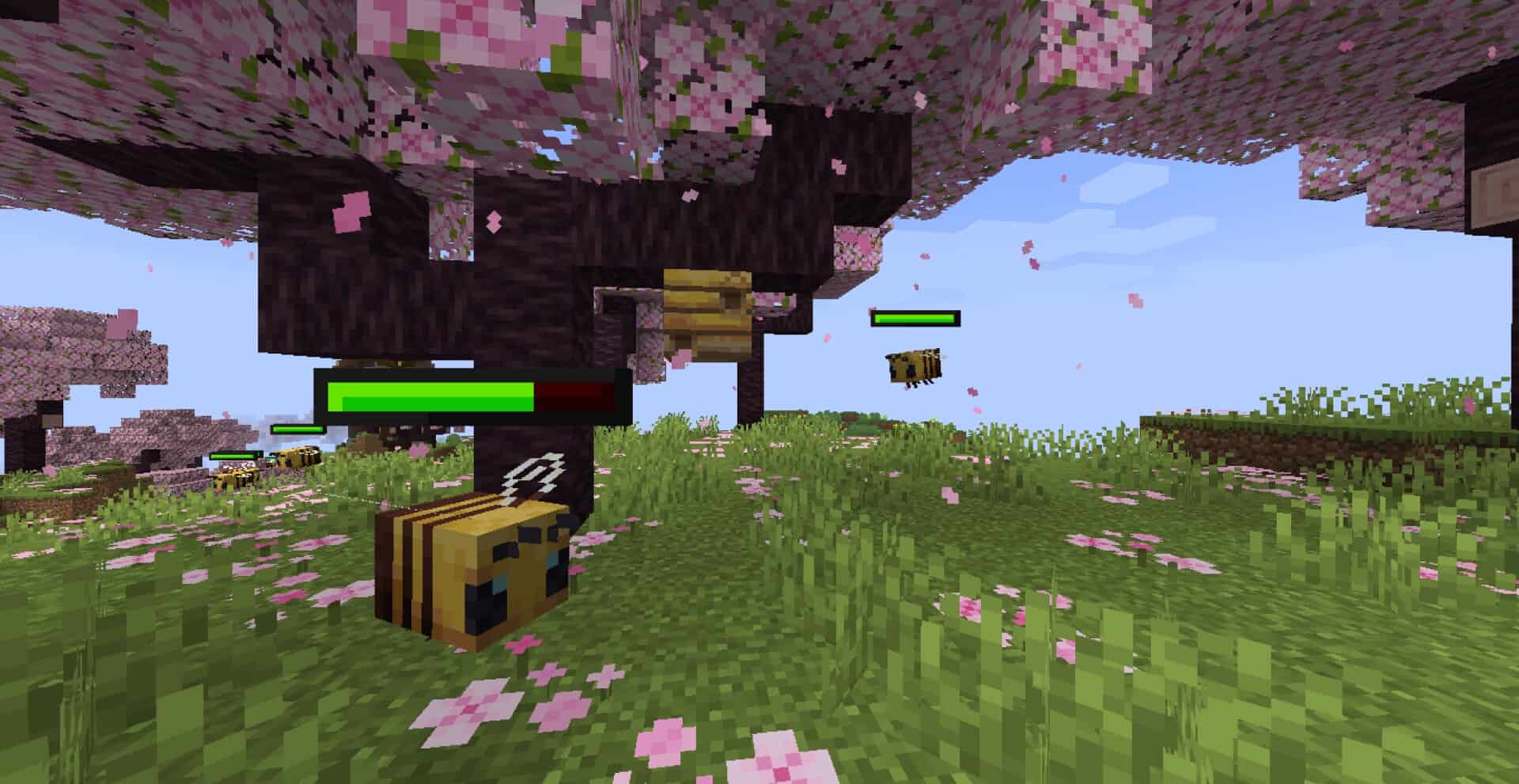
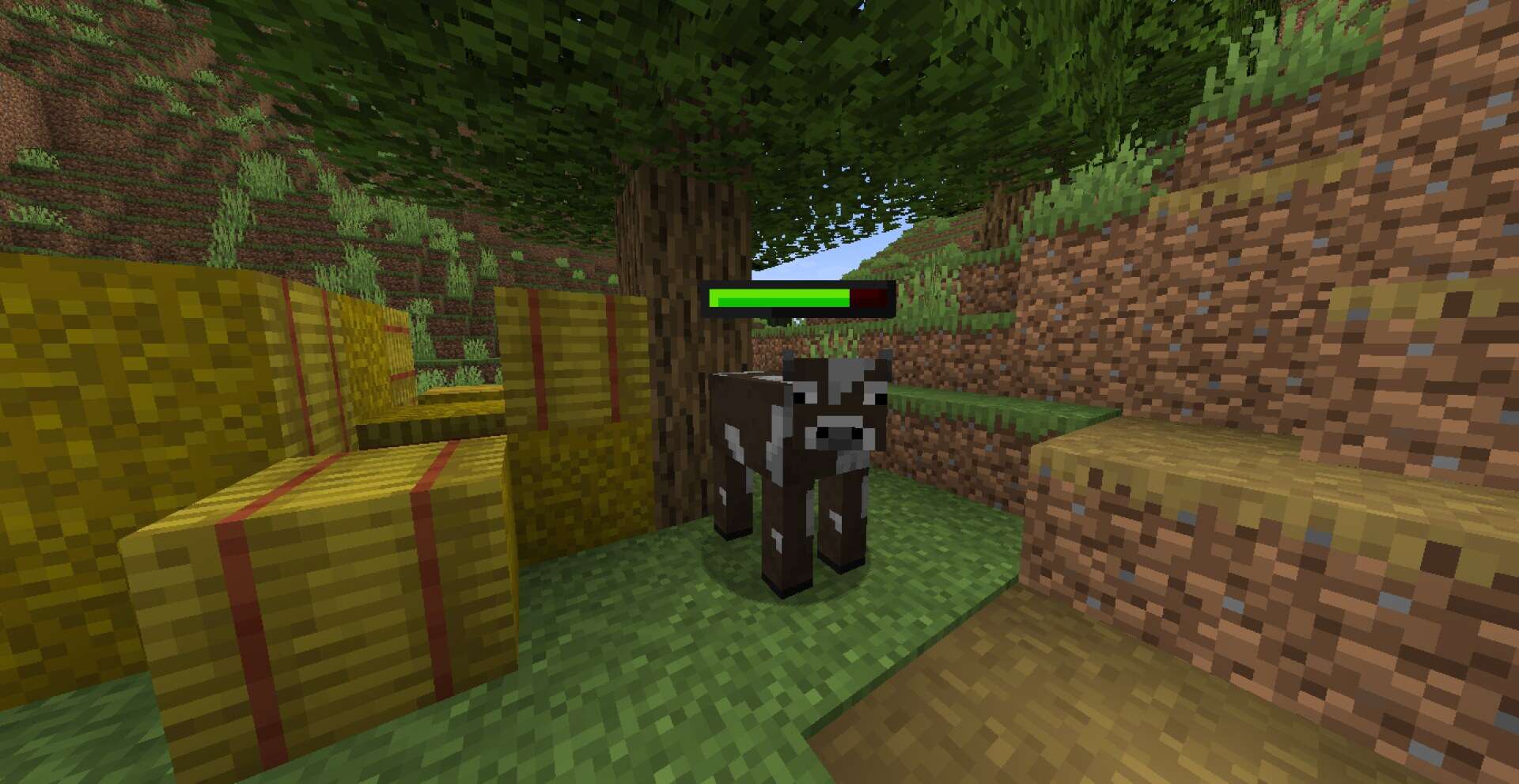
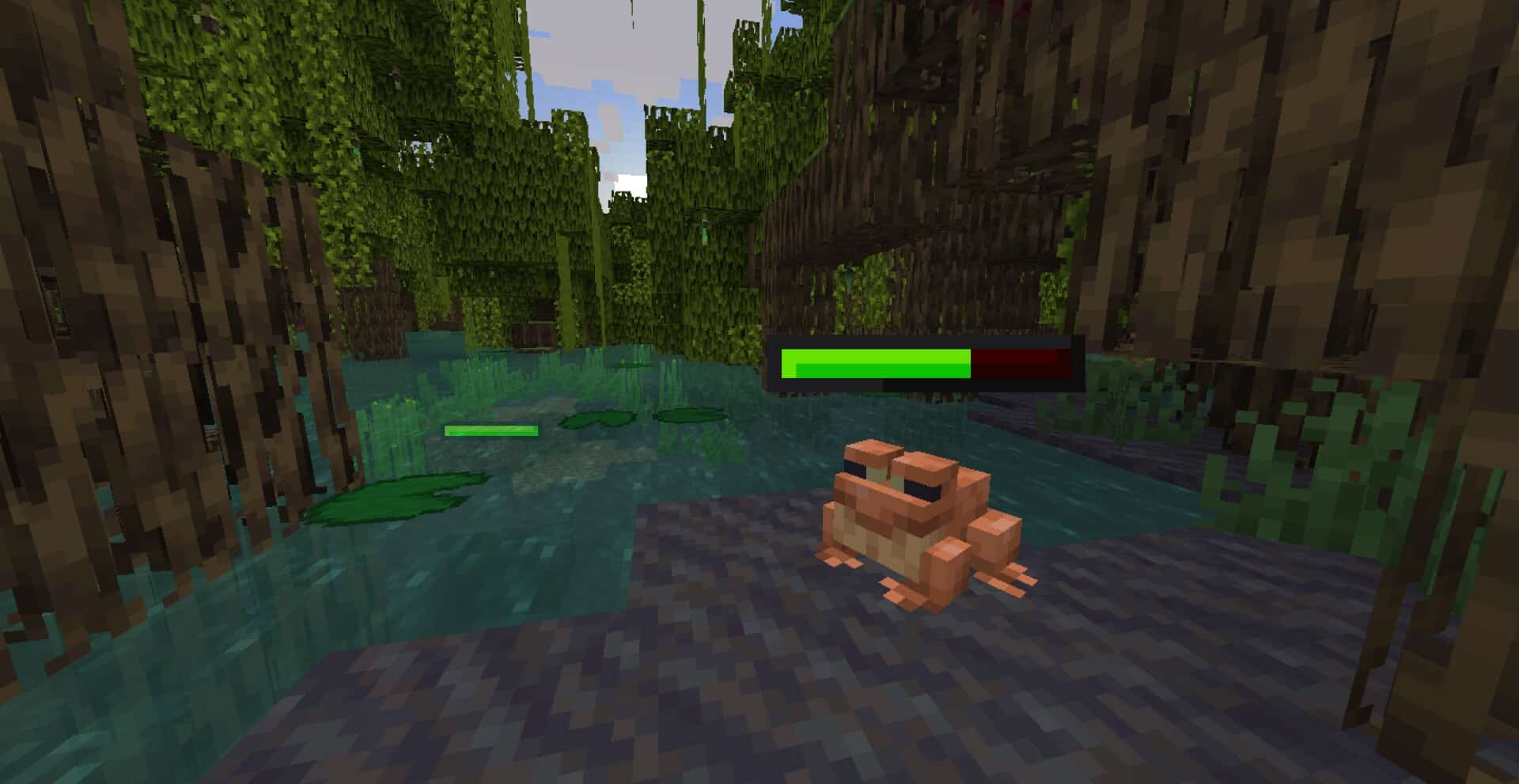
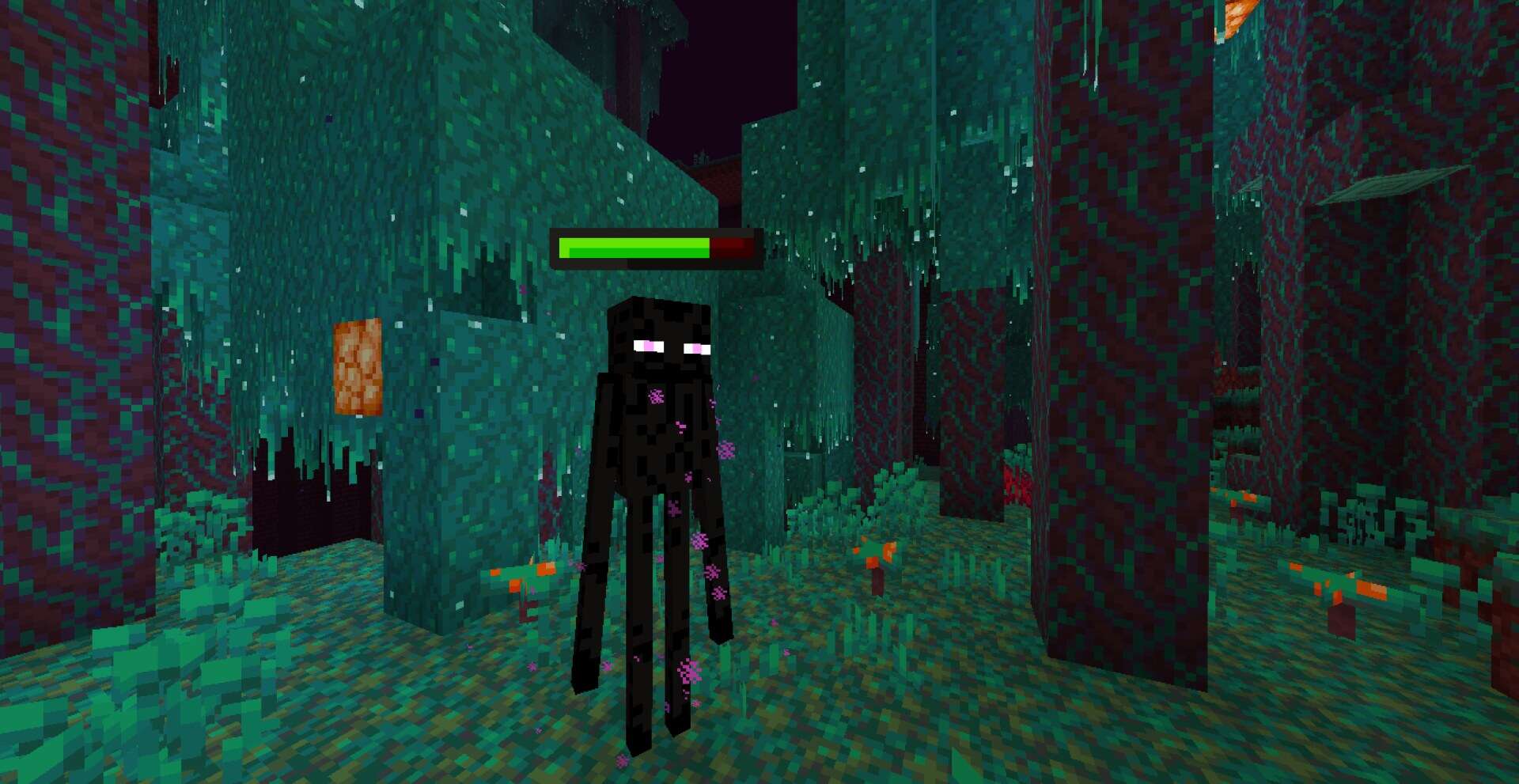
How to install Spryzeen's Healthbars Resource Pack:
- Most resource packs require Optifine, so be sure to download and install it. – general recommended step for all packs, Optifine is also needed for most shaders
- Download the Spryzeen's Healthbars texture pack for Minecraft from the download section below. – if there are many different versions, just choose the one you like, is compatible with your version/edition of Minecraft, the one you think your computer can handle in terms of performance.
- Launch the game client through the Minecraft launcher.
- On the main menu, click "Options".
- On the options menu, click "Resource Packs...".
- Click on "Open Resource Pack Folder". – folder titled "resourcepacks" will pop up
- Move the .zip file you downloaded in the first step to the newly opened "resourcepacks" folder.
- Click "Done".
- Click on "Resource Packs..." again.
- Your pack should have appeared in the left window, just hover over it and click on the arrow pointing to the right.
QUICK TIP: Sometimes, when activating a pack, the game may say that the pack is made for a newer or older version of Minecraft. This is just a warning, it does not affect your gameplay in anyway, and you can still activate and enjoy the pack by simply clicking the "Yes" button when prompted.
- Click "Done" again.
- The pack has now been successfully loaded and ready to be used in your world!
Important information:
- Optifine or EMF required.
- For OptiFine users: make sure Custom Entity Models, Emissive Textures, and Random Entities are all set to ON in Options → Video Settings → Quality.
Spryzeen's Healthbars - Comparison Slider #1
Comparison slider #1 for those who want to compare vanilla Minecraft without any texture packs installed (on the left) with Minecraft using this particular texture pack (on the right).
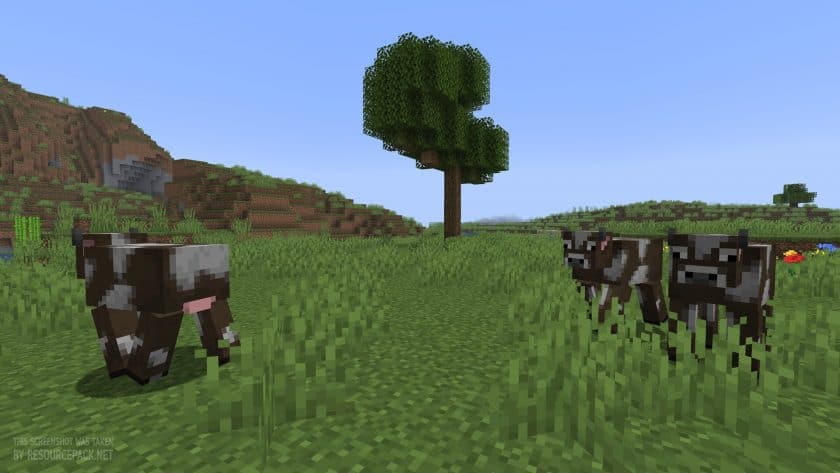 Vanilla
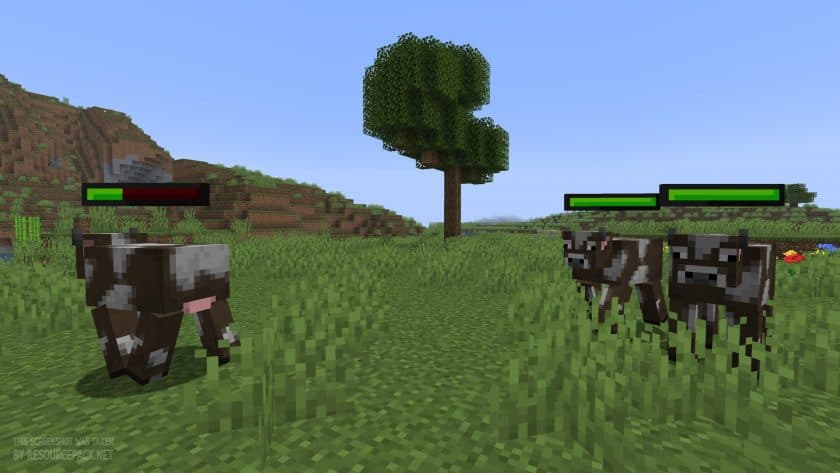 Spryzeen's Healthbars
Spryzeen's Healthbars Texture Pack Download
- We do not modify or edit any resource packs. All resource packs, shaders and tools found on this website are linked directly to official sources rather than hosted on our own servers. We provide only the official download links from the original creators to ensure that your files are safe and secure.
- These official links are updated manually and may occasionally stop working when a new version is released. We work hard to keep everything current so that you have a smooth experience. Please let us know in the comments if you find a link that no longer works.
- Minecraft is a trademark of Mojang Studios and has no official connection to this website. Our goal is simply to share the best creations from the community with other players.
- Please consider leaving a comment or voting for your favorite packs. This feedback helps authors improve their projects over time. You can also support the creators directly by visiting the official links located below the download section.
Java Edition:
[16x] [1.21.x – 1.16.x] Download Spryzeen’s Healthbars Resource Pack
Curseforge: download starts automatically after a few seconds;
Mediafire: click the big blue button with the text "DOWNLOAD";
Google Drive: in the top right corner you will see a small download icon (down arrow), click it and the download should start;

163 votes
Look.. 163 users have already liked this pack. Give a diamond if you like it too!


franiu
good