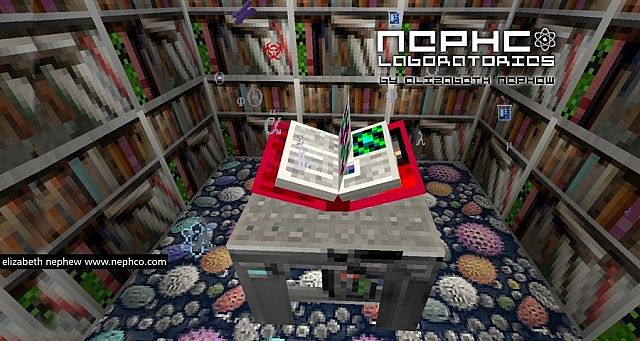
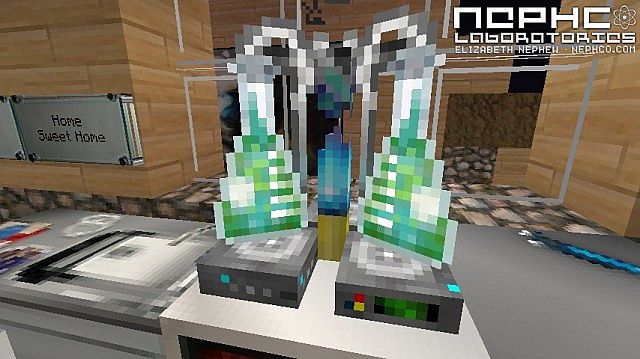
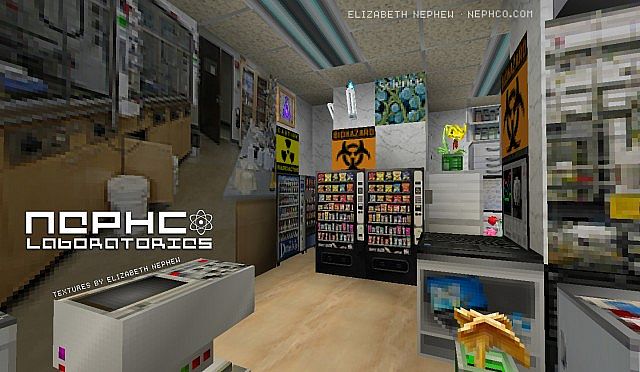
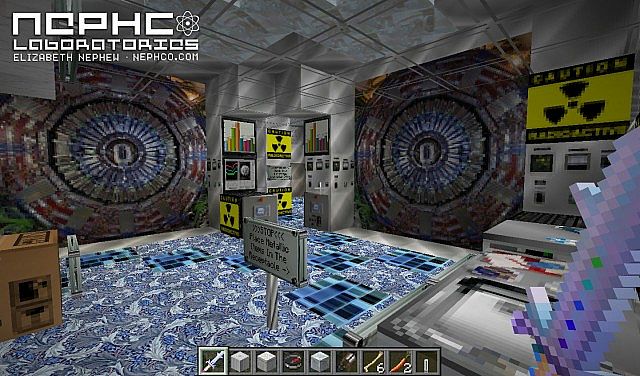
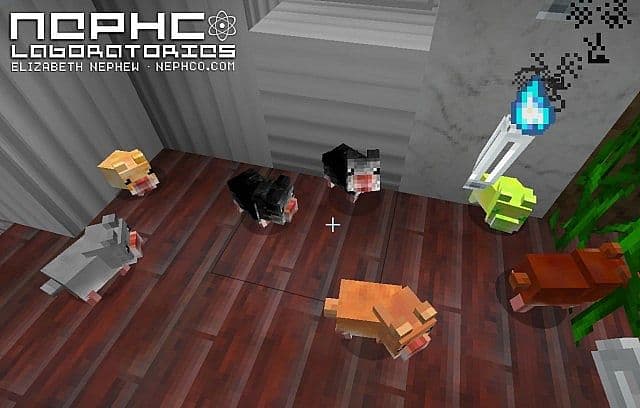
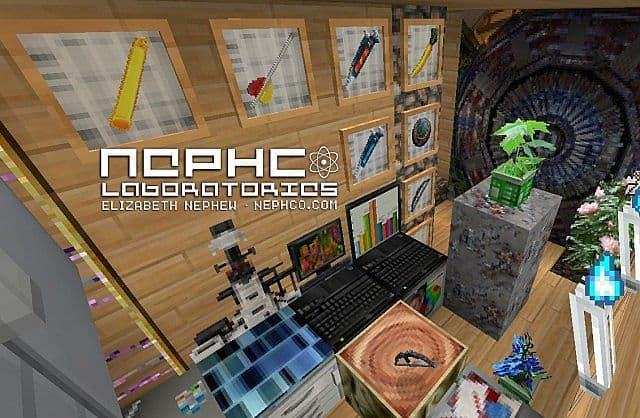
To Minecraft players out there who feel tremendous passion towards the sciences and the mysteries they reveal, then the Science & Biology resource pack was built for you. Some are intrigued by the strange creatures of the microscopic world, others are fascinated by machines. There are textures and animations suited to the fancy of any flavor of Science Buff. Possessing stunning images of flora, fauna, advanced machines and equipment of all varieties, getting bored will truly be a challenge. Whatever unique futuristic inner world that your mind can conceptualize, the Science and Biology texture pack will allow you to build it. You can create your own laboratories with equipment to match your preferred discipline. You want to be a chemist, concocting new compounds? With the pack any potions made will simulate Erlenmeyer flasks with bizarre bubbling fluids. Maybe you see yourself as a microbiologist?
Featured video:
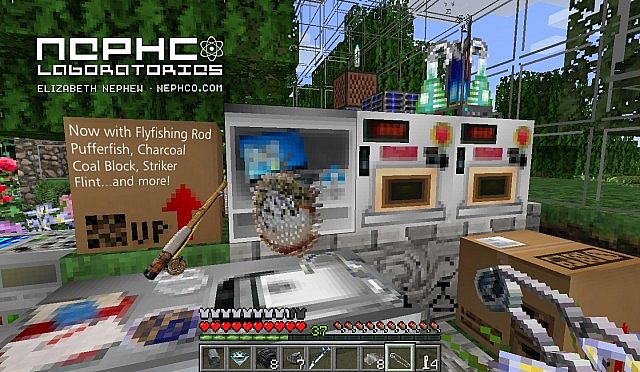
You can surround yourself with images of red blood cells, _E. Coli_ and all kinds of almost otherworldly lifeforms a real scientist would study. Perhaps you’re more of a techie, that’s fine. The pack includes many examples of innovate computers and machines to make you feel like you’re in the Star-Trek Enterprise. It even includes a crafting anvil that looks like it came out of some sort of space-dwarves craft shop. Not to mention the depiction of a cutting-edge clock that automatically updates to the time in the world of Minecraft. Is the pack worth getting? Of course, it is. The great thing about Minecraft is that it permits your imagination to run free. In no other resource pack is that truer than for the Science & Biology. There are just too many features to describe in a synopsis that could do the pack justice. If you feel any inclination at all, to experiment with the creation of a world that thrives on the strange and the mystique, do yourself a favor. Get the Science & Biology pack.
Science & Biology should be compatible with all of these Minecraft versions: 1.8.9 - 1.8.8 - 1.8.1 - 1.8.6 - 1.8 - 1.7.10 - 1.7.9 - 1.7.4 - 1.7
Science & Biology — Video & Screenshots

How to install Science & Biology Resource Pack:
- Most resource packs require Optifine, so be sure to download and install it. – general recommended step for all packs, Optifine is also needed for most shaders
- Download the Science & Biology texture pack for Minecraft from the download section below. – if there are many different versions, just choose the one you like, is compatible with your version/edition of Minecraft, the one you think your computer can handle in terms of performance.
- Launch the game client through the Minecraft launcher.
- On the main menu, click "Options".
- On the options menu, click "Resource Packs...".
- Click on "Open Resource Pack Folder". – folder titled "resourcepacks" will pop up
- Move the .zip file you downloaded in the first step to the newly opened "resourcepacks" folder.
- Click "Done".
- Click on "Resource Packs..." again.
- Your pack should have appeared in the left window, just hover over it and click on the arrow pointing to the right.
QUICK TIP: Sometimes, when activating a pack, the game may say that the pack is made for a newer or older version of Minecraft. This is just a warning, it does not affect your gameplay in anyway, and you can still activate and enjoy the pack by simply clicking the "Yes" button when prompted.
- Click "Done" again.
- The pack has now been successfully loaded and ready to be used in your world!
Science & Biology Texture Pack Download
- We do not modify or edit any resource packs. All resource packs, shaders and tools found on this website are linked directly to official sources rather than hosted on our own servers. We provide only the official download links from the original creators to ensure that your files are safe and secure.
- These official links are updated manually and may occasionally stop working when a new version is released. We work hard to keep everything current so that you have a smooth experience. Please let us know in the comments if you find a link that no longer works.
- Minecraft is a trademark of Mojang Studios and has no official connection to this website. Our goal is simply to share the best creations from the community with other players.
- Please consider leaving a comment or voting for your favorite packs. This feedback helps authors improve their projects over time. You can also support the creators directly by visiting the official links located below the download section.
Java Edition:
[32x] [1.8.x – 1.7.x] Download Science & Biology Resource Pack
Curseforge: download starts automatically after a few seconds;
Mediafire: click the big blue button with the text "DOWNLOAD";
Google Drive: in the top right corner you will see a small download icon (down arrow), click it and the download should start;

11 votes
Look.. 11 users have already liked this pack. Give a diamond if you like it too!

Leave a reply
0 comments
Links in comments are not allowed. Comments containing links will be removed.
Before commenting that the resource pack crashed your game, google your crash log. This is usually a graphic card driver issue.