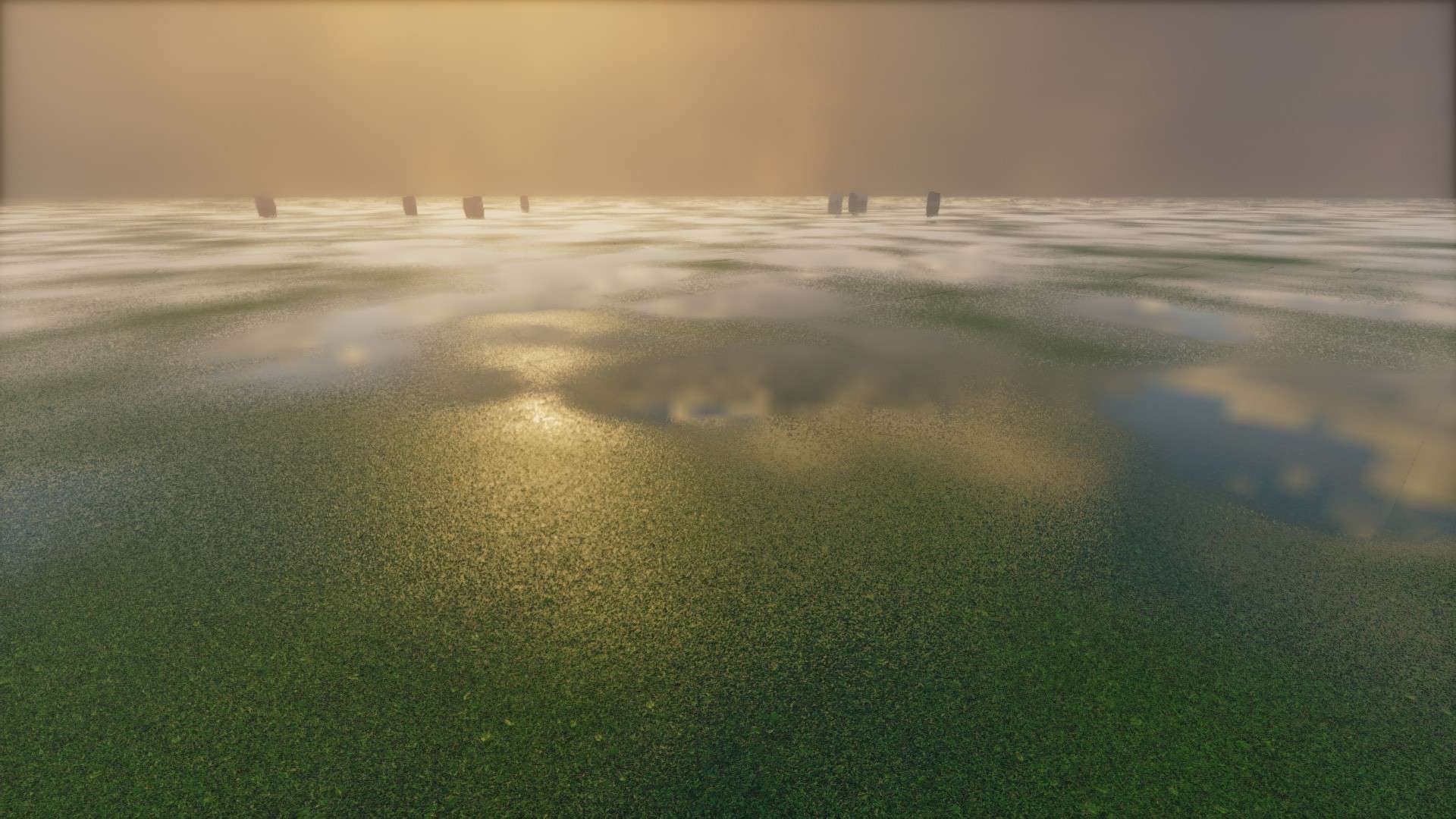
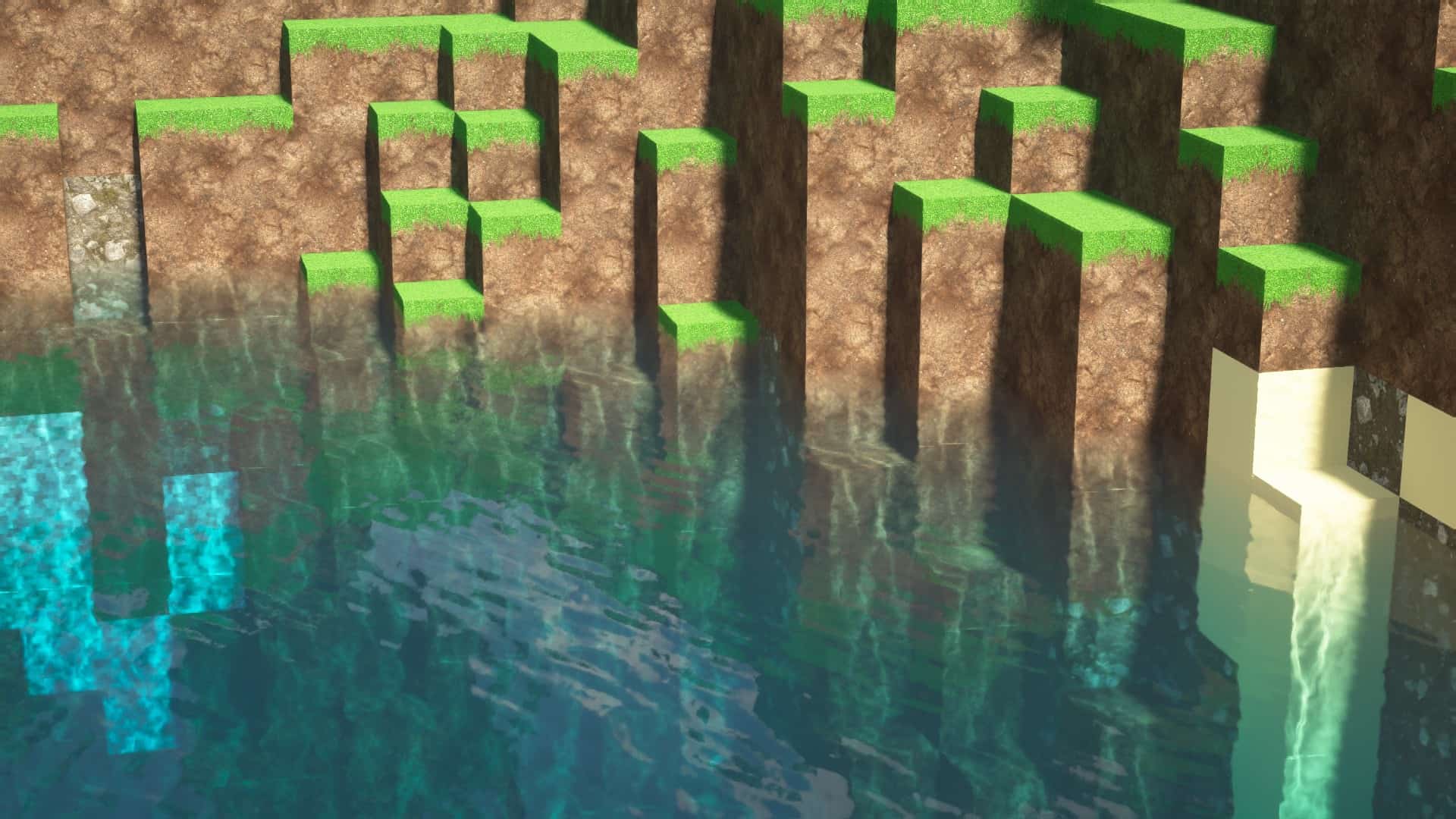
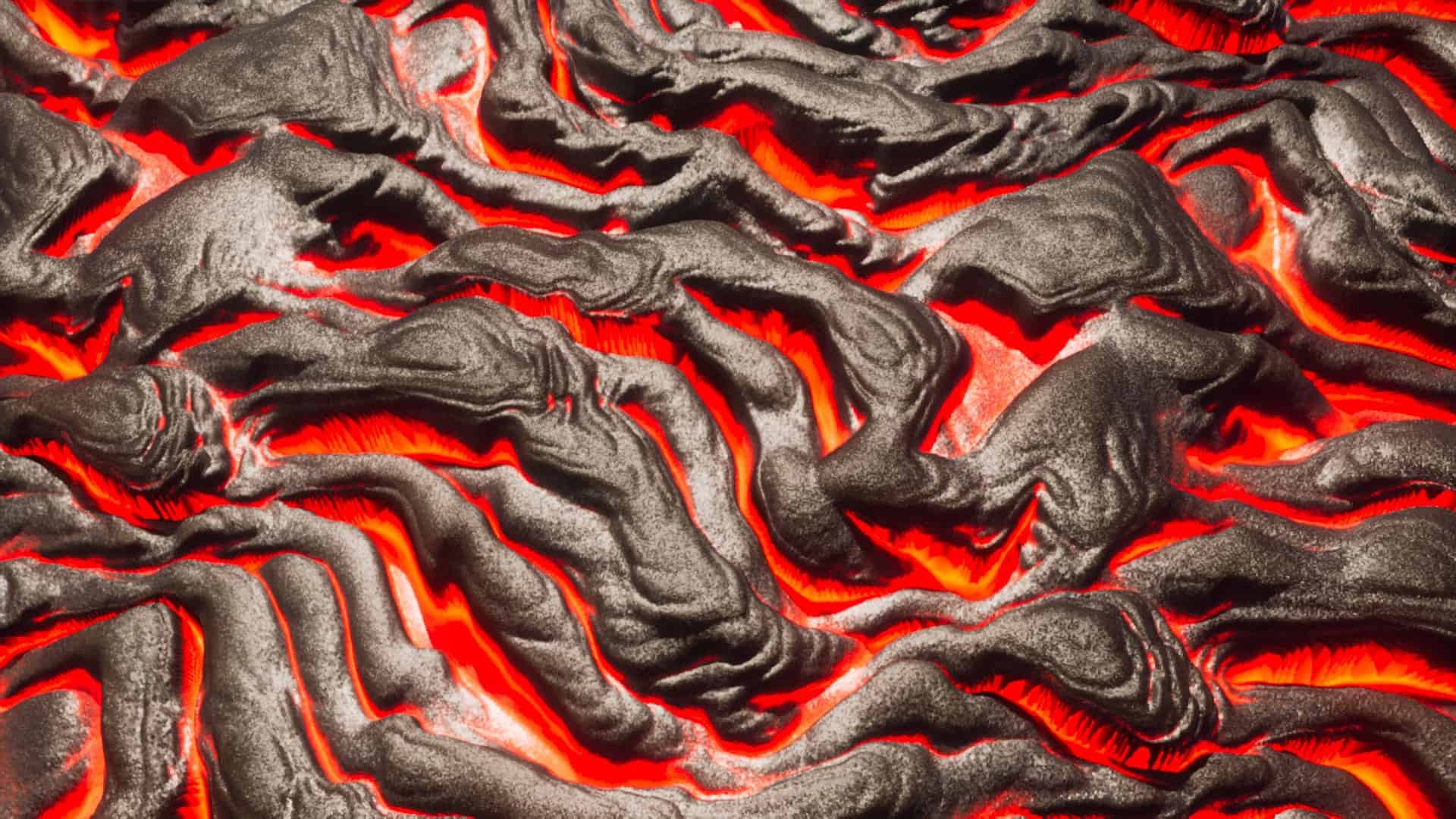
The Pellucid HD resource pack aims to replace cartoonish Minecraft graphics with much more realistic images. Every scene is supposed to look impressive, and the pack requires relatively new hardware to run. While I like the way the game looks with this resource pack already, it is still a work in progress. The developers intend to improve it significantly between now and its final version. It is good for Minecraft fans who want to use their new hardware to display impressive graphics. However, the resource pack still gives Minecraft detailed and intricate graphics that work well with new hardware. Someone who has a new gaming PC but still plays Minecraft might feel like they are “wasting” their new hardware on a graphically simple game. With Pellucid HD texture pack, the game looks high-tech and detailed, though it is clearly still Minecraft. The look of each texture and object is significantly different, so no location ever looks too similar to regular Minecraft. The pack also passes the uniqueness test – no one would mistake this for a different resource pack. The developers obviously refined and tested the graphics many times before releasing it to the public. The game’s forests look spectacular with this resource pack. The shadows make the layers of 2D leaves look great and it fits well with the rest of the game’s graphics style. Small plants also cast realistic shadows. The graphics style doesn’t appeal to everyone, but the mix of realistic and unrealistic high-res imagery looks great to me. The water looks realistic and has smooth waves and excellent reflections. It looks like something out of a higher-budget 3D game, but it doesn’t clash with the rest of the style. Also worth mentioning is the look of underground environments. The lava and the wall textures remind me of classic first-person shooter games that had a similar aesthetic. Games like Doom and Quake were full of lava-filled caverns with similar textures.
Featured video:
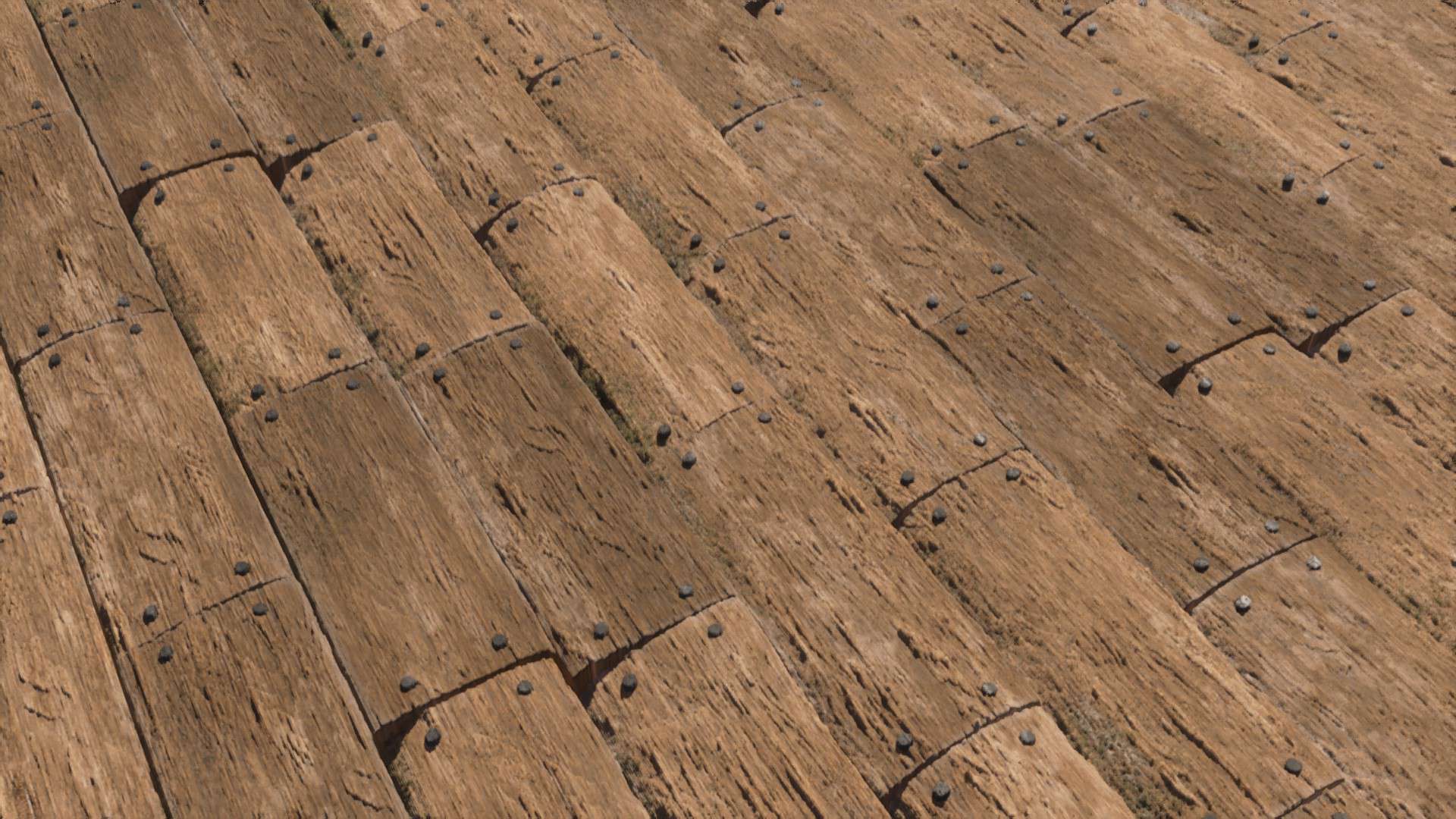
However, the underground environments would have looked better with more lighting effects. They look reasonably good as they are, but they would have looked better if the glowing lava illuminated the walls more than it does. Other than the underground environments, the lighting is already as good as it needs to be. The lighting effects in this pack are also top-notch. The lighting created by lamps and other objects is more realistic and adds beauty to the game. Everything has a realistic glow, and the overall lighting of the game feels more natural. The texture pack surely had a lot of work and creativity put into it, and that is apparent when you look at the Arctic biome. The developers obviously looked at real arctic landscapes for inspiration. Arctic biomes decorated with trees and buildings are some of the most beautiful images the texture pack provides. The sky is also high-res and detailed and looks like something from a new high-budget game. The developers understand how to use colors the right way, and they make the look of the sky, the building blocks, and the natural terrain features fit together appropriately. More than anything else, buildings look better. The detailed wood grain, glowing lamps, and colourful blocks look good whether you are building a small house or a colossal building project. Buildings also look good from far distances. Despite how great it looks already, the devs want to improve it significantly. They want to further test and refine their graphics until it becomes a significantly more popular texture pack. If you like the idea of a texture pack that mixes realistic and unrealistic elements, it is certainly worth trying. It makes minecraft fun to explore again, as you want to see how everything looks with the new graphics. While the texture pack doesn’t work well on low-end computers, it doesn’t exactly have high system requirements. Give it a try even if you don’t have a new computer, you may be surprised by how smoothly it runs. It might run smoothly everywhere or you might run into lag in some locations because of too many high-resolution textures.
Pellucid HD should be compatible with all of these Minecraft versions: 26.1.1 - 26.1 - 1.21.11 - 1.21.10 - 1.21.9 - 1.21.8 - 1.21.7 - 1.21.6 - 1.21.5 - 1.21.4 - 1.21.3 - 1.21.2 - 1.21.1 - 1.21 - 1.20.6 - 1.20.5 - 1.20.4 - 1.20.3 - 1.20.2 - 1.20.1 - 1.20 - 1.19.4 - 1.19.3 - 1.19.2 - 1.19.1 - 1.19 - 1.18.2 - 1.18.1 - 1.18 - 1.17.1 - 1.17 - 1.16.5 - 1.16.4 - 1.16.3 - 1.16.2 - 1.16.1 - 1.16
Pellucid HD — Video & Screenshots
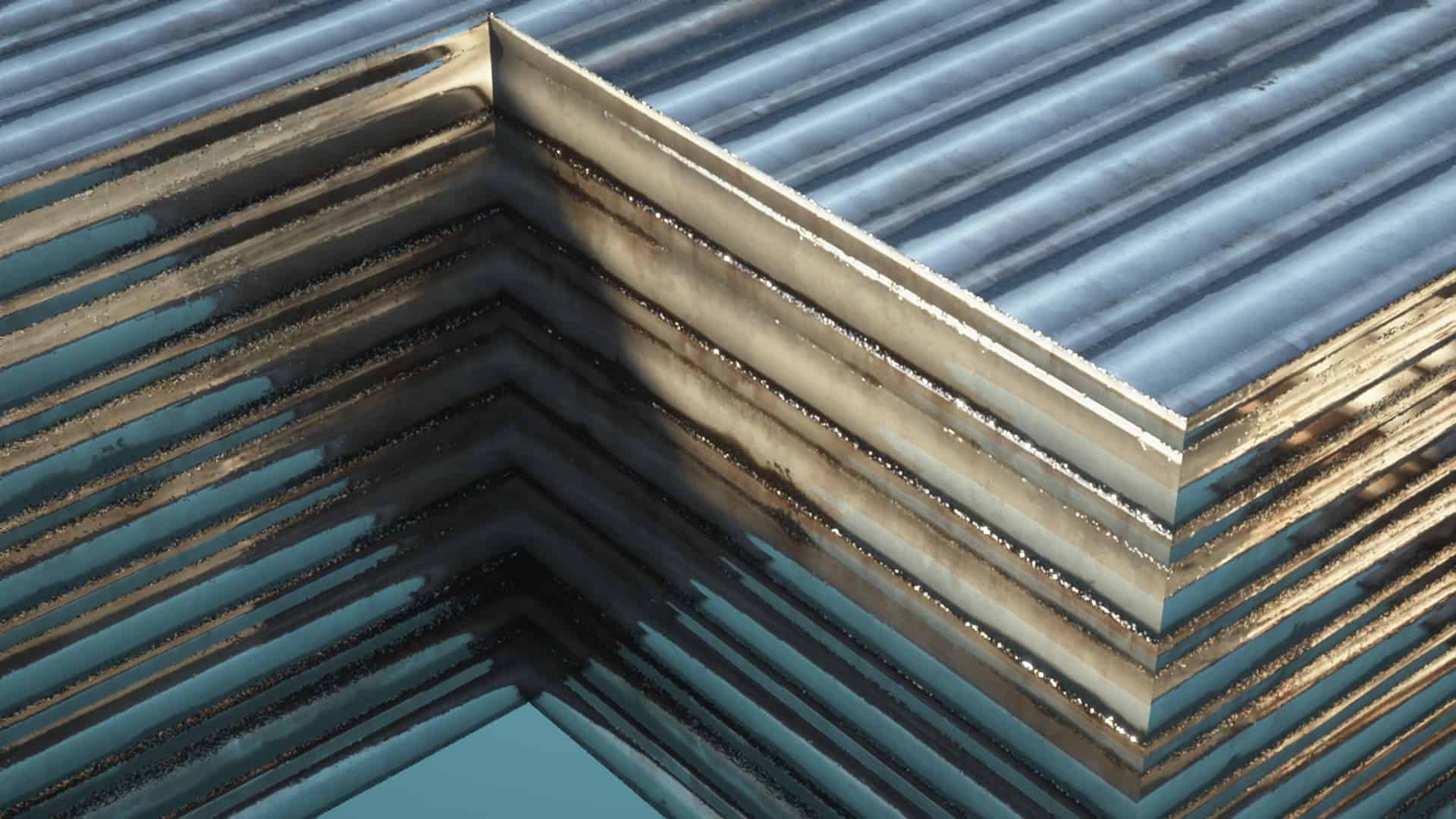
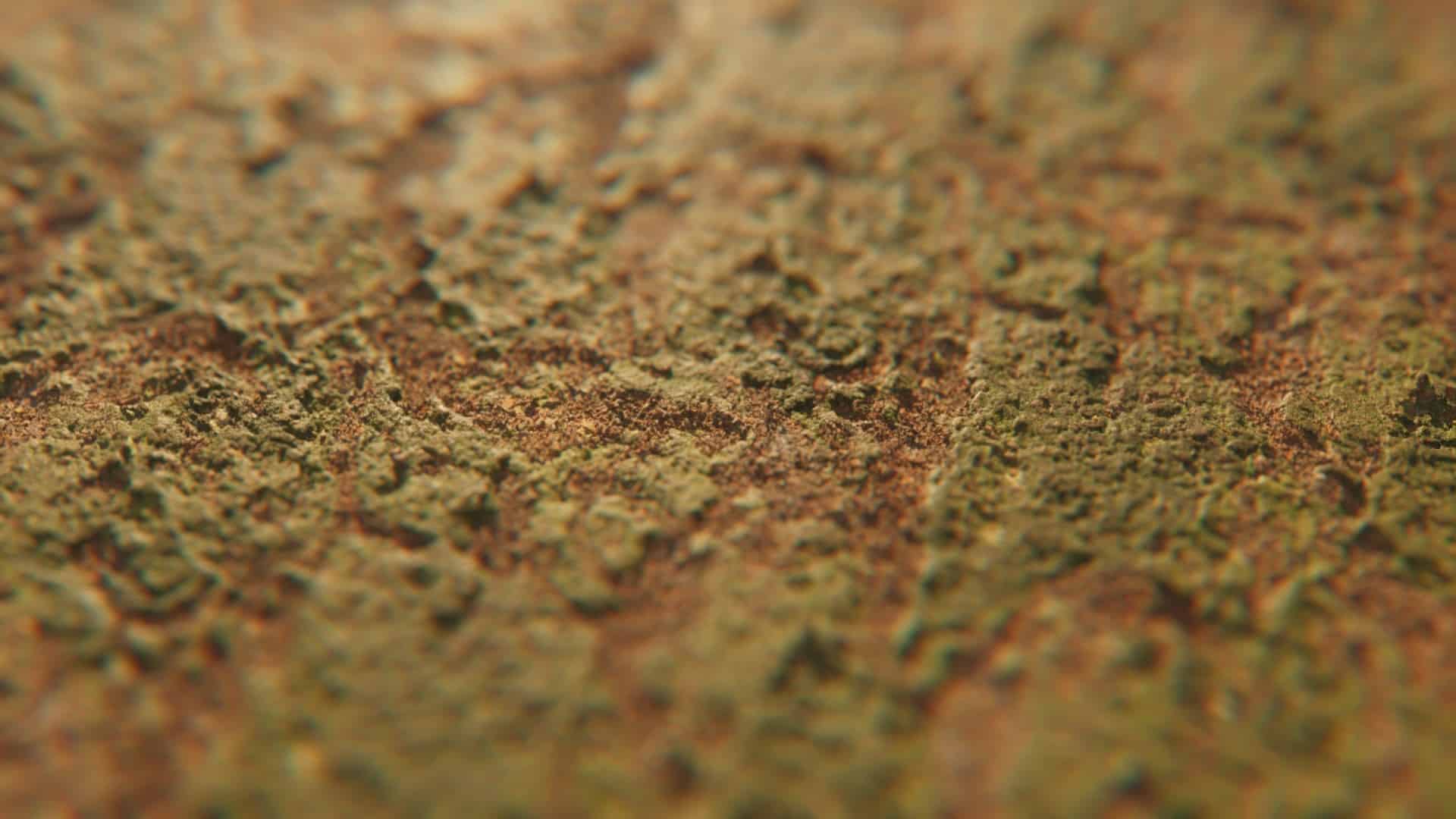
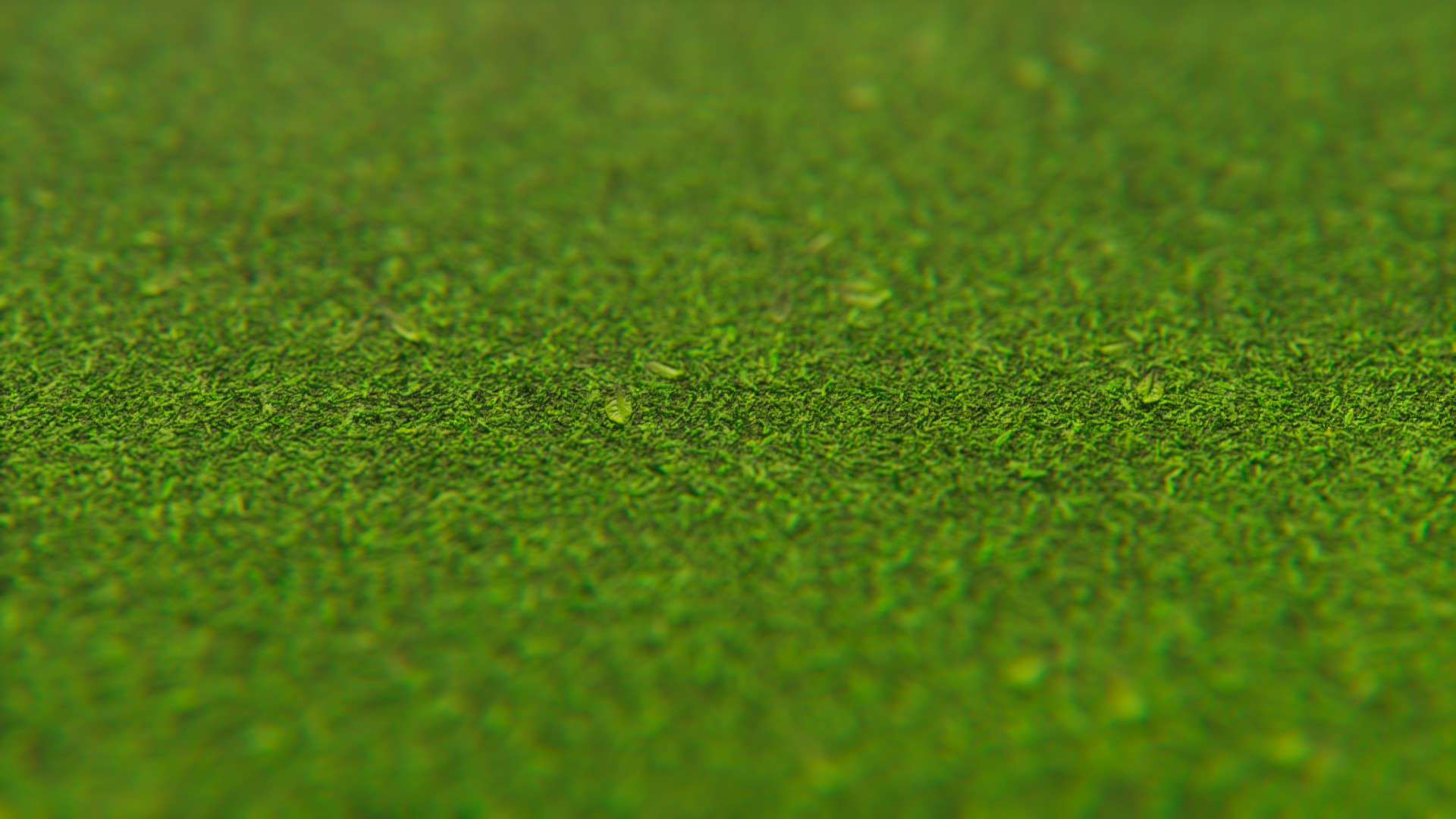
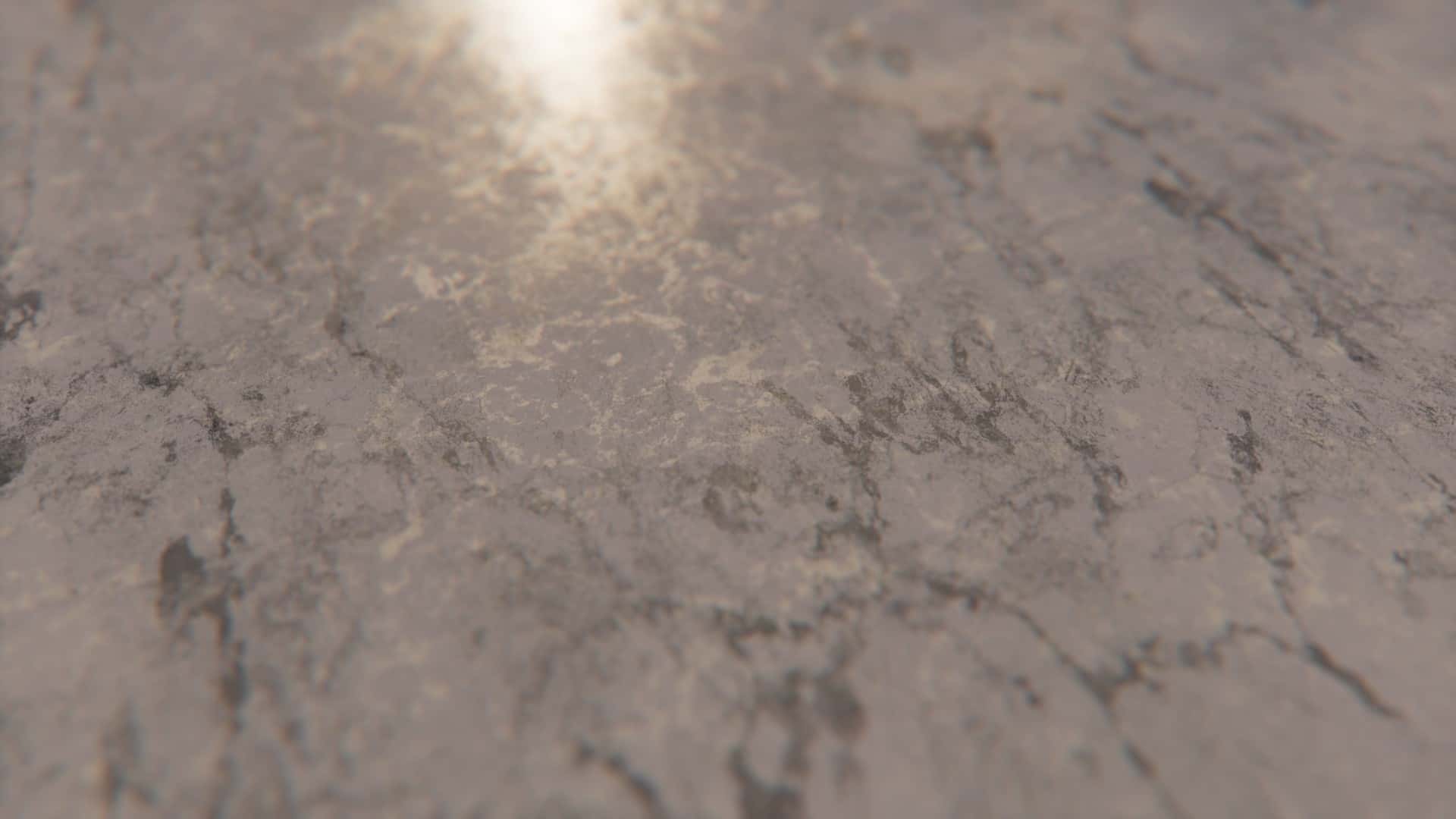
How to install Pellucid HD Resource Pack:
IMPORTANT: You need Optifine and a shader pack to make everything work and look like in the screenshots.
- Download and install shader pack of your liking. You can find many high quality shader packs here. – whatever you choose, read the installation guide there, it should be just below the media section (screenshots and videos).
- Download the Pellucid HD texture pack for Minecraft from the download section below. – download the pack depending on which shader pack (LabPBR or OldPBR) you are using and resolution (128x is completely free, higher resolution versions are only available for Patreon subscribers);
- Launch the game client through the Minecraft launcher.
- On the main menu, click “Options”.
- On the options menu, click “Resource Packs…”.
- Click on “Open Resource Pack Folder”. – folder titled “resourcepacks” will pop up
- Move the .zip file(s) you got in step 2 to the newly opened “resourcepacks” folder.
- Click “Done”.
- Click on “Resource Packs…” again.
- Your pack should have appeared in the left window, just hover over it and click on the arrow pointing to the right.
- Click “Done” again.
- The pack has now been successfully loaded and ready to be used in your world!
Recommended Shaders:
Make sure to turn on Raytracing on SEUS and resourcepack reflections on Kappa Shaders.
Pellucid HD Texture Pack Download
- We do not modify or edit any resource packs. All resource packs, shaders and tools found on this website are linked directly to official sources rather than hosted on our own servers. We provide only the official download links from the original creators to ensure that your files are safe and secure.
- These official links are updated manually and may occasionally stop working when a new version is released. We work hard to keep everything current so that you have a smooth experience. Please let us know in the comments if you find a link that no longer works.
- Minecraft is a trademark of Mojang Studios and has no official connection to this website. Our goal is simply to share the best creations from the community with other players.
- Please consider leaving a comment or voting for your favorite packs. This feedback helps authors improve their projects over time. You can also support the creators directly by visiting the official links located below the download section.
Java Edition:
[128x] [1.21.x – 1.16.x] Download Pellucid HD Resource Pack – for LabPBR shaders, absolutely free;
[128x] [1.20.x – 1.16.x] Download Pellucid HD Resource Pack – for SEUS shaders, absolutely free;
[256x] [1.21.x – 1.16.x] Download Pellucid HD Resource Pack – for Patrons only;
[512x] [1.21.x – 1.16.x] Download Pellucid HD Resource Pack – for Patrons only;
[1024x] [1.21.x – 1.16.x] Download Pellucid HD Resource Pack – for Patrons only;
Curseforge: download starts automatically after a few seconds;
Mediafire: click the big blue button with the text "DOWNLOAD";
Google Drive: in the top right corner you will see a small download icon (down arrow), click it and the download should start;

107 votes
Look.. 107 users have already liked this pack. Give a diamond if you like it too!


ARandomPersonOnTheInternet
is this made for some beta version? not even the torches load 😭
Murphy Williams
The torches are not done
PatrickStarr
Wood & dirt works, but grass blocks, cobble stone & most other blocks aren’t.