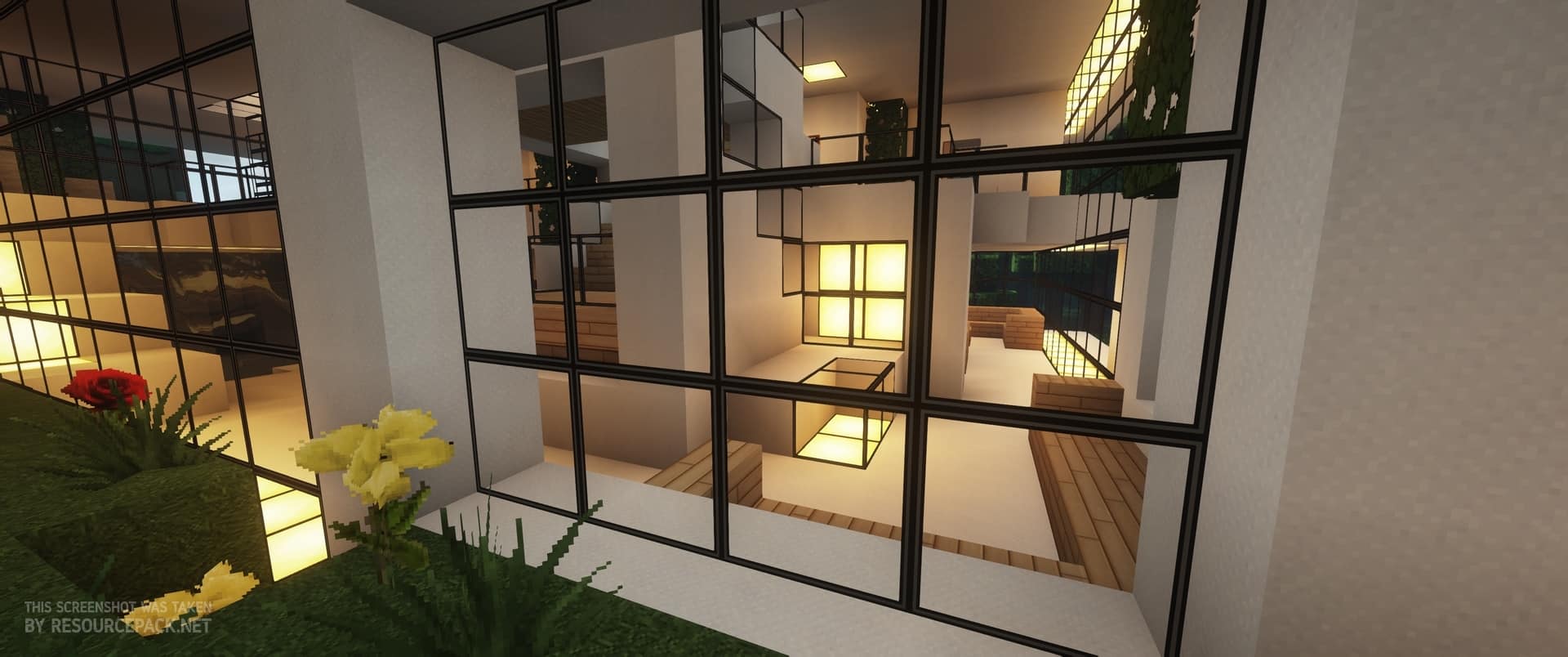
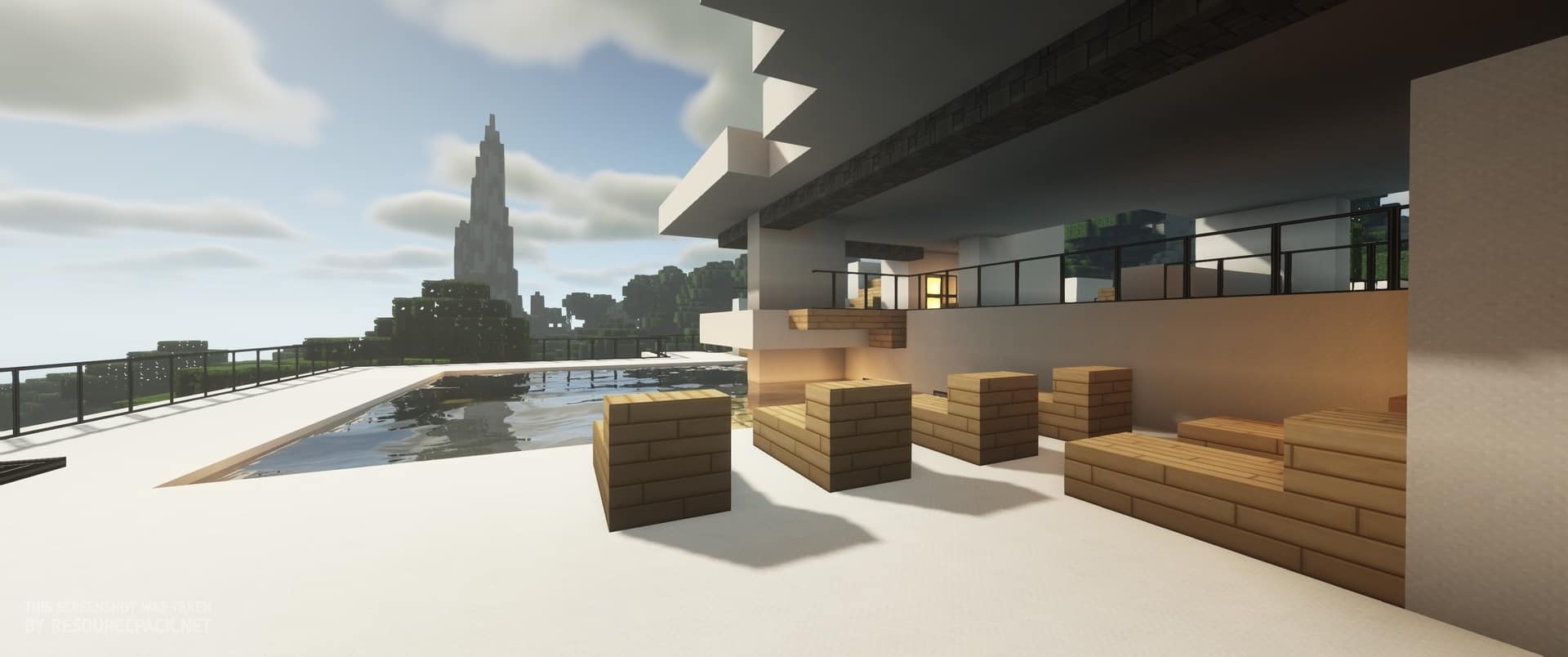
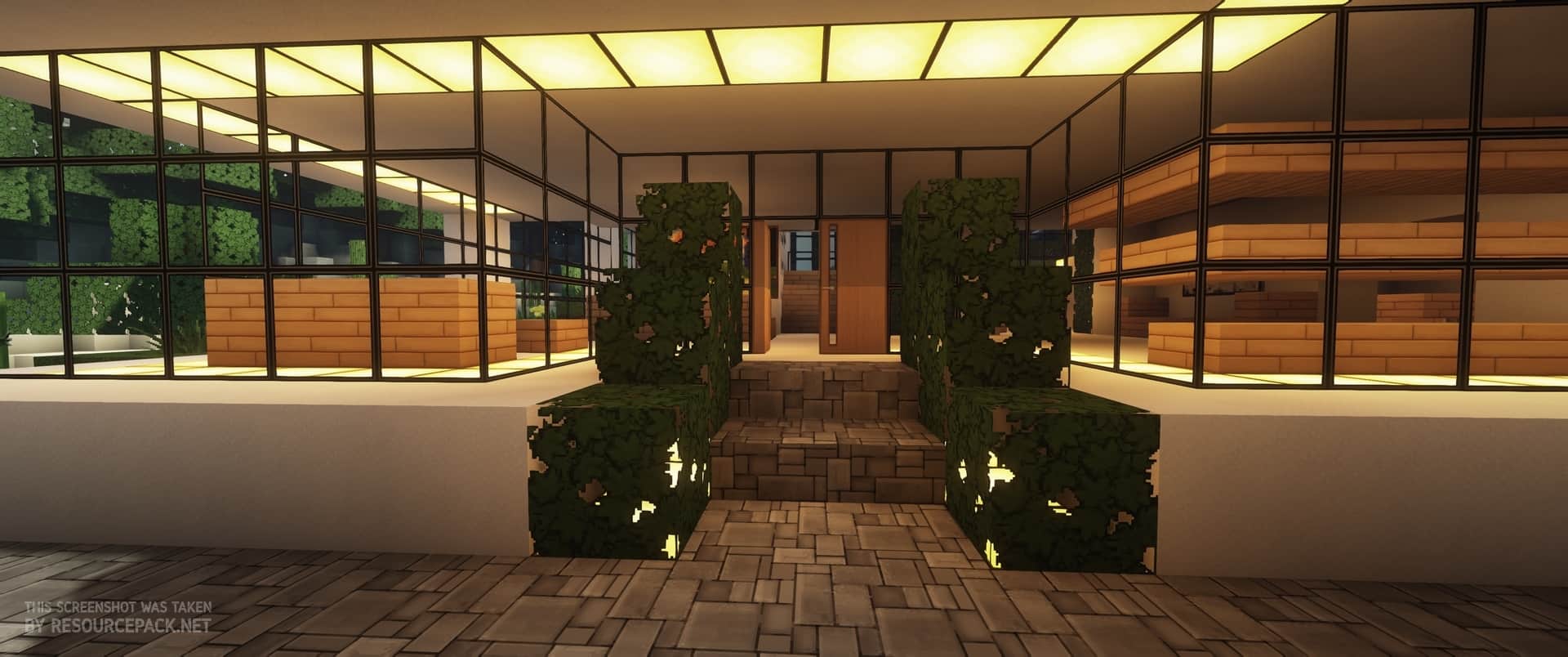
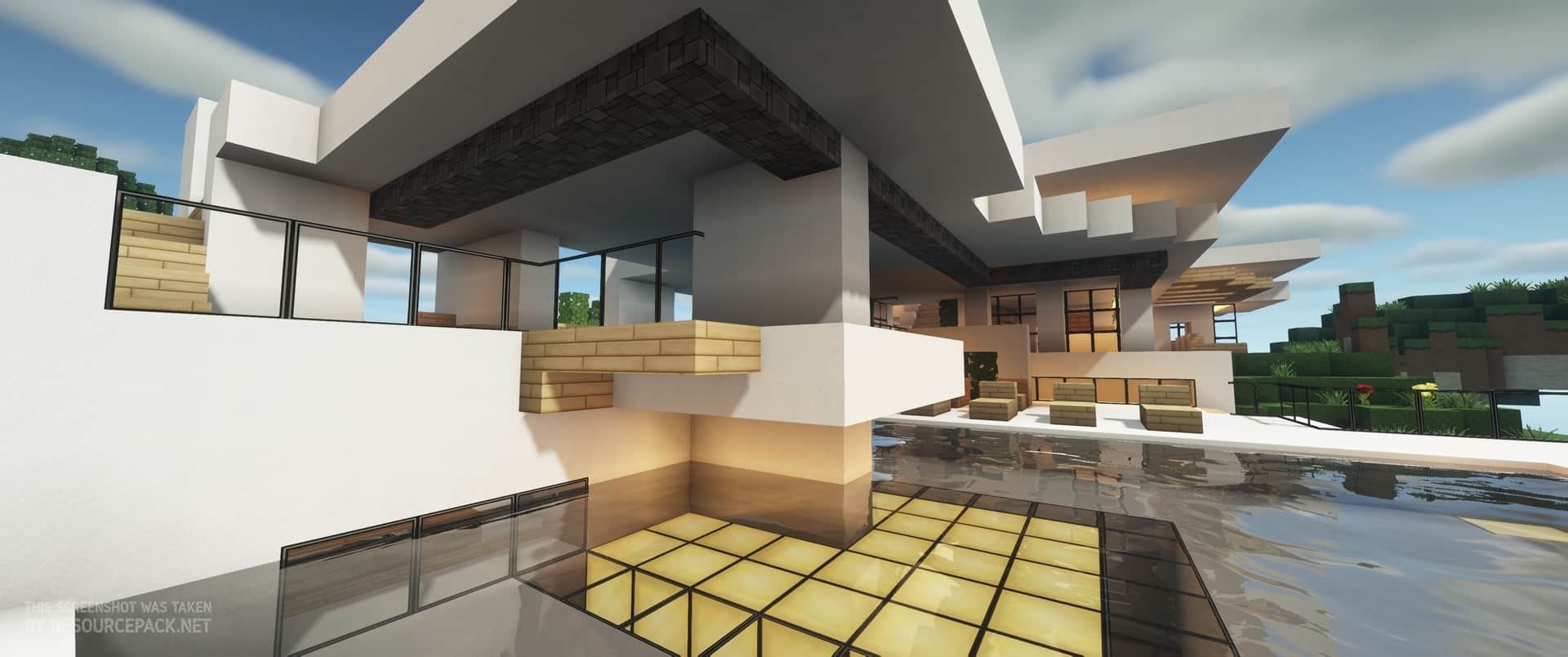
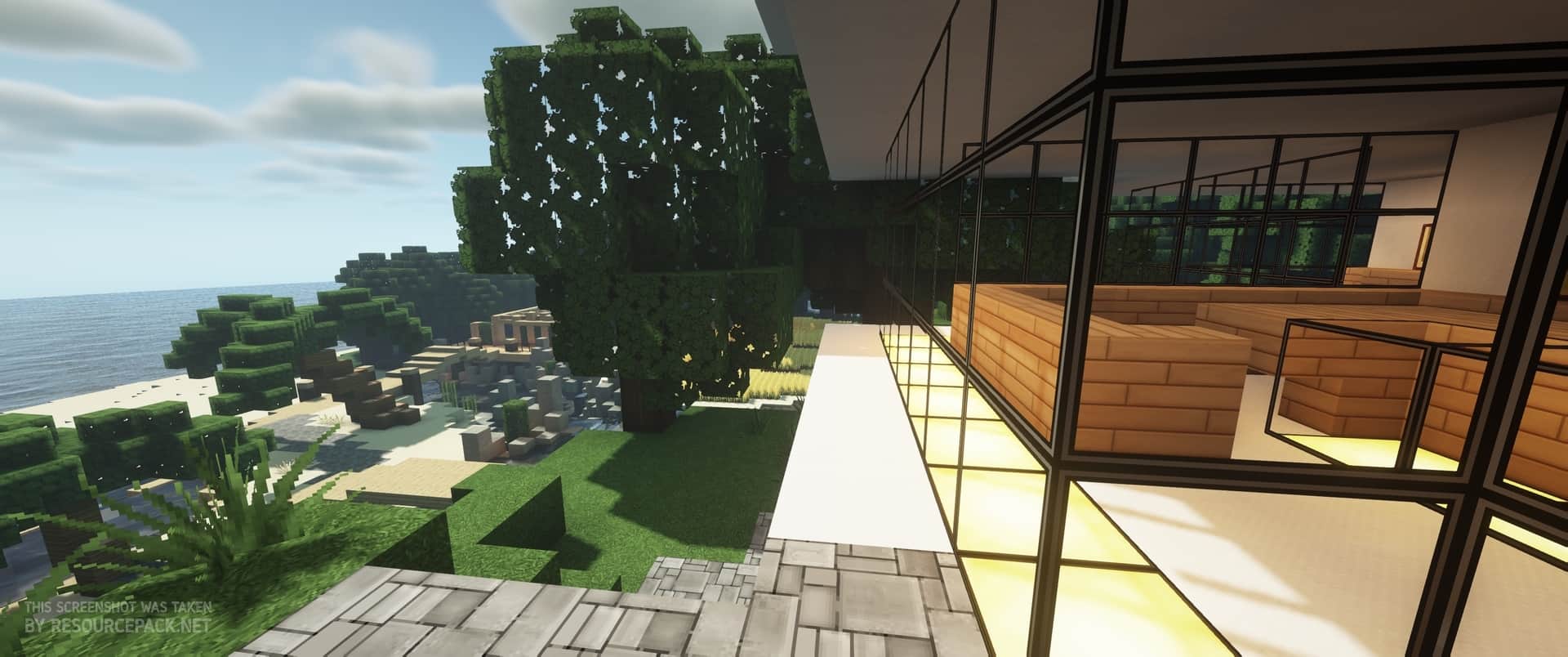
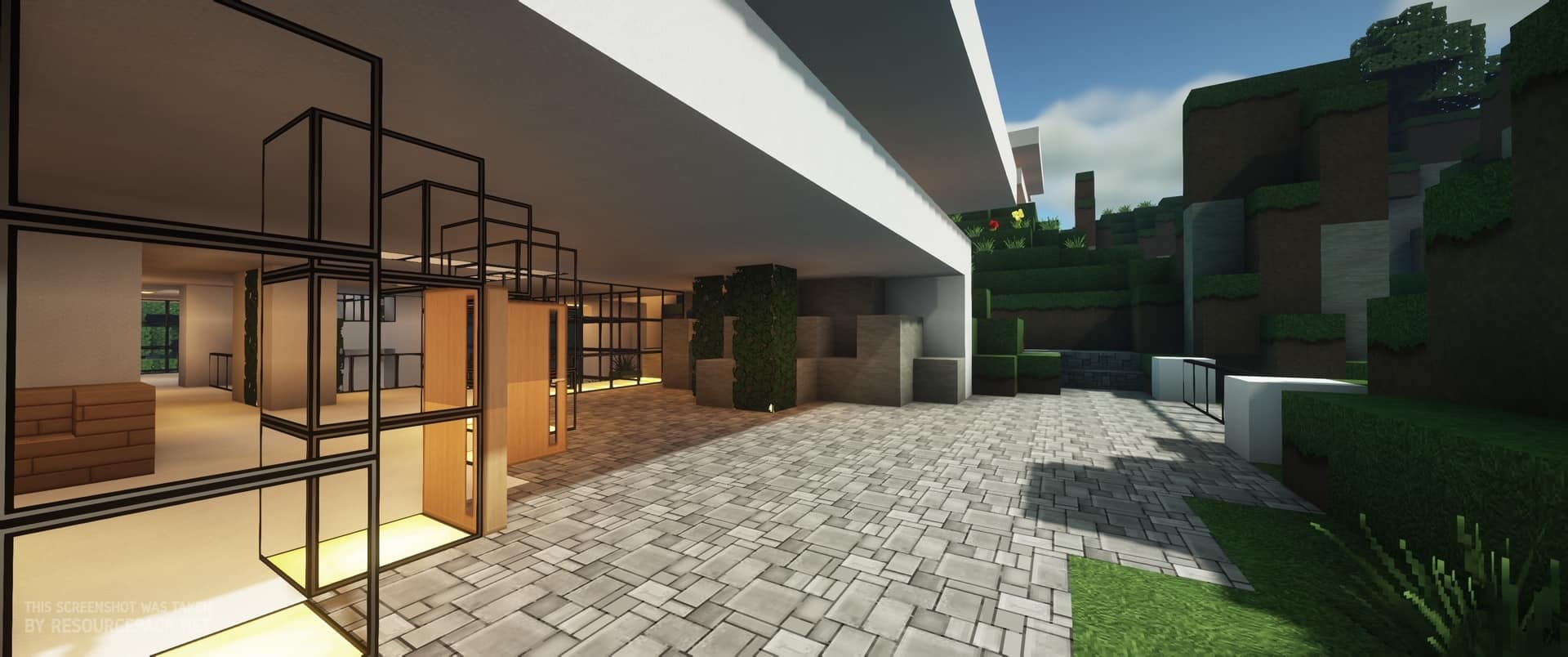
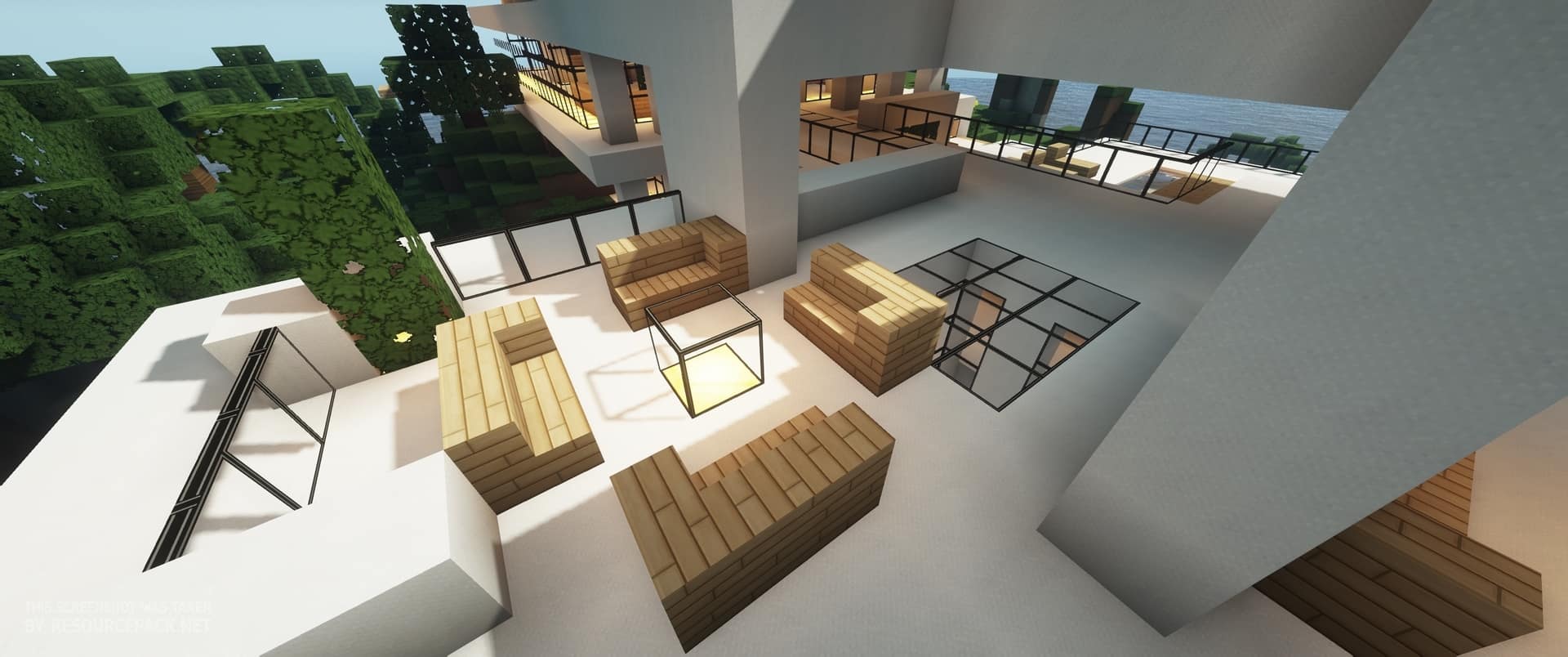
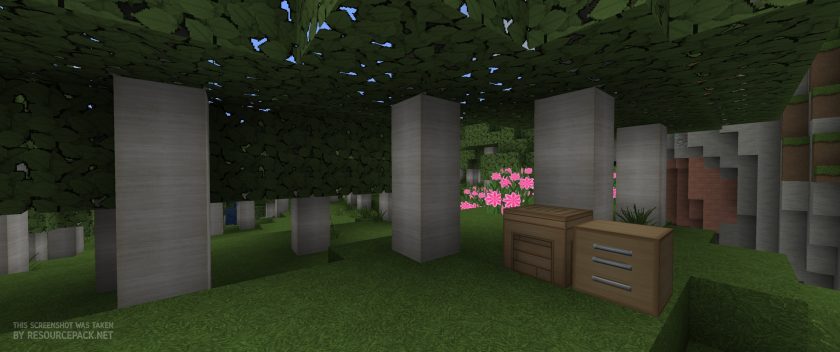
If you’re a fan of packs that transform the entire game without leaving a stone unturned, look no further than the Modern HD resource pack. As the name suggests, all the textures in this pack take inspiration from the realistic and modern world to turn Minecraft into a whole new experience. Even though it’s over 10 years old, Modern HD is popular even today. Building modern architecture doesn’t look too appealing on the medieval-themed packs which seem to be overtaking the Minecraft scene. All the textures have received a huge overhaul. The building blocks are characterized by a clean, uniform appearance which is why they perfectly complement each other. Natural blocks such as cobblestone, stone, wood, and others received a realistic touch. There are no imperfections and even the elements such as sky and water have been specifically created to fit this general appearance. Modern HD texture pack manages to implement these modifications quite well and without overdoing them since you’re still able to differentiate between blocks, knowing exactly which one is which. As far as block changes go, you’ll probably notice that the paintings are different. The developer took inspiration from some of the modern styles to create different paintings that you could very well find in a regular person’s house. There are a couple of major changes that might surprise you. For example, chests look like modern drawers, and the noteblock/jukebox are changed to represent a giant speaker. All of these modifications are more than enough to help you create a modern building with modern rooms that you could’ve only dreamed of with the vanilla textures. You might be surprised to notice that the glass is made fully transparent which can be used to generate some very creative and attractive displays. For example, you can combine this feature with the Aquatic update to create an aquarium that can serve as your home decoration. You could also create skylights with it and modern windows without the annoying lines from the vanilla game.
Featured video:
All the additions show that the possibilities with this pack are truly endless, and it’s only up to you how many of these possibilities will end up being used. Another massive change is the GUI. As soon as you access your inventory, you’ll notice that it follows along with the modern, sleek style. The overlay features a metallic gray/white base with black letters with certain elements of the GUI, such as your armor, attaining various colors. Even the font, as well as the buttons, seem to be different, which is not very common with packs. These GUI changes apply to all the components that contain it – furnaces, chests, anvils, etc. Since this resource pack is primarily made for building, mobs are pretty much identical to their original textures. This shouldn’t come as a surprise since it’s quite difficult to make the mobs look realistic or modern. However, you’ll be able to hunt them on much prettier nights. Modern HD introduces a very bright, full moon along with many stars that will completely transform the atmosphere that nighttime brings. There are even some new custom sounds that were created to further improve a player’s experience. Resource packs that focus on providing modern-looking textures usually come only in massive resolutions of 128×128 and over – but it’s different with Modern HD pack. It doesn’t matter how bad your hardware is, chances are that you’ll still have satisfying performance that won’t ruin your experience. The pack’s resolution is 64×64, which isn’t too much of an upgrade to the vanilla 16×16. Also, Optifine is not required for Modern HD to work properly, but you can still add it to the game to squeeze a few extra FPS. To give more style to your builds, you can add custom shaders on top of the pack. There’s no official support for them, but it seems to be working fine alongside some of the more popular releases such as SEUS and Nostalgia. If you want to take a break from some of the more demanding packs that are out there, there’s no doubt that you should try out the Modern HD resource pack.
Modern HD should be compatible with all of these Minecraft versions: 1.13.2 - 1.13.1 - 1.13 - 1.12.2 - 1.12
Modern HD — Video & Screenshots


How to install Modern HD Resource Pack:
- Most resource packs require Optifine, so be sure to download and install it. – general recommended step for all packs, Optifine is also needed for most shaders
- Download the Modern HD texture pack for Minecraft from the download section below. – if there are many different versions, just choose the one you like, is compatible with your version/edition of Minecraft, the one you think your computer can handle in terms of performance.
- Launch the game client through the Minecraft launcher.
- On the main menu, click "Options".
- On the options menu, click "Resource Packs...".
- Click on "Open Resource Pack Folder". – folder titled "resourcepacks" will pop up
- Move the .zip file you downloaded in the first step to the newly opened "resourcepacks" folder.
- Click "Done".
- Click on "Resource Packs..." again.
- Your pack should have appeared in the left window, just hover over it and click on the arrow pointing to the right.
QUICK TIP: Sometimes, when activating a pack, the game may say that the pack is made for a newer or older version of Minecraft. This is just a warning, it does not affect your gameplay in anyway, and you can still activate and enjoy the pack by simply clicking the "Yes" button when prompted.
- Click "Done" again.
- The pack has now been successfully loaded and ready to be used in your world!
Modern HD - Comparison Slider #1 Without shaders
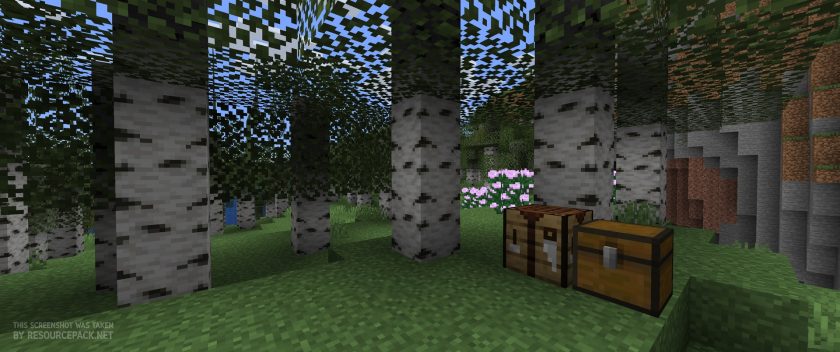
Comparison slider #1 for those who want to compare vanilla Minecraft without any texture packs installed (on the left) with Minecraft using this particular texture pack (on the right).
 Vanilla
 Modern HD
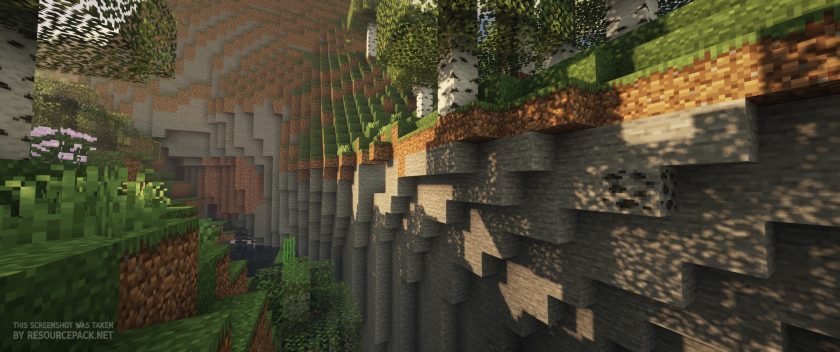
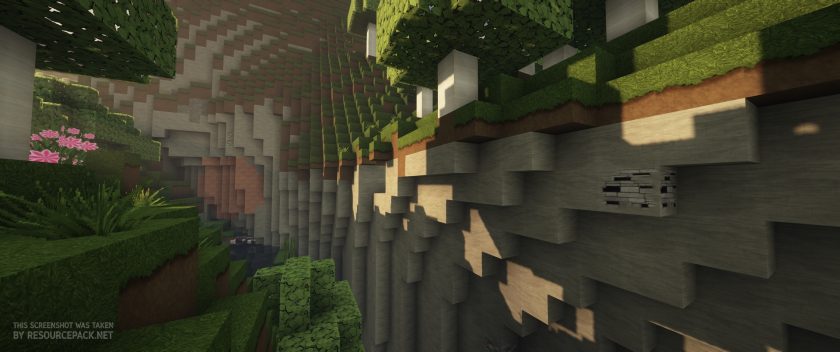
Modern HD - Comparison Slider #2 With Complementary Shaders
Comparison slider #2 for those who want to compare vanilla Minecraft without any texture packs installed (on the left) with Minecraft using this particular texture pack (on the right).
 Vanilla (Complementary Shaders)
 Modern HD (Complementary Shaders)
Modern HD Texture Pack Download
- We do not modify or edit any resource packs. All resource packs, shaders and tools found on this website are linked directly to official sources rather than hosted on our own servers. We provide only the official download links from the original creators to ensure that your files are safe and secure.
- These official links are updated manually and may occasionally stop working when a new version is released. We work hard to keep everything current so that you have a smooth experience. Please let us know in the comments if you find a link that no longer works.
- Minecraft is a trademark of Mojang Studios and has no official connection to this website. Our goal is simply to share the best creations from the community with other players.
- Please consider leaving a comment or voting for your favorite packs. This feedback helps authors improve their projects over time. You can also support the creators directly by visiting the official links located below the download section.
Java Edition:
[64x] [1.13.x] Download Modern HD Resource Pack
[64x] [1.12.x] Download Modern HD Resource Pack
Curseforge: download starts automatically after a few seconds;
Mediafire: click the big blue button with the text "DOWNLOAD";
Google Drive: in the top right corner you will see a small download icon (down arrow), click it and the download should start;

1,266 votes
Look.. 1266 users have already liked this pack. Give a diamond if you like it too!


Louise Green
Please will you do an update for 1.12 Pleeeeeeeease!
omg its dozen
OMG OMG OMG
Ur MAMA
I want it for mc 1.8 now!?!?!?!?!?!
now!!!1
DanTDM
Can I get this for Minecrat 1.12?
JerkyPanda
Will this work for my Minecraft 1.12?
Panda wants a answer!!
lolcat
you drag in in without unzipping it breaks your stuff if you unzip it so plz dont unzip lol
Steve Mekkelsen Madden
is there an update for 1.12 yet?
James Johnson
will this work with widows 10 version?
Diyan Kn’d
NICE !!!
Jay D Moore
Nvm lol
Sarp
ı cant click the download button
,
Person
me niether
asshole
you dont have to click the download button u have to click links below it
TheTrashHeadGuy
Where is the 1.11.2 download?
It’s No Use
that link doesn’t work anymore?
Bilgisayar Manyağı Osman Topra
very nice
Marshall Banana
I pretty much made a thingy here specifically so i can say:
i had to sift through a lot of half-baked trash to get to this texture pack, but im really glad i held out and kept trying ones until i found this one. Guess it just suits me. Feel its really well done and everything blends quite nicely
a skin for zombie villagers would be good
InkedMommy
I have NEVER been able to get this pack to work no matter the MC version :(
zümrüt
1.1 pleasee
Mateusz Łukasz Piątkowski
give us 1.11 ;d
Spookie1
Great pack but are you planning on fixing the sandstone texture? Comes up as a blank stone with no lines and the smooth sandstone has no texture lines like the older packs.
For those having issues installing into 1.11.2 you may have to pull the “pack.mcdata” file out of the zip and using a text editor change the 1 to a 3 after the “pack_format” entry and save. Reinsert into the zip and then the pack becomes compatible with 1.11.2.
SammiTheWolfPack
how to download? there are alot of signs that says “download” but it changes my google
chandra
nice i like this resource pack thanks for resource pack
「秋武君」
Is an update to 1.11 planned ?
charlotte
my borther cant even bild a shak
hes so dum
DA BOMB DOT COM
You can’t even spell shack
Your so Dumb
Smarter than you atleast
The irony, it is You’re so Dumb
John Giorgetta
You mean, the irony is that you are so dumb
NofitLoveGold
he also write bulid wrong lol
Marc Tuft
The irony.
Dat_Soda_Can
The irony, “You’re so dumb” is correct, John.
Caution Deadly
Is there any chance you’ll provide mod support, mods like tinkers and biomes o pleanty I think would look really cool
tommy
goood
john
good
Matthew
I like it! I got the old one now im gonna get the new one!