With its realistic, subtle approach, Misa’s Realistic resource pack — the first comprehensive, high-resolution texture pack ever made—sets the standard for future Minecraft packs. The pack was originally designed by Misa, but after he stopped updating it in 2014, it was reestablished/updated by lescard60, pscof42 and THBird who updated some textures for newer Minecraft versions. Now, Misa’s Realistic texture pack has been created and brings its resolution up to 64x, allowing for textures of a crisp, detailed quality never before seen. In combining a medieval RPG theme with a grounded aesthetic and high visual fidelity, the designers, hailed as craftsmen by appreciative fans, have revolutionized resource pack design. The texture pack makes great use of color, prioritizing earthy browns, grays and greens to achieve its realistic look.
Featured video:
For some, the effect may be an excess of darkness, even drabness; but for most the effect is astonishing, transforming Minecraft into a deeper, more atmospheric experience than you will find in the cartoonish Vanilla artstyle. Towns feel homely, while zombies and creepers feel frightening; but the overall effect is one of comfort, giving players a real sense of belonging in a more grounded Minecraft world. The aesthetic of the pack, then, is excellent. But where many resource packs fall down is their failure to blend their new visuals with Minecraft’s unique, blocky approach to character and object models. Misa’s pack avoids this rookie error, merging its realistic approach with Minecraft’s straight-edged style to produce something completely unique. Also impressive is the pack’s optimization. Despite its high resolution, Misa realistic resource pack makes little difference to performance on even low-spec machines—it’s as functional as it is fashionable, so there really is no reason not to give it a try! An enduring classic, this resource pack is a must-try for anyone looking to alter their Minecraft experience.
Misa’s Realistic should be compatible with all of these Minecraft versions: 26.1 - 1.21.11 - 1.21.10 - 1.21.9 - 1.21.8 - 1.21.7 - 1.21.6 - 1.21.5 - 1.21.4 - 1.21.3 - 1.21.2 - 1.21.1 - 1.21 - 1.20.6 - 1.20.5 - 1.20.4 - 1.20.3 - 1.20.2 - 1.20.1 - 1.20 - 1.19.4 - 1.19.3 - 1.19.2 - 1.19.1 - 1.19 - 1.18.2 - 1.18.1 - 1.18 - 1.17.1 - 1.17 - 1.16.5 - 1.16.4 - 1.16.3 - 1.16.2 - 1.16.1 - 1.16 - 1.8.9 - 1.8.8 - 1.8.1 - 1.8.6 - 1.8 - 1.7.10 - 1.7.9 - 1.7.4 - 1.7 - 1.6.4 - 1.6.2
Misa’s Realistic — Video & Screenshots
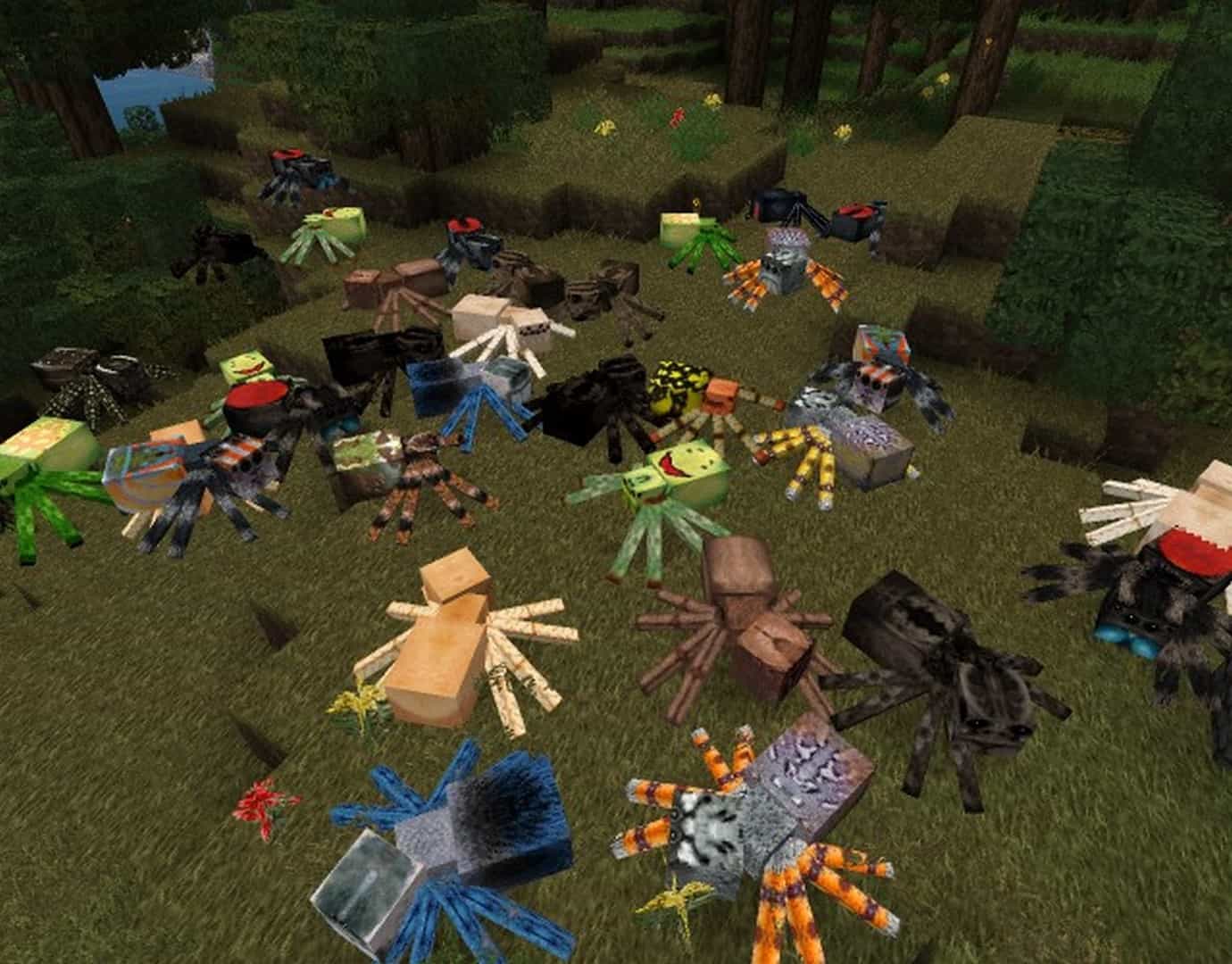
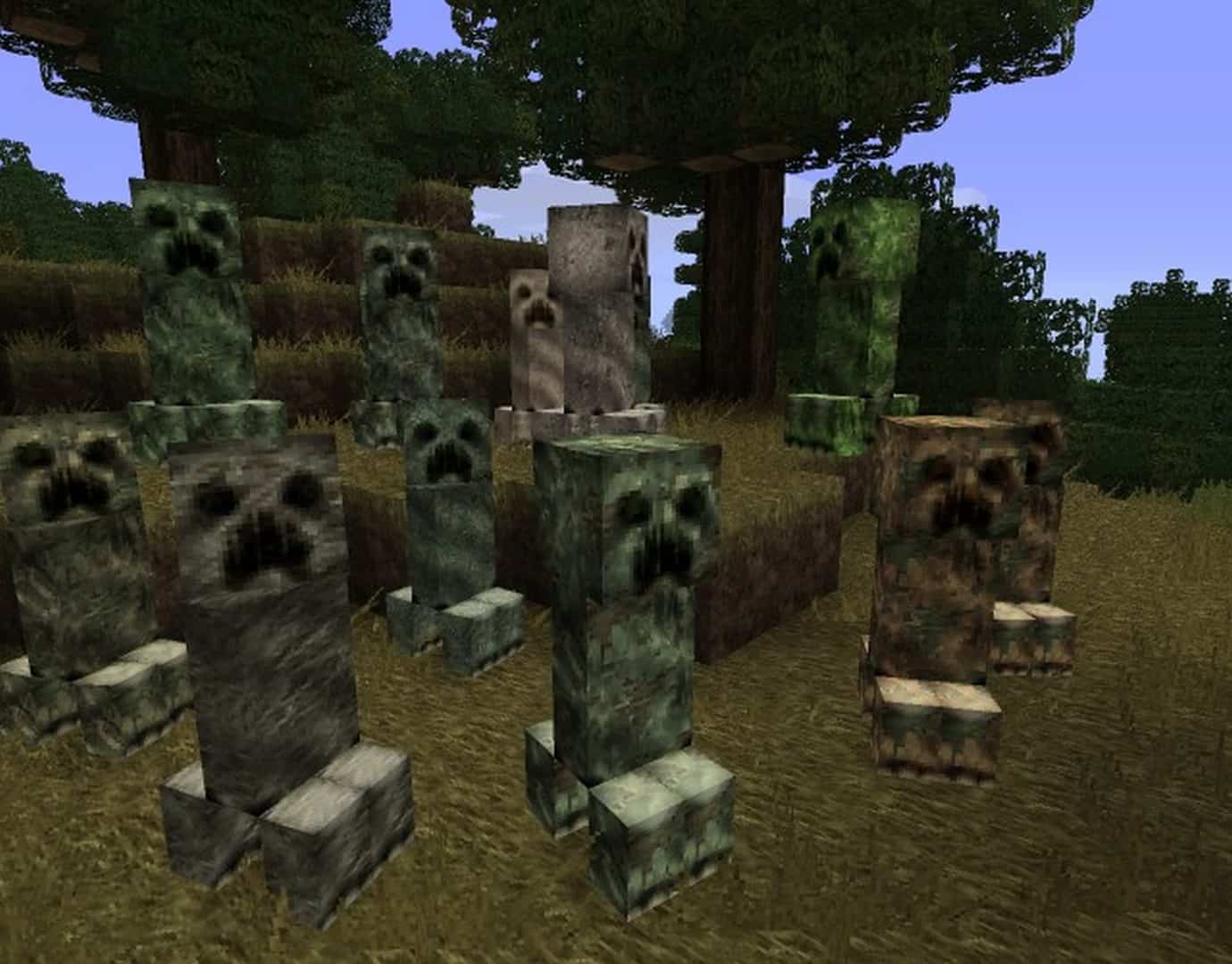
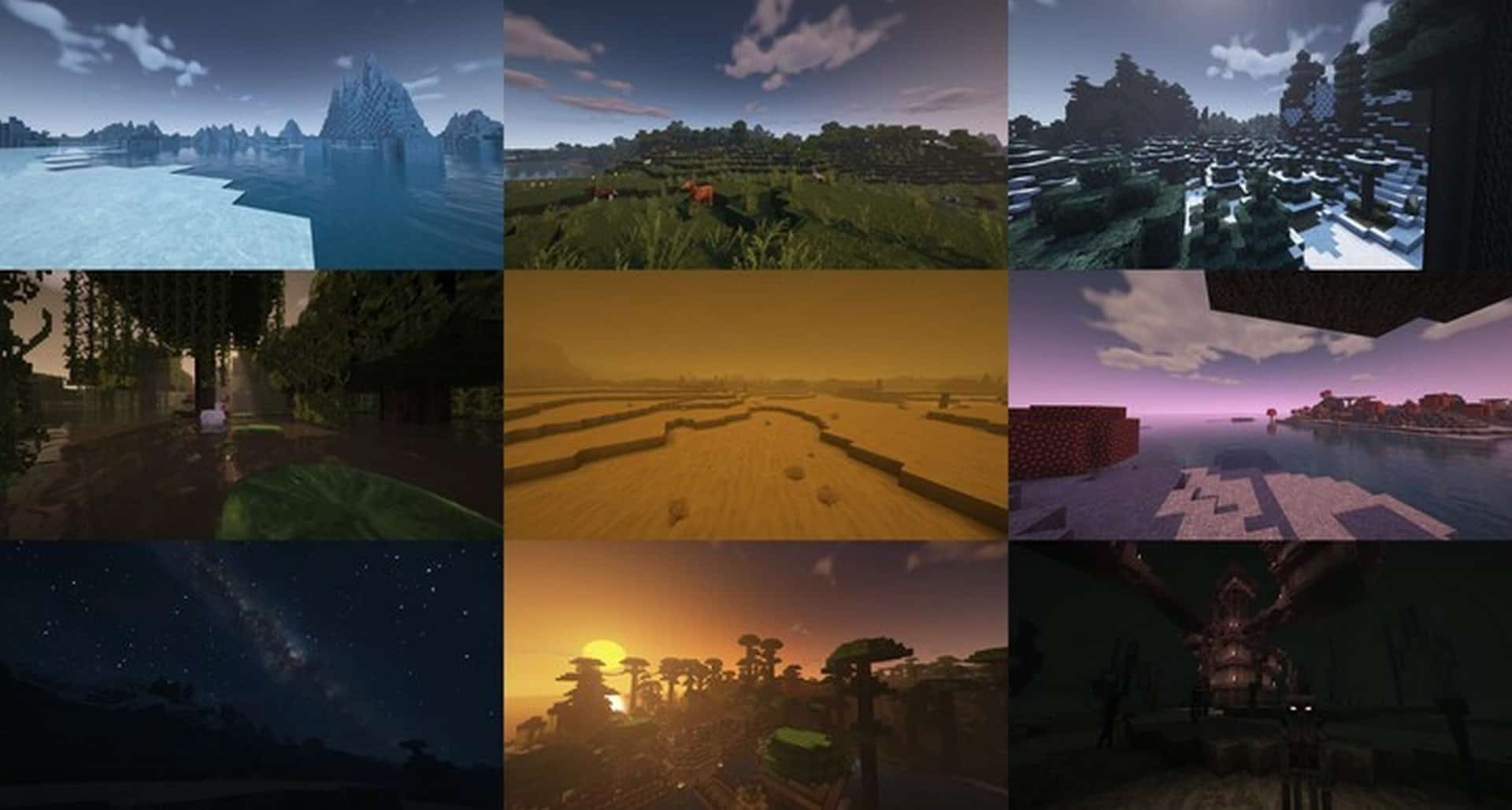
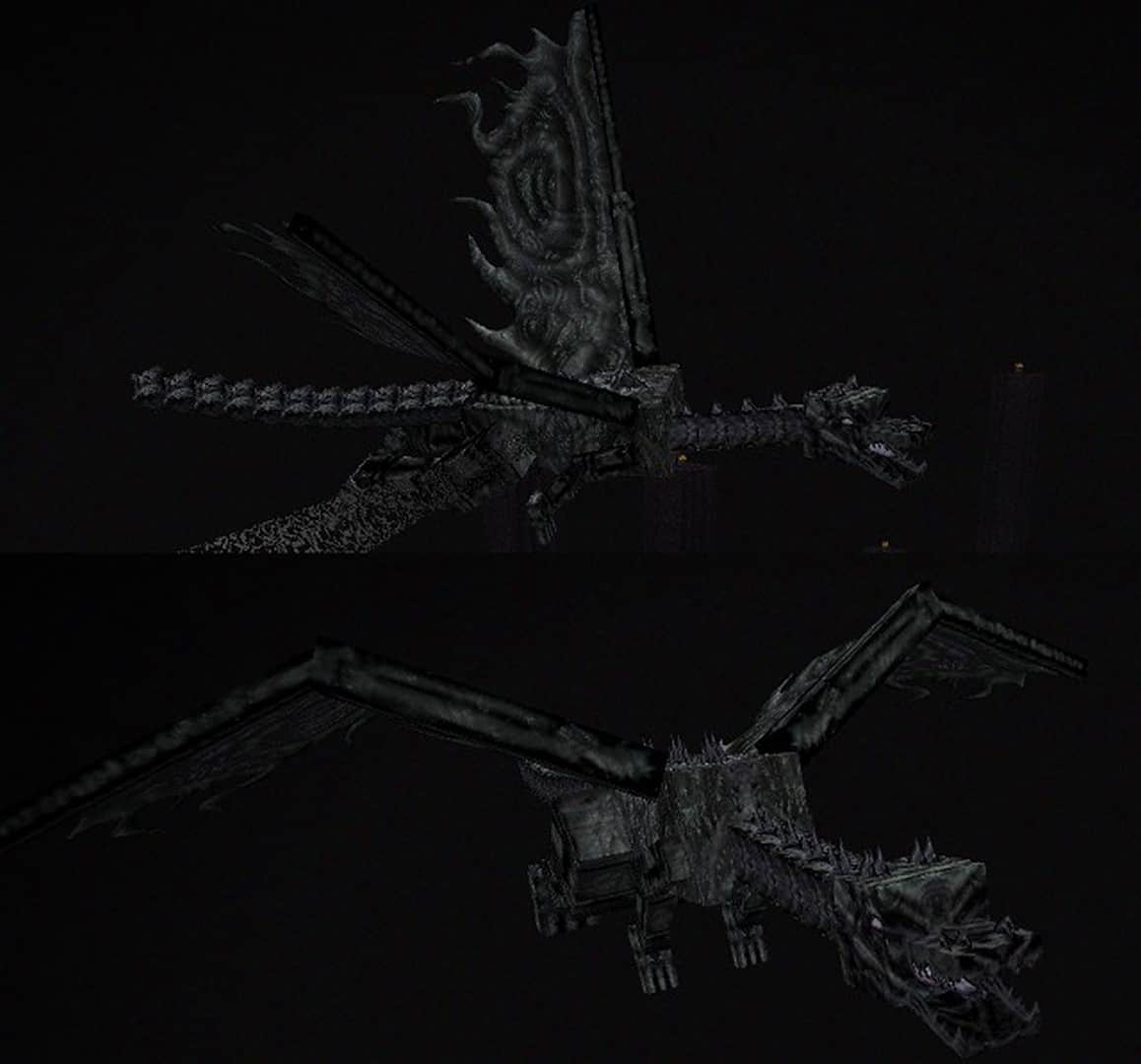
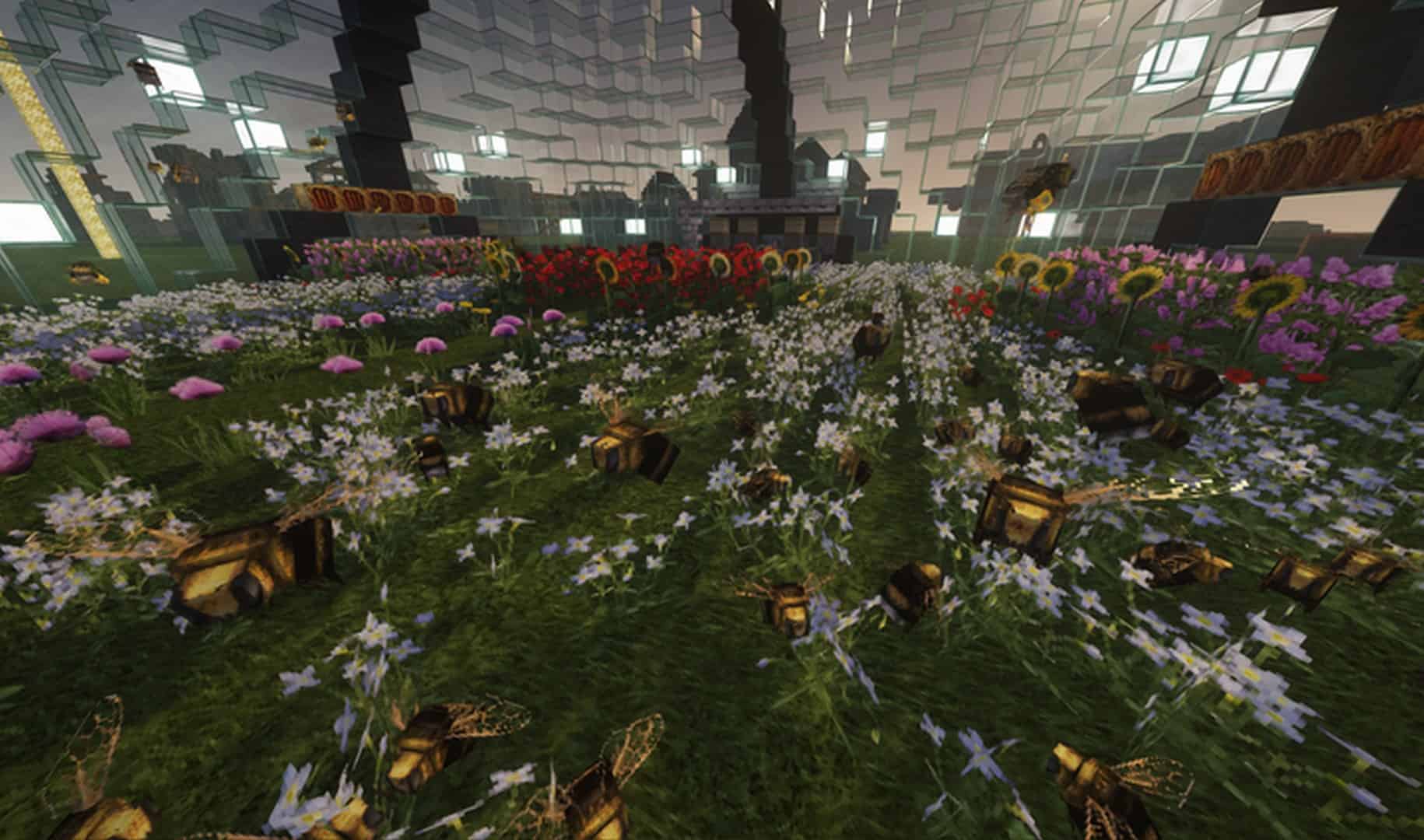
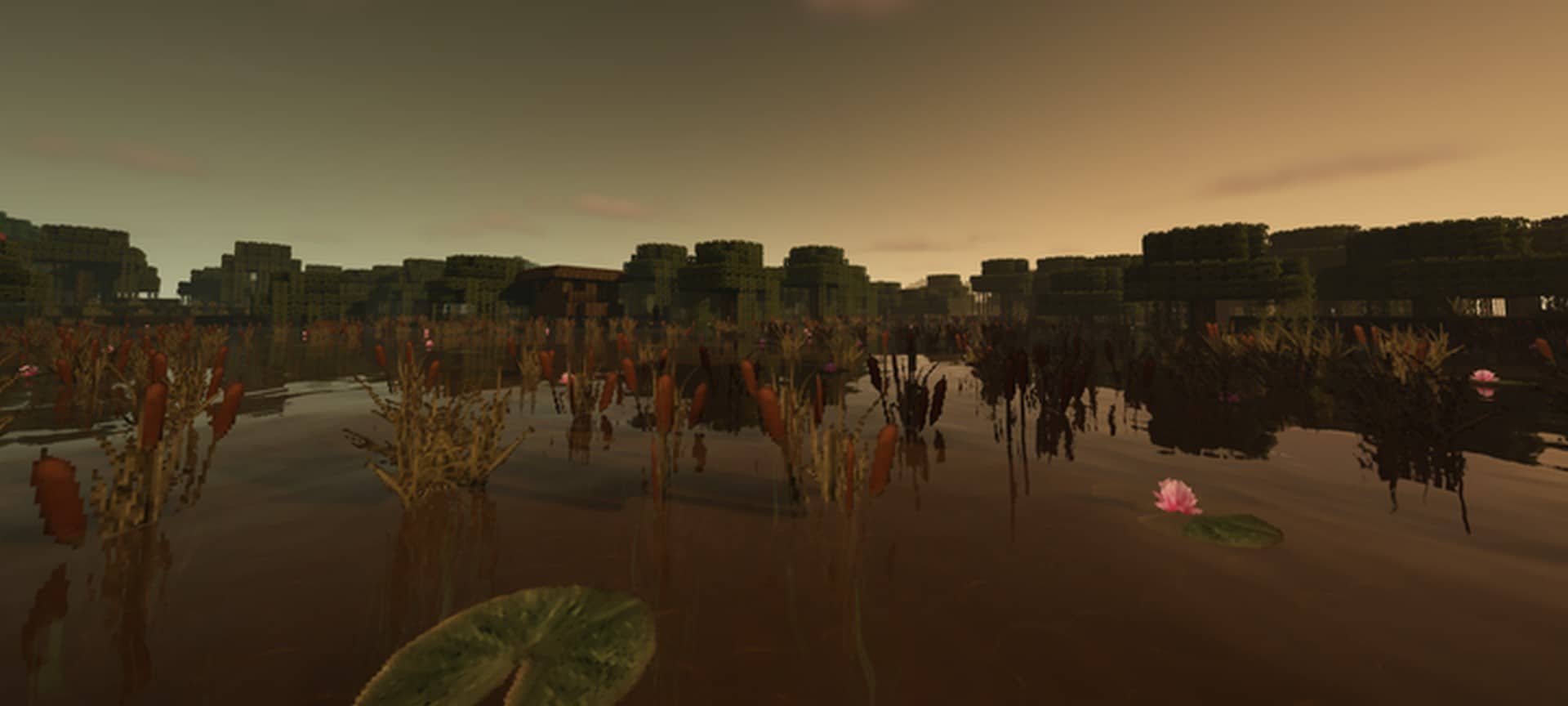
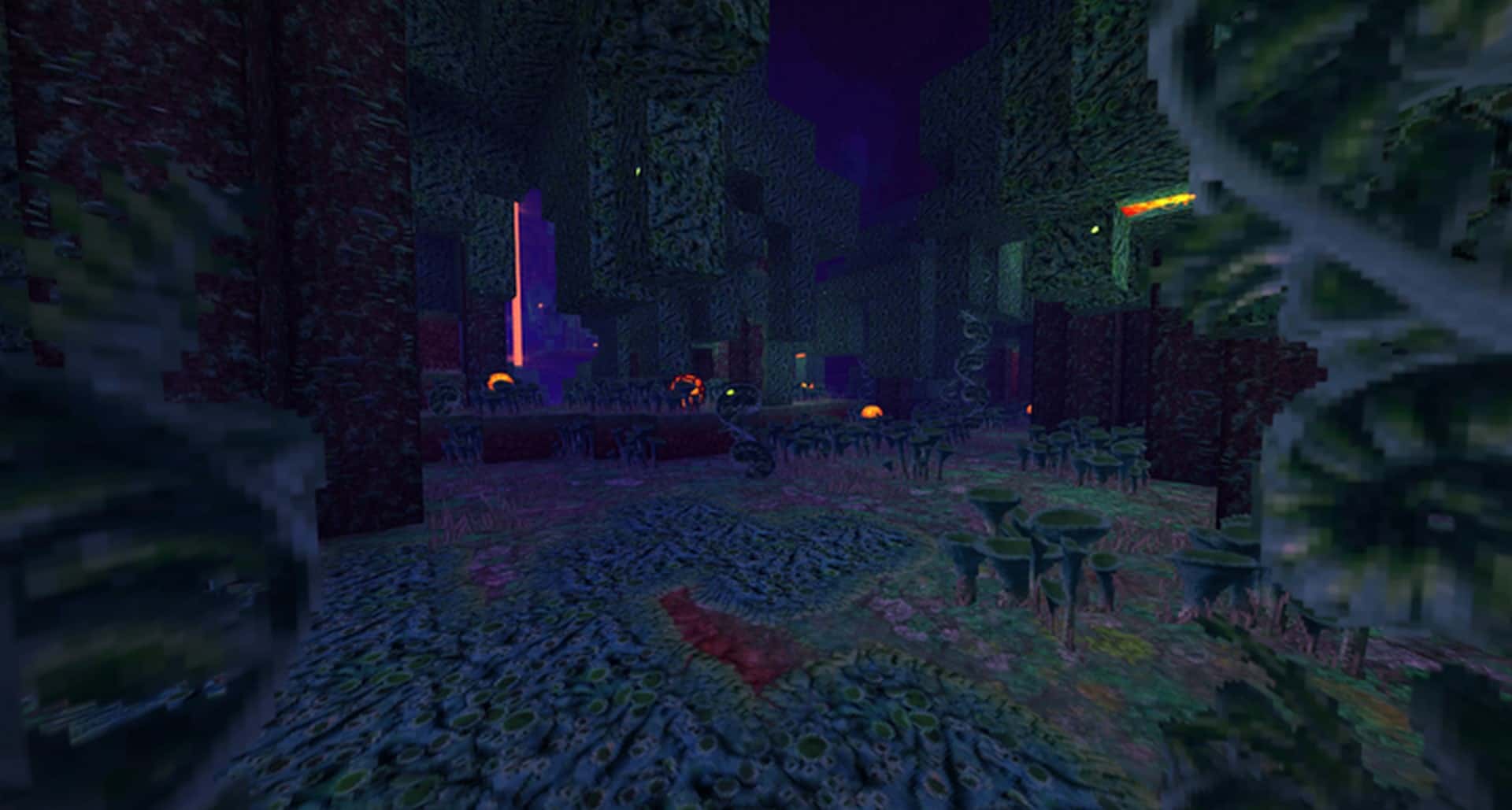
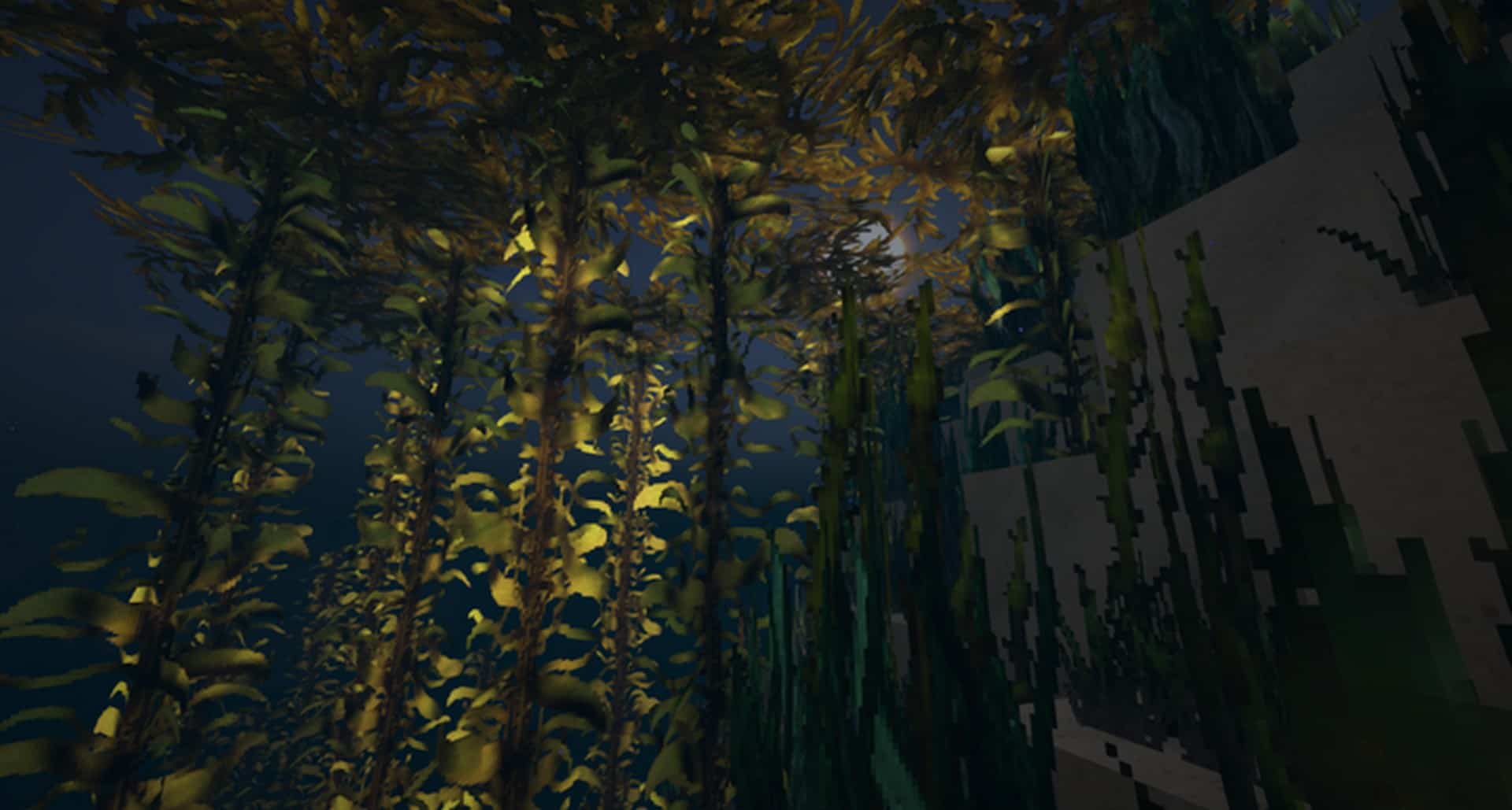
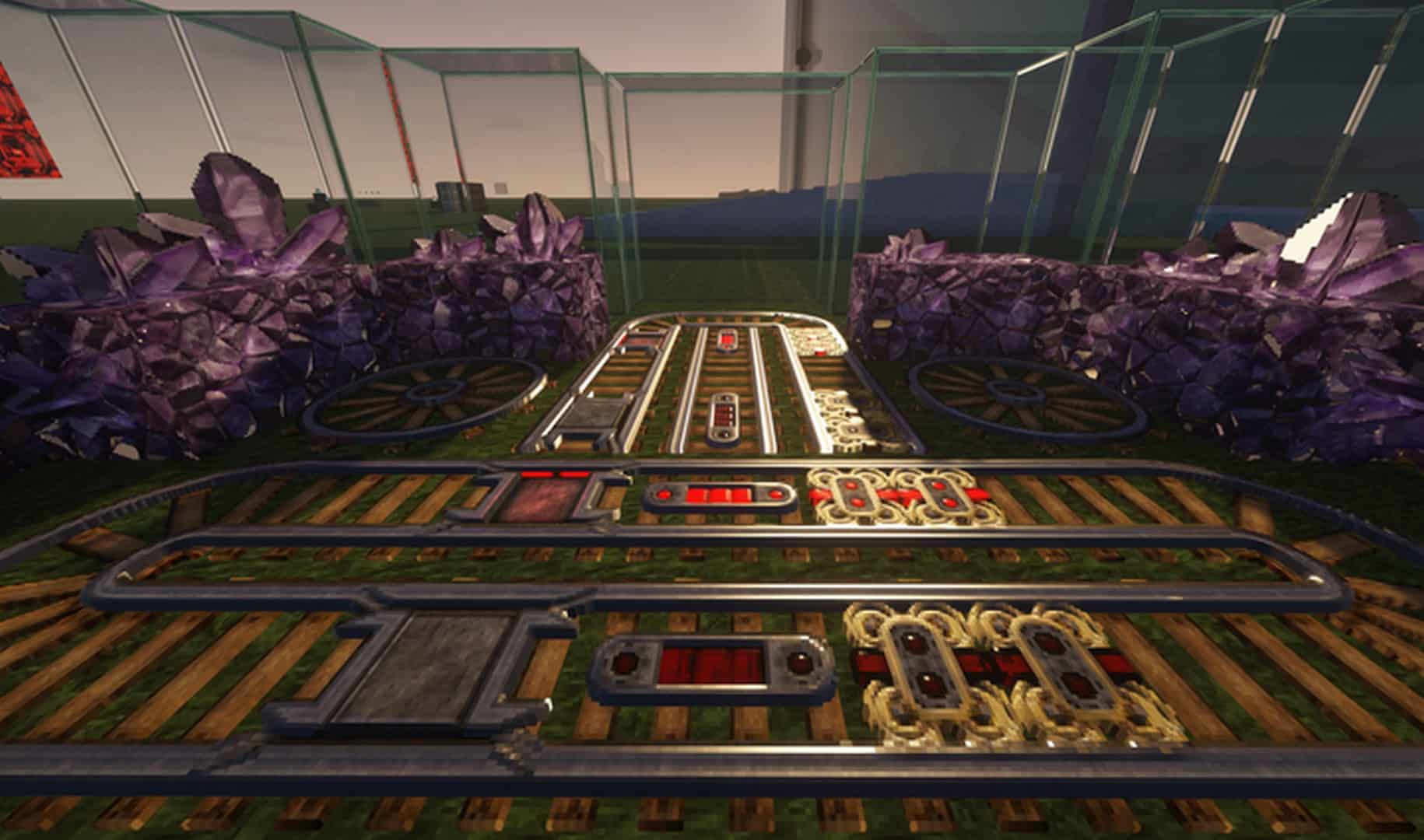
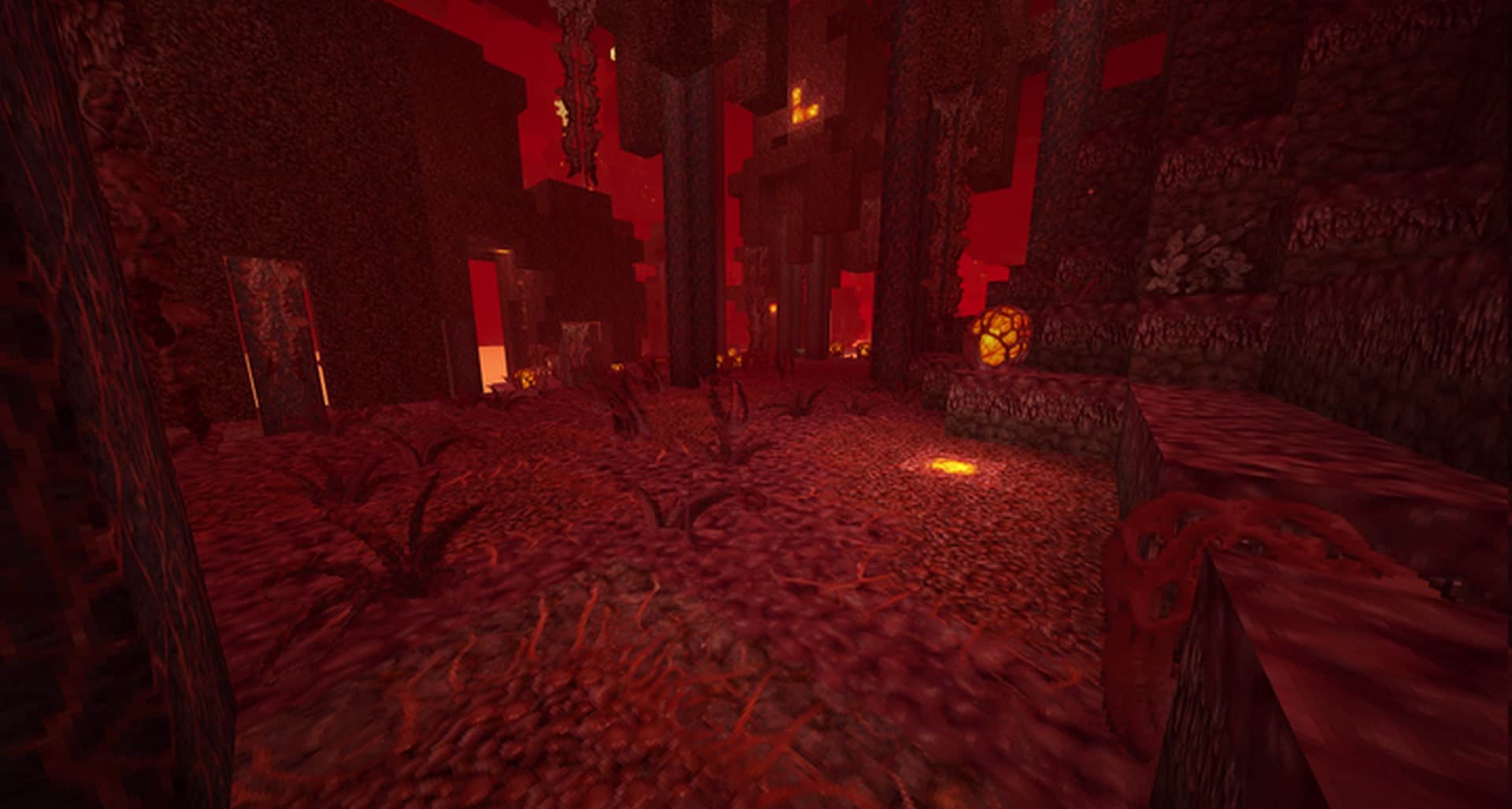
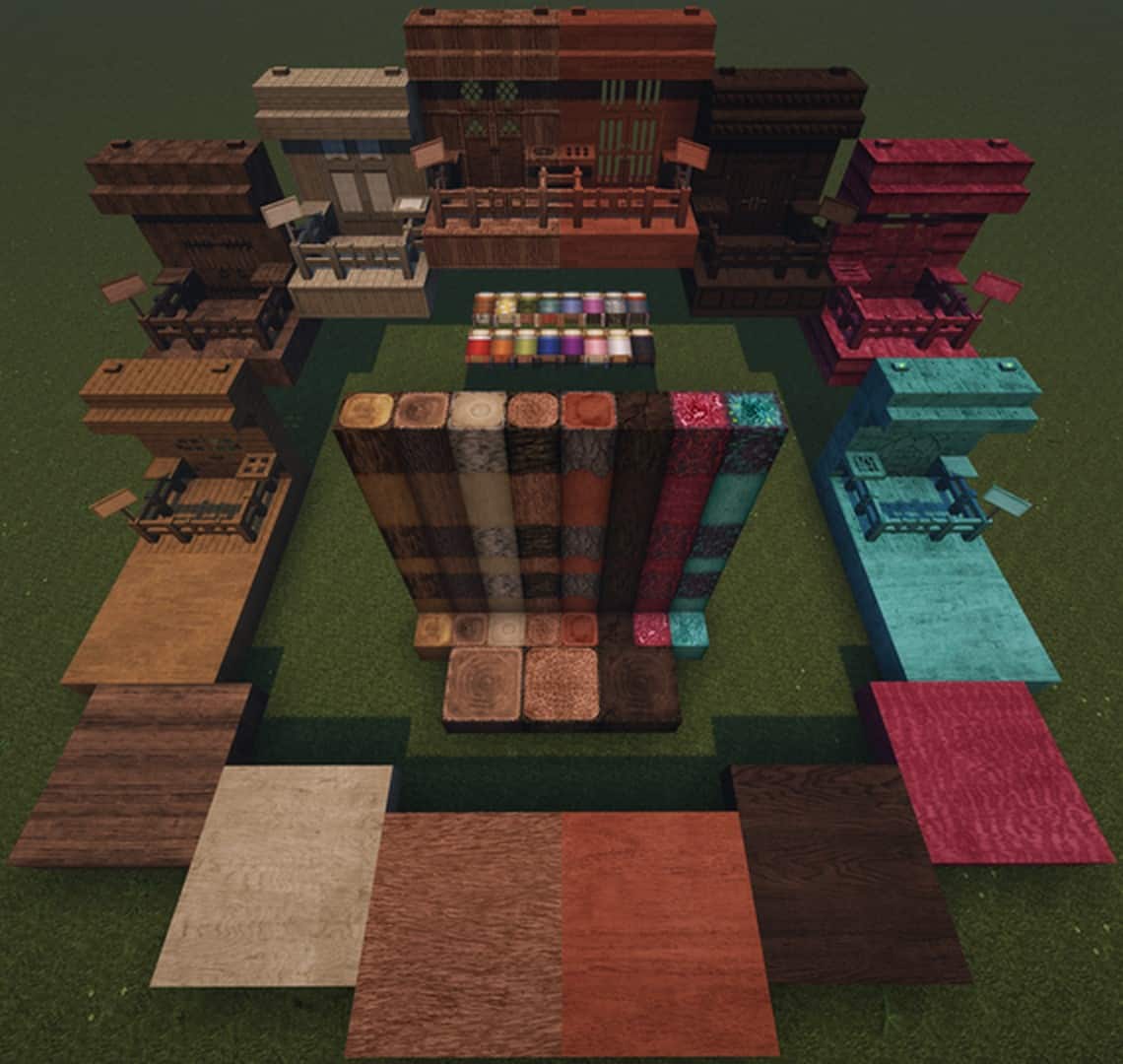
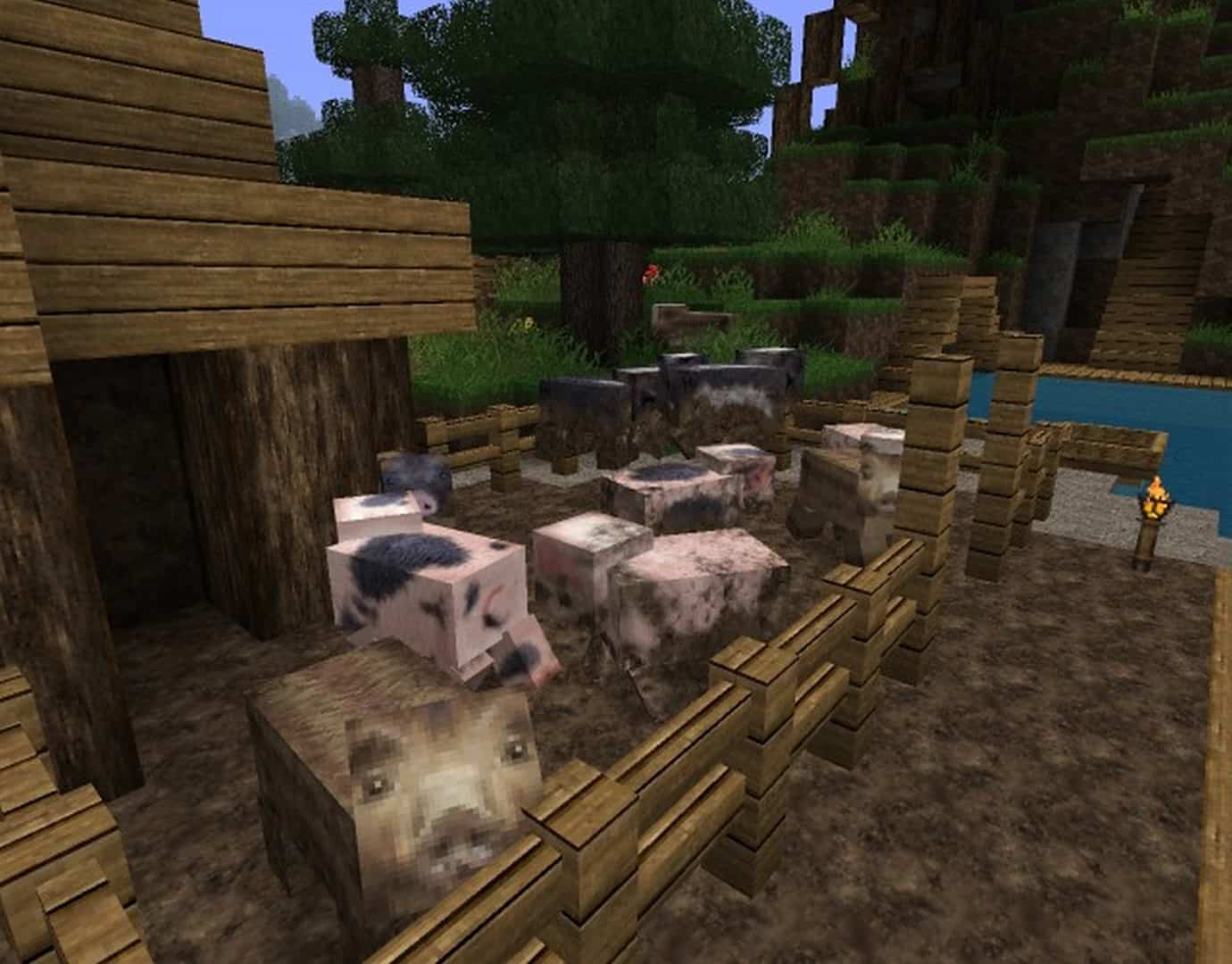
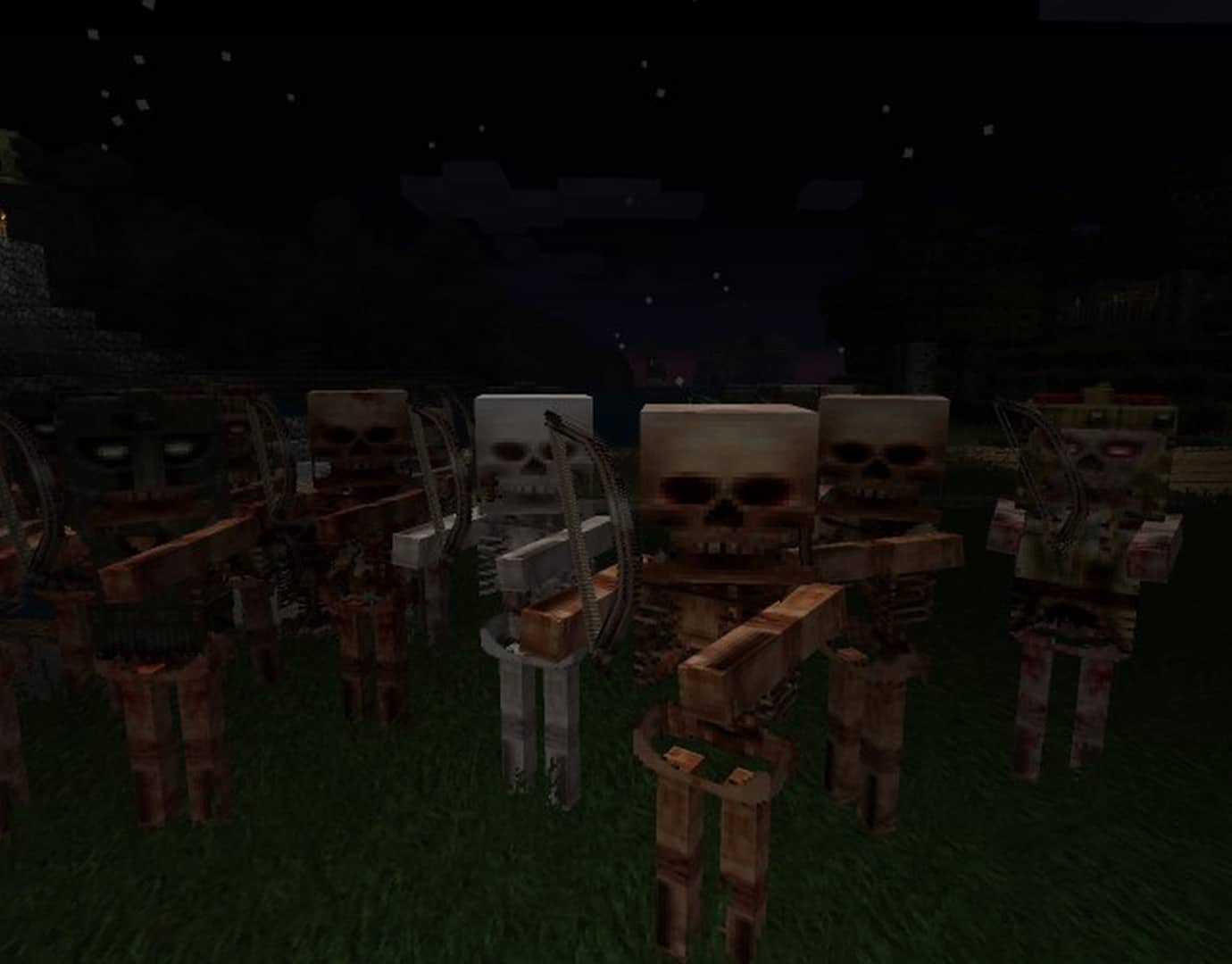
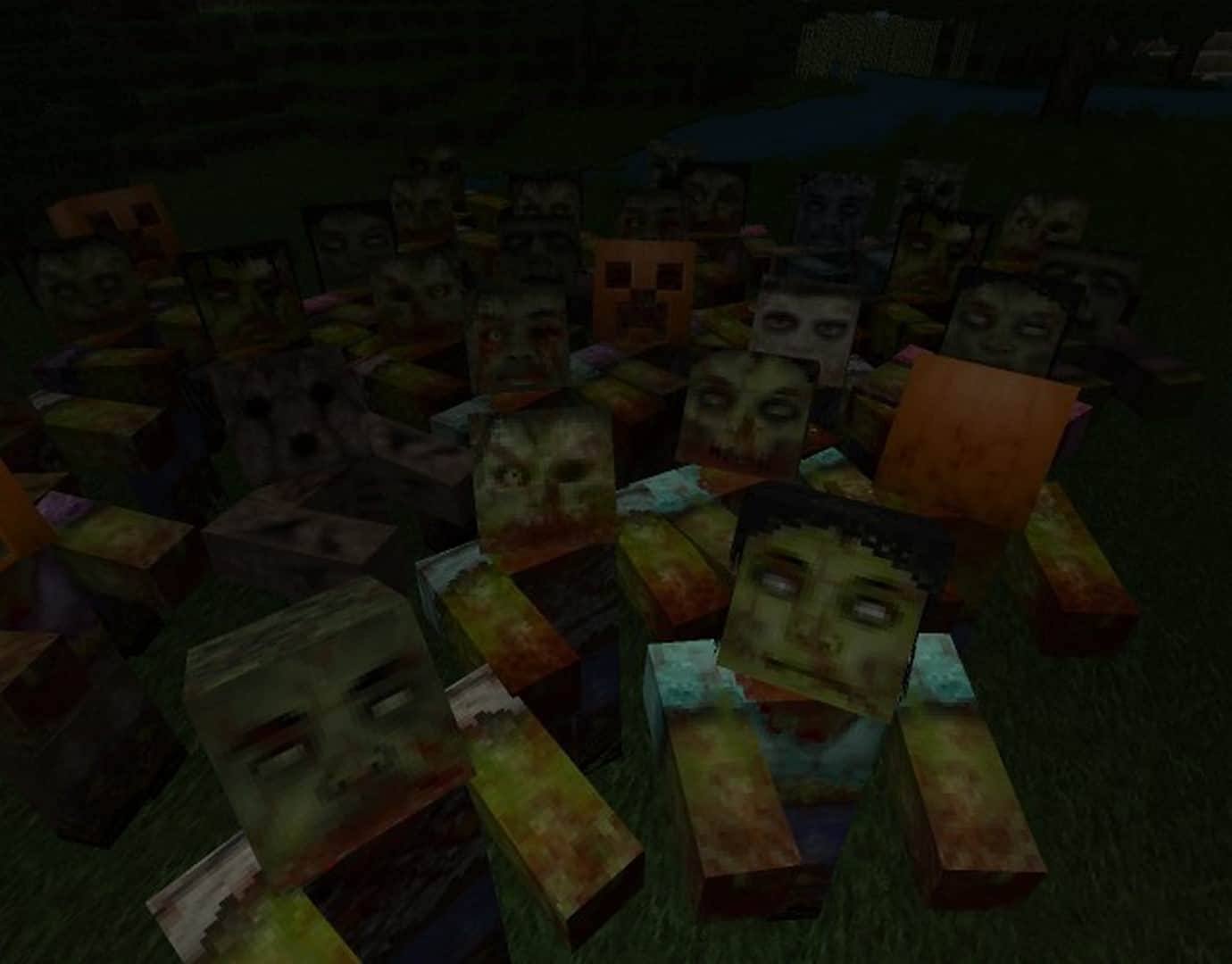
How to install Misa’s Realistic Resource Pack:
- Most resource packs require Optifine, so be sure to download and install it. – general recommended step for all packs, Optifine is also needed for most shaders
- Download the Misa’s Realistic texture pack for Minecraft from the download section below. – if there are many different versions, just choose the one you like, is compatible with your version/edition of Minecraft, the one you think your computer can handle in terms of performance.
- Launch the game client through the Minecraft launcher.
- On the main menu, click "Options".
- On the options menu, click "Resource Packs...".
- Click on "Open Resource Pack Folder". – folder titled "resourcepacks" will pop up
- Move the .zip file you downloaded in the first step to the newly opened "resourcepacks" folder.
- Click "Done".
- Click on "Resource Packs..." again.
- Your pack should have appeared in the left window, just hover over it and click on the arrow pointing to the right.
QUICK TIP: Sometimes, when activating a pack, the game may say that the pack is made for a newer or older version of Minecraft. This is just a warning, it does not affect your gameplay in anyway, and you can still activate and enjoy the pack by simply clicking the "Yes" button when prompted.
- Click "Done" again.
- The pack has now been successfully loaded and ready to be used in your world!
Misa’s Realistic Texture Pack Download
- We do not modify or edit any resource packs. All resource packs, shaders and tools found on this website are linked directly to official sources rather than hosted on our own servers. We provide only the official download links from the original creators to ensure that your files are safe and secure.
- These official links are updated manually and may occasionally stop working when a new version is released. We work hard to keep everything current so that you have a smooth experience. Please let us know in the comments if you find a link that no longer works.
- Minecraft is a trademark of Mojang Studios and has no official connection to this website. Our goal is simply to share the best creations from the community with other players.
- Please consider leaving a comment or voting for your favorite packs. This feedback helps authors improve their projects over time. You can also support the creators directly by visiting the official links located below the download section.
Java Edition:
[64x] [1.21.x – 1.20.2] Download Misa’s Realistic Resource Pack – 26.1 compatible;
[64x] [1.20.1 – 1.20] Download Misa’s Realistic Resource Pack
[64x] [1.19.x] Download Misa’s Realistic Resource Pack
[64x] [1.18.x] Download Misa’s Realistic Resource Pack
[64x] [1.17.x] Download Misa’s Realistic Resource Pack
[64x] [1.16.x] Download Misa’s Realistic Resource Pack
[64x] [1.8.x] Download Misa’s Realistic Resource Pack – patch (add-on) by THBird;
[64x] [1.7.x] Download Misa’s Realistic Resource Pack – patch (add-on) by pscof42;
[64x] [1.6.x] Download Misa’s Realistic Resource Pack
Curseforge: download starts automatically after a few seconds;
Mediafire: click the big blue button with the text "DOWNLOAD";
Google Drive: in the top right corner you will see a small download icon (down arrow), click it and the download should start;

968 votes
Look.. 968 users have already liked this pack. Give a diamond if you like it too!


ypp
Acctually, it works!
Kip
Pigs dont have textures in 1.21.10
Huculka
This is the best texture pack! I recently got a purple cow, looks like the “Milka cow” but instead of Milka it is Misa written on the side :D Nice little inside joke. I want another but idk how I got the first one or how rare it is <3 Love your work.
Andi
Brilliant textures! Hopefully resin and pale oak blocks will be updated soon. I love your work!
TomasT
Black sky behind glass
Tanya
Misa is a “she”. 😏
Skinflute
does it really matter?
duude
BROO IT DONT MATTER
Brian Kohler
FINALLY!!!!! I found a resource pack that makes everything look better without making them look like something completely different! THANK YOU so much for making this and keeping Minecraft looking like Minecraft but better. My only critique of this pack and a helpful suggestion is that the colors of the dirt blocks on the surface are all green instead of some biomes like Moonlight Valley for instance where the grass should be like a lavender color (the exact reason I set up base there) but it is green now like normal biomes. Overall though, this is by far the best pack I’ve seen so far that is again Minecraft, but better!
ebe
Doesn’t load on optifine. “Resource reload failed”
Goliath
Same here :(
Jose
glass is not showing on 1.21
Kira
it says 1.21 but if i wanna use it it tells me its for older version, so please change the link to 1.20
RandylVlarsh
This would be the best texture pack, but either:
1) on some clients (lunar, and others), spiders character models are messed up
2) on other clients you can’t get over 30fps even with a 3060ti
i just suck it up and deal with only half of the body of spiders showing up ( and none of their legs).
If you could fix this, or tell me a setting to fix this, i would be super appreciative.
RunicDruid
i have that problem too
also there is something weird on the grindstone for me. it looks like there are two grey coloured blocks in different angles trying to replace the wheel
20Sebastian10
Since the first days of Minecraft, this was one of the best Textures Pack ever made.
I’m grateful it didn’t die out after the long time.
Anagan
When release 1.20.1?
Damon
Im not sure if you already know about this but the weapons, tools ,and armor textures disappear when they start to break at about 1/3 durability gone.
Love
How can I disable attack sign on crosshair? This is best resourcepack is the best but this thing ruins it.
randomperson
Those spiders look hella scary.
LimeLuma45
Will you ever make a Minecraft bedrock version of this?
TheEndemic
MISA IS BACK???? holy moly i used that for years back then. dream came true. im already wet
idk
Uh ya’lls pack don’t work. I put it in the right folder and when I went to try to turn it on by switching it, it didn’t come up.
wow
oh hell nah those mobs look scary
Djef
THE best pack ever ! many things to learn inside it, is there a misa a mod support ?
Buddhesh gaikwad
Very cool texture pack
MaxiKevey
The author got the story a bit wrong. Everything in this texture pack is made by Misa, and Misa only. There where a few people who made some fan patches while Misa was on hiatus, but none of these textures exist in the current public release.
Dark.y
I love this pack i normaly use other but this was my first pack ever