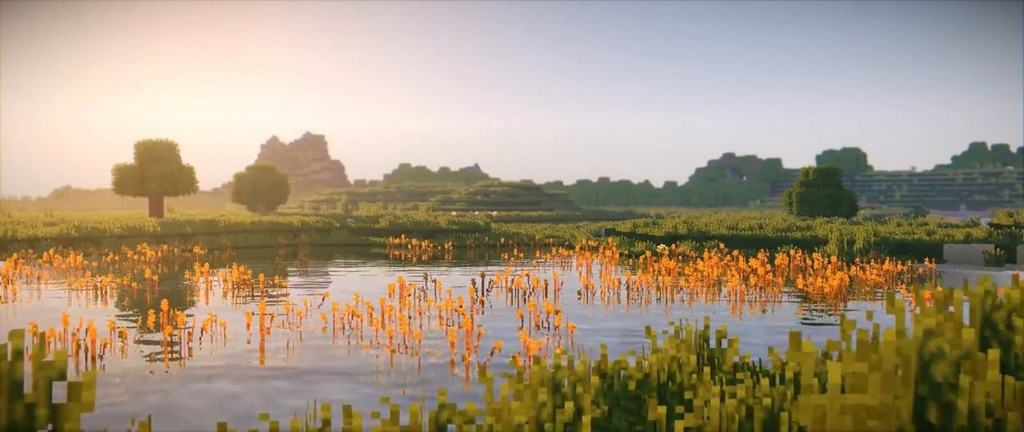
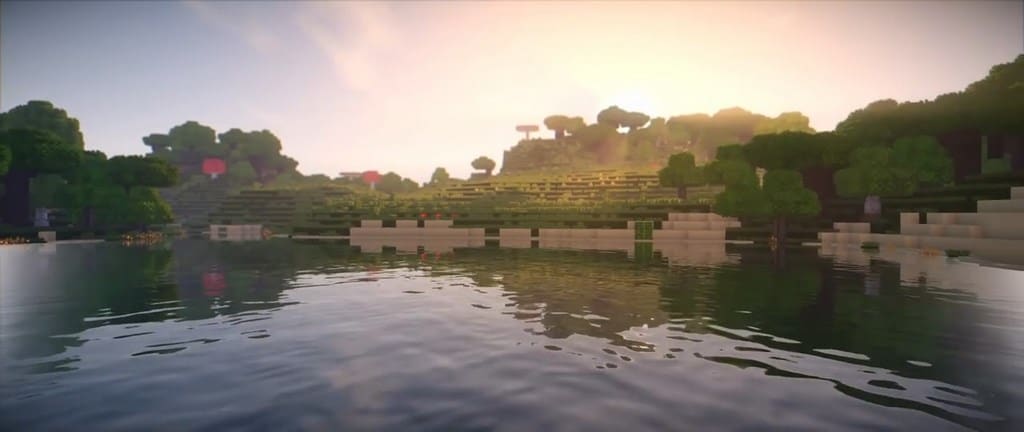
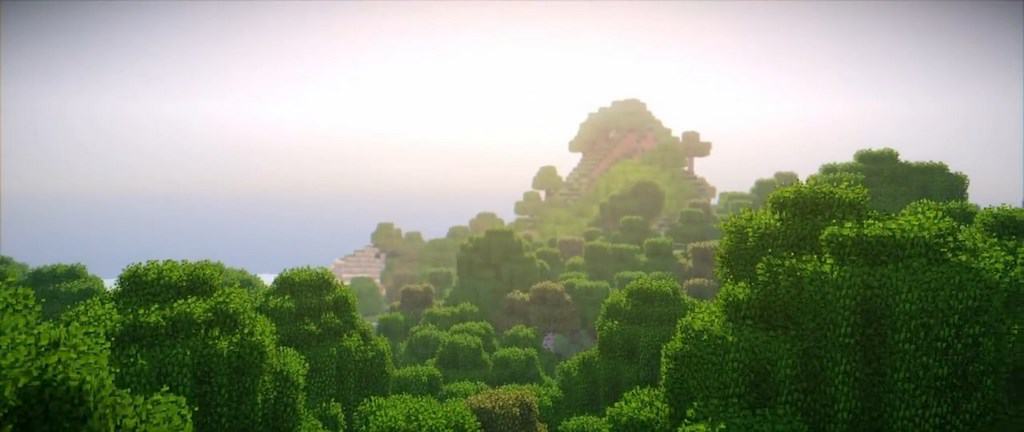
If you haven’t heard of the KUDA Shaders, it’s one of the best Minecraft shader packs. The reason for it being amongst the most popular is because it’s very well made with extreme attention to detail. Bugs are uncommon, and it’s compatible with a variety of different Minecraft mods, Optifine, and such. KUDA Shaders has been officially released to the public on September 11. 2017. Its development took very long, because the developers didn’t want it to be full of bugs and to make it compatible with mods. The best thing about that is the fact that you shouldn’t experience bugs or glitches, and you won’t need to worry about such. Now that it’s fully stable, a lot of people are giving KUDA a try and have been busy testing it by themselves. It’s full of cool features like volumetric fog, it moves and breathes as if it’s a living creature, and the default textures look amazing. This shader pack makes the motion blur and other unwanted effects go away like they never existed. The KUDA Shader offers everything you would want in a shader pack, and gets rid of any unwanted effects in the process.
Featured video:
It does have it’s flaws, but they are brought to a bare minimum. The bloom effect doesn’t always do exactly what you would want it to do. Light flares do happen where you wouldn’t be expecting them, and they do occasionally have a more striking look to them than it’s supposed to be. Of course, this is a very minor detail and it’s barely visible. Compared to the things that KUDA Shaders does to the overall experience of the game, it’s more than negligible. It does require a bit more system resources than other shaders, that’s because of all of the things it does, and how it does it. A good graphics card should do the job if you want to use KUDA Shaders. Because of its success in making the game feel much better, KUDA Shaders is highly recommended, not just by the author but also by the majority of players that have used it. The progress it has made between beta and the present is enormous. A lot of issues have been fixed, and we’re now left with a highly functional shader pack that does Minecraft wonders.
KUDA Shaders should be compatible with all of these Minecraft versions: 26.1 - 1.21.11 - 1.21.10 - 1.21.9 - 1.21.8 - 1.21.7 - 1.21.6 - 1.21.5 - 1.21.4 - 1.21.3 - 1.21.2 - 1.21.1 - 1.21 - 1.20.6 - 1.20.5 - 1.20.4 - 1.20.3 - 1.20.2 - 1.20.1 - 1.20 - 1.19.4 - 1.19.3 - 1.19.2 - 1.19.1 - 1.19 - 1.18.2 - 1.18.1 - 1.18 - 1.17.1 - 1.17 - 1.16.5 - 1.16.4 - 1.16.3 - 1.16.2 - 1.16.1 - 1.16 - 1.15.2 - 1.15.1 - 1.15 - 1.14.4 - 1.14.3 - 1.14.2 - 1.14 - 1.13.2 - 1.13.1 - 1.13 - 1.12.2 - 1.12 - 1.11.2 - 1.11 - 1.10.2 - 1.10 - 1.9.4 - 1.9 - 1.8.9 - 1.8.8 - 1.8.6 - 1.8.1 - 1.8 - 1.7.10 - 1.7.9 - 1.7.4 - 1.7
KUDA Shaders — Video & Screenshots
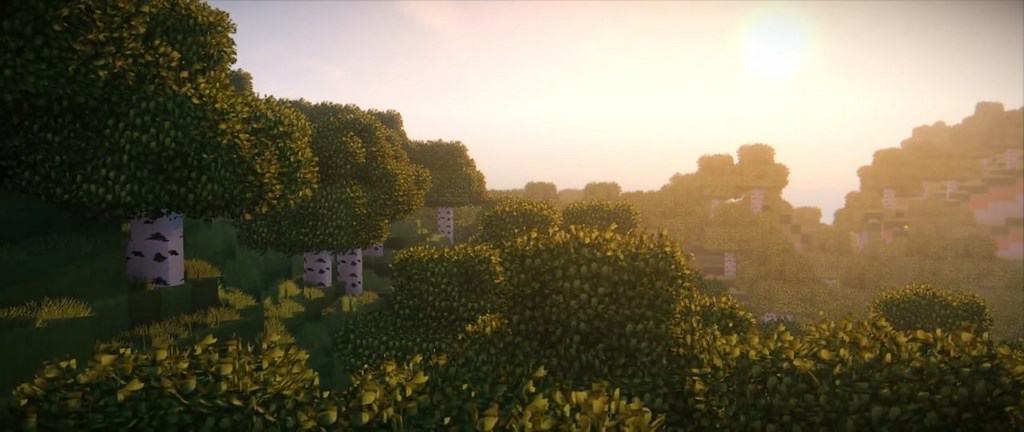
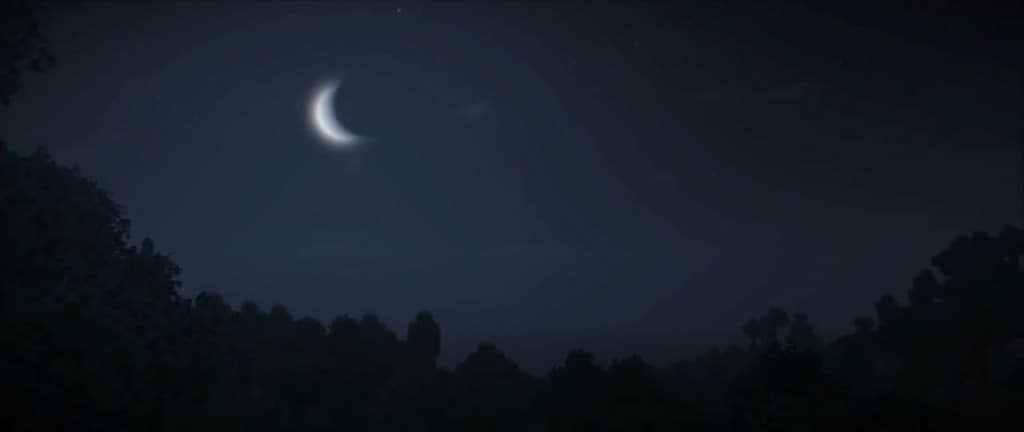
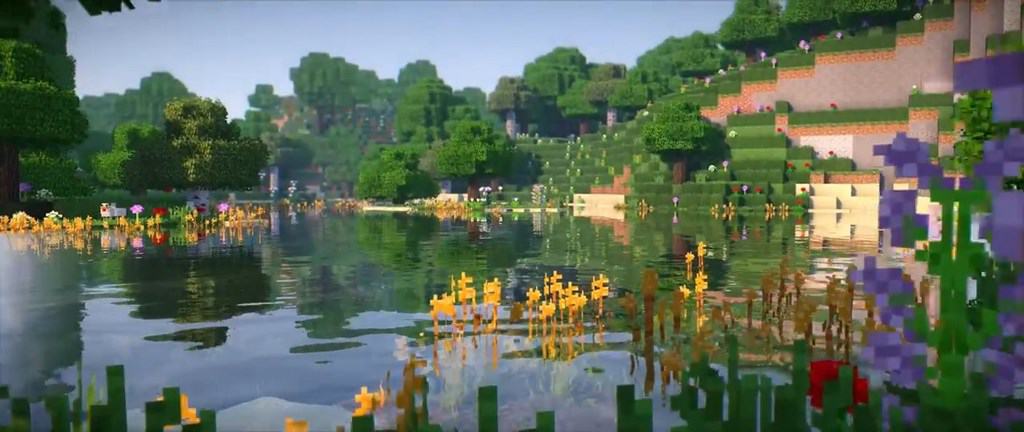
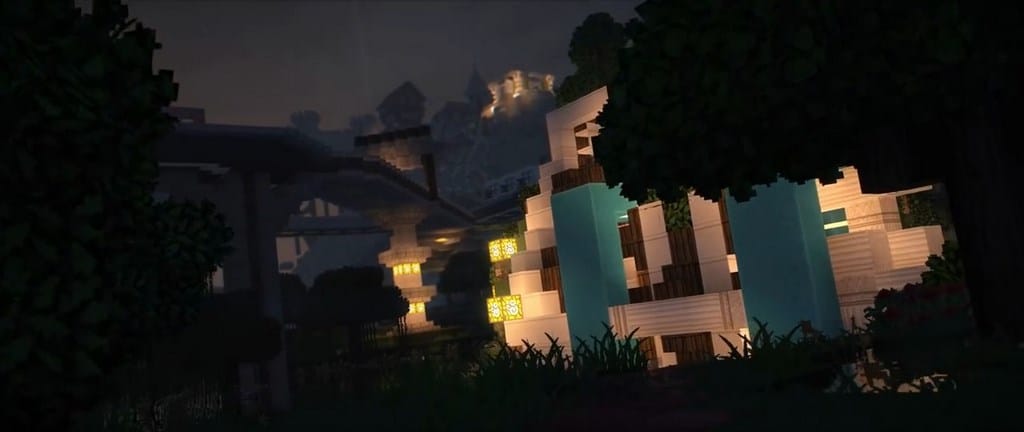
How to install KUDA Shaders:
- Download and install Minecraft.
- Open Minecraft launcher and setup your game profile for the Minecraft version you want to run. – in the top menu, select the “Installations” tab, click “New installation”, under the “Version” dropdown, select your preferred Minecraft version and click “Create”.
- Download and install Optifine or Iris. – we recommend Iris, it’s a bit more optimized;
- Open Minecraft launcher and select the newly created Optifine or Iris profile. – if in step 3 you chose to install optifine it will have an optifine profile, if iris it will have an iris profile;
- Download the KUDA shader pack from the download section below.
- Launch Minecraft.
- For Optifine: Go to
Options > Video Settings > Shadersand click “Shaders Folder” to open shaderpacks folder.
For Iris: Go toOptions > Video Settings > Shader packsand click “Open Shader Pack Folder” to open shaderpacks folder. - Put the KUDA shader pack (.zip file) downloaded in step 5 into the .minecraft\shaderpacks folder you opened in step 7.
- In the game, select KUDA Shaders from the list and click “Done”.
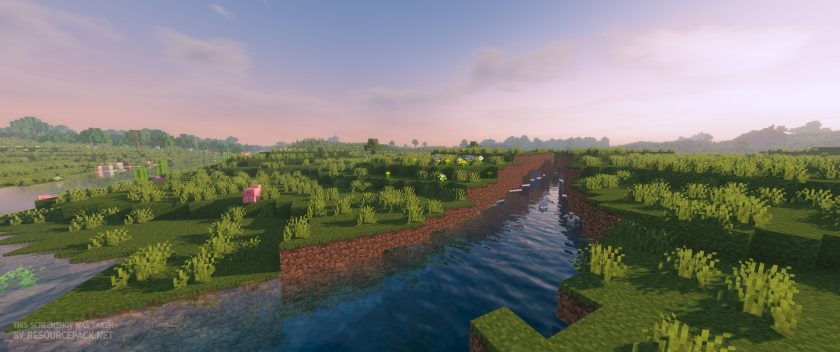
KUDA Shaders - Comparison Slider #1 day
Comparison slider #1 for those who want to compare vanilla Minecraft without any shaders installed (on the left) with Minecraft using this particular shader pack (on the right).
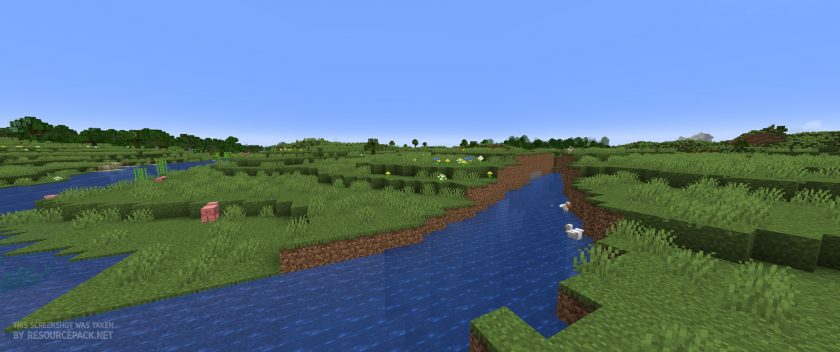 Vanilla
 KUDA Shaders
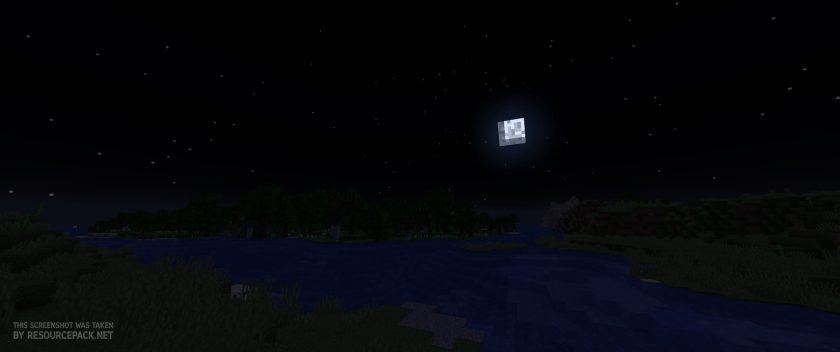
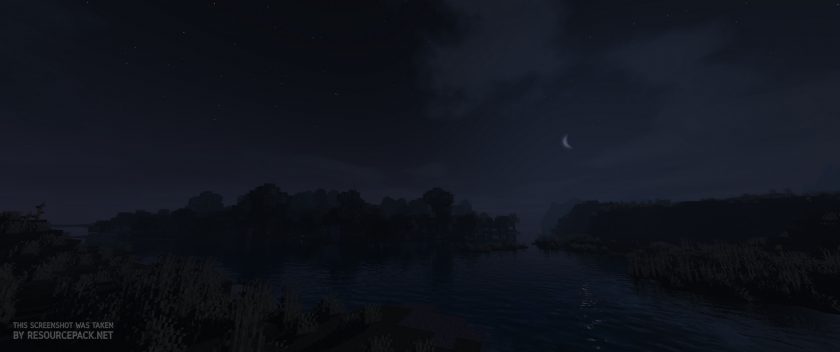
KUDA Shaders - Comparison Slider #2 night
Comparison slider #2 for those who want to compare vanilla Minecraft without any shaders installed (on the left) with Minecraft using this particular shader pack (on the right).
 Vanilla
 KUDA Shaders
KUDA Shaders Shader Pack Download
- We do not modify or edit any resource packs. All resource packs, shaders and tools found on this website are linked directly to official sources rather than hosted on our own servers. We provide only the official download links from the original creators to ensure that your files are safe and secure.
- These official links are updated manually and may occasionally stop working when a new version is released. We work hard to keep everything current so that you have a smooth experience. Please let us know in the comments if you find a link that no longer works.
- Minecraft is a trademark of Mojang Studios and has no official connection to this website. Our goal is simply to share the best creations from the community with other players.
- Please consider leaving a comment or voting for your favorite packs. This feedback helps authors improve their projects over time. You can also support the creators directly by visiting the official links located below the download section.
Java Edition:
[26.1.x – 1.12.x] [v6.1 Legacy] Download KUDA Shaders Pack
[26.1.x – 1.7.x] [v6.5.56] Download KUDA Shaders Pack
Curseforge: download starts automatically after a few seconds;
Mediafire: click the big blue button with the text "DOWNLOAD";
Google Drive: in the top right corner you will see a small download icon (down arrow), click it and the download should start;

3,005 votes
Look.. 3005 users have already liked this shader pack. Give a diamond if you like it too!


heytittino
Im having problembs: it lags and thee’s not a performance option