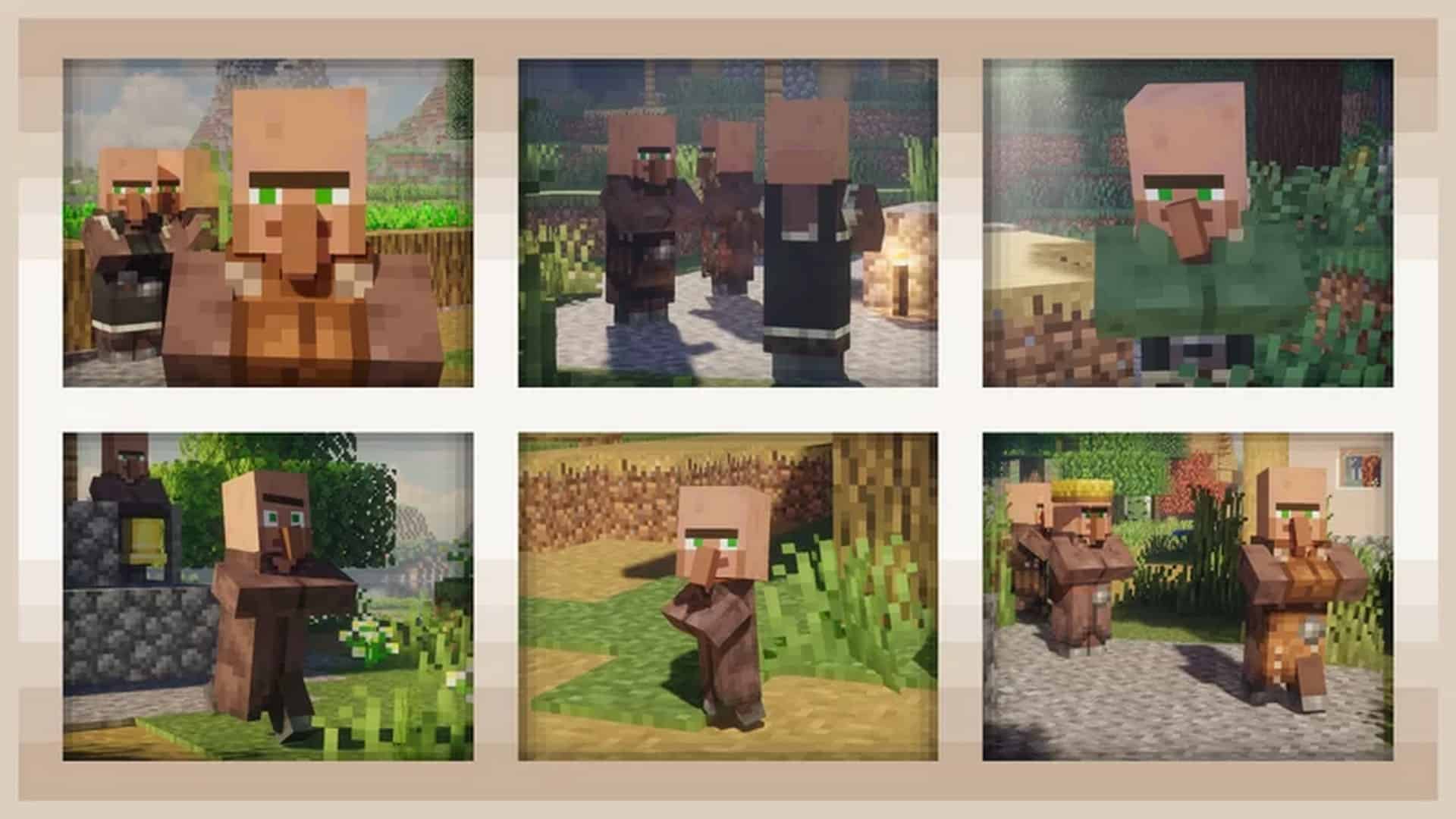
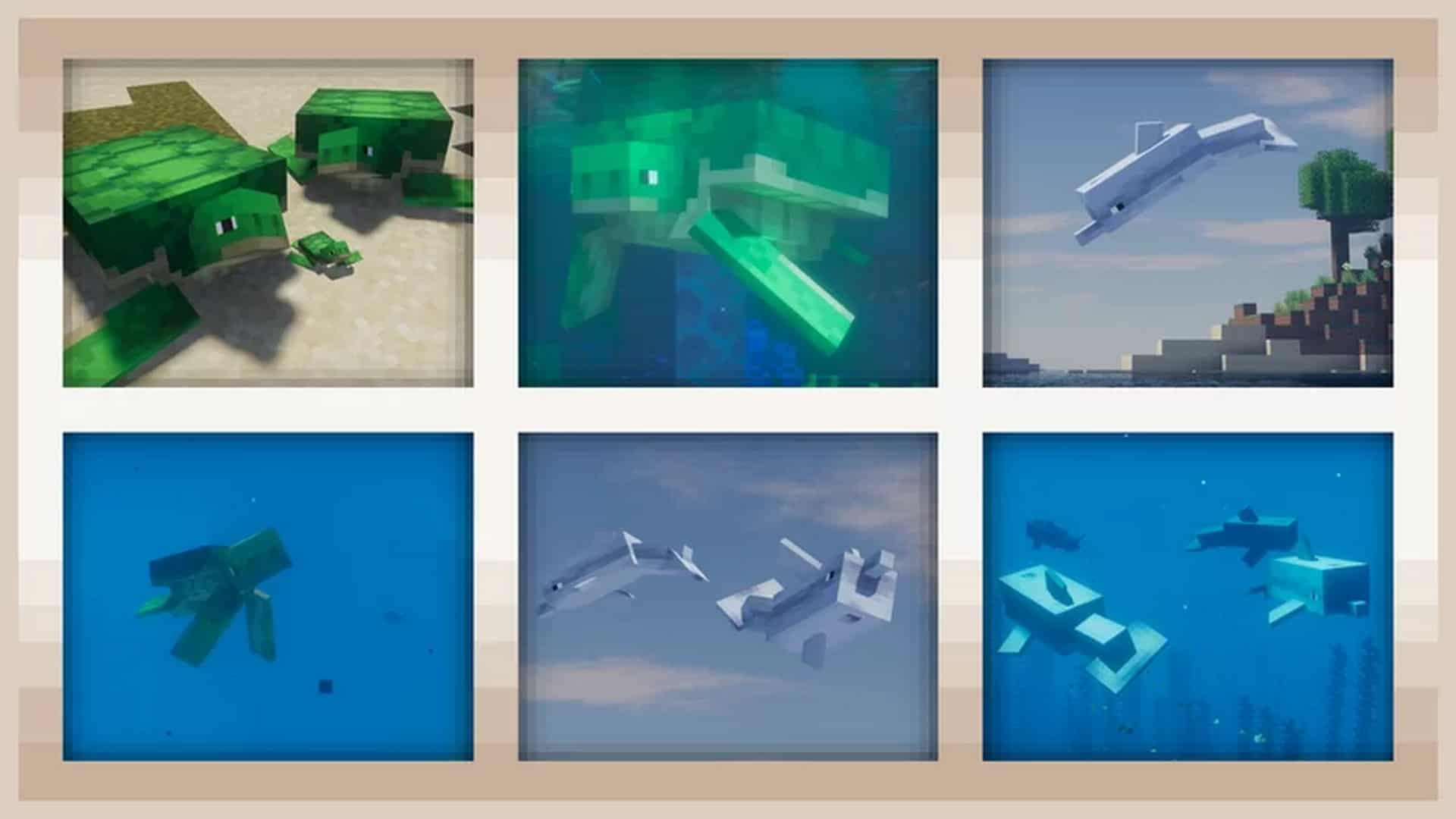
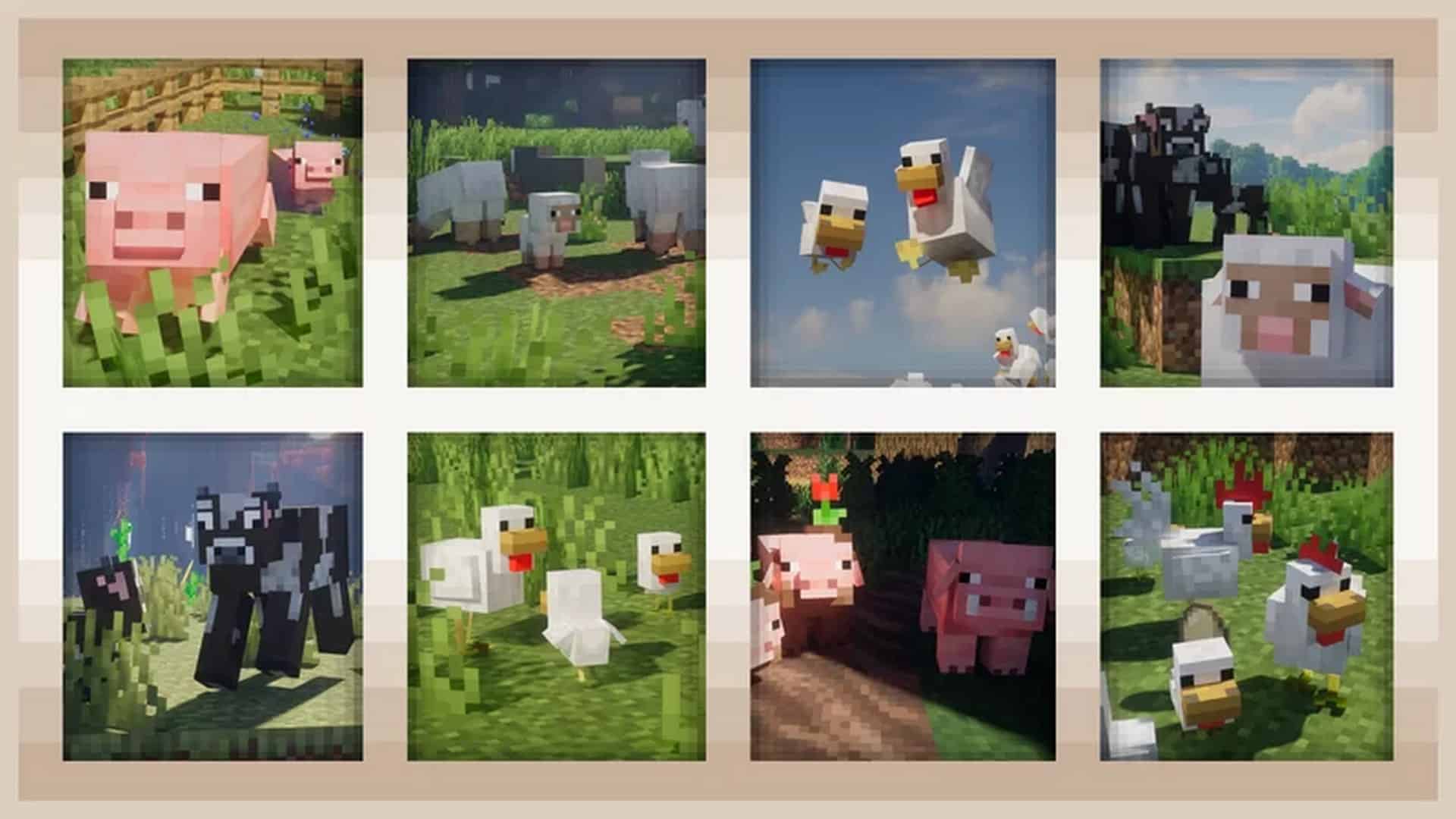
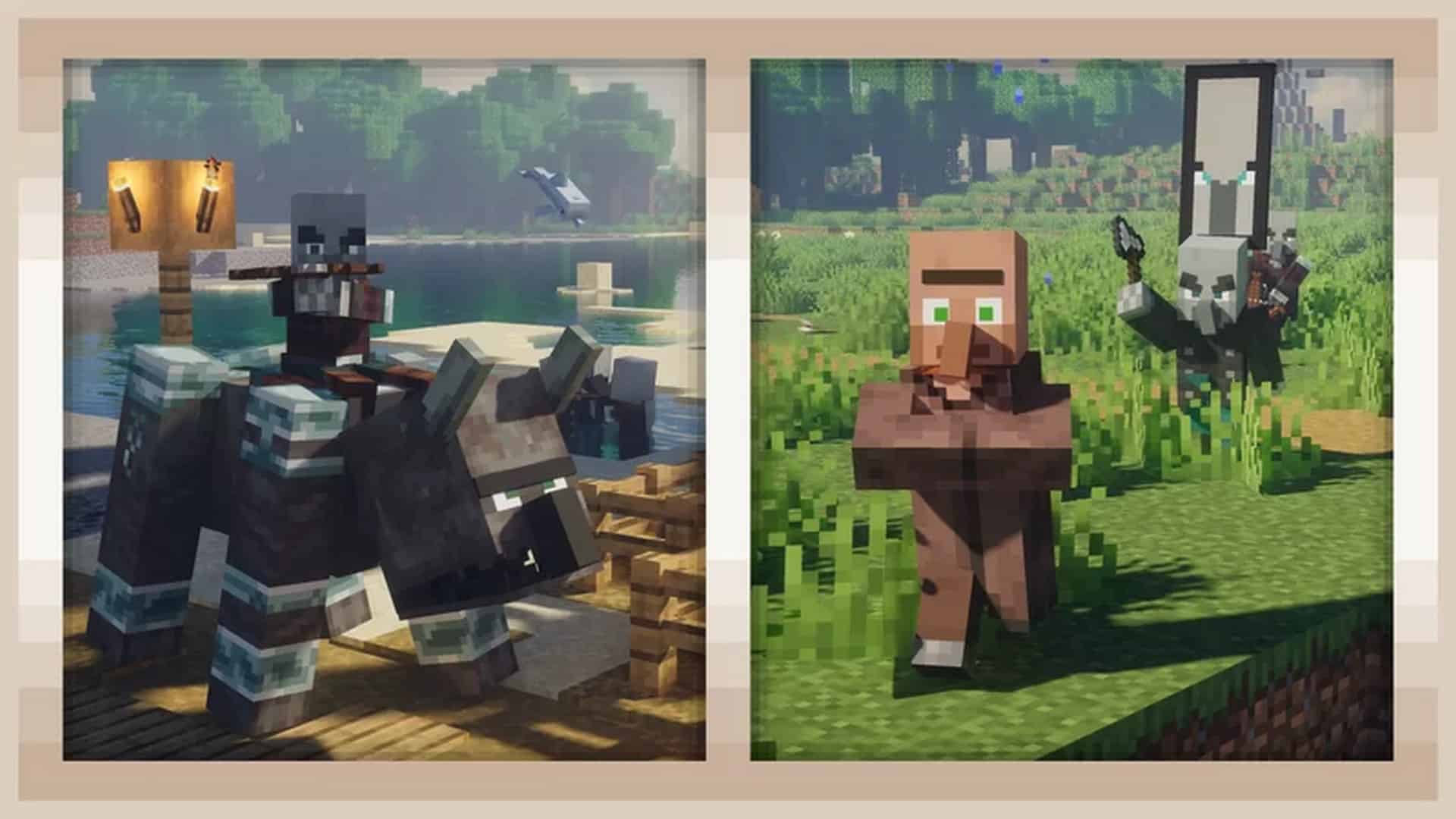
Is Minecraft already starting to feel plain for you? That’s surprising since the games have a lot in store for players. Nevertheless, what you feel is understandable. Simple animations will make you feel bored eventually. And this is something that Minecraft obviously has. Well, what do you know? That’s not the case anymore. The Fresh Animations resource pack is here to rekindle your love for Minecraft once again! Fresh Animations is phenomenal. It makes Minecraft like a whole new game. But why? Keep reading and allow us to share what we know about it. The Fresh Animations texture pack is an update for Minecraft from FreshLX. The purpose of making this falls nothing short of being simple – improving the animations for the mobs. Before this resource pack, the movements of mobs look very jerky and are limited to predictable forward, sideward, and backward movements. With the Fresh Animations pack downloaded and installed, Minecraft becomes a whole new game. Mobs have smarter behaviors since they can now turn around, run or walk without looking jerky, jump, and execute other complex movements. Fresh Animations is still in the beta phase so expect that there’s a lot more coming. At present, it has three available versions. Version 1.0 provides new animations to villager, iron golem, witch, vindicator, evoker, pillager, and ravager mobs. The creeper, zombie, husk, zombie villager, skeleton, wither skeleton, and illusion enjoy new animations with Version 1.1. Download version 1.2 to get new animations for pig, wandering trader, phantom, and blaze.
Featured video:
Minecraft dungeons and Minecraft trailers were the inspiration for the current and future animations, as per the words of the creator. That’s why you might want to watch these again if you want to get an idea of the exciting features cooking up. So, which is better? Vanilla Minecraft or Fresh Animations? Vanilla Minecraft doesn’t stand a chance against Fresh Animations if we talk about animation. As said earlier, Fresh Animations makes the mobs move smarter. This is something that the predictable and jerky animations of Vanilla Minecraft can’t contest. But in terms of texture and graphics, nothing’s really the same. With that being said, don’t expect this resource pack to make Minecraft compare to highly defined computer games. Fresh Animations doesn’t alter the core gameplay. That being said, don’t expect new mechanics from it. No need to worry because it only makes Minecraft feel like a whole new game without altering the features that make it unique from other games. The Fresh Animations Resource pack isn’t demanding on the computer system. With that said, you don’t have to upgrade your gaming PC to enjoy it. However, you will need to install the Optifine game utility for Minecraft. Fresh Animations Resource Pack works with Optifine’s Custom Entities and Random Entity. To save yourself from the hassle of downloading twice, opt to download Optifine-HDU-G8 because older versions might not work with Fresh Animations version 1.2.
Fresh Animations should be compatible with all of these Minecraft versions: 1.21.11 - 1.21.10 - 1.21.9 - 1.21.8 - 1.21.7 - 1.21.6 - 1.21.5 - 1.21.4 - 1.21.3 - 1.21.2 - 1.21.1 - 1.21 - 1.20.6 - 1.20.5 - 1.20.4 - 1.20.3 - 1.20.2 - 1.20.1 - 1.20 - 1.19.4 - 1.19.3 - 1.19.2 - 1.19.1 - 1.19 - 1.18.2 - 1.18.1 - 1.18 - 1.17.1 - 1.17 - 1.16.5 - 1.16.4 - 1.16.3 - 1.16.2 - 1.16.1 - 1.16 - 1.15.2 - 1.15.1 - 1.15
Fresh Animations — Screenshots
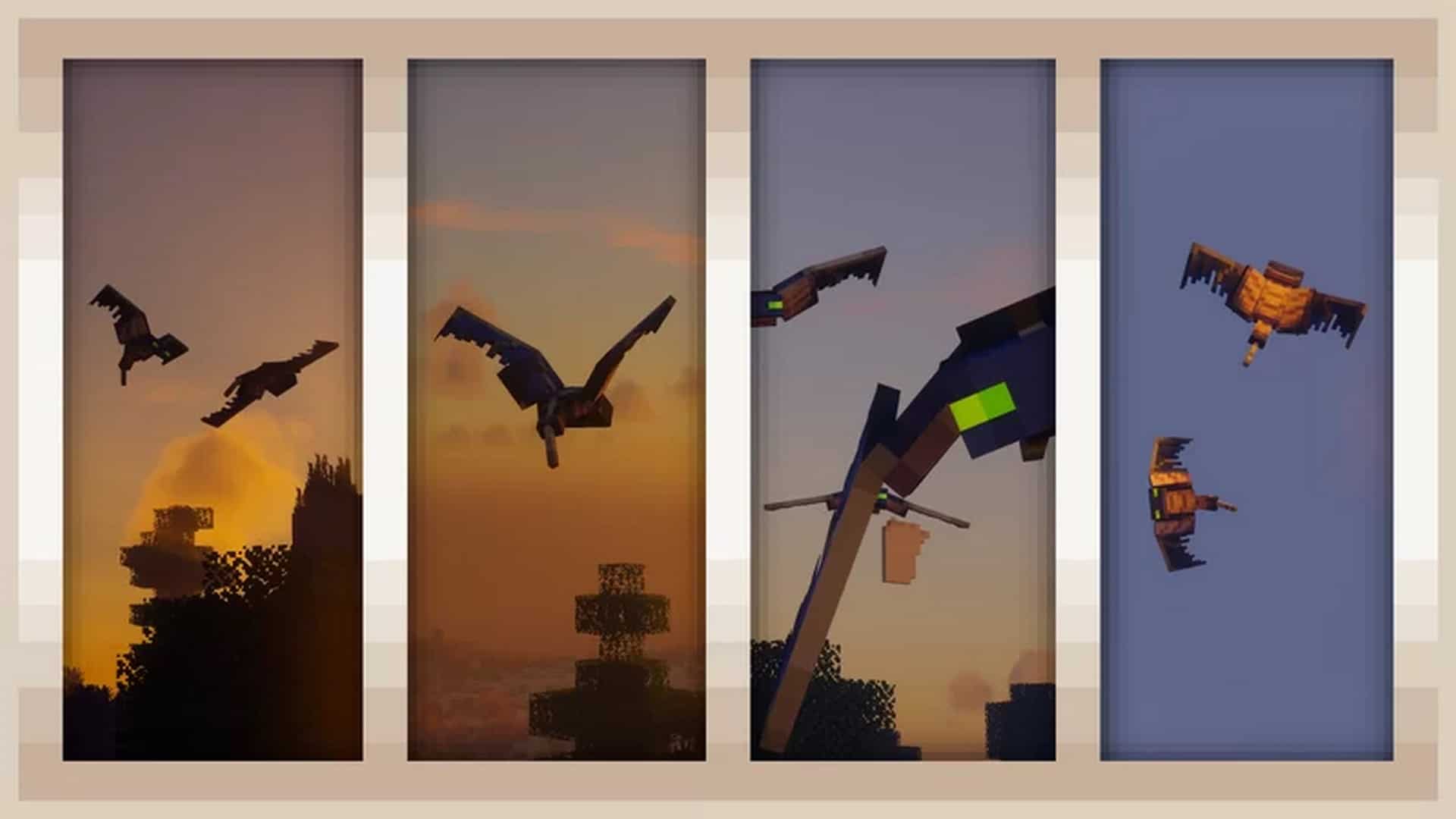
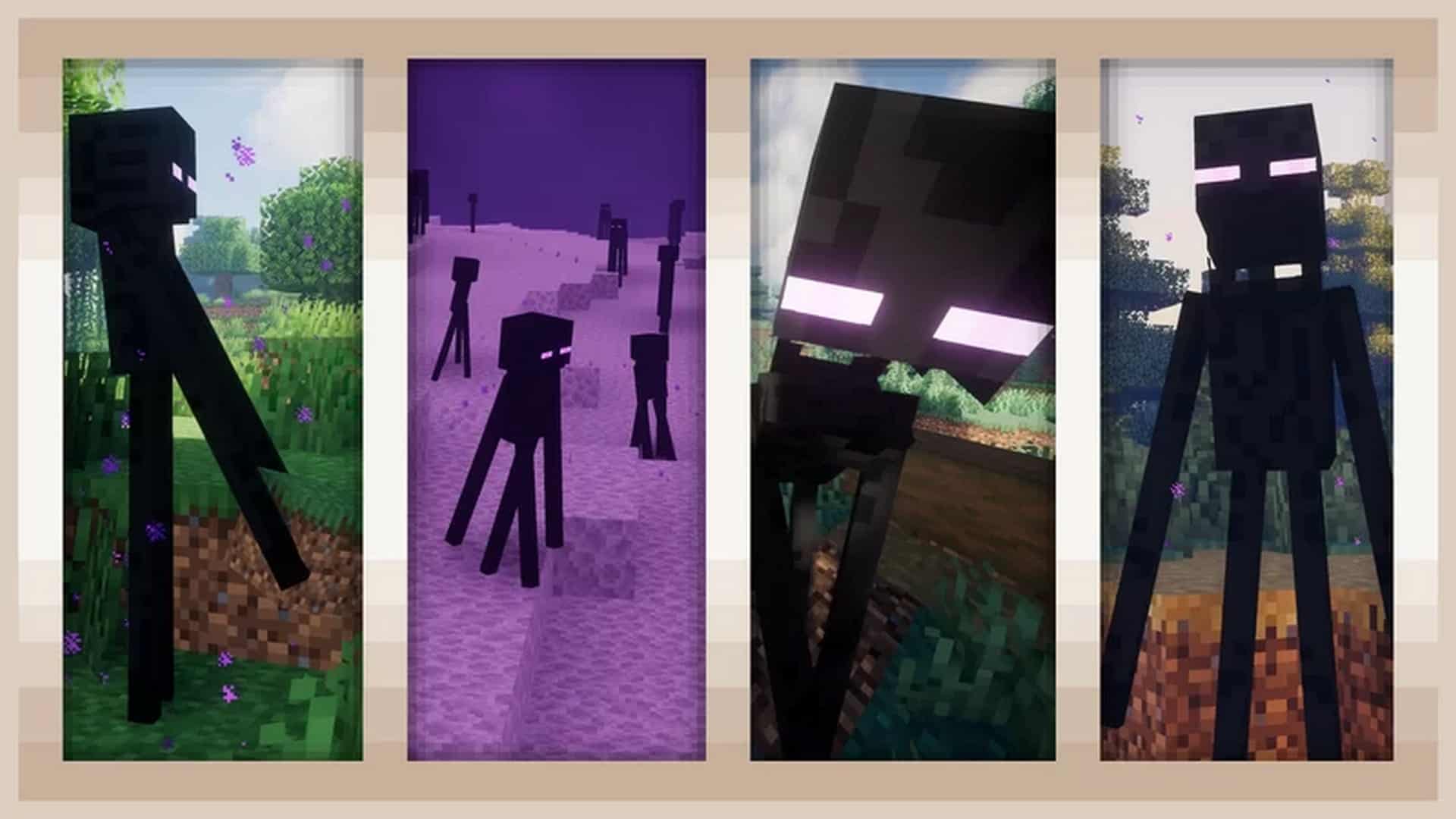
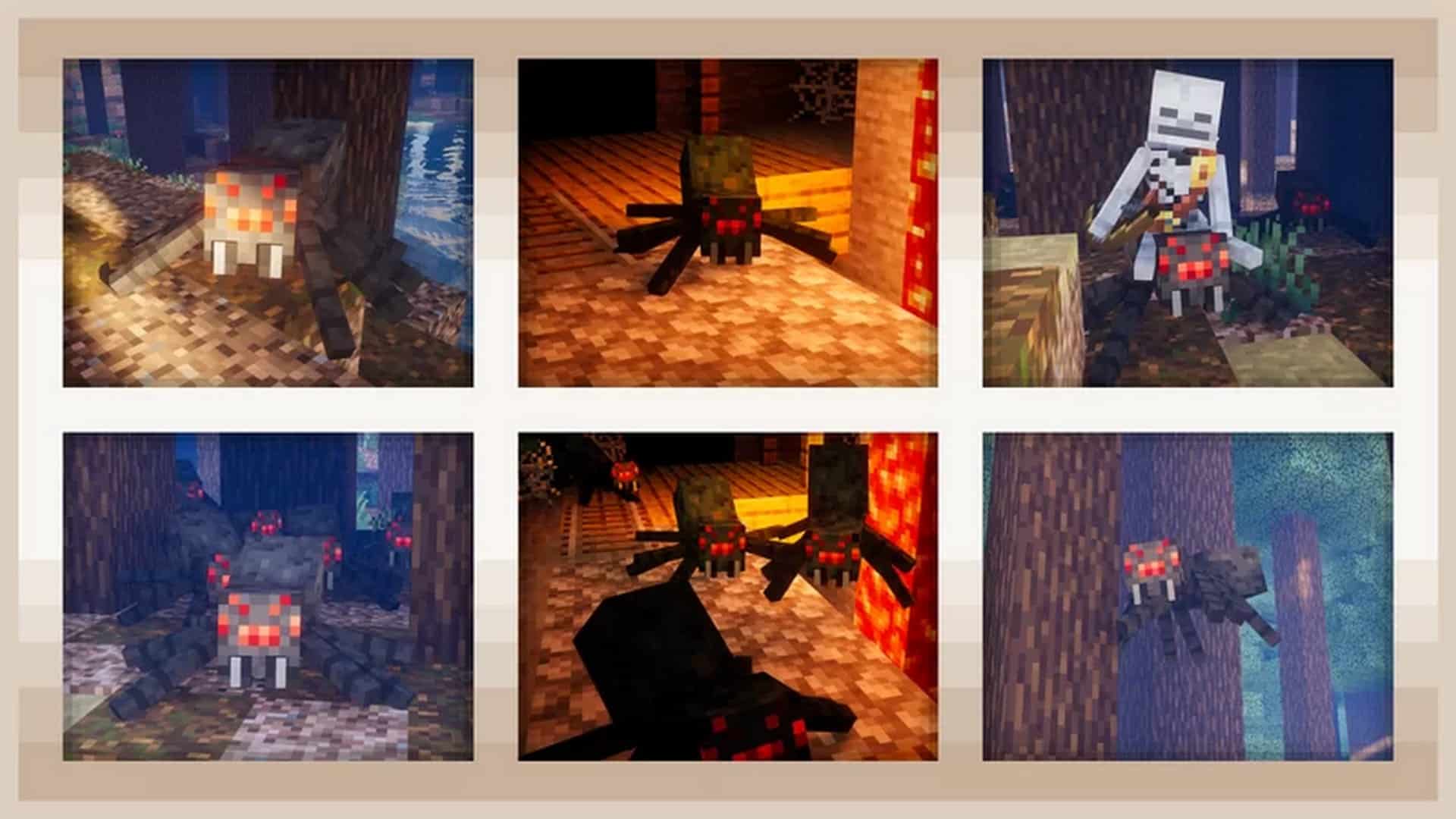
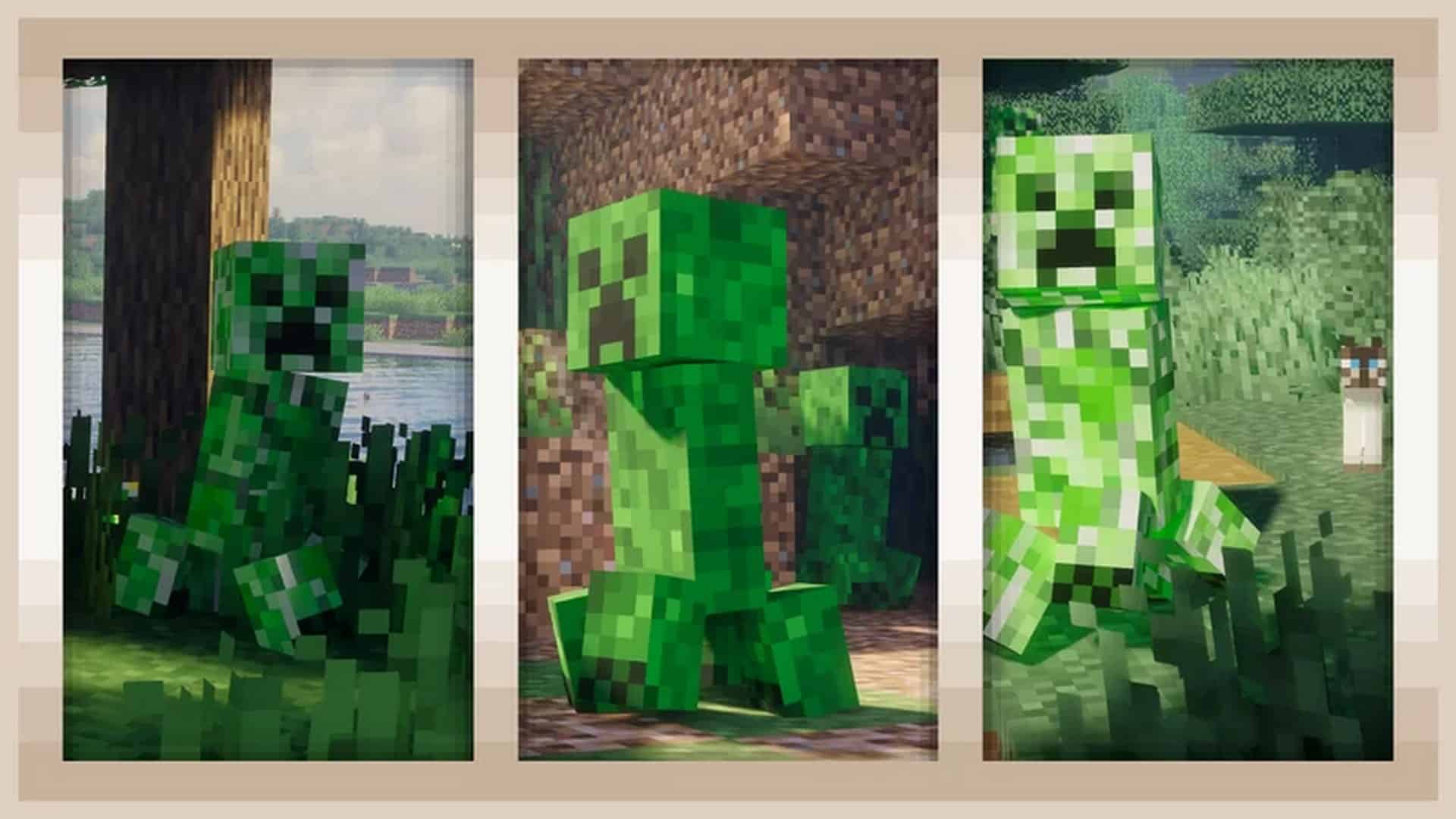
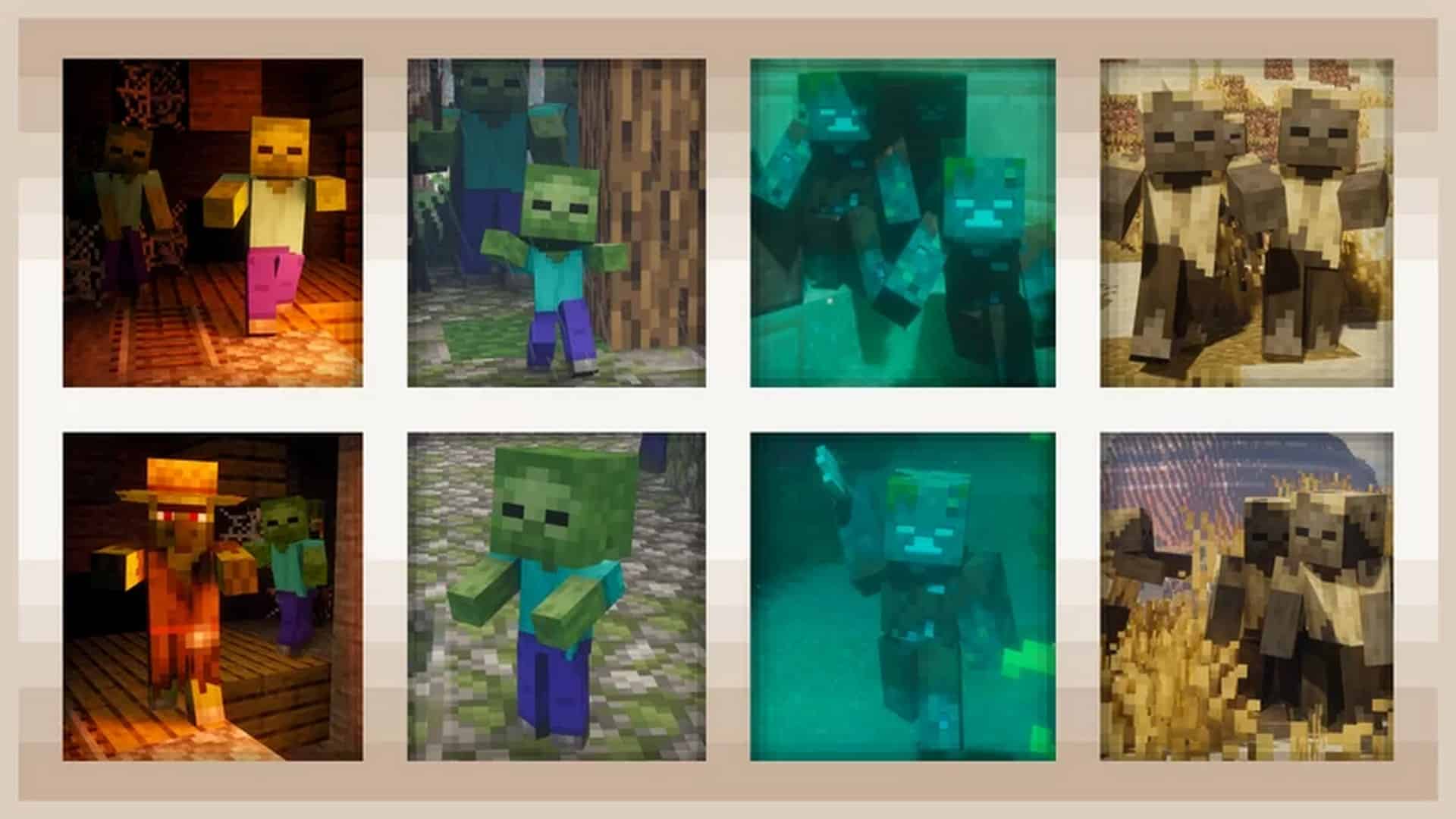
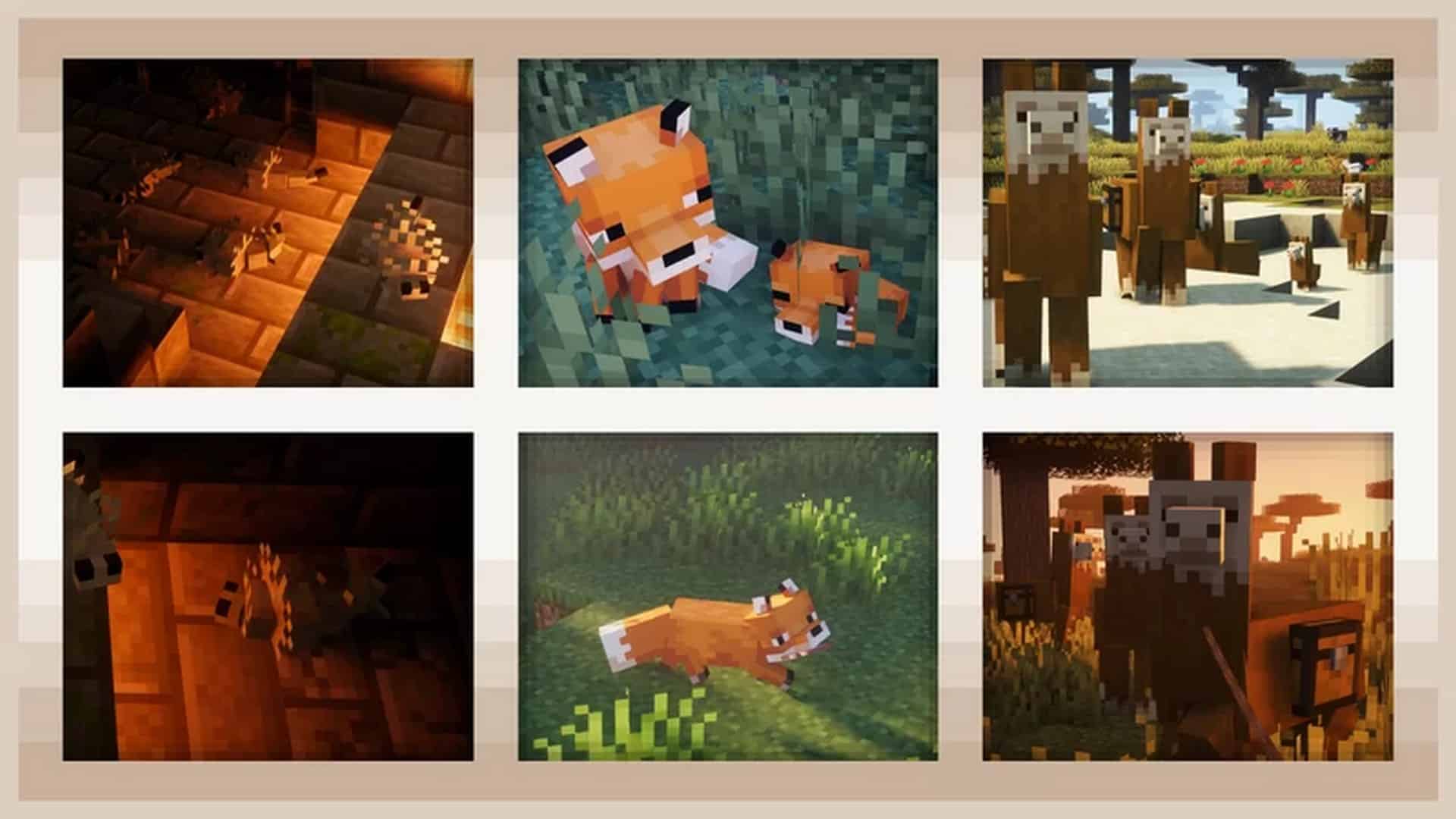
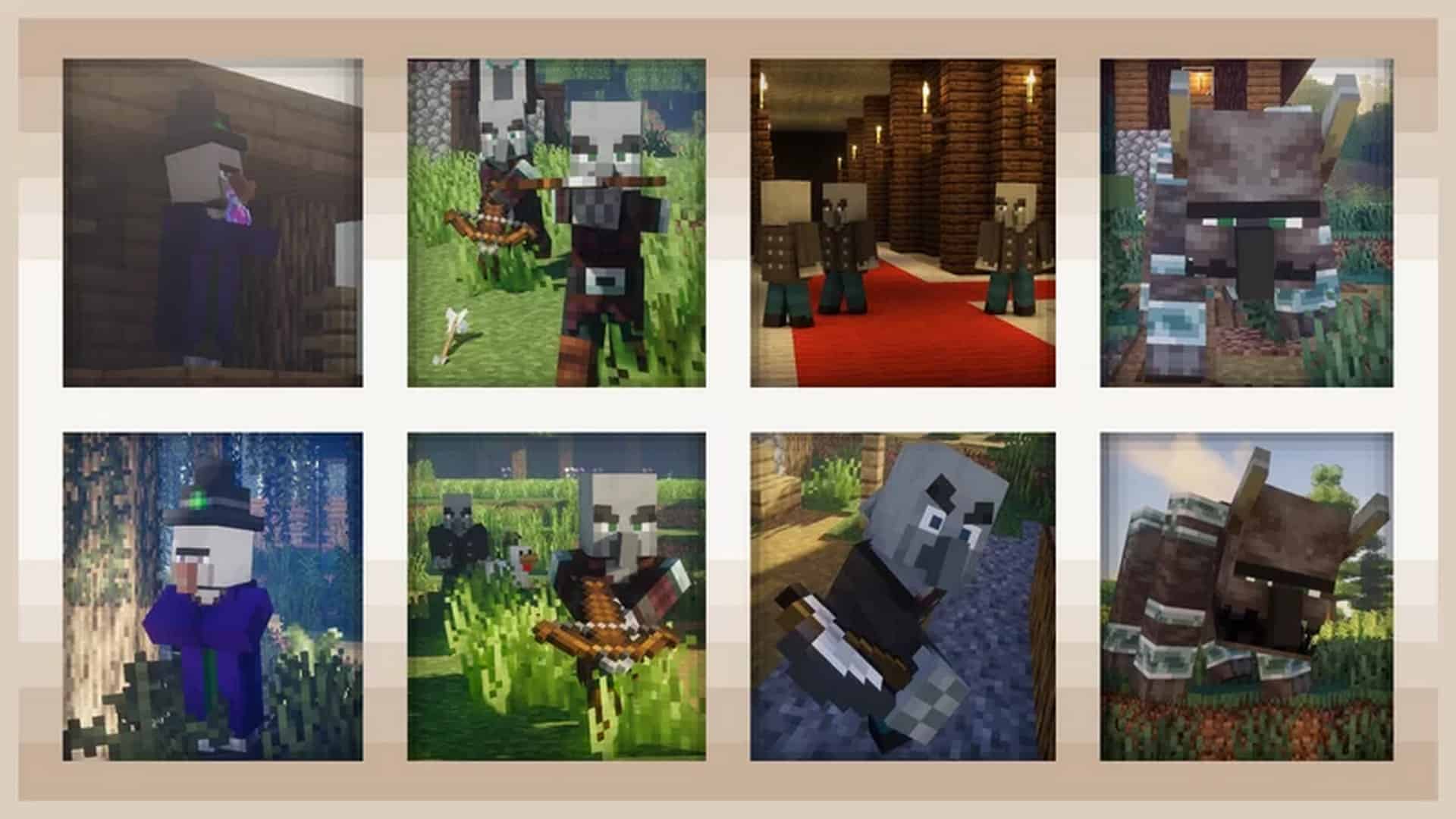
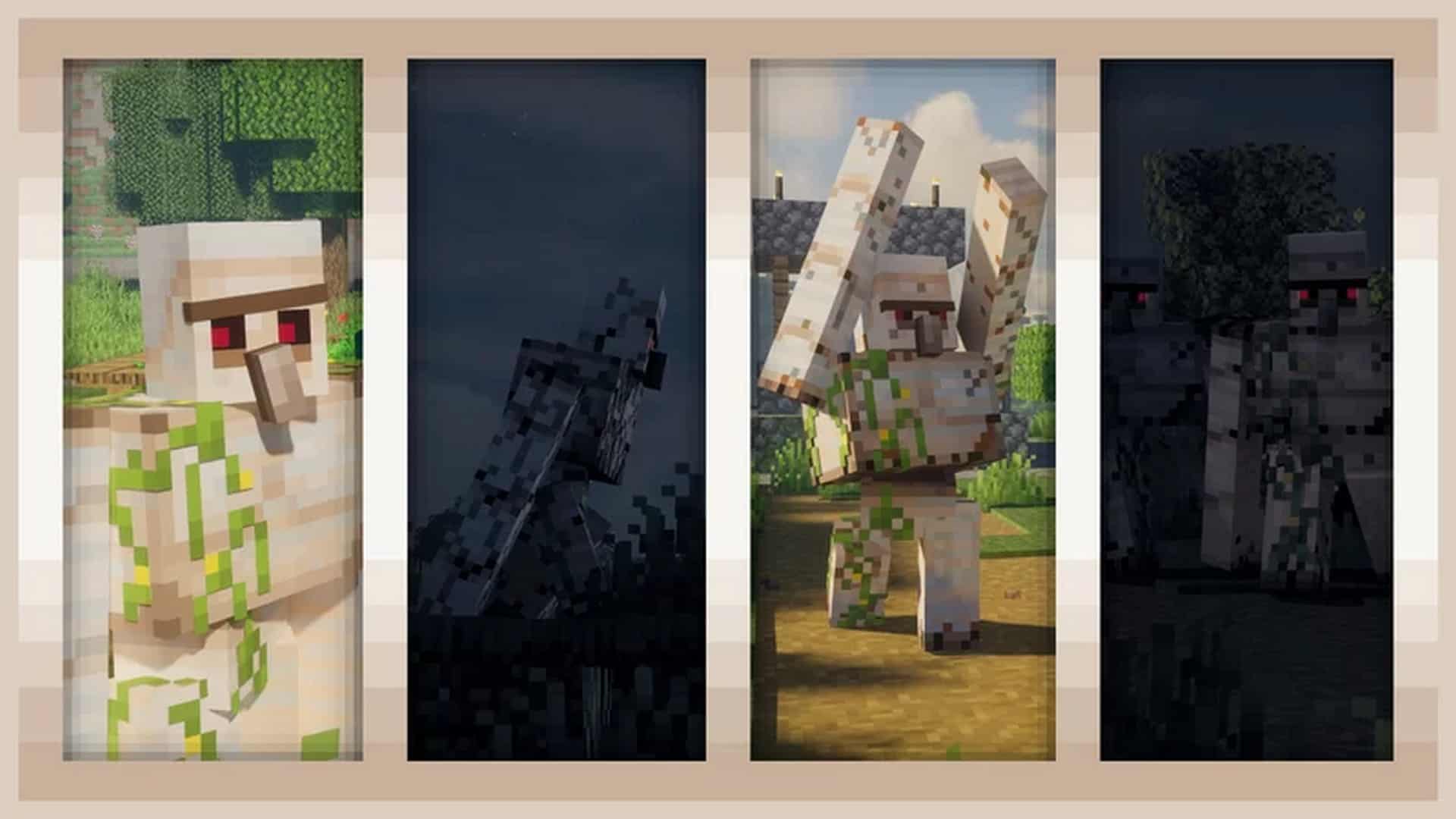
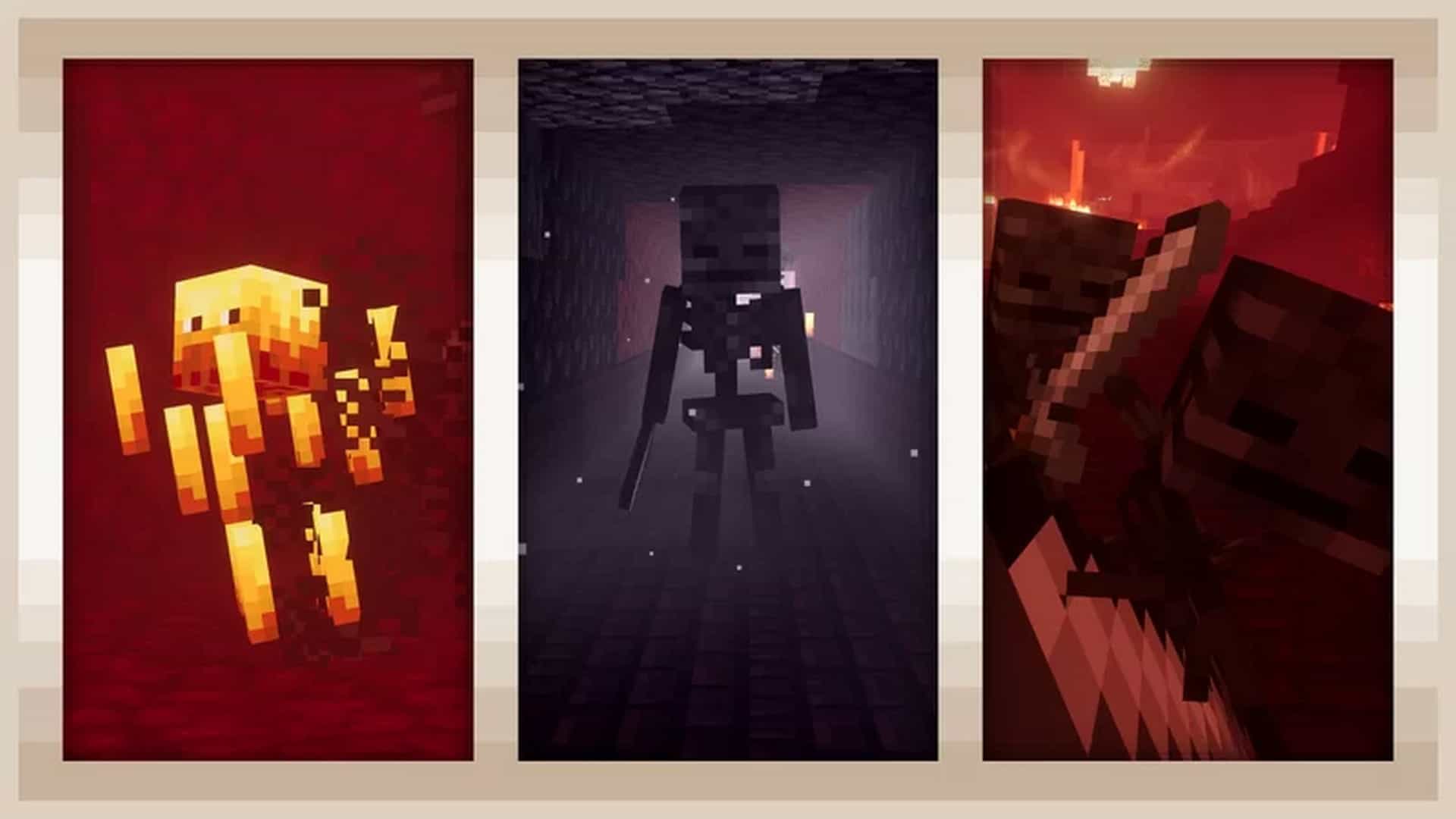
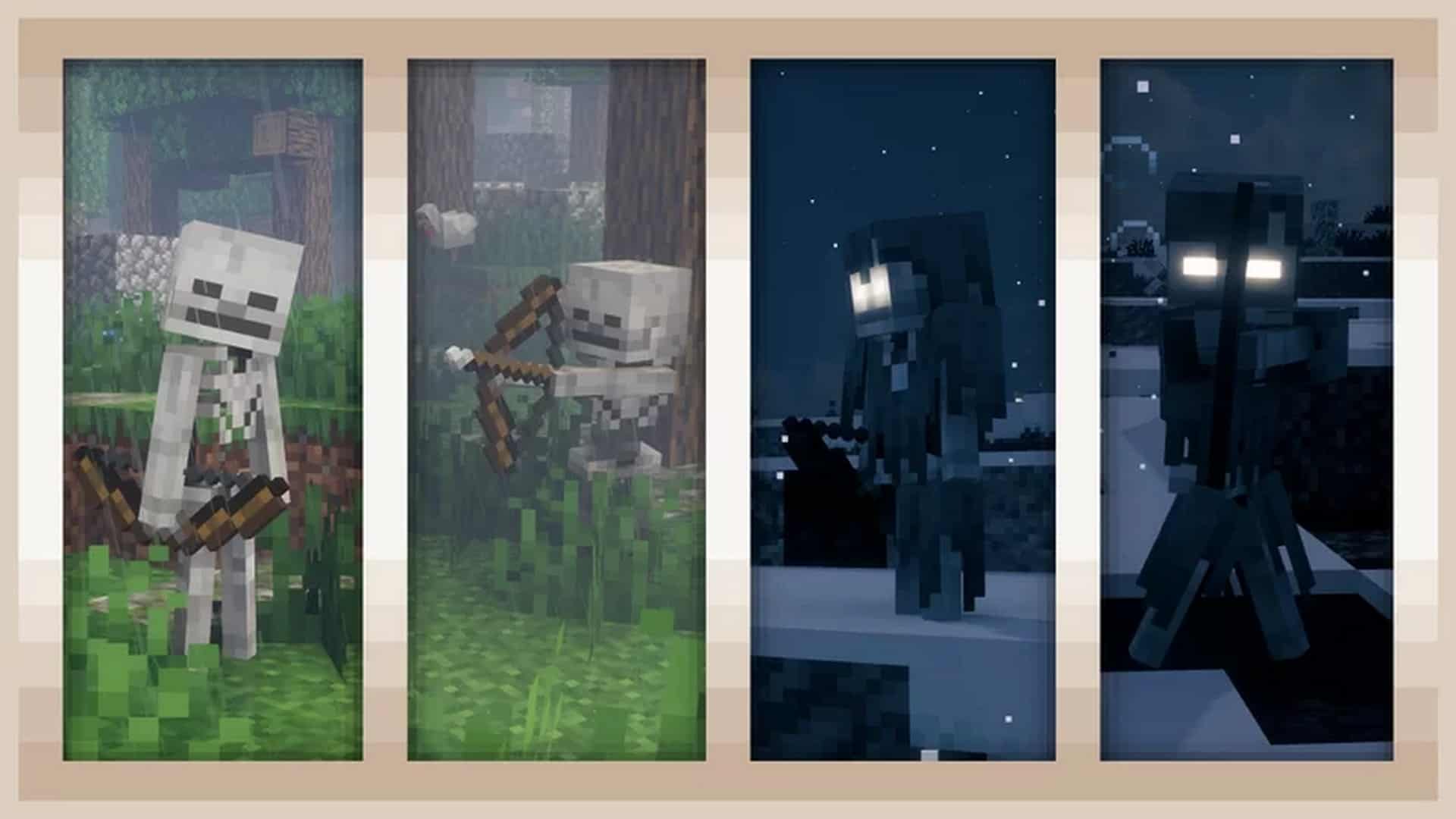
How to install Fresh Animations Resource Pack:
- Most resource packs require Optifine, so be sure to download and install it. – general recommended step for all packs, Optifine is also needed for most shaders
- Download the Fresh Animations texture pack for Minecraft from the download section below. – if there are many different versions, just choose the one you like, is compatible with your version/edition of Minecraft, the one you think your computer can handle in terms of performance.
- Launch the game client through the Minecraft launcher.
- On the main menu, click "Options".
- On the options menu, click "Resource Packs...".
- Click on "Open Resource Pack Folder". – folder titled "resourcepacks" will pop up
- Move the .zip file you downloaded in the first step to the newly opened "resourcepacks" folder.
- Click "Done".
- Click on "Resource Packs..." again.
- Your pack should have appeared in the left window, just hover over it and click on the arrow pointing to the right.
QUICK TIP: Sometimes, when activating a pack, the game may say that the pack is made for a newer or older version of Minecraft. This is just a warning, it does not affect your gameplay in anyway, and you can still activate and enjoy the pack by simply clicking the "Yes" button when prompted.
- Click "Done" again.
- The pack has now been successfully loaded and ready to be used in your world!
Important:
- Optifine is required! This pack will only work with Optifine and won’t without it!
- Alternatively, use EMF (Entity Model Features) and ETF (Entity Texture Features).
- Please note that if you have other packs with Optifine CEM features, they will override Fresh Animations CEM, removing the animation.
Required settings:
- Video Settings > Quality > Custom Entity Models: ON
- Video Settings > Quality > Random Entities: ON (optional)
- Video Settings > Quality > Emissive Textures: ON (optional)
Animated Mobs:
- Villager
- Iron Golem
- Witch
- Vindicator
- Evoker
- Pillager
- Ravager
- Creeper
- Zombie
- Husk
- Zombie Villager
- Skeleton
- Wither Skeleton
- Illusioner
- Pig
- Wandering Trader
- Phantom
- Blaze
- Enderman
- Squid (removed in 1.3.1)
- Guardian
- Elder Guardian
- Spider
- Cave Spider
- Silverfish
- Vex
- Drowned
- Stray
- Sheep
- Cow
- Mooshroom
- Chicken
- Dolphin
- Turtle
- Llama
- Trader Llama
- Fox
- Giant
- Horse
- Skeleton Horse
- Zombie Horse
- Donkey
- Mule
- Wolf
- Ocelot
- Cat
- Parrot
Important about add-ons:
- The Fresh Animations add-on is not required, but if you want additional features, you can install it on top/above the main pack;
- The Fresh Animations add-on is designed to work with vanilla/default Minecraft textures and will most likely not be compatible with resource packs.
- The Fresh Animations add-on provides the following features: animated blinking textures, some important fixes for a few mobs, extra details for some mobs, and some additional texture variants for a few mobs.
Fresh Animations Texture Pack Download
- We do not modify or edit any resource packs. All resource packs, shaders and tools found on this website are linked directly to official sources rather than hosted on our own servers. We provide only the official download links from the original creators to ensure that your files are safe and secure.
- These official links are updated manually and may occasionally stop working when a new version is released. We work hard to keep everything current so that you have a smooth experience. Please let us know in the comments if you find a link that no longer works.
- Minecraft is a trademark of Mojang Studios and has no official connection to this website. Our goal is simply to share the best creations from the community with other players.
- Please consider leaving a comment or voting for your favorite packs. This feedback helps authors improve their projects over time. You can also support the creators directly by visiting the official links located below the download section.
Java Edition:
[16x] [1.21.x] Download Fresh Animations Resource Pack – for EMF & ETF;
[16x] [1.20.x] Download Fresh Animations Resource Pack – for OptiFine HD U I3 or newer;
[16x] [1.19.x] Download Fresh Animations Resource Pack – for OptiFine HD U I3 or newer;
[16x] [1.18.x] Download Fresh Animations Resource Pack – for OptiFine HD U H9 and newer;
[16x] [1.17.x] Download Fresh Animations Resource Pack
[16x] [1.16.x] Download Fresh Animations Resource Pack
Add-ons (Java Edition):
[16x] [1.21.x] Download Fresh Animations Add-on Pack
[16x] [1.20.x] Download Fresh Animations Add-on Pack
[16x] [1.19.x – 1.18.x] Download Fresh Animations Add-on Pack
[16x] [1.17.x] Download Fresh Animations Add-on Pack
[16x] [1.16.x] Download Fresh Animations Add-on Pack
Curseforge: download starts automatically after a few seconds;
Mediafire: click the big blue button with the text "DOWNLOAD";
Google Drive: in the top right corner you will see a small download icon (down arrow), click it and the download should start;

3,783 votes
Look.. 3783 users have already liked this pack. Give a diamond if you like it too!


Dokulenteber69
can you download it on bedrock edition? I’m struggling to find it
Admin
Nope, this is java only resource pack.
minecraft434343434
bedrock dont support mods exept minecraft marketplace
terraria42069
You’re wrong dude. Bedrock has mods on the internet
E
Even though I download the 1.19 version of the pack in my 1.19 world, it still says its too new, and when I try and run it, every mob’s eyes go missing and no animations will play on their body besides the default ones.
mew
you need optifine to run it check if u got that
MoliRiba
I fix it easily this problem ao first you turn on your any mcpack and second pack on the fresh pack ok probalemfix ao easily
Tom
The animation does not work on the wolf and also the wolf looses it’s eyes
SlimeMin
How come I’m getting the 1.8.1 version when I download the 1.20.x link?
Admin
We’ve already replied to a similar question – v1.8.1 in the file name is the resource pack update version, not the Minecraft compatibility version.
56
no mine had the same thing it said NOT COMPADIBLE
Admin
Ignore the message and click “yes”?
invadrx
is this available in fabric?
Black___MC
Its a resourcepacks,but it works must with Optfine or EMF
ben
can you plz make it for 1.20?
CC_3836
The base resource pack works great in 1.19.4, but the add on pack doesn’t work right. The villager’s eyes are white. How do I fix this?
niggro
you mast use optifine
Alex
What do the add-ons do?
Admin
Read the “Important about add-ons” section.
Ebs Fae
Hey I can’t find the addon bit anymore and I need it all my creepers look funny, where do I find it? Am I being dense ? I had to resinstall the game and can only find the base resource pack but I love the addon. Help!
Anon
for me it’s just below the Java Edition links (probably useless since you said “anymore” but hey it’s worth mentioning)
spice
for some reason, it wont let me download 1.19, it only downloads 1.8..?
Admin
If you’re talking about v1.8 in the filename, that’s the resource pack update version, not the Minecraft compatibility version.
man
why do only some animals get the animation while others dont even when fresh animations is the only pack im using
Zay
he has a list of which mobs get animations
Jacob
The mob is extremely cool but I play bedrock Addition and now I’m really sad that it doesn’t work for it:(
Bro
IMPORTANT**** If the eyeballs of animals are acting weird on 1.19 make sure in the resource pack folder you have them listed top to bottom in this order
1) fresh animations
2) Default ( Minecraft resource pack ) THEN
3) The fresh animations add-on.
unknow
how to download on bedrock edition ??
Admin
You can’t.
Rythyr
The GLOWING EYES..
unknow
in what sense ??
Sqiggy
This doesnt work with 1.19.3
djjhaduiawdhwiaudh
its work v1.8
CJDark
this is optifine?
Kevin
Will this be updated for 1.10.3?
James Ernest
wow what a cool pack
Luke
Running Optifine1.18.1, latest version, with Custom entities, random entities, and emissive textures all turned on, but all the mobs have no eyes, any suggestions?
livia
mine doesnt have eyes aswell
Zach
Gotta make sure the addons is below the main files in the load order.
Rythyr
This makes no difference.
SomeMinecrafter
I tried for 1.19, and it failed, they also dont have eyes.
kabaczek
haha testing
Cassie
I have yet to see what mobs look like but I am dying for how frecking cute the cats and dogs are! So far, love it! Would be awesome if like cows and dogs could have other colors and stuff.
Ken
Same its not working tho
minion309
some of the animations like the skeleton are not working, how do I fix this?