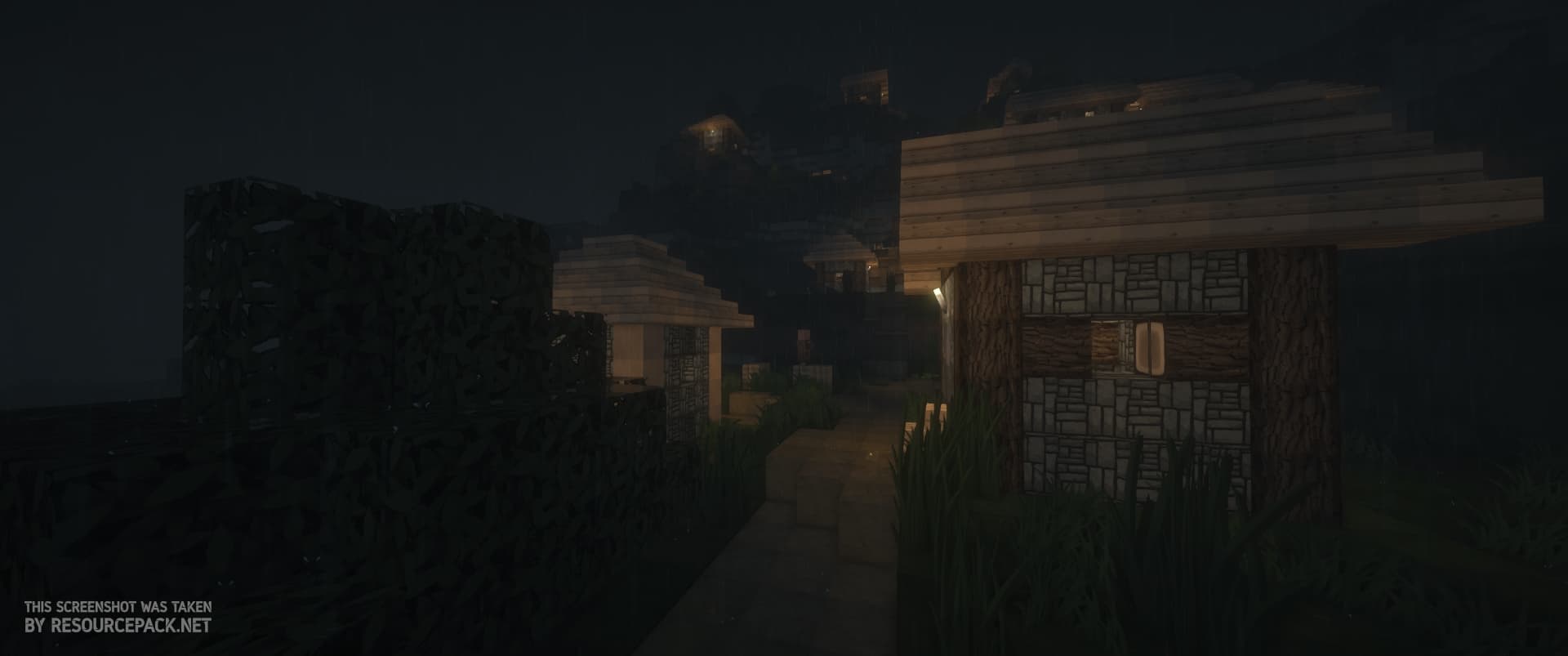
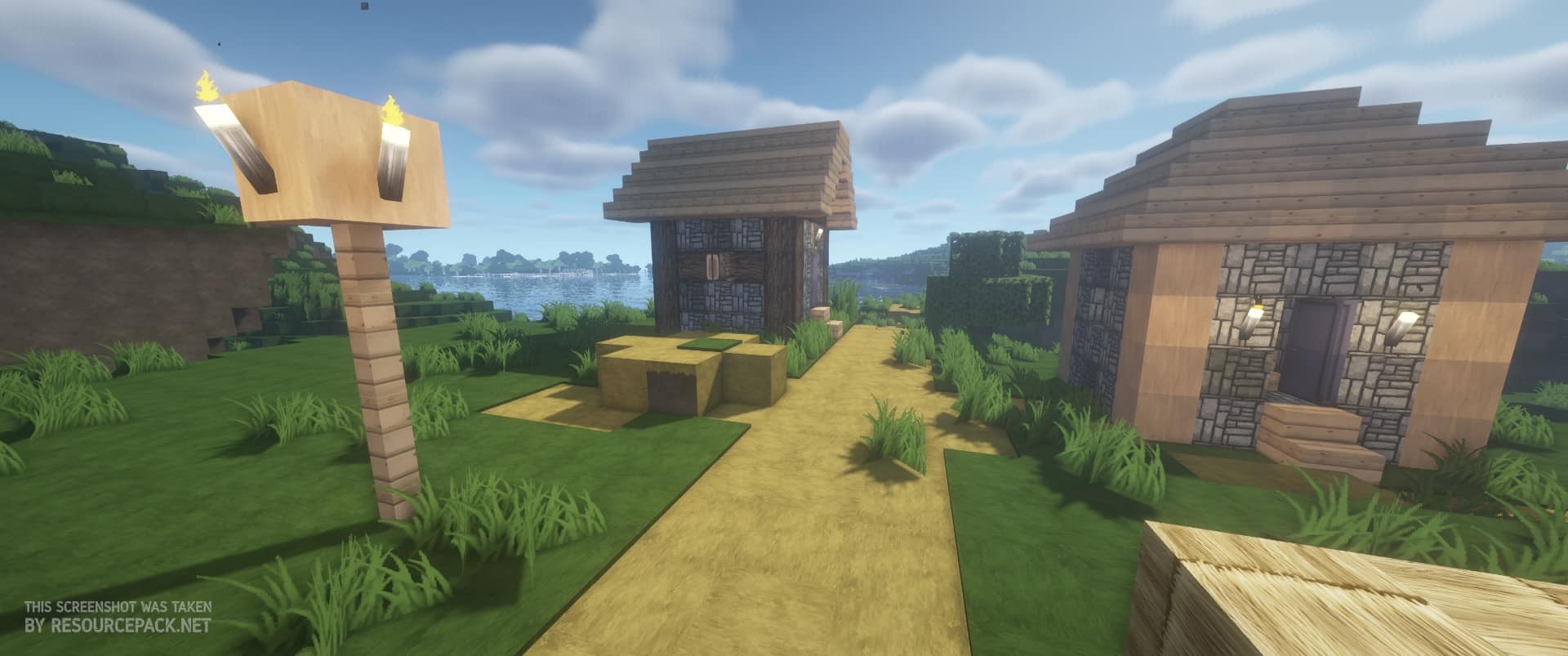
A vibrant, lively appearance is the trademark of the Flows HD texture pack. Its uniqueness comes from the developer’s inspiration with numerous resource packs, which led him to combine their best elements and create this quite unique resource pack. The game-changing textures that it offers are a result of years of work that all led up to its current state. The journey of the original Flows HD begins all the way back in 2012, around the time when Minecraft version 1.2.5 was released. This was going to be the foundation for all of the upcoming versions of the pack. However, the earliest developer ArtFlo91 has since passed the development efforts to others. Eisregen and Lukolaz provided some updates and later Exevium polished the textures for quite some time, after which they also retired from the pack. Naming out all of the contributors would take a while, so we’ll leave it here. Don’t worry though, the Flows HD resource pack is still being regularly updated for the newest Minecraft versions. When you first load up the game with this pack installed, you’ll immediately notice the stunning visuals and high-quality textures that still manage to retain Minecraft’s unique features. This was the main goal – modernizing the game while at the same time not changing its core elements. The Flows HD is quite popular with players who like to focus on building, mainly since the textures themselves are designed in a way that makes almost all of the builds look great, regardless of whether they’re medieval or modern, creepy or pleasant. Even if you’re not a builder and just want to experience the game in a new, modern, and sleek light, you should definitely try out this pack. A significant change that you’ll probably notice without even looking at the blocks is the sky. It got a complete revamp, taking on a new shade of blue while being crystal clear. At night, the moon gives off a gloomy glow that positively impacts the game’s atmosphere. This goes along perfectly with the changes concerning the game’s vegetation.
Featured video:
Their appearance is now much more natural and less pixelated, with the spiked grass going in all directions. This adjustment is noticeable even underwater since seagrass is also modified. If you’re playing Minecraft on a platform that doesn’t support Java, such as Playstation, Xbox, Android, or iOS, don’t worry. A developer by the name of PLAYGAMEMPE ported the complete resource pack to Minecraft’s Bedrock edition. This means that you can experience the transformation that Flows HD provides since all of the textures are exactly the same on all versions. Even though it’s not 100% necessary, developers recommend installing Optifine alongside this resource pack. Otherwise, some textures might not be able to load as they should. It’ll help connect all of the blocks properly, and this is quite important since the pack relies on this feature to provide an optimal experience. Also, with all of the options set correctly, it can help you get a few extra FPS. Keep in mind that there’s still no official Optifine version for Minecraft Bedrock, so you can’t rely on it giving you extra performance there. As far as the Flows HD performance goes, it requires quite a few more resources compared to the vanilla game. Releases for the earlier Minecraft versions had two possible resolutions to pick from, 64×64 and 128×128. However, since the development team got smaller, they transferred their focus completely to the higher quality version. This means that your PC has to render 8 times more pixels which can get problematic if you have weaker components. This is one reason more to install Optifine if you’re going to be using the pack. If this is not a concern to you, you can also use shaders alongside Flows HD to boost the game’s visuals even more. Although it can be quite demanding, Flows HD texture pack truly transforms the game into something new. The combination of different styles that makes it ideal for building is something that you’ll hardly find in any other resource pack. Its extensive history means that it had plenty of time to become polished and free of bugs. With the updates still ongoing, there’s no doubt that we still have a lot to see from the Flows HD resource pack.
Flows HD should be compatible with all of these Minecraft versions: 1.21.11 - 1.21.10 - 1.21.9 - 1.21.8 - 1.21.7 - 1.21.6 - 1.21.5 - 1.21.4 - 1.21.3 - 1.21.2 - 1.21.1 - 1.21 - 1.19.4 - 1.19.3 - 1.19.2 - 1.19.1 - 1.19 - 1.18.2 - 1.18.1 - 1.18 - 1.17.1 - 1.17 - 1.16.5 - 1.16.4 - 1.16.3 - 1.16.2 - 1.16.1 - 1.16 - 1.14.4 - 1.14.3 - 1.14.2 - 1.14 - 1.13.2 - 1.13.1 - 1.13 - 1.12.2 - 1.12 - 1.11.2 - 1.11 - 1.10.2 - 1.10 - 1.9.4 - 1.9 - 1.8.9 - 1.8.8 - 1.8.1 - 1.8.6 - 1.8 - 1.7.10 - 1.7.9 - 1.7.4 - 1.7 - 1.19.4 - 1.19.3 - 1.19.2 - 1.19.1 - 1.19 - Bedrock Edition - PE
Flows HD — Video & Screenshots
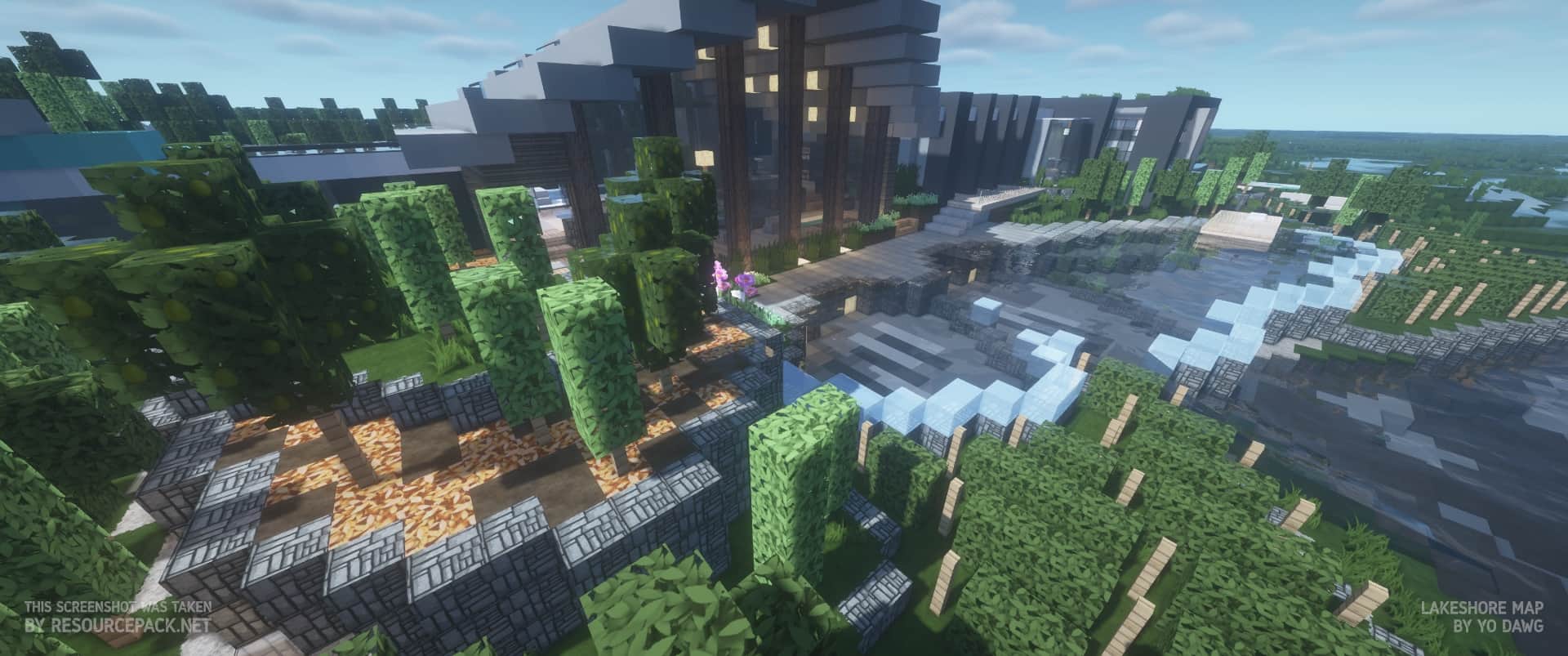
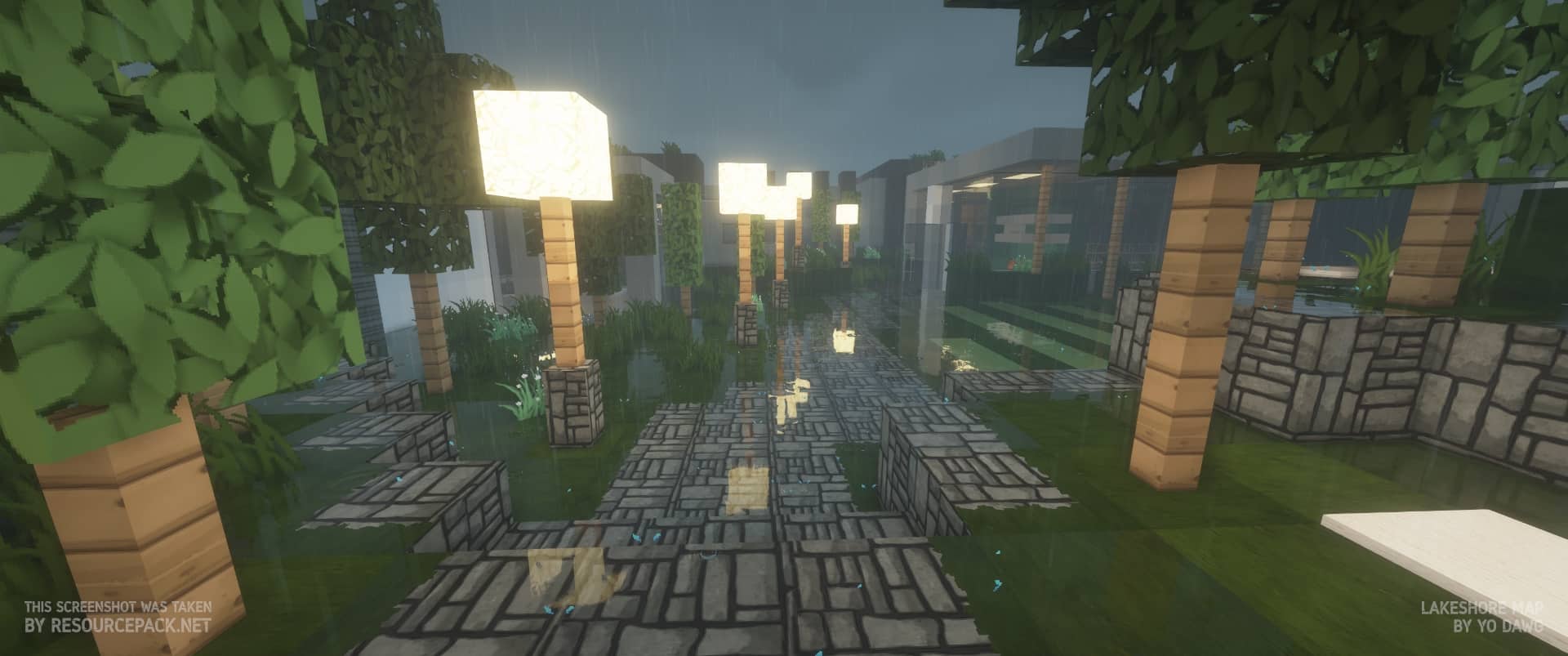
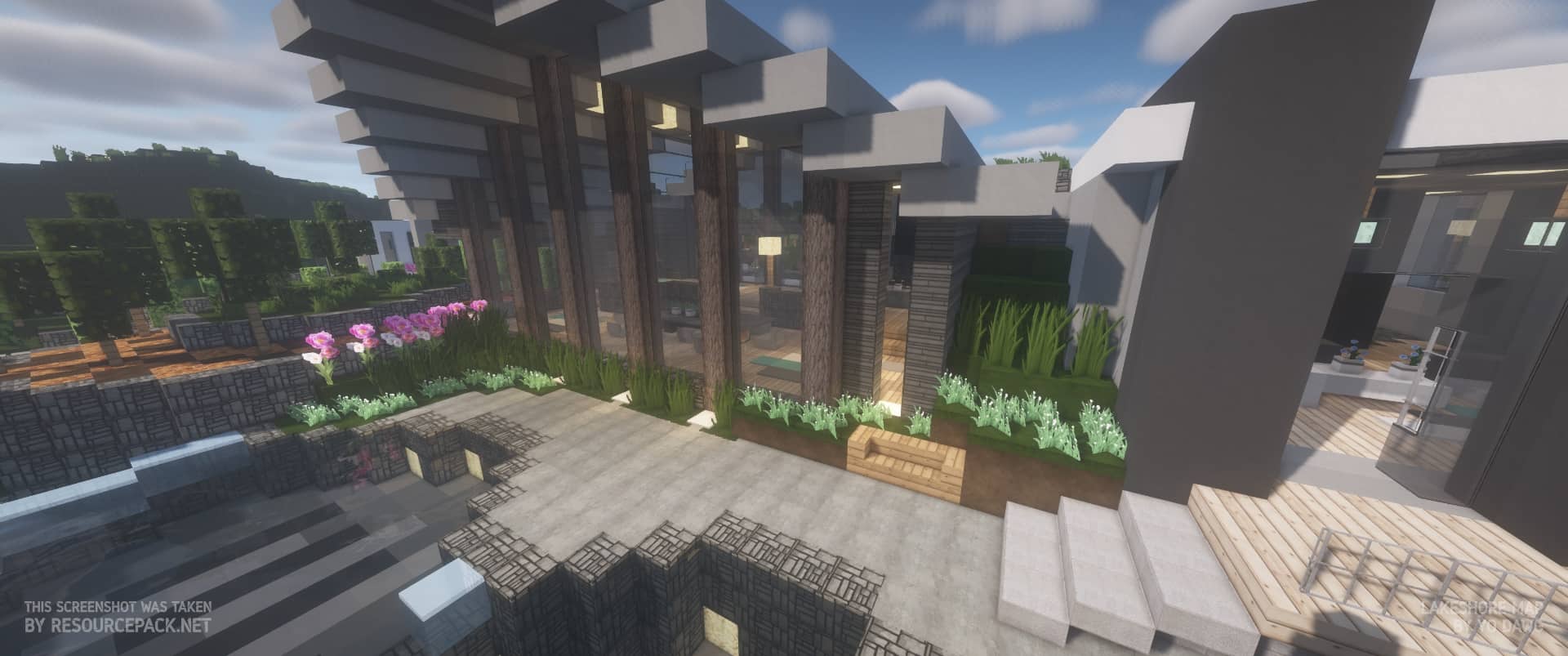
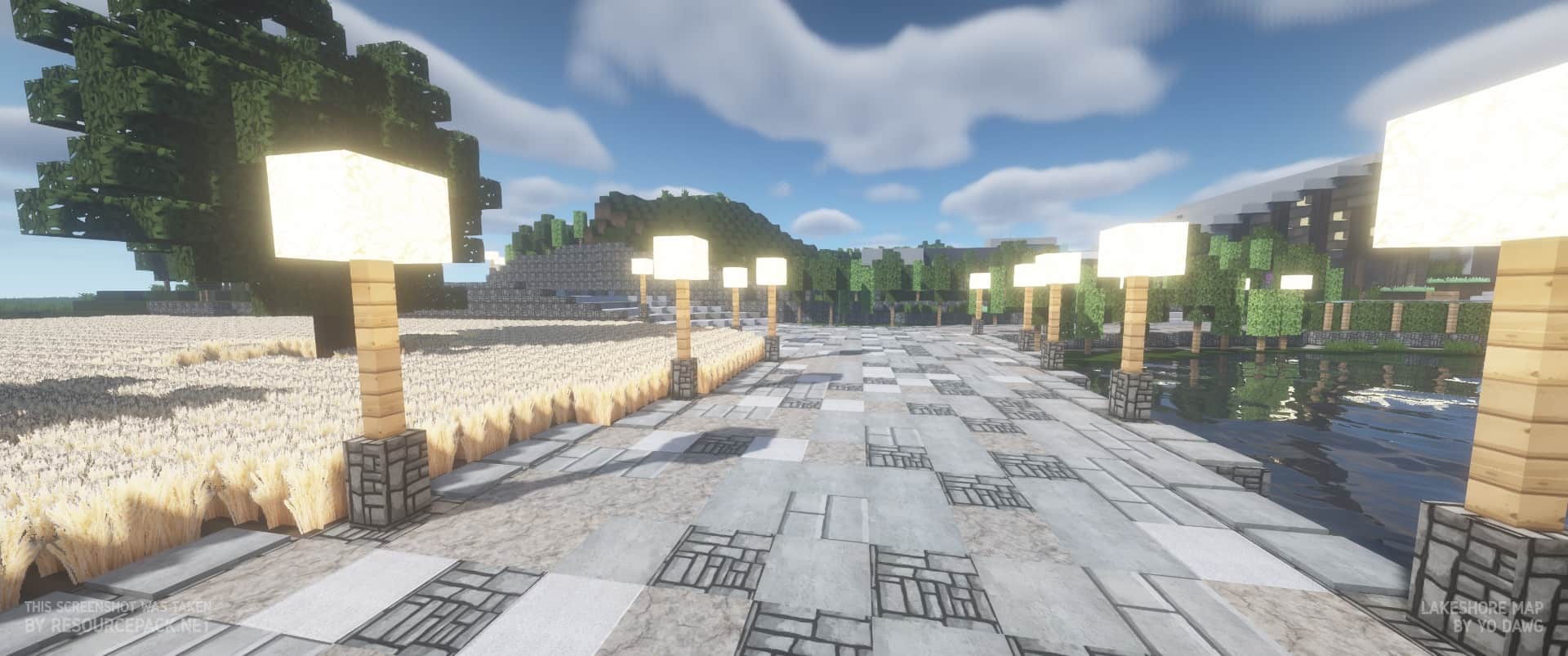
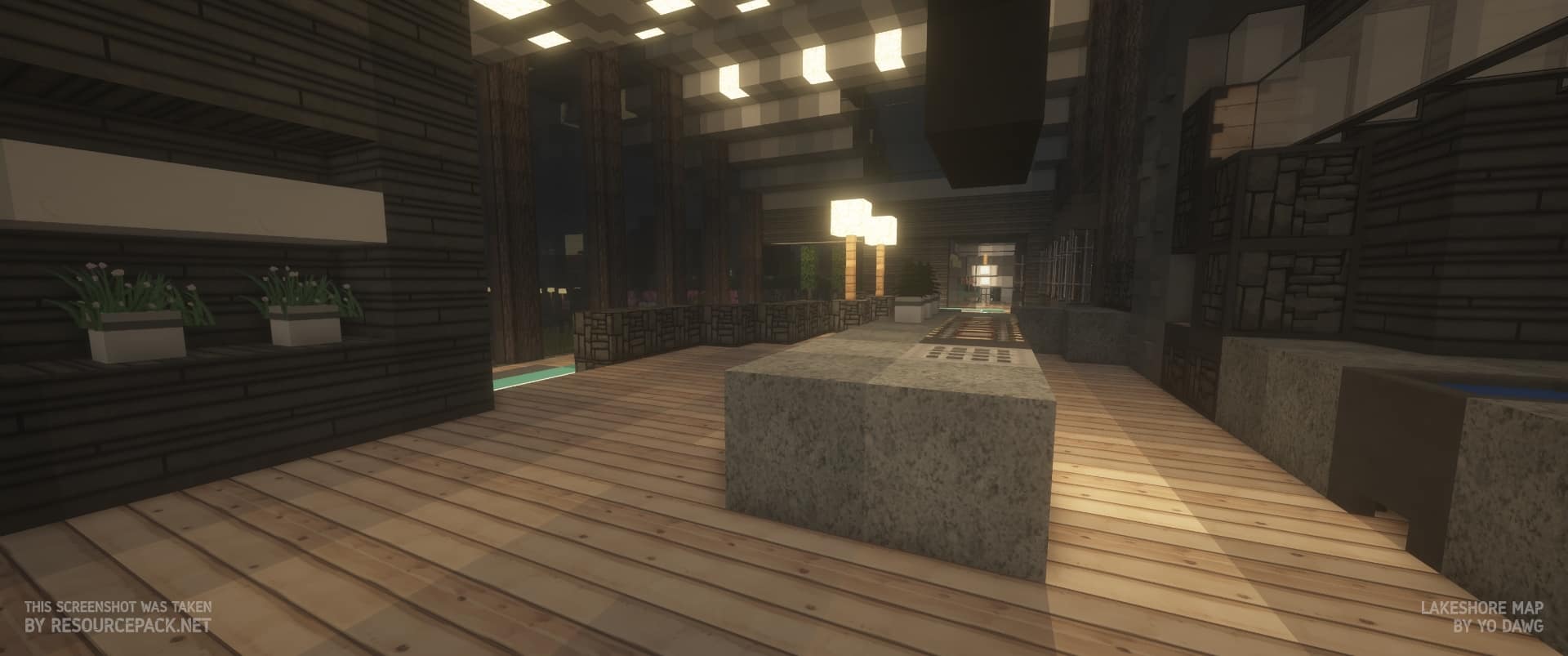
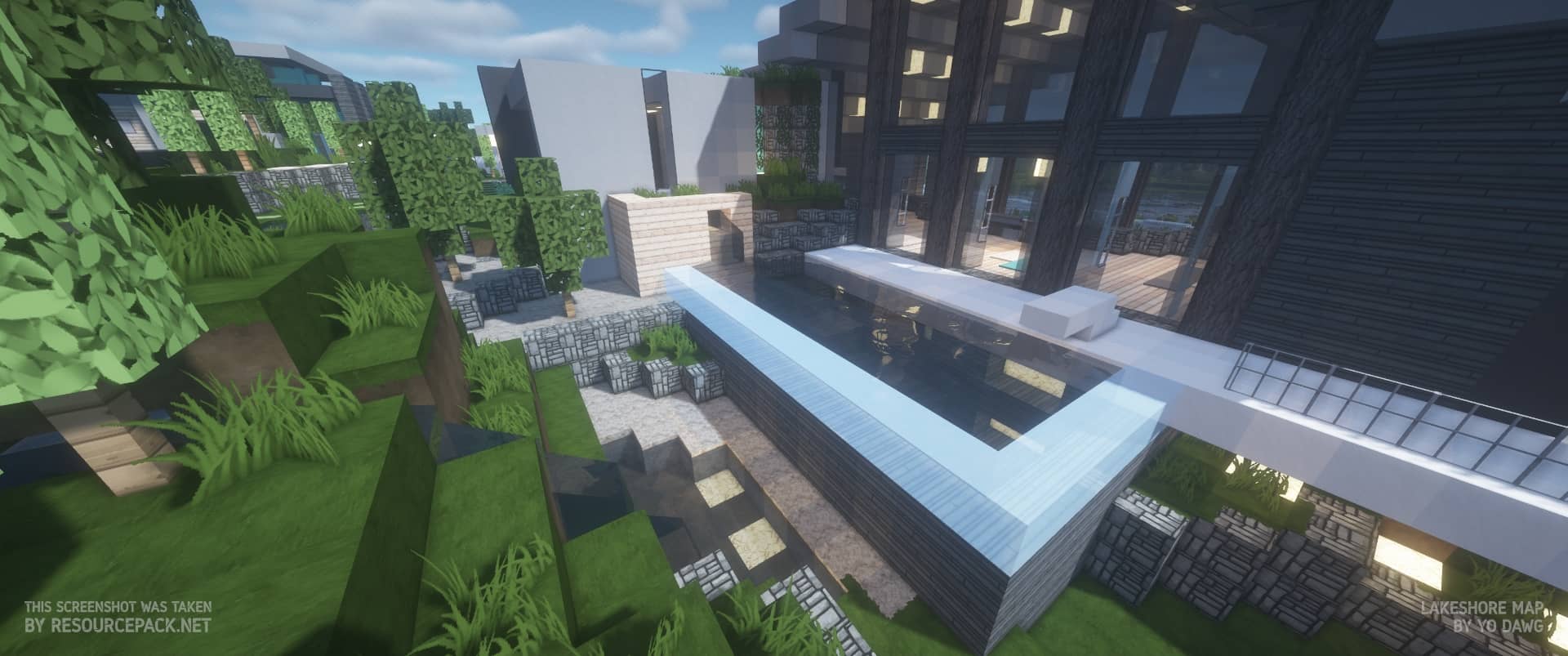
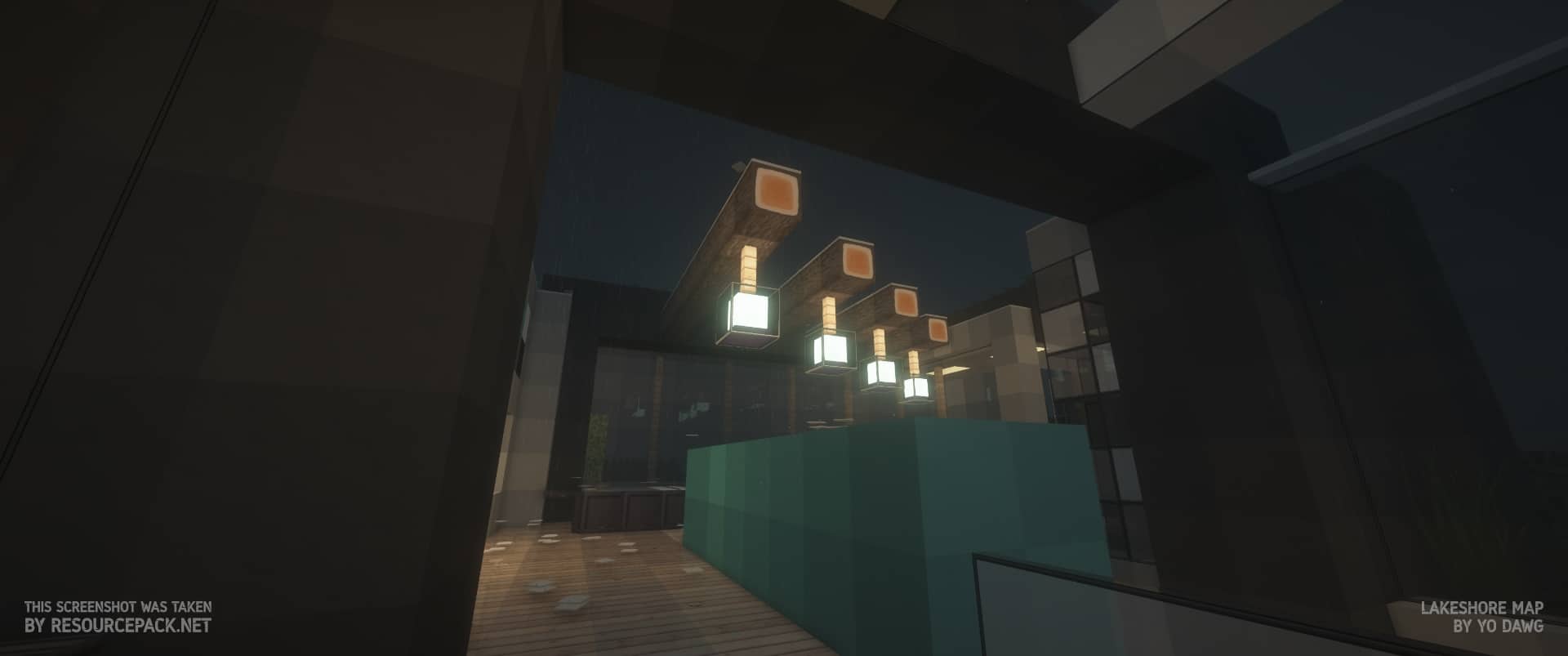
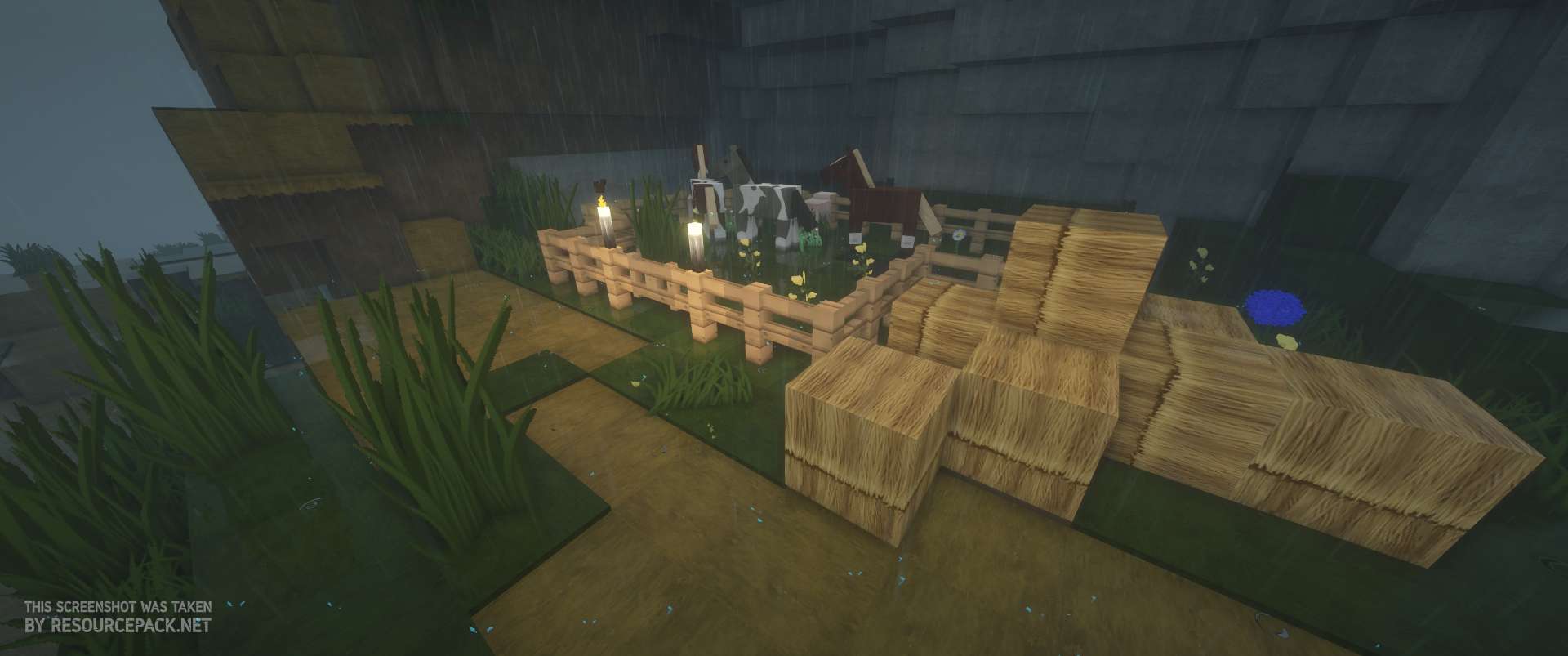
How to install Flows HD Resource Pack:
- Most resource packs require Optifine, so be sure to download and install it. – general recommended step for all packs, Optifine is also needed for most shaders
- Download the Flows HD texture pack for Minecraft from the download section below. – if there are many different versions, just choose the one you like, is compatible with your version/edition of Minecraft, the one you think your computer can handle in terms of performance.
- Launch the game client through the Minecraft launcher.
- On the main menu, click "Options".
- On the options menu, click "Resource Packs...".
- Click on "Open Resource Pack Folder". – folder titled "resourcepacks" will pop up
- Move the .zip file you downloaded in the first step to the newly opened "resourcepacks" folder.
- Click "Done".
- Click on "Resource Packs..." again.
- Your pack should have appeared in the left window, just hover over it and click on the arrow pointing to the right.
QUICK TIP: Sometimes, when activating a pack, the game may say that the pack is made for a newer or older version of Minecraft. This is just a warning, it does not affect your gameplay in anyway, and you can still activate and enjoy the pack by simply clicking the "Yes" button when prompted.
- Click "Done" again.
- The pack has now been successfully loaded and ready to be used in your world!
Flows HD - Comparison Slider #1 without shaders
Comparison slider #1 for those who want to compare vanilla Minecraft without any texture packs installed (on the left) with Minecraft using this particular texture pack (on the right).
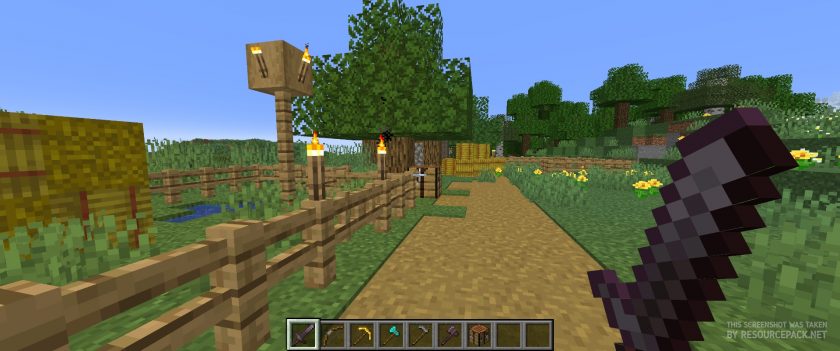 Vanilla
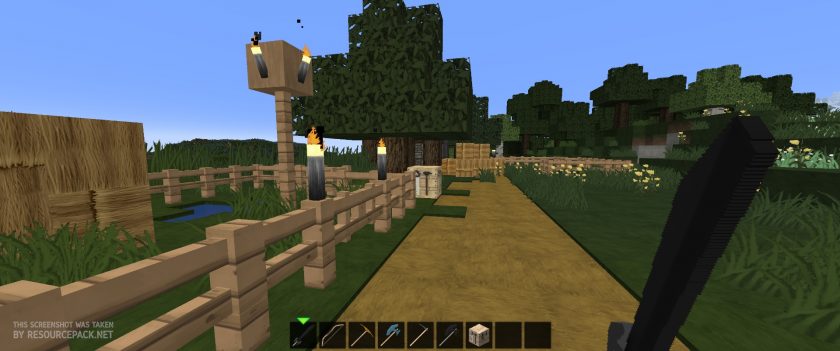 Flows HD
Flows HD - Comparison Slider #2 with BSL Shaders
Comparison slider #2 for those who want to compare vanilla Minecraft without any texture packs installed (on the left) with Minecraft using this particular texture pack (on the right).
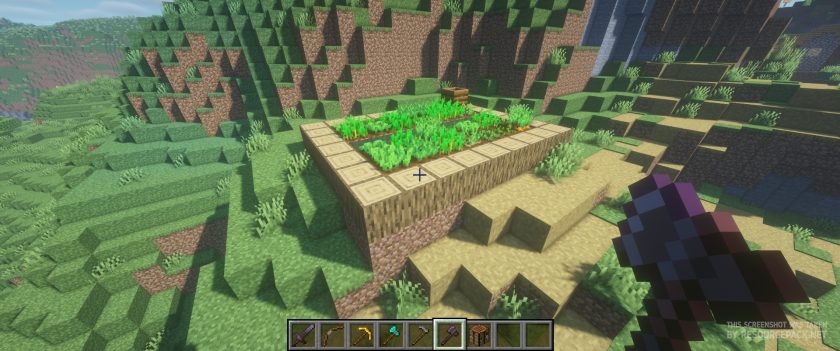 Vanilla (BSL Shaders)
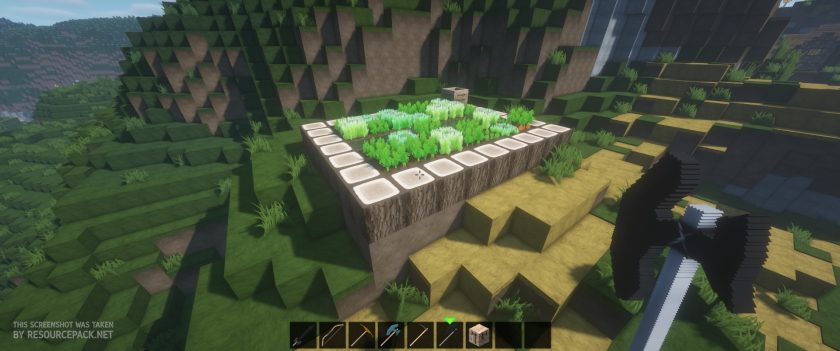 Flows HD (BSL Shaders)
Flows HD Texture Pack Download
- We do not modify or edit any resource packs. All resource packs, shaders and tools found on this website are linked directly to official sources rather than hosted on our own servers. We provide only the official download links from the original creators to ensure that your files are safe and secure.
- These official links are updated manually and may occasionally stop working when a new version is released. We work hard to keep everything current so that you have a smooth experience. Please let us know in the comments if you find a link that no longer works.
- Minecraft is a trademark of Mojang Studios and has no official connection to this website. Our goal is simply to share the best creations from the community with other players.
- Please consider leaving a comment or voting for your favorite packs. This feedback helps authors improve their projects over time. You can also support the creators directly by visiting the official links located below the download section.
Bedrock Edition:
[128x] Download Flows HD Bedrock Edition Resource Pack
[64x] Download Flows HD Bedrock Edition Resource Pack
Java Edition (128x):
[128x] [1.21.x] Download Flows HD Resource Pack
[128x] [1.19.x] Download Flows HD Resource Pack
[128x] [1.18.x – 1.17.x] Download Flows HD Resource Pack
[128x] [1.16.x] Download Flows HD Resource Pack
[128x] [1.14.x] Download Flows HD Resource Pack
[128x] [1.13.x] Download Flows HD Resource Pack
[128x] [1.12.x] Download Flows HD Resource Pack
[128x] [1.11.x – 1.9.x] Download Flows HD Resource Pack
[128x] [1.8.x – 1.7.x] Download Flows HD Resource Pack
Java Edition (64x):
[64x] [1.21.x] Download Flows HD Resource Pack
[64x] [1.19.x] Download Flows HD Resource Pack
[64x] [1.14.x] Download Flows HD Resource Pack
[64x] [1.13.x] Download Flows HD Resource Pack
[64x] [1.12.x] Download Flows HD Resource Pack
[64x] [1.11.x – 1.9.x] Download Flows HD Resource Pack
[64x] [1.8.x – 1.7.x] Download Flows HD Resource Pack
Add-ons (Java Edition):
Connected Textures Add-on – 128x resolution, for MC 1.13.x and later;
3D Models Add-on – 128x resolution, for MC 1.13.x and later;
Chisel Mod Add-on – 128x resolution, for MC 1.13.x and later;
Curseforge: download starts automatically after a few seconds;
Mediafire: click the big blue button with the text "DOWNLOAD";
Google Drive: in the top right corner you will see a small download icon (down arrow), click it and the download should start;

1,301 votes
Look.. 1301 users have already liked this pack. Give a diamond if you like it too!


Densho
i cant add this too realm for some reason bedrock, both 128 and 64 tried
number
please fix mobs
erika
please update for 1.21.3
Julia
Will it give a update for 1.20.x
Vincent
I’m trying to install this on my mac, but it’s not letting me install it, I’ve tried it on two devices but it just keeps going to zero from around the 15 mb mark. Does anybody know what is possibly causing this? I’ve never had anything like happen and I’m just a bit stressed.