The Faithless resource pack is one of the packs that take into interest how to overcome color deficiencies in Minecraft. Are you that type of person who cannot distinguish between colors and you are a gamer or want to try a certain game? Well, this is the pack for you aimed at aiding you to have the same measure of fun others have when they play. For you to be in a position where you’ll assume roles of characters in the game despite your color weakness, this resource pack will help convey some uniqueness to the features and blocks in the game. Minecraft has designed the game to be accessible to everyone, but for some, due to their physical disabilities, for instance, sight-impaired normally, they cannot play the game. However, all is not lost, for with the help of the resource pack, which gives the Faithless texture, they will be in a position to play. Its composition benefits them by allowing one to tell the difference between the colors of the elements in the game. Such challenges are evident to the visually impaired, and perhaps you did not know they happened because you cannot relate to them. Through the assistance of the physically disabled persons to the developer ItsStitchyYT, they expect the resource pack created in alignment with their needs. This resource pack was initially embraced via Reddit. The Faithless texture pack is not only designed for the visually impaired but also for those who can discern the difference in colors. Using these textures is way more fun than using the default ones. If you want to identify blocks in their shape and color, consider using this resource pack for the mind-blowing textures. Additionally, you will have an array of different and extraordinary designs from those you are used to, maximizing your urge to engage in the game. The most known faithful texture pack is Faithful 32x, where some of its features relate to this faithful texture. They both purpose to improve Minecraft and manage its effectiveness to the players. However, despite having similarities, they tend to differ in their power resolutions.
Featured video:
The Faithful texture pack tends to have a higher resolution than the faithless pack. The faithless texture pack has a relatively low resolution, giving you an option to opt for 16x or 8x. But the developer had a reason for designing because it allows you to play with the resource pack without your expensive gadget. It is time-consuming to develop all these textures, and the developer, ItsStitchyYT, does not fascinate with releasing uncompleted projects. There are still some pending features yet to be made accessible to you. The creator reveals to you that before he can approve a successful project from creating textures, he makes sure he listens to his users for him to create one that aligns with their needs. Perhaps you have any recommendations on the features you want to be added or removed on the textures, reach him via Discord, and by doing this, you will help in mending the color defects. From the ideas given by some of you, blending in the AppleSkin mod seems to be the most wanted, and be certain that the developer will consider this. Thus, this resource pack’s purpose of make sure that even those who have weaknesses in distinguishing colors can recognize all elements in Minecraft. It focuses on bringing new textures that will be effective to such types of people, which will help them be in a position to play. Besides that, the resource pack aims to give you an experience you have never had, for it sets to improve its RPG by establishing more themes. This will leave you with more urge of wanting to play the game often. Its RPG runs at 16x; hence you should not expect any problems on your hardware if it can work on Minecraft. The faithless texture is beneficial to players experiencing Trypophobia as well as Dyslexia. You can consider using this RPG for those who want to engage in the game Survival mode because its features are so exquisite. Whether or not you have color deficiencies, be sure to opt for this resource pack, and after its installation, you will have an amazing time in your play. It is an overwhelming creation starting with how each item in the game looks and is differentiated in shape and color to discern them, giving you an outstanding videogame experience.
Faithless should be compatible with all of these Minecraft versions: 1.21.11 - 1.21.10 - 1.21.9 - 1.21.8 - 1.21.7 - 1.21.6 - 1.21.5 - 1.21.4 - 1.21.3 - 1.21.2 - 1.21.1 - 1.21 - 1.20.6 - 1.20.5 - 1.20.4 - 1.20.3 - 1.20.2 - 1.20.1 - 1.20 - 1.19.4 - 1.19.3 - 1.19.2 - 1.19.1 - 1.19 - 1.18.2 - 1.18.1 - 1.18 - 1.17.1 - 1.17 - 1.16.5 - 1.16.4 - 1.16.3 - 1.16.2 - 1.16.1 - 1.16 - 1.15.2 - 1.15.1 - 1.15 - 1.14.4 - 1.14.3 - 1.14.2 - 1.14 - 1.13.2 - 1.13.1 - 1.13 - 1.8.9 - 1.8.8 - 1.8.1 - 1.8.6 - 1.8 - 1.7.10 - 1.7.9 - 1.7.4 - 1.7 - 1.6.4 - 1.6.2 - Bedrock Edition - PE
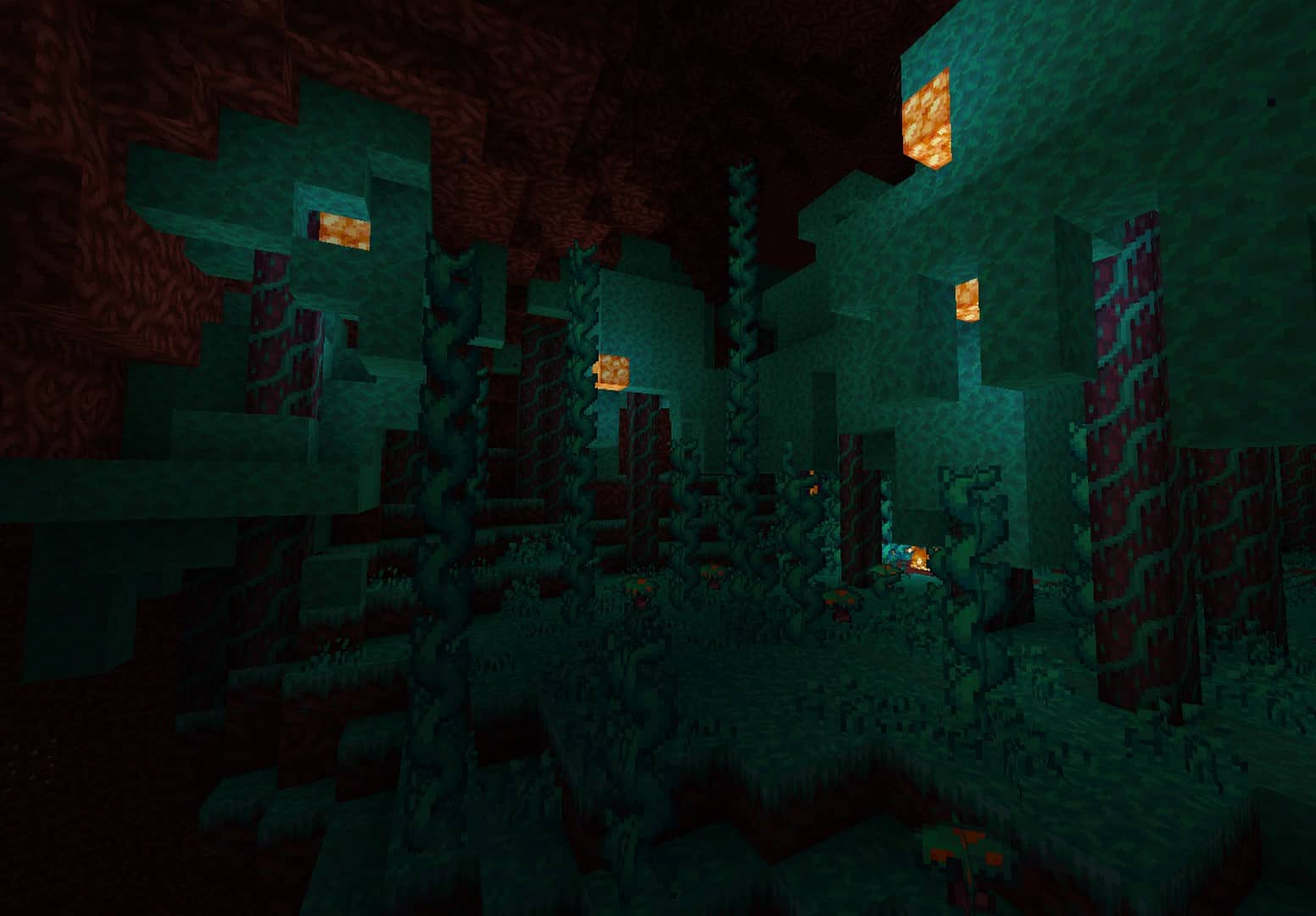
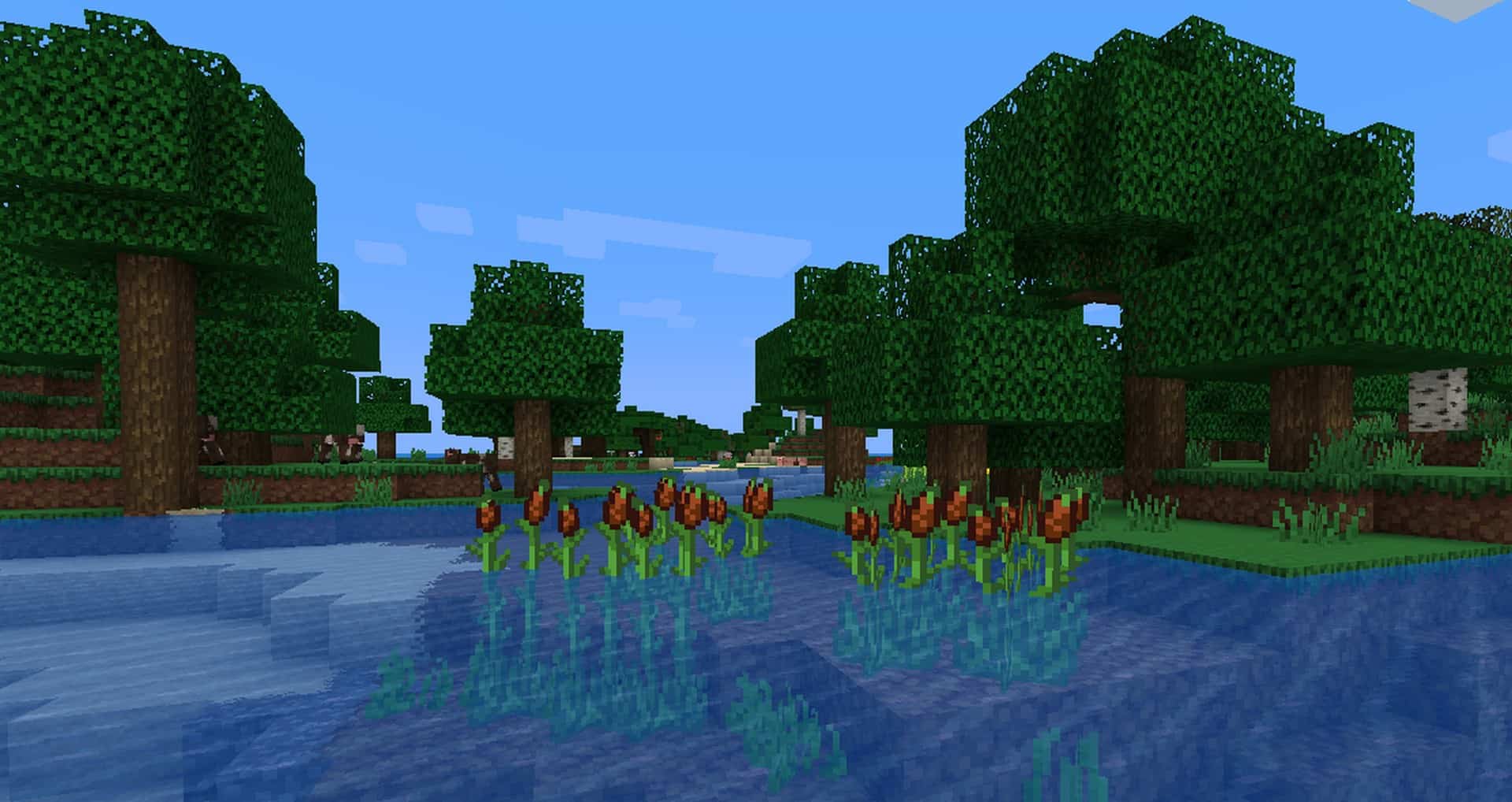
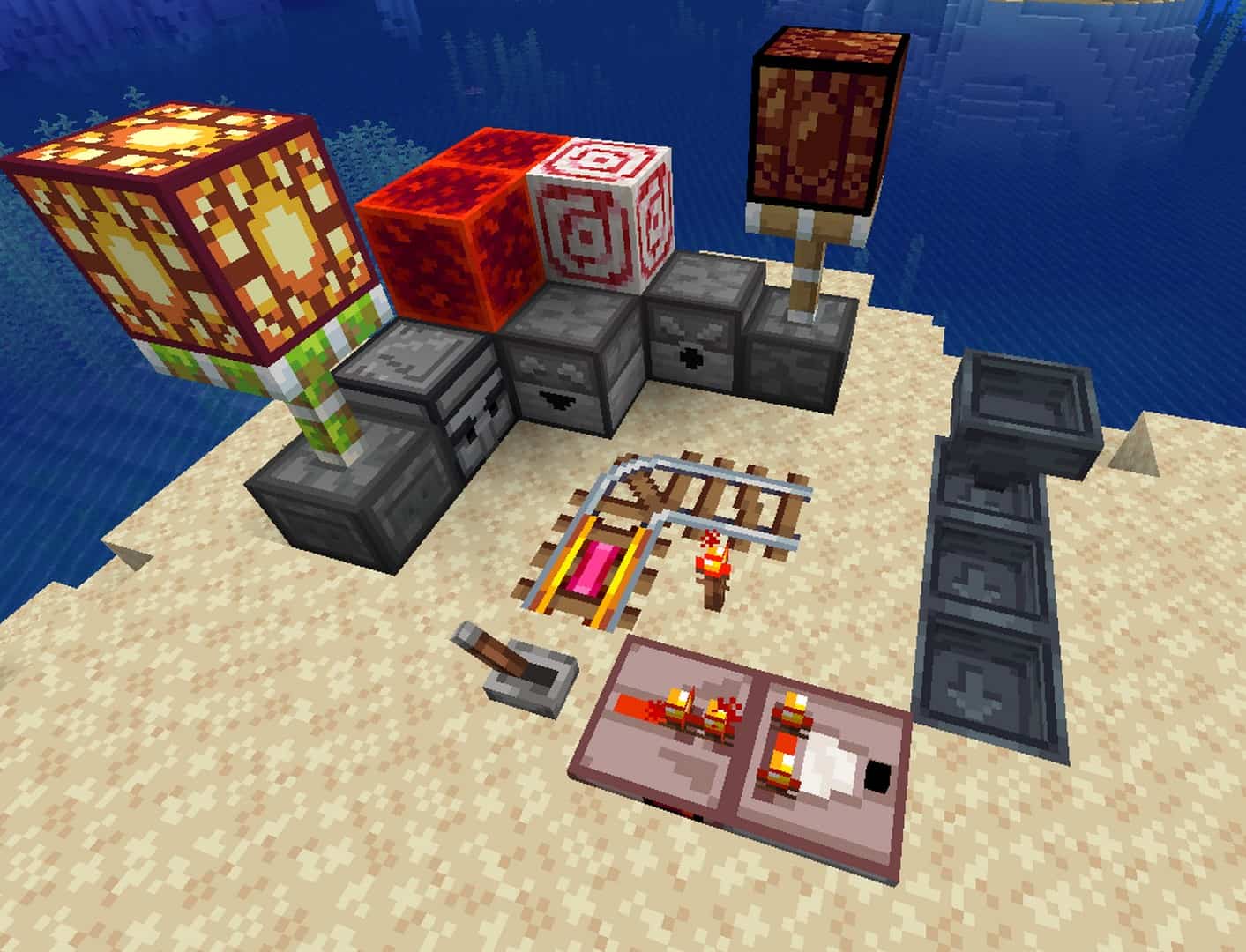
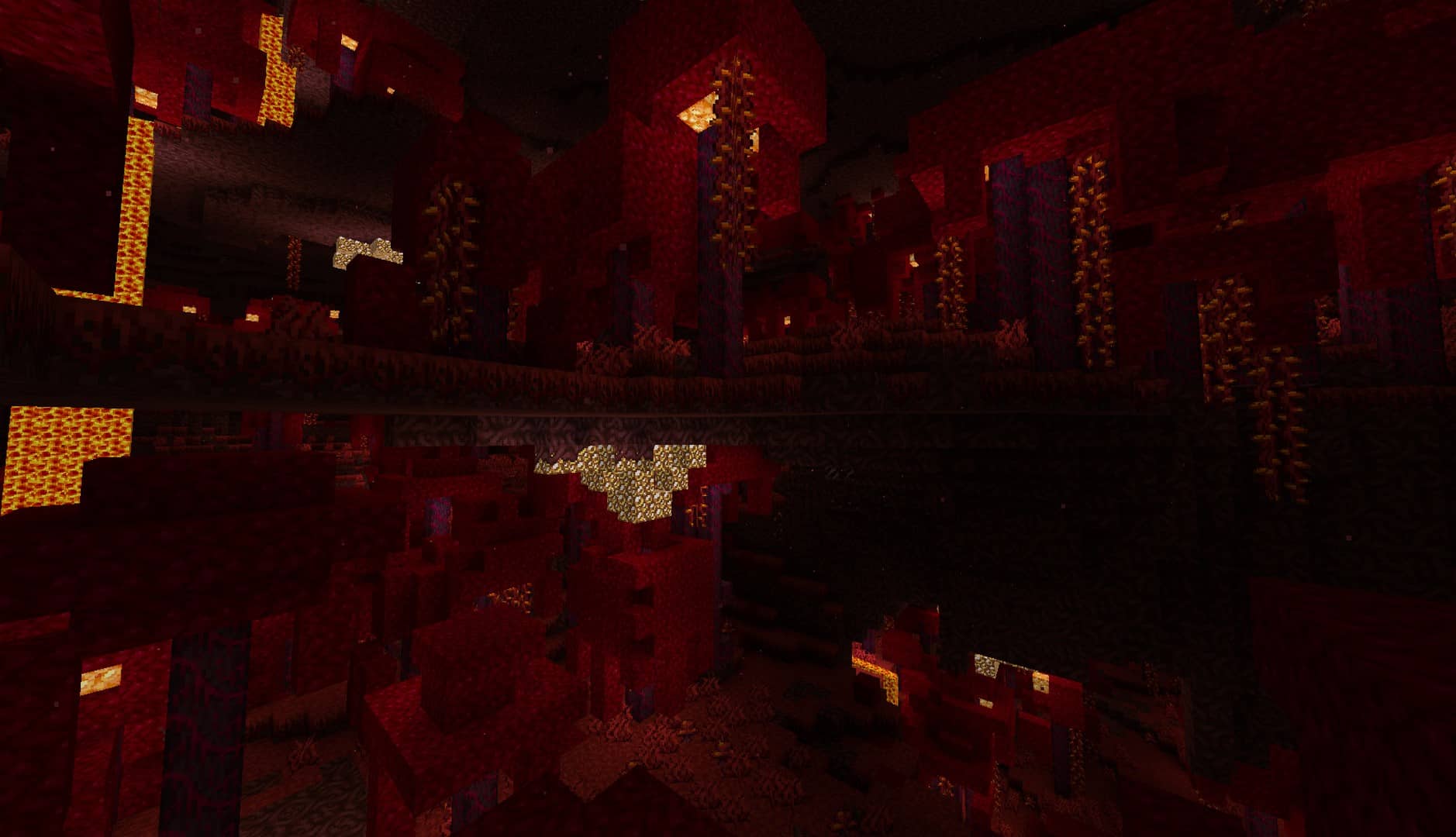
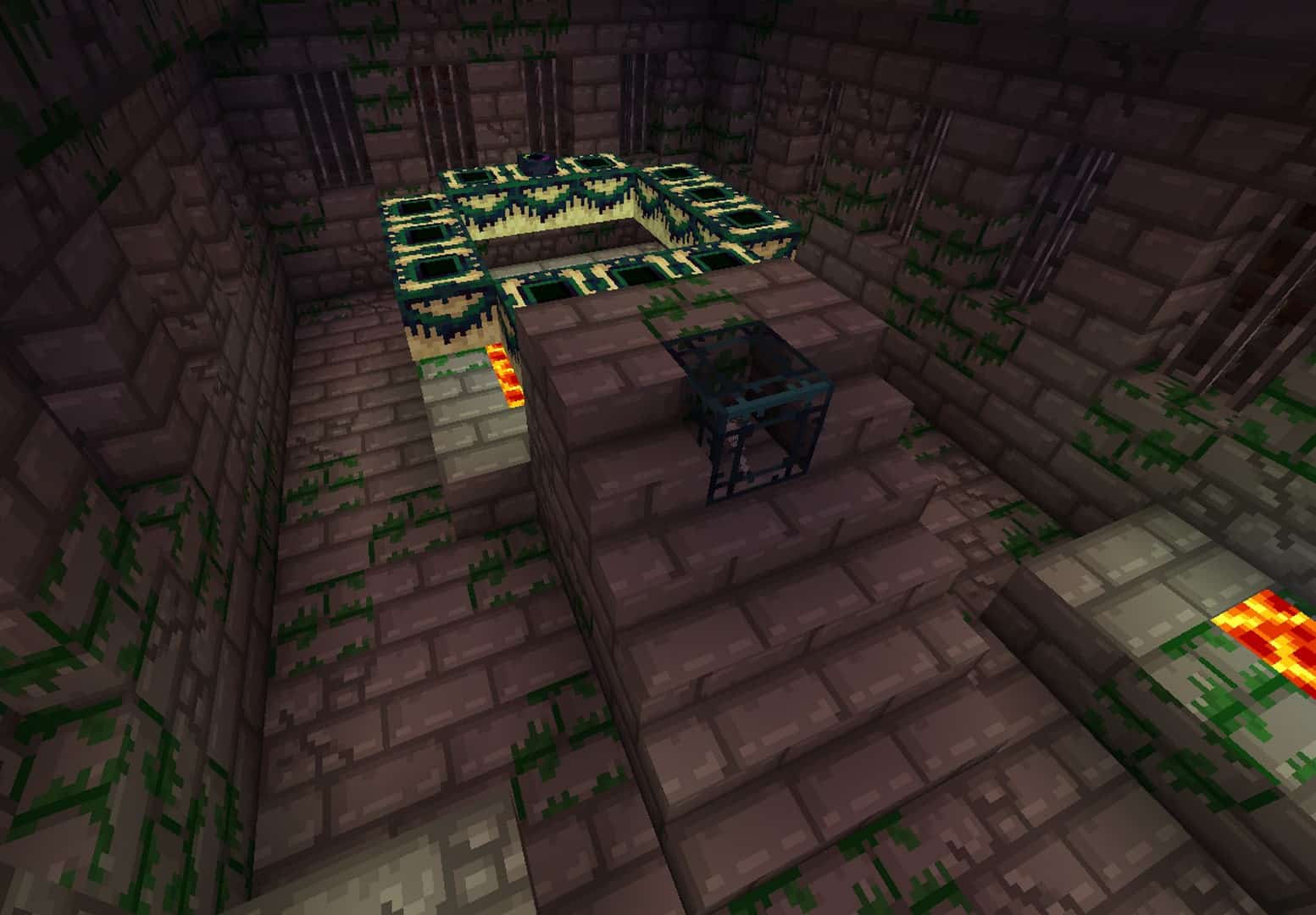
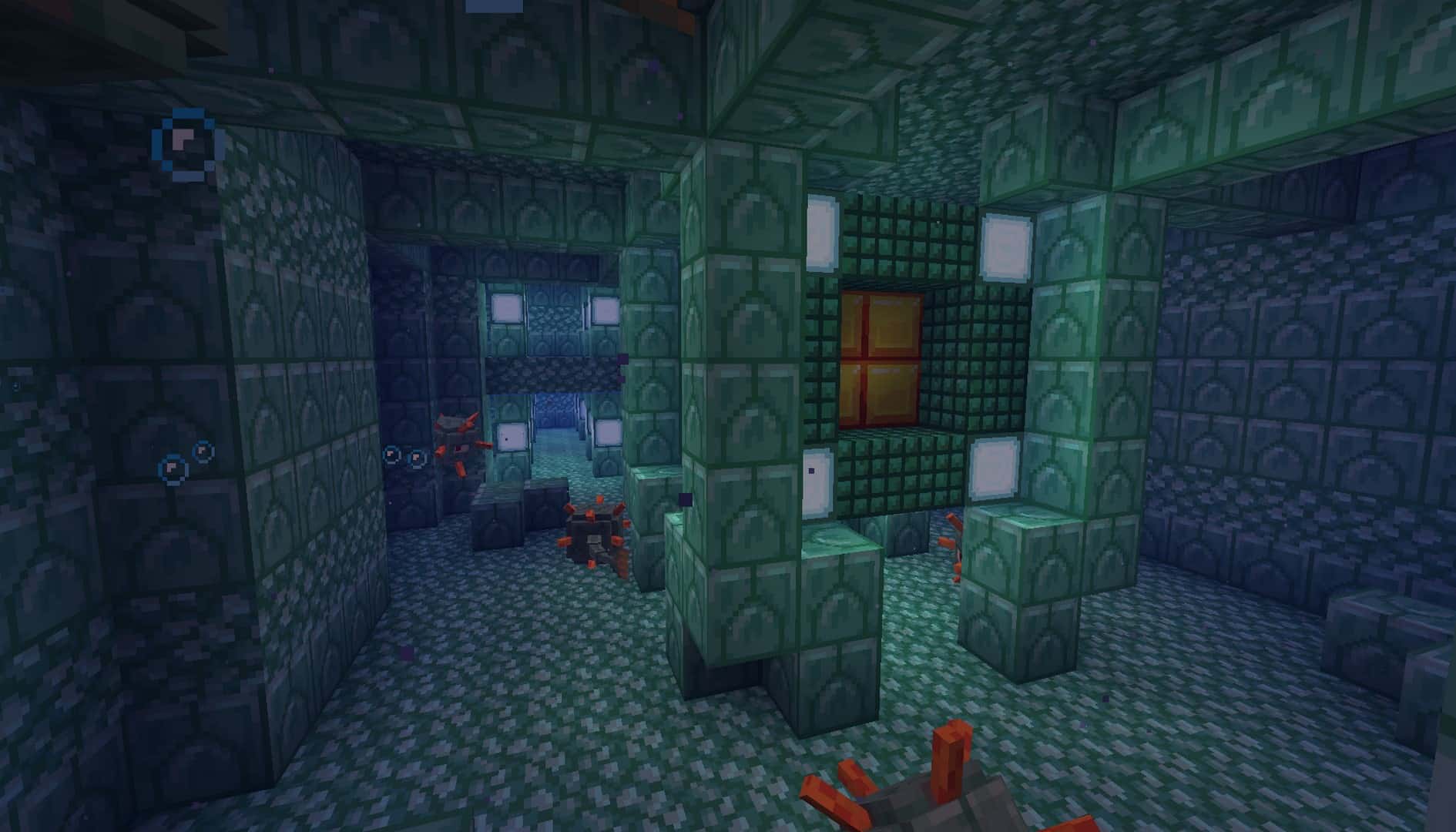
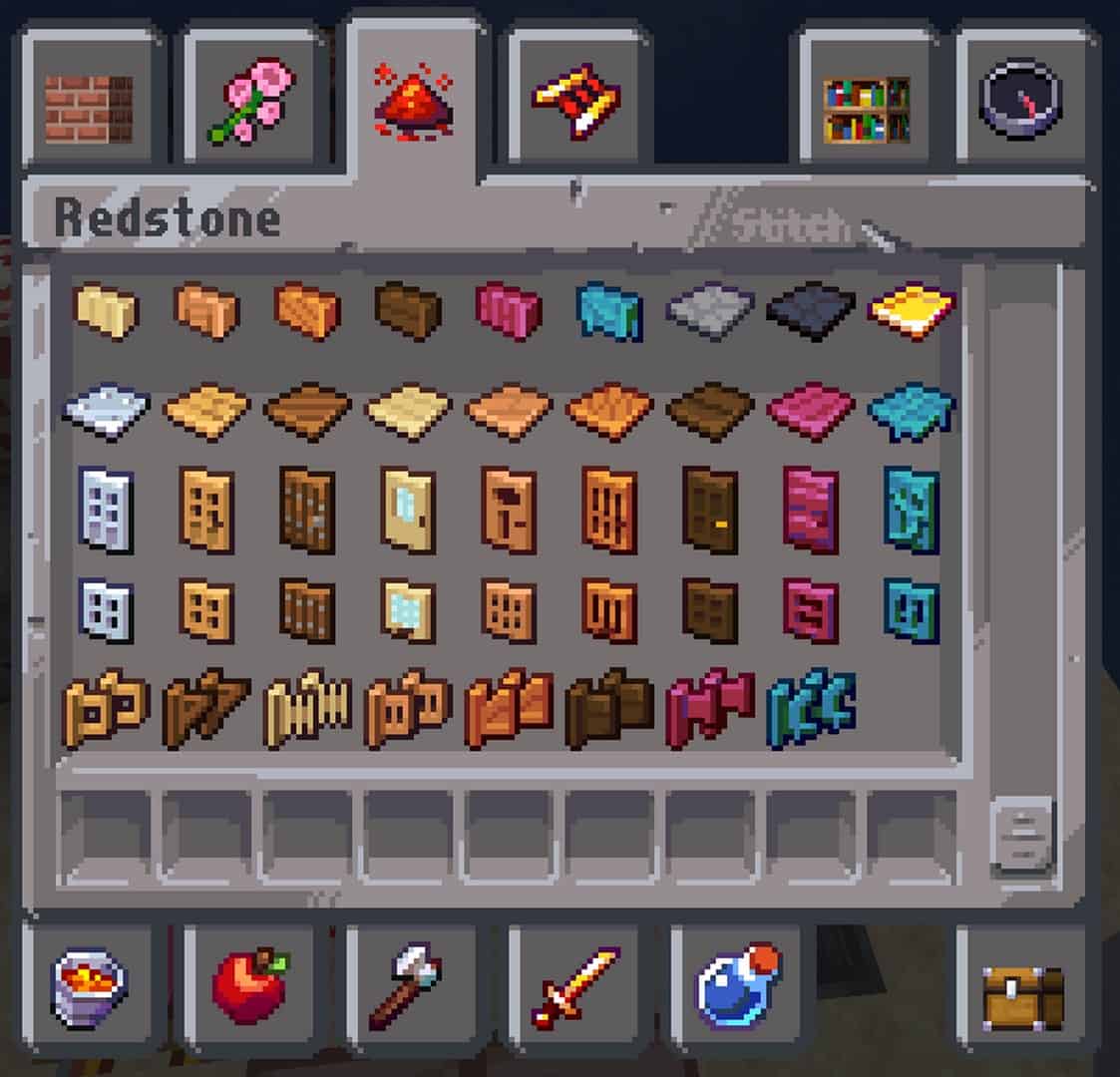
Faithless — Screenshots
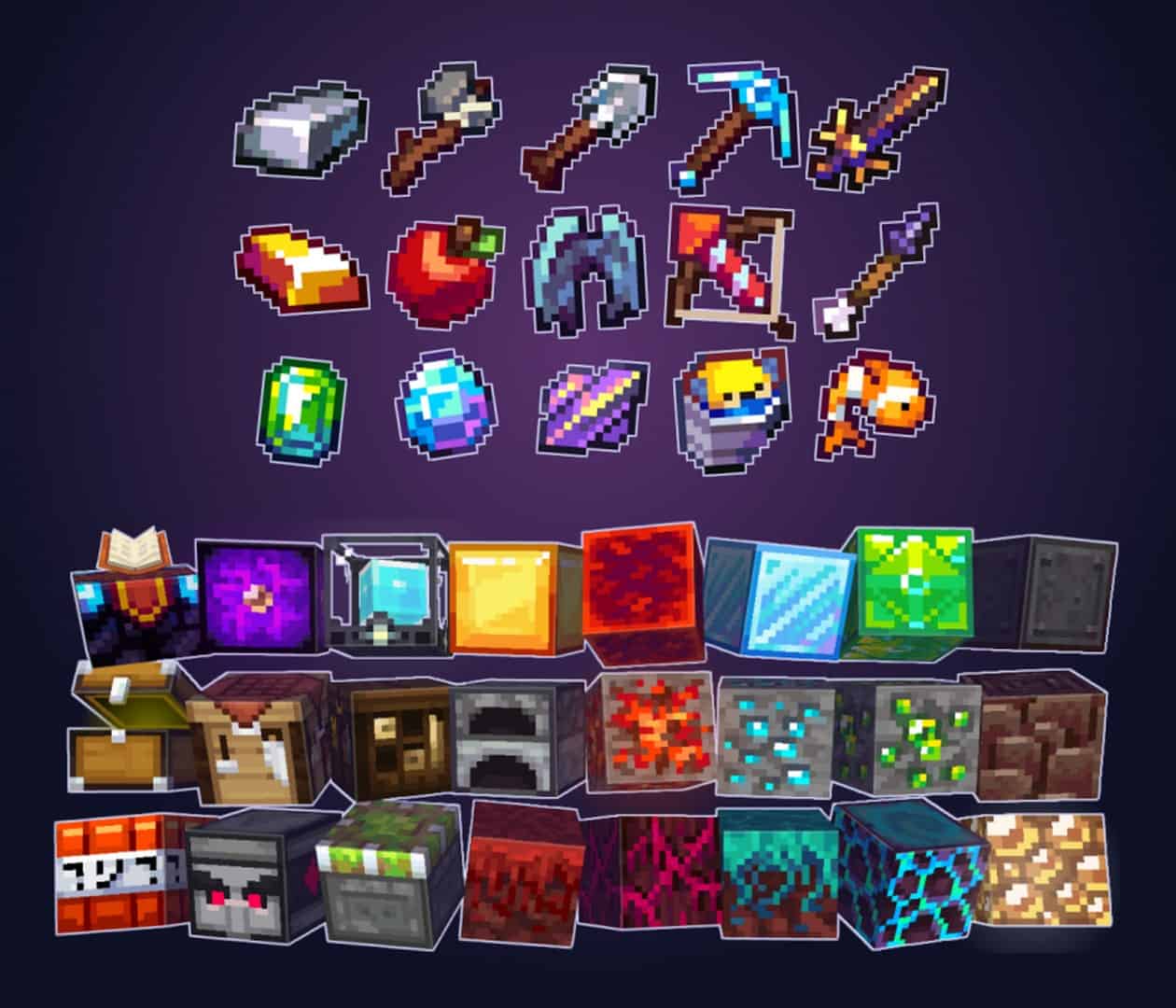
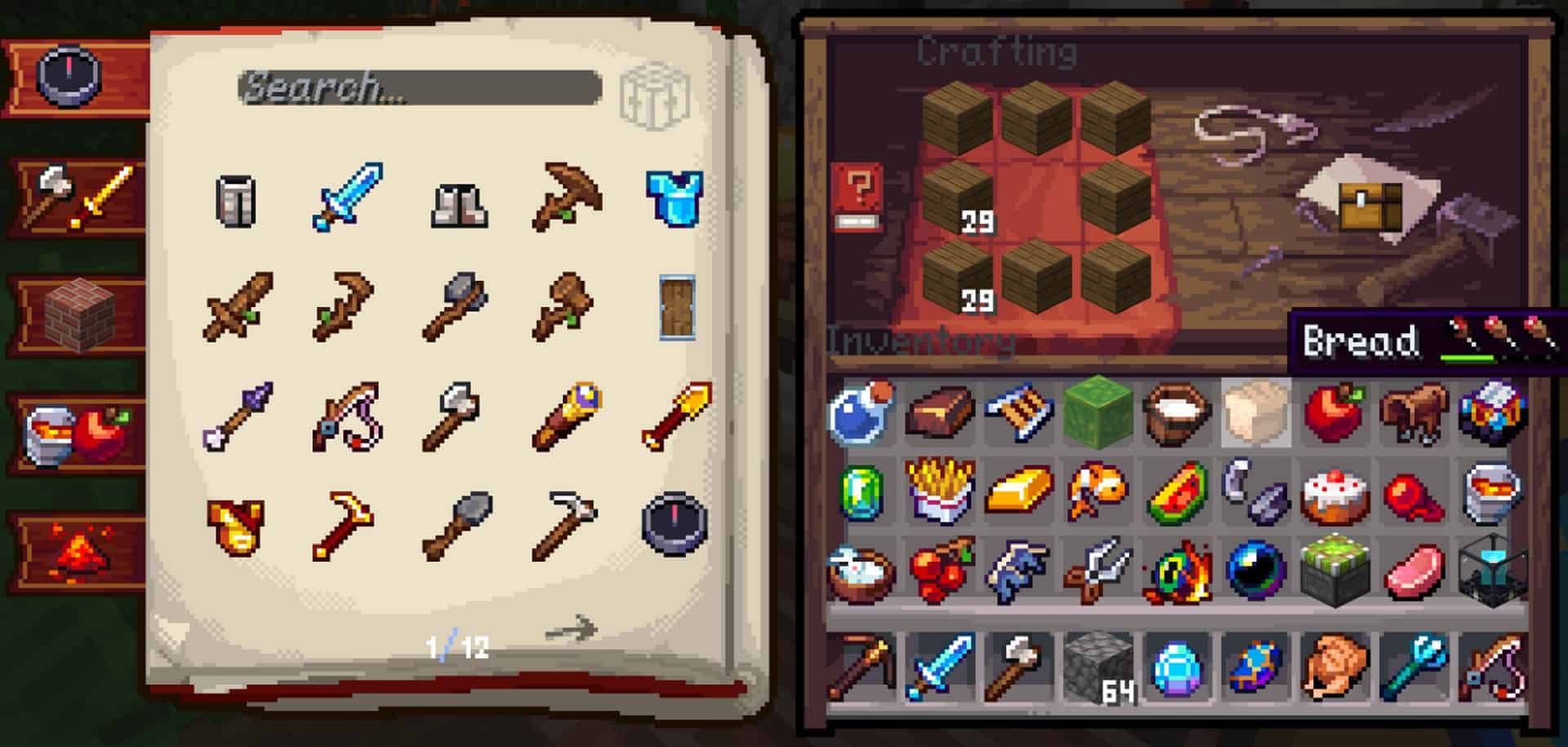
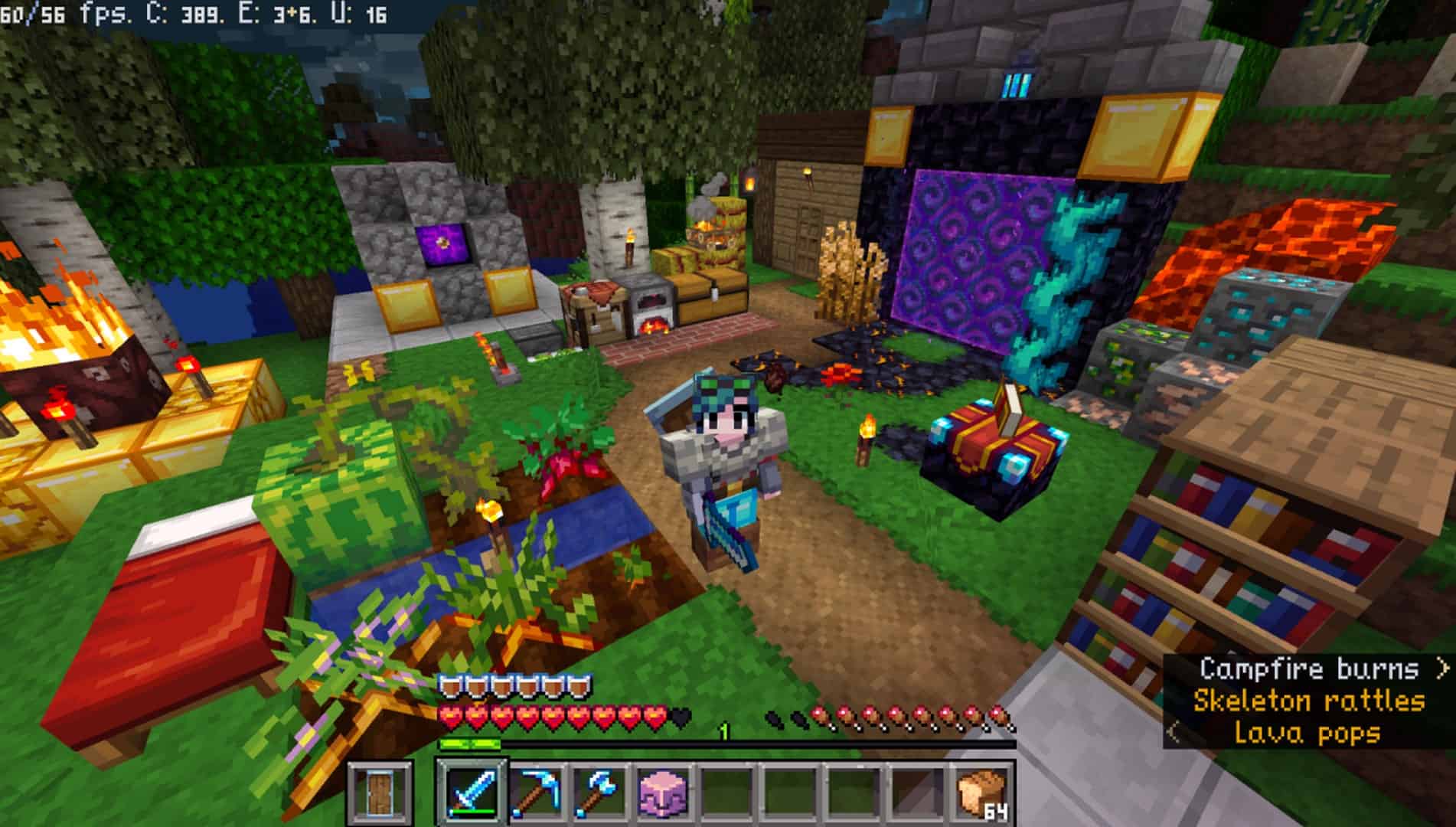
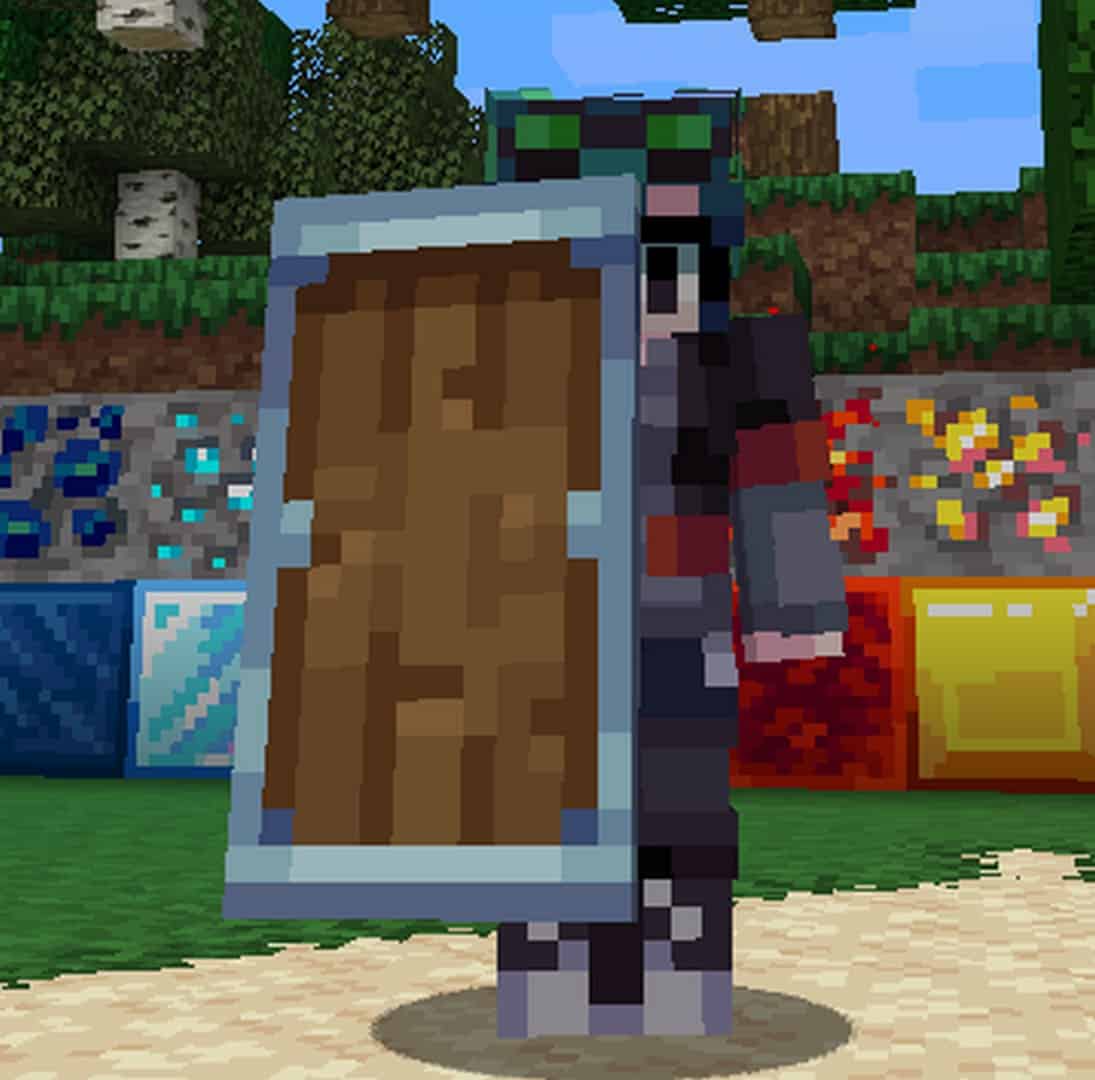
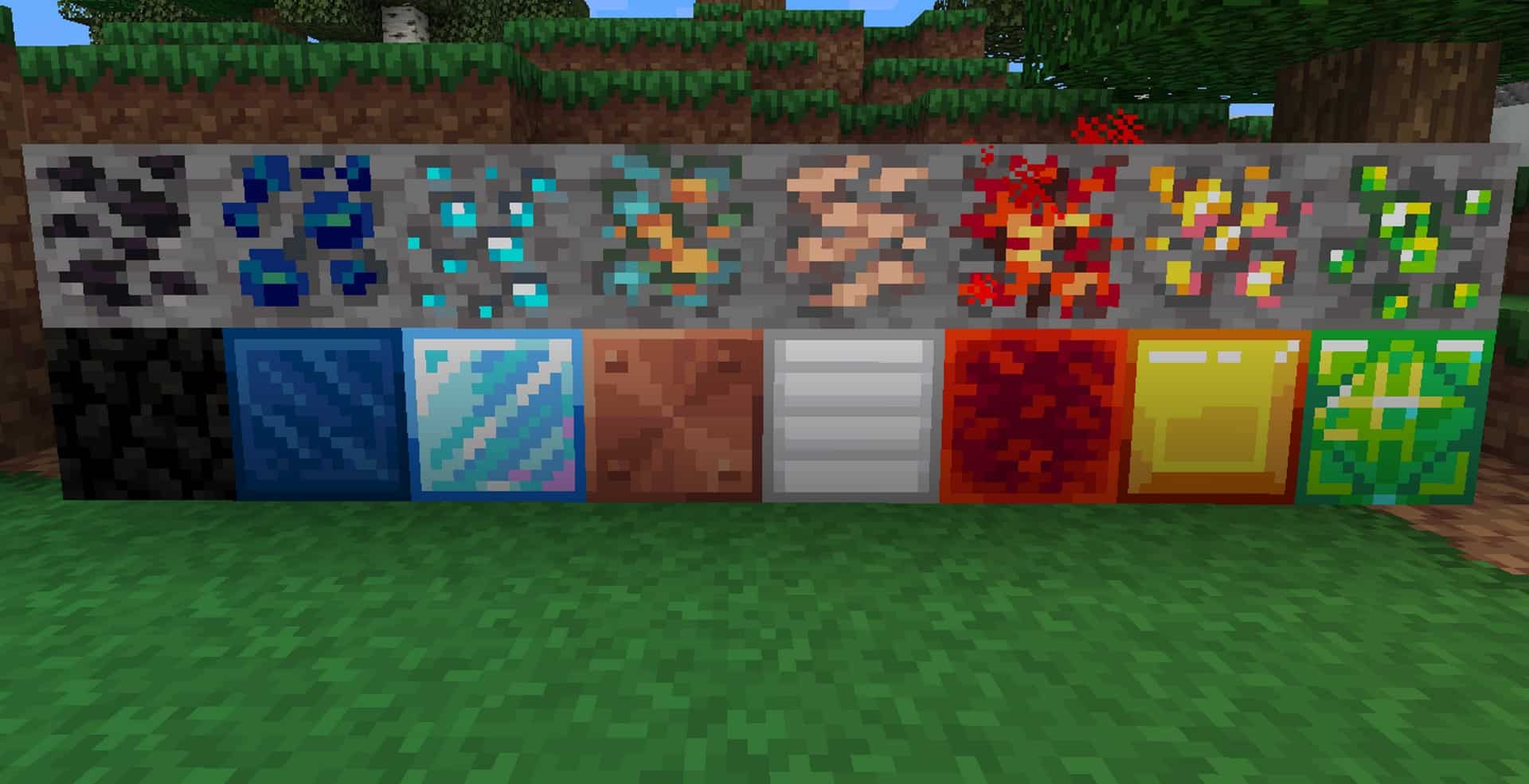
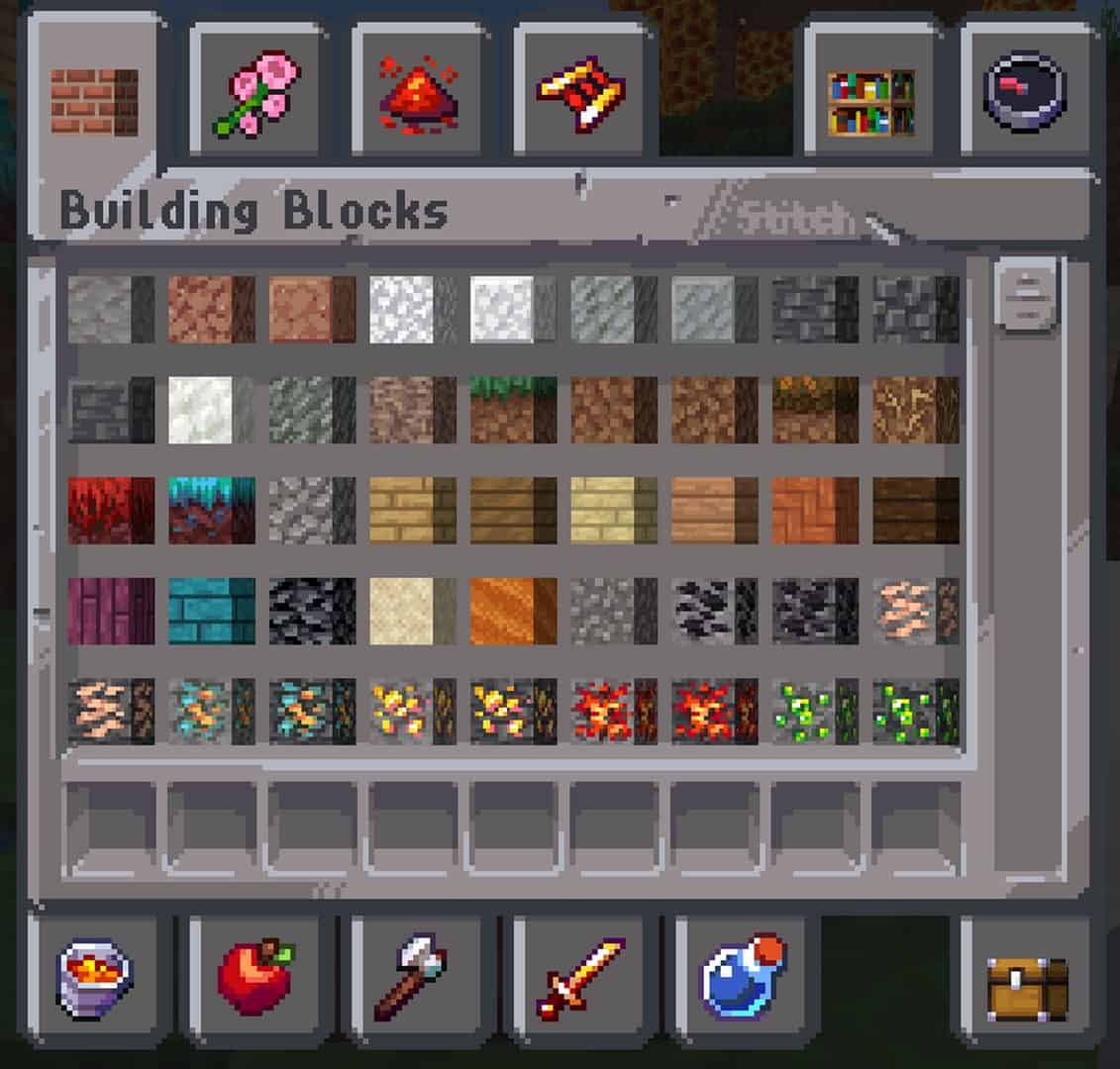
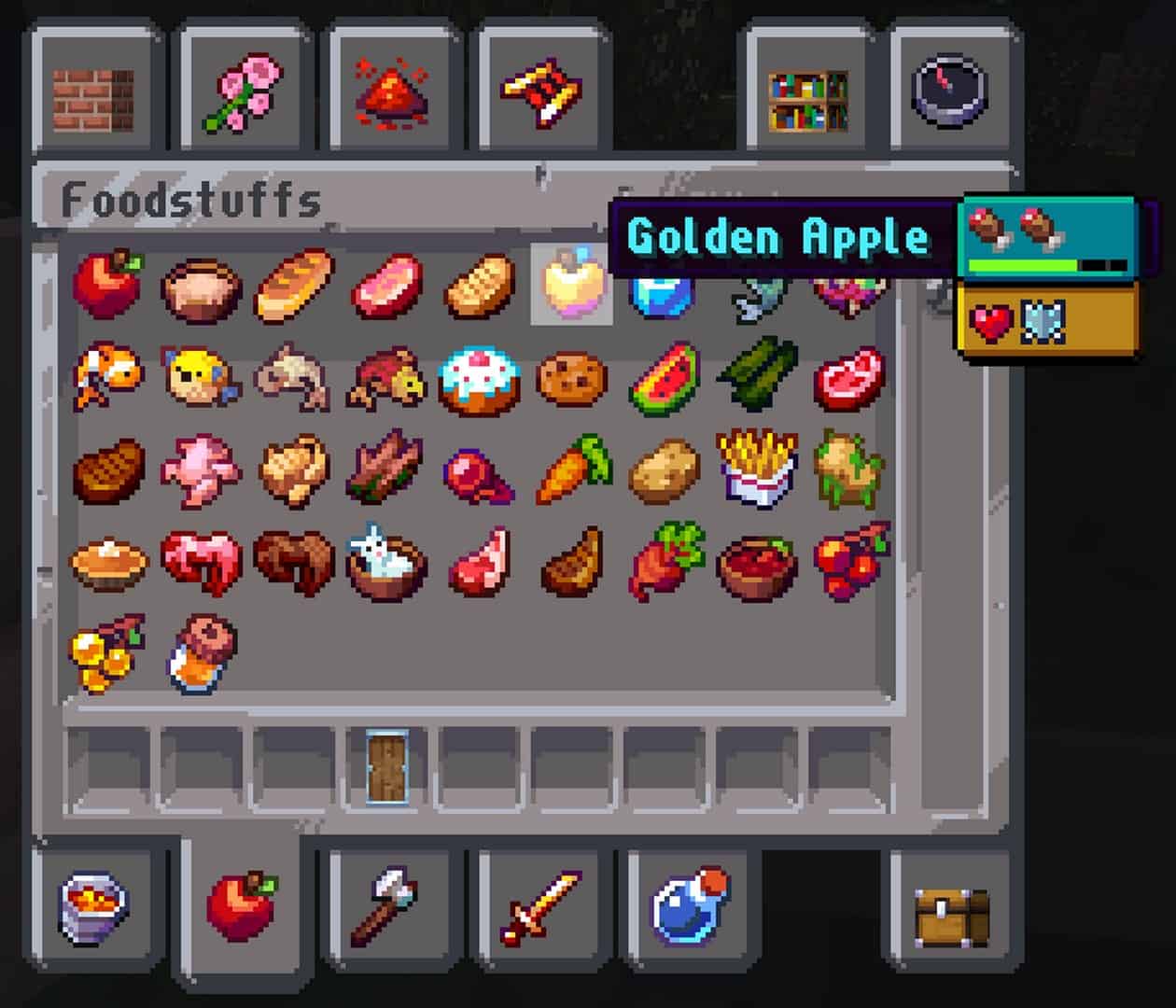
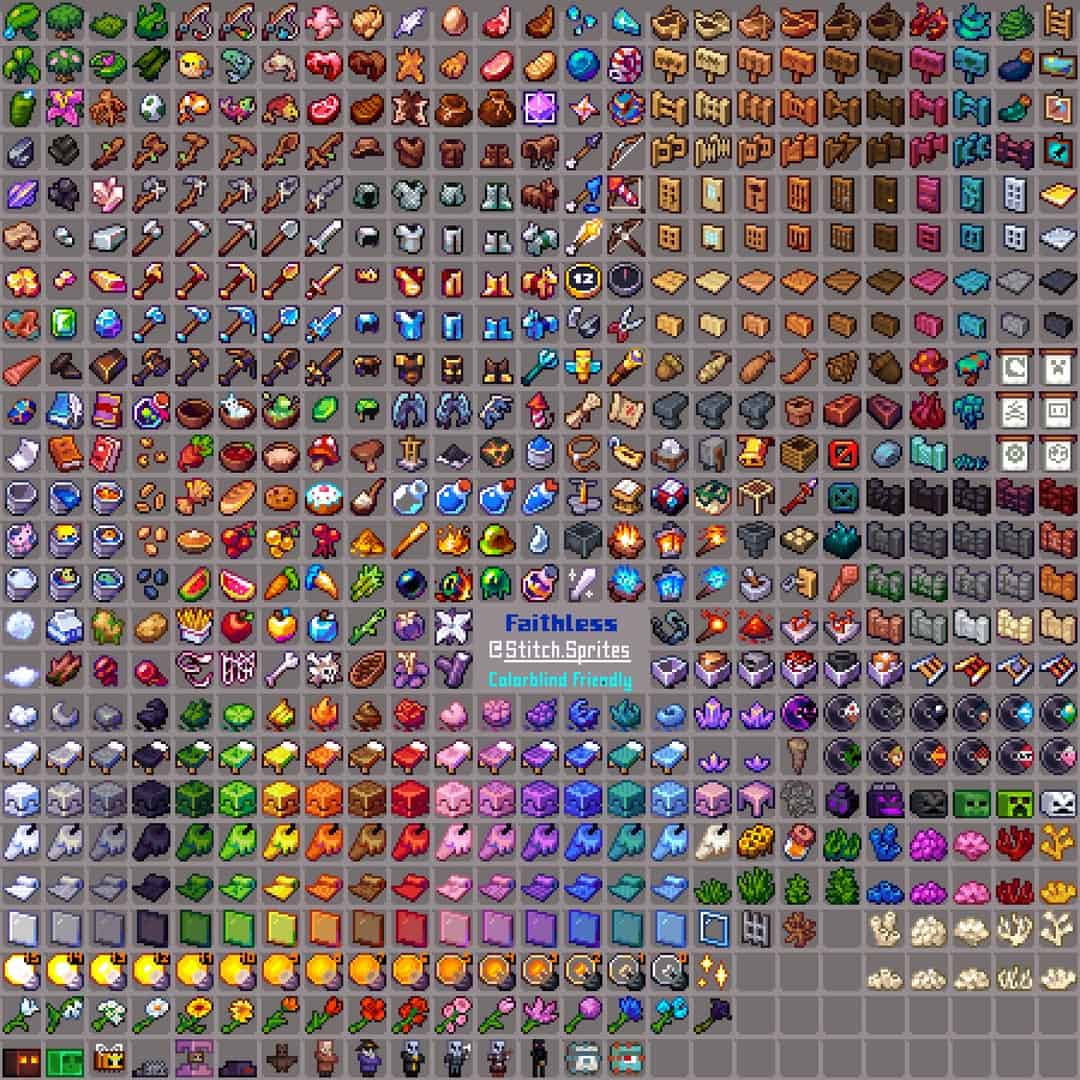
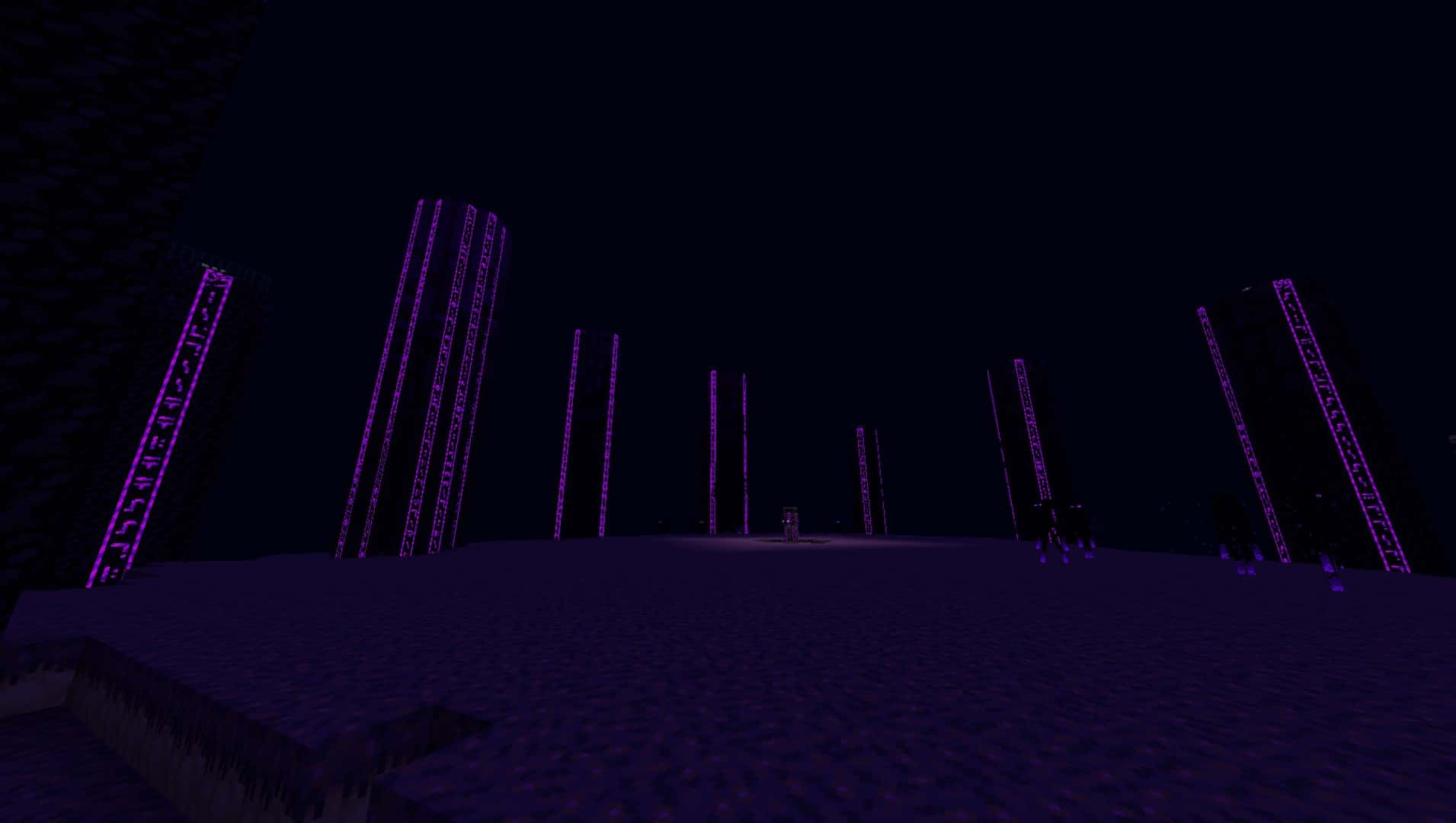
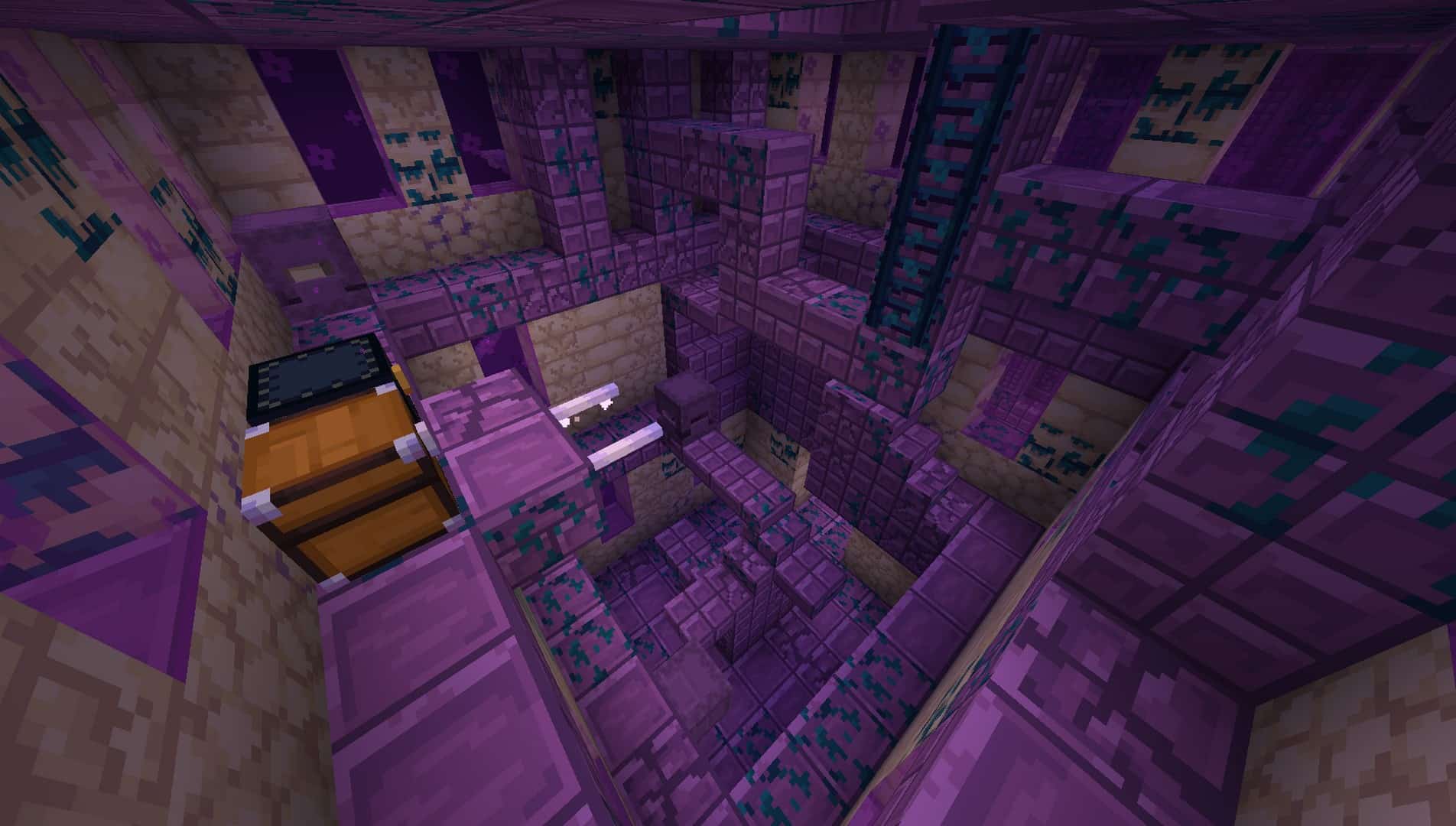
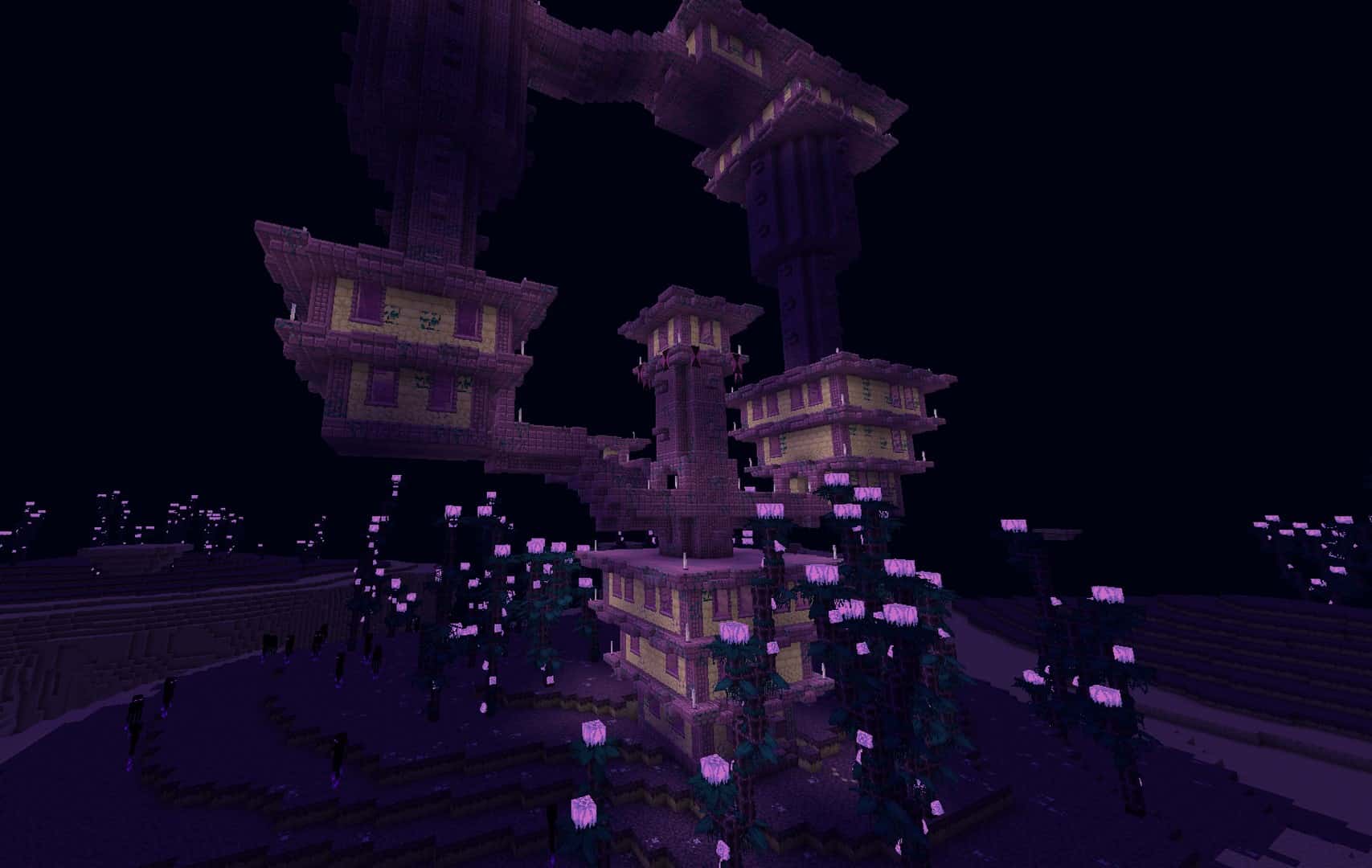
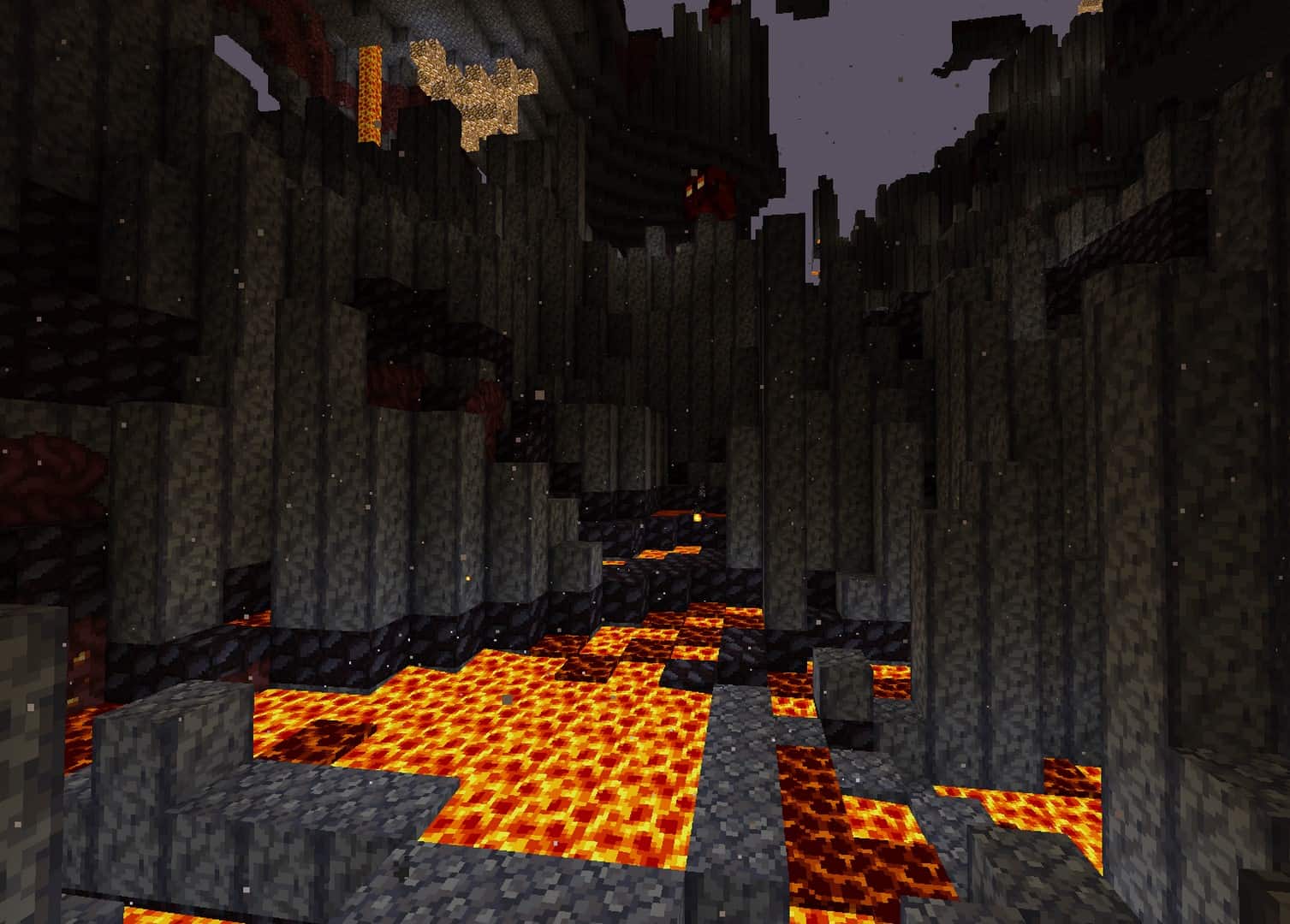
How to install Faithless Resource Pack:
- Most resource packs require Optifine, so be sure to download and install it. – general recommended step for all packs, Optifine is also needed for most shaders
- Download the Faithless texture pack for Minecraft from the download section below. – if there are many different versions, just choose the one you like, is compatible with your version/edition of Minecraft, the one you think your computer can handle in terms of performance.
- Launch the game client through the Minecraft launcher.
- On the main menu, click "Options".
- On the options menu, click "Resource Packs...".
- Click on "Open Resource Pack Folder". – folder titled "resourcepacks" will pop up
- Move the .zip file you downloaded in the first step to the newly opened "resourcepacks" folder.
- Click "Done".
- Click on "Resource Packs..." again.
- Your pack should have appeared in the left window, just hover over it and click on the arrow pointing to the right.
QUICK TIP: Sometimes, when activating a pack, the game may say that the pack is made for a newer or older version of Minecraft. This is just a warning, it does not affect your gameplay in anyway, and you can still activate and enjoy the pack by simply clicking the "Yes" button when prompted.
- Click "Done" again.
- The pack has now been successfully loaded and ready to be used in your world!
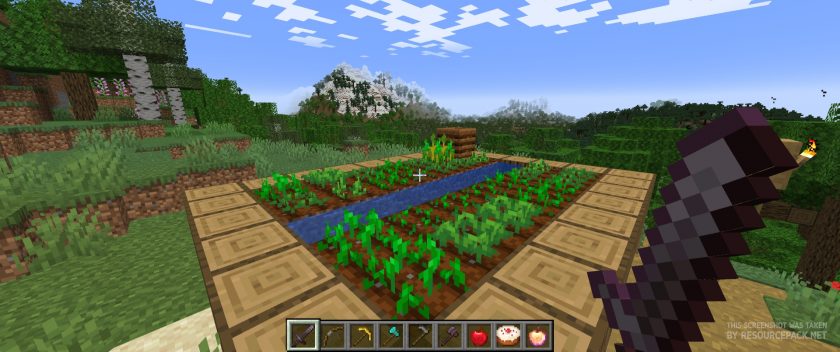
Faithless - Comparison Slider #1 Without shaders
Comparison slider #1 for those who want to compare vanilla Minecraft without any texture packs installed (on the left) with Minecraft using this particular texture pack (on the right).
 Vanilla
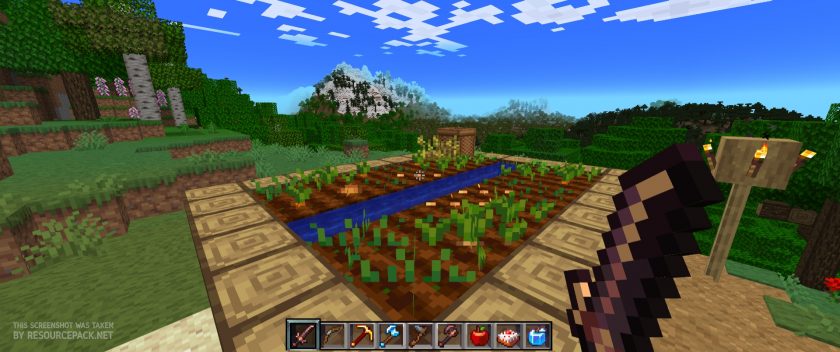 Faithless
Faithless - Comparison Slider #2 with BSL Shader
Comparison slider #2 for those who want to compare vanilla Minecraft without any texture packs installed (on the left) with Minecraft using this particular texture pack (on the right).
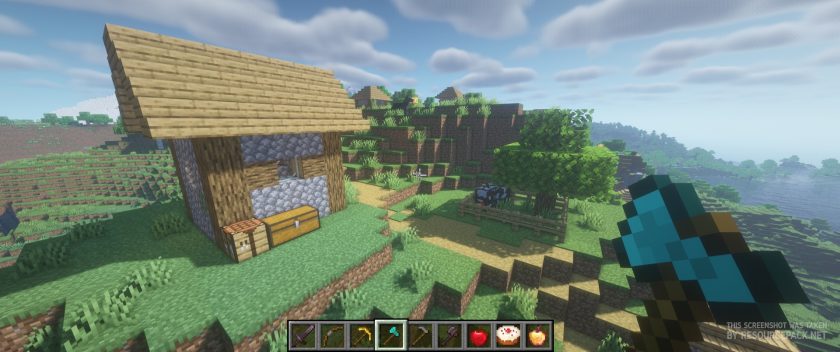 Vanilla (BSL Shaders)
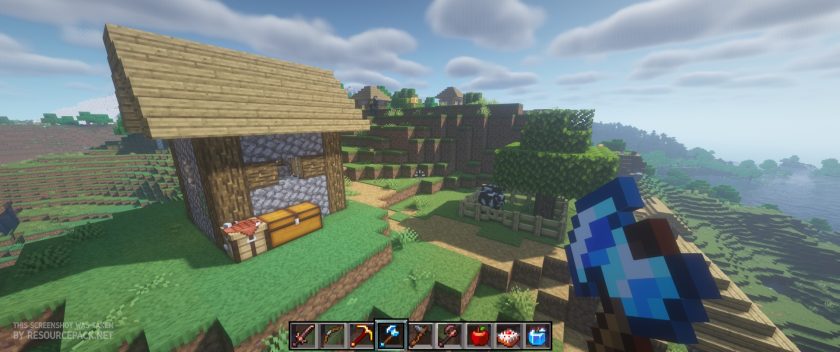 Faithless (BSL Shaders)
Faithless Texture Pack Download
- We do not modify or edit any resource packs. All resource packs, shaders and tools found on this website are linked directly to official sources rather than hosted on our own servers. We provide only the official download links from the original creators to ensure that your files are safe and secure.
- These official links are updated manually and may occasionally stop working when a new version is released. We work hard to keep everything current so that you have a smooth experience. Please let us know in the comments if you find a link that no longer works.
- Minecraft is a trademark of Mojang Studios and has no official connection to this website. Our goal is simply to share the best creations from the community with other players.
- Please consider leaving a comment or voting for your favorite packs. This feedback helps authors improve their projects over time. You can also support the creators directly by visiting the official links located below the download section.
Bedrock Edition:
Get Faithless for Bedrock Edition here – Faithless is available on the Marketplace for 990 Minecoins.
Java Edition:
[16x] [1.21.x] Download Faithless Resource Pack
[16x] [1.20.x] Download Faithless Resource Pack
[16x] [1.19.x] Download Faithless Resource Pack
[16x] [1.18.x] Download Faithless Resource Pack
[16x] [1.17.x] Download Faithless Resource Pack
[16x] [1.16.x] Download Faithless Resource Pack
[16x] [1.15.x] Download Faithless Resource Pack
[16x] [1.14.x] Download Faithless Resource Pack
[16x] [1.13.x] Download Faithless Resource Pack
[16x] [1.12.x] Download Faithless Resource Pack
[16x] [1.11.x] Download Faithless Resource Pack
[16x] [1.10.x] Download Faithless Resource Pack
[16x] [1.9.x] Download Faithless Resource Pack
[16x] [1.8.x] Download Faithless Resource Pack
[16x] [1.7.x] Download Faithless Resource Pack
[16x] [1.6.x] Download Faithless Resource Pack
[16x] [1.5.x] Download Faithless Resource Pack
[16x] [1.4.x] Download Faithless Resource Pack
Curseforge: download starts automatically after a few seconds;
Mediafire: click the big blue button with the text "DOWNLOAD";
Google Drive: in the top right corner you will see a small download icon (down arrow), click it and the download should start;

1,419 votes
Look.. 1419 users have already liked this pack. Give a diamond if you like it too!


Luca
Amazing texture pack, completely fell in love with it!
I just have one problem with grass blocks, they’re way too dark, to the point they’re completely black. This happens in a gradient way, from normal green grass (outside), to a complete black one (inside mountain). It happens with both optifine and sodium, is there any workaround or explanation? Thanks
bob
im having an issue where the UI wont display the little icons and the hunger stats for food does anyone have a fix?
Tobi_Redfield
The textures are the best, love the vivid colors it contains and the designs too… is just the sounds, like… why?? The visuals are really well done i give that, but the sounds doesn’t fit at all honestly :/
Chico
So I just noticed this while building with mudblocks, but underneath the mudbrick slab is a missing texture if you were to place it on the lower half of the block
Brosmice
So i really like the looks of this resource pack, but the sounds are just too much and i honestly just hate them. I saw that other people have the same opinion so to get rid of the sounds go to %appdata%/.minecraft/resourcepacks/Faithless+1.20/assets/minecraft and here just delete the folder “sounds” and the file “sounds.json”. After you’ve done this you just have to reboot the resource pack in-game so go back in minecraft then to settings>resource packs and unselect Faithless+1.20, press done and select it again. Enjoy Faithless with normal minecraft sounds
Brosmice
also you can copy the files in some other folder before deleting them in case you change your mind later and just paste them back, but again, you’ll have to restart the resource pack in-game if you do decide to put them back in
jurubeba
Thanks a lot, it worked for me. Those sounds are really annoying.
Essileth
Thank you for recommending that, I broke the pack cuz I did it completely wrong. The sounds are definitely too much but everything else about the pack visually is great
TerrorUsesCA
could you send me all the vanilla sounds from 1.20.1 and below? Im currently offline since I have no Wi-Fi so I use my phone. I cant hear sounds and all I get is “Missing sound for event: minecraft:. ie minecraft:block.glass.step and this is for every sound in minecraft…
Essileth
Update to my last comment:
I’ve messed with the files a bit and got rid of the grass footstep sounds, at first I tried changing the “true”s to “false” but that didn’t work so I deleted those lines. I think there’s just no footstep sound for grass at all now but honestly I’ll take that over the pack sound. Also will be removing some sound effects like creeper explosions and character damage taken, simply because I don’t like them as much as default.
I absolutely love the visuals in the resource pack, thank you for making this and please keep up with updates! <3
Essileth
I absolutely love how everything looks! Gives it a nice Terraria vibe imo, and I adore it.
There’s only one downside so far that’s unfortunately making it absolutely unusable for me, and that’s the footstep sounds for walking on grass. Instead of soft grass steps like in default, it sounds like I’m breaking a grass block with every step. It drives me insane. Hoping to either have this changed or find a way to remove that sound in the files. Without that I believe this would be my new go-to resource pack!
ttbrtes bresresnr
Pumpkin Buck is a block with black.
A dude
A temp fix for the missing bottle texture is to just go into the resource pack files, go to textures and delete “glass_bottle.png” and “glass_bottle_model.png” then go to models and delete “glass_bottle.json” This will make the original minecraft bottle texture load instead since there is nothing in the faithless files that overrides it. That way at least you have some kind of texture for the item.
surf
yo i can’t find the glass_bottle.json on the models folder. it only contains armor folder and the armor json files.
blxckshxrk
why does the minecraft title in the title screen glitch for me
Robin
Everything was okay until I saw seaweed.. (I have Thalassophobia, fear of the ocean/seaweed)
KoniNinjaGo
my bottle textures dont load D:
YureiOleni
yeah im getting the same issue too!
hopefully this will get fixed soon ^^
1guy
how do you get faithless+
OwOdu47
a bit of a terraria vibe, i approve
ElPIbeBaller
When i use the 1.18.X texture pack on the 1.18 it says “Error loading texture pack” Why? And how can i solve it?
HyperMayo13
why is endstone invisible ???
HyperMayo13
in the end
Joughnseoun
the lava is so dark why did you make it red its hard to explore the nether that way it should’ve been orange as it always has been this is trying to be too artistic with it the whole texture pack was soooo cool before i saw the lava it was awful
DropletOtter
I had downloaded the 1.19.3 version of the pack (or 1.20 as it’s called), and despite having optifine and Custom Fonts enabled, none of the icons or custom GUI elements seem to render. Neither the custom boss and raid bars, nor the hunger icons for food. Why is that and any ideas on how can I fix it? The files appear in order but none of it actually works.
Idklol
bc its for 1.20….
DropletOtter
I am using a 1.19.3 (1.20) verison of the resource pack, but the custom GUI elements don’t seem to work at all. I have optifine and have custom fonts enabled but it doesn’t seem to render at all. Does anyone know how to fix it?
ByondPiXel
love the resource pack but, the 1.19.4 version is missing textures on some blocks and items. All the potions are missing, some beehive textures are missing as well.
Tyty
I have an issue where in the newest version of the pack it says the pack is for a newer version of Minecraft, (on 1.19.3) and when I try to ignore it, it fails. Playing on the previous version of the pack makes several textures break, to the point of disabling the pack. It sucks because I love this pack, but it simply doesn’t work
Admin
When you say ignore, how exactly do you do it? You need to click “yes” when the notification appears.
Pugantir
it support any mods like ice and fire or spartan weaponary etc.
WoolJester
potion, firework, and glass panes have missing textures
asd
Hi! I just wanted to say the potion textures don’t load? Can you help me with that, or fix it if it’s a problem on your end. Thank you.
Elle
For some reason, this pack is causing extreme CPU spikes when loading chunks. I’ve compared to vanilla and other packs (Including higher resolution ones) and the issue seems to only be affecting this pack no matter what settings I choose. I’m on a i7–12600k for reference.