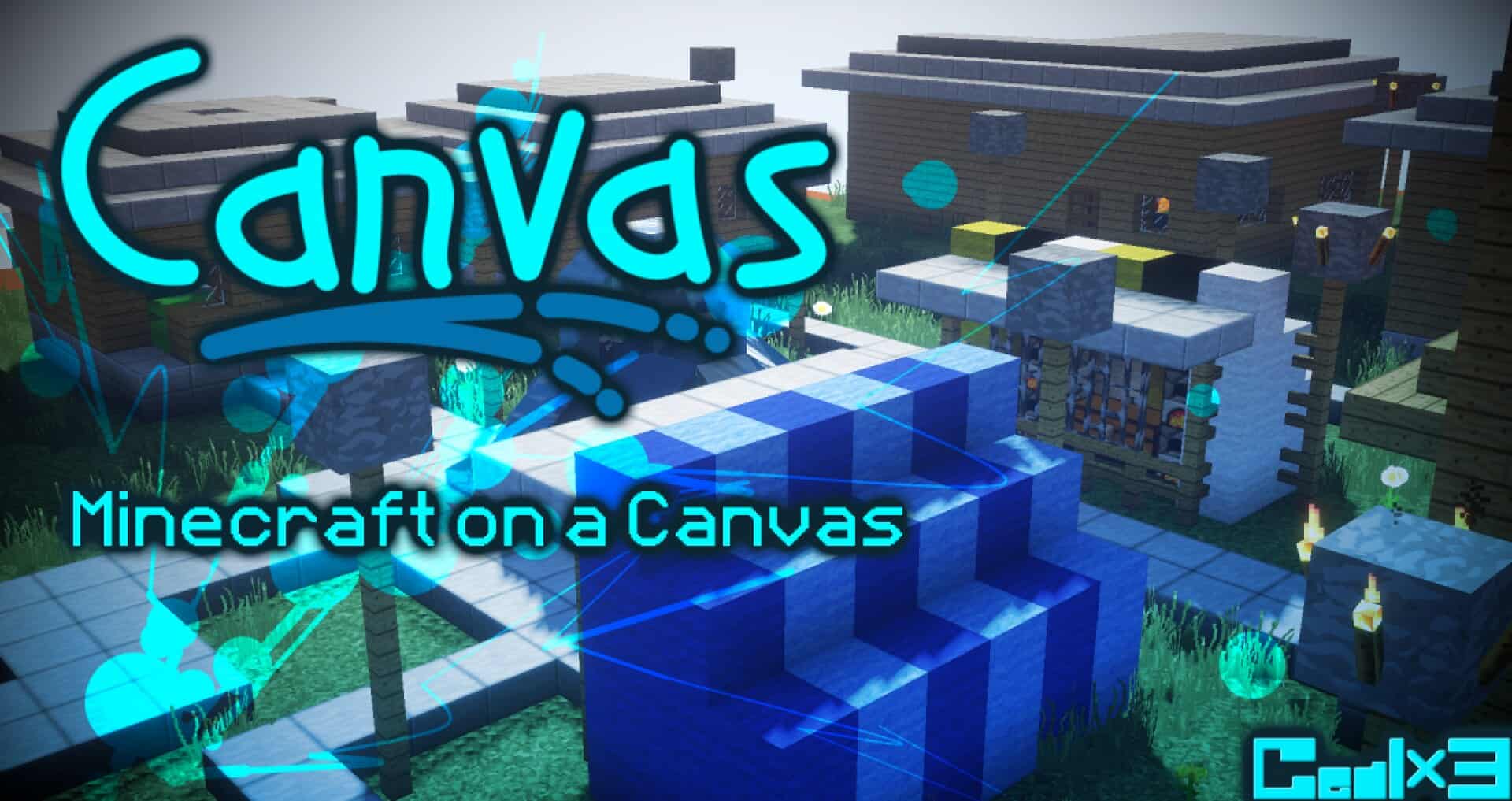
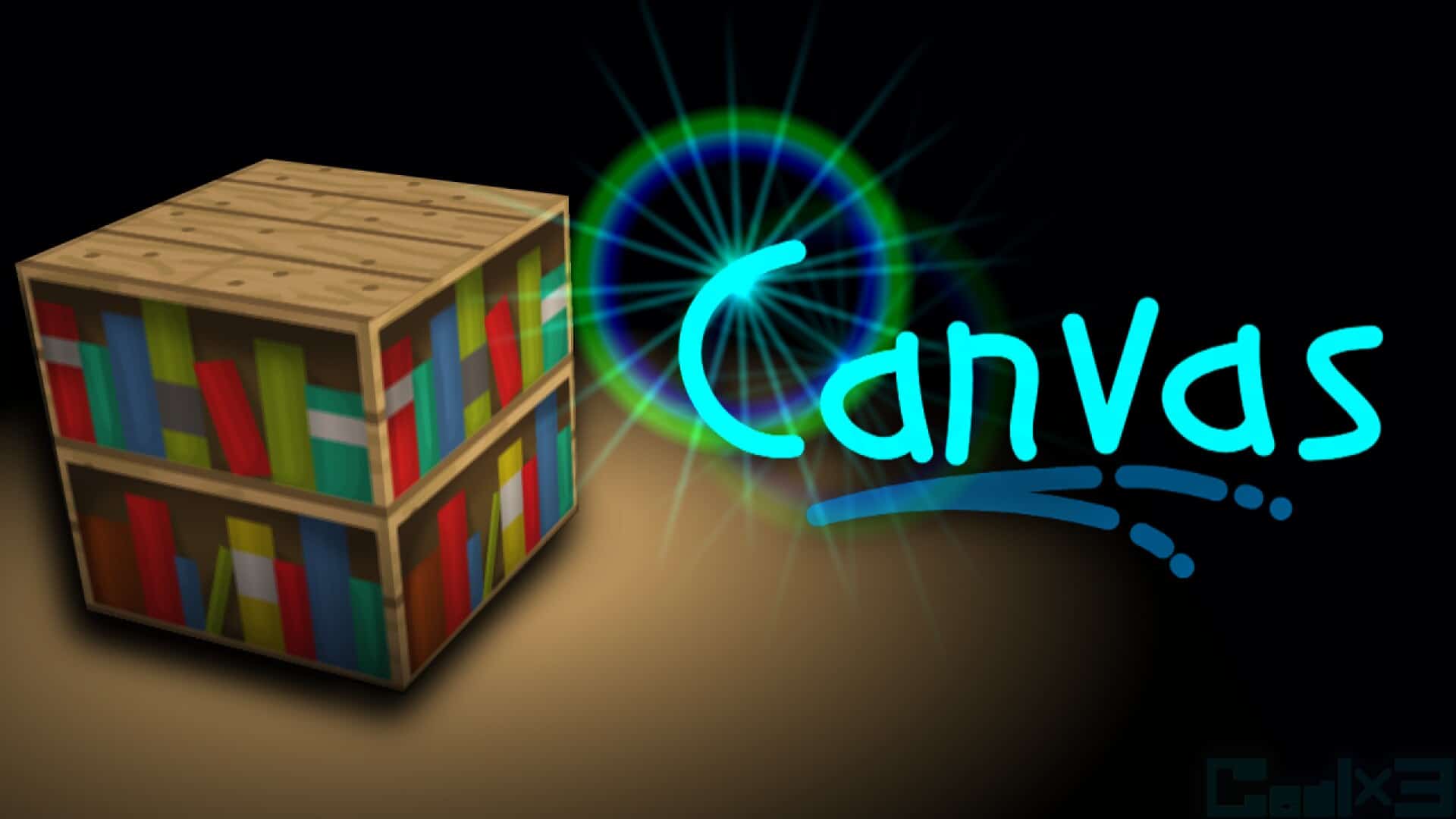
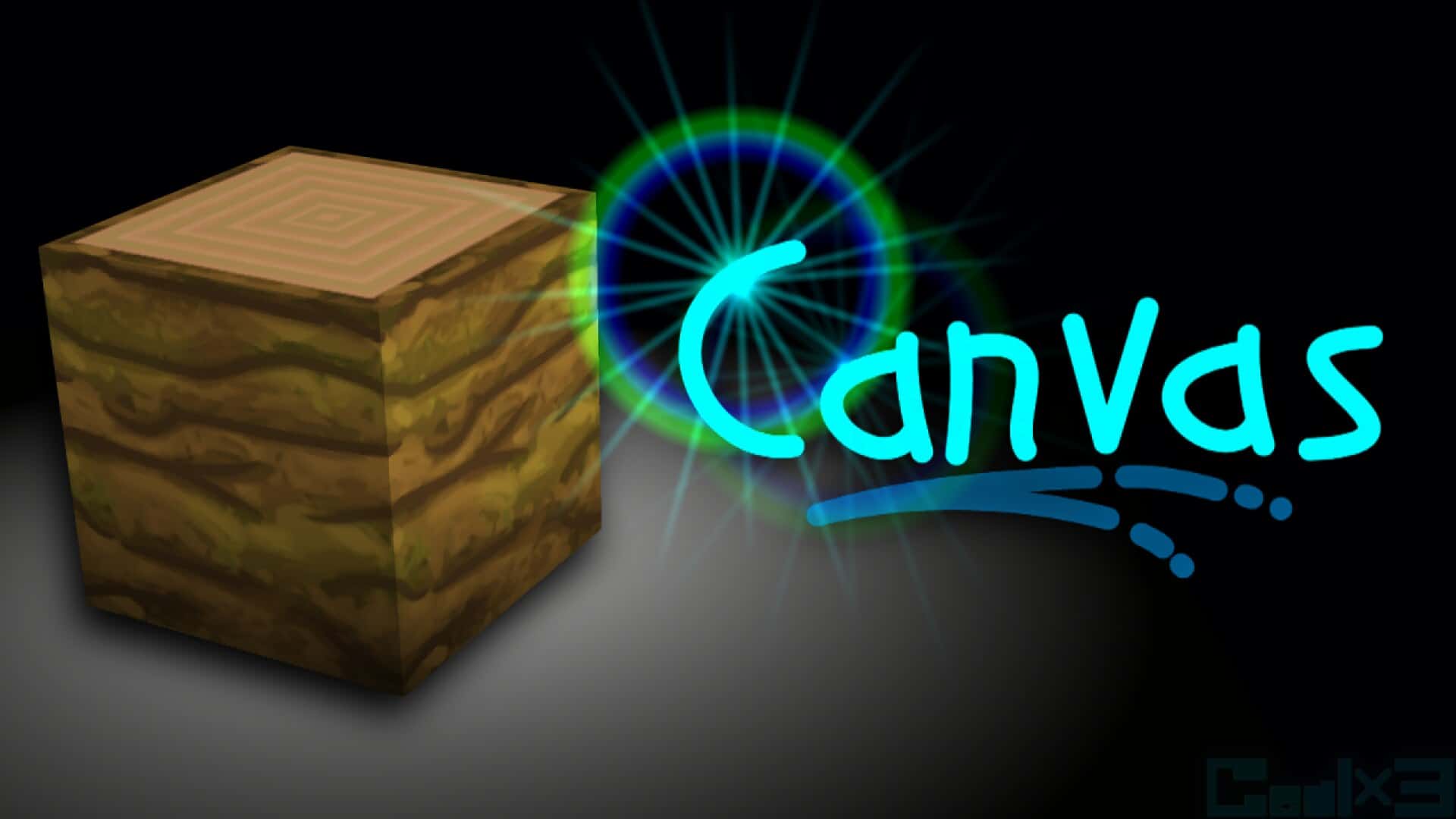
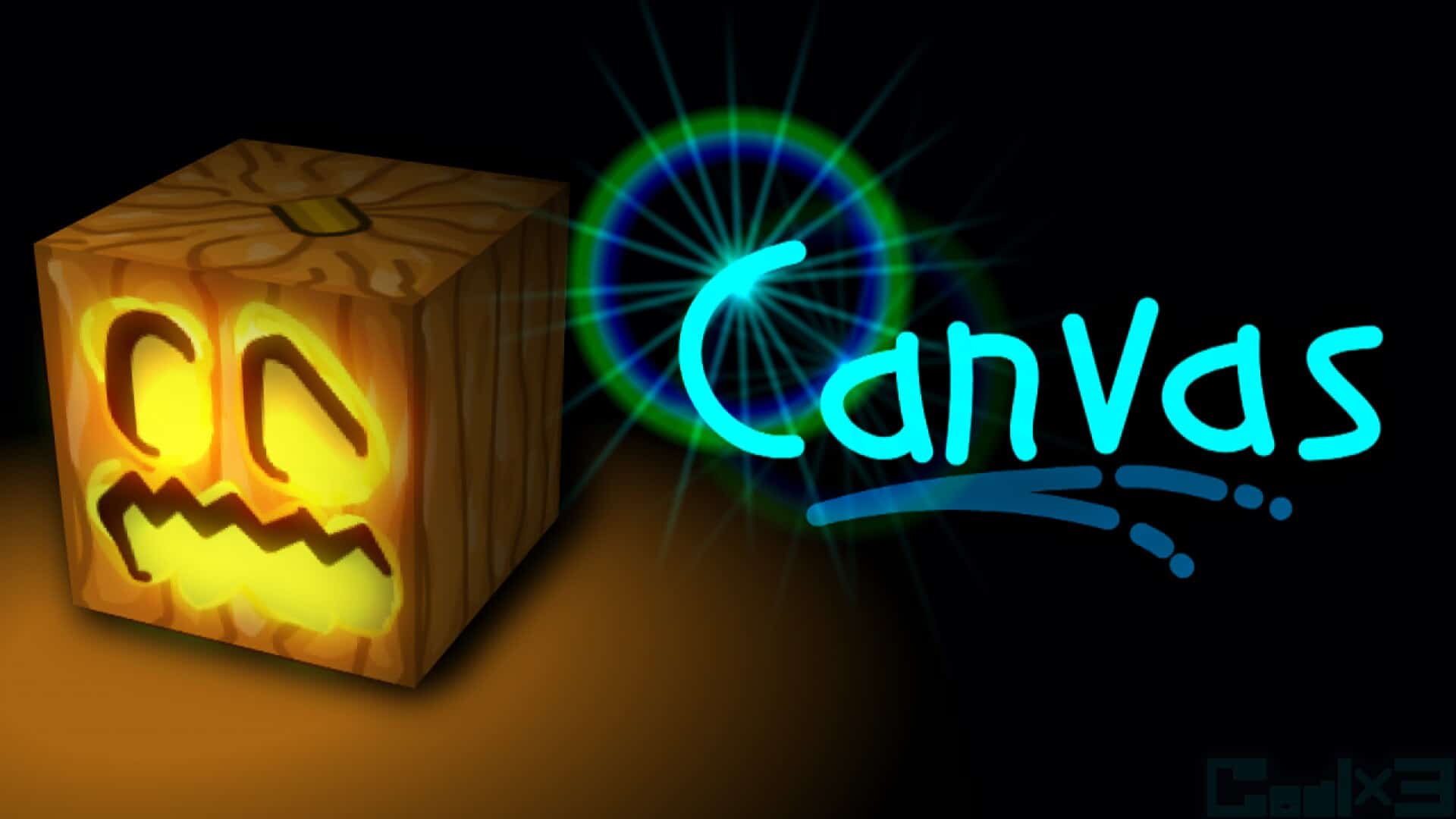
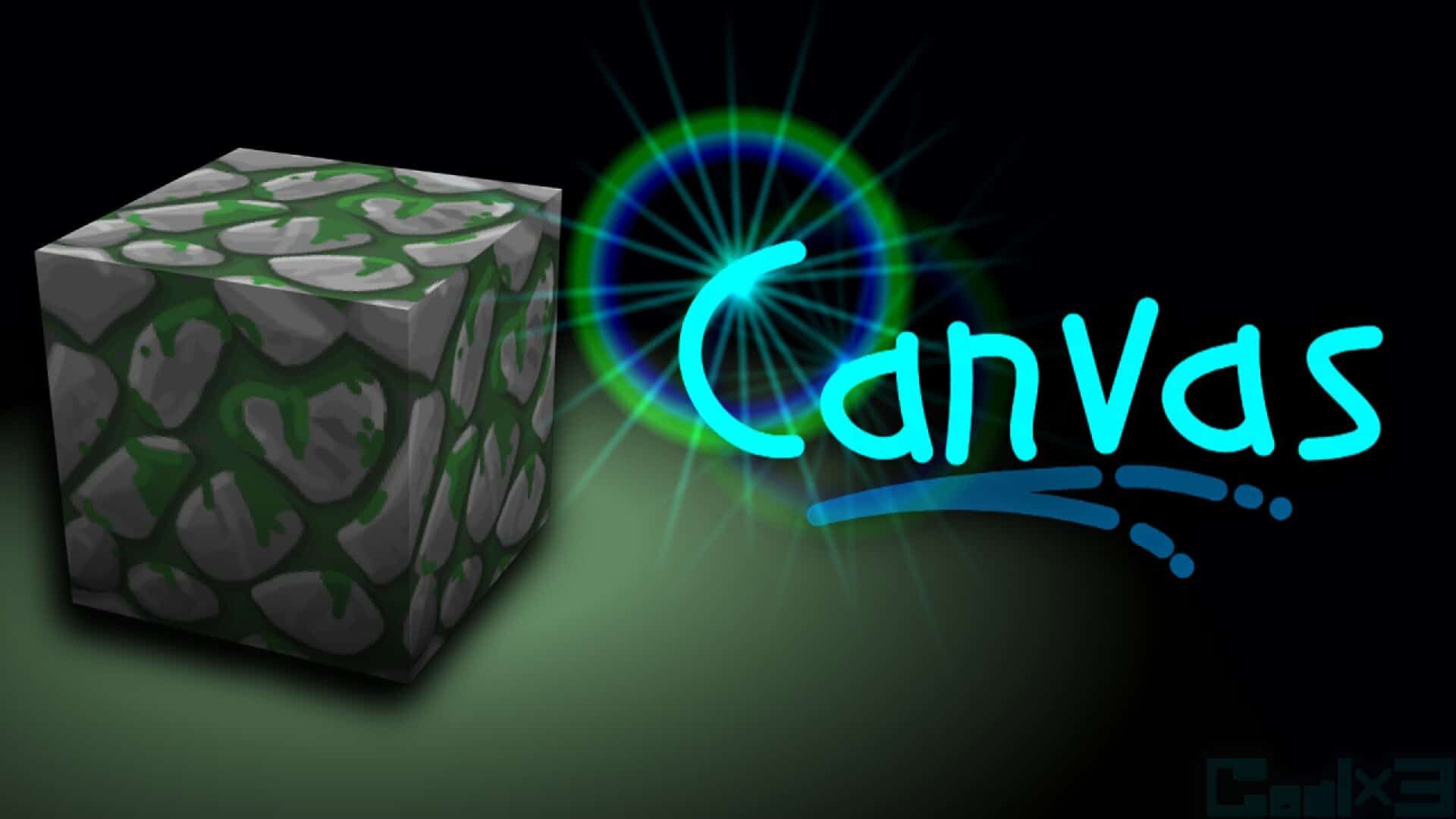
With a slogan of “Minecraft in Brush”, the Canvas resource pack is everything you’d want from a faithful-style pack. It’s arguably one of the resource packs with the most amount of work put into it, which becomes fairly obvious once you start playing around with it. If you feel like Minecraft lacks just a tad bit of refinement then Canvas is exactly what you need. There is one major thing that separates this resource pack from the hundreds of faithful-based ones on the market – its artist Gealx3 does everything by hand, manually painting the textures using an image editor. The amount of detail and attention that goes into each texture is astonishing, and it’s no wonder that all of the pieces fit perfectly together once they’re combined in the game. Probably the biggest surprise is the seamless connection between blocks of different types. This is the consequence of meticulous design by hand which is hardly found anywhere else, and which brought this pack its popularity. It’s hard to imagine improving the textures of regular blocks such as dirt or stone. However, when you try out the pack, you’ll be immediately surprised. All these textures have a whole new level of depth to them. Each stone block has 4 or 5 different shades of gray which almost makes it look 3D. The ores themselves seem embedded into each stone piece, giving cave diving a whole new allure. This unique experience extends to the tools as well, since all of them went through an overhaul to make them smoother, sharper, and more pleasant to the eye. Even with the improvements, the Canvas manages not to go overboard with novelties, instead keeping the game as vanilla as possible. As you can probably guess, the Overworld wasn’t the only dimension that underwent an overhaul. Preparing a portal to the Nether opens you up to a whole new world that looks drastically better. Its main building elements – lava, fire, and Netherrack – are more true-to-life than before.
Featured video:
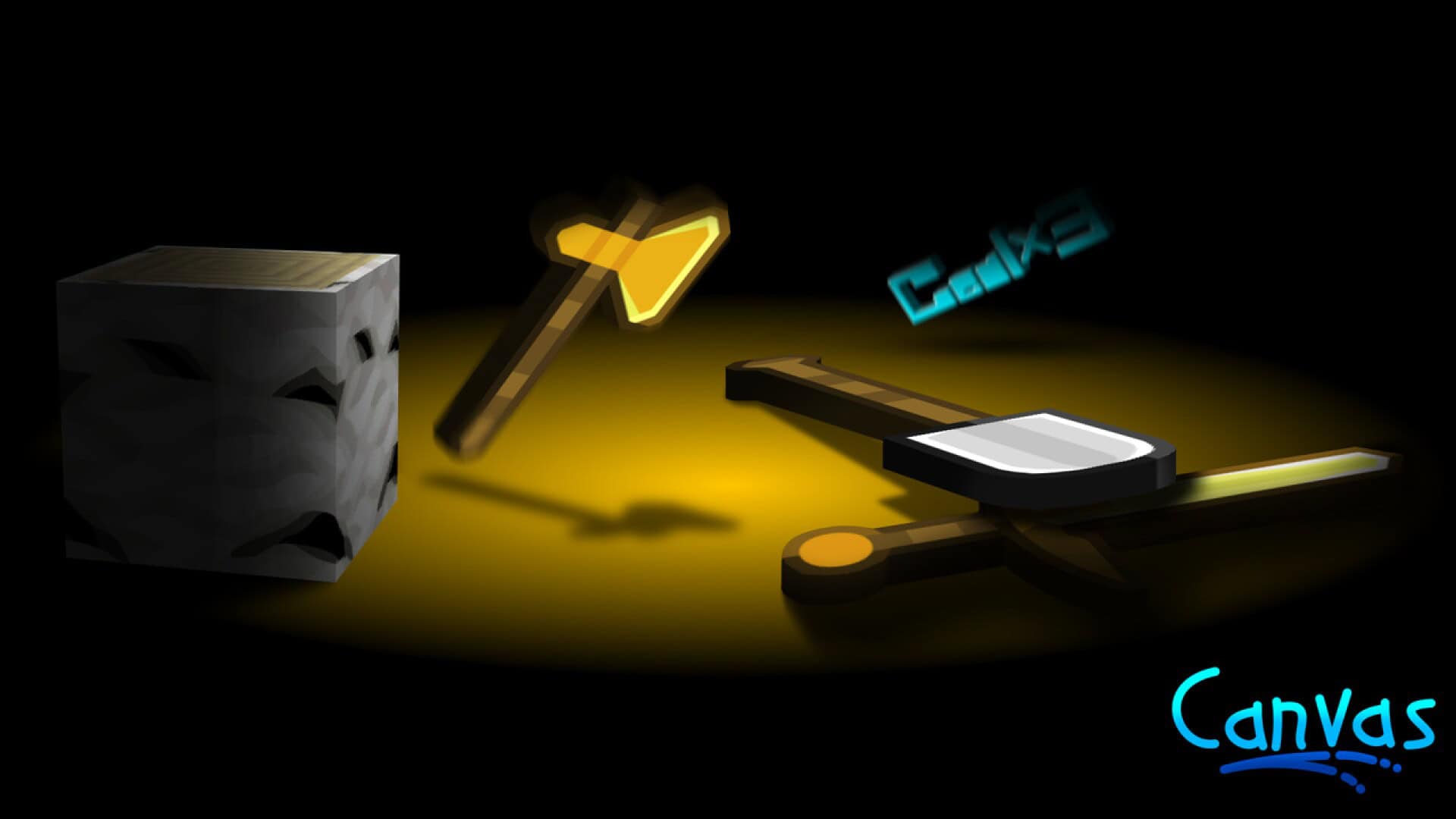
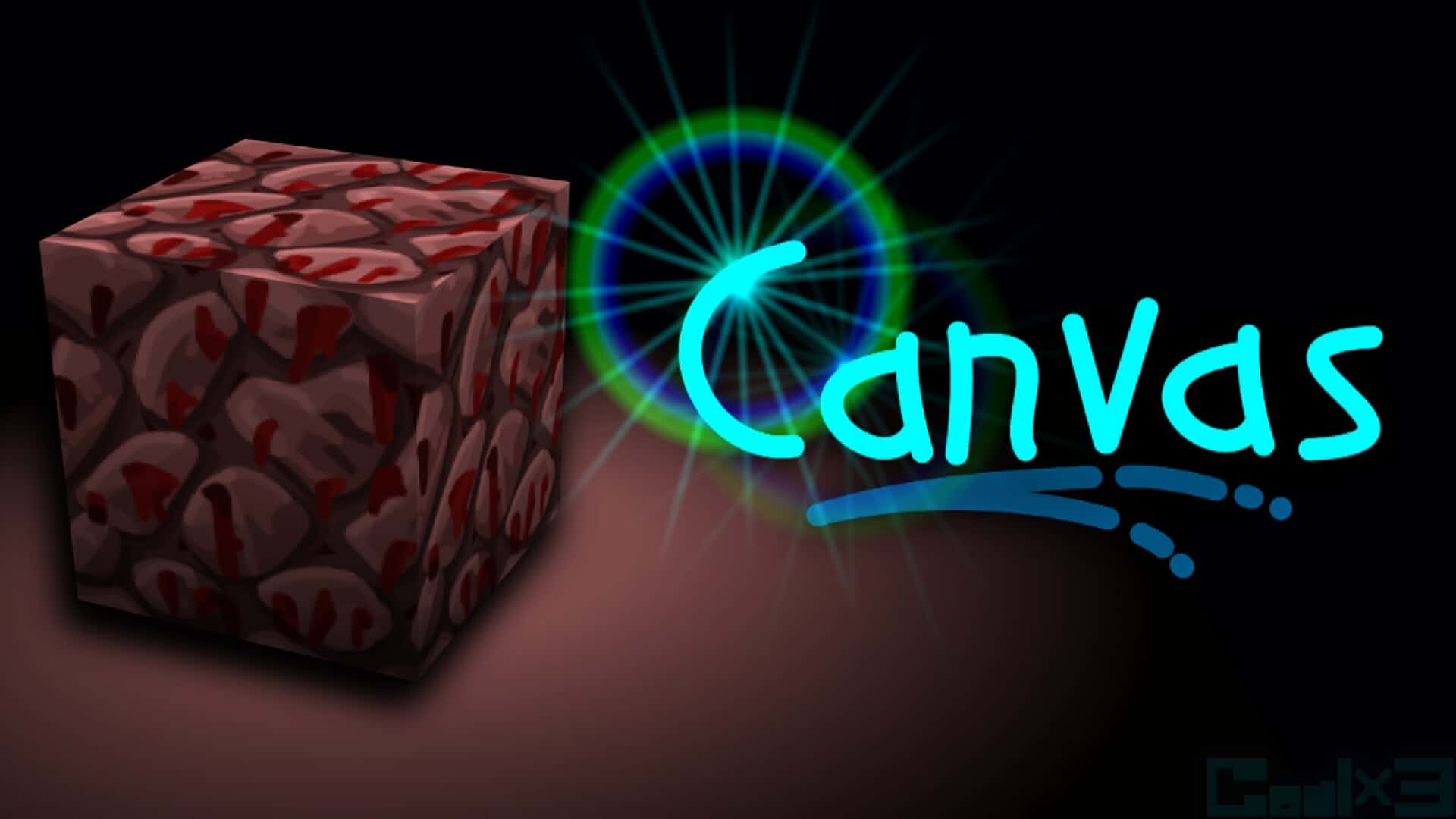
The Netherrack received a similar treatment to cobblestone, with smartly implemented shadows between its individual rocks that make it pop out. Even the bastion’s Blackstone has been modified to give the structure a more dramatic appearance. If you want to be appreciative of the effort that went into these designs, the developer published a video of him working on the Blackstone texture for a whopping 3 hours! No stone has been left unturned in the pack, and that includes the mobs, armor, and weapons. Both friendlies and enemies have been touched up, but the changes are minor, so you’ll probably only notice fewer pixels on them. As far as swords go, they don’t have the ugly zig-zag lines anymore. Instead, they’re completely smooth with a much longer blade than on the original textures. Armor is shinier than before, with the biggest difference noticeable on chainmail which is now almost fully transparent. Another welcome but less prominent modification is regarding the art. All paintings have been updated to include more details, but they still retain the same theme as the default ones. As far as performance and requirements go, the Canvas resource pack is very flexible due to the unique process through which textures are made. The developer first takes the vanilla texture and modifies it into a 32×32 resolution. After that, it’s scaled to 256×256 which is used as a base on which he does his modifications. As a result, this resource pack is available in x64, x128, and x256 versions. If your PC is able to run regular Minecraft with decent FPS, chances are that you’ll be able to use at least the lowest possible resolution without any issues. It doesn’t seem like the pack requires Optifine in order to run properly, but you’re still better off installing it just in case. If nothing else, it’s going to squeeze out a few extra FPS. Even though it seems like the developer stopped updating the pack for a while, it remains one of the most popular faithful-like packs in the Minecraft community today. Over 7 years of work are clearly visible in each block, making it hard to find a flaw. Do yourself a favor and try out this one-of-a-kind resource pack.
Faithful Canvas: Minecraft in Brush Up should be compatible with all of these Minecraft versions: 1.17.1 - 1.17 - 1.16.5 - 1.16.4 - 1.16.3 - 1.16.2 - 1.16.1 - 1.16 - 1.15.2 - 1.15.1 - 1.15 - 1.14.4 - 1.14.3 - 1.14.2 - 1.14 - 1.13.2 - 1.13.1 - 1.13 - 1.12.2 - 1.12 - 1.11.2 - 1.11 - 1.10.2 - 1.10 - 1.9.4 - 1.9 - 1.8.9 - 1.8.8 - 1.8.1 - 1.8.6 - 1.8 - Bedrock Edition - PE
Faithful Canvas: Minecraft in Brush Up — Video & Screenshots
How to install Faithful Canvas: Minecraft in Brush Up Resource Pack:
- Most resource packs require Optifine, so be sure to download and install it. – general recommended step for all packs, Optifine is also needed for most shaders
- Download the Faithful Canvas: Minecraft in Brush Up texture pack for Minecraft from the download section below. – if there are many different versions, just choose the one you like, is compatible with your version/edition of Minecraft, the one you think your computer can handle in terms of performance.
- Launch the game client through the Minecraft launcher.
- On the main menu, click "Options".
- On the options menu, click "Resource Packs...".
- Click on "Open Resource Pack Folder". – folder titled "resourcepacks" will pop up
- Move the .zip file you downloaded in the first step to the newly opened "resourcepacks" folder.
- Click "Done".
- Click on "Resource Packs..." again.
- Your pack should have appeared in the left window, just hover over it and click on the arrow pointing to the right.
QUICK TIP: Sometimes, when activating a pack, the game may say that the pack is made for a newer or older version of Minecraft. This is just a warning, it does not affect your gameplay in anyway, and you can still activate and enjoy the pack by simply clicking the "Yes" button when prompted.
- Click "Done" again.
- The pack has now been successfully loaded and ready to be used in your world!
Faithful Canvas: Minecraft in Brush Up - Comparison Slider #1 Without shaders
Comparison slider #1 for those who want to compare vanilla Minecraft without any texture packs installed (on the left) with Minecraft using this particular texture pack (on the right).
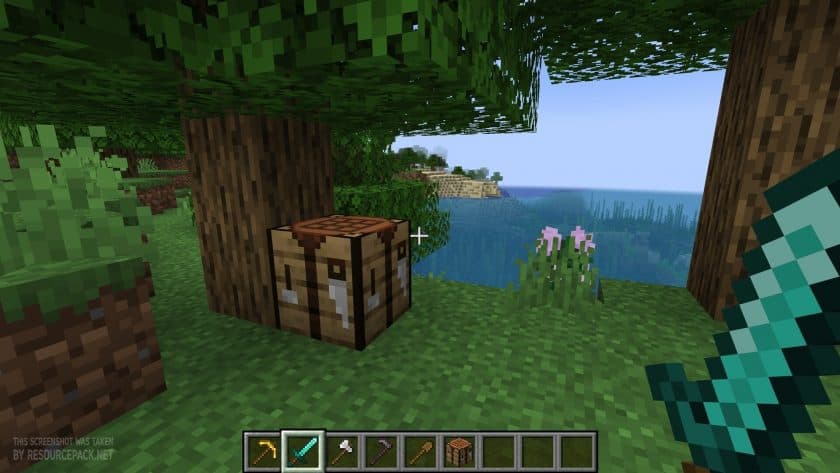 Vanilla
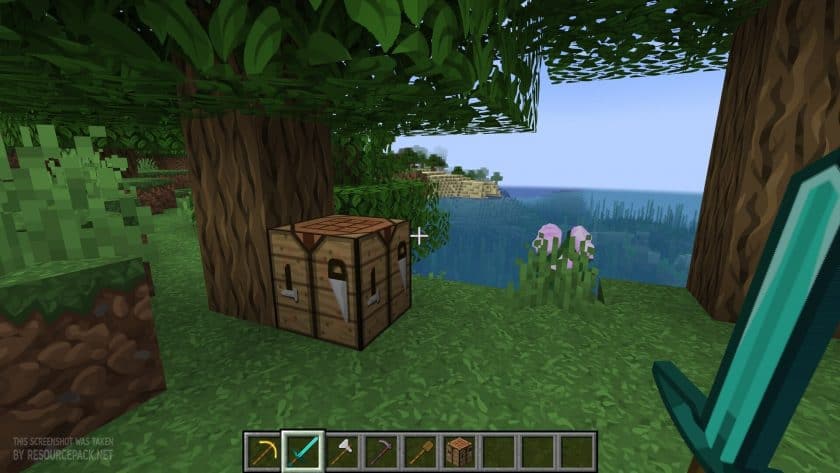 Canvas 256x
Faithful Canvas: Minecraft in Brush Up - Comparison Slider #2 With BSL Shaders
Comparison slider #2 for those who want to compare vanilla Minecraft without any texture packs installed (on the left) with Minecraft using this particular texture pack (on the right).
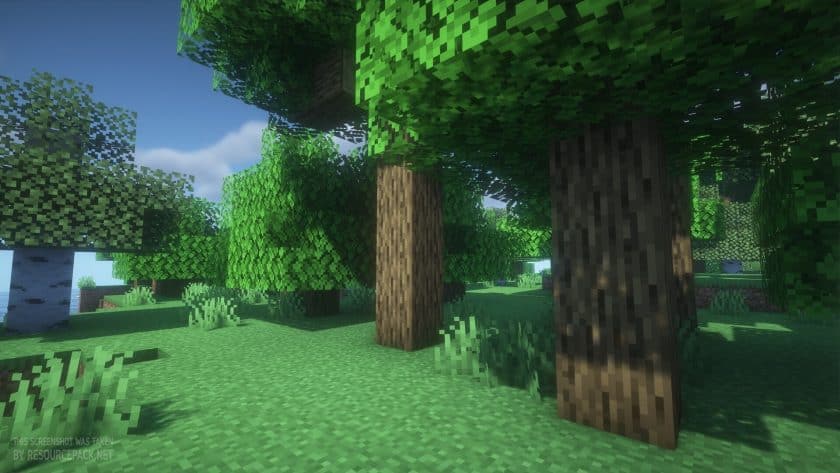 Vanilla (BSL Shaders)
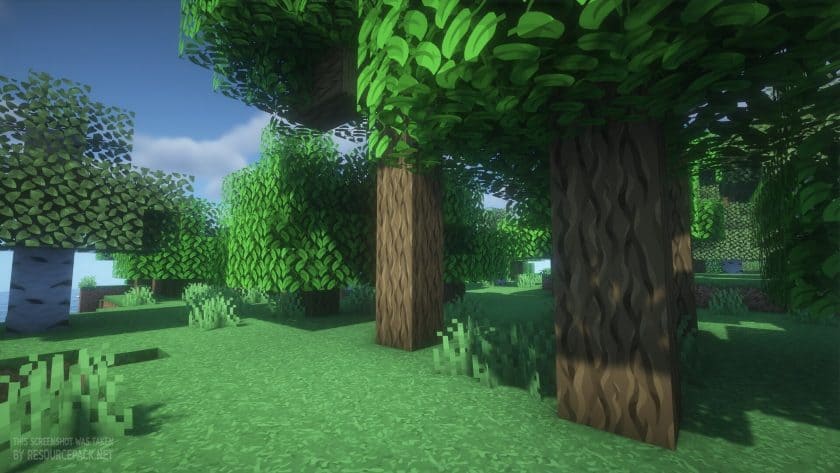 Canvas (BSL Shaders)
Faithful Canvas: Minecraft in Brush Up Texture Pack Download
- We do not modify or edit any resource packs. All resource packs, shaders and tools found on this website are linked directly to official sources rather than hosted on our own servers. We provide only the official download links from the original creators to ensure that your files are safe and secure.
- These official links are updated manually and may occasionally stop working when a new version is released. We work hard to keep everything current so that you have a smooth experience. Please let us know in the comments if you find a link that no longer works.
- Minecraft is a trademark of Mojang Studios and has no official connection to this website. Our goal is simply to share the best creations from the community with other players.
- Please consider leaving a comment or voting for your favorite packs. This feedback helps authors improve their projects over time. You can also support the creators directly by visiting the official links located below the download section.
Bedrock Edition:
[256x] Download Canvas Bedrock Edition Resource Pack
[128x] Download Canvas Bedrock Edition Resource Pack
[64x] [Download Canvas Bedrock Edition Resource Pack
Faithful Canvas 256x Java Edition:
[256x] [1.17.x] Download Canvas Resource Pack
[256x] [1.16.x] Download Canvas Resource Pack
[256x] [1.15.x] Download Canvas Resource Pack
[256x] [1.14.x] Download Canvas Resource Pack
[256x] [1.8.x] Download Canvas Resource Pack
Faithful Canvas 128x Java Edition:
[128x] [1.17.x] Download Canvas Resource Pack
[128x] [1.16.x] Download Canvas Resource Pack
[128x] [1.15.x] Download Canvas Resource Pack
[128x] [1.14.x] Download Canvas Resource Pack
[128x] [1.13.x] Download Canvas Resource Pack
[128x] [1.12.x] Download Canvas Resource Pack
[128x] [1.11.x – 1.9.x] Download Canvas Resource Pack
[128x] [1.8.x] Download Canvas Resource Pack
Faithful Canvas 64x Java Edition:
[64x] [1.17.x] Download Canvas Resource Pack
[64x] [1.16.x] Download Canvas Resource Pack
[64x] [1.15.x] Download Canvas Resource Pack
[64x] [1.14.x] Download Canvas Resource Pack
[64x] [1.13.x] Download Canvas Resource Pack
[64x] [1.12.x] Download Canvas Resource Pack
[64x] [1.11.x – 1.9.x] Download Canvas Resource Pack
[64x] [1.8.x] Download Canvas Resource Pack
Curseforge: download starts automatically after a few seconds;
Mediafire: click the big blue button with the text "DOWNLOAD";
Google Drive: in the top right corner you will see a small download icon (down arrow), click it and the download should start;

487 votes
Look.. 487 users have already liked this pack. Give a diamond if you like it too!


Vallivalli
the most past 1.16 textures aren’t changed, but otherwise this texture pack is great
friedeth
needs netherrite
DanMx93
I have a problem with accented characters, they’re not showing correctly.
For example, ‘á’ it’s showed like a ‘¬’.
Can anyone help me?
XxProGaming96xX
most textures arent changed.