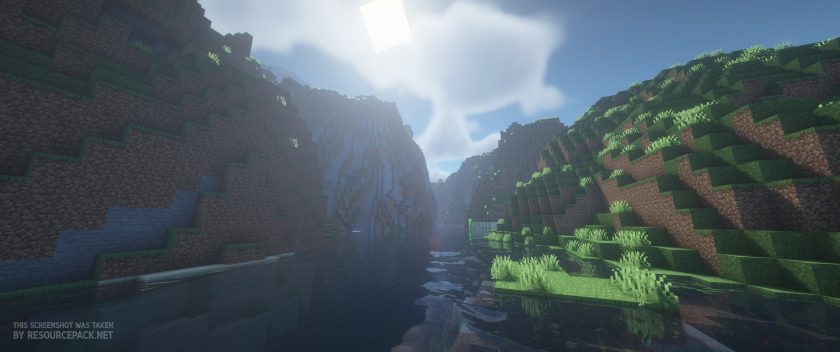
Any player of the popular game Minecraft would have to admit that the standard lighting effects leave a lot to be desired when it comes to realism. While realistic graphics are not a part of the world design in the game, the smooth lighting and graphic effects, even when set to their highest level, aren’t exactly the best they could be. The graphics could use just a touch of realism to add to the game’s atmosphere, and its overall aesthetic appeal. When it comes to embellishing the graphics of the game, shaders are the way to go. Especially the BSL Shaders. This shader pack stands out for its unique features as a pack designed specifically for Minecraft: Java Edition. Its features include real-time shadows, volumetric light, ambient occlusion, customizable clouds and water, bloom, etc., in order to add a sense of realism to the environment of the game.
Featured video:
There are also additional effects available, like motion blur, world curvature, depth of field, specular and normal mapping, and celshading, just to name a few examples. There are no perceivable glitches or bugs throughout the shader pack. The colors come with a boost and saturation alteration, which adds to the atmosphere, particularly for the Nether; the bright, eye-catching colors mixed with the shadows create a very visually pleasing experience. That being said, the BSL Shaders requires a lot of additional resources to your PC and it is not designed for low-spec PC’s. But, as this pack is, quite possibly, the best way to embellish the graphics of your game, it’s well worth any additional installations. To ensure you get the highest quality visuals, BSL Shaders requires Optifine. If you do not already have this mod installed, you will need to do so in order to get the very best experience from this shader pack.
BSL Shaders should be compatible with all of these Minecraft versions: 1.21.11 - 1.21.10 - 1.21.9 - 1.21.8 - 1.21.7 - 1.21.6 - 1.21.5 - 1.21.4 - 1.21.3 - 1.21.2 - 1.21.1 - 1.21 - 1.20.6 - 1.20.5 - 1.20.4 - 1.20.3 - 1.20.2 - 1.20.1 - 1.20 - 1.19.4 - 1.19.3 - 1.19.2 - 1.19.1 - 1.19 - 1.18.2 - 1.18.1 - 1.18 - 1.17.1 - 1.17 - 1.16.5 - 1.16.4 - 1.16.3 - 1.16.2 - 1.16.1 - 1.16 - 1.15.2 - 1.15.1 - 1.15 - 1.14.4 - 1.14.3 - 1.14.2 - 1.14 - 1.13.2 - 1.13.1 - 1.13 - 1.12.2 - 1.12 - 1.11.2 - 1.11 - 1.10.2 - 1.10 - 1.9.4 - 1.9 - 1.8.9 - 1.8.8 - 1.8.6 - 1.8.1 - 1.8 - 1.7.10 - 1.7.9 - 1.7.4 - 1.7
BSL Shaders — Screenshots
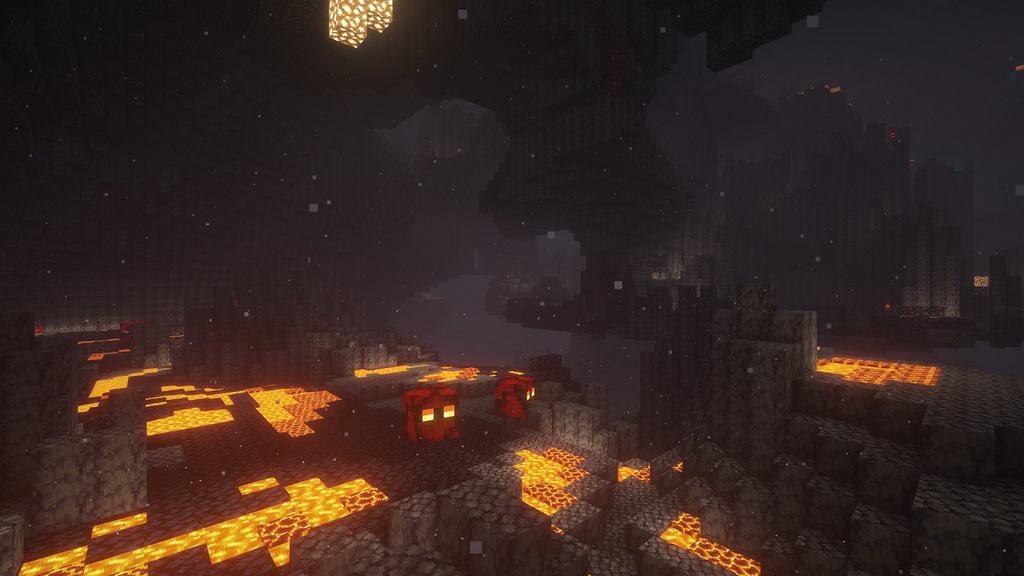

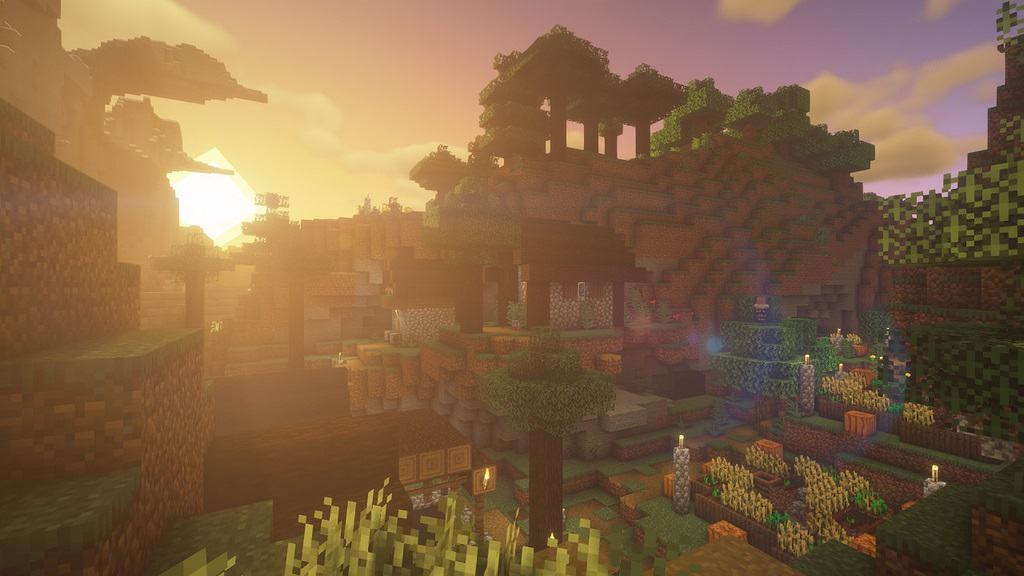
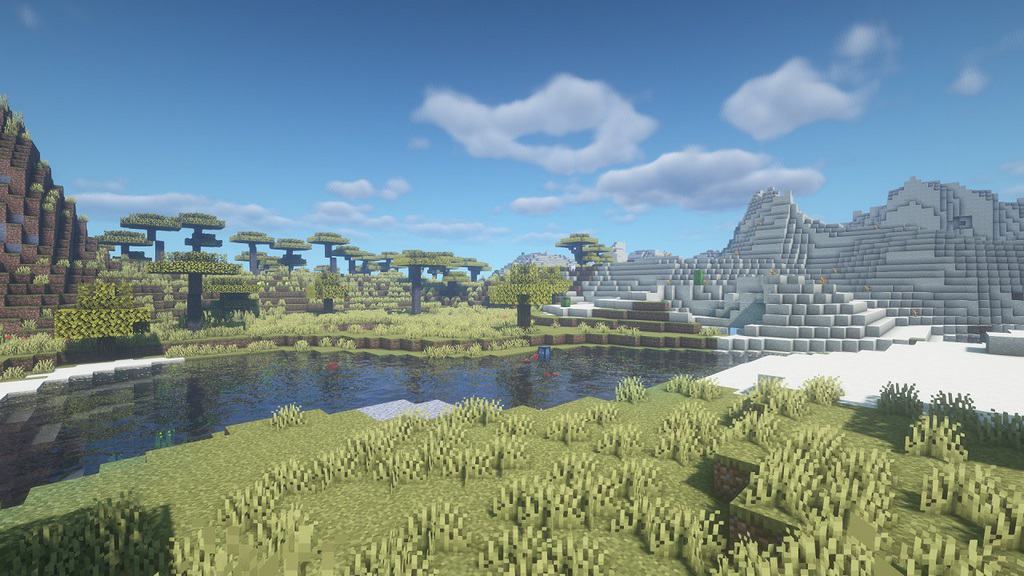
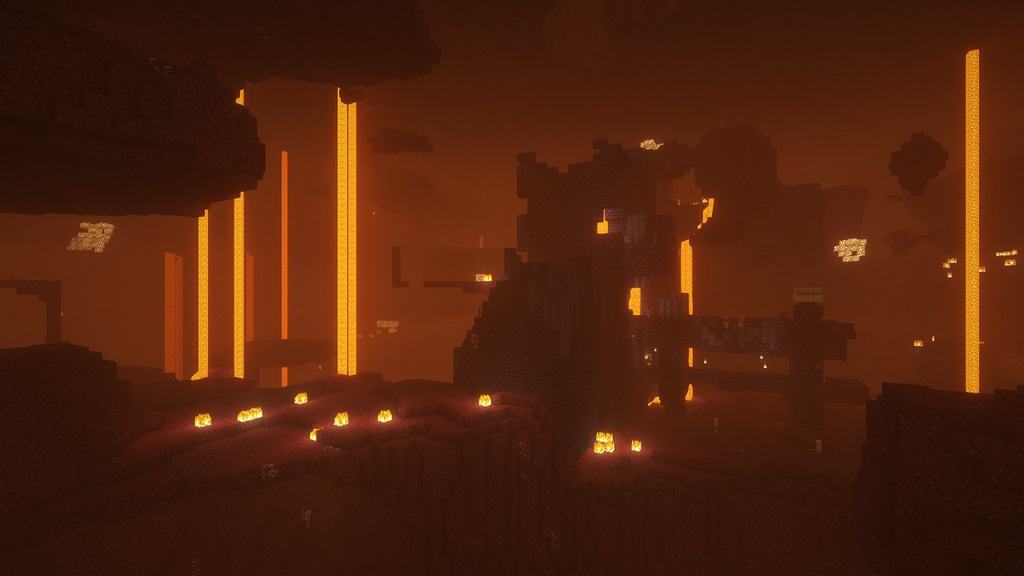
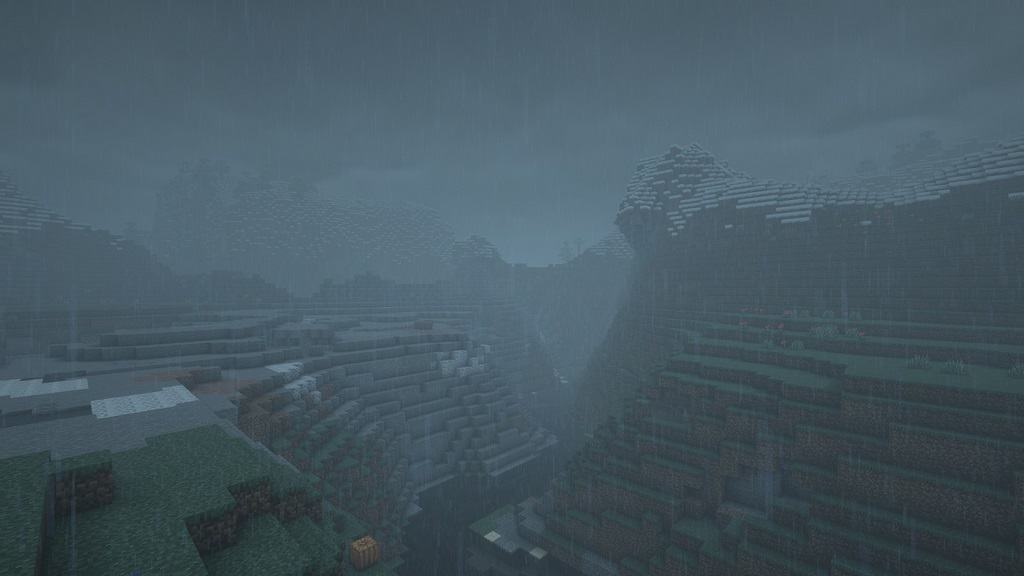
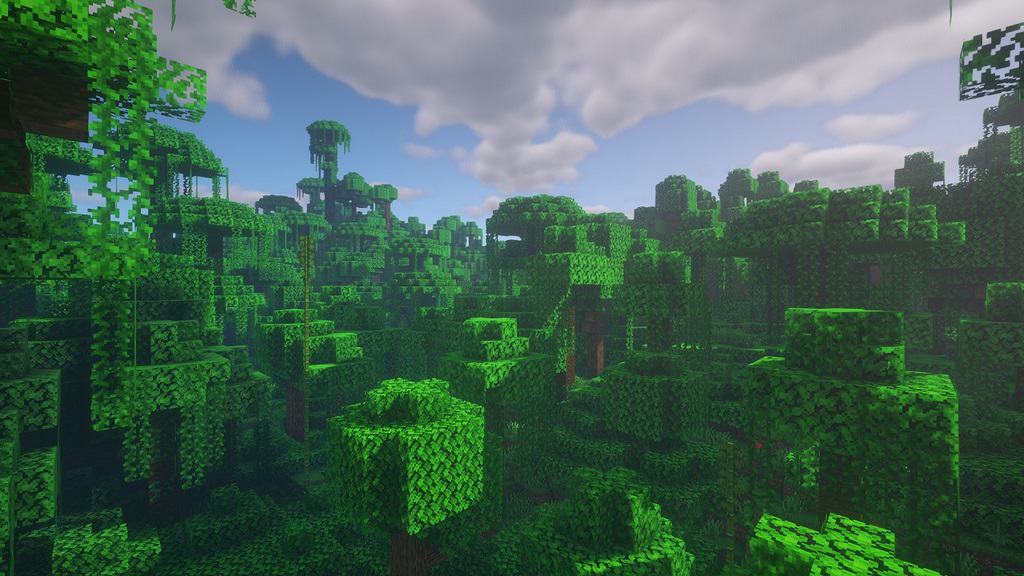
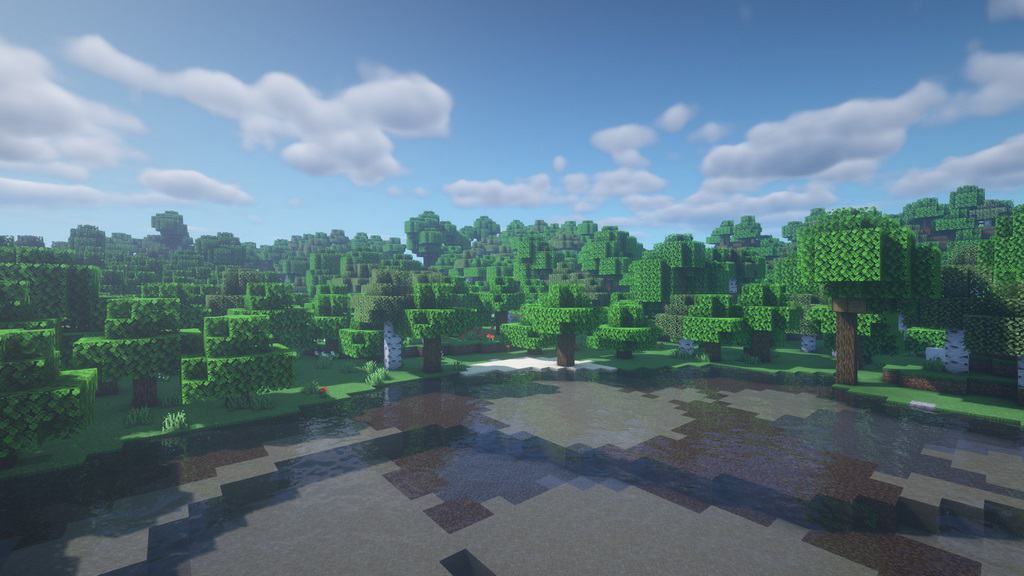
How to install BSL Shaders:
- Download and install Minecraft.
- Open Minecraft launcher and setup your game profile for the Minecraft version you want to run. – in the top menu, select the “Installations” tab, click “New installation”, under the “Version” dropdown, select your preferred Minecraft version and click “Create”.
- Download and install Optifine or Iris. – we recommend Iris, it’s a bit more optimized;
- Open Minecraft launcher and select the newly created Optifine or Iris profile. – if in step 3 you chose to install optifine it will have an optifine profile, if iris it will have an iris profile;
- Download the BSL shader pack from the download section below.
- Launch Minecraft.
- For Optifine: Go to
Options > Video Settings > Shadersand click “Shaders Folder” to open shaderpacks folder.
For Iris: Go toOptions > Video Settings > Shader packsand click “Open Shader Pack Folder” to open shaderpacks folder. - Put the BSL shader pack (.zip file) downloaded in step 5 into the .minecraft\shaderpacks folder you opened in step 7.
- In the game, select BSL Shaders from the list and click “Done”.
BSL Shaders - Comparison Slider #1 day
Comparison slider #1 for those who want to compare vanilla Minecraft without any shaders installed (on the left) with Minecraft using this particular shader pack (on the right).
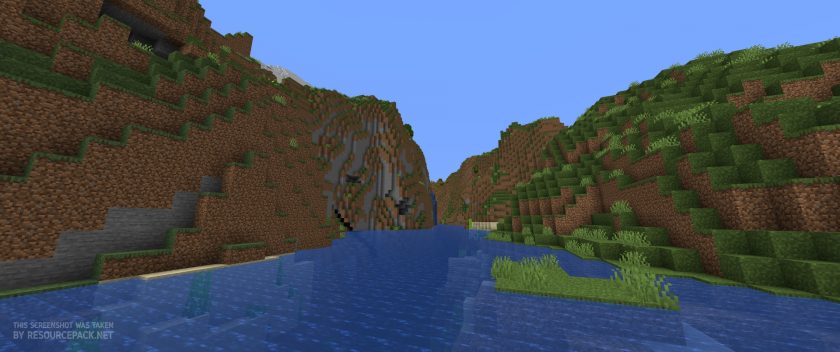 Vanilla
 BSL Shaders
BSL Shaders - Comparison Slider #2 sunset
Comparison slider #2 for those who want to compare vanilla Minecraft without any shaders installed (on the left) with Minecraft using this particular shader pack (on the right).
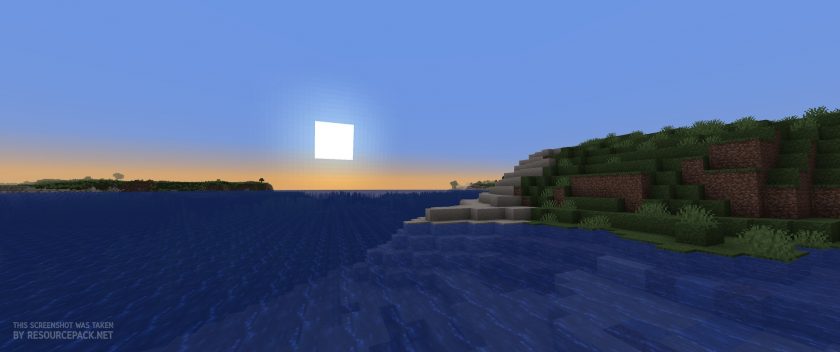 Vanilla
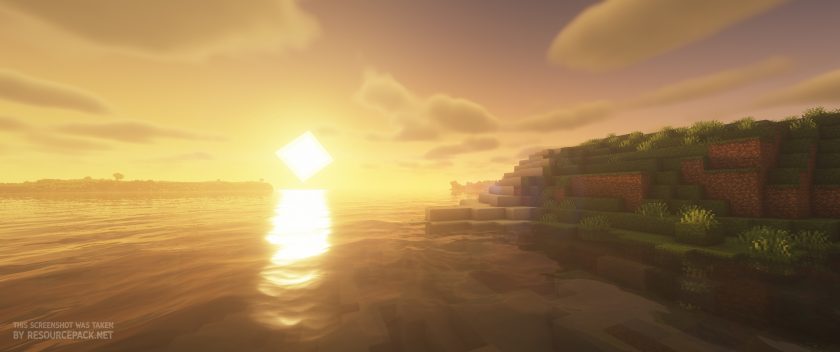 BSL Shaders
BSL Shaders Shader Pack Download
- We do not modify or edit any resource packs. All resource packs, shaders and tools found on this website are linked directly to official sources rather than hosted on our own servers. We provide only the official download links from the original creators to ensure that your files are safe and secure.
- These official links are updated manually and may occasionally stop working when a new version is released. We work hard to keep everything current so that you have a smooth experience. Please let us know in the comments if you find a link that no longer works.
- Minecraft is a trademark of Mojang Studios and has no official connection to this website. Our goal is simply to share the best creations from the community with other players.
- Please consider leaving a comment or voting for your favorite packs. This feedback helps authors improve their projects over time. You can also support the creators directly by visiting the official links located below the download section.
Java Edition:
[1.21.x – 1.7.x] Download BSL Shaders
Curseforge: download starts automatically after a few seconds;
Mediafire: click the big blue button with the text "DOWNLOAD";
Google Drive: in the top right corner you will see a small download icon (down arrow), click it and the download should start;

14,296 votes
Look.. 14296 users have already liked this shader pack. Give a diamond if you like it too!


yo
where do i find the download for 1.16.5
Admin
Just try version 1.20, it should work fine on 1.16.x.
Idk
I put the shader in shaderpacks but it doesn’t appear for me in the shader options what should i do
ItsEystream
put it in resource packs that wiil work
Ckradt
I think you need Optifine instead for a shader to work.
Ravensclaw
we can get it to work
James
Does this work on tlauncher? I’m new to downloading shaders & I dont really understand how it works when downloading..
Tluser
yes. I already tried it, just place the zip into the shaderpacks folder
Tomisado
bro download button isnt function :D
Admin
The download links on our side are working fine. What exactly doesn’t work?
carl
honestly, this is really cool and all, but im on minecraft education. it wont really work for me
nirish
so goooooood
mewan abhilash
gooood job man
jas
hi, i have MC java edition and i have optifire & also am playing on it but its not showing up for me? I’ve put it in the folder and even retried it as a whole twice.. :P
KARIMDAD2824
BRO places mcpe bsl shaders 1.20
juliapelada
hi! i have minecraft java edition but i cant put the shaders on i cant even see the option video settings
i was wondering if its because i bought minecraft or smt like that
juliapelada
nvm sorry TuT
Admin
If you don’t see the shader settings, it means that you most likely don’t have optifine installed or you’re not playing with an optifine profile.
~Infinityloop1
you have to install forgeoptifine/ optifine to run it. and it runs great, wish you can try it
ps: use multimc or another launcher it’ll be easier
Terra
Appears as “Shaders 1”
Bandshee
Same did you figure this out? Its not a zip file for me
anonymous
Hey, that’s great! Is it possible to install Shader bsl and also for the blocks to be more realistic (using shader bsl and texture)?
kurt
Water behind glass has this liquid metal appearance, and everything inside looks upside down, how do I fix this?
Shazzz
How do install??
DZGgamingYT
U need Iris and Sodium lol
Haleigh
How do I install these shaders
Admin
Read the installation instructions on this page?
jaden
It is so bad There are so much better shade
togll
its just your opinion
Matt
Hi! Nice shaders but how do I make it less gray/foggy or bump up the contrast a little? I know it gives a nostalgia look to the game but I’d like to modify a little bit and I don’t know which is the right setting. Thanks!
Matt
nvm i think i got it
Josh Yarbrough
are there any texture packs compatible with this?
Admin
Most packs are compatible with shaders unless otherwise noted.
Amar
Do I have to extract the file or keep it as a .zip?
Admin
Please read the installation instructions on this page if you have never installed shaders before.
Alex
Hello, BSL in version 1.20 is having bugs in the water with the glasses.
Zoe
I’m having the same issue, either the water looks completely transparent when a waterfall or it reflects the skyline for some reason
Jamie
Same here! Waterfalls reflect things like my shield or lava super far away, or the blocks it’s on so I can’t see it.
cute_dinosawr
can you use it on chrome os tho?
c00lkid
yes but the mod has to be a mc pack or it wont work
BlueTtune
Why is the sky not showing, there is like a tan line showing from the regular sky to the shader sky, any fix, most my settings are on very fast so if something needs to be on or fancy that would be helpfull.
BlueTtune
Nevermind, I had to turn sky on. I’m pretty dum
mregg3029
how did you do it?
tango
THIS IS NOT FOR BEDROCK EDITION THE ADMINS SAID LIKE A MILLION TIMES!!!!!!!
tango
sorry bout caps btw
Admin
Yes, most shaders require optifine or iris to work, and both of these tools are based on the java version of minecraft, there aren’t many shaders compatible with bedrock edition of minecraft.
Jasmine
Can I use it for bedrock edition also
Ratterax
Bruh 40 FPS with low settings
RTX 2070
Intel i7 9700k
16GB ram
eeeeeeeee
im getting 35 fps with everything on low without any shaders
Admin
RAM is a problem in your setup, minecraft needs a lot of memory especially with shaders. For decent performance, at least 32GB of RAM is recommended. P.S. This is not an official statement or anything like that, this is from our personal experience.
Jaina
Can I download this for iOS
Admin
No, only compatible with minecraft java edition.
ASSASSIN
is ther a bedrock editon?
Ajay
Does this bsl shaders work in Android phone minecraft?
Ajay
Java edition