Any player of the popular game Minecraft would have to admit that the standard lighting effects leave a lot to be desired when it comes to realism. While realistic graphics are not a part of the world design in the game, the smooth lighting and graphic effects, even when set to their highest level, aren’t exactly the best they could be. The graphics could use just a touch of realism to add to the game’s atmosphere, and its overall aesthetic appeal. When it comes to embellishing the graphics of the game, shaders are the way to go. Especially the BSL Shaders. This shader pack stands out for its unique features as a pack designed specifically for Minecraft: Java Edition. Its features include real-time shadows, volumetric light, ambient occlusion, customizable clouds and water, bloom, etc., in order to add a sense of realism to the environment of the game.
Featured video:
There are also additional effects available, like motion blur, world curvature, depth of field, specular and normal mapping, and celshading, just to name a few examples. There are no perceivable glitches or bugs throughout the shader pack. The colors come with a boost and saturation alteration, which adds to the atmosphere, particularly for the Nether; the bright, eye-catching colors mixed with the shadows create a very visually pleasing experience. That being said, the BSL Shaders requires a lot of additional resources to your PC and it is not designed for low-spec PC’s. But, as this pack is, quite possibly, the best way to embellish the graphics of your game, it’s well worth any additional installations. To ensure you get the highest quality visuals, BSL Shaders requires Optifine. If you do not already have this mod installed, you will need to do so in order to get the very best experience from this shader pack.
BSL Shaders should be compatible with all of these Minecraft versions: 1.21.11 - 1.21.10 - 1.21.9 - 1.21.8 - 1.21.7 - 1.21.6 - 1.21.5 - 1.21.4 - 1.21.3 - 1.21.2 - 1.21.1 - 1.21 - 1.20.6 - 1.20.5 - 1.20.4 - 1.20.3 - 1.20.2 - 1.20.1 - 1.20 - 1.19.4 - 1.19.3 - 1.19.2 - 1.19.1 - 1.19 - 1.18.2 - 1.18.1 - 1.18 - 1.17.1 - 1.17 - 1.16.5 - 1.16.4 - 1.16.3 - 1.16.2 - 1.16.1 - 1.16 - 1.15.2 - 1.15.1 - 1.15 - 1.14.4 - 1.14.3 - 1.14.2 - 1.14 - 1.13.2 - 1.13.1 - 1.13 - 1.12.2 - 1.12 - 1.11.2 - 1.11 - 1.10.2 - 1.10 - 1.9.4 - 1.9 - 1.8.9 - 1.8.8 - 1.8.6 - 1.8.1 - 1.8 - 1.7.10 - 1.7.9 - 1.7.4 - 1.7
BSL Shaders — Screenshots
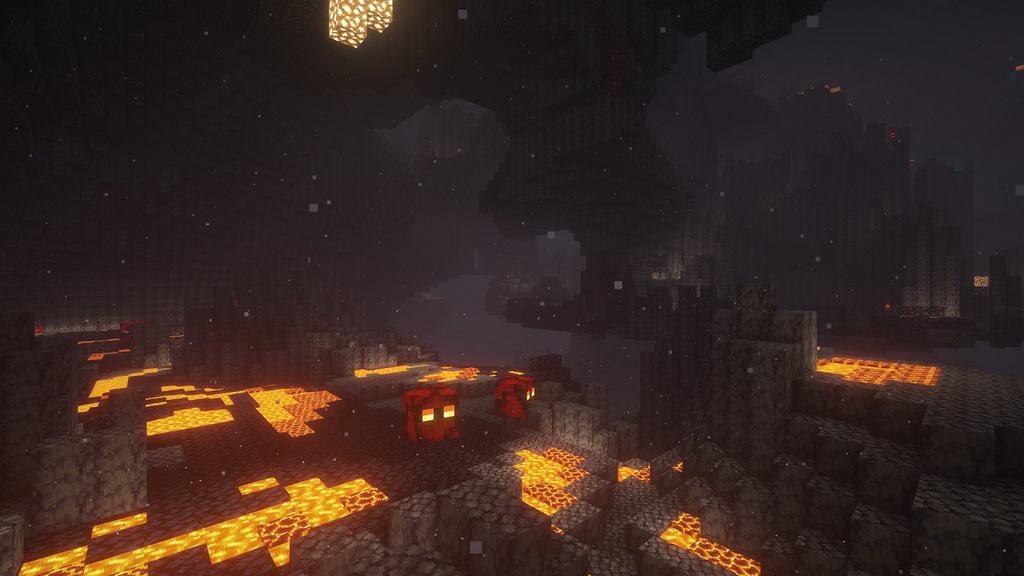

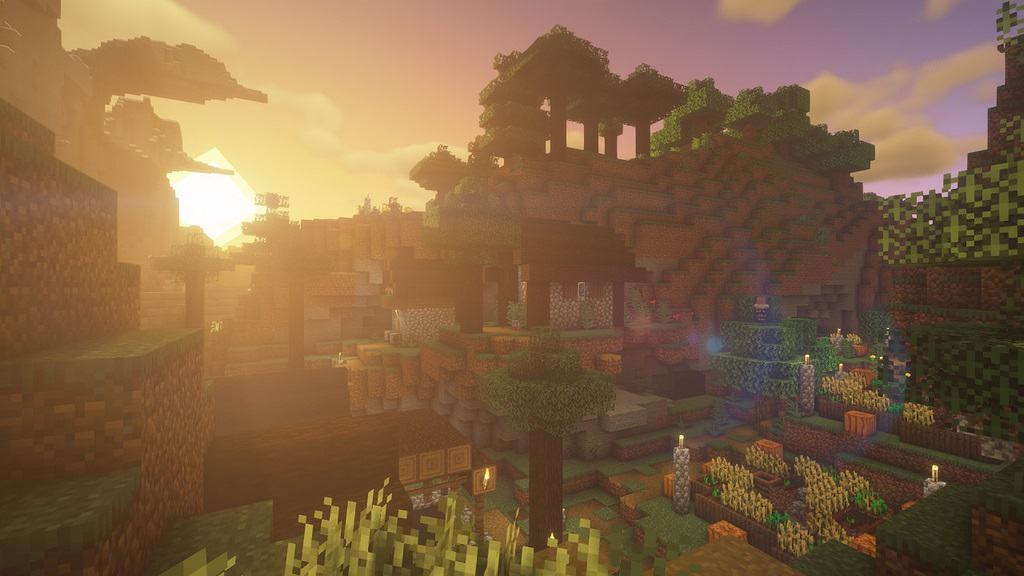
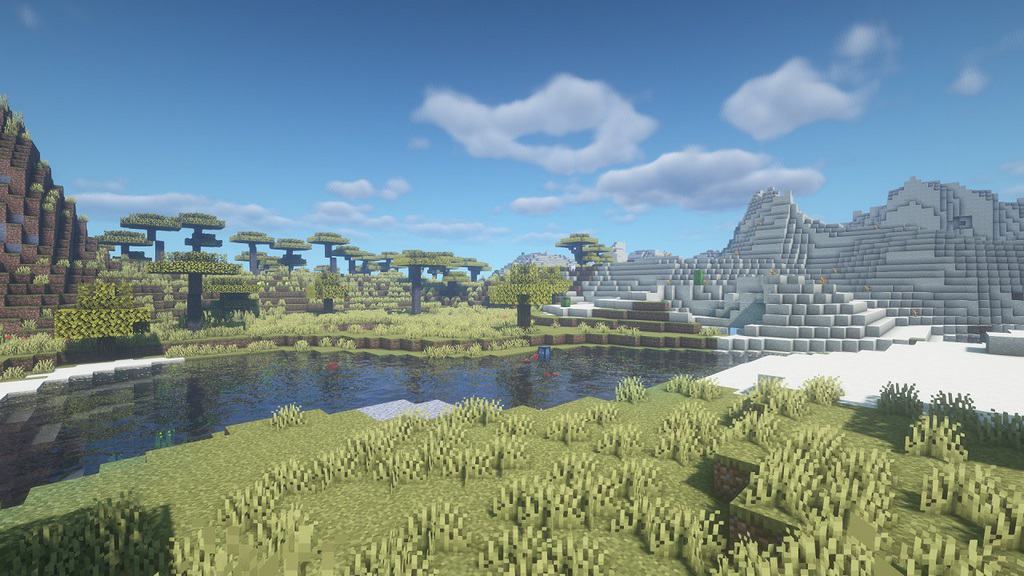
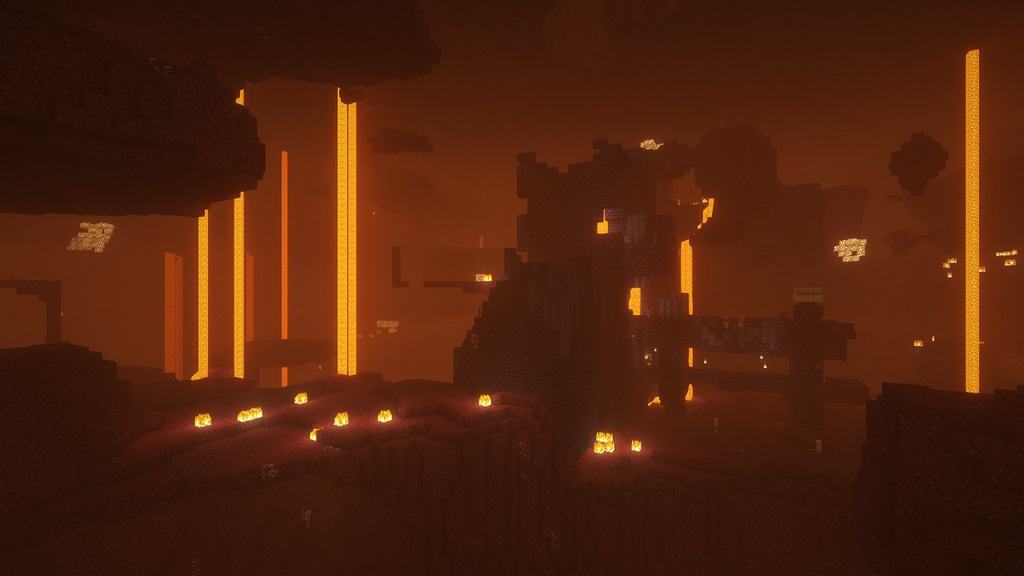
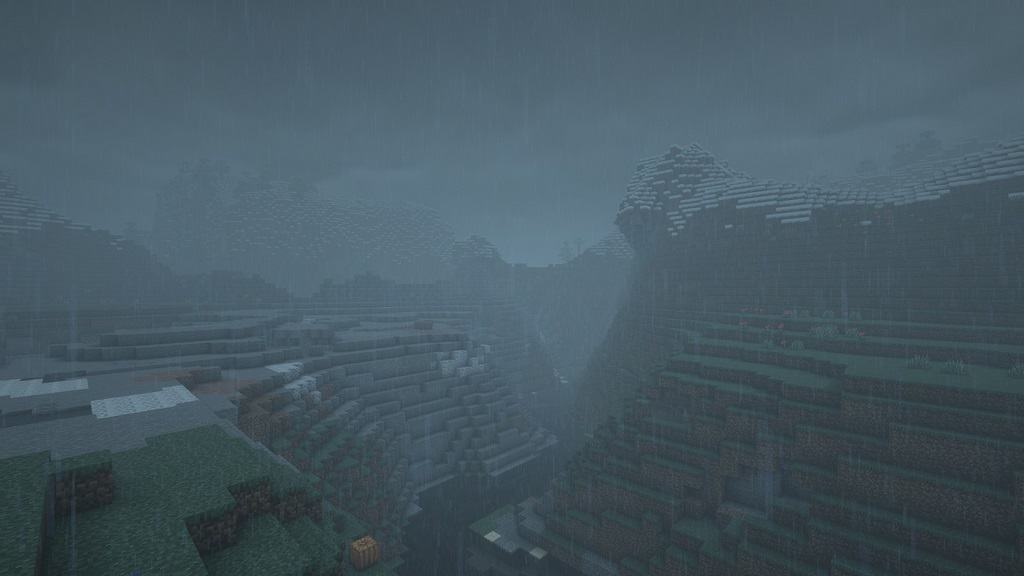
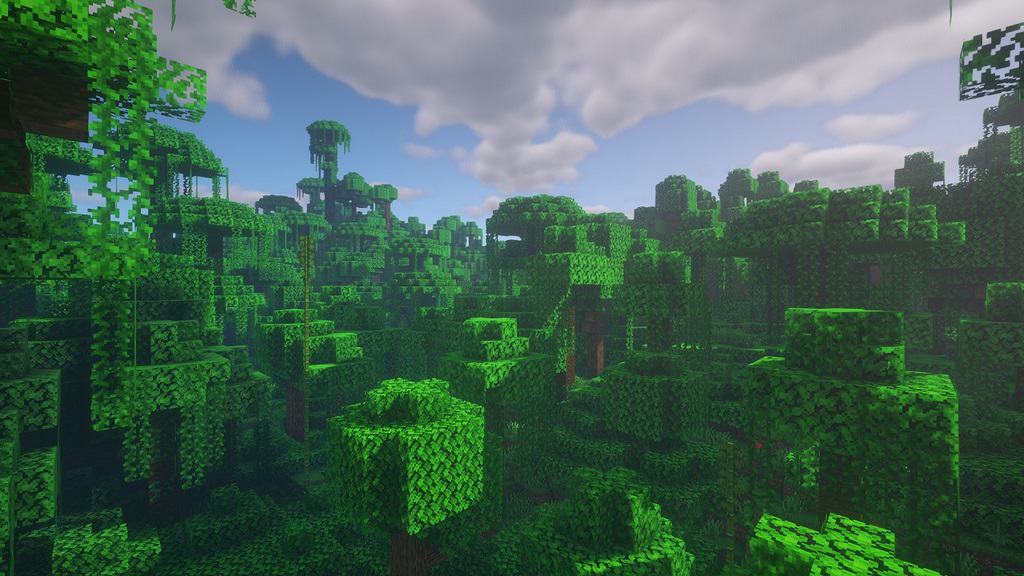
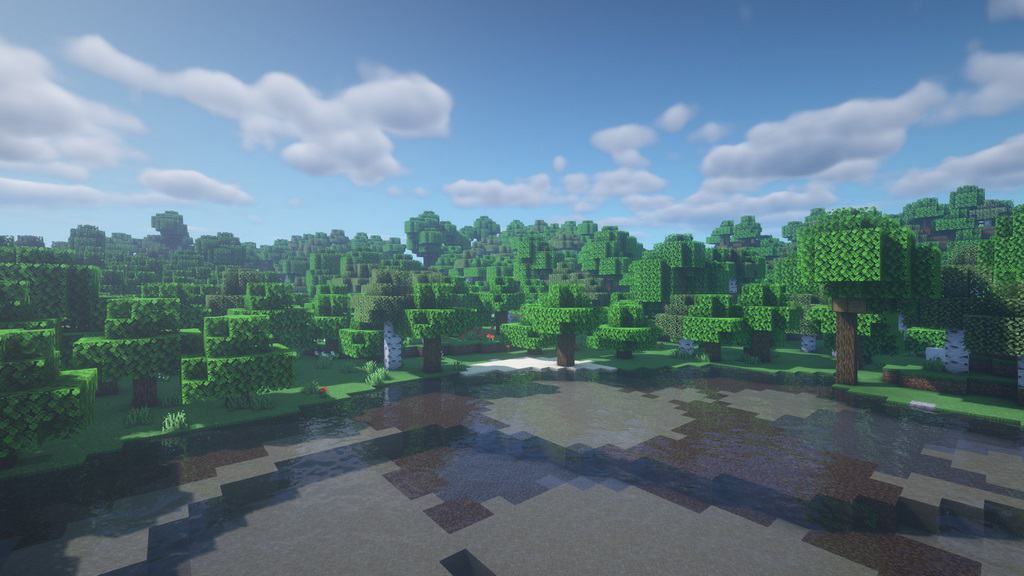
How to install BSL Shaders:
- Download and install Minecraft.
- Open Minecraft launcher and setup your game profile for the Minecraft version you want to run. – in the top menu, select the “Installations” tab, click “New installation”, under the “Version” dropdown, select your preferred Minecraft version and click “Create”.
- Download and install Optifine or Iris. – we recommend Iris, it’s a bit more optimized;
- Open Minecraft launcher and select the newly created Optifine or Iris profile. – if in step 3 you chose to install optifine it will have an optifine profile, if iris it will have an iris profile;
- Download the BSL shader pack from the download section below.
- Launch Minecraft.
- For Optifine: Go to
Options > Video Settings > Shadersand click “Shaders Folder” to open shaderpacks folder.
For Iris: Go toOptions > Video Settings > Shader packsand click “Open Shader Pack Folder” to open shaderpacks folder. - Put the BSL shader pack (.zip file) downloaded in step 5 into the .minecraft\shaderpacks folder you opened in step 7.
- In the game, select BSL Shaders from the list and click “Done”.
BSL Shaders - Comparison Slider #1 day
Comparison slider #1 for those who want to compare vanilla Minecraft without any shaders installed (on the left) with Minecraft using this particular shader pack (on the right).
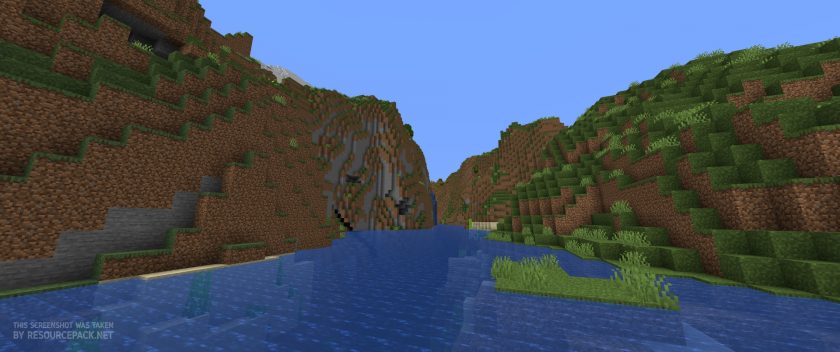 Vanilla
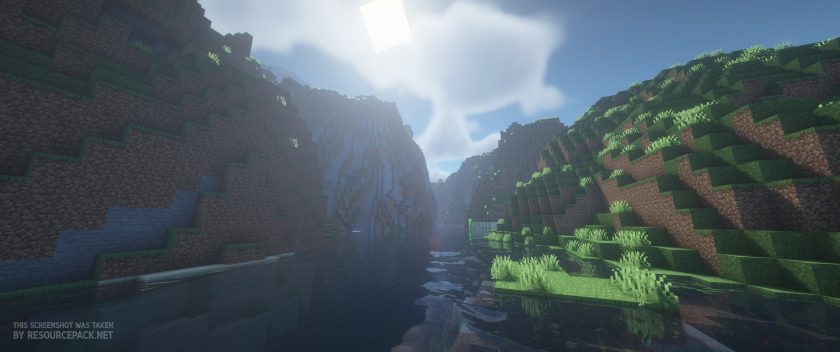 BSL Shaders
BSL Shaders - Comparison Slider #2 sunset
Comparison slider #2 for those who want to compare vanilla Minecraft without any shaders installed (on the left) with Minecraft using this particular shader pack (on the right).
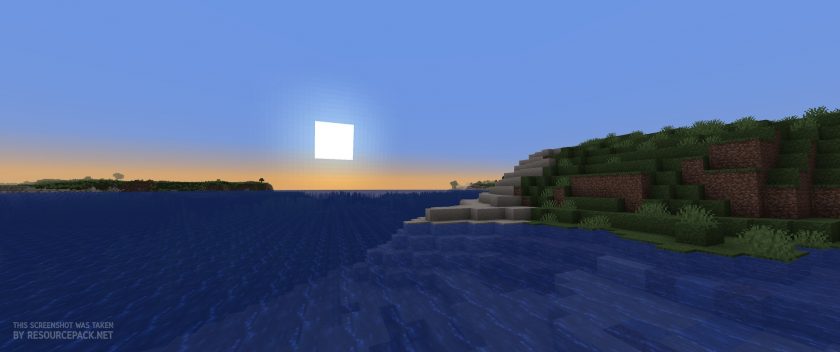 Vanilla
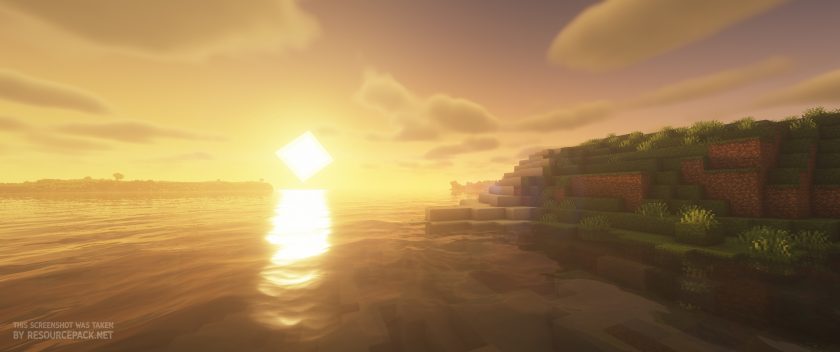 BSL Shaders
BSL Shaders Shader Pack Download
- We do not modify or edit any resource packs. All resource packs, shaders and tools found on this website are linked directly to official sources rather than hosted on our own servers. We provide only the official download links from the original creators to ensure that your files are safe and secure.
- These official links are updated manually and may occasionally stop working when a new version is released. We work hard to keep everything current so that you have a smooth experience. Please let us know in the comments if you find a link that no longer works.
- Minecraft is a trademark of Mojang Studios and has no official connection to this website. Our goal is simply to share the best creations from the community with other players.
- Please consider leaving a comment or voting for your favorite packs. This feedback helps authors improve their projects over time. You can also support the creators directly by visiting the official links located below the download section.
Java Edition:
[1.21.x – 1.7.x] Download BSL Shaders
Curseforge: download starts automatically after a few seconds;
Mediafire: click the big blue button with the text "DOWNLOAD";
Google Drive: in the top right corner you will see a small download icon (down arrow), click it and the download should start;

14,296 votes
Look.. 14296 users have already liked this shader pack. Give a diamond if you like it too!


anonym
very good shader pack
the person below me is wrong
very good texture pack, and made my world look and feel way better.
Admin
It’s a shader pack, not a texture pack… but yes, BSL shaders are one of the most popular and best ;)
Caius
ITS NOT GOOD
A person
Hi, just wondering dose this work on bedrock edition??
Wisnu
Bls shaders zip
ken
can’t find the shaderpack on my Files
Dragon3a5
Very good
Mohammad Reza
Hi.
This shader is really amazing. I get about 23 to 19 fps with it and its great. I really like it specially the water .
Garrett
For those who also hate the “Bloom” effect. You can turn it off in the Shader Options under “Post Effects”. It’s the 3rd option on the left side. Made the shader WAY better turned off.
kach
my FPS be like: HELP ME (10)
Freakazoid
bro you can change it
InkedMommy
I just got a new Macbook Pro and Optifine and Texture packs load fine but as soon as I try to use your shader, the game crashes with error code: 6
Is it the texture pack? Is anyone else having this issue?
Lij
I have the same exact issue, anyone know any fixes?
Minecrafter
Nope, works fine on windows 10.
aayush singh rathore
plz can you make bsl shaders for mcpe that will be big relife
Anon
Is there a possible way to get these on MacOS without Optifine?
Darknessmaster
no
calihaze42
Is there a way to get this without Optifine?
My computer doesn’t allow optifine to be downloaded
Adam
Sadly no.
Anonymous
I use Iris Shaders instead of optifine. Says it has a universal installer, but I’m not completely sure. You should try it for yourself.
yash
this is very nice
Jay
is this compatible to 1.17.1?
IntrepidHam
the file just says “shaders”. when I put it in the optifine shader folder it doesn’t work
Admin
Read the installation guide if you haven’t already. You don’t need to unpack/unzip the shaderpack archive.
Noobntino
when u put it in the shaders pack close the file. open minecraft go video settings and then open shaders. The game will naturally have the shaders to off but u may click on BSL and wait for sometime and ur shaders will be on . dont unzip the file/folder
Shi
Why can’t we have something like this for bedrock as well? :/ Such a shame really
Scot
turn RTX on
Eisa
how can I activate bsl shaders?
Admin
Read the installation guide on this page?
Maddie
not sure why downloading these shaders with the new optifine version 1.18 gives incredible frame loss. i had 150 frames with the previous optifine version and i cant pinpoint where the issue is coming from :(
kyla mari
heyyy there i havent tried your texture pack! maybe its super duper cool i cant wait!!!
Flashi
Hey there, BSL is my favorite shader! sadly it is not completely compaptible with 1.18
When i use this shader below Y(height) 0 the sky turns black and foggy ! It really looks creepy xD
I have a superflat map for my skyscrapers, thats why I am so “deep” :-)
Does anyone have a solution for this problem ?
TonyIncForLife
when i use this shaderpack with badlion client 1.17.1 minecraft crashes. is there any way to fix this without using a different client?
Fastswimmer43
I really love this shader but the only thing that I don’t like is the fog that It has when you have it on it whitens my screen but i think that i can deal with it
Bamboy_Gaming
u can disable it in the seettings
goose
every time i turn it on my laptop screams pain nice
NoOneGamingz
same lollll
TechnoX122
I hope there’s a bsl shader on mobile I really need it, and I don’t have pc I can’t afford to buy one :<
Fritz
Unfortunately it cannot be for the mobile since the Minecraft PE is written differently, Even if it was available for mobile there is no one that a mobile device could run it. :(
amri mr ayoub
we need dowload minecraft java guuys
Tarryn Cohen
i alredy have jave