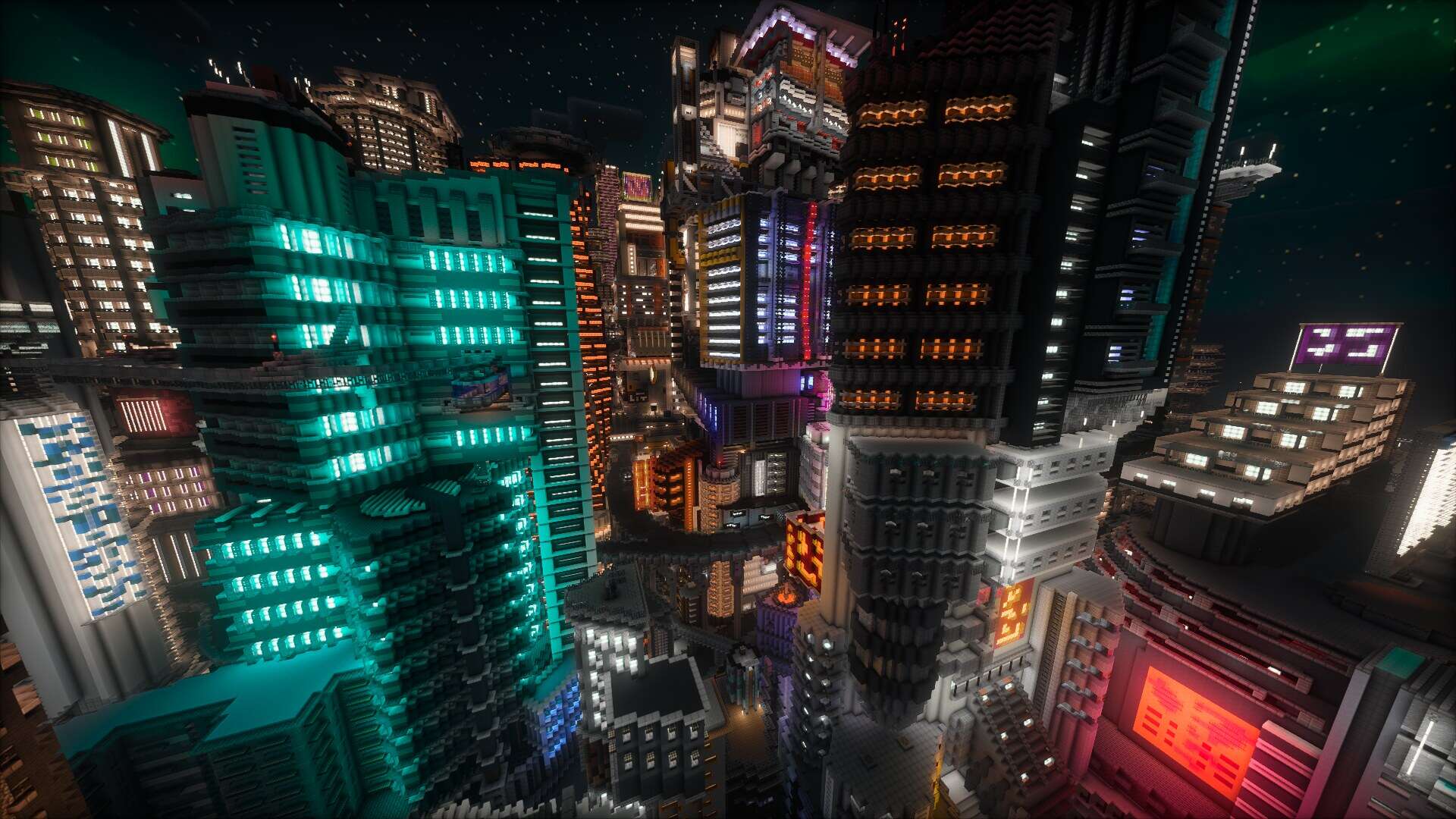
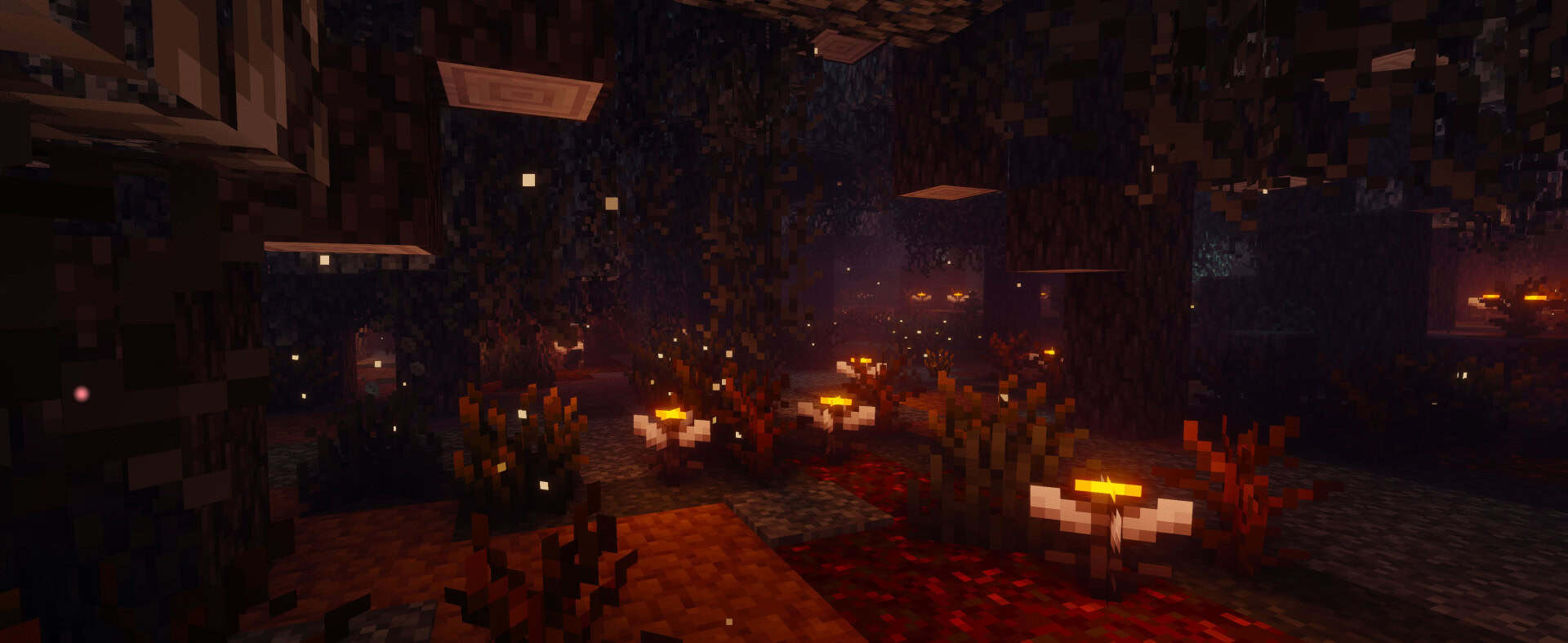
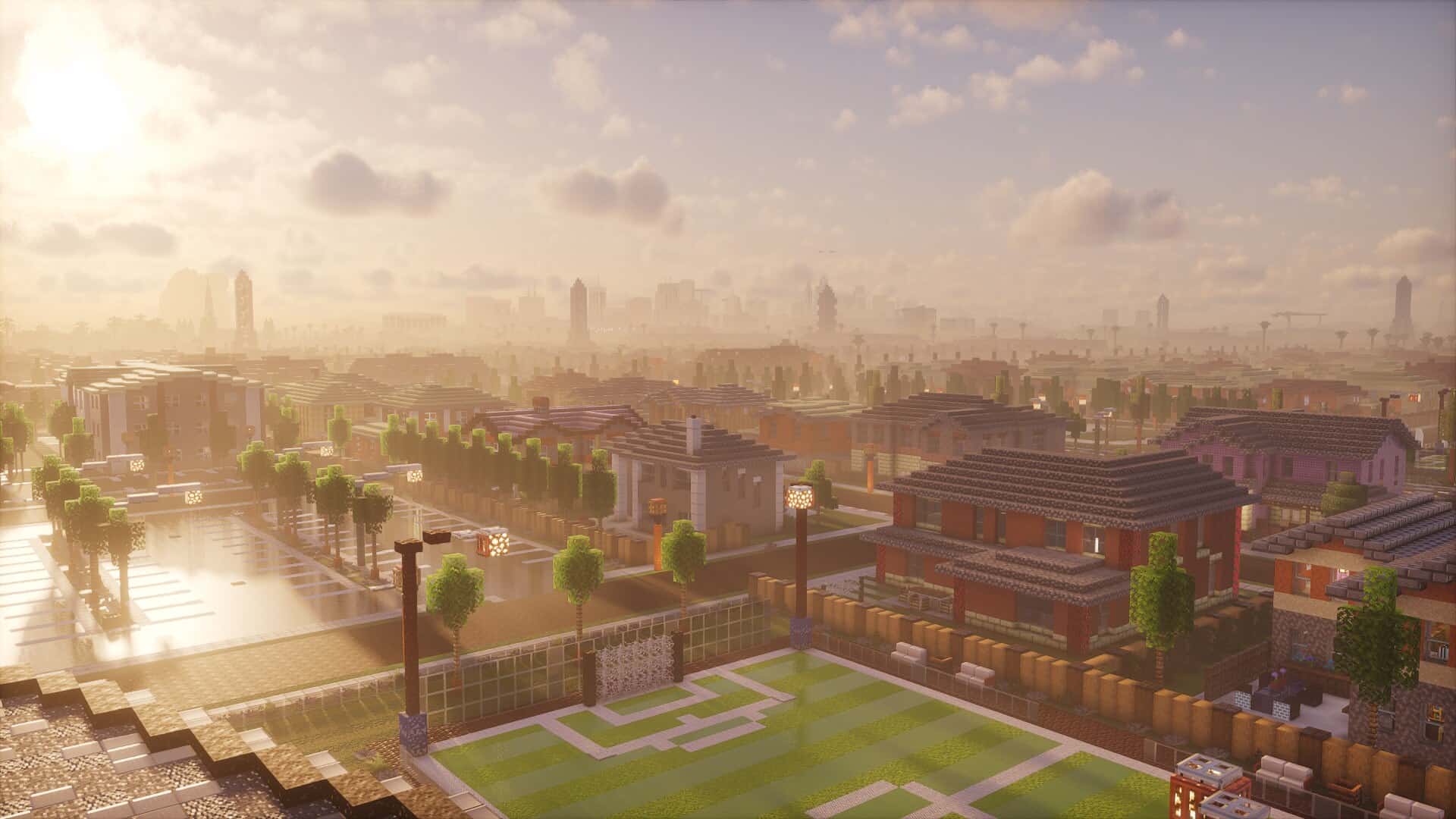
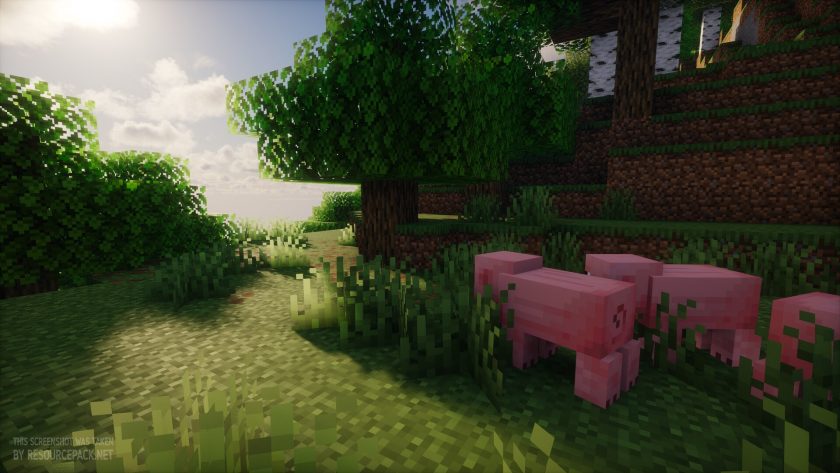
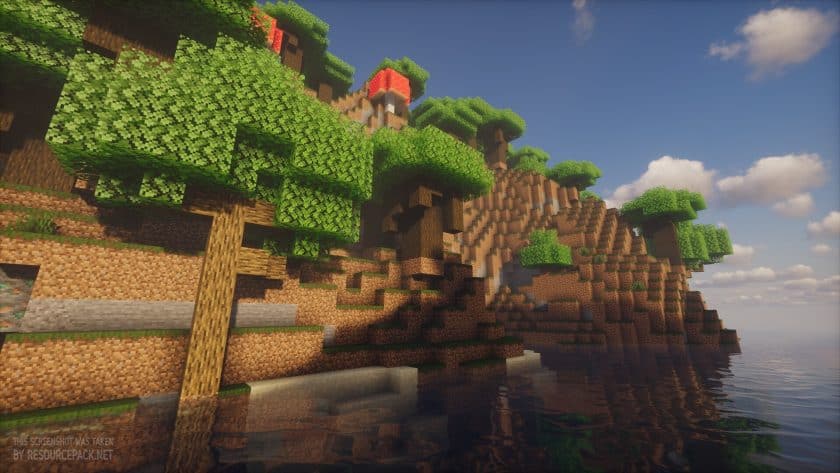
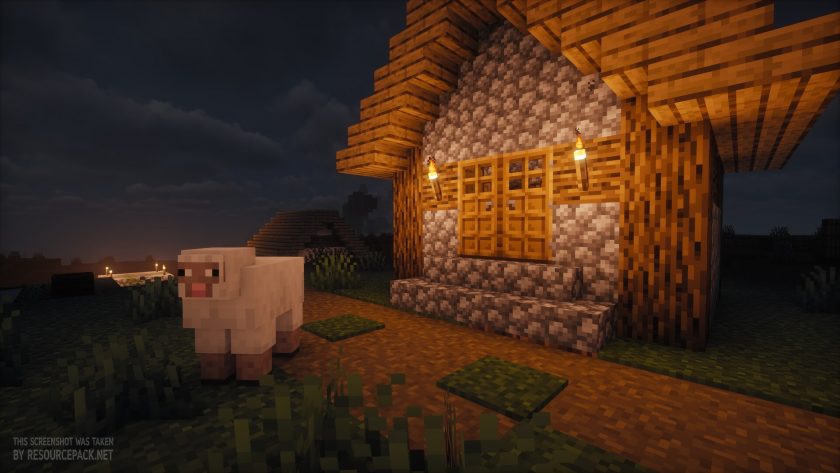
Most Minecraft players keep an eye on shader packs. Every time a new one arrives, we check it out, because shaders can make the game look and feel very different. If you enjoy the idea of Minecraft with shaders but still want something you can comfortably play with, Photon Shaders offers a solid choice. This pack, made by sixthsurge, avoids flashy extras and instead focuses on clarity, atmosphere, and consistent performance. It leans toward realism without trying to overwhelm you with effects you might disable after a few minutes. Many shader packs are designed for screenshots or cinematic videos, and while they look stunning in pictures, they can be impractical for regular gameplay. Photon Shaders takes the opposite approach and tries to enhance the actual experience of playing the game. Installing the pack changes the world right away. The sky features moving clouds that shift as weather and time pass, while light falls more naturally across the terrain. Shadows soften and stretch, and the way light bounces makes torches and caves feel warmer. Sunlight passing through leaves and branches looks carefully balanced, bright enough to create a sense of life but never harsh or distracting. These small details build a sense of comfort and make the game feel more grounded. Fog, which can sometimes ruin visibility in other shader packs, is tuned here to add atmosphere without cutting off your view after only a few blocks. Water looks cleaner, and reflections appear on surfaces after rain, adding subtle touches without demanding attention. The clouds in this shader pack deserve special mention, since they are realistic enough to stand out. Photon Shaders also include support for labPBR, which means resource packs using PBR will display extra depth and material effects. Metals shine, stone has a rougher look, and wood can take on a more natural texture. These changes keep Minecraft’s blocky style intact, but give each surface more personality, making it three-dimensional, if you can call it that. Additional effects like bloom, depth of field, and motion blur are available, though they remain optional.
Many players dislike motion blur, and the settings allow you to turn it off easily if you prefer a clean view. Performance always depends on the features you enable and the hardware you use, but the pack remains stable in normal play. During extended sessions it maintained a consistent look without major drops in frame rate. There is a setting for advanced temporal upscaling, aimed at reducing load on lower hardware, though it is off by default. Even with this option, the shader pack is not designed for very weak systems. Medium or stronger machines will get the best results. Players with low-end computers may want to consider other projects like RRe36’s Potato Shaders, which focus specifically on lighter setups. In terms of compatibility, Photon Shaders is fully compatible with both Optifine and Iris, giving players flexibility in how they choose to run it, though Iris is generally the more preferred option thanks to its noticeably better performance. The shaders run reliably on a wide range of hardware, including systems powered by Nvidia graphics cards, AMD GPUs, and even Intel’s integrated graphics. However, according to the shader’s author, Apple’s GPU may not be supported, meaning users on macOS devices could encounter issues or may be unable to use Photon Shaders at all. Compared with some well-known cinematic shader packs, Photon avoids extremes. It doesn’t flood the world with dense fog, oversaturate lighting, or cover every surface with distracting effects. Instead it builds on the parts of Minecraft that already feel natural and improves them. Weather cycles, sunsets, reflections, and shadows are noticeable but never overwhelming. The balance makes the pack stand out as a tool for survival play rather than only for showcase screenshots. Minecraft players today have many options, from packs loaded with dramatic effects to those that barely touch the visuals at all. The Photon shader pack sits in a middle space, offering realism that respects the game’s playability. It adds enough depth to make the world feel alive but not so much that it interferes with building, mining, or fighting mobs. It may not be the most eye catching in screenshots, but for those who value atmosphere and stability during real play, it should be on your shortlist.
Photon Shaders should be compatible with all of these Minecraft versions: 26.3 - 26.2 - 26.1.2 - 26.1.1 - 26.1 - 1.21.11 - 1.21.10 - 1.21.9 - 1.21.8 - 1.21.7 - 1.21.6 - 1.21.5 - 1.21.4 - 1.21.3 - 1.21.2 - 1.21.1 - 1.21 - 1.20.6 - 1.20.5 - 1.20.4 - 1.20.3 - 1.20.2 - 1.20.1 - 1.20 - 1.19.4 - 1.19.3 - 1.19.2 - 1.19.1 - 1.19 - 1.18.2 - 1.18.1 - 1.18 - 1.17.1 - 1.17
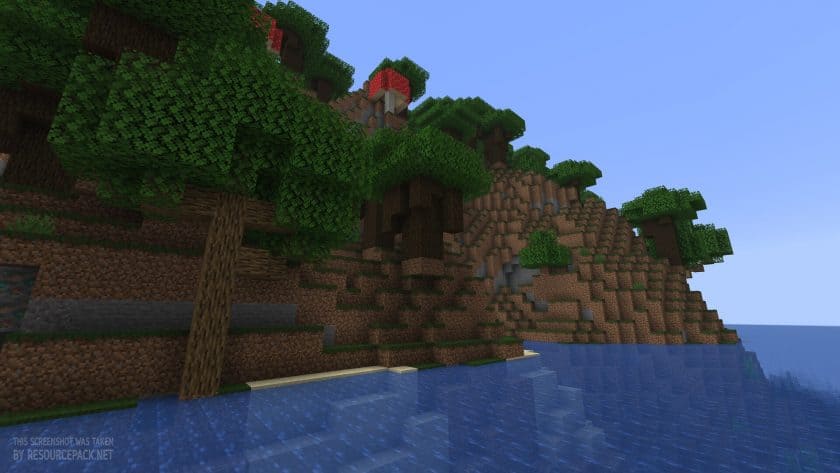
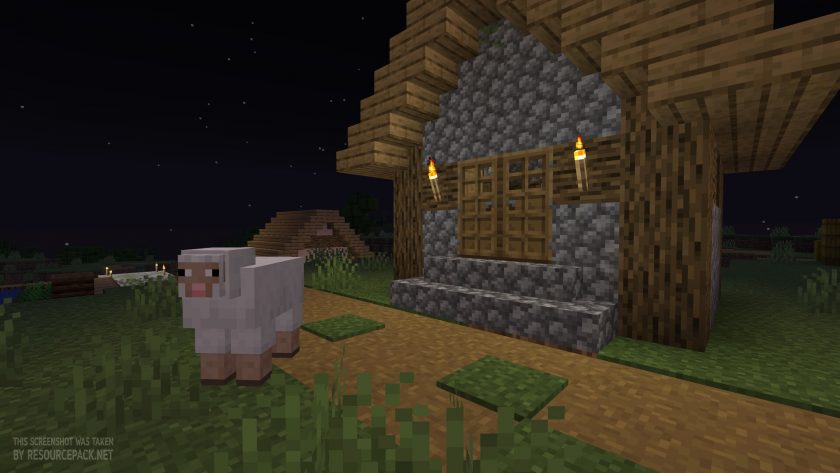
Photon Shaders — Screenshots
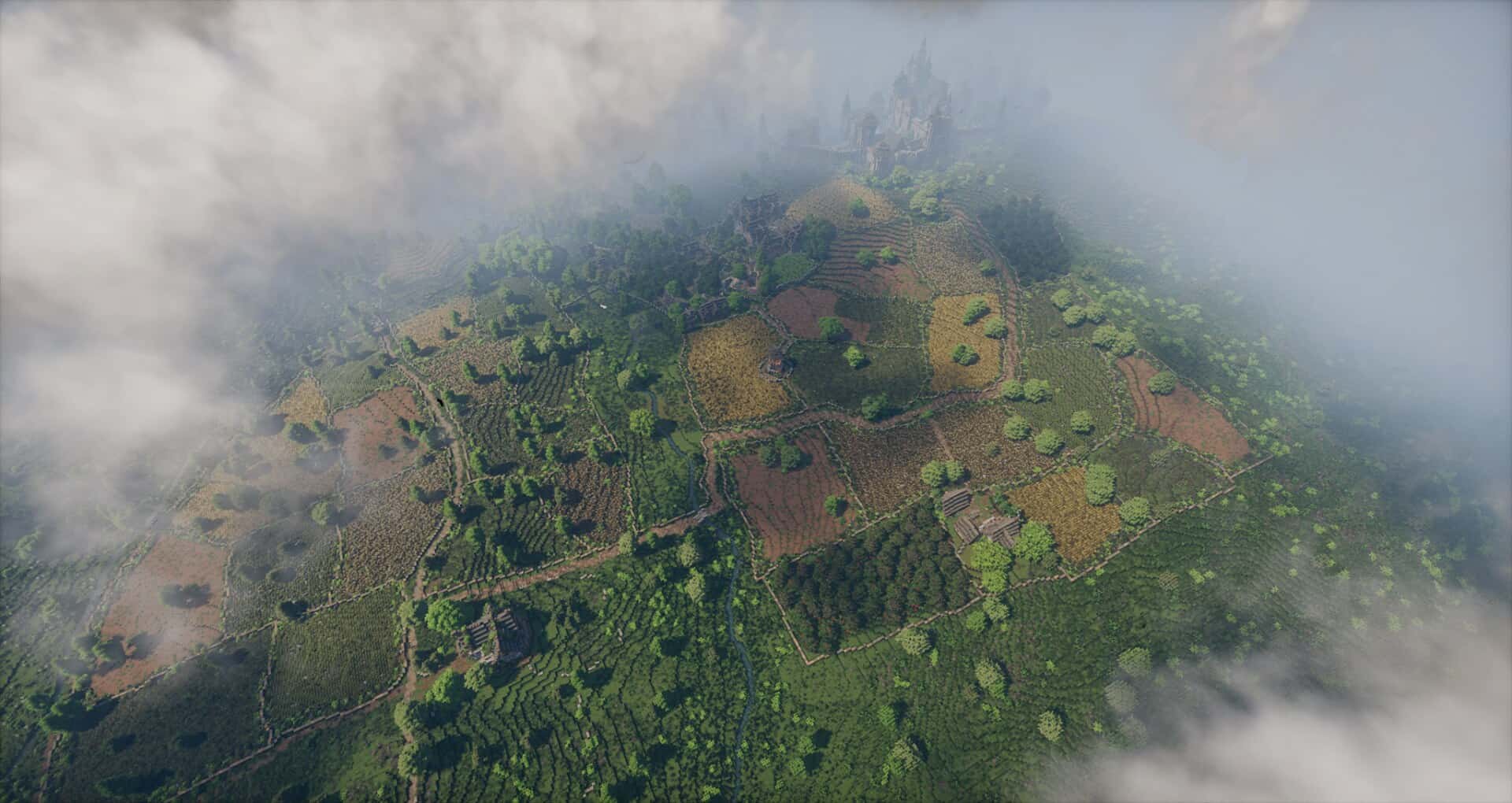


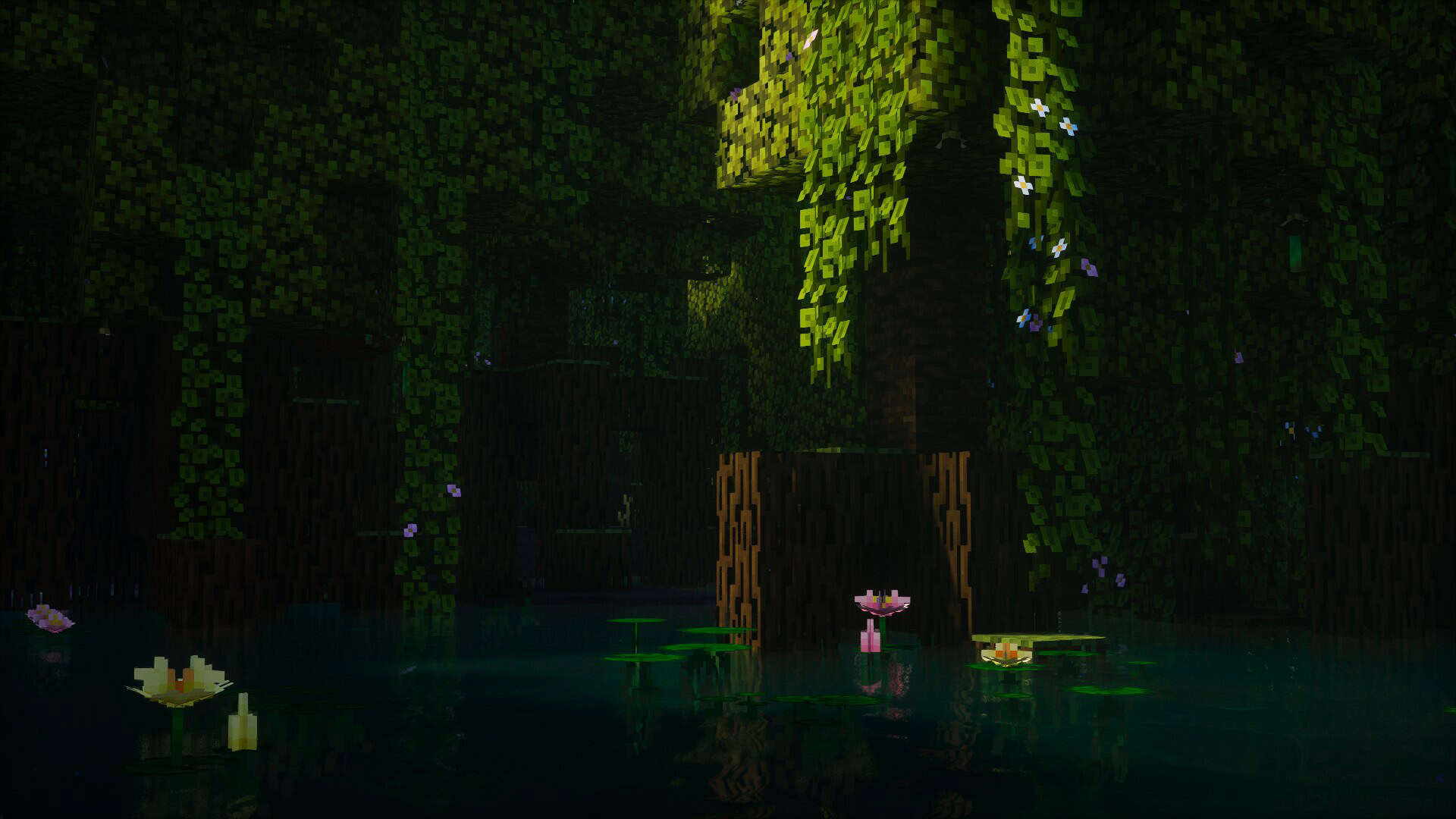
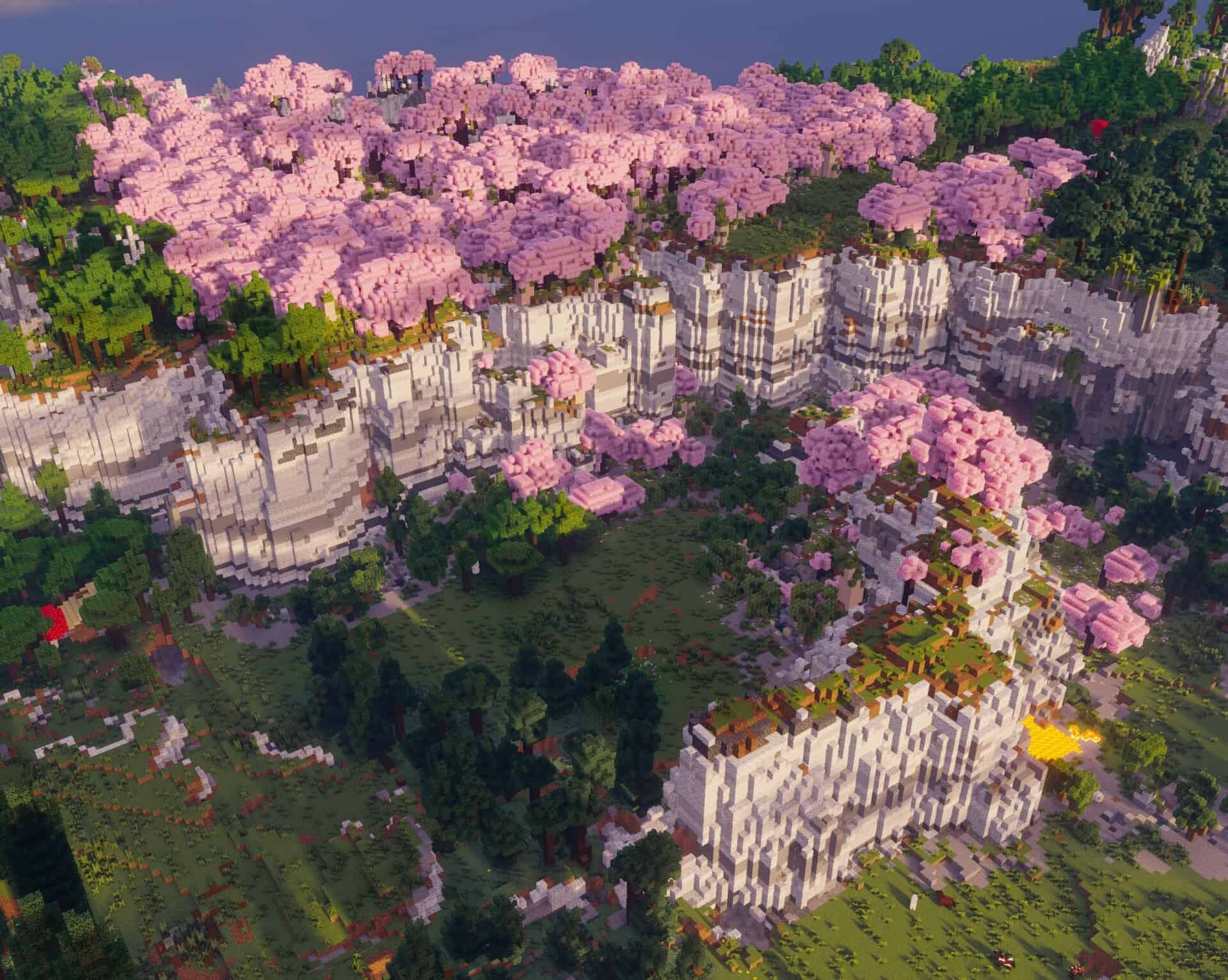
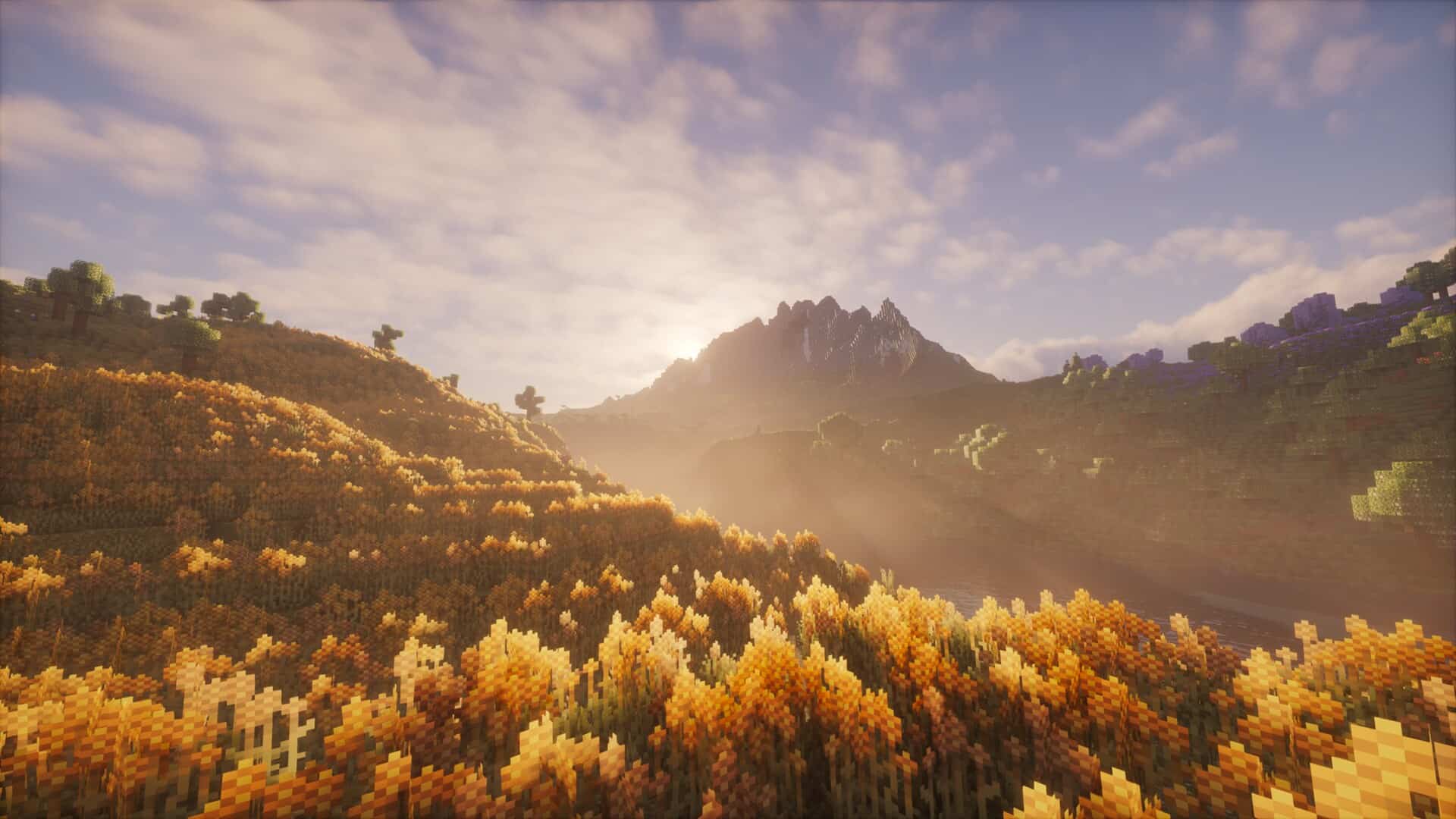
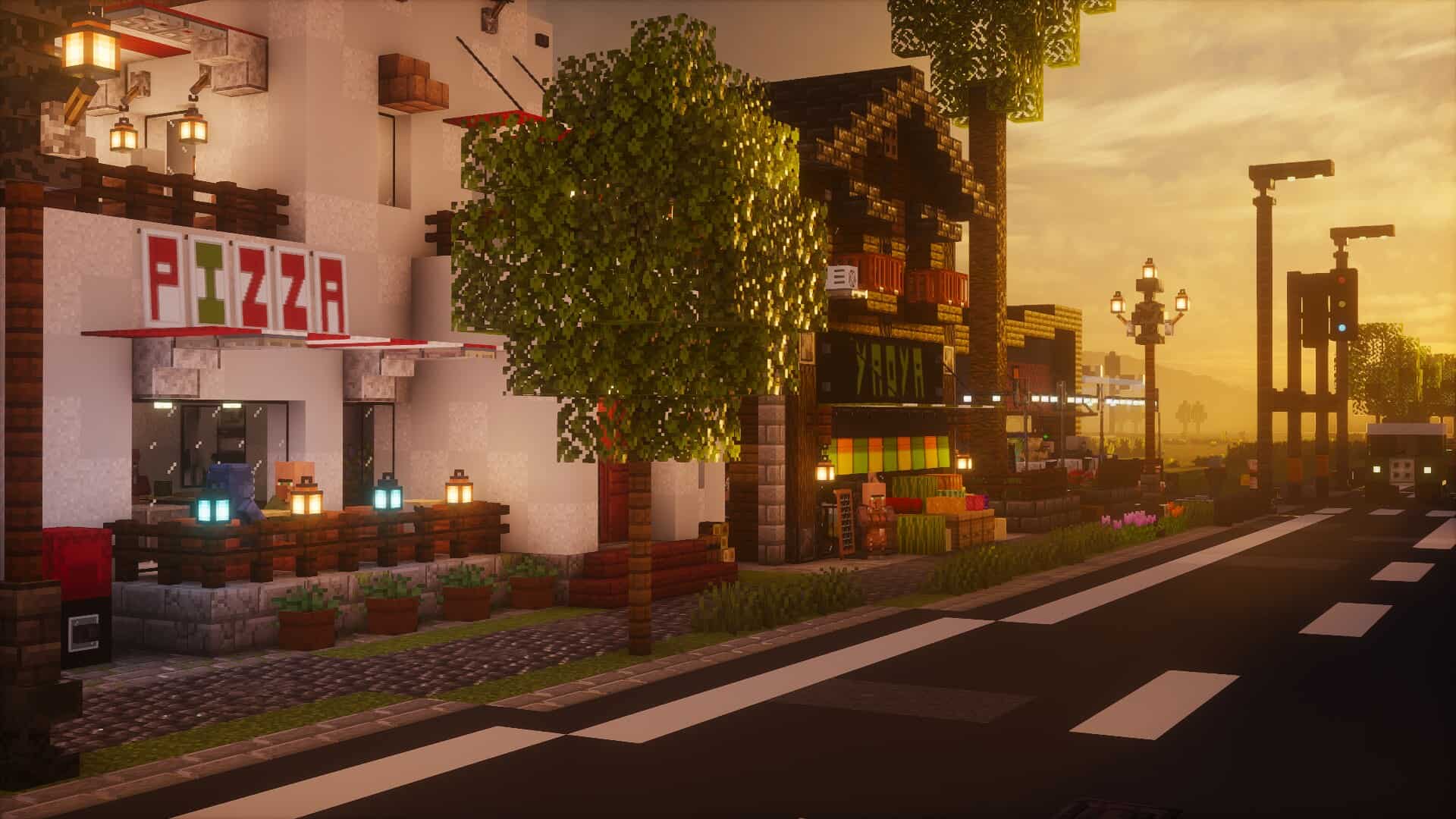
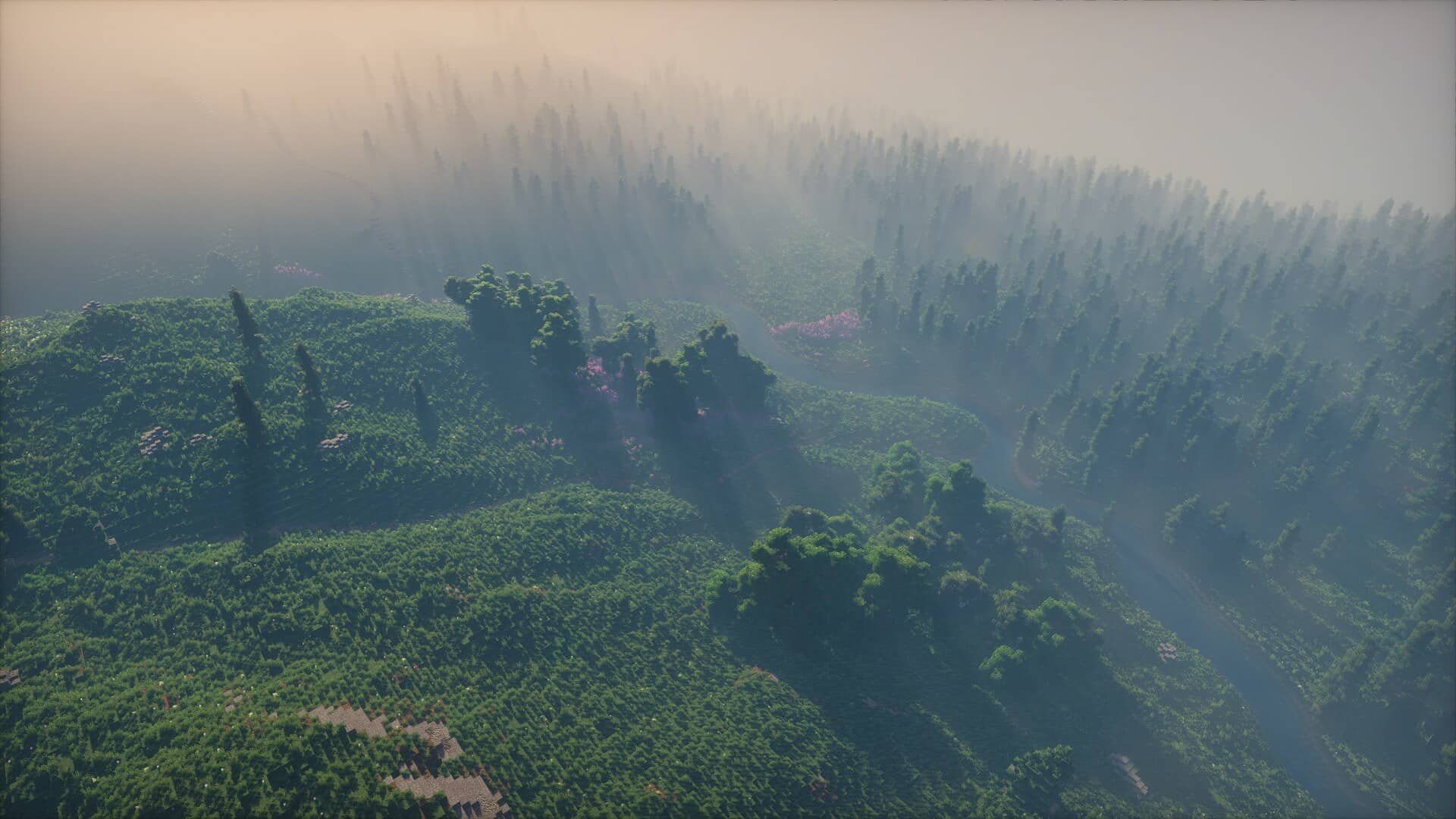
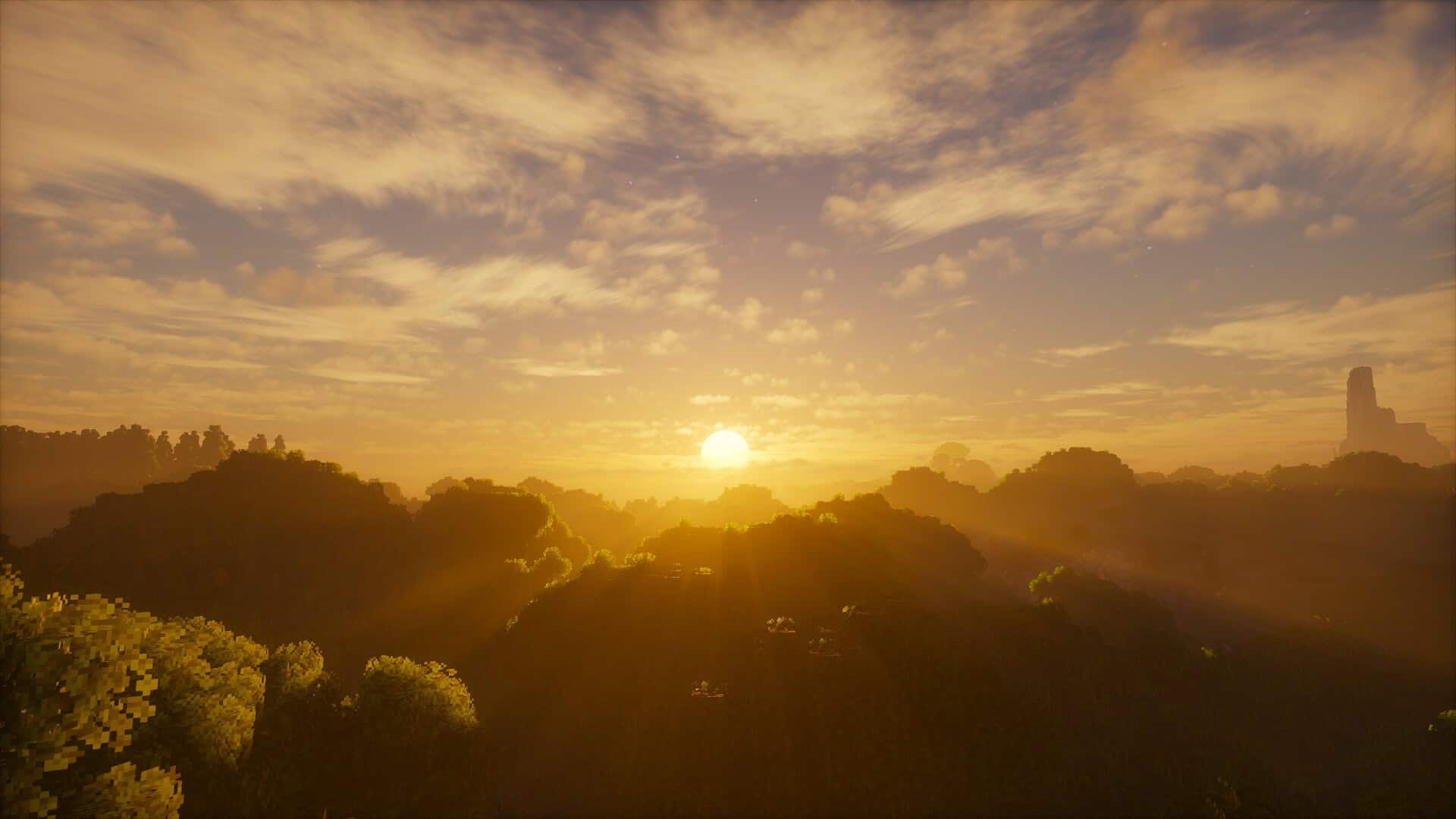
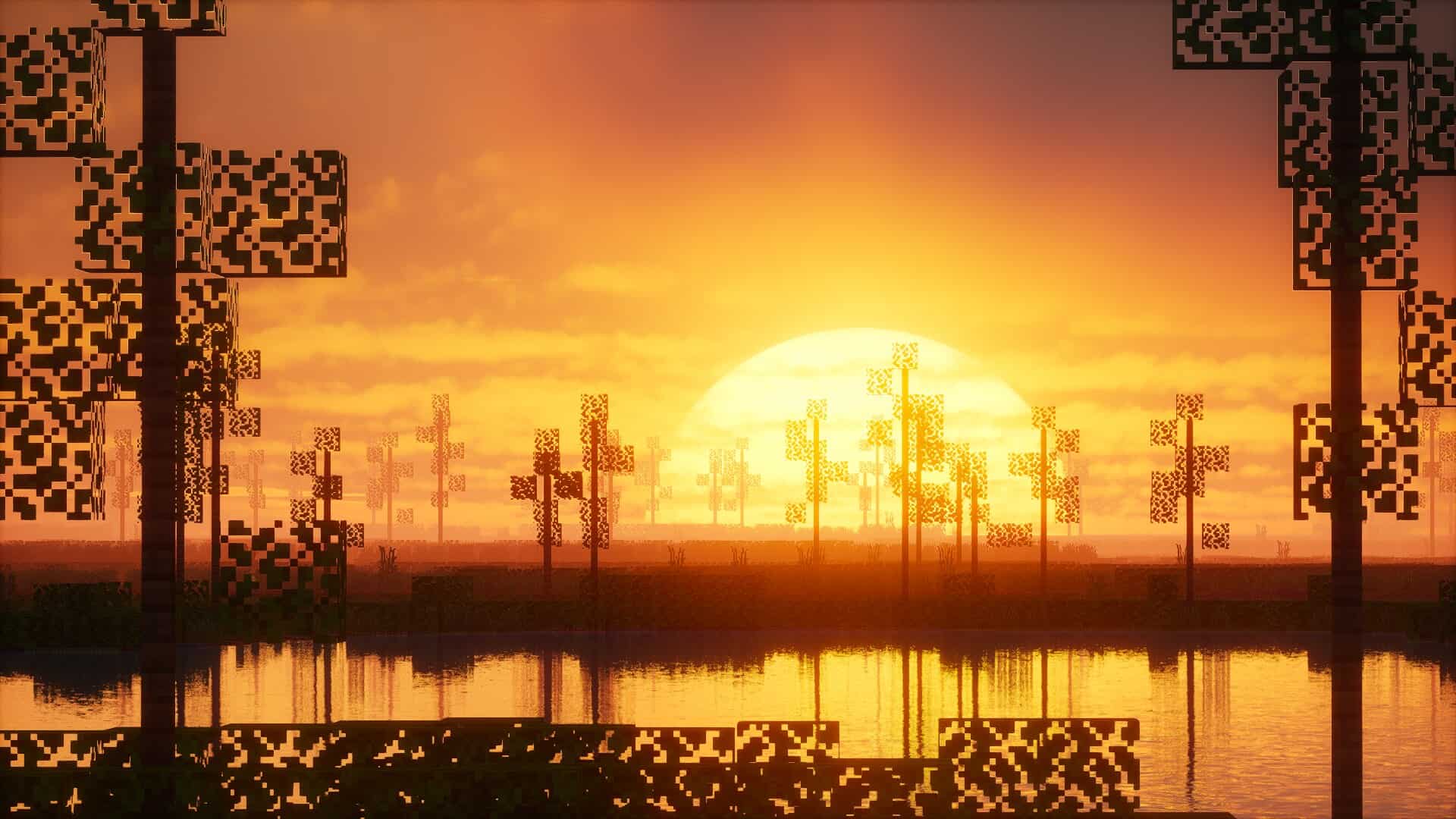


How to install Photon Shaders:
- Download and install Minecraft.
- Open Minecraft launcher and setup your game profile for the Minecraft version you want to run. – in the launcher on the top menu, select the “Installations” tab, click “New installation”, under the “Version” dropdown, select your preferred Minecraft version and click “Create”.
- Download and install Optifine or Iris. – we recommend Iris, it’s a bit more optimized;
- Open Minecraft launcher and select the newly created Optifine or Iris profile. – if in step 3 you chose to install optifine it will have an optifine profile, if iris it will have an iris profile;
- Download the Photon shader pack from the download section below.
- Launch Minecraft.
- For Optifine: Go to
Options > Video Settings > Shadersand click “Shaders Folder” to open shaderpacks folder.
For Iris: Go toOptions > Video Settings > Shader packsand click “Open Shader Pack Folder” to open shaderpacks folder. - Put the Photon shader pack (.zip file) downloaded in step 5 into the .minecraft\shaderpacks folder you opened in step 7.
- In the game, select Photon Shaders from the list and click “Done”.
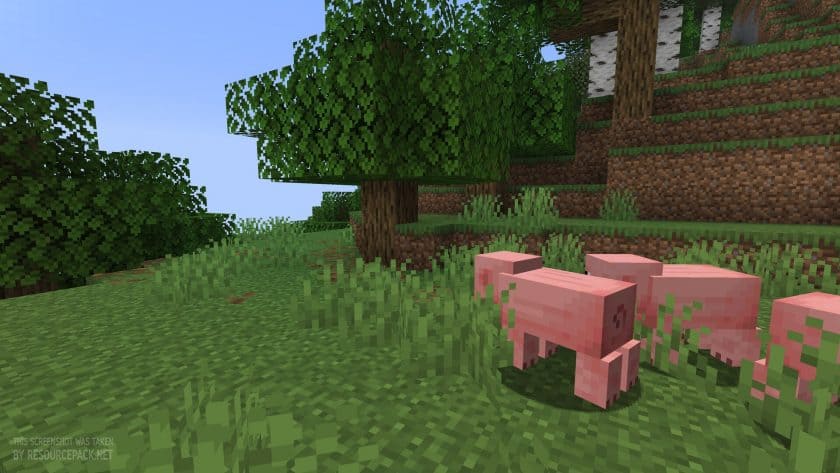
Photon Shaders - Comparison Slider #1
Move slider back and forth to see vanilla Minecraft on the left and the beautiful shaders on the right. Use the buttons below to see how the pack looks in different situations.
 Vanilla
 Photon Shaders
Photon Shaders Shader Pack Download
- We do not modify or edit any resource packs. All resource packs, shaders and tools found on this website are linked directly to official sources rather than hosted on our own servers. We provide only the official download links from the original creators to ensure that your files are safe and secure.
- These official links are updated manually and may occasionally stop working when a new version is released. We work hard to keep everything current so that you have a smooth experience. Please let us know in the comments if you find a link that no longer works.
- Minecraft is a trademark of Mojang Studios and has no official connection to this website. Our goal is simply to share the best creations from the community with other players.
- Please consider leaving a comment or voting for your favorite packs. This feedback helps authors improve their projects over time. You can also support the creators directly by visiting the official links located below the download section.
Java Edition:
[26.3.x – 1.17.x] Download Photon Shader Pack
Curseforge: download starts automatically after a few seconds;
Mediafire: click the big blue button with the text "DOWNLOAD";
Google Drive: in the top right corner you will see a small download icon (down arrow), click it and the download should start;

350 votes
Look.. 350 users have already liked this shader pack. Give a diamond if you like it too!


simon
how do you install it?