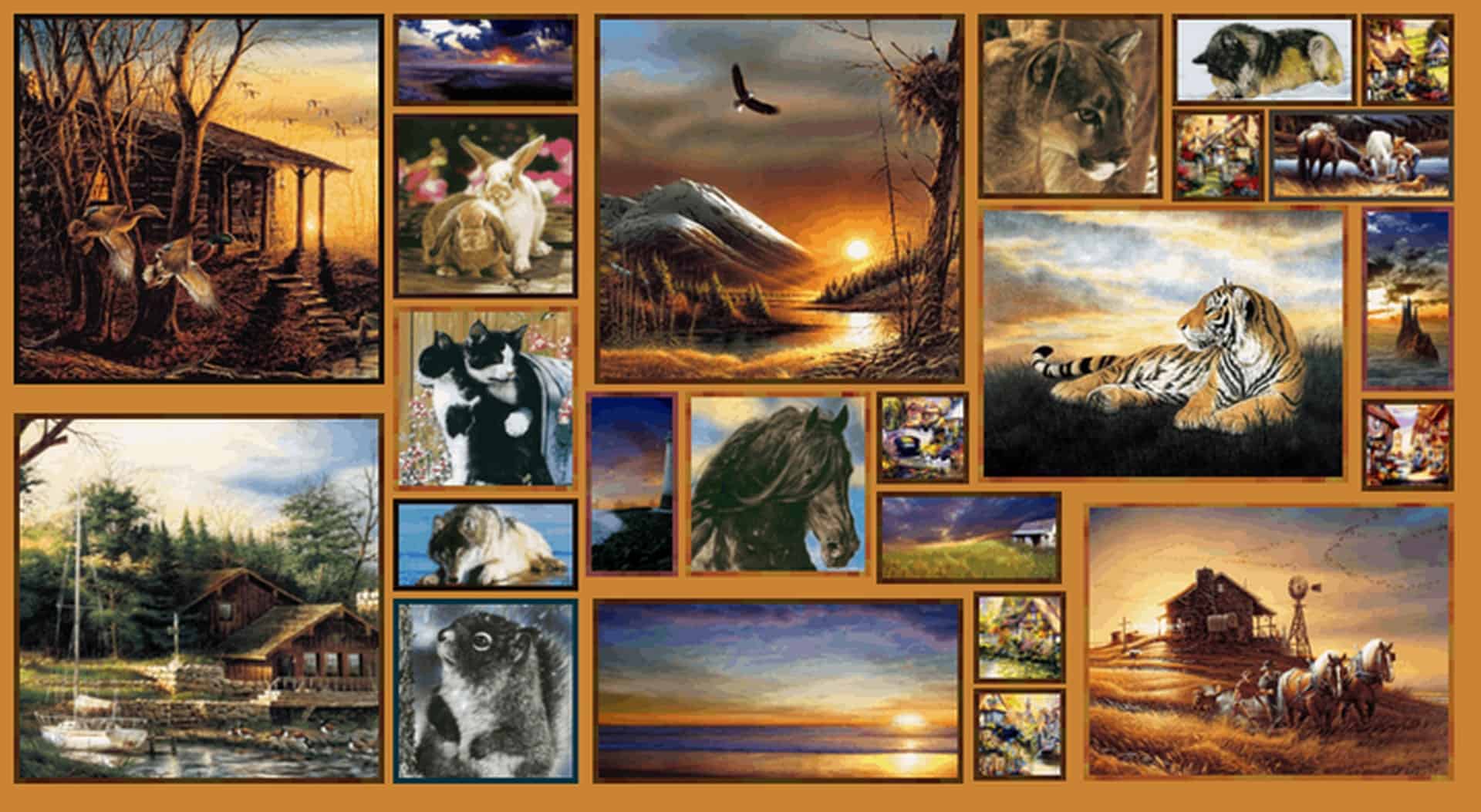
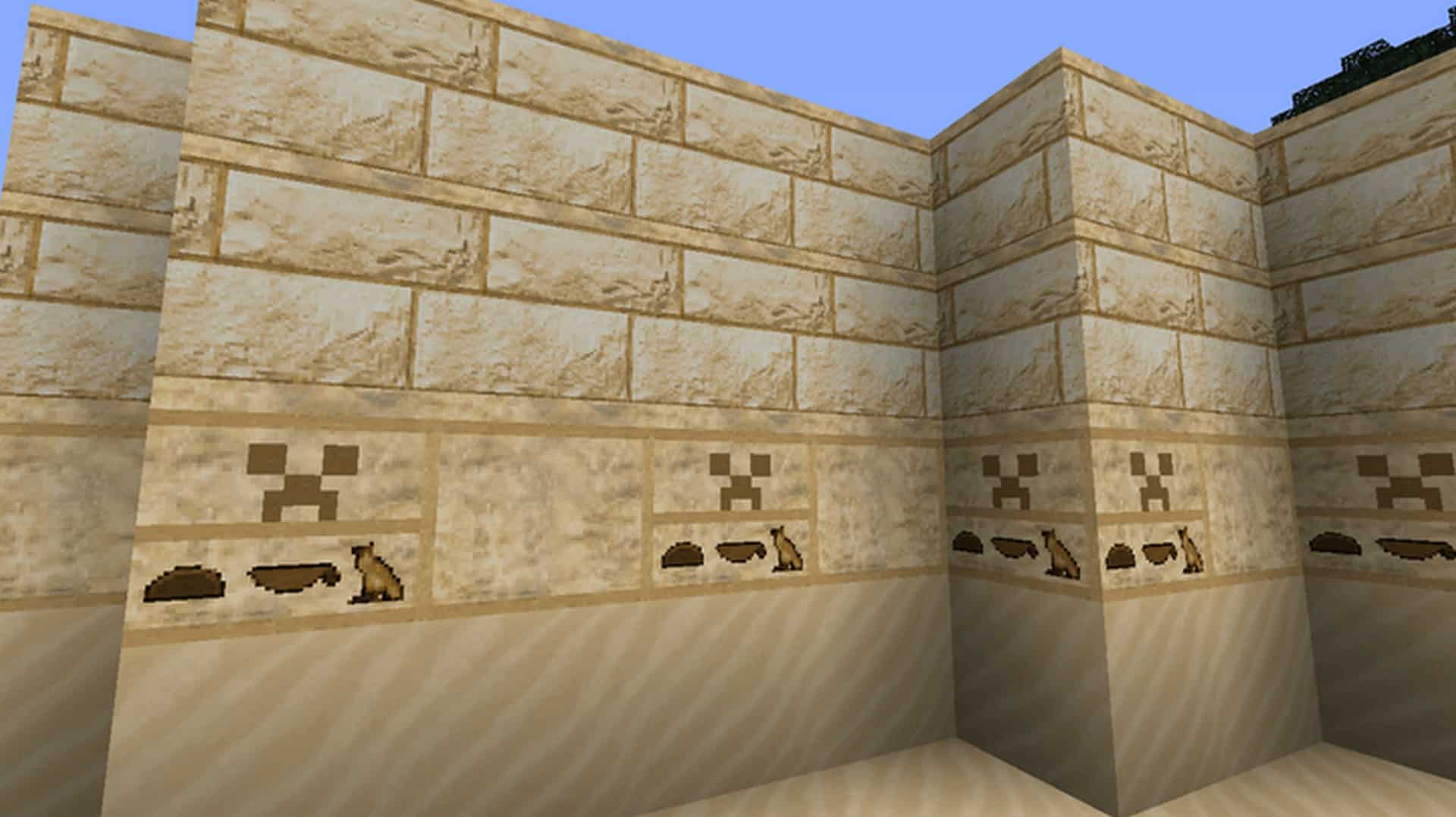
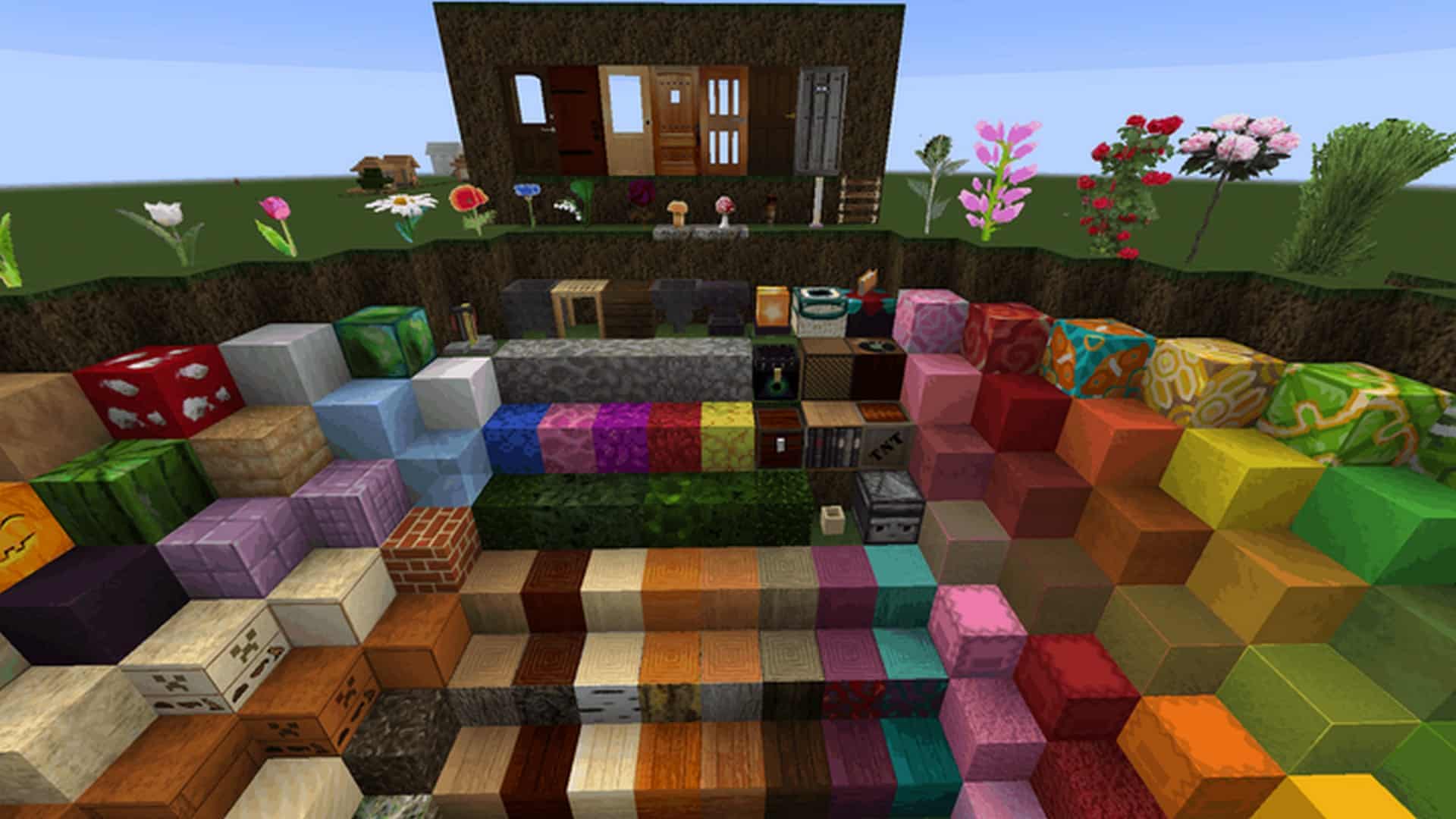
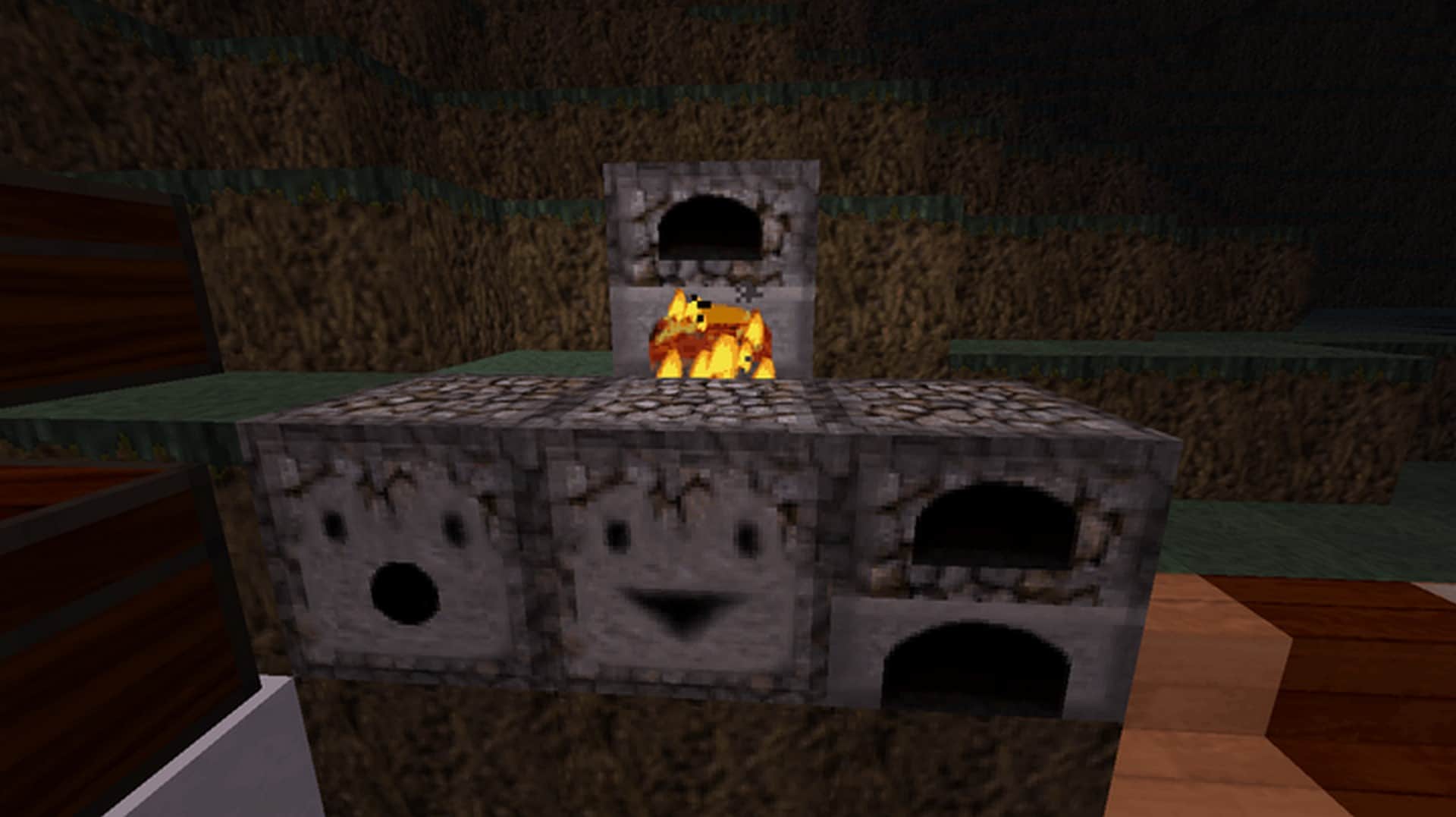
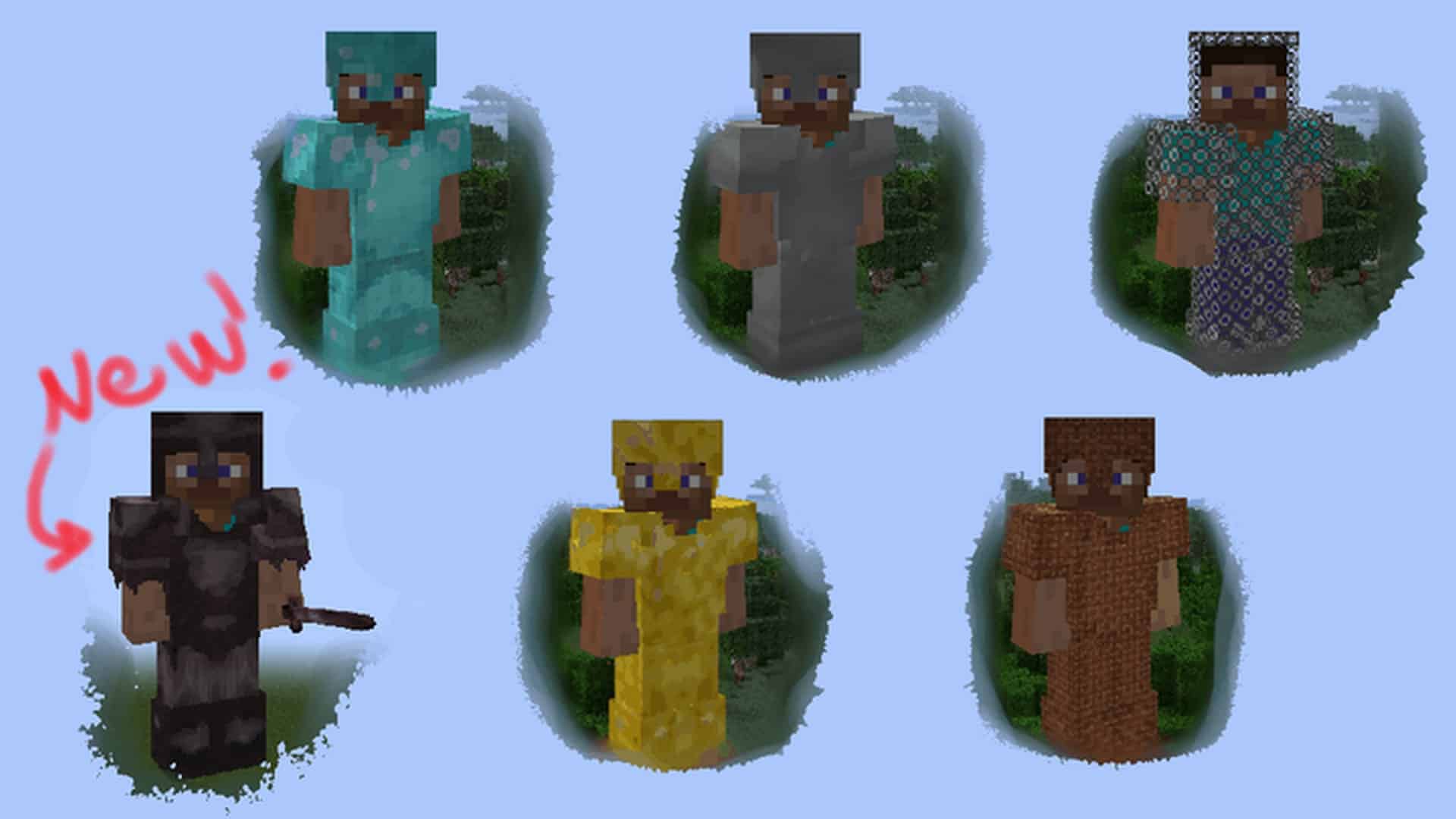
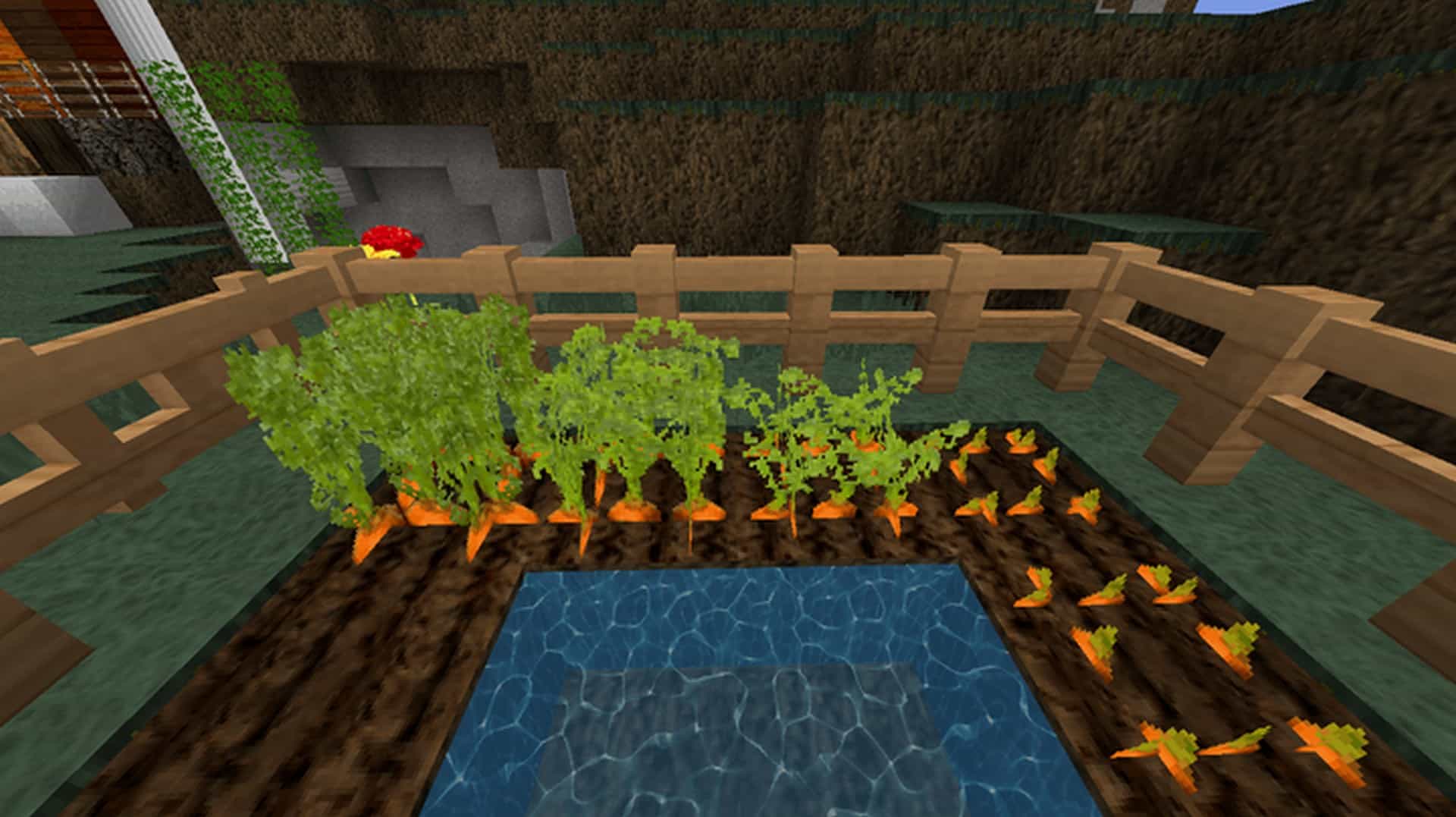
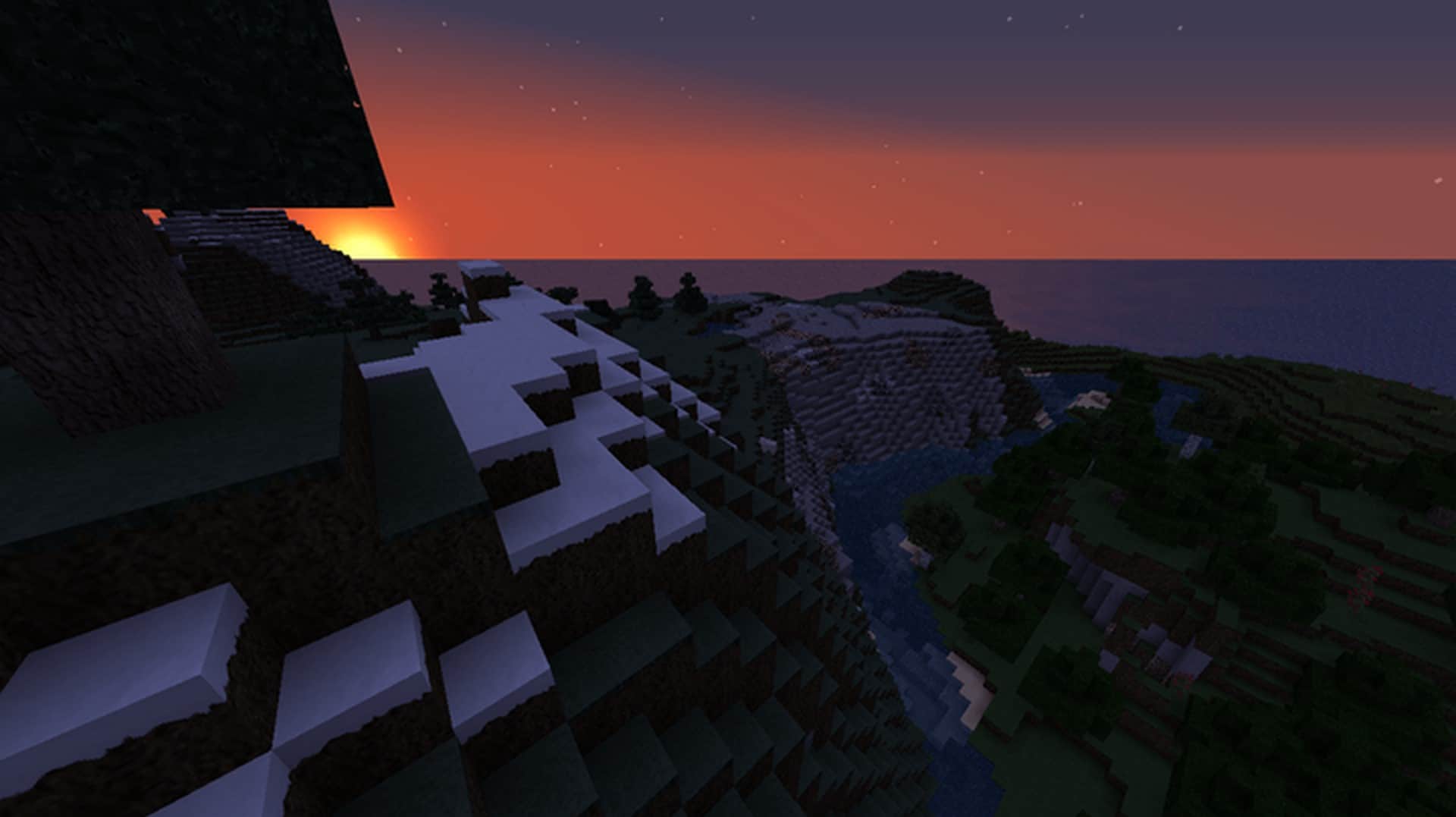
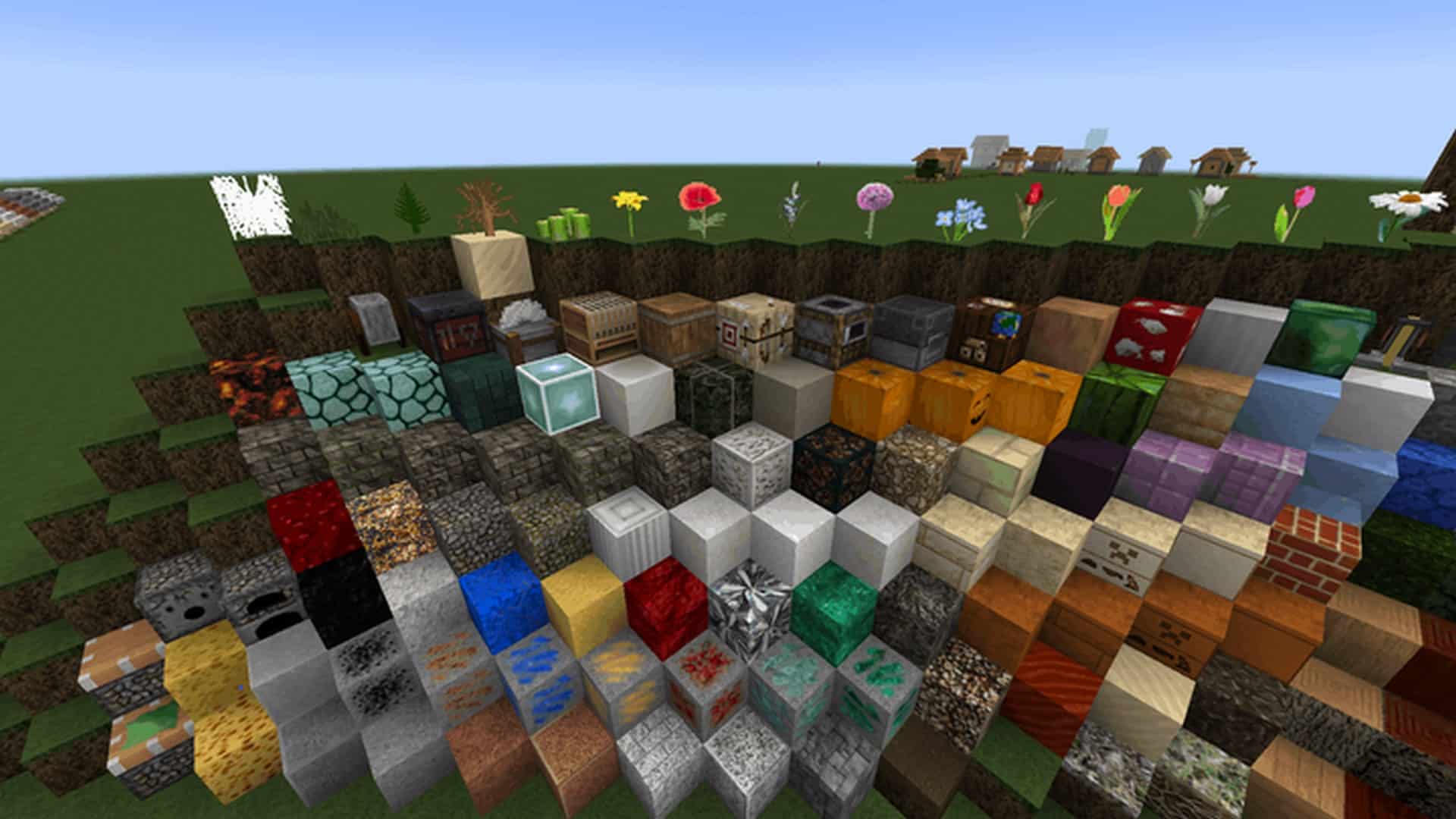
There are so many resource packs for Minecraft that many hidden gems fell under the radar. The T-Craft Realistic Resource pack is one such example. With a flood of photorealistic resource packs, seeing something more balanced is a breath of fresh air. Not everyone enjoys a resource pack that puts textures that are near the quality of a real photo onto blocks with sharp edges. T-Craft is anything but that. It is what some would call an improvement over the standard textures and detail levels that we are all familiar with from vanilla Minecraft. Despite the misleading name and what some descriptions of the resource pack might claim, the T-Craft Realistic texture pack is a combination of high res textures and textures derived from real photos. The developer of the resource pack, as per their claims, states that the resource pack uses textures made in Gimp using real photos. This realism is visible only in a few textures such as pebble stone, limestone, tree bark, certain flowers, sand, and a few more. There are also a few new paintings introduced that are real photos. Textures on blocks, even if they were made from real photos, they are anything but photorealistic. Not all the textures in the resource pack have the realism of photos. They can be visible here and there but they are not intrusive or feel out of place. Apples are one such example. They are small objects with textures taken from photos and it can be easy to miss if you are not looking for these particular photorealistic textures.
Featured video:
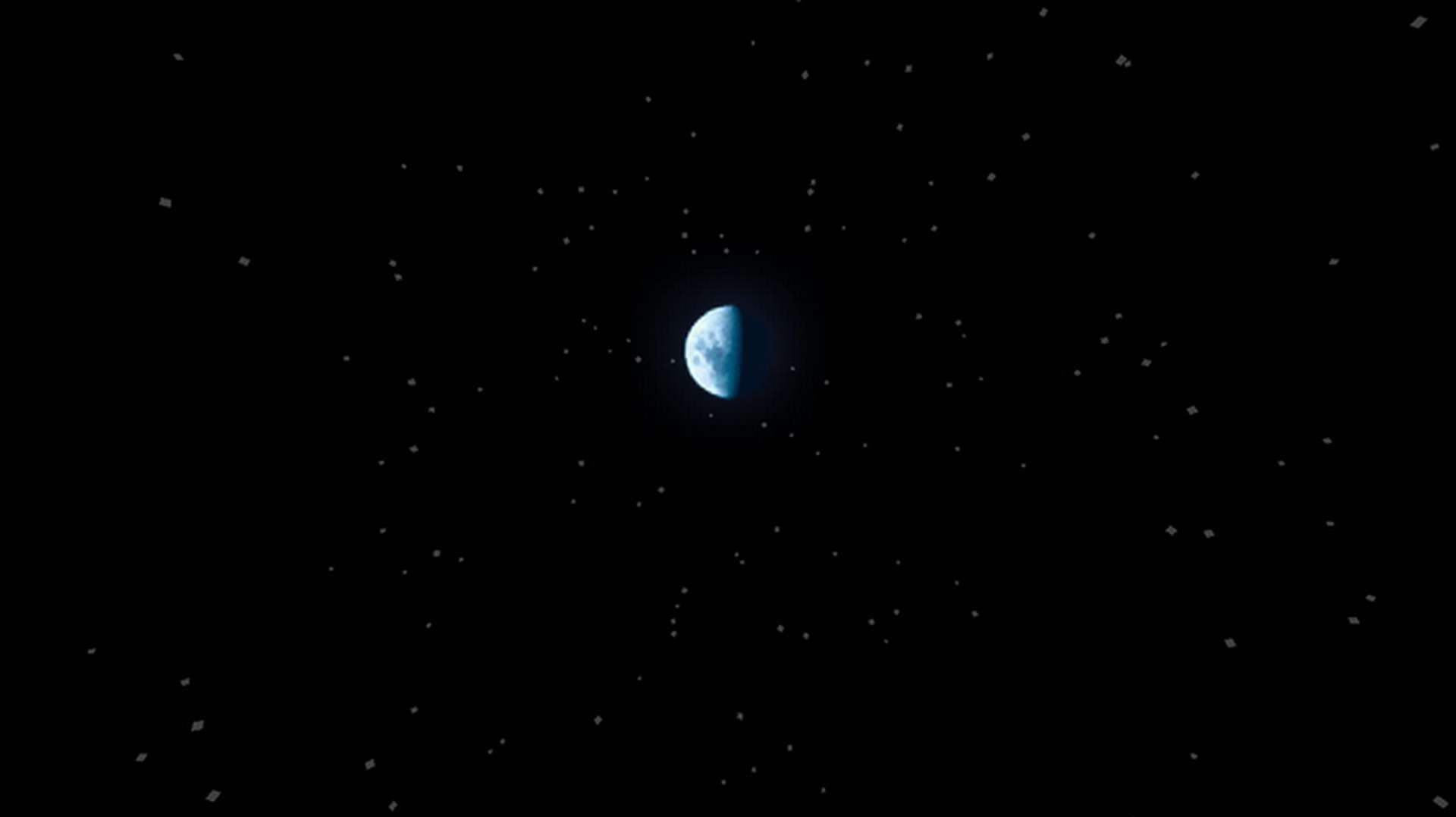
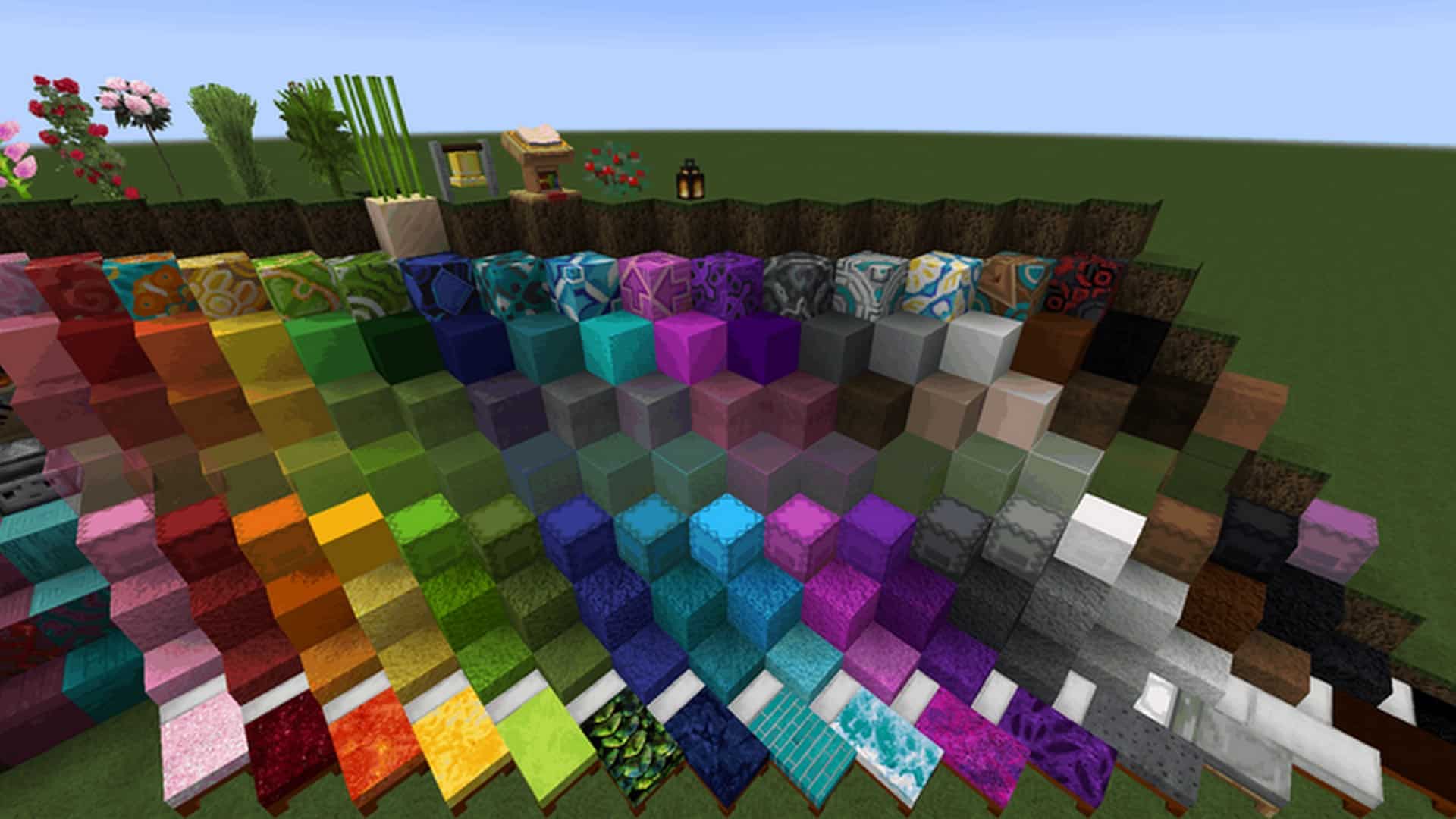
These tiny improvements offer a considerable improvement when compared to the original visuals in Minecraft. One of the things that makes the T-Craft Realistic resource pack so recommendable is the resolution. It is a 64x resource pack meaning that it does not require a monstrous computer to run smoothly and keeps the visuals familiar. The pixelation on various textures is reduced. While it takes away some of the cartoonish aspects of vanilla Minecraft, it remains loyal to the original visuals. There is still a cartoonish vibe to T-Craft despite the numerous texture changes and resolution upscale. A considerable effort has been invested in improving the overall atmosphere of the game. Textures are more vibrant with fewer shades of gray and more intense colors. Water textures have been improved and lighting is considerably better. It is a resource pack that simply brightens Minecraft and does so in a very pleasant manner. Compared to more modern resource packs, T-Craft does not use any kind of shaders. While it can work with shader packs, it will cause severe performance degradation if you are running Minecraft on an older system. For shaders and resource packs with high-resolution textures, you will need a powerful machine if you want it to run smoothly. The T-Craft Realistic resource pack runs well as is, without any other enhancements. Needless to say, compared with the 16x resolution on vanilla Minecraft, the 64x resolution in T-Craft does cause some marginal performance degradation. It is noted that the resource pack was released 9 years ago and it is not yet complete.
T-Craft Realistic should be compatible with all of these Minecraft versions: 1.18.1 - 1.18 - 1.17.1 - 1.17 - 1.16.5 - 1.16.4 - 1.16.3 - 1.16.2 - 1.16.1 - 1.16 - 1.12 - 1.11.2 - 1.11 - 1.8.1 - 1.8.6 - 1.8 - 1.7.10 - 1.7.9 - 1.7.4 - 1.7 - 1.6.4 - 1.6.2
T-Craft Realistic — Screenshots




How to install T-Craft Realistic Resource Pack:
- Most resource packs require Optifine, so be sure to download and install it. – general recommended step for all packs, Optifine is also needed for most shaders
- Download the T-Craft Realistic texture pack for Minecraft from the download section below. – if there are many different versions, just choose the one you like, is compatible with your version/edition of Minecraft, the one you think your computer can handle in terms of performance.
- Launch the game client through the Minecraft launcher.
- On the main menu, click "Options".
- On the options menu, click "Resource Packs...".
- Click on "Open Resource Pack Folder". – folder titled "resourcepacks" will pop up
- Move the .zip file you downloaded in the first step to the newly opened "resourcepacks" folder.
- Click "Done".
- Click on "Resource Packs..." again.
- Your pack should have appeared in the left window, just hover over it and click on the arrow pointing to the right.
QUICK TIP: Sometimes, when activating a pack, the game may say that the pack is made for a newer or older version of Minecraft. This is just a warning, it does not affect your gameplay in anyway, and you can still activate and enjoy the pack by simply clicking the "Yes" button when prompted.
- Click "Done" again.
- The pack has now been successfully loaded and ready to be used in your world!
T-Craft Realistic Texture Pack Download
- We do not modify or edit any resource packs. All resource packs, shaders and tools found on this website are linked directly to official sources rather than hosted on our own servers. We provide only the official download links from the original creators to ensure that your files are safe and secure.
- These official links are updated manually and may occasionally stop working when a new version is released. We work hard to keep everything current so that you have a smooth experience. Please let us know in the comments if you find a link that no longer works.
- Minecraft is a trademark of Mojang Studios and has no official connection to this website. Our goal is simply to share the best creations from the community with other players.
- Please consider leaving a comment or voting for your favorite packs. This feedback helps authors improve their projects over time. You can also support the creators directly by visiting the official links located below the download section.
[64x] [1.18.x] Download T-Craft Realistic Resource Pack
[64x] [1.17.x – 1.16.x] Download T-Craft Realistic Resource Pack
[64x] [1.12.x – 1.11.x] Download T-Craft Realistic Resource Pack
[64x] [1.8.x] Download T-Craft Realistic Resource Pack
[64x] [1.7.x] Download T-Craft Realistic Resource Pack
[64x] [1.6.x] Download T-Craft Realistic Resource Pack
Official links:
Check out the T-Craft Realistic Resource Pack on the Official Source
Curseforge: download starts automatically after a few seconds;
Mediafire: click the big blue button with the text "DOWNLOAD";
Google Drive: in the top right corner you will see a small download icon (down arrow), click it and the download should start;

56 votes
Look.. 56 users have already liked this pack. Give a diamond if you like it too!

Norovirus
Can someone add a clouds.png? If they is already one pls change the default clouds in it.
JimmyFromNeptune
This pack conjures an emotion in me that I can’t quite describe.
Honestly not that bad.
diamondran_
this is terrible
Sniping Hero
Missing lava texture, kinda sad as eveything else look great.
Lucien Dumouchel
Love your texture pack , looks awesome , was going to stop playing Minecraft then decided to try Texture Packs and yours is the 1st I tried and I love it .
Ruby Channel
No