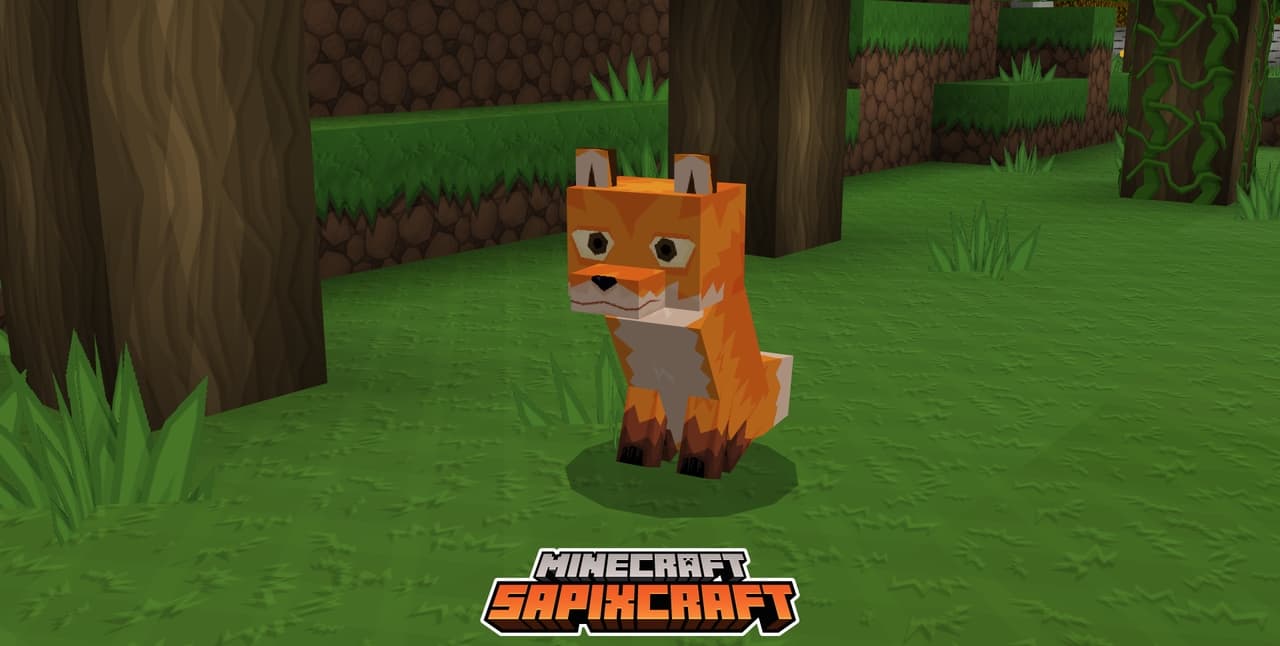
SapixCraft is a resource pack created by Sapix. This texture pack is perfect for the type of player that wants to witness Minecraft in an unbelievable way like never before. It’s a resource pack which the community has been waiting for a long time and there is a good reason for that. The interesting thing is that it is still under development and is actively being updated for new versions of minecraft. It just looks amazing. What about the textures itself? It’s a minimalist style texture pack. Which means that there won’t be a lot of significant changes compared to the regular feel of Minecraft. However, this doesn’t mean that there isn’t anything special. The thing that makes this resource pack special is the incredible textures that are nothing like the other texture packs that are out there. So far everything sounds good, right? Well, there’s a catch.
Featured video:
SapixCraft resource pack has a resolution of x512. That’s crazy when you consider that the default Minecraft texture pack has a resolution of x16. And yeah, you’ll definitely see and feel one of the greatest resource packs ever made. Can you imagine how good Minecraft is going to look? All that means is that you’ll definitely need a pretty good PC. And by pretty good PC I mean really good PC. Don’t get discouraged because there is some good news. Sapix has taken into consideration the fact that not everyone will be able to run this masterpiece of a texture pack. And he developed other lower resolution options that way everyone can try it. As for future plans, he’s thinking of adding connected textures which will contribute even more to the beauty of SapixCraft. Now, when it comes to bugs and glitches, they very rarely occur, so don’t even worry about it and enjoy!
SapixCraft should be compatible with all of these Minecraft versions: 26.1 - 1.21.11 - 1.21.10 - 1.21.9 - 1.21.8 - 1.21.7 - 1.21.6 - 1.21.5 - 1.21.4 - 1.21.3 - 1.21.2 - 1.21.1 - 1.21 - 1.20.6 - 1.20.5 - 1.20.4 - 1.20.3 - 1.20.2 - 1.20.1 - 1.20 - 1.19.4 - 1.19.3 - 1.19.2 - 1.19.1 - 1.19 - 1.18.2 - 1.18.1 - 1.18 - 1.17.1 - 1.17 - 1.16.5 - 1.16.4 - 1.16.3 - 1.16.2 - 1.16.1 - 1.16 - 1.15.2 - 1.15.1 - 1.15 - 1.14.4 - 1.14.3 - 1.14.2 - 1.14 - 1.13.2 - 1.13.1 - 1.13 - 1.12.2 - 1.12 - 1.11.2 - 1.11 - 1.10.2 - 1.10 - 1.9.4 - 1.9 - 1.8.9 - 1.8.8 - 1.8.1 - 1.8.6 - 1.8 - Bedrock Edition - PE
SapixCraft — Video & Screenshots
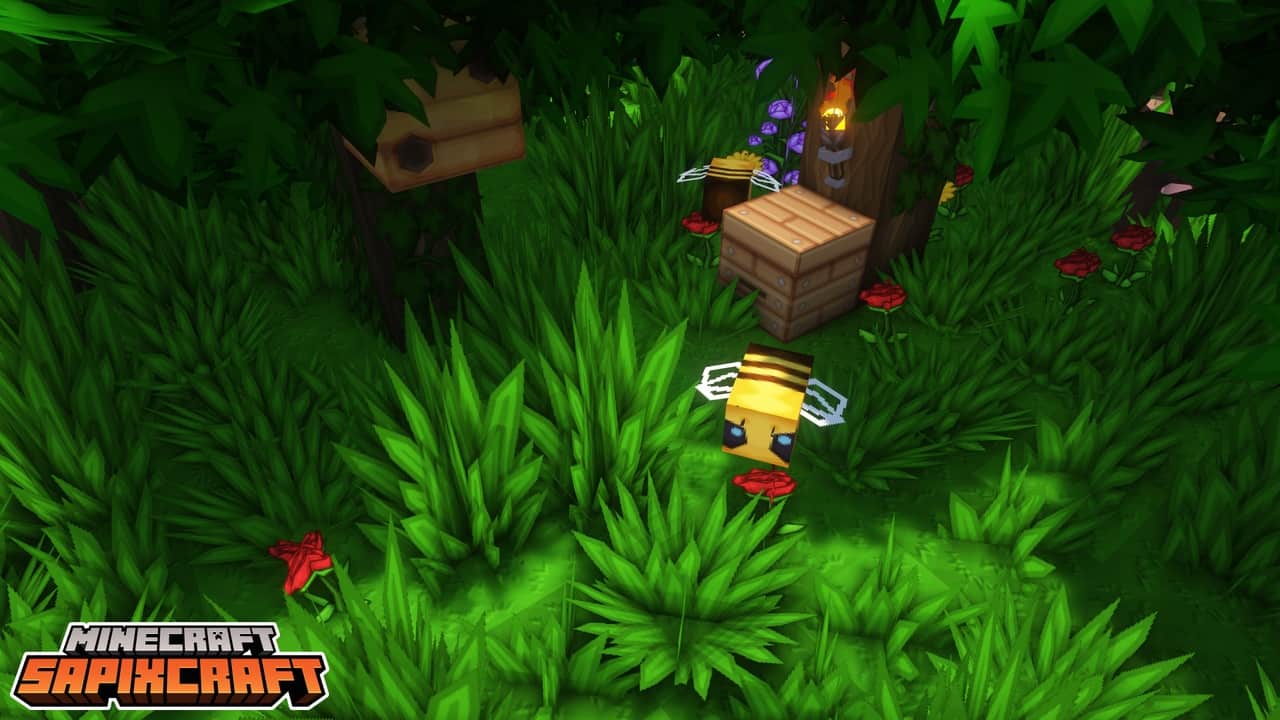
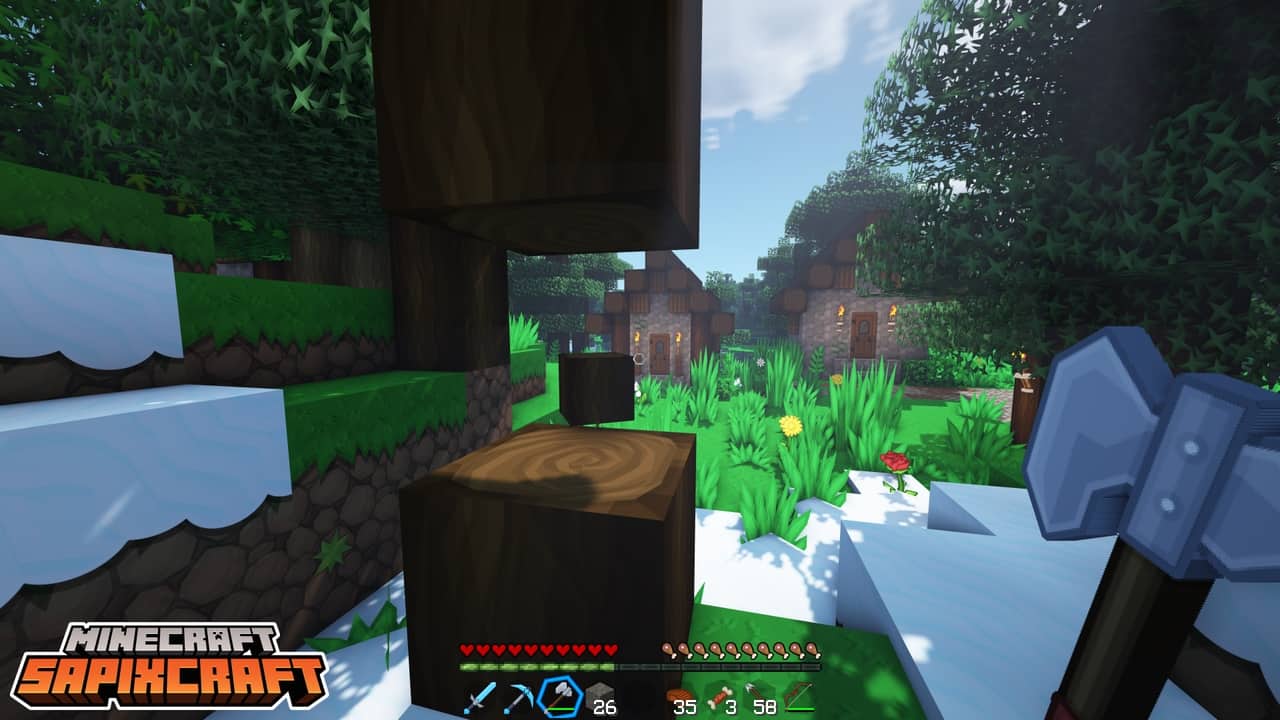
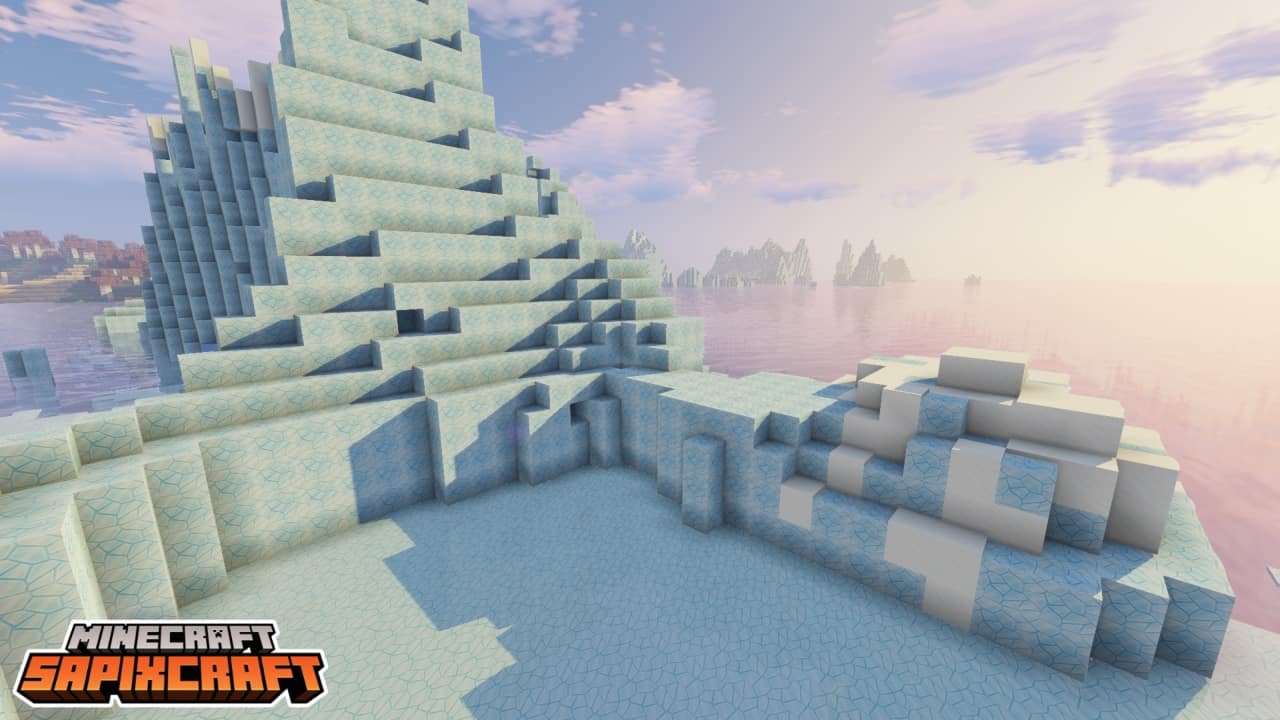
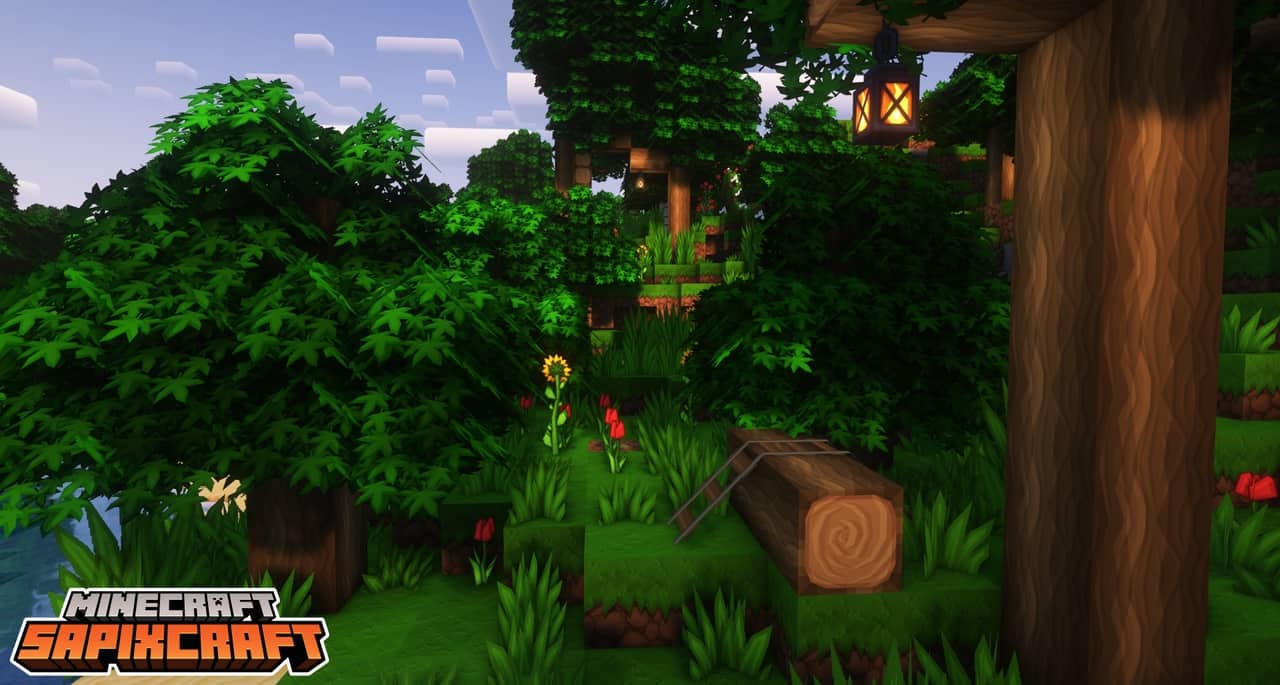
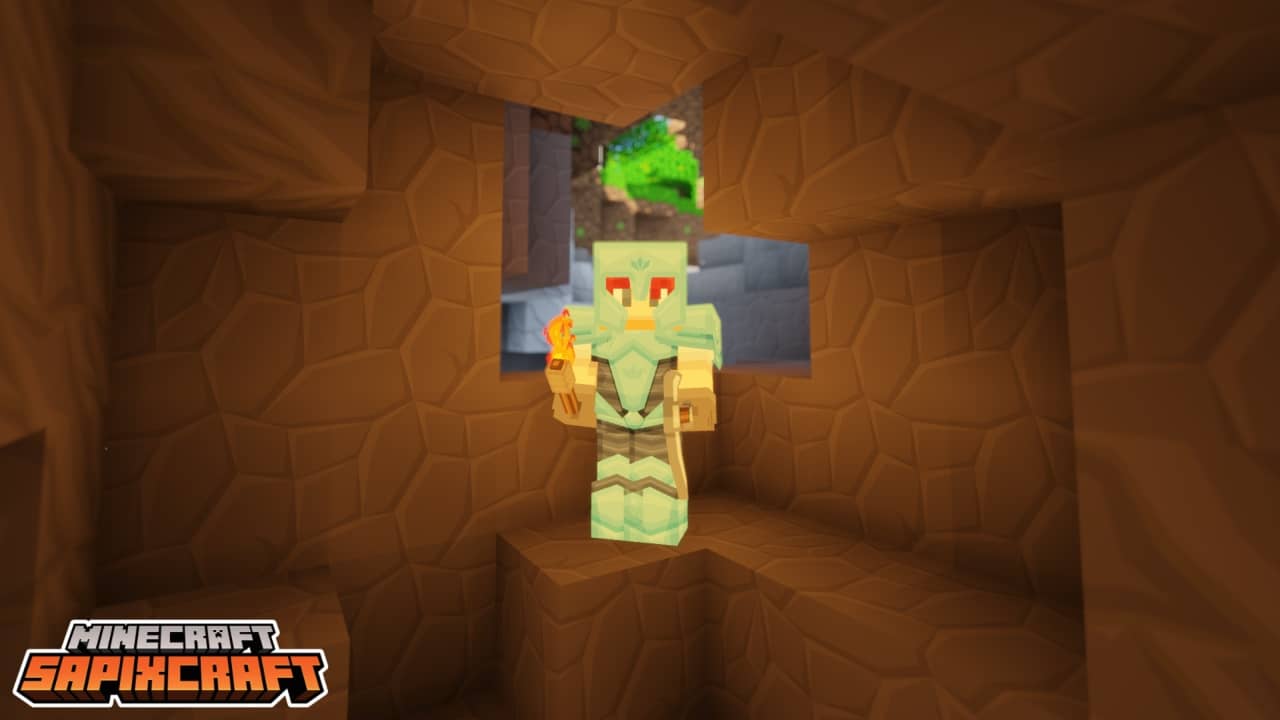
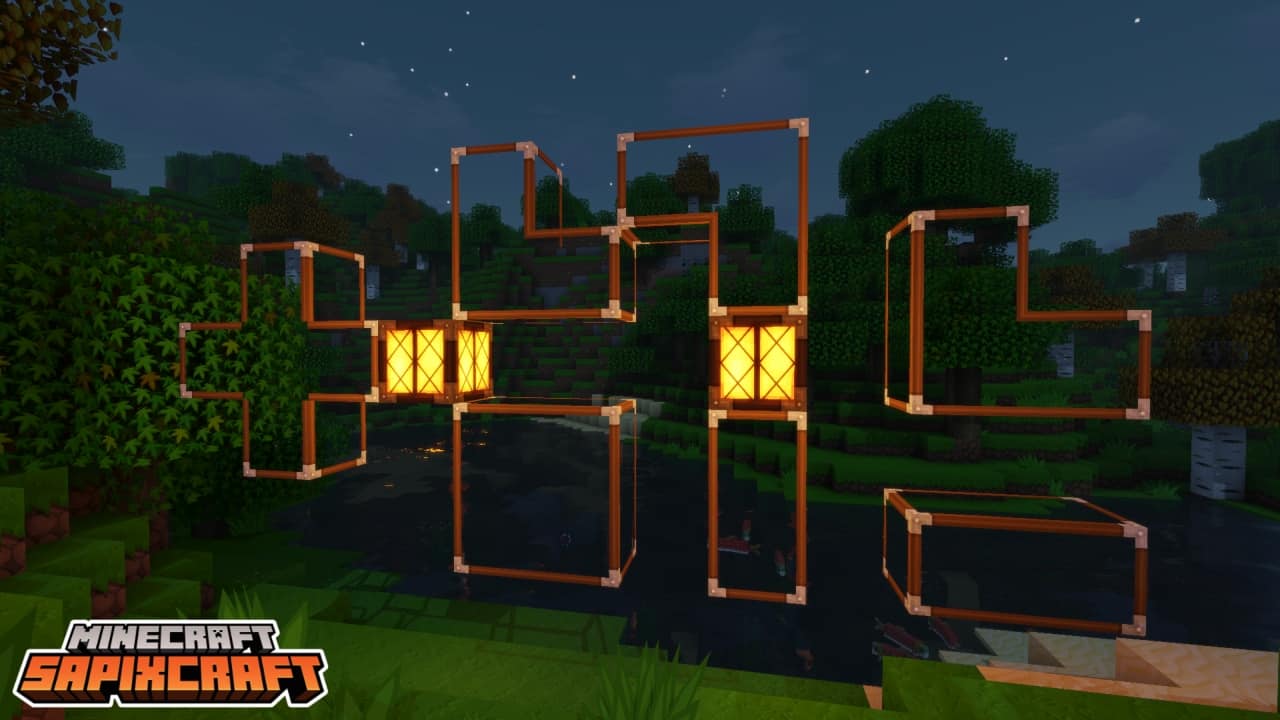
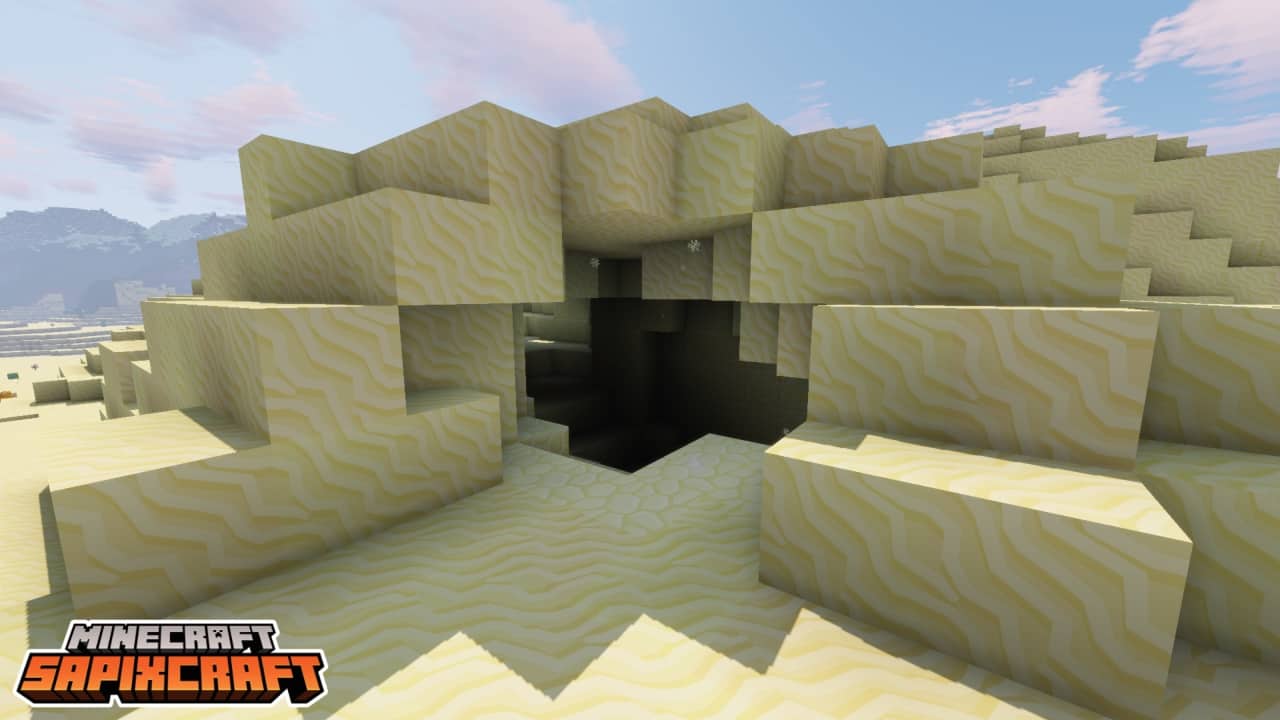
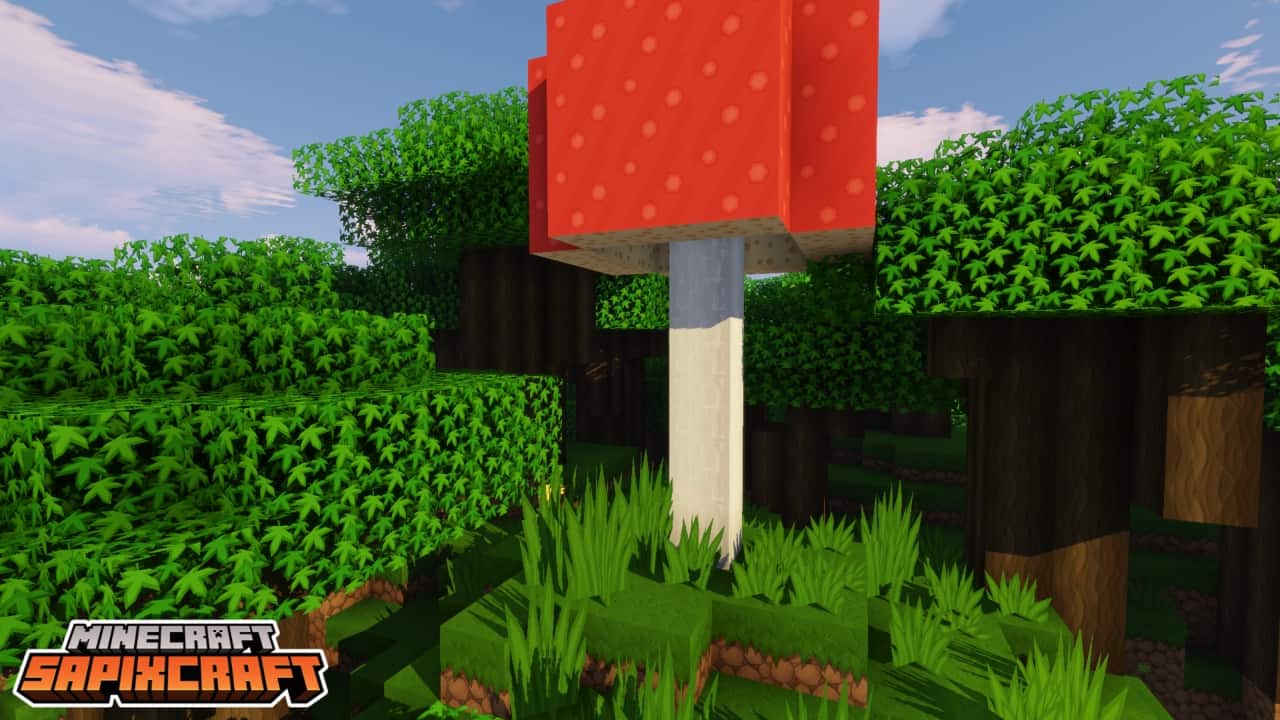
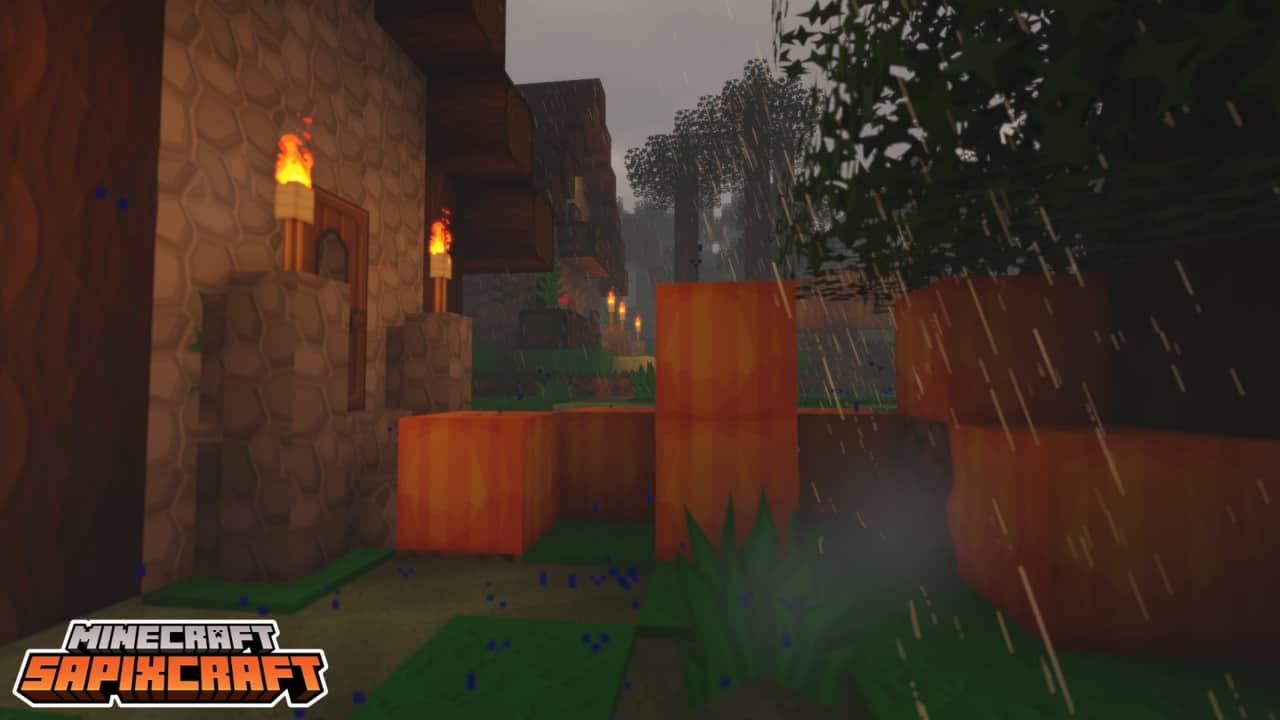
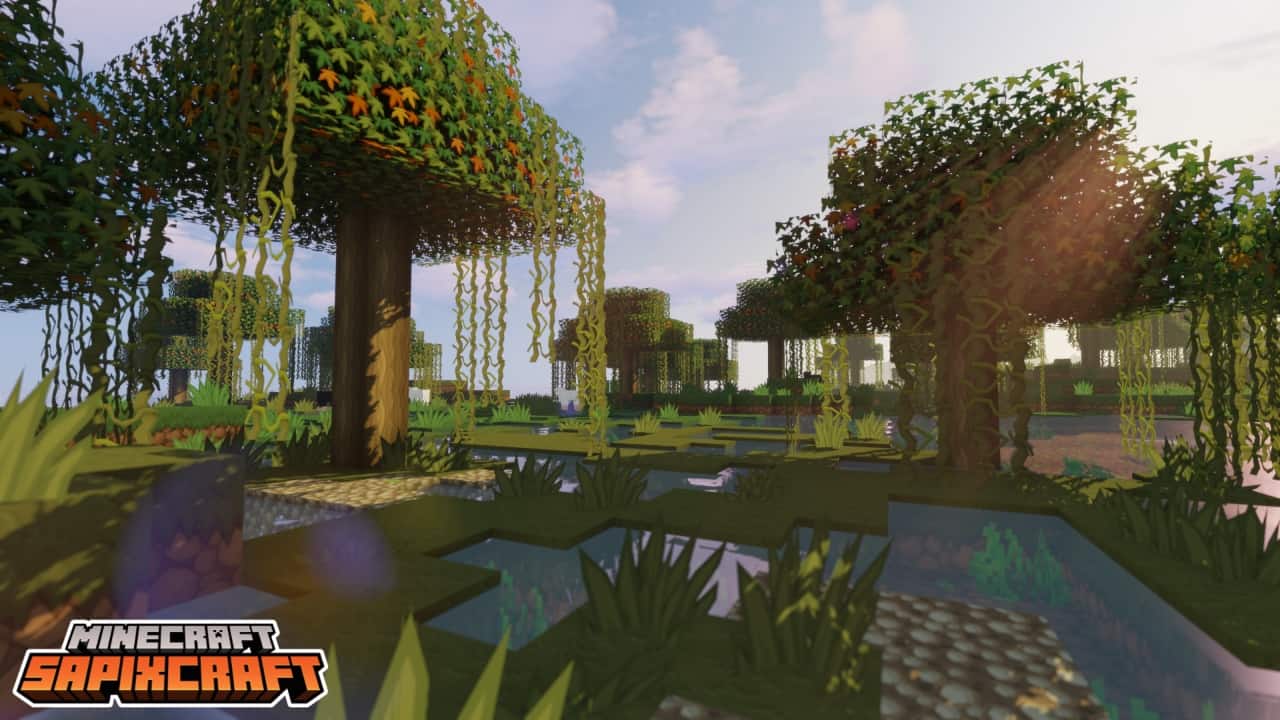

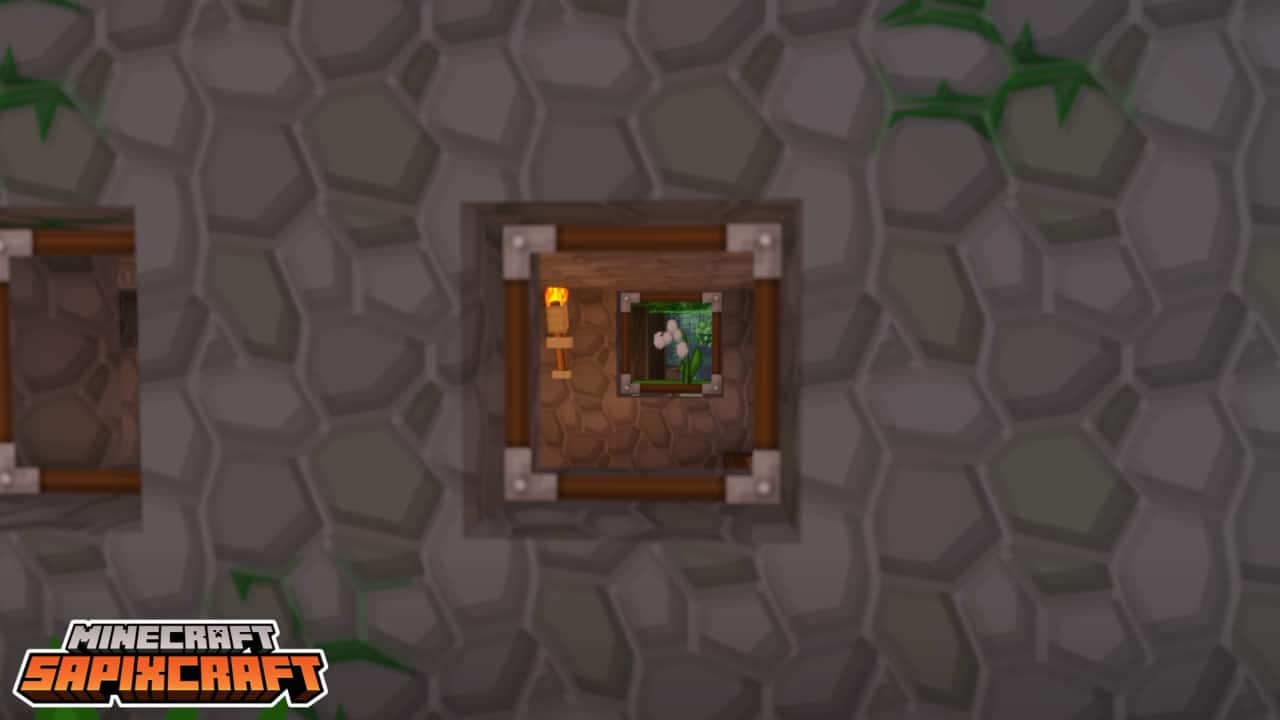
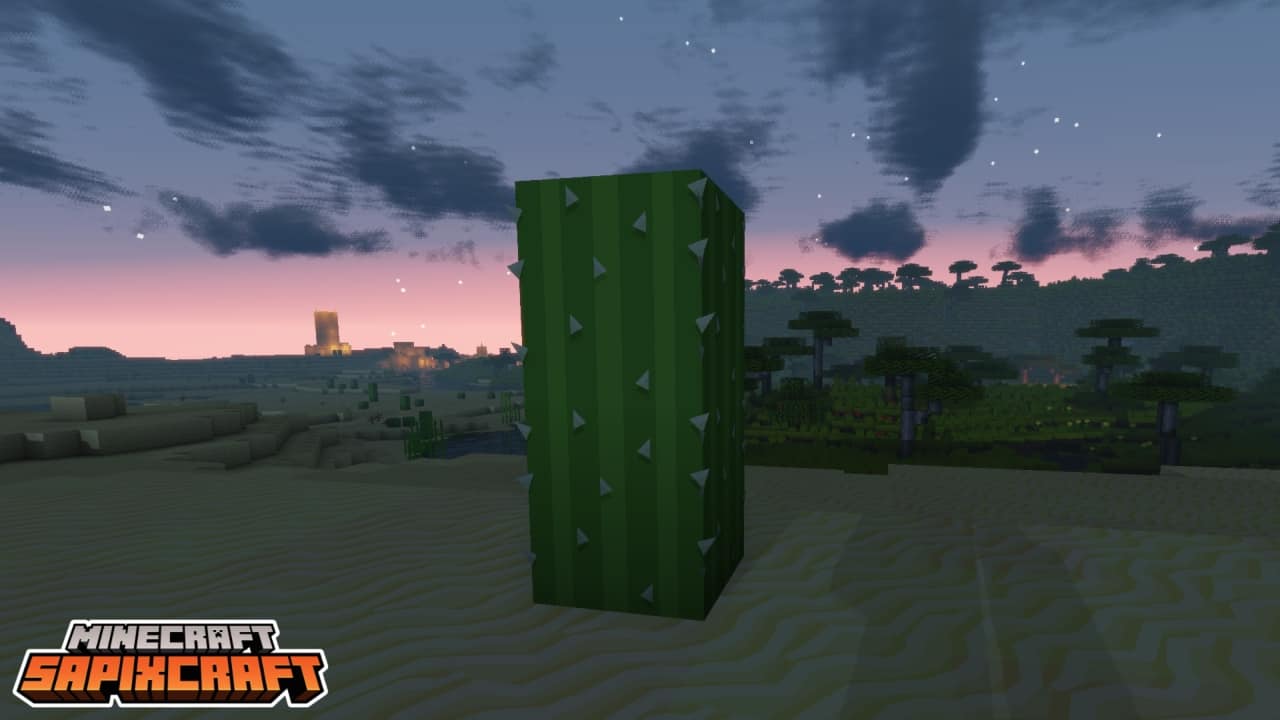

How to install SapixCraft Resource Pack:
- Most resource packs require Optifine, so be sure to download and install it. – general recommended step for all packs, Optifine is also needed for most shaders
- Download the SapixCraft texture pack for Minecraft from the download section below. – if there are many different versions, just choose the one you like, is compatible with your version/edition of Minecraft, the one you think your computer can handle in terms of performance.
- Launch the game client through the Minecraft launcher.
- On the main menu, click "Options".
- On the options menu, click "Resource Packs...".
- Click on "Open Resource Pack Folder". – folder titled "resourcepacks" will pop up
- Move the .zip file you downloaded in the first step to the newly opened "resourcepacks" folder.
- Click "Done".
- Click on "Resource Packs..." again.
- Your pack should have appeared in the left window, just hover over it and click on the arrow pointing to the right.
QUICK TIP: Sometimes, when activating a pack, the game may say that the pack is made for a newer or older version of Minecraft. This is just a warning, it does not affect your gameplay in anyway, and you can still activate and enjoy the pack by simply clicking the "Yes" button when prompted.
- Click "Done" again.
- The pack has now been successfully loaded and ready to be used in your world!
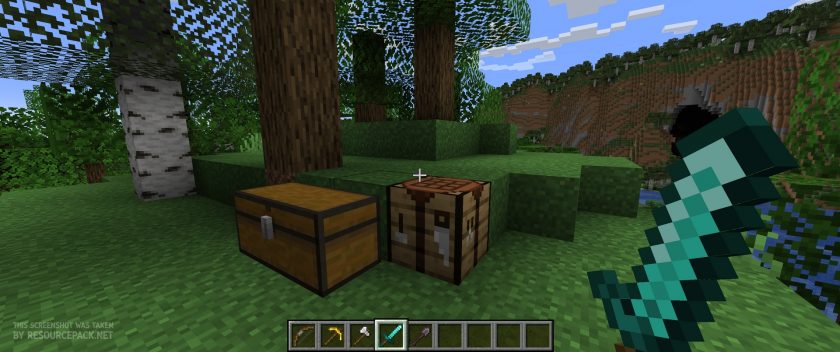
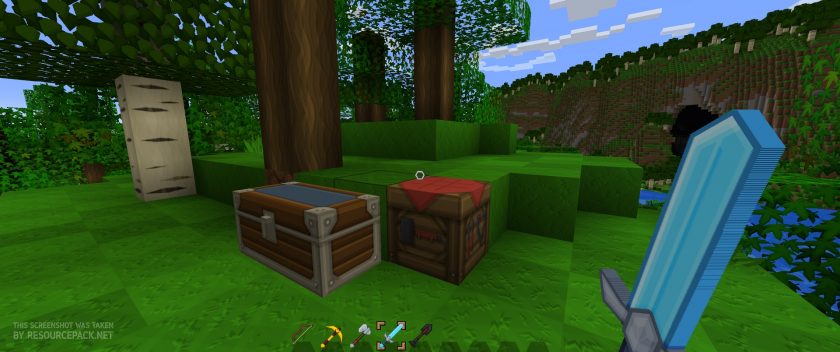
SapixCraft - Comparison Slider #1 Without shaders
Comparison slider #1 for those who want to compare vanilla Minecraft without any texture packs installed (on the left) with Minecraft using this particular texture pack (on the right).
 Vanilla
 SapixCraft
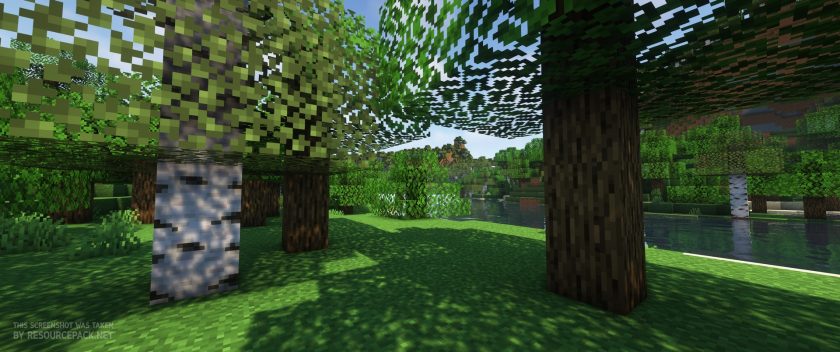
SapixCraft - Comparison Slider #2 With Complementary Shaders
Comparison slider #2 for those who want to compare vanilla Minecraft without any texture packs installed (on the left) with Minecraft using this particular texture pack (on the right).
 Vanilla (Complementary Shaders)
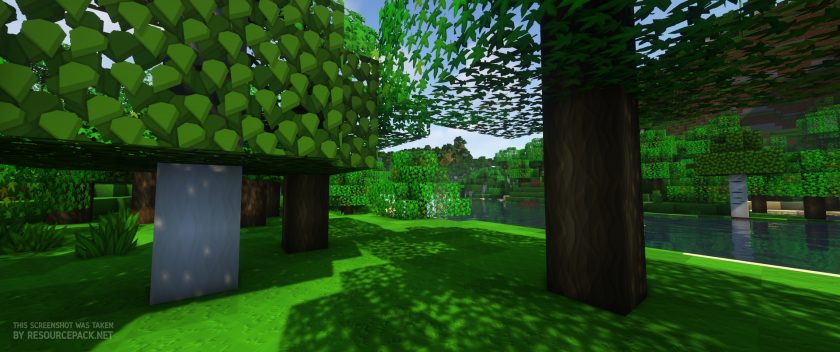 SapixCraft (Complementary Shaders)
SapixCraft Texture Pack Download
- We do not modify or edit any resource packs. All resource packs, shaders and tools found on this website are linked directly to official sources rather than hosted on our own servers. We provide only the official download links from the original creators to ensure that your files are safe and secure.
- These official links are updated manually and may occasionally stop working when a new version is released. We work hard to keep everything current so that you have a smooth experience. Please let us know in the comments if you find a link that no longer works.
- Minecraft is a trademark of Mojang Studios and has no official connection to this website. Our goal is simply to share the best creations from the community with other players.
- Please consider leaving a comment or voting for your favorite packs. This feedback helps authors improve their projects over time. You can also support the creators directly by visiting the official links located below the download section.
Bedrock Edition:
Get SapixCraft for Bedrock Edition here – SapixCraft is available on the Marketplace for 990 Minecoins.
Java Edition:
Download SapixCraft Resource Pack from Official Website
Add-ons:
SapixCraft Colossal items Add-on
Curseforge: download starts automatically after a few seconds;
Mediafire: click the big blue button with the text "DOWNLOAD";
Google Drive: in the top right corner you will see a small download icon (down arrow), click it and the download should start;

5,036 votes
Look.. 5036 users have already liked this pack. Give a diamond if you like it too!


BearX5
At night everything turn pink-ish, is there a way to fix this?
TheOneHoff
Bruh this looks like a rip-off of sphax bdcraft. Some textures are clearly stolen, and others are almost identical I’d be ok with it if the description mentions that the texture pack is in the same style as bdcraft, but if you’re not even going to mention it, that it is just obvious plagiarism
Admin
They are similar, some things may even be too similar, but they are not stolen from BDCraft. We cannot say that it is stolen if it is not. Plagiarism is when everything is completely identical.
Minecrafter
Not true. Plagiarism: the practice of taking someone else’s work or ideas and passing them off as one’s own. This texture pack clearly takes much of its essence from Sphax Pure BDcraft and passes it off as “original.” Obviously many of these textures are ripoffs of Sphax. It doesn’t take a genius to see that. Just look at the glass and glowstone! The hexagonal motifs in the blocks!
Take it down.
Cameron Clarke
With that logic I’m going to steal facebook, call it facepage, have the same logo, layout and everything except it’ll be green and not blue.
AdminsDrider
its a better version bros just salty. ty it looks more refined with some visual upgrades. good pack. its like drug store makeup that became better than the name brand. well done.
Cameron Clarke
I actually thought Sphax had just gone under a new name. It’s so cheap of them to copy, just get your own ideas.
BethelAbba
I love your texture pack, been using it for years now…. but lately when I run 512 Sappix for 1.16 my machine drops to an insane 1 FPS. It becomes completely unplayable.
Right now I am running MC 1.16.5. The only change to my system was that I dropped from 16g of RAM to 8g. (One of my chips went bad and I haven’t replaced it yet.)
Is there really any reason for this insane frame-rate drop?
Quinn
Lack of RAM. Look into how 512 packs are handled by Mojang and you’ll see the issue.
Shannon Pamplin
Are the mobs also retextured?
wow magic!!!!
wohow
Rok
fake BDcraft
itsamemario
everyone want the music of the trailer more than people that wnat the texture pack
dreams by joakim karud (its the music)
surya
what music did you use for the trailer
Ben
im not 100% what the name is but I know its by LAKEY INSPIRED
KingOfTNT10
How did you make the textures
uareretarded
i cant believe you would type “The thing that makes this resource pack special is the incredible textures that are nothing like the other texture packs that are out there” when the style is clearly taken from sphax and everyone thinks its sphax
Admin
The pack has its own textures, the author did not steal anything. In terms of style, we don’t think you’re right in this situation, as it would be the same if you said “all realistic packs style is clearly taken from LB Photo Realism by Scuttles”, or “all modern packs style is clearly taken from Modern HD by mikeyto1o ” and so on. Now about the name … maybe it’s more your truth. Therefore, we will not argue with you on this.
Emma
It would not be the same if you said “all realistic packs style is clearly taken from LB Photo Realism by Scuttles” because that’s based on something that already exists. Real life. This pack and Sphax are very unique and not directly inspired of something (other than a comic book style) but somehow their style is VERY similar down to a lot of details. If someone made an artwork that looked almost exactly like Mona Lisa but with a different person, that would be copying, but if someone painted a realistic apple, that wouldn’t copy anyone elses painting, because it’s based of something else.
jkfasdfh
The Pigs are so cute i can’t kill them lol
Clarity
Is this Sphax? It looks kinda like Sphax. Of course I can’t tell with shaders moving everything around. Stop using shaders when advertising your work!
Devilish_Toast
Omg this texture pack is amazing! When I got it I was just amazed of how good this looks.
WilliamGameing
Wow
sadie
spiders and sheep dont have custom textures they are both still vanilla
Oskar
can this work in 1.14.4?
Programmeter
Great resource pack, I just don’t like their false advertising. They use shaders to make it look good and the the resource pack isn’t for 1.14 it doesn’t have any of the 1.14 blocks, items or GUI textured. 3/5
lily
i use shaders
Khoeckman
Fix the arrows in the server list to join a server and to bring it up or down in the 512×512
Bob
Excellent pack! Easily my favorite. Here are some missing textures:
-chiseled stone
-coarse dirt
-potato
-tilled dirt (farming)
-all terracotta
Let me know if I can contribute in some way
jiyanne
thx for making this it works realy well at myy opinoin
17vg3
512x with rain causes some lag and my computer is pretty good
cosmoSS1811
fix the bed item textures in the 128X128, they don’t work for me
Grezman Locky
goooooooooooooooooooood
Andrew
For me, I’m getting missing textures especially on the grass blocks. I’m using the 1.11 32x pack.
John Cooling
DOES THIS WORK WITH TEKKIT AND STUFF????
Tony
yes