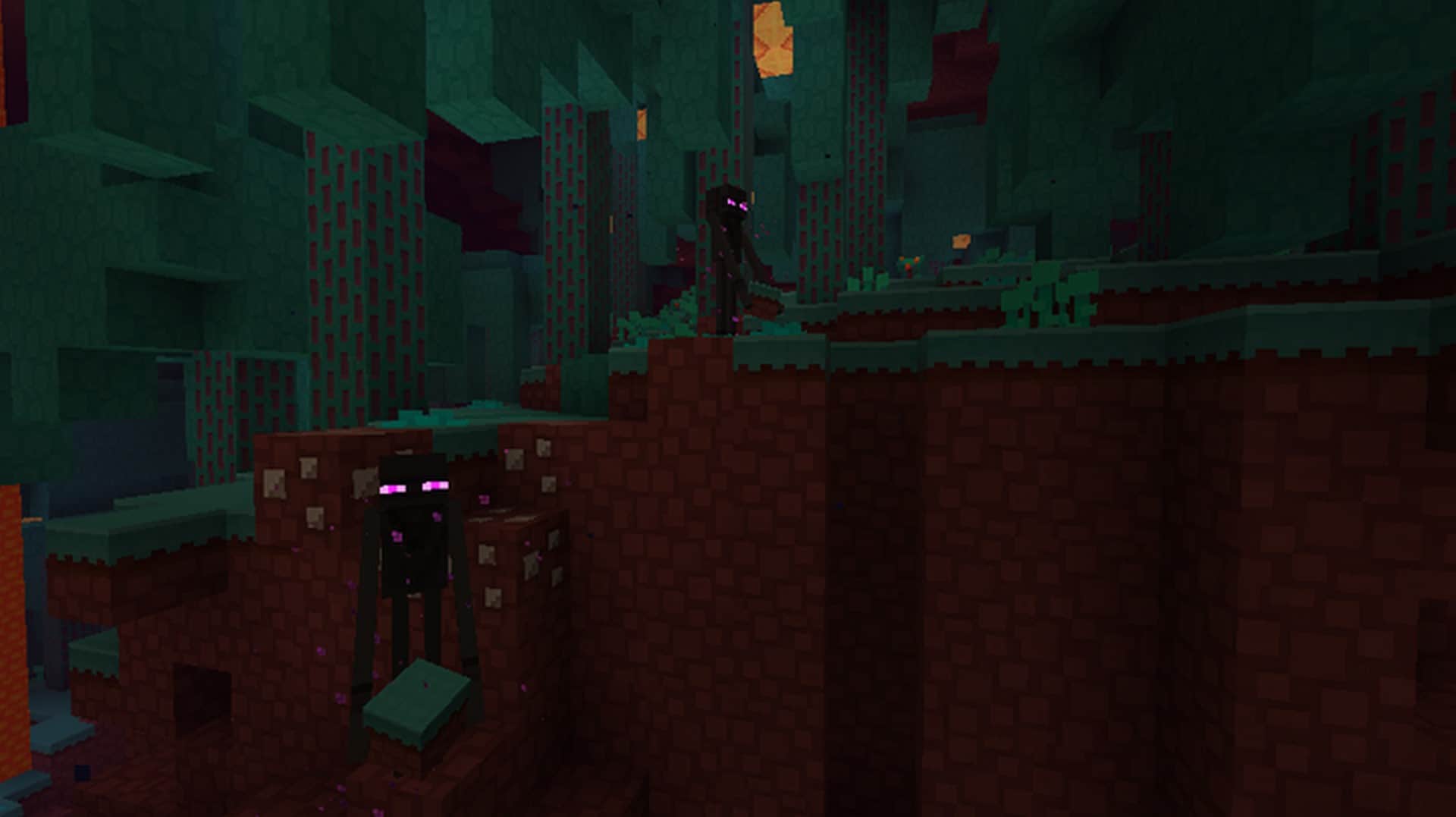
The Paper-Cut Out resource pack is a very simple and beautiful texture pack for Minecraft. The simple style aims to make the traditional icons look like flat, paper cut-outs of the original. The style really shows when comparing how the ore blocks look in-game with the new paper style ores becoming visually distinctive, flat icons. The whole goal of this pack is to take the original blocky nature of Minecraft graphics and turn them into a flat paper world where everything appears as a unique cut out. What this pack lacks in high-quality graphics, it makes up for in simplicity. The textures are small in size. Since this resource pack doesn’t contain anything but modified textures, downloading, tweaking and installing them is a breeze.
Featured video:
It won’t take up a lot of space and all you have to do is drag the file to your resource pack folder on your computer and activate it. This can be done before or after generating a brand new world. The small texture sizes ensure that there will never be any long loading times like some other larger texture packs endure. The lack of advanced textures, scripts, and sounds make the Paper-Cut Out pack one of the easiest to use and manage. Despite its simplicity and basic design, this resource pack is still usable with a ton of advanced mods. In fact, smaller texture packs are usually easier to incorporate into mods and mod packs because there is less to tweak to make compatible with the mods themselves. All of this makes the Paper-Cut Out resource pack one of the most versatile, simple and easy texture packs to use with your Minecraft game.
Paper Cut-Out should be compatible with all of these Minecraft versions: 1.20.4 - 1.20.3 - 1.20.2 - 1.20.1 - 1.20 - 1.19.4 - 1.19.3 - 1.19.2 - 1.19.1 - 1.19 - 1.18.2 - 1.18.1 - 1.18 - 1.17.1 - 1.17 - 1.16.5 - 1.16.4 - 1.16.3 - 1.16.2 - 1.16.1 - 1.16 - 1.15.2 - 1.15.1 - 1.15 - 1.14.4 - 1.14.3 - 1.14.2 - 1.14 - 1.11.2 - 1.11 - 1.10.2 - 1.10 - Bedrock Edition - PE
Paper Cut-Out — Video & Screenshots
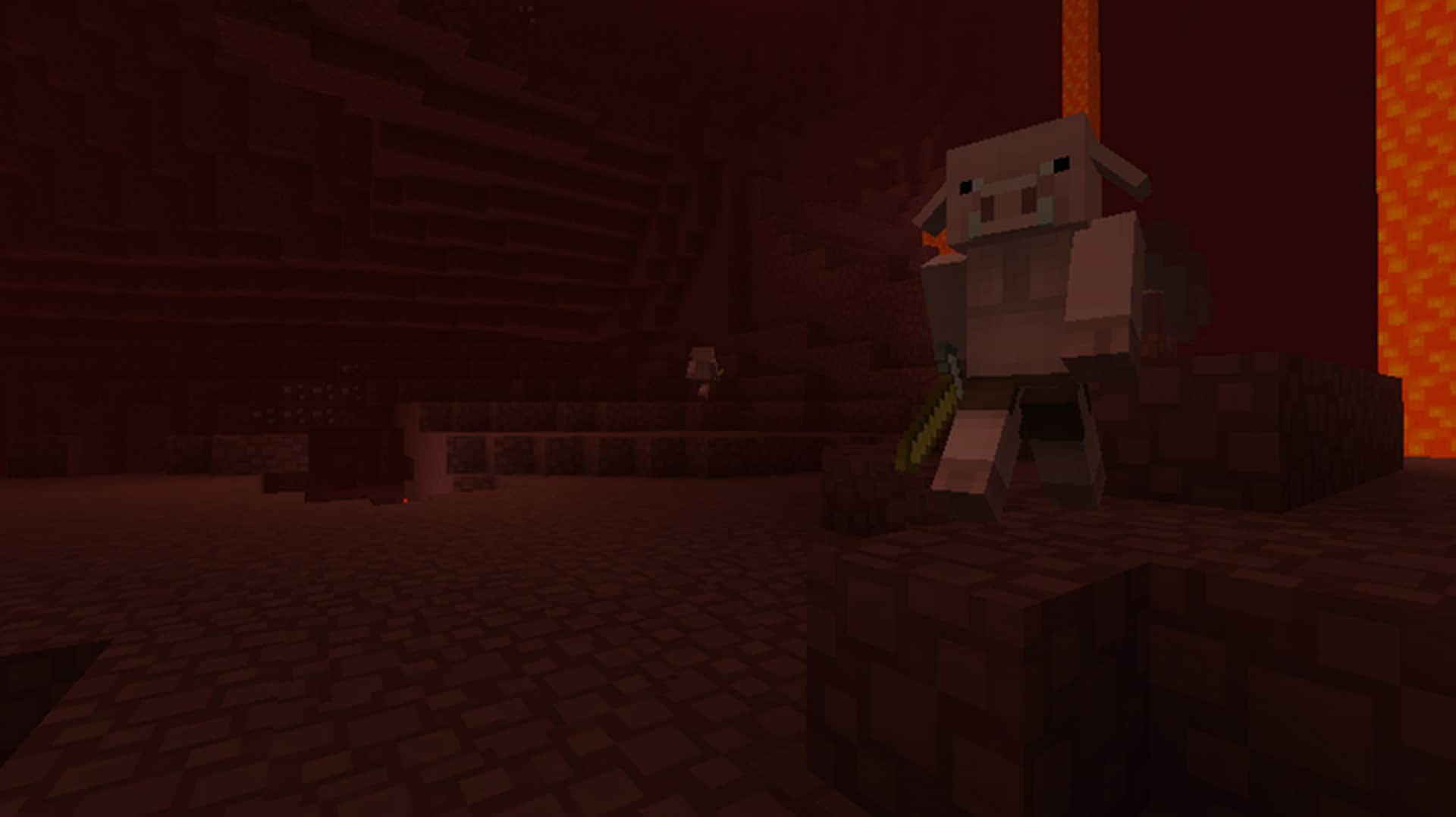
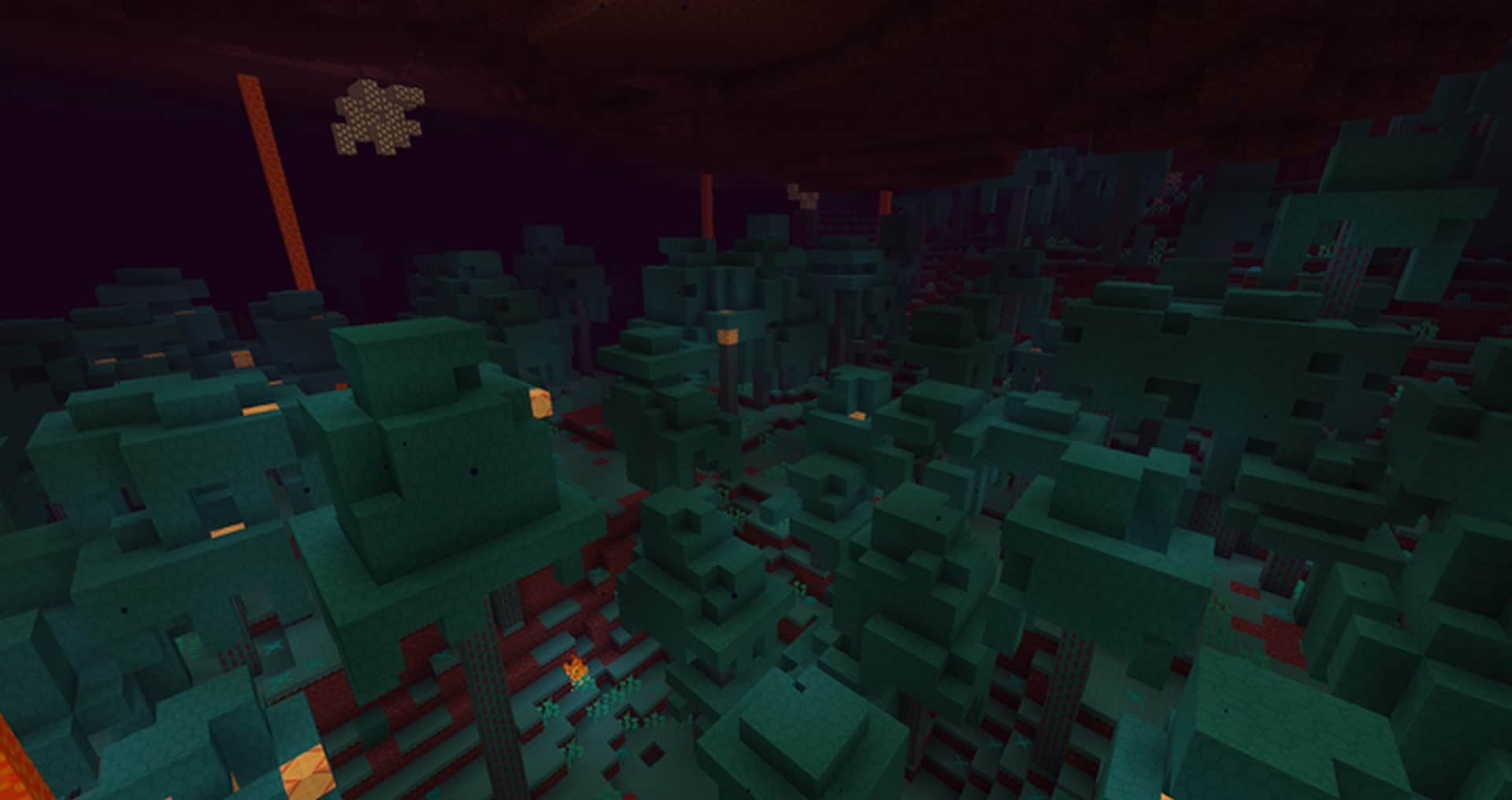
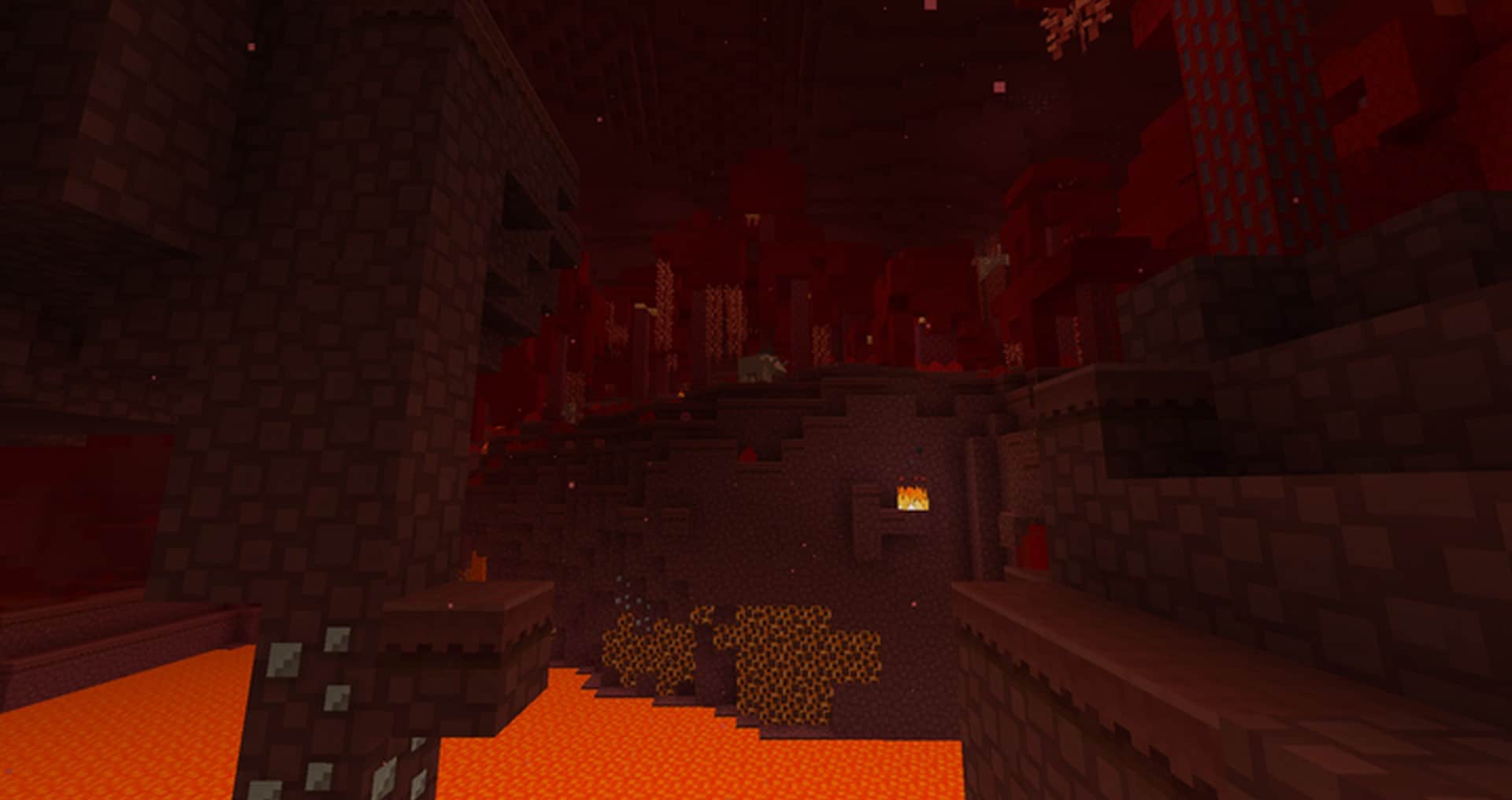
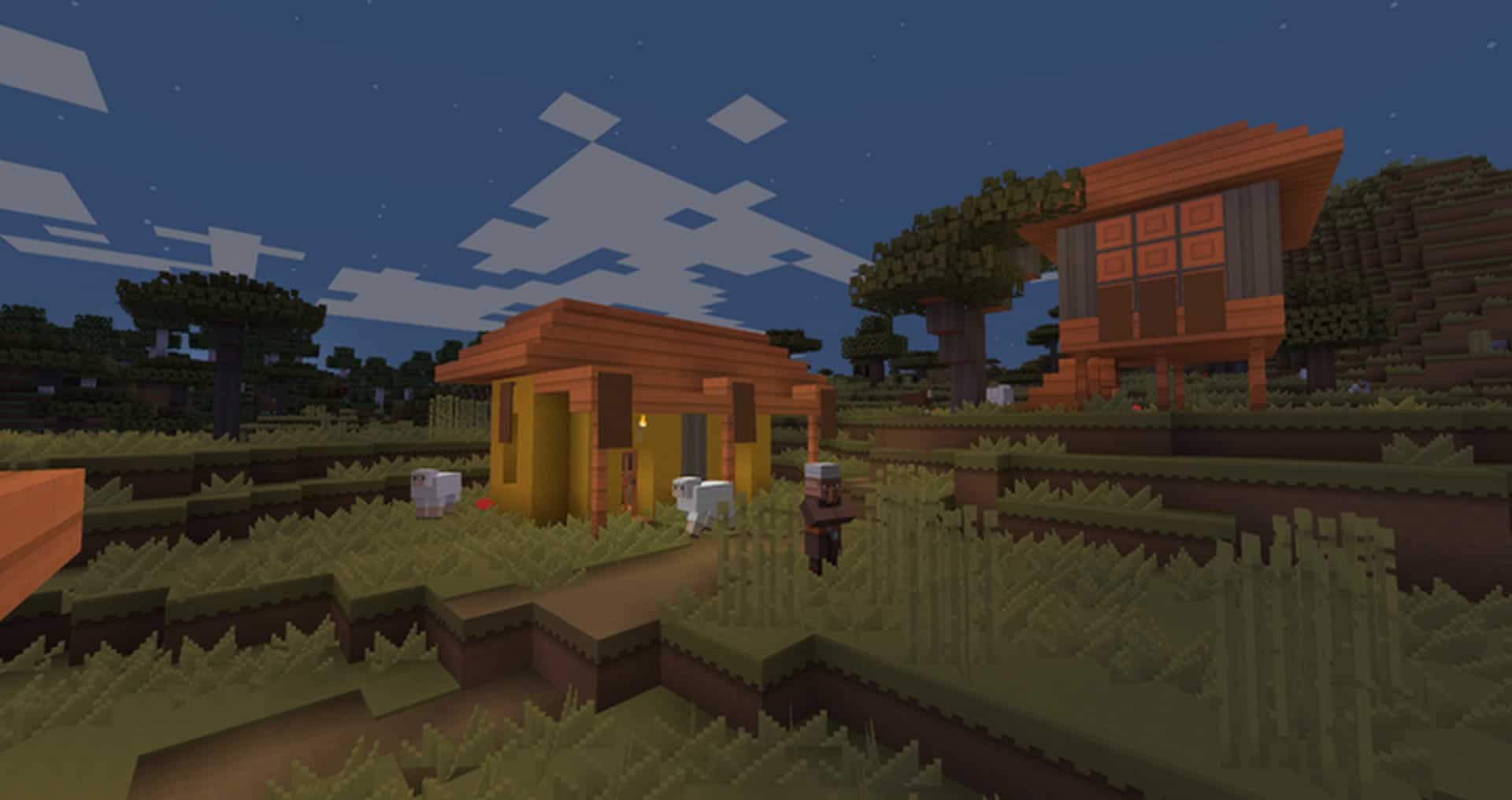
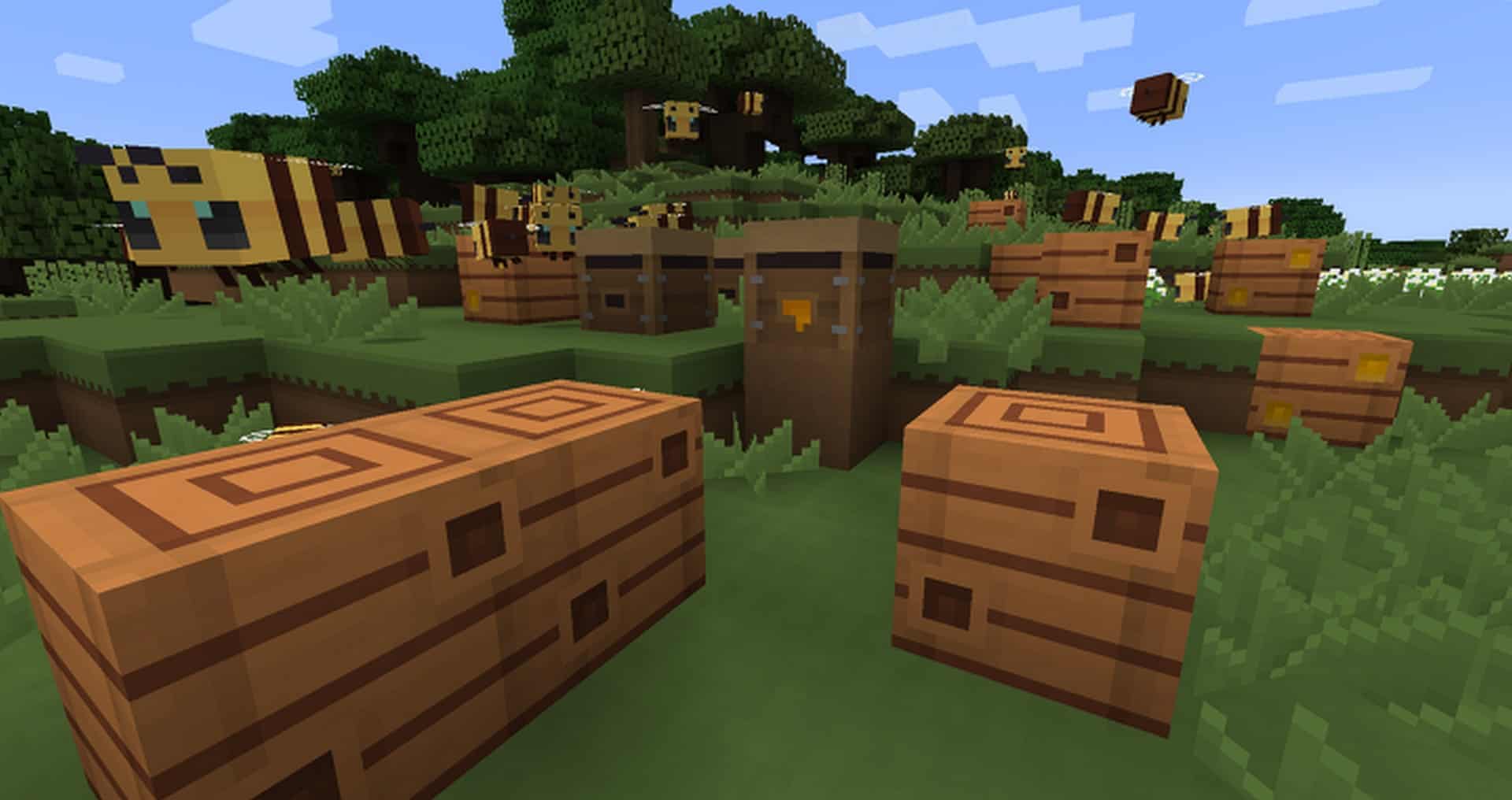
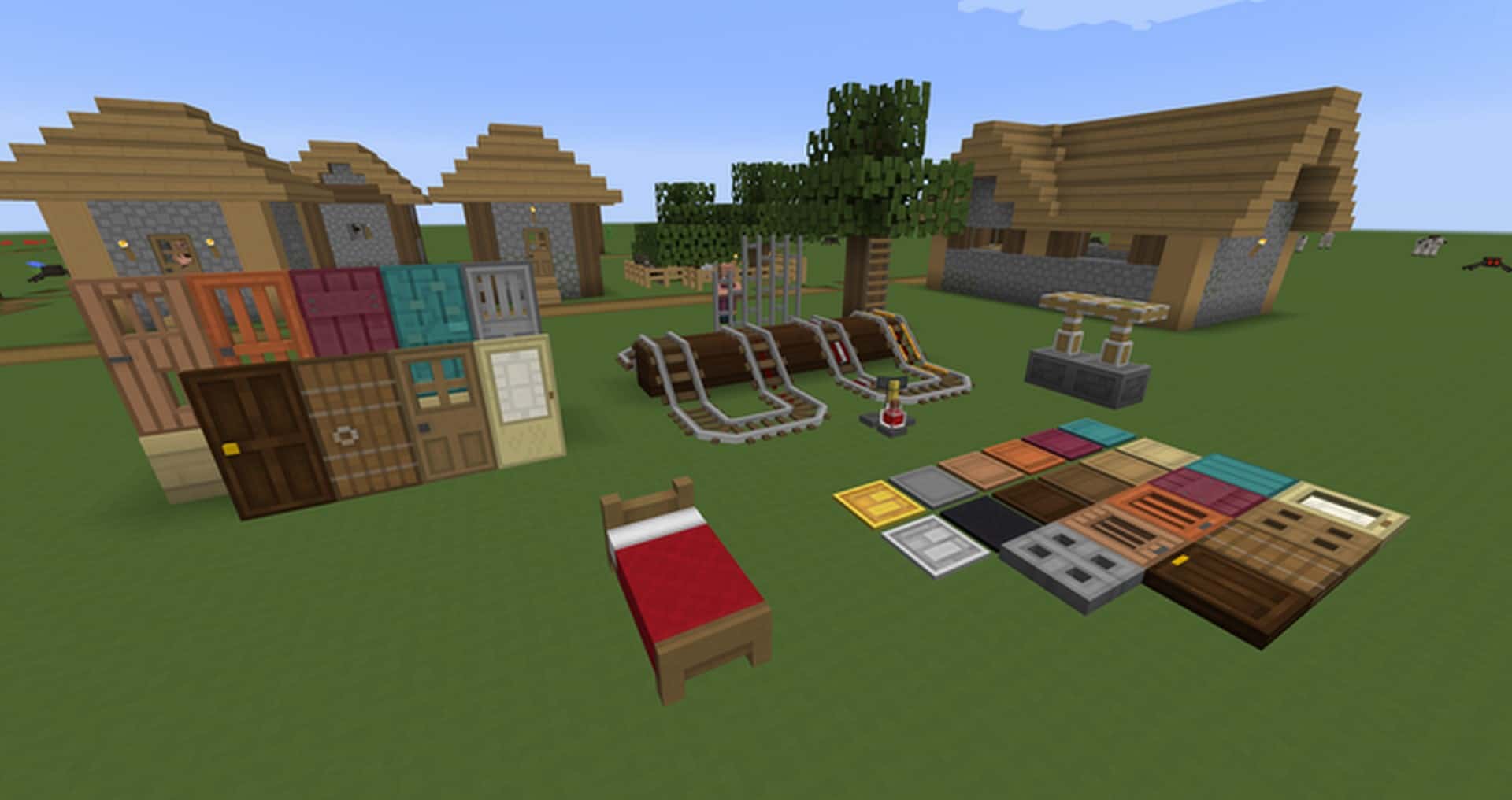
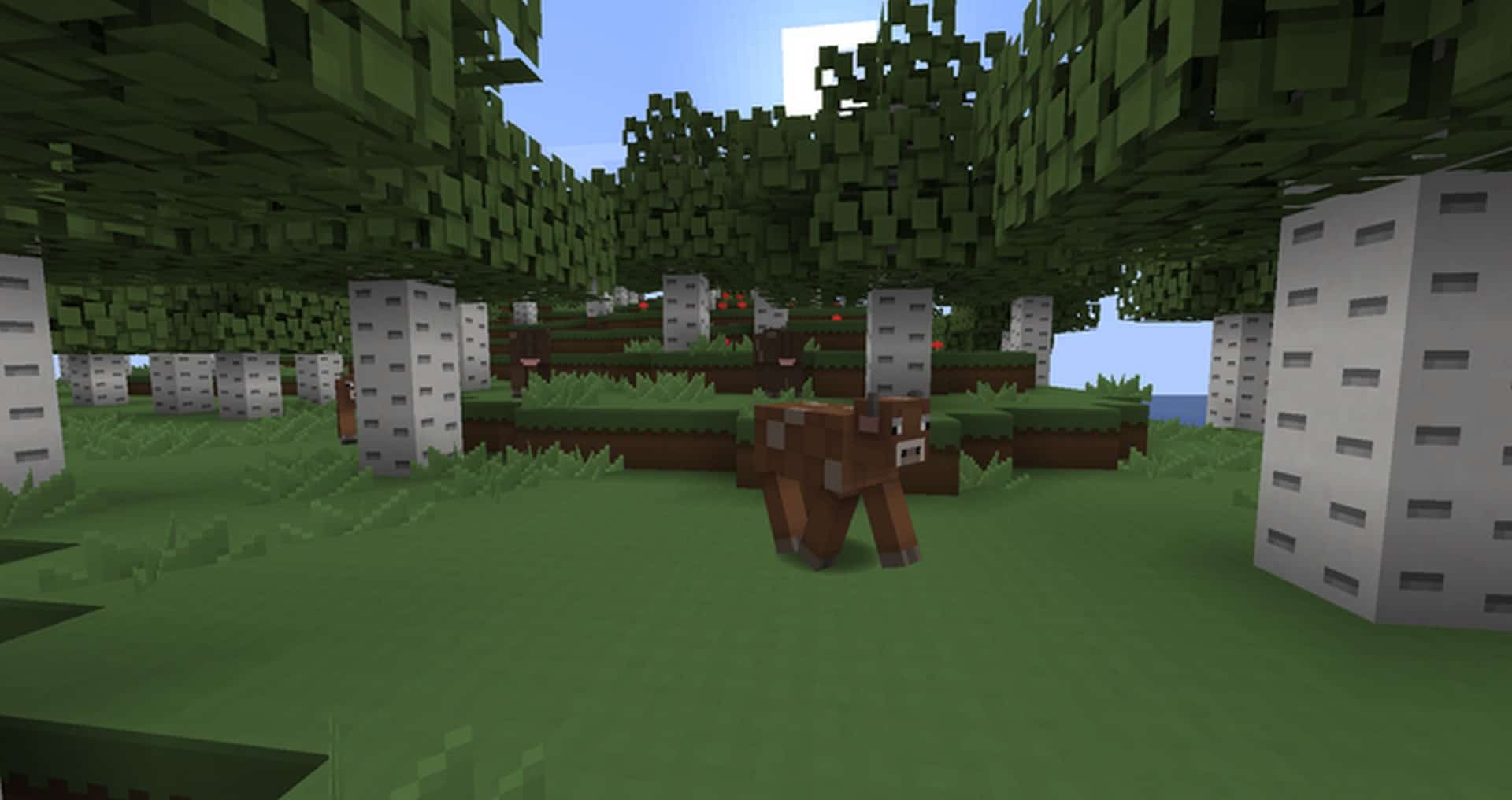
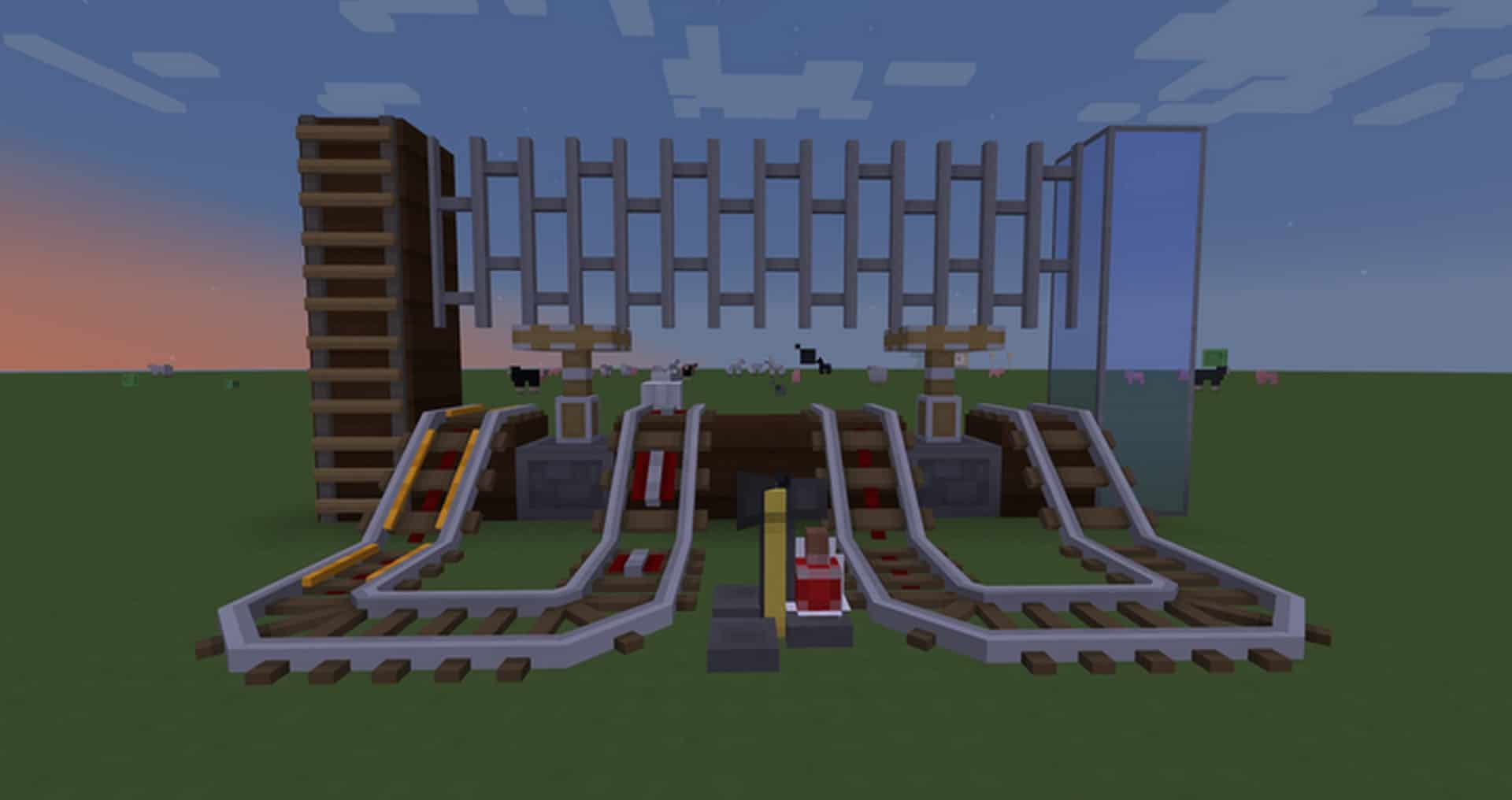
How to install Paper Cut-Out Resource Pack:
- Most resource packs require Optifine, so be sure to download and install it. – general recommended step for all packs, Optifine is also needed for most shaders
- Download the Paper Cut-Out texture pack for Minecraft from the download section below. – if there are many different versions, just choose the one you like, is compatible with your version/edition of Minecraft, the one you think your computer can handle in terms of performance.
- Launch the game client through the Minecraft launcher.
- On the main menu, click "Options".
- On the options menu, click "Resource Packs...".
- Click on "Open Resource Pack Folder". – folder titled "resourcepacks" will pop up
- Move the .zip file you downloaded in the first step to the newly opened "resourcepacks" folder.
- Click "Done".
- Click on "Resource Packs..." again.
- Your pack should have appeared in the left window, just hover over it and click on the arrow pointing to the right.
QUICK TIP: Sometimes, when activating a pack, the game may say that the pack is made for a newer or older version of Minecraft. This is just a warning, it does not affect your gameplay in anyway, and you can still activate and enjoy the pack by simply clicking the "Yes" button when prompted.
- Click "Done" again.
- The pack has now been successfully loaded and ready to be used in your world!
Paper Cut-Out Texture Pack Download
- We do not modify or edit any resource packs. All resource packs, shaders and tools found on this website are linked directly to official sources rather than hosted on our own servers. We provide only the official download links from the original creators to ensure that your files are safe and secure.
- These official links are updated manually and may occasionally stop working when a new version is released. We work hard to keep everything current so that you have a smooth experience. Please let us know in the comments if you find a link that no longer works.
- Minecraft is a trademark of Mojang Studios and has no official connection to this website. Our goal is simply to share the best creations from the community with other players.
- Please consider leaving a comment or voting for your favorite packs. This feedback helps authors improve their projects over time. You can also support the creators directly by visiting the official links located below the download section.
Bedrock Edition:
Download Paper Cut-Out Bedrock Edition Resource Pack
Java Edition:
[16x] [1.20.2+] Download Paper Cut-Out Resource Pack
[16x] [1.20.x – 1.20.1] Download Paper Cut-Out Resource Pack
[16x] [1.19.x – 1.18.x] Download Paper Cut-Out Resource Pack
[16x] [1.17.x – 1.14.x] Download Paper Cut-Out Resource Pack
[16x] [1.11.x – 1.10.x] Download Paper Cut-Out Resource Pack
Curseforge: download starts automatically after a few seconds;
Mediafire: click the big blue button with the text "DOWNLOAD";
Google Drive: in the top right corner you will see a small download icon (down arrow), click it and the download should start;

348 votes
Look.. 348 users have already liked this pack. Give a diamond if you like it too!


dakota
would love to see the pack updated for current patch, absolutely adore everything about it.
SmithJones2177
I love the fact that the flint and steel is LITERALLY a lighter lol.
BabyW1zard
I’ve been looking for a RTX non vanilla texture pack without success but I came across this pack which I really liked and thought it will look awesome raytraced so I’ve been working on adding the rtx images for the past few weeks and I’m about 85% done. If any of the pack creators read this can you contact me to let me know if its ok to put it out once its completed.
Bob IV
Hey, so I downloaded the 1.17+ version of the texture pack, and I have been using it for a while now, but the sticky piston and regular rails are just purple and black squares. Other than that, this is my favorite resource pack, other than X-Ray of course :D
YEAAAA
its great my favourite but there is no sticky piston, its just a purple and black square.
Clowny0120
Always my all-time favorite texture pack <3
oxoxayham
thanks
25kubalok
I love this texture pack! But there is issue with Striders! The texture doesn’t appear on one of their legs. I’ve seen this issue in some other texture packs too :/
Schinken
I feel like this is the spiritual successor to shortstuf7’s clean design I’ve been looking for for years. Thank you!
Steponitnicejob
How do you make TNT-creepers? And how do you design the blocks????
King_Crepe
the villagers don’t have noses, but the pack is great
MHPlayer13
Doesnt work for 1.16 cobble stone is pink and black block
Marshall Byrd
I love this pack, but there seems to be missing textures for cobblestone in the 1.15/1.16 version
YandereMudkip
Can you make a 1.12.2 version?
Bernard
make 1.8.9
ples i love the pack
Fengo
am i allowed to edit the textures (i wont distribute, just for myself)?
TPoobs
please make the 64×64 version of the pack :D
Hadrian Embalsado
Always my favorite.