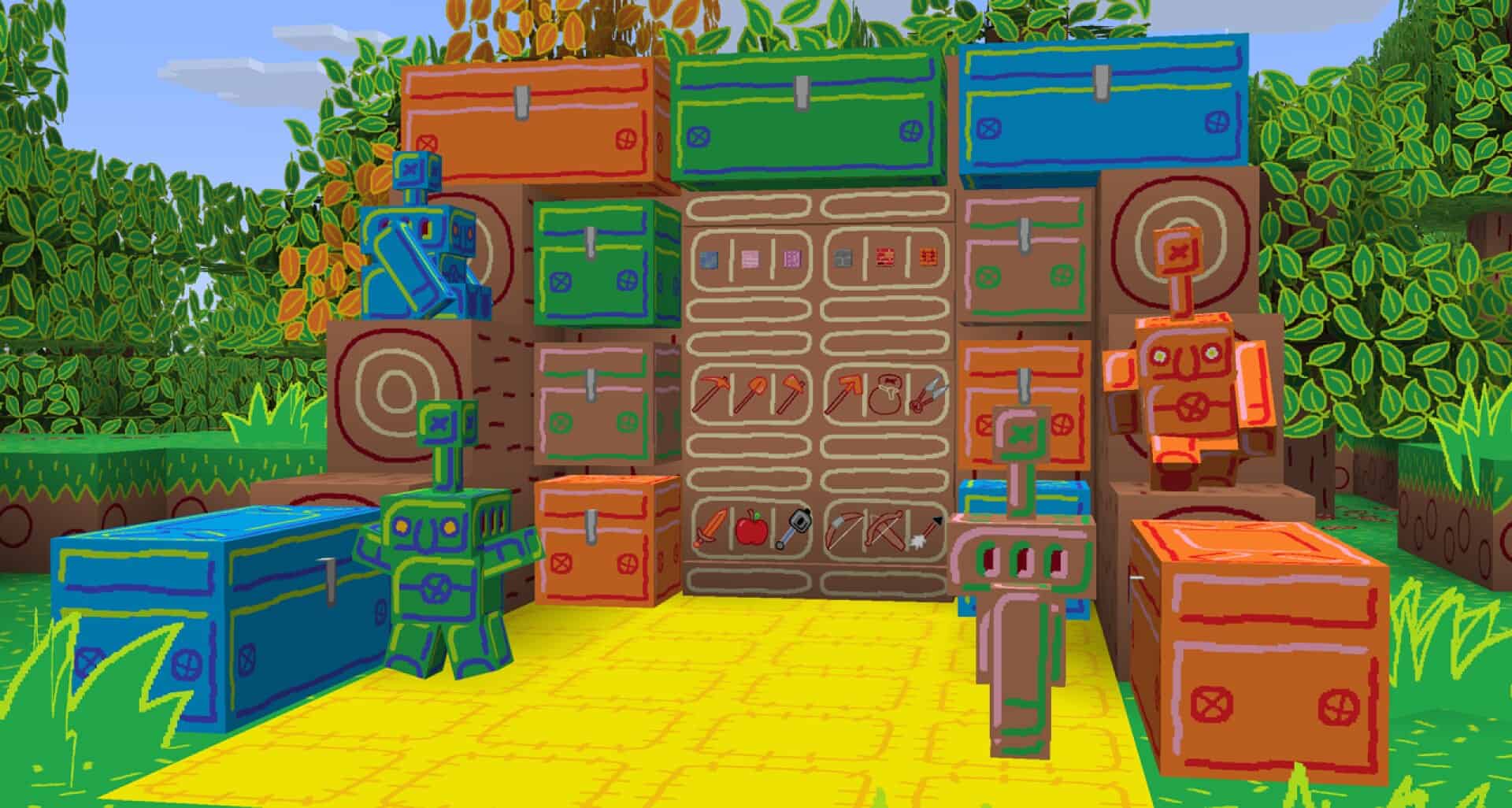
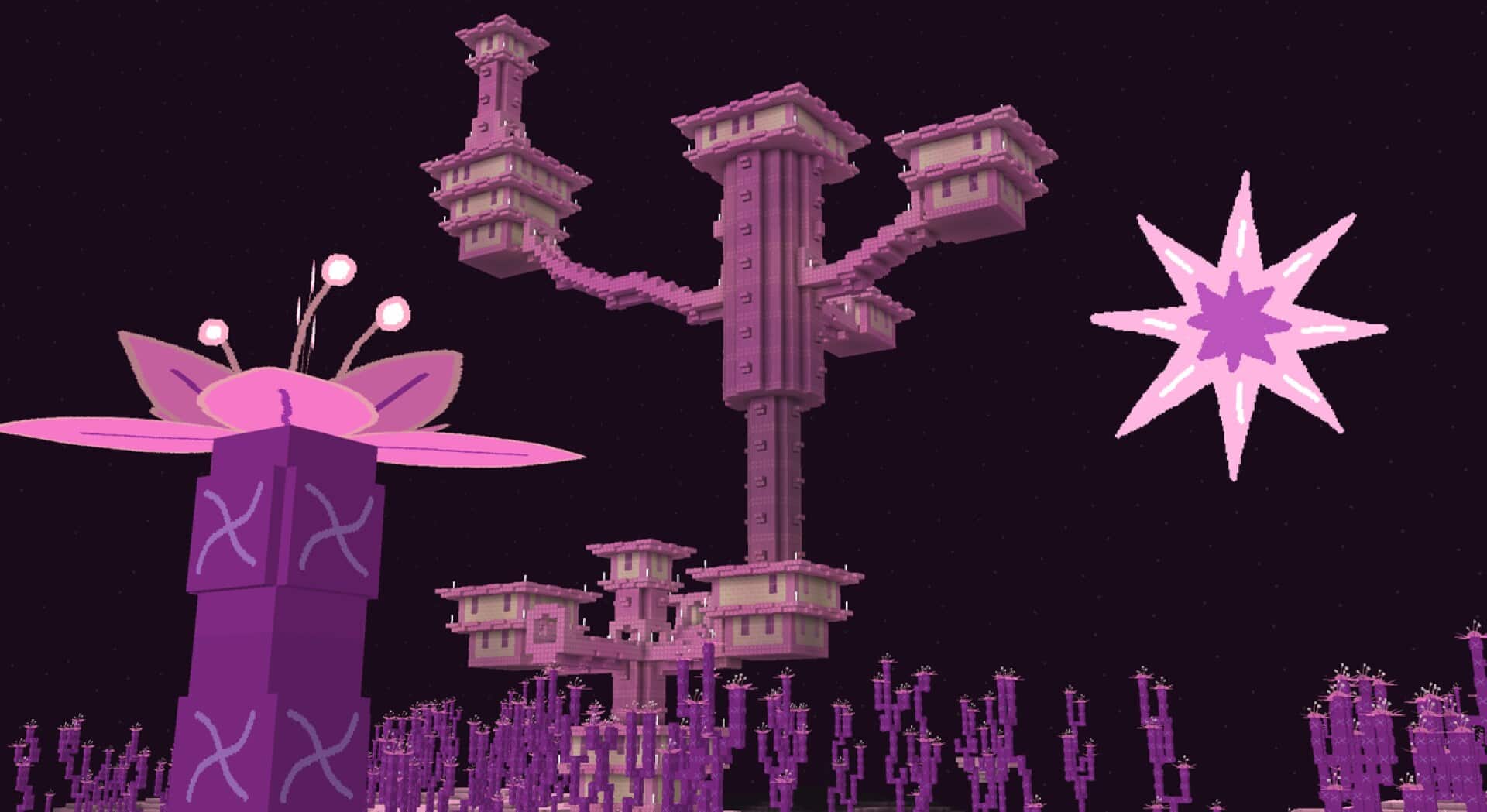
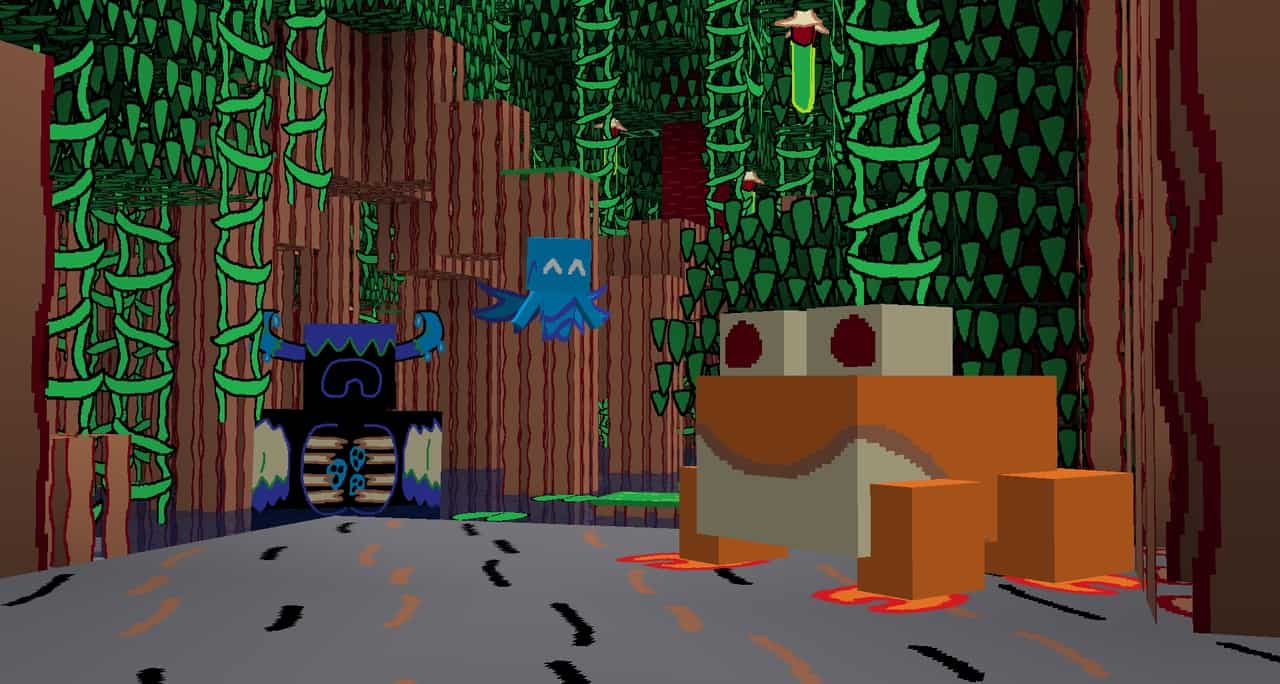
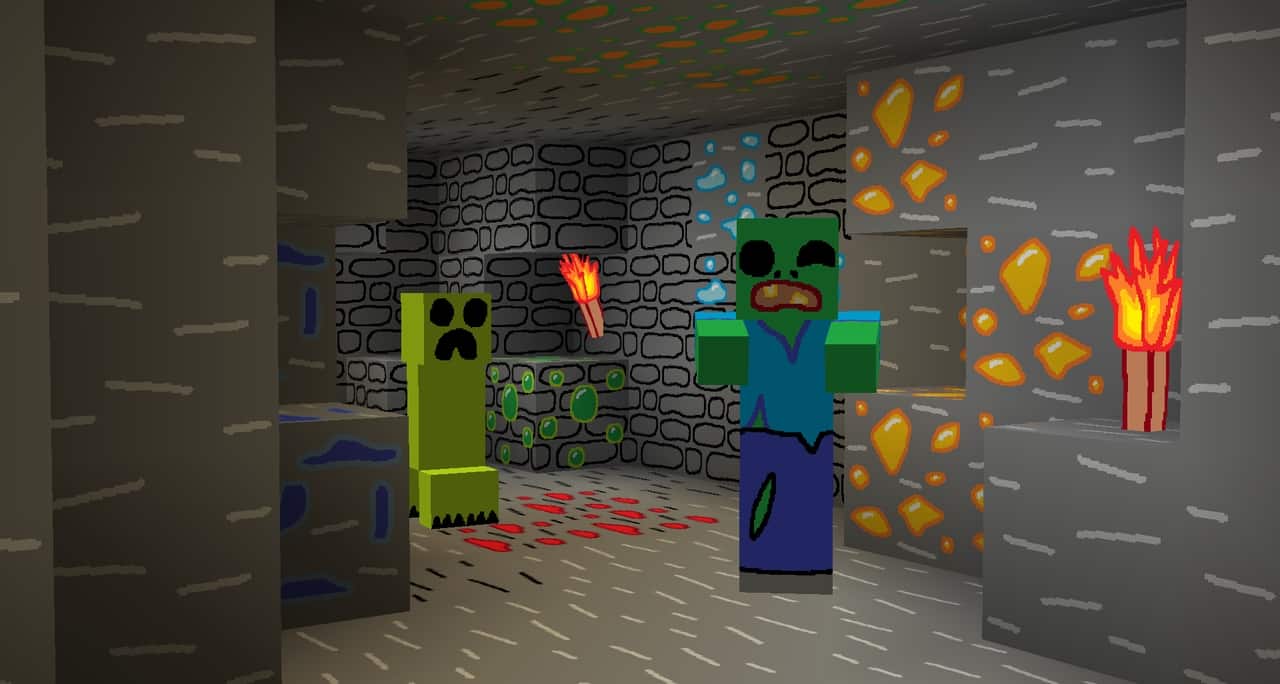
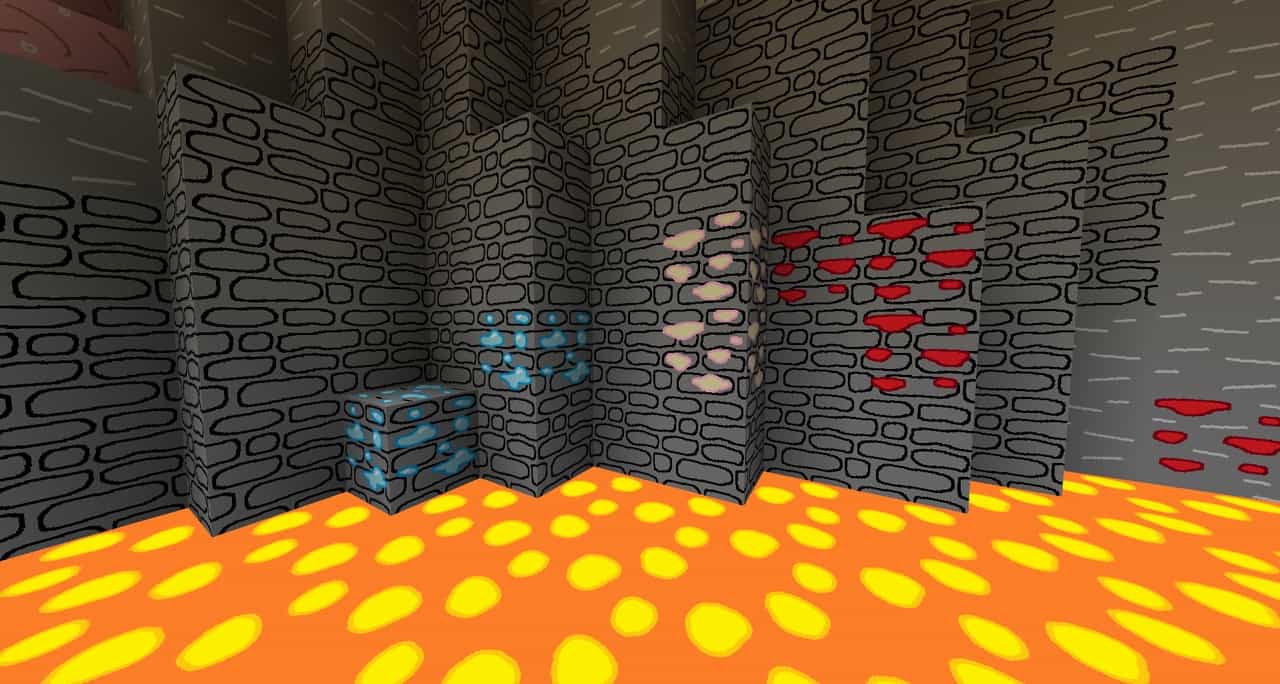
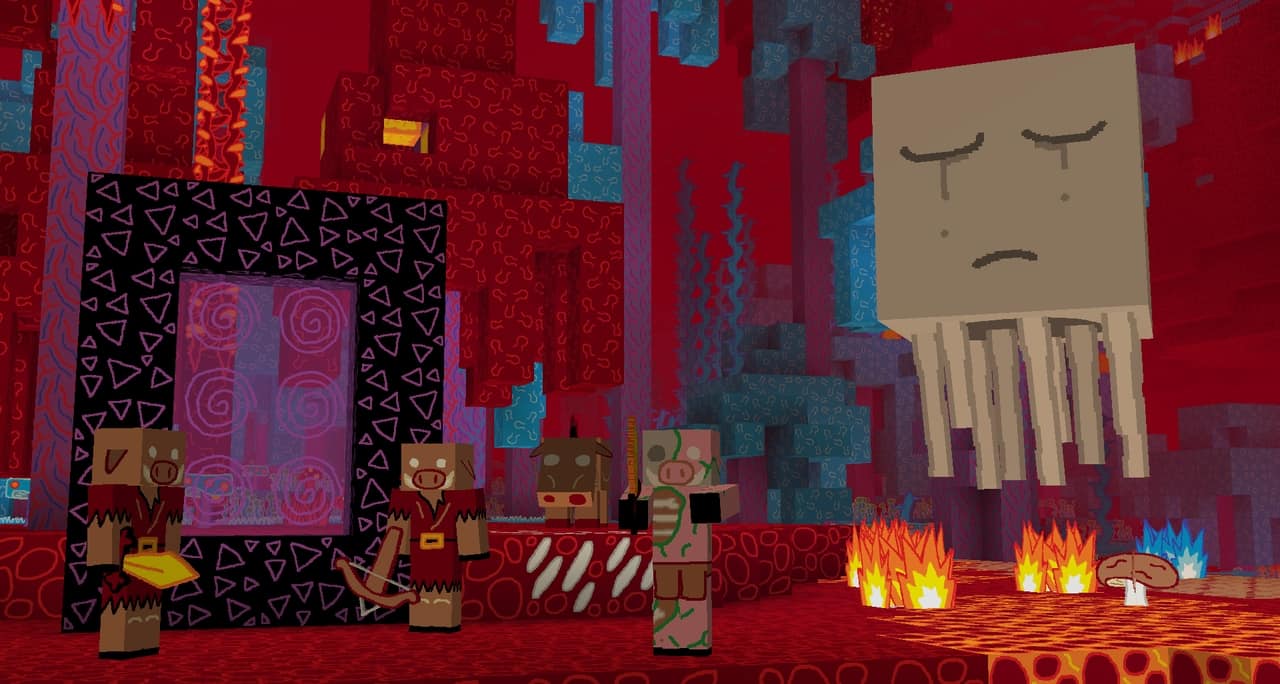
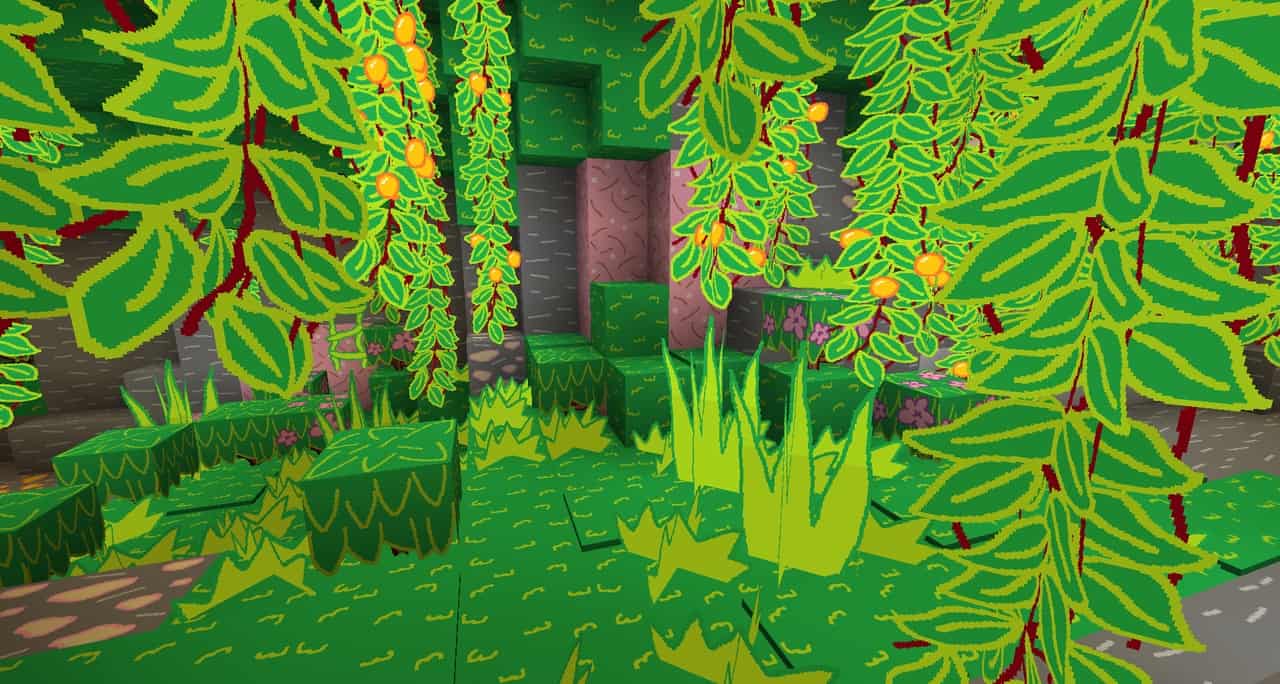
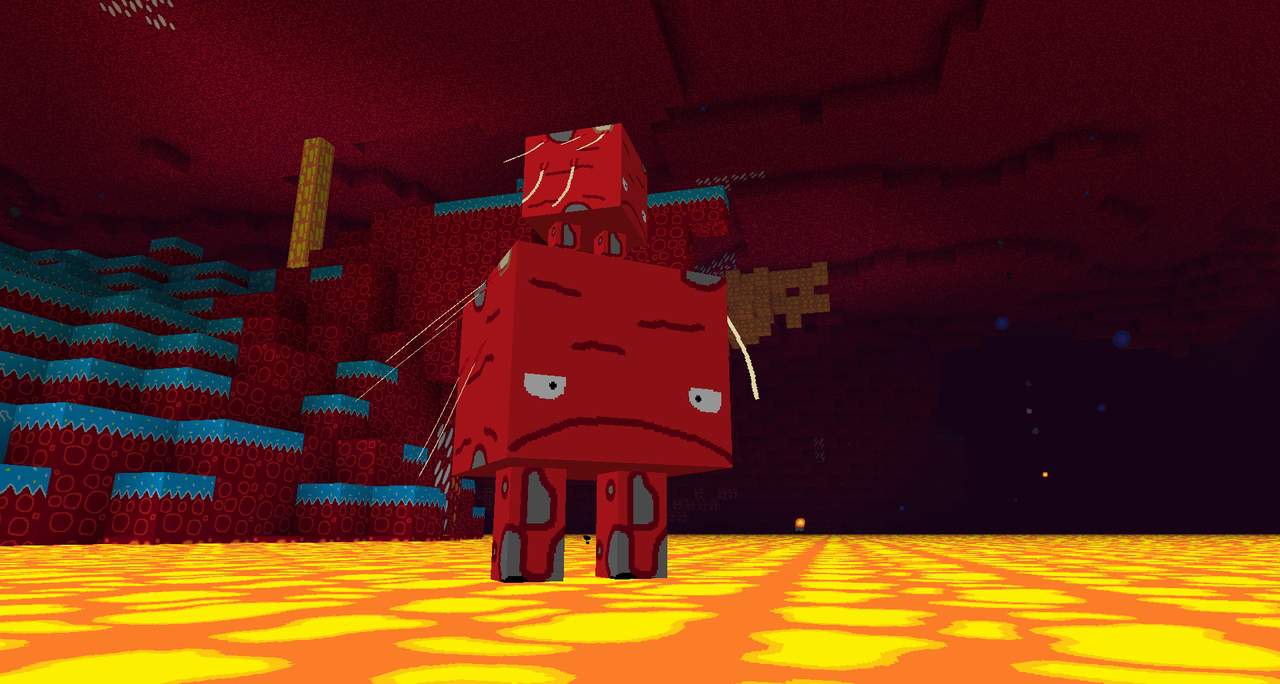
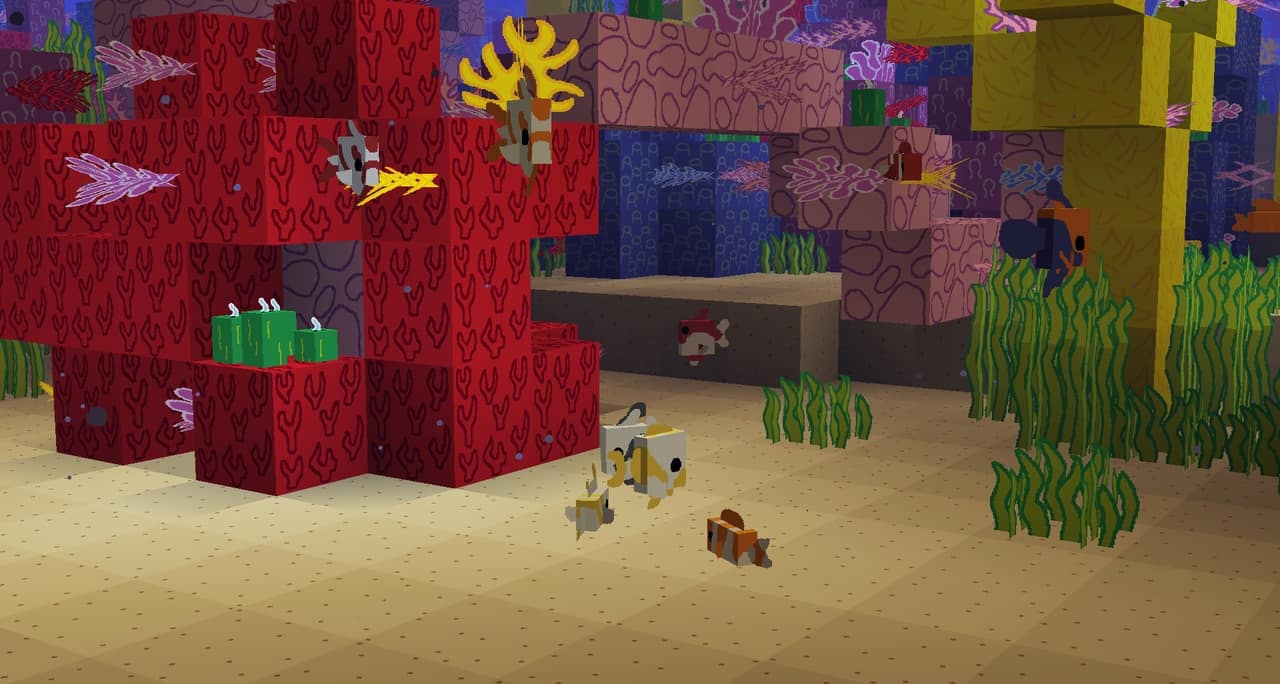
When it comes to resource packs in Minecraft, MS-Painted is one of the best there is to offer. Although we’ve been playing Minecraft for years and have tried out a number of resource packs, the MS Painted resource pack really caught our attention. The design of the MS Painted resource pack was based entirely off of the MS Paint program. While this may seem underwhelming on paper, the resource pack applies the same vibrant colors that you can use in a regular MS Paint program to Minecraft in a way that brings the visuals to life. Although the colors themselves are relatively basic like they are in MS Paint, they become very appealing to the eyes when combined and applied to the Minecraft landscape. However, the downside of the vibrant colors in the MS Painted pack is that they can make the landscape a lot brighter than normal. In general, the vibrance of the MS Painted’s color palette will likely be a relatively minor issue, but if it ends up bothering your eyes, you can always make the brightness a little darker.
Featured video:
That way, you can enjoy the appeal of the MS Painted resource pack without being bothered by its liveliness! The MS Painted pack has also extremely clear-cut visuals and the application of MS Paint in the basis of its design creates a unique artistic style makes it stand out from many of the other resource packs available to Minecraft players. Along with that, another perk of the MS Painted resource pack is that it has an astonishingly smooth texture and with a relatively little noise. In regards to the resolution quality of the MS Painted resource pack, the textures in the MS Painted are a 16 x 16 resolution, which is relatively low. However, that isn’t too surprising since resource packs like MS Painted aren’t usually designed to require higher resolutions, so a 16 x 16 quality is about the average for these types of packs. Nonetheless, it should be said that the benefit of having a lower-resolution resource pack is that it doesn’t require a computer with a better quality hardware and, therefore, can be used on almost all types of computers.
MS-Painted should be compatible with all of these Minecraft versions: 1.21.11 - 1.21.10 - 1.21.9 - 1.21.8 - 1.21.7 - 1.21.6 - 1.21.5 - 1.21.4 - 1.21.3 - 1.21.2 - 1.21.1 - 1.21 - 1.20.6 - 1.20.5 - 1.20.4 - 1.20.3 - 1.20.2 - 1.20.1 - 1.20 - 1.19.4 - 1.19.3 - 1.19.2 - 1.19.1 - 1.19 - 1.18.2 - 1.18.1 - 1.18 - 1.17.1 - 1.17 - 1.16.5 - 1.16.4 - 1.16.3 - 1.16.2 - 1.16.1 - 1.16 - 1.15.2 - 1.15.1 - 1.15 - 1.14.4 - 1.14.3 - 1.14.2 - 1.14 - 1.13.2 - 1.13.1 - 1.13 - 1.8.9 - 1.8.8 - 1.8.1 - 1.8.6 - 1.8
MS-Painted — Video & Screenshots
How to install MS-Painted Resource Pack:
- Most resource packs require Optifine, so be sure to download and install it. – general recommended step for all packs, Optifine is also needed for most shaders
- Download the MS-Painted texture pack for Minecraft from the download section below. – if there are many different versions, just choose the one you like, is compatible with your version/edition of Minecraft, the one you think your computer can handle in terms of performance.
- Launch the game client through the Minecraft launcher.
- On the main menu, click "Options".
- On the options menu, click "Resource Packs...".
- Click on "Open Resource Pack Folder". – folder titled "resourcepacks" will pop up
- Move the .zip file you downloaded in the first step to the newly opened "resourcepacks" folder.
- Click "Done".
- Click on "Resource Packs..." again.
- Your pack should have appeared in the left window, just hover over it and click on the arrow pointing to the right.
QUICK TIP: Sometimes, when activating a pack, the game may say that the pack is made for a newer or older version of Minecraft. This is just a warning, it does not affect your gameplay in anyway, and you can still activate and enjoy the pack by simply clicking the "Yes" button when prompted.
- Click "Done" again.
- The pack has now been successfully loaded and ready to be used in your world!
MS-Painted - Comparison Slider #1 Without shaders
Comparison slider #1 for those who want to compare vanilla Minecraft without any texture packs installed (on the left) with Minecraft using this particular texture pack (on the right).
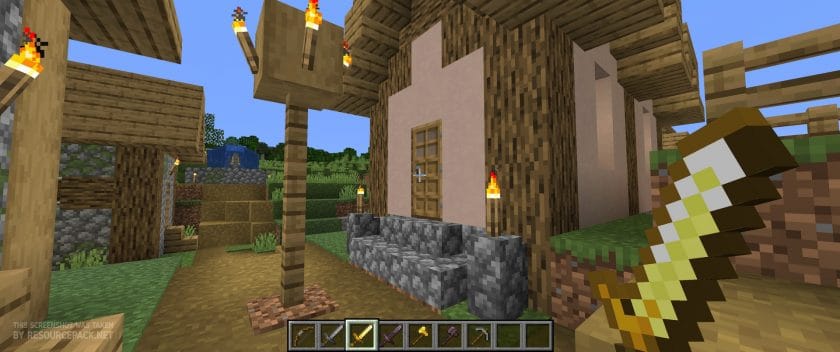 Vanilla
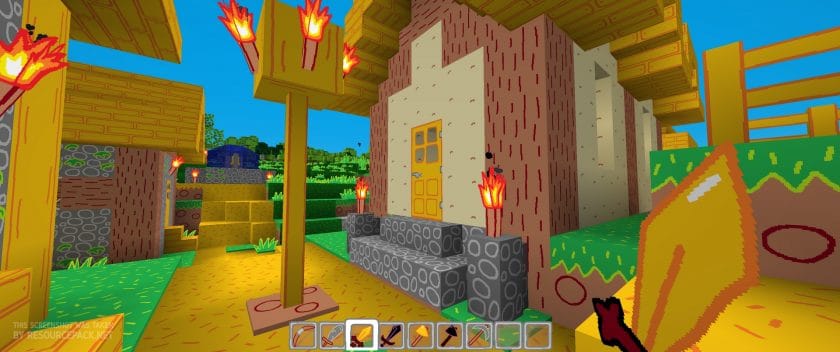 MS Painted
MS-Painted Texture Pack Download
- We do not modify or edit any resource packs. All resource packs, shaders and tools found on this website are linked directly to official sources rather than hosted on our own servers. We provide only the official download links from the original creators to ensure that your files are safe and secure.
- These official links are updated manually and may occasionally stop working when a new version is released. We work hard to keep everything current so that you have a smooth experience. Please let us know in the comments if you find a link that no longer works.
- Minecraft is a trademark of Mojang Studios and has no official connection to this website. Our goal is simply to share the best creations from the community with other players.
- Please consider leaving a comment or voting for your favorite packs. This feedback helps authors improve their projects over time. You can also support the creators directly by visiting the official links located below the download section.
Java Edition:
[16x] [1.21.x] Download MS-Painted Resource Pack
[16x] [1.20.6 – 1.20.2] Download MS-Painted Resource Pack
[16x] [1.20.1 – 1.20] Download MS-Painted Resource Pack
[16x] [1.19.x] Download MS-Painted Resource Pack
[16x] [1.18.x] Download MS-Painted Resource Pack
[16x] [1.17.x] Download MS-Painted Resource Pack
[16x] [1.16.x – 1.15.x] Download MS-Painted Resource Pack
[16x] [1.14.x – 1.13.x] Download MS-Painted Resource Pack
[16x] [1.8.x] Download MS-Painted Resource Pack
Curseforge: download starts automatically after a few seconds;
Mediafire: click the big blue button with the text "DOWNLOAD";
Google Drive: in the top right corner you will see a small download icon (down arrow), click it and the download should start;

1,004 votes
Look.. 1004 users have already liked this pack. Give a diamond if you like it too!


Kruse
This might just be the best texture pack ive ever had im keeping this as my main texture pack no joke LOVE the work you have done!
Benjamin
I absolutely love this texture pack and it runs perfect on my pc; but it does have one problem. It tends to crash the game randomly and I am not to sure why as nothing specific was jumping out as the cause. I do have a crash code if that does help. -1073741819
Parker Wallis
This is great! i just wish my jungle planks were the original color except pink :/
Hello
Does anyone know how to fix the resource reload failed issue? It seems as though it’s a prominent problem considering the comments.
Just An Commenter
TI Put The Texture Pack On Eaglercraft And The 1.8 Version Mod Edition Looks Kinda Cool
Just An Commenter
sorry i mean “I”
c_k
true :D
squeezygibs
would love it, if it would not fail to load
Someone who wishes to use ms painted texture pack
I’ve tried this countless times and done everything but all it says when I try it is “reload resource failed”
?
will it boost fps
ADMIN
yes !
potatocum
when doors are open, some of the texture is missing. please fix
AustNerevar
So I’m not sure why thiis isn’t working for me. When I try to enable it, the game will go to the Mojang splash screen & loading bar like it’s trying to load the pack, then it will immediately reload the splash screen and then default back to vanilla textures.
Running 1.20 with fabric and sodium. Nvidia GTX 1660ti. i5 9750H
Someone who wishes to use ms painted texture pack
It’s the same for me and it’s really annoying me this would be the perfect texture pack for my world
Lirbo
LOOOOOOOOOL I LOVE IT OMG first time my jaw is literally (physically) dropped because of Minecraft
wsdsdad
Bruhhhhhh dat gooodddd
Matthw
The graphics looks like if they were made by Pablo Picasso, in his prime….. Which Would say if I liked the graphics… Which I do………………………………………………………………………………………………………………………………………………… NOT
Jason
Coo!
Nizam
Cartoonish, the MS Paint Style is so good
it look like made by an Artist that is 6 yo xD
SO GOOD NGL
Inglish_Tea
This is so cursed but its good 😂
Trouble
This thing is so adorable
oskar
yes
DavidM344
This is so good!
nicko
illusioner no texture
Suresh222012
its no working
Xev
How do you install the pack???
Admin
Read the “How to install ..” section on this page (scroll up a bit).
VilicaEatsCake
its so cute
Leo
Did PilotRedSun help make this?
Tom
Ok
Dan
i havent even played with this yet and i already adore it lol