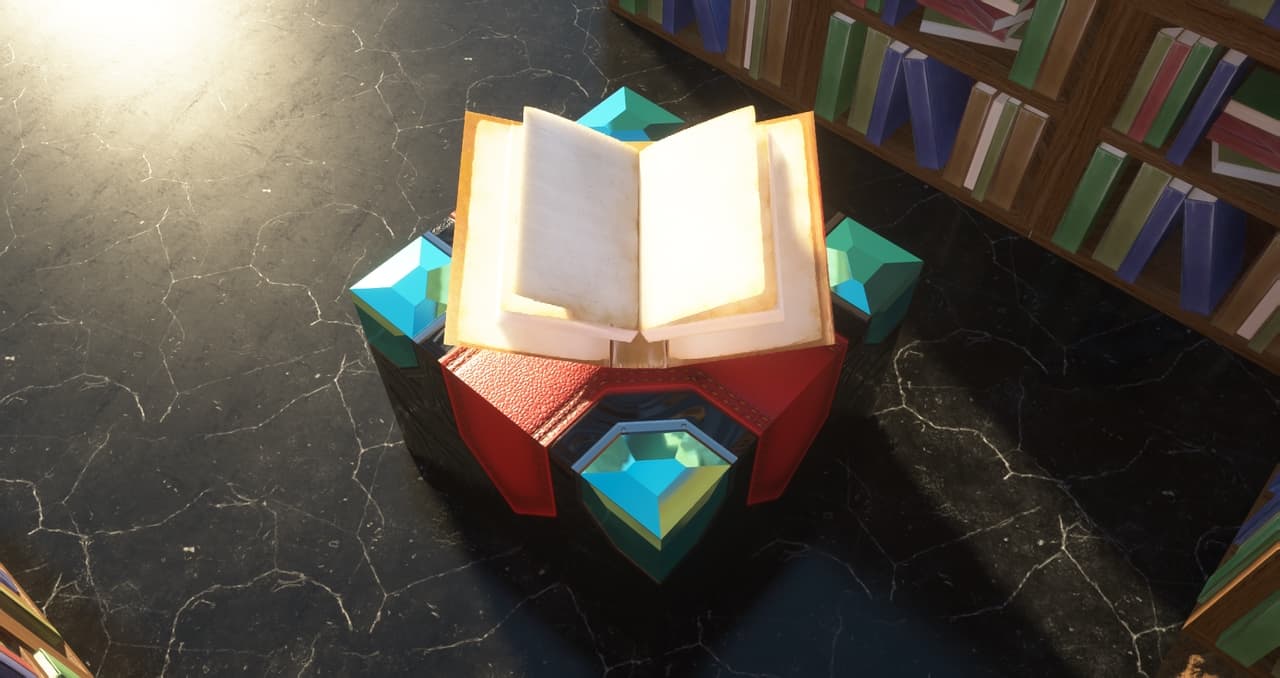
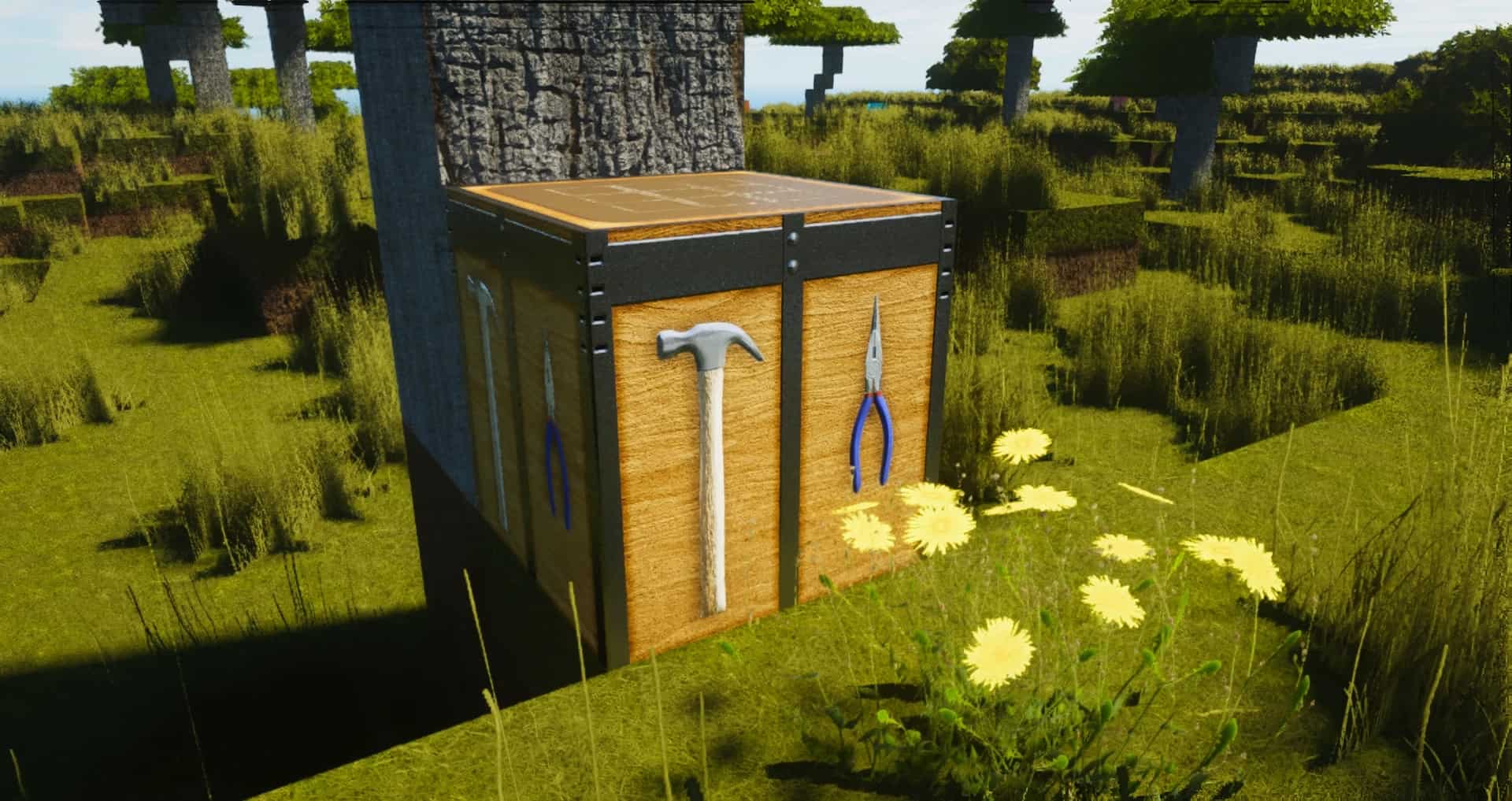
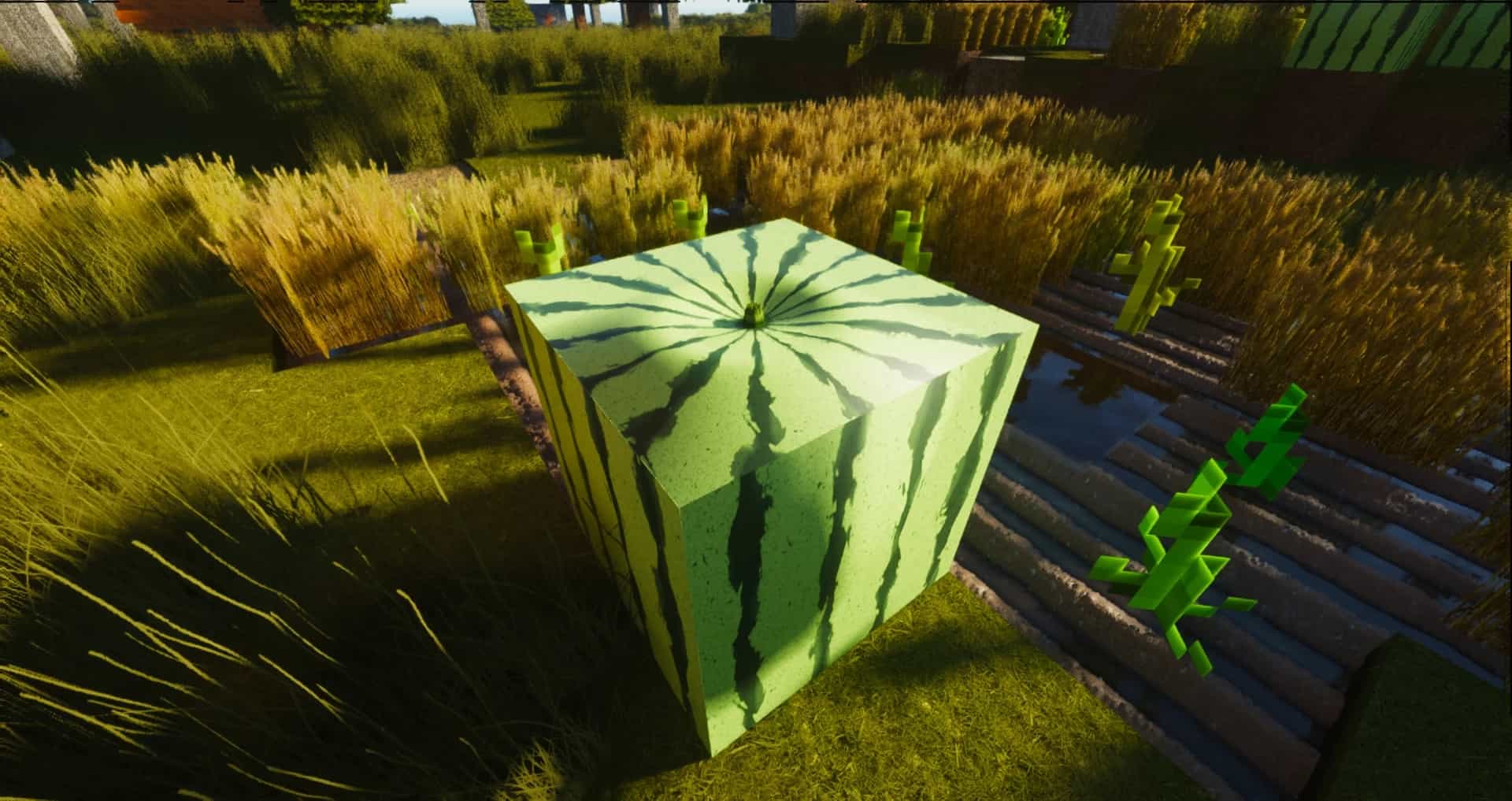
One of the best resource packs that one can find for the newer versions of Minecraft is ModernArch Realism. Sometimes, one can be unimpressed after downloading one of the countless free resource packs. ModernArch resource pack, on the other hand, is not likely to disappoint you. What sets ModernArch apart from most other texture packs is that it uses real images to replace cartoonish and blocky minecraft textures. Actual photographs of stone, wood, and brick are used to give the game a photorealistic look. Designed by popular minecraft content creator PackMinecraft, the new resource pack was built with realism instead of improved cartoonish graphics in mind. While this is not the first realism-focused Minecraft resource pack to be released, it is widely considered to be better than many other alternatives. A lot of resource packs make the graphics excessively colorful, the ModernArch pack, on the other hand, uses more subdued colors.
Featured video:
The new textures give the buildings plenty of depth and look better than either the minimalist default graphics or the graphics of other new resource packs. What is also noticeable is the quality of the lighting effects. The lighting effects firmly stand out and are enough to recommend ModernArch over the alternatives. Certainly, the graphics look best if the textures are used in their full 512×512 resolution. However, it is also possible to use the resource pack with a resolution as low as 128×128 to make the graphics usable on lower-end computers. As is the case for other high-end resource packs, one can run into frame rate issues if the full resolution is used without sufficiently powerful hardware. For the new graphics to work as well as possible, one has to use shaders. The creator recommends that you download the SEUS shader that works well with the ModernArch. The pack at the current point in time is free for 128x version, 512x and 1024x resolutions are supported by donations.
ModernArch R should be compatible with all of these Minecraft versions: 26.1 - 1.21.11 - 1.21.10 - 1.21.9 - 1.21.8 - 1.21.7 - 1.21.6 - 1.21.5 - 1.21.4 - 1.21.3 - 1.21.2 - 1.21.1 - 1.21 - 1.20.6 - 1.20.5 - 1.20.4 - 1.20.3 - 1.20.2 - 1.20.1 - 1.20 - 1.19.4 - 1.19.3 - 1.19.2 - 1.19.1 - 1.19 - 1.18.2 - 1.18.1 - 1.18 - 1.17.1 - 1.17 - 1.16.5 - 1.16.4 - 1.16.3 - 1.16.2 - 1.16.1 - 1.16 - 1.15.2 - 1.15.1 - 1.15 - 1.14.4 - 1.14.3 - 1.14.2 - 1.14
ModernArch R — Video & Screenshots
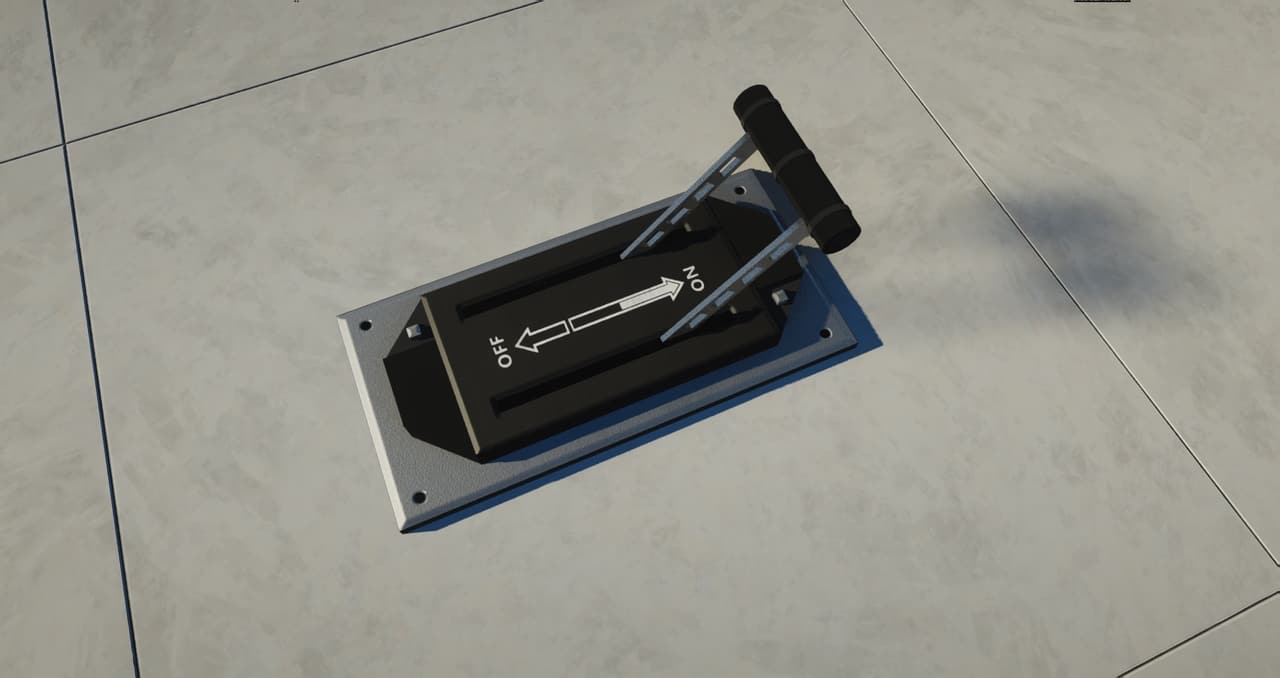
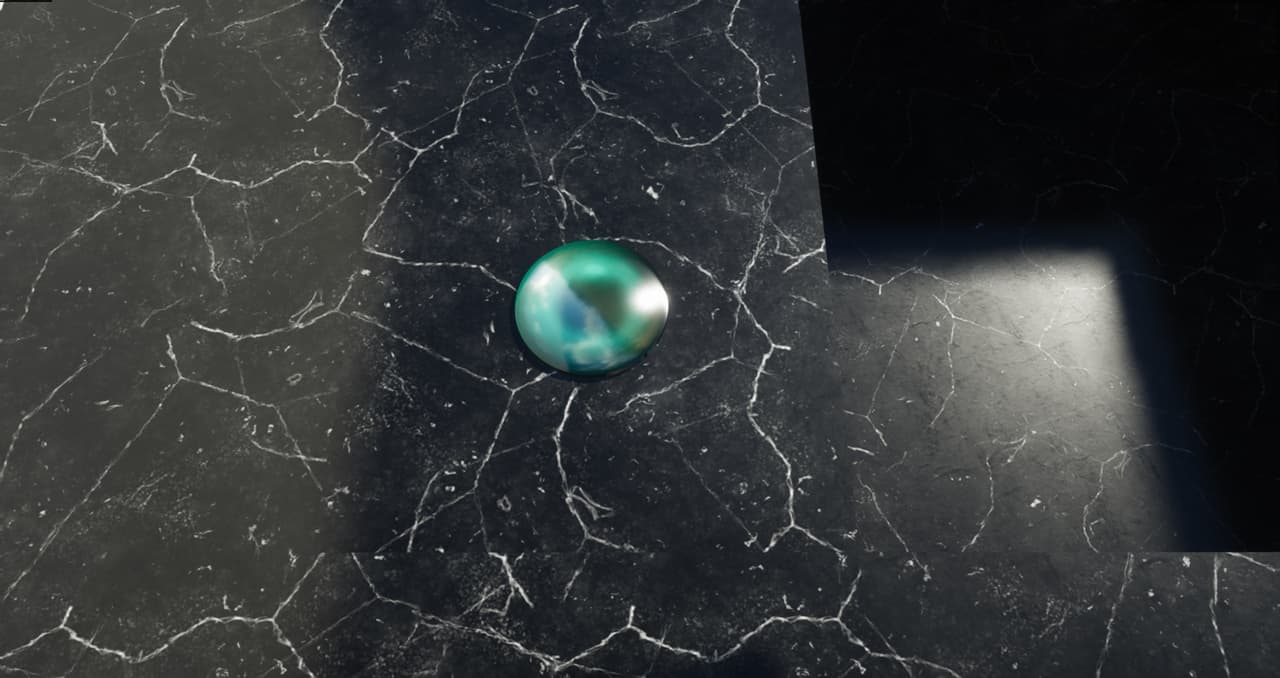
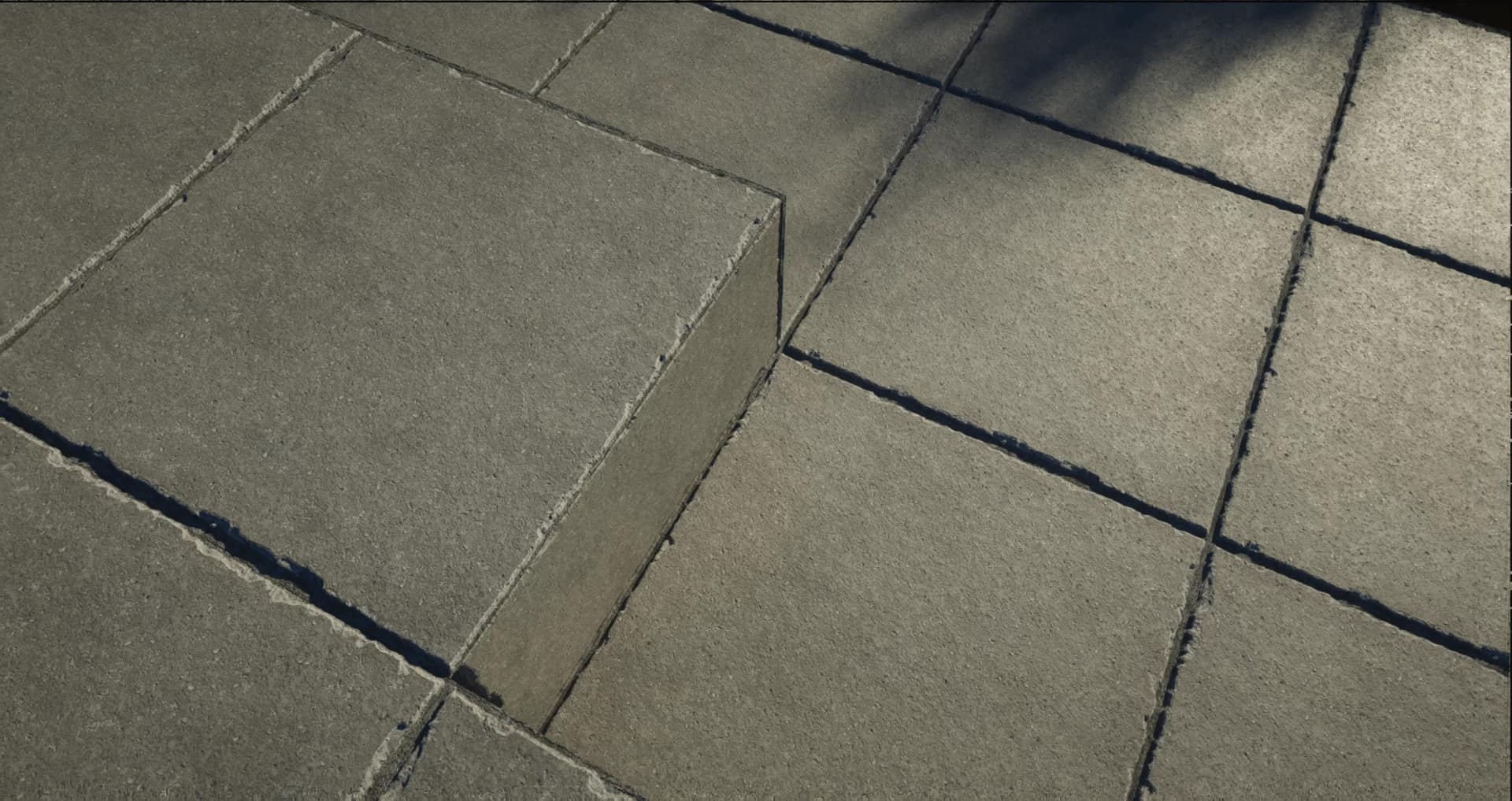
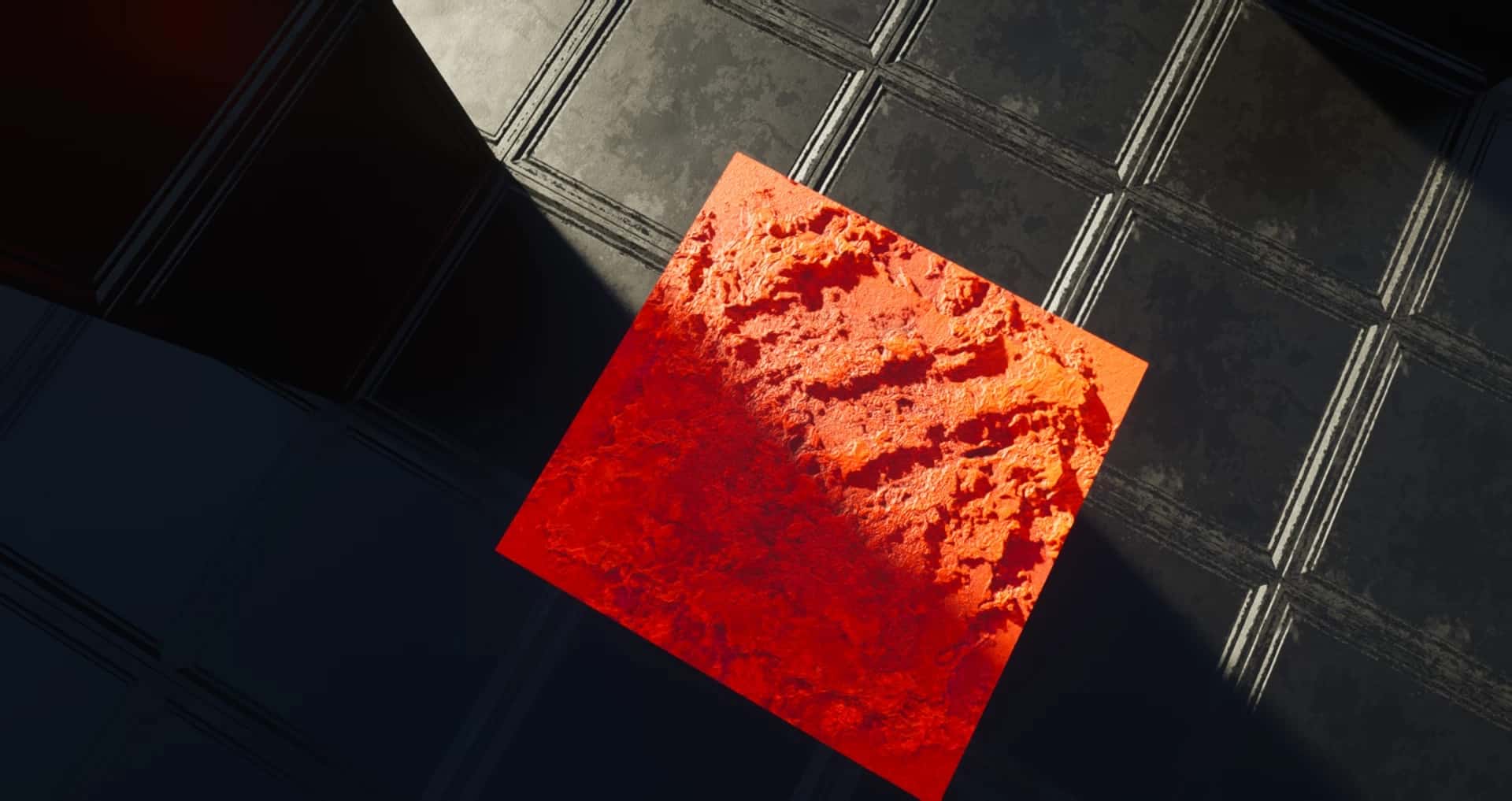
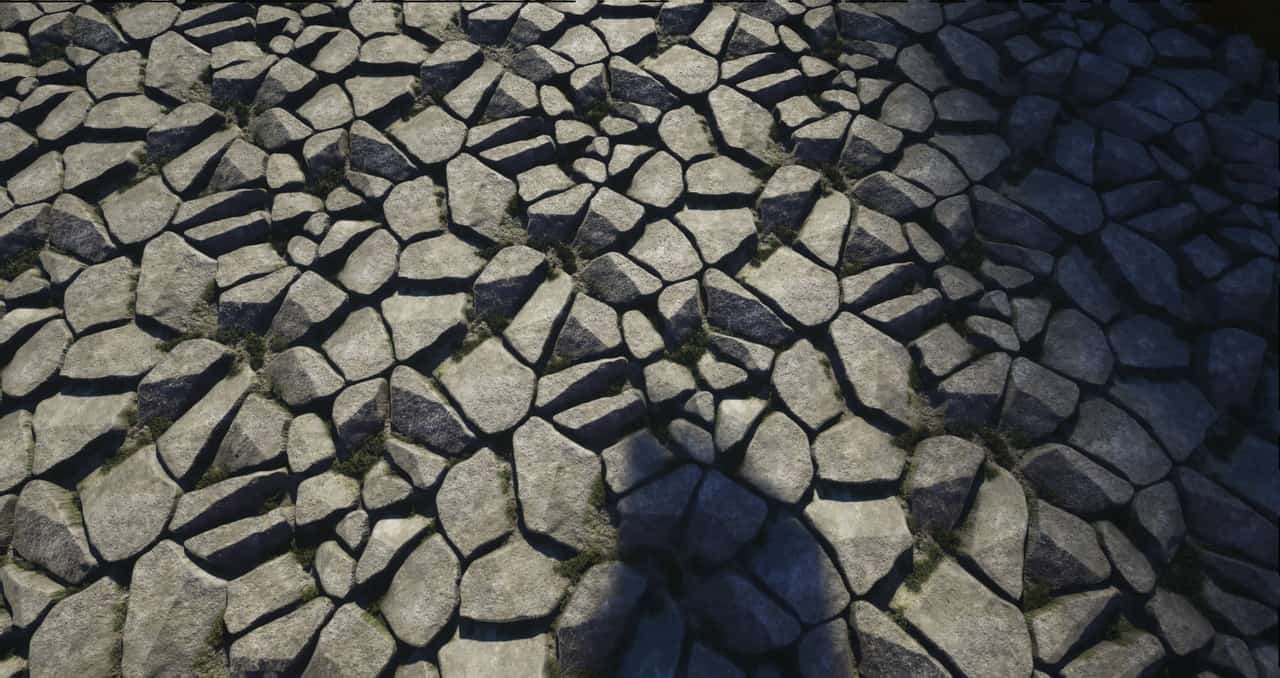
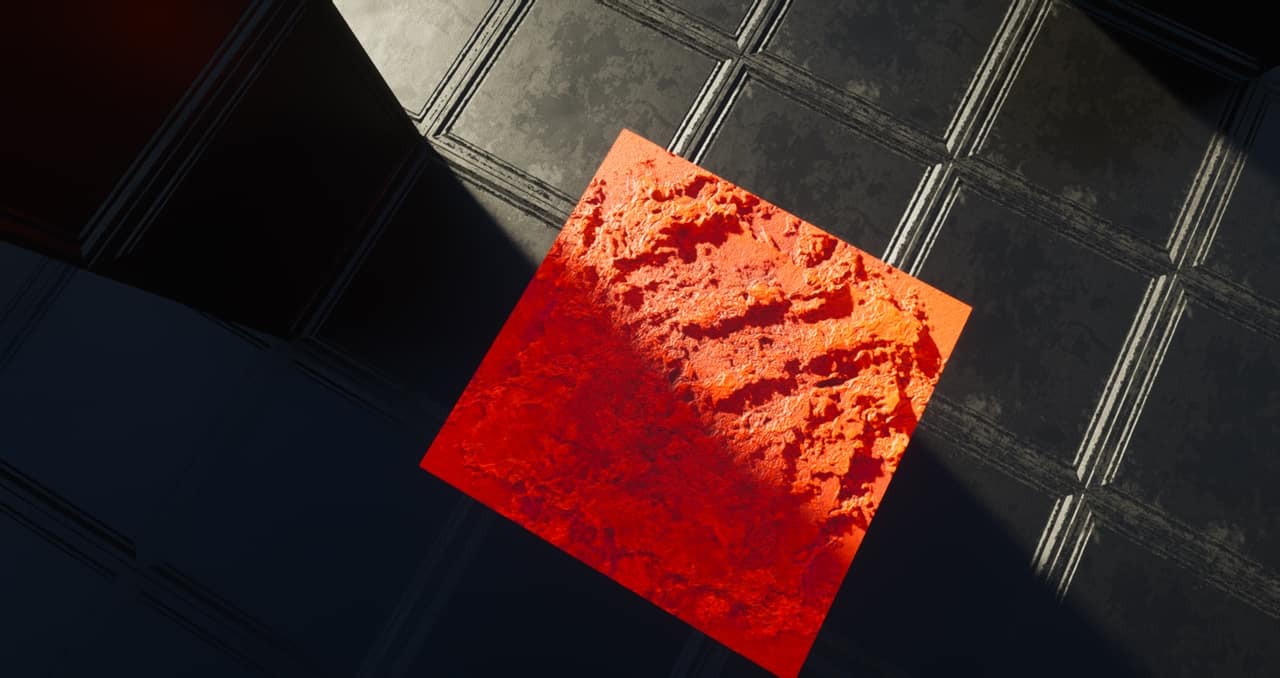
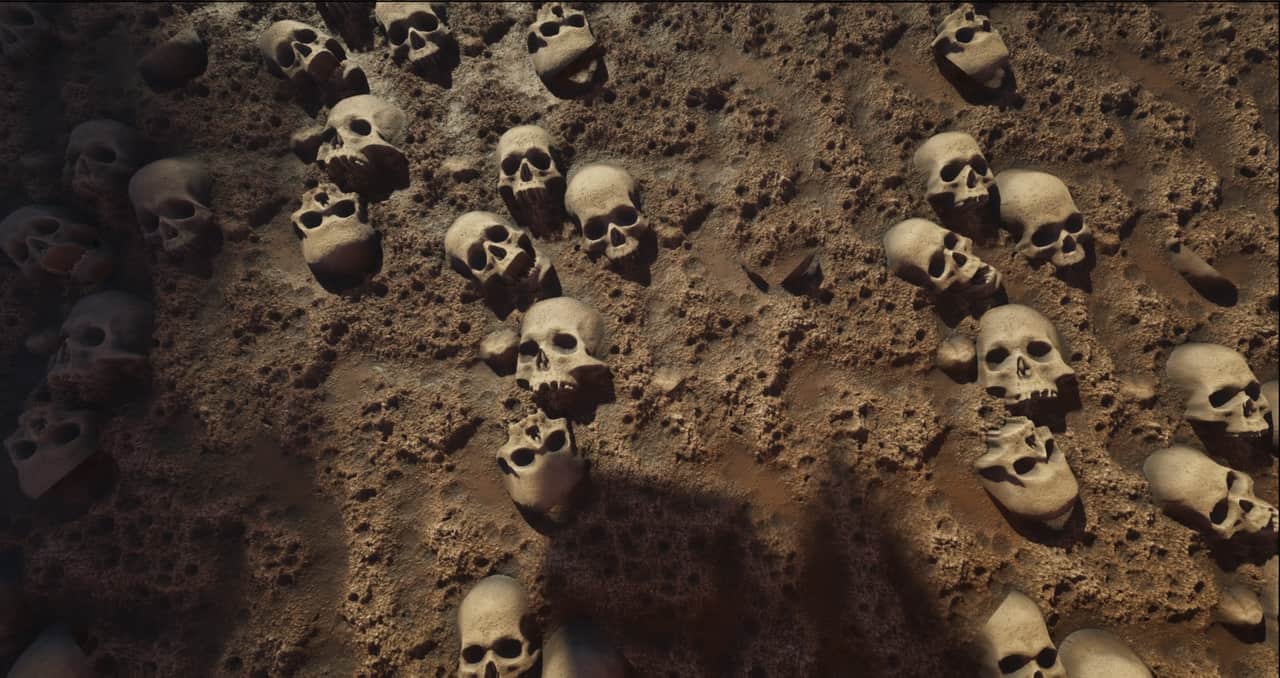
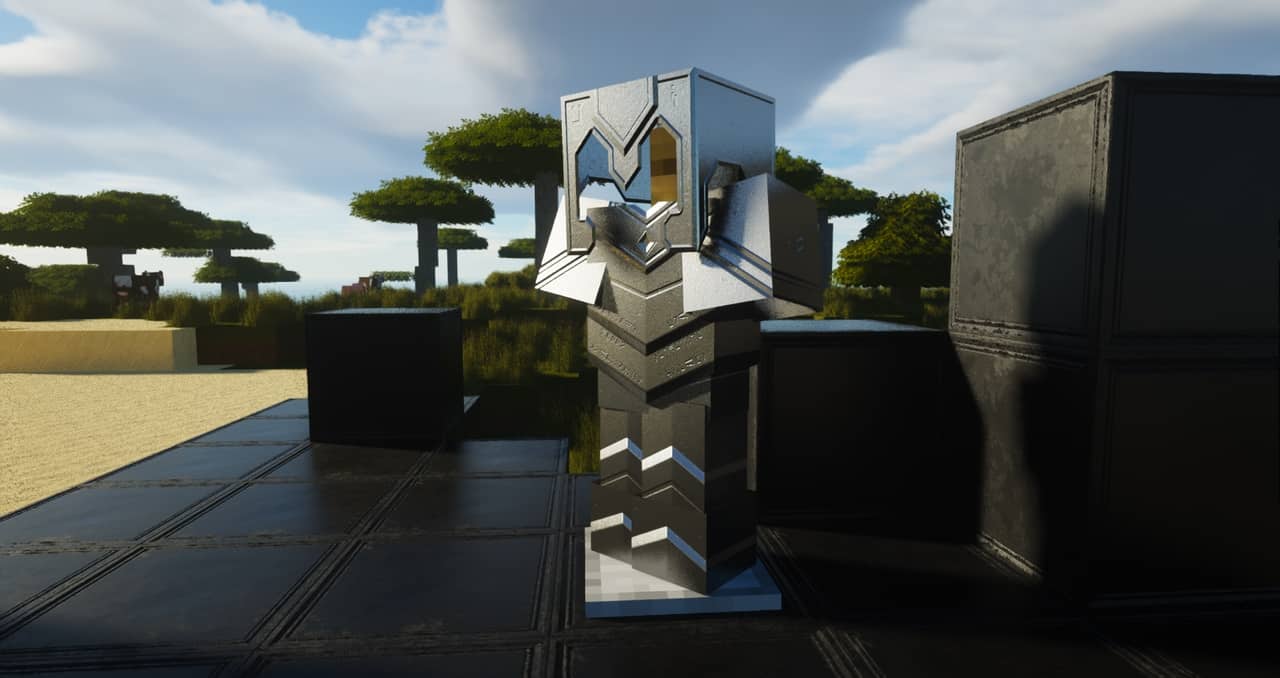

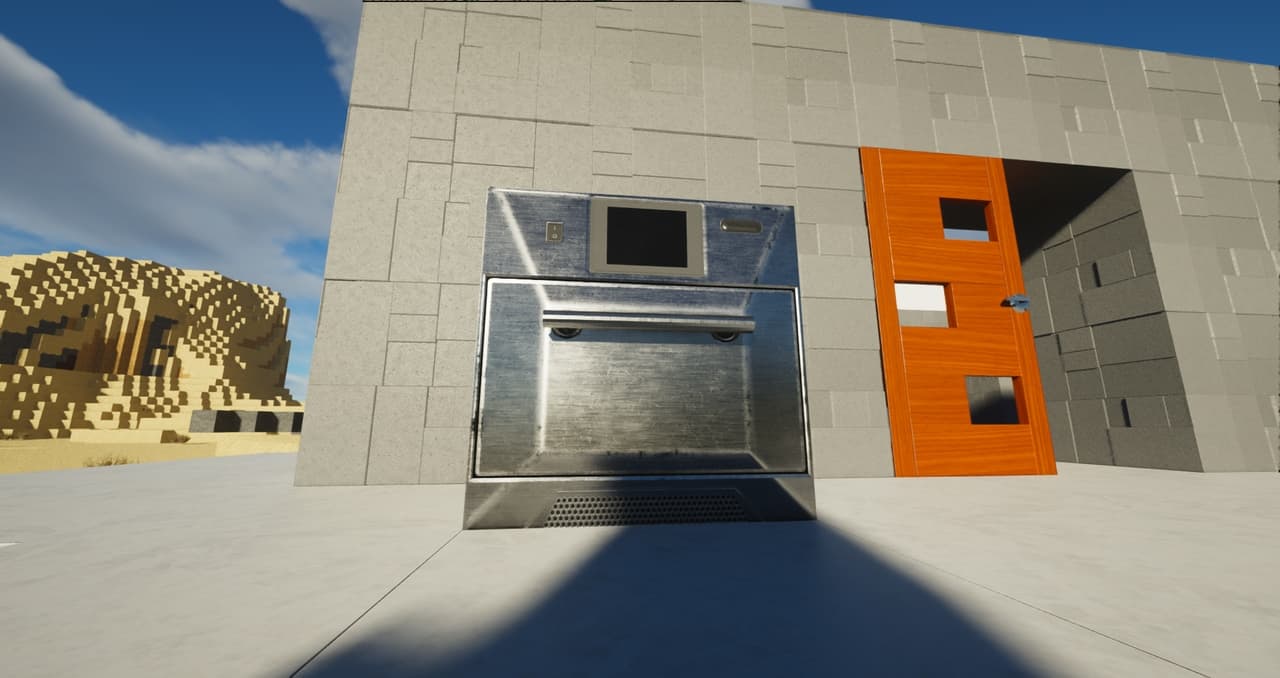
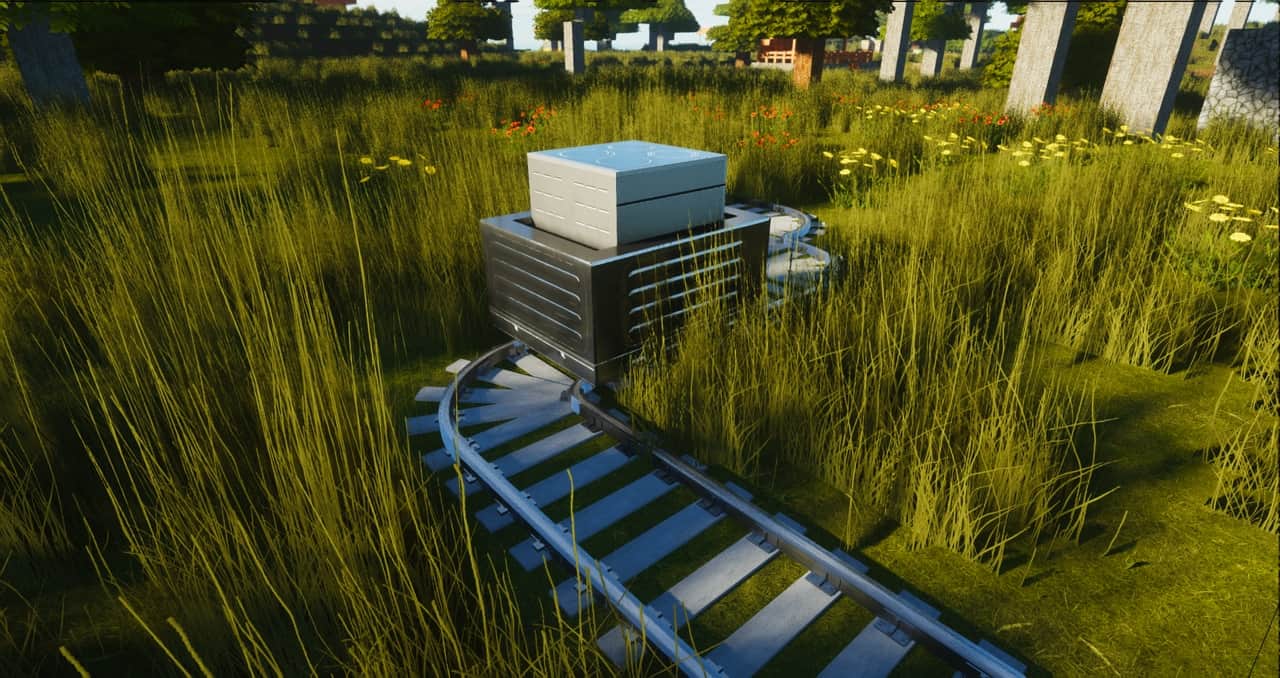
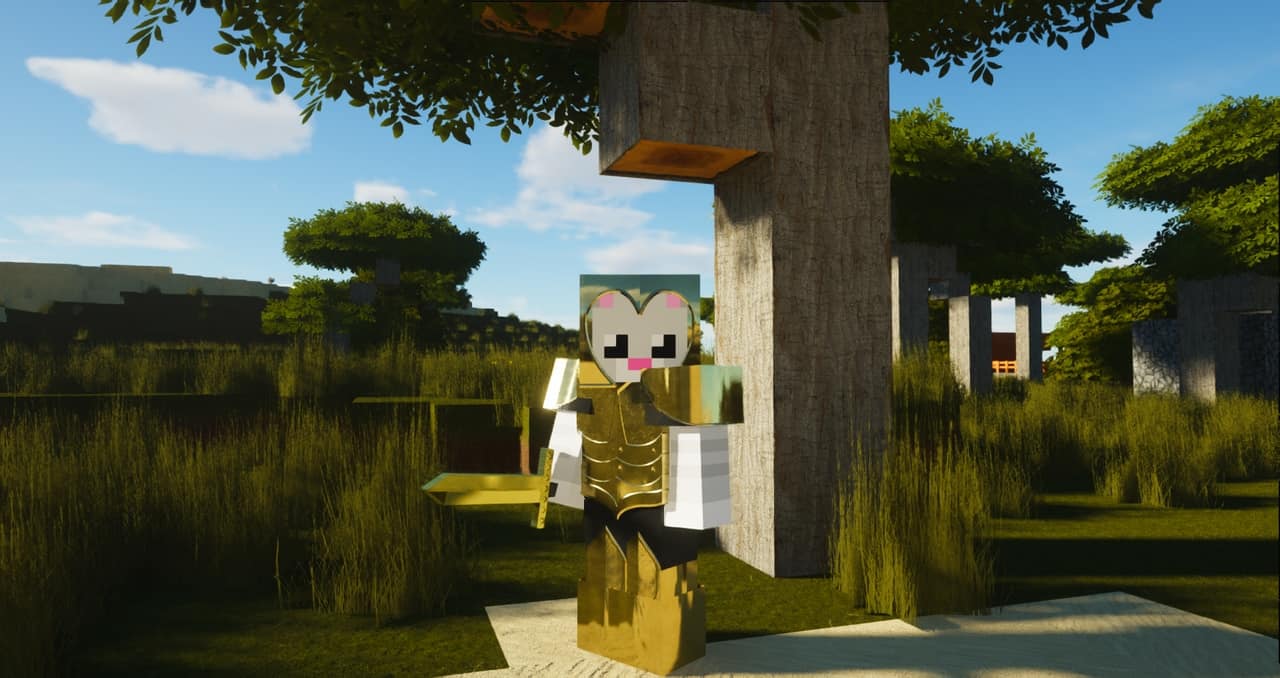
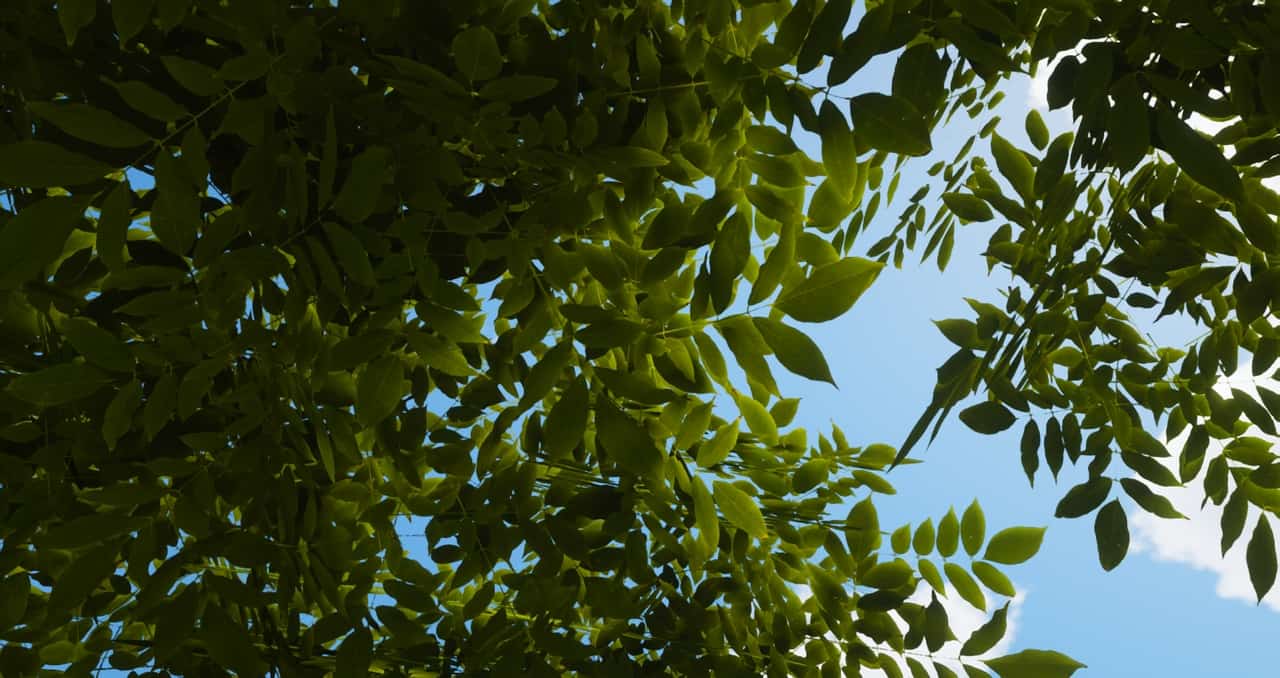
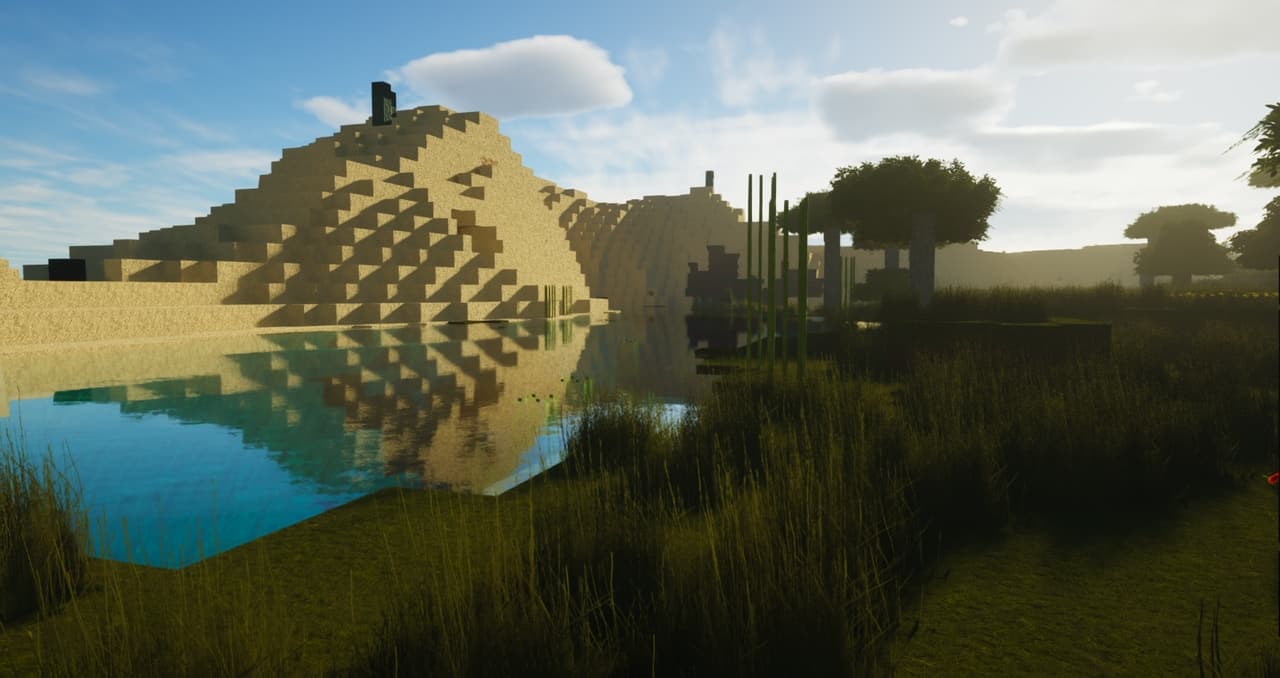
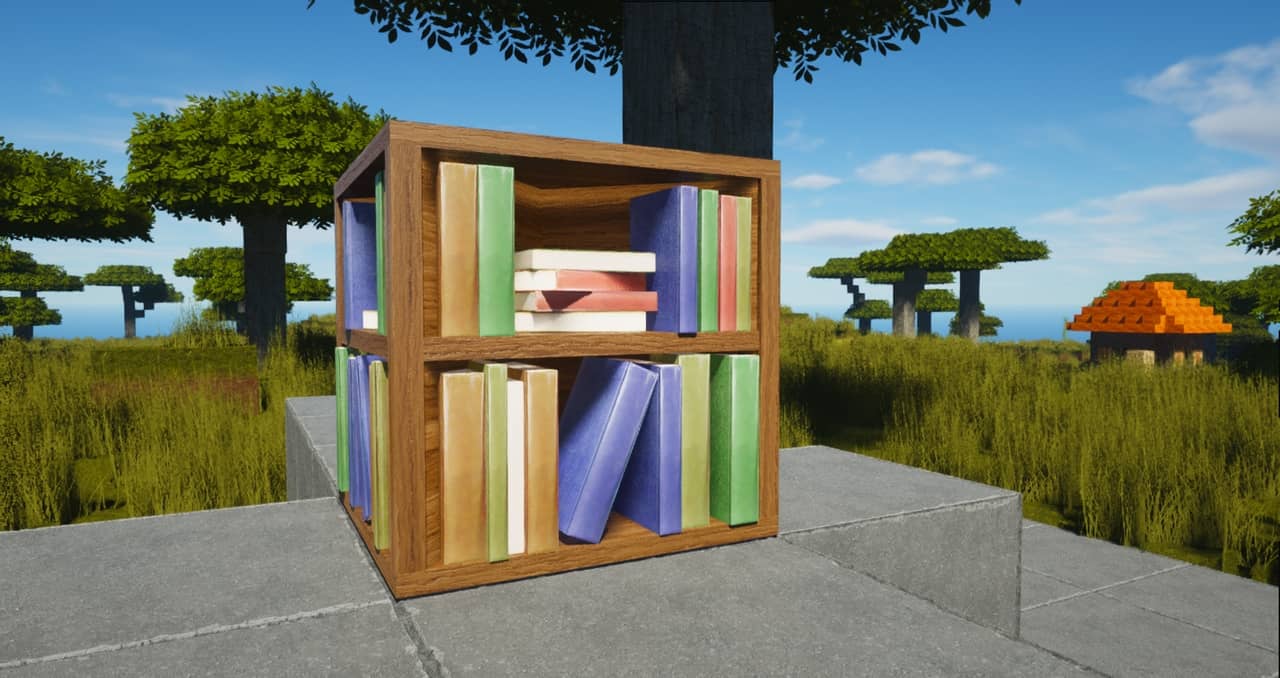
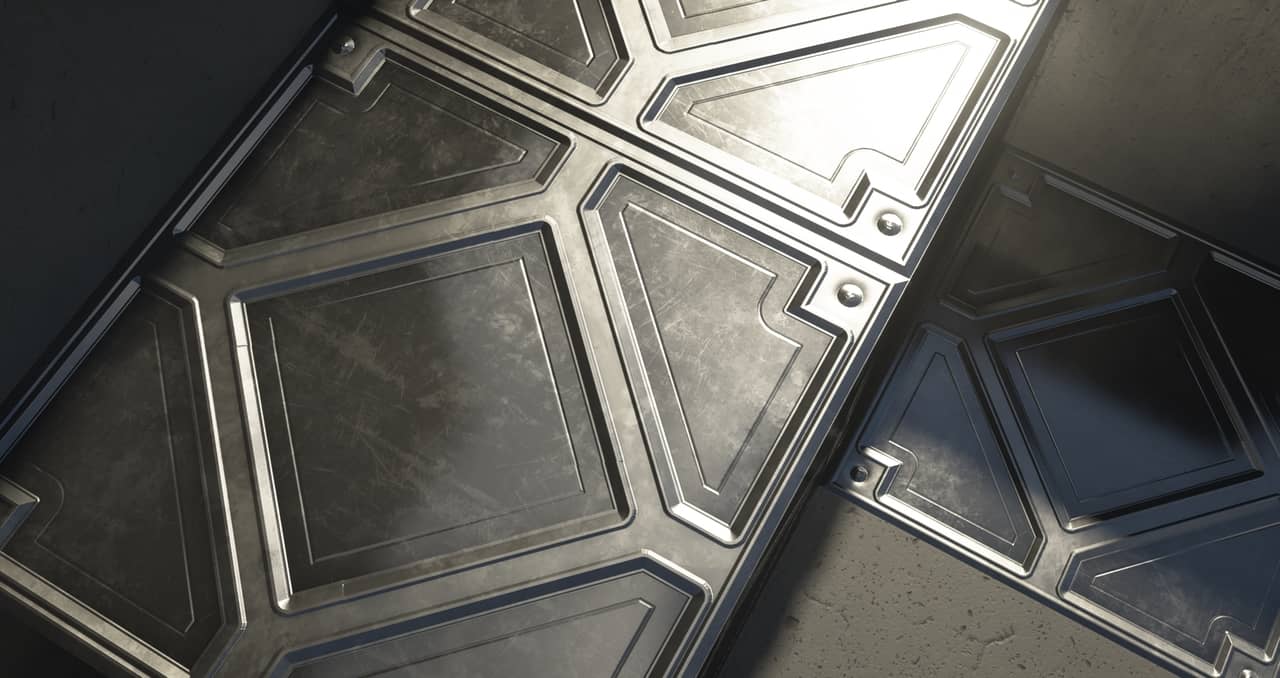
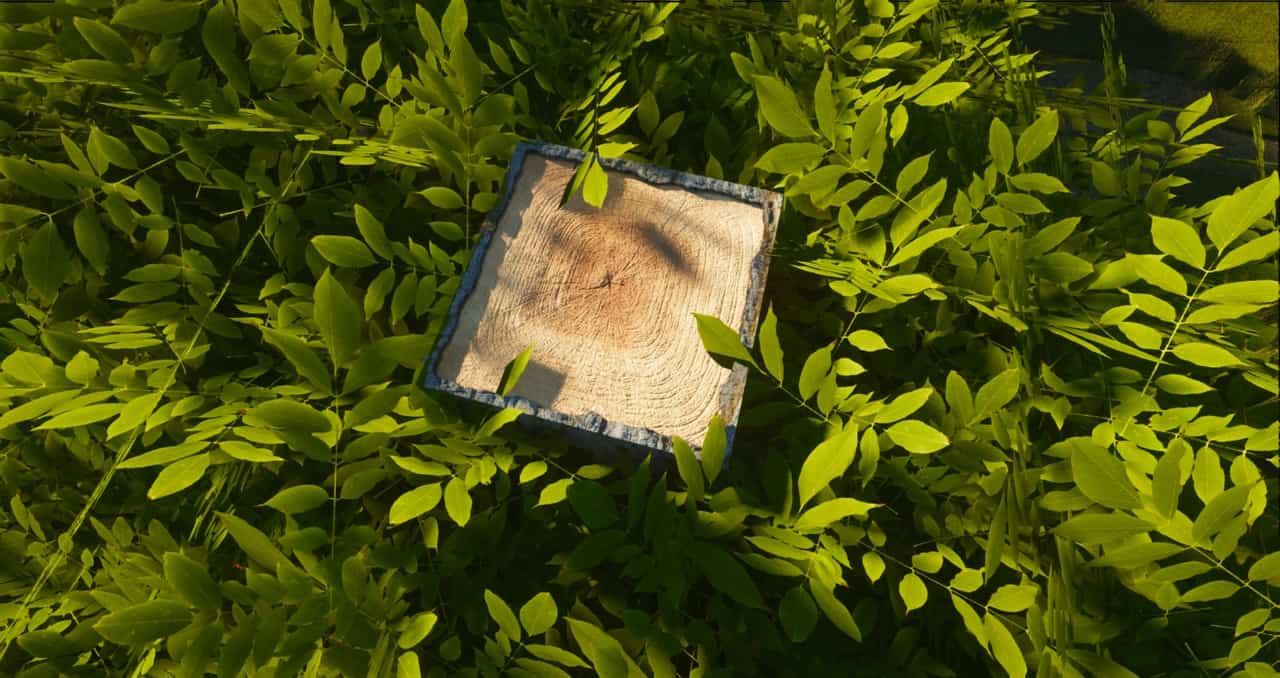

How to install ModernArch R Resource Pack:
- Most resource packs require Optifine, so be sure to download and install it. – general recommended step for all packs, Optifine is also needed for most shaders
- Download the ModernArch R texture pack for Minecraft from the download section below. – if there are many different versions, just choose the one you like, is compatible with your version/edition of Minecraft, the one you think your computer can handle in terms of performance.
- Launch the game client through the Minecraft launcher.
- On the main menu, click "Options".
- On the options menu, click "Resource Packs...".
- Click on "Open Resource Pack Folder". – folder titled "resourcepacks" will pop up
- Move the .zip file you downloaded in the first step to the newly opened "resourcepacks" folder.
- Click "Done".
- Click on "Resource Packs..." again.
- Your pack should have appeared in the left window, just hover over it and click on the arrow pointing to the right.
QUICK TIP: Sometimes, when activating a pack, the game may say that the pack is made for a newer or older version of Minecraft. This is just a warning, it does not affect your gameplay in anyway, and you can still activate and enjoy the pack by simply clicking the "Yes" button when prompted.
- Click "Done" again.
- The pack has now been successfully loaded and ready to be used in your world!
Recommended shaders:
Important information:
- PBR texture maps will only work with shaders installed. Don’t forget to set the resource pack resolution in the shader settings to 1024×1024 to avoid problems.
- Screenshots and videos were taken with ModernArch 1024x and SEUS PTGI E12.
- The pack is still under development and may contain many default/vanilla textures.
ModernArch R Texture Pack Download
- We do not modify or edit any resource packs. All resource packs, shaders and tools found on this website are linked directly to official sources rather than hosted on our own servers. We provide only the official download links from the original creators to ensure that your files are safe and secure.
- These official links are updated manually and may occasionally stop working when a new version is released. We work hard to keep everything current so that you have a smooth experience. Please let us know in the comments if you find a link that no longer works.
- Minecraft is a trademark of Mojang Studios and has no official connection to this website. Our goal is simply to share the best creations from the community with other players.
- Please consider leaving a comment or voting for your favorite packs. This feedback helps authors improve their projects over time. You can also support the creators directly by visiting the official links located below the download section.
Java Edition:
[128x] [1.21.x – 1.20.2] Download ModernArch R Resource Pack – absolutely free;
[256x] [1.21.x – 1.14.x] Download ModernArch R Resource Pack – for Patrons only;
[512x] [1.21.x – 1.14.x] Download ModernArch R Resource Pack – for Patrons only;
[1024x] [1.21.x – 1.14.x] Download ModernArch R Resource Pack – for Patrons only;
Curseforge: download starts automatically after a few seconds;
Mediafire: click the big blue button with the text "DOWNLOAD";
Google Drive: in the top right corner you will see a small download icon (down arrow), click it and the download should start;

7,751 votes
Look.. 7751 users have already liked this pack. Give a diamond if you like it too!


King.pai
Hello, the RAM of my computer is 16 gigs (4 gigs of AMD Radeon graphics) (cpu model corei5 3.8GHZ), its memory is SSD M2 4T, Windows 11 64 BT can I run this with this system?
Donzel odionye
Give me a resource pack please
MATIN ABBASZADEH
yes
SoyyBeen
I would be careful, I have 32gb of ram and the 512 still crashes my game cause of ram usage. It only looks good with shaders and I cant even run it with low shader settings. Cool pack tho
Admin
Try allocating more RAM to the Minecraft client.
Lingxingz
good
69joe
hi this is very COOL
Dorak_2013
This is sooooo nice!
Apoorv
best texture pack recommended shader is seus or bsl shaders
Madamjojo
So easy to install, took about 30 seconds! and worked right away with no lag, very good, some of the blocks are still not updated so stand out compared to the realistic style but overall, very impressed.
Ali
hi. can i run it in RX6600 and i3-13100?
if i can, which version? (i need 30fps.)
Kiwi
Just downloaded the free version. Azalea bushs are litterally just black and purple boxes. no leaves at all.
Zefronix09
ok
dusty
you need optifine
杨赟
so great
n1k
I’m Japanese, so I don’t know if there’s much of this in English. Why did you change the quartz slab and quartz stairs skins to vanilla?
DenisDaily
My pc got so hot i could cook a steak on it!
lance
exactly
Jedein
yo can I know ur PC specs for comparison to mine?
Zefronix09
🤣😂😂😂😂😂
Murasame13
I downloaded the texture pack as per the instructions but when I attempt to actually load the resource pack as the active pack, I get a “Resource Reload Failed” message.
I’ve tried with no shaders, with different shaders, and recommended shaders. None of these options allow the resource pack to load. I’m using Optifine and on version 1.19.3 of minecraft.
cayonnaise
same
TheOtherGuy
The creators are total scam artists. Maybe they started out good but they’ve been leeching off their inactive, auto-recurring Patrons for months. They make almost $6k/month and can’t be bothered to post an updated version? Zero new posts since last April? Many of the blocks in game aren’t even changed.
Shameful. And you’re giving them free advertising.
Admin
So why don’t you just unsubscribe and only subscribe back to their patreon when new posts/updates are released? There is no reason to stay subscribed to a page you don’t want to support. We are in no way affiliated with ModernArch. We just reviewed and posted links. Don’t forget, many players use the free version.
yousef
put shaders with it
Me
Don’t bother with the free version, it looks like crap. I didn’t buy the paid version, because paying for a resource pack is ridiculous. Hopefully, those of you who DID buy it are satisfied with it. you can’t advertise as the “best free realistic resource pack” when the actual good one isnt free
Admin
But who ever said or advertised it as “the best FREE realistic resource pack”?
Schnipps
None of these are for anything other than 1.19 versions, so you might wanna take the others off
Admin
It will work fine with any other version, just ignore the incompatibility message.
SheepGOD
I am using optifine and the recommended shaders but the textures are not 3D.
SheepGOD
Wait! I haven’t even got java yet! let me download it then it should work…
Twinkles
Misleading. I purchased the paetron and this is NOT fully updated for 1.19. Many of the base blocks from the original release are still vanilla.
Paintings
Most flowers
Mobs
Tools
any many more. Don’t buy if your expecting a fill complete 1.19 pack
Seza
Hello its me again, i got it to work. i put it in the wrong folder
Seza
I downloaded and it looks nothing like the screenshots above.
Admin
You need shaders and optifine too.
imdiyas
ohhh
g0dlucw
its gg fps ı think
bruhminecraft
best mod ever super realistic
Kay
Its really so refreshing but the leave textures really bothered me, they are so much spacy. THX for doing this.
fur_123
GOOD
omid8820
very good
zoobnight
goooood