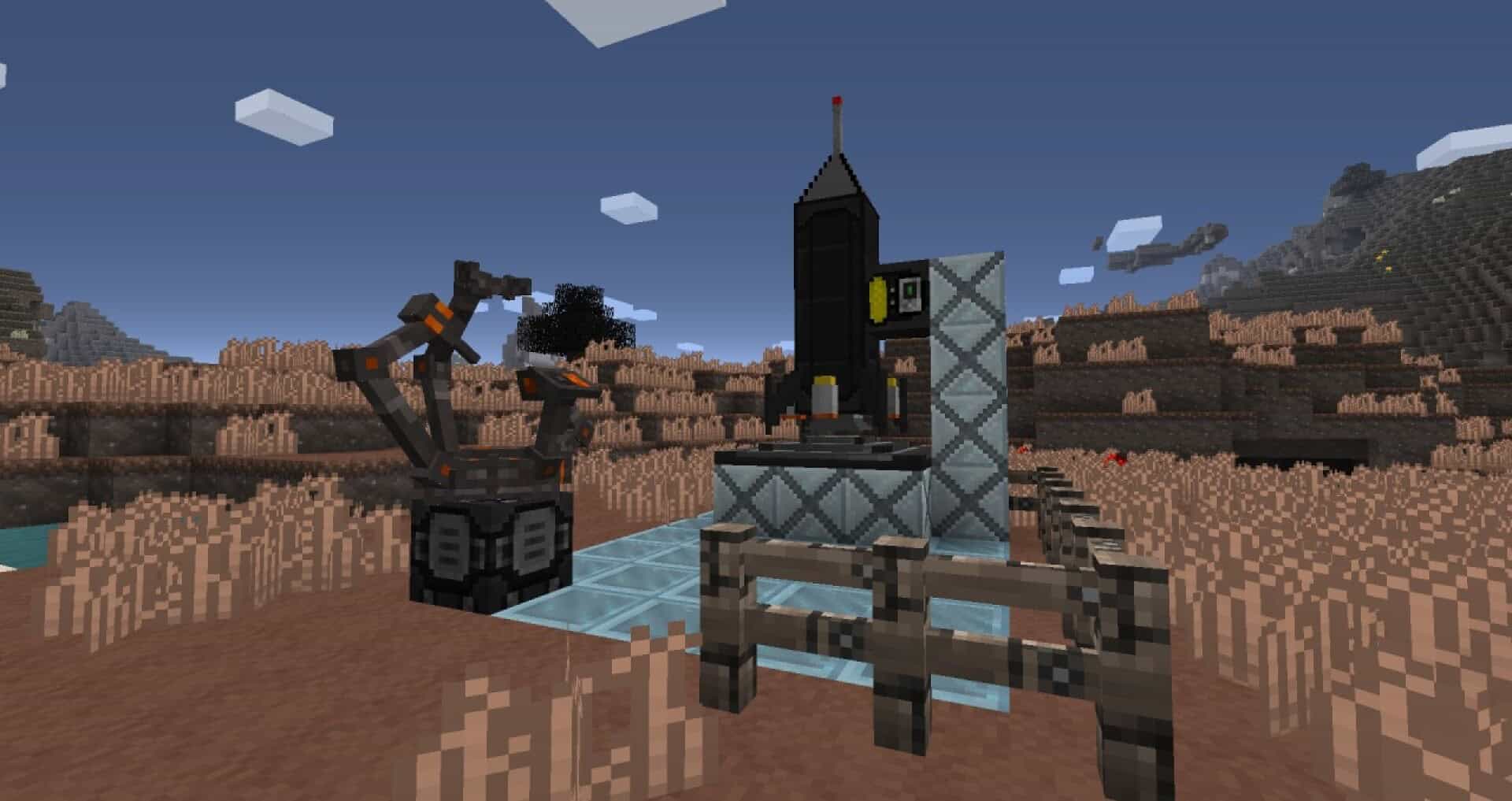
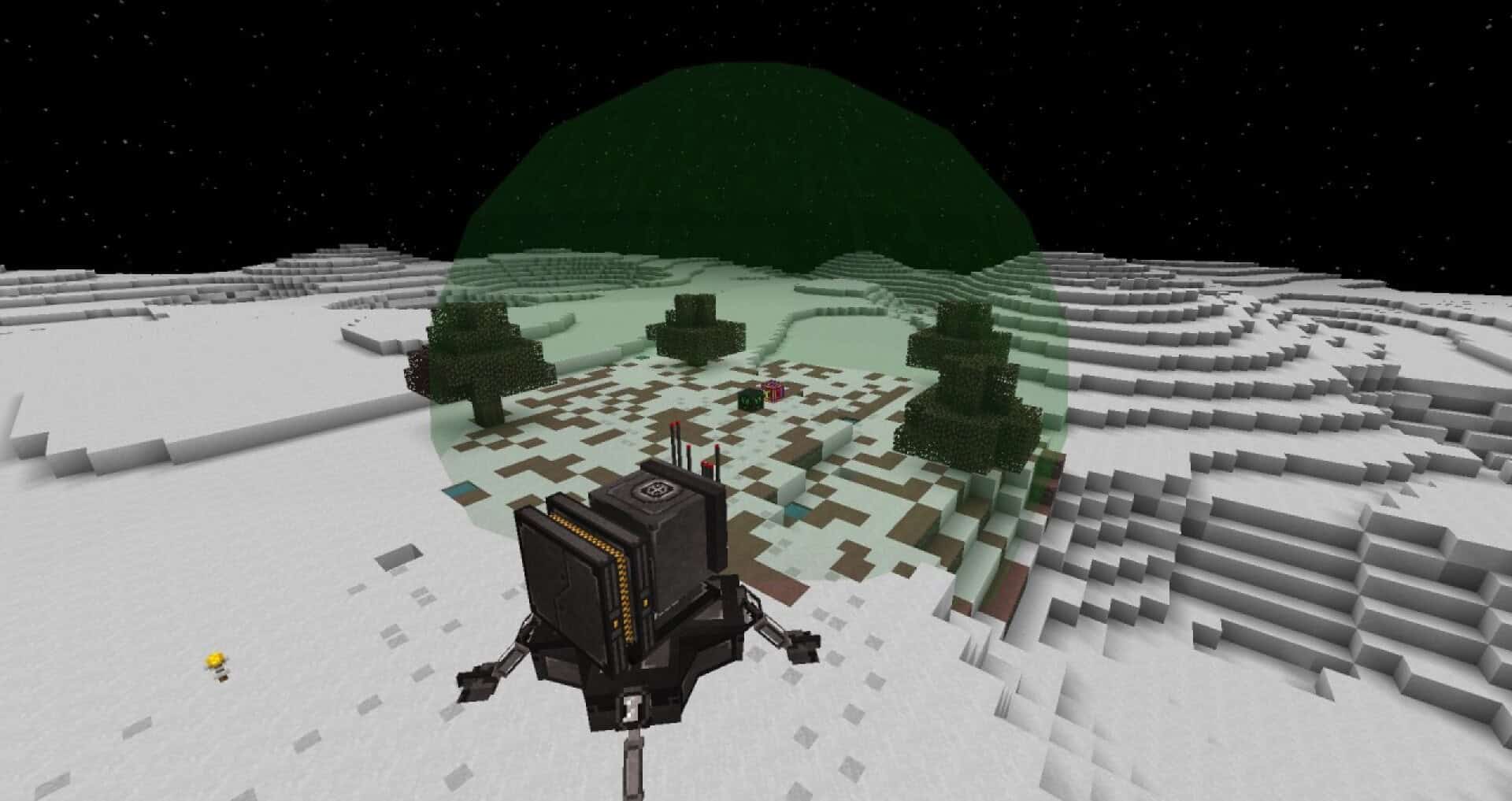
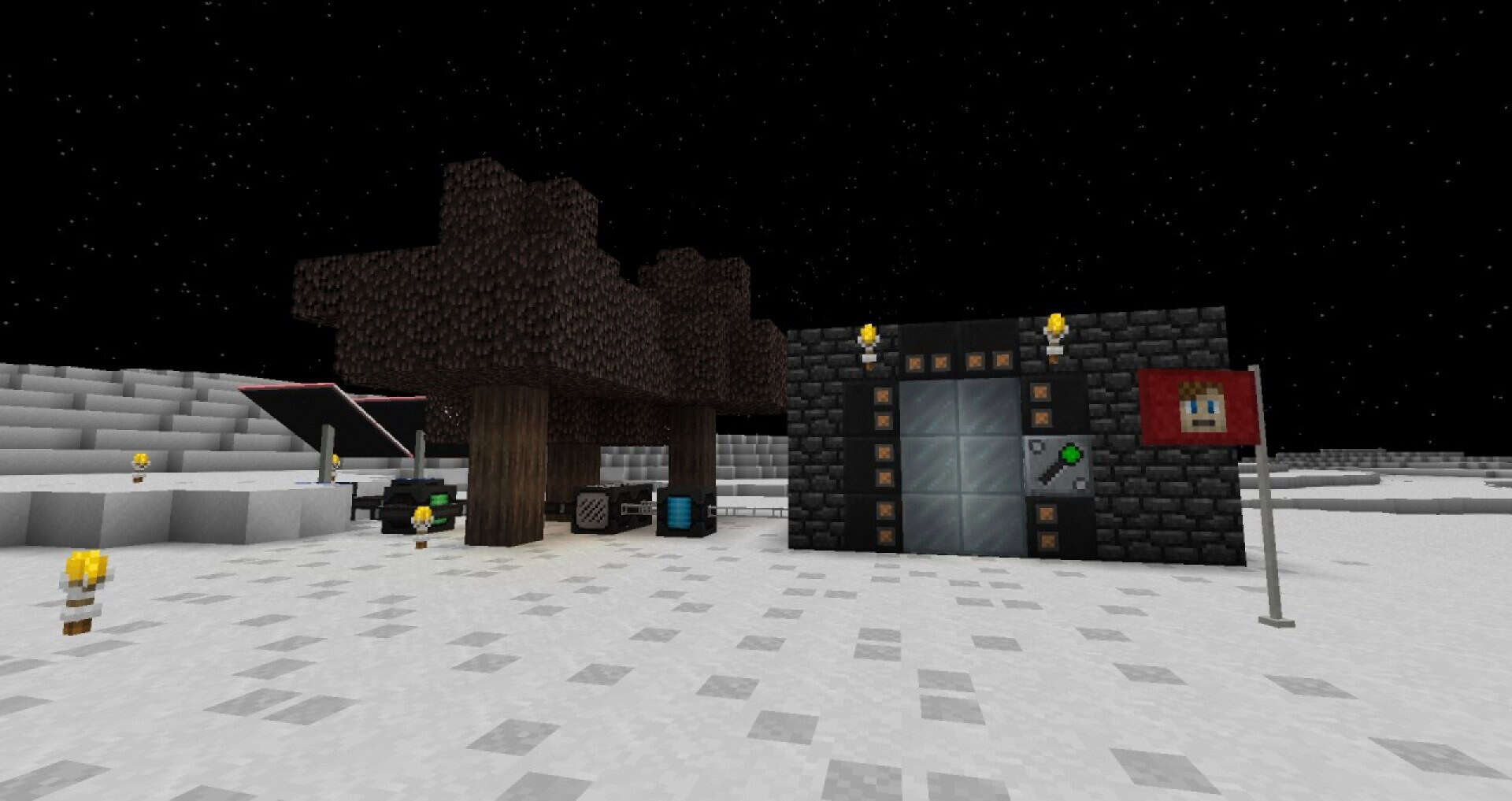
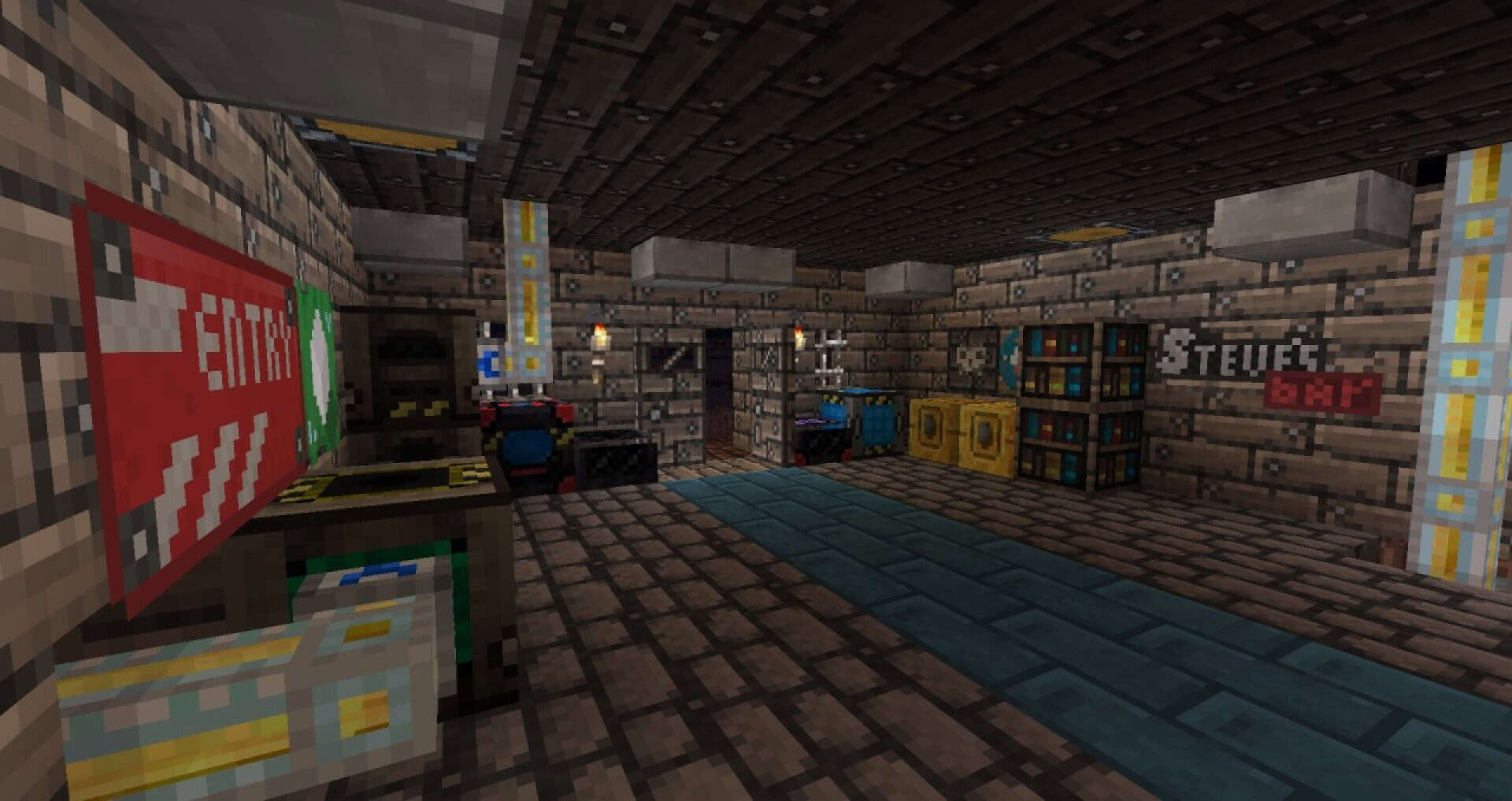
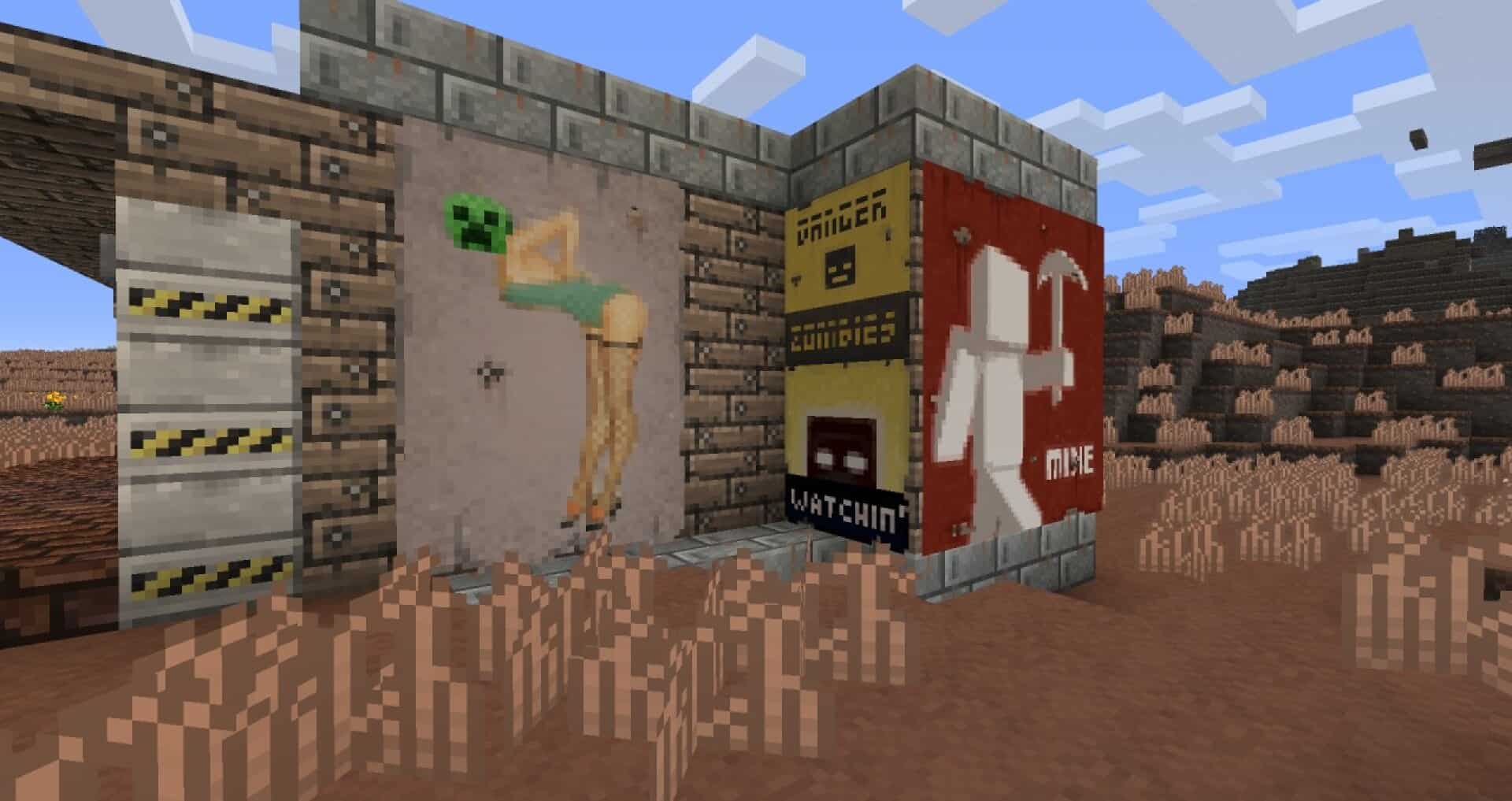
Industrial Wasteland Tekkit resource pack changes a bright, friendly world into something that feels worn and harsh. Vanilla Minecraft often looks clean and colorful, with smooth blocks that suit a playful style. This pack takes the opposite path and puts you in a post apocalyptic setting where everything looks used, stained, and rebuilt from scraps. Many textures lean on dusty browns, yellowed metal tones, and patches of gray and black. That palette helps the world feel like rust has settled into every corner and smoke has marked the surfaces for years. It is not easy to sell that kind of atmosphere with a 16×16 resolution, but the pack uses strong color choices and clear patterns to make the theme work without turning blocks into blurry noise. Because it stays at 16×16, it also remains light on your system. That matters when you play modded and fill a base with machines, pipes, cables, storage, and lights.
Featured video:
In those tight rooms, you want to identify blocks quickly, and this pack keeps the important details simple enough to spot while you move. The theme was built with Tekkit style play in mind, so it fits automation setups and heavy industry builds. Even so, you can use it in a normal world and still get value from it. Your builds take on an abandoned industrial look, with desolate ground tones and practical textures that suggest hard work and limited resources. This makes it a good match for story focused projects like ruined labs, scavenger camps, bunker workshops, and half repaired factories. If you like packs that change the feeling of play instead of only adding detail, this one can make survival and building feel more different. If you rotate packs through the year, you might use HerrSommer A Christmas Carol texture pack for winter sessions and switch back to Industrial Wasteland Tekkit when you want a tougher world with steel, rust, and grit.
Industrial Wasteland: Tekkit should be compatible with all of these Minecraft versions: 1.8.9 - 1.8.8 - 1.8.1 - 1.8.6 - 1.8 - 1.7.10 - 1.7.9 - 1.7.4 - 1.7
Industrial Wasteland: Tekkit — Screenshots
How to install Industrial Wasteland: Tekkit Resource Pack:
- Most resource packs require Optifine, so be sure to download and install it. – general recommended step for all packs, Optifine is also needed for most shaders
- Download the Industrial Wasteland: Tekkit texture pack for Minecraft from the download section below. – if there are many different versions, just choose the one you like, is compatible with your version/edition of Minecraft, the one you think your computer can handle in terms of performance.
- Launch the game client through the Minecraft launcher.
- On the main menu, click "Options".
- On the options menu, click "Resource Packs...".
- Click on "Open Resource Pack Folder". – folder titled "resourcepacks" will pop up
- Move the .zip file you downloaded in the first step to the newly opened "resourcepacks" folder.
- Click "Done".
- Click on "Resource Packs..." again.
- Your pack should have appeared in the left window, just hover over it and click on the arrow pointing to the right.
QUICK TIP: Sometimes, when activating a pack, the game may say that the pack is made for a newer or older version of Minecraft. This is just a warning, it does not affect your gameplay in anyway, and you can still activate and enjoy the pack by simply clicking the "Yes" button when prompted.
- Click "Done" again.
- The pack has now been successfully loaded and ready to be used in your world!
Industrial Wasteland: Tekkit Texture Pack Download
- We do not modify or edit any resource packs. All resource packs, shaders and tools found on this website are linked directly to official sources rather than hosted on our own servers. We provide only the official download links from the original creators to ensure that your files are safe and secure.
- These official links are updated manually and may occasionally stop working when a new version is released. We work hard to keep everything current so that you have a smooth experience. Please let us know in the comments if you find a link that no longer works.
- Minecraft is a trademark of Mojang Studios and has no official connection to this website. Our goal is simply to share the best creations from the community with other players.
- Please consider leaving a comment or voting for your favorite packs. This feedback helps authors improve their projects over time. You can also support the creators directly by visiting the official links located below the download section.
Java Edition:
[16x] [1.8.x – 1.7.x] Download Industrial Wasteland: Tekkit Resource Pack
Curseforge: download starts automatically after a few seconds;
Mediafire: click the big blue button with the text "DOWNLOAD";
Google Drive: in the top right corner you will see a small download icon (down arrow), click it and the download should start;

20 votes
Look.. 20 users have already liked this pack. Give a diamond if you like it too!


niceman
love it !