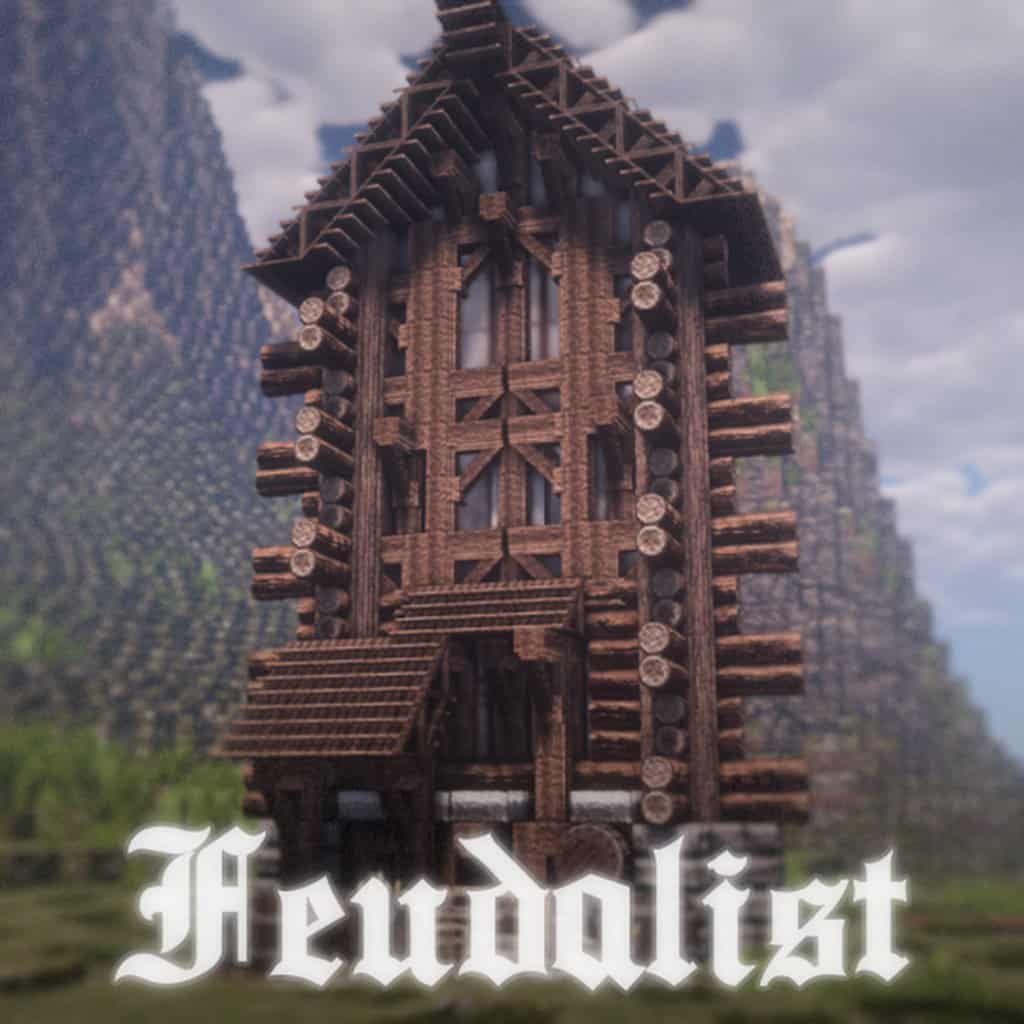
There is a brand-new minecraft resource pack that has been uploaded to the internet less than a month ago and has already been downloaded more than 2000 times. This popular resource pack is called Feudalist. The incredible amount of times that is has been downloaded is not a coincidence at all, as this stellar resource pack is filled with gorgeous high-end visuals that will keep you amazed throughout your Minecraft experience. The amazing result of this resource pack comes as no surprise if you take into account that Feudalist was designed by the same people who created the also stunning CIT resource pack called Dark Arsenal. Both resource packs were developed by Aetheris. If you enjoyed the Aetheris work seen in the Dark Arsenal, you are going to love Feudalist. They have done a great job once again and produced the highest level of polish and finesse possible.
Featured video:
If you are looking for a high-end visual experience, you cannot go wrong with Feudalist. The unbelievable sights and landscapes featured in Feudalist resource pack are the results of the inspiration gathered by the team from the different medieval and gothic themed resource packs that have been released throughout the years. The difference from the resource packs that inspired this one is that Feudalist has a crystal-clear execution that is both smooth and clean, something unusual for medieval and gothic resource packs. The texture detail in Feudalist is something that you will have to see for yourself to believe, a spectacular show that is also paired with CTM, ensuring a texture seamlessly blended. This results in an amazing immersive game world. Before you install Feudalist, bear in mind that you need to install Optifine first, otherwise the resource pack won’t work properly. Feudalist is available in x32, x64 and x128 resolution, an incredibly wide variety of choices for you to pick whatever you deem best and more appropriate for your hardware setup.
Feudalist should be compatible with all of these Minecraft versions: POM / PBR - 1.14.4 - 1.14.3 - 1.14.2 - 1.14 - 1.13.2 - 1.13.1 - 1.13
Feudalist — Video & Screenshots
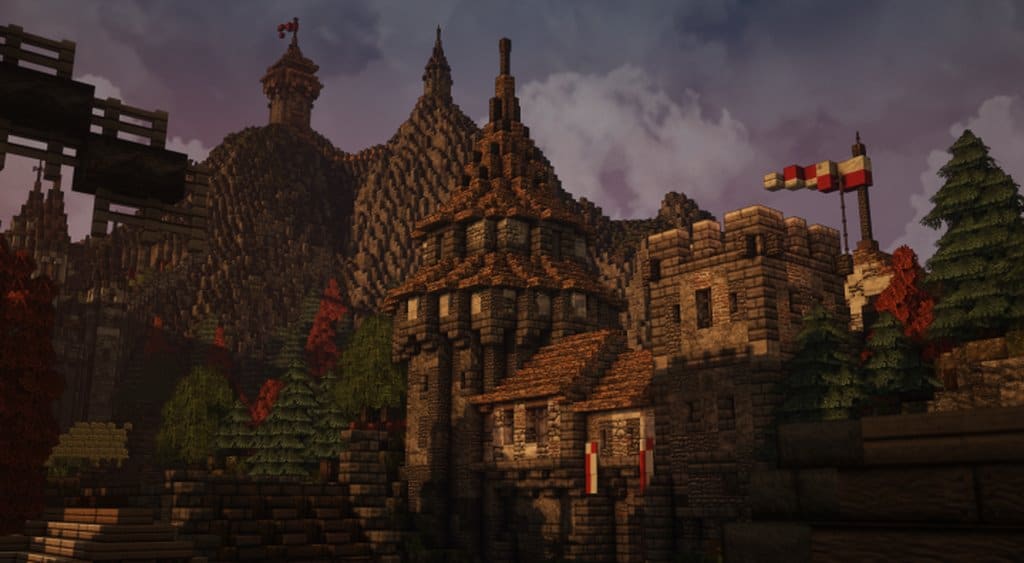
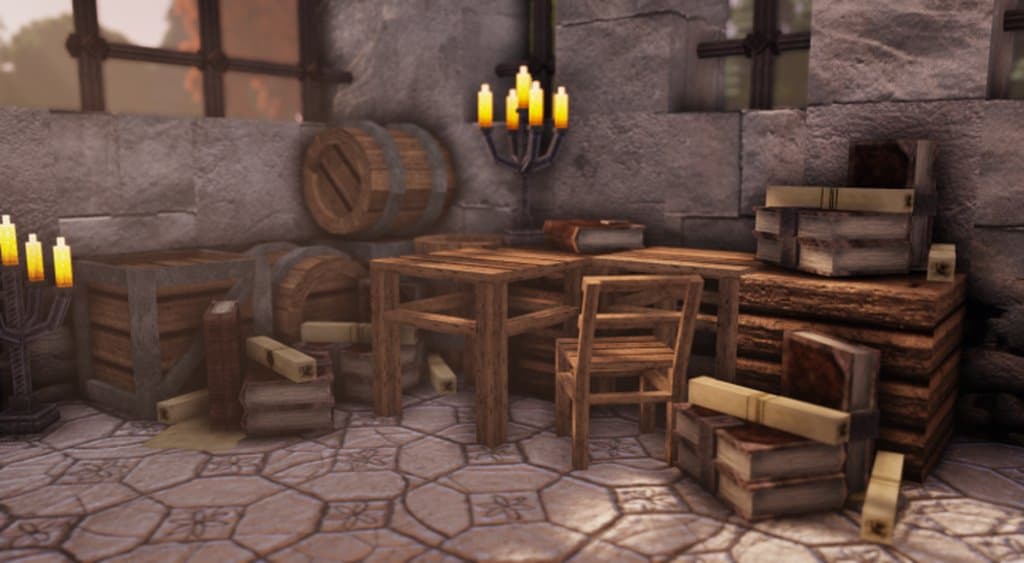
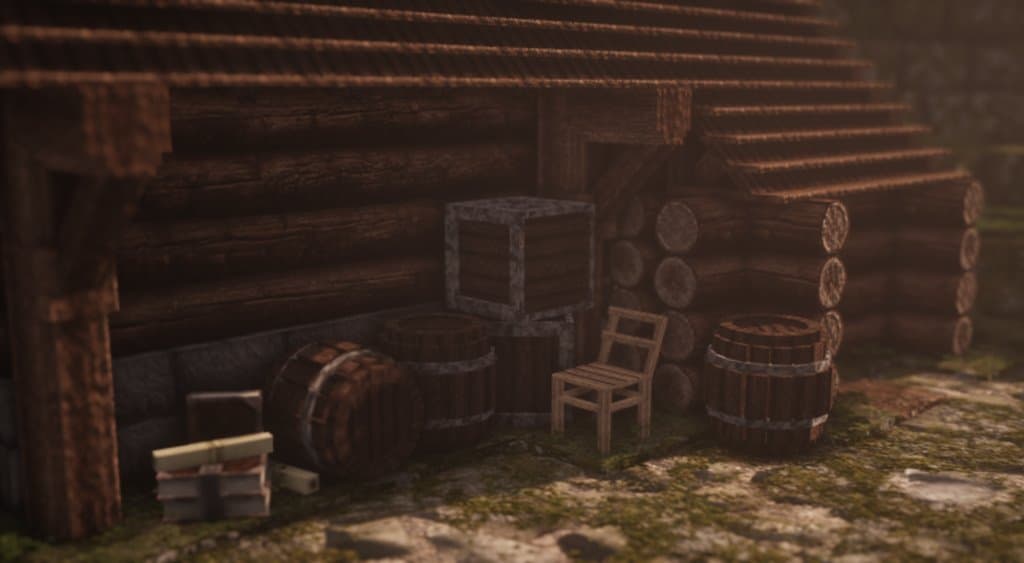
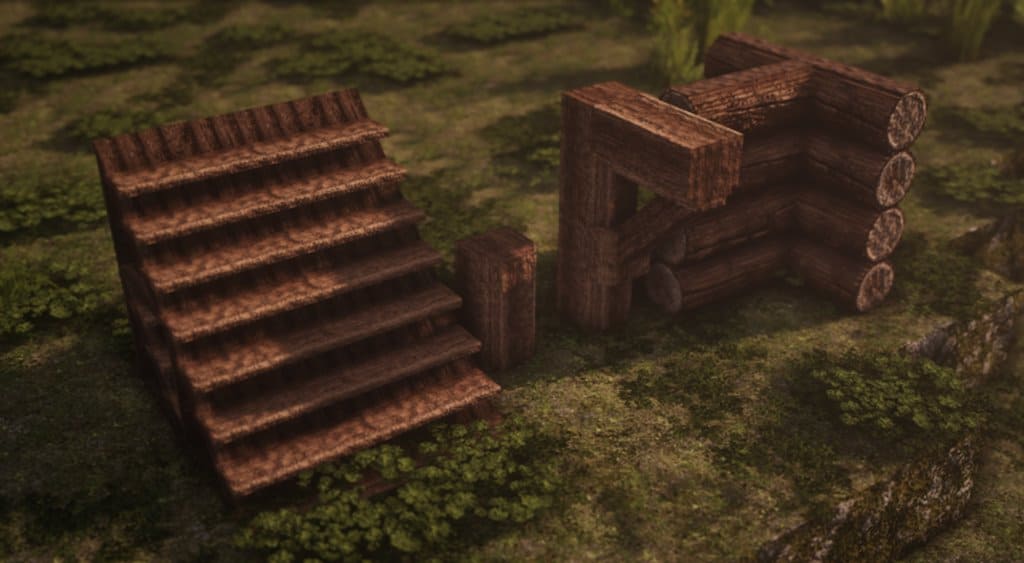
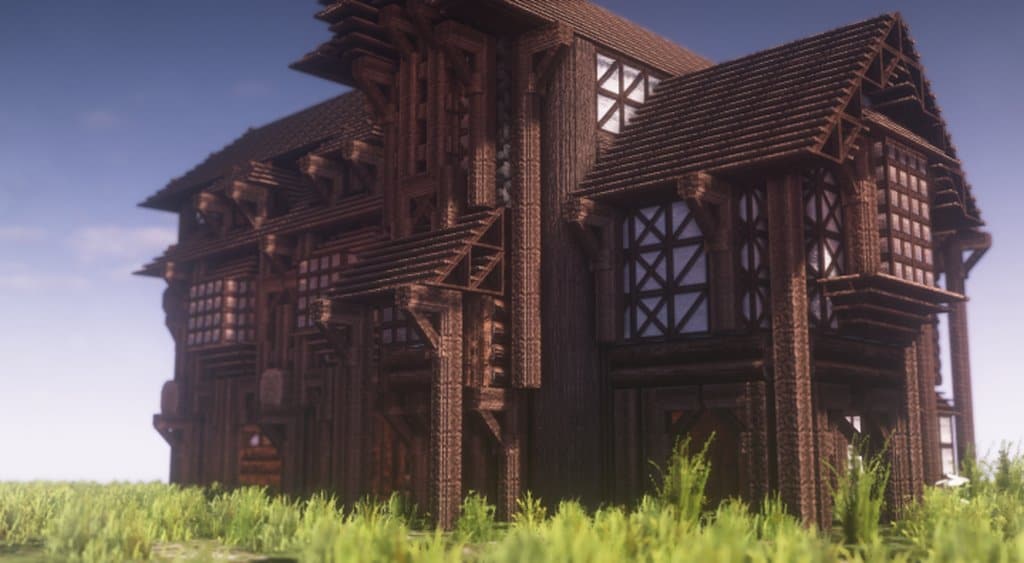
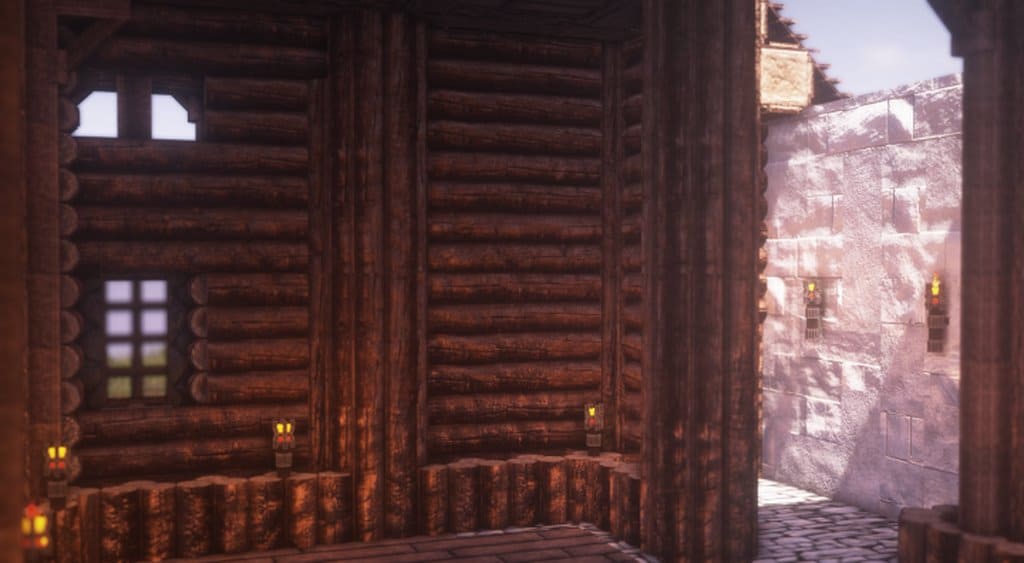
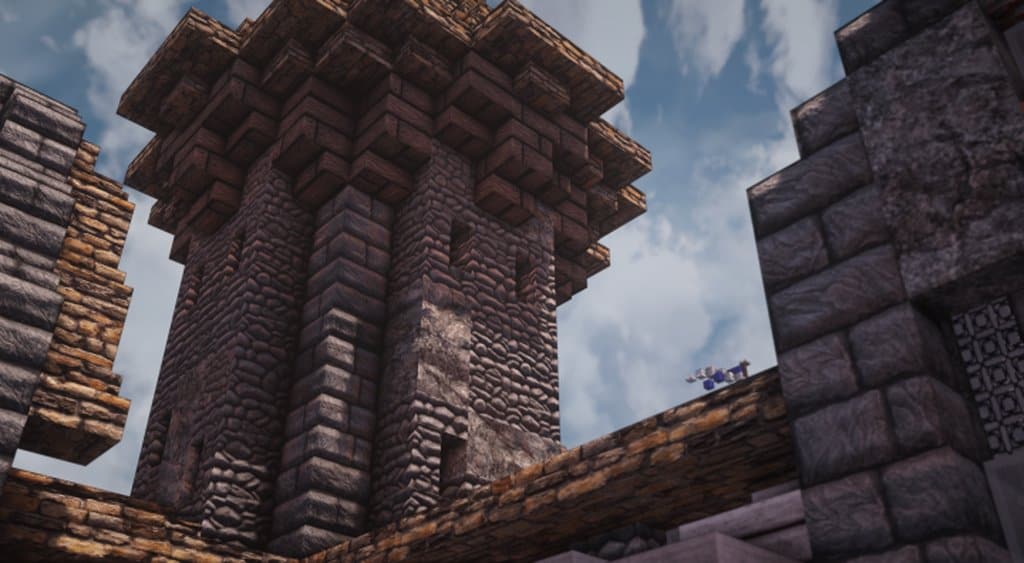
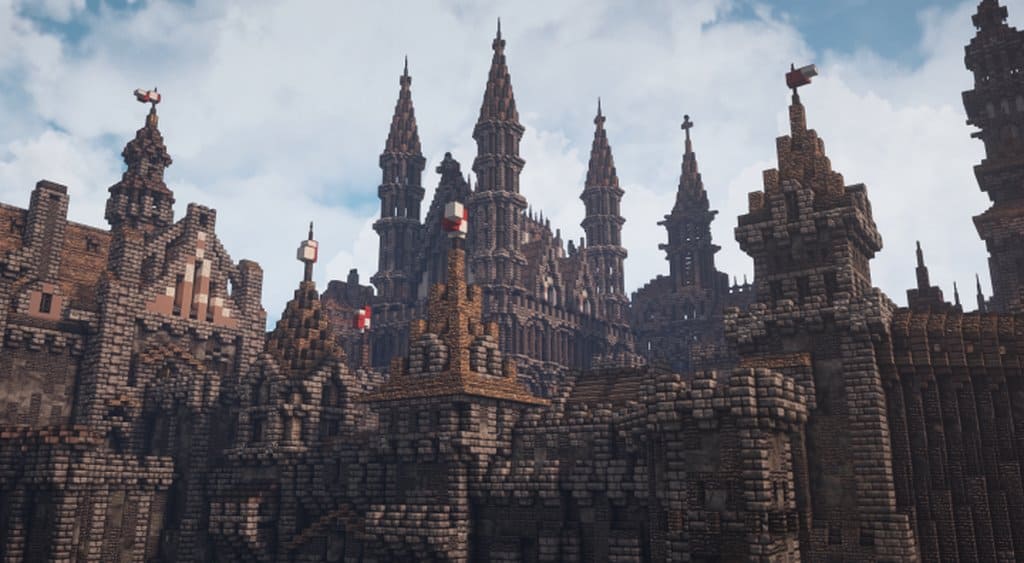
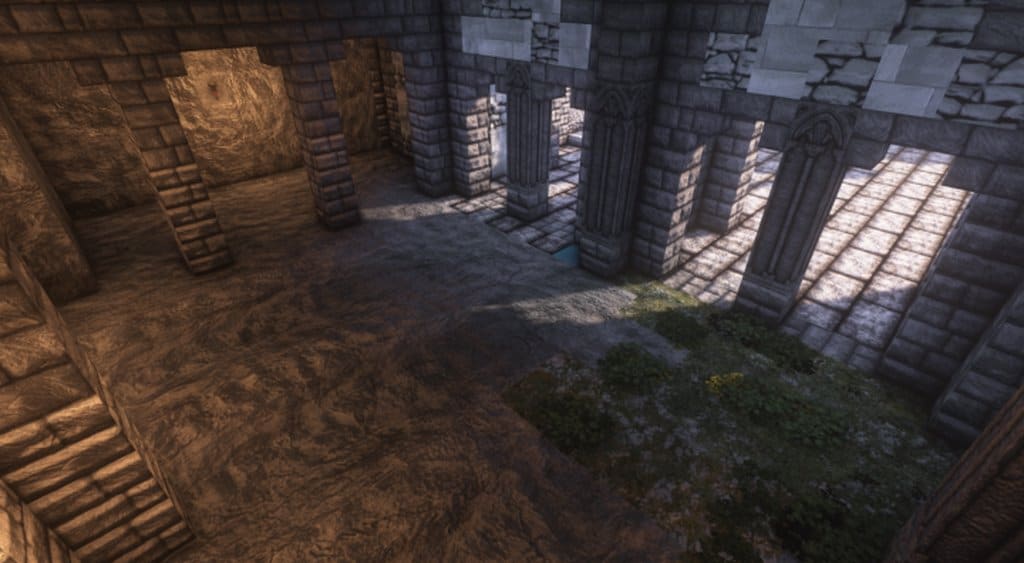
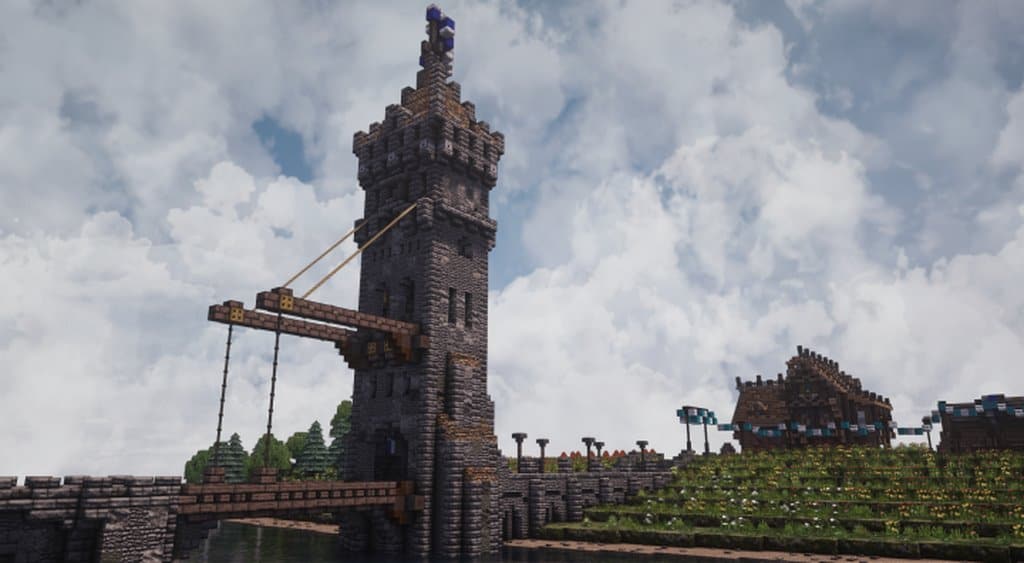

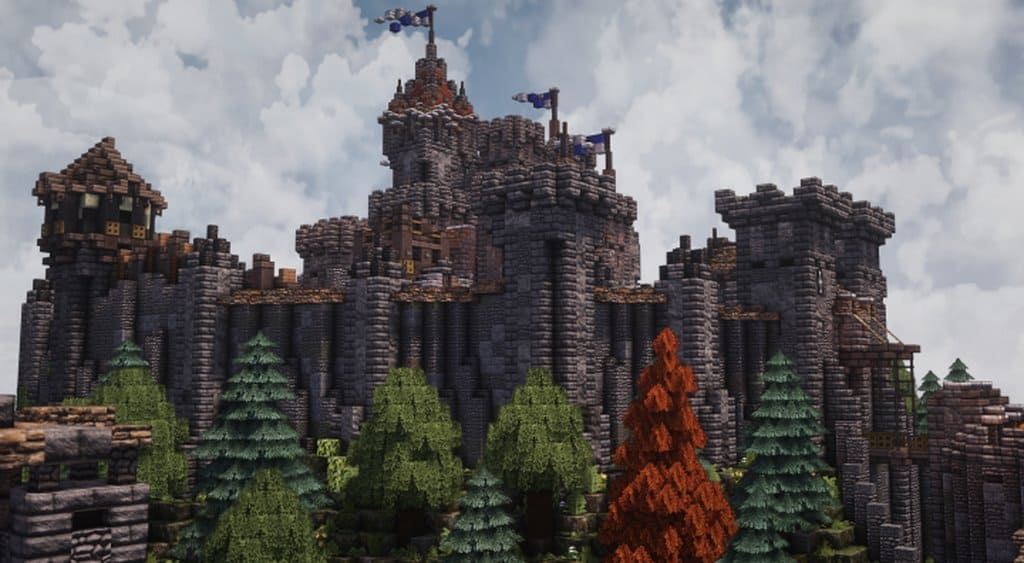
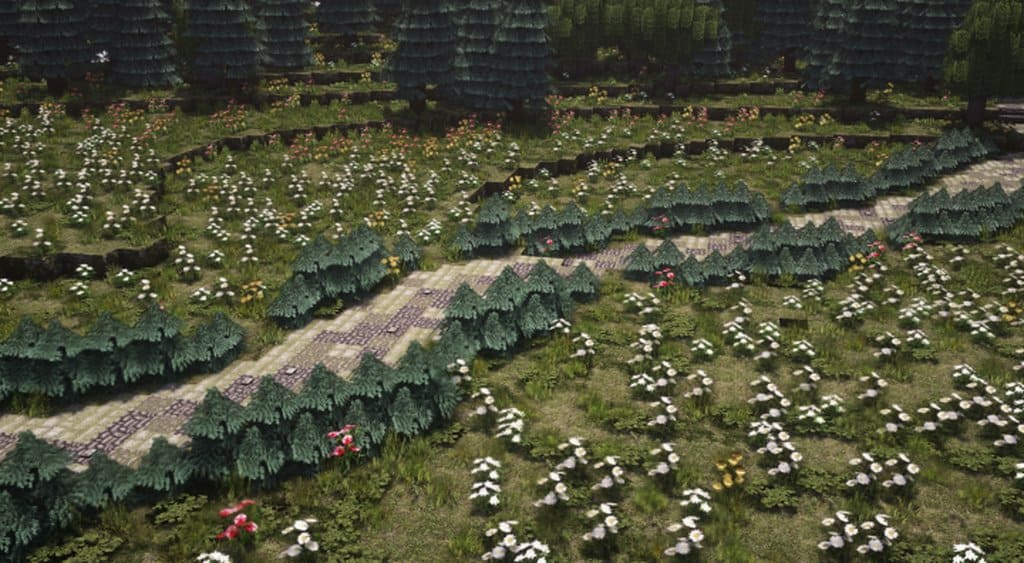
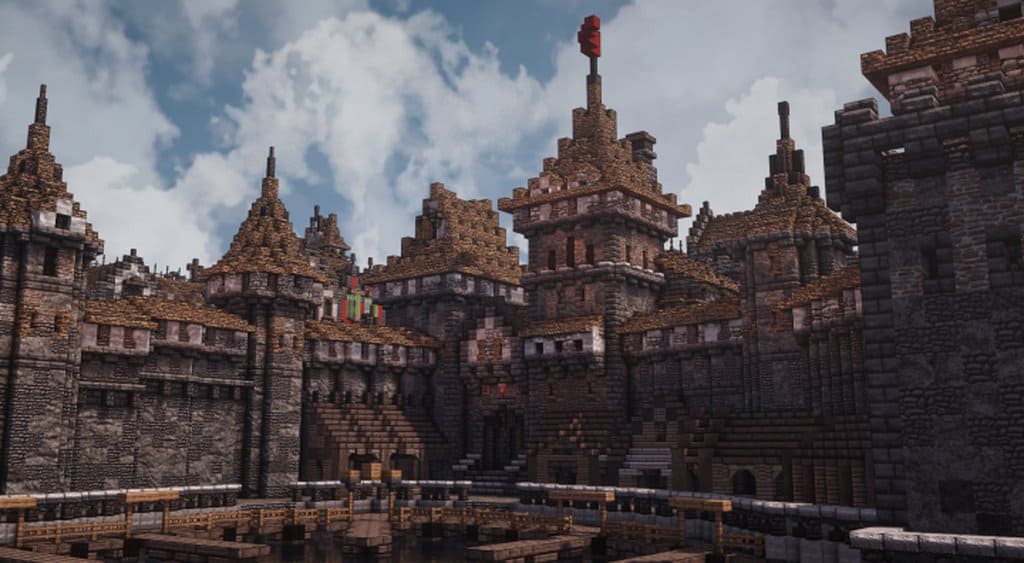
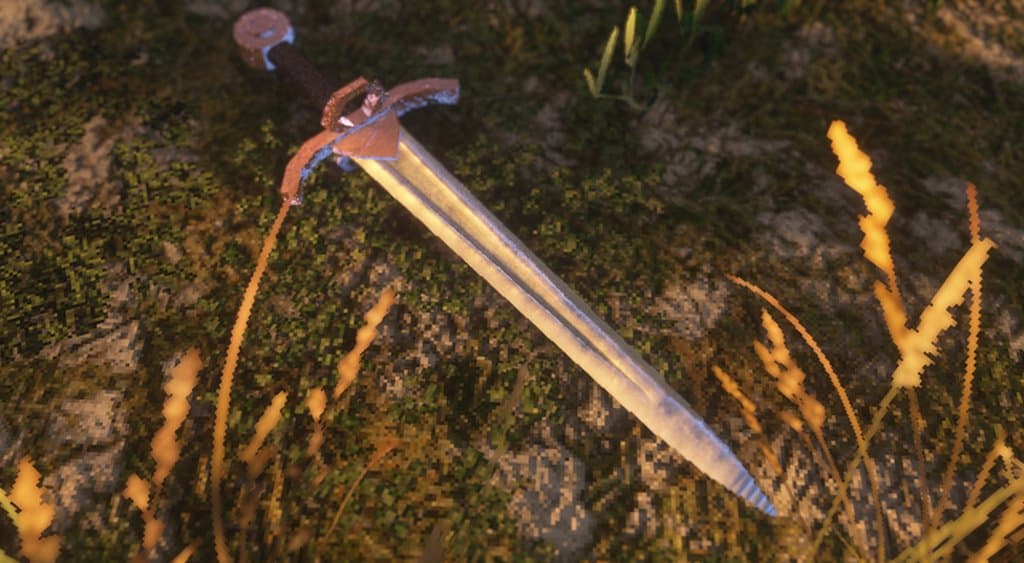
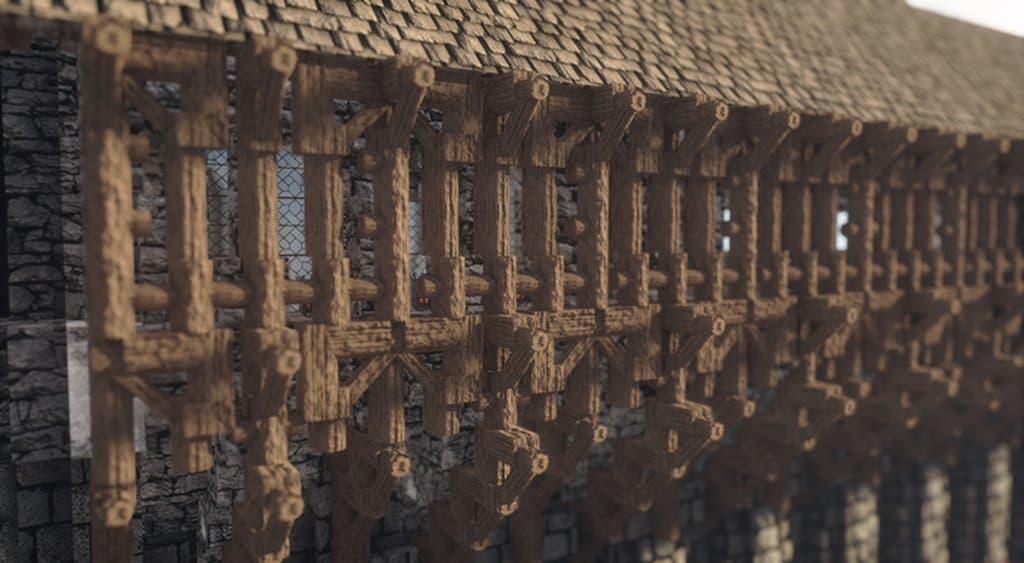
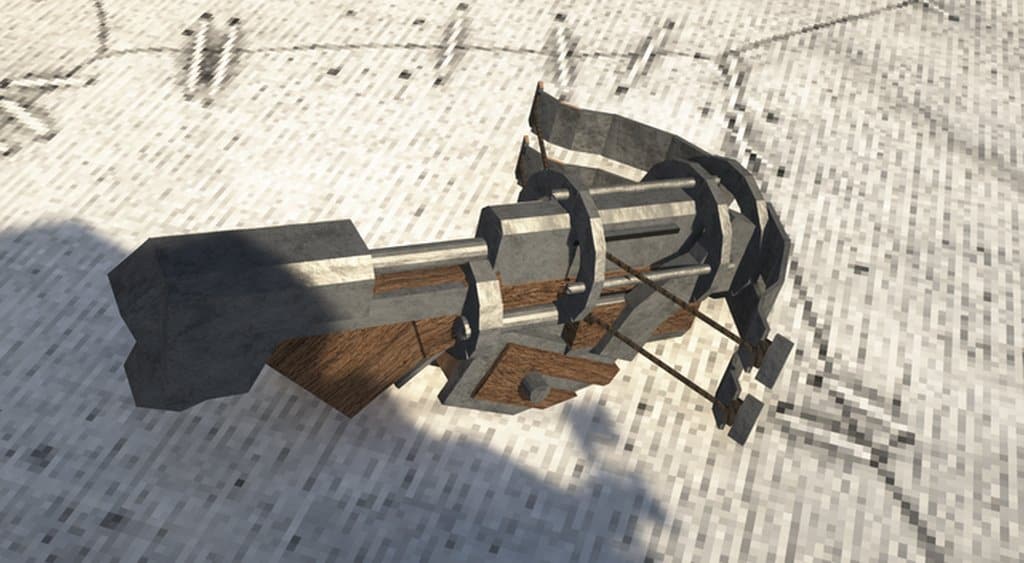
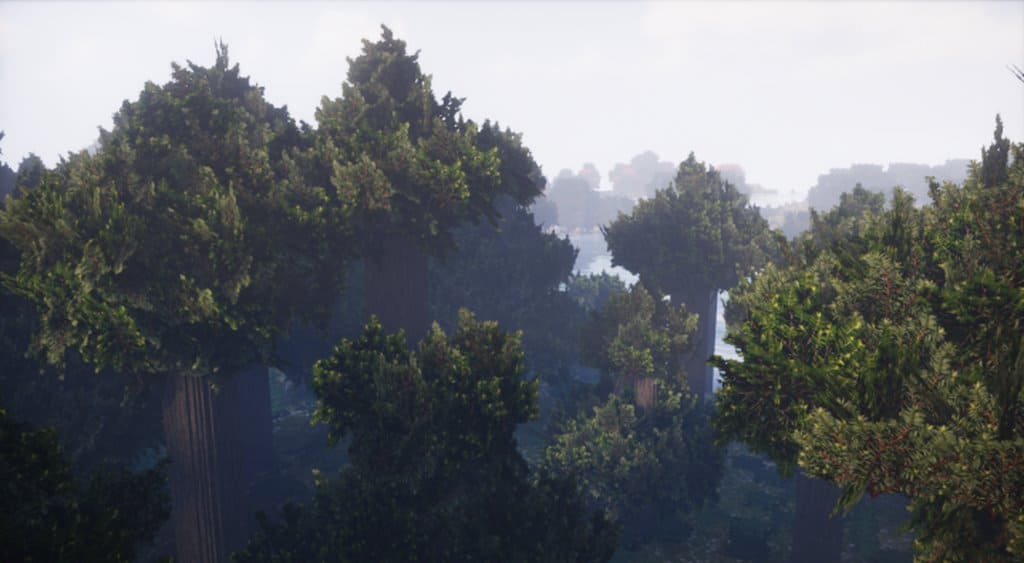
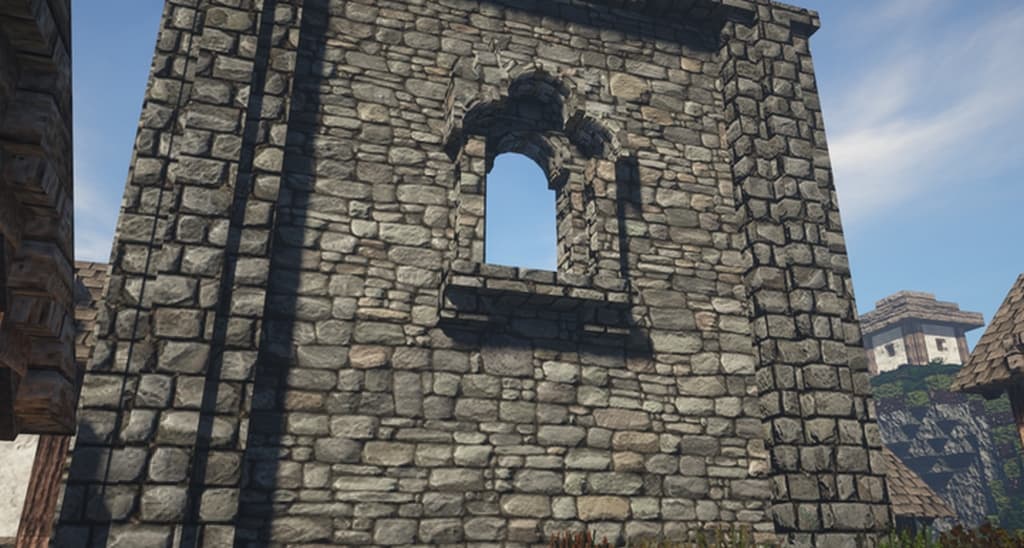
How to install Feudalist Resource Pack:
- Most resource packs require Optifine, so be sure to download and install it. – general recommended step for all packs, Optifine is also needed for most shaders
- Download the Feudalist texture pack for Minecraft from the download section below. – if there are many different versions, just choose the one you like, is compatible with your version/edition of Minecraft, the one you think your computer can handle in terms of performance.
- Launch the game client through the Minecraft launcher.
- On the main menu, click "Options".
- On the options menu, click "Resource Packs...".
- Click on "Open Resource Pack Folder". – folder titled "resourcepacks" will pop up
- Move the .zip file you downloaded in the first step to the newly opened "resourcepacks" folder.
- Click "Done".
- Click on "Resource Packs..." again.
- Your pack should have appeared in the left window, just hover over it and click on the arrow pointing to the right.
QUICK TIP: Sometimes, when activating a pack, the game may say that the pack is made for a newer or older version of Minecraft. This is just a warning, it does not affect your gameplay in anyway, and you can still activate and enjoy the pack by simply clicking the "Yes" button when prompted.
- Click "Done" again.
- The pack has now been successfully loaded and ready to be used in your world!
Feudalist Texture Pack Download
- We do not modify or edit any resource packs. All resource packs, shaders and tools found on this website are linked directly to official sources rather than hosted on our own servers. We provide only the official download links from the original creators to ensure that your files are safe and secure.
- These official links are updated manually and may occasionally stop working when a new version is released. We work hard to keep everything current so that you have a smooth experience. Please let us know in the comments if you find a link that no longer works.
- Minecraft is a trademark of Mojang Studios and has no official connection to this website. Our goal is simply to share the best creations from the community with other players.
- Please consider leaving a comment or voting for your favorite packs. This feedback helps authors improve their projects over time. You can also support the creators directly by visiting the official links located below the download section.
[16x] [1.14.x – 1.13.x] Download Feudalist Resource Pack – absolutely free, optifine required
[32x] [1.14.x – 1.13.x] Download Feudalist Resource Pack – absolutely free, optifine required
[64x] [1.14.x – 1.13.x] Download Feudalist Resource Pack – for Patrons, optifine required
[128x] [1.14.x – 1.13.x] Download Feudalist Resource Pack – for Patrons, optifine required
Official links:
Check out the Feudalist Resource Pack on the Official Website
Curseforge: download starts automatically after a few seconds;
Mediafire: click the big blue button with the text "DOWNLOAD";
Google Drive: in the top right corner you will see a small download icon (down arrow), click it and the download should start;

222 votes
Look.. 222 users have already liked this pack. Give a diamond if you like it too!

Alex
Running 1.12.2 FTB mod and doesn’t seem to appear in the list, either as a .rar file as published, or redone as a zip.
Bruce
pls 1.16 i love this
mohamedBydoon
i want this Resource pack for 1.15.2 v please :(
Joris Bodden
I like it :D
Anonymous
The polished textures for Diorite and Andesite are flipped in 1.15, hopefully it will be fixed in your next release!
Kohgan Shirinzu Shogun
DARK OAK FENCE is bugged only when single and or put on top of each other. they go invisible. when side by side they look apically Awesome. but cannot see them when not connected on the side. Here’s a pic that illustrates the issue I’m seeing. https://steamuserimages-a.akamaihd.net/ugc/770614750606227786/0F0732A3AE979B0A4FF587F49D3F8A40D37630B8/
Hayami-chan
sooooooooooooooooooo
lily
can you sit down?