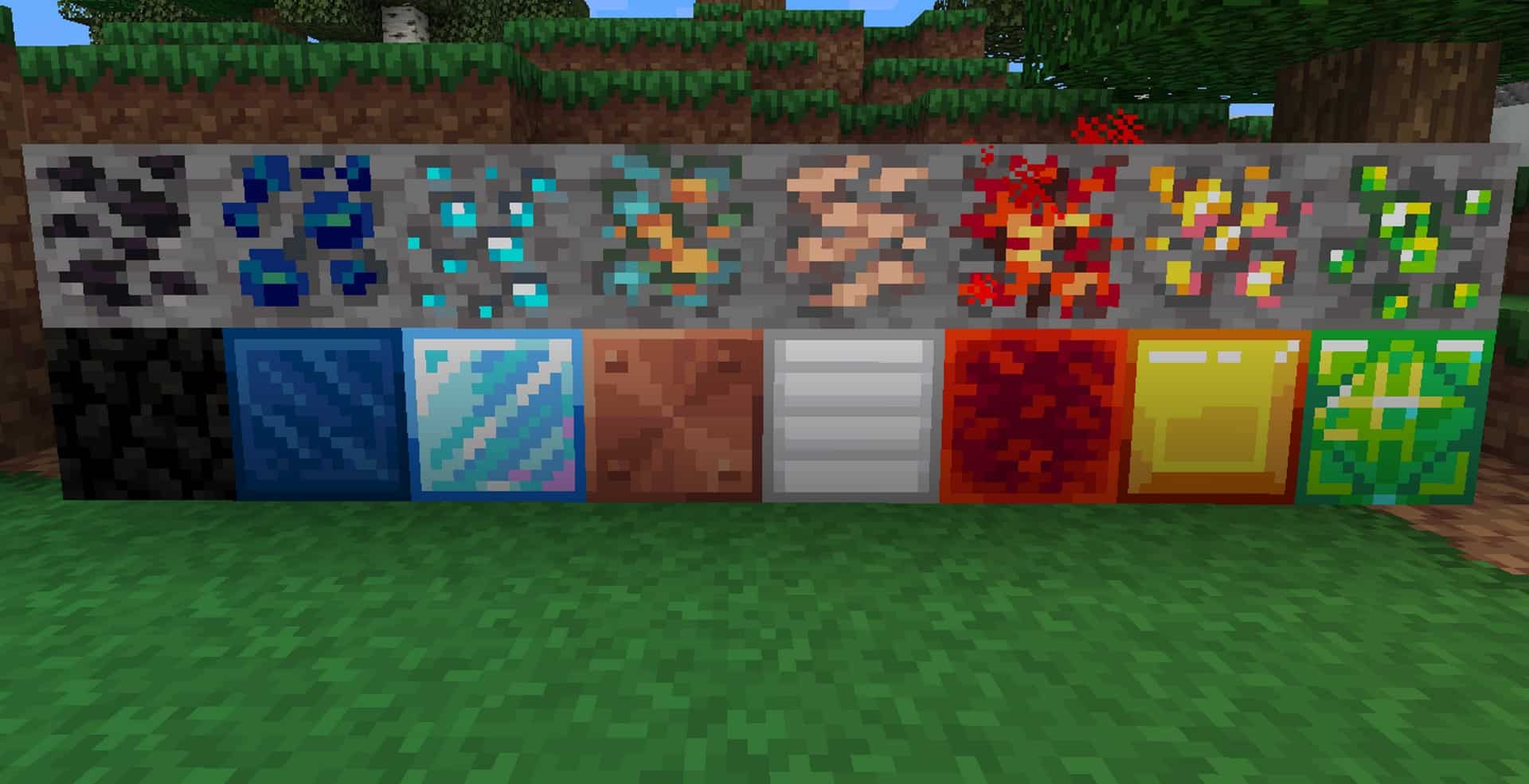
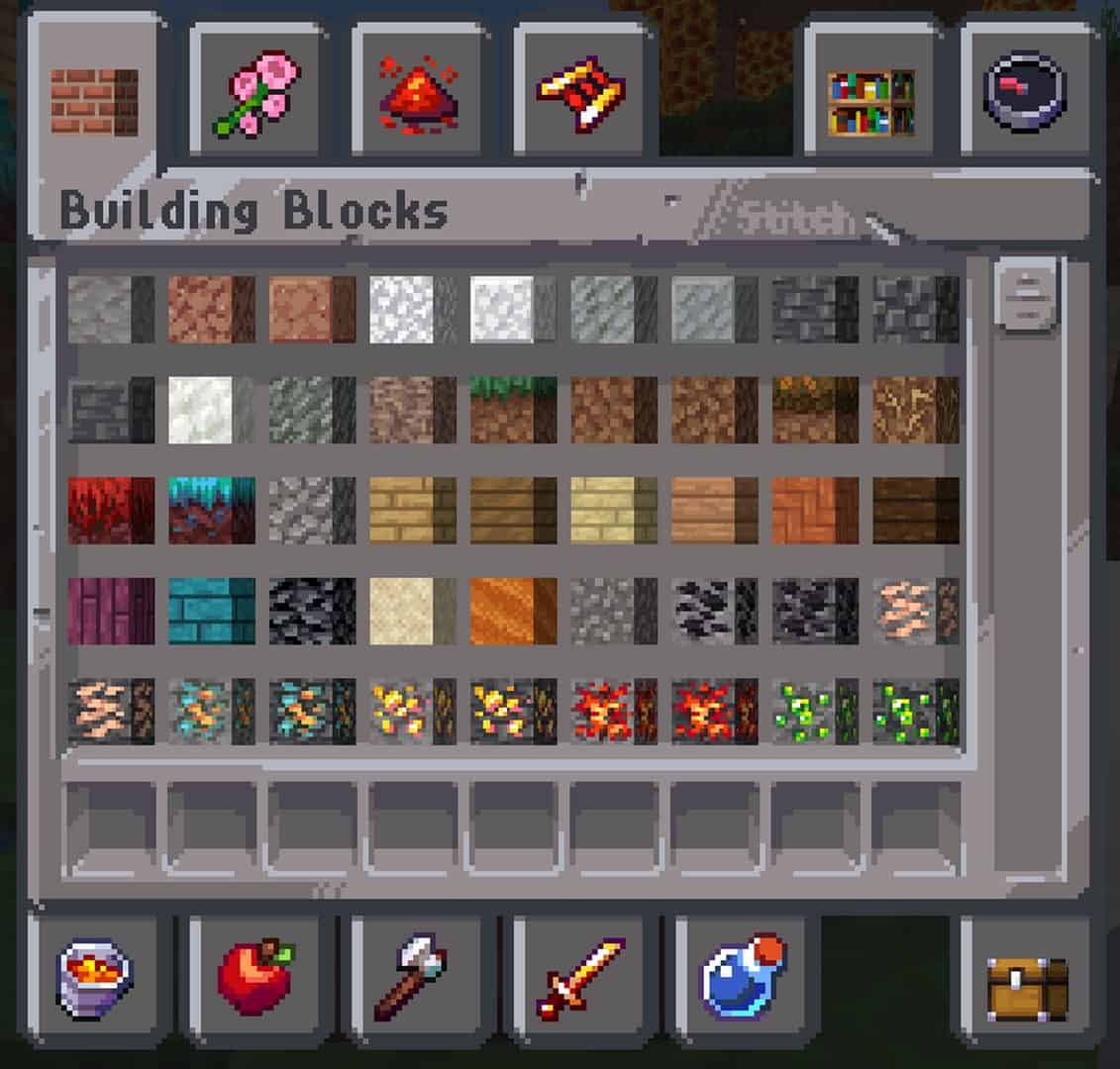
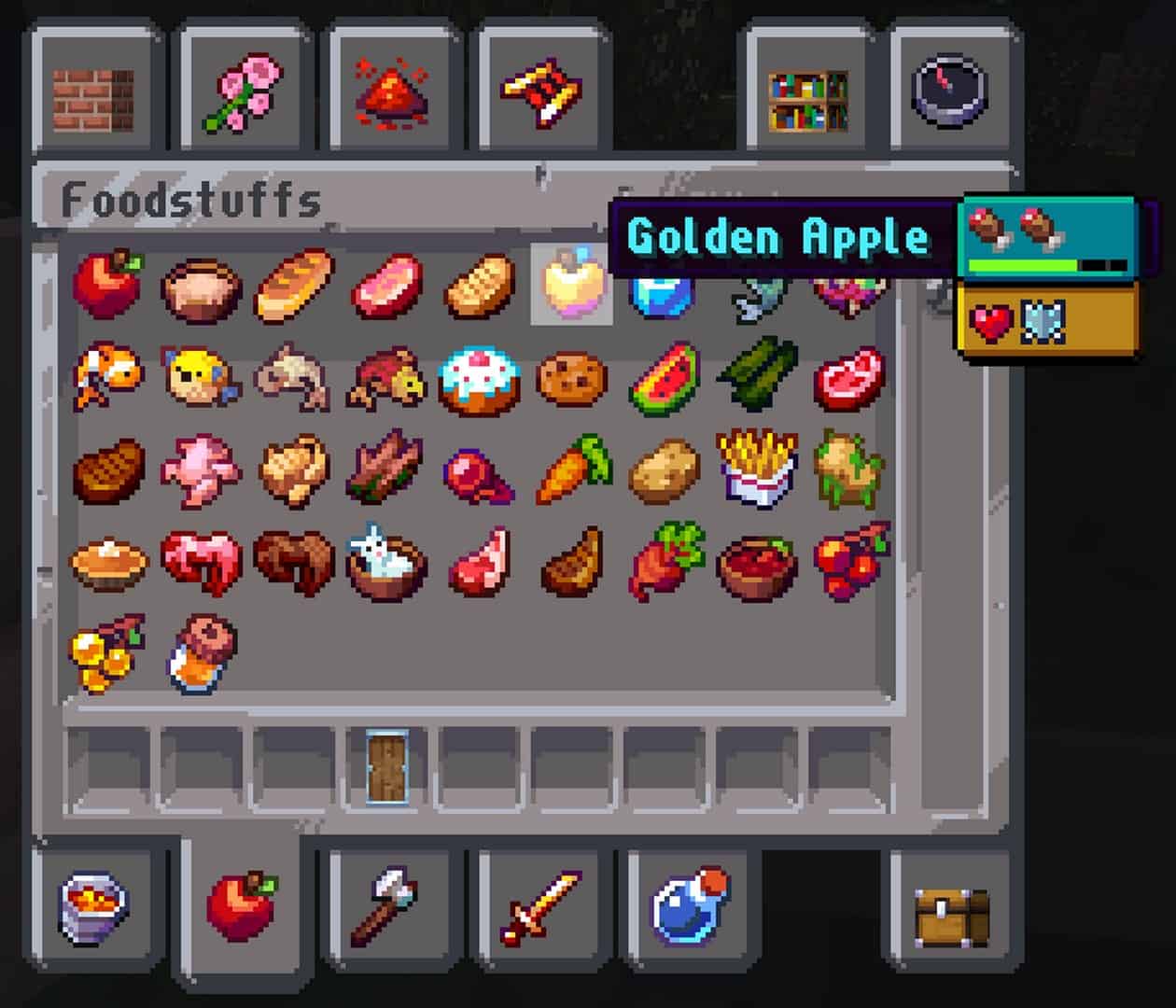
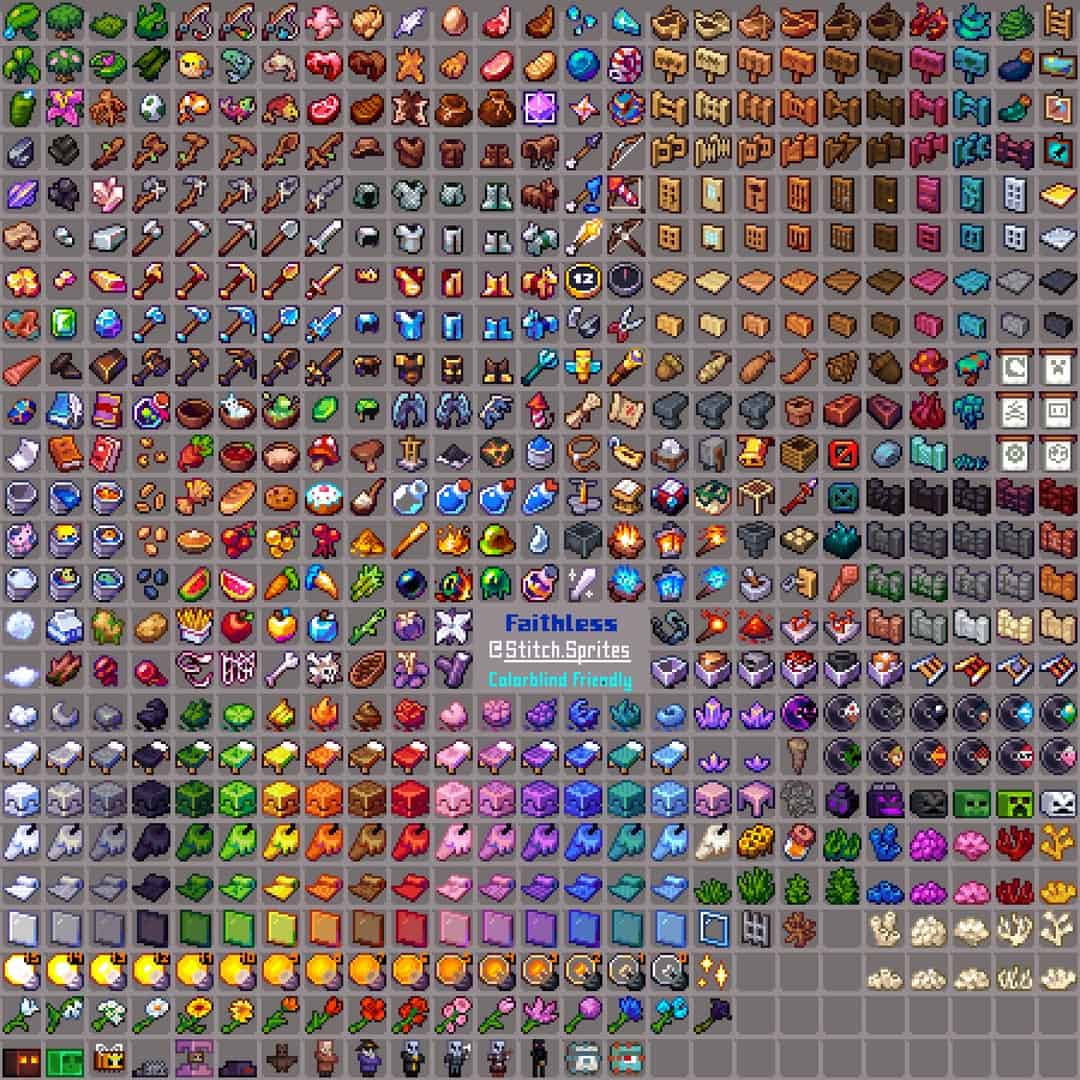
The Faithless resource pack is one of the packs that take into interest how to overcome color deficiencies in Minecraft. Are you that type of person who cannot distinguish between colors and you are a gamer or want to try a certain game? Well, this is the pack for you aimed at aiding you to have the same measure of fun others have when they play. For you to be in a position where you’ll assume roles of characters in the game despite your color weakness, this resource pack will help convey some uniqueness to the features and blocks in the game. Minecraft has designed the game to be accessible to everyone, but for some, due to their physical disabilities, for instance, sight-impaired normally, they cannot play the game. However, all is not lost, for with the help of the resource pack, which gives the Faithless texture, they will be in a position to play. Its composition benefits them by allowing one to tell the difference between the colors of the elements in the game. Such challenges are evident to the visually impaired, and perhaps you did not know they happened because you cannot relate to them. Through the assistance of the physically disabled persons to the developer ItsStitchyYT, they expect the resource pack created in alignment with their needs. This resource pack was initially embraced via Reddit. The Faithless texture pack is not only designed for the visually impaired but also for those who can discern the difference in colors. Using these textures is way more fun than using the default ones. If you want to identify blocks in their shape and color, consider using this resource pack for the mind-blowing textures. Additionally, you will have an array of different and extraordinary designs from those you are used to, maximizing your urge to engage in the game. The most known faithful texture pack is Faithful 32x, where some of its features relate to this faithful texture. They both purpose to improve Minecraft and manage its effectiveness to the players. However, despite having similarities, they tend to differ in their power resolutions.
Featured video:
The Faithful texture pack tends to have a higher resolution than the faithless pack. The faithless texture pack has a relatively low resolution, giving you an option to opt for 16x or 8x. But the developer had a reason for designing because it allows you to play with the resource pack without your expensive gadget. It is time-consuming to develop all these textures, and the developer, ItsStitchyYT, does not fascinate with releasing uncompleted projects. There are still some pending features yet to be made accessible to you. The creator reveals to you that before he can approve a successful project from creating textures, he makes sure he listens to his users for him to create one that aligns with their needs. Perhaps you have any recommendations on the features you want to be added or removed on the textures, reach him via Discord, and by doing this, you will help in mending the color defects. From the ideas given by some of you, blending in the AppleSkin mod seems to be the most wanted, and be certain that the developer will consider this. Thus, this resource pack’s purpose of make sure that even those who have weaknesses in distinguishing colors can recognize all elements in Minecraft. It focuses on bringing new textures that will be effective to such types of people, which will help them be in a position to play. Besides that, the resource pack aims to give you an experience you have never had, for it sets to improve its RPG by establishing more themes. This will leave you with more urge of wanting to play the game often. Its RPG runs at 16x; hence you should not expect any problems on your hardware if it can work on Minecraft. The faithless texture is beneficial to players experiencing Trypophobia as well as Dyslexia. You can consider using this RPG for those who want to engage in the game Survival mode because its features are so exquisite. Whether or not you have color deficiencies, be sure to opt for this resource pack, and after its installation, you will have an amazing time in your play. It is an overwhelming creation starting with how each item in the game looks and is differentiated in shape and color to discern them, giving you an outstanding videogame experience.
Faithless should be compatible with all of these Minecraft versions: 1.21.11 - 1.21.10 - 1.21.9 - 1.21.8 - 1.21.7 - 1.21.6 - 1.21.5 - 1.21.4 - 1.21.3 - 1.21.2 - 1.21.1 - 1.21 - 1.20.6 - 1.20.5 - 1.20.4 - 1.20.3 - 1.20.2 - 1.20.1 - 1.20 - 1.19.4 - 1.19.3 - 1.19.2 - 1.19.1 - 1.19 - 1.18.2 - 1.18.1 - 1.18 - 1.17.1 - 1.17 - 1.16.5 - 1.16.4 - 1.16.3 - 1.16.2 - 1.16.1 - 1.16 - 1.15.2 - 1.15.1 - 1.15 - 1.14.4 - 1.14.3 - 1.14.2 - 1.14 - 1.13.2 - 1.13.1 - 1.13 - 1.8.9 - 1.8.8 - 1.8.1 - 1.8.6 - 1.8 - 1.7.10 - 1.7.9 - 1.7.4 - 1.7 - 1.6.4 - 1.6.2 - Bedrock Edition - PE
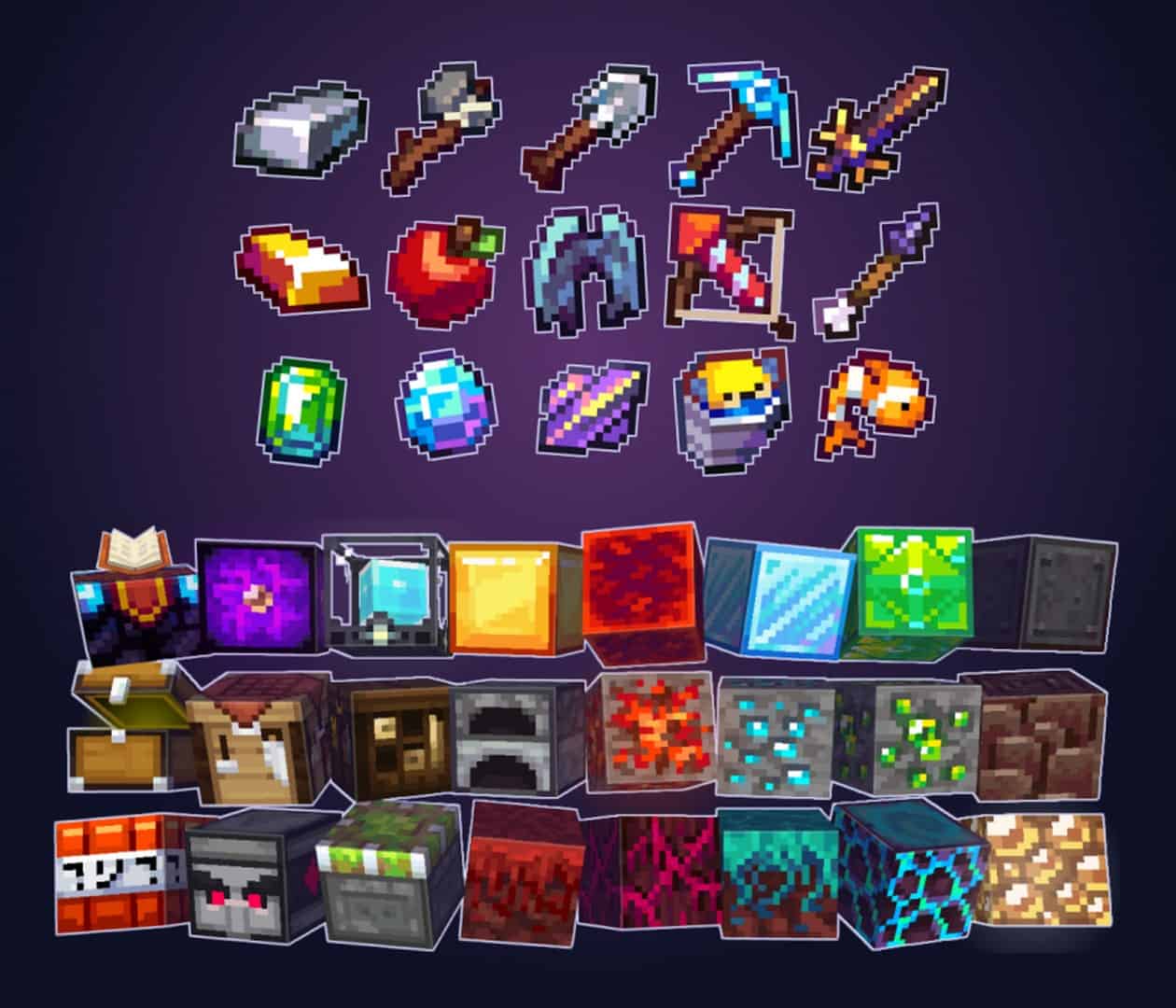
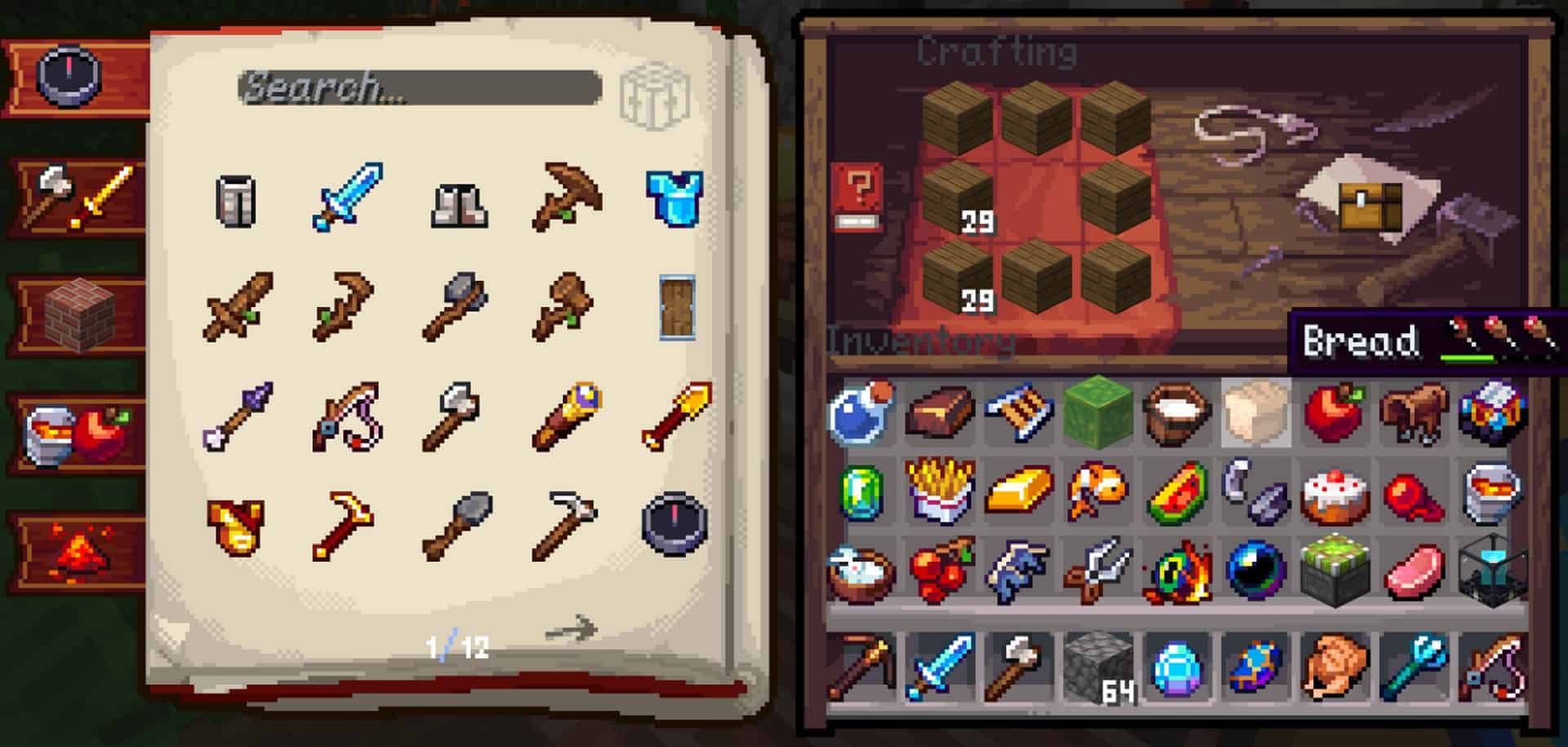
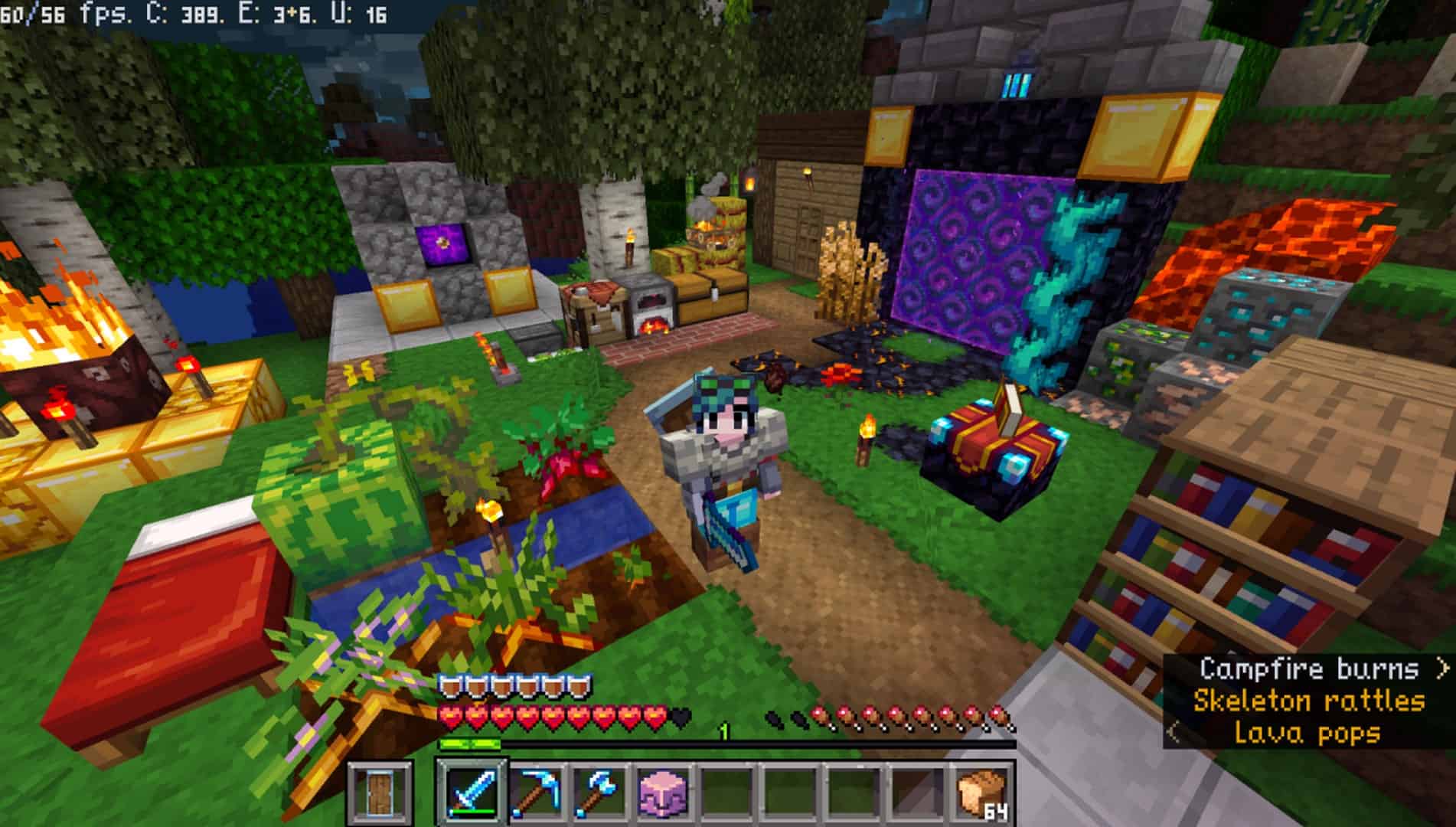
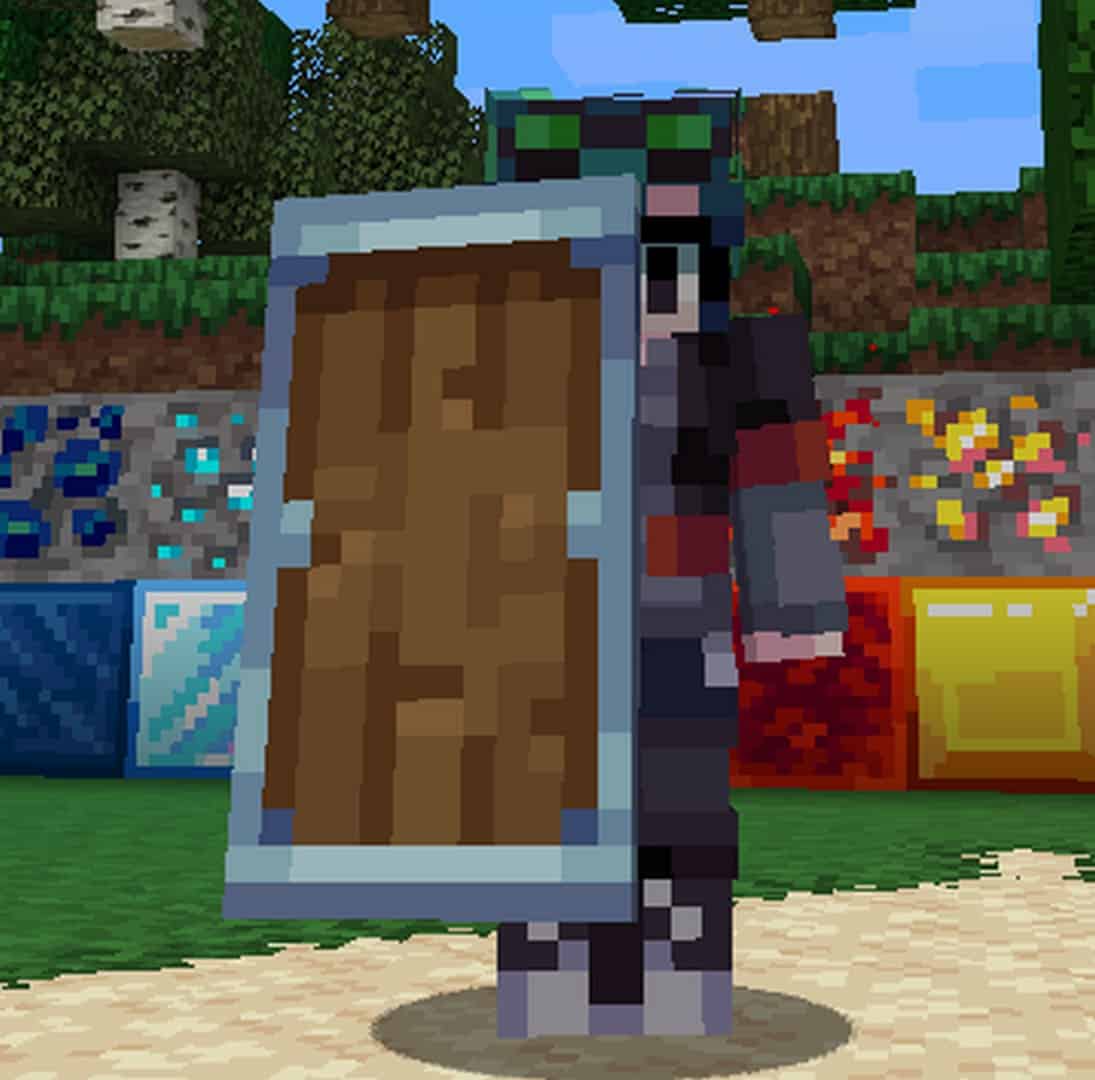
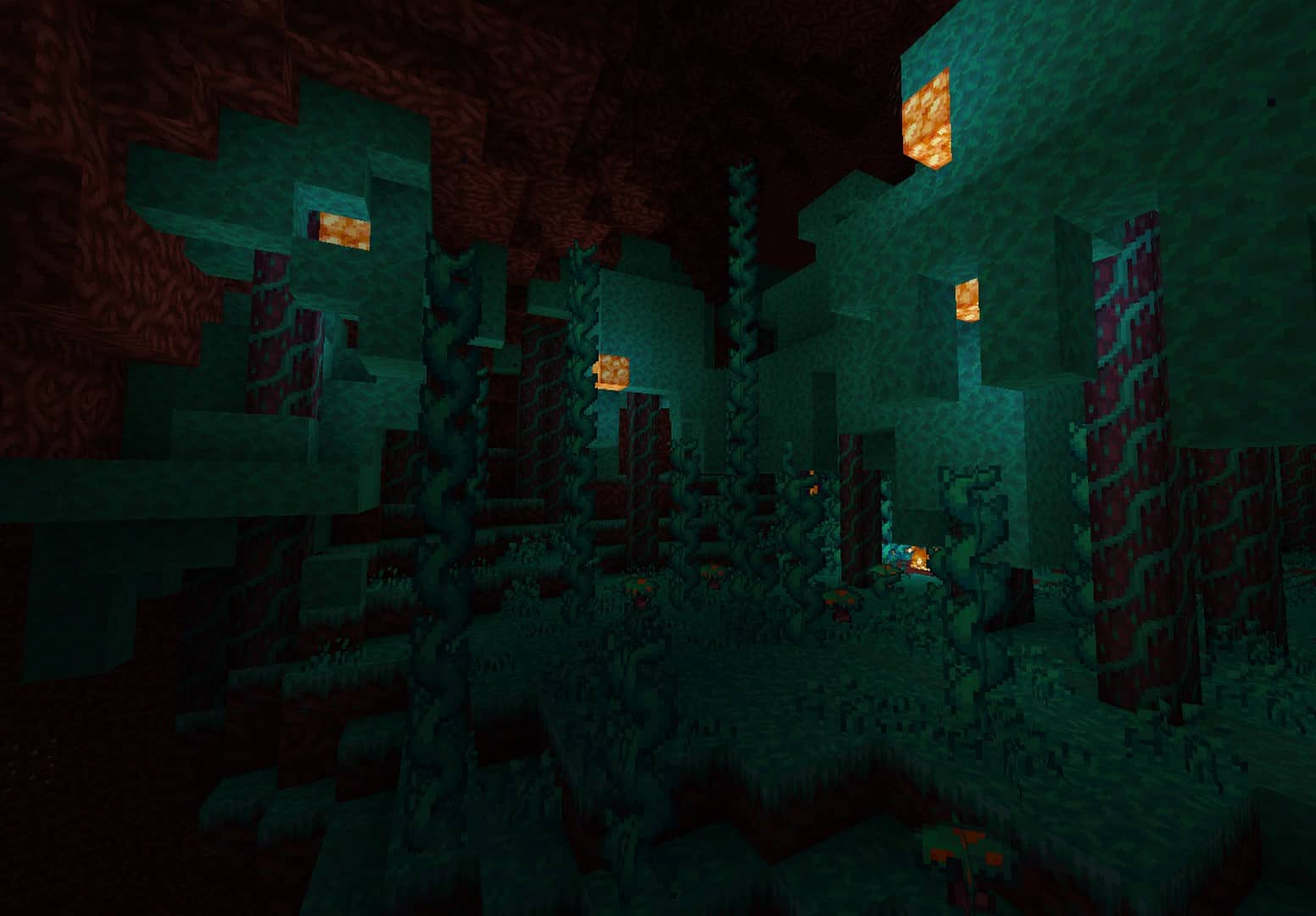
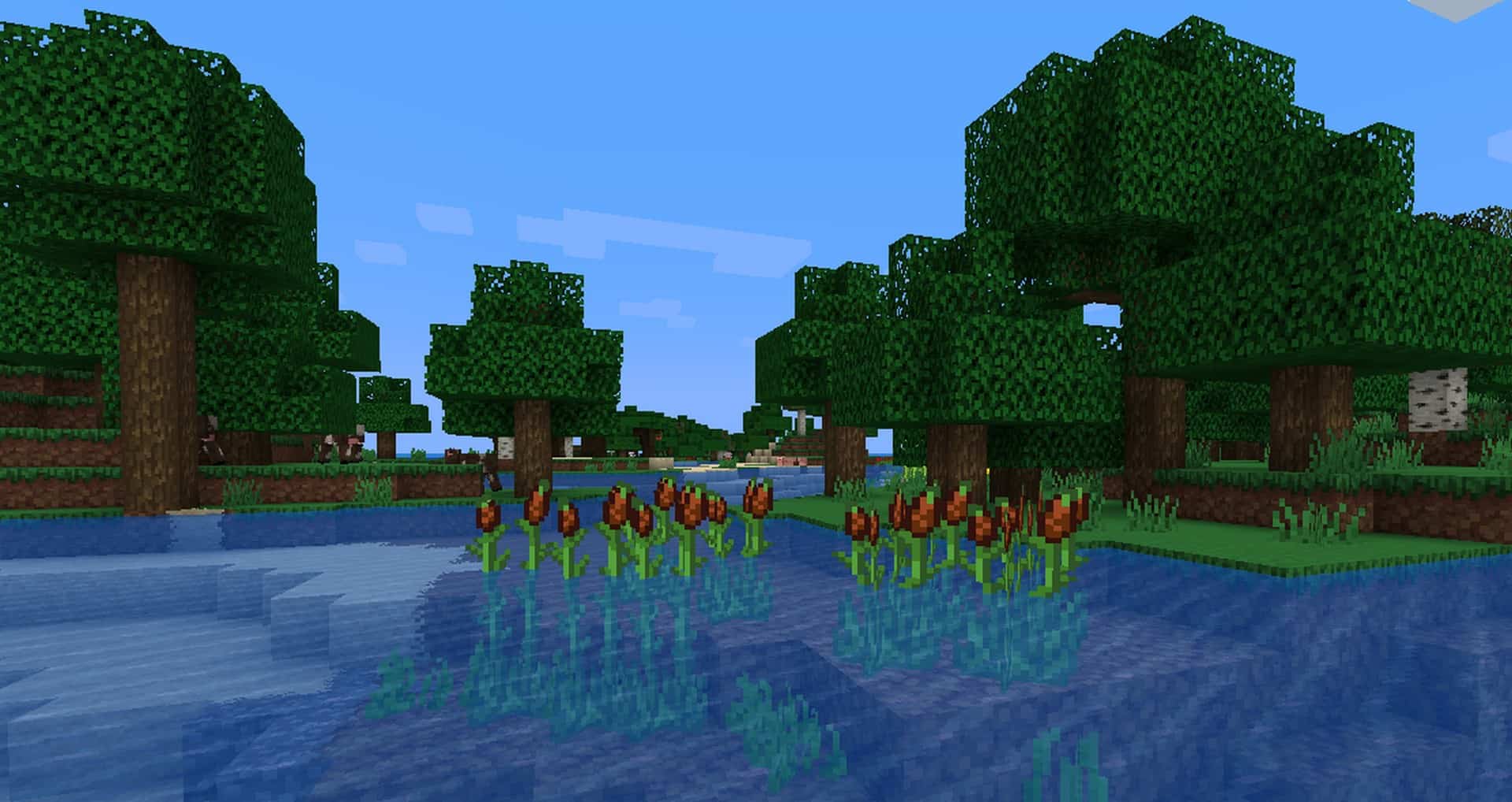
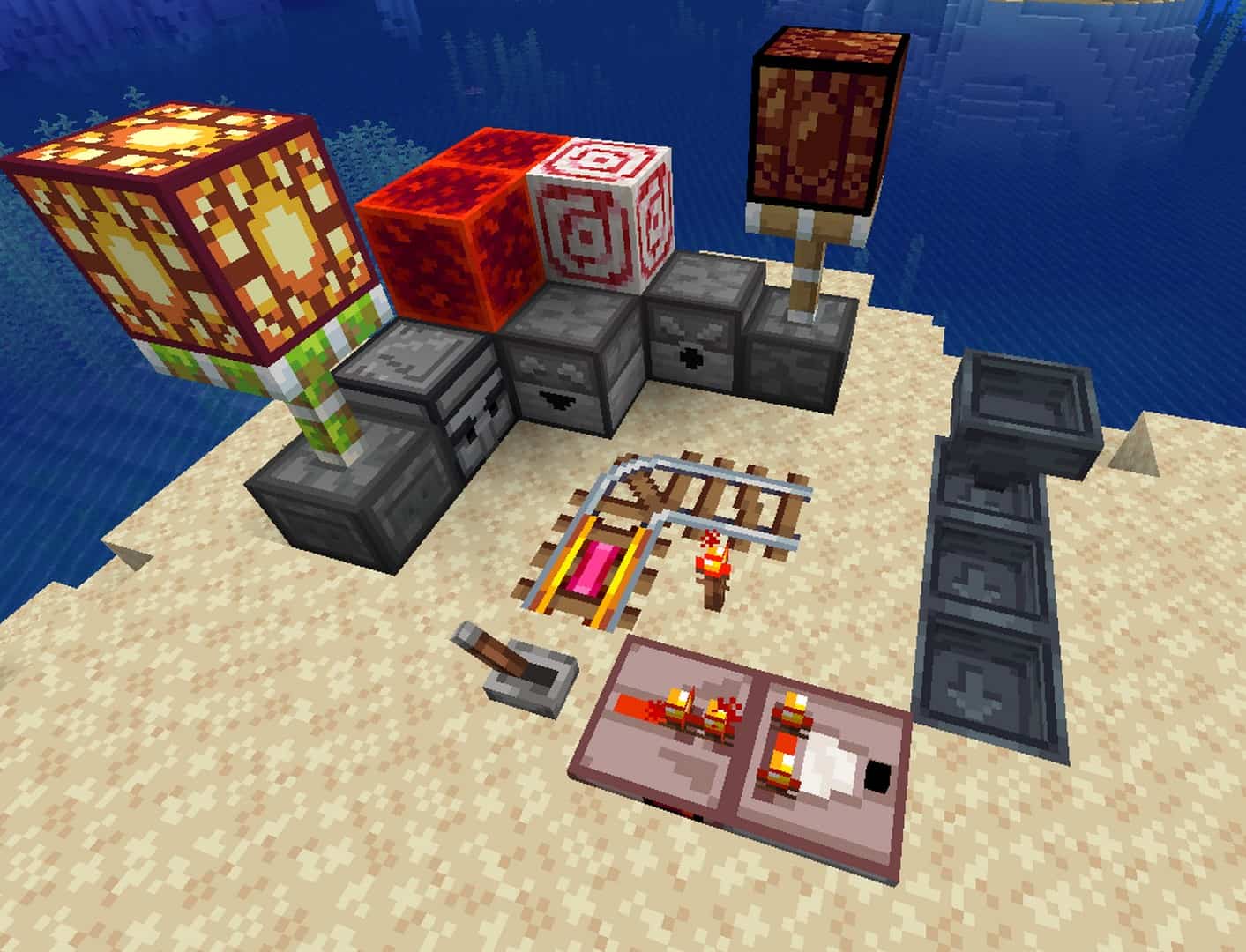
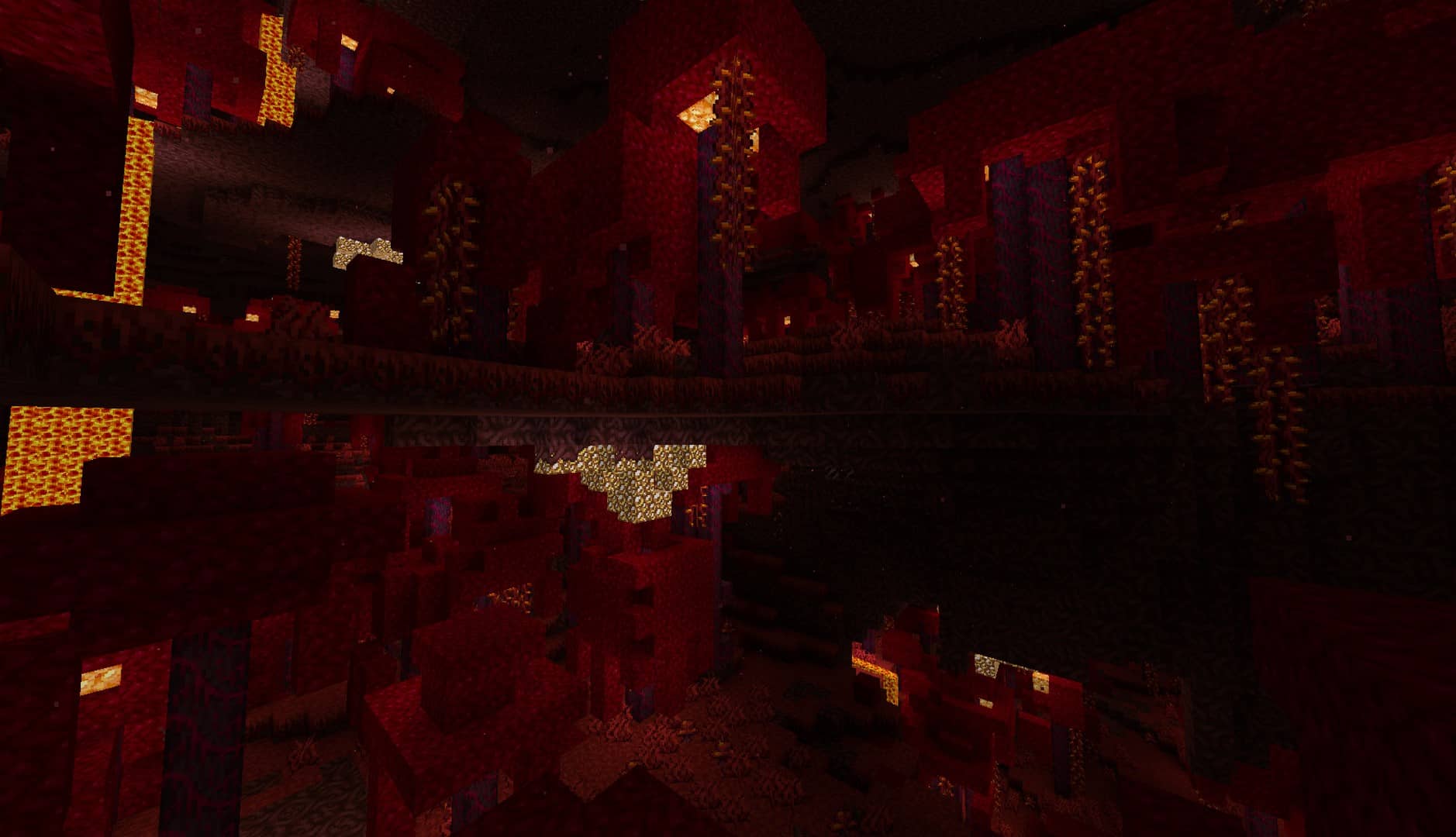
Faithless — Screenshots
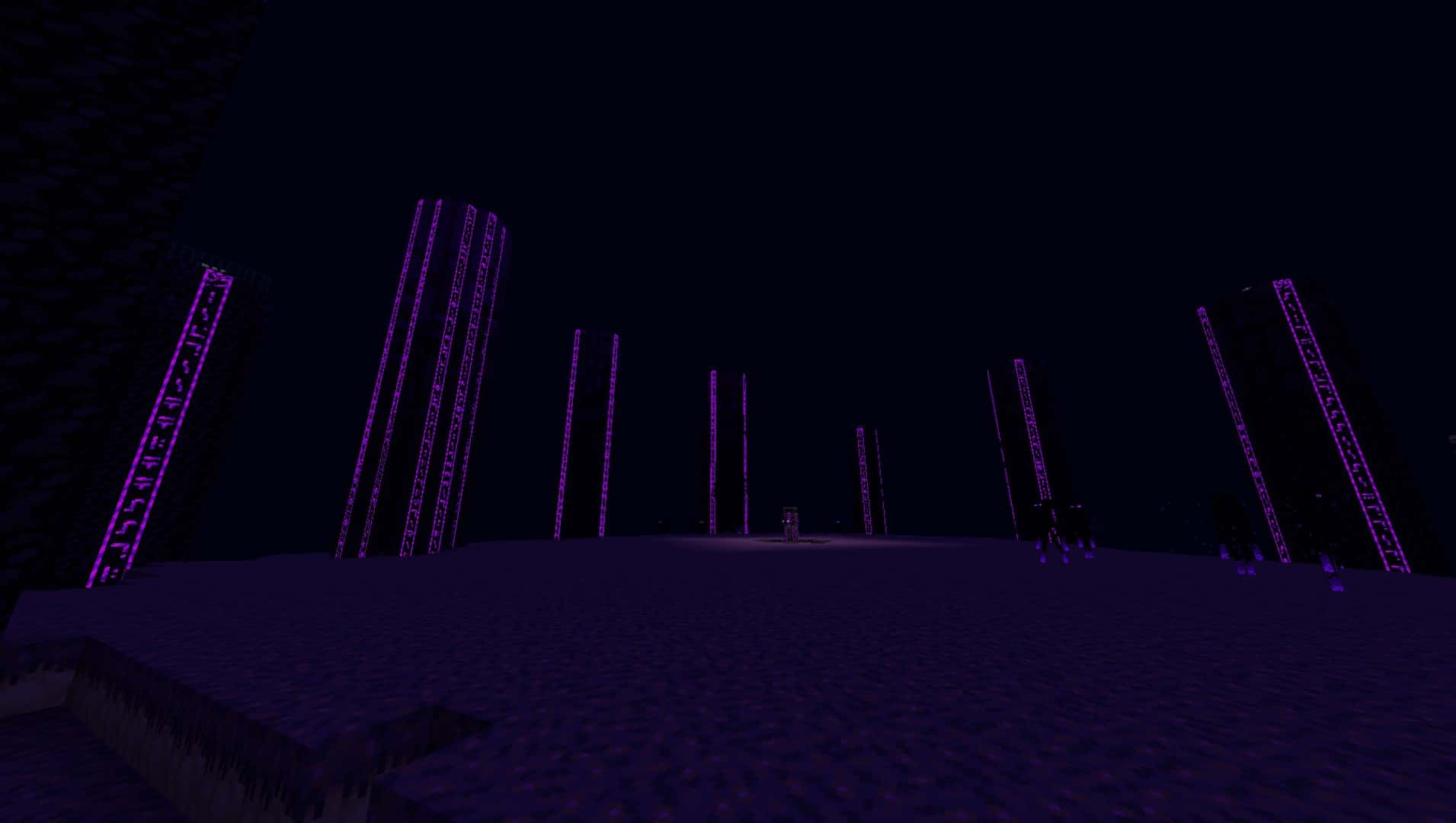
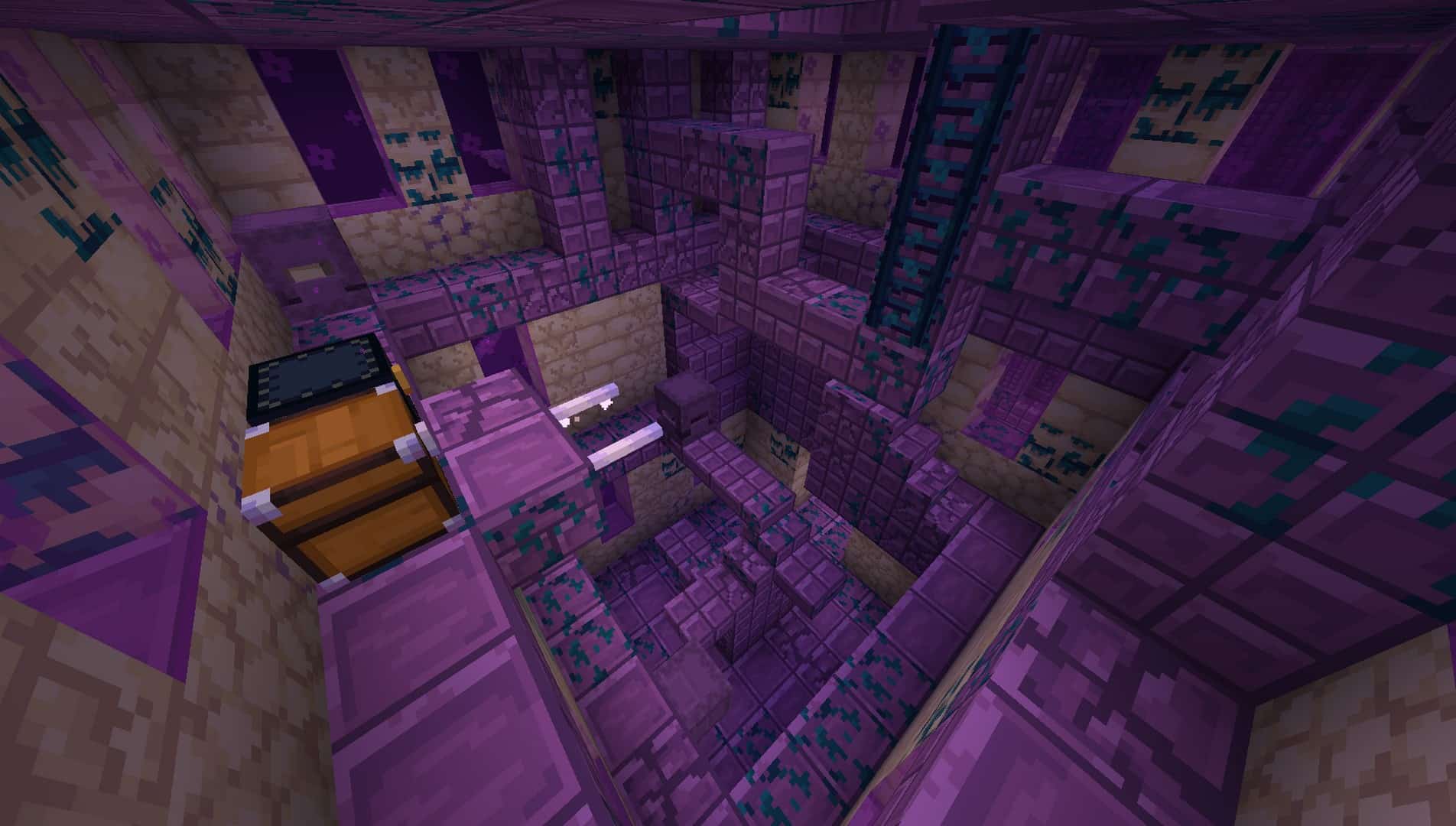
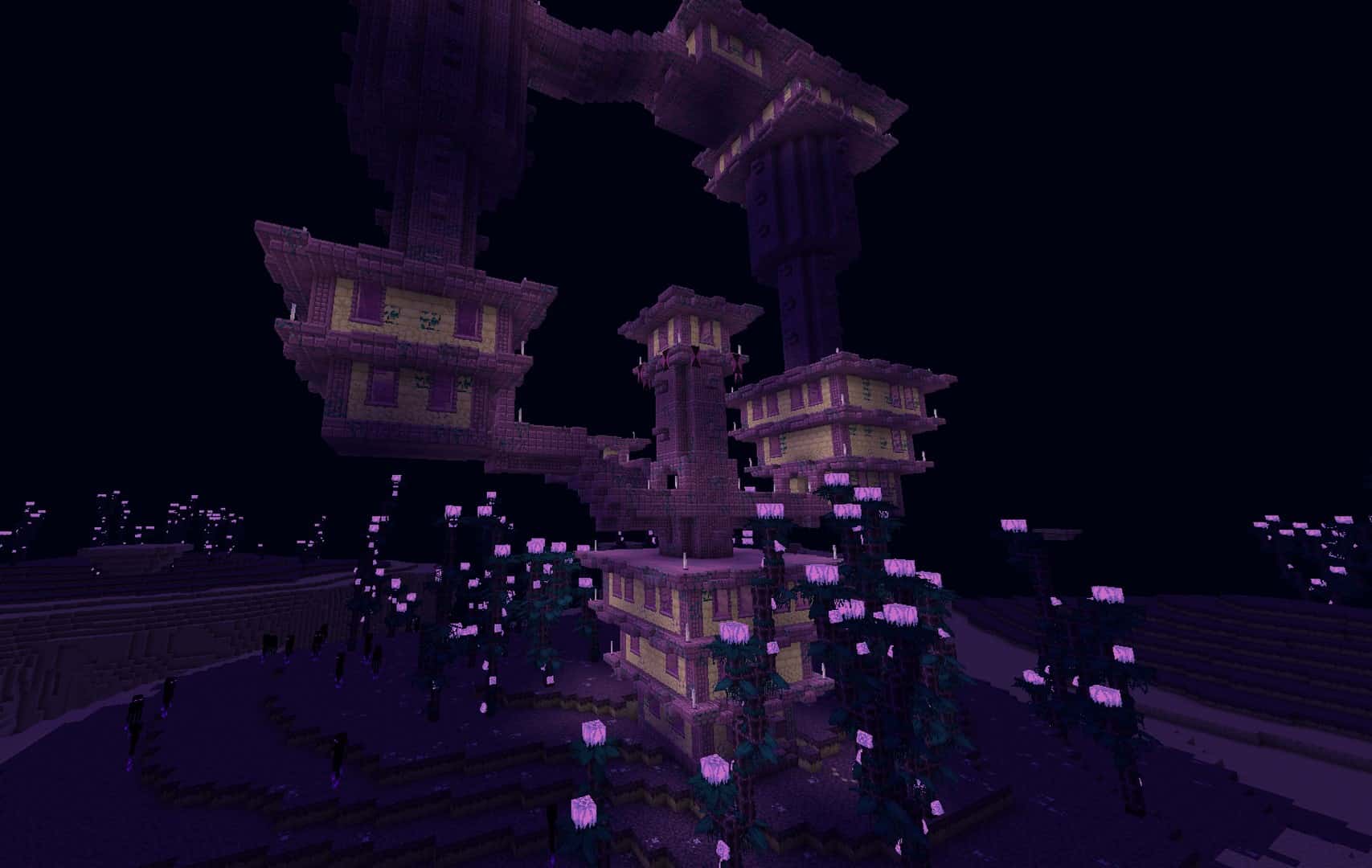
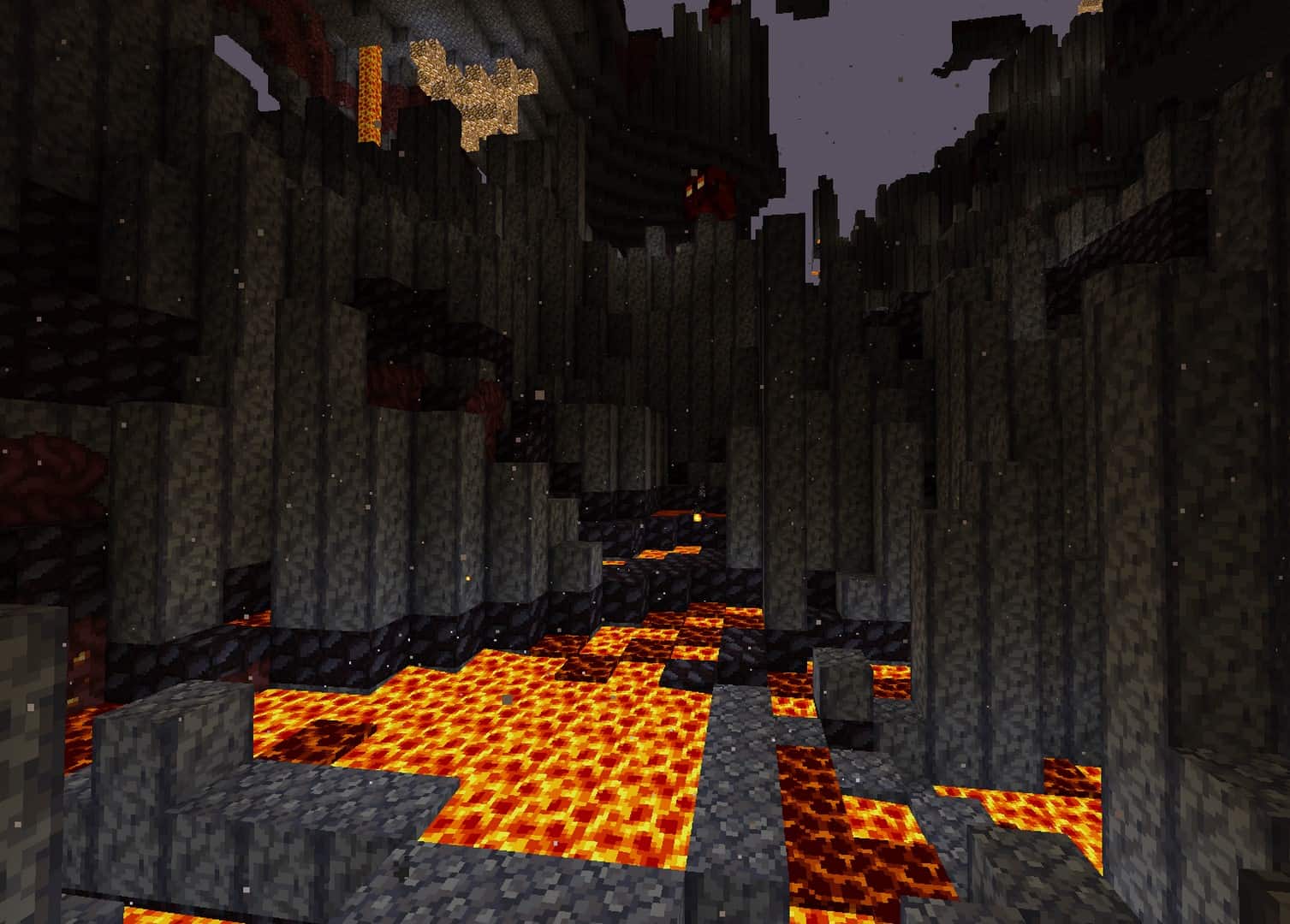
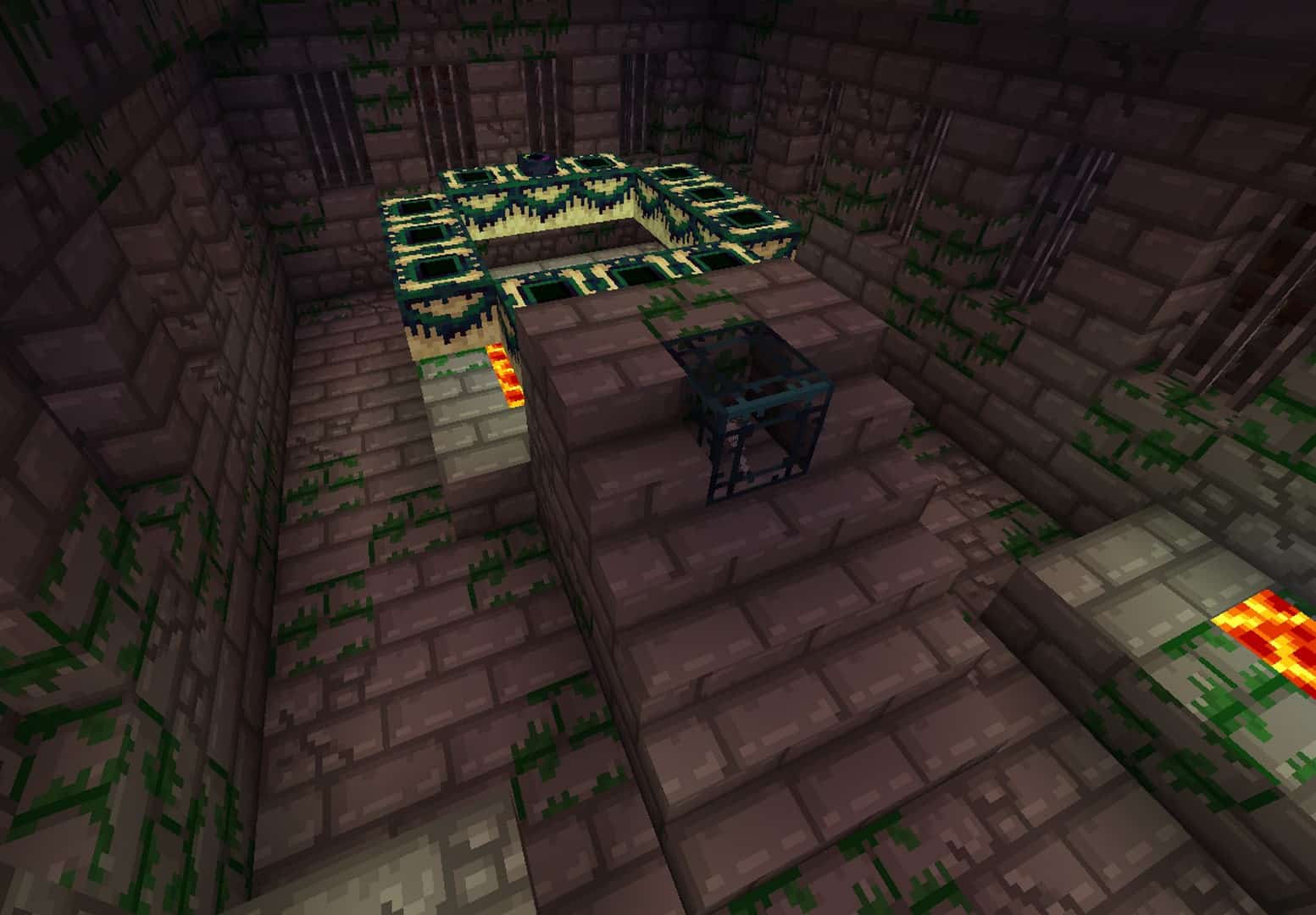
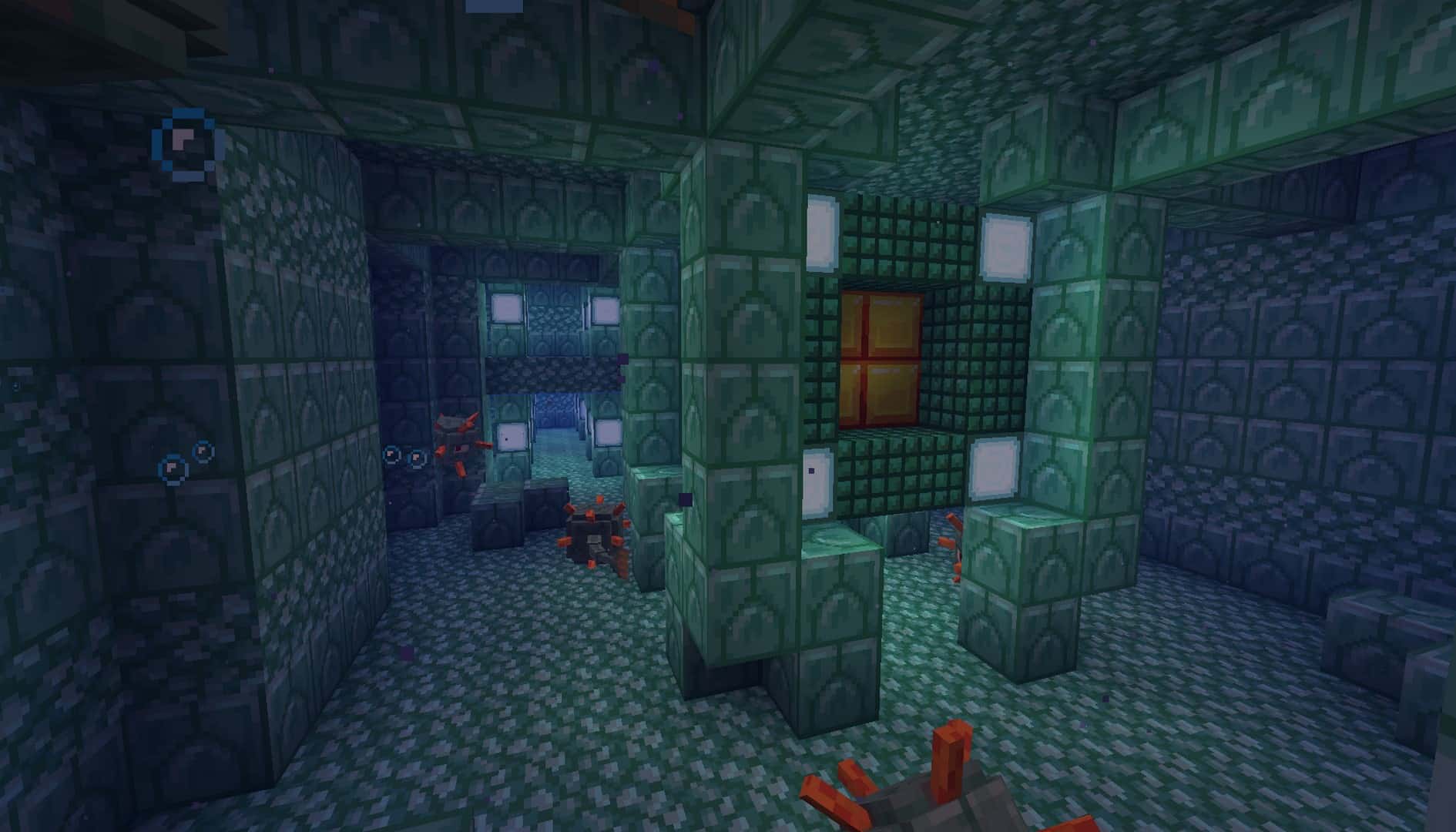
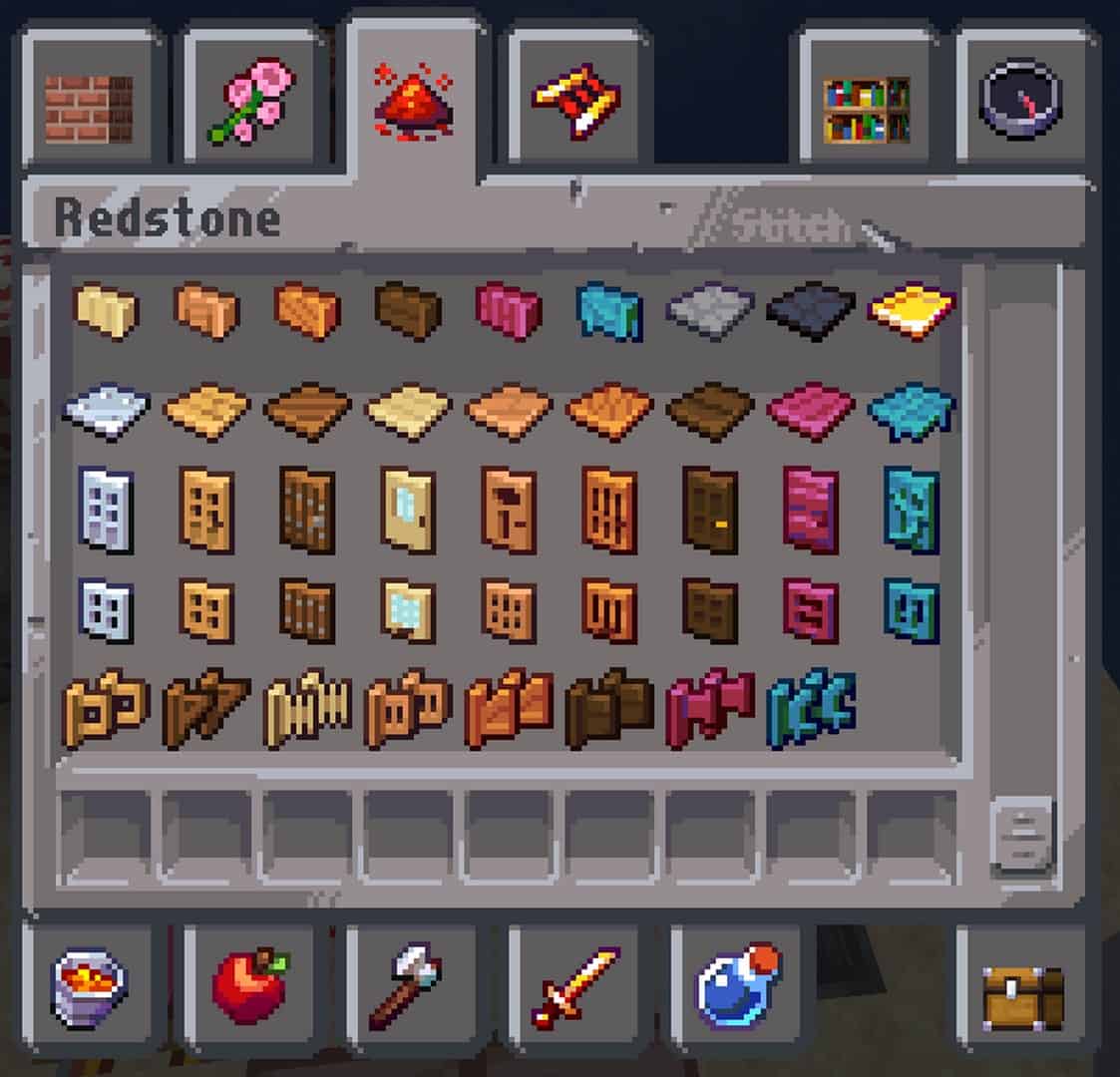
How to install Faithless Resource Pack:
- Most resource packs require Optifine, so be sure to download and install it. – general recommended step for all packs, Optifine is also needed for most shaders
- Download the Faithless texture pack for Minecraft from the download section below. – if there are many different versions, just choose the one you like, is compatible with your version/edition of Minecraft, the one you think your computer can handle in terms of performance.
- Launch the game client through the Minecraft launcher.
- On the main menu, click "Options".
- On the options menu, click "Resource Packs...".
- Click on "Open Resource Pack Folder". – folder titled "resourcepacks" will pop up
- Move the .zip file you downloaded in the first step to the newly opened "resourcepacks" folder.
- Click "Done".
- Click on "Resource Packs..." again.
- Your pack should have appeared in the left window, just hover over it and click on the arrow pointing to the right.
QUICK TIP: Sometimes, when activating a pack, the game may say that the pack is made for a newer or older version of Minecraft. This is just a warning, it does not affect your gameplay in anyway, and you can still activate and enjoy the pack by simply clicking the "Yes" button when prompted.
- Click "Done" again.
- The pack has now been successfully loaded and ready to be used in your world!
Faithless - Comparison Slider #1 Without shaders
Comparison slider #1 for those who want to compare vanilla Minecraft without any texture packs installed (on the left) with Minecraft using this particular texture pack (on the right).
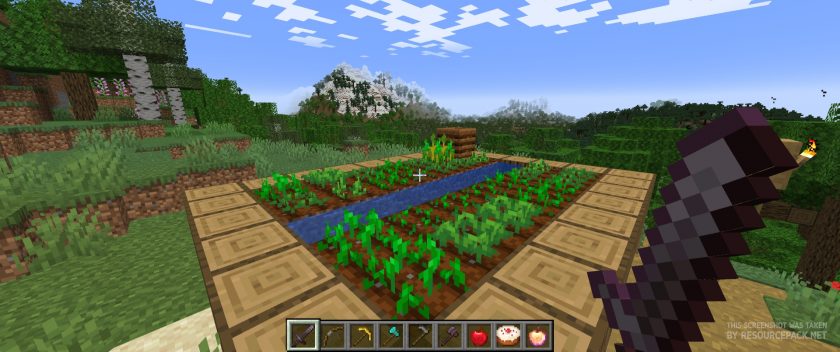 Vanilla
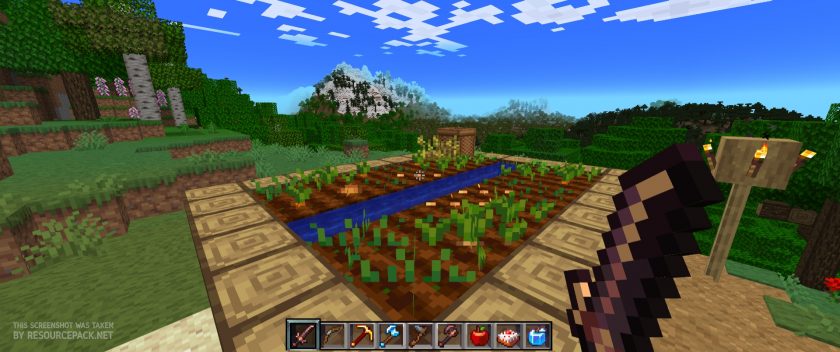 Faithless
Faithless - Comparison Slider #2 with BSL Shader
Comparison slider #2 for those who want to compare vanilla Minecraft without any texture packs installed (on the left) with Minecraft using this particular texture pack (on the right).
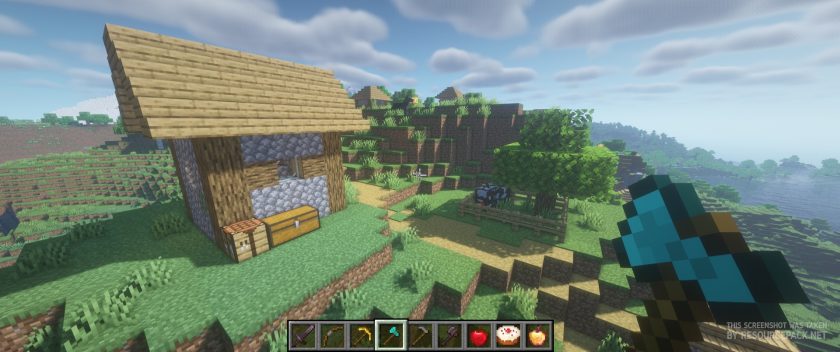 Vanilla (BSL Shaders)
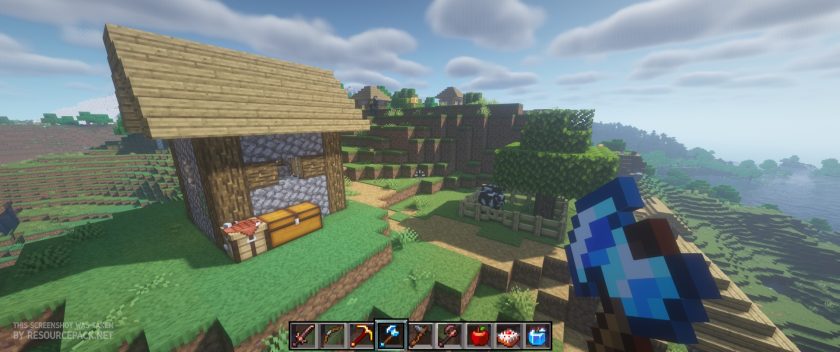 Faithless (BSL Shaders)
Faithless Texture Pack Download
- We do not modify or edit any resource packs. All resource packs, shaders and tools found on this website are linked directly to official sources rather than hosted on our own servers. We provide only the official download links from the original creators to ensure that your files are safe and secure.
- These official links are updated manually and may occasionally stop working when a new version is released. We work hard to keep everything current so that you have a smooth experience. Please let us know in the comments if you find a link that no longer works.
- Minecraft is a trademark of Mojang Studios and has no official connection to this website. Our goal is simply to share the best creations from the community with other players.
- Please consider leaving a comment or voting for your favorite packs. This feedback helps authors improve their projects over time. You can also support the creators directly by visiting the official links located below the download section.
Bedrock Edition:
Get Faithless for Bedrock Edition here – Faithless is available on the Marketplace for 990 Minecoins.
Java Edition:
[16x] [1.21.x] Download Faithless Resource Pack
[16x] [1.20.x] Download Faithless Resource Pack
[16x] [1.19.x] Download Faithless Resource Pack
[16x] [1.18.x] Download Faithless Resource Pack
[16x] [1.17.x] Download Faithless Resource Pack
[16x] [1.16.x] Download Faithless Resource Pack
[16x] [1.15.x] Download Faithless Resource Pack
[16x] [1.14.x] Download Faithless Resource Pack
[16x] [1.13.x] Download Faithless Resource Pack
[16x] [1.12.x] Download Faithless Resource Pack
[16x] [1.11.x] Download Faithless Resource Pack
[16x] [1.10.x] Download Faithless Resource Pack
[16x] [1.9.x] Download Faithless Resource Pack
[16x] [1.8.x] Download Faithless Resource Pack
[16x] [1.7.x] Download Faithless Resource Pack
[16x] [1.6.x] Download Faithless Resource Pack
[16x] [1.5.x] Download Faithless Resource Pack
[16x] [1.4.x] Download Faithless Resource Pack
Curseforge: download starts automatically after a few seconds;
Mediafire: click the big blue button with the text "DOWNLOAD";
Google Drive: in the top right corner you will see a small download icon (down arrow), click it and the download should start;

1,419 votes
Look.. 1419 users have already liked this pack. Give a diamond if you like it too!


george
Hi, I was wondering why in the 1.19 version of the texture pack you don’t see critical hits, is it an error? or is it an artistic decision? And if so, how could I configure it to see critical hits? By the way, excellent texture pack. I love the interfaces of the tables and the artistic style, greetings.
Kranz
Really great pack, but am having an issue where, without Optifine all textures look great, but with Optifine some become the missing object blocks. I’m not sure if its a specific setting or not.
The bottle o’ enchanting, normal, splash, and lingering versions of water, thick, mundane, and awkward potions still works fine with Optifine on, every other potion does not.
All 3 fireworks in the creative menu are also missing objects
When I first start up the game enchanted books and all glass pane item textures are missing, if I change mipmap settings it reloads the game and they’re fixed no matter what level mipmap is on, turning the entire pack off and on again restarts the issue.
Most block placing sounds are excluded from subtitles but placing and breaking certain blocks make the subtitle box appear with nothing written in it (minecart rails, pointed dripstone, and glass panes were the ones I noticed)
Hope this helps.
owo
This is a great resource pack! However, there is an error in the Inventory tab where the icons and tab borders do not match. I’m not good at English, so I don’t know if the explanation was right.
Tak
Firework textures don’t work properly
Howie
when i was downloading the 1.19 version of the reasource pack, the file said 1.20, and, when i attempted to play 1.19, it said it was made for a newer version when the newest version is 1.19.3
Admin
Just ignore the message and play, what’s the problem? It should work fine on any version of Minecraft.
mango
when i do that it says that the pack failed
LEWIS
I have the problem in the nether portal frame. Nether portal Frame become invisible in some angles
Shhhhhhh
When playing I have optifine but when having optifine some of the items don’t show up as its just black and purple its mostly potions, enchanted Book, and Stained Glass pane is there a way to fix this?
ItsHyparNova
same
aineop
chainmail armor doesnt have a texture when dropped/in hand
DD
Hey, apparently the stone spikes are glitching and they are not transparent, so you can see all the 16×16 file being rendered with a black background, any way to fix this?
sh
nice recource pack
Joaquín
Hi! Is there any way I can change the sound of the texture pack? I like the default sounds and the crunching footsteps on grass is really annoying.
aaaaaaaaaaaaaaa69
If you want to remove the sounds. go to the resource packs in settings, click “open packs folder”, go to the faithless folder,
go to assets folder, remove the “Sounds” folder and “sounds.json”, reload minecraft and it will automatically change to default sounds
SageHermit
I have a few issues, first off, the pigs for some reason, when I activate the texture pack, when they go up or down a block, they roll uncontrollably fast. Funny but I’m not sure what is the problem. Second, the creative menu tabs aren’t aligned with the bookmarks making for some weird overlapping. Thirdly, some missing textures. I haven’t been messing around a lot yet but at least the dropped seeds and wheat textures aren’t displaying and maybe a texture misalignment with the netherite sword? I can see through a small gap.
I don’t know how much of this is my fault but this is what I noticed so far.
SageHermit
Oh and I forgot to mention. In the statistics menu, under mobs, the enderdragon part is glitched due to the boss bar being in the way. It’s such an amazing pack though, thanks :)
Chronus
Does anyone else have a problem with stacked up fences not working properly? Is it because I am not using Optifine? I am on minecraft java 1.19.3
Dragon
is this texture pack compatible with badlion and if not how i could make it compatible?
Rex
does anyone know of a way to brighten the torches, they seem so dim. Am I missing something??
TyroonGerald
Thats an OptiFine issue.
Tom_Trika
The texture pack is great but in my opinion it would be awesome if you removed some of the 3D textures and made redstone for example more vanilla.
Ron R
The link for 1.19 is downloading 1.20. I had to go to the CurseForge site
Admin
The link to 1.19 is correct, 1.20 is not a minecraft version, it is a pack’s custom update number.
Fishtitty
It does not work. I try to load the pack and it fails to load.
TyroonGerald
If you use things such as Badlion, Lunar or other java compatible clients most of the time it doesn’t let you because it thinks it’ll ruin your game. Its best if you just use the pack in regular minecraft launcher or just living with it. Theres a way to turn it off but I am not a moderator for any of the clients.
Rando
Amazing texture pack, great work I love it thx.
Eeryyy
Thanks!
FancyPotatOS
This looks incredible! A quick question, the ‘rotated’ block item look, that is only available in the creative inventory pictures, are not rendering in my pack. Was it excluded for a particular reason? Or is it one of my settings that is messed up?
peep4r
Why is there boxes next to some of the textures
Xennzai
Fancy Texture Pack! For some reason there’s a null block on top of the bushes… Is there anyway to fix it?
leberkaiiz
hello is there just 16x avaible? id like to play with 8x
Pablo2000
Hey, will you fix clock please?
Awsome texture pack
JusVibin
I must say this is one of my favorite packs in a LONG time. Some missing textures that need attention.
Some I found using the most recent download as of 28Aug2022 are:
The mooshrooms are glitching HELLA. Kinda funny lmao.
Any sort of “Wall” item is missing texture.
Nether portal texture seems to go invisible at certain angles.
“Powered” Lightning Rod is just pure white.
Noteblocks and the top texture of the blocks turn invisible when placed on the following blocks:
Bone Block
Clay
Gold Block
Iron Block
Soul Sand
Pumpkin
Packed Ice
Emerald Block
Hay Block
Glowstone
Wool
These are all of the issues with this pack that I could find after thorough testing.
If you would like to contact me for any reason, my discord is JusVibin#6969.
This pack is amazing, just would love to see it perfected. :)