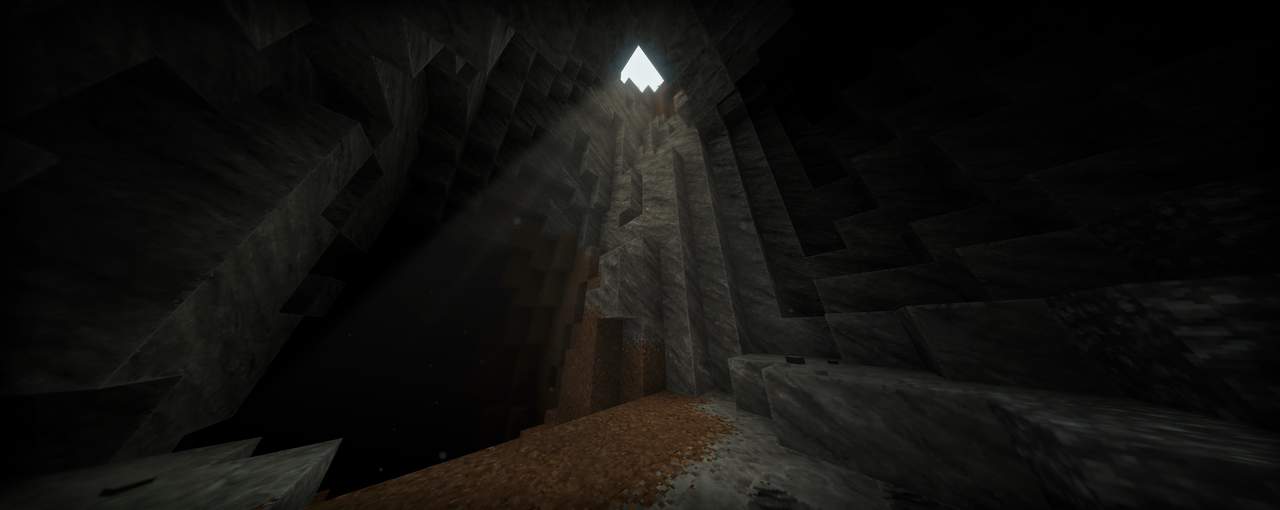
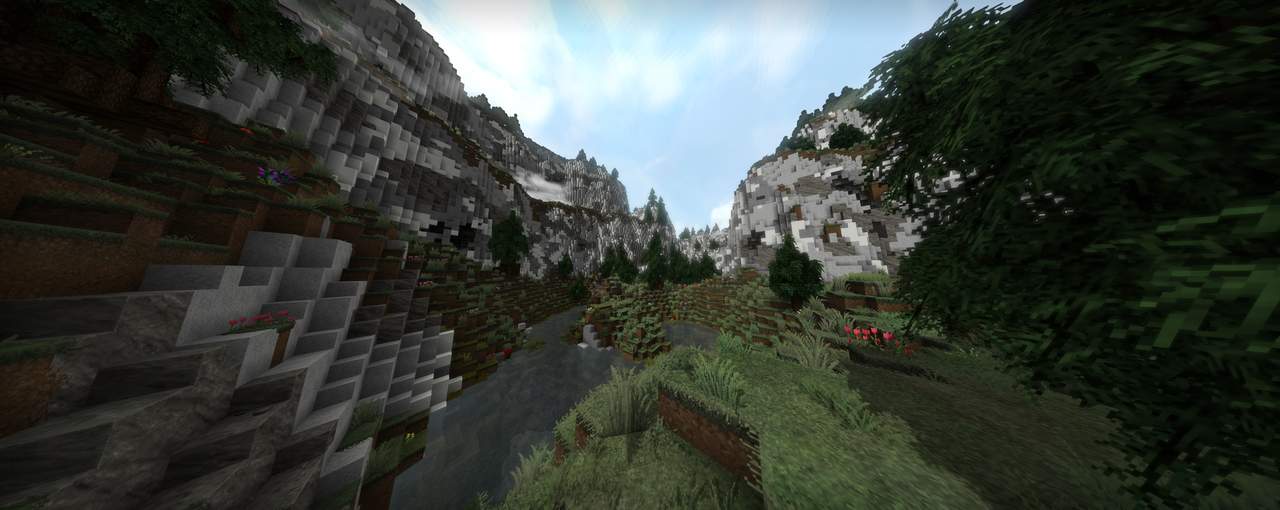
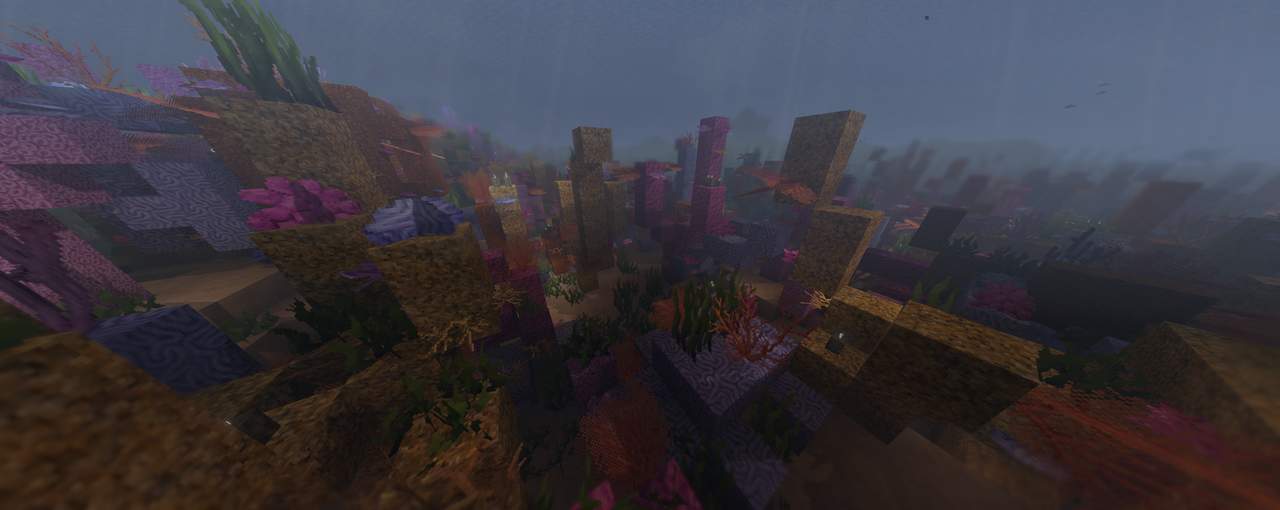
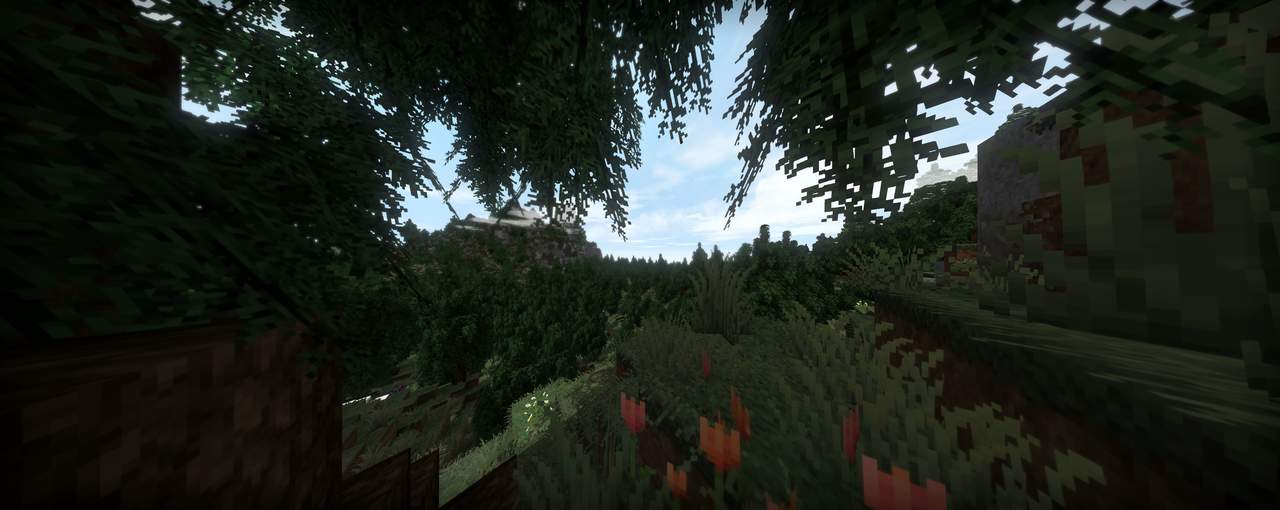
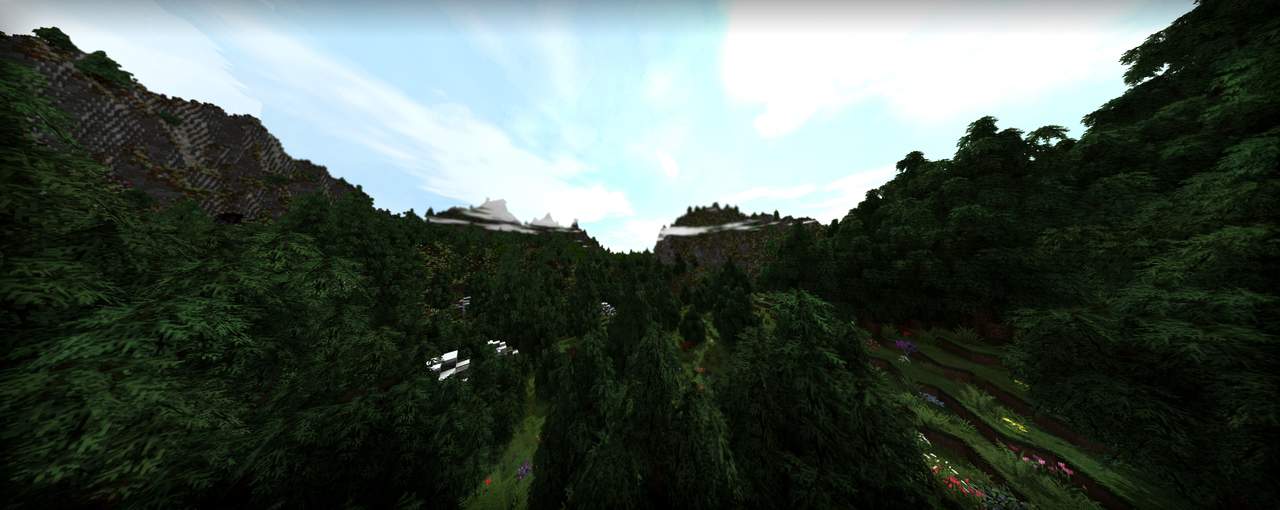
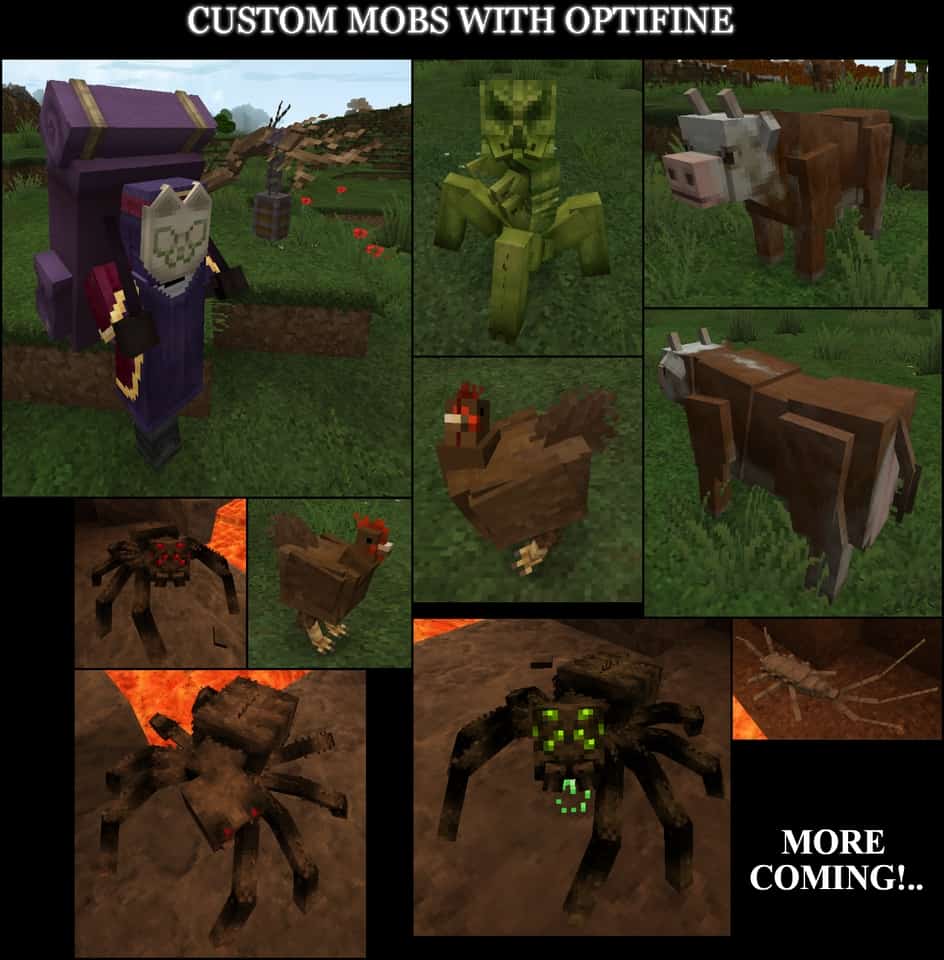
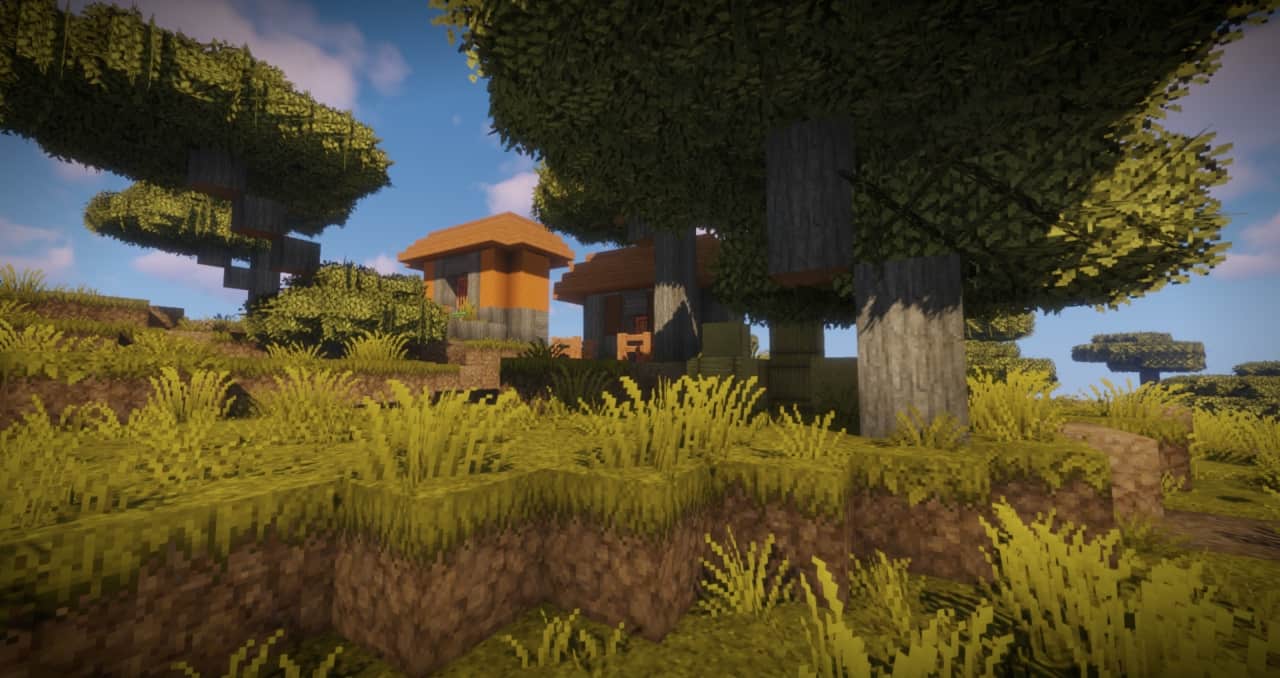
As the sun rises over the Minecraft horizon, you see Minecraft in an entirely new light. That’s because with the Epic Adventures resource pack, everything has double the detail. While the default Minecraft resource pack is 16×16 pixels, the Epic Adventures resource pack gives double the detail in beautiful 32×32 pixels. Take your Minecraft adventures to horizons you never thought possible with this exciting new addition to the game we all know and love. This detailed pack doesn’t take away anything that players love about vanilla Minecraft, it only adds to the already limitless game. See your Minecraft worlds in an entirely new way with double the detail while not sacrificing any of the frame-rate. A cow is still a cow, a pig is still a pig and a creeper is still a creeper but you’ll be seeing them in an amazingly new way.
Featured video:
The typical bright color palette of vanilla Minecraft has been toned down for a more realistic looking world. Players that have used the Epic Adventures texture pack have found they love the realistic look even more than the vanilla Minecraft look they saw before. Everything is still the same, the game should run just as fast as default. This resource pack is full to the brim with some few overhauls but a major amount of minor tweaks and fixes to the game. The Epic Adventures resource pack will have you looking at your Minecraft worlds differently than you ever have before and it will fill you with hope and imagination. Once you’ve installed the resource pack and loaded into a new, current or your old Minecraft world, there’s only going to be one thing on your mind: Adventure.
Epic Adventures should be compatible with all of these Minecraft versions: 26.1 - 1.21.11 - 1.21.10 - 1.21.8 - 1.21.7 - 1.21.6 - 1.21.5 - 1.21.4 - 1.21.3 - 1.21.2 - 1.21.1 - 1.21 - 1.20.6 - 1.20.5 - 1.20.4 - 1.20.3 - 1.20.2 - 1.20.1 - 1.20 - 1.19.4 - 1.19.3 - 1.19.2 - 1.19.1 - 1.19 - 1.18.2 - 1.18.1 - 1.18 - 1.17.1 - 1.17 - 1.16.5 - 1.16.4 - 1.16.3 - 1.16.2 - 1.16.1 - 1.16 - 1.15.2 - 1.15.1 - 1.15 - 1.14.4 - 1.14.3 - 1.14.2 - 1.14 - 1.13.2 - 1.13.1 - 1.13 - 1.12.2 - 1.12 - 1.8.9 - 1.8.8 - 1.8.1 - 1.8.6 - 1.8 - Bedrock Edition - PE
Epic Adventures — Video & Screenshots
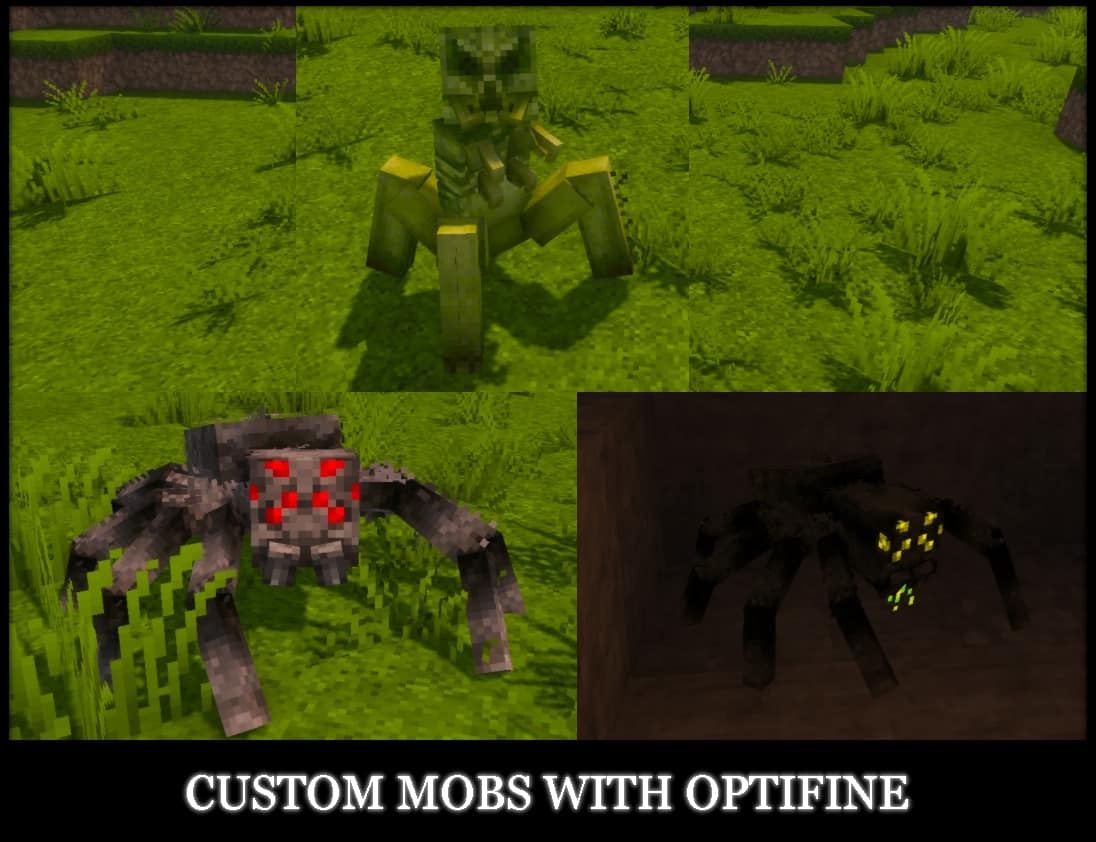
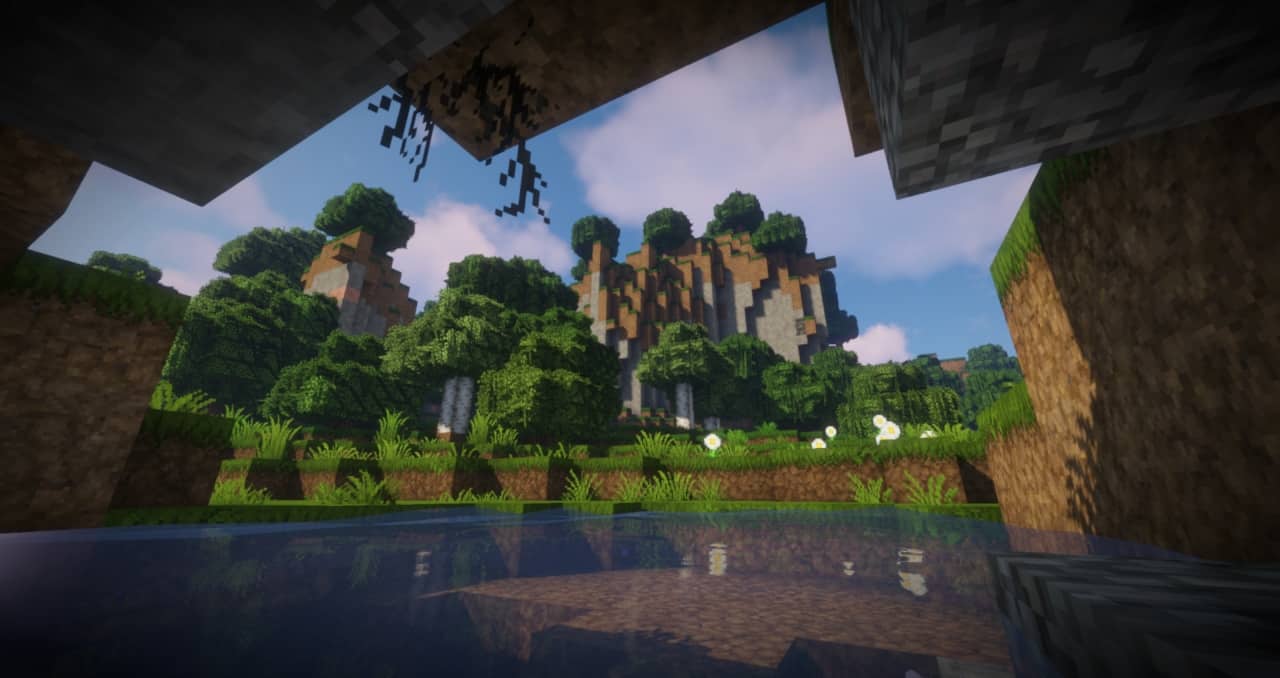
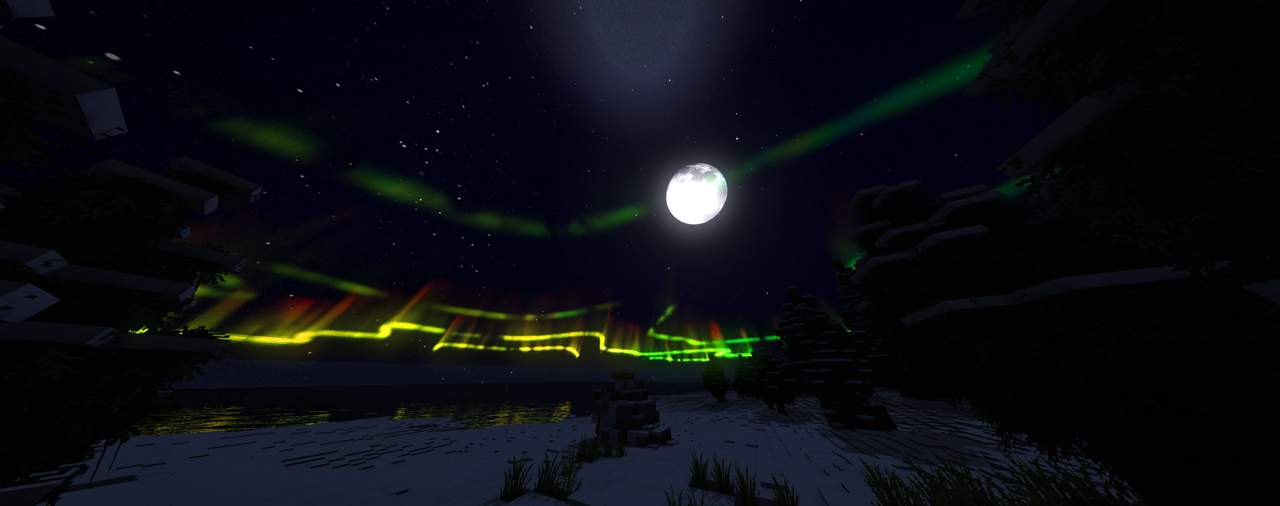
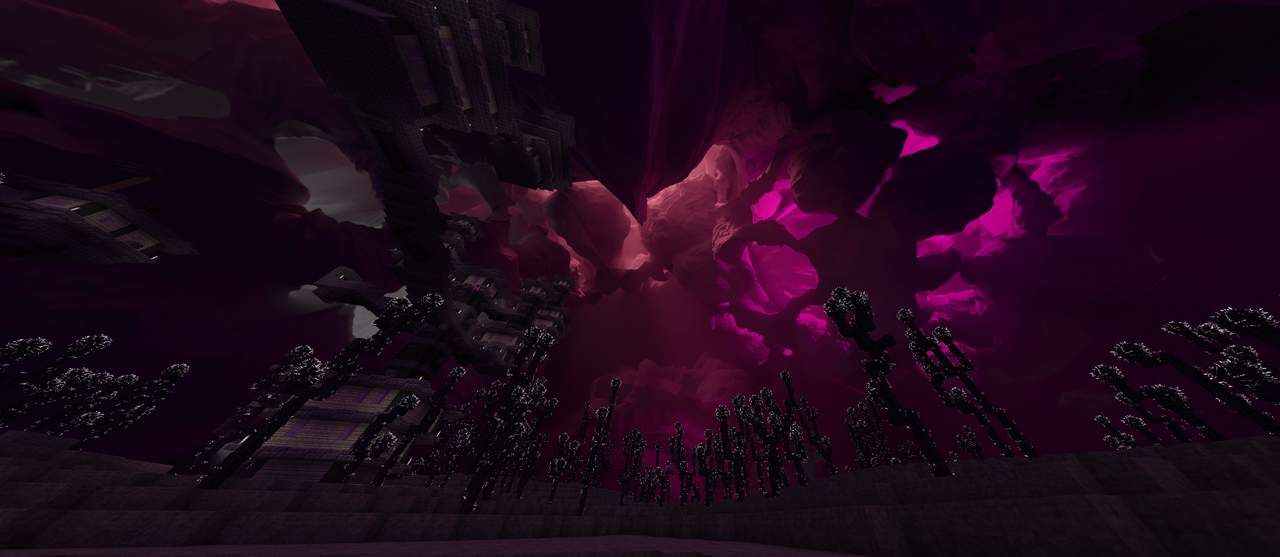
How to install Epic Adventures Resource Pack:
- Most resource packs require Optifine, so be sure to download and install it. – general recommended step for all packs, Optifine is also needed for most shaders
- Download the Epic Adventures texture pack for Minecraft from the download section below. – if there are many different versions, just choose the one you like, is compatible with your version/edition of Minecraft, the one you think your computer can handle in terms of performance.
- Launch the game client through the Minecraft launcher.
- On the main menu, click "Options".
- On the options menu, click "Resource Packs...".
- Click on "Open Resource Pack Folder". – folder titled "resourcepacks" will pop up
- Move the .zip file you downloaded in the first step to the newly opened "resourcepacks" folder.
- Click "Done".
- Click on "Resource Packs..." again.
- Your pack should have appeared in the left window, just hover over it and click on the arrow pointing to the right.
QUICK TIP: Sometimes, when activating a pack, the game may say that the pack is made for a newer or older version of Minecraft. This is just a warning, it does not affect your gameplay in anyway, and you can still activate and enjoy the pack by simply clicking the "Yes" button when prompted.
- Click "Done" again.
- The pack has now been successfully loaded and ready to be used in your world!
Epic Adventures Texture Pack Download
- We do not modify or edit any resource packs. All resource packs, shaders and tools found on this website are linked directly to official sources rather than hosted on our own servers. We provide only the official download links from the original creators to ensure that your files are safe and secure.
- These official links are updated manually and may occasionally stop working when a new version is released. We work hard to keep everything current so that you have a smooth experience. Please let us know in the comments if you find a link that no longer works.
- Minecraft is a trademark of Mojang Studios and has no official connection to this website. Our goal is simply to share the best creations from the community with other players.
- Please consider leaving a comment or voting for your favorite packs. This feedback helps authors improve their projects over time. You can also support the creators directly by visiting the official links located below the download section.
Bedrock Edition:
Get Epic Adventures for Bedrock Edition here – Epic Adventures is available on the Marketplace for 990 Minecoins.
Java Edition:
[32x] [1.21.x – 1.20.x] Download Epic Adventures Resource Pack – 26.1 compatible;
[32x] [1.19.x] Download Epic Adventures Resource Pack
[32x] [1.18.x] Download Epic Adventures Resource Pack
[32x] [1.17.x – 1.13.x] Download Epic Adventures Resource Pack
[32x] [1.12.x] Download Epic Adventures Resource Pack
[32x] [1.8.x] Download Epic Adventures Resource Pack
Curseforge: download starts automatically after a few seconds;
Mediafire: click the big blue button with the text "DOWNLOAD";
Google Drive: in the top right corner you will see a small download icon (down arrow), click it and the download should start;

2,263 votes
Look.. 2263 users have already liked this pack. Give a diamond if you like it too!


AKP
Where is the options button?
marie
how can i install it?
Admin
Read the installation guide on this page?
Me
Unable to find manifest :)
Akhwan
yo ! nice resource pack you got there, mate !
May I ask you what Shaders did you use on screenshot ?
CyborgLady
I love this pack! Thank you alot it works perfectly fine with me and is my fav so far!
Very nice work! love it so much!
Dankozy12
When i break blocks a overlay goes onto the block.
TGTack
my menu screen when I launch my Minecraft is bugged, it shows a purple and black screen kinda glitched out.
TGTack
nvm I fixed it
lukas2011lp
nice textrurepack
Bradon Pearson
The extra pixels on the leaves come out as incoherent rectangles rather than looking like leaves, is there something I can do to fix this?
Ian Wilde
I appear to be having the same issue, and I’ve tried many things that would normally work with these types of things. The creator most likely failed the cropping for the black portion, leaving these squares.
Ian Wilde
Never mind, I read a fix on another comment. Turn your graphics from “Fast” to “Fancy” in the Options – Video Settings tab. Thanks to Brad Pierce!
John
Is there a way to remove the extra pixels on the leaves I am not a fan of it that much
Guy
This is my favourite texture pack! Using Sildur’s shader and it looks fantastic!
Is it possible to adjust the background colour of the inventory screens to something lighter? Some blocks are hard to discern.
Excellent work overall on this beauty!
Meconar
A beautiful mod but there a couple of problems. Three of which being that the armor doesn’t look that good, soul soil glows to much and ores are much harder to notice.
meep
why are the leaves bugged, mine have weird coloured block over the extra bit that makes them square
Brad Pierce
If you go into your video settings in Minecraft you can change the tree settings to be “fancy” because I think you have it on “fast”. That worked for me and it should work for you :)
not happening
this pack does not look like it does in the picture
Admin
For the best visuals, you’ll also need a shader pack.
Some Guy With Resource Packs
Which shader pack do we need tho?
Admin
The screenshots were taken when the Sildur’s vibrant shaders were installed.
Some Guy With Resource Packs
Thank you veryyyyyyy much :D
MC POST
Please fix the beds
gman
IT REMINDS ME WAAAAY TO MUCH OF STAMPY ADVENTURES, my heart hurts, thank you for giving my childhood back.
I am *not* putting my name in
Man I wish the grass changed when you entered a new biome, idk why it doesnt.
juan
hey the pack is 5 out of 5 but just this smallllll smallllll smallllll detail can you guys add the hardcore hearts different from the normal mode its just a little confusing
Shann Ally
hey to the creator: the beds are glitching!
grinx_
yep, beds are definitely glitching, for me its bedrock edition, you might need to move the texture a bit as the middle of the bed is invisible
Gt13
Same issue here
void
what is the villager design though? the face is so disturbing
Josh
Looks Good! I like it! 5 stars
JackPlays
Ye
jethro s cifra
o ya its really nice but….do they have anny shaders?
Clarity
Stop using shaders to show off your texture packs, it makes it only more difficult to tell what your creation is all about. If you need someone else’s work to make yours look better, then you’re not doing it right.
jethro s cifra
why…?
60hz Physco
GET SHADDERS
Rick007110
I really want 1.8!!!
mr m
why want 1.8 you should take 1.16.3 better
SUKS
1.8.9 is BETTER PVP 1.16.3 whatever
Melissa Schmidt
How do your leaves work? With the extra foliage.
Eli
Can this work with Xbox?
pp bum hole
no it cant