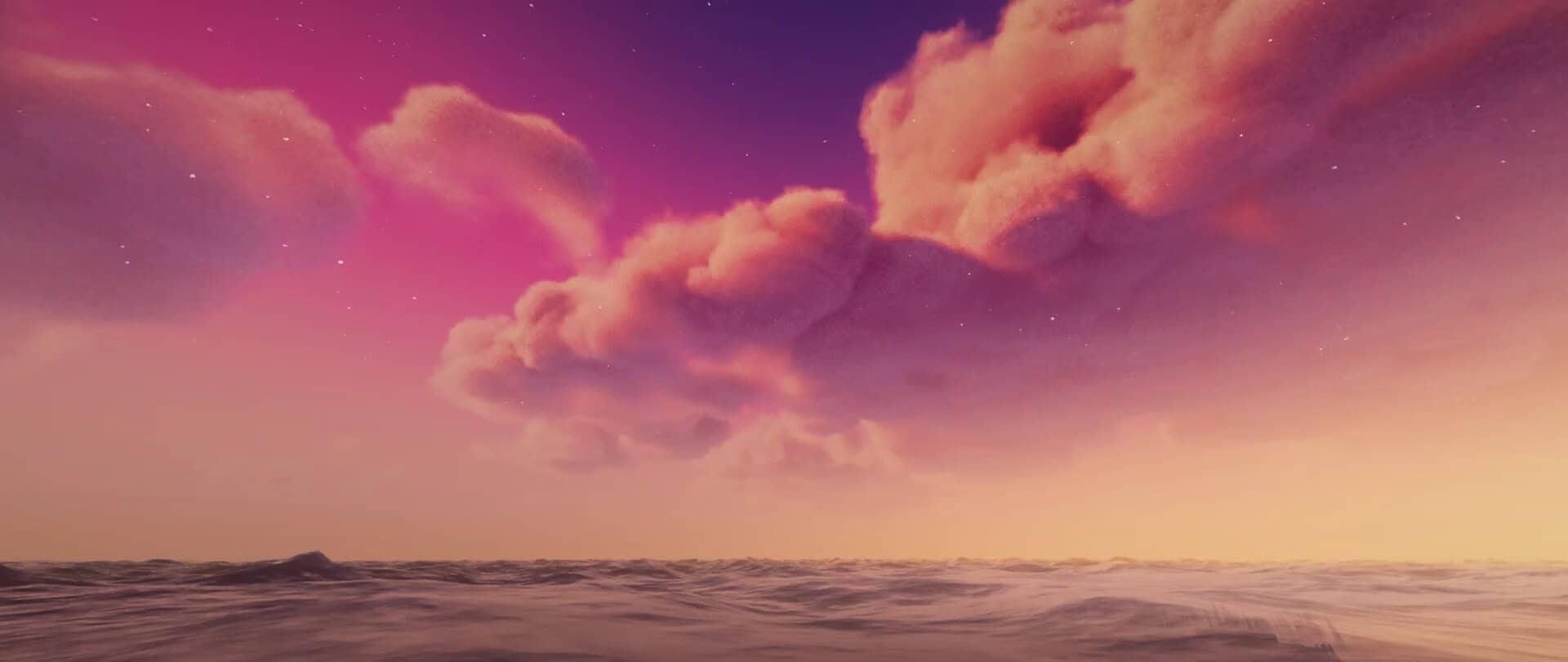
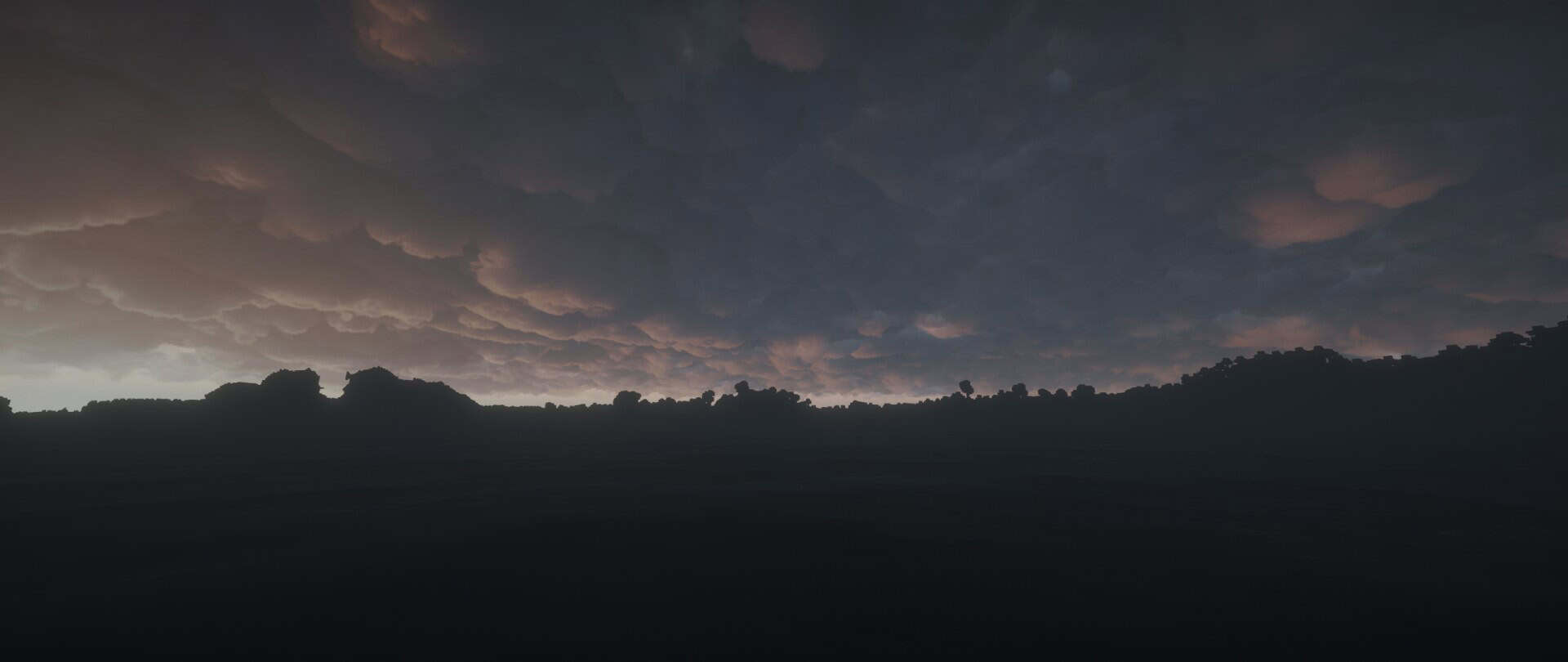
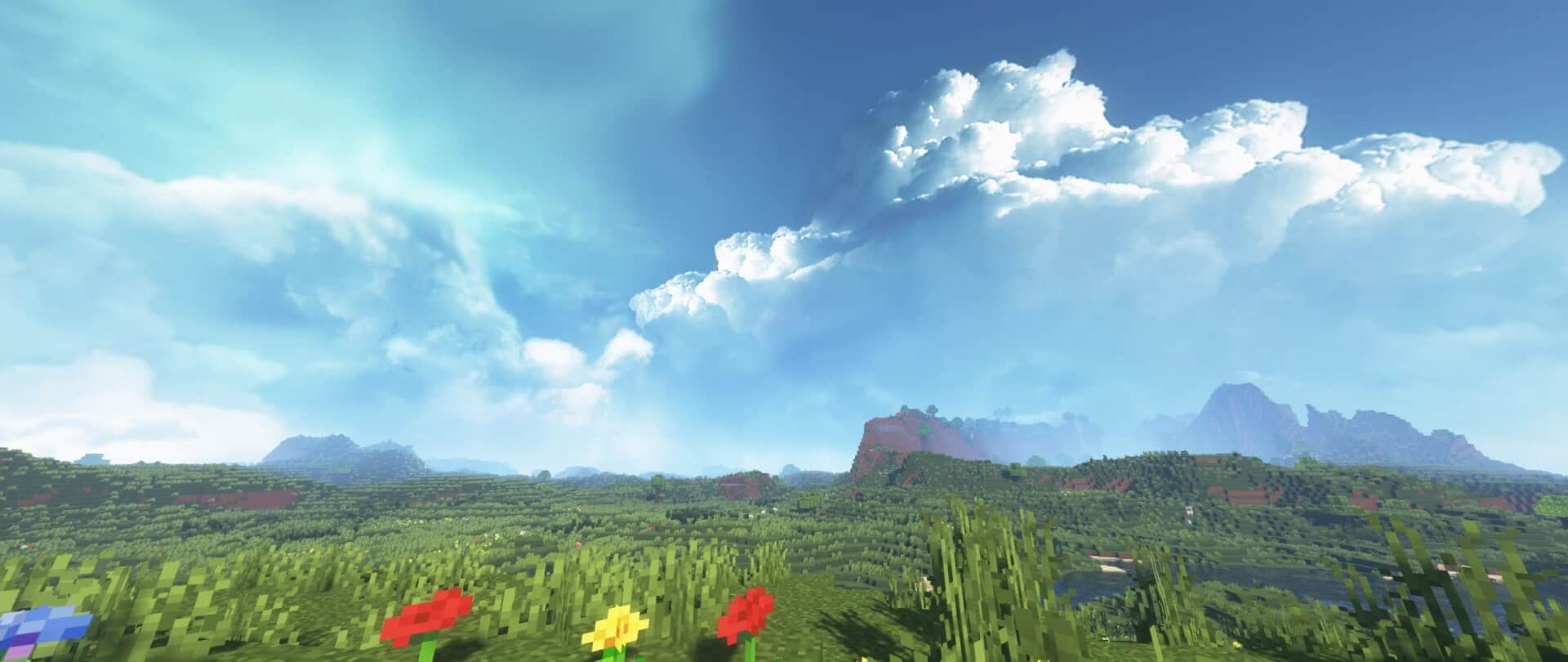
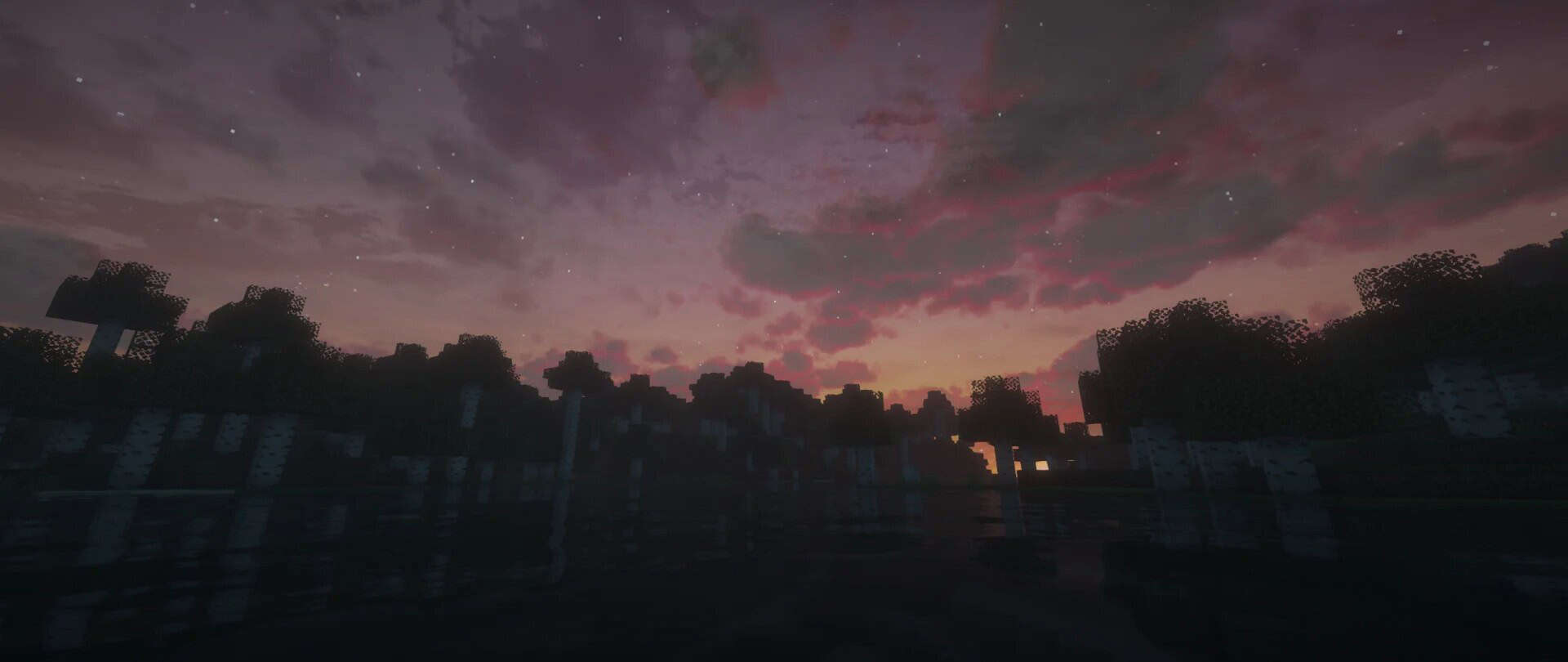
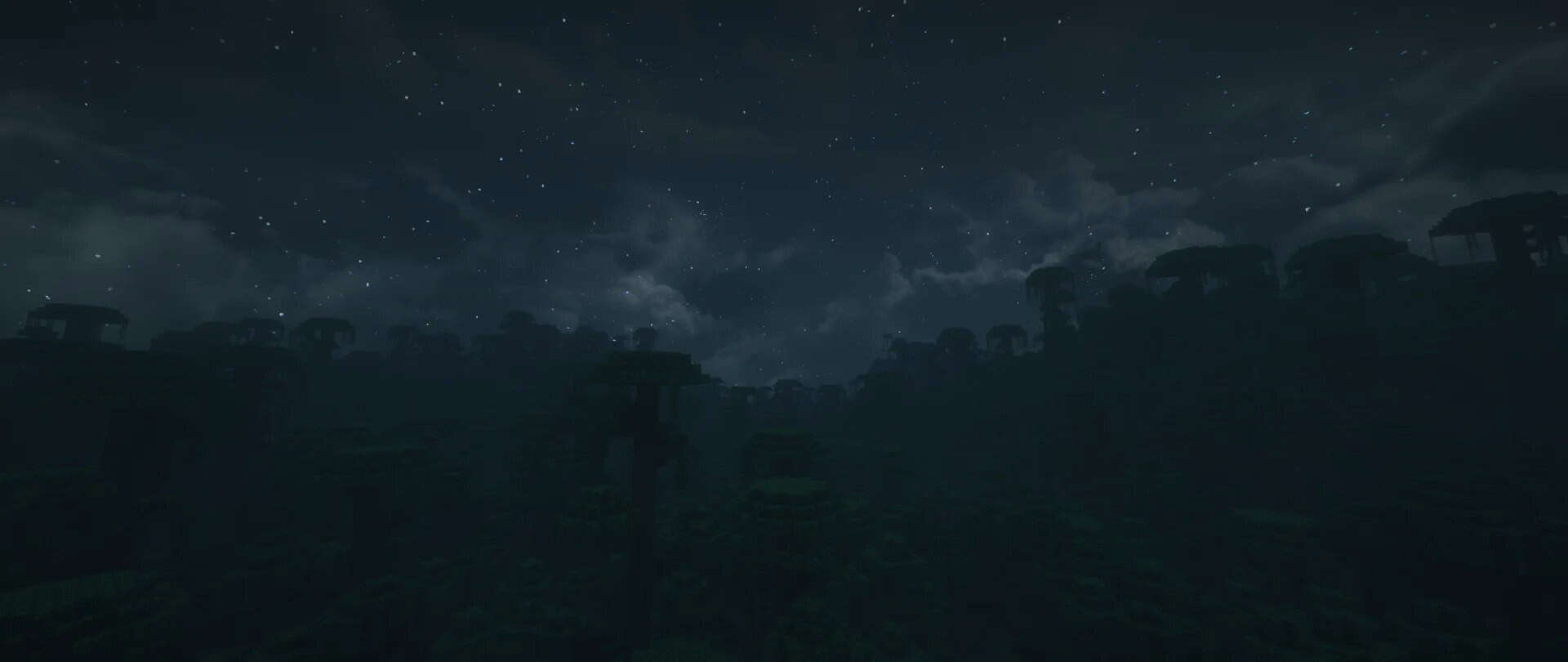
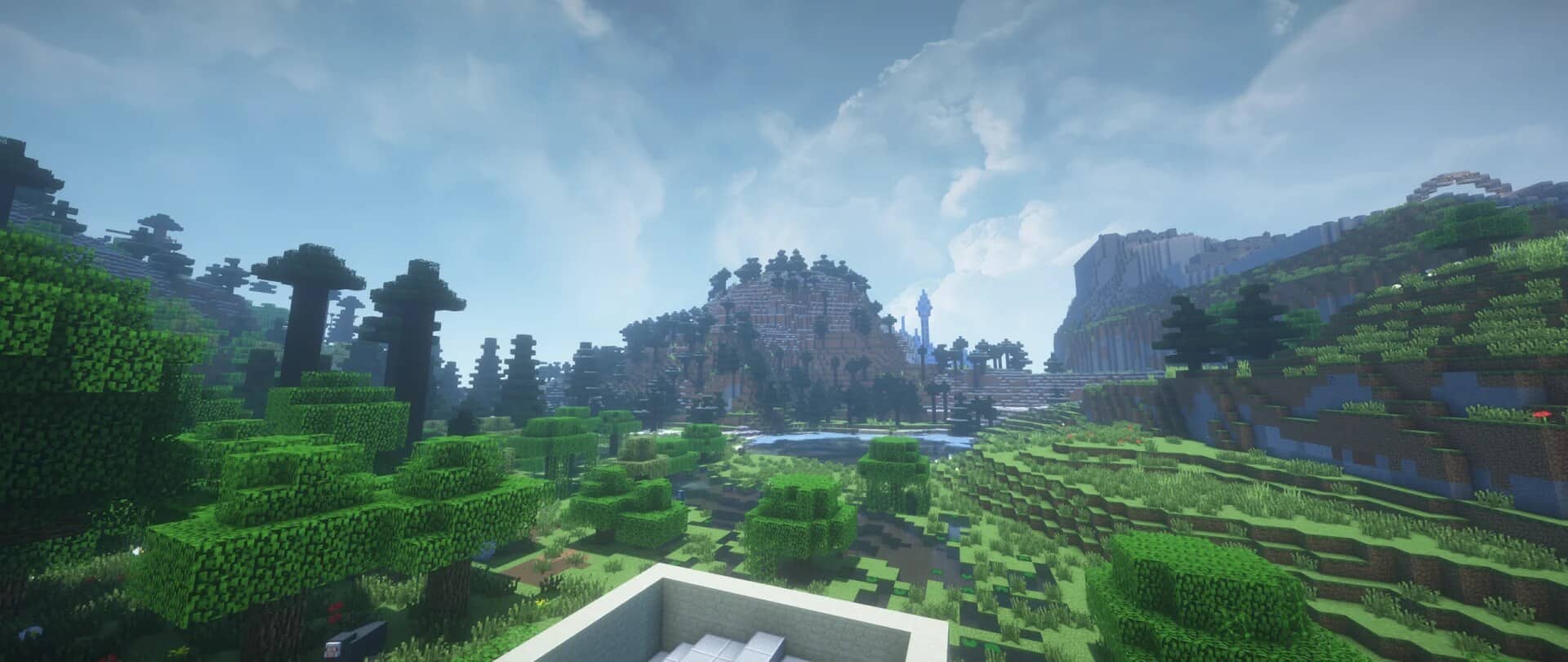
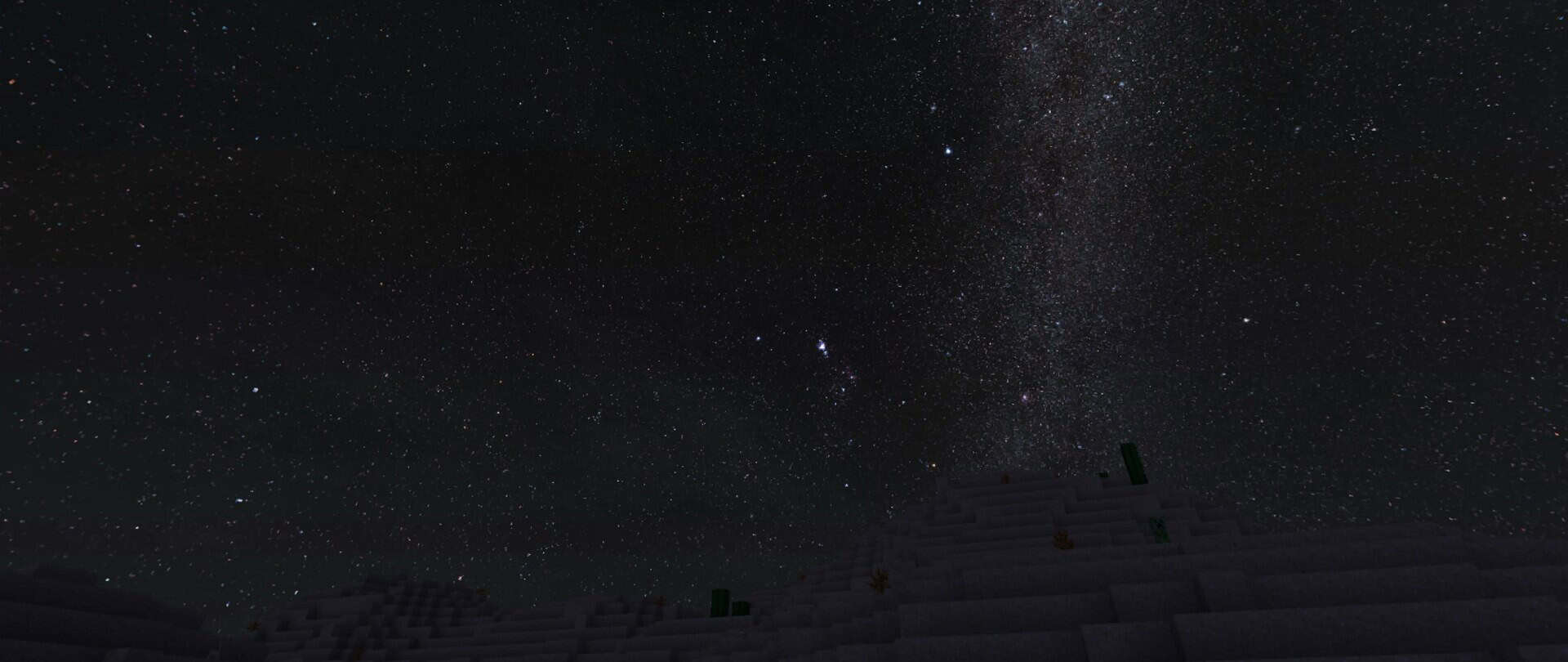
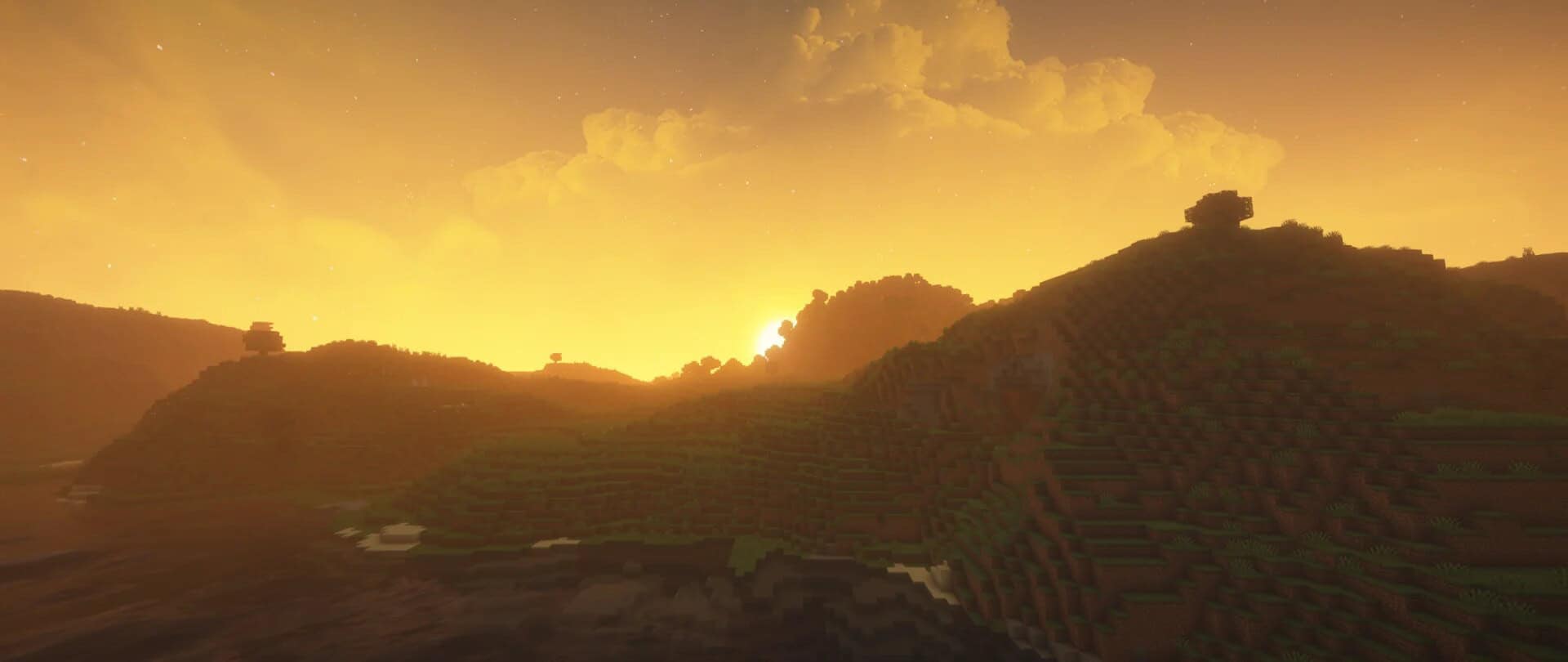
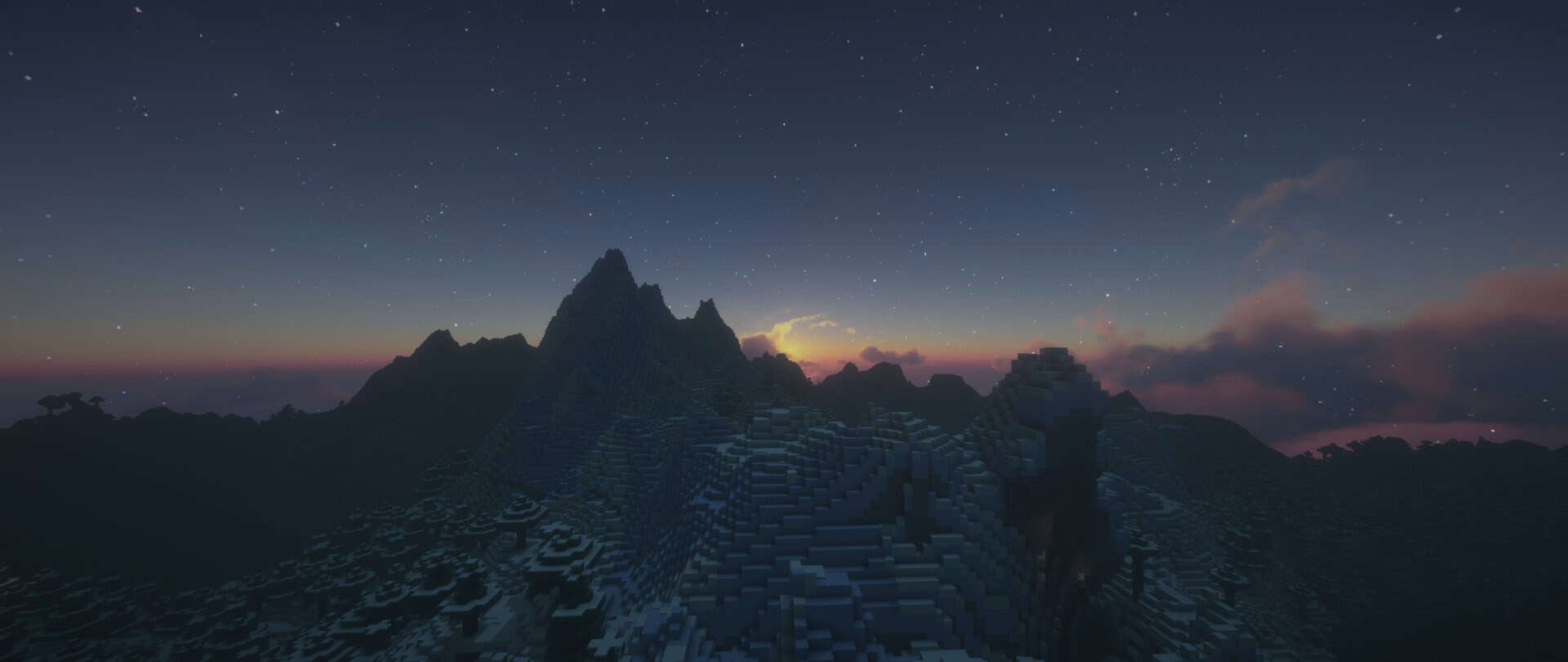
The Dramatic Skys is unique when it comes to any other resource pack you can find for many different reasons. The primary distinguishing feature of this pack is that it will not try to change the game’s whole appearance, for instance, by replacing default textures of blocks, items, mobs and the rest. Rather than trying to completely change the standard look of the minecraft, it moves its focus in a different direction – it is the skies! The pack introduces something fresh and it does a pretty decent job at it too. The Dramatic Skys resource pack will add a hyper-realistic set of sky textures that will elevate the whole look and experience of playing the game like never before. The in-game sky will appear richer, more realistic, and simply one step ahead than what it used to be like before applying this pack. Probably the most amazing part about it is the originality of concept.
In contrast to most other resource packs available for download that tend to recycle the same old approach repeatedly, this one takes matters a step further. Besides the textures, what will not go unnoticed are some of the gorgeous weather animations. They are just a sight to behold. The Dramatic Skys texture pack not only has great looks but it is exceptional on a technical level too. Firstly, it is supremely well-optimized. Normally, it would be expected that running a similar pack would demand a PC on the higher-end but that is absolutely not the case. This pack will run smoothly, without any flaws even on low-end PCs. Any lags or bugs will rarely be encountered, if at all. It is no coincidence that this pack has been downloaded so many times ever since its release. The complete player-base can relish it with no issues whatsoever.
Dramatic Skys should be compatible with all of these Minecraft versions: 26.1.2 - 26.1.1 - 26.1 - 1.21.11 - 1.21.10 - 1.21.9 - 1.21.8 - 1.21.7 - 1.21.6 - 1.21.5 - 1.21.4 - 1.21.3 - 1.21.2 - 1.21.1 - 1.21 - 1.20.6 - 1.20.5 - 1.20.4 - 1.20.3 - 1.20.2 - 1.20.1 - 1.20 - 1.19.4 - 1.19.3 - 1.19.2 - 1.19.1 - 1.19 - 1.18.2 - 1.18.1 - 1.18 - 1.17.1 - 1.17 - 1.16.5 - 1.16.4 - 1.16.3 - 1.16.2 - 1.16.1 - 1.16 - 1.15.2 - 1.15.1 - 1.15 - 1.14.4 - 1.14.3 - 1.14.2 - 1.14 - 1.13.2 - 1.13.1 - 1.13 - 1.12.2 - 1.12 - 1.11.2 - 1.11 - 1.10.2 - 1.10 - 1.9.4 - 1.9 - 1.8.9 - 1.8.8 - 1.8.1 - 1.8.6 - 1.8
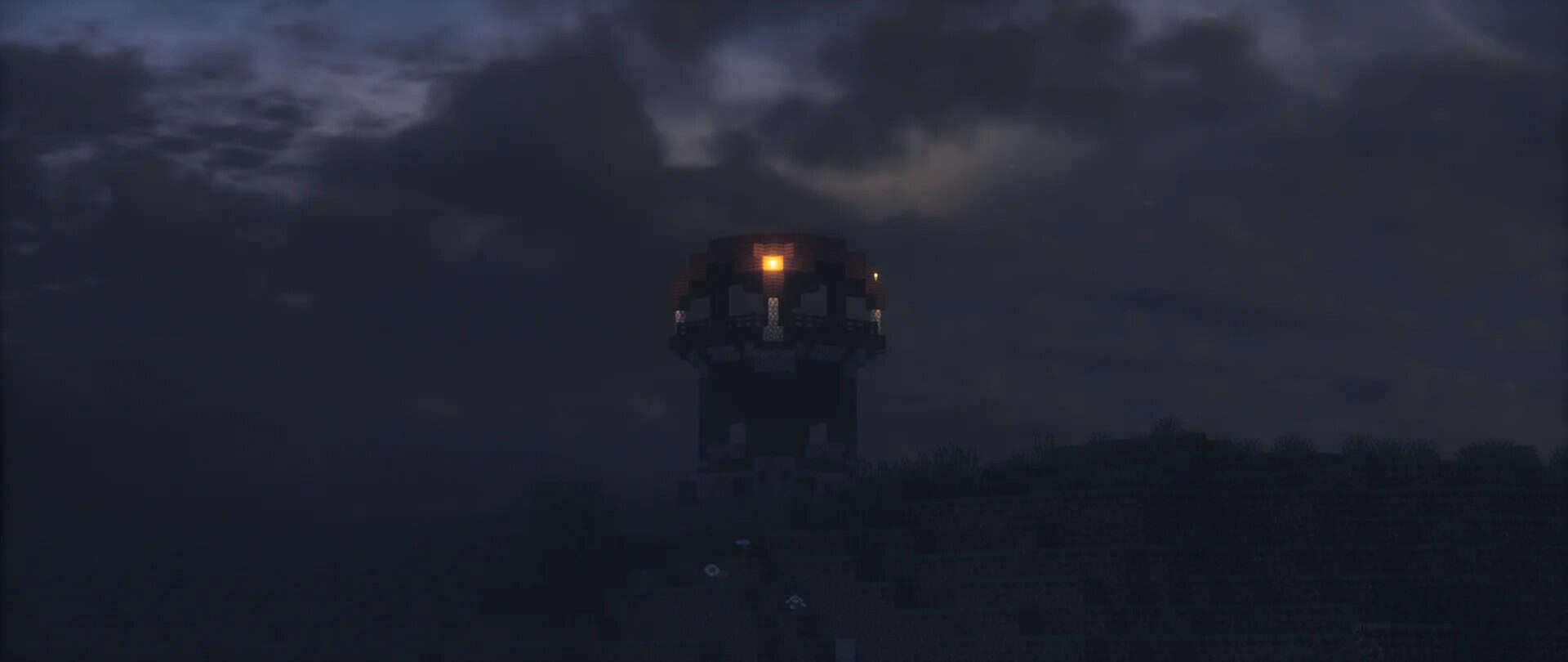
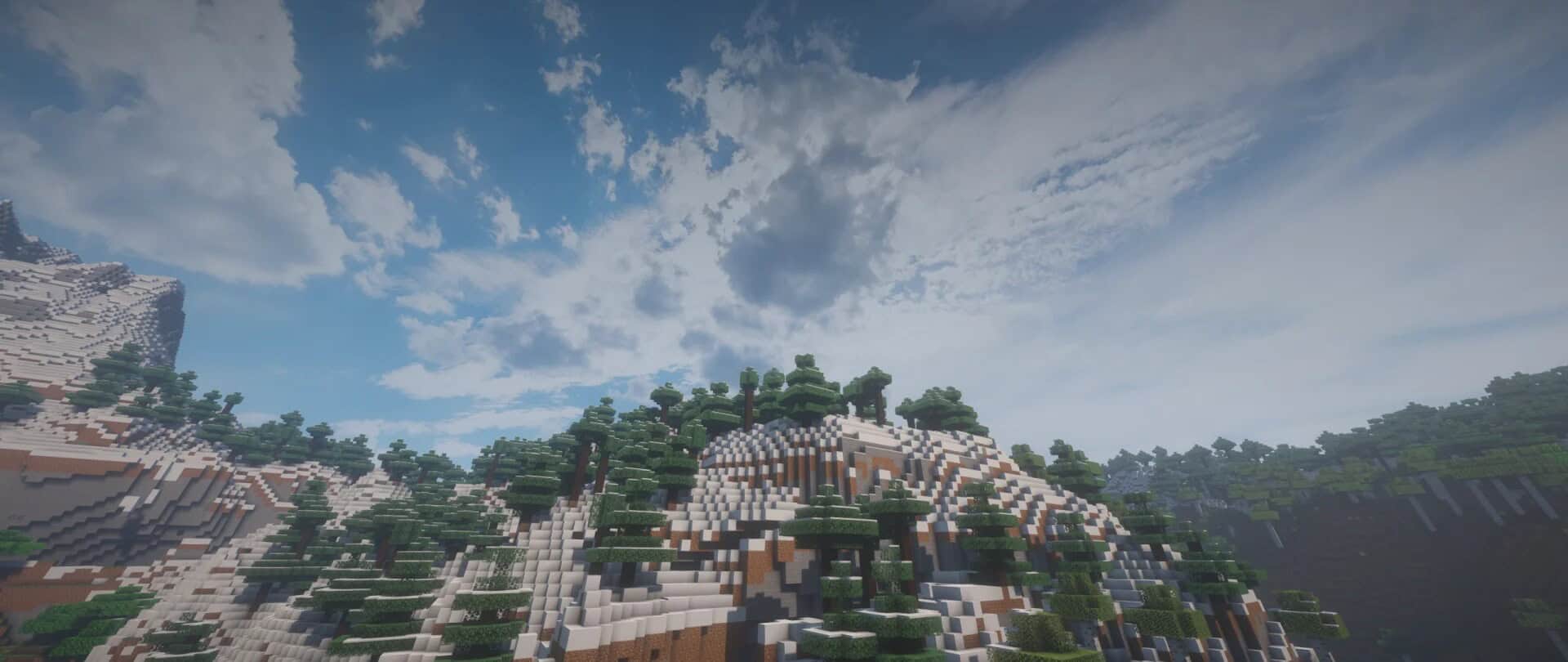
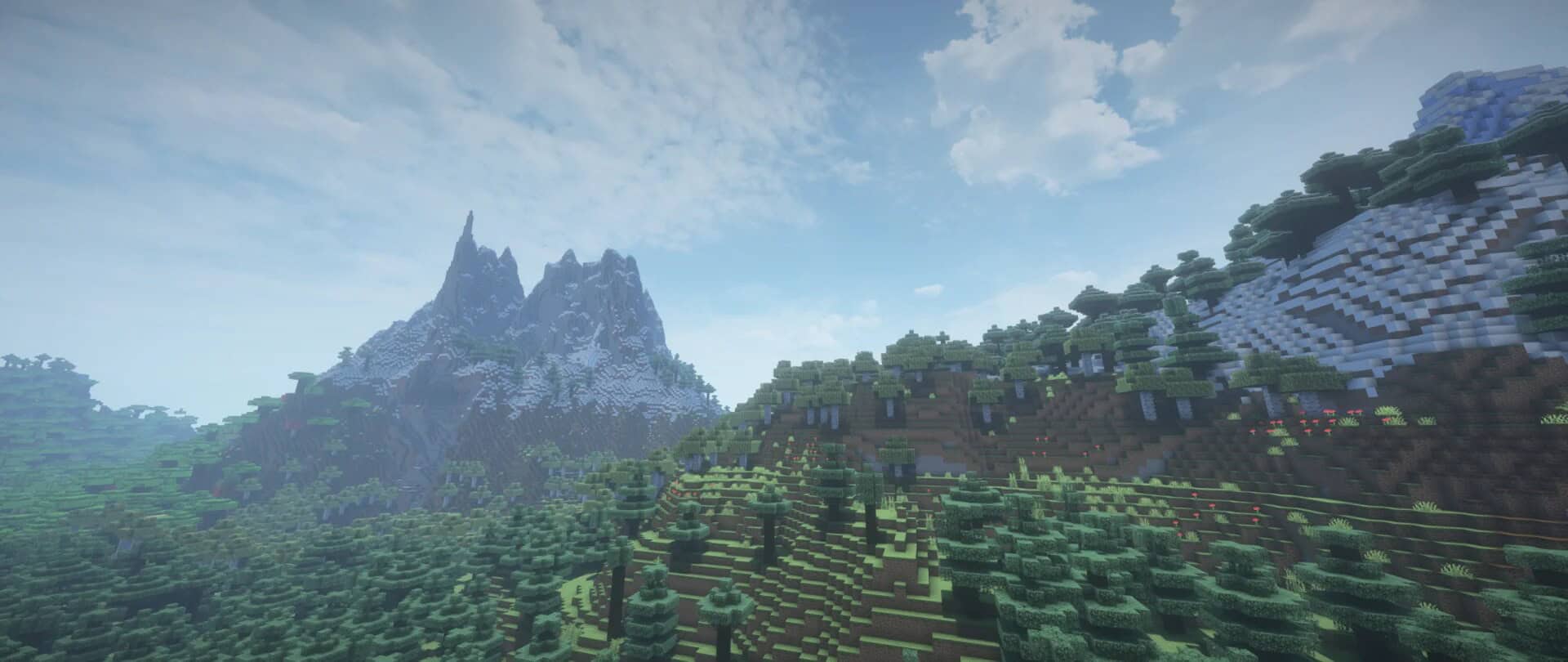
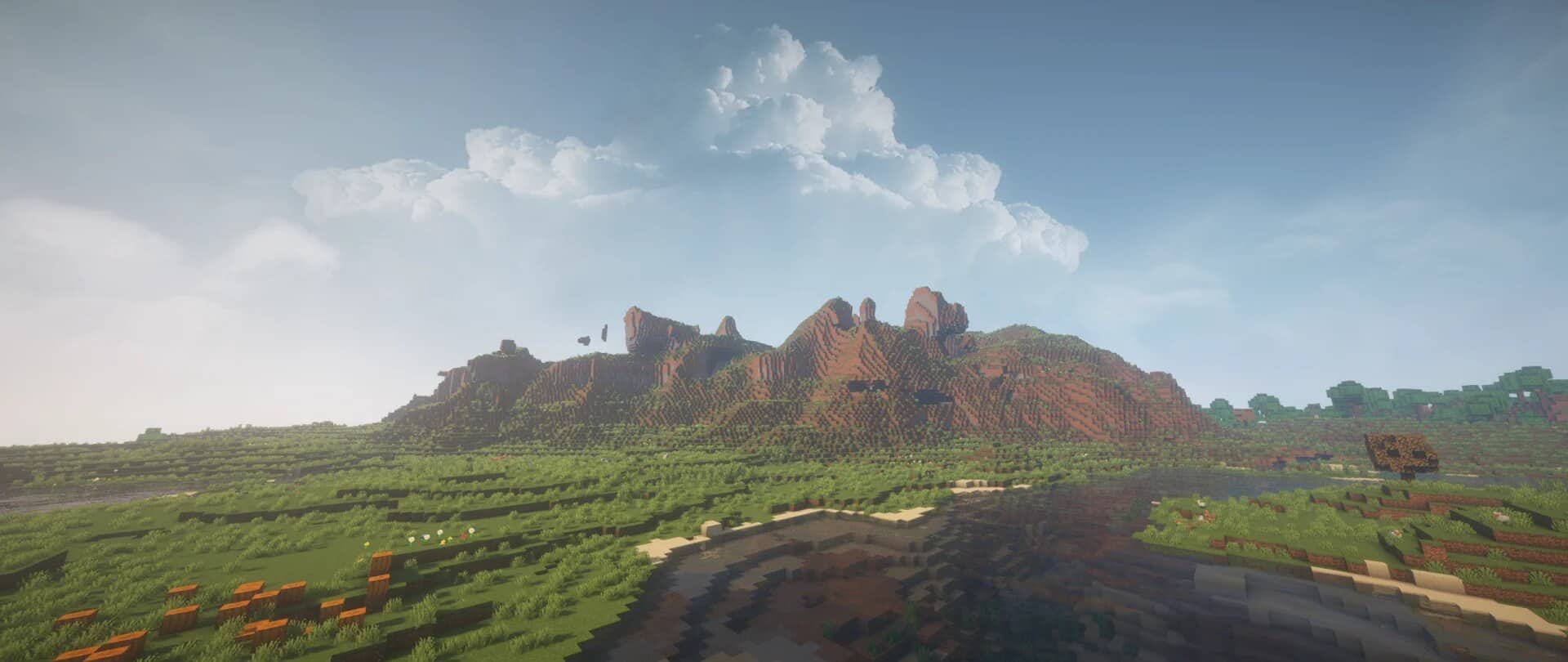
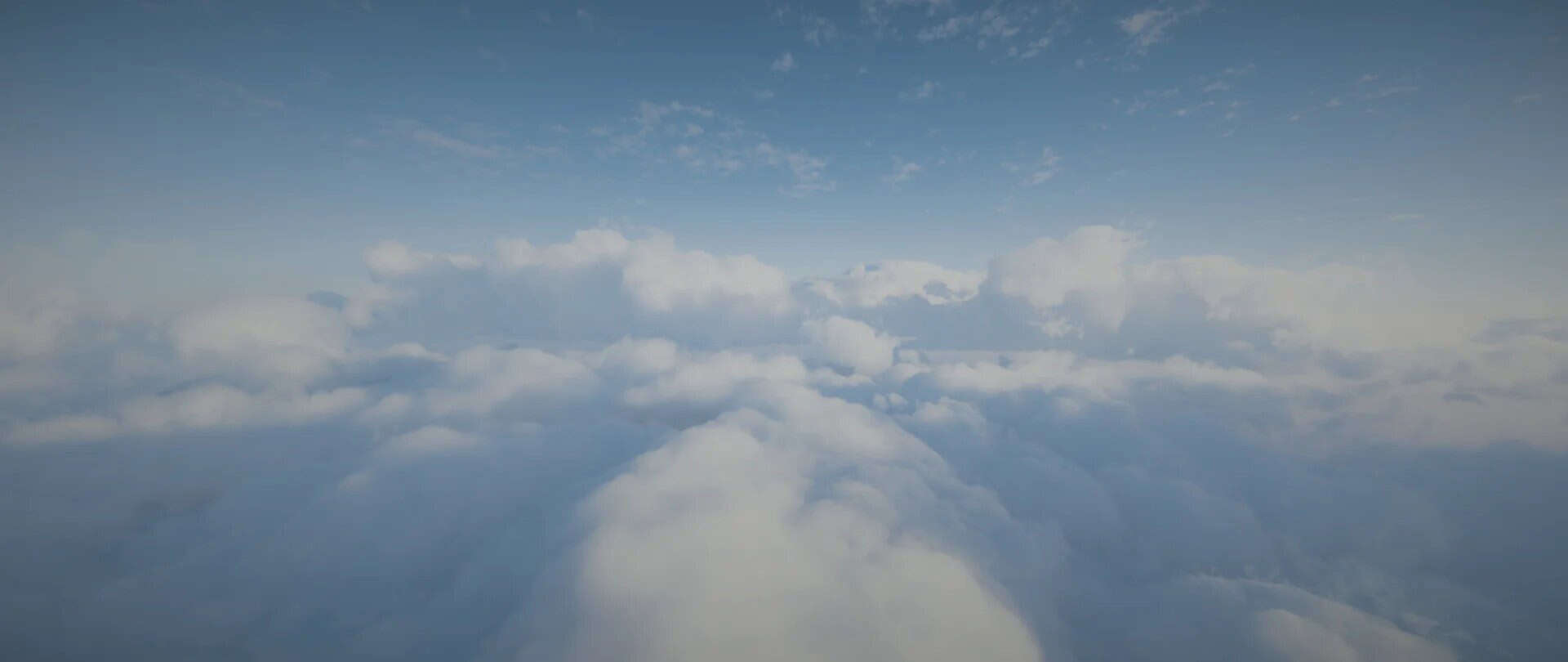
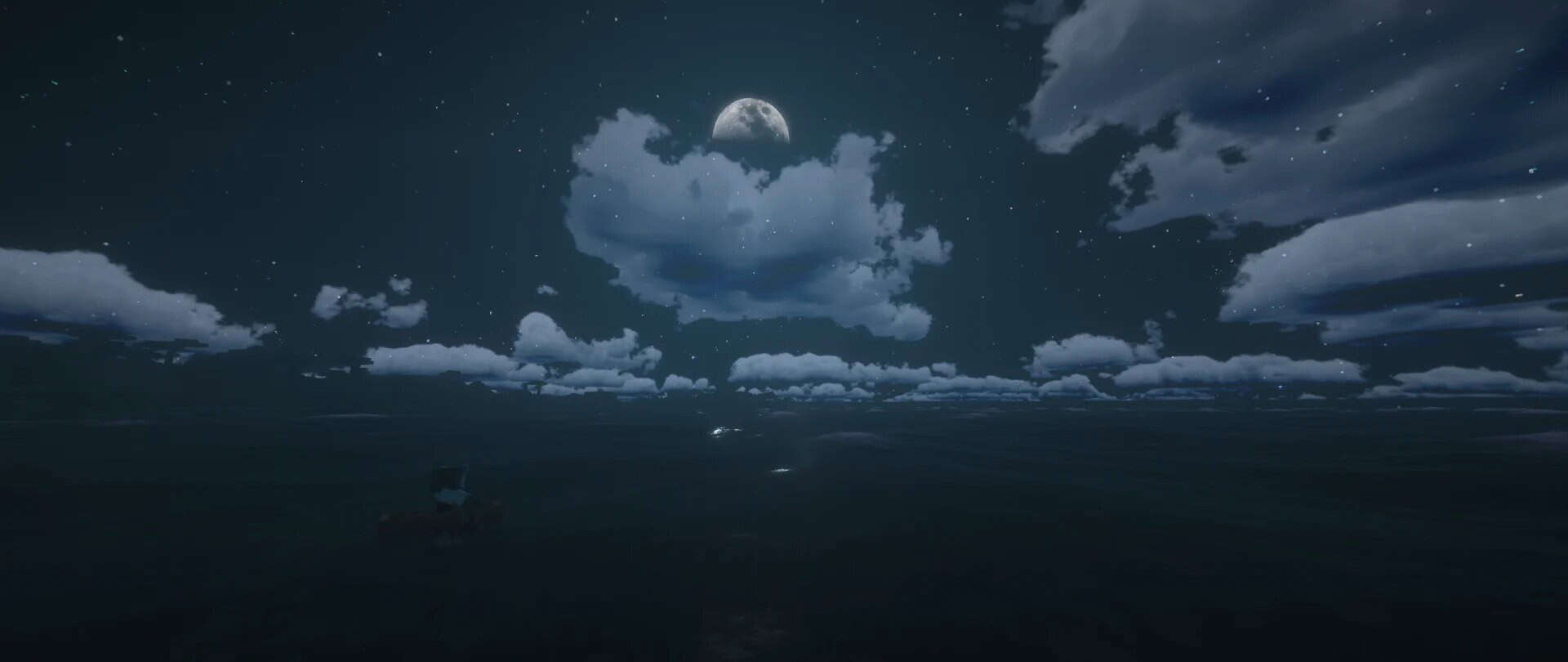
Dramatic Skys — Video & Screenshots
How to install Dramatic Skys Resource Pack:
- Most resource packs require Optifine, so be sure to download and install it. – general recommended step for all packs, Optifine is also needed for most shaders
- Download the Dramatic Skys texture pack for Minecraft from the download section below. – if there are many different versions, just choose the one you like, is compatible with your version/edition of Minecraft, the one you think your computer can handle in terms of performance.
- Launch the game client through the Minecraft launcher.
- On the main menu, click "Options".
- On the options menu, click "Resource Packs...".
- Click on "Open Resource Pack Folder". – folder titled "resourcepacks" will pop up
- Move the .zip file you downloaded in the first step to the newly opened "resourcepacks" folder.
- Click "Done".
- Click on "Resource Packs..." again.
- Your pack should have appeared in the left window, just hover over it and click on the arrow pointing to the right.
QUICK TIP: Sometimes, when activating a pack, the game may say that the pack is made for a newer or older version of Minecraft. This is just a warning, it does not affect your gameplay in anyway, and you can still activate and enjoy the pack by simply clicking the "Yes" button when prompted.
- Click "Done" again.
- The pack has now been successfully loaded and ready to be used in your world!
Features:
- Animated Auroras
- Shooting Stars
- Meteor Showers
- Animated Sun
- Color and Fog Maps
- Height-Based Sky Textures
- Fabric Support
- Tornadoes
- Blood Moon
- Blue Moon
Demo vs Full Difference
- The demo, also known as the alpha version, contains fewer skies than the full version, but still provides enough to enjoy the pack.
- If you decide to upgrade, you can get the full pack from the author’s Patreon page.
- The full version features a wide variety of additional skies that change dynamically depending on your current biome.
Dramatic Skys - Comparison Slider #1 day
Comparison slider #1 for those who want to compare vanilla Minecraft without any texture packs installed (on the left) with Minecraft using this particular texture pack (on the right).
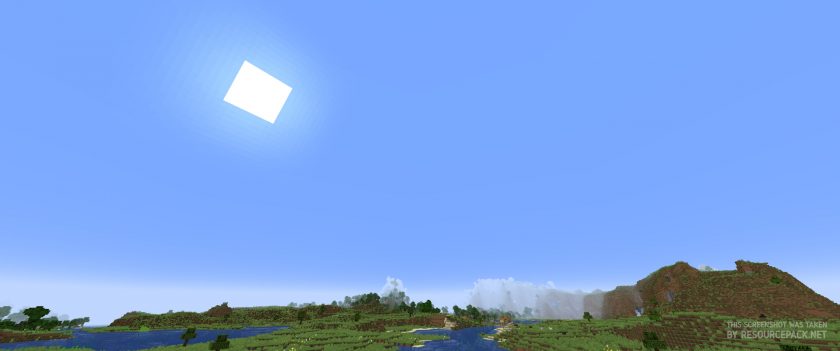 Vanilla
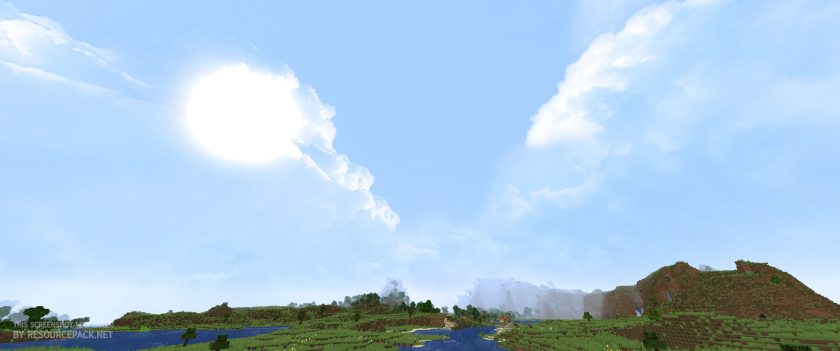 Dramatic Skys
Dramatic Skys - Comparison Slider #2 night
Comparison slider #2 for those who want to compare vanilla Minecraft without any texture packs installed (on the left) with Minecraft using this particular texture pack (on the right).
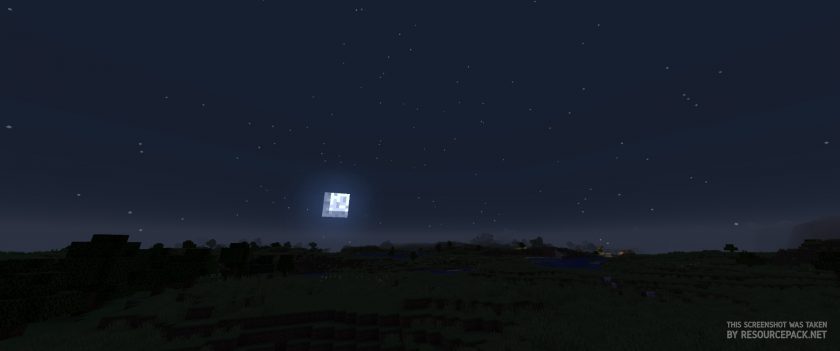 Vanilla
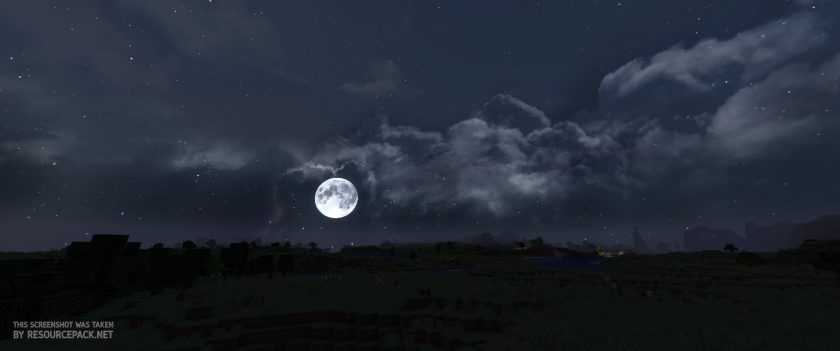 Dramatic Skys
Dramatic Skys Texture Pack Download
- We do not modify or edit any resource packs. All resource packs, shaders and tools found on this website are linked directly to official sources rather than hosted on our own servers. We provide only the official download links from the original creators to ensure that your files are safe and secure.
- These official links are updated manually and may occasionally stop working when a new version is released. We work hard to keep everything current so that you have a smooth experience. Please let us know in the comments if you find a link that no longer works.
- Minecraft is a trademark of Mojang Studios and has no official connection to this website. Our goal is simply to share the best creations from the community with other players.
- Please consider leaving a comment or voting for your favorite packs. This feedback helps authors improve their projects over time. You can also support the creators directly by visiting the official links located below the download section.
Java Edition (Demo):
[26.1.x – 1.8.x] Download Dramatic Skys Resource Pack
Java Edition (Full):
[26.1.x – 1.8.x] Download Dramatic Skys Resource Pack – for Patrons only;
Curseforge: download starts automatically after a few seconds;
Mediafire: click the big blue button with the text "DOWNLOAD";
Google Drive: in the top right corner you will see a small download icon (down arrow), click it and the download should start;

2,465 votes
Look.. 2465 users have already liked this pack. Give a diamond if you like it too!


Pior
Is there a Bedrock version?
piotr
GOOD
KaTTs
The classic cube-looking Minecraft clouds are still visible to me. I can see the “dramatic sky” but I also see those Minecraft clouds.
KaTTs
Is there any way that I can fix this?
Admin
Just open the video settings, go to “Details” and set “clouds” to “Off”. This should fix it.
SkyMay
it dont work for me, I have the same version and it just dont work, any tips?
asdnkjdltñawetnjha zd
i like texture pack :D
Jason
Since I started using this pack its a must have for me. Absolutely beautiful, no performance loss and I don’t have a beast computer. I can’t run shader packs because of lag. But this didn’t change my performance at all and now all my builts look even better with these incredible stars behind them.
Alex
which shader pack did you use?
Sky
I think the moon is a bit too realistic for me heh
DF
Do I need optifine for this?
Anon
You should always have an optifine download anyway just in case.
leo
It’s so great! I’m proud of this sky. Thank you for making this
HTMLH4cker
First of all: This is an extremly good texture pack!
To anyone who got problems with the 1.17.1 Version:
– Install the latest Optifine Version -> it doesnt matter if you download the pre32 or pre33, just make sure you use the 1.17.1 Optifine Version
– Go to your Minecraft settings and set the clouds off
If you followed this two steps you should have all problems fixed. If you’re having problems installing Optifine, the Youtube Channel “The Breakdown” made a really good tutorial for installing the 1.17.1 Optifine Version!
racuszek
It’s awesome! Sky looks so much better with this txt :D Ty for this
leo
i had installed 1.17 optifine but clouds is not working. Sun and Moon are still working. Does optifine preview version have the problem?
Panda
I had this problem too. I updated optifine to the most recent version (the pre32 one) and it fixed it
Daniel ten Brinke
saddly the clouds didnt work.
Admin
Optifine.. you need optifine.
LemonadeLyric
Since updating to 1.17 it’s not working! I downloaded the new pack, installed it, and the sun and moon show up but the resource pack clouds don’t. I’ve got custom sky turned on too, so not sure what else to do it fix it. Any help would be great!
nuetrons
I am having the same issue. Hopefully it’s noticed and fixed! It looks beautiful!
Midnight_Witch
I realy like it. the pack doesn`t need optifine!
Amethyst_Phoenix
I really wanna get the night sky! It looks so beautiful but it doesn’t work for me. I have optifine and everything, but it still doesn’t work. I hope it works sometime bc the pack is so nice :D
CountessMosquito
Just popped this pack in yesterday, in conjunction with LB PhotoRealism. They are beautiful together.
Liam
How do I turn on custom skyes?
like where do I find the setting
DreamStan
go to video settings> details (you also need optifine to get the details setting)
CJ
Is this resource pack comptible with other resource packs?
Admin
Must be compatible with any pack that doesn’t change the sky.
jasper
i dont see any changes in the clouds only in the moon and sun
Admin
In the settings, you must enable the “custom sky” feature.
Make sure you have optifine installed or it won’t work.
Mel Kaiser
I would love to see this texture pack get some storm clouds, the day and night cycle are amazing…. but when it starts raining, everything is just blank blue or grey mc skies.
Mario Faggion
same
thebaum64
Sadly Minecraft does not allow skys during weather changes which is a shame
Mikkel Bøhm
i really just want the rest then clouds
Anjelo Oracion
you need optifine and turn on custom skys boom realistic clouds
Xx_Luna_Wolf_xX
but i do know a great pack its called dragon dance its AWESOME but u do need to change ur jar cuz it doesn’t work that good on 11.1.2 or something like that idk it does work on 1.8 i think? but u should try it out its so bright and nice
brickson98
My clouds aren’t realistic…
inomfood
the instructions weren’t correct, you need optifine for this to work. It changes nothing in vanilla minecraft.