Default+ is the freshest innovative resource pack in the lengthy line of Minecraft packs that improves the game’s visuals in a number of ways without interfering with the artistic character of the game’s core. As things stand right now, it appears like this is the new trend in the Minecraft world. Over the years, the popularity of resource packs has grown tremendously because of the epic pack recourses that have revolutionized the way vanilla visuals can be fine-tuned. Default+ resource pack is among those packs that have done an awesome job of enhancing vanilla visuals so that more people can enjoy the Minecraft game. The Minecraft’s vanilla visuals usually have some flows that hinder players from getting a great experience. However, the new resource pack makes sure that a lot of these flaws are handled properly so as to provide the game’s players with an extraordinary experience.
Featured video:
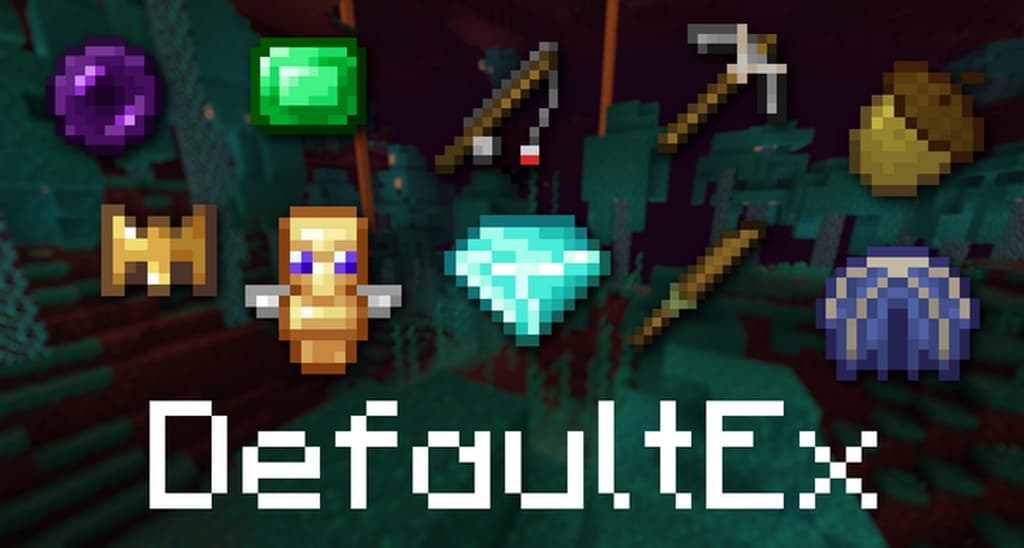
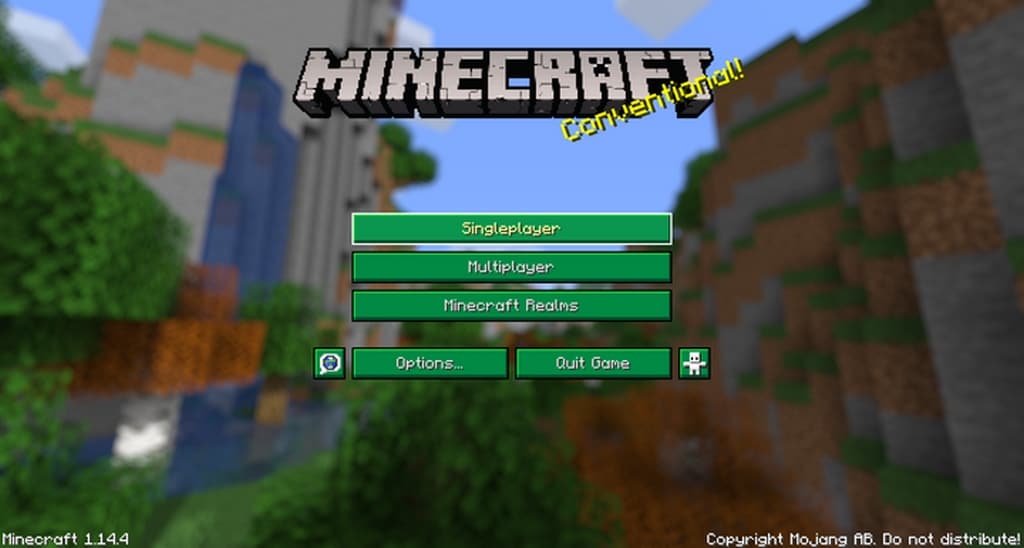
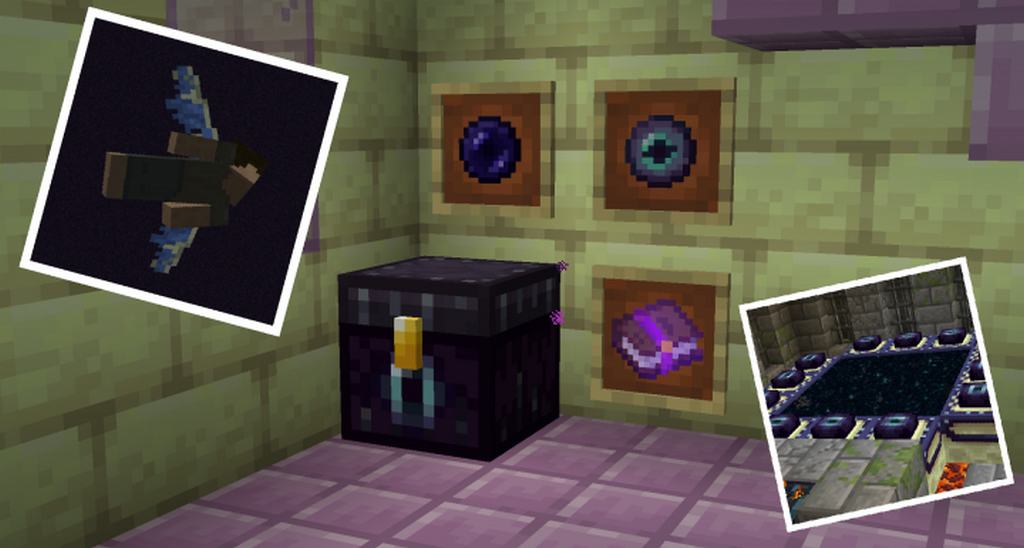
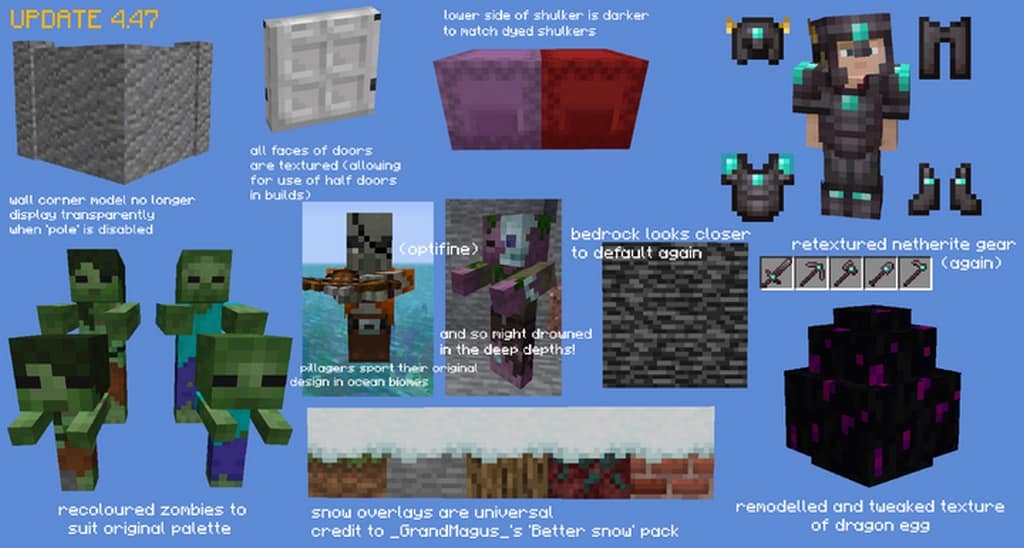
One of the principal reasons behind the development of the Default+ Minecraft resource pack is giving the game’s vanilla textures a bit of depth. Usually, the item textures together with the vanilla Minecraft’s game environment are unattractive and flat without the resource pack. All that changes when the Default plus pack is applied because both the item textures and the environment gets a lovely and a realistic look. In conjunction with that, the new resource pack gets rid of almost all the textural noise. In addition to the above benefits, the pack lifts the color palette so that it can synergize with the newly applied textures. All of those changes are made possible without having any effect on the core artistic style of the game thus, ensuring game’s enthusiasts remain happy. Unsurprisingly, the Default + pack resolution is x16. That resolution is ideal for getting stable frame-rates provided the computer/laptop that you are using to play the game supports vanilla Minecraft when playing at steady FPS. Currently, many people are referring to it as a game changer.
DefaultEx (formerly Default+) should be compatible with all of these Minecraft versions: 1.19.2 - 1.19.1 - 1.19 - 1.18.2 - 1.18.1 - 1.18 - 1.17.1 - 1.17 - 1.16.5 - 1.16.4 - 1.16.3 - 1.16.2 - 1.16.1 - 1.16 - 1.15.2 - 1.15.1 - 1.15 - 1.14.4 - 1.14.3 - 1.14.2 - 1.14 - 1.13.2 - 1.13.1 - 1.13 - 1.12.2 - 1.12 - 1.11.2 - 1.11 - Bedrock Edition - PE
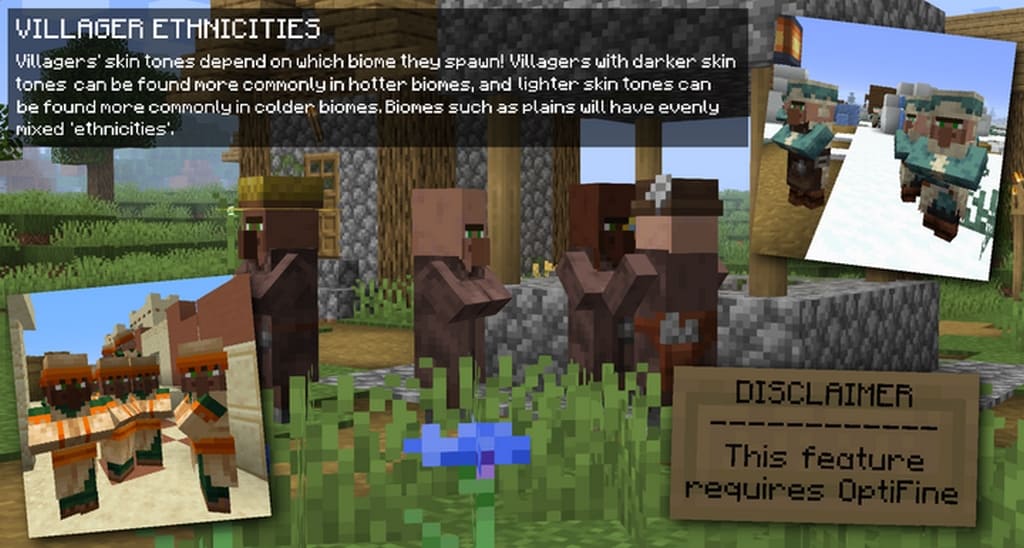
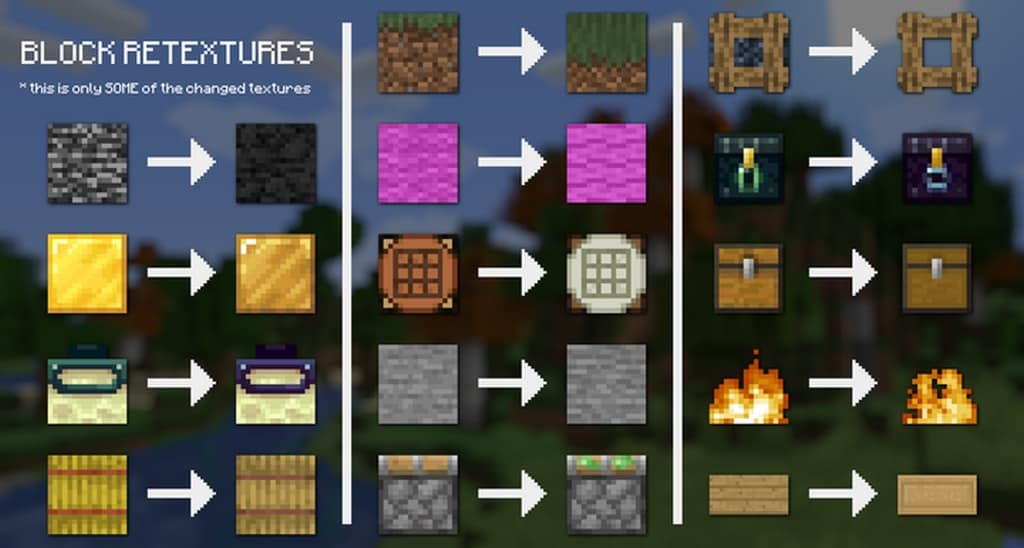
DefaultEx (formerly Default+) — Screenshots
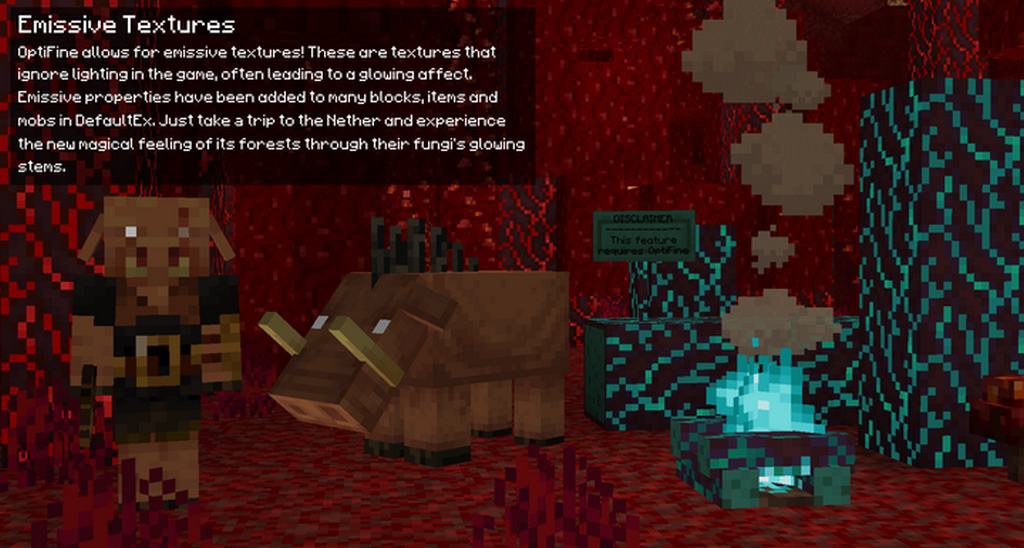
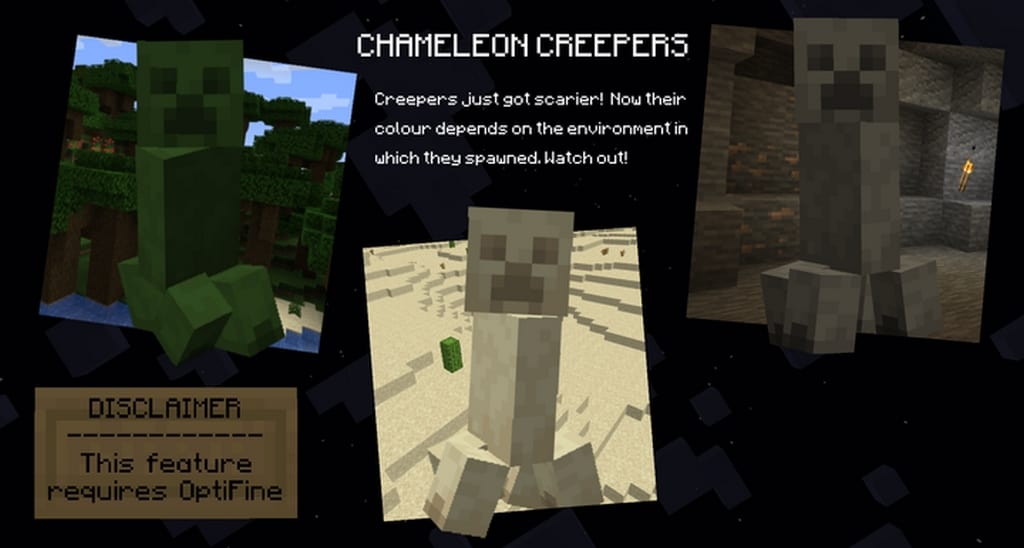
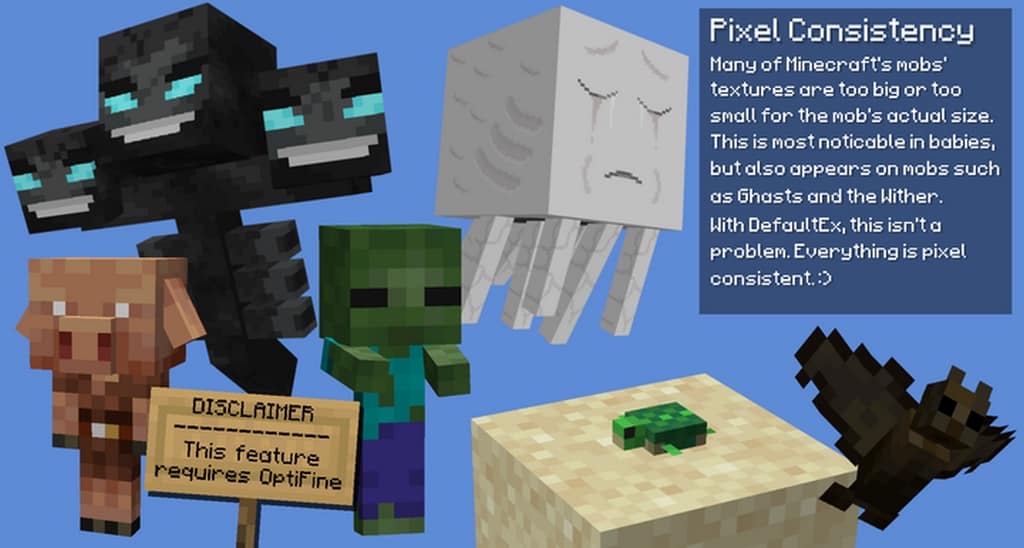
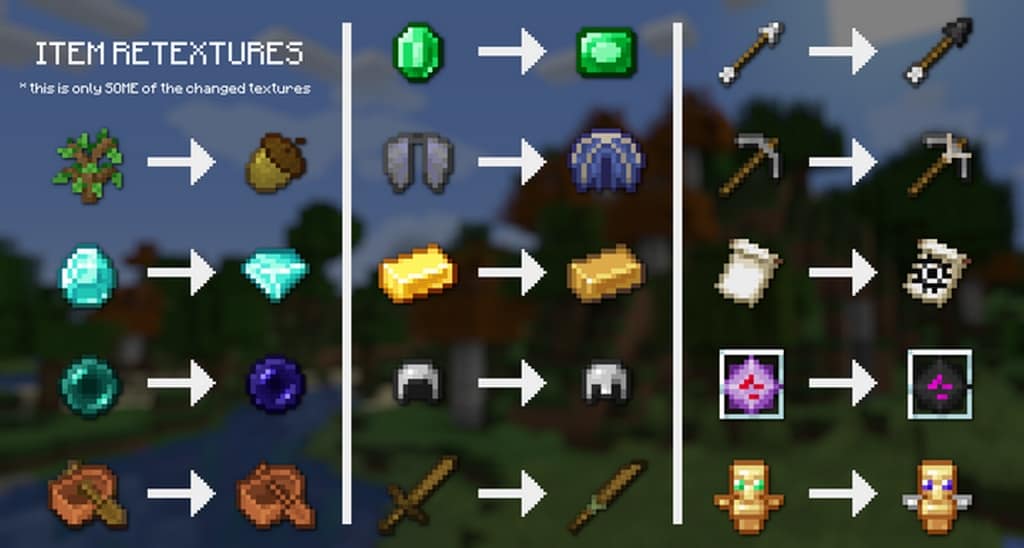
How to install DefaultEx (formerly Default+) Resource Pack:
- Most resource packs require Optifine, so be sure to download and install it. – general recommended step for all packs, Optifine is also needed for most shaders
- Download the DefaultEx (formerly Default+) texture pack for Minecraft from the download section below. – if there are many different versions, just choose the one you like, is compatible with your version/edition of Minecraft, the one you think your computer can handle in terms of performance.
- Launch the game client through the Minecraft launcher.
- On the main menu, click "Options".
- On the options menu, click "Resource Packs...".
- Click on "Open Resource Pack Folder". – folder titled "resourcepacks" will pop up
- Move the .zip file you downloaded in the first step to the newly opened "resourcepacks" folder.
- Click "Done".
- Click on "Resource Packs..." again.
- Your pack should have appeared in the left window, just hover over it and click on the arrow pointing to the right.
QUICK TIP: Sometimes, when activating a pack, the game may say that the pack is made for a newer or older version of Minecraft. This is just a warning, it does not affect your gameplay in anyway, and you can still activate and enjoy the pack by simply clicking the "Yes" button when prompted.
- Click "Done" again.
- The pack has now been successfully loaded and ready to be used in your world!
DefaultEx (formerly Default+) Texture Pack Download
- We do not modify or edit any resource packs. All resource packs, shaders and tools found on this website are linked directly to official sources rather than hosted on our own servers. We provide only the official download links from the original creators to ensure that your files are safe and secure.
- These official links are updated manually and may occasionally stop working when a new version is released. We work hard to keep everything current so that you have a smooth experience. Please let us know in the comments if you find a link that no longer works.
- Minecraft is a trademark of Mojang Studios and has no official connection to this website. Our goal is simply to share the best creations from the community with other players.
- Please consider leaving a comment or voting for your favorite packs. This feedback helps authors improve their projects over time. You can also support the creators directly by visiting the official links located below the download section.
Bedrock Edition:
Download DefaultEx Bedrock Edition Resource Pack – discontinued by official author;
Java Edition:
[16x] [1.19.x] Download Default+ Resource Pack
[16x] [1.18.x] Download Default+ Resource Pack
[16x] [1.17.x] Download Default+ Resource Pack
[16x] [1.16.x – 1.15.x] Download Default+ Resource Pack
[16x] [1.14.x] Download DefaultEx Resource Pack
[16x] [1.13.x] Download DefaultEx Resource Pack
[16x] [1.12.x – 1.11.x] Download DefaultEx Resource Pack
Add-ons (Java Edition):
Jeb Apple – renames the Notch Apple to Jeb Apple;
Curseforge: download starts automatically after a few seconds;
Mediafire: click the big blue button with the text "DOWNLOAD";
Google Drive: in the top right corner you will see a small download icon (down arrow), click it and the download should start;

878 votes
Look.. 878 users have already liked this pack. Give a diamond if you like it too!


Marco
the mob textures do be broken doe
ESPECIALLY THE HORSES and villagers
i am currently in a state of dying of laughter bc of the villager textures lol
Jonah
Animal textures are pretty funky, might wanna look into that but otherwise great pack
Hamo Zapton
We need More
Stngray
Mob textures are usually broken and buggy, Otherwise pretty good pack
Thomas Ngo
The DefaultEX texture pack is quite notable. It adds a certain beauty to Minecraft while not changing it too much, which is what texture packs should be. Overall, the pack is great! Keep it up!
dumplingX
how do i change the item look likee the eyltra
Riyan
How do you rename items for retextures?
Ray
The “break” textures for all golden tools seem to be missing. Please fix.
Other than that fantastic Texture pack!
BlueSkeletor
i was able to fix the golden tools, they wern’t named properly in the texture files.
arnav
thanks
help
I really like it but for some reason the zombie skin is almost entirely invisible
Trần Ngọc Sơn
Why this pack don’t have phantom wings
Sejeostereje
hi i will really play mincraft with resource and I have some idea to this resource