Complementary Shaders is the perfect shader pack to improve Minecraft’s graphics and performance. If you ever played Minecraft for more than five minutes, you know the game is incredibly fun – but a little bit lackluster in the graphics department. Fortunately for all Minecraft lovers out there, this shader pack is here to change that. That’s not to say you should expect a complete, 3D graphics overhaul. When you’re playing Minecraft, you’re not exactly in it because of realistic textures. That’s not what Complementary Shaders is here to change. Instead, this shaders improves a little bit of everything, while still maintaining its essence. Complementary Shaders is an off-shoot of another popular shader pack called BSL Shader. If you liked that pack, you’re going to love this one. This shaders takes the best out of BSL Shader and improves the rest. You can install it if you want to experience better graphics, gameplay, compatibility, and more.
Featured video:
It’ll help you improve an already-great game like Minecraft is. Although it improves a little bit of everything, it will not ruin your performance. This shader pack is specially designed to keep everything running smoothly. Simply put, it just works. Not only that, but it’ll also fix compatibility issues that you might have with other shader packs. This Complementary Shaders pack always has the player in mind. With Complementary Shaders, you’ll realize Minecraft will run rather fast and better than with most other shader packs. No matter what GPU or drivers you have, this shader pack will make your game smoother compared to other shaders. Keep in mind this is a one-of-a-kind shaderpack. You can’t install it like the other ones. Make sure you pay attention to the installation guide before you do anything. Check and double-check it. Then, enjoy everything that Complementary Shaders has in store for you!
Complementary Unbound should be compatible with all of these Minecraft versions: 1.21.11 - 1.21.10 - 1.21.9 - 1.21.8 - 1.21.7 - 1.21.6 - 1.21.5 - 1.21.4 - 1.21.3 - 1.21.2 - 1.21.1 - 1.21 - 1.20.6 - 1.20.5 - 1.20.4 - 1.20.3 - 1.20.2 - 1.20.1 - 1.20 - 1.19.4 - 1.19.3 - 1.19.2 - 1.19.1 - 1.19 - 1.18.2 - 1.18.1 - 1.18 - 1.17.1 - 1.17 - 1.16.5 - 1.16.4 - 1.16.3 - 1.16.2 - 1.16.1 - 1.16 - 1.15.2 - 1.15.1 - 1.15 - 1.14.4 - 1.14.3 - 1.14.2 - 1.14 - 1.13.2 - 1.13.1 - 1.13 - 1.12.2 - 1.12 - 1.11.2 - 1.11 - 1.10.2 - 1.10 - 1.9.4 - 1.9 - 1.8.9 - 1.8.8 - 1.8.6 - 1.8.1 - 1.8
Complementary Unbound — Video & Screenshots
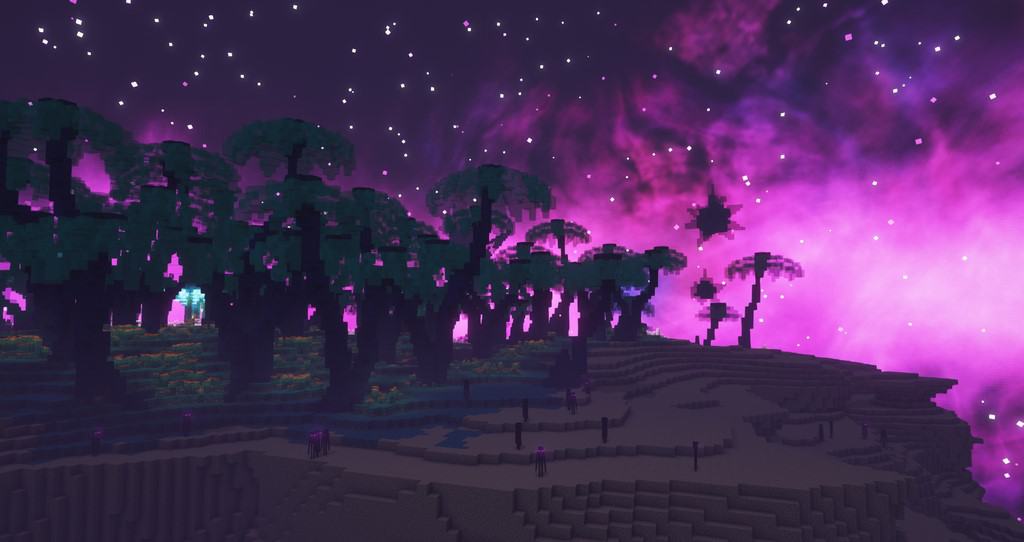
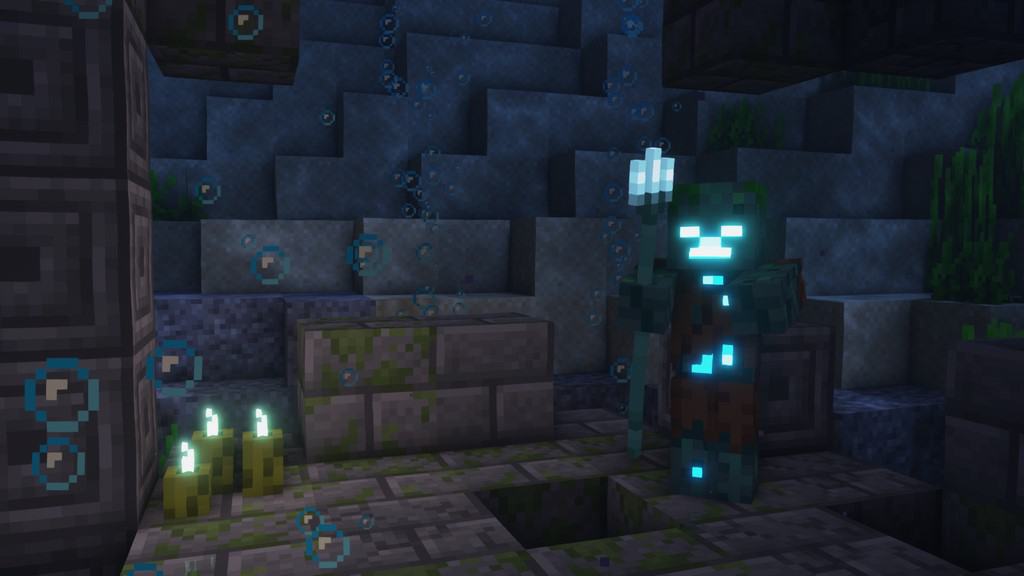

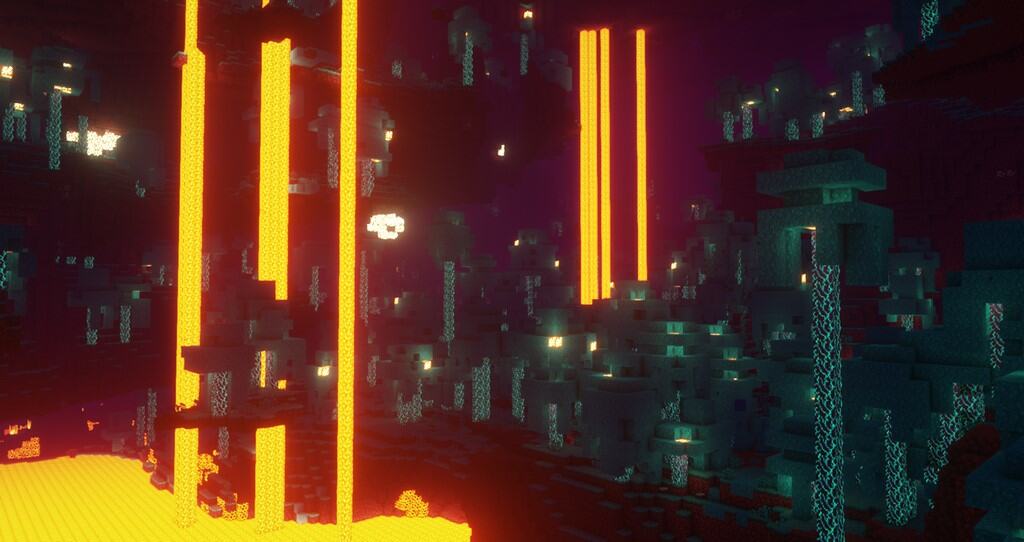
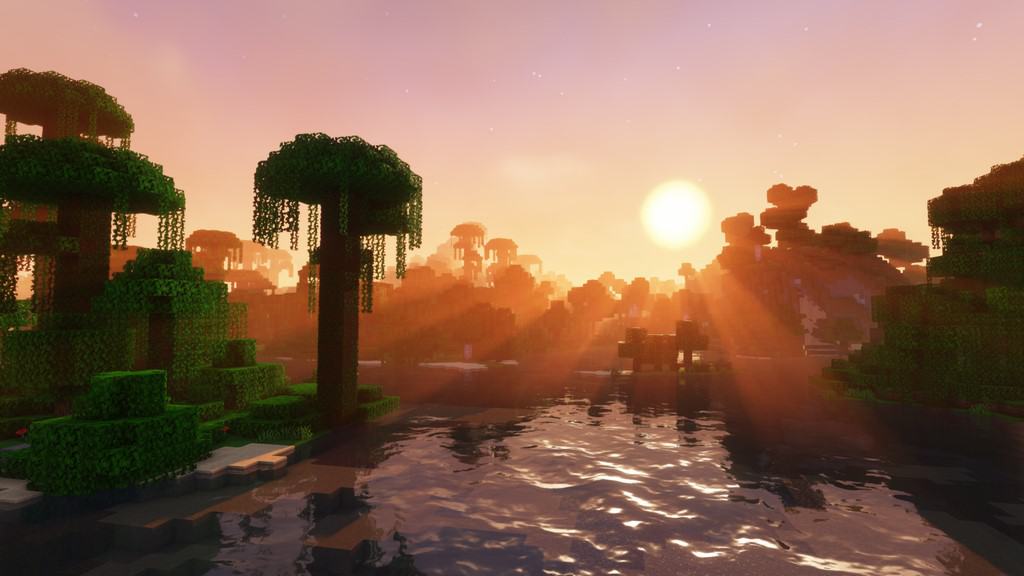
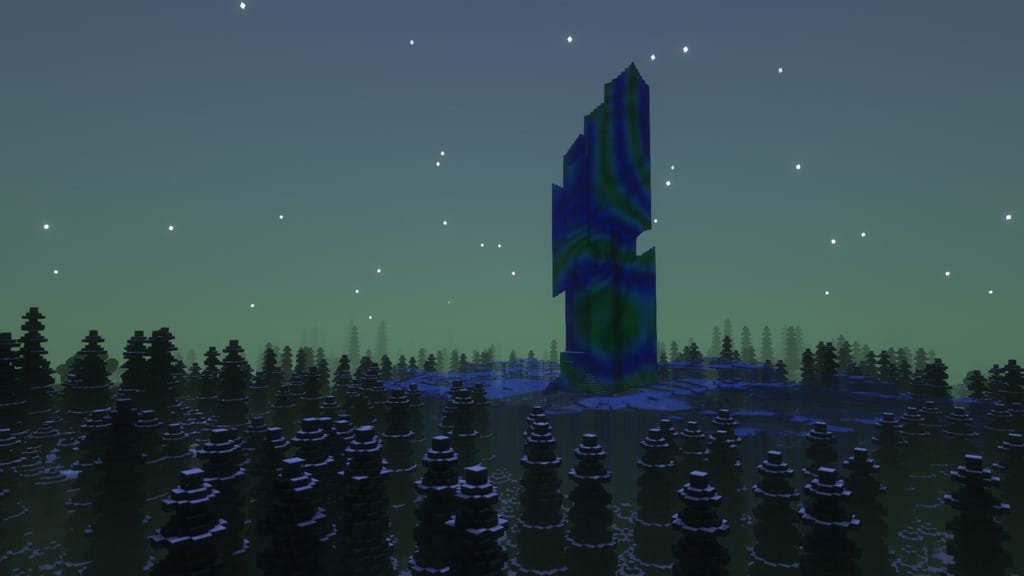
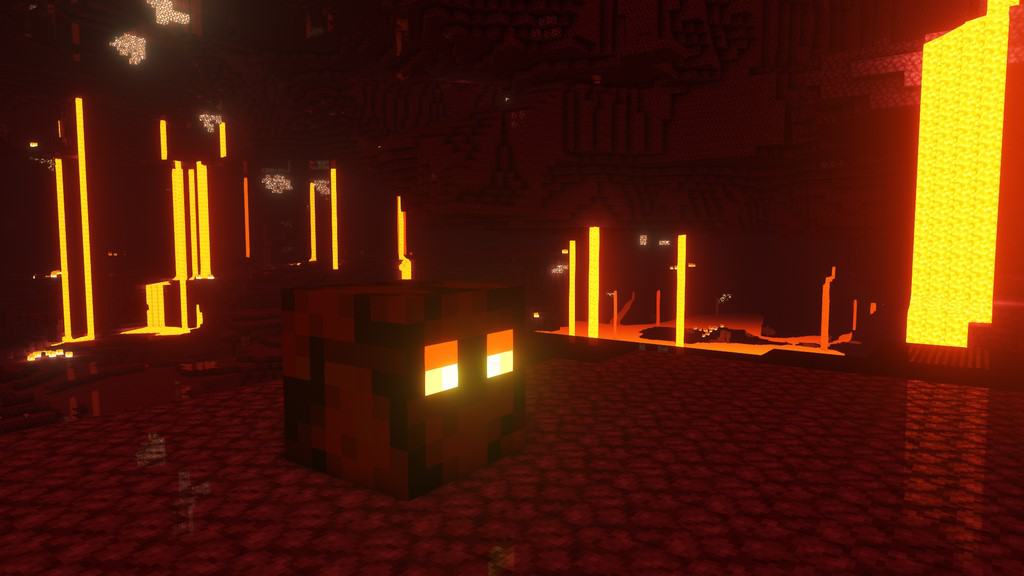
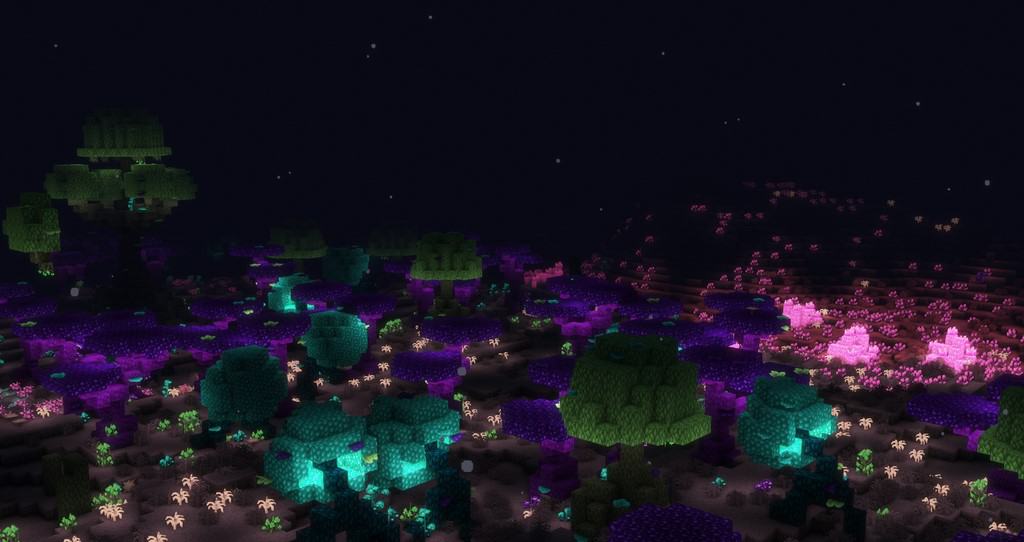
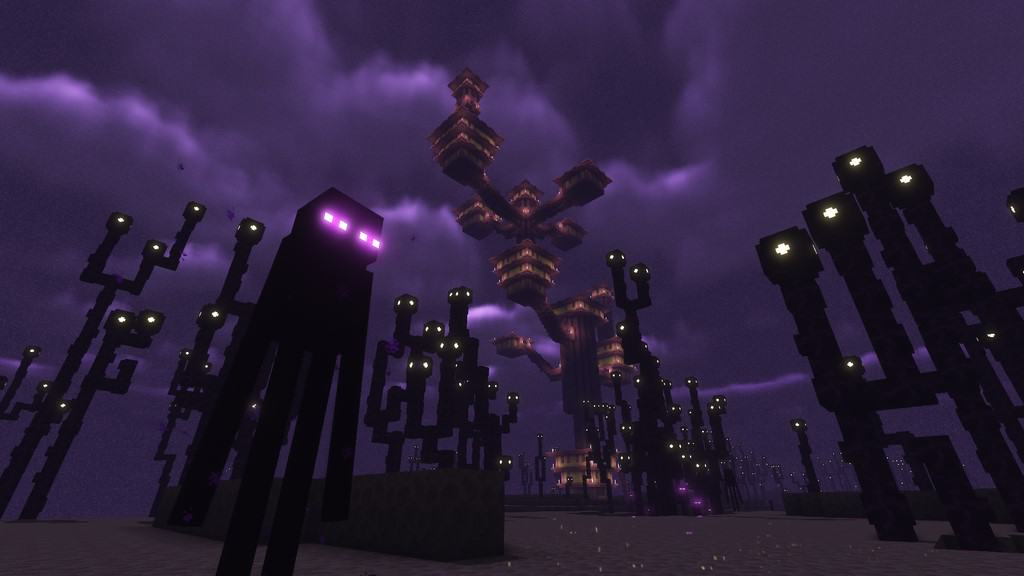

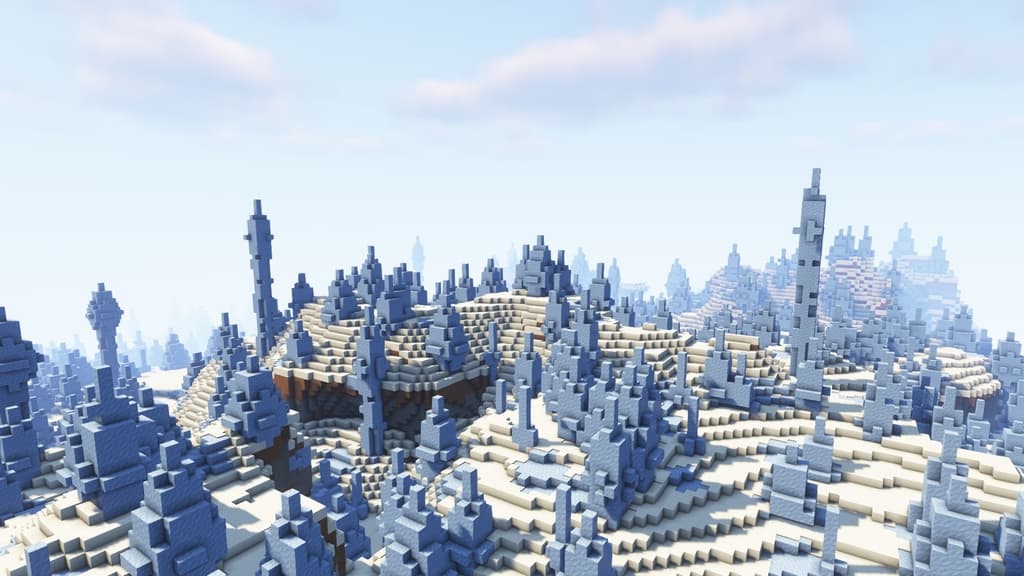
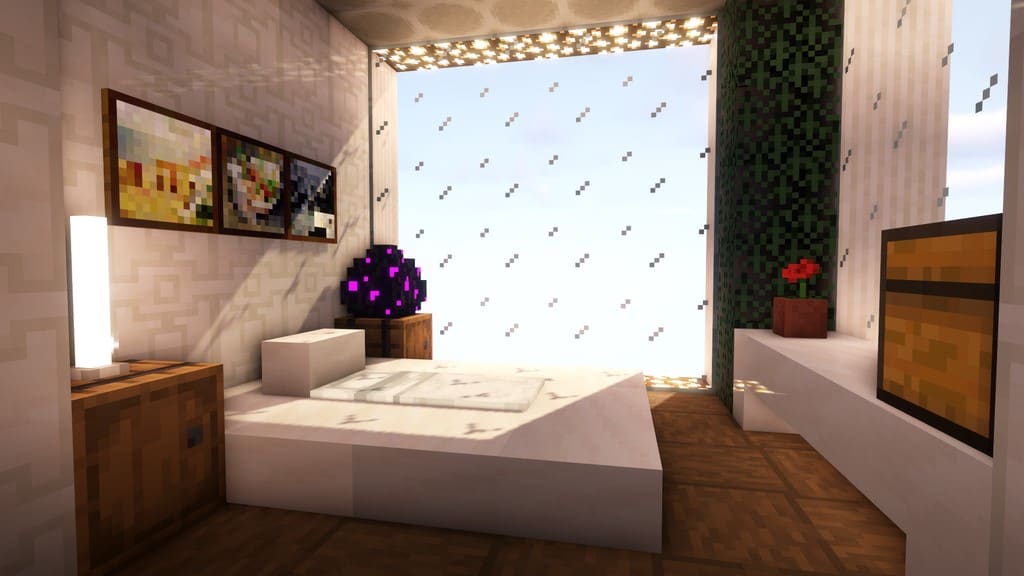
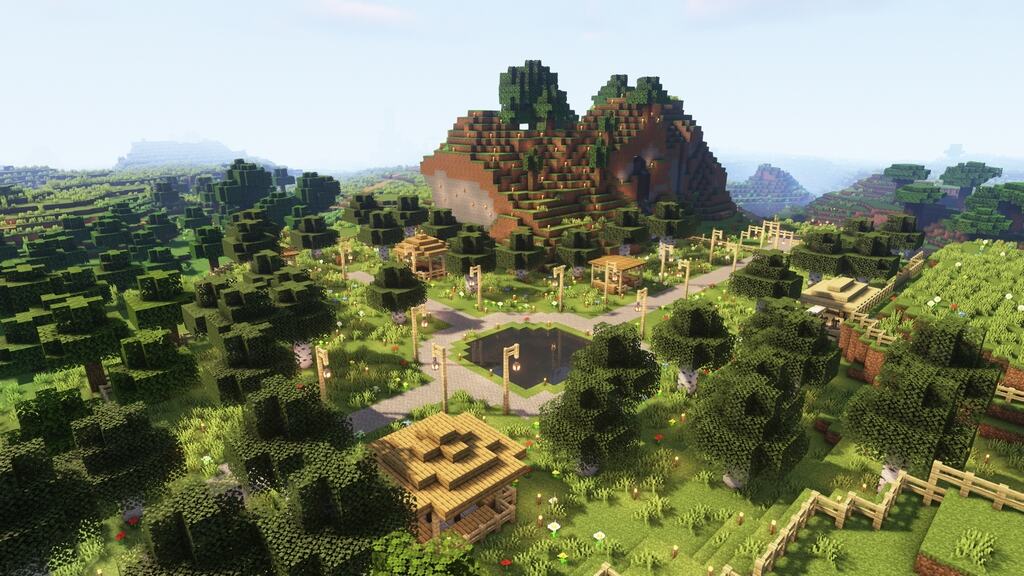
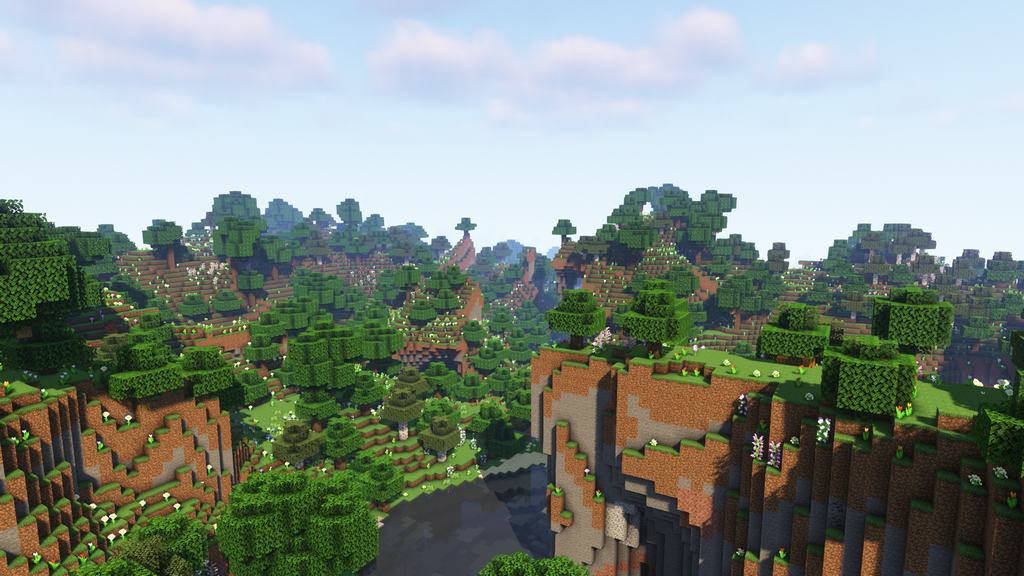
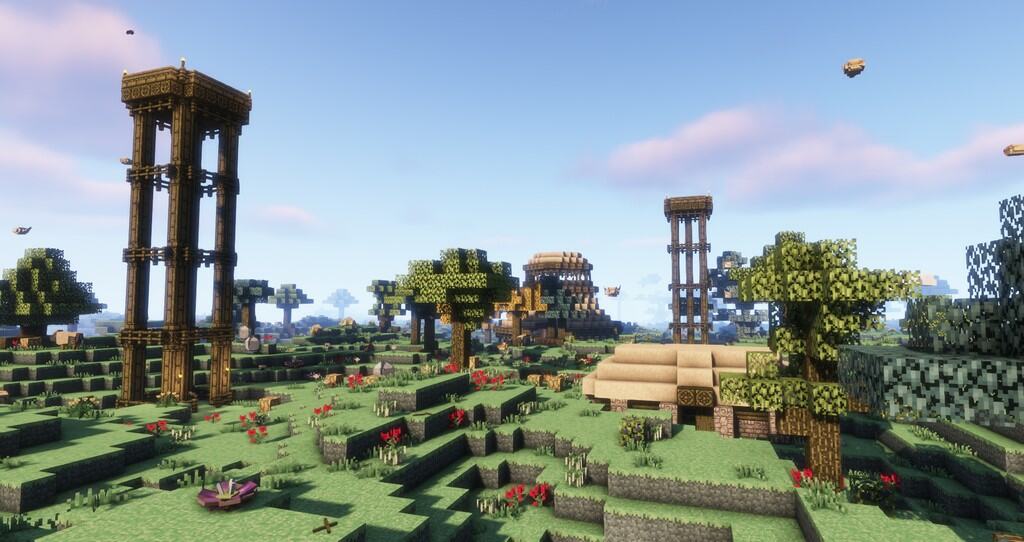
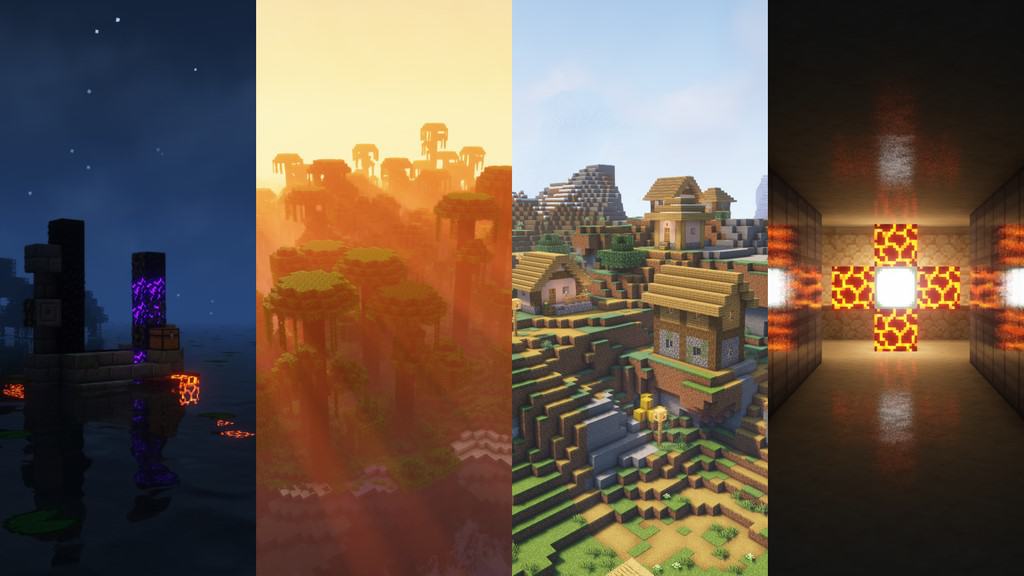
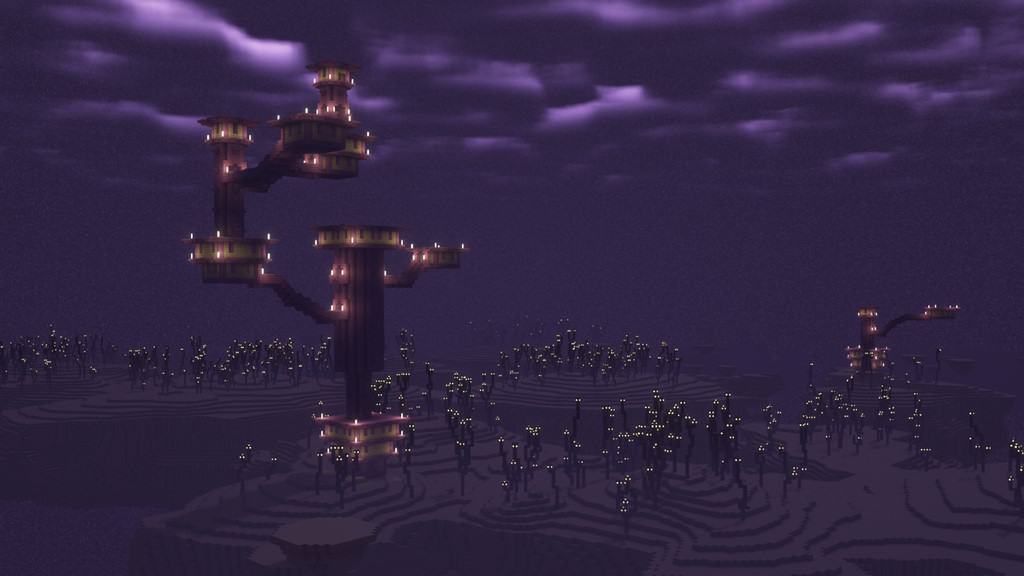
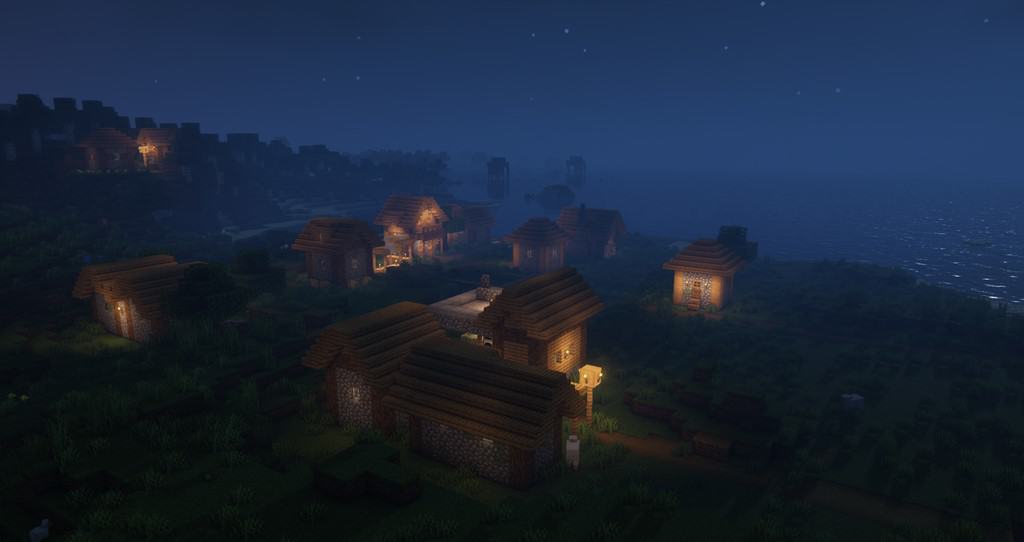
How to install Complementary Shaders:
- Download and install Minecraft.
- Open Minecraft launcher and setup your game profile for the Minecraft version you want to run. – in the top menu, select the “Installations” tab, click “New installation”, under the “Version” dropdown, select your preferred Minecraft version and click “Create”.
- Download and install Optifine or Iris. – we recommend Iris, it’s a bit more optimized;
- Open Minecraft launcher and select the newly created Optifine or Iris profile. – if in step 3 you chose to install optifine it will have an optifine profile, if iris it will have an iris profile;
- Download the Complementary shader pack from the download section below.
- Launch Minecraft.
- For Optifine: Go to
Options > Video Settings > Shadersand click “Shaders Folder” to open shaderpacks folder.
For Iris: Go toOptions > Video Settings > Shader packsand click “Open Shader Pack Folder” to open shaderpacks folder. - Put the Complementary shader pack (.zip file) downloaded in step 5 into the .minecraft\shaderpacks folder you opened in step 7.
- In the game, select Complementary Shaders from the list and click “Done”.
Complementary Unbound - Comparison Slider #1 day
Comparison slider #1 for those who want to compare vanilla Minecraft without any shaders installed (on the left) with Minecraft using this particular shader pack (on the right).
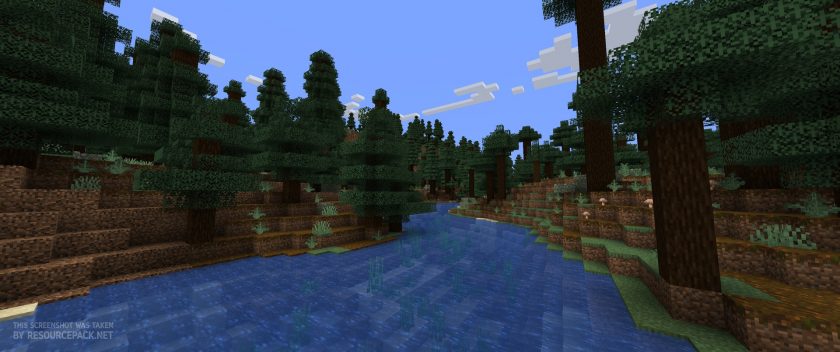 Vanilla
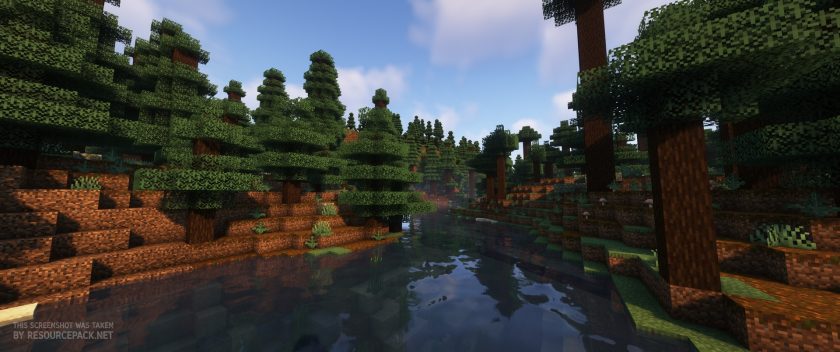 Complementary Shaders
Complementary Unbound - Comparison Slider #2 night
Comparison slider #2 for those who want to compare vanilla Minecraft without any shaders installed (on the left) with Minecraft using this particular shader pack (on the right).
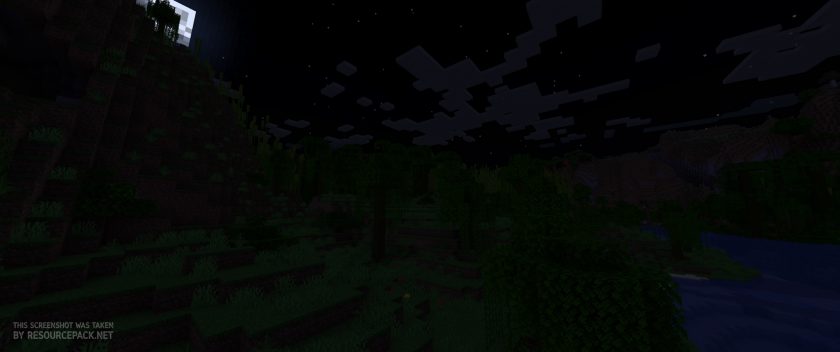 Vanilla
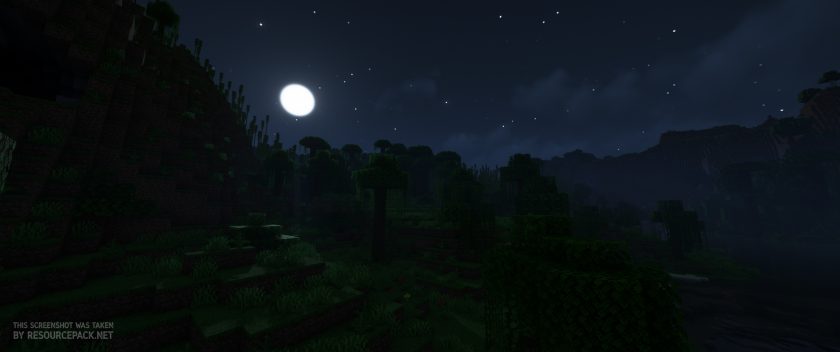 Complementary Shaders
Complementary Unbound - Comparison Slider #3 day
Comparison slider #3 for those who want to compare vanilla Minecraft without any shaders installed (on the left) with Minecraft using this particular shader pack (on the right).
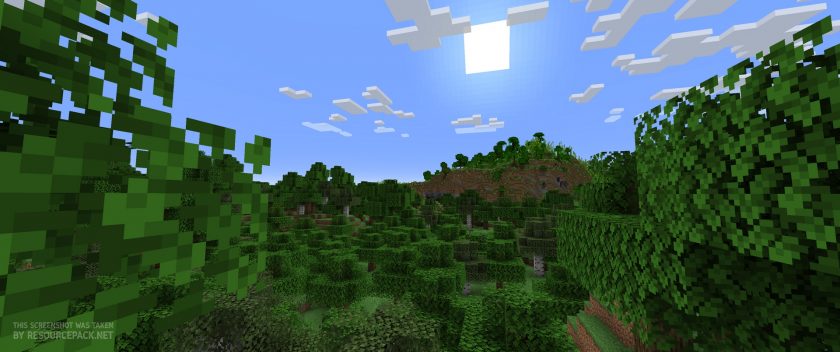 Vanilla
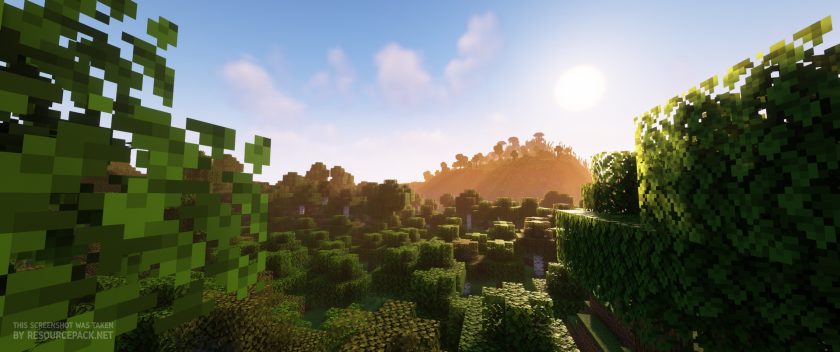 Complementary Shaders
Complementary Unbound Shader Pack Download
- We do not modify or edit any resource packs. All resource packs, shaders and tools found on this website are linked directly to official sources rather than hosted on our own servers. We provide only the official download links from the original creators to ensure that your files are safe and secure.
- These official links are updated manually and may occasionally stop working when a new version is released. We work hard to keep everything current so that you have a smooth experience. Please let us know in the comments if you find a link that no longer works.
- Minecraft is a trademark of Mojang Studios and has no official connection to this website. Our goal is simply to share the best creations from the community with other players.
- Please consider leaving a comment or voting for your favorite packs. This feedback helps authors improve their projects over time. You can also support the creators directly by visiting the official links located below the download section.
Java Edition:
[1.21.x – 1.7.x] Download Complementary Unbound Shaders
Curseforge: download starts automatically after a few seconds;
Mediafire: click the big blue button with the text "DOWNLOAD";
Google Drive: in the top right corner you will see a small download icon (down arrow), click it and the download should start;

7,656 votes
Look.. 7656 users have already liked this shader pack. Give a diamond if you like it too!


khgdg
Do these shaders lag as I have a stander Pc and it ok ok.
elizasquider
do these shaders work for switch?
E
No, since it is Bedrock version on the Switch.
Shaders Only Works On Java Edition
Sorry
|256|
Best shaders i ever seen but since i once turned off the shaders everytime i turn to turn them on minecraft crashes
Mina
It’s really beautiful but is there a way to disable the fog at night? I don’t like the way it obstructs my vision and makes it hard to see mobs
Aud
Where is the Optifine profile button in the minecraft launcher???
Mr Gamer
I downloaded it but the light is so bright and I cant see anything?
HHHH
CAN SOMEONE WRITH ALL THE NAMES FOR THE CUSTOMISABLE STAFF
Ben
can someone help me my sky is white how can i fix it pls ??
Ben
turn off clouds or sky
Minh Isekai
crash time ;-;
LeviXD
its time to crash my pc
Daniel
XD
Night_Monkey2021
Im Gonna Download After School :)
tgertgetfDrreer
nice
Creeper Hack
I want this normal in minecraft why is it not in the minecraft this is so amazing
idkman
it is not in normal minecraft because it is a heavy shader pack and requires mods. minecraft did want to add official shaders but optifine developer didn’t want to sell the mod. vanilla minecraft java runs well enough on weaker pc but with shaders it runs bad on weak pc
mb
Does this shader contain the aurora borialis(northern lights)? I saw a youtuber use a shader and it had them in. I am not sure which it is.
My retinas are burning
The shaders are fine on the ground, nether, and end, but in the overworld the sky is just blank white, even at night. What steps can I take to fix this?
huzaim
cuz u disable the clouds
Moose
Rip my pc
Rudra
yes rip my also pc
dapper
Does anyone recognize the resource pack in the first screenshot?
Volpone
That’s not a resource pack, it’s a mod. Aether II to be precise.
Emmeck23
This is an amazing shader other than one problem that kept occurring. This problem is that no matter what skybox settings I enable or disable the very top part of the skybox is always white. This would happen only happen in the overworld oddly. If you have any suggestions on what might be happening or how to fix it, that would be great.
gungon
I want to able cloud in ender world. what setting is turn on ender world could?
Sensa1_
There is a huge white blob-like thing in the sky all the time. (Overworld) I don’t know how to fix it.
Congrats
Congrats! While other shaders simply froze or made my Minecraft graphics one pixel, your shaders were the first to crash it! Good job fam.
Admin
Are you sure your pc hardware can handle shaders at all?
Congrats
Congrats! It’s time to upgrade your PC!
billy
When there a sunrays in the game, the rays flicker like crazy for me? What do I do?
Lambo
whats the minimum requirements
subcidal
Also have the weird line in the sky, everything else seems great.
Sakarcas GD
The ground is too bright even at night and there is like a wired line in the sky
Elias
Is this for Java or Bedrock?
Admin
Java