BetterVanillaBuilding is a Minecraft’s resource pack which is specially designed for the builders, who wants more realistic textures which can transform their houses or building look much greater than they often do. Even though the graphics of the vanilla world would make a lot of the gamer bases feel satisfied and contented, they are certainly not created to meet the needs of most building communities in Minecraft since even the greatest constructions have a tendency to look dull because of the effects of many noisy textures. But fortunately, the new release named BetterVanillaBuilding resource pack has performed a great job of dealing with those problems to provide the builder groups of Minecraft accurately what they want to enjoy the game. The BetterVanillaBuilding has been created with the purpose of keeping the main art style in vanilla Minecraft unchanged while enhancing the textures at the same time in different methods to help the gamers have a better playing experience.
The textures in this set of textures integrate pretty well with the others, have quite plenty of details and come with lively and bold colors which bring everything in Minecraft to a higher level. The most impressive feature of this pack and also the major cause why BetterVanillaBuilding is a great option for most building communities is that it creates a perfect cohesion between all of the textures. Thus, even when you place 2 totally different pieces next to each other, the unique graphics of the texture pack can, in fact, make it seem like that they are blending perfectly together. What’s more, this is true for each mingling of blocks which you might come up with. BetterVanillaBuilding is designed with a standard resolution of 16×16 in Minecraft so gamers will be able to run this pack without any problem as long as their PC can run vanilla minecraft at a stable frame-rate.
BetterVanillaBuilding should be compatible with all of these Minecraft versions: 1.21.10 - 1.21.9 - 1.21.8 - 1.21.7 - 1.21.6 - 1.21.5 - 1.21.4 - 1.21.3 - 1.21.2 - 1.21.1 - 1.21 - 1.20.6 - 1.20.5 - 1.20.4 - 1.20.3 - 1.20.2 - 1.20.1 - 1.20 - 1.19.4 - 1.19.3 - 1.19.2 - 1.19.1 - 1.19 - 1.18.2 - 1.18.1 - 1.18 - 1.17.1 - 1.17 - 1.16.5 - 1.16.4 - 1.16.3 - 1.16.2 - 1.16.1 - 1.16 - 1.15.2 - 1.15.1 - 1.15 - 1.14.4 - 1.14.3 - 1.14.2 - 1.14 - 1.13.2 - 1.13.1 - 1.13 - 1.12.2 - 1.12 - 1.11.2 - 1.11 - 1.10.2 - 1.10 - 1.9.4 - 1.9 - 1.8.9 - 1.8.8 - 1.8.1 - 1.8.6 - 1.8 - Bedrock Edition - PE
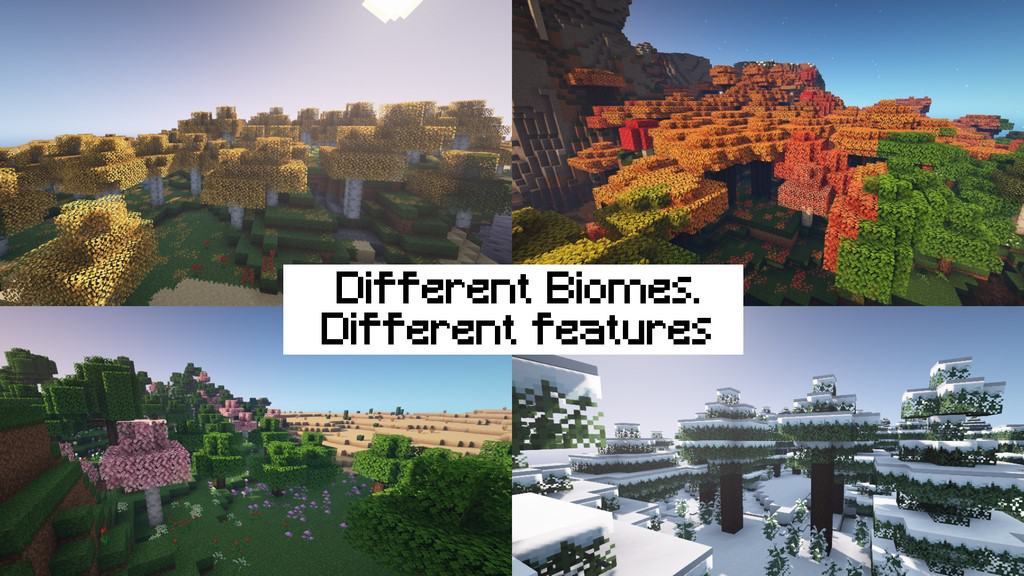
BetterVanillaBuilding — Video & Screenshots
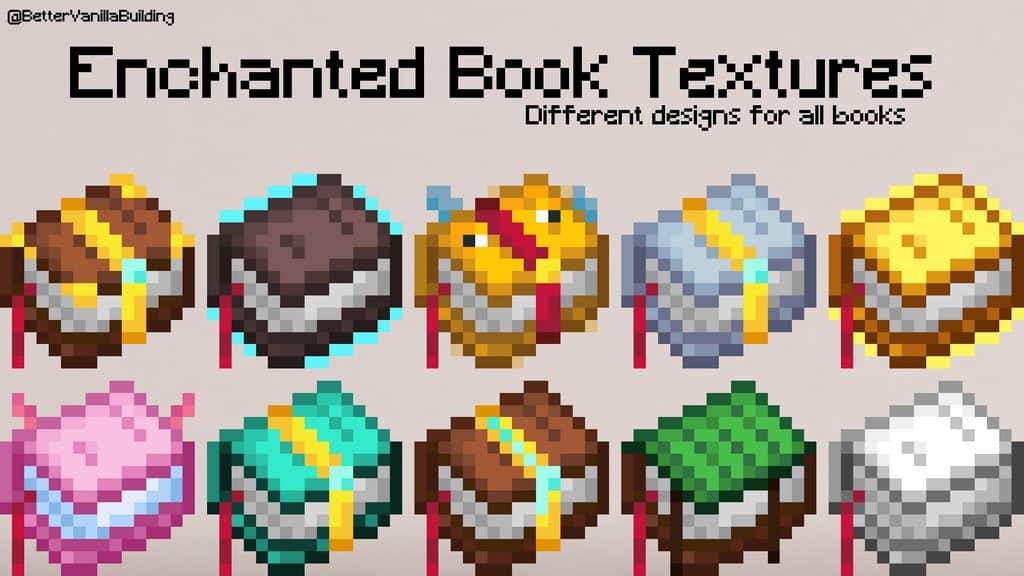
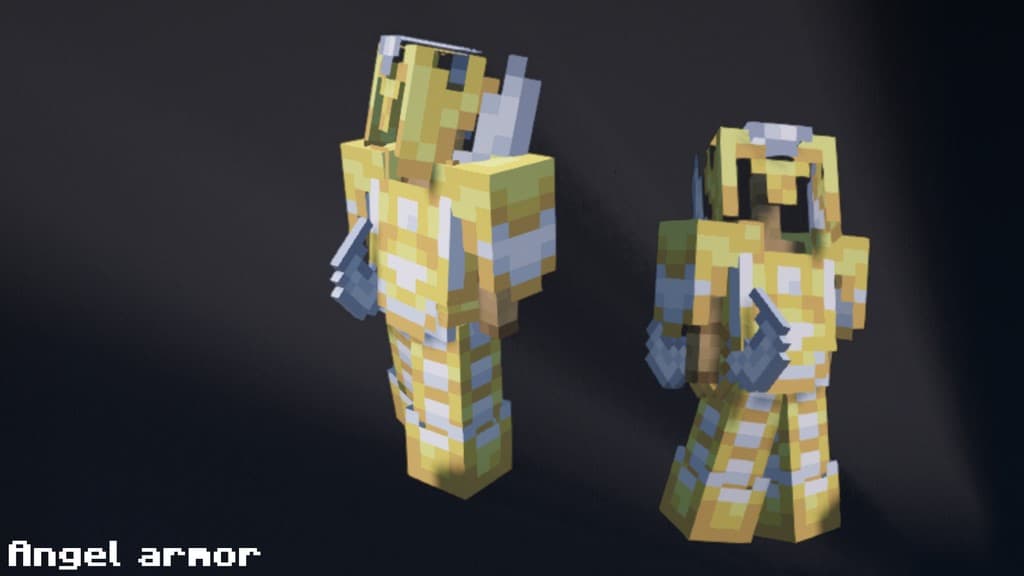
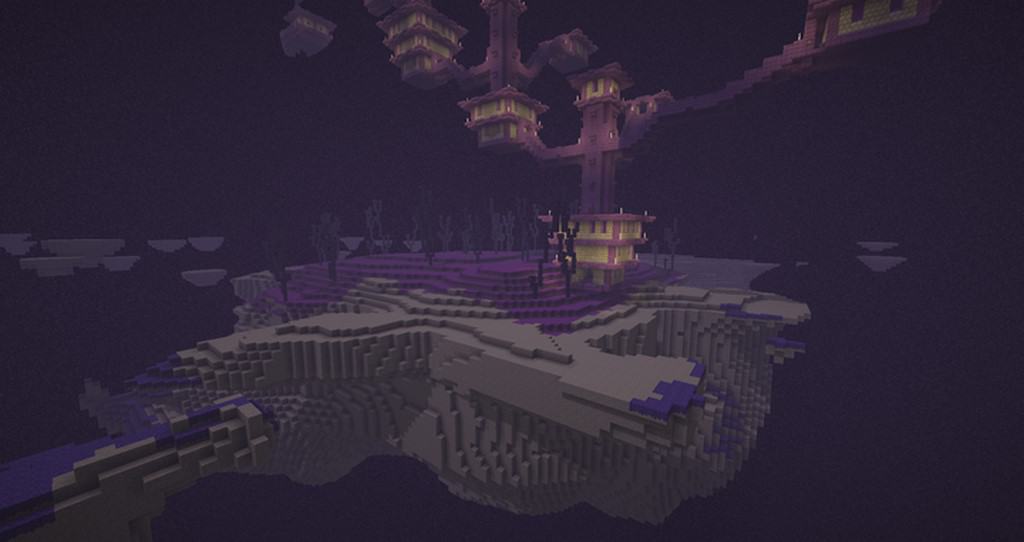
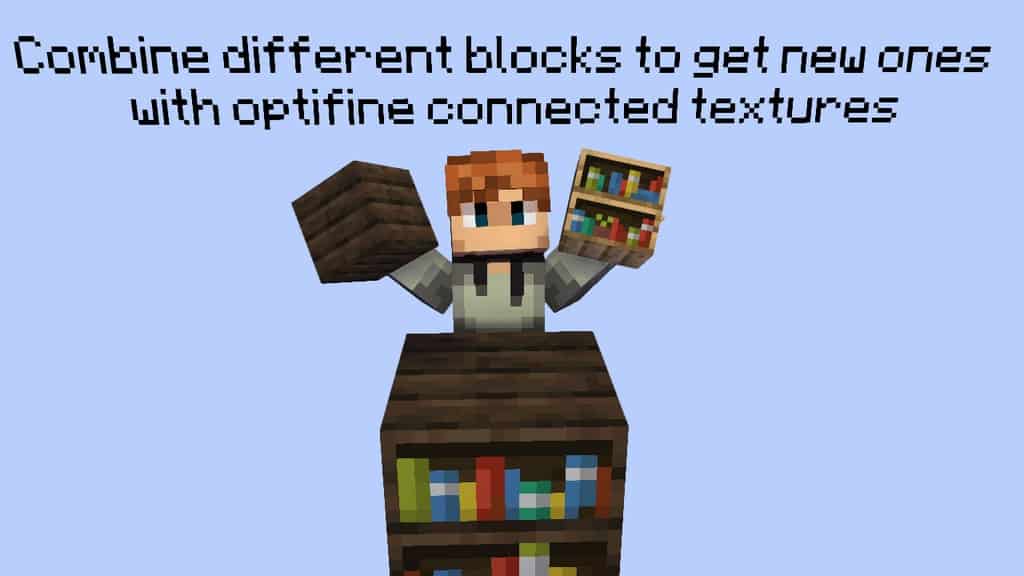
How to install BetterVanillaBuilding Resource Pack:
- Most resource packs require Optifine, so be sure to download and install it. – general recommended step for all packs, Optifine is also needed for most shaders
- Download the BetterVanillaBuilding texture pack for Minecraft from the download section below. – if there are many different versions, just choose the one you like, is compatible with your version/edition of Minecraft, the one you think your computer can handle in terms of performance.
- Launch the game client through the Minecraft launcher.
- On the main menu, click "Options".
- On the options menu, click "Resource Packs...".
- Click on "Open Resource Pack Folder". – folder titled "resourcepacks" will pop up
- Move the .zip file you downloaded in the first step to the newly opened "resourcepacks" folder.
- Click "Done".
- Click on "Resource Packs..." again.
- Your pack should have appeared in the left window, just hover over it and click on the arrow pointing to the right.
QUICK TIP: Sometimes, when activating a pack, the game may say that the pack is made for a newer or older version of Minecraft. This is just a warning, it does not affect your gameplay in anyway, and you can still activate and enjoy the pack by simply clicking the "Yes" button when prompted.
- Click "Done" again.
- The pack has now been successfully loaded and ready to be used in your world!
All armor & tool set names:
BetterVanillaBuilding Texture Pack Download
- We do not modify or edit any resource packs. All resource packs, shaders and tools found on this website are linked directly to official sources rather than hosted on our own servers. We provide only the official download links from the original creators to ensure that your files are safe and secure.
- These official links are updated manually and may occasionally stop working when a new version is released. We work hard to keep everything current so that you have a smooth experience. Please let us know in the comments if you find a link that no longer works.
- Minecraft is a trademark of Mojang Studios and has no official connection to this website. Our goal is simply to share the best creations from the community with other players.
- Please consider leaving a comment or voting for your favorite packs. This feedback helps authors improve their projects over time. You can also support the creators directly by visiting the official links located below the download section.
Bedrock Edition:
Download BetterVanillaBuilding Bedrock Edition Resource Pack
Java Edition:
[16x] [1.21.x] Download BetterVanillaBuilding Resource Pack
[16x] [1.20.x] Download BetterVanillaBuilding Resource Pack
[16x] [1.19.x] Download BetterVanillaBuilding Resource Pack
[16x] [1.18.x] Download BetterVanillaBuilding Resource Pack
[16x] [1.17.x] Download BetterVanillaBuilding Resource Pack
[16x] [1.16.x – 1.14.x] Download BetterVanillaBuilding Resource Pack
[16x] [1.13.x] Download BetterVanillaBuilding Resource Pack
[16x] [1.12.x] Download BetterVanillaBuilding Resource Pack
[16x] [1.11.x – 1.8.x] Download BetterVanillaBuilding Resource Pack
BetterVanillaBuilding Datapack:
This datapack allows you to craft BetterVanillaBuilding and Stefan’s Armors’N custom items using the Stonecutter without the need for mods.
[1.21.x] Download BetterVanillaBuilding Datapack
Bushy Leaves Add-on (Java Edition):
Adds bushy leaves and biome variation to your game.
[1.20.x] Download BetterVanillaBuilding – Bushy Leaves Addon
[1.19.x] Download BetterVanillaBuilding – Bushy Leaves Addon
[1.18.x] Download BetterVanillaBuilding – Bushy Leaves Addon
[1.17.x] Download BetterVanillaBuilding – Bushy Leaves Addon
[1.16.x – 1.15.x] Download BetterVanillaBuilding – Bushy Leaves Addon
Overlays Add-on (Java Edition):
As of BetterVanillaBuilding Update V2.65 connected textures for grass, dirt, sand and other natural blocks have been removed. This add-on pack brings these overlays back to your game.
[1.19.x] Download BetterVanillaBuilding – Overlays Addon
[1.18.x] Download BetterVanillaBuilding – Overlays Addon
[1.17.x] Download BetterVanillaBuilding – Overlays Addon
Stefan’s armors ‘N’ items Add-on (Java Edition):
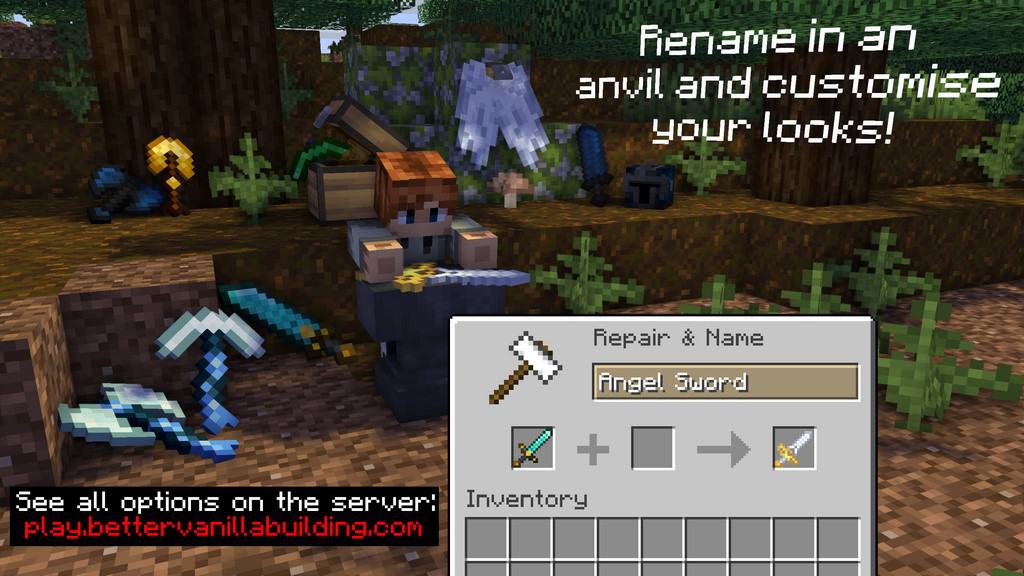
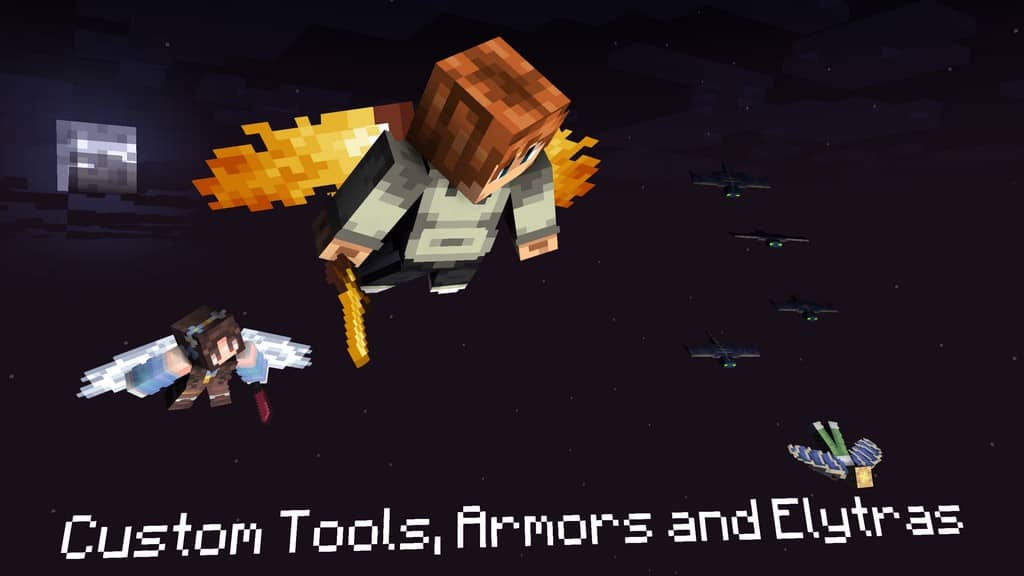
Adds over 20 new armors and hundreds of new items using anvil renaming.
[1.21.x] Download BetterVanillaBuilding – Stefan’s armors ‘N’ items Addon
[1.20.x] Download BetterVanillaBuilding – Stefan’s armors ‘N’ items Addon
[1.19.x] Download BetterVanillaBuilding – Stefan’s armors ‘N’ items Addon
[1.18.x] Download BetterVanillaBuilding – Stefan’s armors ‘N’ items Addon
[1.17.x] Download BetterVanillaBuilding – Stefan’s armors ‘N’ items Addon
[1.16.x] Download BetterVanillaBuilding – Stefan’s armors ‘N’ items Addon
Official Server IP/URL:
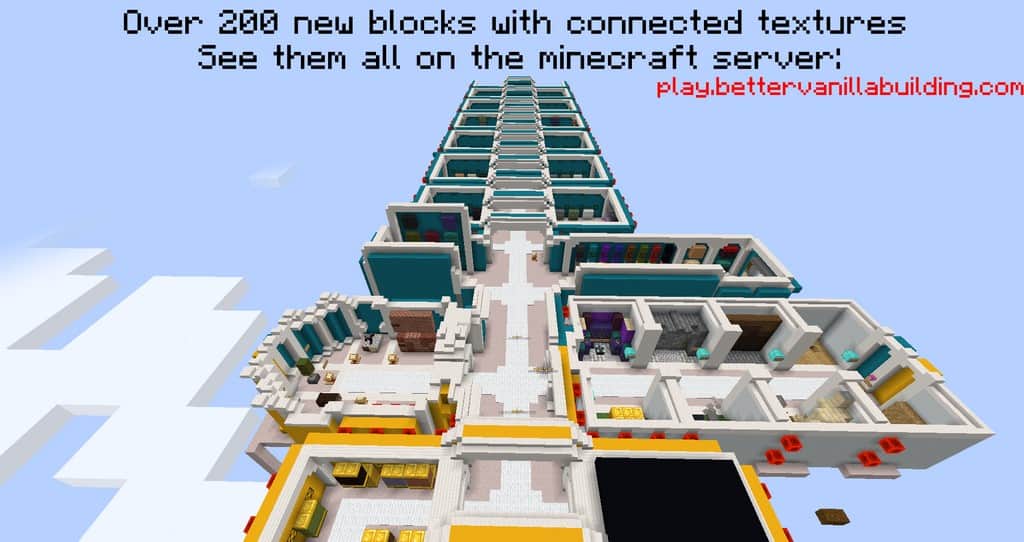
- play.bettervanillabuilding.com – optifine is needed to join;
Curseforge: download starts automatically after a few seconds;
Mediafire: click the big blue button with the text "DOWNLOAD";
Google Drive: in the top right corner you will see a small download icon (down arrow), click it and the download should start;

2,011 votes
Look.. 2011 users have already liked this pack. Give a diamond if you like it too!


DABABY
How do you get the connected textures to work, do you need a specific shader (if so what one) how do you activate it???
Admin
Please read the “Important Information” section on this page. There is an answer.
Byzant77
Does anyone know if this works with mods, I have optifine with a couple of mods and the connection part of the pack does not work?
Gray
How do you use the pack on bedrock because when I load it in it says it failed to load
EEEEEEEEEEE
you cant use it on bedrock
Whiff
I downloaded it on my iPad, u can use it on bedrock u have to have optifine to use some of the features
FoxGuyz
that’s look interesting!!!
Manapo
Who thought making acacia brown and red sandstone beige was a good idea, why limit orange blocks
sarah
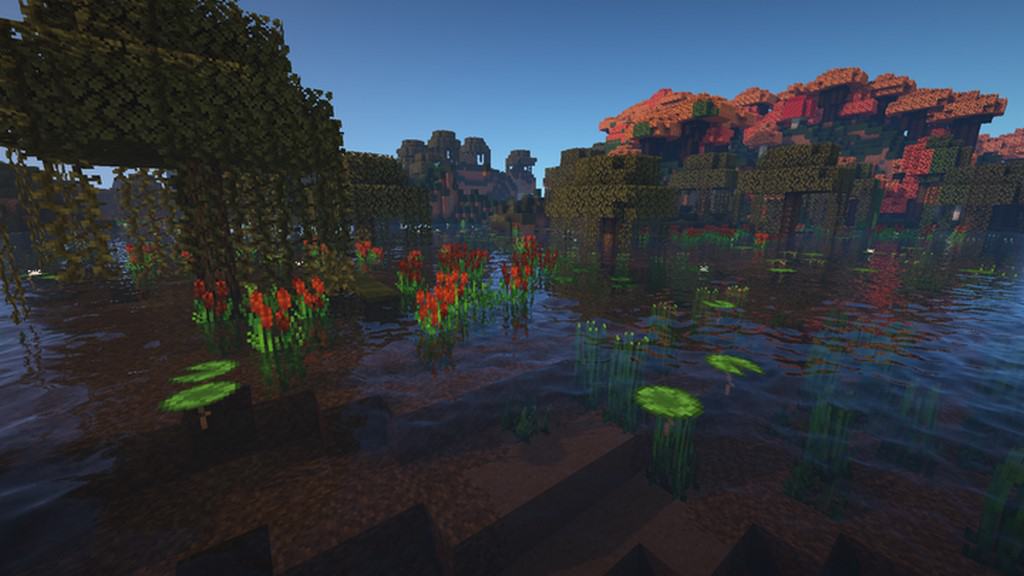
can anyone tell me the shader pack that’s in the photos?
DiaMamad
Sildurs
spoon
wait why is this under the bedrock section lol i don’t think it works with bedrock.
Admin
Because there is a bedrock edition of this pack.
There is a separate link to the bedrock edition in the downloads section.
Izabu_
The torches disappear after 2 seconds of placement,,,
Chloe
pls say i dont need optofine for this cause optifine aint workin for me
Admin
You need optifine for connected textures feature to work.
Bee
my trees worked perfectly fine, but then all of the sudden they started clipping between the colors green and yellow. i don’t know what I did. but i’m sad my trees don’t work anymore. my optifine, or shaders also don’t seem to be the problem, its just the pack itself. maybe i messed up something in the settings? idk, but please help :((
Bee
also the laves on the grass blocks dosent exist anymore?
DefEnge
for me worked out going to video setting details and putting fancy on trees (i think you can see this option menu only by using the optifine ) and that stopped the clipping probklem
RoyalTacos
Nether Blocks and smooth stone don’t have a retexture.
Flames
please just fix the dirt the rest is perfect but the dirt is so off putting
PlayerOne
Hey, youe texture is amazing, but the custom armor are not working… could you help me?
Mr. P
I named my enchanted Diamond Chestplate: Crimson Chestplate…cause I use it for the nether. It turned red.
I switched back to the normal resource pack. And in actual vanilla minecraft its blue. Why is the enchanted and named one RED????
Stefan
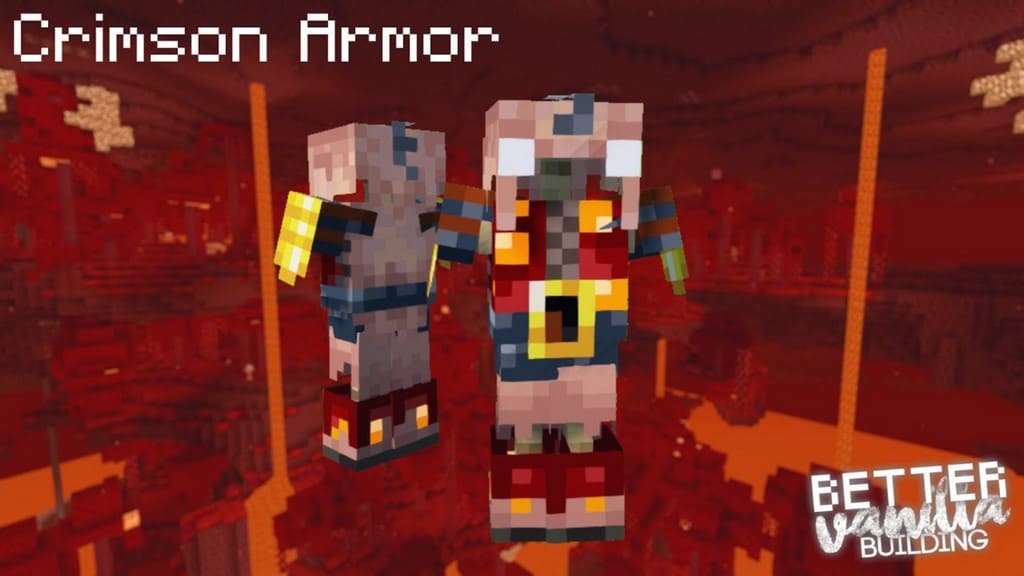
Bettervanillabuilding has about 25 custom armor sets. Of which crimson armor is 1. You can see all other armors on our server, they all work by renaming tools/armor to the correspinding names
Jimin
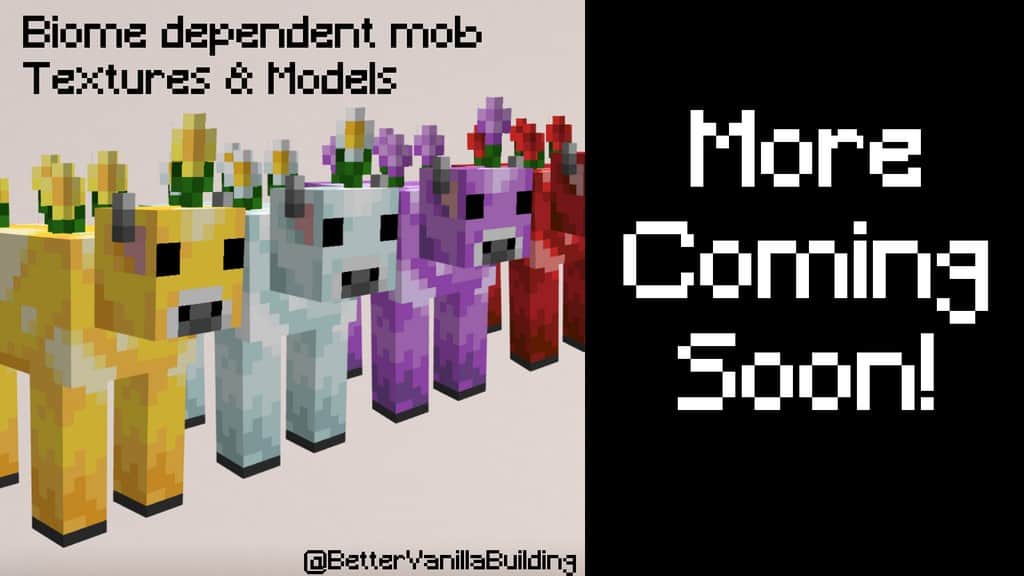
The bushy leaves are buggy and don’t show up most of the time for me (yes I downloaded the add-on and have it selected above the regular pack), the leaves also don’t always chance color when they should. My biggest issue with the pack is the skeletons don’t have different styles like shown above, has that not been added yet or is it just buggy? I love this pack but there seems to be quite a few problems..
stefan
Sounds like you might not have optifine installed, check if you have the latest version for 1.16.2 optifine. If that doesnt help please reach out on discord
leosin
i got rickrolled by this resource pack lol
Mint Ivy
the leaves do not show up even with optifine. I went to all of the forests and none of them have the leaves in the picture.
Shotgunfacelift
Same for me!
stefan
Check if you guys have the most recent version of optifine. If that doesnt help please reach out in discord
HeroBloodBr
For some reason the leaves are not with custom colors
MinecraftBlooow
I cant dowloand this why?
Swindy1234
The leaf textures don’t work for me, but everything else looks great
shy
I love this pack so much, it’s perfect and totally my style, but it makes me so sad to say it makes my game freeze up so bad and drops my frames to 20ish as well. I use optifine and have very low settings when using the pack, I have a good custom built pc and get 400 fps with no resource pack and others, why is this specific pack a no go? :(
Stefan
It’s because of all the connected textures the pack is very laggy (I am working on improving this). Until then you can turn off connected textures in settings and the pack will run fine!
WilliamGameing
What Is Theis Are Real LIVE
Mikaela Wong
The pack is beautiful but the the leaf blocks don’t show up for me, they are just solid colors.
snow crystal
i like the pack, but for some reason the trees are all glitched up. maybe it’s my fault tho?
Toiveikasy
this modback doesnt work for me. do I have to have spisific settings?
Slavko
I would like dome command wchih…