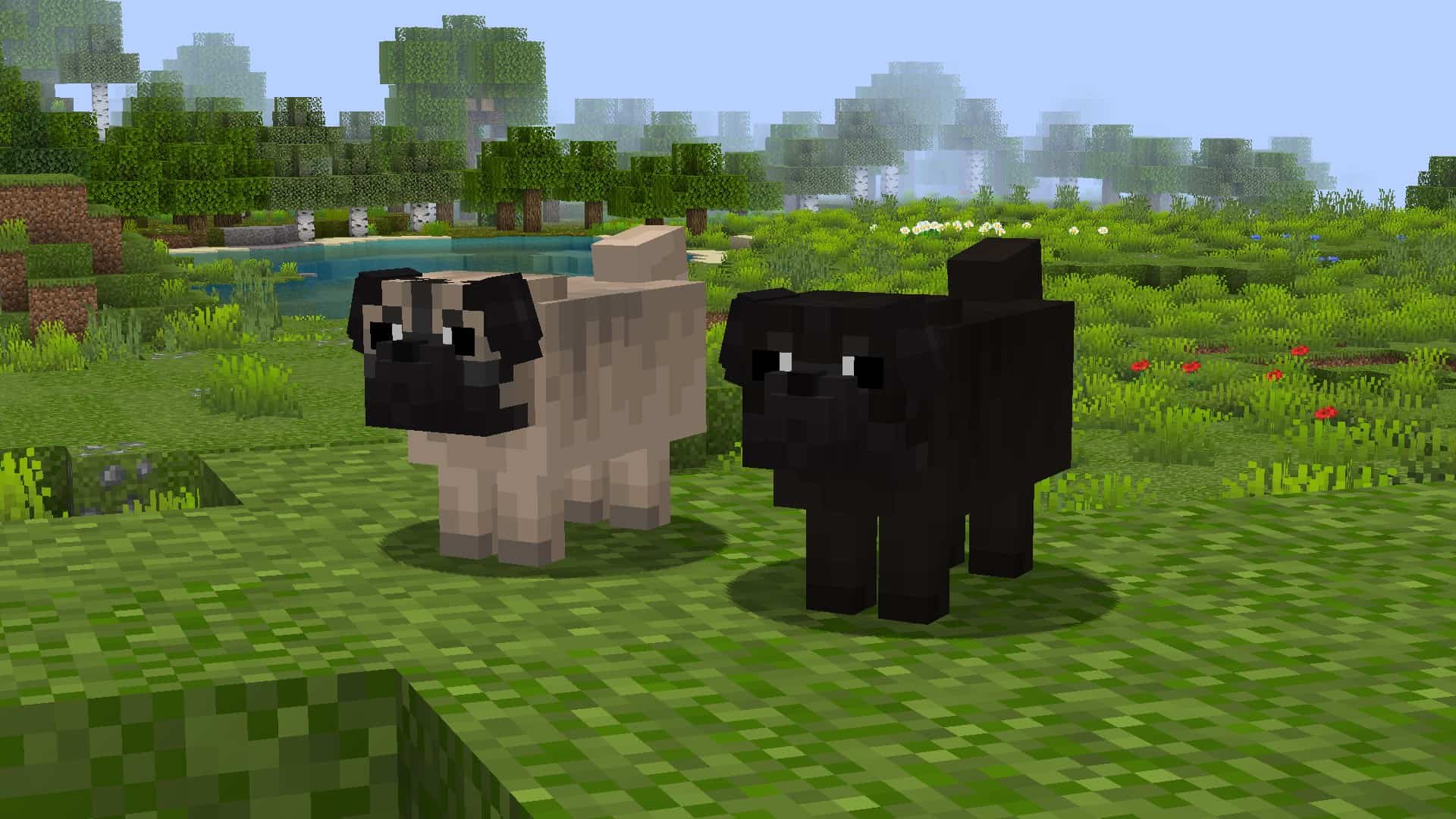
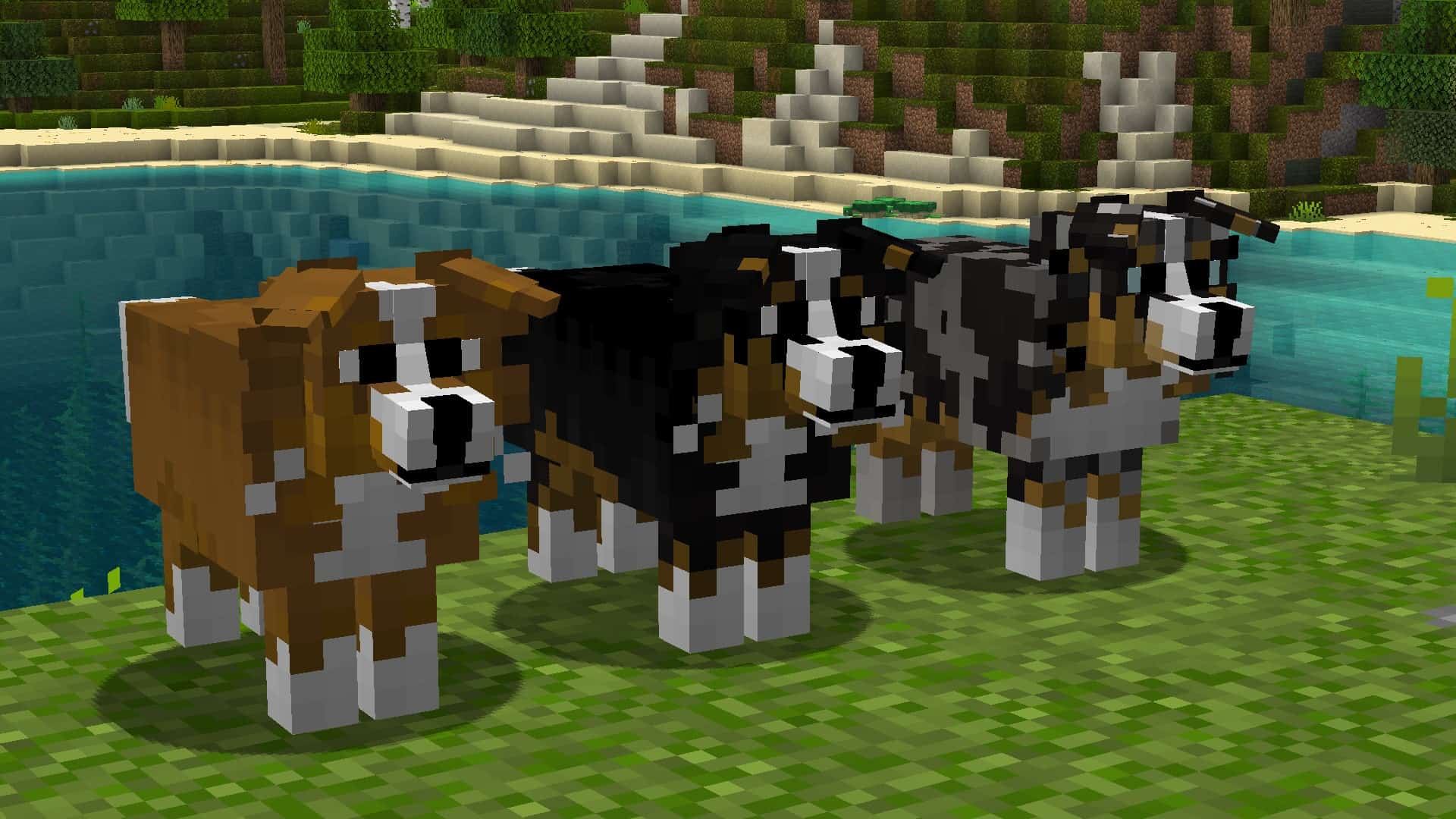
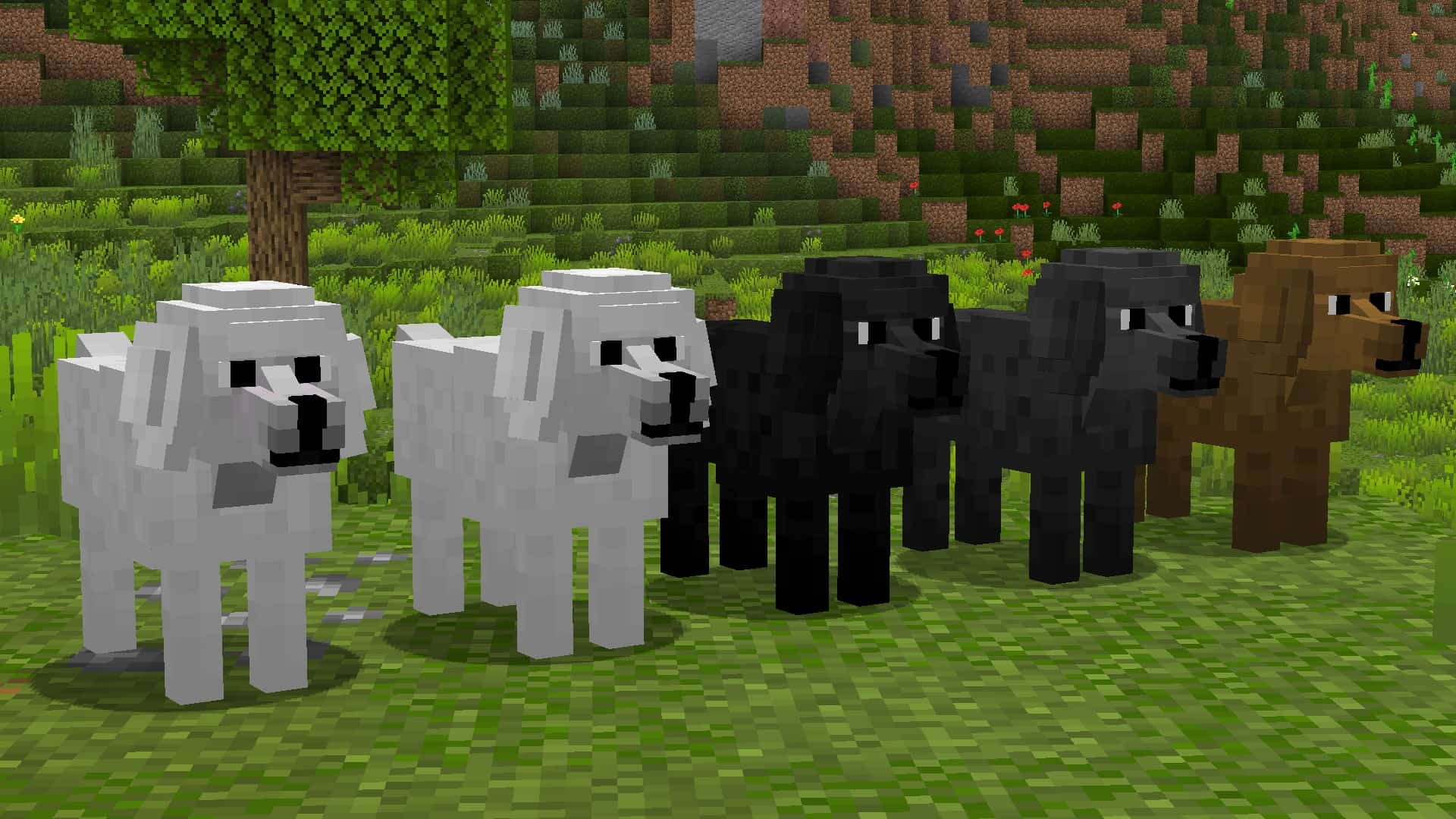
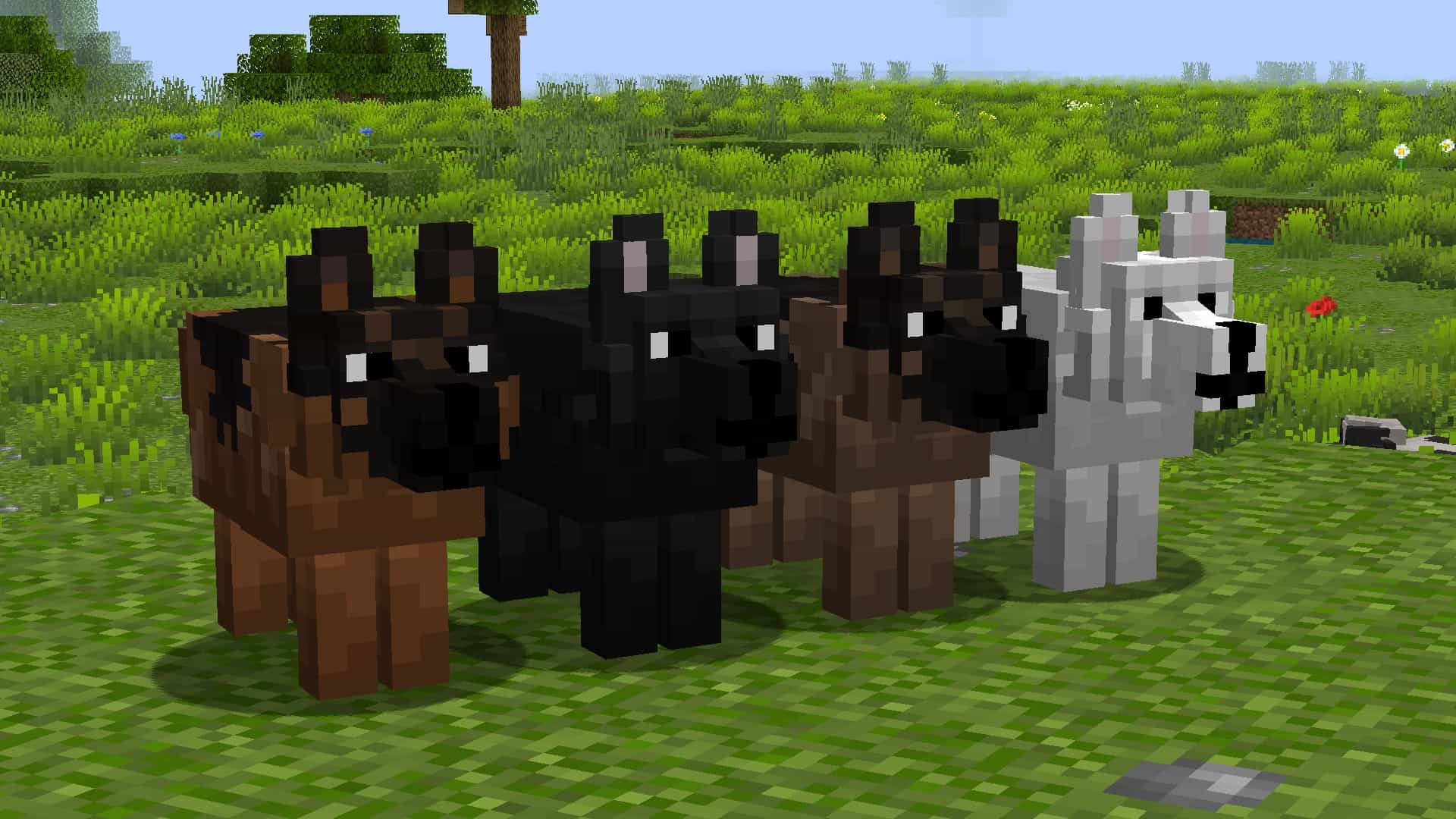
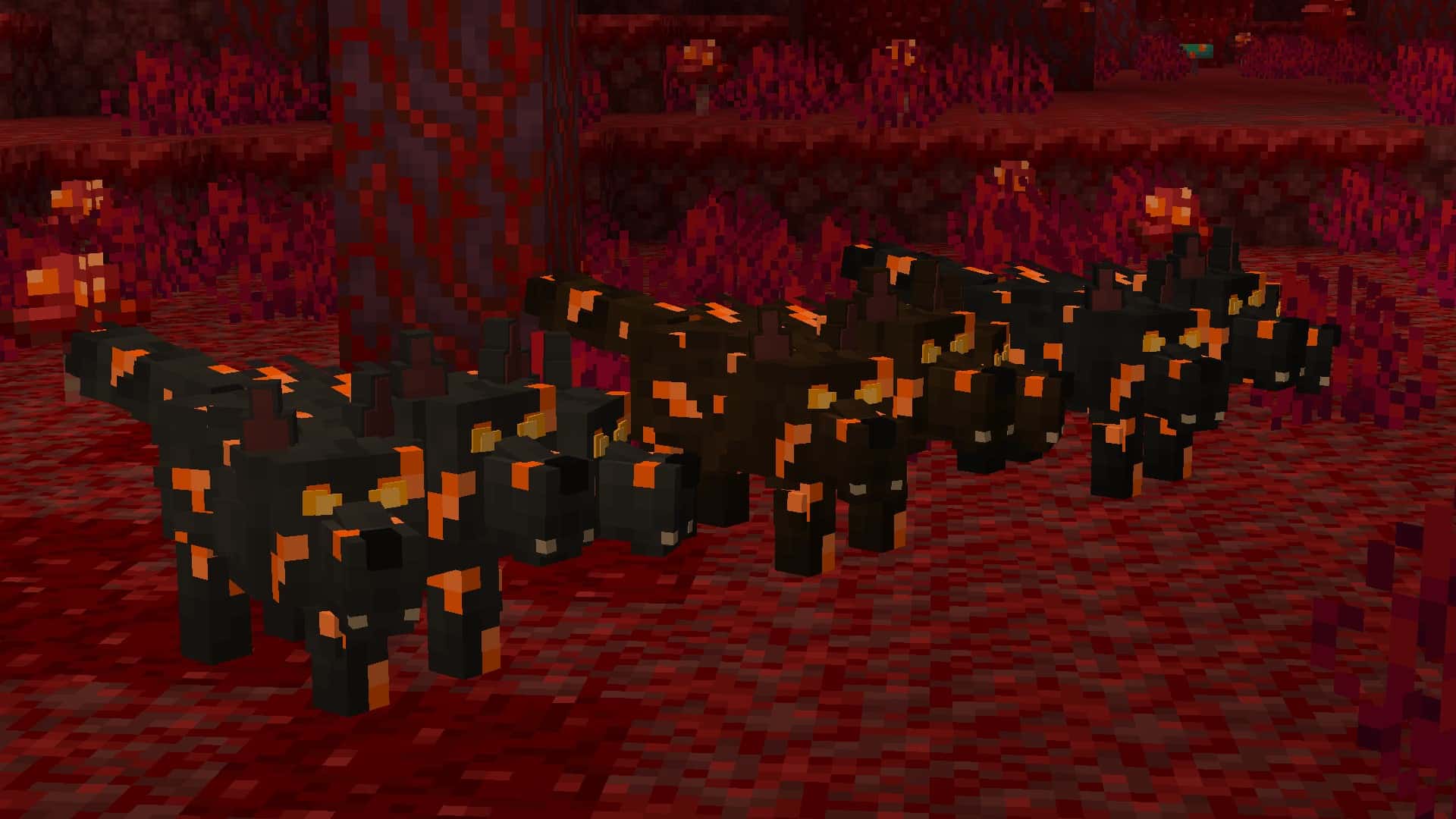
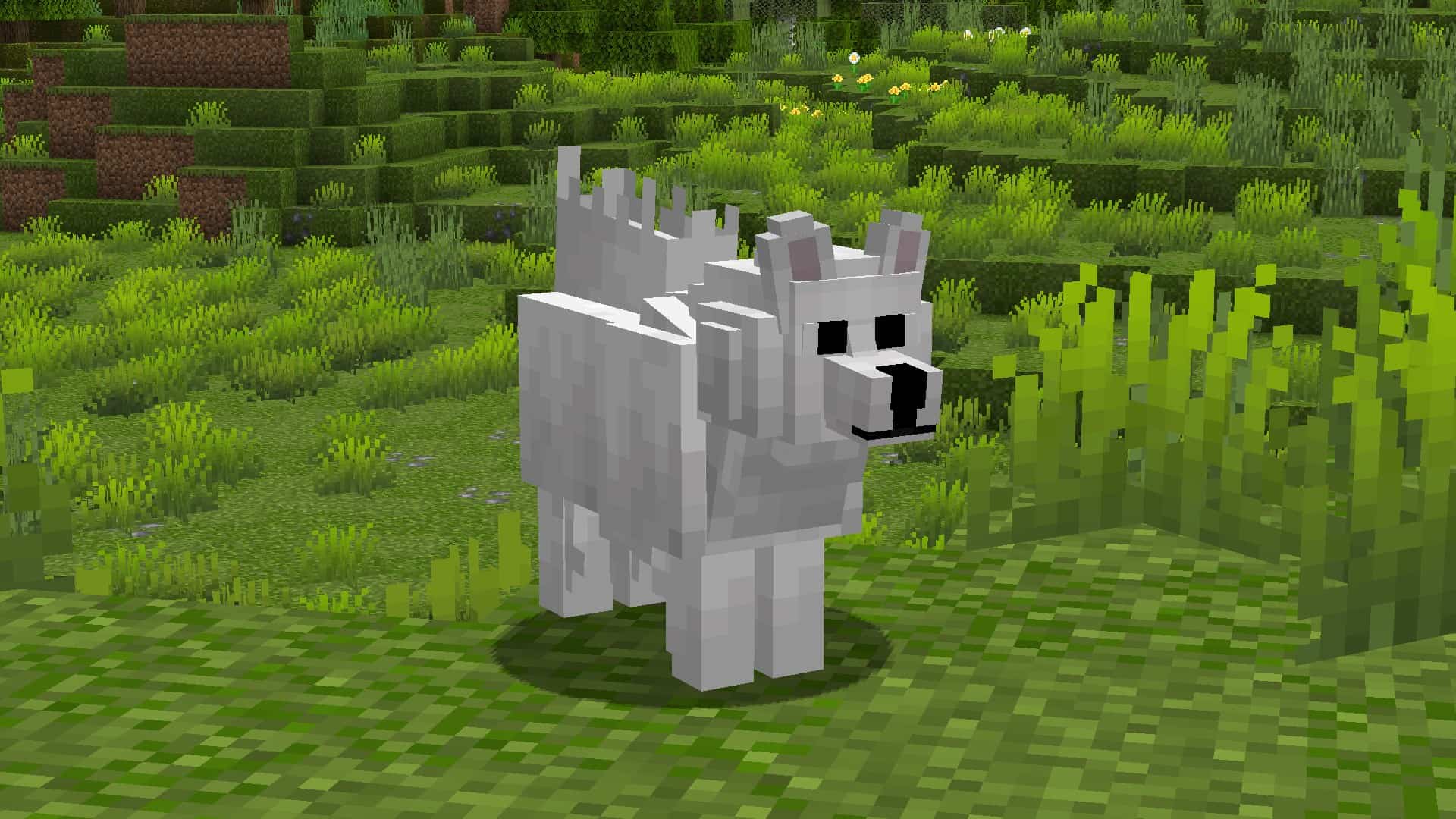
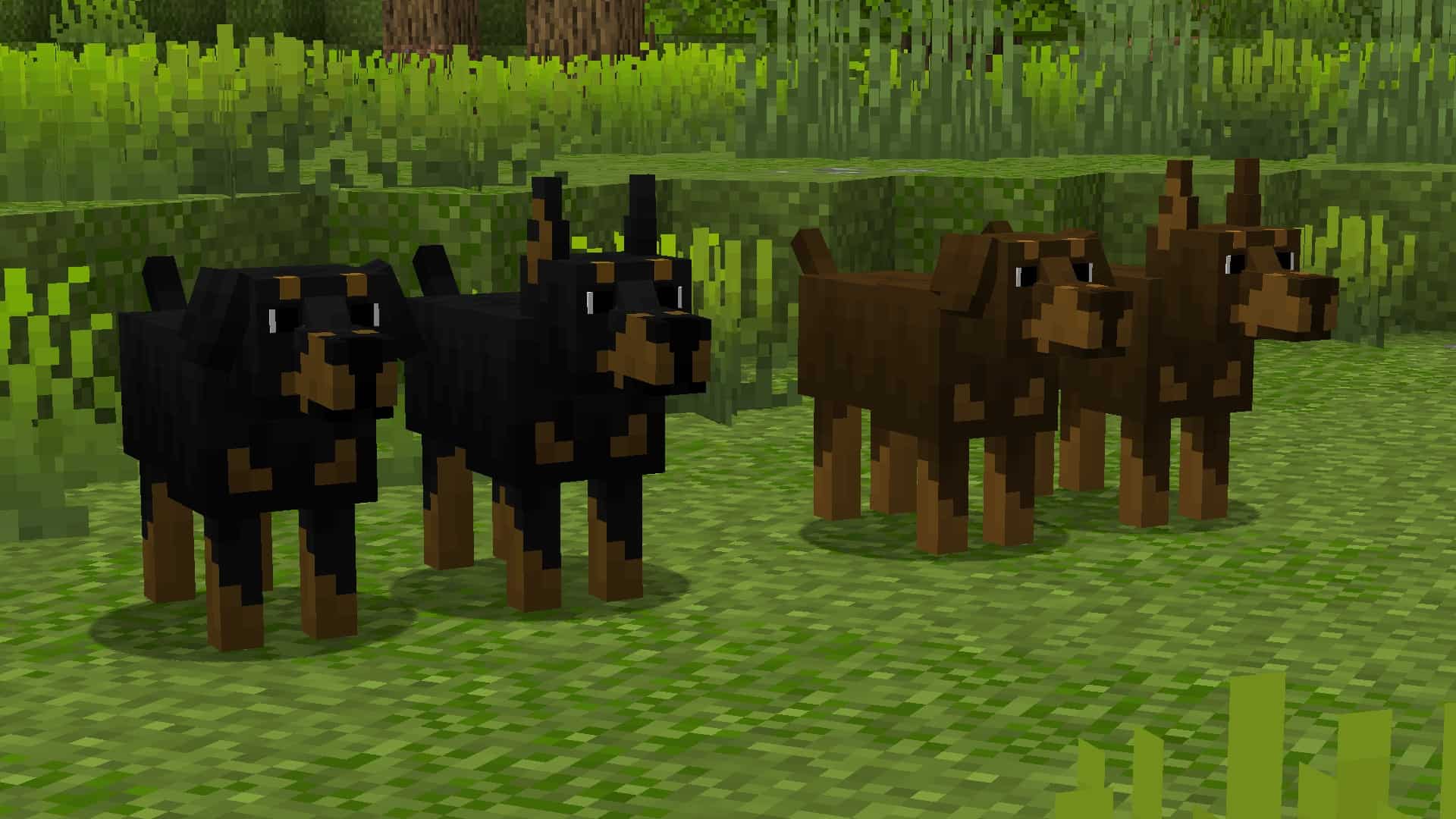
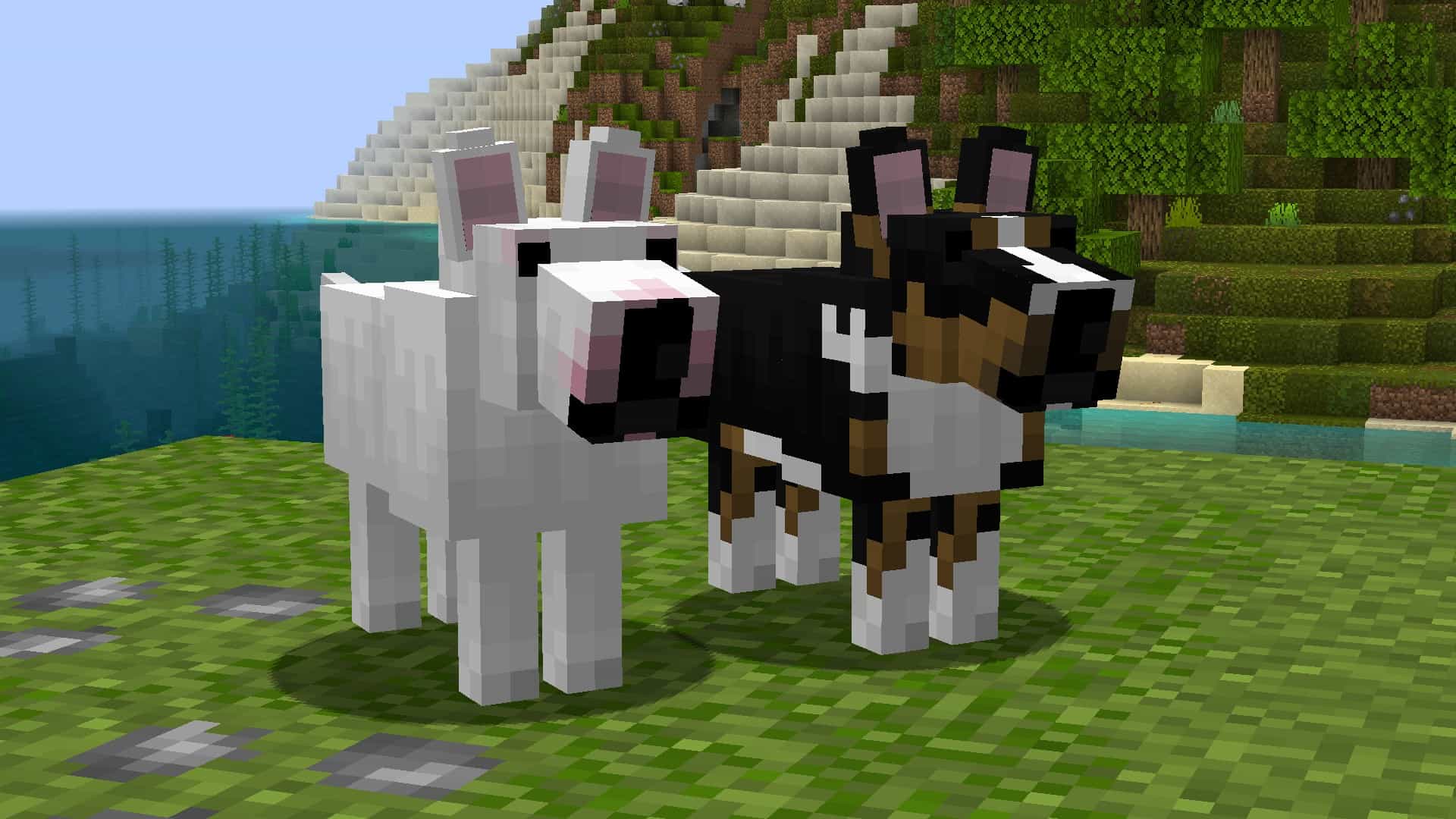
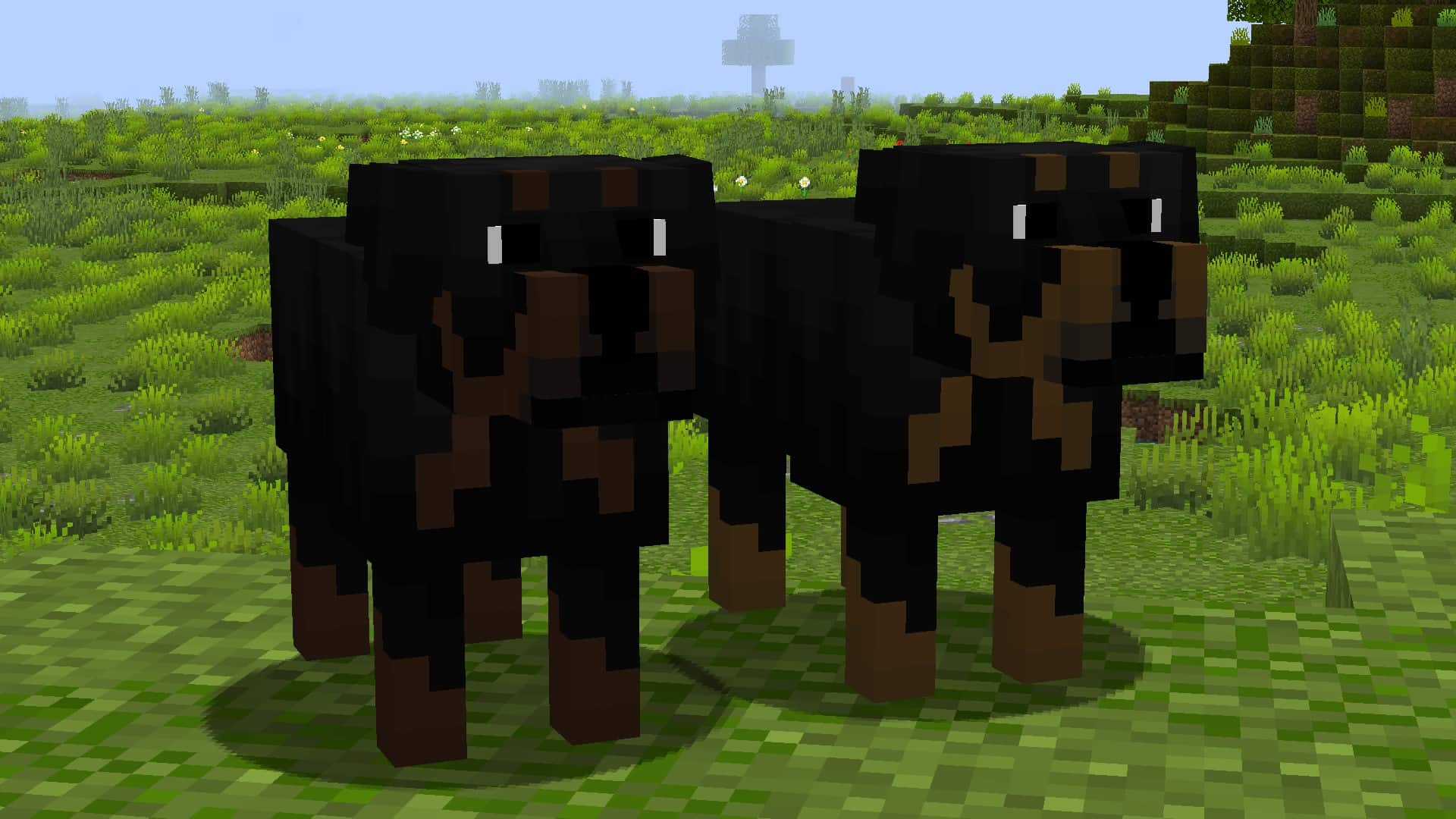
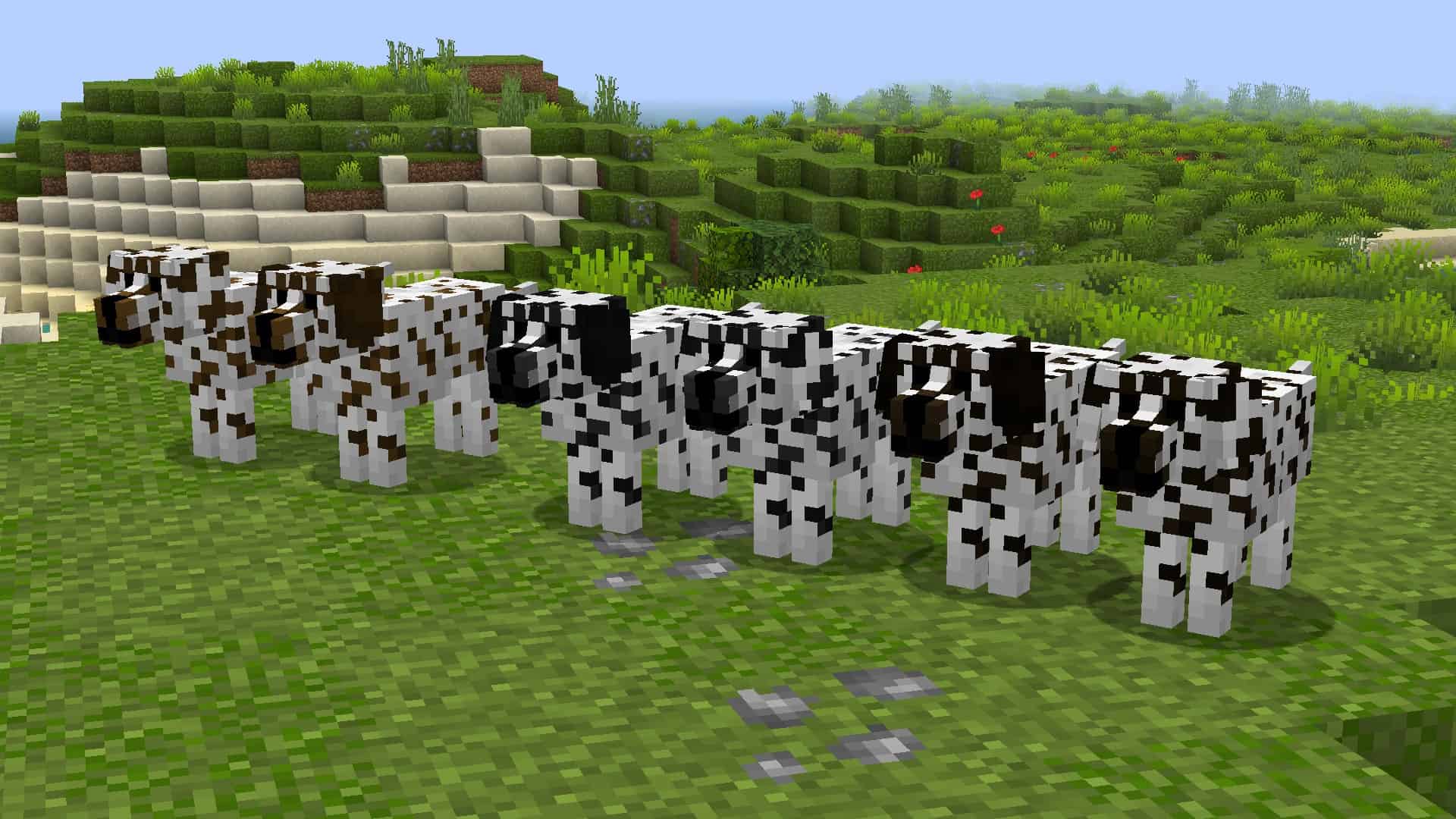
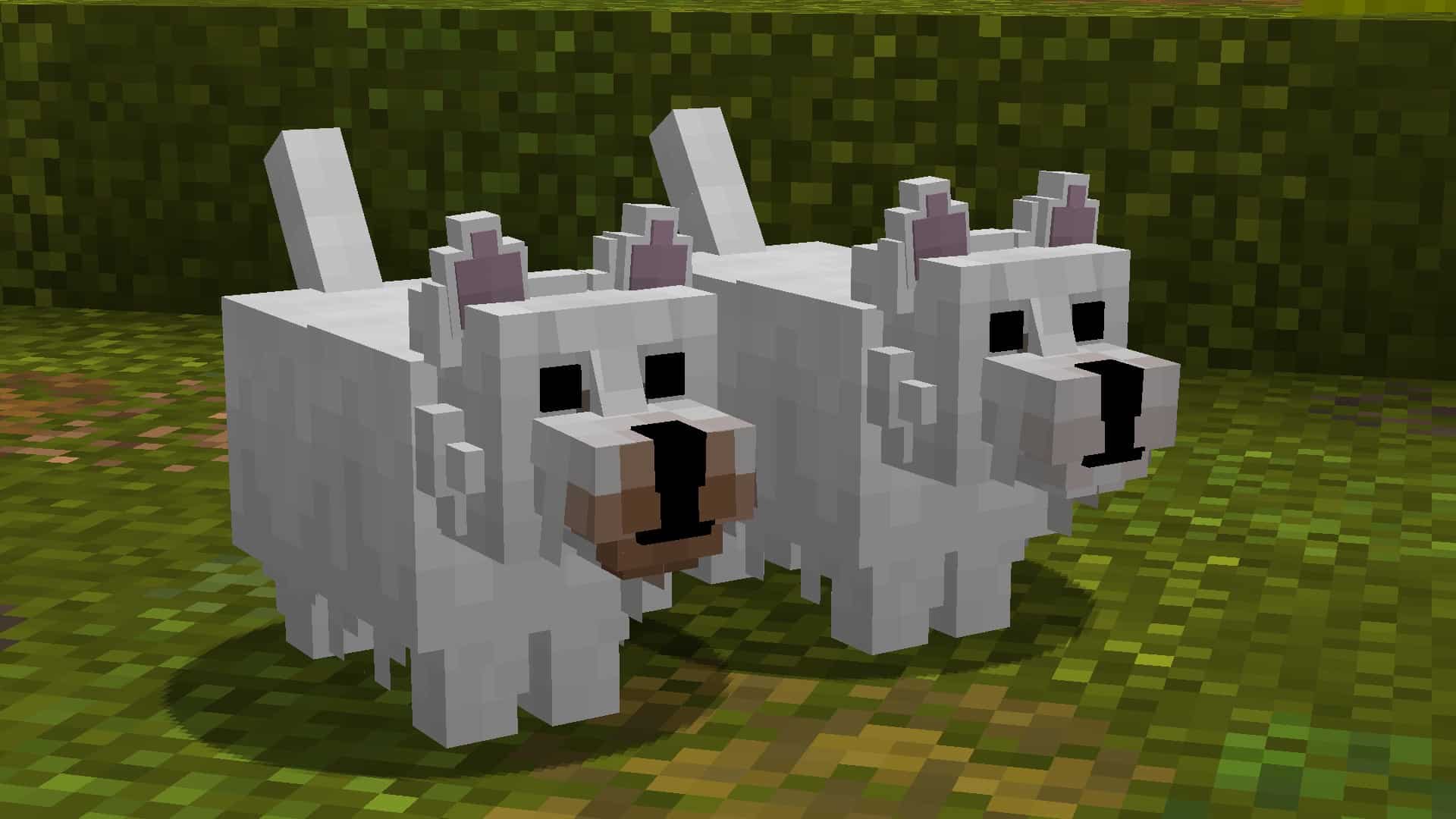
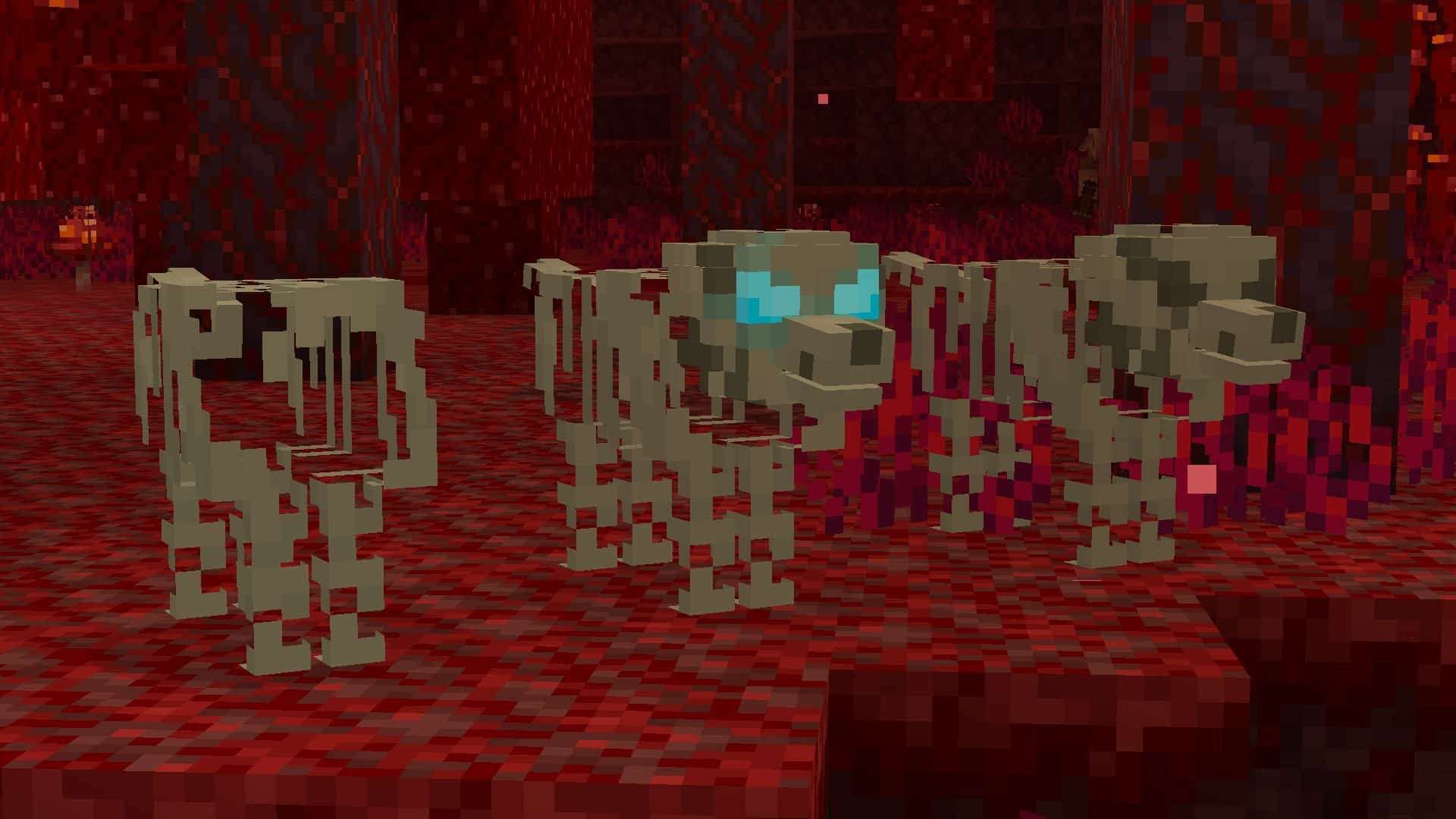
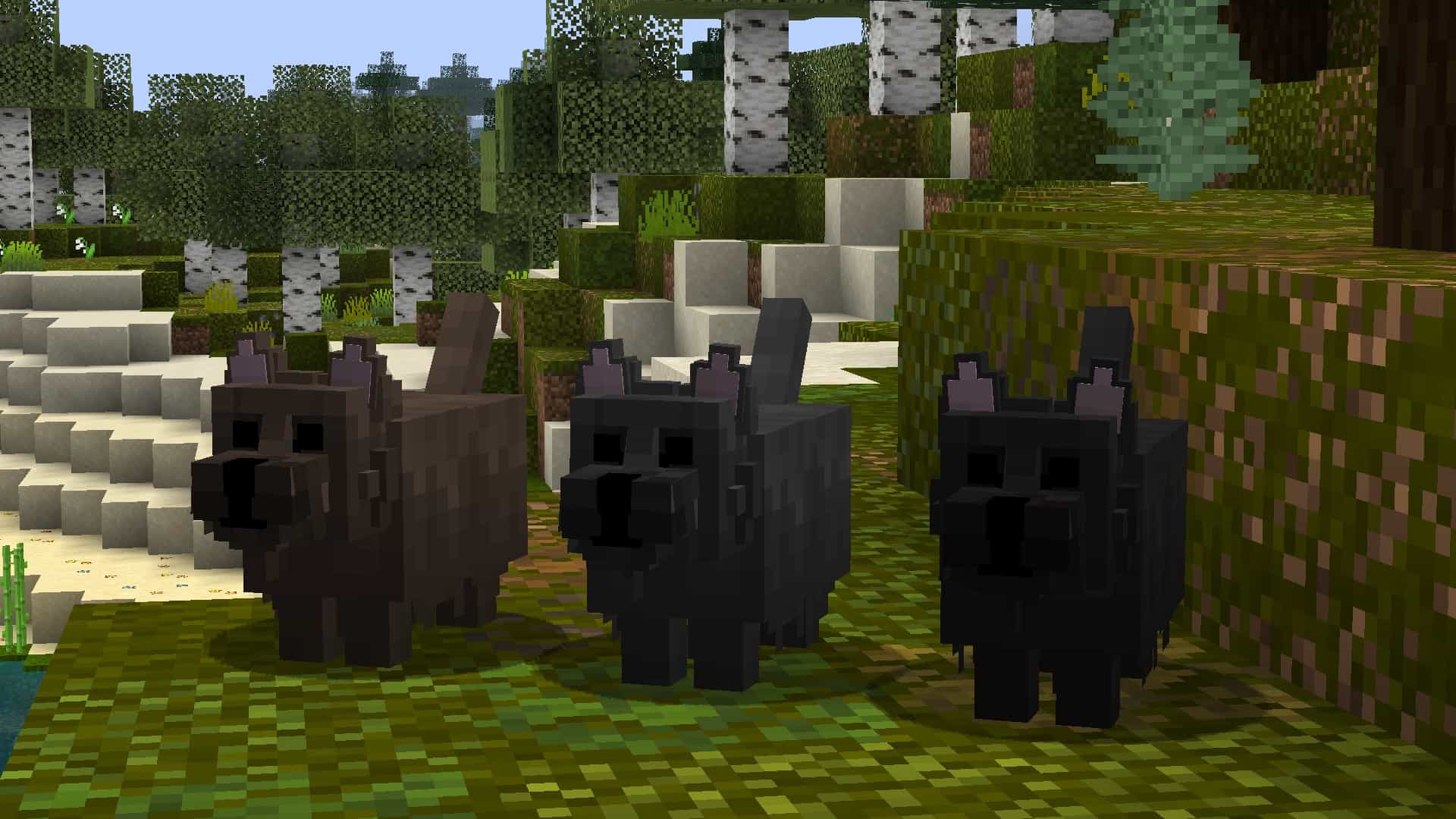
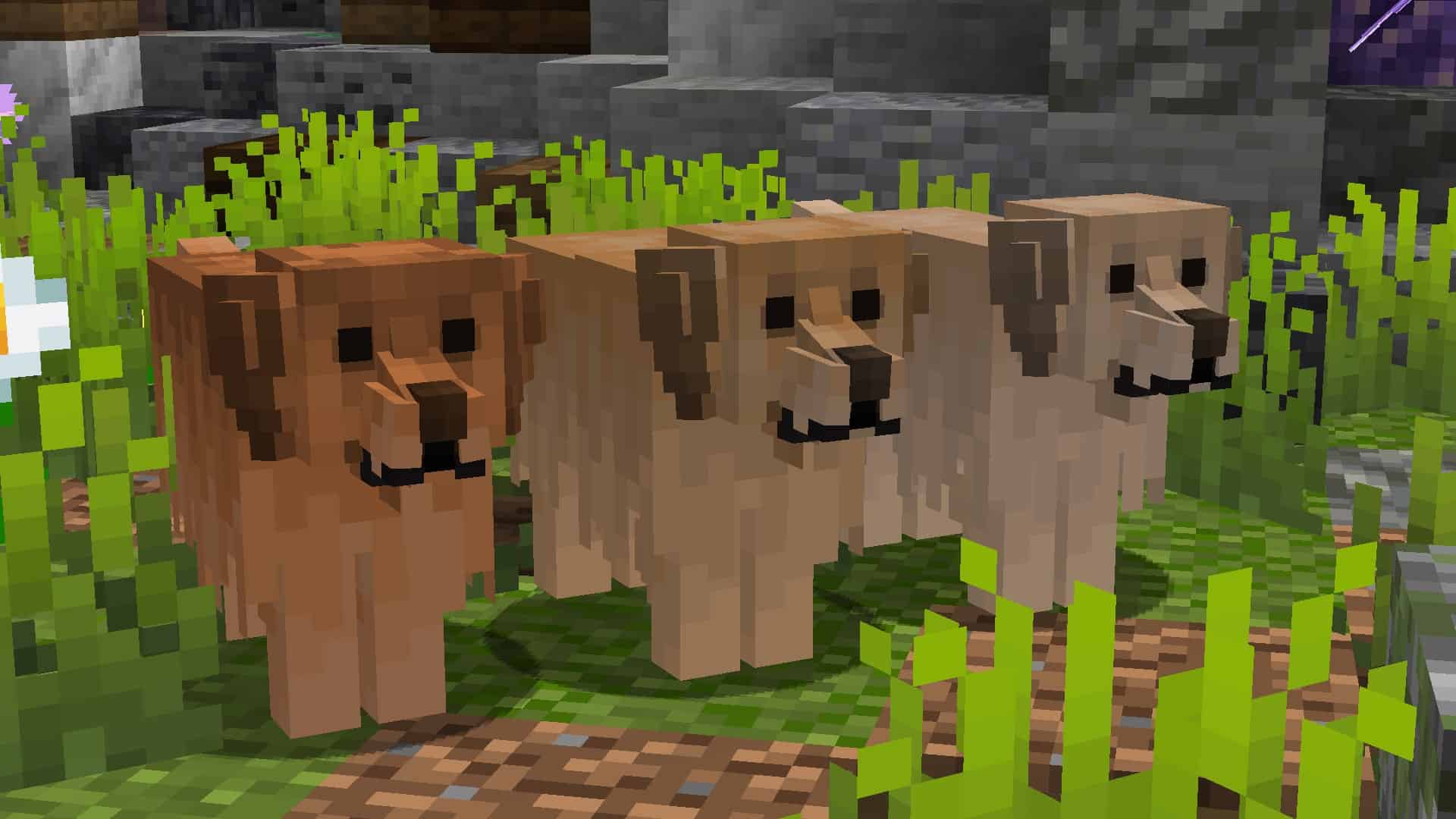
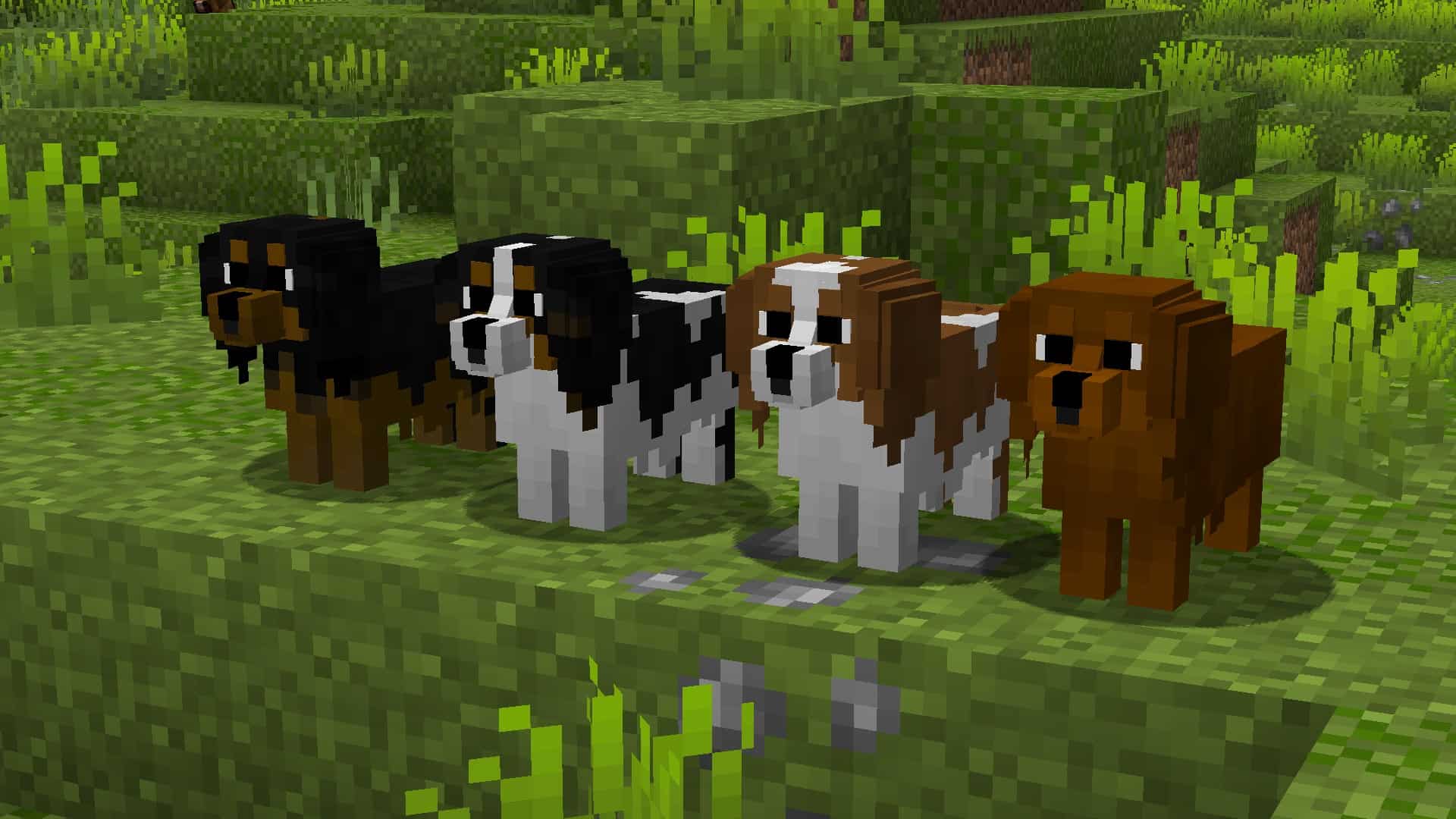
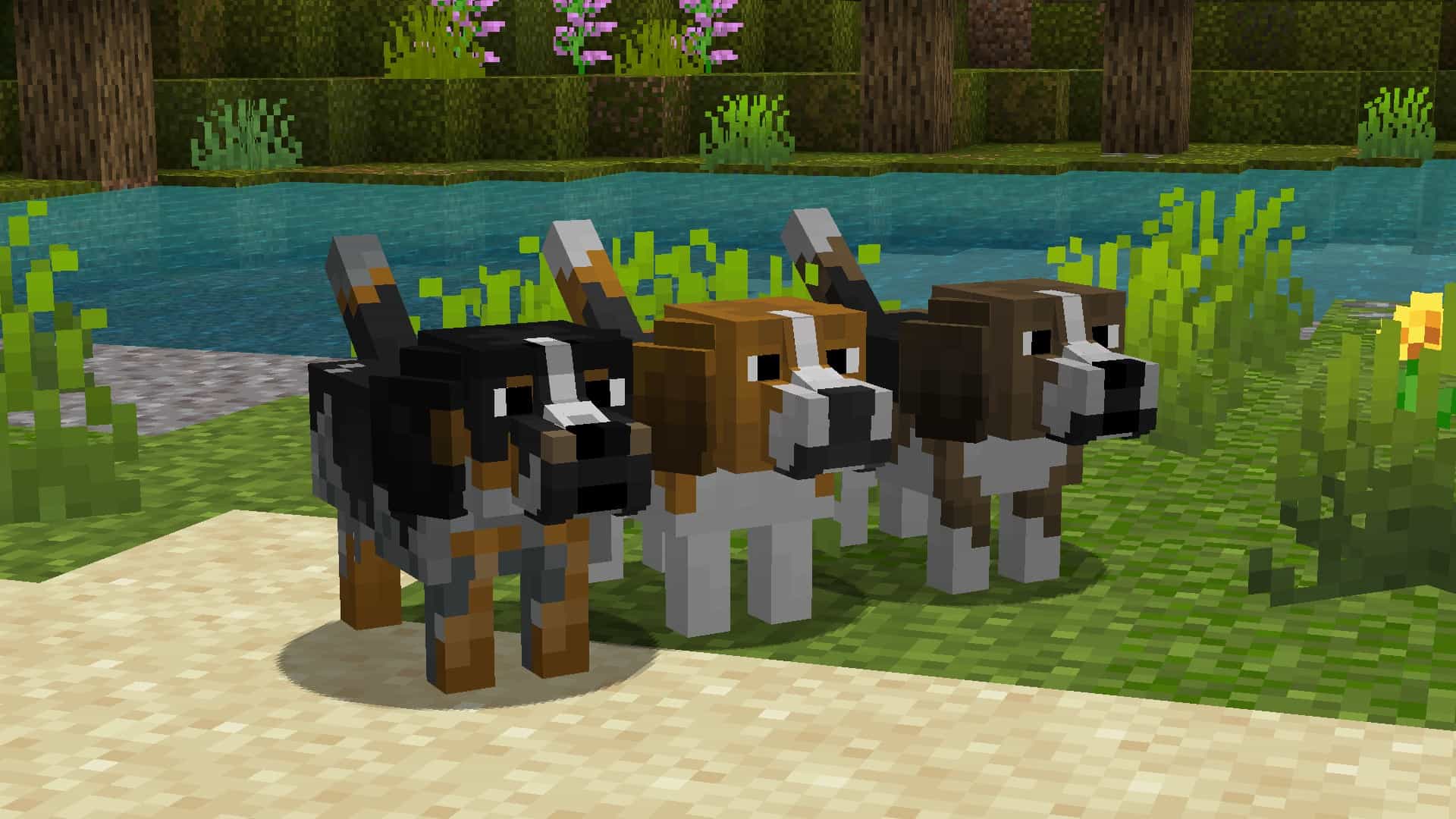
At the time of writing this, the Better Dogs resource pack has been out for less than a month. However, it has received an incredible amount of praise from the community in this short time and already has more than 18,000 downloads. As more players realize how unique and extraordinary this texture pack is, we fully expect this number to increase exponentially. While most resource packs that you find in the Minecraft world make changes to the already existing game blocks and items, the Better Dogs resource pack takes things to a whole other level. This pack changes the wolves’ textures in the game and adds many more dog breeds that come in many different colors. Keep in mind, this is a resource pack, not a mod. This means it is easily installed, the same way you would usually install any other Minecraft resource pack. This pack is going to let you get a specific type of dog while you are playing Minecraft.
Featured video:
And the steps are simple. First, you are going to tame a wolf. This newly tamed wolf will turn into a random dog. In some cases, it will remain a wolf when tamed. If you want a specific breed of dog, you can change the dogs breed, and name it using name tags. To do this, the name tag must include one of the words on the “supported name tags list,” which you can find lower down on this page. The Better Dog resource pack comes in 16×16 resolution, which means you aren’t going to have to worry about performance drops. While this resource pack is made to work on virtually any device, it does require optifine to work regardless of the hardware capabilities. You may get a message asking if you are sure that you wish to load the pack as it was created for a newer or older version of Minecraft, click yes and the pack will load correctly. To ensure that this resource pack works the way you expect it to, enable custom entity models and random entities in Minecraft’s settings.
Better Dogs should be compatible with all of these Minecraft versions: 1.21.7 - 1.21.6 - 1.21.5 - 1.21.4 - 1.21.3 - 1.21.2 - 1.21.1 - 1.21 - 1.20.6 - 1.20.5 - 1.20.4 - 1.20.3 - 1.20.2 - 1.20.1 - 1.20 - 1.19.4 - 1.19.3 - 1.19.2 - 1.19.1 - 1.19 - 1.18.2 - 1.18.1 - 1.18 - 1.17.1 - 1.17 - 1.16.5 - 1.16.4 - 1.16.3 - 1.16.2 - 1.16.1 - 1.16 - 1.15.2 - 1.15.1 - 1.15 - 1.14.4 - 1.14.3 - 1.14.2 - 1.14 - 1.13.2 - 1.13.1 - 1.13 - 1.12.2 - 1.12 - 1.11.2 - 1.11 - 1.10.2 - 1.10 - 1.9.4 - 1.9 - 1.8.9 - 1.8.8 - 1.8.1 - 1.8.6 - 1.8
Better Dogs — Screenshots
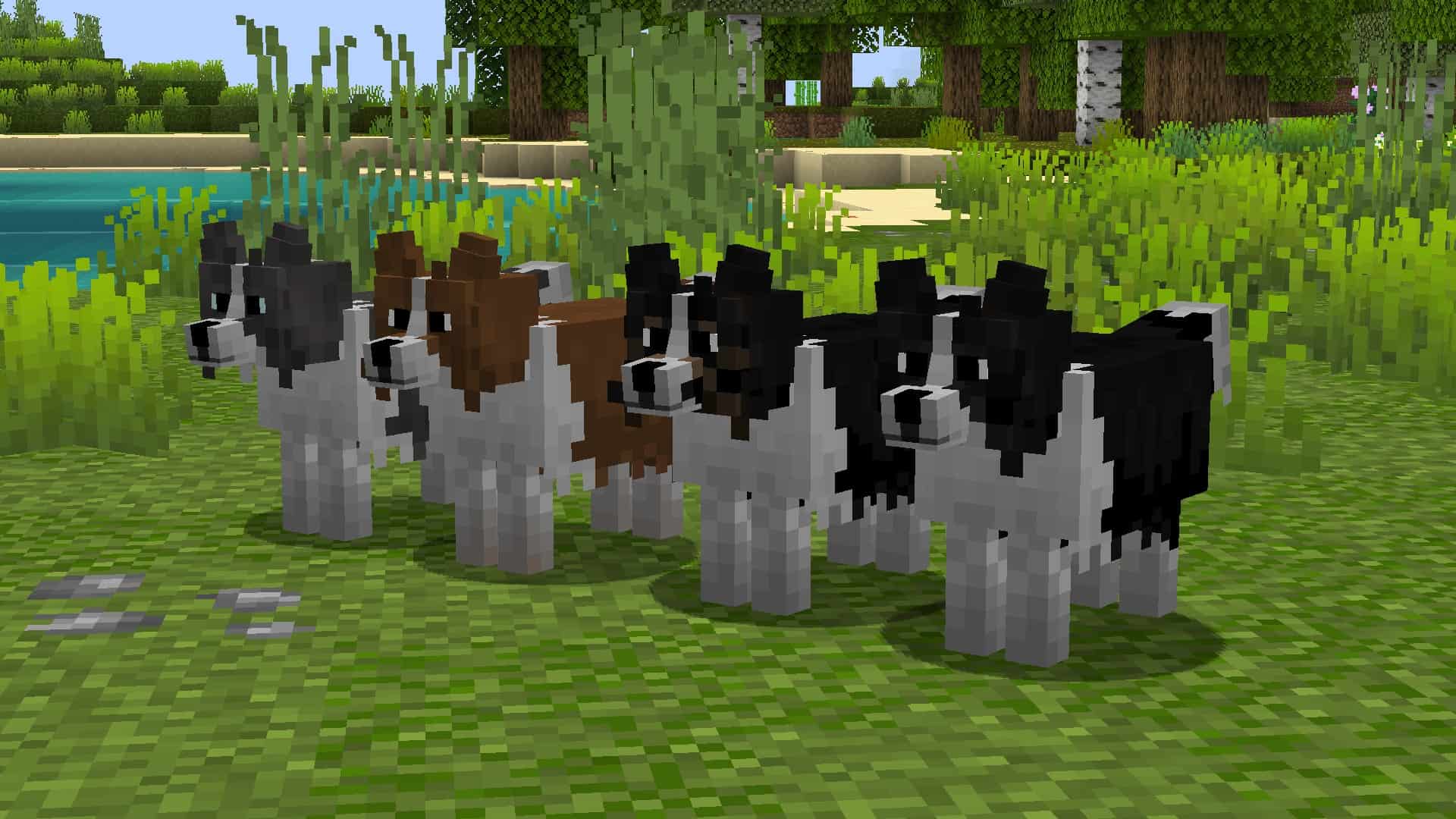
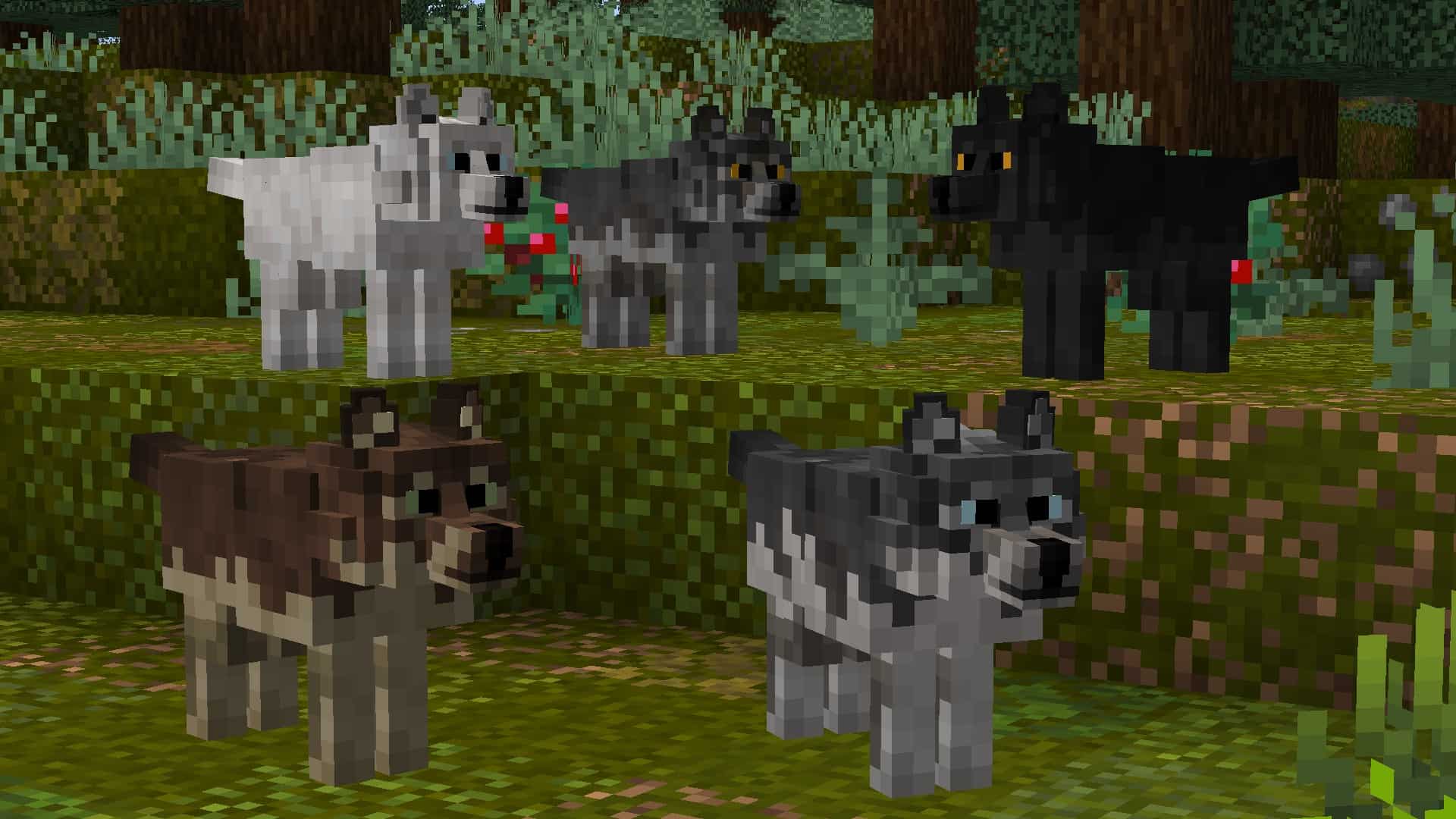
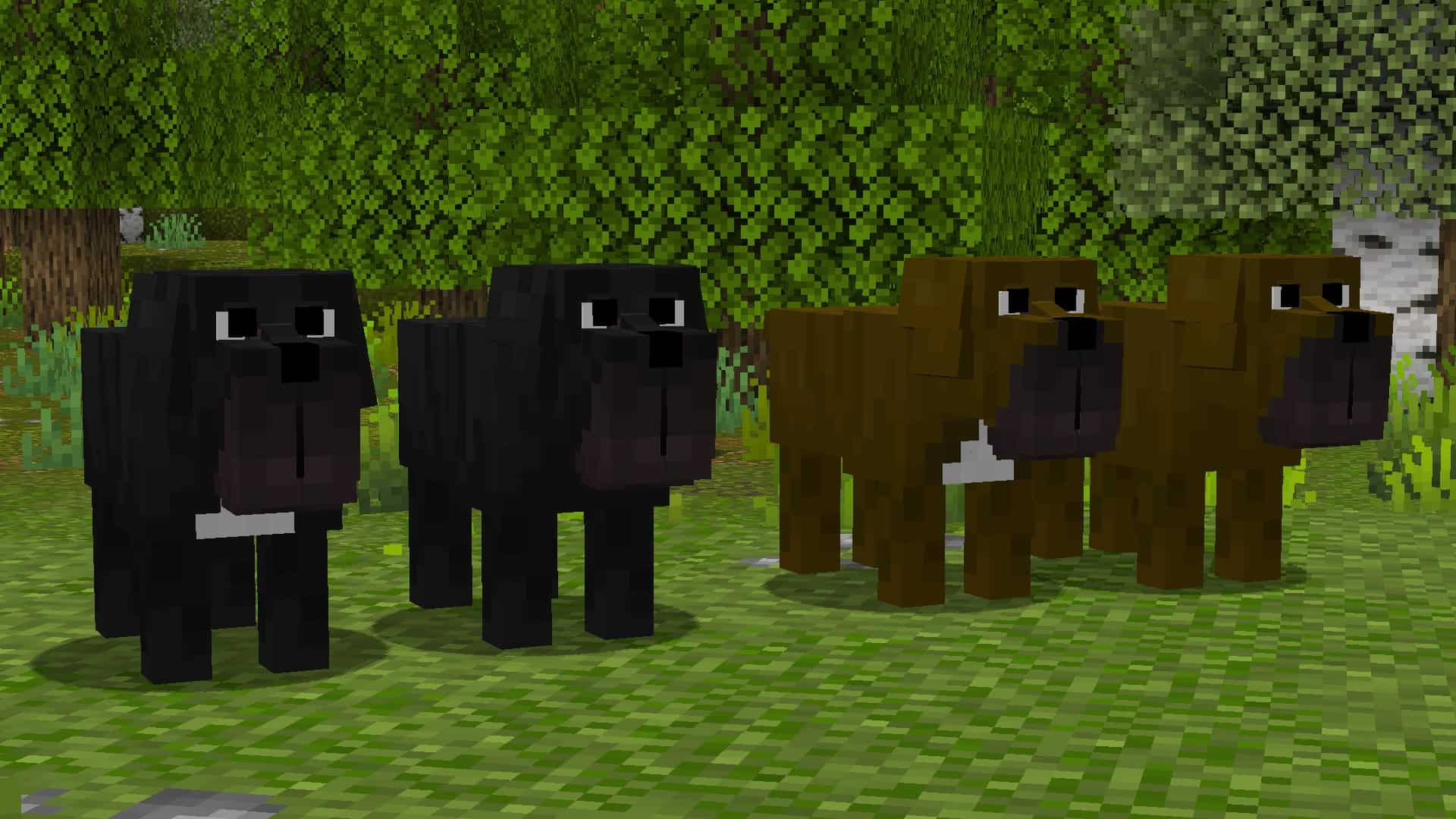

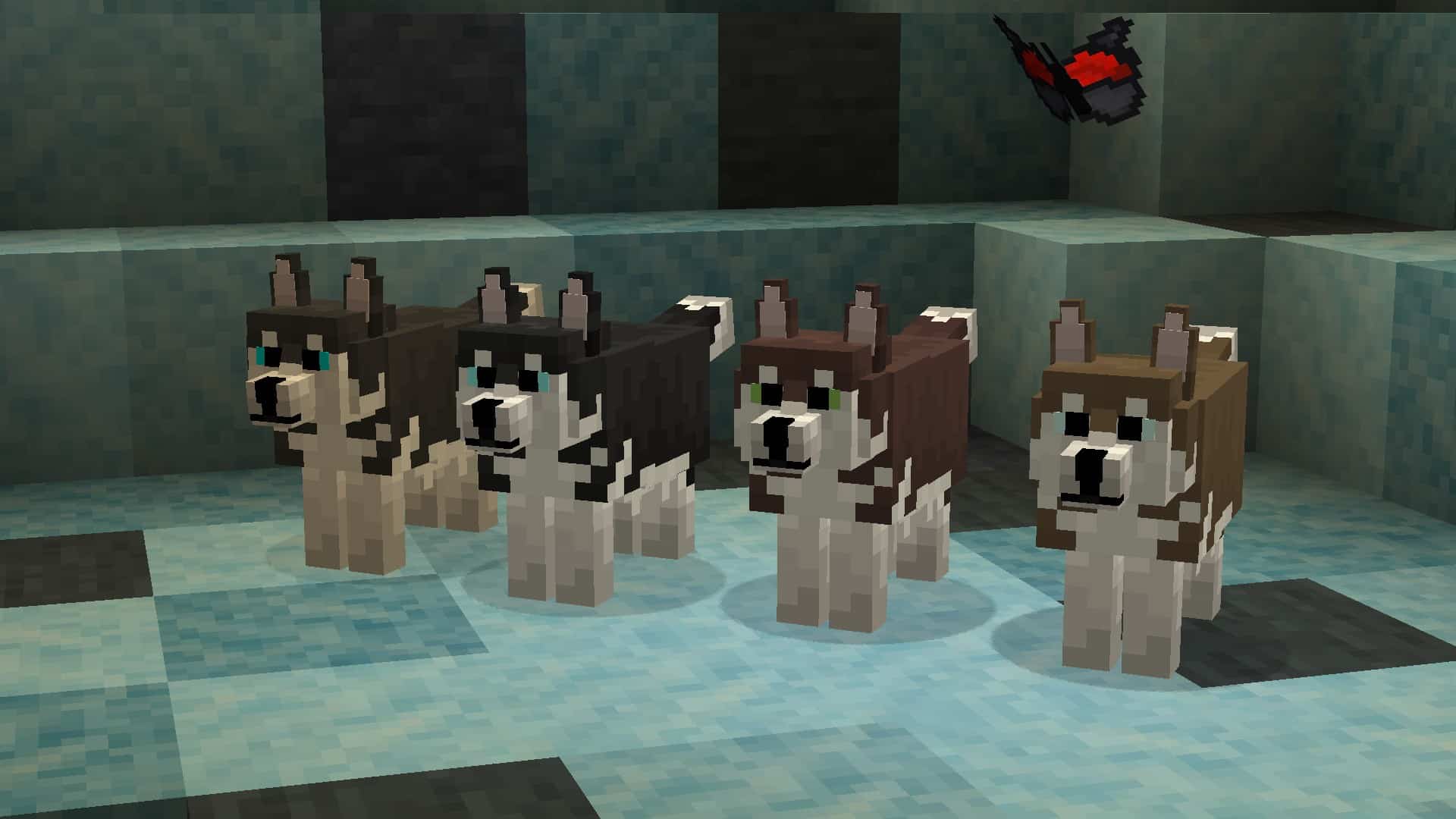
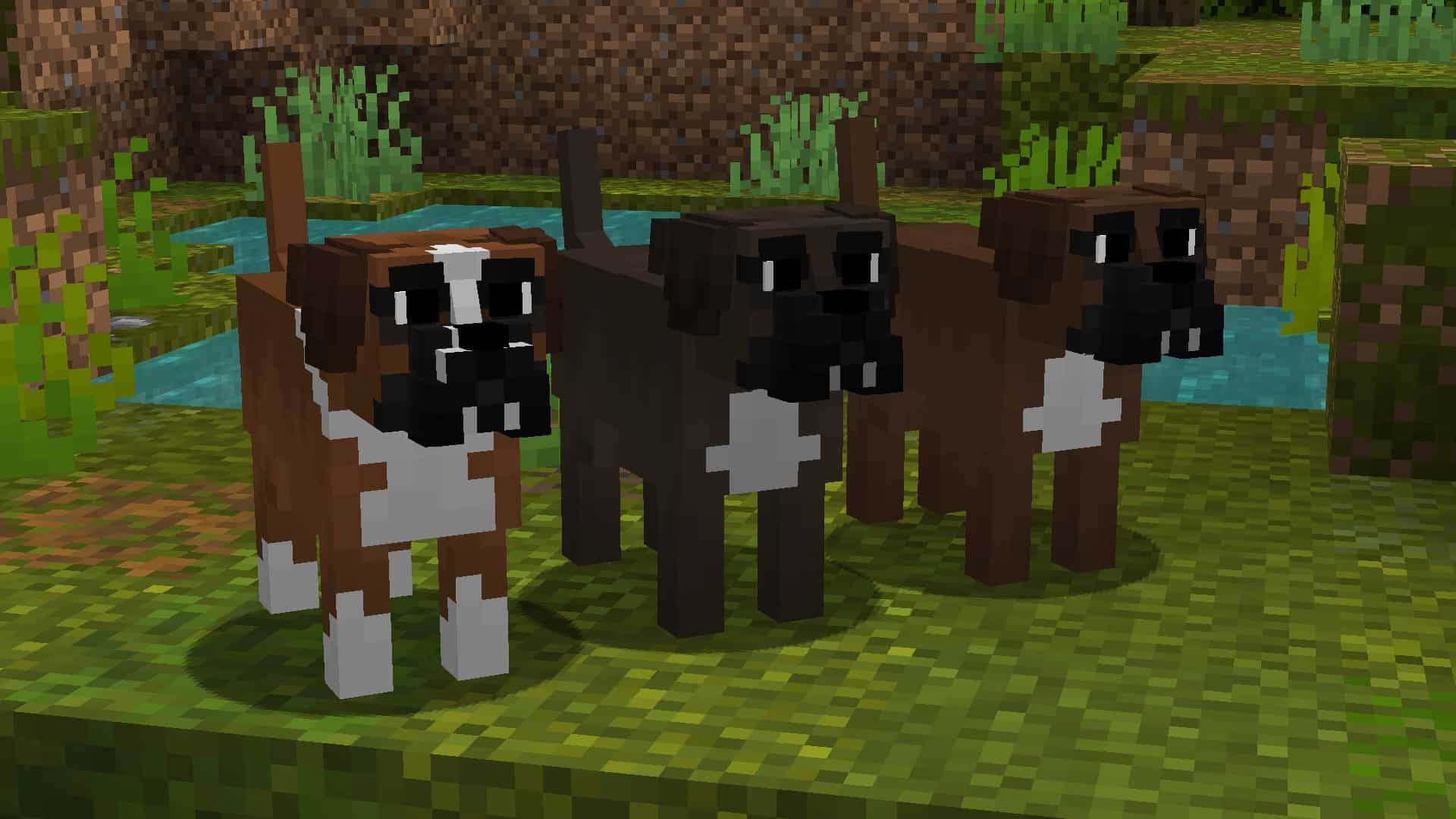

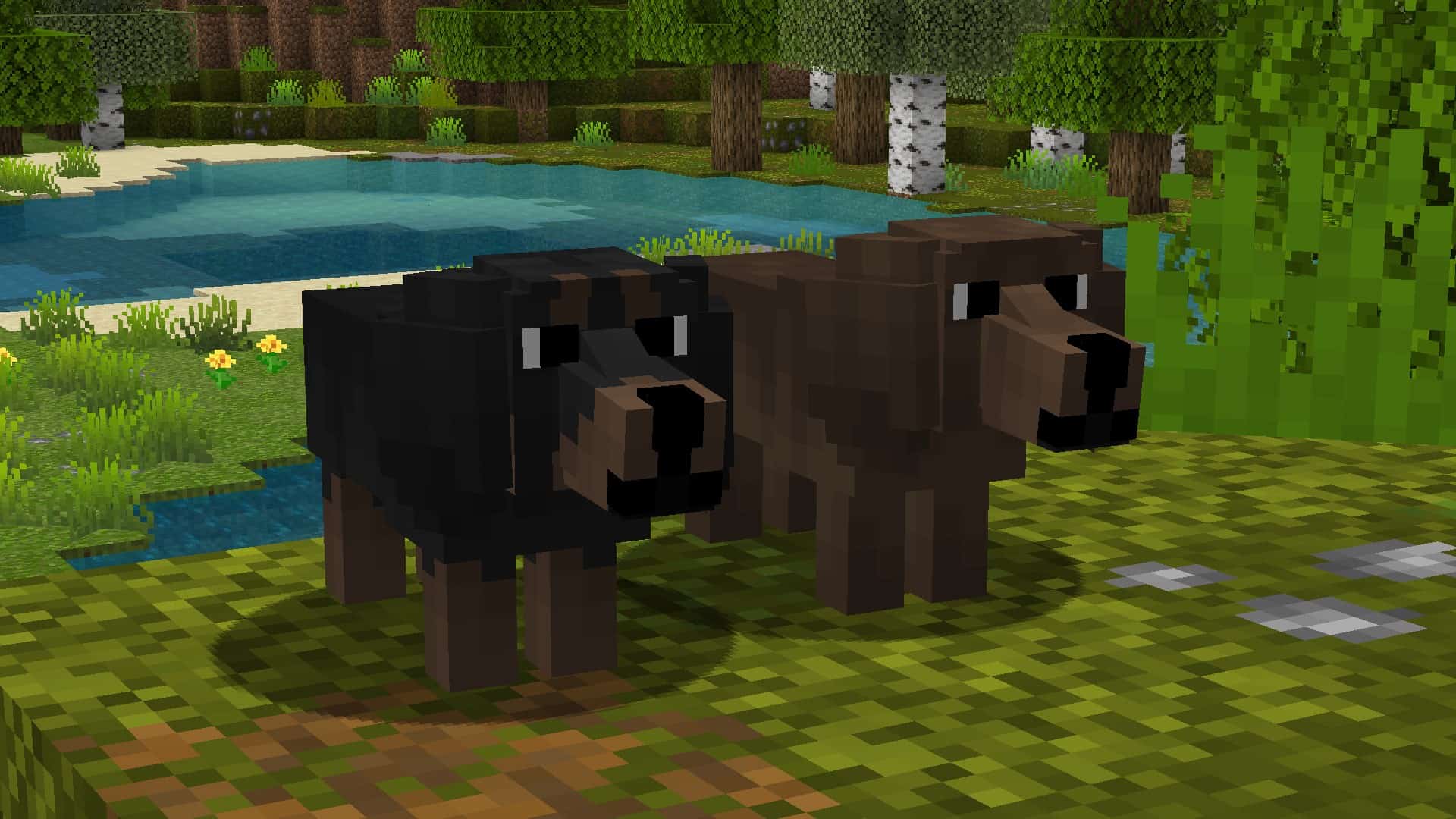
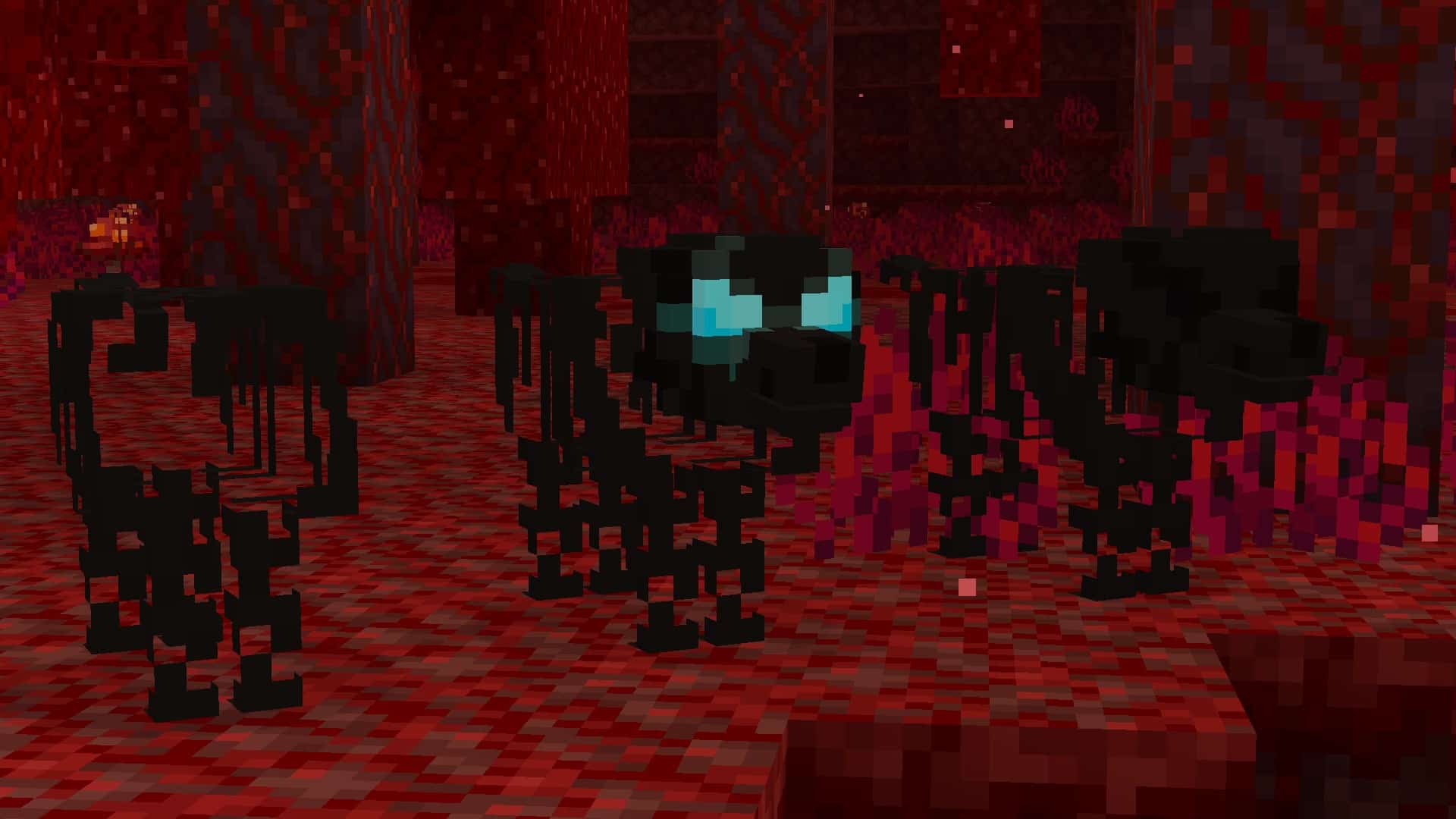
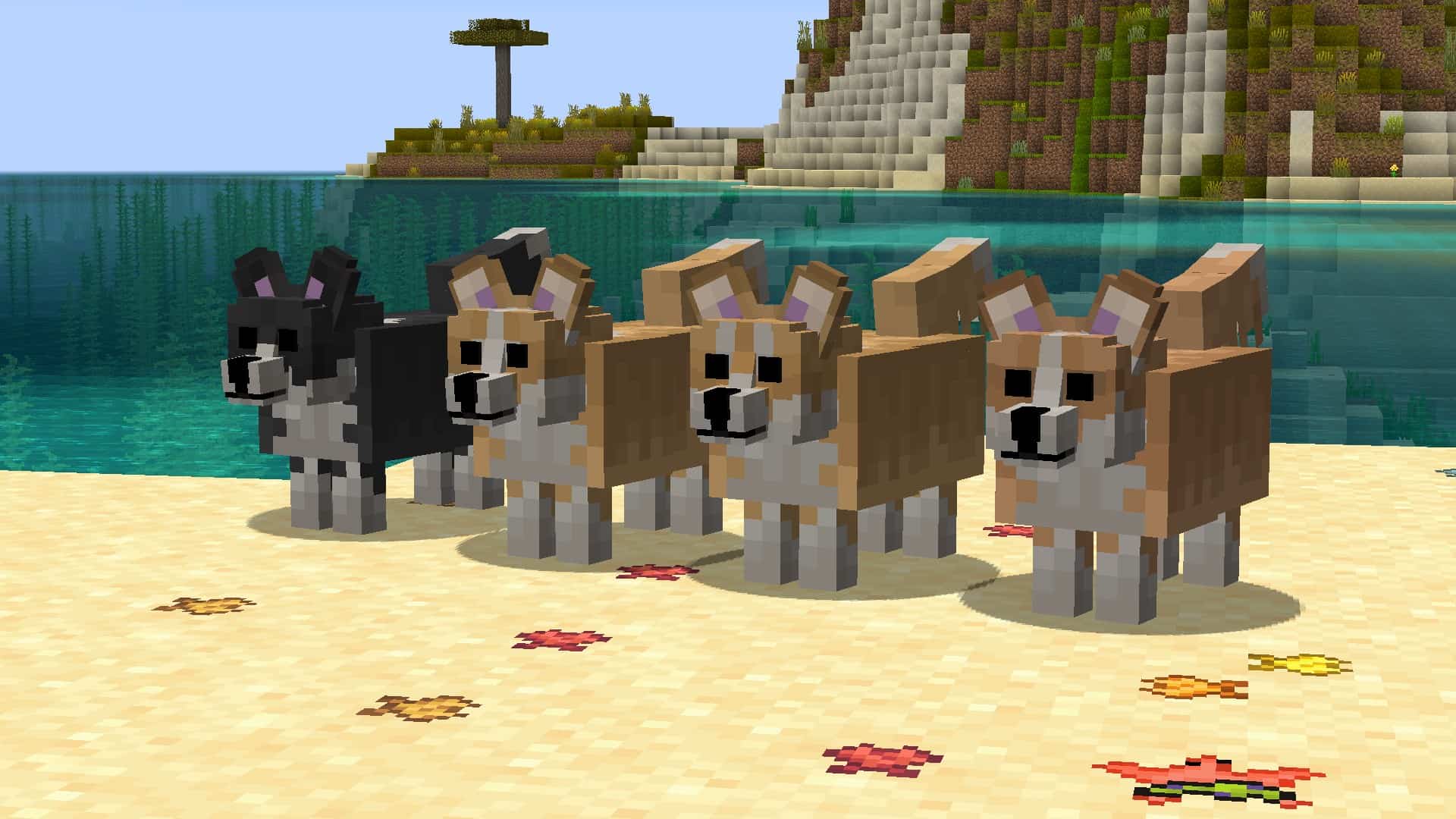

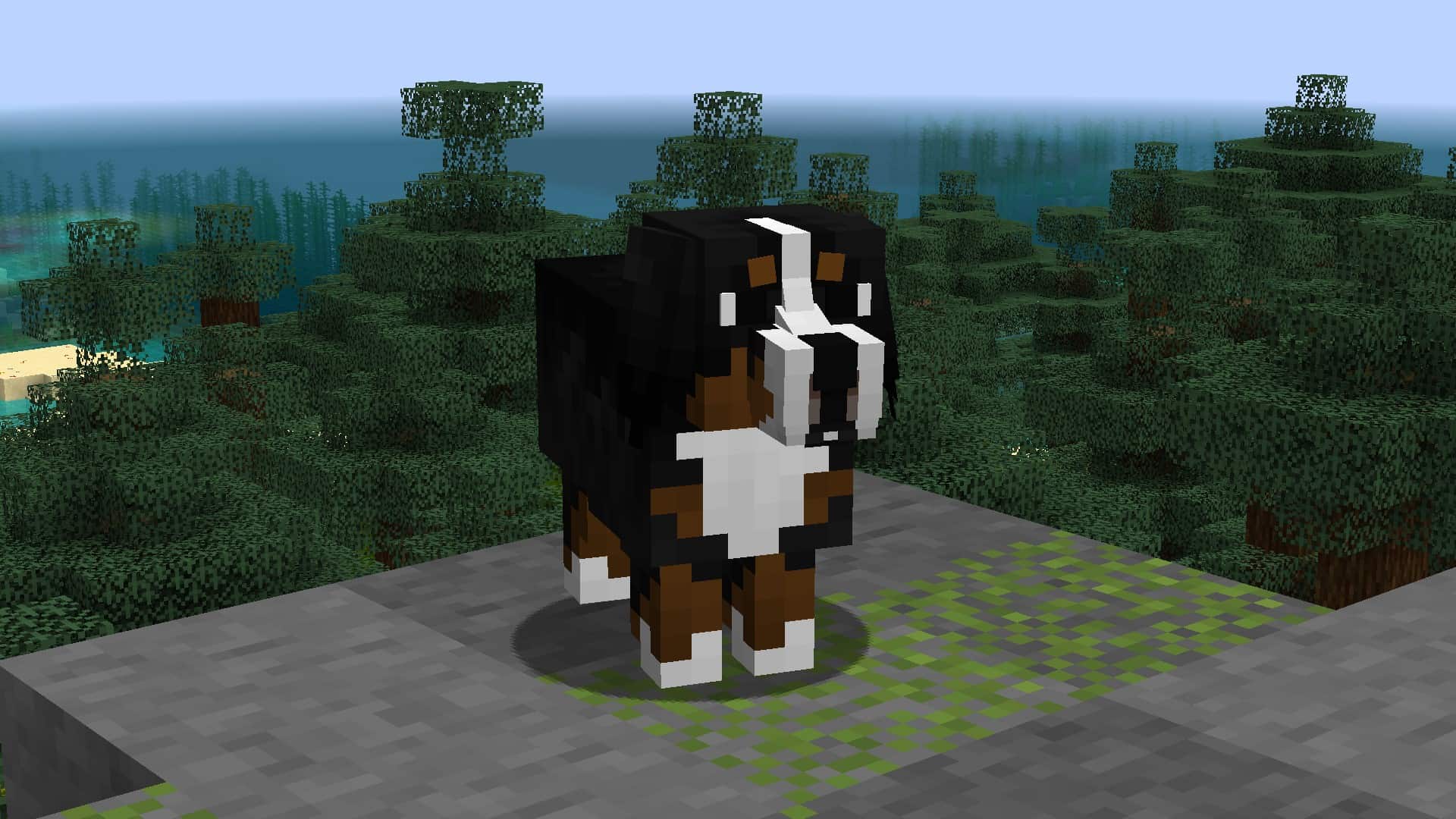
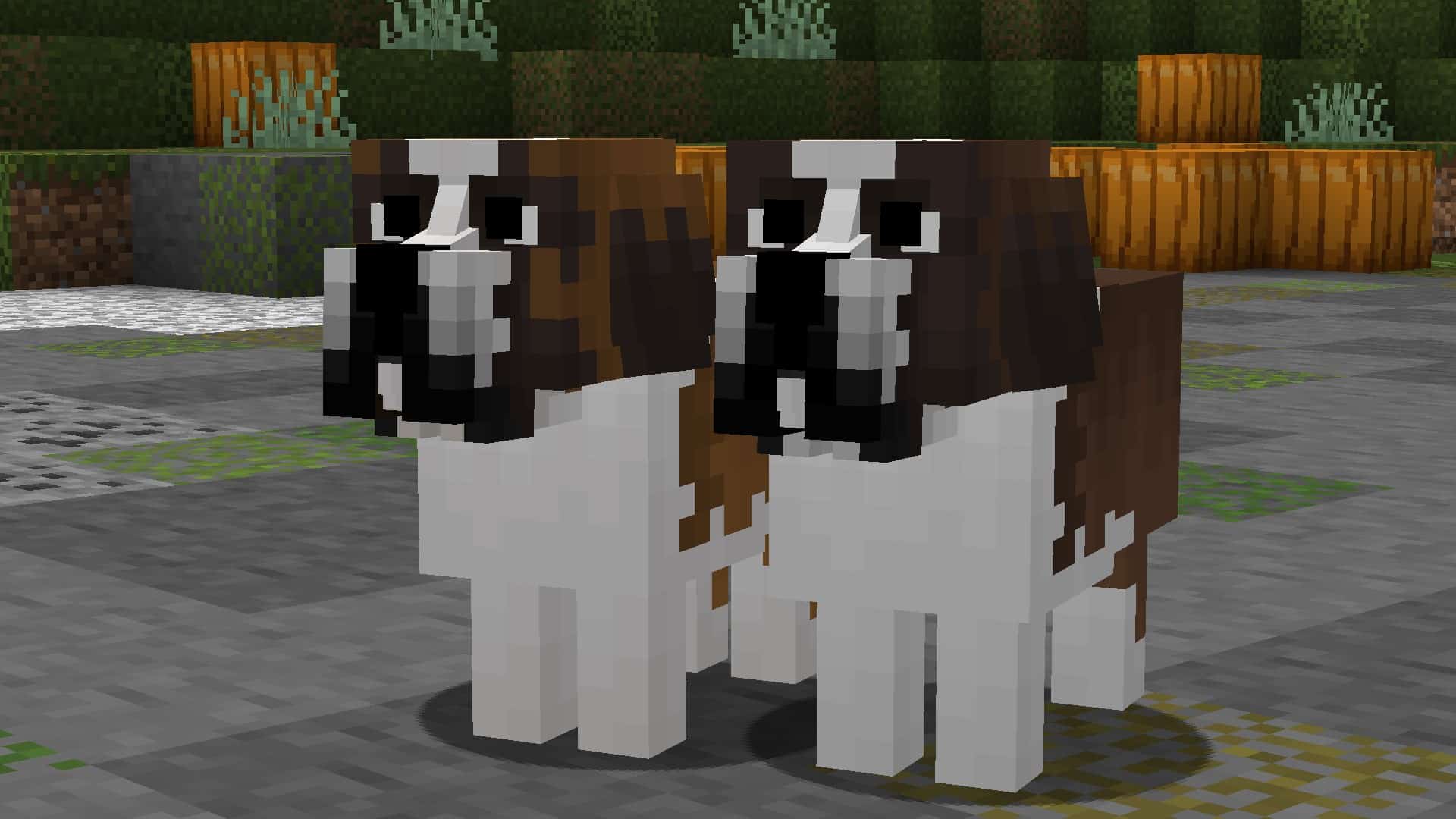
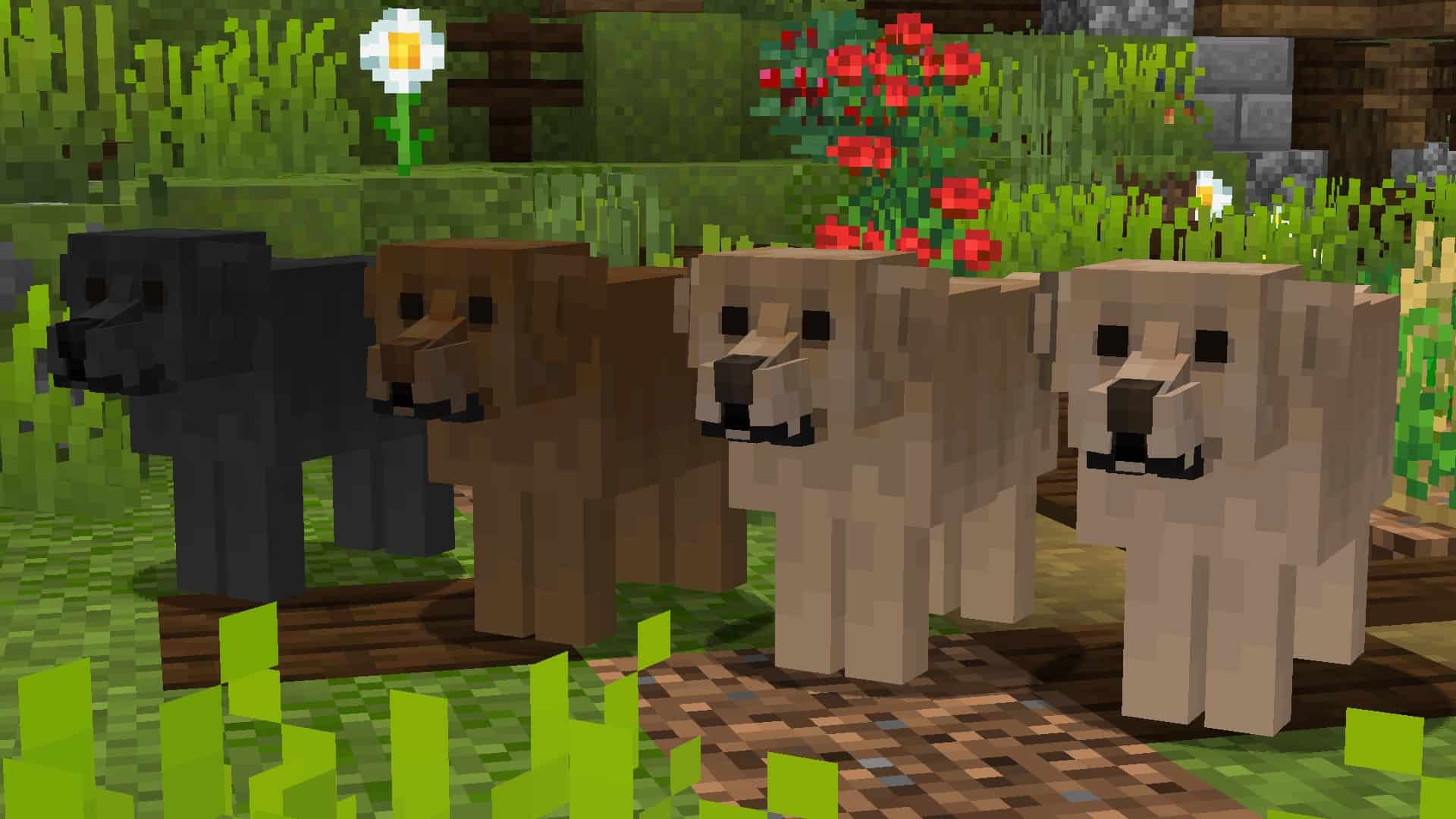

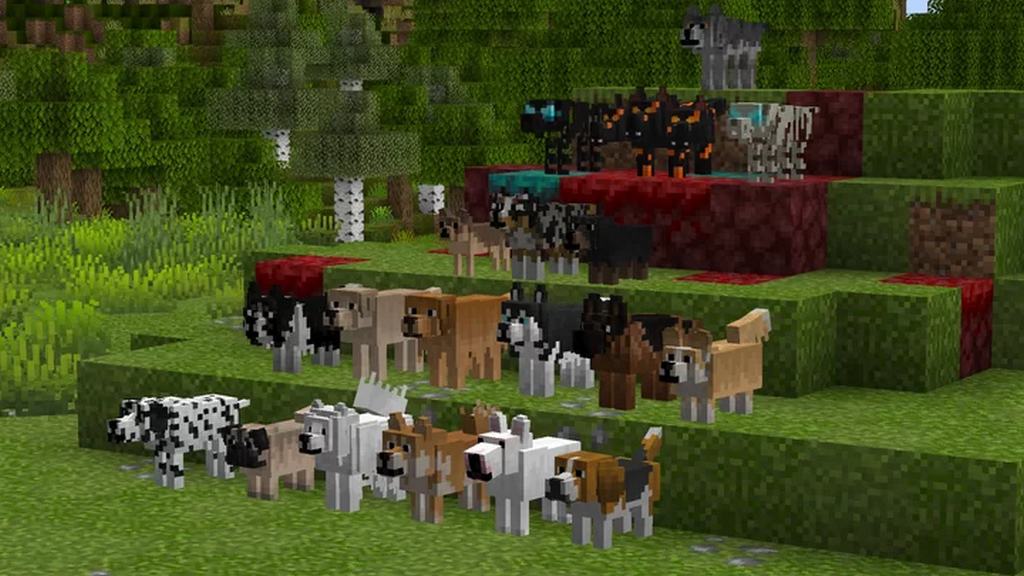
How to install Better Dogs Resource Pack:
- Most resource packs require Optifine, so be sure to download and install it. – general recommended step for all packs, Optifine is also needed for most shaders
- Download the Better Dogs texture pack for Minecraft from the download section below. – if there are many different versions, just choose the one you like, is compatible with your version/edition of Minecraft, the one you think your computer can handle in terms of performance.
- Launch the game client through the Minecraft launcher.
- On the main menu, click "Options".
- On the options menu, click "Resource Packs...".
- Click on "Open Resource Pack Folder". – folder titled "resourcepacks" will pop up
- Move the .zip file you downloaded in the first step to the newly opened "resourcepacks" folder.
- Click "Done".
- Click on "Resource Packs..." again.
- Your pack should have appeared in the left window, just hover over it and click on the arrow pointing to the right.
QUICK TIP: Sometimes, when activating a pack, the game may say that the pack is made for a newer or older version of Minecraft. This is just a warning, it does not affect your gameplay in anyway, and you can still activate and enjoy the pack by simply clicking the "Yes" button when prompted.
- Click "Done" again.
- The pack has now been successfully loaded and ready to be used in your world!
Supported name tags:

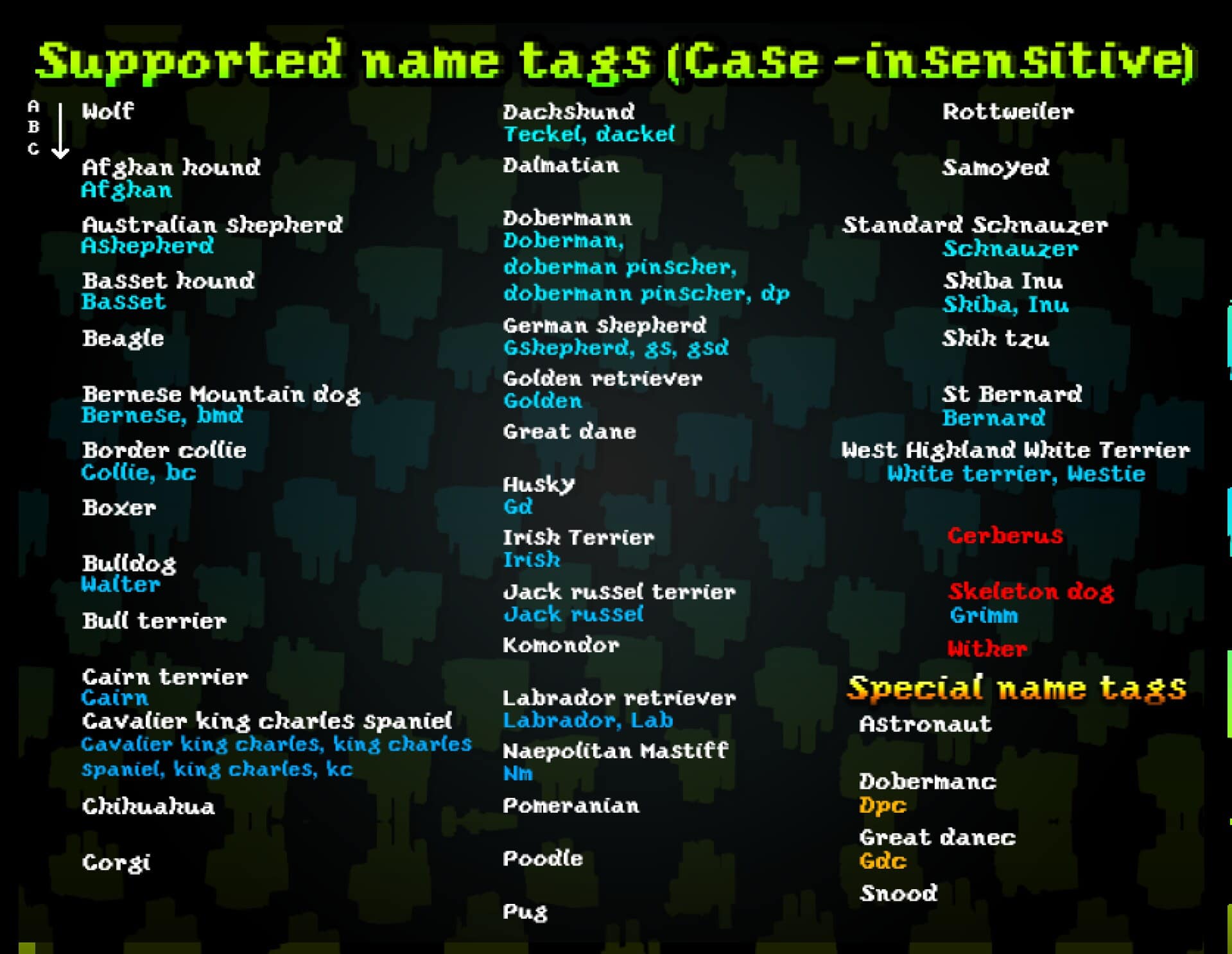
Better Dogs Texture Pack Download
- We do not modify or edit any resource packs. All resource packs, shaders and tools found on this website are linked directly to official sources rather than hosted on our own servers. We provide only the official download links from the original creators to ensure that your files are safe and secure.
- These official links are updated manually and may occasionally stop working when a new version is released. We work hard to keep everything current so that you have a smooth experience. Please let us know in the comments if you find a link that no longer works.
- Minecraft is a trademark of Mojang Studios and has no official connection to this website. Our goal is simply to share the best creations from the community with other players.
- Please consider leaving a comment or voting for your favorite packs. This feedback helps authors improve their projects over time. You can also support the creators directly by visiting the official links located below the download section.
Java Edition:
[16x] [1.21.x – 1.8.x] Download Better Dogs Resource Pack
Seperate versions (Java Edition):
Special versions (Java Edition):
Curseforge: download starts automatically after a few seconds;
Mediafire: click the big blue button with the text "DOWNLOAD";
Google Drive: in the top right corner you will see a small download icon (down arrow), click it and the download should start;

1,254 votes
Look.. 1254 users have already liked this pack. Give a diamond if you like it too!


Sansy Husker
Idea! Put Bluey easter eggs in this resource pack!
Bluey=Blue Heeler, Bingo=Red Heeler, Rusty=Red Kelpie, Indy=Afghan Hound (With a Hippy-like vest), Johnny=Black Lab, Lucky=Gold Lab, Mackenzie=Collie, Coco=Pink Poodle, Snickers=Dackel (with a hat), Lila=Maltese, Judo=Chow-Chow (with a blue hair band), Honey=Beagle (with blue eye glasses), and Winton (with +4 permanent strength)
Sansy Husker
Me want Heeler, Black Lab, Cattle, and Chow-Chow update!
Will
This is really nice. Any chance of adding cocker spaniels?
max
can you please add pit bulls?
NataLucy
This is the best nod if your feeling if you need a cute dog. I was literally squeeling its the best mod please make one of cats and parrots its ok if not!
noodlez
i dont know how to install it
Admin
Read how to install guide on this page.
Turnrp
I need just the Australian shepherd but i don’t see it in the separate versions
Ksjjsj
Play
Alex
I downloaded this Resource pack and it’s amazing! My one problem though is the fact that the dogs’ collars are always floating (over the smaller dogs) and they just not on any of the dogs necks. Is this just me?
Lark
How do you get the coat variations? I can only get the black husky for example, how do you get the other colours?
Qui
I downloaded the version for 1.18 since thats the version im playing on and when I open up the settings to use the pack it says its incompatible since and is for a newer version of MC, which seems odd given that I chose the right version. Using it makes my dogs show up as a bunch of compressed lines. Any idea how to fix this?
Ash
I’m having the same problem, though it never shows up as incompatible or needing an update.
Rainstorm
It would really mean the world to me if you could add a Newfoundland breed!
Panda Elizabeth
It seems the Dogs texture changes when the dogs are put though portals (I only tested the nether portal but oh well). Is there a way to fix that? if not that is totally ok, I just don’t know if you are aware or not. (this is on the latest version of the texture pack btw)
dont use it
dont use it i did and it made my dogs 2 wonkey lines!
neo
SAME
dragoncat
that means you were on a version that wont work with your current version. so if you downloaded the 1.17 version but you were playing 1.19 the dogs/wolves would only show up as lines. just download the version you were playing on and it should be fine
Cunctator
Did you have Optifine on?
Bandit
I have a problem when I name the dogs they turn into a different breed and the names are not shown on the picture
Bandit
Where is the guide
Owlena
Why are all of the dogs I tame just the wolf variety?
Hygroscopicity
What is the other resource pack u used shown in the picture, the one that adds better grass, rocks and more textures?
Francesco
What command can I use to spawn the dog in the 26th image??
ssijfvmrf
i have a notebook and it doenst lag for me
ShadowBlade
when I applied this, it didn’t work.
I am really disappointed
Jo
They all just look like the textured wolf, I can’t change them to other dogs. I tried with name tags but it’s a little unclear, Does anyone know how to fix it?
someone
optifine
J
I have optifine and everything required as far as i know but the texture of tamed dogs isn’t changing, do i need any specific settings for my shaders?
yy
How to use this with other resourcepacks? I add other resourcepacks, my tamed wolf will look like have three head.
xx
im having the same problem
Youme1a
Just download first sec and all links and extracted to same folder anmd put you resourse pack
Chrome
I love how the question of why this resource pack completely ruins fps hasn’t been answered. I can run optifine with shaders for raytracing stuff and be totally fine, but looking at a custom dog almost breaks my game. Is this even optimized?
ss
The wolvs look like sticks and the dogs. im new to the texture packs and all so can u pls tell me what is going on
ss
Also i cant find the Quality
Admin
Install optifine, read “How to install..” on this page.
Biltong
This is actually unplayable everytime you face a dog in your render distance, bruh my pc is flawless how does this lag??
Storm
So I wasn’t able to figure out how to turn on custom entity’s, so if someone could explain were it is better, that’d help, Thanks.