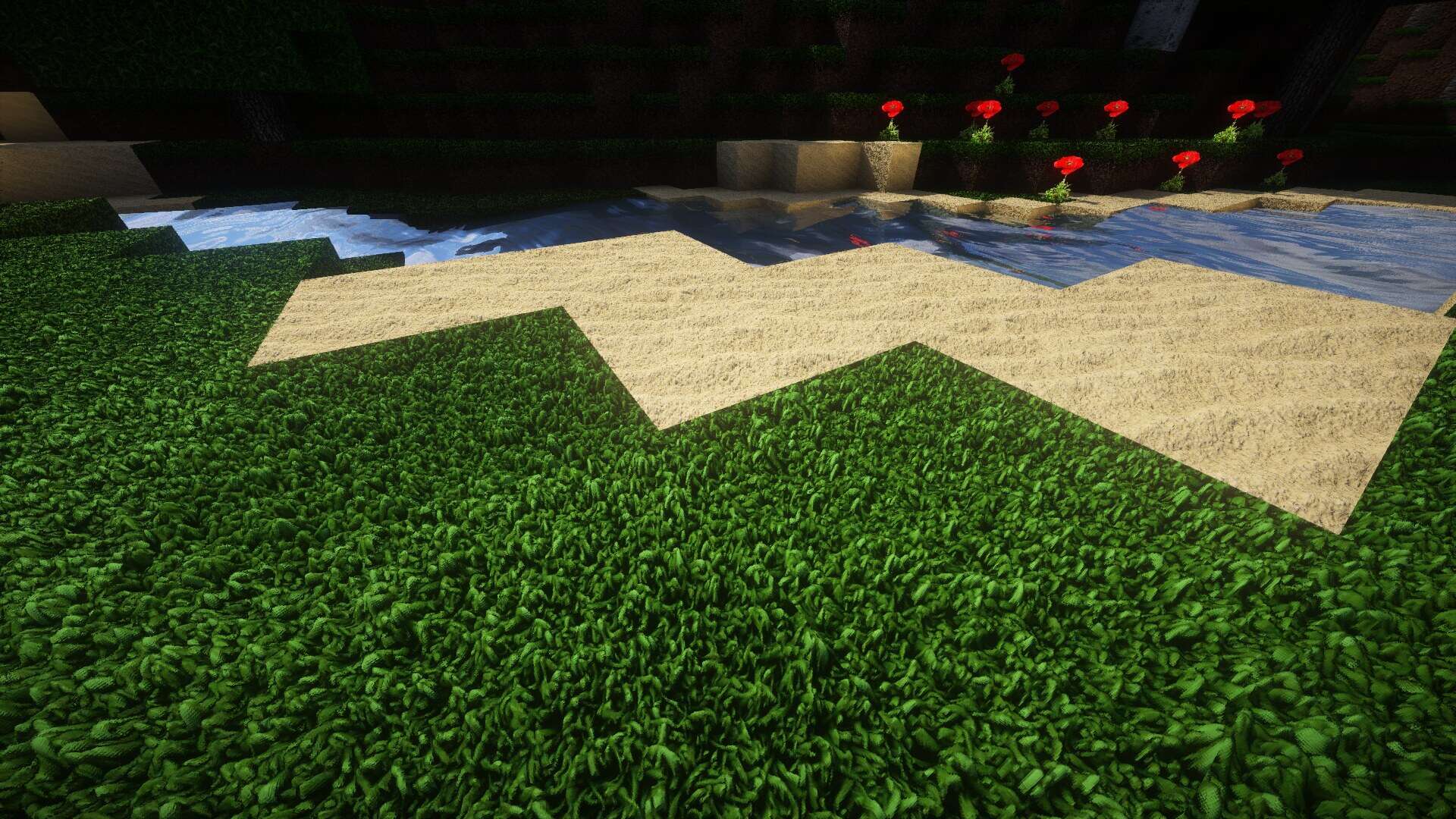
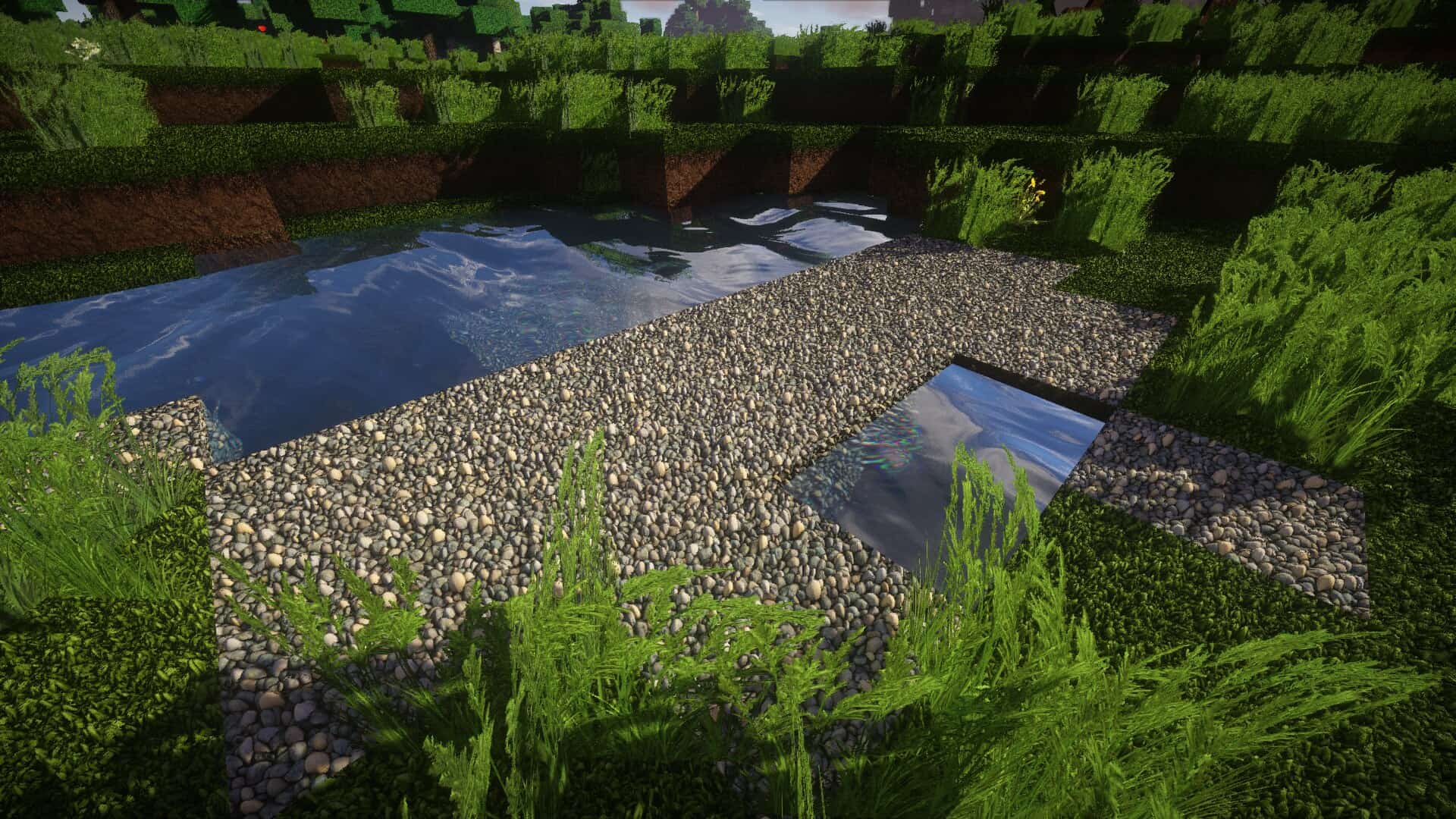
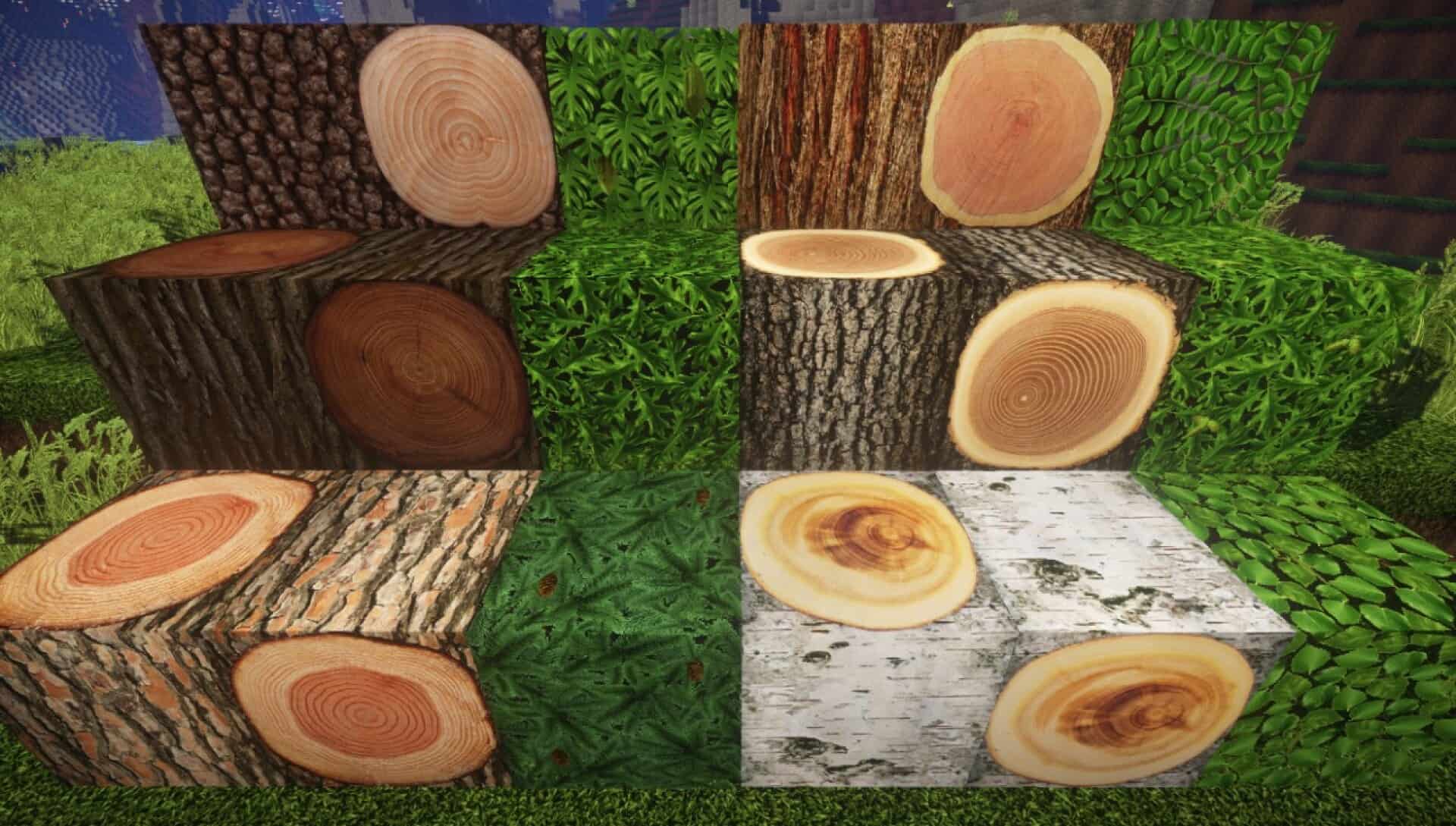
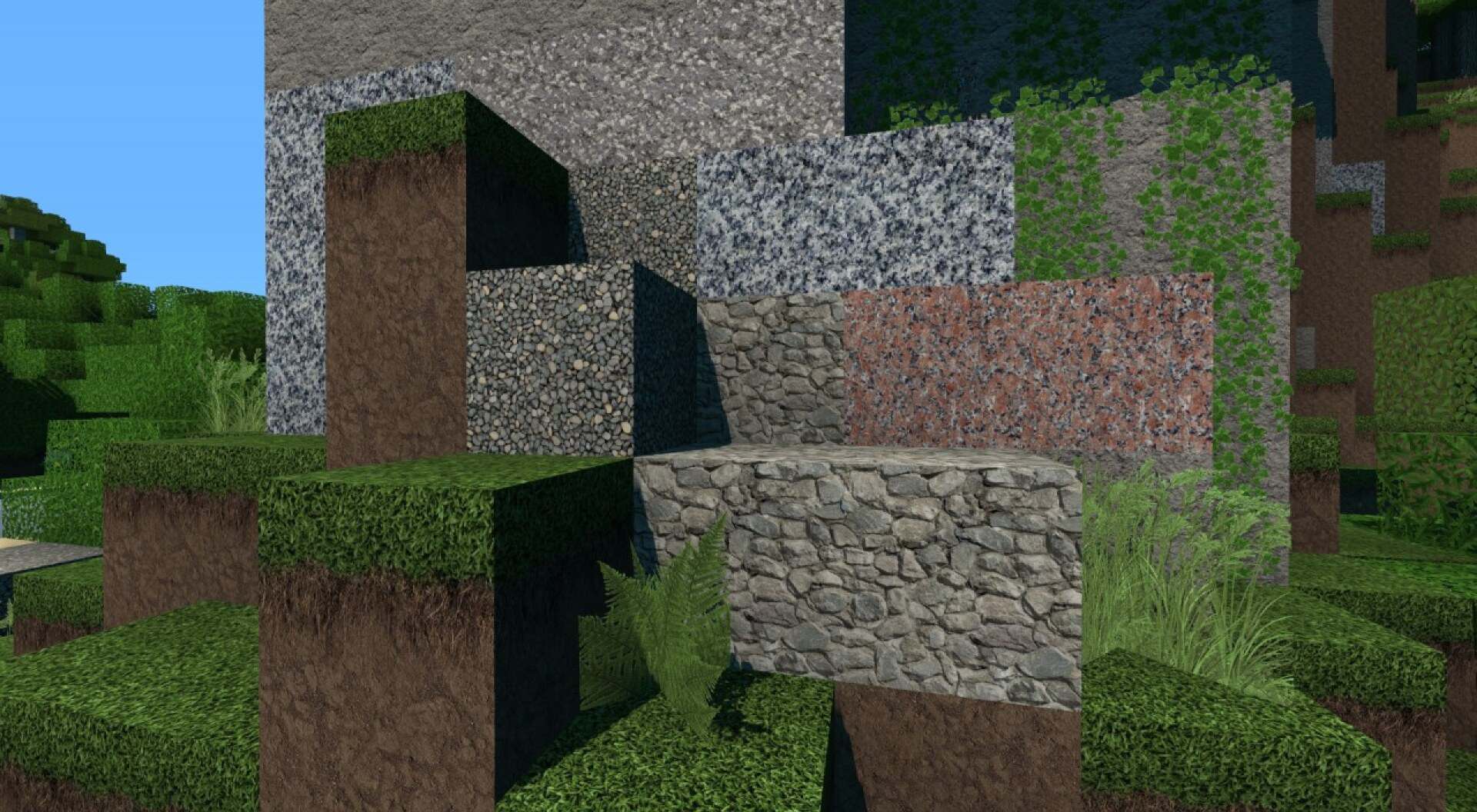
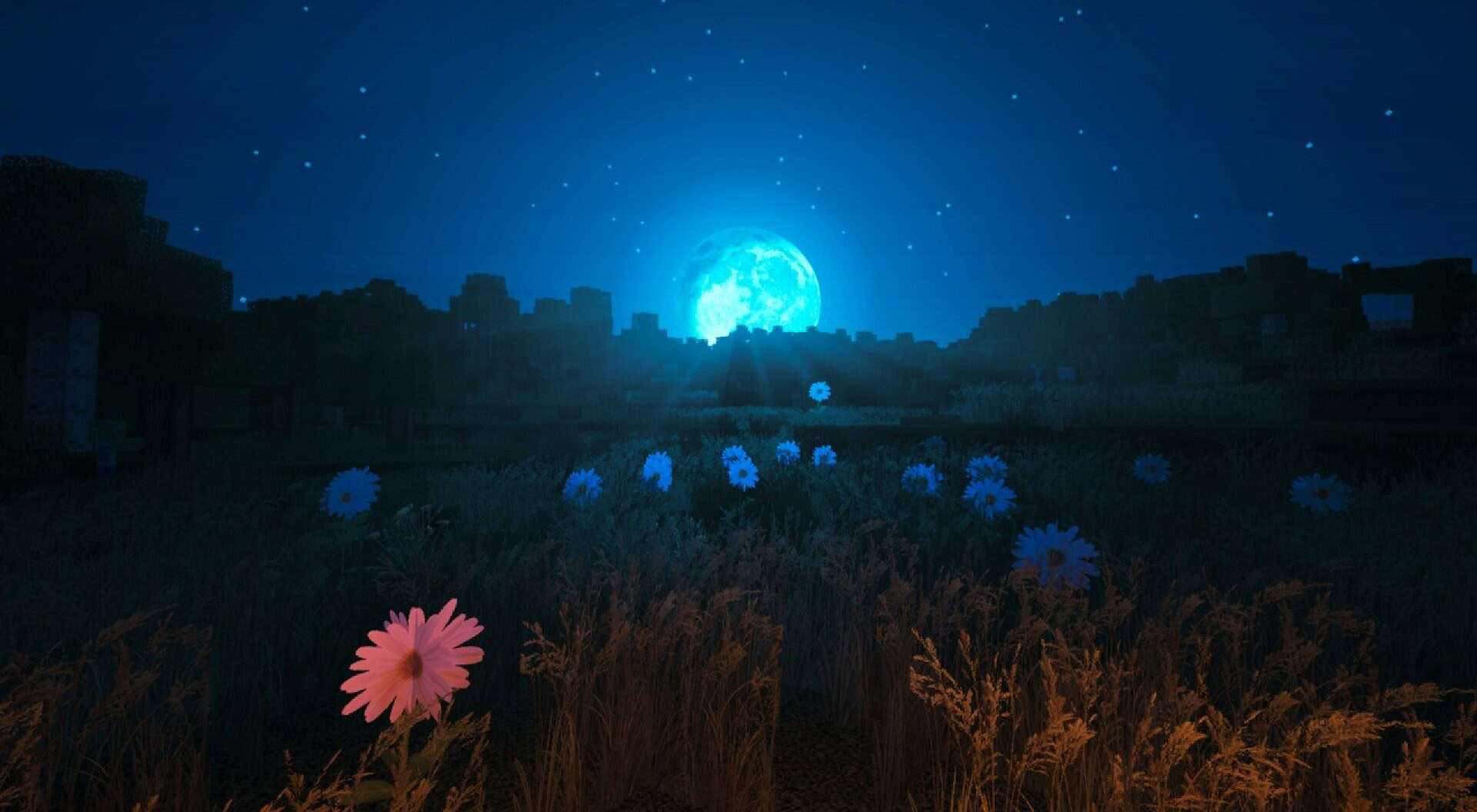
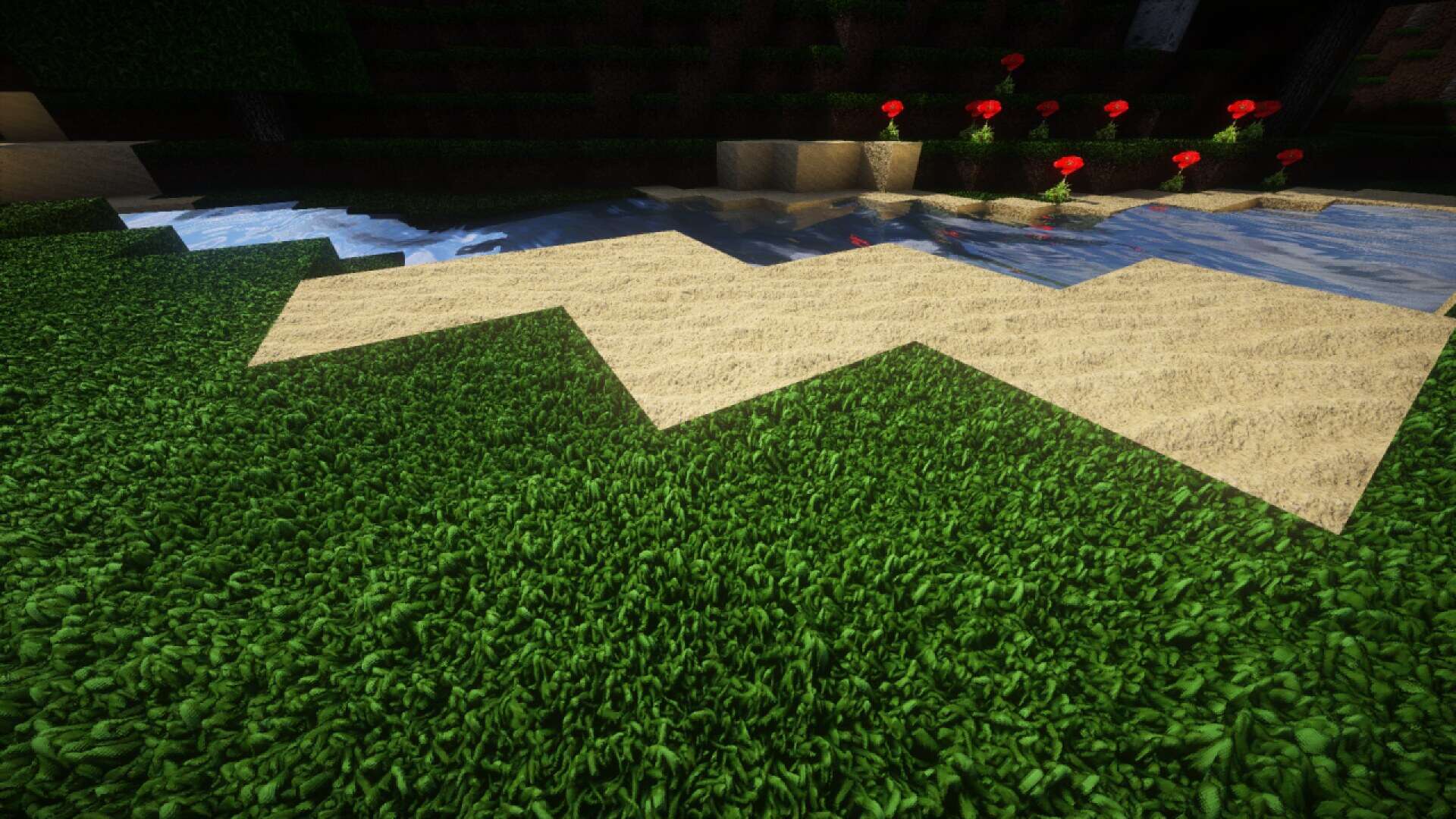
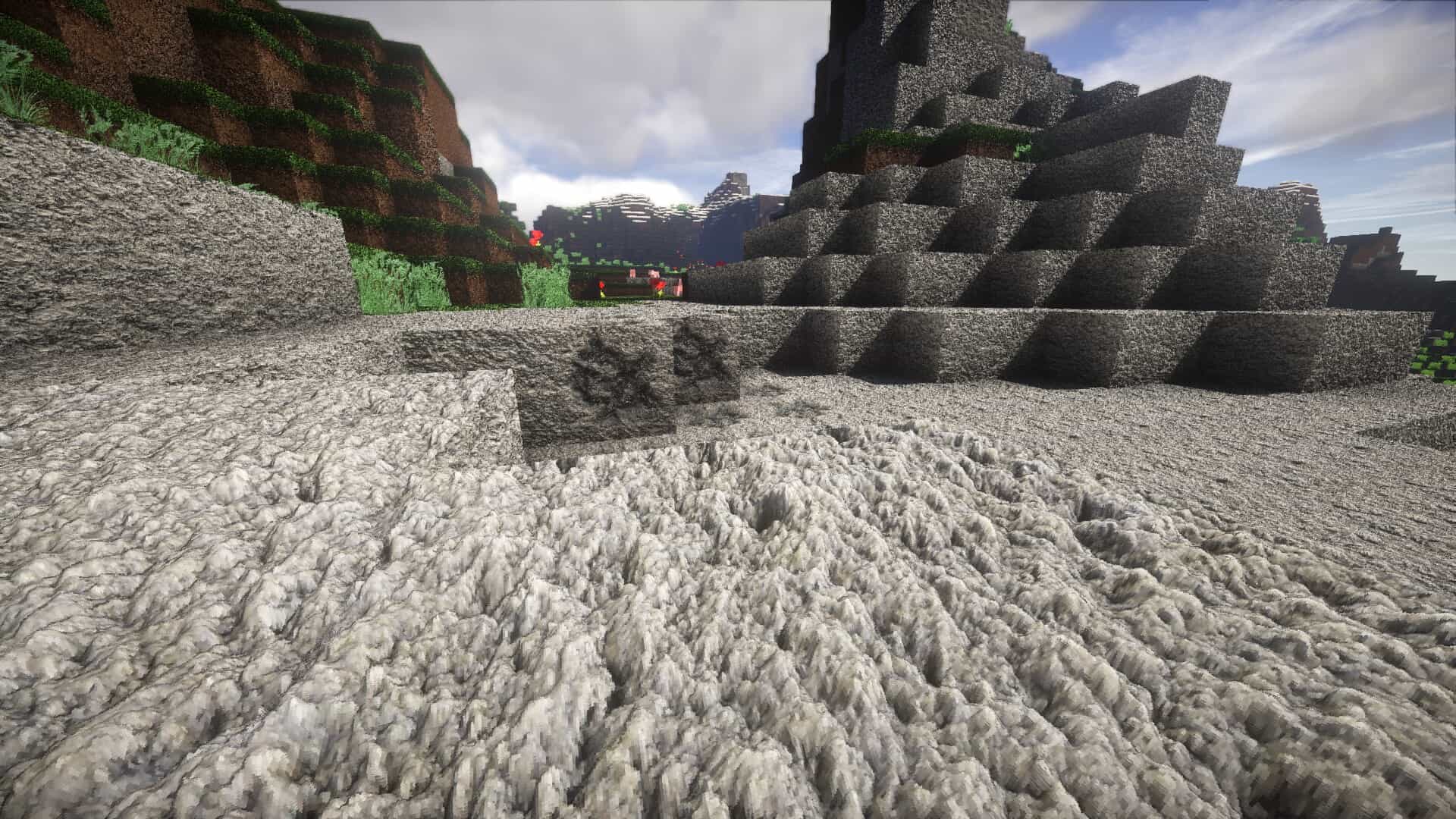
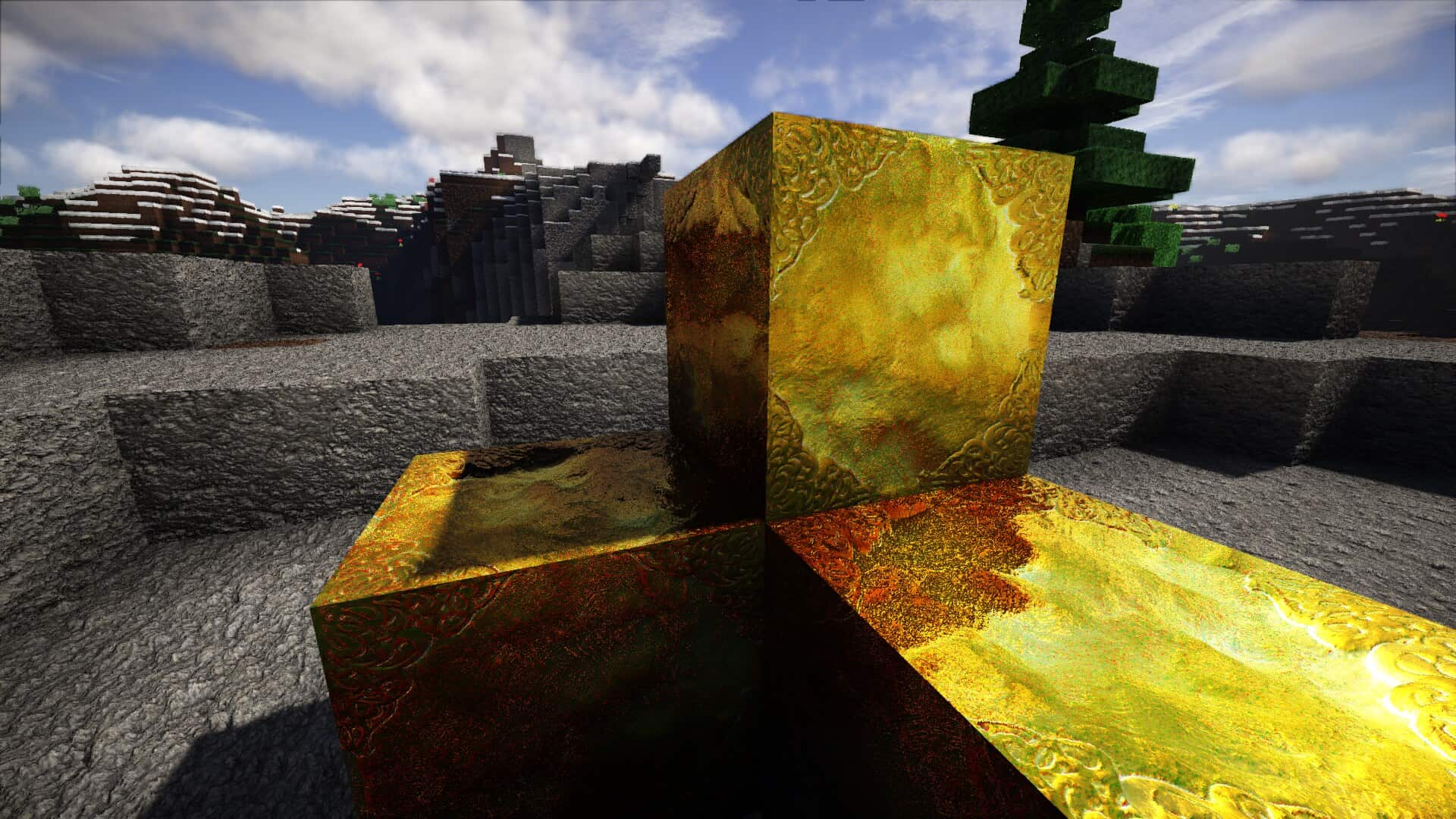
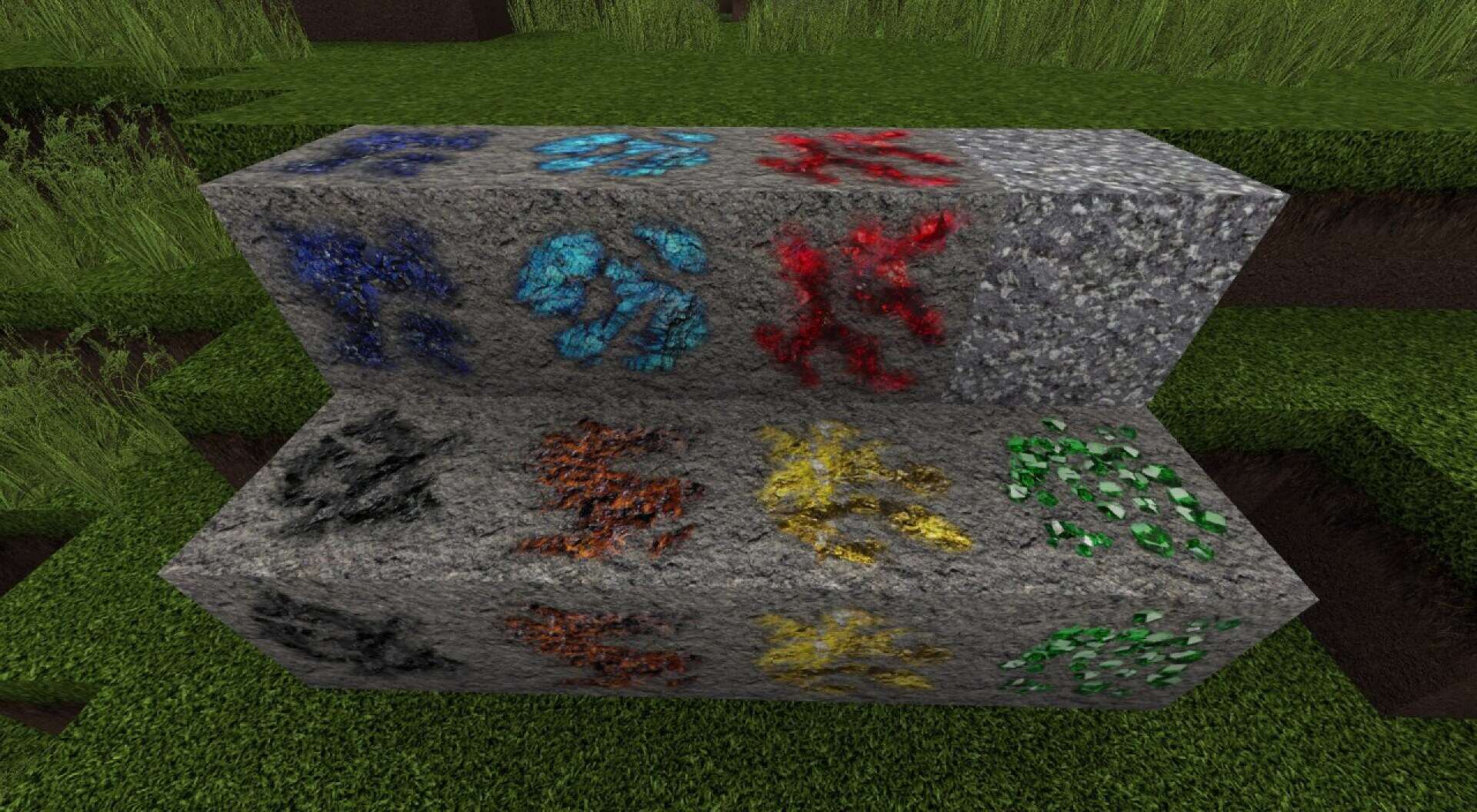
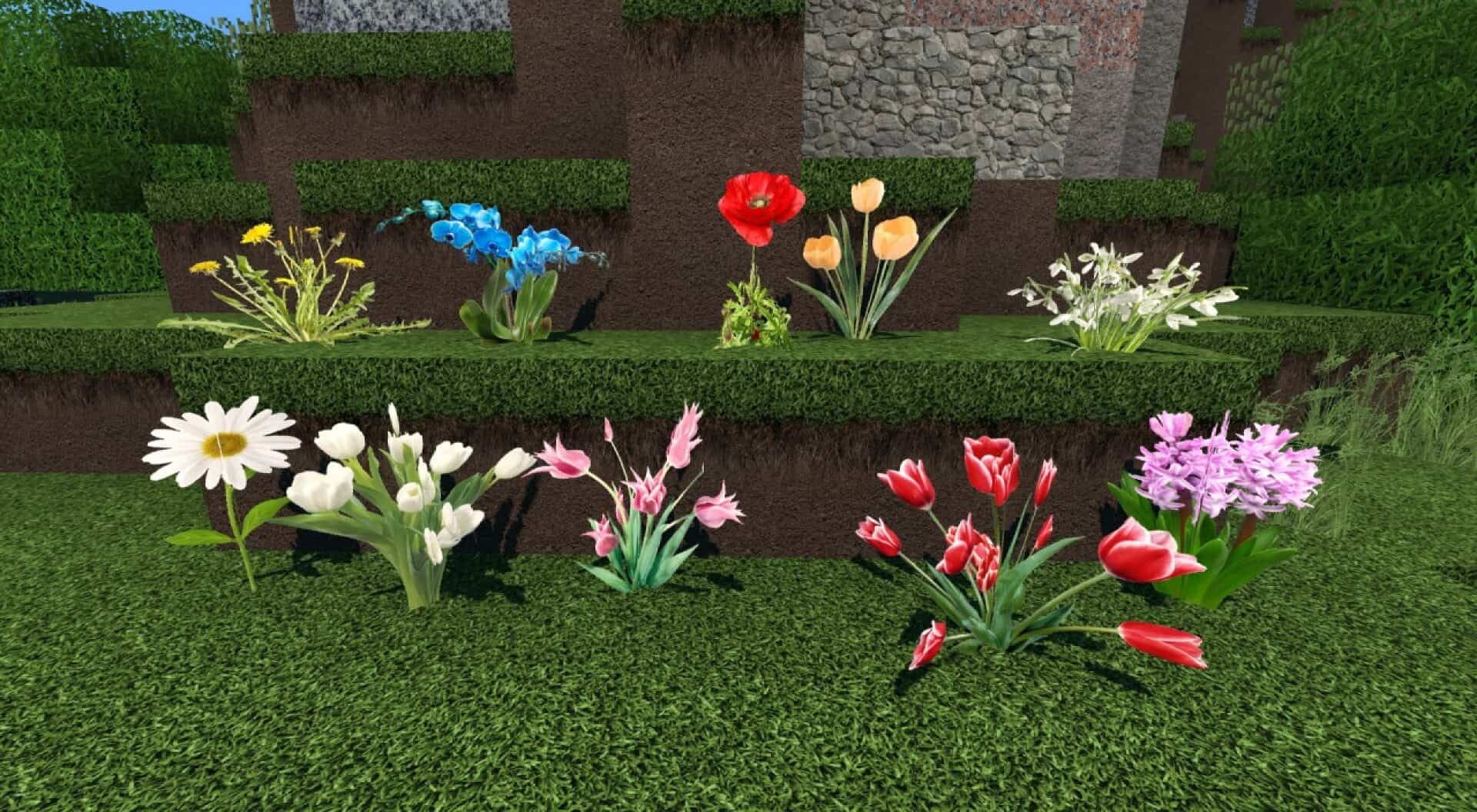
If you want Minecraft to look less like a painted game world and more like real materials, the S&K Photo Realism resource pack goes straight at that goal. Vanilla Minecraft uses bold colors and simple pixelated textures. This pack keeps the same blocks and the same blocky shapes, but it changes how those blocks feel at close and long range. Stone looks like rough rock. Dirt looks like packed soil with small grains. Minecraft planks looks closer to real planks. When you walk through a base you know by heart, you start to notice details in the blocks you place every day, and that can make the world feel more realistic. When players call this pack photoreal, they do not mean it swaps Minecraft into a new engine. It does not change the core game. It aims to make each block suggest a real material instead of a pixel art symbol of that material. If you like modern builds, like realistic towns, this pack can help. This pack comes in more than one size, and each step up changes both detail and load. Lower resolutions keep the same direction but stay easier on memory.
Higher resolutions show sharper detail when you stand close to blocks, take screenshots, or record video where the camera pauses on walls and floors. The tradeoff shows up on weaker hardware. Very high resolution textures can push RAM & CPU use up and cause stutter when the game streams new chunks. Many players get the best balance from a mid range option, which is probably 128x. It looks clearly different from vanilla and still feels smooth for normal play. Treat the highest options as a special pick for strong PCs or for projects like filming, map work, and photo focused worlds. There is one downside that comes with any strong photoreal style. Minecraft still uses cubes. When textures become very realistic, you may notice the flat faces of blocks more, since the texture suggests depth that the shape does not have. Some players like this contrast because it creates a diorama look, like a model world built from real materials. Other players feel it can break immersion, since a real rock face would not look like a perfect cube. Your build style matters here. If you build fantasy castles with bright colors, or you like cartoon packs, S&K Photo Realism texture pack may feel out of place. If you build modern homes and cities with big roads, it can fit well.
S&K Photo Realism should be compatible with all of these Minecraft versions: 1.9.4 - 1.9 - 1.8.9 - 1.8.8 - 1.8.1 - 1.8.6 - 1.8 - 1.7.10 - 1.7.9 - 1.7.4 - 1.7
S&K Photo Realism — Video & Screenshots
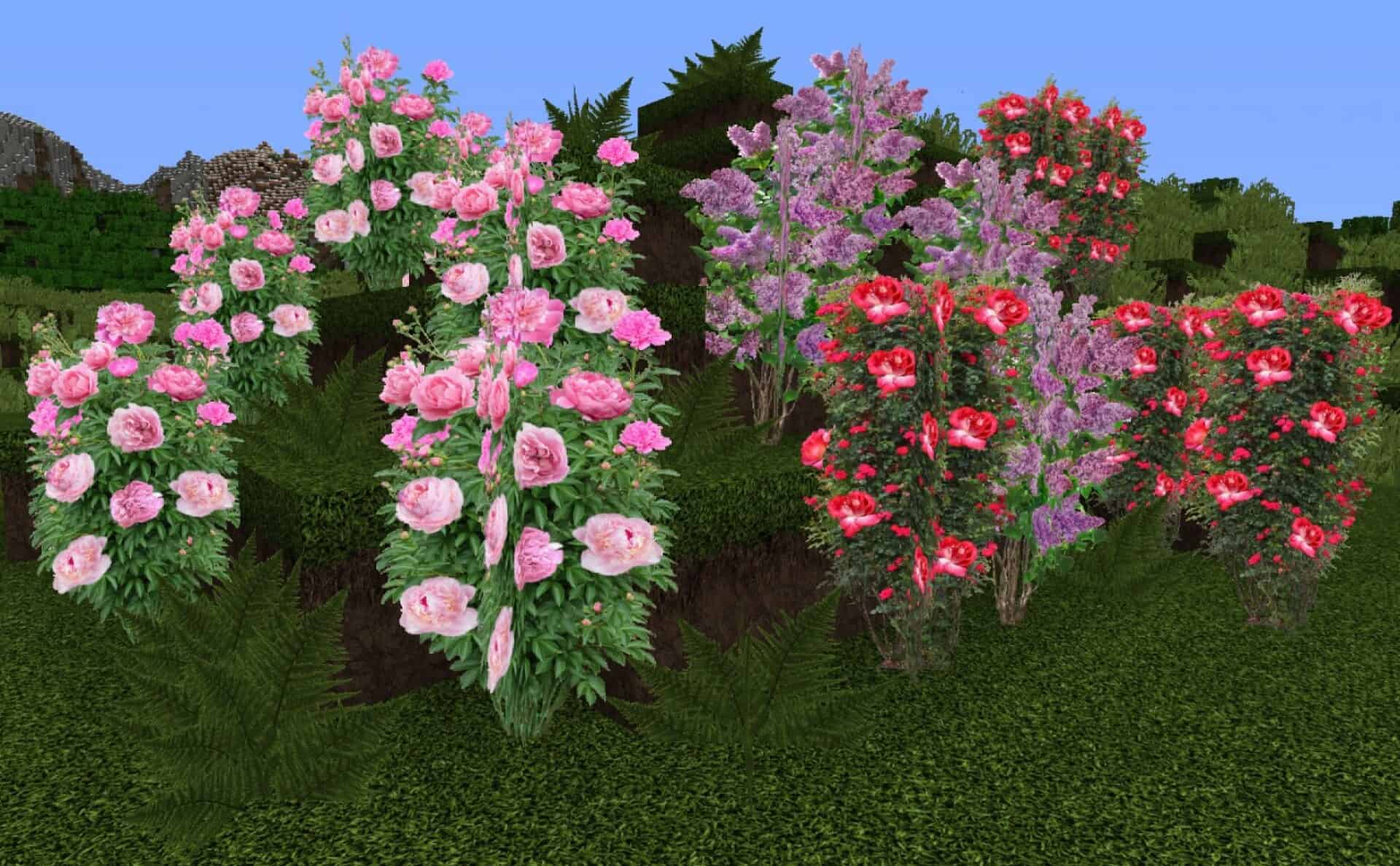
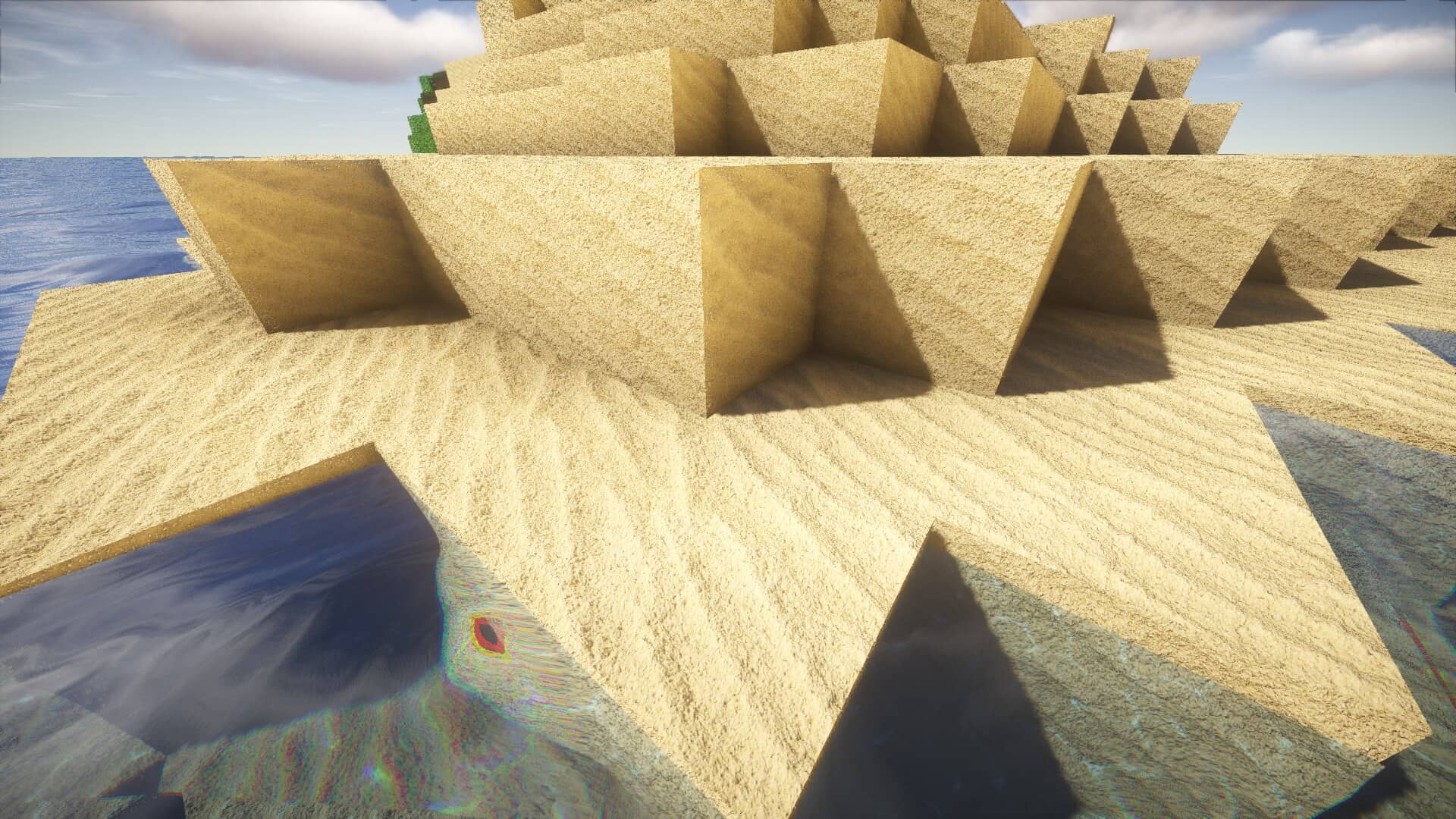
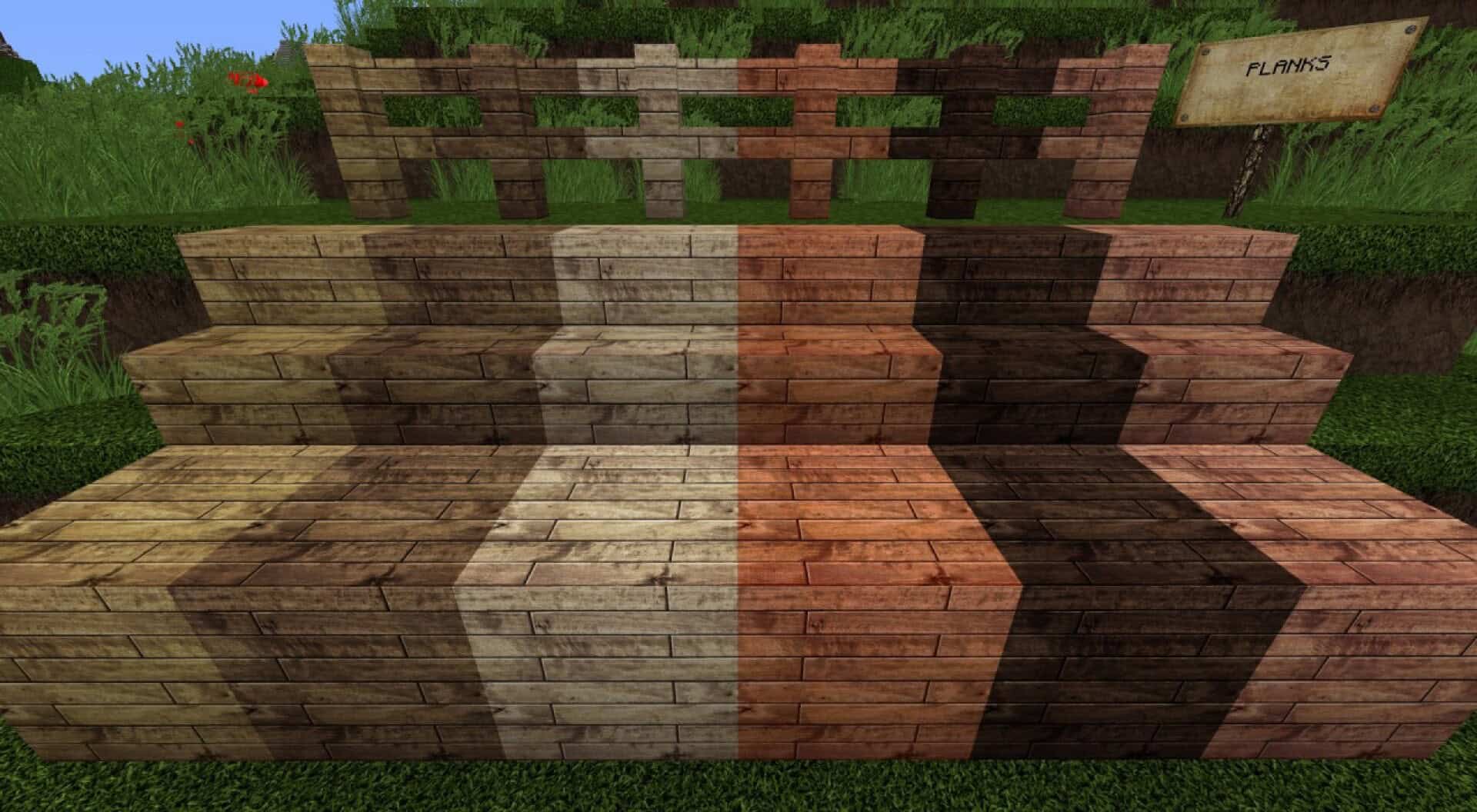
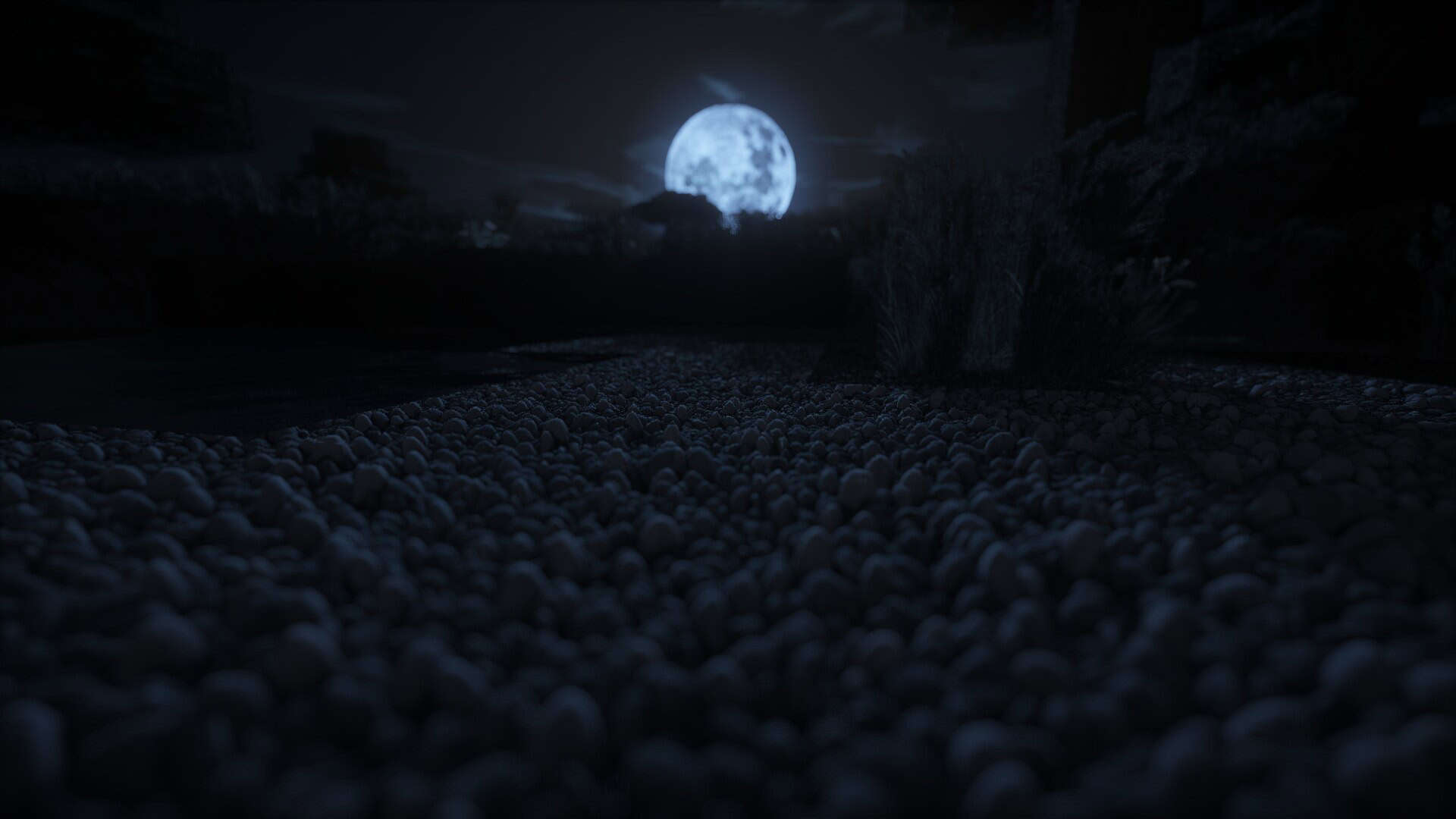
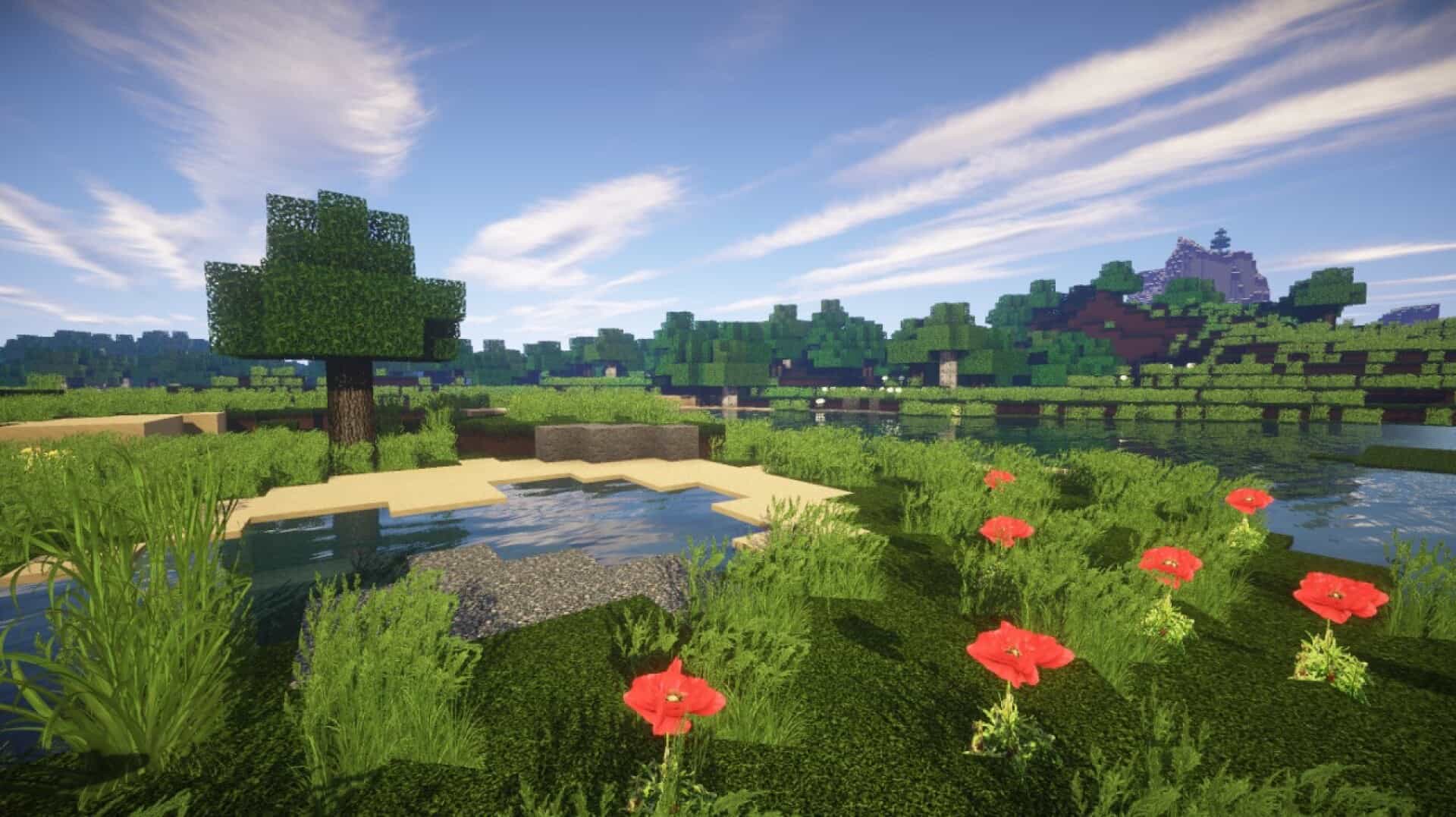
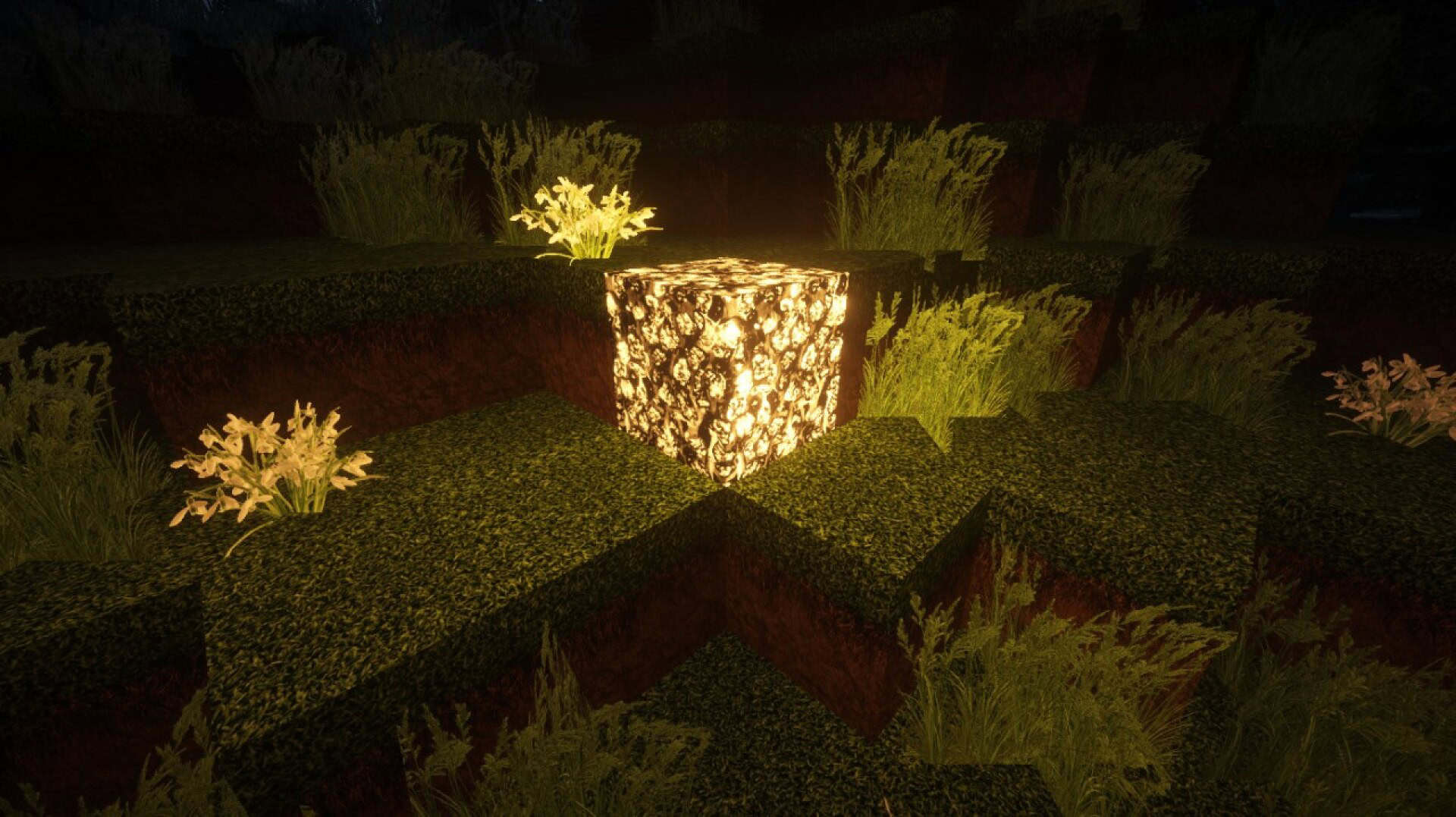
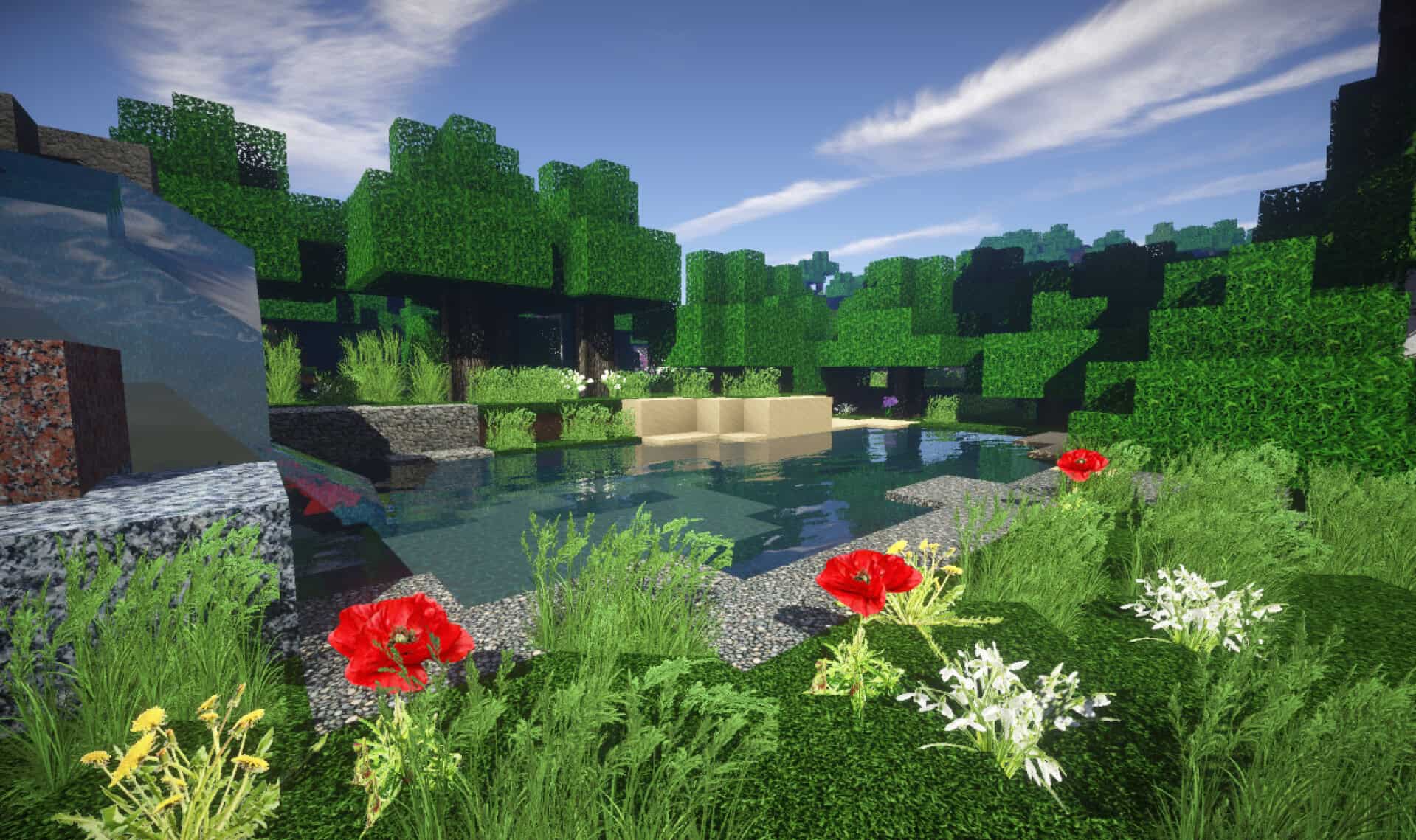
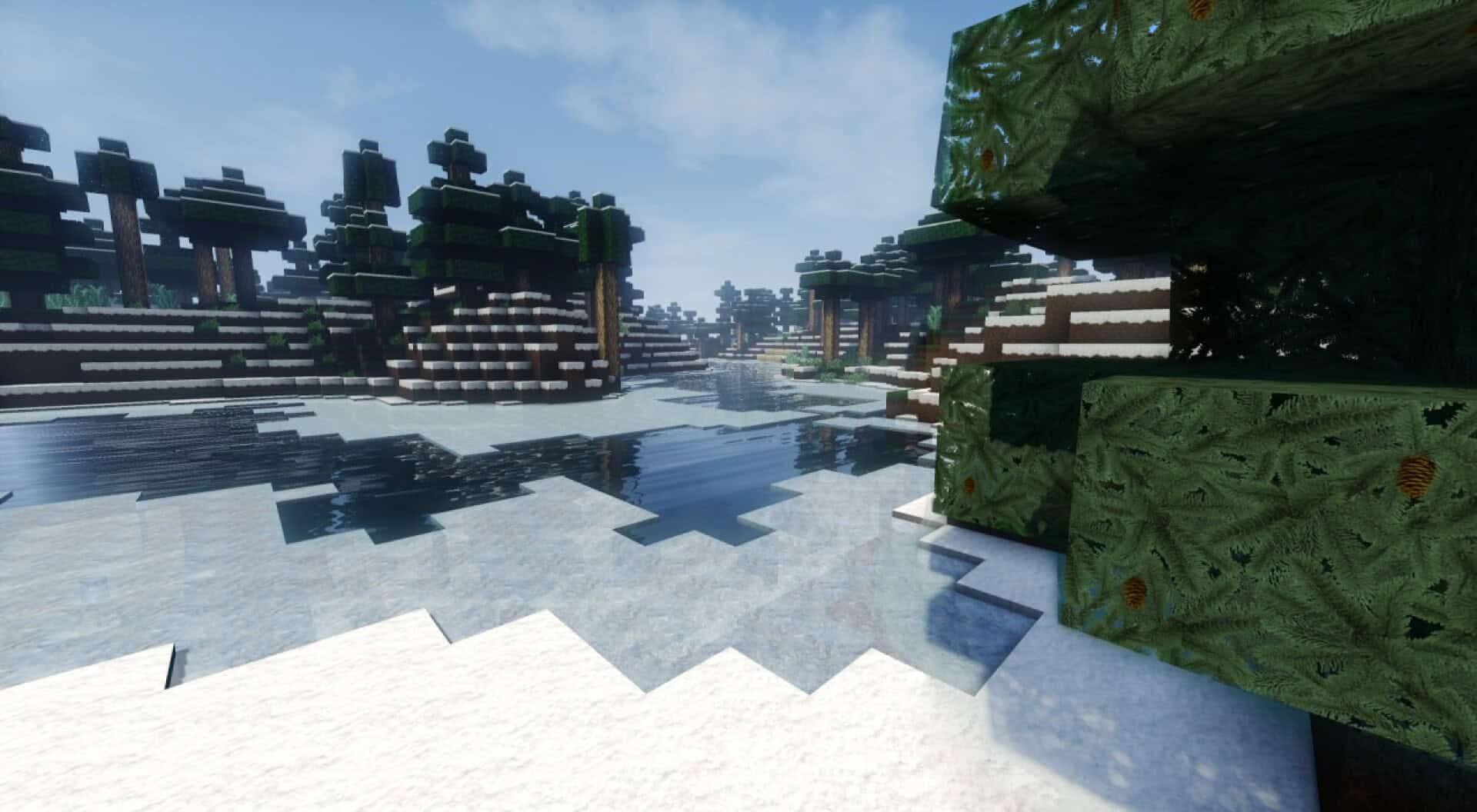
How to install S&K Photo Realism Resource Pack:
- Most resource packs require Optifine, so be sure to download and install it. – general recommended step for all packs, Optifine is also needed for most shaders
- Download the S&K Photo Realism texture pack for Minecraft from the download section below. – if there are many different versions, just choose the one you like, is compatible with your version/edition of Minecraft, the one you think your computer can handle in terms of performance.
- Launch the game client through the Minecraft launcher.
- On the main menu, click "Options".
- On the options menu, click "Resource Packs...".
- Click on "Open Resource Pack Folder". – folder titled "resourcepacks" will pop up
- Move the .zip file you downloaded in the first step to the newly opened "resourcepacks" folder.
- Click "Done".
- Click on "Resource Packs..." again.
- Your pack should have appeared in the left window, just hover over it and click on the arrow pointing to the right.
QUICK TIP: Sometimes, when activating a pack, the game may say that the pack is made for a newer or older version of Minecraft. This is just a warning, it does not affect your gameplay in anyway, and you can still activate and enjoy the pack by simply clicking the "Yes" button when prompted.
- Click "Done" again.
- The pack has now been successfully loaded and ready to be used in your world!
Important information:
- OptiFine is strongly recommended, but the pack can still run without it.
- If you want POM/PBR effects, using shaders is required and in that case OptiFine is also required.
Recommended settings:
For Minecraft 1.8.8 and newer:
- Mipmap Levels: 4 (Options → Video Options → Quality)
- Internal Shaders: ON (Options → Video Options → Shaders)
- Antialiasing: FXAA 4x (Options → Video Options → Shaders)
- Normal Map: ON (Options → Video Options → Shaders)
- Specular Map: ON (Options → Video Options → Shaders)
- RenderResMul: 2.0000 (Options → Video Options → Shaders)
- ShadowResMul: 4.0000 (Options → Video Options → Shaders)
- CloudShadow: OFF (Options → Video Options → Shaders)
- OldLighting: OFF (Options → Video Options → Shaders)
- Alternate Blocks: ON (Options → Video Options)
- Trees: Fancy (Options → Video Settings → Details)
- Better Grass: OFF (Options → Video Options → Quality)
- Better Snow: OFF (Options → Video Options → Quality)
- Fast Math: ON (Options → Video Options → Performance)
- Use VBOs: ON (Options → Video Options → Use VBOs)
For Minecraft 1.8 to 1.8.7:
- Mipmap Levels: 4 (Options → Video Options → Quality)
- Anisotropic Filtering: 4++ (Options → Video Options → Quality)
- Antialiasing: 4++ (Options → Video Options → Quality)
- Alternate Blocks: ON (Options → Video Options)
- Trees: Fancy (Options → Video Settings → Details)
- Better Grass: OFF (Options → Video Options → Quality)
- Better Snow: OFF (Options → Video Options → Quality)
- Fast Math: ON (Options → Video Options → Performance)
- Use VBOs: ON (Options → Video Options → Use VBOs)
For Minecraft 1.7.10 and older:
- Antialiasing: x8 (or preferably x16)
S&K Photo Realism Texture Pack Download
- We do not modify or edit any resource packs. All resource packs, shaders and tools found on this website are linked directly to official sources rather than hosted on our own servers. We provide only the official download links from the original creators to ensure that your files are safe and secure.
- These official links are updated manually and may occasionally stop working when a new version is released. We work hard to keep everything current so that you have a smooth experience. Please let us know in the comments if you find a link that no longer works.
- Minecraft is a trademark of Mojang Studios and has no official connection to this website. Our goal is simply to share the best creations from the community with other players.
- Please consider leaving a comment or voting for your favorite packs. This feedback helps authors improve their projects over time. You can also support the creators directly by visiting the official links located below the download section.
Java Edition:
[64x] [1.9.x – 1.7.x] Download S&K Photo Realism Resource Pack
[128x] [1.9.x – 1.7.x] Download S&K Photo Realism Resource Pack
[256x] [1.9.x – 1.7.x] Download S&K Photo Realism Resource Pack
[512x] [1.9.x – 1.7.x] Download S&K Photo Realism Resource Pack
Curseforge: download starts automatically after a few seconds;
Mediafire: click the big blue button with the text "DOWNLOAD";
Google Drive: in the top right corner you will see a small download icon (down arrow), click it and the download should start;

56 votes
Look.. 56 users have already liked this pack. Give a diamond if you like it too!


Leave a reply
0 comments
Links in comments are not allowed. Comments containing links will be removed.
Before commenting that the resource pack crashed your game, google your crash log. This is usually a graphic card driver issue.